You need to onboard 40 new hires next quarter, refresh a compliance module that changed last week, and stand up sales training your VP asked for on day one. None of that can wait on a designer's queue or an engineering ticket. This is the real problem eLearning content software solves: turning subject-matter knowledge into training that ships fast, updates faster, and scales across teams without routing every request through one person.
Most teams reach for a "learning platform" and end up with something built to deliver and track courses, not create them. That gap matters. Corporate learning already accounts for roughly 58% of global eLearning usage, per iSpring's 2026 statistics, and the broader e-learning software market is forecast to reach $336.99B by 2026 according to Straits Research. The demand is there. The bottleneck is production speed.
The right elearning authoring software closes that gap. It lets non-designers draft courses, exports cleanly into your LMS, and makes updates a five-minute job instead of a rebuild. If you are building internal enablement or customer education alongside training, interactive formats matter too, and guides like our roundups of content creation and ai content creation tools cover adjacent workflows worth a look. This guide ranks eight tools on the three things that actually decide value: output quality, production speed, and scalability.
What's inside
This guide is for L&D leaders, training managers, enablement teams, and SaaS operators who need to create training content, not just host it. We looked at eight eLearning content software options and scored each on four criteria: output quality (does the finished course look credible), production speed (how fast a non-expert can ship a first draft), scalability (localization, collaboration, and standards support), and usability across skill levels. Pricing and G2 ratings reflect current public sources. Every tool here handles authoring and publishing as a core job, not as an afterthought bolted onto a delivery platform.
TL;DR
- Best for PowerPoint-first teams: iSpring Suite. Fast course creation with a familiar interface and strong standards export.
- Best for scale and collaboration: Elucidat. Cloud authoring built for teams publishing and updating at volume.
- Best all-around ecosystem: Articulate 360. Storyline for custom builds, Rise for fast template-driven courses.
- Best for non-designers: Easygenerator. Subject-matter experts build training in-house without design skills.
- Best for advanced interactivity: Adobe Captivate. Responsive output and simulation depth for instructional designers.
- Best for enterprise governance: DominKnow ONE. Collaborative LCMS workflows with accessibility and localization.
Background
eLearning content software is a category of authoring tools used to create, edit, and publish digital learning content that can be exported into a learning management system or delivered directly to learners.
That is a different job from what an LMS or LCMS does. Keeping the distinction clear saves you from buying the wrong thing:
- eLearning content software (authoring tools): create the courses. Draft, design, add interactivity, and publish.
- LMS (learning management system): deliver, assign, and track courses. Handles enrollment, completion, and reporting.
- LCMS (learning content management system): manage, version, and reuse content components at scale, often blending authoring with centralized storage.
Most teams need an authoring tool that exports cleanly into their existing LMS. The core functions of any online learning software in this category:
- Content creation: build courses, quizzes, and interactions from scratch or templates.
- Publishing and export: output to SCORM, xAPI, AICC, cmi5, and HTML5 for LMS compatibility.
- Collaboration and review: comments, versioning, and approval workflows across teams.
- Templates and asset reuse: brand-consistent components you can repurpose.
- Translation and localization: multi-language support and translation workflows.
- Standards support: validated compatibility with LTI, PENS, and reporting stacks.
Get these six right and you have a tool that produces quality content quickly and scales without adding headcount. If your content strategy also spans marketing and enablement material, our guide to content marketing tools pairs well here.
When to use eLearning content software
Build compliance training that changes often
Regulations shift, policies update, and a stale module is a liability. eLearning content software with version control and fast editing lets you update one section and republish without rebuilding the course. When a rule changes, you want the fix live the same day, not next sprint. Rapid update cycles are the whole point of choosing an authoring tool over static documents.
Create onboarding content for employees or customers
New-hire onboarding and customer education both live or die on speed to first draft. Reusable templates and AI-assisted drafting get a workable course out in hours instead of weeks. For customer-facing product education, interactive formats extend the reach: teams use interactive demos alongside course content to show a product experience in onboarding flows, help centers, feature adoption campaigns, and internal training.
Scale role-based training across teams or regions
When you serve retail training, sales training, and compliance across regions, you need localization, review workflows, and clean standards support. Translation workflows and multi-language publishing let one course serve a global learner base. Standards compatibility across SCORM and xAPI means the same content reports cleanly no matter which regional LMS runs it.
Reduce dependency on design or engineering
The Series B reality: you cannot route every training request through a designer or a developer. Non-technical authoring and collaborative review let subject-matter experts build and update content themselves. That removes the founder-and-specialist bottleneck and makes training a repeatable system instead of a one-off scramble.
Comparison table
Here is how the eight tools compare on intent, differentiation, pricing, and G2 rating. Pricing reflects current public sources and can vary by seat count, billing term, and enterprise gating, so verify against each vendor before you commit.
| # | Product | Intent | Key differentiation | Pricing | G2 rating |
|---|---|---|---|---|---|
| 1 | iSpring Suite | PowerPoint-based authoring | Familiar interface, fast course production | iSpring Cloud AI from $720/author/year | 4.6/5 |
| 2 | Elucidat | Team authoring at scale | Cloud collaboration and localization | Growth from $1,650/user/year | 4.4/5 |
| 3 | Articulate 360 | Ecosystem authoring | Storyline plus Rise in one suite | Personal from $1,449/user/year | 4.7/5 |
| 4 | Adobe Captivate | Advanced interactivity | Responsive output and simulations | Individuals from $39.99/mo | 3.9/5 |
| 5 | Easygenerator | Non-designer authoring | SME-led course creation | Pro from $116/mo ($1,399/year) | 4.8/5 |
| 6 | Gomo Learning | Cloud responsive authoring | Instant updates, multi-language | Package-based, free trial | Not enough reviews |
| 7 | Lectora Online | Structured authoring | Accessibility and standards control | Silver/Gold from $999/year | 4.1/5 |
| 8 | DominKnow ONE | Enterprise LCMS | Collaborative authoring and reuse | Business from $2,000/author/year | 4.1/5 |
1. iSpring Suite
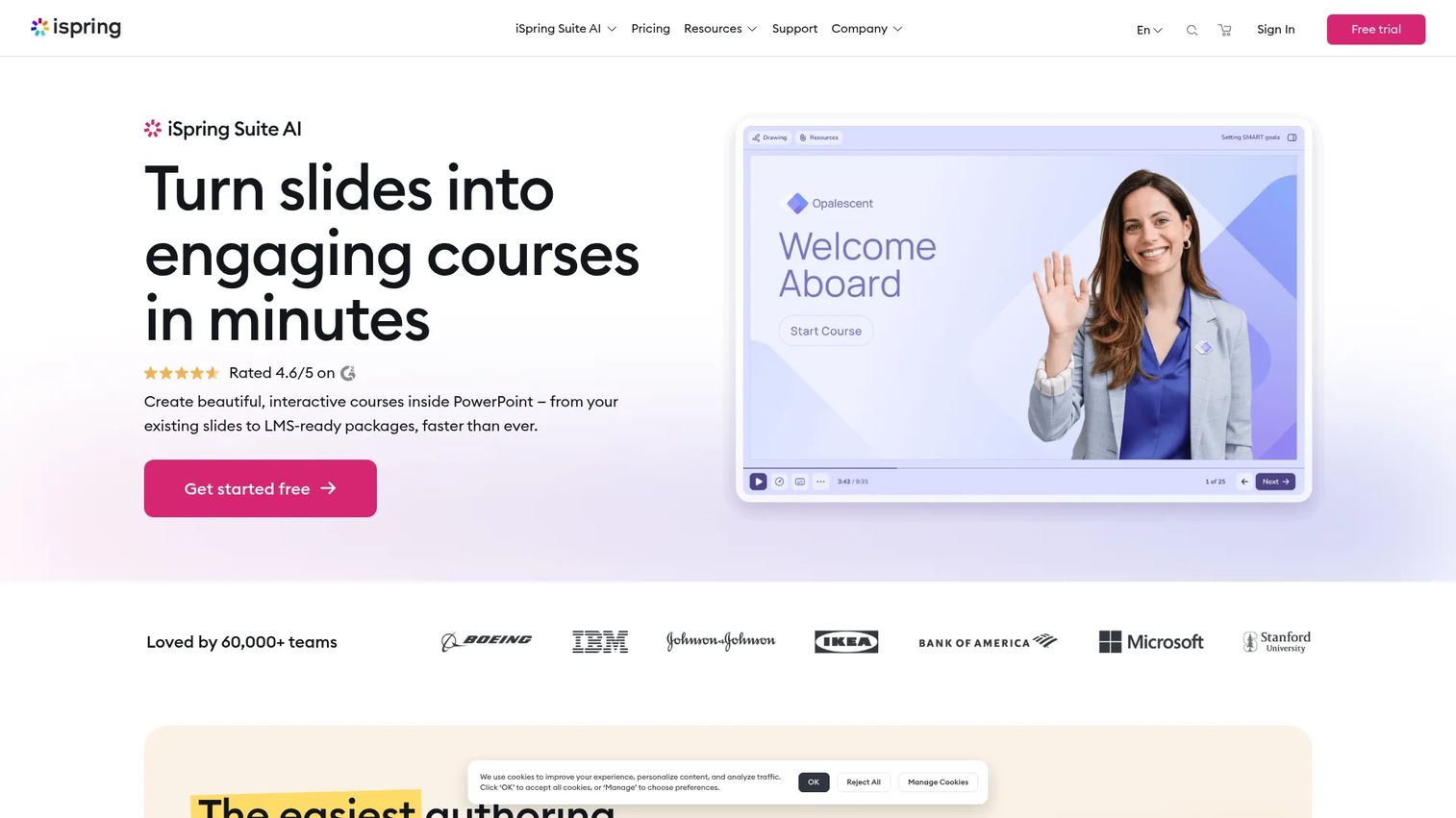
iSpring Suite is PowerPoint-based eLearning authoring software for creating interactive courses, quizzes, and dialogue simulations. It runs as an add-in to PowerPoint, so anyone comfortable building slides can produce a course without learning a new tool. That familiarity is its whole pitch: fast content production with almost no ramp.
Best for: Teams that build interactive training in PowerPoint and need fast course production without a steep learning curve.
Key strengths
- PowerPoint add-in authoring: Build courses inside the interface your team already knows, cutting ramp time to near zero.
- Quizzes and dialogue simulations: Add interactions and role-play scenarios that make training active, not passive.
- AI assistant, narration, and localization: Speed up drafting, add voiceover, and adapt content for multiple languages.
Why choose iSpring Suite: If most of your training already lives in slides and your authors are subject-matter experts rather than instructional designers, iSpring turns existing skills into publishable courses fast. It works cleanly with any LMS that supports SCORM, xAPI, cmi5, and AICC, so your content reports where it needs to.
iSpring Suite pricing: iSpring offers a 14-day free trial and educator or nonprofit custom pricing. Public G2 listings show iSpring Cloud AI at $720 per author per year, iSpring Suite at $970 per author per year, and iSpring Suite AI at $1,290 per author per year. Confirm current pricing with iSpring before purchase, since the vendor page does not expose every tier publicly.
2. Elucidat
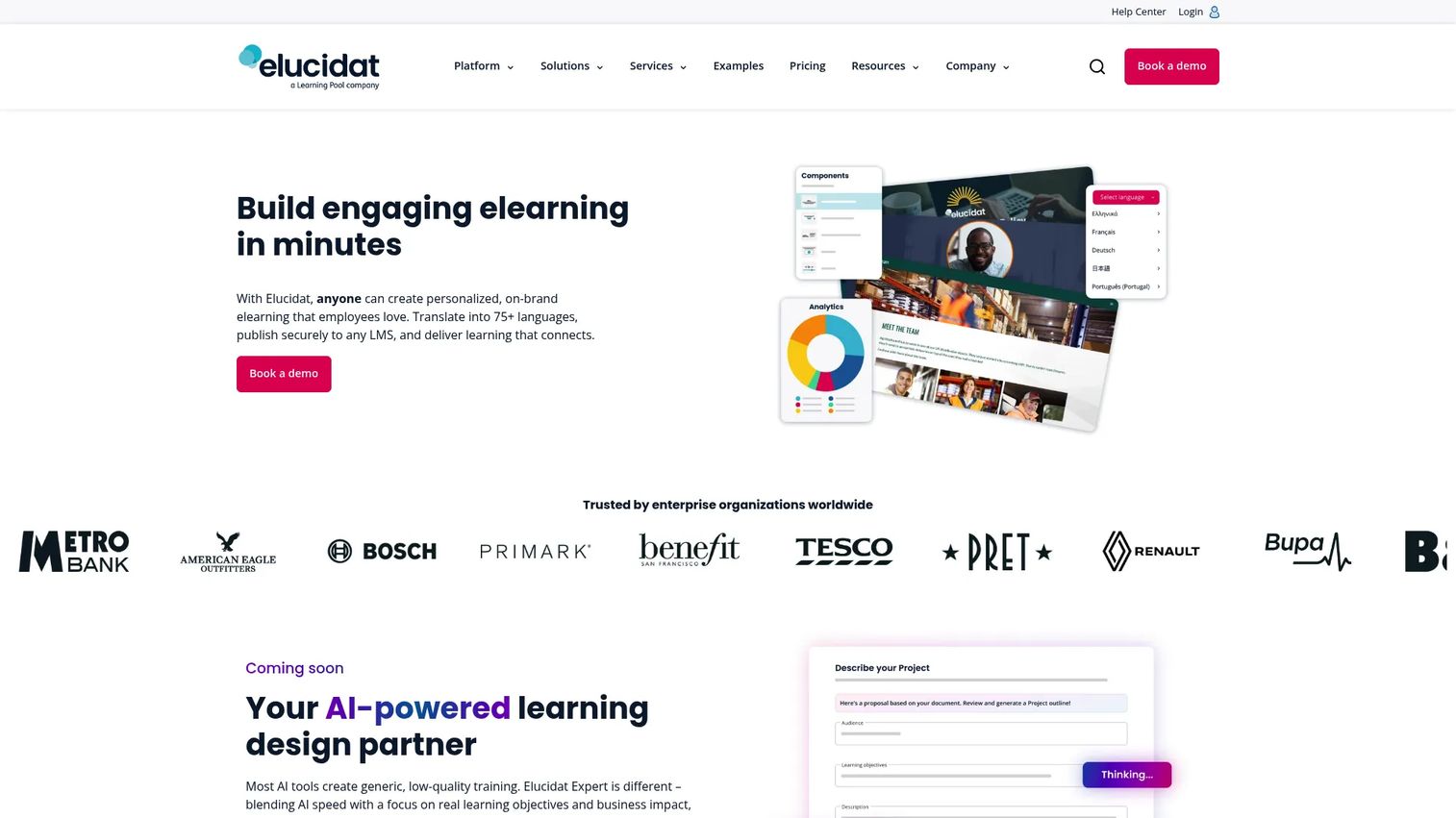
Elucidat is cloud-based elearning authoring software built for creating and updating courses at scale. Its focus is teams: centralized authoring, collaborative review, and brand-consistent templates that let a small L&D group publish for a large, distributed organization. The platform produces high-quality, SCORM-compliant HTML5 content and leans hard into localization for global learner networks.
Best for: Teams that need scalable, branded elearning authoring with strong collaboration and localization.
Key strengths
- AI-assisted course creation: Draft and structure courses faster so your team spends time refining, not starting from blank.
- PowerPoint import: Bring existing slide content into the platform without rebuilding from scratch.
- SCORM and xAPI publishing: Export cloud-authored HTML5 content that plugs cleanly into your LMS and reporting stack.
Why choose Elucidat: When you publish at volume and updates need to propagate across many courses without version chaos, Elucidat's centralized model earns its place. It fits localization-heavy corporate training where one master course spawns many language variants under brand control.
Elucidat pricing: Elucidat lists three plans: Growth, Team, and Enterprise. Growth starts at $1,650 per user per year. Team and Enterprise pricing is not publicly shown, so contact Elucidat for a quote if you need higher-tier features or larger seat counts. There is no free tier.
3. Articulate 360
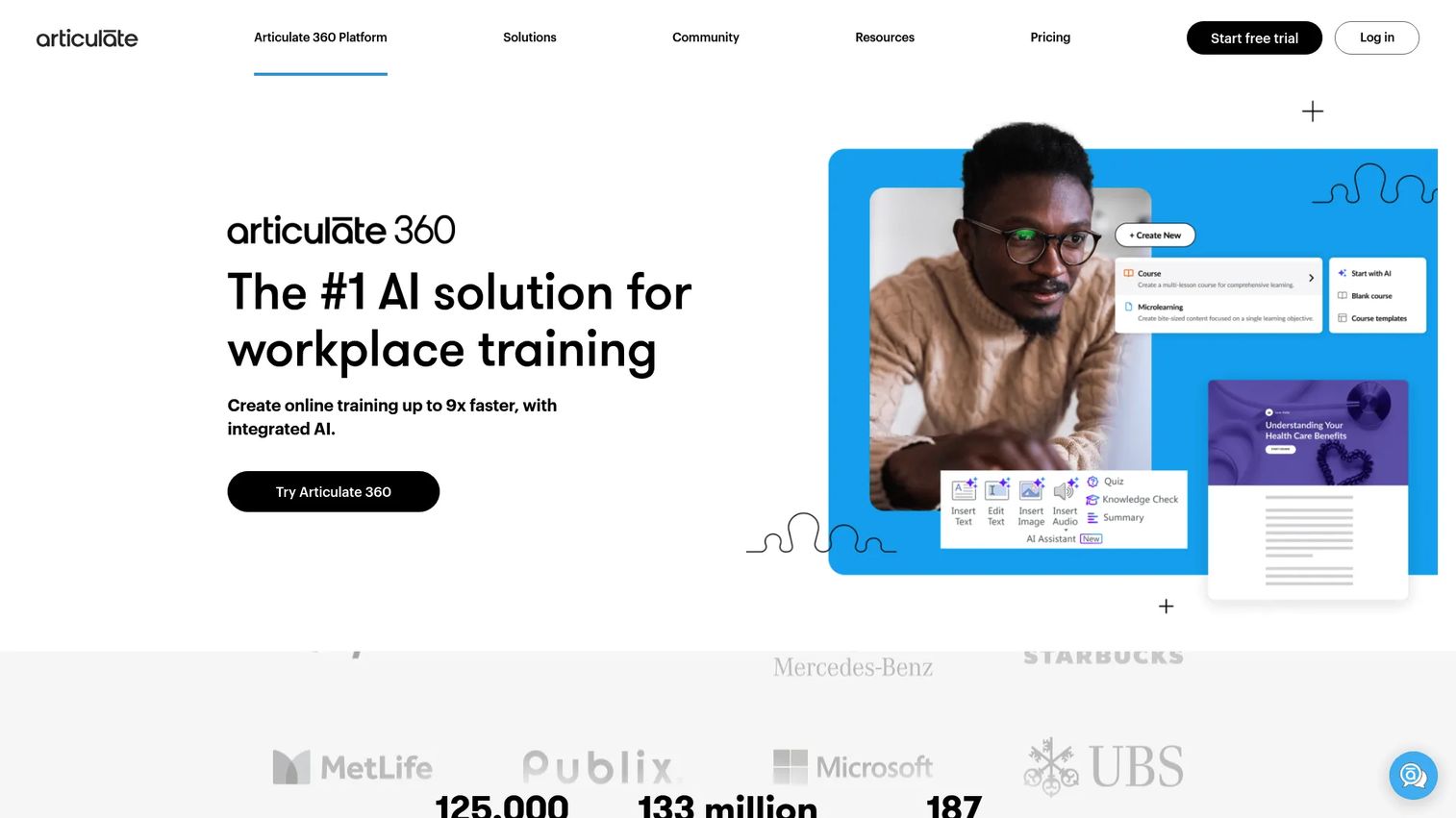
Articulate 360 is an AI-powered workplace training platform that bundles two authoring approaches in one suite. Storyline handles flexible, custom interactions for instructional designers who want fine control. Rise handles fast, template-driven, responsive courses for teams that need speed. Having both under one subscription is the differentiator: you match the tool to the job instead of forcing every course through one workflow.
Best for: Teams and individuals building workplace training who want both custom-build depth and fast template creation.
Key strengths
- Storyline plus Rise together: Choose custom interactivity or rapid template authoring depending on the course.
- Collaborative browser review: Gather feedback and iterate with stakeholders directly in the browser.
- Broad standards export: Publish to SCORM, xAPI, cmi5, and AICC so content lands in any compliant LMS.
Why choose Articulate 360: Its wide adoption means your authors likely already know it, and new hires ramp fast on a familiar standard. If your content mix ranges from quick microlearning to complex simulations, the two-tool ecosystem covers both without a second purchase.
Articulate 360 pricing: The Personal plan is $1,449 per user per year and the Teams plan is $1,749 per user per year, both billed annually. Teams includes built-in Reach Starter for up to 300 active learners. A 30-day free trial is available. There is no free tier.
4. Adobe Captivate
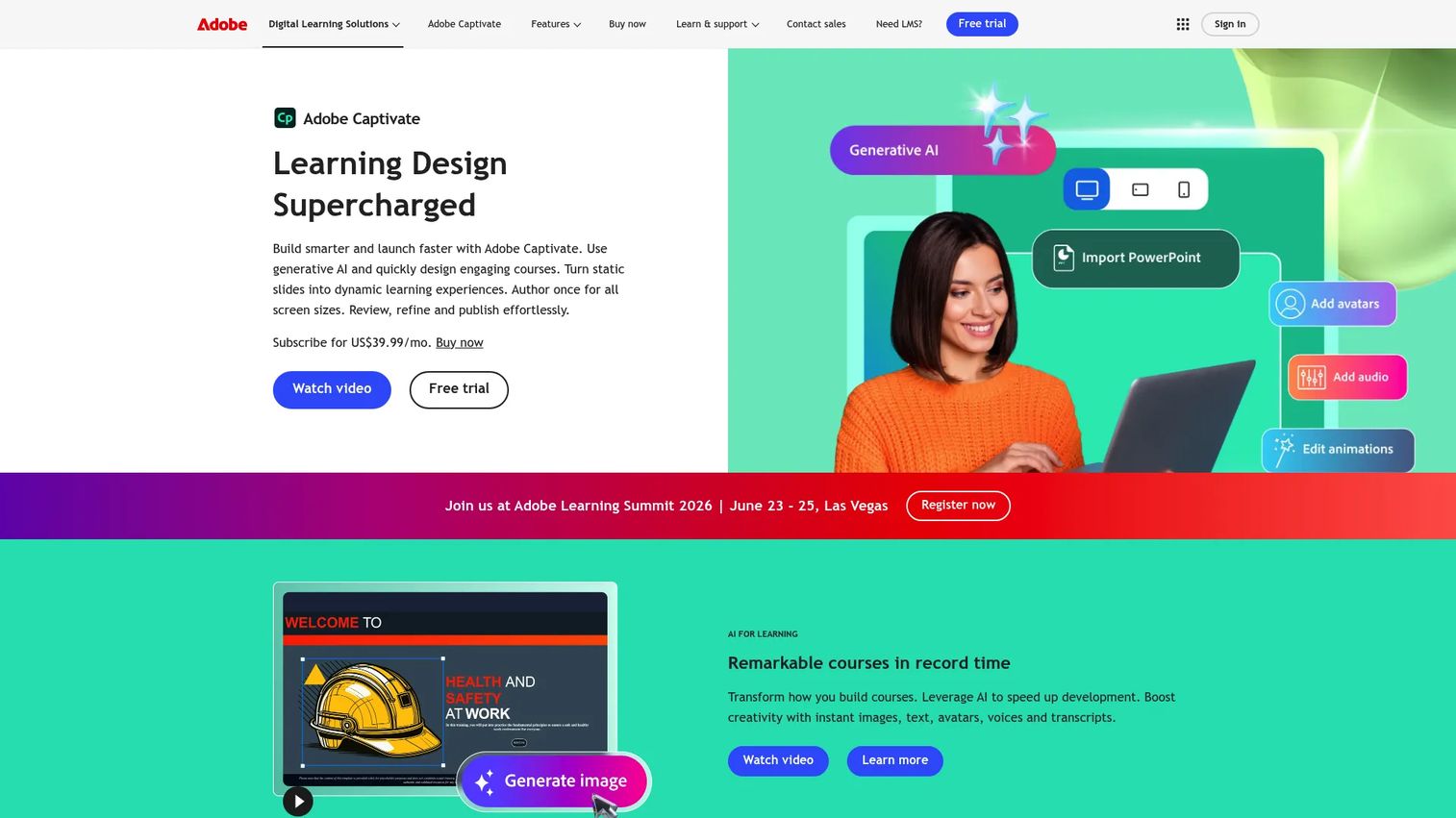
Adobe Captivate is an eLearning authoring tool for building interactive courses, software simulations, and responsive training content. It sits at the more technical end of the category, favored by instructional designers who need advanced interactivity and precise responsive output. Every subscription also includes Adobe Captivate Classic, the legacy tool, for teams maintaining older projects.
Best for: Teams and individuals creating interactive eLearning courses and software simulations with responsive output.
Key strengths
- Generative AI content creation: Draft course content and assets faster with built-in AI and generative credits.
- PowerPoint-to-eLearning import: Convert existing decks into interactive courses without starting over.
- Interactive and responsive authoring: Build simulations and content that adapt across screen sizes.
Why choose Adobe Captivate: Power users and instructional designers who need simulation depth and granular control over responsive behavior get more headroom here than in template-first tools. If your team already lives in the Adobe ecosystem, the fit is natural and the learning investment pays off on complex builds.
Adobe Captivate pricing: The individual subscription is publicly listed at US$39.99 per month, which includes Adobe Captivate, Captivate Classic, 100GB storage, and generative credits. Teams, Enterprise, and Education plans are custom, so contact Adobe for a quote. There is no free tier, though the monthly individual plan is the most accessible entry point on this list.
5. Easygenerator

Easygenerator is an AI-powered e-learning authoring suite built so non-technical employees and subject-matter experts can create company training in-house. It removes the design dependency: the people who know the content build the course, review it together, and publish it, without waiting on a specialist. That team-led model is why it resonates with distributed organizations.
Best for: Teams that want non-technical employees or subject-matter experts to build training courses in-house.
Key strengths
- SME-friendly course editor: A guided editor lets domain experts build without instructional-design training.
- EasyAI, EasyTranslate, and EasyVideo: AI drafting, translation, and video tools speed up production and localization.
- SCORM, dynamic SCORM, and xAPI export: Publish to your LMS with the standards support corporate reporting needs.
Why choose Easygenerator: When your content bottleneck is a small L&D team fielding requests from every department, pushing authoring out to SMEs is the unlock. Collaboration and review keep quality consistent while quick publishing keeps content current.
Easygenerator pricing: The Pro plan is $116 per month ($1,399 billed annually) for individuals. The Team plan is $582 per month ($6,995 billed annually) for co-creation and review. Enterprise is custom. A 14-day free trial is available, after which a Free plan gives limited access with premium features disabled unless you upgrade.
6. Gomo Learning
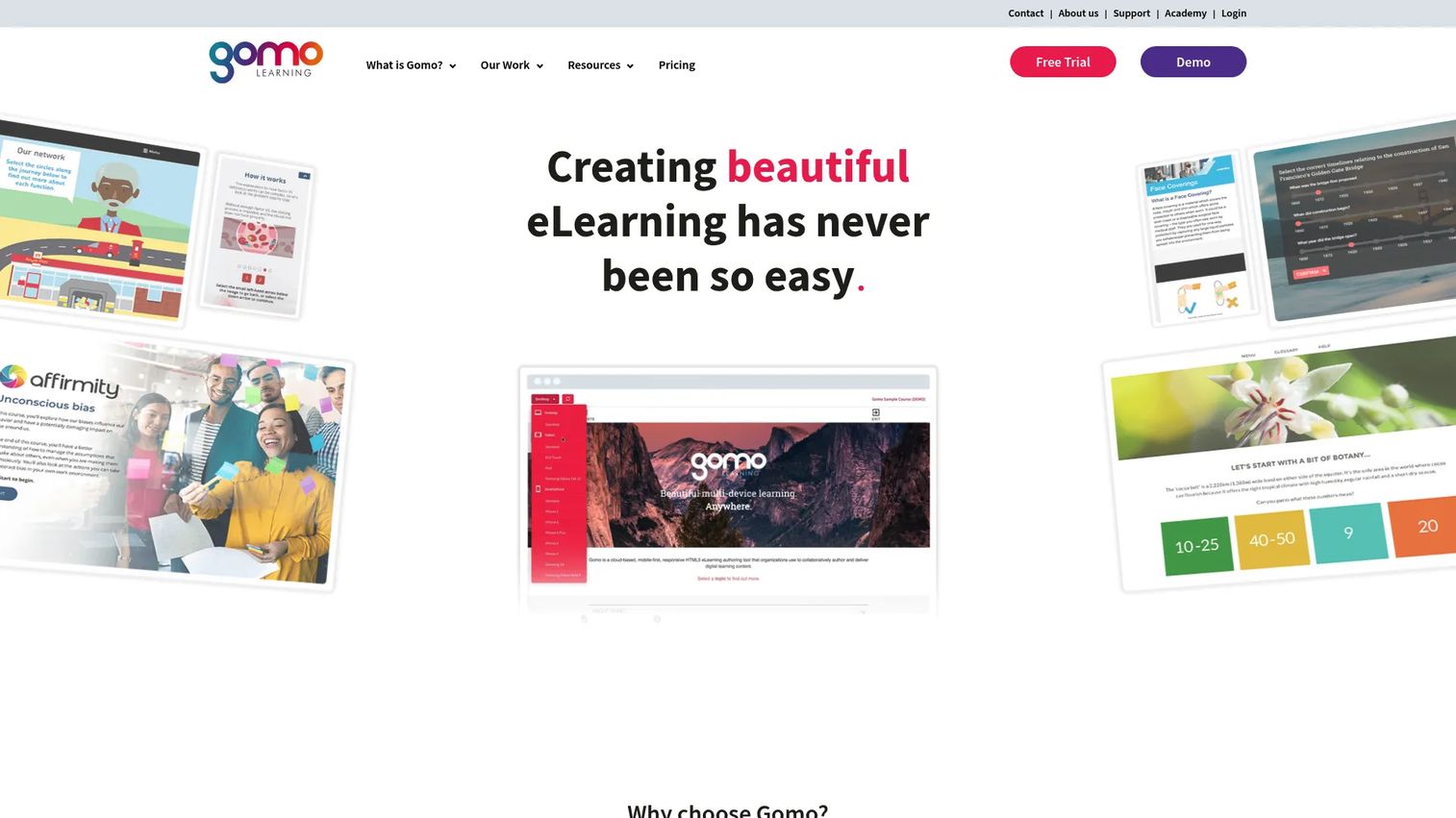
Gomo Learning is cloud-based eLearning authoring and delivery software for creating responsive online courses. Launched as one of the earliest cloud-based HTML5 authoring tools in 2010, it built its reputation on responsive output that works across devices by default. For distributed teams publishing to a global, multi-device audience, that responsive-first design removes a common headache.
Best for: Teams that need responsive eLearning authoring with built-in delivery and strong multi-language support.
Key strengths
- Responsive-by-default courses: Content adapts to any device without separate desktop and mobile builds.
- AI-powered content creation: Generate brand-tailored course content faster.
- Instant content updates: Push changes live across published courses without full republishing cycles.
Why choose Gomo Learning: For content operations spread across regions and devices, Gomo's combination of responsive authoring, instant updates, and broad multi-language support fits distributed publishing. Localization and auto-translation options make it suited to global learner networks that need many language variants of the same course.
Gomo Learning pricing: Gomo uses package-based pricing that varies by company size, number of users, and storage needs, so public numeric prices are not listed. Packages include Gomo Authoring, Authoring plus Delivery, and Authoring plus Delivery plus LMS. A free 21-day trial is available for personal and small-team packages. Contact Gomo for a quote scoped to your team.
7. Lectora Online
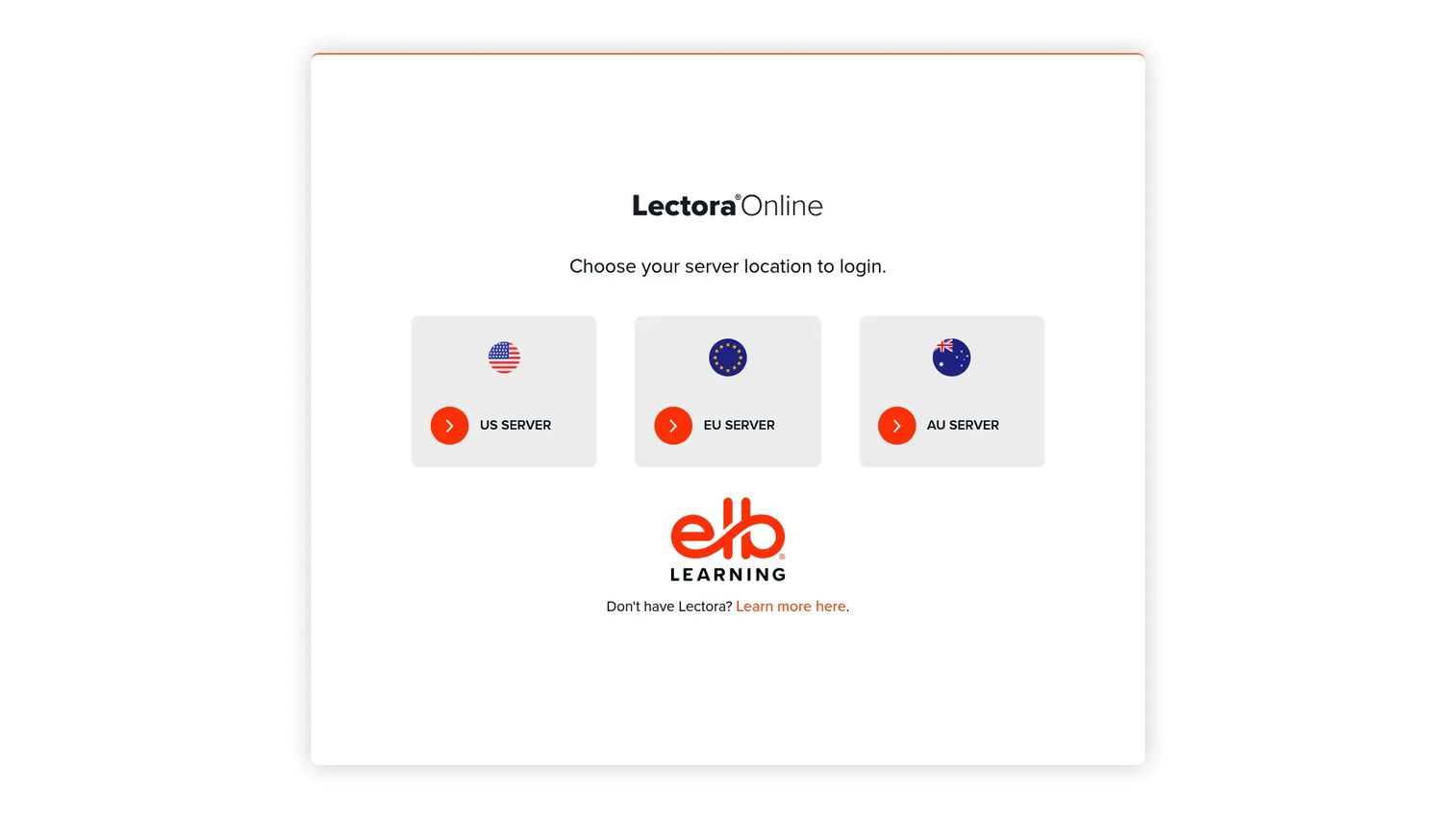
Lectora Online is a cloud-based eLearning authoring tool for creating interactive courses, part of the broader Lectora and ELB Learning ecosystem. It offers server-based login across US, EU, and AU regions and appeals to teams that need structured authoring with an emphasis on accessibility and standards control. That governance angle makes it a fit where compliance and reporting rigor matter most.
Best for: Teams needing a cloud-based course authoring tool with accessibility and structured standards control.
Key strengths
- Cloud authoring across regions: Server-based login from US, EU, or AU regions supports distributed teams.
- Accessibility-focused authoring: Build courses with accessibility standards in mind for compliance-heavy programs.
- Broad standards support: Publish to SCORM, xAPI, HTML5, AICC, and cmi5 for reliable LMS reporting.
Why choose Lectora Online: When your priority is governance, accessibility, and control over how content is authored and reported, Lectora's structured approach and ecosystem integration fit larger teams with compliance obligations. The regional login options help organizations with data-residency needs.
Lectora Online pricing: Public pricing appears on G2 as vendor-provided. The Lectora Silver or Gold Suite starts at $999 per authoring seat per year. The Lectora and CenarioVR Platinum Suite starts at $1,999 per authoring seat per year. There is no free tier listed. Confirm current pricing and included features directly with Lectora, as the brand site does not expose public pricing.
8. DominKnow ONE
DominKnow ONE is a cloud-based LCMS and eLearning authoring platform for creating, managing, collaborating on, and publishing learning content at scale. It goes beyond single-course authoring into content management: real-time collaboration, component reuse, and centralized governance for organizations with broad content operations. Teams report meaningful time savings in the review process, which is often where large content programs stall.
Best for: Teams that need collaborative, accessible, enterprise-grade eLearning authoring and LCMS workflows.
Key strengths
- Cloud authoring plus LCMS: Author and manage content in one platform with centralized reuse and versioning.
- Real-time collaboration and review: Multiple authors and reviewers work together, cutting review-cycle time.
- Accessibility and localization support: Build accessible, multi-language content for global compliance needs.
Why choose DominKnow ONE: For organizations running content operations at scale, where reuse, governance, and collaboration matter as much as authoring, the LCMS layer is the differentiator. The ONE Success program supports onboarding and keeps teams productive as membership changes over time.
DominKnow ONE pricing: The Business plan is $2,000 per author per year. Business PLUS is $2,500 per author per year with a five-author minimum. Enterprise is custom, so call for pricing. A 14-day free trial is available with no credit card required on related product pages.
Considerations before you buy
Standards support
Validate SCORM, xAPI, AICC, LTI, cmi5, and HTML5 against your actual LMS and reporting stack before you commit. A tool that "supports SCORM" on paper can still report inconsistently in practice. Build one test course, publish it, and confirm completions and scores land correctly in your system.
Authoring skill level
Match the tool to who will use it. If subject-matter experts author, prioritize guided editors and templates. If you have instructional designers who need control, tools with deeper interactivity and simulation depth earn their learning curve. Buying an advanced suite for SME authors, or a template tool for designers who need custom builds, wastes both money and adoption.
Collaboration and review
Look for comments, versioning, approvals, and asset reuse. The review process is where content programs slow down, so a tool that keeps authors and reviewers in one place saves real time. For distributed teams, real-time collaboration matters more than any single authoring feature.
Localization and updates
Confirm translation workflows, multi-language support, and how fast you can push an update. For compliance training that changes often, update speed is a buying criterion, not a nice-to-have. If you serve global learners, auto-translation and multi-language publishing decide whether one course can serve every region.
Cost and scalability
Compare seat pricing, enterprise gating, and total workflow cost, not just the sticker price. A cheaper per-seat tool can cost more once you add localization, integrations, or the seats you actually need. Model the cost at the scale you expect in a year, not the scale you start at. If you are also evaluating structured content management, our roundup of component content management systems is a useful companion.
Conclusion
The best eLearning content software for your team depends on who authors and how much you scale. iSpring Suite and Easygenerator win for non-designer, SME-led production. Elucidat and DominKnow ONE fit teams publishing and governing content at scale, with DominKnow adding LCMS depth. Articulate 360 is the safe all-around ecosystem for mixed content needs, Adobe Captivate rewards instructional designers who need advanced interactivity, Gomo Learning suits responsive multi-device publishing, and Lectora Online fits governance-heavy programs.
Rank your shortlist on the three criteria that decide value: output quality, production speed, and scalability. Then do the work that a feature list cannot: shortlist two or three tools, build a sample course in each, and validate that it exports and reports cleanly into your LMS. The tool that ships a credible course fastest, and updates it fastest, is the one that earns its place in your stack.
If part of your training strategy involves showing a product experience, interactive formats complement course content well, whether in onboarding, customer education, or partner enablement. Tools like Guideflow help teams build those guided experiences without engineering. Start your journey with Guideflow today!
FAQs
eLearning content software is a category of authoring tools used to create, edit, and publish digital learning content, such as courses, quizzes, and interactive modules. It focuses on content creation, unlike an LMS, which focuses on delivering and tracking that content. Most teams use e learning content software to build courses and then export them into an LMS for distribution.
eLearning content software creates the learning content, while an LMS delivers, assigns, and tracks it. Authoring tools handle drafting, design, interactivity, and publishing to standards like SCORM or xAPI. An LMS handles enrollment, completion, and reporting. Many organizations use both: an authoring tool to build and an LMS to deliver.
Easygenerator and iSpring Suite are strong choices for non-designers. Easygenerator is built specifically for subject-matter experts to author training in-house, and iSpring Suite lets anyone comfortable in PowerPoint produce courses without learning a new tool. Both prioritize guided editors, templates, and collaboration over design complexity.
Most tools on this list support SCORM and xAPI, but Articulate 360, Lectora Online, and Easygenerator have particularly broad standards coverage. Articulate 360 and Lectora Online publish to SCORM, xAPI, cmi5, and AICC. Always test one published course in your own LMS before committing, since real-world reporting can differ from spec-sheet claims.
AI is useful for accelerating drafts, translation, and narration, but it should not be your only decision factor. Treat it as an accelerator that speeds up production and localization, not a replacement for content quality or instructional design. Tools like Easygenerator, Gomo Learning, and Adobe Captivate include AI drafting, and our guide to ai content creation covers how these features fit into broader workflows.
Corporate training software teams should prioritize production speed, collaboration, localization, and update workflows. If a course takes weeks to build or update, the tool is working against you. Confirm that subject-matter experts can contribute, that reviews happen in one place, and that content updates publish quickly, especially for compliance training that changes often.
Open-source authoring tools can work for teams with technical skills and tight budgets, especially for simple courses. But when you need reliable support, standards compliance, collaboration at scale, or localization workflows, a commercial elearning platform usually pays for itself in saved time. Weigh the cost of your team's hours against the license fee.
Choose a template-based tool like Rise, Easygenerator, or Gomo when speed and SME authoring matter most and your content is fairly standard. Choose an advanced suite like Storyline or Adobe Captivate when you need custom interactivity, simulations, or precise control and have instructional designers to use it. Match the tool to your team's skill level and the complexity of the content you actually build.