Picking the wrong survey tool wastes budget and data.
With dozens of survey platforms competing for your attention, the problem isn't finding a tool - it's knowing which one fits your actual use case. A market researcher needs something completely different from an HR manager running quarterly pulse surveys or a SaaS team tracking NPS inside their product.
We signed up for and tested each of the 15 platforms below, evaluating them on ease of use, question types, analytics depth, integration quality, and pricing transparency. The result is a vendor-neutral guide designed to help you shortlist 2–3 tools, not sell you on any single one.
What's inside
This guide covers the 15 best survey software tools for 2026, including dedicated research platforms, free survey makers, website survey tools, and live polling apps. You'll find a quick-reference comparison table, individual reviews with pros and cons, a structured decision framework by use case and budget, and a key features section covering the trends that matter in 2026 - including AI-powered survey creation, data quality controls, and compliance requirements.
TL;DR
- Best all-around survey platform: SurveyMonkey - strong analytics, 200+ integrations, and a template library that covers almost every use case
- Best free survey tool: Google Forms - unlimited responses at zero cost, though design and analytics are basic
- Best for enterprise research: Qualtrics - the most powerful analytics engine on this list, used by 13,000+ brands
- Best for design and completion rates: Typeform - conversational one-question-at-a-time format drives higher engagement on customer-facing surveys
- Best for market research with built-in audience: Pollfish - access to 250M+ consumers globally with pay-per-response pricing
- Best for website and in-product feedback: Survicate - contextual targeting by URL, scroll depth, and user attributes with no developer required
How we evaluated these survey software tools
We tested 15 online survey tools over several weeks, signing up for each platform and building at least one survey from scratch. Here's what we measured.
Survey design and question types. We looked at the range of question formats available - multiple choice, matrix, NPS, open-ended, ranking, slider, and research-grade types like conjoint and MaxDiff. Template library size and custom branding options were also factored in.
Ease of use. We tracked time from signup to first published survey and assessed UI intuitiveness. A tool that takes 45 minutes to figure out before you can send a single question is a cost, especially for teams without dedicated research ops.
Distribution and audience targeting. We evaluated distribution channels (email, web embed, social, SMS, QR code), built-in audience panels, and response collection methods. For web survey software specifically, we tested targeting rules and embed options.
Analytics and reporting. Real-time dashboards, cross-tabulation, sentiment analysis, export formats, and AI-powered insights were all assessed. This is where the gap between basic free survey tools and paid platforms becomes most visible. Teams that rely on product analytics software will want survey tools that integrate cleanly with their existing analytics stack.
Integrations. We checked native integration counts and quality - specifically CRM connections (Salesforce, HubSpot), analytics tools, communication platforms, and Zapier/API support. Integrations are what close the feedback loop between survey data and action.
Pricing and value. We compared free plan generosity, per-response costs, pricing transparency, and enterprise scalability. Every pricing figure in this article reflects rates as of early 2026 - check each tool's website for current rates before purchasing.
Quick comparison: best survey software at a glance
We tested 15 survey platforms, evaluating each on ease of use, question types, analytics, integrations, and value for money. Use the table below to identify your best-fit options before reading the full reviews.
| # | Tool | Best For | Starting Price | Free Plan? | G2 Rating | Standout Feature |
|---|---|---|---|---|---|---|
| 1 | SurveyMonkey | All-around use | ~$25/mo | Yes (limited) | 4.4/5 (23,901 reviews) | AI-powered Genius builder + 250+ templates |
| 2 | Zonka Feedback | AI-powered feedback surveys | Custom pricing | No | 4.7/5 (82 reviews) | AI theme analysis on every response + omnichannel delivery (email, SMS, WhatsApp, in-app, kiosk) |
| 3 | Qualtrics | Enterprise research | Custom pricing | Yes (very limited) | 4.4/5 (3,018 reviews) | ExpertReview AI + conjoint/MaxDiff analysis |
| 4 | Typeform | Conversational surveys | $29/mo | Yes (10 responses/mo) | 4.5/5 (1,017 reviews) | One-question-at-a-time UI drives completion |
| 5 | Google Forms | Free surveys | Free | Yes (unlimited) | 4.6/5 (rated within Google Workspace) | Unlimited responses, Google Sheets sync |
| 6 | Pollfish | Market research | ~$1/response | No | 4.6/5 (57 reviews) | 250M+ consumer panel with fraud detection |
| 7 | Alchemer | Workflow automation | $55/user/mo | No (trial only) | 4.4/5 (956 reviews) | Native Salesforce/HubSpot integrations |
| 8 | Jotform | Forms + payments | $39/mo | Yes (100 submissions) | 4.7/5 (5,431 reviews) | 10,000+ templates + payment collection |
| 9 | Survicate | Website/in-product | $99/mo | Yes (25 responses/mo) | 4.6/5 (213 reviews) | Contextual targeting by URL, scroll, attributes |
| 10 | SurveySparrow | Recurring surveys | $19/mo | Yes (100 responses/mo) | 4.4/5 (2,067 reviews) | Automated recurring survey scheduling |
| 11 | QuestionPro | Mid-market research | $99/user/mo | Yes (300 responses) | 4.5/5 (1,152 reviews) | 350+ question types at accessible pricing |
| 12 | LimeSurvey | Open-source/self-hosted | Free (self-hosted) | Yes | 4.2/5 (33 reviews) | Full data sovereignty, 80+ languages |
| 13 | Suzy | Real-time consumer insights | $30K+/year | No | 4.7/5 (141 reviews) | Verified consumer panel, quant + qual in one |
| 14 | SmartSurvey | UK/EU compliance | £30/mo | Yes (limited) | 4.6/5 (47 reviews) | UK data residency + NHS/government trusted |
| 15 | Mentimeter | Live presentations | $11.99/mo | Yes (2 question slides) | 4.7/5 (789 reviews) | Real-time audience polling during events |
1. SurveyMonkey - best all-around survey platform
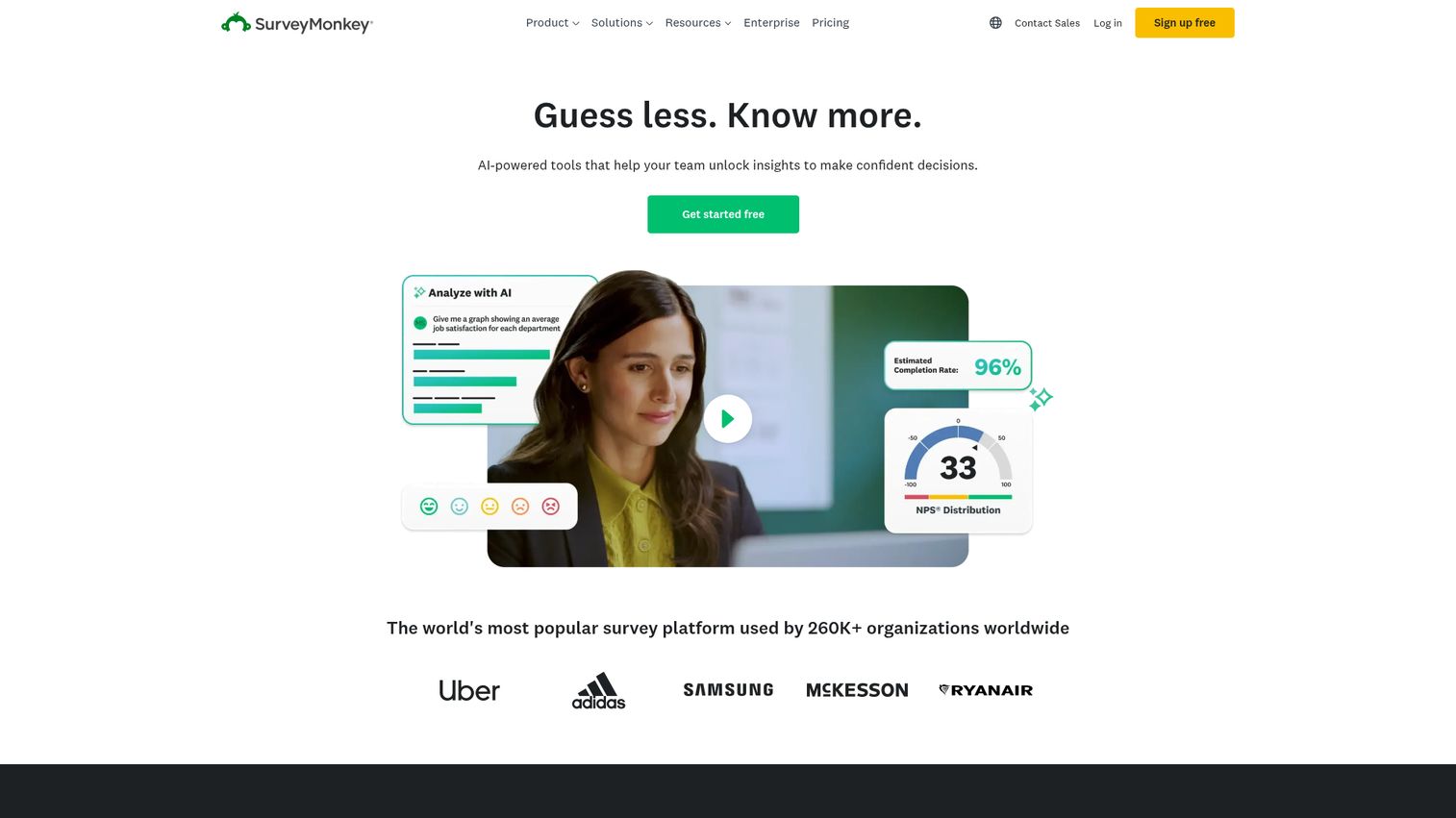
SurveyMonkey is the most recognized name in survey software, and for most teams it's the default starting point - with good reason. The platform handles customer satisfaction surveys, employee engagement, and market research without requiring any technical setup. You can also explore an interactive SurveyMonkey demo to see the interface before signing up.
Best for: Mid-size teams that need a reliable, well-known platform with strong analytics and a broad integration library.
Key strengths
- AI-powered Genius builder suggests questions and flags survey design issues
- 250+ pre-built templates covering NPS, CSAT, employee engagement, and more
- 200+ native integrations including Salesforce, HubSpot, Slack, and Mailchimp
- Built-in SurveyMonkey Audience panel for reaching external respondents
- Skip logic, branching, and multilingual survey support on paid plans
Pricing: Free plan (10 questions/survey, 25 responses). Individual paid plans start at ~$25/month. Team plans require per-seat pricing.
SurveyMonkey's free plan is restrictive - 25 responses per survey won't get you far for anything beyond a quick internal poll. The value starts on paid tiers, where you get unlimited responses, advanced logic, and the full analytics suite.
The platform can feel slightly dated compared to newer tools like Typeform or SurveySparrow. And if you're running surveys across a large team, per-seat pricing adds up quickly. That said, for customer feedback survey software with proven reliability and broad recognition - which matters when you're asking external respondents to trust your survey link - SurveyMonkey remains the strongest all-around choice.
Trade-off: If design and completion rate are your primary concerns, Typeform will outperform it. If you need research-grade analytics, Qualtrics goes deeper.
2. Zonka Feedback – best for omnichannel surveys with AI analysis & signals
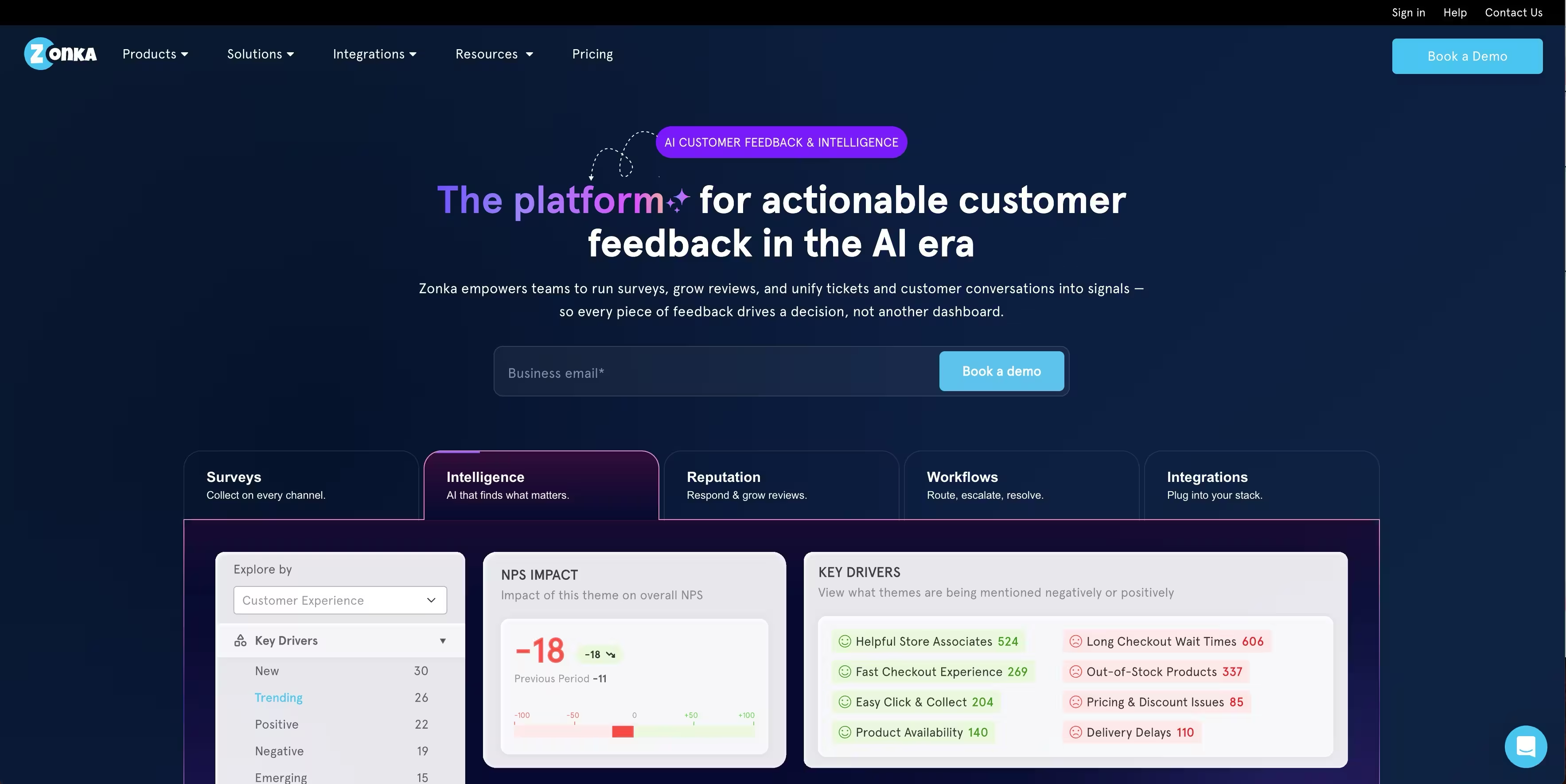
Zonka Feedback is built for a specific problem: most survey tools stop at collecting responses, leaving teams to make sense of the data on their own. Zonka runs surveys across email, SMS, WhatsApp, web, in-app, and kiosks, then uses AI to analyze open-text responses and surface themes, sentiment, and impact automatically, not as a bolted-on add-on.
Best for: CX and product teams that want survey creation, distribution, and AI-driven analysis in one platform instead of stitching a survey tool to a separate analytics layer.
Key strengths
- No-code survey builder with 25+ question types, branching logic, and templates for NPS, CSAT, CES, and more
- Omnichannel distribution: email, SMS, WhatsApp, web, in-app, kiosk, and QR code
- AI analysis of open-text responses included, not sold as a separate add-on
- Entity-mapped dashboards showing trends by location, team, product, or agent
- 50+ integrations including Salesforce, HubSpot, Zendesk, and Intercom
Pricing: Available on request; free trial available.
The lack of published pricing is a real friction point for teams that want to compare costs upfront without booking a call.
Where Zonka Feedback pulls ahead is response handling once the survey is live: instead of exporting responses to build reports, the AI reads every open-text answer and tells you what's driving scores up or down, by team or location.
3. Qualtrics - best for enterprise research and CX programs
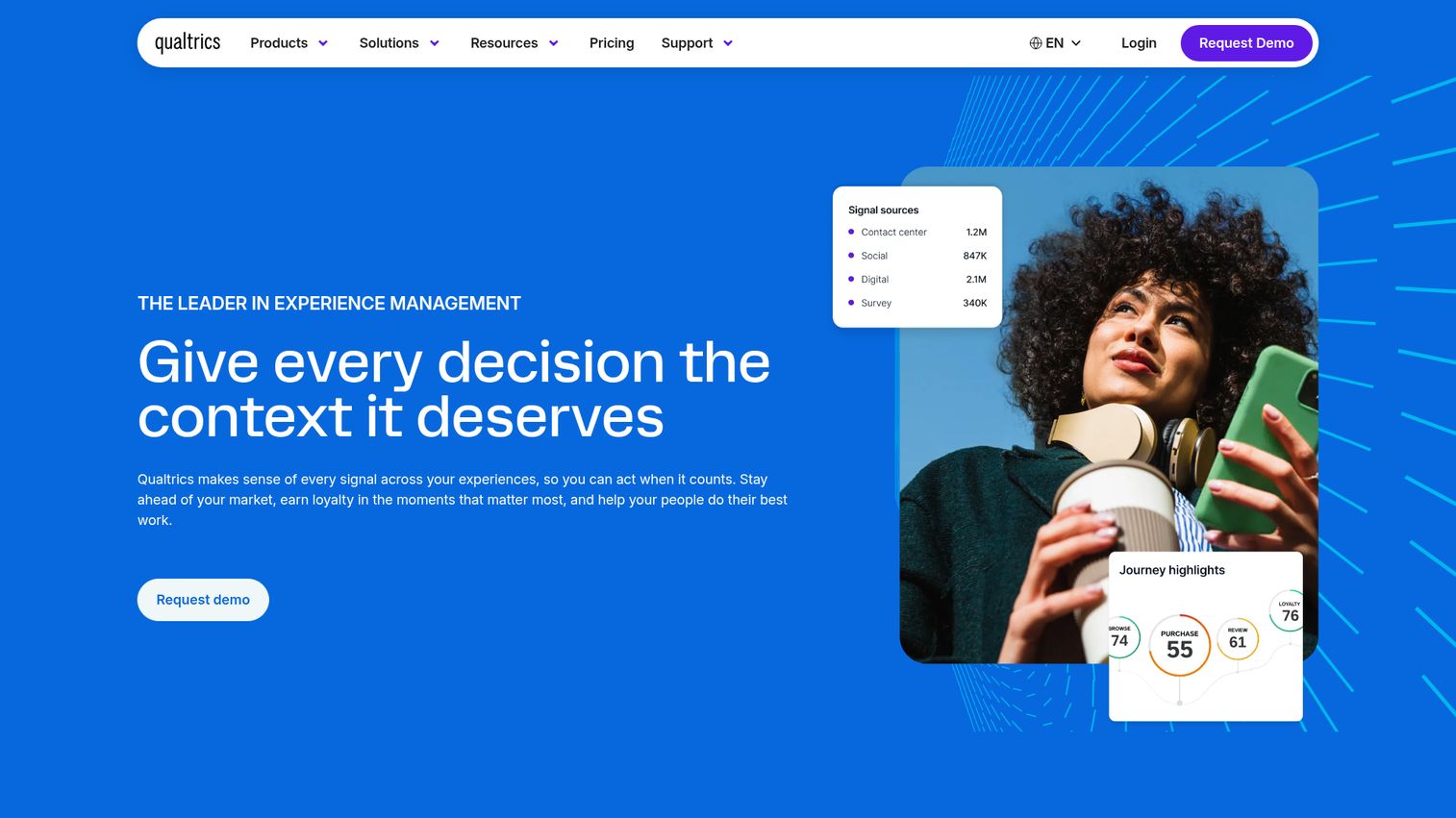
Qualtrics is the enterprise-grade leader in experience management, used by 13,000+ brands globally. SAP acquired the company in 2019, and the platform has since expanded into a full XM (Experience Management) suite covering customer, employee, product, and brand experience.
Best for: Enterprise organizations running large-scale CX programs, academic researchers, and teams that need advanced statistical analysis built into their survey platform.
Key strengths
- ExpertReview AI flags survey design issues and predicts completion rates before launch
- Conjoint analysis, MaxDiff, and advanced research question types not found in most tools
- Text analytics with sentiment analysis for open-ended response coding at scale
- Strong compliance certifications: GDPR, HIPAA, FedRAMP, SOC 2
- 360-degree feedback and employee lifecycle survey capabilities built in
Pricing: Qualtrics doesn't publish pricing publicly for most plans. A free account exists (limited to 1 active survey, 500 responses, 30 questions - no credit card required). Enterprise pricing typically requires a quote; expect costs to start well above $1,500/year for meaningful functionality.
The learning curve here is real. Qualtrics is powerful, but it's also complex - you'll want dedicated time to get comfortable with the platform before running production surveys. It's overkill for simple feedback collection.
Trade-off: If you don't need conjoint analysis, MaxDiff, or enterprise compliance certifications, QuestionPro delivers similar research capabilities at a fraction of the cost.
4. Typeform - best for conversational, design-forward surveys
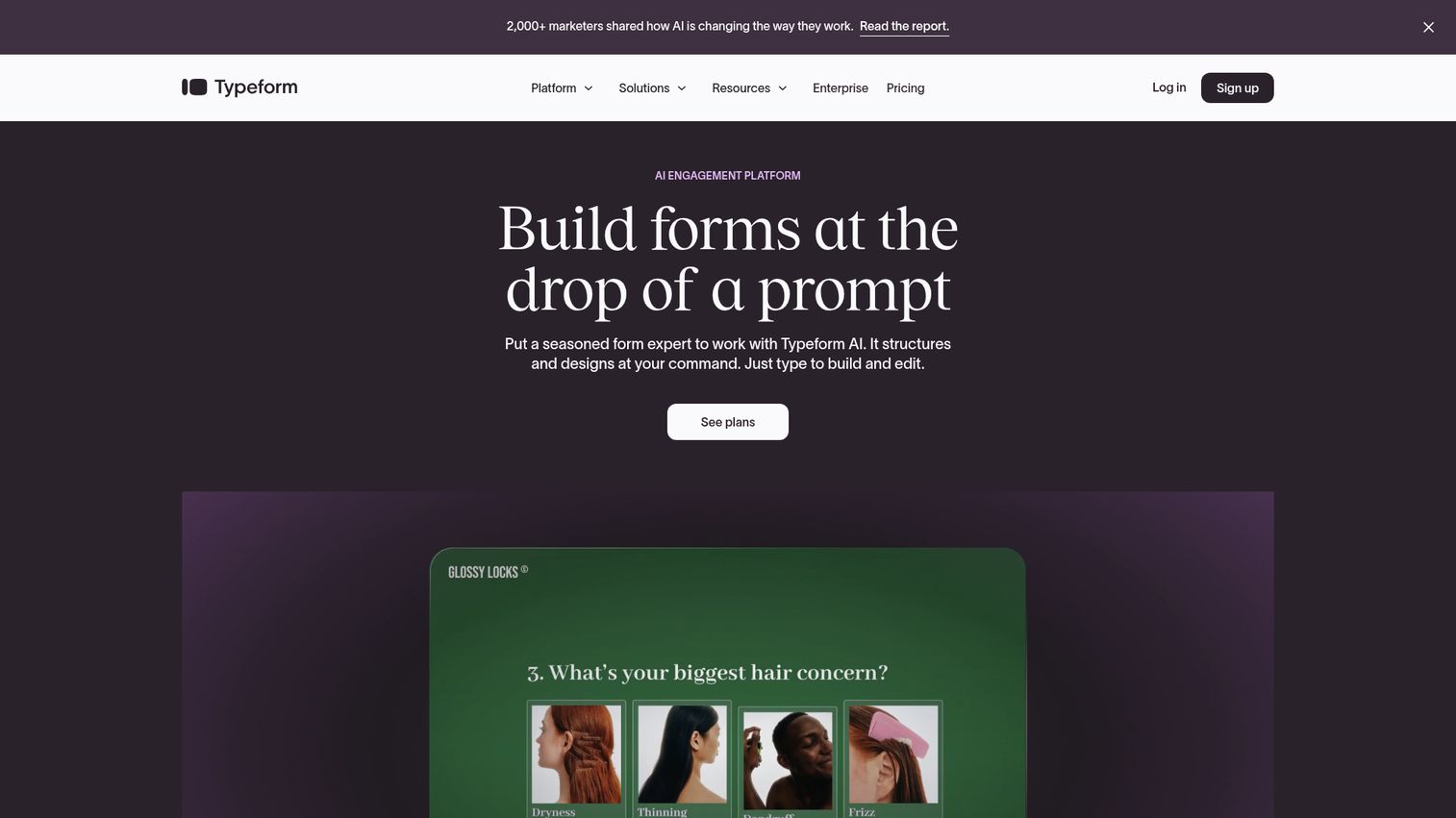
Typeform built its reputation on a single insight: showing one question at a time dramatically improves completion rates on customer-facing surveys. The conversational UI feels less like filling out a form and more like answering a colleague's questions. See how the interface works with this interactive Typeform demo.
Best for: Marketing teams, brand-conscious companies, and anyone creating customer-facing surveys where design and completion rate matter more than advanced analytics.
Key strengths
- One-question-at-a-time conversational format with smooth transitions
- Video and image embedding within survey questions for richer context
- Payment collection, calculator fields, and lead generation capabilities
- 3,000+ templates across marketing, research, HR, and education use cases
- VideoAsk integration for asynchronous video-based survey responses
Pricing: Free plan (10 questions, 10 responses/month). Basic ($29/mo), Plus ($59/mo), Business ($99/mo), Enterprise (custom).
The response limits on lower tiers are constraining. At 10 responses per month on the free plan and relatively low caps on Basic, Typeform can get expensive fast if you're running high-volume surveys. The analytics are also basic compared to Qualtrics or even SurveyMonkey - you're trading depth for design.
This is the right survey app for lead generation forms, customer onboarding surveys, and brand research where first impressions matter. It's the wrong tool for long academic questionnaires or high-volume operational data collection.
Trade-off: SurveySparrow offers a similar conversational UI at lower price points, though with fewer design customization options.
. Google Forms - best free survey tool
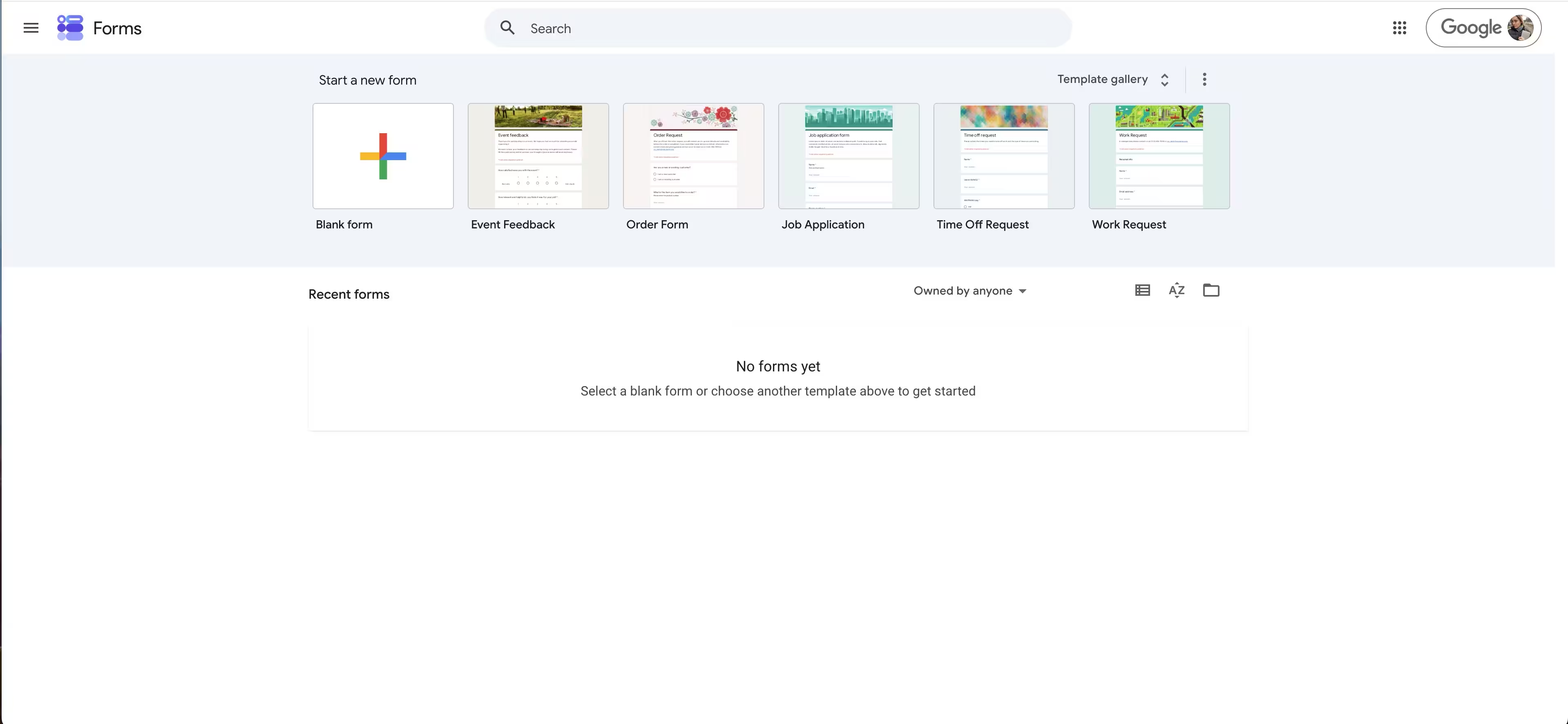
Google Forms is the most straightforward answer to "I need a free survey maker with no response limits." It's completely free, requires no signup beyond a Google account, and syncs responses directly to Google Sheets in real time.
Best for: Individuals, students, teachers, small teams, and anyone who needs quick surveys with basic data collection needs and zero budget.
Key strengths
- Unlimited surveys and responses at no cost
- Real-time Google Sheets sync for instant data access
- Basic branching logic and file upload question types
- Quiz mode with automatic grading for educational use
- Collaboration features for co-editing surveys with teammates
Pricing: Completely free for personal Google accounts. Google Workspace plans ($7–$18/user/month) add admin controls and some branding options.
The limitations are real and worth naming. Google Forms offers no cross-tabulation, no audience panel, no custom branding on the free tier, and a fairly limited question type library. The design is generic - which matters if you're sending surveys to external customers who associate visual quality with credibility.
For internal surveys, quick event registrations, or educational quizzes, it's hard to beat. For anything customer-facing or analytically demanding, you'll hit the ceiling fast.
Trade-off: Tally (see honorable mentions) offers a more modern free survey creator experience with a Notion-like interface, also with unlimited responses.
6. Pollfish - best for market research with built-in audience
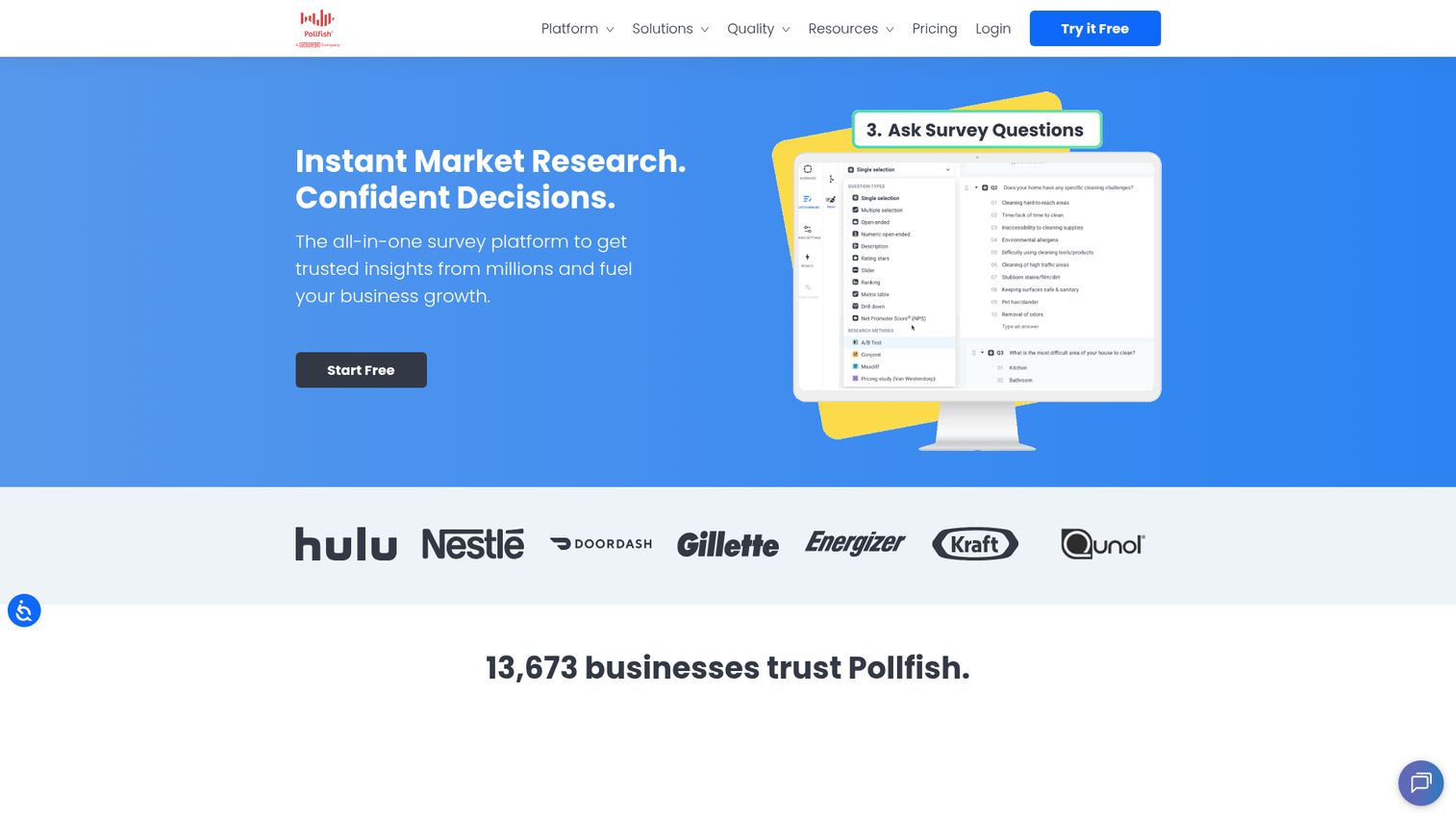
Pollfish solves a specific problem: you need survey responses from a specific consumer segment, and you don't have time to build your own panel. The platform delivers surveys through mobile apps to a network of 250M+ consumers globally, with demographic and behavioral targeting built in. If you're building a broader research stack, you may also want to explore audience intelligence platforms that complement survey data with behavioral and social insights.
Best for: Market researchers, product teams, and agencies that need fast access to specific consumer segments without maintaining their own panel.
Key strengths
- Built-in audience of 250M+ respondents across 160+ countries
- Advanced demographic, behavioral, and purchase-receipt targeting
- Real-time results with fraud detection and quality controls
- Pay-per-response pricing with no monthly subscription commitment
- A/B testing for survey variants to optimize question performance
Pricing: Pay-per-response model starting at approximately $1/response for basic demographic targeting. Cost increases with audience specificity, question count, and targeting complexity. No free plan for audience-based surveys.
The pay-per-response model is transparent but can get expensive for large sample sizes. If you need 1,000 responses from a niche demographic with specific behavioral criteria, you're looking at meaningful costs. The survey design interface is also more limited than SurveyMonkey or Typeform - Pollfish's strength is audience access, not survey aesthetics.
This is market research survey software, not a general-purpose data collection tool. If you already have your own audience (email list, customer base), you're paying for a panel you don't need.
Trade-off: QuestionPro Audience and Qualtrics both offer built-in panels with more advanced research question types if you need conjoint or MaxDiff alongside your audience access.
7. Alchemer - best for workflow automation and integrations
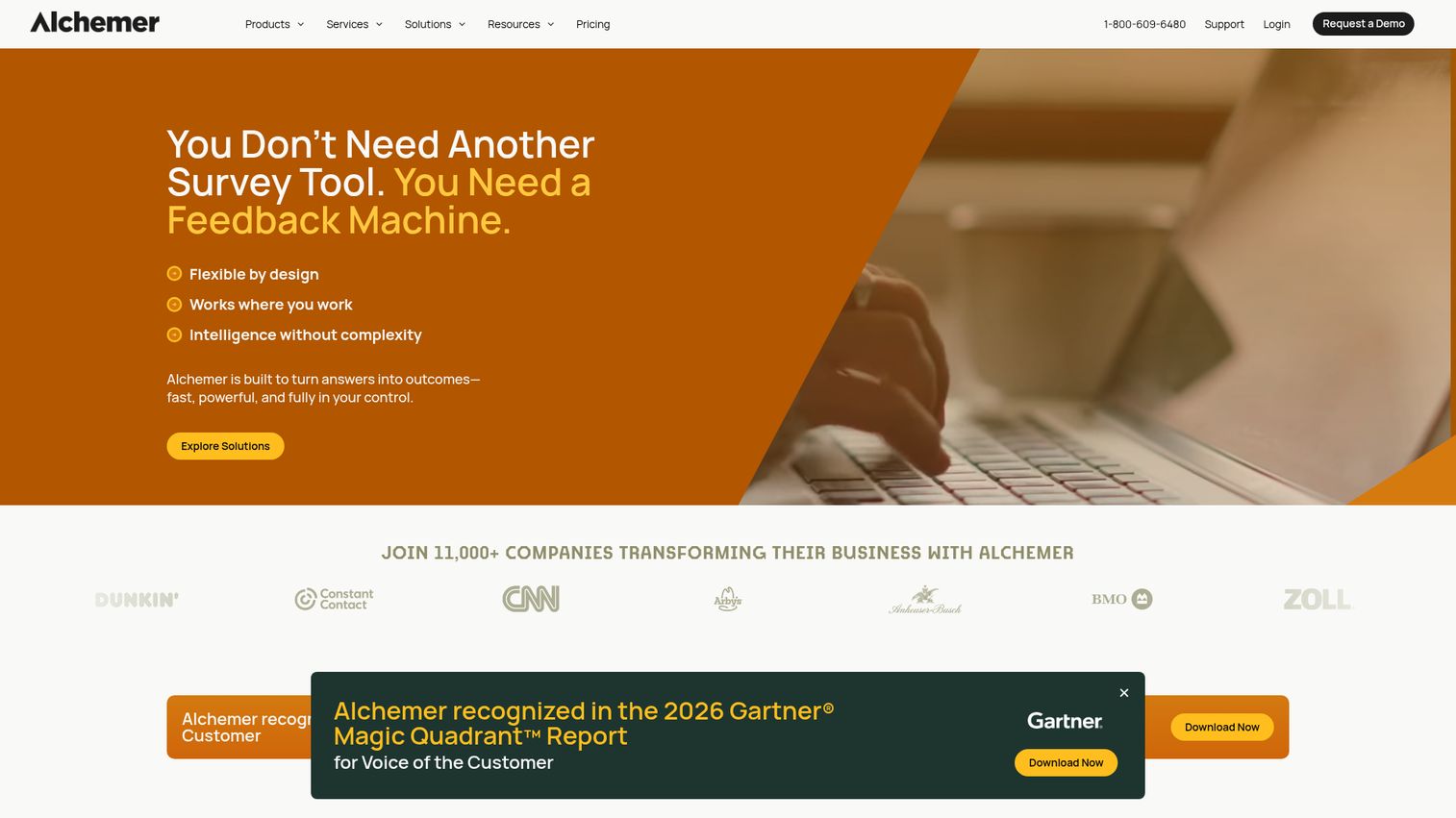
Alchemer (formerly SurveyGizmo) is the survey platform built for teams that need survey data flowing directly into their business systems. The rebrand reflects a shift in positioning - this is survey management software designed around closing the feedback loop, not just collecting responses.
Best for: B2B companies and CX teams that need survey data flowing directly into Salesforce, HubSpot, or other business systems with automated follow-up workflows.
Key strengths
- Native Salesforce and HubSpot integrations with bidirectional data sync
- 40+ question types including advanced logic, piping, and text substitution
- Survey-triggered workflows for automated follow-up actions
- White-labeling and custom domain support for branded survey experiences
- HIPAA-compliant option available for healthcare use cases
Pricing: Collaborator ($55/user/month), Professional ($165/user/month), Full Access ($275/user/month). No free plan; free trial available.
The per-user pricing model scales expensively for larger teams. At $275/user/month for Full Access, a team of five is looking at $1,375/month - which is enterprise territory without enterprise-level brand recognition. The UI also feels dated compared to Typeform or SurveyMonkey, and the learning curve for advanced workflow features is steep.
That said, if your primary goal is getting survey responses to automatically update a Salesforce record and trigger a follow-up task, Alchemer does this better than any other tool on this list. Teams investing heavily in marketing automation will find Alchemer's workflow capabilities especially valuable.
Trade-off: If you don't need deep CRM automation, SurveyMonkey or QuestionPro deliver more value per dollar.
8. Jotform - best for form-survey hybrids and payment collection
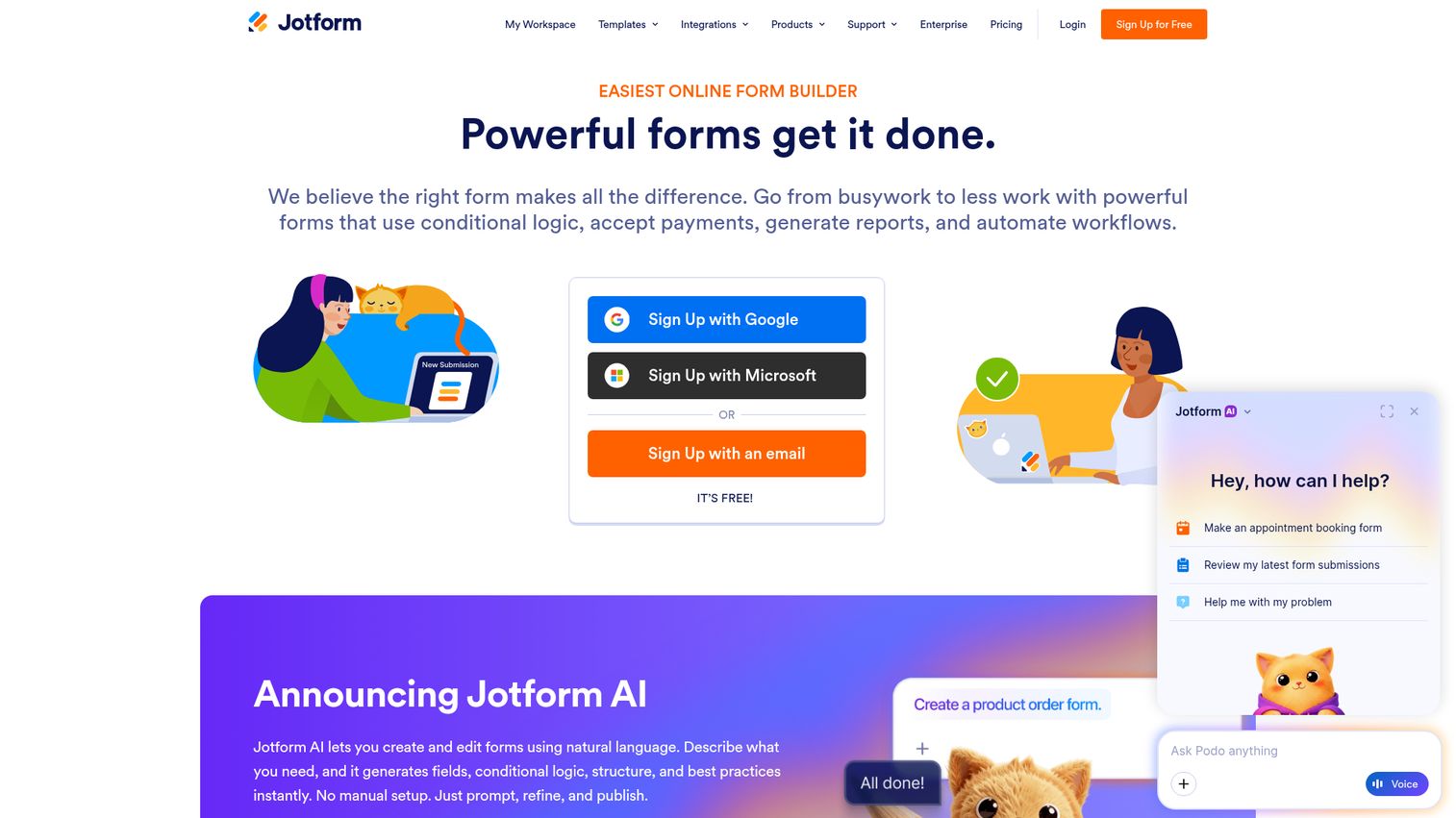
Jotform occupies a useful middle ground: it's a capable survey tool that also handles registrations, orders, and payment collection in the same platform. With 25M+ users and 10,000+ templates, it's one of the most versatile data collection tools available. You can explore the interface through this interactive Jotform demo.
Best for: Small businesses and organizations that need surveys combined with registration forms, order forms, or payment collection in a single platform.
Key strengths
- 10,000+ templates spanning surveys, registration forms, payment forms, and more
- Payment integrations with PayPal, Stripe, and Square built in
- Jotform Tables for database-style response management
- HIPAA-compliant option and e-signature support
- Offline forms via mobile app for in-person data collection
Pricing: Free (5 forms, 100 submissions/month), Bronze ($39/mo), Silver ($49/mo), Gold ($129/mo), Enterprise (custom).
The template library is impressive, but it can also feel overwhelming - there are almost too many options when you just want to build a simple NPS survey. Survey-specific analytics are basic compared to dedicated survey platforms. The free plan's 100-submission limit is also more restrictive than Google Forms' unlimited model.
Where Jotform earns its place is for teams that need one tool to handle event registrations, payment collection, and feedback surveys without stitching together multiple platforms.
Trade-off: For pure survey analytics and research capabilities, SurveyMonkey or QuestionPro go significantly deeper.
9. Survicate - best for website and in-product surveys
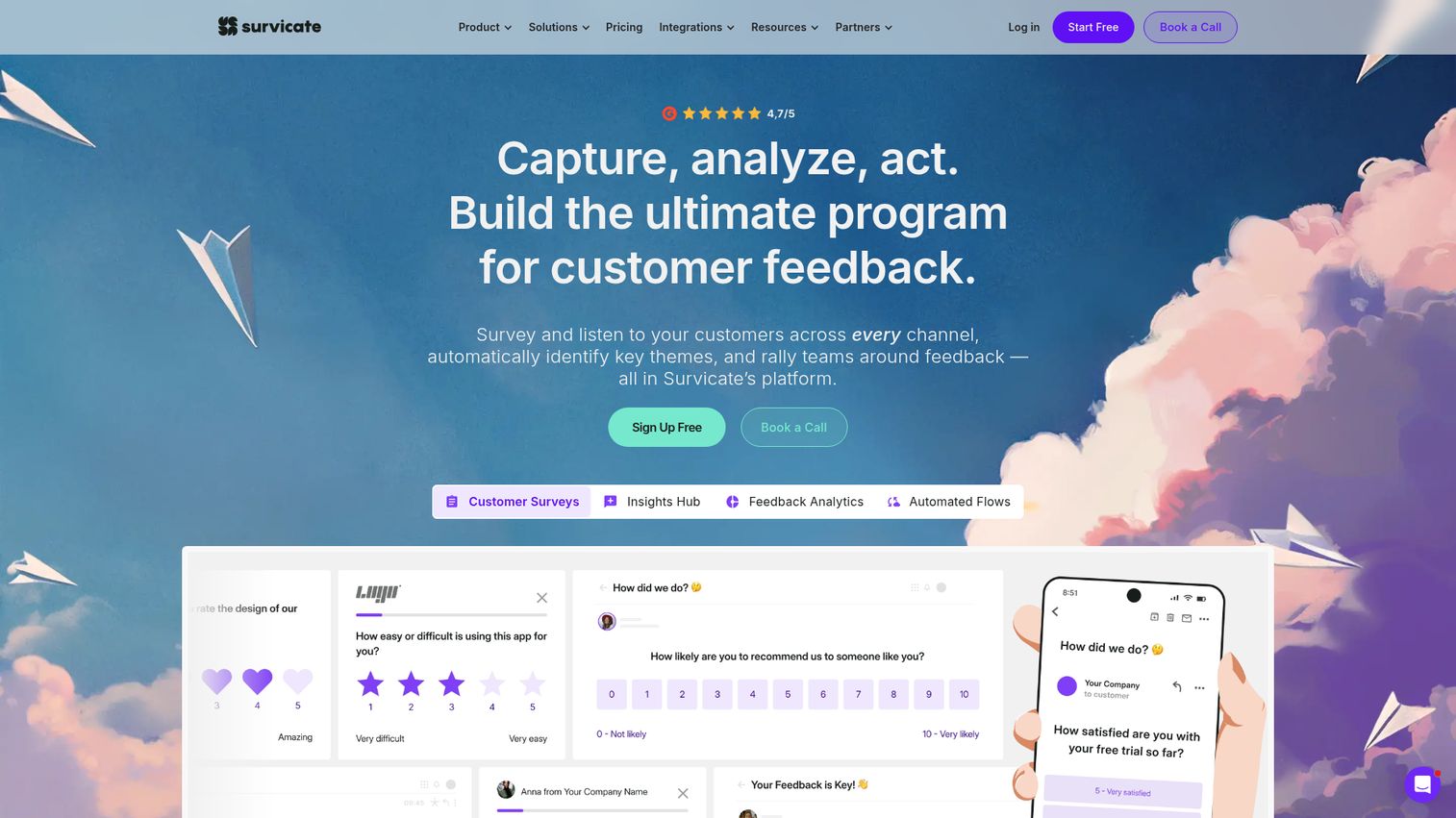
Survicate is built for a specific problem: collecting feedback at the exact moment of experience, not days later via email. It's the strongest website survey tool on this list for contextual, in-the-moment data collection. See how it works with this interactive Survicate demo.
Best for: SaaS companies, e-commerce sites, and product teams that want to collect contextual feedback at specific touchpoints within their digital experience.
Key strengths
- Website survey widgets with targeting by URL, scroll depth, time on page, and exit intent
- In-product surveys triggered by user attributes and behavioral events
- Email-embedded surveys for NPS, CSAT, and CES tracking
- Native integrations with HubSpot, Intercom, Slack, and Segment
- AI survey creator for generating survey questions from a brief prompt
Pricing: Free (25 responses/month), Business ($99/month for 1,000 responses), Scale ($299/month), Enterprise (custom).
The response limits can become costly at scale. At $99/month for 1,000 responses, a high-traffic SaaS product can burn through that allocation quickly. Survicate also isn't designed for standalone survey distribution - it's a website survey tool and in-product feedback platform, not a replacement for SurveyMonkey or Qualtrics for general research.
The setup requires no developer for most use cases - a single JavaScript snippet handles the targeting and display logic. That's an advantage for product and marketing teams that can't wait on engineering.
Trade-off: If you need a built-in audience panel or advanced research question types, Survicate isn't the right fit. It's purpose-built for digital experience feedback.
10. SurveySparrow - best for recurring and chat-style surveys
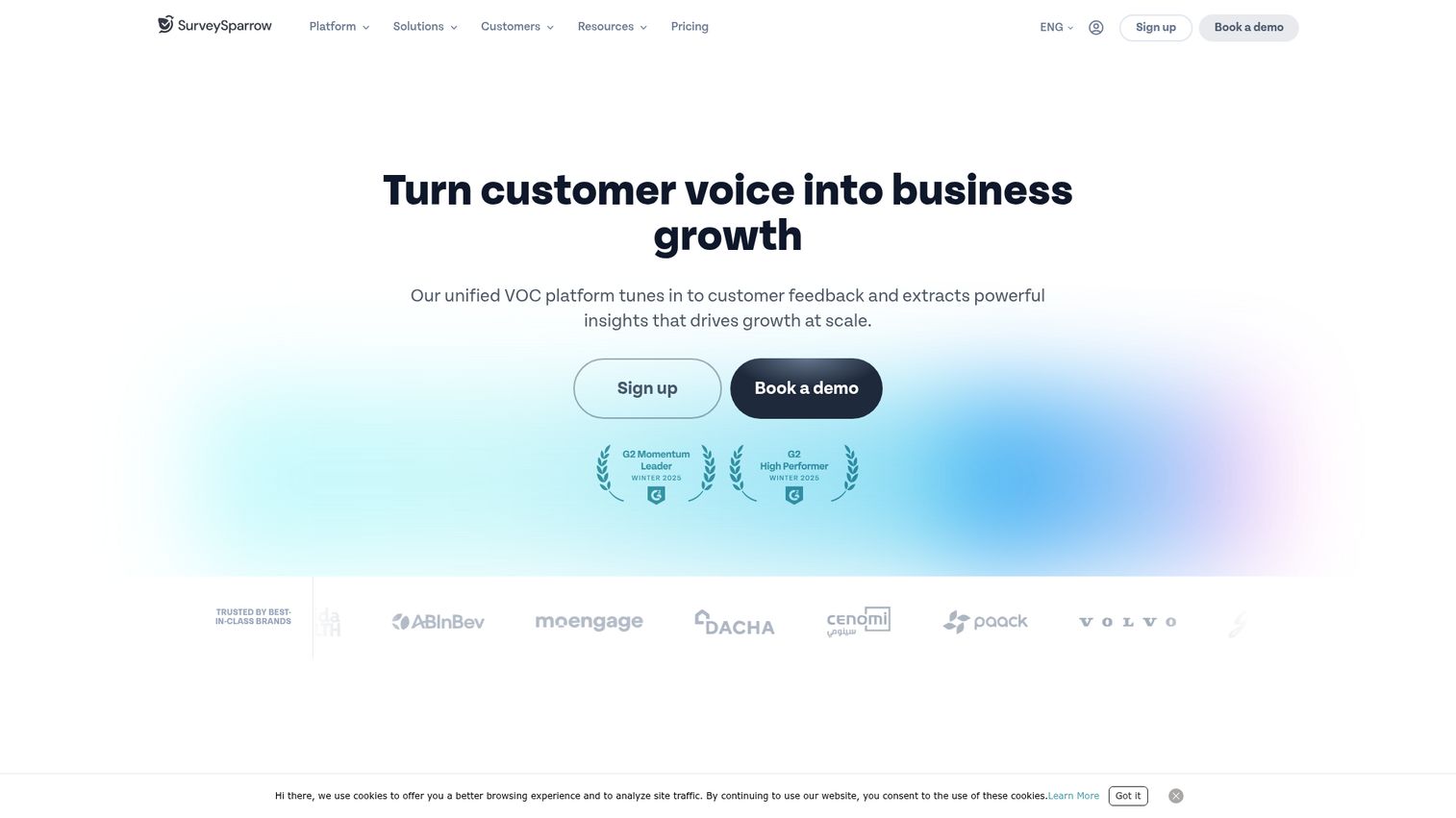
SurveySparrow combines a conversational survey UI similar to Typeform with strong automation for ongoing feedback programs. If you're running quarterly NPS surveys, monthly pulse checks, or annual 360 reviews, the recurring survey scheduling alone justifies the evaluation. Try the interface through this interactive SurveySparrow demo.
Best for: Customer success teams and HR departments running ongoing feedback programs that need automated scheduling and case management for closing the loop.
Key strengths
- Chat-style conversational survey interface with high completion rates
- Recurring survey automation with configurable scheduling and reminders
- Built-in case management for tracking and resolving negative feedback
- Kiosk mode for in-person feedback collection at physical locations
- 360-degree assessment capabilities for employee performance reviews
Pricing: Free (10 questions, 100 responses/month), Basic ($19/mo), Starter ($39/mo), Business ($79/mo), Enterprise (custom).
The integration ecosystem is smaller than SurveyMonkey's 200+ connections, which can be a constraint if you're running a complex marketing or CX tech stack. Some advanced features - particularly around analytics depth and white-labeling - are locked to Enterprise tier pricing. Brand recognition is also lower, which can affect external response rates compared to SurveyMonkey.
At $19/month for the Basic plan, it's the most affordable conversational survey app on this list - and for teams running recurring feedback programs, the scheduling automation saves meaningful manual work.
Trade-off: Typeform has better design customization. SurveyMonkey has deeper analytics. SurveySparrow wins on recurring automation at a mid-range price point.
11. QuestionPro - best for advanced research at mid-market pricing
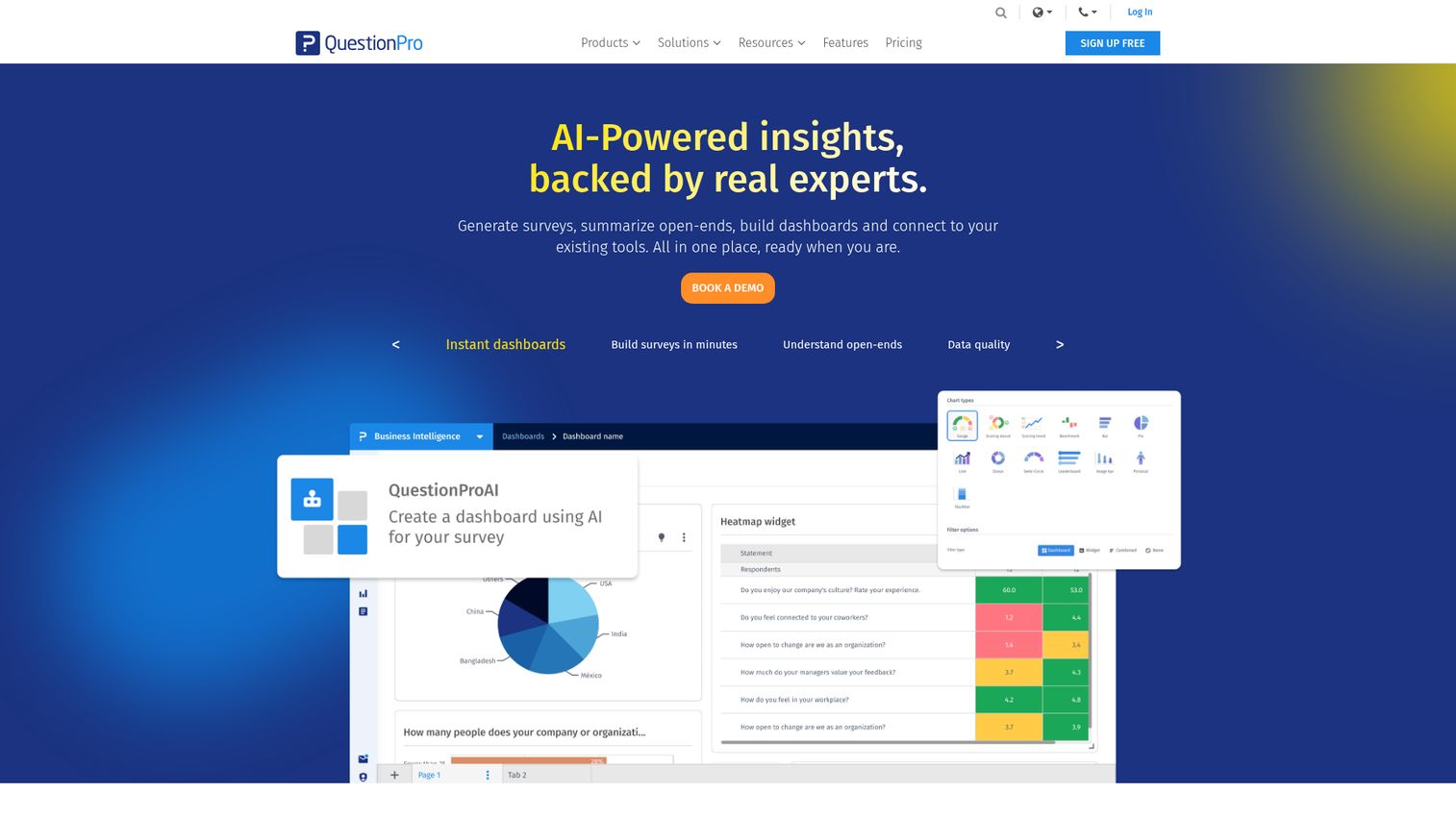
QuestionPro is the most direct alternative to Qualtrics for teams that need research-grade capabilities without enterprise-level pricing. It supports 350+ question types, conjoint analysis, and MaxDiff - features that typically require a Qualtrics contract. Explore the platform through this interactive QuestionPro demo.
Best for: Academic researchers, mid-market companies, and research teams that need Qualtrics-level capabilities without Qualtrics-level pricing.
Key strengths
- 350+ question types including conjoint, MaxDiff, and advanced matrix formats
- Built-in QuestionPro Audience panel for external respondent access
- TURF analysis, GAP analysis, and trend reporting for research teams
- Sentiment analysis and NPS+ tracking with driver analysis
- Offline survey capability for field research without internet access
Pricing: Free (unlimited surveys, 300 responses/survey), Advanced ($99/user/month), Team Edition (custom), Research Edition (custom).
The free plan is the most generous among research-grade tools - 300 responses per survey with unlimited surveys is a meaningful offering. The UI is functional but not beautiful; it prioritizes capability over aesthetics. Some advanced research features require the Research Edition pricing tier, which requires a custom quote.
If you're comparing QuestionPro vs. Qualtrics, the answer is: QuestionPro covers 80% of Qualtrics' research capabilities at a fraction of the cost, but Qualtrics' analytics engine, compliance certifications, and enterprise support are superior.
Trade-off: For enterprise compliance requirements (FedRAMP, HIPAA at scale), Qualtrics remains the stronger choice.
12. LimeSurvey - best open-source survey software
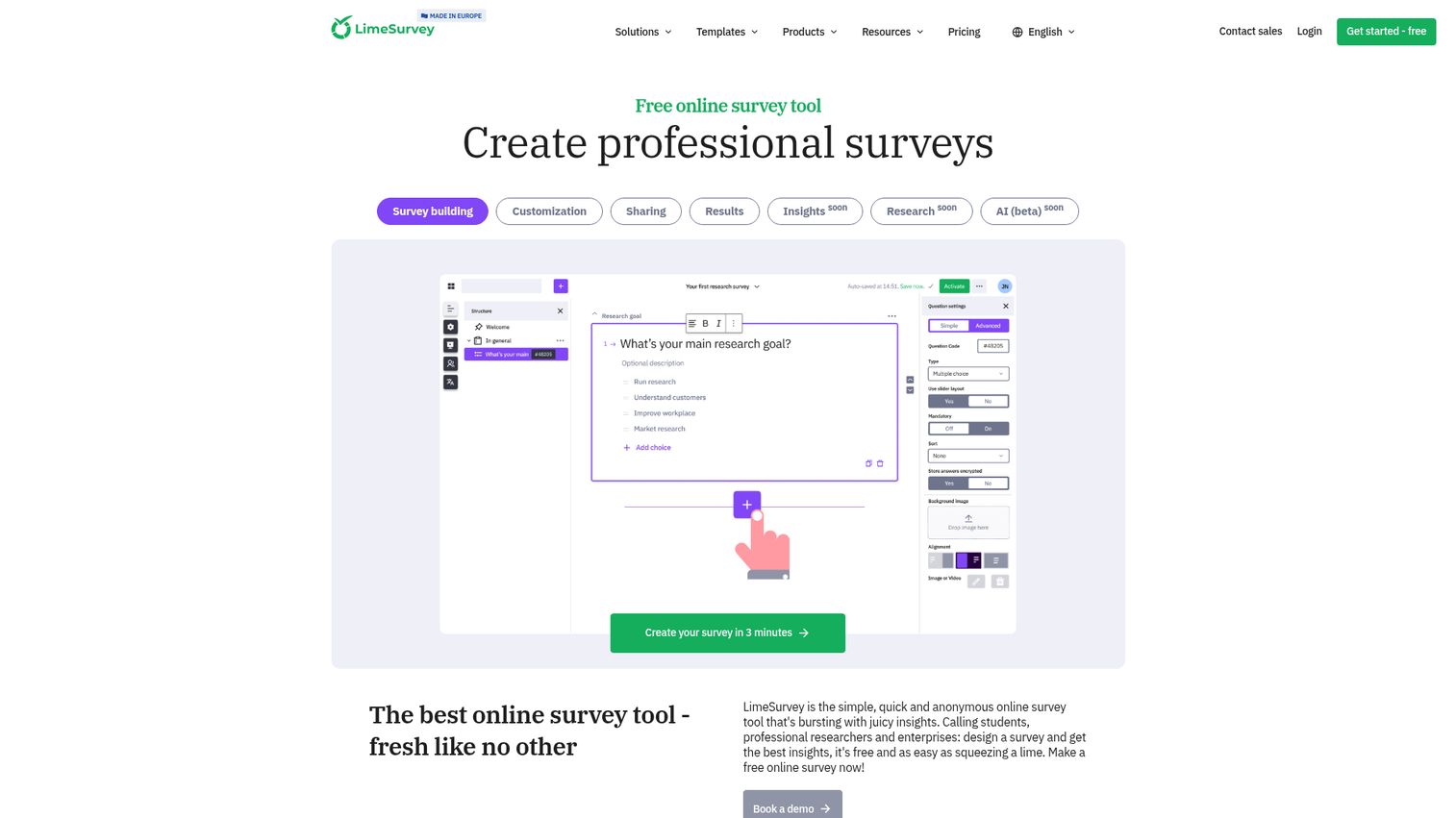
LimeSurvey has been in active development for over 20 years and remains the leading open-source survey platform. The self-hosted version gives you complete control over your data - no third-party servers, no response limits, no vendor lock-in.
Best for: IT-savvy organizations, government agencies, healthcare institutions, and universities that require full data sovereignty and self-hosting capabilities.
Key strengths
- Open-source with self-hosted deployment option for full data control
- 80+ language support for multilingual survey distribution
- 30+ question types with advanced branching and conditional logic
- GDPR compliance tools including participant anonymization and data deletion
- Active plugin ecosystem and API access for custom integrations
Pricing: Community Edition: free (self-hosted). LimeSurvey Cloud: Free (25 responses/month), Basic ($49/month), Expert ($129/month), Enterprise (custom).
The self-hosted version requires technical setup and ongoing maintenance - you're responsible for server infrastructure, security patches, and upgrades. That's a cost that doesn't show up in the $0 price tag. The UI is also noticeably dated compared to modern tools like Typeform or SurveySparrow.
The cloud pricing isn't particularly competitive for what you get. At $49/month for the Basic cloud plan, you're paying similar rates to SurveyMonkey or SurveySparrow without the polish or integration depth. The value proposition is data sovereignty, not convenience.
Trade-off: If data residency isn't a hard requirement, SurveyMonkey or QuestionPro offer better value on cloud plans.
13. Suzy - best for real-time consumer insights
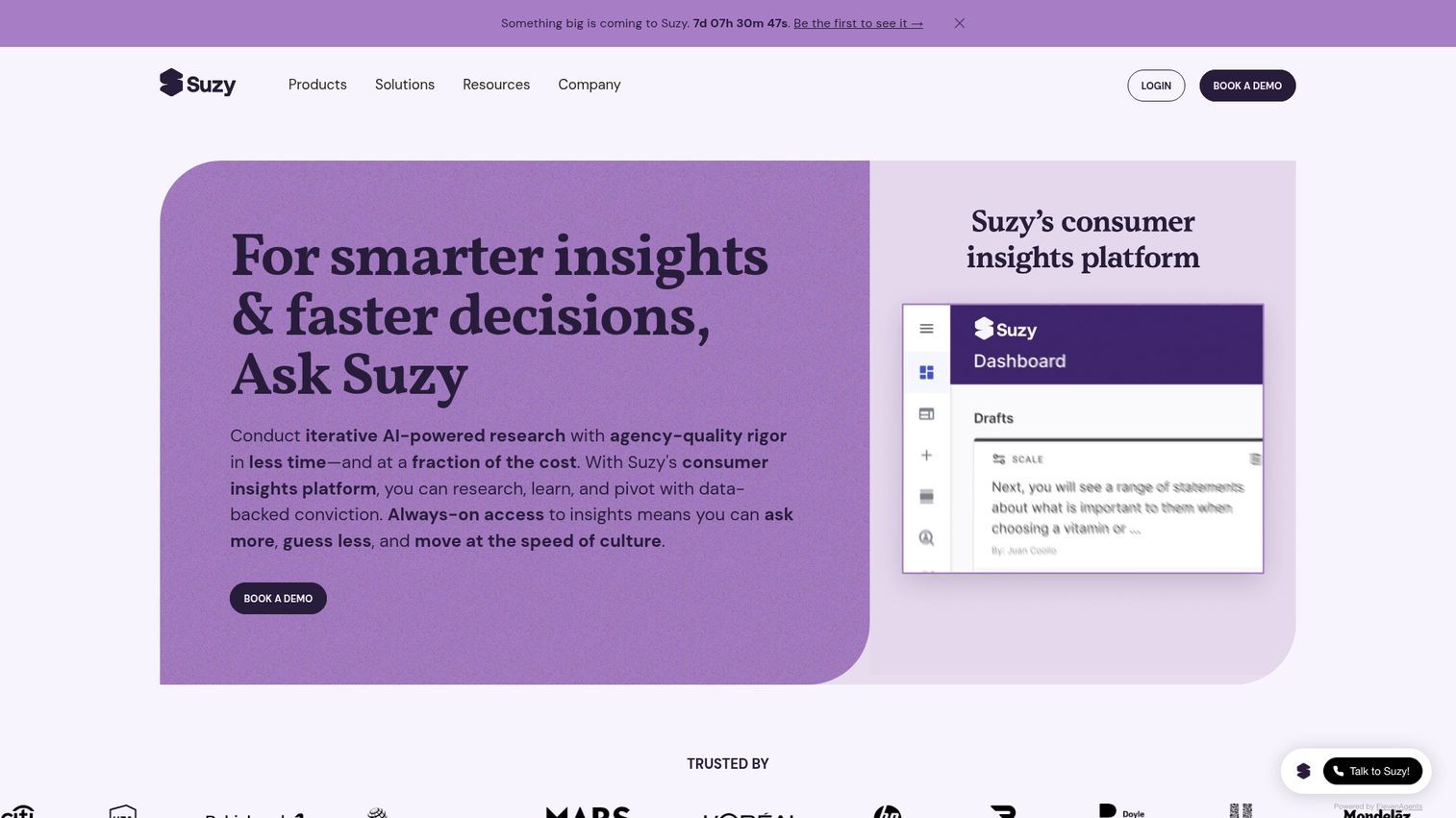
Suzy is an agile consumer insights platform designed for brand and product teams that need fast answers from verified consumers. It's not a general-purpose survey tool - it's purpose-built for brand research, concept testing, and competitive benchmarking. Teams focused on understanding their competitive landscape may also benefit from competitive intelligence tools alongside their survey data.
Best for: Brand managers and consumer insights teams at mid-to-large companies that need rapid, reliable consumer research without managing a research panel.
Key strengths
- Proprietary verified consumer panel with fast turnaround (results often within hours)
- Combines quantitative surveys with qualitative responses and video feedback
- Concept testing, ad testing, and sequential monadic testing capabilities
- AI-assisted analysis for open-ended response coding and insight extraction
- Live dashboards for real-time results monitoring during fieldwork
Pricing: Custom pricing only, typically starting at $30,000+/year for enterprise access. No self-serve or free plan available.
The pricing puts Suzy firmly in enterprise territory. If you're a startup or mid-market team without a dedicated research budget, this isn't the right tool. The audience is also primarily US-centric, which limits usefulness for global research programs.
For brand teams at companies with research budgets, the speed-to-insight is differentiated. Getting reliable consumer feedback within hours - rather than days or weeks - changes how quickly product and marketing decisions can be made.
Trade-off: Pollfish offers faster self-serve access to consumer panels at pay-per-response pricing, which works better for teams without enterprise research budgets.
14. SmartSurvey - best for UK and European compliance
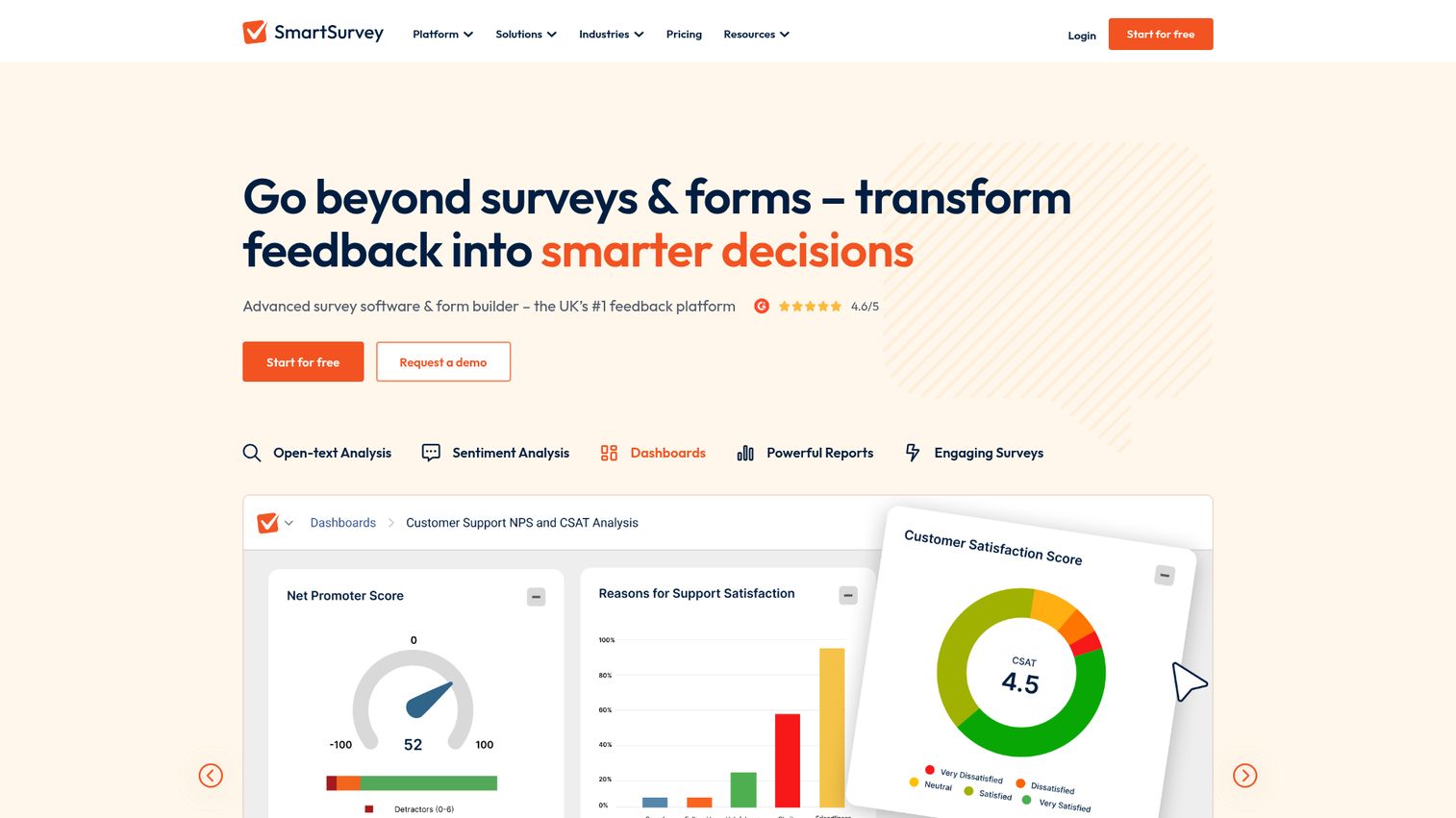
SmartSurvey is a UK-based survey platform trusted by the NHS, UK government departments, and major British brands. Its primary differentiator is data residency - all data is stored on UK/EU servers, which matters for organizations with strict data sovereignty requirements.
Best for: UK and European organizations, government bodies, healthcare institutions, and any company that needs guaranteed EU/UK data residency and compliance.
Key strengths
- UK and EU data hosting with GDPR compliance tools built in
- NHS Data Security Toolkit compatibility for healthcare use cases
- Custom branding, branching logic, and piping on paid plans
- Multi-language survey support for European deployments
- Responsive UK-based customer support team
Pricing: Free (limited), Professional (£30/month), Business (£60/month), Enterprise (custom). Pricing in GBP reflects the UK market focus.
The feature set is narrower than Qualtrics or SurveyMonkey, and SmartSurvey is less well known outside the UK and Europe. The integration ecosystem is limited compared to US-based competitors. If you're not in a regulated UK/EU context, you're paying a premium for compliance features you may not need.
Trade-off: For US-based organizations with HIPAA requirements, Qualtrics, Jotform, or Alchemer are better fits. SmartSurvey's compliance advantage is specifically UK/EU-focused.
15. Mentimeter - best for live audience interaction and presentations
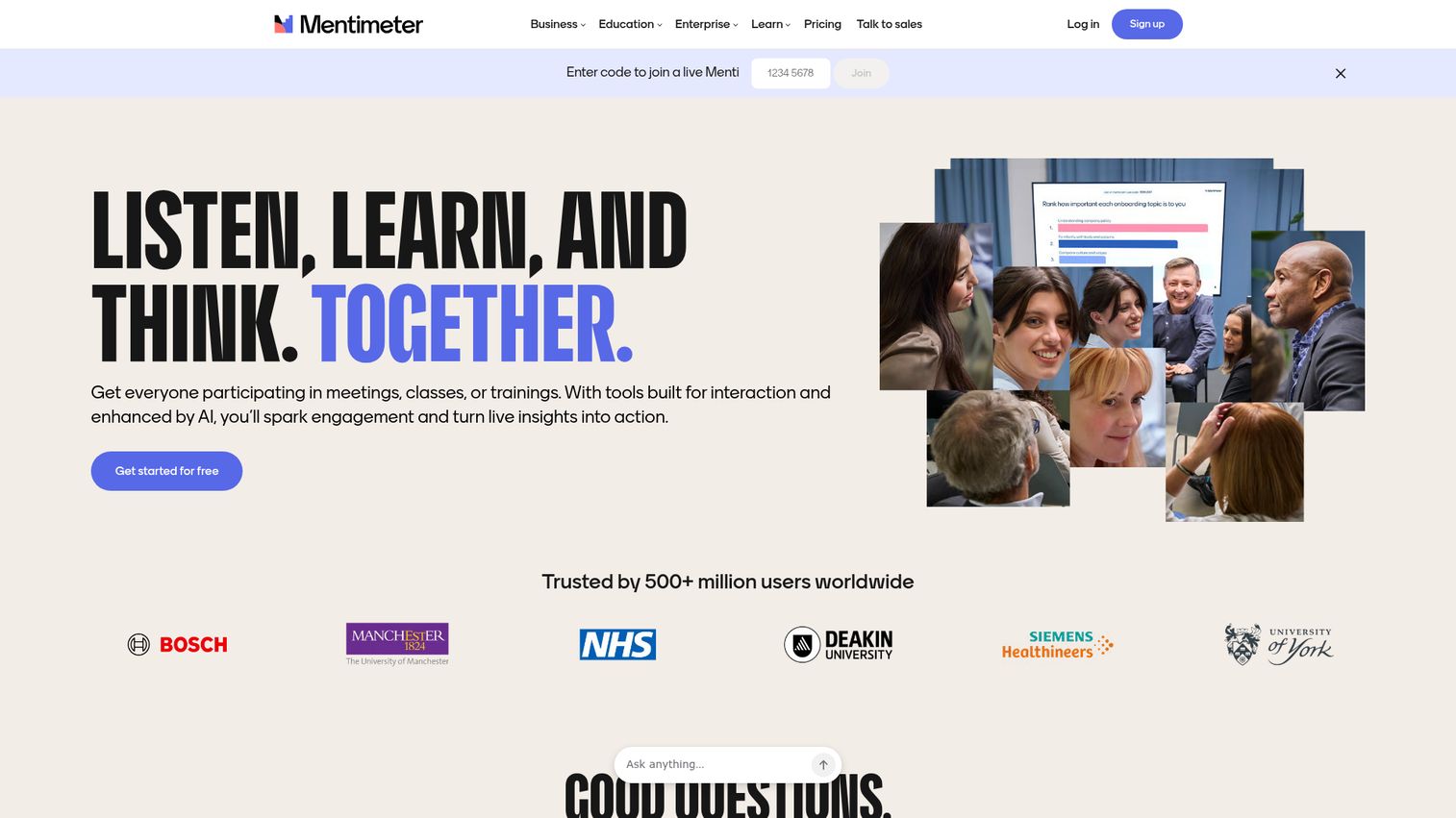
Mentimeter is worth including here with an important caveat: it's not a traditional survey tool. It's a live polling and interactive presentation platform. If you need real-time audience engagement during meetings, events, or classes, nothing on this list comes close. See the platform in action with this interactive Mentimeter demo.
Best for: Trainers, educators, event organizers, and meeting facilitators who need real-time audience interaction and live polling during presentations.
Key strengths
- Live polling, word clouds, Q&A, and quizzes with real-time results displayed on screen
- Audience participation via smartphone - no app download required
- PowerPoint and Google Slides integration for embedding polls in existing decks
- Beautiful real-time data visualizations that update as responses come in
- Post-event data export for follow-up analysis
Pricing: Free (unlimited audience, 2 question slides per presentation), Basic ($11.99/month), Pro ($24.99/month), Enterprise (custom).
The 2-question-slide limit on the free plan is restrictive for anything beyond a quick demo. Mentimeter is also limited for asynchronous data collection - it's designed for live, synchronous engagement. The analytics and export capabilities are basic compared to dedicated survey platforms. If you're organizing events around these presentations, you may also want to evaluate event management software to handle the logistics.
If you're evaluating survey tools for async data collection, customer feedback, or market research, Mentimeter isn't the right fit. But for training sessions, all-hands meetings, and conference presentations where audience engagement matters, it's the clear choice.
Trade-off: For async surveys with better analytics, any other tool on this list serves you better.
Honorable mentions: other survey tools worth considering
These tools didn't make the top 15 but deserve attention for specific use cases.
SurveyPlanet is a simple, affordable survey tool with a generous free plan and a distinctive "presentation" mode for displaying results visually. It works well for teams that want something between Google Forms and SurveyMonkey in terms of complexity and cost. Free plan available; paid plans start at $20/month.
BlockSurvey is a privacy-first survey platform built on blockchain technology, designed for sensitive data collection where respondent anonymity is critical. It's particularly relevant for healthcare, mental health, and research contexts where standard SaaS data handling creates compliance concerns. Paid plans start at $29/month.
Tally is a free, Notion-like form and survey builder with unlimited forms and responses on the free plan. It's one of the best free survey creators available in 2026 for teams that want a modern interface without the Google Forms aesthetic. Paid plan available at $29/month for advanced features.
Crowdsignal (by Automattic/WordPress) integrates natively with WordPress sites and is the most natural choice for WordPress-based teams. It handles polls, surveys, and quizzes with minimal setup. Free plan available; paid plans from $15/month.
Zoho Survey is the strongest option for teams already using Zoho CRM. The native integration with the Zoho suite makes it easy to connect survey responses to customer records without additional configuration. Free plan available; paid plans from $25/month.
Formstack is an enterprise form builder with strong compliance features including HIPAA and FedRAMP certifications. It's particularly relevant for healthcare and government organizations that need both form building and compliance documentation. Pricing starts at $83/month. You can explore the interface with this interactive Formstack demo.
Responsly is a newer entrant focused on customer experience measurement with NPS, CSAT, and CES tracking. It's worth evaluating if you want a dedicated CX measurement tool at a lower price point than Survicate. Paid plans start at $25/month.
| Tool | Best For | Free Plan | Starting Price |
|---|---|---|---|
| SurveyPlanet | Simple surveys with visual results | Yes | $20/mo |
| BlockSurvey | Privacy-sensitive data collection | No | $29/mo |
| Tally | Free unlimited surveys, modern UI | Yes (unlimited) | $29/mo |
| Crowdsignal | WordPress-native surveys | Yes | $15/mo |
| Zoho Survey | Zoho ecosystem users | Yes | $25/mo |
| Formstack | Enterprise compliance (HIPAA/FedRAMP) | No | $83/mo |
| Responsly | CX measurement (NPS/CSAT/CES) | No | $25/mo |
How to choose the right survey software for your needs
There's no single "best" survey software - the right choice depends on your use case, budget, and technical requirements. Here's a structured framework to narrow your options.
By use case
| Use Case | Recommended Tools | Why |
|---|---|---|
| Customer feedback (NPS/CSAT/CES) | Survicate, SurveyMonkey, SurveySparrow | Contextual targeting, NPS tracking, recurring automation |
| Market research | Pollfish, Suzy, QuestionPro, Qualtrics | Built-in panels, advanced question types, data quality controls |
| Employee engagement | SurveyMonkey, Qualtrics, SurveySparrow | Templates, recurring surveys, 360-degree feedback |
| Academic research | LimeSurvey, QuestionPro, Qualtrics | Data sovereignty, advanced statistics, research question types |
| Live events and presentations | Mentimeter | Real-time polling, no app required for participants |
| Lead generation and marketing | Typeform, Jotform | Conversational UI, payment collection, high completion rates |
| Internal operations | Google Forms, Microsoft Forms | Free, integrated with existing productivity tools |
By budget
| Budget | Best Options | Notes |
|---|---|---|
| Free | Google Forms, Microsoft Forms, Tally | Unlimited responses; limited analytics and design |
| Under $50/month | SurveySparrow, LimeSurvey Cloud, Mentimeter | Good for small teams with specific use cases |
| $50–$200/month | SurveyMonkey, Alchemer, Typeform, QuestionPro | Most teams land here; strong feature sets |
| Enterprise ($200+/month) | Qualtrics, Suzy, Alchemer Full Access | Advanced analytics, compliance, dedicated support |
| Pay-per-response | Pollfish | ~$1/response; best when you need external respondents |
By company size
| Company Size | Recommended Tools | Rationale |
|---|---|---|
| Solopreneurs and freelancers | Google Forms, Typeform, Tally | Low cost, quick setup, no team management needed |
| Small teams (2–20) | SurveyMonkey, Jotform, SurveySparrow | Reliable platforms with generous entry-level plans |
| Mid-market (20–500) | Alchemer, QuestionPro, Survicate | CRM integrations, workflow automation, contextual feedback |
| Enterprise (500+) | Qualtrics, Suzy, Alchemer Full Access | Compliance, advanced analytics, enterprise support |
Key features to look for in survey software in 2026
The survey software landscape has shifted meaningfully in the past two years. Here's what separates good tools from great ones in 2026.
AI-powered survey creation and analysis
AI features are no longer a differentiator - they're becoming table stakes. The tools leading here in 2026 are SurveyMonkey Genius (which suggests questions and predicts completion rates), Qualtrics ExpertReview (which flags survey design issues before launch), and Survicate's AI survey creator (which generates full surveys from a brief text prompt).
Beyond creation, AI is increasingly used for open-ended response coding - automatically categorizing and tagging thousands of text responses that would otherwise require manual analysis. For any team running surveys at scale, this feature alone can save dozens of hours per research cycle.
Data quality and fraud detection
AI-generated survey responses are a growing concern in 2026. As large language models become more accessible, the risk of synthetic responses contaminating research data has increased. Look for platforms with bot detection, attention check questions, speeder detection (flagging respondents who complete surveys too quickly), duplicate response filtering, and geolocation verification.
Pollfish and Qualtrics lead on data quality controls. If your research decisions carry business weight, this is worth prioritizing in your evaluation.
Integration ecosystem
Survey data is only useful if it flows into the systems where decisions get made. The integration questions worth asking: Does it connect natively to your CRM (Salesforce, HubSpot)? Can it push responses to Slack or Teams for real-time visibility? Does it support Zapier or Make for custom automation? Can it write to your data warehouse?
Alchemer leads for native CRM integrations. SurveyMonkey covers the broadest range with 200+ connections. For Microsoft-centric organizations, Microsoft Forms connects natively to Power Automate for workflow automation without additional tools.
Compliance and data privacy
GDPR, HIPAA, SOC 2, and FedRAMP requirements are increasingly non-negotiable for enterprise buyers. Global privacy regulations continue to evolve, and the cost of non-compliance is rising. Tools with specific compliance certifications include Qualtrics (GDPR, HIPAA, FedRAMP, SOC 2), Jotform (HIPAA option), Alchemer (HIPAA option), LimeSurvey (GDPR, self-hosted), and SmartSurvey (UK GDPR, NHS Data Security Toolkit).
If you're in healthcare, financial services, or government, verify compliance certifications directly with the vendor before committing - and confirm that the specific plan tier you're purchasing includes the BAA (Business Associate Agreement) required for HIPAA compliance.
Conclusion: picking your survey software
There's no single "best" survey software - the right choice depends on your use case, budget, and technical requirements.
For most teams starting fresh: SurveyMonkey for all-around reliability, Google Forms if budget is zero, Typeform if design and completion rate are priorities, Qualtrics for enterprise research, and Pollfish if you need a built-in consumer panel for market research.
Most tools on this list offer free plans or trials - start by testing 2–3 platforms with a survey before committing to a paid plan. The difference between tools becomes obvious quickly once you're working with actual data. If you're evaluating SaaS tools more broadly, consider using interactive demos to let your team explore platforms hands-on before committing.
FAQs
Google Forms is the best free option - unlimited surveys, unlimited responses, and real-time Google Sheets sync at zero cost. Microsoft Forms is equally free for Microsoft 365 users. Tally and QuestionPro also offer generous free plans with modern interfaces. SurveyMonkey and Typeform have free plans, but both impose significant limitations: SurveyMonkey caps responses at 25 per survey, and Typeform limits you to 10 responses per month on the free tier.
Survey software is designed primarily for data collection and analysis - it includes analytics dashboards, cross-tabulation, reporting, and often audience panels. Form builders focus on collecting structured submissions like registrations, orders, and applications. Many tools blur this line: Jotform and Typeform function as both. The practical distinction is that survey software typically includes advanced skip logic, statistical reporting, and research-grade question types that form builders don't prioritize.
Pricing ranges from free (Google Forms, Microsoft Forms, Tally) to $30,000+/year for enterprise platforms like Suzy. Most mid-tier survey tools cost between $25 and $165 per user per month. Pollfish uses a pay-per-response model at approximately $1 per response for basic targeting. Free plans exist for most tools but typically limit responses, question counts, or analytics features - the restrictions vary significantly, so check the specific plan details before assuming a free tier meets your needs.
Yes, but not all tools are equally suited. Pollfish, Qualtrics, QuestionPro, and Suzy are the strongest options for market research specifically. Effective market research requires audience panels for reaching external respondents, advanced question types like conjoint analysis and MaxDiff, and robust data quality controls to filter out low-quality responses. Basic tools like Google Forms and Microsoft Forms lack all three of these capabilities and aren't appropriate for research that informs significant business decisions. For deeper consumer understanding beyond surveys, consider pairing your survey tool with a dedicated consumer insights platform.
Alchemer leads for native CRM integrations, with bidirectional Salesforce and HubSpot sync built into its core product. SurveyMonkey covers the broadest range with 200+ native integrations across CRM, email marketing, analytics, and communication tools. Most platforms connect to Zapier for additional automation. For Microsoft-centric organizations, Microsoft Forms integrates natively with Teams, Excel, SharePoint, and Power Automate. For website and in-product feedback, Survicate has the strongest embed integrations with HubSpot, Intercom, and Segment.
Not all survey software is HIPAA compliant by default - and compliance typically requires both a specific plan tier and a signed Business Associate Agreement (BAA) with the vendor. Tools that offer HIPAA compliance options include Qualtrics, Jotform, Formstack, Alchemer, and LimeSurvey (self-hosted). Google Forms and SurveyMonkey's standard plans are not HIPAA compliant. If you're collecting protected health information, verify the BAA process directly with the vendor before using any survey tool for that purpose.
SurveyMonkey works well for small businesses that need ease of use and brand recognition to improve external response rates. Jotform is the strongest choice for businesses that need surveys combined with payment collection or registration forms. SurveySparrow suits small teams running recurring feedback programs like quarterly NPS or employee pulse surveys. For zero-budget needs, Google Forms or Tally handle basic data collection without any subscription cost. Start with free plans and upgrade only when you hit a specific limitation that's blocking your work.
Keep surveys short - aim for 5 minutes or under, which typically means 10 questions or fewer. Use conversational formats (Typeform, SurveySparrow) for customer-facing surveys where design affects willingness to engage. Send at optimal times (Tuesday through Thursday mornings tend to perform best for B2B audiences). Personalize invitations with the recipient's name and a clear explanation of why their response matters. Send one follow-up reminder 3–5 days after the initial invite. For guaranteed responses regardless of your own audience, tools with built-in panels like Pollfish and Qualtrics Audience remove the response rate problem entirely by sourcing respondents for you.