A candidate opens a second tab mid-exam. Another has a phone propped just off camera. A third logs in with a photo of the enrolled student instead of a face. Every one of these is a defensible-integrity problem, and every one of them lands on whoever owns your assessment program.
That pressure is only growing. The remote proctoring solutions market is forecast to expand from USD 0.63 billion in 2024 to USD 2.09 billion by 2032, a 15.9% CAGR, according to Business Research Insights (2024). More exams are moving online, and the tools that watch them are getting scrutinized harder by faculty, legal teams, and students alike.
So the real decision is not "which vendor has the most features." It is which platform matches your exam risk, your identity verification standard, your LMS, and your budget model without creating a support fire every testing window. This guide breaks down seven remote proctoring software options and gives you a practical way to compare them.
What is remote proctoring software?
Remote proctoring software is a category of assessment security tools that verify test-taker identity, monitor exam sessions, and restrict what a candidate can do on their device so exams stay fair without an in-person invigilator.
Most platforms combine a few core layers. Identity verification confirms the right person is taking the test. Monitoring watches the session through webcam, audio, and screen capture. Browser lockdown and secure browser controls stop tab-switching, copy-paste, and unauthorized apps. Review workflows flag suspicious behavior for a human to check, either live or after the fact.
Core capabilities to expect:
- Identity verification: photo ID checks, facial recognition, and test-taker authentication
- Webcam monitoring: continuous video capture, sometimes with a second camera angle
- Audio monitoring: microphone recording and speech detection for outside help
- Browser lockdown: a secure browser that blocks navigation, screenshots, and other apps
- AI cheating detection: automated flagging of gaze shifts, extra faces, and background noise
- Review dashboards: timestamped flags for proctors or administrators to adjudicate
- LMS integration: connections into learning platforms so exams launch inside existing course flows
The three delivery modes matter more than any single feature. Live proctoring puts a human proctor on the session in real time. Automated proctoring records and uses AI to flag events for later review. Hybrid proctoring blends both, with AI triaging sessions and live proctors intervening only when needed. Higher-risk exams push you toward live or hybrid; high-volume, lower-stakes testing usually favors automation.
When to use remote proctoring software
Not every quiz needs a locked-down browser and a live human watching. The right level of control tracks the stakes of the exam and the consequences of a compromised result.
Protect certification and licensing exams
High-stakes tests carry real consequences. A credential can gate a job, a license, or a legal right to practice. That raises the bar for exam integrity and auditability.
For these exams, live or hybrid proctoring is usually the safer call. A live proctor can intervene the moment something looks wrong, and a full session recording gives you a defensible record if a result is challenged. Strong identity verification matters most here, because the cost of an impersonated pass is severe.
Run remote assessments at scale
Workforce assessments, placement tests, and large course exams can run into tens of thousands of attempts in a single window. Live proctoring every seat at that volume gets expensive fast.
Automated proctoring and record-and-review models fit this scenario. AI cheating detection handles the first pass, flagging only the sessions that need a human look. Per-exam economics become the deciding factor, because a few cents of difference per attempt scales into real money across a large program.
Support higher education and LMS-driven testing
Most higher education testing runs through a learning management system. If proctoring does not launch cleanly inside Canvas, Moodle, or Blackboard, both administrators and students feel the friction.
LMS integration keeps exams inside the course flow students already know. Grades sync back, rosters stay current, and instructors do not manage a second login. For institutions running dozens of proctored exams a term, that integration is often the single biggest driver of adoption.
Comparison table
The table below sorts these seven platforms by overall relevance to remote proctoring software buyers. Read it as a shortlist starting point: match the "best for" column to your own exam risk and volume, then confirm pricing and LMS fit against your stack before you commit.
| # | Product | Best for | Key differentiator | Pricing | G2 rating |
|---|---|---|---|---|---|
| 1 | Proctortrack | Institutions needing live, automated, and hybrid modes | Biometric identity verification with tiered delivery | From $2.25/test attempt at high volume | 4.1/5 |
| 2 | Honorlock | Higher ed and certification with live oversight | AI plus on-demand live proctors, 24/7 support | Flat-rate, quote-based | 4.5/5 |
| 3 | Proctor360 | Multi-mode proctoring for schools and cert bodies | 360 Total View headset proctoring | From $15/hour (one-time) | 4.9/5 |
| 4 | Proctorio | Configurable proctoring and review workflows | Free essentials with per-exam options | Free tier; $10/exam or $20/course | 4.1/5 |
| 5 | ExamOnline | Configurable secure online exam workflows | AI proctoring with browser lockdown | Custom pricing | - |
| 6 | Safe Exam Browser | Lockdown inside an existing assessment stack | Free open-source secure browser | Free (open source) | - |
| 7 | Questionmark Secure | Locked-down delivery for high-stakes testing | Secure browser for assessment platforms | Custom pricing | 2.8/5 |
Best remote proctoring software for 2026
Each section below covers what the tool does, who it fits, its key strengths, and pricing where a public figure is available. Where a vendor keeps pricing behind a quote, that is noted plainly.
1. Proctortrack
Proctortrack is remote online proctoring software built for educational institutions and testing programs. It combines automated identity verification with biometric checks and offers live, automated, and hybrid proctoring modes so you can match the monitoring level to each exam's risk. It plugs into major learning platforms and gives administrators exam monitoring dashboards to review flagged sessions.
The platform leans on a biometric identity layer to confirm test-taker authentication, then applies AI-assisted monitoring across webcam, audio, and screen activity. Its tiered delivery lets a program run automated record-and-review for high-volume tests while reserving live oversight for the exams that need it.
Best for: Schools and testing programs that want one platform spanning live, automated, and hybrid proctoring with LMS integration.
Key features
- Automated identity verification with biometric checks
- Live, automated, and hybrid proctoring modes
- LMS integrations and exam monitoring dashboards
Why choose Proctortrack: If your exam catalog ranges from low-stakes quizzes to high-stakes finals, having one vendor that flexes across all three monitoring modes reduces tool sprawl and keeps the student experience consistent.
Proctortrack pricing: Published SaaS pricing uses a per-test-attempt table. DIY record-and-review runs from $22.50 per attempt in the 5,000 to 10,000 band down to $2.25 per attempt at the 2.5 to 5 million band, with an enterprise license option for unlimited tests. Automated record-and-review runs from $6.60 per attempt at 250,001 to 500,000 tests down to $2.475 at the top band. Live, automated, and hybrid packages are otherwise quote-based.
2. Honorlock
Honorlock is online proctoring software and services built around a mix of AI and on-demand live proctors. Its model keeps sessions automated by default, then brings a live proctor into the session when the AI detects something worth a closer look. That hybrid approach gives you live-level assurance without staffing a proctor for every seat.
Honorlock puts real weight on the test-taker experience and institutional trust signals. It layers identity verification, browser lockdown, cell phone detection, and leaked question detection on top of standard webcam and audio monitoring, then backs it with round-the-clock support.
Best for: Higher education and certification programs that want live human oversight available on demand without paying for it on every session.
Key features
- AI proctoring paired with on-demand live proctors
- ID verification and browser lockdown
- Cell phone detection, leaked question detection, and speech detection
- LMS integration with 24/7/365 live support
Why choose Honorlock: The pop-in live proctor model is the differentiator. You get the deterrence and defensibility of live oversight, but the economics of automation, plus a support line staffed every hour of the year.
Honorlock pricing: Honorlock describes its pricing as flat-rate, charged per exam or per test-taker, and routes buyers to a demo or quote. No public dollar figure is published on its site, so budget conversations start with a sales conversation.
3. Proctor360
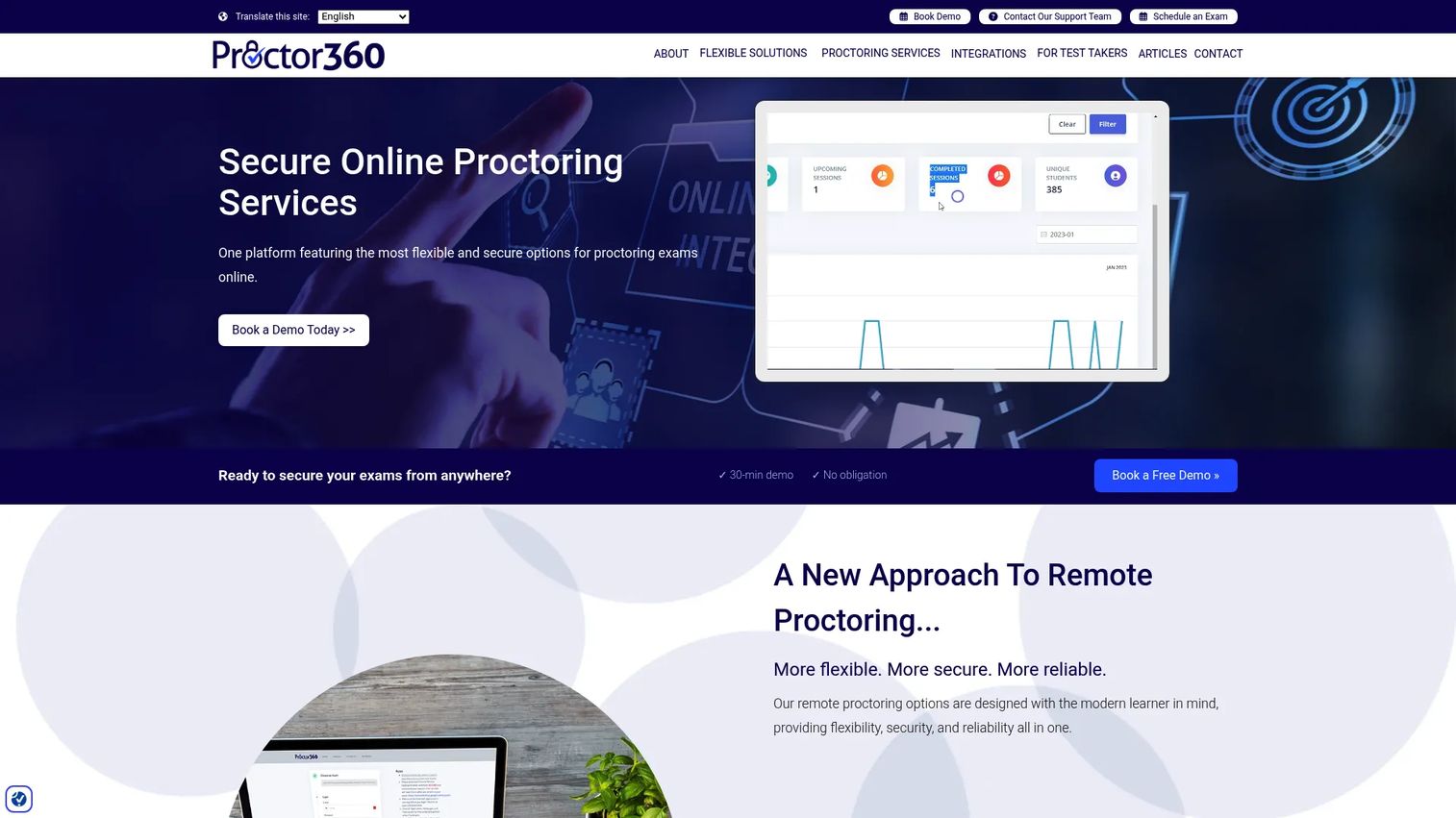
Proctor360 is remote proctoring software and services offering multiple security modes, from AI auto-proctoring to fully live sessions. Its standout is 360 Total View, a headset-based proctoring option that captures the full room around a candidate, closing the blind spots a single front-facing webcam leaves open.
The platform spans single-webcam live, multi-cam live, and AI-driven automated proctoring, with LTI integrations into major LMS platforms. That range makes it a fit for institutions and certification bodies that want to dial the monitoring depth up or down per exam.
Best for: Schools, certification bodies, and organizations that want multiple security modes, including room-scale camera coverage.
Key features
- AI auto-proctoring
- Single webcam and multi-cam live proctoring
- 360 Total View headset proctoring
- LTI integrations with major LMS platforms
Why choose Proctor360: When a front-facing camera is not enough, the 360 Total View headset gives you room-level visibility for the highest-stakes exams. The modality depth means you are not locked into one monitoring style across your whole program.
Proctor360 pricing: Public one-time proctoring starts at $15 per hour for standard single-webcam live proctoring, with multi-cam live proctoring at $20 per hour. Institutional and enterprise pricing is custom and quote-based.
4. Proctorio
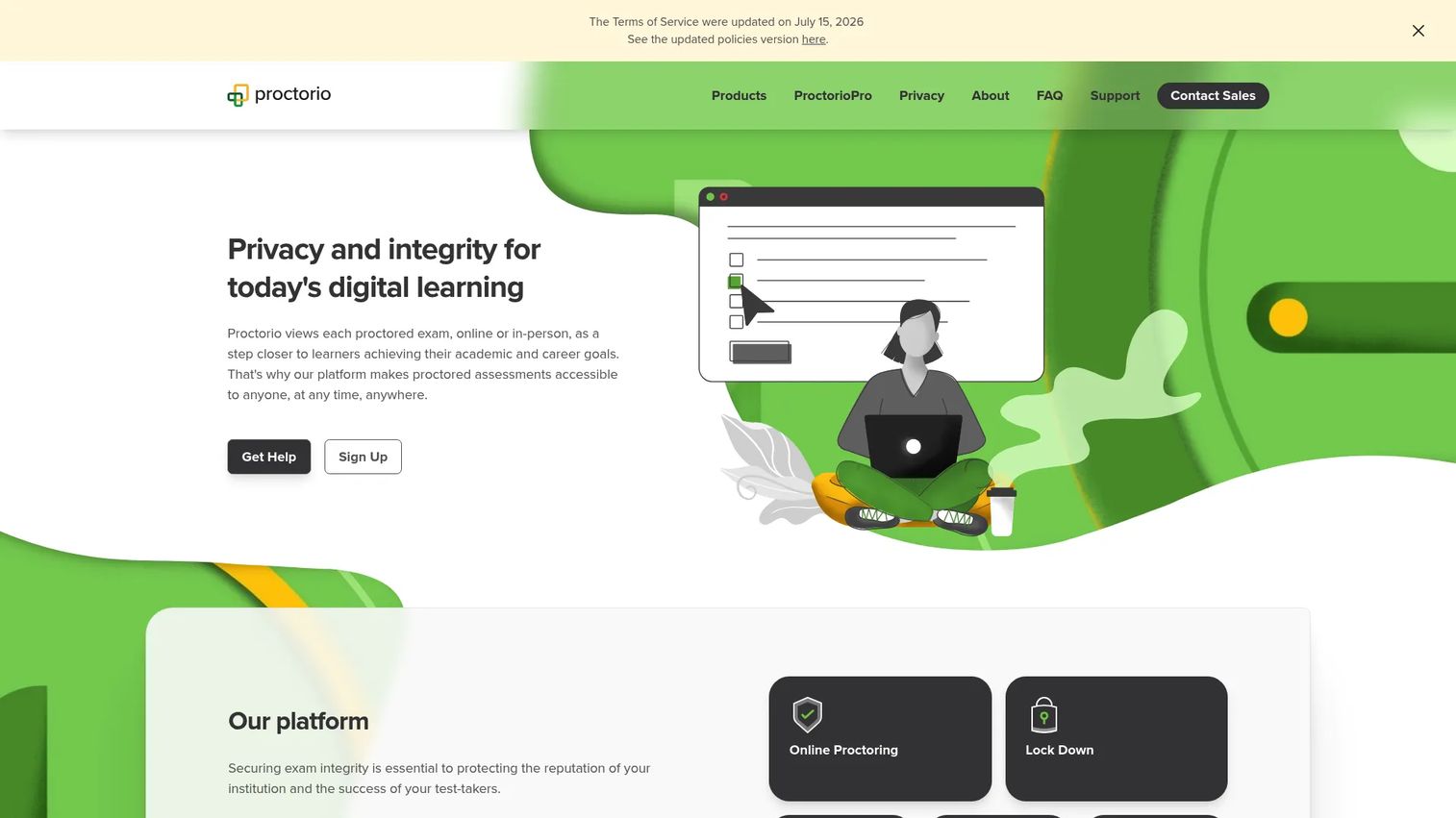
Proctorio is online proctoring and assessment integrity software for both academic and professional exams. It offers automated and live proctoring, identity verification, and a set of lockdown, recording, and review tools that administrators can configure per exam. That configurability is the draw: you decide exactly which controls apply to each test.
The platform is built to integrate directly with learning platforms, so exams launch and results flow inside existing course structures. Its review workflows give proctors and instructors timestamped flags to adjudicate after a session.
Best for: Schools and organizations that want configurable online exam proctoring with flexible per-exam controls.
Key features
- Automated and live online proctoring
- Identity verification
- Lockdown, recording, and review tools
Why choose Proctorio: The per-exam configurability lets you apply heavy controls to a licensing exam and a lighter touch to a formative quiz, all from one platform. The free essentials tier also lowers the barrier to a first deployment.
Proctorio pricing: Proctorio states that the essentials are free. Where institutions pass cost to test-takers, options may include $10 per individual exam or $20 per course, depending on how the institution sets it up.
5. ExamOnline
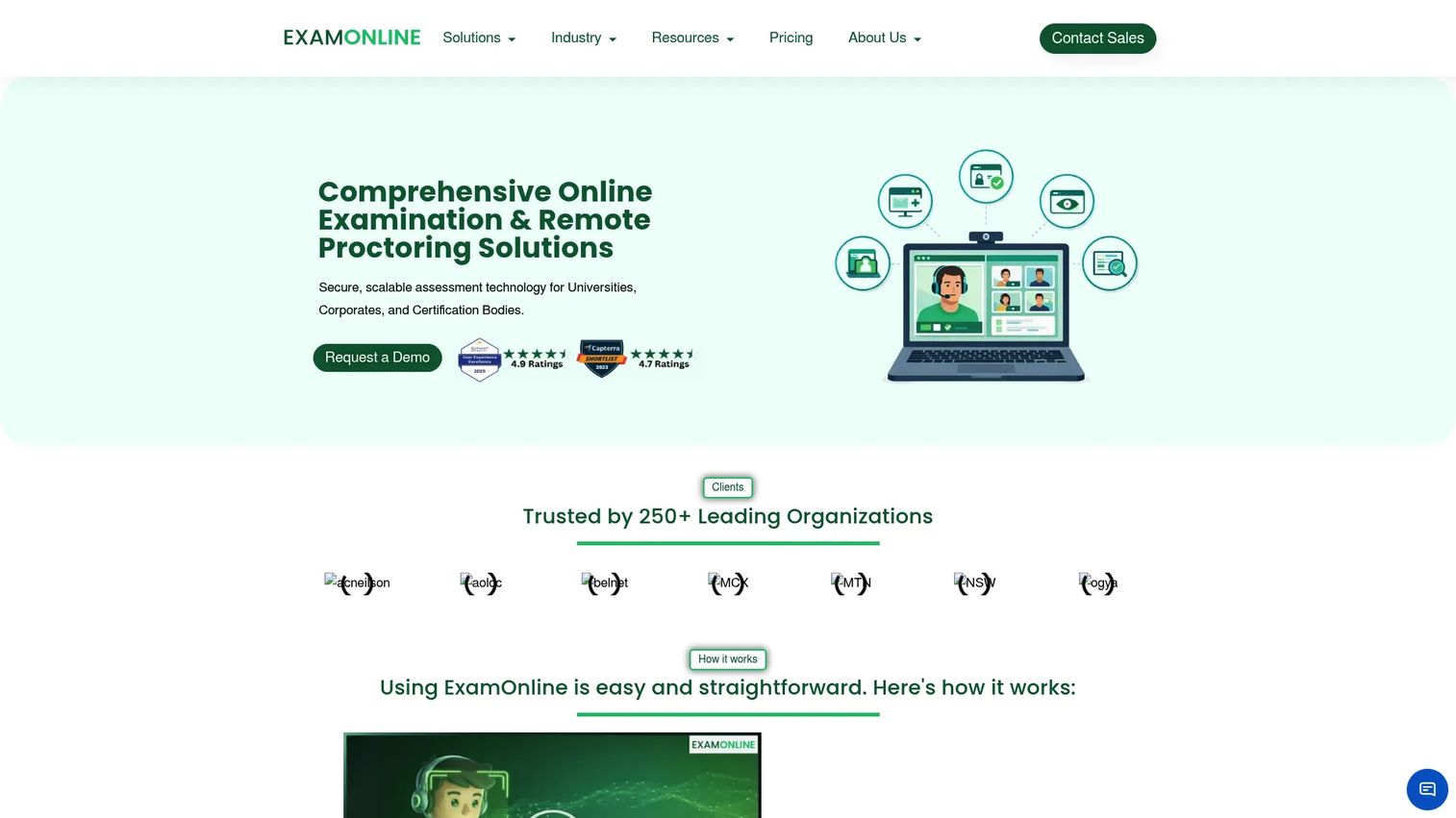
ExamOnline is an AI-powered online examination and remote proctoring platform for secure assessments. It combines AI-driven remote proctoring with browser lockdown and gives programs configurable exam workflows, live video monitoring, face and object detection, screen sharing, and reporting. The emphasis is on flexibility for institutions that want to shape the assessment process to their own rules.
Because the workflows are configurable, ExamOnline suits organizations that run varied exam formats and want reporting that maps to how they actually assess. Its proctoring stack covers the standard controls, from lockdown to live video, under one platform.
Best for: Organizations that want configurable secure online exams and remote proctoring in a single platform.
Key features
- AI-powered remote proctoring
- Browser lockdown
- Live video, face and object detection, screen sharing, and reporting
Why choose ExamOnline: If your assessment process does not fit a rigid template, the configurable workflows and reporting let you shape exams and outputs around your requirements rather than the other way around.
ExamOnline pricing: Pricing is customized. The platform offers tailored plans and a pay-as-you-go option, but no public dollar figures are listed, so expect a scoped quote based on volume and workflow needs.
6. Safe Exam Browser
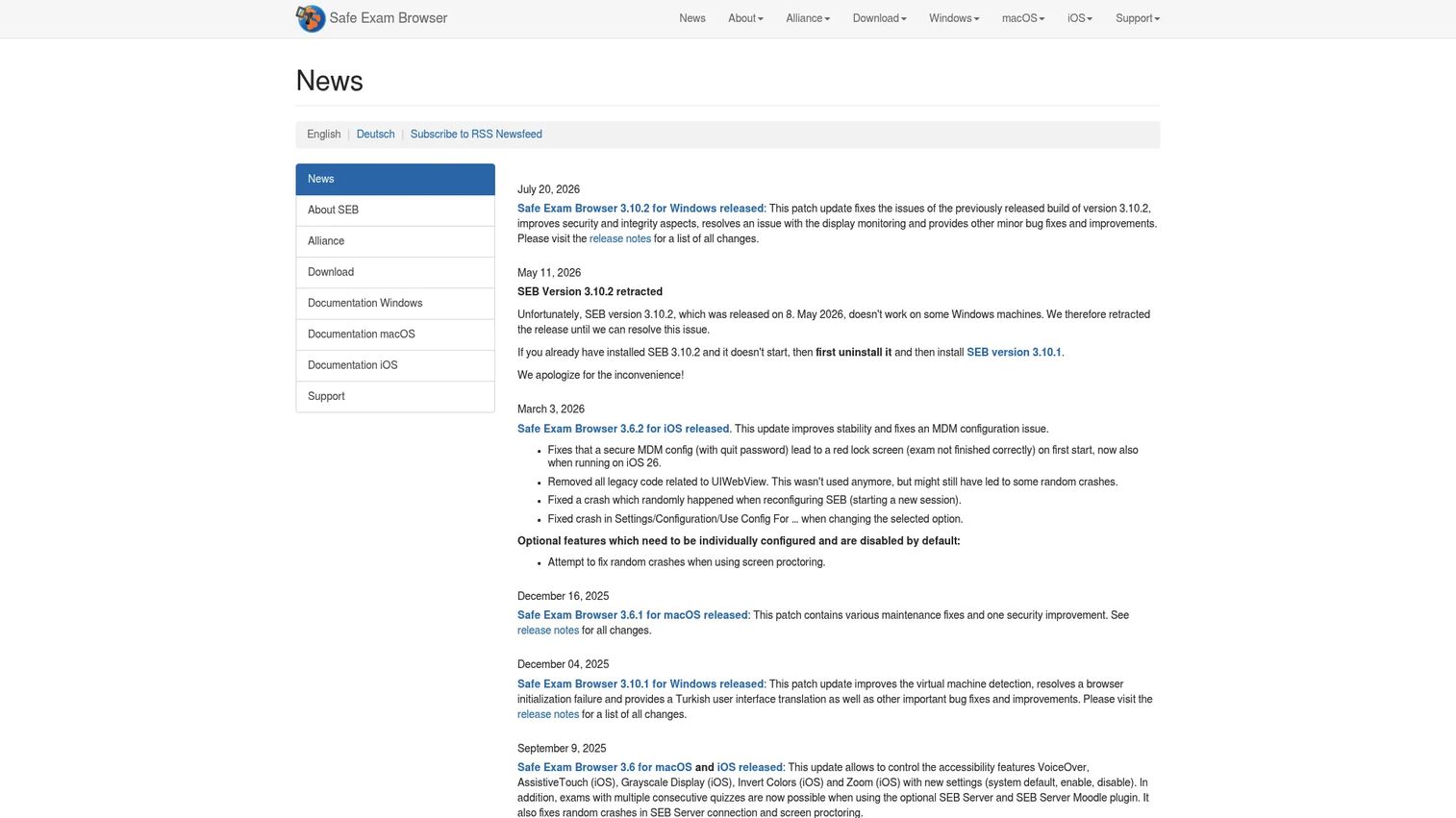
Safe Exam Browser is a free, open-source secure browser for running locked-down online exams on Windows, macOS, and iOS. It is not a full monitoring suite; it is a lockdown layer. It turns a computer into a managed kiosk during an exam, enforcing what a candidate can and cannot access on their device.
Its controls include encrypted configuration files, URL filtering, certificate pinning, and detection for virtual machines and jailbroken devices. Because it is open source and platform-specific, it slots into an existing assessment stack as the browser lockdown piece rather than replacing your whole proctoring approach.
Best for: Institutions that need a free, open-source lockdown browser to secure online exams inside an existing stack.
Key features
- Managed kiosk browser with encrypted configuration files
- URL filtering and certificate pinning
- VM and jailbreak detection with platform-specific lockdown controls
Why choose Safe Exam Browser: If you already have a monitoring or review layer and just need reliable, cost-free browser lockdown, this is a proven open-source option. It pairs well with an LMS or assessment platform that handles the rest of the exam workflow.
Safe Exam Browser pricing: The software is free and open source. The only published fees are SEB Alliance contributor memberships, which run yearly from EUR 2,500 (Bronze) up to EUR 50,000 (Diamond) for organizations that want to fund ongoing development.
7. Questionmark Secure
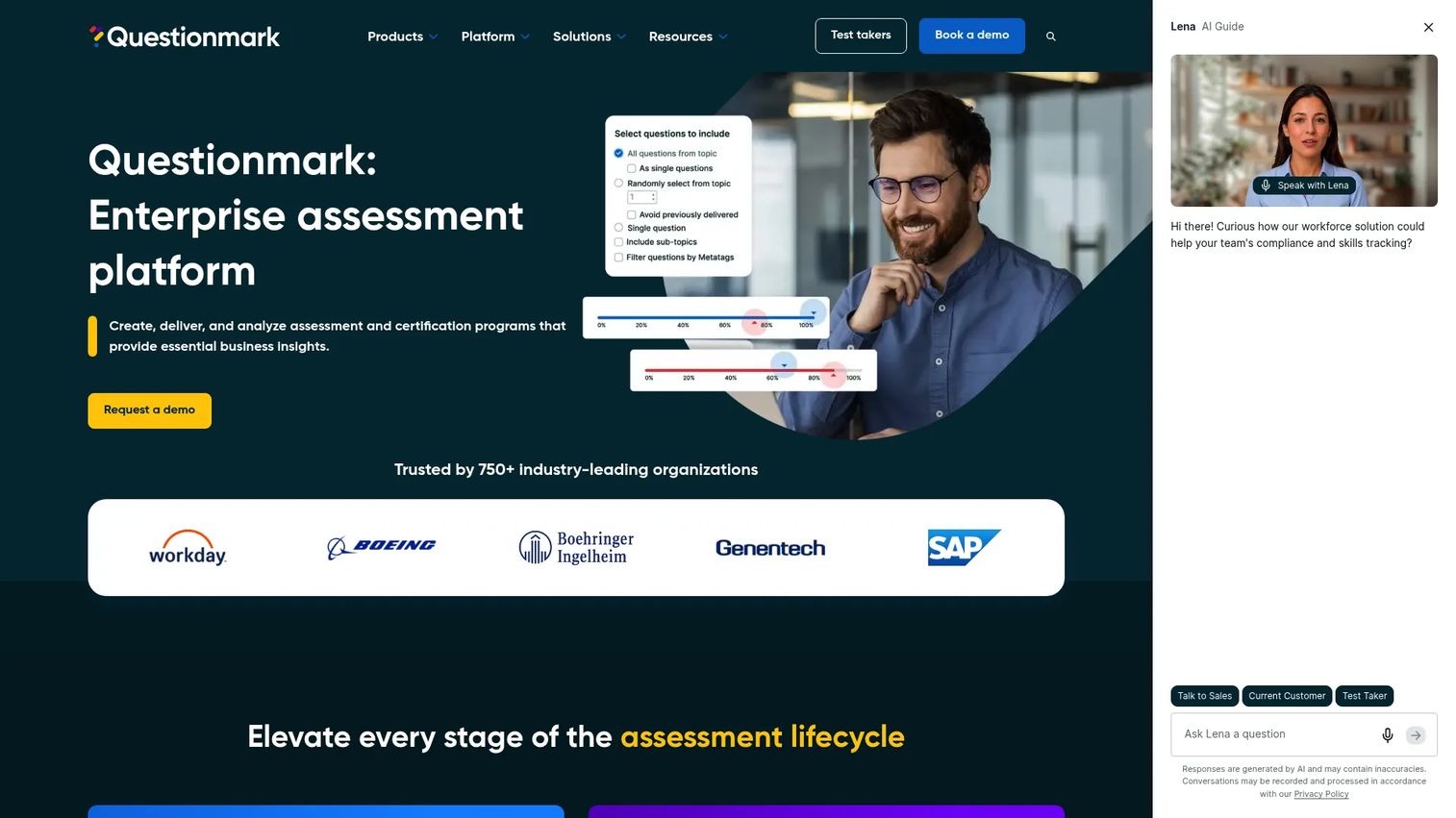
Questionmark Secure is locked-down browser software used to deliver secure, high-stakes assessments. Like a dedicated secure browser, it blocks prohibited apps and restricts the exam environment so candidates cannot access outside resources during a test. It runs on Windows, Mac, iPhone, and iPad.
Its value shows up most for organizations already working inside a Questionmark-style assessment platform, where the secure browser slots directly into the exam delivery pipeline. The focus is on integrity controls at the point of delivery rather than on a broad monitoring dashboard.
Best for: Organizations that need a secure browser for high-stakes testing inside an assessment platform.
Key features
- Locked-down browser for secure exam delivery
- Prohibited-app blocking during assessments
- Available on Windows, Mac, iPhone, and iPad
Why choose Questionmark Secure: If your assessment workflow already lives in a Questionmark-style environment, the secure browser is the natural integrity layer for high-stakes delivery, keeping the whole pipeline under one roof.
Questionmark Secure pricing: No public pricing is published for Questionmark Secure. Expect pricing to be scoped alongside the broader assessment platform through a sales conversation.
Considerations
Feature lists blur together fast. These five criteria are where remote proctoring buying decisions actually get made.
Identity verification requirements
Decide what "confirmed identity" has to mean for your program. A low-stakes quiz might need only a login. A licensing exam usually needs a photo ID check, facial recognition matched against enrollment records, and sometimes a live proctor confirming the face on camera. The stronger your consequence for an impersonated pass, the more test-taker authentication you should require.
Monitoring model and exam risk
Match the monitoring model to the stakes. Automated proctoring scales cheaply and suits high-volume, lower-risk testing. Live proctoring gives real-time intervention for high-stakes exams. Hybrid proctoring uses AI to triage and pulls a human in only when flagged, balancing cost against assurance. Map each exam type to a model before you shop.
LMS and assessment integrations
Confirm the platform launches cleanly inside your learning environment. Check for native support or LTI integration with Canvas, Moodle, Blackboard, or whatever you run, and verify grade sync and roster handling. Also confirm secure browser compatibility across the devices and operating systems your candidates actually use.
Privacy, compliance, and data handling
Recorded video, audio, and biometric data raise real privacy questions. Ask about data retention windows, where recordings are stored, and whether the vendor holds SOC 2 or comparable attestations. Confirm how student consent is captured and how the platform handles regional privacy rules that apply to your test-takers.
Pricing model and scale
The pricing model can matter more than the sticker number. Per-exam and per-student pricing scale directly with volume, so run your real attempt counts through each model. Flat-rate and enterprise licenses can win at high volume. A tool that is cheap per seat at 1,000 attempts may be the wrong choice at 500,000.
Conclusion
There is no single best remote proctoring software, only the best fit for your exam risk, volume, and stack.
For a program that spans low-stakes quizzes to high-stakes finals, Proctortrack and Proctor360 give you multiple monitoring modes under one roof. If you want live oversight available on demand without paying for it every session, Honorlock's pop-in proctor model is a strong fit. For configurable per-exam control with a free entry point, Proctorio is worth a close look. ExamOnline suits programs that need flexible, configurable workflows. And when you only need reliable browser lockdown inside an existing assessment stack, Safe Exam Browser and Questionmark Secure fill that role.
Your next step: map each exam type to a monitoring model, confirm LMS and secure browser compatibility against your environment, and run your real attempt volumes through each pricing model. Then shortlist the two platforms that match on all three, and put them through a pilot before your next testing window.
FAQs
There is no universal winner, because higher education programs run everything from formative quizzes to high-stakes finals. Platforms with strong LMS integration and multiple monitoring modes, such as Proctortrack, Honorlock, and Proctorio, tend to fit higher ed well because they launch inside Canvas, Moodle, or Blackboard and flex to different exam risk levels.
It combines layers rather than relying on any single control. Identity verification confirms the right person is testing, browser lockdown blocks tab-switching and outside apps, and webcam and audio monitoring capture the session. AI cheating detection flags gaze shifts, extra faces, and background voices, and a proctor or administrator reviews the flags live or after the exam.
Live proctoring puts a human proctor on the session in real time who can intervene the moment something looks wrong. Automated proctoring records the session and uses AI to flag events for later review, with no live human present. Hybrid proctoring blends the two, using AI to triage and pulling a live proctor in only when a session gets flagged.
Several tools on this list connect to major learning platforms. Proctortrack, Honorlock, and Proctorio integrate with common LMS environments, and Proctor360 offers LTI integrations with major LMS platforms. Always confirm the specific integration, grade sync, and roster handling for your exact LMS version before committing.
Pricing models vary widely. Proctortrack publishes per-attempt SaaS rates that fall as volume rises, from $22.50 down to $2.25 per attempt. Proctor360's one-time proctoring starts at $15 per hour. Proctorio offers free essentials with test-taker options of $10 per exam or $20 per course. Honorlock, ExamOnline, and Questionmark Secure use quote-based pricing, and Safe Exam Browser is free and open source.
Reputable platforms use encryption and follow data protection standards, but compliance is not automatic across every vendor. Ask about data retention windows, storage location, SOC 2 or comparable attestations, and how student consent is captured. Regional privacy rules that apply to your test-takers should shape your final choice.
Secure browsers and lockdown controls restrict what runs during an exam, and many platforms detect virtual machines, prohibited apps, and second devices. Honorlock, for example, includes cell phone detection and leaked question detection. Detection of newer AI assistance is an evolving area, so confirm what each vendor's current controls actually catch rather than assuming full coverage.
Start with exam risk and volume, then evaluate identity verification depth, monitoring model, LMS and secure browser compatibility, privacy and data handling, and the pricing model at your real scale. Run a pilot with your actual exams and devices before a full rollout, so you catch integration and student-experience issues before a live testing window.