A VPAT request lands in your inbox from a prospect's procurement team. Or legal forwards a demand letter. Or an EAA deadline moves from "next year" to "this quarter." Suddenly accessibility is not a backlog item, it is a release blocker, and you need digital accessibility software that can actually find, fix, and prove compliance fast.
You are not behind because your team is careless. You are behind because the bar keeps moving and the surface keeps changing. A 2025 analysis of the WebAIM Million found that 94.8% of website homepages still have at least one detectable accessibility failure, even though average detected errors dropped 10.3% since 2024. The gap is structural, not personal.
Here is the part that makes it urgent for a product team. Accessibility regressions ship every sprint, because every UI change can break a focus order, a label, or a contrast ratio. Manual audits once a year cannot keep pace with a release cadence measured in days. And the legal pressure is real: U.S. data cited in a 2026 statistics roundup counts 5,114 ADA-related lawsuits filed in 2025 alone.
This guide compares the tools that test against WCAG and ADA, help you remediate, monitor for drift, and produce defensible reporting. No single-vendor pitch, just a comparison-ready shortlist with pricing and ratings.
What's inside
This guide is for product managers, WebOps leads, accessibility program owners, and engineering managers who are building a shortlist of accessibility vendors. We evaluated tools against four criteria that matter when you own release readiness:
- Standards coverage (WCAG 2.1 and 2.2, ADA, Section 508, EAA, and VPAT support).
- Testing depth (automated scanning plus manual or expert-assisted evaluation).
- Remediation, reporting, and governance (dashboards, scoring, audit trails).
- Integrations and maintainability across your release cadence.
We also factored in pricing transparency and G2 ratings. Where a vendor gates pricing behind sales, we say so plainly rather than guess. These accessibility tools span developer-first scanners, enterprise platforms, and managed-service models.
TL;DR
If you want the short version, here are the decision shortcuts by buyer type. Every pick below is covered in detail later.
- Best end-to-end enterprise platform: Level Access, for programs that need software plus expert services.
- Best for cross-functional WebOps, SEO, and QA: Siteimprove, especially for content-heavy and public-sector teams.
- Best free and developer-first testing: axe DevTools, built on the widely used axe-core engine.
- Best for managed remediation plus monitoring: AudioEye, for SMB to mid-market teams.
- Best for QA teams already running cross-browser tests: BrowserStack Accessibility Testing.
- Best for approachable monitoring and training: Silktide.
- Best for litigation-sensitive, regulated orgs: UsableNet.
What is digital accessibility software?
Digital accessibility software is a category of tools that test, remediate, monitor, and report on whether websites, apps, and documents meet accessibility standards such as WCAG, ADA, and Section 508. It is how teams turn electronic accessibility from a one-off audit into a repeatable, measurable process.
At its core, an ada compliance checker scans a page and flags issues. A full platform goes further: it manages those issues, prioritizes fixes, tracks progress over time, and produces the conformance reporting that legal and procurement need. The strongest digital accessibility solutions combine automated speed with human depth.
Most platforms in this category offer some combination of these capabilities:
- Automated scanning: crawl pages and components, flag detectable WCAG failures at scale.
- Guided and manual testing: structured workflows or expert evaluation for criteria automation cannot judge.
- AI-assisted remediation: code suggestions and fix guidance for developers.
- Issue management: assign, track, and prioritize defects across teams.
- Dashboards and scoring: a single accessibility score and trend lines for stakeholders.
- Multi-format coverage: web, mobile, and PDF or Office document testing.
- CI/CD integrations: run a wcag checker inside builds and pull requests.
- Governance and VPAT reporting: audit trails and conformance documentation.
The category spans free open-source engines all the way to enterprise web accessibility testing suites with expert services attached.
Standards these tools cover (WCAG, ADA, Section 508, EAA, VPAT)
A few definitions help you compare vendors honestly:
- WCAG (Web Content Accessibility Guidelines): the W3C technical standard most regulations point to. WCAG 2.2 technical standard is the current stable version, adding criteria for focus appearance, keyboard navigation, and complex UI patterns.
- ADA (Americans with Disabilities Act): U.S. civil rights law increasingly applied to websites and apps. Americans with Disabilities Act
- Section 508: U.S. federal requirements for accessible electronic and information technology. Section 508 federal requirements
- EAA (European Accessibility Act): EU requirements affecting many digital products sold into Europe. European Accessibility Act requirements
- VPAT: a Voluntary Product Accessibility Template, the document buyers request to confirm conformance.
For 2026 buyers, WCAG 2.2 coverage matters more than 2.1 alone. Regulators and procurement teams are starting to reference 2.2, so tools frozen at 2.1 leave you exposed on future audits.
Automated testing vs. manual and guided testing
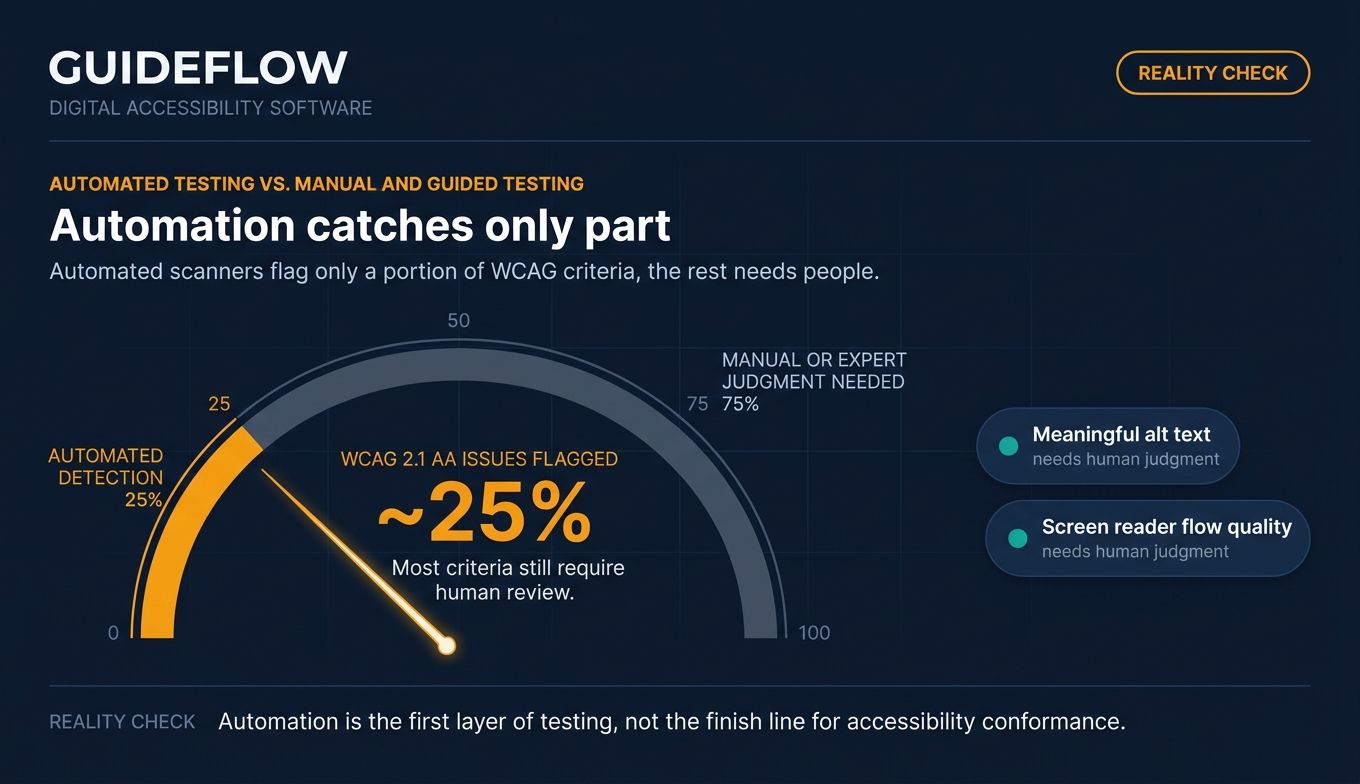
Here is the decision-critical part many vendor pages skip. Automated scanners catch only a portion of issues. A 2023 accessibility analytics presentation noted automated scans flag roughly a quarter of WCAG 2.1 AA issues, which means most criteria still need a human.
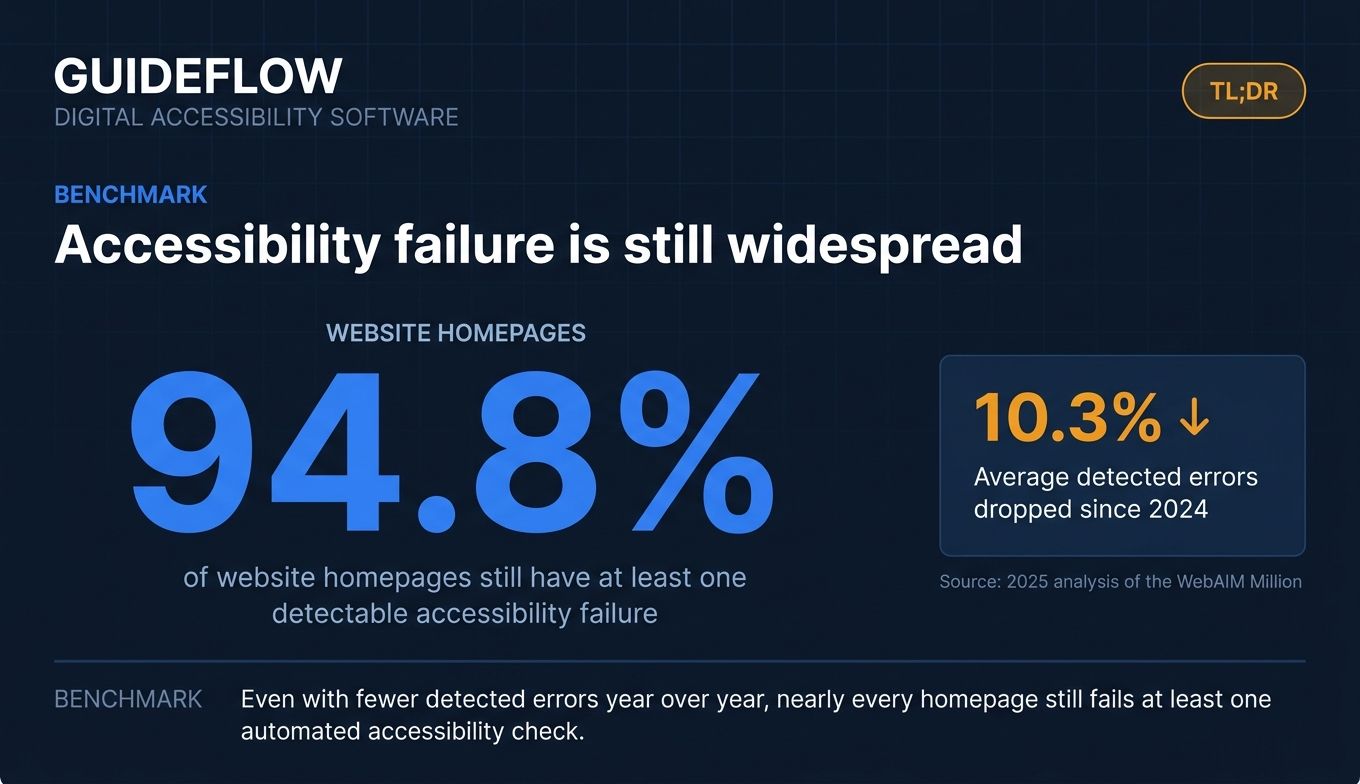
So automation gives you speed and coverage at scale. Manual and expert testing gives you the judgment automation cannot replicate, such as whether alt text is meaningful or whether a flow makes sense with a screen reader. Online accessibility testing that relies on automation alone will miss real problems, which is why the strongest platforms pair both.
When to use digital accessibility software
You do not need a platform for every situation, but a few triggers make tooling non-negotiable.
Catch accessibility regressions before each release
Every sprint ships UI changes, and every change can introduce a regression. A broken focus order here, a missing label there, and your compliance score erodes quietly. Continuous or scheduled scanning catches that drift early. Wiring testing website accessibility into your CI/CD pipeline means accessibility fails the build before it reaches production, not after a customer files a complaint. This is how you prevent accessibility rot at release cadence.
Prove compliance for audits, procurement, and VPATs
When a security review or enterprise procurement team asks for proof, you need documentation, not assurances. Platforms with governance dashboards, scoring, and VPAT support let you generate defensible conformance reporting for legal, auditors, and buyers. The same reporting helps you justify accessibility investment to leadership with trend data instead of anecdotes.
Remediate and prioritize issues across web, mobile, and documents
Finding issues is only step one. The harder job is deciding what to fix first and getting it into the backlog. Issue management, severity prioritization, and remediation guidance turn a 500-row scan report into a sprint plan. Multi-format remediation also matters, because a web accessibility test alone ignores the PDFs, Office files, and mobile flows that often carry the most risk. Inclusive product experiences also depend on accessible self-serve onboarding, where formats like interactive product walkthroughs are a related consideration alongside core compliance work. Building accessible self-serve flows often goes hand in hand with strong user onboarding software and a thoughtful onboarding flow that every user can navigate.
Comparison table
The table below sorts the 10 tools by relevance to the keyword and buyer intent. Pricing and ratings reflect verified sources where vendors publish them; several enterprise vendors gate pricing behind sales, which we note rather than estimate.
| # | Product | Intent | Key use case | Pricing | G2 rating |
|---|---|---|---|---|---|
| 1 | Level Access | Enterprise platform | Scaled compliance programs with expert services | Access Analytics from $1,995 (MSRP) | 4.5/5 |
| 2 | Siteimprove | WebOps platform | Accessibility, SEO, and content quality at scale | Quote-based | 4.6/5 |
| 3 | axe DevTools | Developer testing | Shift-left testing in browser and CI/CD | Free tier; Pro and Bundle plans | 4.6/5 |
| 4 | AudioEye | Hybrid remediation | Automated plus human-assisted monitoring | Automated, Self-Managed, Managed plans | 4.7/5 |
| 5 | BrowserStack | QA platform | Accessibility inside cross-browser testing | From $12.50/mo | 4.4/5 |
| 6 | Silktide | Monitoring | Approachable dashboards, scoring, and training | Quote-based | 4.8/5 |
| 7 | UsableNet | Managed services | Litigation-sensitive enterprise remediation | Quote-based | 4.4/5 |
| 8 | Equally AI | AI-driven platform | Fast-to-install widget and compliance support | From $38/mo | 4.9/5 |
| 9 | Crownpeak | Enterprise governance | Quality and accessibility across large estates | Quote-based | 4.1/5 |
| 10 | Eye-Able | EAA-focused platform | Testing, reporting, and assistive features | Quote-based | Not yet rated |
The 10 best digital accessibility software tools for 2026
Each section below covers what the tool does, who it fits, its key strengths, why you might choose it, and what its pricing looks like from verified sources.
1. Level Access
Level Access provides a digital accessibility platform paired with expert services for testing, fixing, monitoring, reporting, and maintaining accessible websites, mobile apps, software, IoT, and documents. It is built for organizations running scaled programs across many digital assets, where software alone is not enough and you need certified auditors in the loop. The platform structures work around testing, remediation, and governance, so a program owner can see the whole lifecycle in one place.
Best for: Enterprise programs that need a platform plus expert services across multiple digital assets.
Key strengths
- Automated scanning and monitoring: continuous issue detection across web, mobile, software, and documents.
- Manual evaluations and VPATs: expert audits, ACRs, and mobile app testing to cover what automation cannot.
- AI-assisted remediation and reporting: developer and designer tools, integrations, collaboration workflows, analytics, and accessibility training.
Why choose Level Access
If your accessibility work spans many properties and stakeholders, the combination of platform and expert services reduces the risk of relying on automation alone. It fits teams who need governance dashboards and defensible reporting for legal and procurement, not just a scanner. The tradeoff is that this is an enterprise commitment, not a quick self-serve signup.
Level Access pricing
Level Access publishes MSRP figures in a first-party pricing document. Access Analytics starts at $1,995 for up to one million annual views, with a tier two at $5,515 for up to ten million views. An AMP and Continuum bundle for one to five users and one asset is listed at $4,995, and the Access Academy Professional Edition at $2,495. The standard website emphasizes requesting a demo, so confirm current scope with their team. Level Access holds a 4.5 out of 5 rating on G2.
2. Siteimprove
Siteimprove is a content intelligence platform that combines accessibility, analytics, SEO, and content quality in one suite. It is a strong fit for enterprise and public-sector teams managing large digital properties, where accessibility lives alongside marketing, content, and dev workflows rather than in a silo. That cross-functional design is what sets it apart for WebOps teams who want one platform instead of five.
Best for: Cross-functional marketing, content, dev, and legal teams managing accessibility at scale.
Key strengths
- Accessibility compliance monitoring: prioritized issue detection across websites, PDFs, and digital content.
- Analytics insights: traffic, behavior, and page performance with prioritized next steps.
- SEO and content optimization: guidance for search and AI visibility in the same workflow.
Why choose Siteimprove
Siteimprove earns its place when accessibility is one of several quality concerns your team owns, not a standalone project. Its PDF and document coverage makes it a credible answer for the best document accessibility platform question, since regulated content often hides risk in files, not just pages. Choose it when consolidating accessibility, SEO, and QA into one platform matters more than a single-purpose scanner. If search visibility is part of the same mandate, pairing it with dedicated SEO tools can sharpen those gains.
Siteimprove pricing
Siteimprove does not publish public pricing figures; plans are quote-based and depend on your properties and scope. You will need to contact their team for a tailored quote. The platform holds a 4.6 out of 5 rating on G2 across hundreds of reviews, one of the stronger sentiment scores among enterprise accessibility vendors.
3. axe DevTools
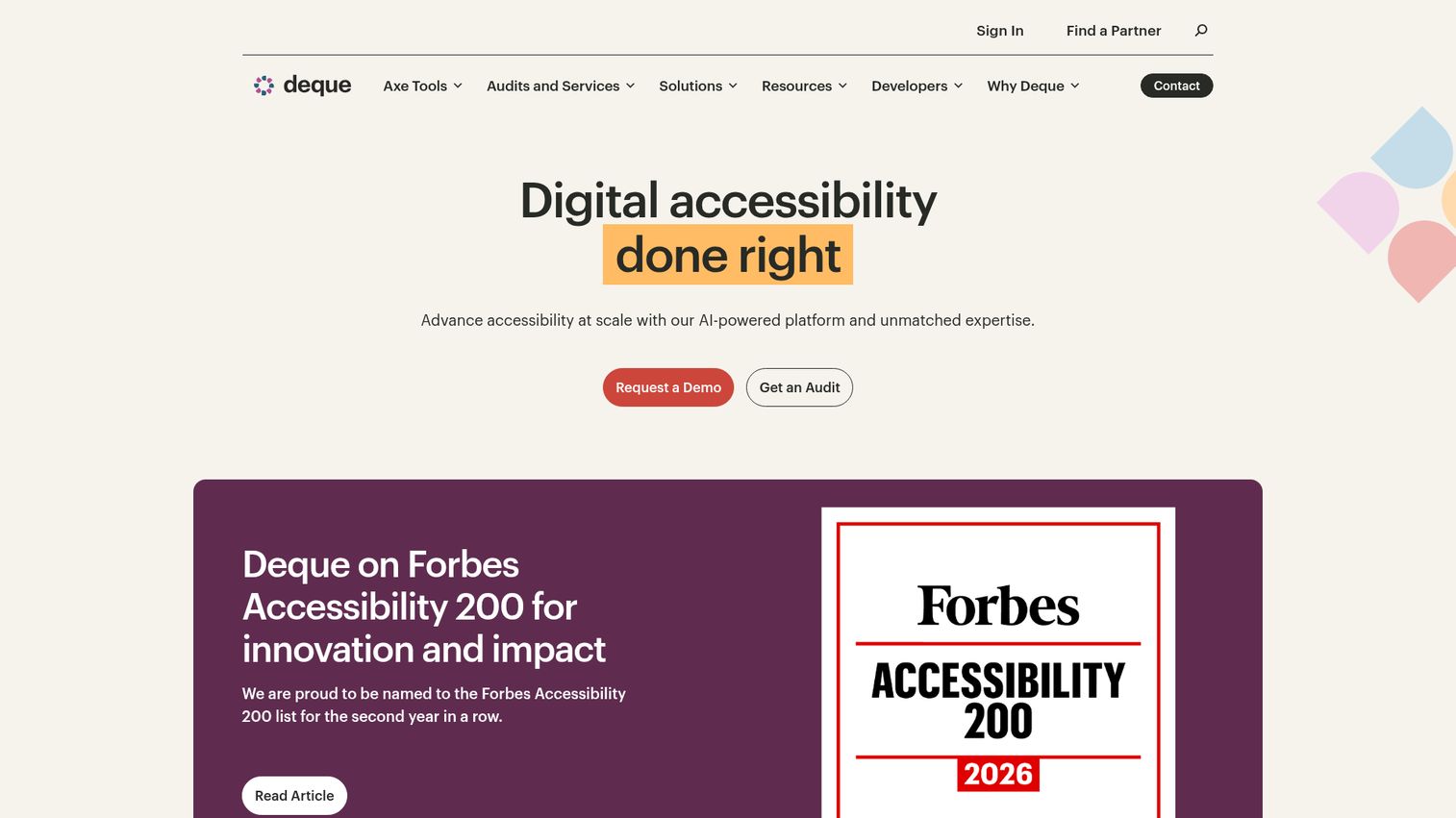
axe DevTools is Deque's accessibility testing suite for finding and fixing web and mobile issues across browser, IDE, automated testing, and CI/CD workflows. It is built on axe-core, the open-source rules engine embedded in countless other tools, which is why developers often treat it as the default for shift-left testing. For engineering teams, this is where accessibility moves into the pull request instead of waiting for a quarterly audit.
Best for: Development, QA, and accessibility teams embedding testing into dev and CI/CD workflows.
Key strengths
- Automated testing powered by axe-core: fast, reliable scanning developers trust.
- Intelligent Guided Tests: AI-enhanced automation that walks testers through criteria automation cannot judge alone.
- CI/CD, Jira, and IDE integrations: accessibility checks inside builds, issue trackers, and editors.
Why choose axe DevTools
If your goal is to catch regressions before each release, axe DevTools fits the engineering workflow more naturally than a separate dashboard. Deque also offers axe Monitor for continuous monitoring and axe Auditor for managing manual audits, so a team can grow from developer testing into an org-wide program. Choose it when you want accessibility owned by engineering, not bolted on afterward.
axe DevTools pricing
Deque lists a free browser extension, a Pro plan with a free trial, and a Web Bundle that requires contacting sales. Public numeric prices for paid plans are not displayed on the pricing page, so request a quote for Pro or Bundle. The free extension makes it one of the easiest tools to trial. Reviews place it at a 4.6 out of 5 rating, reflecting strong developer sentiment.
4. AudioEye
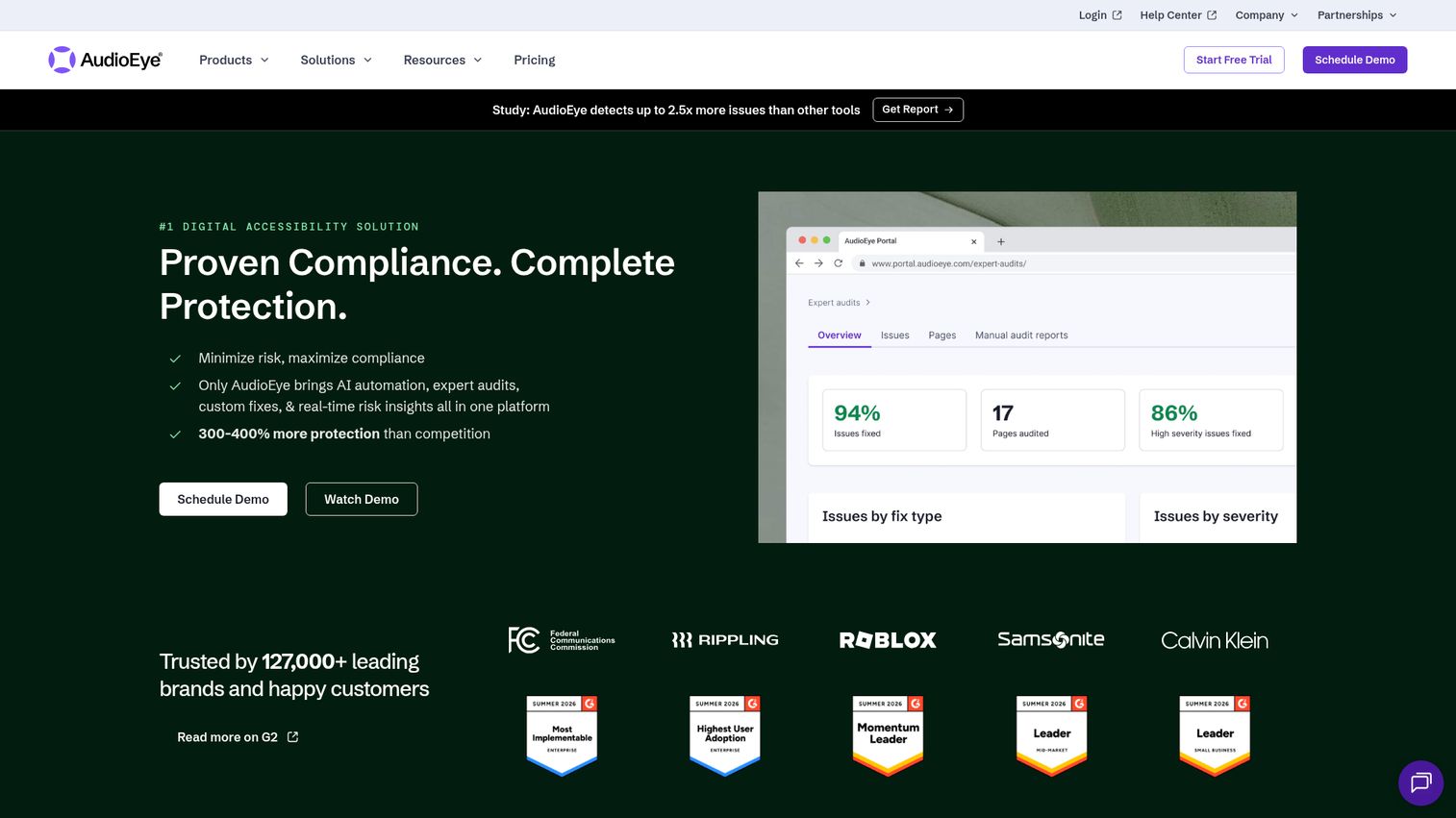
AudioEye is a digital accessibility platform that combines AI-driven automation, expert audits, custom fixes, and real-time risk insights. Its hybrid model pairs automated monitoring with a managed team that handles human-assisted remediation, which appeals to teams that want help fixing issues, not just a list of them. It is commonly adopted by SMB and mid-market organizations that lack a dedicated accessibility team.
Best for: Teams that want managed remediation plus a testing and monitoring platform.
Key strengths
- Active monitoring: ongoing detection of accessibility issues as your site changes.
- Automated fixes: programmatic remediation paired with expert validation.
- Expert audits: human evaluation and compliance reporting beyond automated scans.
Why choose AudioEye
AudioEye fits when you need outcomes more than tooling, and you want a partner to share the remediation load. Be clear-eyed about scope: automated fixes accelerate the easy wins, while expert audits handle what automation cannot, so treat the hybrid model as a combined approach rather than a one-line fix. Choose it when a managed service reduces your team's engineering tax.
AudioEye pricing
AudioEye lists three plans: Automated for monitoring and automated fixes, Self-Managed for developer-led remediation with expert guidance, and Managed for fully managed accessibility with custom fixes and audits. Public numeric prices are not shown; the site offers a free trial and demo scheduling rather than a price table. AudioEye holds a 4.7 out of 5 rating on G2, among the highest in this list.
5. BrowserStack Accessibility Testing
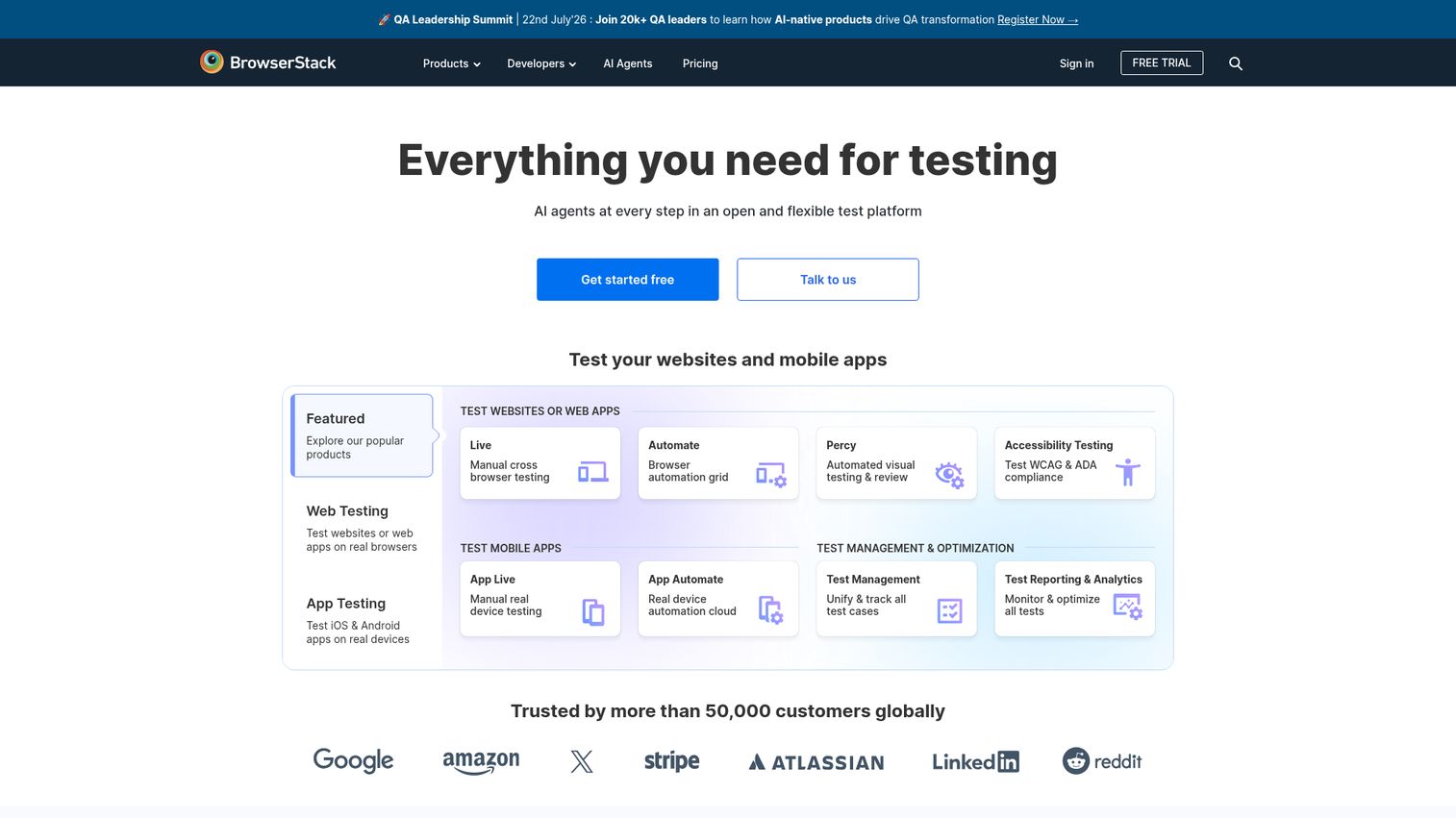
BrowserStack is an app and cross-browser testing platform for testing websites, web apps, and mobile apps on real browsers and real devices, with accessibility testing built into the same ecosystem. For QA teams already running cross-browser and device tests, adding accessibility checks to an existing workflow is far less disruptive than standing up a new tool. The accessibility features sit alongside products like Live, Automate, and App Automate.
Best for: QA and engineering teams already running cross-browser and device testing.
Key strengths
- Live cross-browser testing: real browsers for manual and exploratory checks.
- Real device testing: accessibility validation on actual iOS and Android hardware.
- Automation cloud: browser and mobile app automation that can run accessibility scans in CI workflows.
Why choose BrowserStack
If your team already trusts BrowserStack for functional testing, layering accessibility into the same pipeline avoids tool sprawl and a second vendor relationship. Dev-first tools like this can run scans as part of builds and, in many setups, pull request checks, catching regressions before release. Choose it when consolidating QA and accessibility under one platform matters most.
BrowserStack pricing
BrowserStack publishes transparent, product-specific pricing. The Freelancer plan starts at $12.50 per month billed annually, Live Desktop at $29 per month, Desktop and Mobile at $39 per month, and App Live Team at $150 per month. Enterprise and volume options require an inquiry, and multiple free plan sections are available. The platform holds a 4.4 out of 5 rating on G2.
6. Silktide
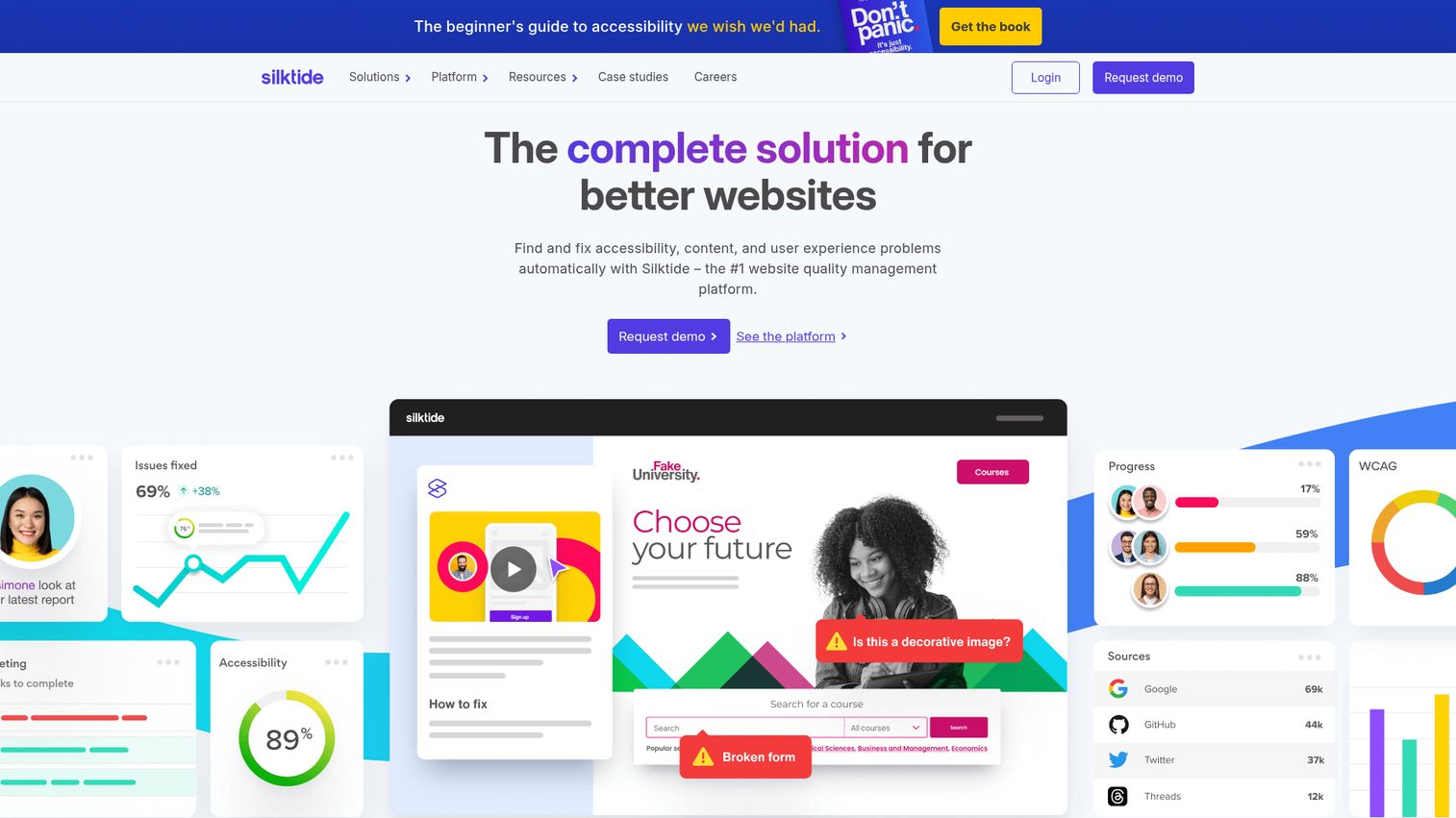
Silktide is a web governance platform for analyzing and improving websites across accessibility, content, SEO, user experience, analytics, and compliance. It is known for approachable dashboards and education, which makes it a fit for content and WebOps teams who want to understand issues without a deep technical background. Silktide also offers a free accessibility checker browser extension separate from the paid platform.
Best for: Content and WebOps teams wanting clear dashboards, scoring, and built-in training.
Key strengths
- Automated website testing: accessibility monitoring alongside content, UX, SEO, and privacy checks.
- Scoring and reporting: customizable dashboards and progress tracking that non-specialists can read.
- Inspector and integrations: task assignment, custom policies, mobile testing, and testing behind logins.
Why choose Silktide
Silktide shines when you need accessibility insight that the whole team can act on, not just engineers. Its training and education features help teams build accessibility habits rather than chasing the same issues every quarter. Choose it when usability of the platform itself, and the ability to test pages behind a login, are priorities.
Silktide pricing
Silktide states that pricing depends on website size, support level, and the parts of the platform you need, so customers request a personalized consultation. The company is clear that the platform is not free, though it offers separate free tools such as its accessibility checker. Silktide holds a 4.8 out of 5 rating on G2, the highest in this list among platforms with established review volume.
7. UsableNet
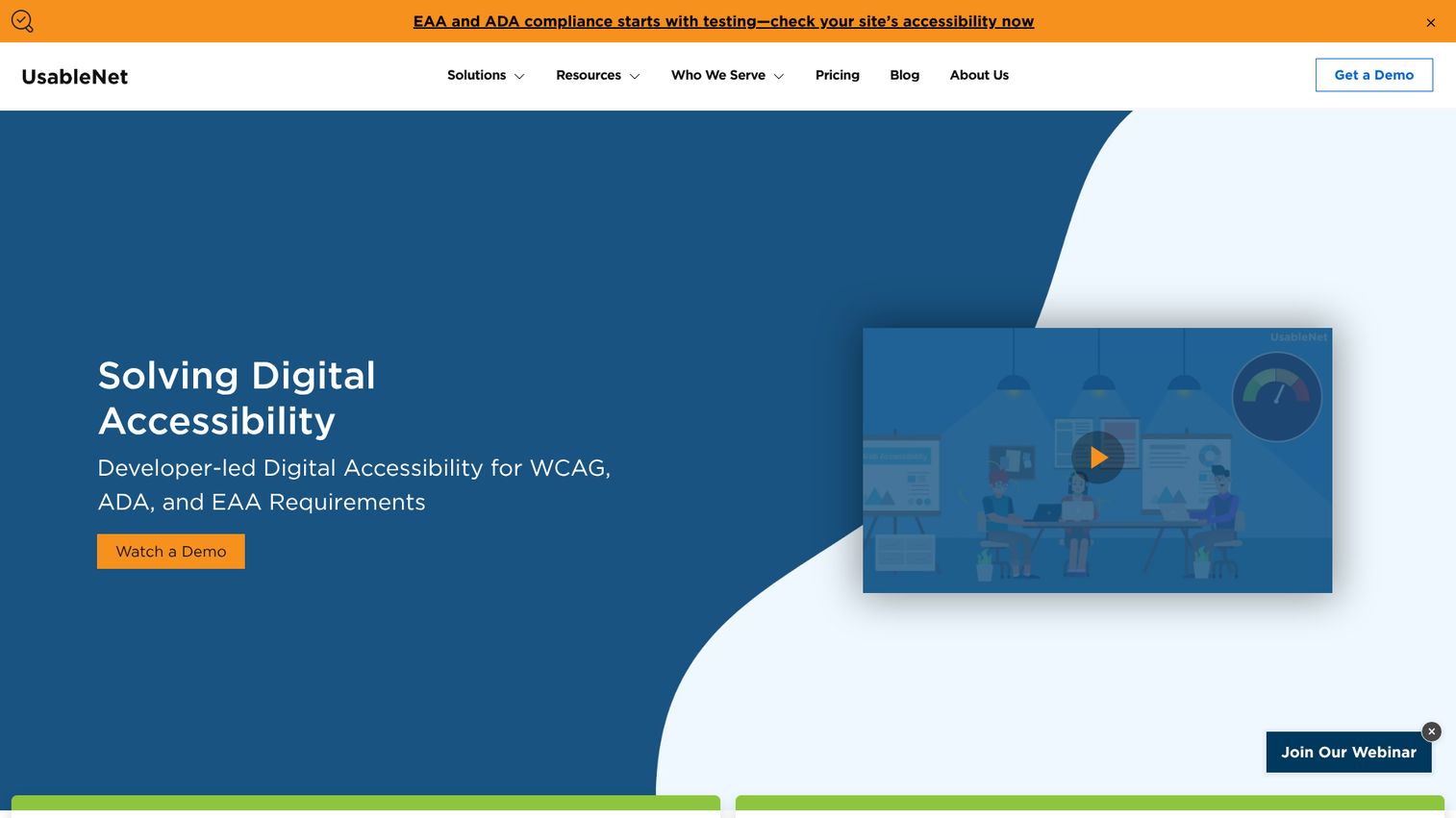
UsableNet provides managed digital accessibility services and accessibility testing software to help organizations remediate, monitor, and maintain accessible websites, apps, and platforms. Its strength is expert-led service for organizations that are litigation-sensitive or operate in heavily regulated environments. The combination of platform and managed remediation appeals to teams who treat accessibility as a legal risk to manage, not just a quality metric.
Best for: Highly regulated, litigation-sensitive organizations needing expert-led remediation.
Key strengths
- UsableNet Assistive: managed service for expert testing, remediation, and ongoing WCAG conformance maintenance.
- UsableNet AQA: accessibility management platform with automated testing, issue tracking, monitoring, dashboards, and compliance reporting.
- Manual audits and helpdesk: user testing by assistive-technology users, developer helpdesk support, and integrations such as Jira and Jenkins.
Why choose UsableNet
UsableNet fits when compliance documentation and litigation defense are top of mind, and you want experts who understand demand letters and lawsuits. The blend of automated testing and human services covers both the speed and the judgment that full conformance requires. Choose it when the cost of a compliance gap is measured in legal exposure, not just user friction.
UsableNet pricing
UsableNet does not publish public numeric pricing. The company states that pricing is customized based on size, complexity, number of templates or applications, and service scope, and uses quote or demo forms. Request a tailored quote to understand your costs. UsableNet holds a 4.4 out of 5 rating on G2.
8. Equally AI
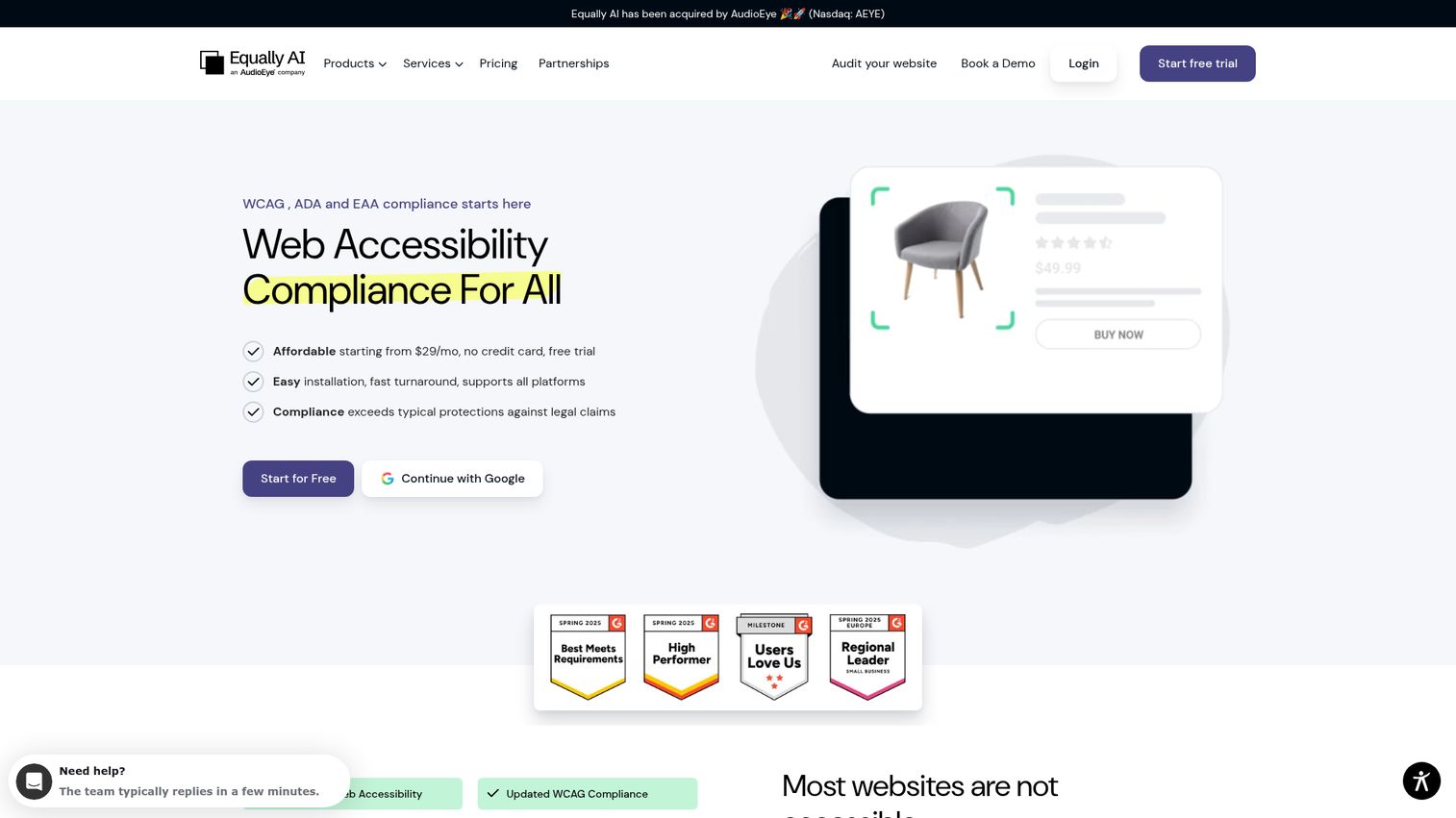
Equally AI provides an AI-powered website accessibility solution focused on WCAG, ADA, EAA, and related standards. Its model emphasizes a fast-to-install widget and automated issue handling with manual validation on paid plans, which appeals to businesses that want speed and ongoing compliance support. It is best understood as an AI-first approach to detection and remediation workflows.
Best for: Businesses wanting fast installation and ongoing AI-assisted compliance support.
Key strengths
- AI-powered widget: one-line website installation to get started quickly.
- Automatic fixes with validation: automated remediation paired with manual validation on paid subscriptions.
- Customizable interface: accessibility profiles for vision, cognitive, seizure-safe, ADHD, and dyslexia needs.
Why choose Equally AI
Equally AI fits teams that prioritize speed to a baseline and want AI to handle detection and first-pass remediation. As with any automated approach, pair it with manual review for the criteria automation cannot judge, which is why the manual validation on paid plans matters. Choose it when fast deployment and a strong review profile carry weight.
Equally AI pricing
Equally AI publishes transparent pricing. The Essential plan is $38 per month and covers up to 100,000 page views monthly, Growth is $115 per month for up to one million page views, and Ultimate is custom pricing for over one million page views. A seven-day free trial requires no credit card, though there is no permanent free tier. Equally AI holds a 4.9 out of 5 rating on G2 across more than 100 reviews.
9. Crownpeak
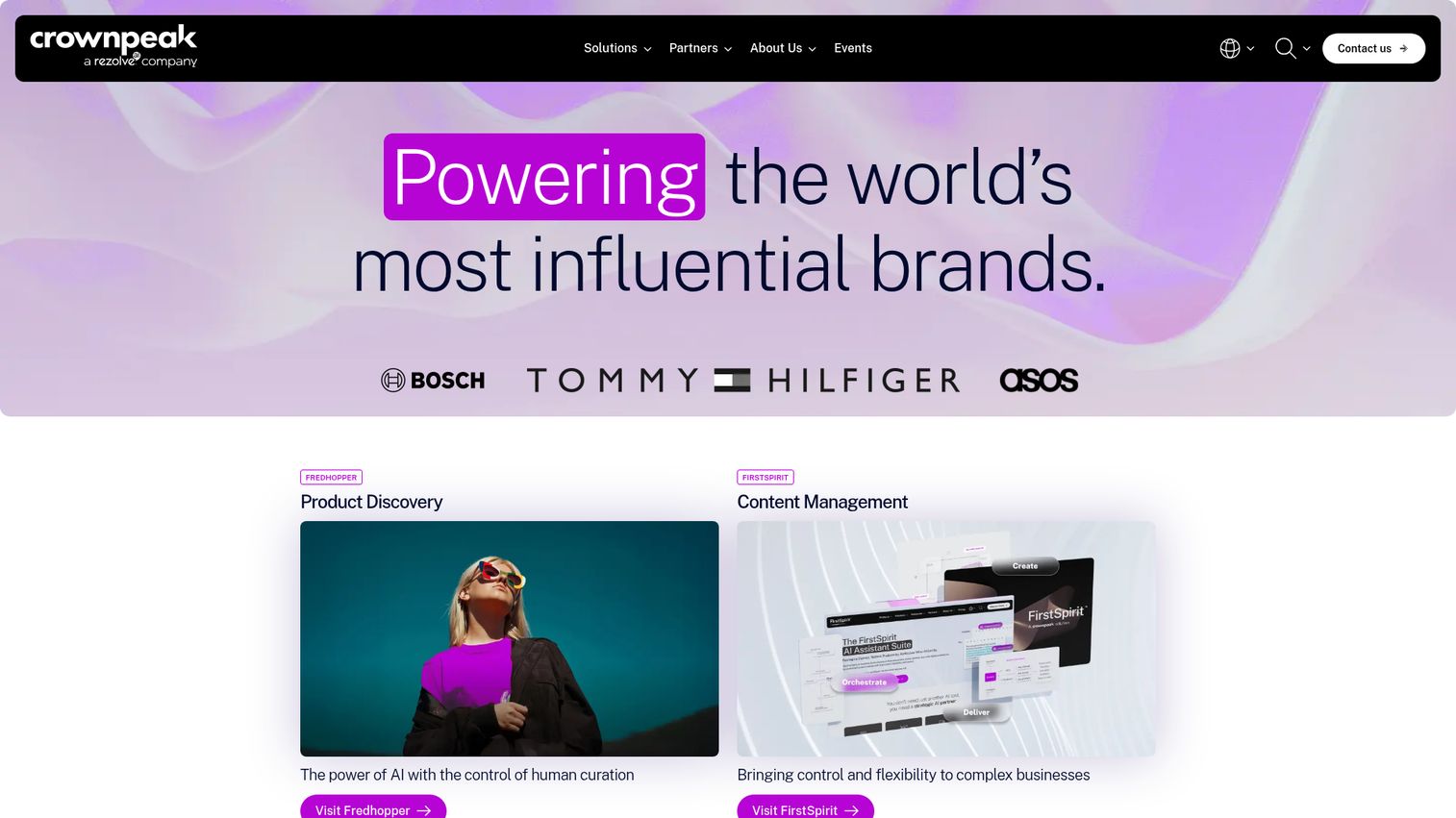
Crownpeak provides enterprise digital experience solutions, including Fredhopper product discovery, FirstSpirit CMS, and digital quality and accessibility tools. Its Digital Assurance offering targets large organizations managing accessibility, content quality, SEO, and privacy governance across complex, international content estates. For multi-site, multi-brand companies, governance at scale is the core appeal.
Best for: Large multi-site or multi-brand organizations managing accessibility across big content estates.
Key strengths
- Digital Assurance: accessibility, content quality, SEO optimization, privacy governance, and consent management in one layer.
- Enterprise content management: FirstSpirit CMS for complex, international content operations.
- AI-driven product discovery: search, recommendations, and merchandising controls for ecommerce.
Why choose Crownpeak
Crownpeak fits when accessibility is one part of a broader digital governance mandate across many sites and regions. The platform suits teams that need consistent quality and compliance controls at enterprise scale, not a point solution. Choose it when your estate is large and governance is the primary challenge.
Crownpeak pricing
Crownpeak does not publish public pricing for its accessibility and digital quality solutions; engage their team for a quote. The company holds a 4.1 out of 5 rating on G2 across nearly 100 reviews. Evaluate it through a demo focused specifically on the Digital Assurance capabilities relevant to your accessibility program.
10. Eye-Able
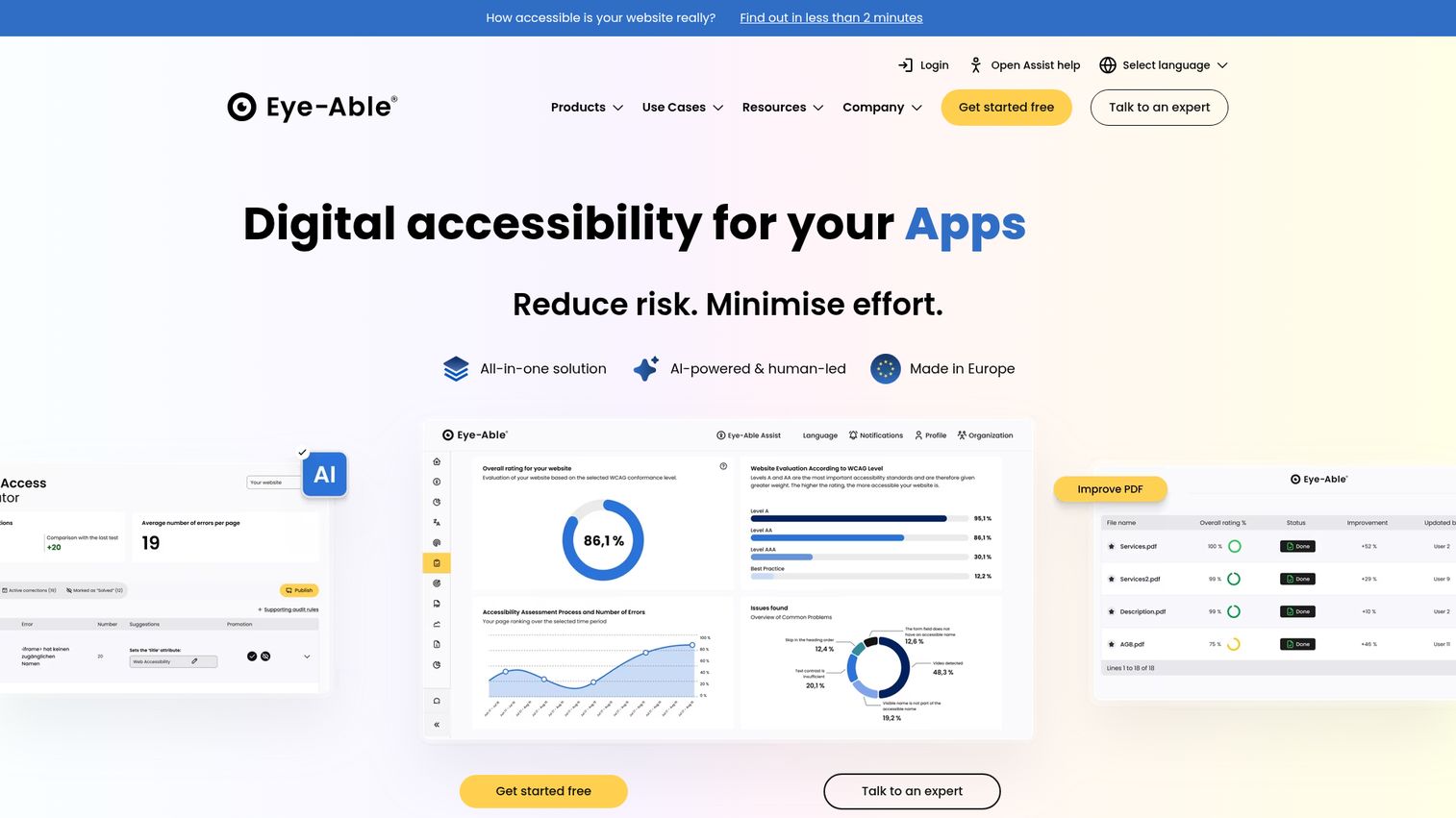
Eye-Able is a digital accessibility platform for testing, improving, documenting, and monitoring accessibility across websites, apps, and PDFs. It is a strong fit for teams prioritizing EAA readiness, with a focus on European and multilingual markets. The platform aims to be an all-in-one option for assessing, remediating, documenting, and monitoring compliance.
Best for: Teams prioritizing EAA readiness and multilingual support across web, app, and PDF content.
Key strengths
- Automated and guided audits: accessibility checks across websites, apps, and PDFs.
- AI-powered remediation support: code suggestions and step-by-step explanations for fixes.
- Documentation and monitoring: accessibility statement generation and continuous monitoring dashboards.
Why choose Eye-Able
Eye-Able fits organizations whose primary driver is European Accessibility Act compliance and who value multilingual coverage. The combination of testing, remediation guidance, documentation, and monitoring covers the full lifecycle in one platform. Choose it when EAA readiness is your top priority for 2026.
Eye-Able pricing
Eye-Able does not currently display readable first-party pricing, so request a quote directly. The platform does not yet have an established G2 rating, so validate fit through a hands-on trial and reference checks rather than aggregate review scores. Confirm exact feature scope and language coverage during your evaluation.
Considerations before you buy digital accessibility software
Before you commit budget, run your shortlist through this checklist. It is framed for the realities a product team actually faces.
Standards and version coverage
Confirm the tool supports WCAG 2.2, not just 2.1, along with ADA, Section 508, and EAA where relevant. Version coverage is the difference between passing this year's audit and failing the next one. Ask vendors directly which 2.2 success criteria they test against.
Testing depth (automated + manual)
Verify the tool combines automated scanning with manual or guided testing, or offers expert services. Automation alone catches only a fraction of issues, so a tool that markets automation as full compliance is overselling. The best fit pairs both for speed and judgment.
Workflow and CI/CD integration
Check for Jira, GitHub, VS Code, and pipeline integrations so accessibility fits your release cadence without becoming an engineering tax. Many developer-focused tools run scans inside builds and pull requests. The closer testing lives to where engineers work, the more likely it sticks. Aligning these checks with your broader product management tools keeps accessibility visible in the same backlog where roadmap decisions happen.
Reporting, governance, and VPAT support
Look for dashboards, scoring, audit trails, and conformance reporting that legal and procurement will accept. Accessibility monitoring over time also matters, because a single scan is a snapshot, not a guarantee. Defensible reporting is what turns compliance from a claim into evidence.
Maintainability and total cost
Examine seat and scan limits, multi-format coverage, and the ongoing maintenance burden as your product changes. Among accessibility vendors, the cheapest entry tier is rarely the lowest total cost once you account for the work to keep it current. Weigh maintainability against price.
Conclusion
The right digital accessibility software depends on your buyer profile, not a universal winner. For end-to-end enterprise programs with expert services, Level Access is the most complete option. For cross-functional WebOps teams blending accessibility, SEO, and content quality, Siteimprove fits. Developer-first teams shifting accessibility left should start with axe DevTools and its free extension. Teams wanting managed remediation lean toward AudioEye, while litigation-sensitive orgs fit UsableNet. For approachable monitoring at scale, Silktide stands out, and for EAA readiness, Eye-Able is worth a close look.
A practical next step: start with a free scan or trial. The axe DevTools free extension and Equally AI's seven-day trial both let you see real issues on your own site before committing budget. From there, weigh standards coverage, testing depth, and how well each tool fits your release cadence. The best choice is the one your team will actually maintain sprint after sprint, not just the one with the highest rating. And once your product passes those accessibility bars, showing it off through an interactive demo keeps the experience inclusive for every prospect.
FAQ
Digital accessibility software is a category of tools that test, remediate, monitor, and report on whether websites, apps, and documents meet accessibility standards such as WCAG, ADA, and Section 508. It spans free developer scanners, enterprise platforms, and managed services. The goal is to make compliance a repeatable process rather than a one-off audit.
There is no single best tool; the right pick depends on standards coverage, testing depth, and team fit. Enterprise programs often fit Level Access for its platform plus expert services. Developer teams favor axe DevTools, while cross-functional WebOps teams tend toward Siteimprove. Match the tool to your buyer profile and release cadence.
No. Automated scanners catch only a portion of issues, with one 2023 analysis estimating roughly a quarter of WCAG 2.1 AA criteria. Full conformance requires manual and expert testing for things automation cannot judge, such as whether alt text is meaningful. Treat automation as the first layer, not the whole solution.
Costs range widely. Open-source engines like axe-core are free, while developer plans such as BrowserStack start at $12.50 per month and Equally AI at $38 per month. Mid-tier platforms commonly run hundreds to low thousands of dollars monthly. Enterprise platforms like Level Access, Siteimprove, and UsableNet are often quote-based, so pricing depends on scope.
An ada compliance checker scans pages and flags issues, which is a useful starting point. A full platform adds remediation guidance, ongoing monitoring, issue management, governance, and conformance reporting. The checker tells you what is broken; the platform helps you fix it, track it, and prove it over time.
Yes, several platforms test multi-format content including PDFs and Office documents. Siteimprove and Eye-Able, for example, include document accessibility checks alongside web testing. Coverage and supported formats vary by vendor and plan, so confirm exactly which file types and how many a vendor handles before you buy.
Developer-first tools like axe DevTools and BrowserStack integrate scans into builds and, in many setups, pull request checks. This catches regressions before release rather than after a complaint. Running a wcag checker inside the pipeline means accessibility fails the build early, keeping testing aligned with your release cadence instead of bolted on afterward.
A wcag checker is a starting point, not legal sufficiency on its own. Automated checks miss most criteria, so pair them with manual testing and expert evaluation. For defensible compliance, generate a VPAT and maintain ongoing monitoring, since a single passing scan does not prove sustained conformance to auditors or courts.