The recovery test looked clean on paper. Then a region went down at 2 a.m., the failover script hit a permission it never had in staging, and the team spent four hours reconstructing what a documented runbook was supposed to handle in ten minutes. Nobody owned the gap until the incident review.
That gap is expensive. The global disaster recovery software market is projected to grow from $10.93B in 2024 to $24.56B by 2029, a 17.5% CAGR, according to ResearchAndMarkets (2024). Buyers are not spending that because recovery is a checkbox. They are spending it because an untested recovery plan is a liability that only surfaces during the worst possible hour.
For presales teams and technical evaluators, the problem is sharper. You are not just picking a tool. You are validating whether a vendor's recovery story survives a real RTO and RPO scenario, a security review, and a buying committee that wants proof, not marketing. When you demo complex infrastructure to prospects, the same evidence-first discipline applies, which is why teams building interactive demos lean on validation over slideware. If you also evaluate adjacent security tooling, our roundups of the best ai cybersecurity solutions and the best customer data platform pair well with this guide.
This guide compares 11 disaster recovery software options for teams that need to validate technical fit quickly.
What's inside
This list is built for IT leaders, infrastructure buyers, and technical presales teams who need to evaluate recovery fit, not skim a generic vendor roundup. We selected platforms based on four criteria that matter during technical validation: recovery capabilities (replication, failover, failback), testing and orchestration depth, cloud and workload coverage, and integration fit across SMB through enterprise environments. Every tool section flags what you should validate in a live review, so the shortlist doubles as discovery and security-review language you can reuse with a buying committee. Pricing and ratings reflect verified, current sources where publicly available.
TL;DR
- Best for cloud-native recovery: AWS Elastic Disaster Recovery, for teams already running in or migrating to AWS.
- Best for Microsoft environments: Azure Site Recovery, for Azure-to-Azure and hybrid recovery in Microsoft-heavy shops.
- Best for MSPs and service providers: Acronis Cyber Protect Cloud, for multi-tenant backup, recovery, and security delivery.
- Best for broad backup and recovery: Veeam Data Platform and Druva Data Security Cloud, for hybrid, multicloud, and SaaS-simple economics.
- Best for orchestration and testing: Commvault Cloud and Zerto, for tested recovery planning and low-RPO failover.
- Best for infrastructure-heavy cloud resilience: ControlMonkey, for configuration and IaC recovery beyond file restore.
What is disaster recovery software?
Disaster recovery software is a category of tools that restores systems, data, and services after disruption so organizations can meet defined recovery objectives and resume operations. It sits at the center of IT resilience and business continuity, spanning backup, replication, failover, and recovery orchestration.
The category matters more now because cloud migration, ransomware, and compliance pressure have exposed how fragile manual recovery plans are. The DRaaS market alone is expected to grow from $23.08B in 2026 to $83.15B by 2034, a 20.35% CAGR, according to Fortune Business Insights (2025). North America holds roughly 42% of global disaster recovery solutions revenue, per Grand View Research (2024).
Core recovery models to understand:
- Replication: Continuous or scheduled copying of data and workloads to a secondary location so a recovery point is always available.
- Failover and failback: Shifting production to a recovery site during an outage, then returning to primary once it is stable.
- Recovery testing: Non-disruptive drills that prove a plan actually works before a real incident.
- Orchestration: Automated, ordered recovery of dependent systems so services come back in the right sequence.
- Cloud DR and DRaaS: Recovery hosted in or managed through the cloud, including fully managed disaster recovery as a service.
- RTO and RPO alignment: Matching a tool's recovery time and recovery point capabilities to what each workload actually requires.
When to use disaster recovery software
Protect production workloads from outages
When a site, cloud region, or system fails, manual recovery is too slow and too error-prone to protect revenue-generating workloads. Disaster recovery software automates replication and failover so critical applications come back within a defined RTO. This is the baseline reason most teams adopt a disaster recovery platform in the first place.
Meet compliance or customer recovery expectations
DR often shifts from nice-to-have to mandatory when a contract, regulation, or security review demands documented recovery objectives. Enterprise buyers increasingly require evidence of tested recovery, immutable backups, and clear RPO commitments before signing. If your prospects run security diligence, expect DR posture to appear in the questionnaire.
Replace manual recovery runbooks
Scattered scripts, tribal knowledge, and out-of-date documents are the most common cause of failed recovery. When runbooks live in a wiki nobody has tested in a year, orchestration and automated recovery testing remove the guesswork. This is where cloud disaster recovery and DRaaS earn their keep for lean teams.
Comparison table
The table below sorts the strongest general-purpose disaster recovery software near the top, then moves toward specialized and enterprise-focused tools. Use it to shortlist three vendors before running a recovery test against a real RTO/RPO scenario.
| # | Product | Intent | Key differentiation | Pricing | G2 rating |
|---|---|---|---|---|---|
| 1 | AWS Elastic Disaster Recovery | Cloud-native recovery to AWS | Continuous replication with usage-based pricing | $0.028 per server per hour | Not listed |
| 2 | Azure Site Recovery | Microsoft and hybrid DR | Per-instance billing, free first 31 days | Per protected instance | Not listed |
| 3 | Acronis Cyber Protect Cloud | MSP and service-provider delivery | Backup, DR, and security in one platform | Custom licensing | 4.7/5 |
| 4 | Druva Data Security Cloud | SaaS-based cloud resilience | Fully managed, air-gapped backups | 30-day free trial | 4.7/5 |
| 5 | Veeam Data Platform | Hybrid and multicloud backup/recovery | Instant Recovery and trusted immutability | From $89.20/license/year | 4.6/5 |
| 6 | Commvault Cloud | Enterprise unified data protection | Metallic AI automation across workloads | From $1.70/user/month | 4.3/5 |
| 7 | Rubrik Cloud Vault | Immutable cyber recovery | Managed air-gapped cloud vault | Contact sales | 4.5/5 |
| 8 | ControlMonkey | Cloud config and IaC recovery | Terraform-driven resilience automation | Free tier available | 5.0/5 |
| 9 | Quorum | Rapid VM-centric recovery | Point-in-time recovery with automated testing | Contact sales | 4.3/5 |
| 10 | Zerto | Continuous data protection | Low-RPO failover and orchestration | Contact sales | 4.7/5 |
| 11 | IBM Storage Protect | Enterprise policy-driven protection | Centralized backup across mixed environments | Contact sales | 4.1/5 |
1. AWS Elastic Disaster Recovery
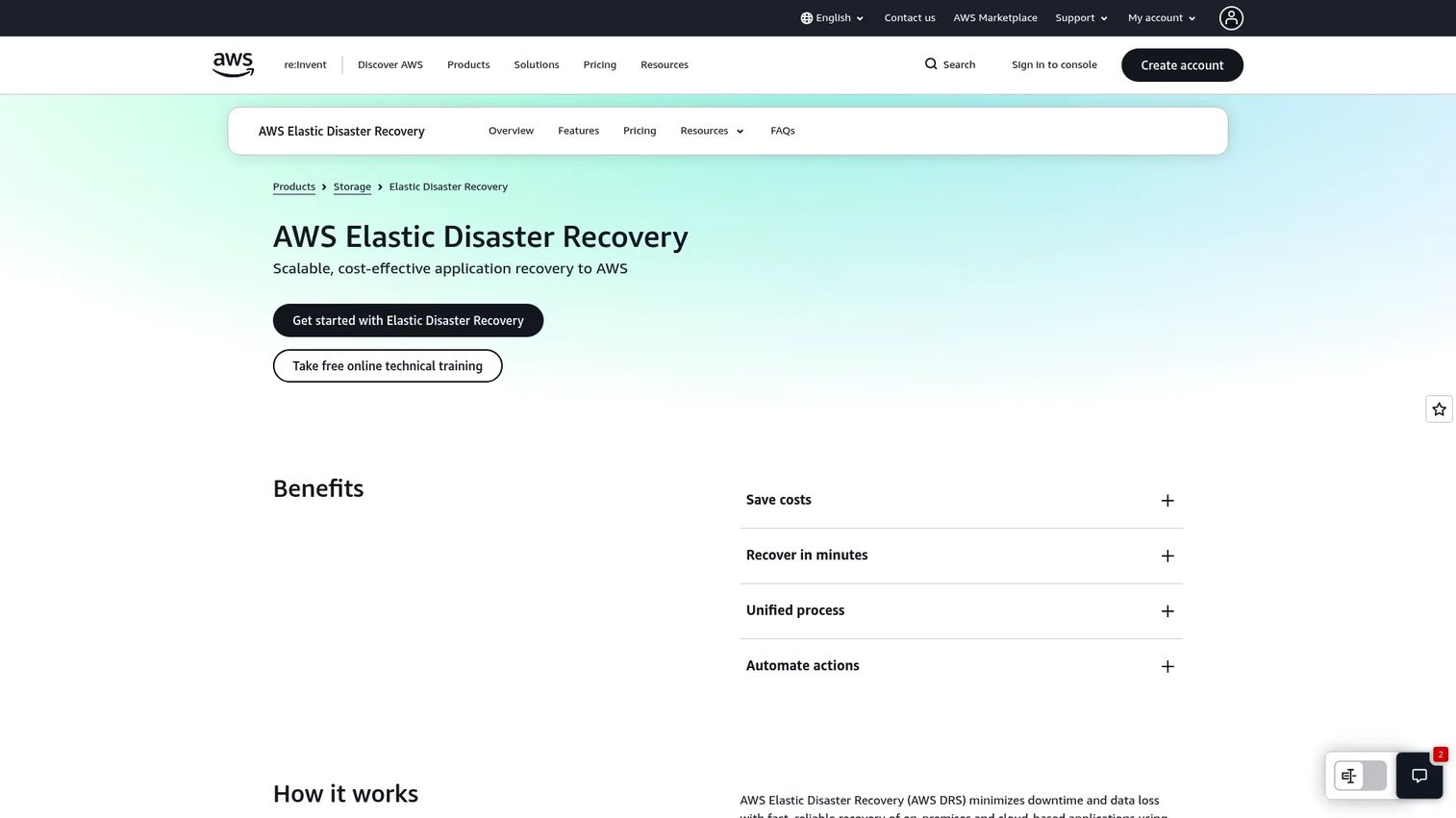
AWS Elastic Disaster Recovery is an AWS service for fast, cost-effective disaster recovery of on-premises and cloud-based applications to AWS. It continuously replicates source servers into a low-cost staging area, then launches recovery instances on demand. For teams already standardized on AWS, it removes the need to maintain a separate secondary data center.
Best for: Organizations needing AWS-based disaster recovery for servers with usage-based pricing.
Key strengths
- Continuous data replication: Keeps a current recovery point so RPO stays low without manual snapshots.
- Test, recover, and fail back workflows: Lets you drill recovery non-disruptively, then fail back cleanly once primary is stable.
- Point-in-time recovery: Restores to a specific moment, which matters for ransomware and corruption scenarios.
Why choose AWS Elastic Disaster Recovery: If your infrastructure and identity already live in AWS, this keeps recovery inside a single billing and permissions model. During technical validation, confirm the launch template maps to real IAM permissions, not staging shortcuts, so a live failover does not stall on access. Validate cross-region behavior against your actual RTO target.
AWS Elastic Disaster Recovery pricing: AWS uses public, usage-based pricing with no upfront cost or minimum fee. The core rate is $0.028 per source server per hour, per the AWS pricing page. Additional AWS storage, compute, and data transfer charges apply during replication and recovery, so model total cost against your workload footprint rather than the per-server line alone.
2. Azure Site Recovery
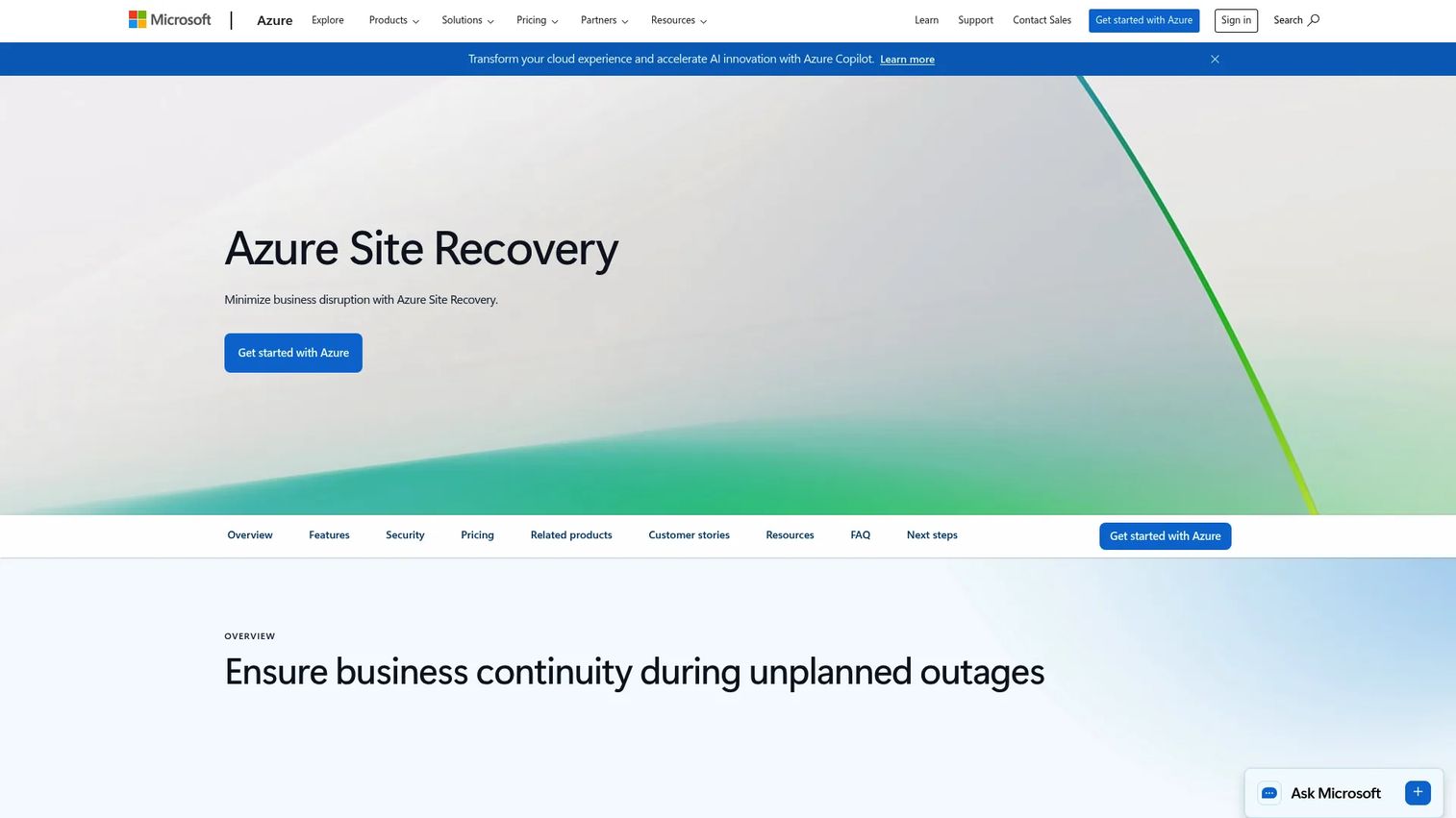
Azure Site Recovery is Microsoft's disaster recovery service for replicating and recovering supported workloads to Azure or another site. It handles Azure-to-Azure, on-premises-to-Azure, and cross-environment recovery, making it a natural fit for Microsoft-heavy estates. Recovery plans let you group and sequence machines so applications come back in the right order.
Best for: Organizations needing Azure-based disaster recovery and replication for VMs and physical servers.
Key strengths
- Continuous replication: Maintains an up-to-date copy of protected workloads for low-RPO recovery.
- Recovery plans: Sequence and automate multi-tier application recovery instead of restoring machines one by one.
- Test failover without downtime: Validate recovery in an isolated network without touching production.
Why choose Azure Site Recovery: For teams running Microsoft workloads, this reduces tooling sprawl by keeping DR inside the Azure control plane and identity model. In a technical review, test failover into an isolated subnet and confirm DNS and dependency ordering resolve, since those are the details that break real recovery. Map cross-region replication to your compliance boundaries early.
Azure Site Recovery pricing: Azure Site Recovery is billed per protected instance and is free for the first 31 days per instance, per Microsoft's pricing page. After that, each protected instance is charged monthly, with additional Azure storage, transactions, and data transfer costs applied separately. Because the model is per-instance, forecast cost against the number of workloads you plan to protect, not a flat platform fee.
3. Acronis Cyber Protect Cloud
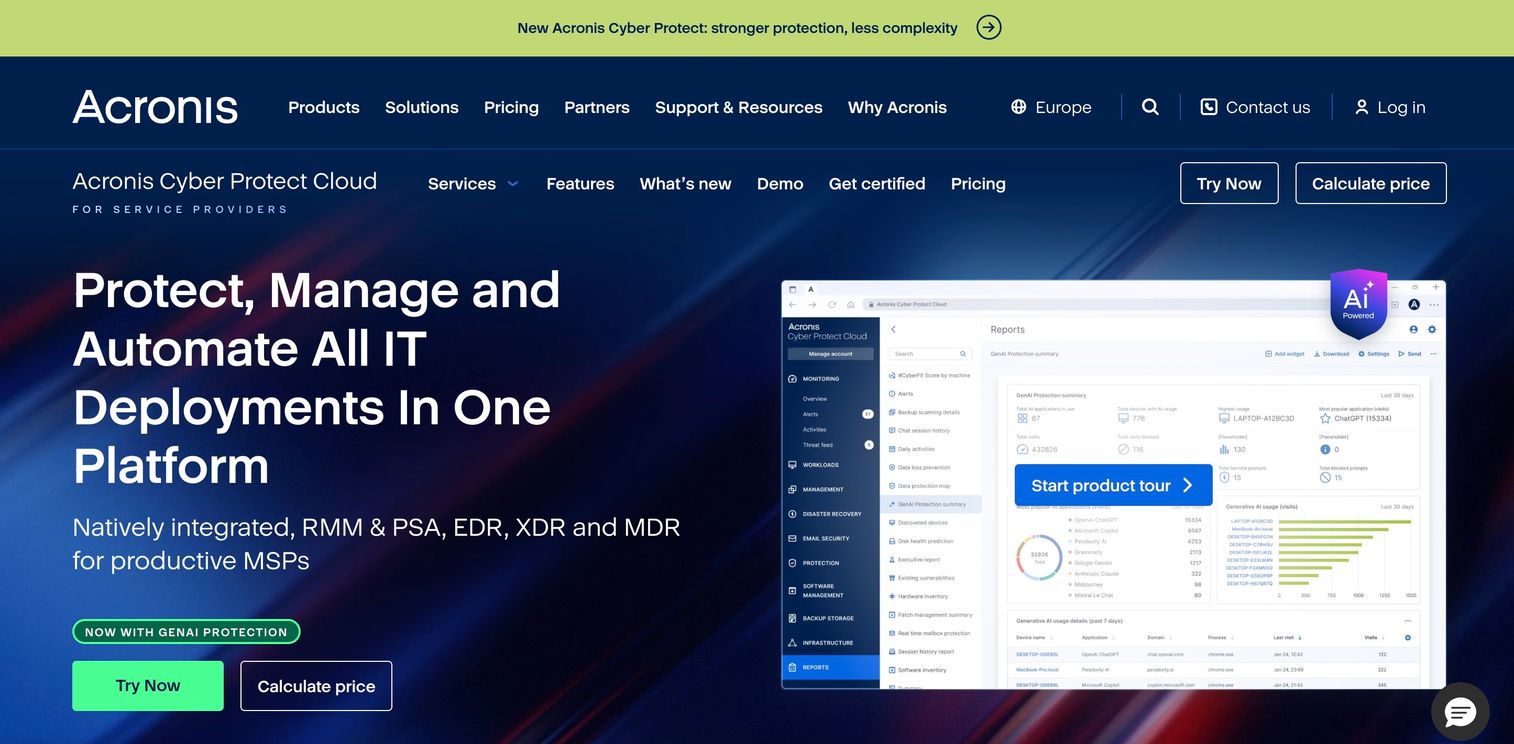
Acronis Cyber Protect Cloud is an MSP-focused platform that combines backup, disaster recovery, cybersecurity, and endpoint management in one console. For service providers, that integration matters because it collapses several vendor relationships into a single multi-tenant delivery model. The disaster recovery capability layers onto backup, so partners can offer failover as a managed add-on.
Best for: Managed service providers that want one platform for backup, security, and endpoint operations.
Key strengths
- Integrated backup, DR, security, and endpoint management: One agent and console reduces operational overhead across tenants.
- EDR, XDR, MDR, email security, and DLP options: Layered protection that pairs recovery with active threat defense.
- Per-workload and per-GB licensing: Flexible models built for service-provider economics rather than fixed seats.
Why choose Acronis Cyber Protect Cloud: If you deliver DR as a service to multiple clients, the multi-tenant console and flexible licensing fit that motion better than single-tenant enterprise suites. When validating for a partner motion, confirm tenant isolation, per-client reporting, and how disaster recovery add-on capacity is metered. Test a failover per tenant, not just at the platform level.
Acronis Cyber Protect Cloud pricing: Acronis describes flexible licensing models, both solution-based and service-based, with minimum monthly commitments, but no public starting price is listed on its pricing page. A free tier is available for service providers to begin. Because pricing is quoted, validate per-workload and per-GB rates against your projected client mix during procurement. It holds a 4.7/5 rating on G2.
4. Druva Data Security Cloud
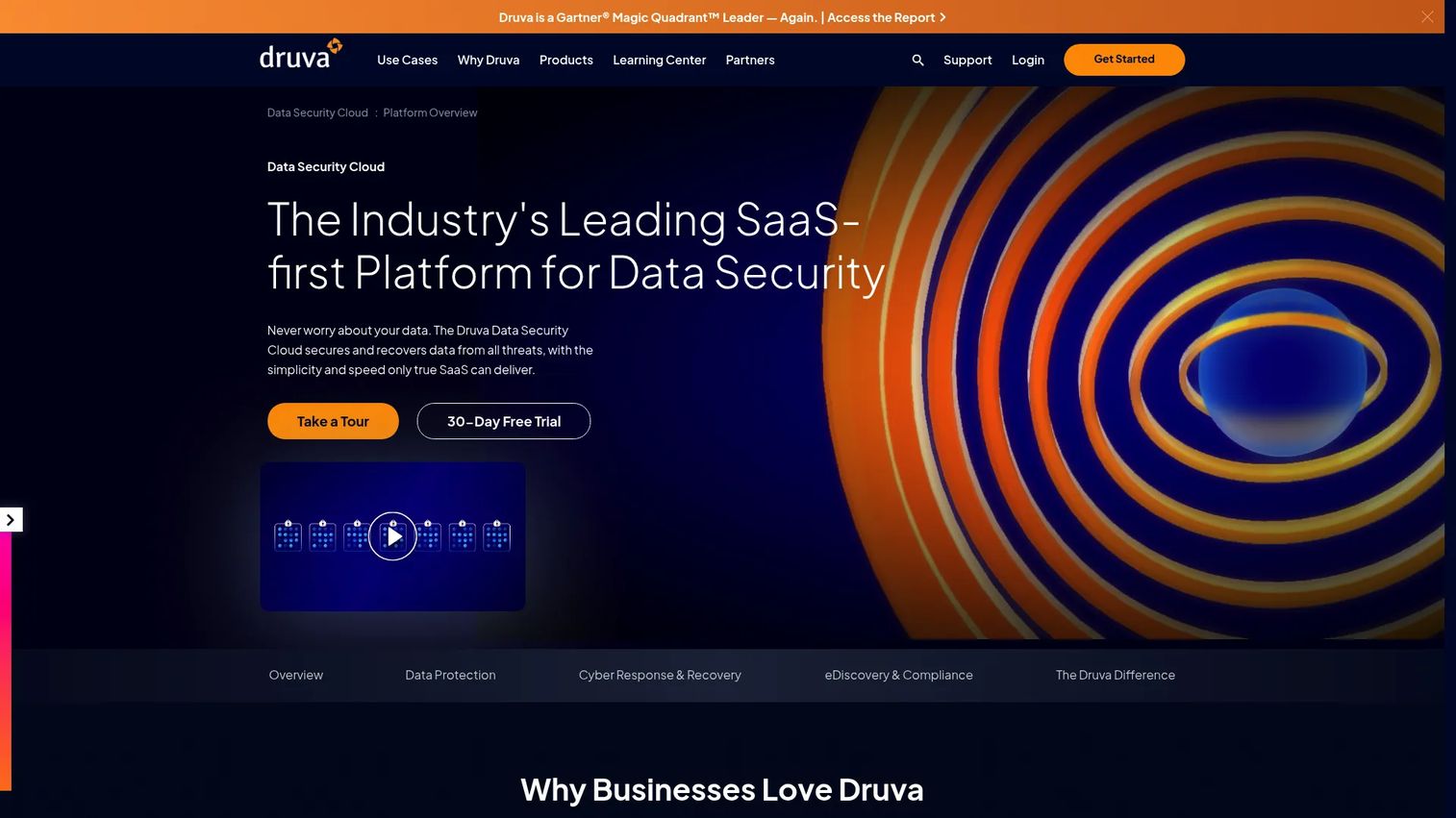
Druva Data Security Cloud is a fully managed SaaS platform for data security, backup, recovery, and cyber resilience across enterprise, cloud, SaaS, and endpoint workloads. Because it runs as a service, there is no backup infrastructure to provision or patch. That makes it attractive for teams that want predictable economics and cloud-native disaster recovery without managing storage themselves.
Best for: Enterprises that want SaaS-based backup and data security across mixed workloads without managing infrastructure.
Key strengths
- Fully managed SaaS data security platform: No hardware or backup servers to maintain, which reduces operational load.
- Air-gapped and immutable backups: Protects recovery points from ransomware and tampering.
- Broad workload coverage: Data center, public cloud, Microsoft 365, Google Workspace, endpoints, identity, and CRM data.
Why choose Druva Data Security Cloud: If you want SaaS simplicity and predictable, consumption-aligned economics across a mixed environment, the managed model removes the infrastructure tax. During validation, test a full ransomware recovery from an air-gapped copy and confirm workload coverage matches your actual SaaS footprint. Check retention and immutability settings against your compliance requirements.
Druva Data Security Cloud pricing: Druva's pricing page shows product and workload categories plus a 30-day free trial, but does not display public price numbers in accessible page text. Pricing is consumption-oriented, so model it against protected data volume and workload types. Request a scoped quote that reflects your endpoint, SaaS, and cloud mix. Druva holds a 4.7/5 rating on G2.
5. Veeam Data Platform
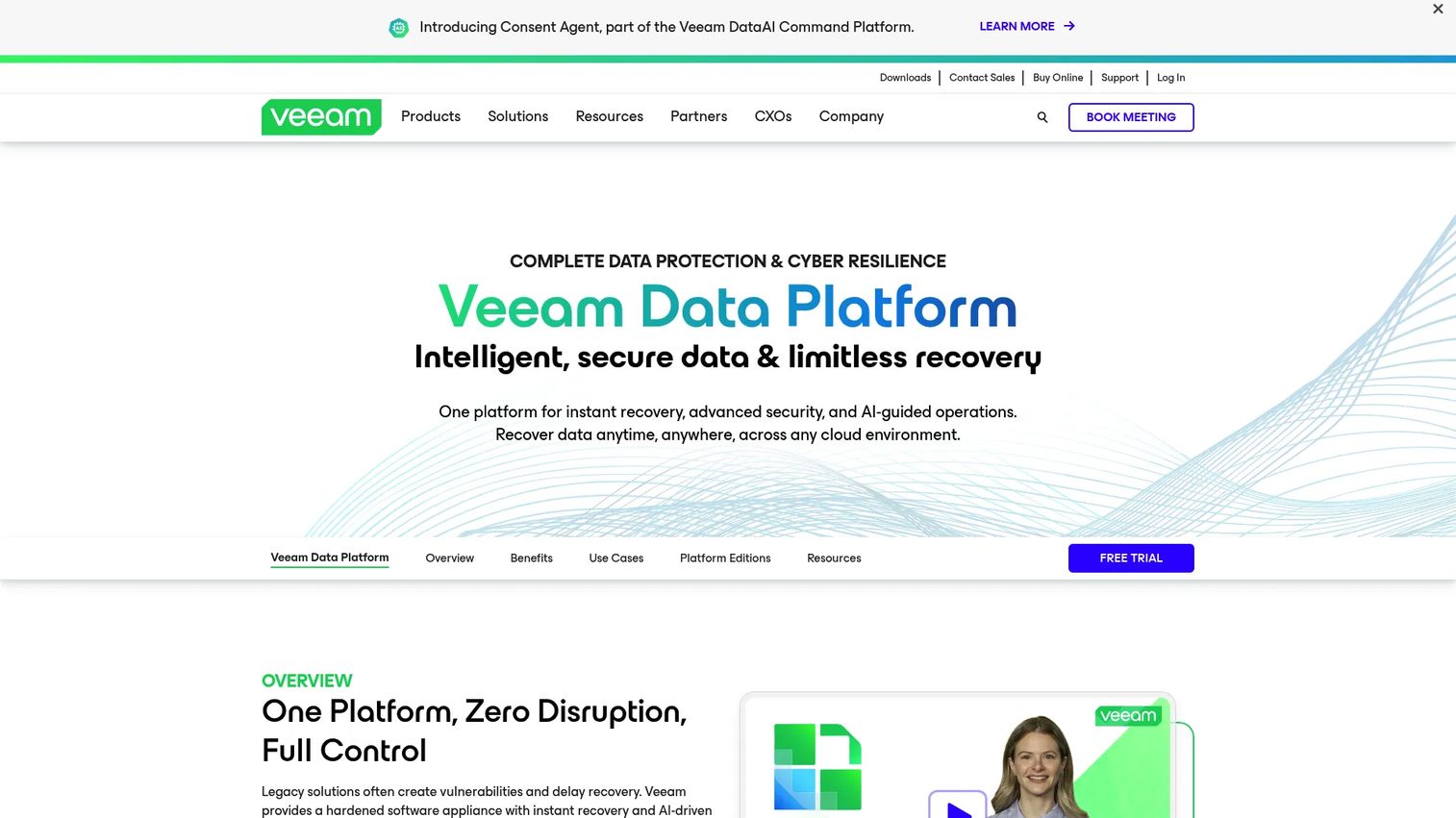
Veeam Data Platform is an enterprise data protection and cyber resilience platform for backup, recovery, security, and compliance across virtual, physical, cloud, and SaaS workloads. Its strength is deployment flexibility: teams can run it self-managed across hybrid environments with broad ecosystem support. Recovery orchestration is available through related Veeam tooling for teams that need automated, tested recovery plans.
Best for: Organizations needing self-managed backup, recovery, and cyber resilience for hybrid environments.
Key strengths
- Unified protection across workloads: One platform for virtual, physical, cloud, and SaaS backup and recovery.
- Direct-to-object storage and trusted immutability: Cost-efficient, tamper-resistant recovery points.
- Instant Recovery and Continuous Data Protection: Low-RPO options plus audit-ready recovery reports.
Why choose Veeam Data Platform: If you want control over deployment and a broad hardware and cloud ecosystem, the self-managed model fits hybrid estates well. When validating, run an Instant Recovery and confirm the audit-ready reports satisfy your compliance reviewers. Confirm whether recovery orchestration is bundled or separately licensed for your tier before you commit.
Veeam Data Platform pricing: Public pricing starts at $89.20 USD MSRP per license per year for Veeam Data Platform Essentials, sold in increments of five as annual subscription bundles, per Veeam's pricing page. The full enterprise Veeam Data Platform is contact-sales. A 30-day free trial with full functionality is available. Veeam holds a 4.6/5 rating on G2.
6. Commvault Cloud
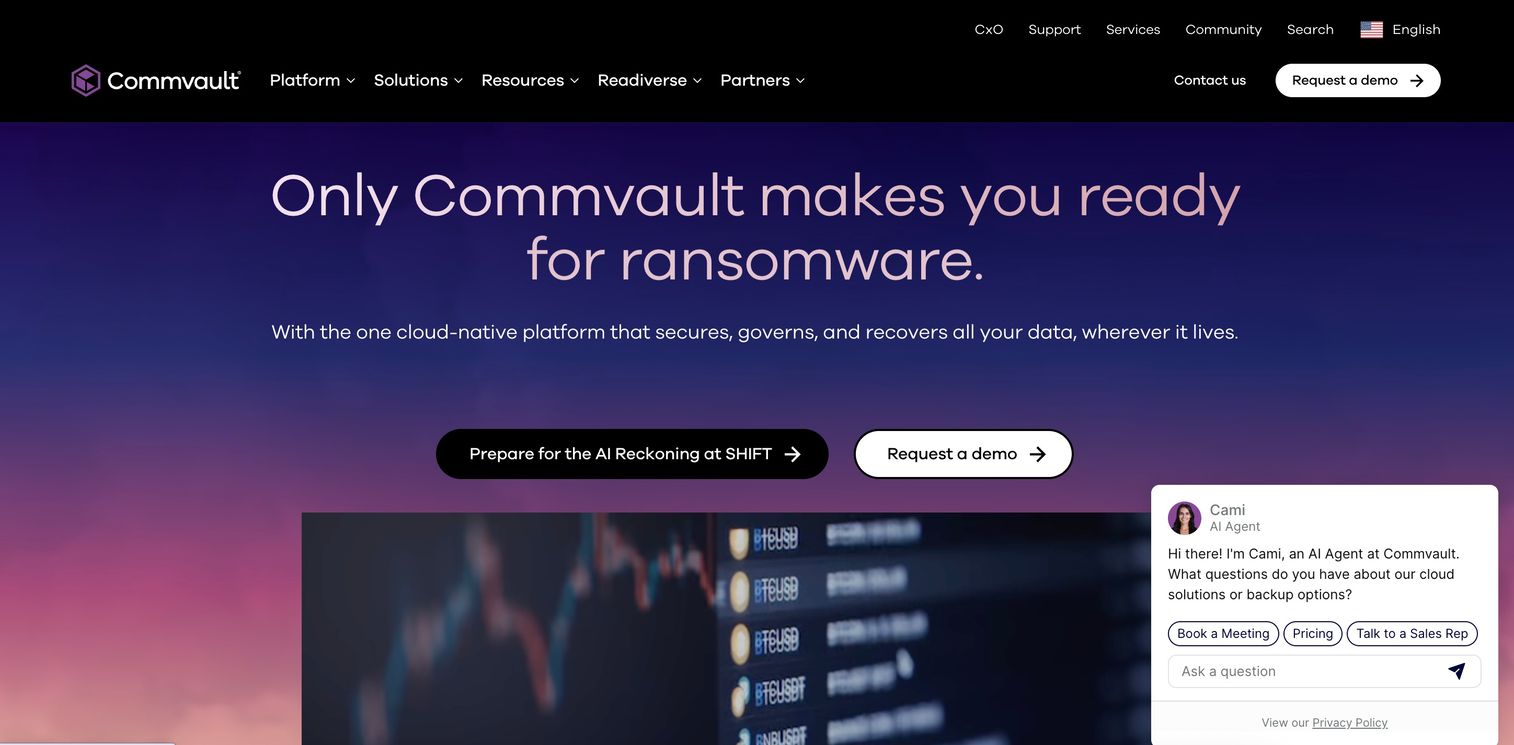
Commvault Cloud is a cloud-native cyber resilience platform for backup, recovery, and data security across hybrid and multi-cloud environments. Built on the Metallic AI automation engine, it centralizes management across SaaS, cloud, edge, and on-premises workloads. For enterprises, the appeal is unified recovery objectives and tested recovery planning under one control plane.
Best for: Enterprises needing unified SaaS, cloud, and hybrid backup/recovery with cyber-resilience controls.
Key strengths
- Unified resilience at enterprise scale: Centralized policy and recovery management across environments.
- Broad workload protection: SaaS, cloud, edge, and on-premises data under one platform.
- Metallic AI automation: Automates protection and accelerates recovery workflows.
Why choose Commvault Cloud: If you manage a large, mixed estate and need tested recovery planning with central governance, the unified control plane reduces fragmentation. During evaluation, validate recovery objectives per workload class and confirm the automation actually orchestrates dependent systems in order. Pressure-test reporting against your audit requirements.
Commvault Cloud pricing: Public pricing is shown for Microsoft 365 backup options, starting at $1.70 per user per month for the Standard tier, with $3.60 and $4.50 per user per month options for 5 GB and 50 GB Microsoft 365 plans, per Commvault's pricing page. Some offerings are consumption-based. Because platform-wide pricing is not fully public, validate a scoped quote for your workload mix. Commvault holds a 4.3/5 rating on G2.
7. Rubrik Cloud Vault
Rubrik Cloud Vault is Rubrik's managed offsite cloud backup and cyber-recovery service that keeps immutable, air-gapped copies of your data. It is positioned around cyber resilience and fast, clean restoration, which resonates with teams focused on ransomware recovery. The managed model means Rubrik operates the vault while you retain governance controls.
Best for: Organizations needing managed, immutable cloud backup and cyber recovery.
Key strengths
- Immutable and air-gapped backups: Recovery points cannot be altered or deleted by an attacker.
- Clean and rapid recovery: Focused on restoring quickly to a known-good state after an incident.
- Managed vault with strong governance: RBAC, quorum authorization, and key management built in.
Why choose Rubrik Cloud Vault: If ransomware recovery and immutable, offsite copies are your priority, the managed vault removes the burden of running that infrastructure yourself. In a security review, validate quorum authorization and key management against your access policy. Test a clean recovery and time it against your ransomware RTO, not a generic restore benchmark.
Rubrik Cloud Vault pricing: Rubrik does not display public pricing on the product page and directs buyers to contact sales. Its licensing guide describes Rubrik Cloud Vault as a per-back-end-terabyte model, with pricing varying by storage tier and redundancy option. Scope a quote against your protected data volume and required redundancy. Rubrik holds a 4.5/5 rating on G2.
8. ControlMonkey
ControlMonkey is an AI-powered cyber resilience and Terraform automation platform for cloud and SaaS environments. Instead of only protecting data, it snapshots and recovers cloud and SaaS configuration, which is what most backup tools miss. That makes it valuable when recovery means reconstructing an environment, not just restoring files.
Best for: Teams that need Terraform-driven cloud/SaaS resilience, drift control, and recovery automation.
Key strengths
- Continuous configuration snapshots and recovery: Captures cloud and SaaS config so environments can be rebuilt.
- Terraform code generation, CI/CD, and policy enforcement: Turns infrastructure into recoverable, governed code.
- Drift detection and remediation: Flags and fixes config changes before they become recovery gaps.
Why choose ControlMonkey: If your recovery risk is infrastructure and configuration, not just data, this complements data backup tools by handling environment reconstruction. During validation, trigger a one-click recovery of a drifted environment and confirm the generated Terraform matches your live state. Pair it with a data-focused tool for full coverage.
ControlMonkey pricing: ControlMonkey offers a free Resilience Assessment as its entry tier, with Pro and Enterprise plans priced through sales, per its pricing page. The free tier lets you assess resilience posture before committing. Scope Pro and Enterprise against the number of cloud and SaaS environments you need to protect. ControlMonkey holds a 5.0/5 rating on G2.
9. Quorum
Quorum is ransomware protection and disaster recovery software that combines backup, DR, and recovery testing in one platform. Its appeal is a simpler operational story with low-RTO, VM-centric recovery and automated testing built in. For teams that want recovery confidence without stitching together multiple tools, that consolidation is the draw.
Best for: Organizations needing backup, disaster recovery, and ransomware protection in one platform.
Key strengths
- Point-in-time data recovery: Restore to a specific moment to recover cleanly from corruption or attack.
- Automated recovery testing: Regular, hands-off drills that prove recovery works before an incident.
- Data archiving: Retain and manage long-term copies alongside active recovery points.
Why choose Quorum: If you want a straightforward, VM-centric platform that automates recovery testing, it fits mid-sized teams that lack a dedicated DR engineer. Relative to cloud-native services like AWS and Azure, Quorum leans toward a consolidated appliance-and-software story. Validate automated test frequency and confirm recovery times meet your RTO for critical VMs.
Quorum pricing: Quorum does not publish pricing on its site, and its terms reference a quote and price list, indicating pricing is handled through sales. Request a quote scoped to your VM count and retention needs. Compare total cost against cloud-native alternatives for your workload profile. Quorum holds a 4.3/5 rating on G2.
10. Zerto
Zerto is cloud data management and protection software built around continuous data protection and fast failover for virtual, cloud, and ransomware recovery use cases. Teams that obsess over low RPO gravitate to it because continuous replication minimizes data loss between recovery points. Recovery orchestration across hybrid and multi-cloud environments rounds out the story.
Best for: Enterprises needing always-on disaster recovery and cloud mobility.
Key strengths
- Continuous data protection: Journal-based replication keeps RPO in seconds rather than hours.
- Disaster recovery orchestration: Automates ordered, tested failover across environments.
- Backup and data mobility: Move and protect workloads across hybrid and multi-cloud.
Why choose Zerto: If low RPO and recovery confidence are non-negotiable, continuous data protection is the differentiator against snapshot-based tools. In enterprise evaluations, position Zerto against broader backup suites by testing actual RPO under load, not the marketing figure. Validate failover orchestration for a multi-tier application, then time the full recovery.
Zerto pricing: Zerto does not publish public pricing on its site; licensing is sold via purchase order or reseller and varies by entitlement. Because pricing is quoted, scope a proposal against your protected workload count and required RPO. Cross-reference the total against continuous-replication needs versus periodic backup. Zerto holds a 4.7/5 rating on G2.
11. IBM Storage Protect
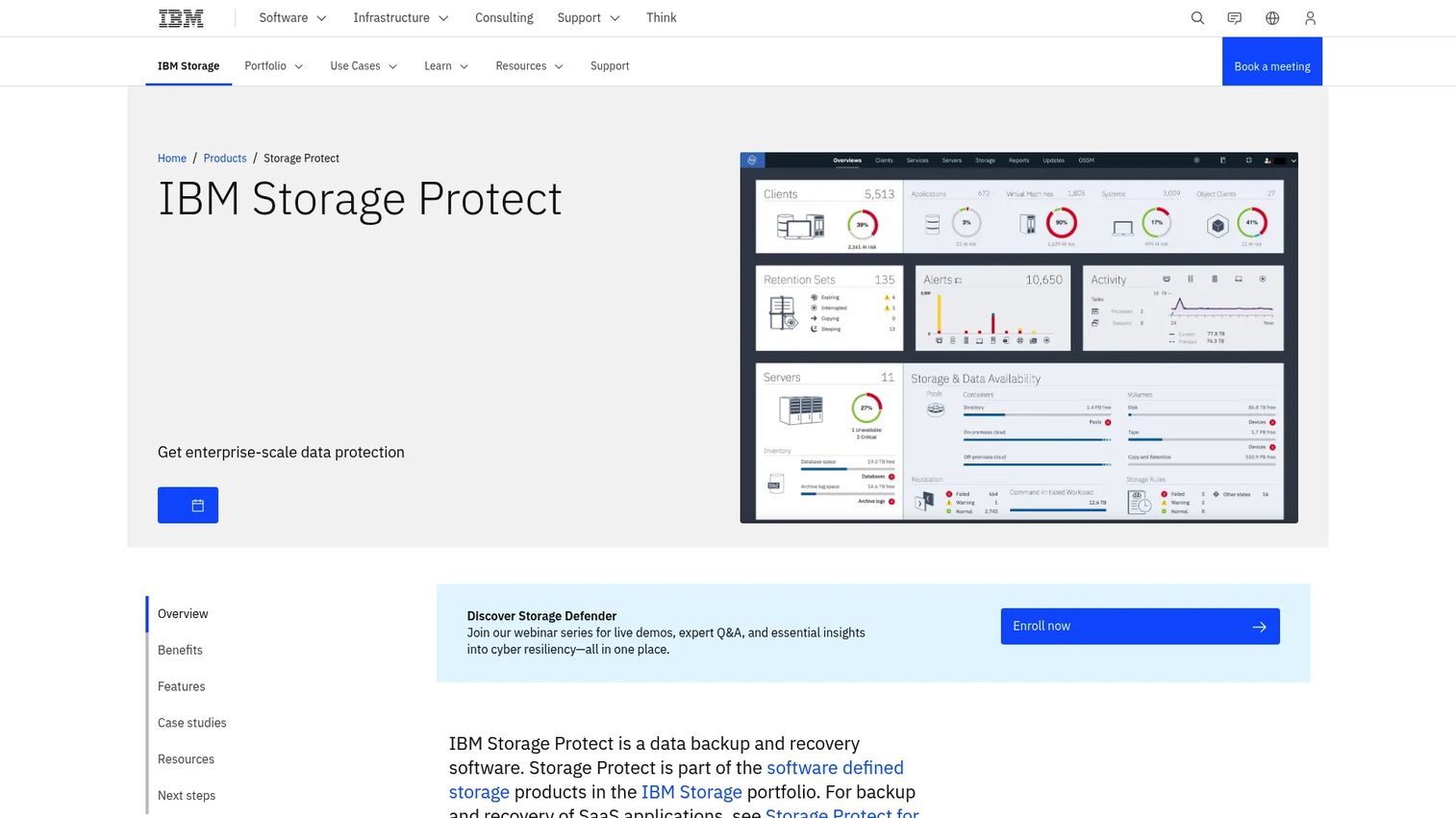
IBM Storage Protect is enterprise data protection software for automated backup, restore, and policy-driven data protection across mixed environments. It fits large organizations with formal governance, hybrid storage needs, and established IBM stacks. The appeal is central control and broad workload support under one policy engine.
Best for: Enterprises needing centralized backup, restore, and data protection across mixed environments.
Key strengths
- Automated and centralized backup and restore: Policy-driven protection managed from one place.
- Broad environment support: Physical, virtual, software-defined, and cloud coverage.
- Application-aware snapshots: Consistent backup and recovery for critical applications.
Why choose IBM Storage Protect: If you run a large, governed environment already invested in the IBM stack, central policy control and broad workload support reduce complexity. During evaluation, validate policy-driven retention against your compliance schedule and test application-aware recovery for a database, not just file-level restore. Confirm hybrid storage tiers match your cost model.
IBM Storage Protect pricing: IBM does not expose public pricing on the Storage Protect product page; its specifications page shows licensing models and entry offerings without a public dollar figure. Pricing is handled through IBM sales and partners. Scope licensing against your capacity and workload types. IBM Storage Protect holds a 4.1/5 rating on G2.
Considerations before you buy
Before you shortlist, translate marketing claims into criteria you can test during technical validation. These are the factors that separate a demo that looks clean from a recovery that actually works at 2 a.m.
Recovery objectives (RTO and RPO)
Every tool claims fast recovery. Map each vendor's real RTO and RPO to your most critical workloads, then verify them in a test, not a spec sheet. Continuous data protection tools reach lower RPO than snapshot-based ones, so match the model to what each workload requires.
Recovery testing and orchestration
A recovery plan you cannot test is a guess. Prioritize tools with non-disruptive, automated testing and orchestration that sequences dependent systems. During a POC, run a test failover for a multi-tier application and time the full recovery.
Workload and cloud coverage
Confirm the platform protects your actual mix: on-premises VMs, cloud instances, SaaS data, endpoints, and configuration. Coverage gaps are where recovery quietly fails. Validate against your real inventory, not a representative sample.
Integration and governance
Check how DR integrates with your identity, storage, and security stack, and whether reporting satisfies auditors. For presales teams, immutable backups and RBAC often appear directly in security questionnaires. Validate access controls and audit reporting early.
Total cost of ownership
Usage-based and per-instance models scale with your footprint, so model cost against real workload counts, not a headline price. Include storage, compute, and data transfer for cloud DR, and factor recovery-event costs, not just steady-state.
Conclusion
The right disaster recovery software depends entirely on what you are protecting and how you deliver it. For cloud-native recovery, AWS Elastic Disaster Recovery and Azure Site Recovery keep DR inside your existing cloud control plane. For MSP delivery, Acronis Cyber Protect Cloud consolidates backup, recovery, and security across tenants. For broad backup and predictable economics, Veeam Data Platform and Druva Data Security Cloud cover hybrid and SaaS estates. For orchestration and low-RPO confidence, Commvault Cloud and Zerto lead. For infrastructure reconstruction beyond file restore, ControlMonkey fills a gap most data tools miss, while Rubrik Cloud Vault, Quorum, and IBM Storage Protect serve cyber-recovery and enterprise governance needs.
The practical next step is not more research. Narrow this list to three vendors, then run a recovery test against a real RTO and RPO scenario for one critical workload. A tool that survives that test earns your shortlist. A tool that stalls on a permission or a dependency tells you everything before it matters.
FAQs
Disaster recovery software is a category of tools that restores systems, data, and services after disruption, such as an outage, hardware failure, or ransomware attack. It automates replication, failover, and recovery so organizations can meet defined recovery objectives and resume operations quickly. It underpins broader IT resilience and business continuity planning.
Backup software protects data by creating copies you can restore later. Disaster recovery software focuses on restoring full operations, including systems, dependencies, and services, while minimizing downtime. Backup answers "can I get my data back," while DR answers "how fast can the business run again." Most enterprise platforms now combine both.
Prioritize recovery objectives (RTO and RPO), non-disruptive recovery testing, and orchestration for dependent systems. Then evaluate workload and cloud coverage, integration with your identity and security stack, and total cost of ownership. For regulated environments, immutable backups and audit-ready reporting matter as much as raw speed.
It depends on workload, compliance, cost, and recovery objectives. Cloud disaster recovery and DRaaS remove secondary-site overhead and scale with usage, which suits lean teams and cloud-first estates. On-prem or hybrid DR can fit data-residency requirements, latency-sensitive workloads, or heavy existing infrastructure investments. Many organizations run a hybrid model.
Testing should be regular and tied to your change cadence, not annual by default. Critical workloads warrant more frequent, automated test failovers, ideally after significant infrastructure or application changes. Tools with non-disruptive, automated testing make frequent drills practical, which is what turns a documented plan into a proven one.
DRaaS, or disaster recovery as a service, is a model where a provider hosts and manages recovery infrastructure on your behalf, typically in the cloud. It makes sense when you want low secondary-site overhead, predictable economics, and managed failover without running the infrastructure yourself. The DRaaS market is projected to reach $83.15B by 2034, per Fortune Business Insights (2025).
Presales teams validate technical fit through discovery, hands-on evaluation, and security review. They map a prospect's RTO and RPO to real capabilities, run a test failover or POC against representative workloads, and confirm immutable backups, RBAC, and audit reporting for security questionnaires. The goal is proof of recovery under a realistic scenario, so buyers can commit with confidence rather than trusting a spec sheet.