Your asset data lives in five places. A depreciation spreadsheet someone built three finance leads ago. An accounting export that only reconciles at quarter-end. A shared drive with purchase orders. An IT inventory nobody trusts. And the tribal knowledge of one person who knows which laptops actually still exist.
Then audit season arrives, and the gaps show up as ghost assets: items still on the books that were scrapped two years ago, or assets in service that never got recorded. Every one of those errors touches depreciation, tax exposure, and how long your month-end close drags on.
The market is moving toward fixing exactly this. Fixed asset management software is projected to grow from USD 5.28 billion in 2026 to USD 12.32 billion by 2034, a CAGR of 11.17%, according to Straits Research (2025). Over 70% of large North American enterprises have already adopted cloud-based asset lifecycle tools, per the same report. The shift is away from manual reconciliation and toward centralized, auditable asset data.
For a founder or finance lead, this is not about bookkeeping vanity. Cleaner asset records mean a faster close, fewer surprises in due diligence, and controls that survive board scrutiny. If you are building repeatable systems, asset governance is one of the least glamorous and most quietly leveraged places to build discipline. Teams that manage governed processes elsewhere, from contract lifecycle management to audit management, tend to look here next.
What's inside
This guide is for finance, operations, and IT teams comparing fixed asset management software for depreciation, tracking, reporting, compliance, and ERP integration. It covers seven tools that span three distinct jobs: finance-grade depreciation accounting, operational asset tracking, and enterprise asset lifecycle management.
We selected tools based on four criteria: accounting depth (depreciation methods, tax and book treatments), asset tracking workflow (inventory, transfers, disposals), reporting and analytics (audit trails, custom reports, exports), and adoption fit (deployment, integrations, ease of use). Pricing and ratings reflect verified public sources where available. Where a vendor gates pricing behind sales, we say so rather than guess.
TL;DR
- Best for accounting-heavy teams: Thomson Reuters Fixed Assets CS, for deep depreciation treatments and tax and book accuracy.
- Best for operational asset tracking: Asset Panda, for configurable records, mobile access, and barcode workflows.
- Best for depreciation and tax workflows: Sage Fixed Assets, for a mature depreciation engine and planning tools.
- Best for warehouse and manufacturing visibility: Sonaria, for RFID-based real-time inventory tracking.
- Best for maintenance-led asset operations: UpKeep, for work orders and preventive maintenance on a mobile-first platform.
- Best for enterprise asset lifecycle: IBM Maximo and Infor EAM, for asset-intensive organizations with complex operational needs.
What is fixed asset management software?
Fixed asset management software is a system for tracking, depreciating, and reporting on long-lived business assets such as equipment, vehicles, IT hardware, and furniture across their entire lifecycle. It centralizes asset data that would otherwise scatter across spreadsheets, accounting exports, and disconnected inventory tools.
It differs from generic asset tracking software, which focuses more on location, assignment, and operational status than on accounting treatment. It also differs from broader enterprise asset management (EAM) platforms, which manage maintenance, work orders, and reliability for asset-intensive operations. Fixed asset software sits closest to finance, though the best tools serve operations and IT too.
Core capabilities to expect:
- Depreciation: automated calculation across multiple methods, with support for book, tax, and other treatments.
- Asset inventory: a centralized register with custom fields, categories, and status.
- Transfers and disposals: workflows for moving, retiring, or writing off assets with change history.
- Audit trail: a record of who changed what and when, for control and compliance.
- Reporting: custom reports, financial and tax reporting, and exportable analytics.
- ERP integration: sync with accounting and ERP systems to avoid double entry.
- Cloud deployment: cloud based asset management software now represents about 55% of deployments worldwide, per Business Research Insights (2025).
The category splits cleanly into three buyer types: finance teams that need depreciation accuracy, operations teams that need fixed asset tracking and real-time visibility, and enterprises that need full asset lifecycle management across thousands of assets.
When to use fixed asset management software
Reduce spreadsheet chaos
When you cross a few hundred fixed assets, spreadsheets stop scaling. Formulas break, versions diverge, and one wrong depreciation entry ripples into your financials undetected. The symptoms are familiar: assets on the books that no longer exist, depreciation that does not tie out, and a month-end close that stretches because someone is reconciling by hand. Dedicated depreciation software removes the manual math and gives you one source of truth.
Prepare for audits and tax reporting
When audit readiness becomes recurring work rather than a once-a-year scramble, controlled records matter. Auditors want to see change history, permissions, and depreciation schedules that reconcile without manual patching. Fixed asset accounting software gives you an audit trail, role-based permissions, and exportable reports that shorten review cycles. This connects directly to broader audit management software and contract management discipline that founders adopt as they scale governance.
Centralize asset lifecycle visibility
When finance, operations, and IT each keep their own version of the asset list, decisions get slow and reconciliation gets ugly. A shared asset management system tracks transfers, disposals, assignments, and status changes in one place. Everyone works from the same record, so a laptop reassigned from one team to another does not become a phantom line item on next quarter's depreciation schedule.
Comparison table
Here is a fast scan of the seven tools, sorted by relevance to fixed asset management software. Pricing and ratings reflect verified public sources; where a vendor does not publish pricing, we note it rather than estimate.
| # | Product | Intent | Key differentiation | Pricing | G2 rating |
|---|---|---|---|---|---|
| 1 | Thomson Reuters Fixed Assets CS | Fixed asset accounting | Unlimited depreciation treatments for tax and book | Contact sales | 4.4/5 |
| 2 | Asset Panda | Operational asset tracking | Configurable records with mobile barcode workflows | From $3,000/year | 4.2/5 |
| 3 | Sage Fixed Assets | Depreciation and tax | 50+ depreciation formulas plus planning | Contact sales | 4.2/5 |
| 4 | Sonaria | Warehouse and manufacturing visibility | RFID-based real-time inventory tracking | Contact sales | Not listed |
| 5 | UpKeep | Maintenance-led asset ops | Mobile CMMS with work orders and PM | From $24/user/mo | 4.5/5 |
| 6 | IBM Maximo | Enterprise asset lifecycle | AI-assisted maintenance and facilities | From under $40K/year | Not listed |
1. Thomson Reuters Fixed Assets CS
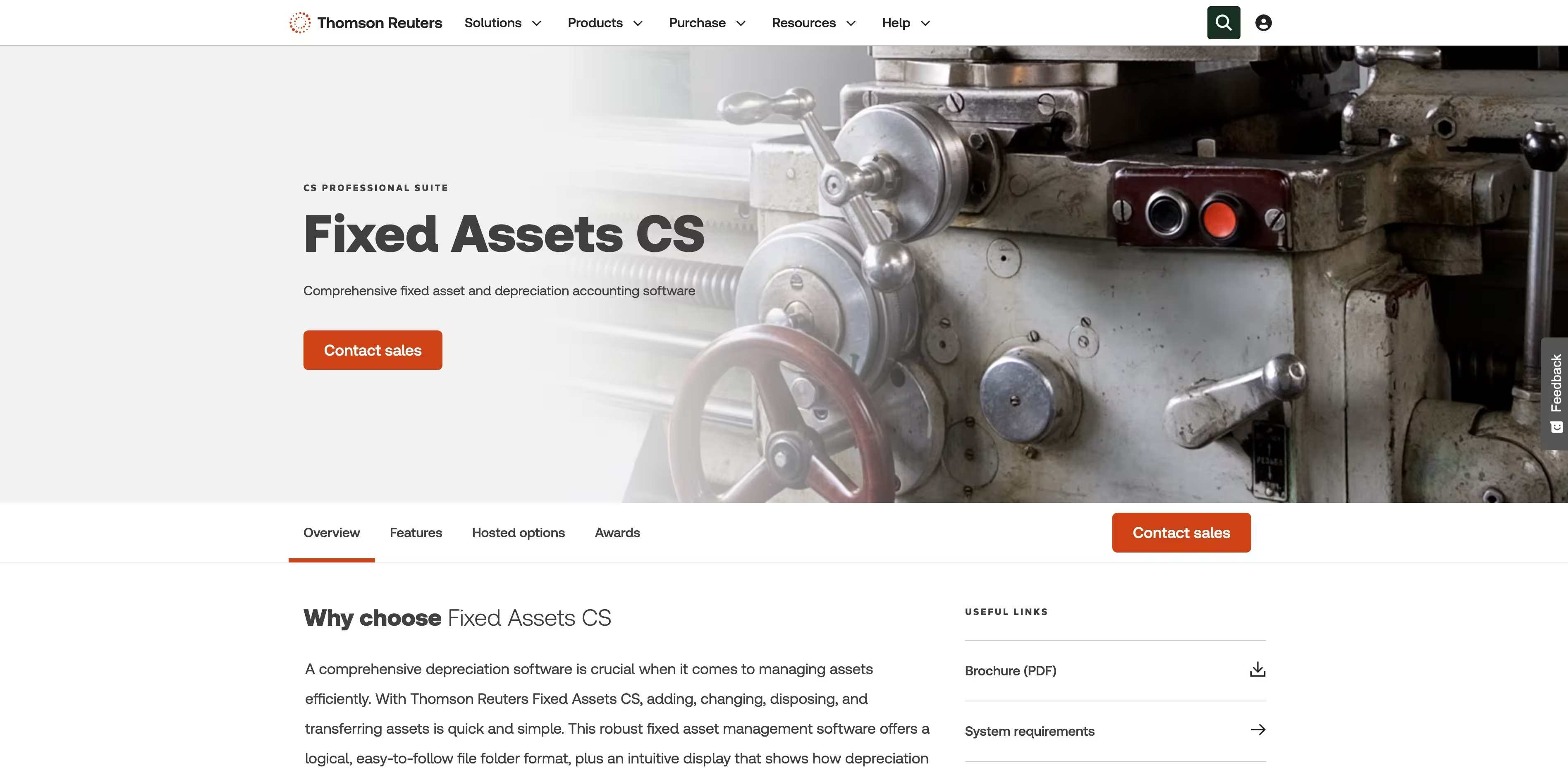
Thomson Reuters Fixed Assets CS is fixed asset and depreciation accounting software built for firms and finance teams that live in the numbers. It handles tracking, calculation, and reporting of asset depreciation with the kind of accounting depth that tax and book treatments demand. If your priority is depreciation accuracy over operational tracking, this is the accounting-native end of the category.
The product's core strength is unlimited depreciation treatments, which matters when you maintain separate book, tax, AMT, and state schedules on the same asset. It pairs that with inventory control and asset tracking, plus custom reporting and spreadsheet imports so migrating from existing records does not mean starting over. For accounting-heavy teams, that combination shortens close cycles and reduces the manual reconciliation that creates errors.
Best for: Tax and accounting firms and finance teams needing deep fixed asset and depreciation management.
Key strengths
- Unlimited depreciation treatments: maintain book, tax, and other treatments on the same asset without workarounds.
- Inventory control and asset tracking: keep a controlled register alongside the depreciation engine.
- Custom reporting and spreadsheet imports: build the reports auditors ask for and migrate existing data cleanly.
Why choose Thomson Reuters Fixed Assets CS: Choose it when depreciation depth is the deciding factor and your team already thinks in tax and book terms. It is the accounting-first pick, and it fits organizations that treat fixed asset accounting as a finance function rather than an operations one.
Thomson Reuters Fixed Assets CS pricing: Thomson Reuters does not publish pricing on its product page and directs prospective buyers to contact sales for a quote. There is no public free tier or self-serve trial listed. Because it is part of the CS Professional Suite, pricing is typically scoped to your firm's broader accounting stack, so budget for a sales-led conversation rather than a fixed list price.
2. Asset Panda
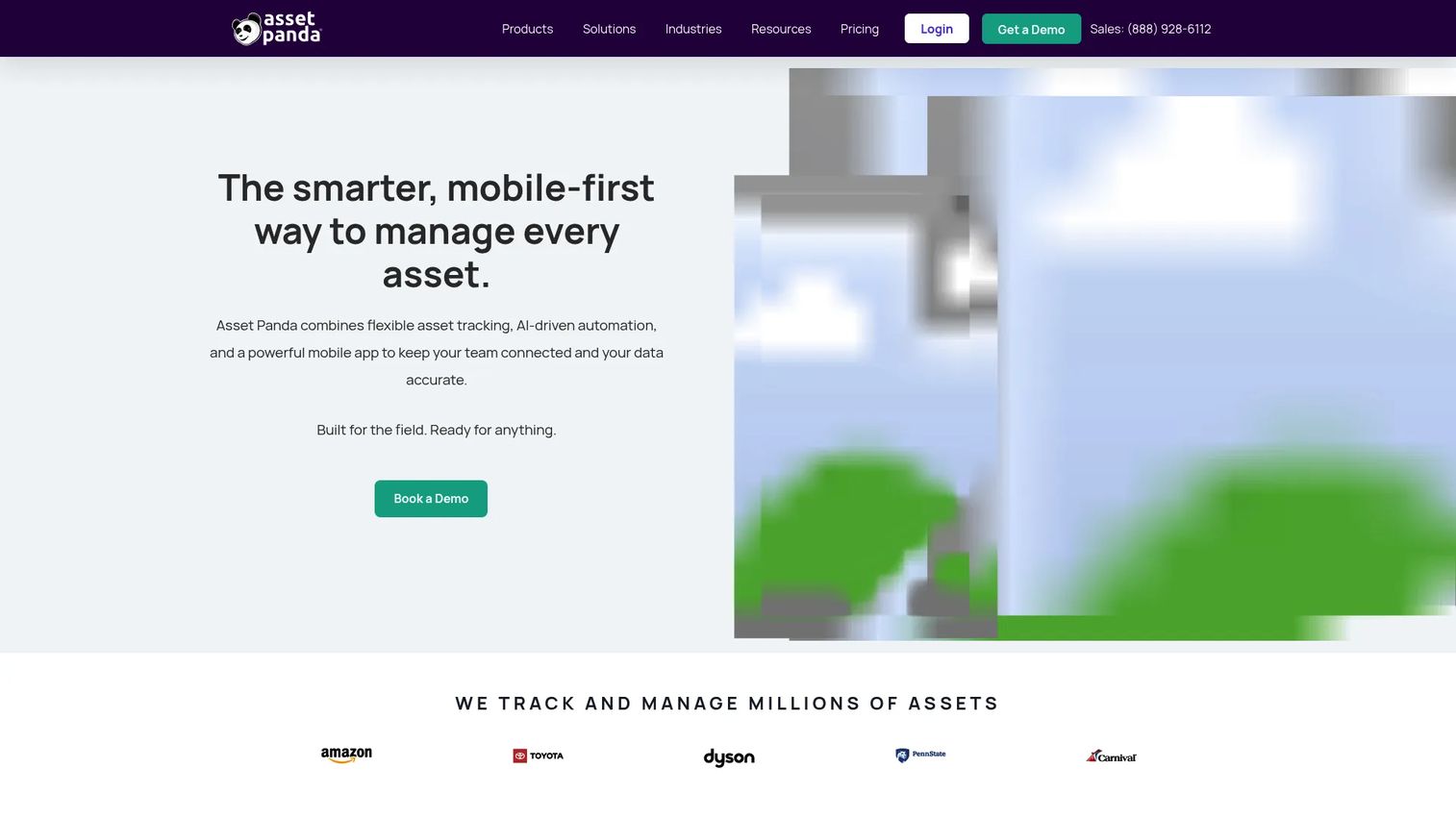
Asset Panda is cloud-based asset management software for tracking assets, inventory, maintenance, and compliance. It leans toward the operational side of the category, with configurable records that adapt to how your team actually catalogs equipment. For teams that need fixed asset tracking software with real-time visibility and mobile capture, it is one of the more flexible options here.
The platform's standout is configurability. You can shape asset records, custom fields, and workflows to match your environment rather than bending your process to the tool. Barcode tracking and scanning plus a mobile app with AI-driven automation mean field teams can update records from a warehouse floor or a supply closet, not just a desk. That keeps your asset inventory current, which is where most spreadsheet-based systems fall apart.
Best for: Organizations needing configurable asset tracking with mobile barcode workflows.
Key strengths
- Asset tracking: a centralized, configurable register that adapts to your categories and fields.
- Barcode tracking and scanning: update records fast during physical inventory counts and transfers.
- Mobile app with AI-driven automation: capture asset data from the field, not just from a finance desk.
Why choose Asset Panda: Choose it when operational visibility and ease of adoption matter more than deep tax-treatment accounting. It fits IT and operations teams that want a shared asset management system the whole company can update, with the mobile access that keeps records honest.
Asset Panda pricing: Asset Panda publishes three annual plans. Starter is $3,000 per year for 5 users and up to 1,000 assets. Business+ is $7,200 per year for 10 users and up to 5,000 assets. Enterprise is $18,000 per year for 20 users and up to 10,000 assets. There is no public free tier, but a 7-day free trial and a live demo are offered.
3. Sage Fixed Assets
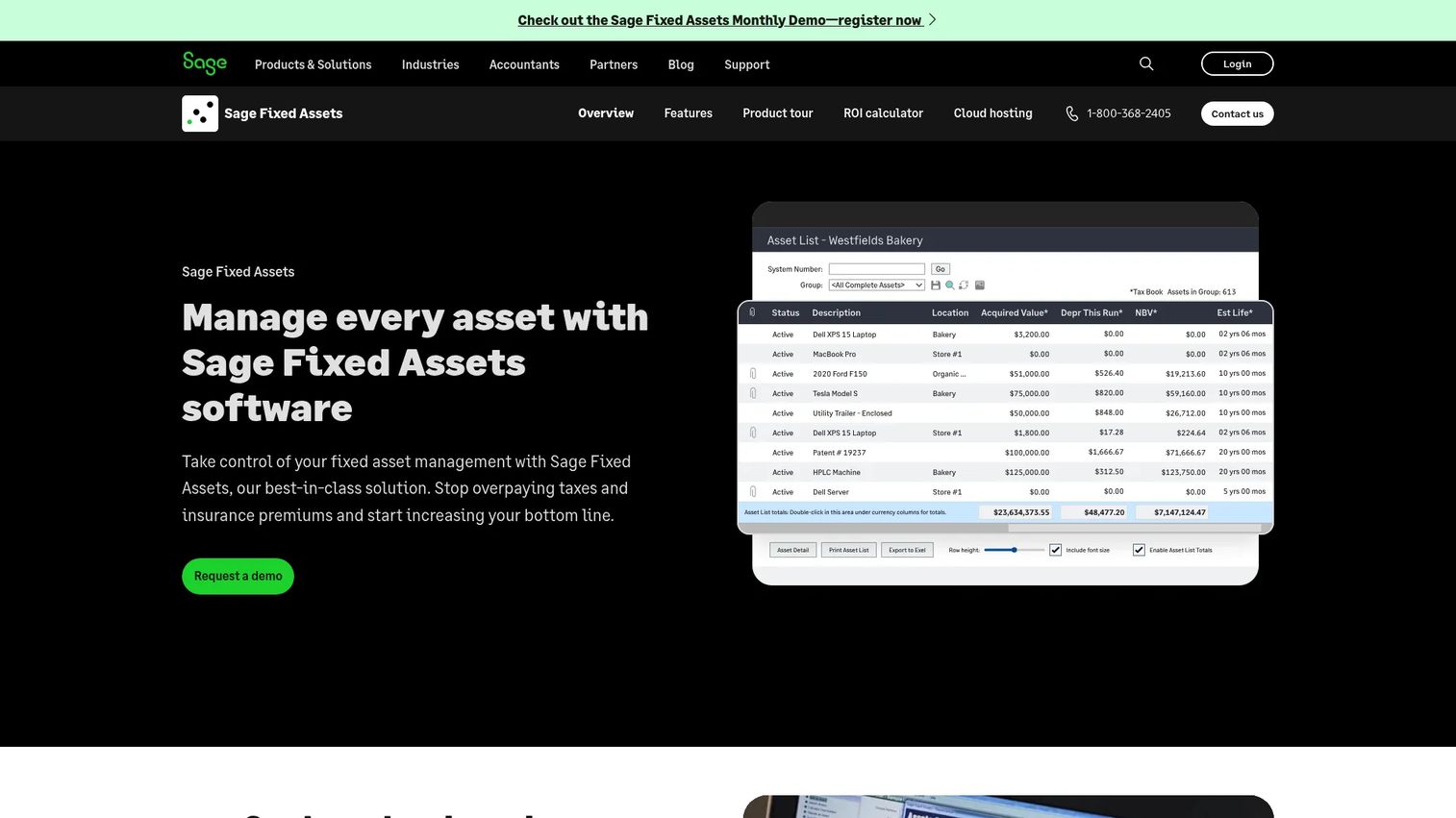
Sage Fixed Assets is fixed asset management software for tracking, depreciating, planning, and reporting on assets. It sits close to Thomson Reuters in intent, with a mature depreciation engine and strong financial and tax workflows, and it matters most when you are already in or near the Sage ecosystem.
The depreciation engine is the anchor. Sage supports over 50 depreciation formulas, which covers most tax and book scenarios you are likely to hit. Beyond calculation, it adds planning for project costs and budgets, so you can model asset spend before it lands on the books. Tracking with barcode scanning and check-in/check-out handles the physical side, and custom reporting with advanced formatting produces the tax reporting and financial reporting output that finance and auditors expect.
Best for: Organizations needing fixed asset depreciation and lifecycle management with inventory tracking.
Key strengths
- Depreciation with 50+ formulas: cover book, tax, and specialized treatments without manual overrides.
- Planning for project costs and budgets: model asset spend before capitalization.
- Tracking and custom reporting: barcode check-in/check-out plus advanced report formatting for compliance.
Why choose Sage Fixed Assets: Choose it when depreciation and tax workflows are central and Sage ecosystem fit matters. It is a strong pick for finance teams that want a proven depreciation engine and planning tools in one place, especially if you already run other Sage products.
Sage Fixed Assets pricing: Sage does not publish a public price for Fixed Assets. The product page directs visitors to request a demo or contact sales for pricing tied to your deployment. G2 lists the product but does not surface pricing either, so plan for a sales-led quote rather than a self-serve signup.
4. Sonaria
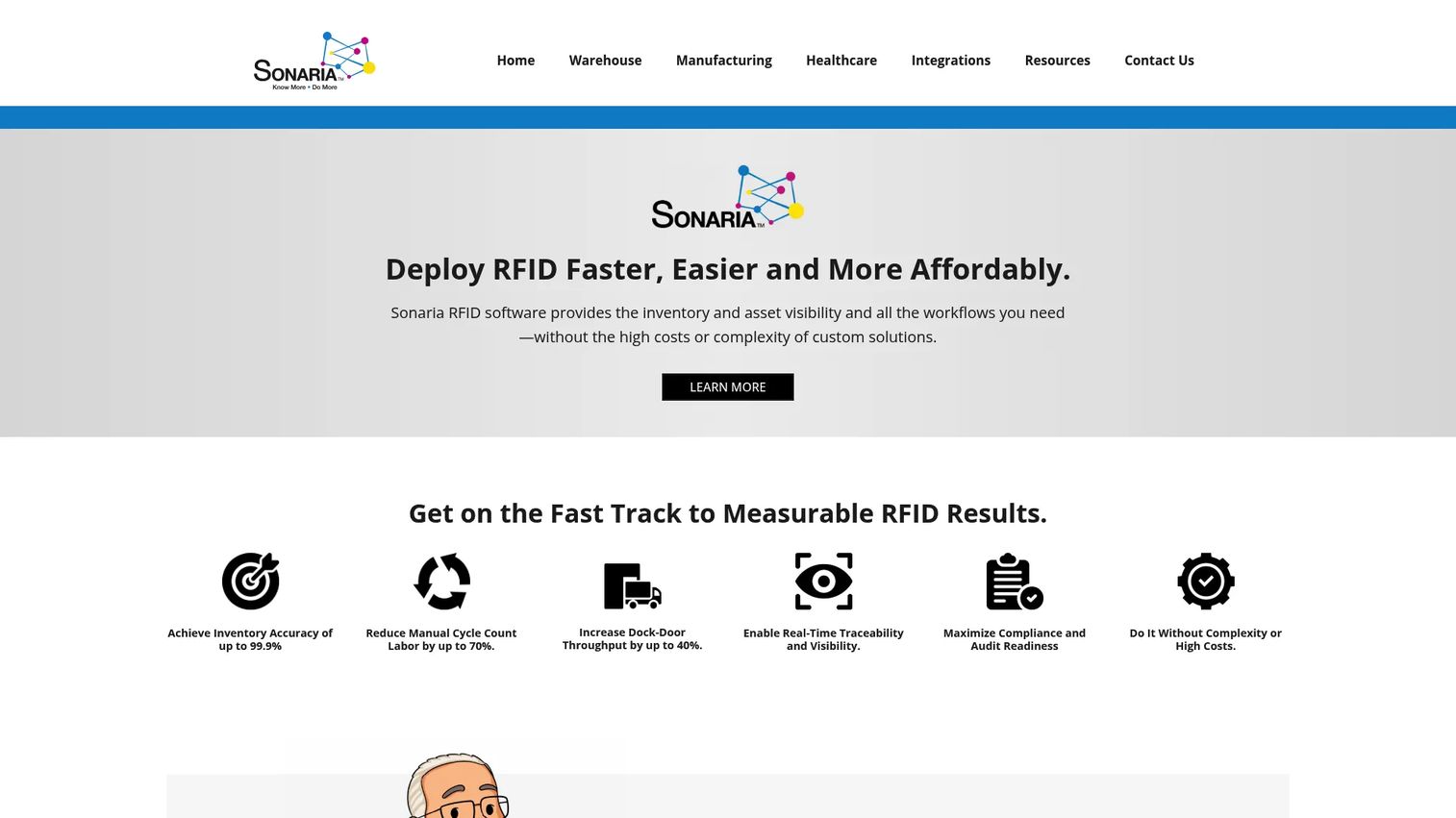
Sonaria is industrial RFID software for warehouse and manufacturing visibility, tracking, and workflow automation. It is the most operations-native tool on this list, aimed at physical asset environments where knowing exactly where something is right now beats knowing its depreciation schedule. If your assets move constantly across a floor or facility, this is the visibility layer.
Its core is real-time inventory visibility powered by RFID, so location and movement update automatically rather than through manual scans. Automated location and movement tracking removes the labor of physical counts, and ERP, WMS, MES, and TMS integrations connect that data to the systems that already run your operations. This is less about tax treatment and more about eliminating the "where did that asset go" problem at scale.
Best for: Warehouses and manufacturers needing RFID-based visibility and traceability.
Key strengths
- Real-time inventory visibility: know asset location and movement without manual counts.
- Automated location and movement tracking: RFID replaces the labor of physical inventory.
- ERP, WMS, MES, and TMS integrations: connect asset data to the operational systems you already run.
Why choose Sonaria: Choose it when physical traceability in a warehouse or plant is the primary job, not depreciation accounting. It fits operations-led teams that need real-time visibility across high-volume physical assets, and it pairs best with a separate finance tool if you also need deep depreciation.
Sonaria pricing: Sonaria does not publish public pricing on its site, and its pages use quote-based CTAs. No verified G2 rating was available at the time of writing. Expect a scoped, sales-led conversation based on your facility size and RFID hardware needs.
5. UpKeep
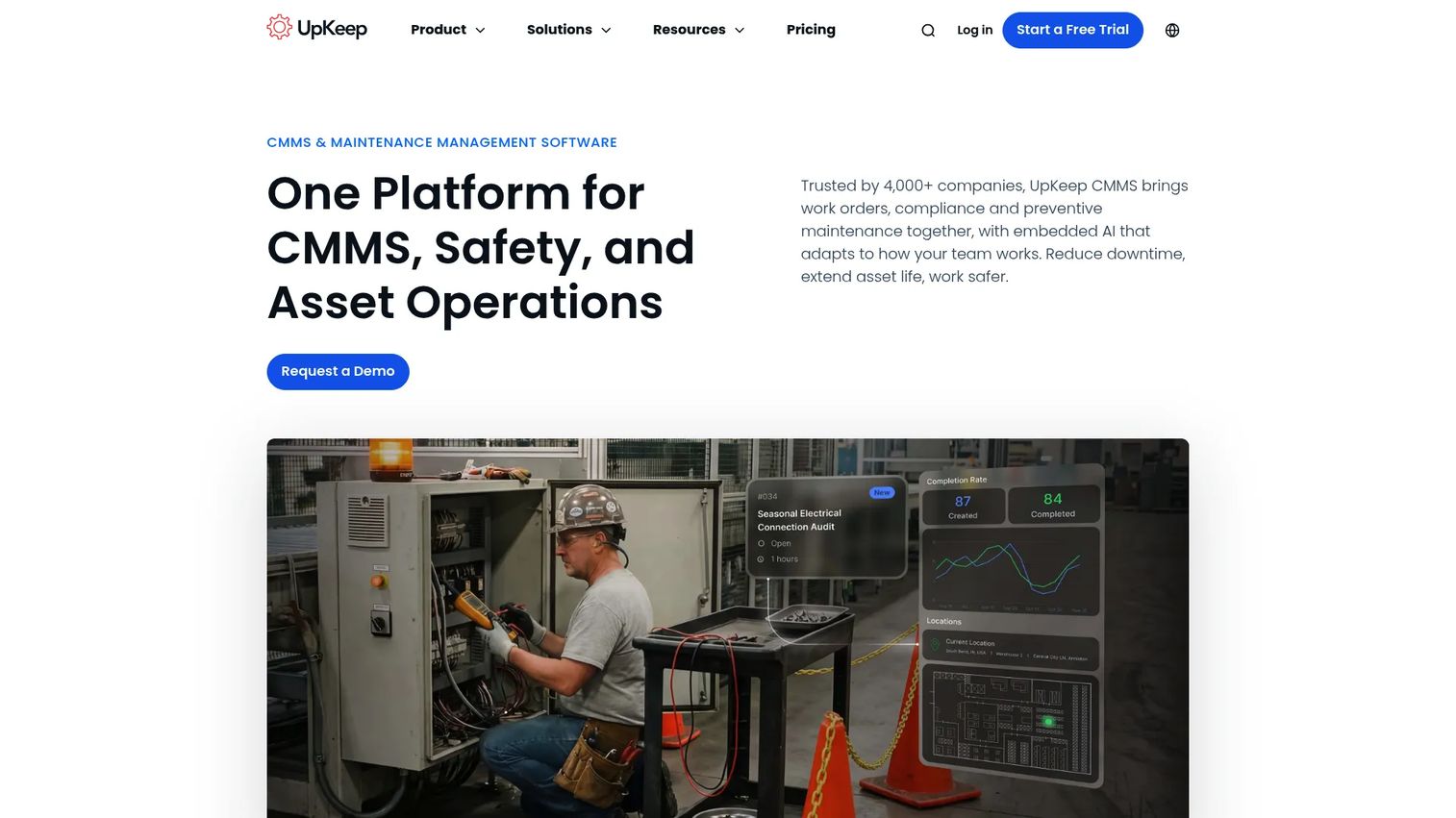
UpKeep is asset operations management software for maintenance, reliability, and operations teams. It is a CMMS and EAM tool where fixed asset oversight overlaps with maintenance, rather than a finance-native depreciation engine. If your assets need to be maintained as much as accounted for, UpKeep earns a look.
Its strengths cluster around operational workflows: work order management, preventive maintenance, and parts and inventory management. The platform is mobile-first, which suits field technicians who log work and update asset status on the go. For asset tracking, that means the operational record stays current alongside maintenance history, giving operations a live view of what each asset costs to keep running. Be clear-eyed that this is maintenance-led, so pair it with a finance tool for deep depreciation.
Best for: Teams needing mobile CMMS or EAM for work orders, preventive maintenance, and asset tracking.
Key strengths
- Work order management: track and assign maintenance tasks against each asset.
- Preventive maintenance: schedule upkeep to extend asset life and reduce downtime.
- Parts and inventory management: keep spares and consumables tied to the assets that use them.
Why choose UpKeep: Choose it when maintenance and reliability drive your asset decisions and you want operational reporting in one mobile-first system. It fits operations teams that need to keep physical assets running, and it complements finance-grade depreciation software rather than replacing it.
UpKeep pricing: UpKeep publishes four maintenance plans. The Essential tier starts at $24 per user per month, and Premium is $55 per user per month. Professional and Enterprise are custom-priced. The pricing page also lists free trials for the plans, so you can validate the workflow before committing.
6. IBM Maximo
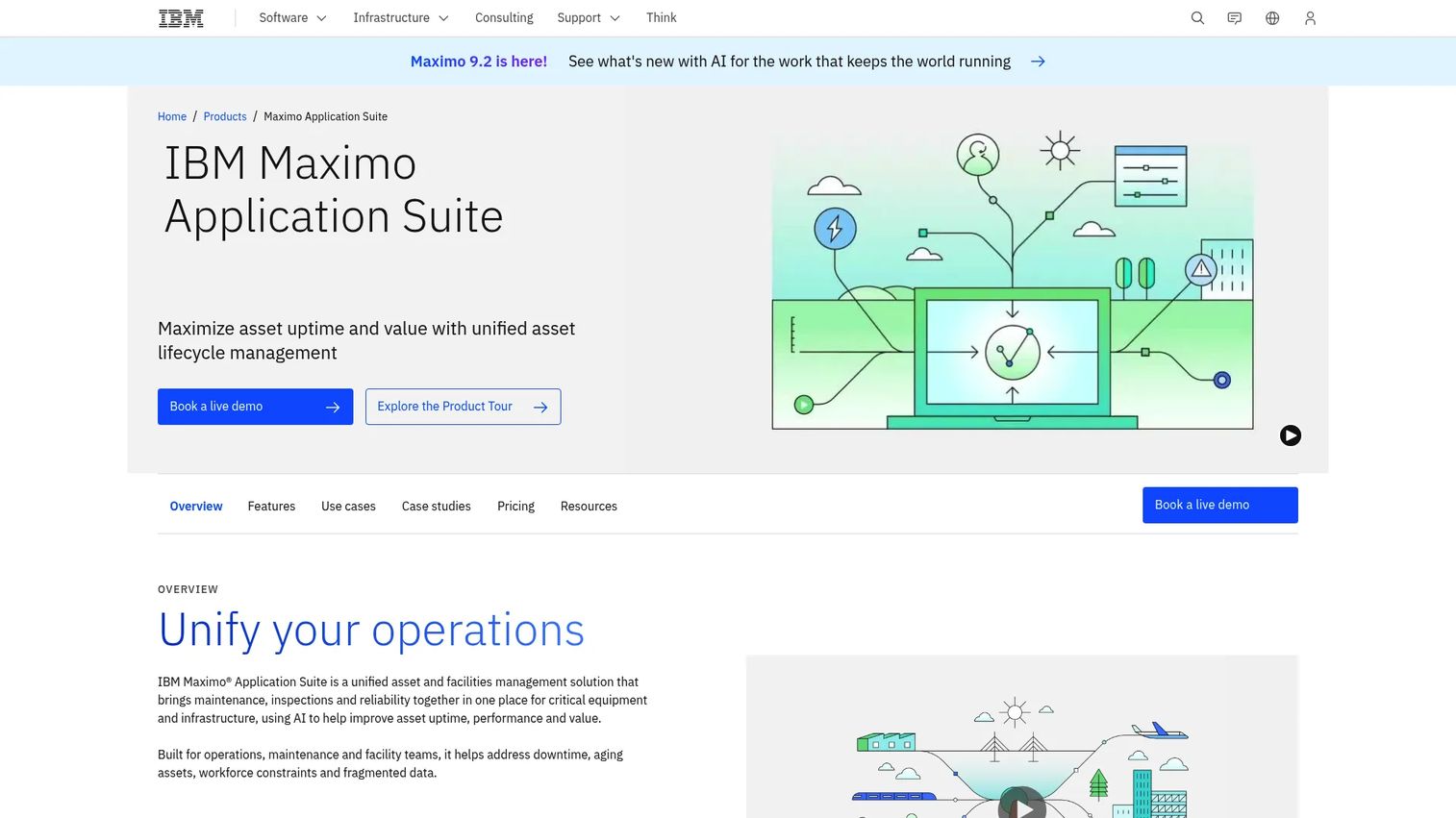
IBM Maximo Application Suite is a unified asset and facilities management platform for maintenance, inspections, reliability, and AI-assisted operations. This is enterprise asset management, not a lightweight fixed asset tool, and it fits large, asset-intensive organizations that manage complex physical estates. For a finance team alone, it is more platform than needed, but for enterprises coordinating maintenance, facilities, and asset lifecycle at scale, it is a serious contender.
The suite covers AI-assisted asset and maintenance workflows, inspections and field execution, and real estate and facilities management. That breadth is the point: Maximo is built to run asset lifecycle across thousands of assets and multiple sites, with the depth to support reliability engineering and inspection programs. Fixed asset oversight becomes one function inside a broader operational control system.
Best for: Asset-intensive organizations needing AI-assisted maintenance, inspection, and facilities management.
Key strengths
- AI-assisted asset and maintenance workflows: predict and prioritize maintenance across large asset fleets.
- Inspections and field execution: run structured inspection programs with mobile field support.
- Real estate and facilities management: manage physical estate alongside operational assets.
Why choose IBM Maximo: Choose it when you operate at enterprise scale with complex, maintenance-heavy assets and need one platform for lifecycle management. It is more than a finance team needs on its own, so it fits best when operations and facilities share the same asset governance requirement.
IBM Maximo pricing: IBM publishes plan-specific indicative pricing rather than one universal price. The Maintenance plan starts under $40,000 per year, and the Inspection plan starts under $47,000 per year, with Space Management, Capital Planning, Lease Management, and Inventory Optimization plans in a similar range. IBM notes prices are indicative and vary by country, and it is offered as client-managed software or SaaS.
Considerations before you buy
Before you commit budget, run every option through these criteria. The right pick depends less on feature count and more on which job you are actually solving.
Accounting depth vs operational tracking
Decide first whether your core need is depreciation accuracy or asset visibility. Finance-led teams should weight depreciation treatments, tax and book support, and financial reporting. Operations-led teams should weight fixed asset tracking software, real-time visibility, and mobile capture. Buying the wrong end of the spectrum is the most common mistake here.
Audit trail and permissions
Look for a genuine audit trail that logs who changed what and when, plus role-based permissions. These are what turn a messy audit into a quick one. If a tool cannot show change history and control access, it will not hold up under due diligence or a serious tax review.
ERP and accounting integration
Check how the tool syncs with your ERP and accounting stack. ERP integration prevents double entry and keeps asset data consistent with your general ledger. Ask specifically which systems are supported natively versus through custom work, because integration gaps create the same reconciliation problem you are trying to escape.
Deployment and cloud fit
Cloud based asset management software makes collaboration and access easier, and it now represents the majority of deployments. But deployment label alone should not decide it. Weigh security, accounting fit, and workflow depth above whether a tool is cloud or on-premise. The best deployment is the one your team will actually keep current.
Reporting and analytics
Evaluate whether the tool produces the custom reports, tax reporting, and exports your finance team and auditors need. Reporting and analytics are where asset software either shortens your close or adds another manual step. Test this against a real report you produce today, not a demo dataset.
Conclusion
The real decision here is not which tool has the longest feature list. It is which of three jobs you are solving. If depreciation accuracy and tax and book treatments drive the decision, Thomson Reuters Fixed Assets CS and Sage Fixed Assets are the accounting-led picks. If operational visibility and mobile fixed asset tracking matter more, Asset Panda gives you configurable records the whole company can update, and Sonaria handles high-volume RFID traceability. If you operate at enterprise scale with maintenance-heavy assets, UpKeep, IBM Maximo, and Infor EAM manage asset lifecycle as part of broader operations.
Your next step depends on maturity. If you are escaping spreadsheets and need cleaner close and audit readiness, start with a finance-grade depreciation tool and a short list of two vendors to demo. If your problem is knowing where physical assets are, start with an operational tracker. Match the tool to the job, run one real report through it, and you will avoid buying more platform than your reporting actually needs. For teams building governance discipline more broadly, pairing this with your audit management and contract lifecycle processes compounds the benefit.
Start your journey with Guideflow today!
FAQs
Fixed asset management software is a system for tracking, depreciating, and reporting on long-lived business assets like equipment, vehicles, and IT hardware. It centralizes asset data and typically supports inventory, transfers, disposals, and compliance reporting. The goal is one accurate, auditable record instead of scattered spreadsheets and accounting exports.
Fixed asset management software is usually more accounting and compliance oriented, with depreciation, tax and book treatments, and financial reporting at its core. Asset tracking software tends to focus on location, assignment, and operational status. Many teams need both, which is why some tools blend a configurable tracking layer with lighter accounting features while others go deep on depreciation.
Some ERPs track fixed assets and calculate basic depreciation, but dedicated software often offers stronger depreciation depth, custom reporting, and audit trails. Whether you need a separate tool depends on your asset volume, the complexity of your tax and book treatments, and how demanding your audits are. High volume and complex treatments usually justify a purpose-built tool alongside ERP integration.
The features that carry the most weight are depreciation automation, reporting and custom reports, an audit trail, role-based permissions, ERP integration, and mobile access for field updates. Which ones rank highest depends on your job. Finance teams prioritize depreciation and reporting; operations teams prioritize tracking and mobile access.
Finance and accounting own depreciation and reporting. Operations manages physical asset tracking and transfers. IT tracks hardware and assignments. Compliance and audit teams rely on the change history and controls. Cross-functional visibility matters because a single asset touches all of these functions across its lifecycle.
Yes. Controlled records, a complete change history, role-based permissions, and exportable reports reduce audit friction by giving auditors a clear, verifiable trail. It will not guarantee a clean audit on its own, since that depends on your processes too, but it removes the manual reconciliation that creates most audit findings.
Cloud based asset management software makes collaboration and access easier and now represents the majority of deployments. That said, deployment label alone should not decide your choice. Security, accounting fit, and workflow depth matter more than whether a tool is cloud or on-premise, so weigh those first.