You shipped the containers. That was the easy part. Now you own the part nobody warned you about: the upgrades that break admission controllers, the certificates that quietly expire at 2 a.m., the config drift between staging and production that no one can explain, and the RBAC sprawl that turns every access request into a Slack thread.
This is Day-2 operations, and it is where most container programs stall. The initial deployment feels like progress. Then the operational tax compounds. Each new cluster multiplies the surface area for upgrades, scaling, drift reconciliation, and governance. For a product manager sitting adjacent to platform engineering, this matters directly: release velocity, developer experience, and onboarding all bend around how well your team runs containers after they are live.
The market reflects the pressure. According to Mordor Intelligence (2024), the application container market is projected to grow from $12.64 billion in 2026 to $35.63 billion by 2031 at a 23.03% CAGR, with management and orchestration tools capturing 31.82% of market share in 2025. Teams are not just adopting containers. They are spending real budget on the layer that keeps them governable.
The right container management software reduces that operational tax without hiding what your team needs to control. We evaluated these platforms on operational control, governance depth, managed Kubernetes support, multi-cluster capability, and cost visibility. If you are building an internal onboarding flow for a technical product, the same self-serve principles apply, which is why teams often pair infrastructure decisions with interactive product education from platforms like Guideflow. But for running containerized workloads, here is where to start.
What's inside
This guide covers container management software for teams that already run Kubernetes or are moving toward it. Each pick fits a specific operating model, from a lightweight control plane to fully managed cloud Kubernetes to a developer-facing deployment layer.
We selected platforms based on four criteria that matter to teams running production workloads: governance and access control depth, multi-cluster and multi-cloud support, the level of abstraction offered (raw cluster control versus managed operations), and fit for different operating profiles. We prioritized tools with real adoption, verifiable pricing where public, and clear positioning. Every entry names who it serves best and where it fits in your stack.
TL;DR
- Best for a lightweight control plane across Docker and Kubernetes: Portainer
- Best for enterprise multi-cluster Kubernetes governance: SUSE Rancher
- Best for opinionated enterprise platform engineering: Red Hat OpenShift Container Platform
- Best for AWS-native teams: Amazon EKS
- Best for Google Cloud teams: Google Kubernetes Engine (GKE)
- Best for Azure-native and hybrid stacks: Azure Kubernetes Service (AKS)
- Best for developer-friendly deployment workflows: Northflank
- Best for managed cluster operations with enterprise services: Platform9
If you want the short version: match the platform to your current cloud and governance posture first, then optimize for how much of Day-2 operations you want to own versus offload.
What is container management software?
Container management software is the operational layer that deploys, schedules, secures, monitors, and governs containerized workloads across one or many clusters, so teams can run cloud-native apps reliably without manually stitching together every operational task.
It sits above the container runtime and orchestrator. Docker packages and runs individual containers. Kubernetes orchestrates them, handling scheduling, scaling, and self-healing. Container management software adds the control plane, governance, and Day-2 operations on top: the tooling that makes a Kubernetes estate governable, auditable, and cost-aware at scale. The Docker vs Kubernetes distinction is about packaging versus orchestration; container management is about operating the whole thing.
Core capabilities you should expect:
- Deployment and scheduling: push workloads to the right clusters and nodes, often through GitOps or declarative pipelines
- Access control and policy enforcement: RBAC, audit logging, and policy guardrails across teams and environments
- Monitoring and drift management: observability plus drift reconciliation to keep clusters matching their declared state
- Multi-cluster operations: unified control over fleets spanning teams, regions, or clouds
- Resource optimization and cost governance: rightsizing, scaling, and FinOps visibility to keep spend predictable
Kubernetes as the dominant operating context
Nearly every serious container management conversation now assumes Kubernetes. It has become the default orchestration standard, and the tools in this list are largely defined by how they relate to it: some manage Kubernetes fleets directly, some are managed Kubernetes services from cloud providers, and some abstract Kubernetes away so developers deploy without touching cluster internals. Understanding where a tool sits on that spectrum is the fastest way to know whether it fits your operating model.
When to use container management software
Manage more than one cluster
A single cluster you can operate with kubectl and discipline. Two or more, especially across environments or clouds, and the manual approach breaks down. Multi-cluster management becomes necessary when you have separate clusters for dev, staging, and production, when different teams own different workloads, or when you run across multiple clouds for resilience or data residency. Fleet management gives you one place to apply policy, push upgrades, and see health across the estate.
Reduce Day-2 operational overhead
Day-2 operations are everything after the first deploy: version upgrades, node scaling, certificate rotation, drift reconciliation, and routine maintenance. These tasks are repetitive, high-stakes, and easy to get wrong under time pressure. Container management software automates or standardizes them, which means fewer manual interventions, more predictable operations, and less firefighting for the platform team.
Standardize governance and access
As organizations grow or enter regulated markets, ad hoc access stops being acceptable. RBAC, auditability, and policy enforcement move from nice-to-have to required. Cluster governance lets you define who can do what, prove it with audit logs, and enforce guardrails so a misconfiguration in one namespace does not become a company-wide incident.
Control cost and resource sprawl
Containers make it easy to spin up capacity and easy to lose track of it. FinOps practices, rightsizing, and resource governance help teams see where spend goes and pull it back. Container management platforms that surface cost per cluster, team, or workload turn infrastructure spend from a surprise into a managed line item.
Comparison table
The table below sorts by relevance to teams evaluating container management software. Pricing and ratings reflect publicly available data where confirmed; several platforms use request-based or usage-based models, noted accordingly.
| # | Product | Intent | Key differentiation | Pricing | G2 rating |
|---|---|---|---|---|---|
| 1 | Portainer | Lightweight control plane | Manages Docker, Kubernetes, and edge from one console | Free for 3 nodes; Starter $105/mo | Not listed |
| 2 | SUSE Rancher | Enterprise Kubernetes governance | Centralized multi-cluster management across hybrid and multi-cloud | Request-based | 4.4/5 |
| 3 | Red Hat OpenShift Container Platform | Opinionated enterprise platform | Built-in CI/CD, Operator-driven updates, security posture | Subscription, sizing-based | 4.5/5 |
| 4 | Amazon EKS | Managed Kubernetes on AWS | Deep AWS IAM and ecosystem integration, Auto Mode | $0.10 per cluster/hour | Not listed |
| 5 | Google Kubernetes Engine (GKE) | Managed Kubernetes on Google Cloud | Autopilot automation, Fleets and Teams multi-cluster | $0.10 per cluster/hour | 4.5/5 |
| 6 | Azure Kubernetes Service (AKS) | Managed Kubernetes on Azure | Free, Standard, Premium tiers; AKS Automatic | Free control plane tier | 4.4/5 |
| 7 | Northflank | Developer-friendly deployment | Build, deploy, and run apps plus Kubernetes on managed, BYOC, or private infra | Free Sandbox; from $2.70/mo | 4.9/5 |
| 8 | Platform9 | Managed cluster operations | Private cloud and Kubernetes management, VMware exit tooling | From $1,000/mo; free Community Edition | 4.8/5 |
Item sections
1. Portainer
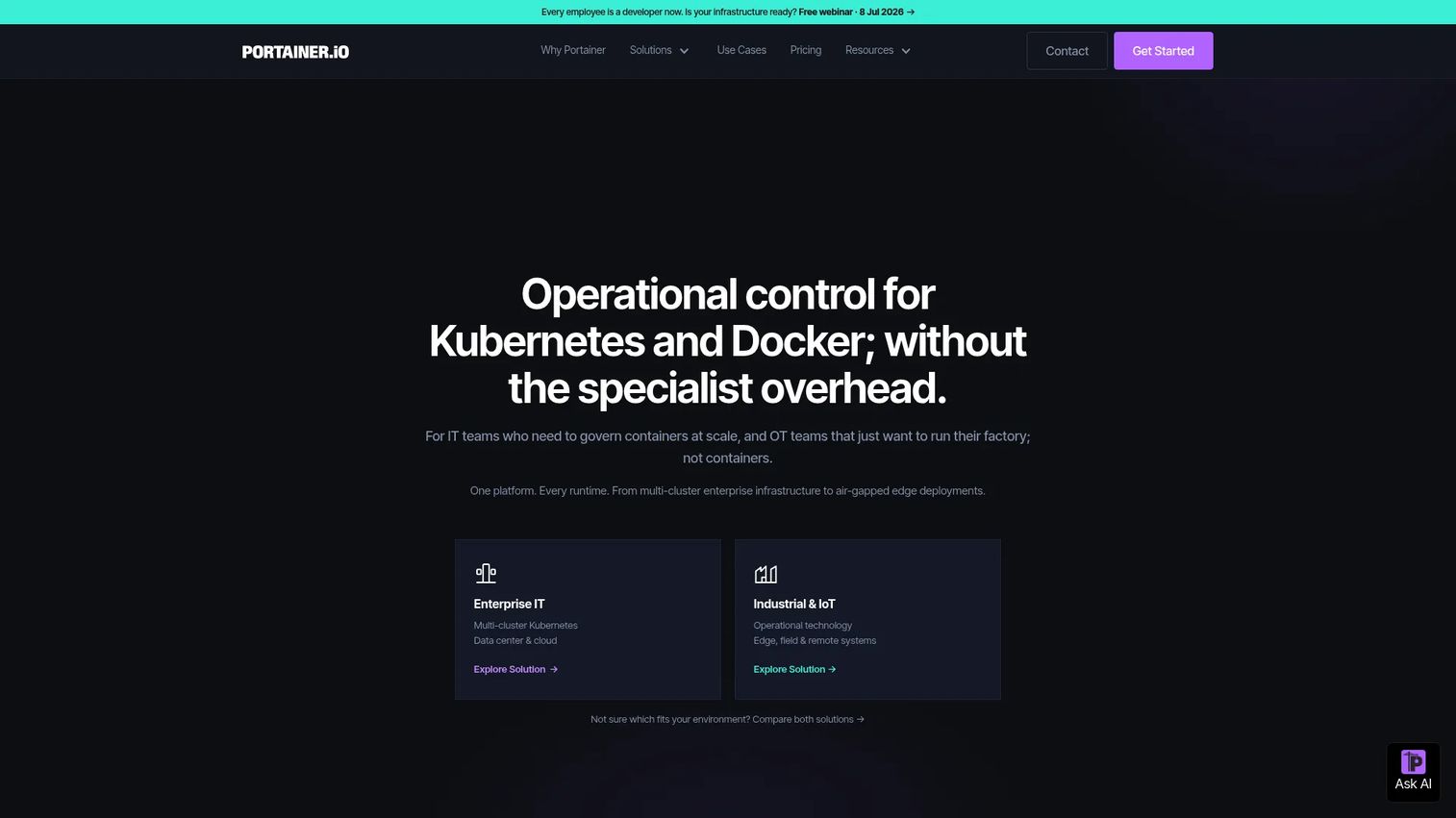
Portainer is a container management control plane that gives teams one console across Kubernetes, Docker, and edge environments. It is popular with teams that want central visibility and governance without adopting a heavy platform engineering stack. The appeal is practical: see your clusters, control access, deploy with GitOps, and manage fleets without living in the terminal all day.
Best for: Teams that need centralized container governance across Kubernetes, Docker, and edge fleets without heavy platform overhead.
Key strengths
- Multi-cluster management: Operate Kubernetes and Docker environments from a single pane, including remote and edge fleets.
- GitOps deployment workflows: Push declarative changes and keep environments reconciled against source of truth.
- RBAC and access control: Define who can act on which resources, with governance that scales as teams grow.
Why choose Portainer: If you run a mix of Docker and Kubernetes, or you manage containers at the edge and in industrial settings, Portainer gives you a control plane that does not assume you have a dedicated platform team. It is a strong fit when you want visibility and governance across a heterogeneous estate rather than a single opinionated stack.
Portainer pricing: The Business Edition is free for up to 3 nodes with no time limit. Paid plans start at $105 per month for the Starter tier, with Scale at $209 per month, a Home & Student option at $155 per year, and Enterprise available through sales. Pricing is published on Portainer's site in USD.
2. SUSE Rancher
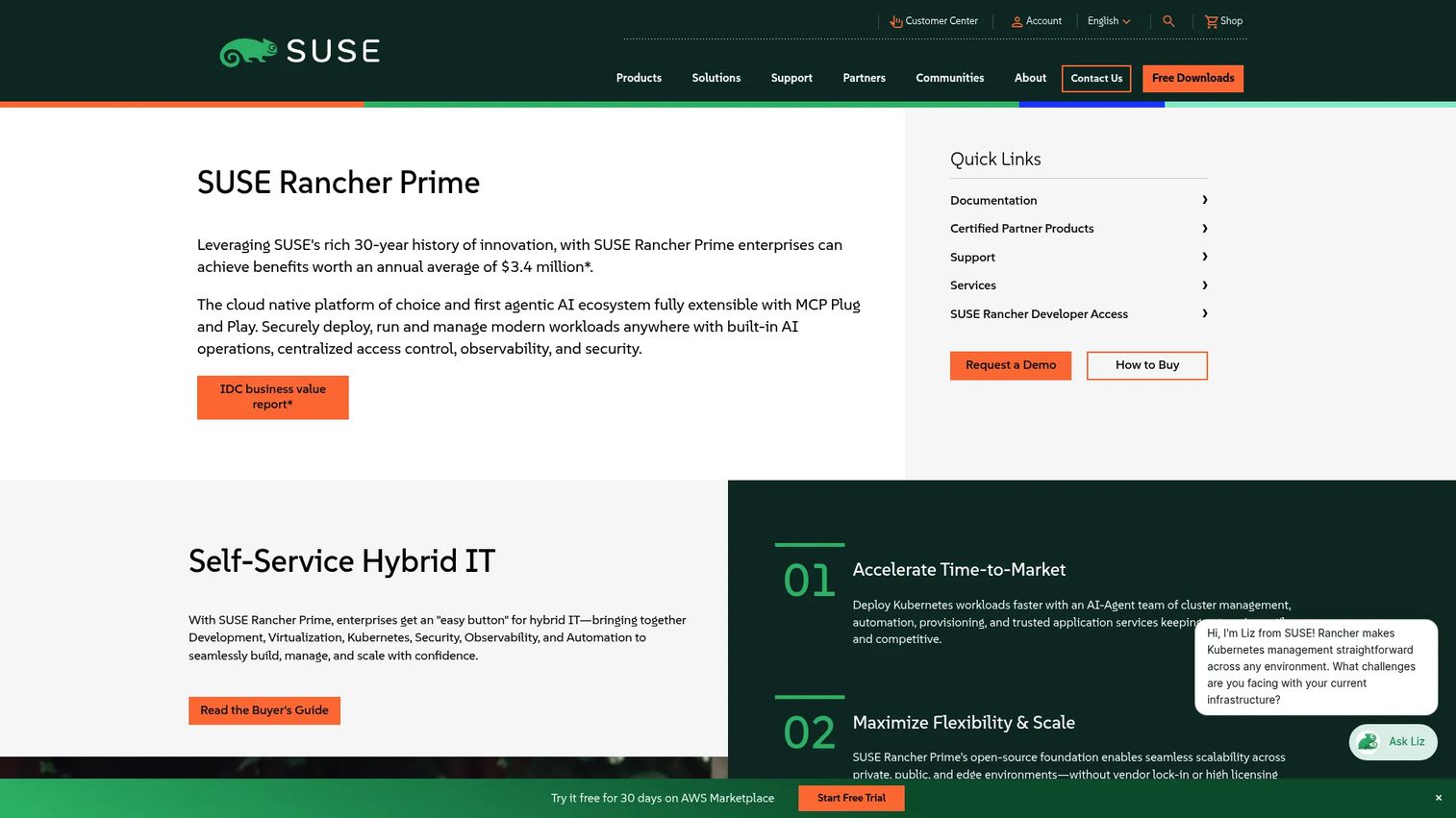
SUSE Rancher is an enterprise Kubernetes management platform built to deploy, run, and govern workloads across hybrid and multi-cloud environments. Platform teams reach for it when they manage a distributed Kubernetes estate and need one place to enforce policy, control access, and standardize operations across clusters that may run on different infrastructure.
Best for: Enterprises managing Kubernetes across hybrid and multi-cloud environments.
Key strengths
- Centralized Kubernetes management: Operate every cluster, wherever it runs, from a unified control plane.
- Built-in observability, security, and automation: Bake monitoring and policy into the platform rather than bolting them on.
- AI operations and extensibility: Plug-and-play extensibility, including MCP support, for teams standardizing operations.
Why choose SUSE Rancher: When your Kubernetes footprint spans clouds and on-prem, and consistency matters more than any single cloud's native tooling, Rancher gives you a vendor-neutral management layer. It is the platform teams consider when the operating model needs to survive infrastructure changes without a rewrite.
SUSE Rancher pricing: SUSE does not publish list pricing for Rancher on its product pages. Access is handled through a request-pricing and demo flow, with packaging and support tiers scoped to your environment. Reviewers on G2 rate it 4.4 out of 5.
3. Red Hat OpenShift Container Platform
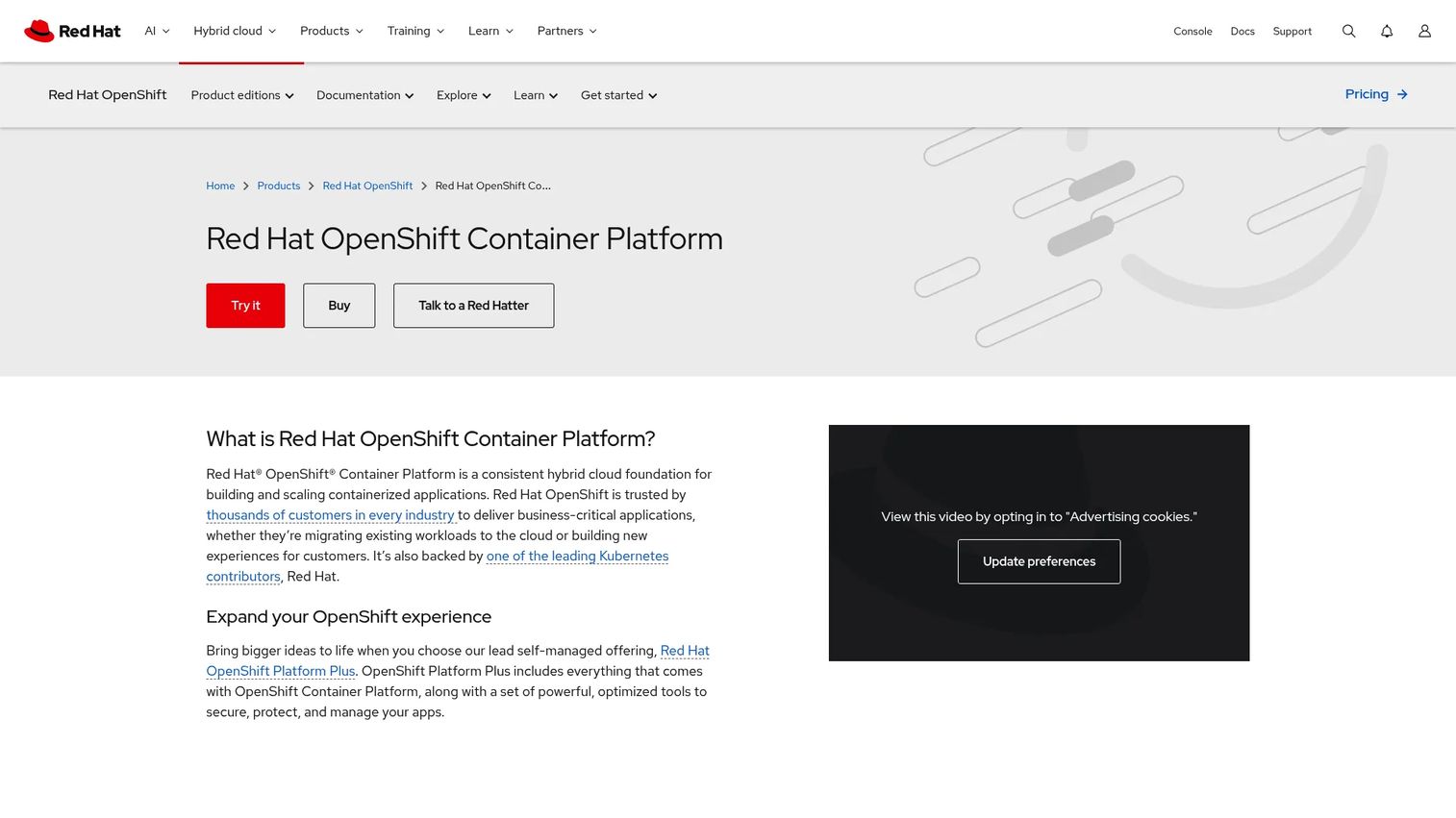
Red Hat OpenShift Container Platform is a self-managed hybrid cloud Kubernetes platform for building, deploying, and managing containerized applications. It is the opinionated choice: a standardized developer workflow, built-in security posture, and centralized governance out of the box, across on-prem, cloud, and hybrid deployments.
Best for: Enterprises that need a self-managed Kubernetes platform across on-prem, cloud, and hybrid environments.
Key strengths
- Built-in CI/CD pipelines and source-to-image workflows: Give developers a paved road from code to running container.
- Automatic platform updates via Kubernetes Operators: Keep the platform current without hand-rolled upgrade choreography.
- Security, monitoring, and centralized policy management: Enforce posture and observability as platform defaults.
Why choose Red Hat OpenShift: Enterprises pick OpenShift when standardization is the point. If you want every team deploying the same way, with security and governance built in rather than assembled, and you are willing to adopt Red Hat's opinions in exchange for a coherent platform, this is the fit. It performs best for organizations that value a consistent developer experience across a hybrid estate.
Red Hat OpenShift pricing: Red Hat does not publish a numeric list price for OpenShift Container Platform. Pricing varies based on sizing and subscription choices, and Red Hat directs buyers to sales. Self-managed editions include OpenShift Platform Plus, Container Platform, Kubernetes Engine, and Virtualization Engine. Reviewers on G2 rate OpenShift 4.5 out of 5.
4. Amazon Elastic Kubernetes Service (Amazon EKS)
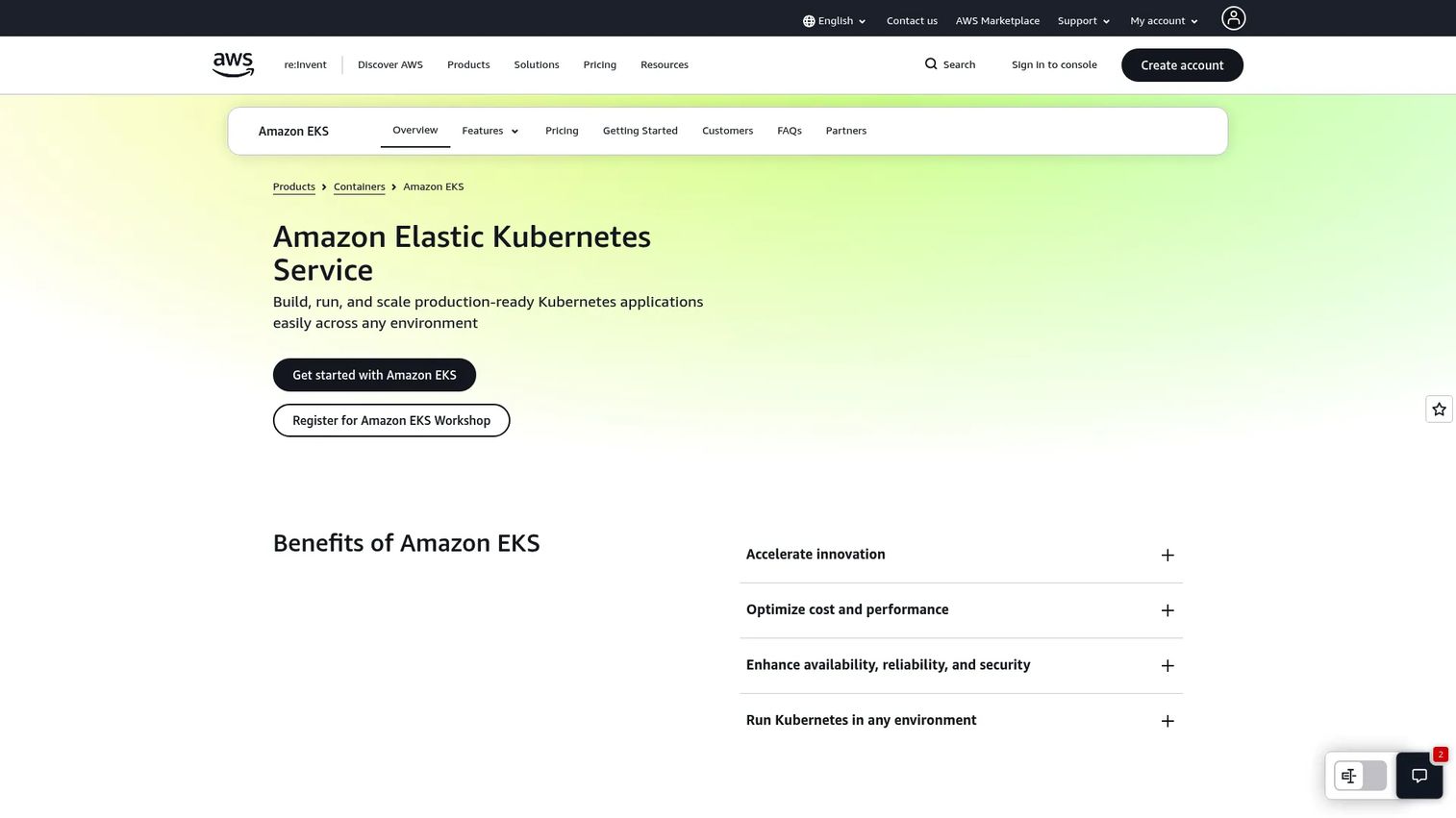
Amazon EKS is AWS's managed Kubernetes service for running Kubernetes workloads on AWS and on-premises. AWS operates the control plane, which removes a large chunk of Day-2 overhead, while you keep control over workloads, nodes, and integrations. For teams already invested in AWS, the IAM and ecosystem integration is the draw.
Best for: Teams that want managed Kubernetes on AWS with support for hybrid and fully managed platform features.
Key strengths
- Managed Kubernetes control plane: AWS runs and maintains the control plane, reducing upgrade and availability toil.
- Runs on Amazon EC2 and AWS Fargate: Choose your own nodes or go serverless for containers, depending on the workload.
- EKS Auto Mode and EKS Capabilities: Offload more of node management and platform operations when you want less to run.
Why choose Amazon EKS: If your stack already lives in AWS, EKS is the path of least resistance. IAM integration means your existing access model extends to Kubernetes, and the surrounding AWS services plug in natively. It is the AWS-native answer for teams reducing operational overhead without leaving the ecosystem.
Amazon EKS pricing: Standard Kubernetes version support is $0.10 per cluster per hour, with extended version support at $0.60 per cluster per hour. EKS Auto Mode adds $0.020 per vCPU per hour, and provisioned control plane options are priced separately. You also pay for the underlying AWS resources your workloads consume. Pricing is published on AWS's site in USD.
5. Google Kubernetes Engine (GKE)
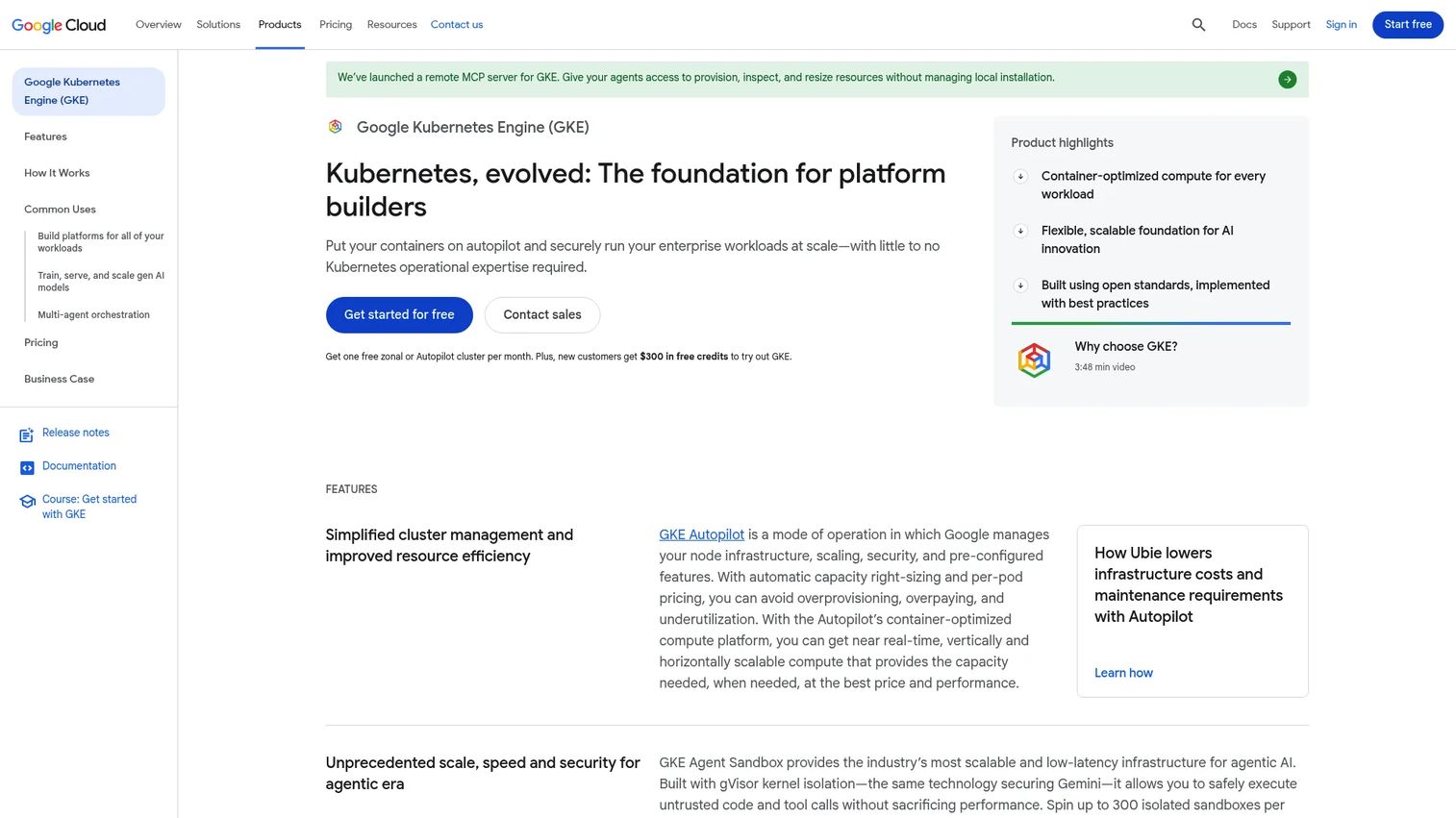
Google Kubernetes Engine (GKE) is Google Cloud's managed Kubernetes service for deploying and operating containerized applications at scale. GKE is often cited for its automation depth, particularly Autopilot mode, which manages nodes for you, and its multi-cluster operations through Fleets and Teams.
Best for: Teams that want a managed Kubernetes platform on Google Cloud with strong automation and multi-cluster operations.
Key strengths
- Managed control plane lifecycle: Google handles control plane operations and version management.
- Autopilot node management: Automated provisioning, scaling, and scheduling remove node-level operational work.
- Multi-cluster management with Fleets and Teams: Govern many clusters as a group, with team-level boundaries.
Why choose GKE: GKE makes sense for cloud-native teams on Google Cloud that want operational simplification without giving up Kubernetes fidelity. Autopilot is the standout when you want to run workloads and let Google handle the nodes, while standard mode keeps full control available for teams that want it.
GKE pricing: GKE charges a cluster management fee of $0.10 per cluster per hour and includes monthly free-tier credits of $74.40 per billing account. Autopilot compute is priced separately on the pricing page, along with committed-use discounts. You also pay for underlying compute. Pricing is published in USD. Reviewers on G2 rate GKE 4.5 out of 5.
6. Azure Kubernetes Service (AKS)
Azure Kubernetes Service (AKS) is Microsoft Azure's fully managed Kubernetes service for deploying and scaling containerized applications. For Microsoft-centric stacks, AKS aligns with Azure identity, security, and governance, and it supports hybrid scenarios for teams that run partly on-prem.
Best for: Teams wanting a managed Kubernetes platform on Azure with enterprise security and tiered support options.
Key strengths
- Free, Standard, and Premium tiers: Match the control plane tier and SLA to the criticality of the workload.
- AKS Automatic: More managed cluster operations for teams that want Azure to handle more of the running.
- Integrated monitoring, logging, security, and governance: Use Azure-native tooling for observability and policy.
Why choose AKS: If your organization runs on Microsoft, AKS is the natural fit. Identity, governance, and monitoring line up with tools your teams already use, and the tiered model lets you pay for an SLA where it matters. It is a strong option for enterprise cloud alignment and hybrid environments.
AKS pricing: AKS offers Free, Standard, and Premium tiers plus an AKS Automatic option. The Free tier has no SLA and charges only for the underlying resources you use; Standard and Premium add SLA and long-term support, with control plane pricing shown as tier-based on Azure's site. You pay for underlying compute regardless of tier. Reviewers on G2 rate AKS 4.4 out of 5.
7. Northflank
Northflank is a developer platform for building, deploying, and running applications and Kubernetes workloads across managed cloud, bring-your-own-cloud, and private infrastructure. It sits closer to the developer than a pure cluster admin console, giving teams CI/CD, preview environments, and deployment workflows on top of container infrastructure.
Best for: Teams wanting a self-serve developer platform for app deployment and Kubernetes operations.
Key strengths
- Preview environments, pipelines, and promotion workflows: Ship changes through a developer-native path with per-branch previews.
- Managed cloud, BYOC, or bring your own Kubernetes: Run where you need to without rebuilding your workflow.
- Secrets management, RBAC, logs, metrics, and custom domains/TLS: Operational essentials built into the platform.
Why choose Northflank: Northflank fits teams that want developer experience and deployment velocity without hand-assembling a platform on top of raw Kubernetes. If your goal is to give developers a self-serve path from commit to running workload, with multi-cloud consistency underneath, it is a strong operational layer that reduces the toil of building your own.
Northflank pricing: Northflank offers a free Sandbox tier, a usage-based Pay-as-you-go tier starting at $0 per month, and custom Enterprise pricing. Compute plans start at $2.70 per month for the entry compute size, with CPU, memory, GPU, storage, and egress priced publicly for managed cloud and BYOC. Reviewers on G2 rate Northflank 4.9 out of 5.
8. Platform9
Platform9 is an enterprise private cloud and Kubernetes management platform. It targets organizations that want managed Kubernetes operations and private cloud management without building the whole operations function themselves, and it has leaned into tooling for teams migrating off VMware.
Best for: Enterprises migrating from VMware and managing private cloud VMs and containers.
Key strengths
- Private Cloud Director for VM and container management: Manage virtual machines and containers from one platform.
- VM high availability, live migration, and dynamic resource rebalancing: Keep workloads resilient and balanced automatically.
- vJailbreak migration tooling for VMware exits: Move workloads off VMware with purpose-built tooling.
Why choose Platform9: Platform9 fits organizations that want managed Kubernetes and private cloud operations without staffing a full platform team, particularly those planning a VMware exit. It is the choice when you want less infrastructure management burden while keeping workloads on private cloud.
Platform9 pricing: Platform9 publicly lists a $1,000 per month platform fee for its Cloud Solution Provider Program and offers a free Community Edition. The commercial Private Cloud Director is described as per-core with a single SKU, but no public list price is shown; that pricing goes through sales. Reviewers on G2 rate Platform9 4.8 out of 5.
Considerations before you choose
Before committing, run each shortlisted platform through the criteria that will actually bite you in production.
Operating model fit
Decide how much of Day-2 operations you want to own. A managed Kubernetes service offloads control plane operations; a management layer like Rancher or Portainer keeps you in control across a fleet; a developer platform like Northflank abstracts cluster internals. Pick the level of ownership that matches your team's capacity, not the one with the most features.
Multi-cluster and multi-cloud reach
If you run, or will soon run, across more than one cluster or cloud, verify the platform manages them as a fleet with consistent policy. Ask specifically how it handles cross-cluster RBAC, upgrades, and drift reconciliation, not just how it looks with one cluster.
Governance and auditability
For regulated or growing organizations, confirm RBAC granularity, audit logging, and policy enforcement meet your compliance requirements. Governance you cannot prove with logs is governance you do not have.
Cost visibility and FinOps
Check whether the platform surfaces spend by cluster, team, or workload. Managed services bill for control planes and underlying compute separately, so model total cost, not just the control plane fee. Rightsizing and resource governance features pay for themselves as your footprint grows.
Ecosystem and integration alignment
The lowest-friction choice is usually the one aligned with your current cloud and identity provider. AWS teams gravitate to EKS, Google Cloud teams to GKE, Microsoft shops to AKS, and cloud-neutral teams to Rancher, Portainer, or Northflank.
Conclusion
The best container management software is the one that matches your operating model, not the one with the longest feature list. If you want a lightweight control plane across Docker, Kubernetes, and edge, start with Portainer. If you are governing a distributed Kubernetes estate, SUSE Rancher and Red Hat OpenShift Container Platform lead on enterprise governance and standardization. If you are cloud-committed, the native managed services win on integration: Amazon EKS for AWS, GKE for Google Cloud, and AKS for Azure. If developer experience and deployment velocity are the priority, Northflank abstracts the cluster without hiding it. And if you want managed operations with enterprise services, especially during a VMware exit, Platform9 fits.
The practical path: start with the platform that matches your current cloud and governance posture, then optimize for how much of Day-2 operations you want to own versus offload. Run a real workload through your top two picks before committing, because the operational tax only becomes visible under production conditions.
Whether you are building infrastructure or the onboarding experience around a technical product, showing people how it works beats telling them. Start your journey with Guideflow today!
FAQs
Container management software is the operational layer that deploys, secures, monitors, and governs containerized workloads across one or many clusters. It handles Day-2 operations like upgrades, scaling, drift reconciliation, RBAC, and cost governance so teams can run cloud-native apps reliably without manually managing every task. It sits above the container runtime and orchestrator.
Kubernetes is the orchestrator that schedules, scales, and self-heals containers. Container management software is the broader layer built around and on top of Kubernetes: the control plane, governance, multi-cluster operations, and cost visibility that make a Kubernetes estate operable at scale. Kubernetes runs the workloads; container management makes running them governable and repeatable.
Managed Kubernetes like EKS, GKE, or AKS handles the control plane and reduces Day-2 overhead for that cluster. If you run a single cluster in one cloud, that may be enough. Once you manage multiple clusters, span clouds, or need centralized governance and FinOps across teams, a dedicated container management platform adds fleet-level control that a single managed service does not provide.
Look for unified policy and RBAC enforcement across clusters, consistent upgrade orchestration, drift reconciliation, and a single view of health and cost across the fleet. The test is how the platform behaves with many clusters across environments or clouds, not how clean it looks with one. Verify cross-cluster access control and audit logging specifically.
Yes. Docker remains the common way to build and package container images, and many teams still run Docker workloads directly, especially at the edge or in smaller deployments. The Docker vs Kubernetes framing is about packaging and running individual containers versus orchestrating them at scale. Tools like Portainer manage both, which matters for heterogeneous estates.
For enterprise governance across a distributed Kubernetes estate, SUSE Rancher and Red Hat OpenShift Container Platform lead. Rancher offers vendor-neutral centralized management across hybrid and multi-cloud, while OpenShift provides an opinionated, standardized platform with built-in security, CI/CD, and policy management. The right pick depends on whether you want infrastructure neutrality or a coherent, opinionated developer experience.
FinOps is the practice of making cloud spend visible and accountable. Container management platforms support it by surfacing cost per cluster, team, or workload, enabling rightsizing, and enforcing resource governance so idle capacity does not accumulate. Because managed Kubernetes bills the control plane and underlying compute separately, cost visibility across the fleet is what keeps containerized workloads from becoming an unpredictable line item.
Match the managed Kubernetes service to your cloud for the least friction: Amazon EKS on AWS, GKE on Google Cloud, and AKS on Azure. Each integrates natively with its cloud's identity, security, and ecosystem, which simplifies access control and Day-2 operations. If you run across multiple clouds or need a neutral management layer on top, pair the native service with SUSE Rancher, Portainer, or Northflank.