Your display cases look immaculate. The back office does not. Somewhere between a $12,000 diamond ring, a repair ticket a customer keeps calling about, and a memo item you loaned to a wholesaler last month, the paper trail gets thin. That is the real problem jewelers face: high-value inventory, service work, custom orders, and customer histories that all have to stay perfectly accounted for, across one counter or ten.
The stakes are rising. Cloud-based deployment already accounts for about 58% of jewelry store management software revenue, and MarketLensIQ (2024) projects that share to reach roughly 72% by 2033 as stores retire legacy desktop systems. Software penetration now exceeds 48% among mid-sized jewelry chains, per Market Growth Reports (2025). Translation: the tools have matured, and the jewelers who run their stores on real systems are pulling ahead of the ones running on spreadsheets and gut feel.
This guide compares seven jewelry store software platforms across the workflows that actually decide whether your operation runs clean: point of sale, inventory tracking, customer records, repairs and custom jobs, reporting, integrations, and multi-store control. No feature dumps. Just what each tool is built for and who should shortlist it.
What's inside
This is a buyer's guide for jewelry retailers, multi-location operators, and owners evaluating software that runs the whole store, not just the register. We selected seven platforms based on four criteria: depth of retail and jewelry-specific features, coverage of core workflows like repairs and memo handling, cloud versus desktop delivery, and fit for stores growing across one or multiple locations. The ranking reflects operational relevance to jewelers, not alphabetical order or marketing spend. Each entry covers what the tool does well, who it suits, verified pricing where public, and a G2 rating where one exists.
TL;DR
- Best for legacy trust and established retail workflows: The Edge for Jewelers, a long-standing POS and store management system for independent jewelers.
- Best for deep jewelry-specific operations: WJewel, the most feature-dense platform here across POS, inventory, repairs, CRM, and accounting.
- Best for cloud simplicity and modern setup: Luxe, an all-in-one POS and CRM built for stores standardizing on the cloud.
- Best for all-in-one retail growth: CaratIQ, covering POS, e-commerce, CRM, inventory, and accounting in one system.
- Best for cloud-native daily operations: Jeweler360, a jewelry POS with native website integration and repairs tracking.
- Best for enterprise retail and wholesale: JewelMate, jewelry-specific POS and inventory workflows for retailers and wholesalers.
What is jewelry store software?
Jewelry store software is a retail operating system that helps jewelers manage point of sale, inventory, customer relationships, repairs, reporting, and omnichannel operations from a single platform. It replaces the patchwork of a generic register, a spreadsheet, and a paper repair book with one connected system built around high-value, often unique inventory.
Most jewelry store management software covers a common set of capability areas:
- POS and checkout: ring up sales, handle layaways and special orders, process high-value transactions, and manage returns and store credits.
- Inventory tracking and stock movement: item-level records, serial numbers, transfers between locations, memo and consignment tracking, and metal or stone valuation.
- Customer records and CRM: purchase history, wish lists, anniversaries and birthdays, and follow-up reminders that drive repeat business.
- Repairs and custom jobs: intake, status tracking, technician assignment, and customer communication for service and bespoke work.
- Reporting and analytics: sales by store or associate, inventory aging, margin analysis, and dashboards for daily decisions.
- Integrations: connections to accounting tools, e-commerce platforms, shipping providers, and payment processors.
- Multi-store access and permissions: role-based access, location-level reporting, and inventory sync across sites.
The category splits mainly on delivery model. Cloud jewelry software runs in the browser and keeps every location on the same live data, while some established jewelers still prefer local desktop systems. Both approaches remain in active use, and the right one depends on how many locations you run and how you want to access your data.
When to use jewelry store software
Not every store needs the same depth. Here is how to tell which workflows should drive your decision.
Run a high-value retail counter with complex transactions
A standard retail POS assumes interchangeable SKUs and stable prices. Jewelry breaks both assumptions. Every piece can be unique, metal and stone prices move, and a single sale might layer in an appraisal, a warranty, a trade-in, and a custom sizing. When your transactions carry that much variance and value, you need a jewelry POS that handles item-level pricing, deposits, layaways, and special orders without workarounds.
Manage repairs, custom orders, and follow-up
The moment your store takes in service work, repairs stop being a side task and become a workflow. Customers call about status. Technicians need assignments. Deadlines slip if nobody tracks them. Jewelry repair software that logs intake, tracks status, links jobs to customer records, and triggers pickup notifications turns a chaotic bench into a predictable pipeline, and it protects the customer relationship in the process.
Coordinate multiple stores or channels
Once you run more than one location or sell online alongside the counter, inventory sync stops being optional. You need real-time stock visibility across sites, role-based access so associates see only what they should, and reporting that rolls up by store or region. Multi-store jewelry software exists precisely for the moment when a piece sold in one location has to disappear from another location's available stock instantly.
Comparison table
This table compares the seven platforms by intent and operational fit, so you can match a tool to the hardest workflow in your store before reading the full entries. Pricing reflects publicly available first-party figures as of mid-2026; where a vendor gates exact tier prices or a G2 rating is not published, the field is left open.
| # | Product | Intent | Key use case | Pricing | G2 rating |
|---|---|---|---|---|---|
| 1 | The Edge for Jewelers | Established independent retail | POS, inventory, repairs in one desktop system | From $4,600 (1 store / 1 workstation) | Not published |
| 2 | WJewel | Deep all-in-one operations | POS, inventory, repairs, CRM, accounting | From $99/month | 4.6/5 |
| 3 | Luxe | Cloud-first POS and CRM | All-in-one POS, CRM, inventory | Not published | 3.9/5 |
| 4 | CaratIQ | All-in-one retail growth | POS, e-commerce, CRM, inventory, accounting | From $300/month | Not published |
| 5 | Jeweler360 | Cloud daily operations | POS, website integration, repairs | From $199/month | Not published |
| 6 | Clarity Software | Workflow and job management | CRM, quoting, production tracking | From £33/month | Not published |
| 7 | JewelMate | Retail and wholesale enterprise | Industry-specific POS and inventory | Custom quote | 4.5/5 |
1. The Edge for Jewelers
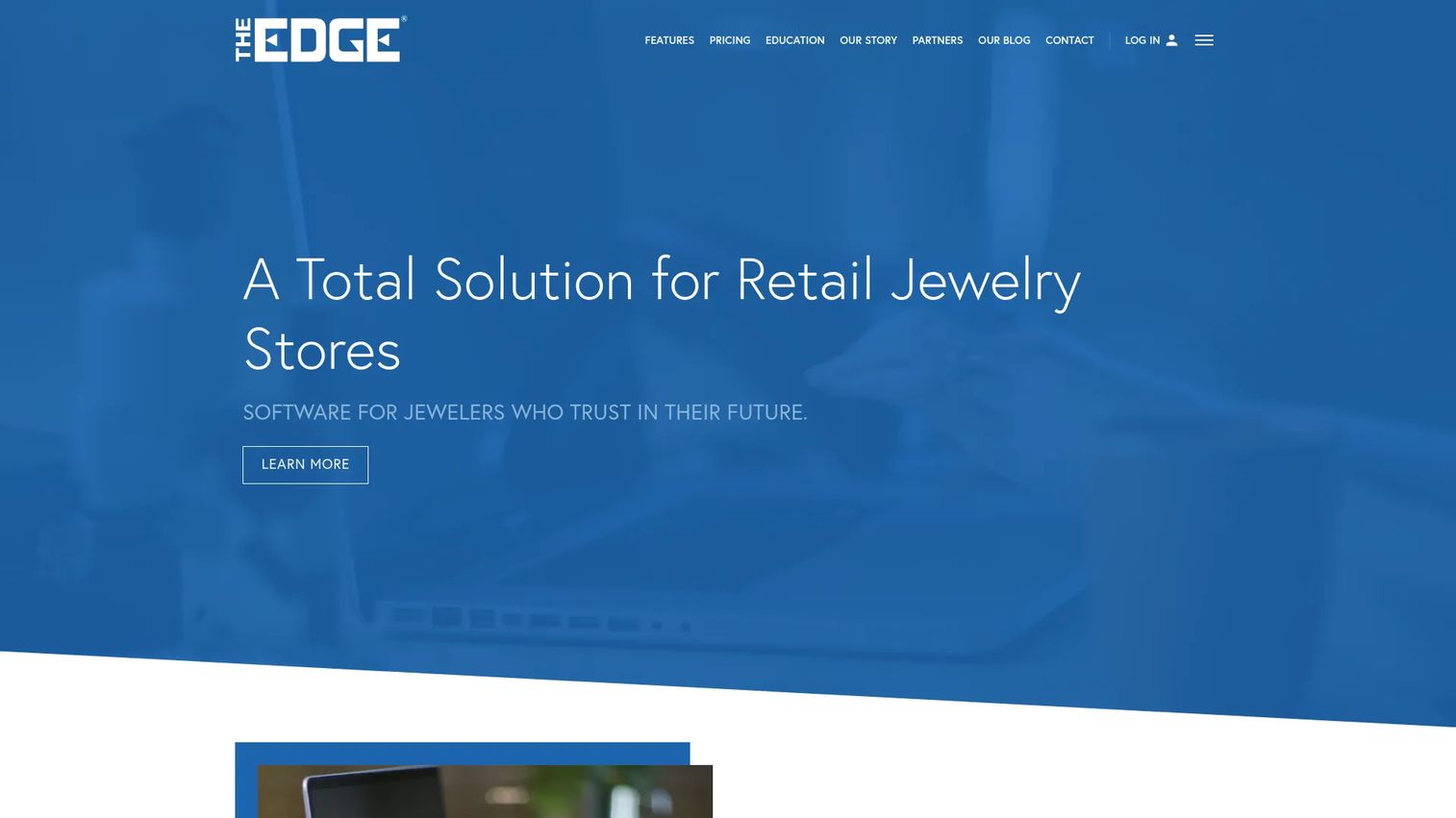
The Edge for Jewelers is a point-of-sale and store management system built specifically for independent jewelers. It leans on a long track record and a "future-proof" positioning that appeals to owners who want a system with staying power. The core covers POS, inventory management, and customer relationship management in a single desktop-rooted package, with repair tracking included in the workflow.
Best for: Independent jewelry retailers that want POS, inventory, and repair tracking in one established system.
Key strengths
- Integrated POS and inventory: Ring sales and manage stock item by item in one platform, so the register and the stockroom stay in sync.
- Repair tracking: Log and follow service work alongside sales and customer records, keeping bench jobs visible.
- Built-in CRM: Hold purchase history and customer detail so associates can personalize follow-up and repeat outreach.
Why choose The Edge for Jewelers: This is the pick for the independent jeweler who values a system with a long operating history and recognizable presence in the trade. It fits owners who prefer established, proven workflows over the newest interface, and who want POS, inventory, and repairs handled by one vendor rather than stitched together.
The Edge for Jewelers pricing: Pricing is based on the number of stores and workstations, with sample figures published on the vendor's site. A single-store, single-workstation setup starts at $4,600, a single store with three workstations runs $5,700, and a two-store, six-workstation configuration is listed at $12,450. The initial purchase includes one year of technical support. There is no free tier. Smaller stores can start with the entry configuration and add workstations as they grow, while multi-location operators should price against the multi-store tier.
2. WJewel
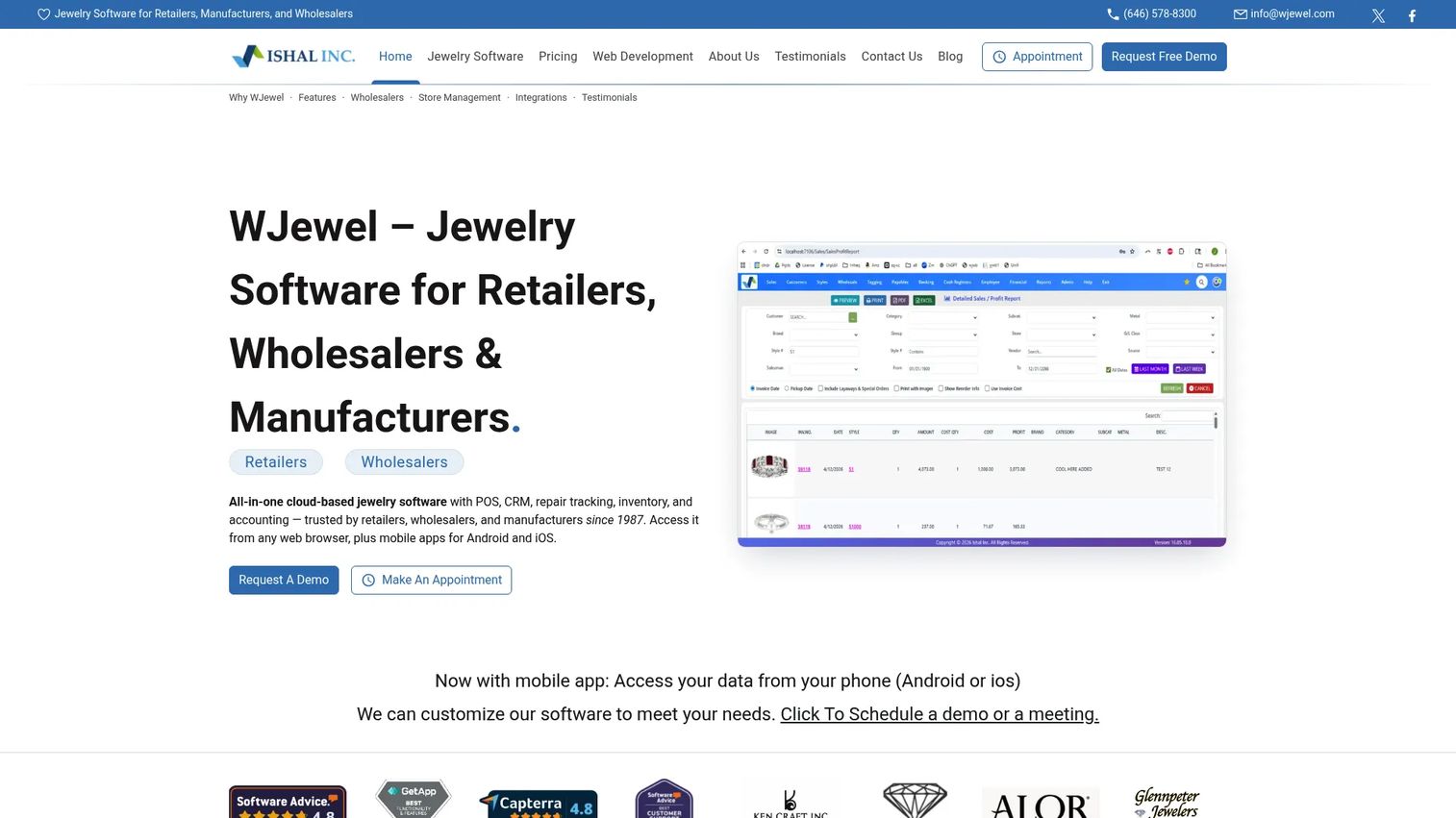
WJewel is the deepest jewelry-specific operating system in this set. Built for retailers, wholesalers, and manufacturers, it covers POS, inventory tracking, repair tracking, CRM, and accounting in one platform, then extends into the workflows that separate a jewelry system from a generic retail tool. RFID inventory support, memo and consignment handling, and a vendor portal all live inside the same system.
Best for: Operations-heavy jewelry stores that need an all-in-one POS and operations platform with true jewelry-industry depth.
Key strengths
- End-to-end operations: POS, inventory, repairs, CRM, and accounting run in one platform, cutting the reconciliation between separate tools.
- Jewelry-specific workflows: RFID tracking, memo and consignment handling, and a vendor portal match how jewelry inventory actually moves.
- Native integrations: Built-in Shopify and QuickBooks connections tie the store to e-commerce and accounting without manual export.
Why choose WJewel: If repairs, memo inventory, and vendor relationships are central to how your store runs, WJewel gives you the most workflow coverage on this list. Multi-store operators and stores with heavy service or wholesale volume will find the operational depth pays off, especially where accounting and inventory need to stay reconciled in one place.
WJewel pricing: The public pricing page states plans start at $99 per month, with Starter, Standard, and Professional tiers billed monthly. Exact tier prices are not individually published. WJewel offers a 30-day free trial, and one-time purchase plans are available on request. WJewel holds a 4.6/5 rating on G2. The monthly entry point makes it accessible for smaller stores, while the tier structure and one-time purchase option give larger operations room to scale.
3. Luxe
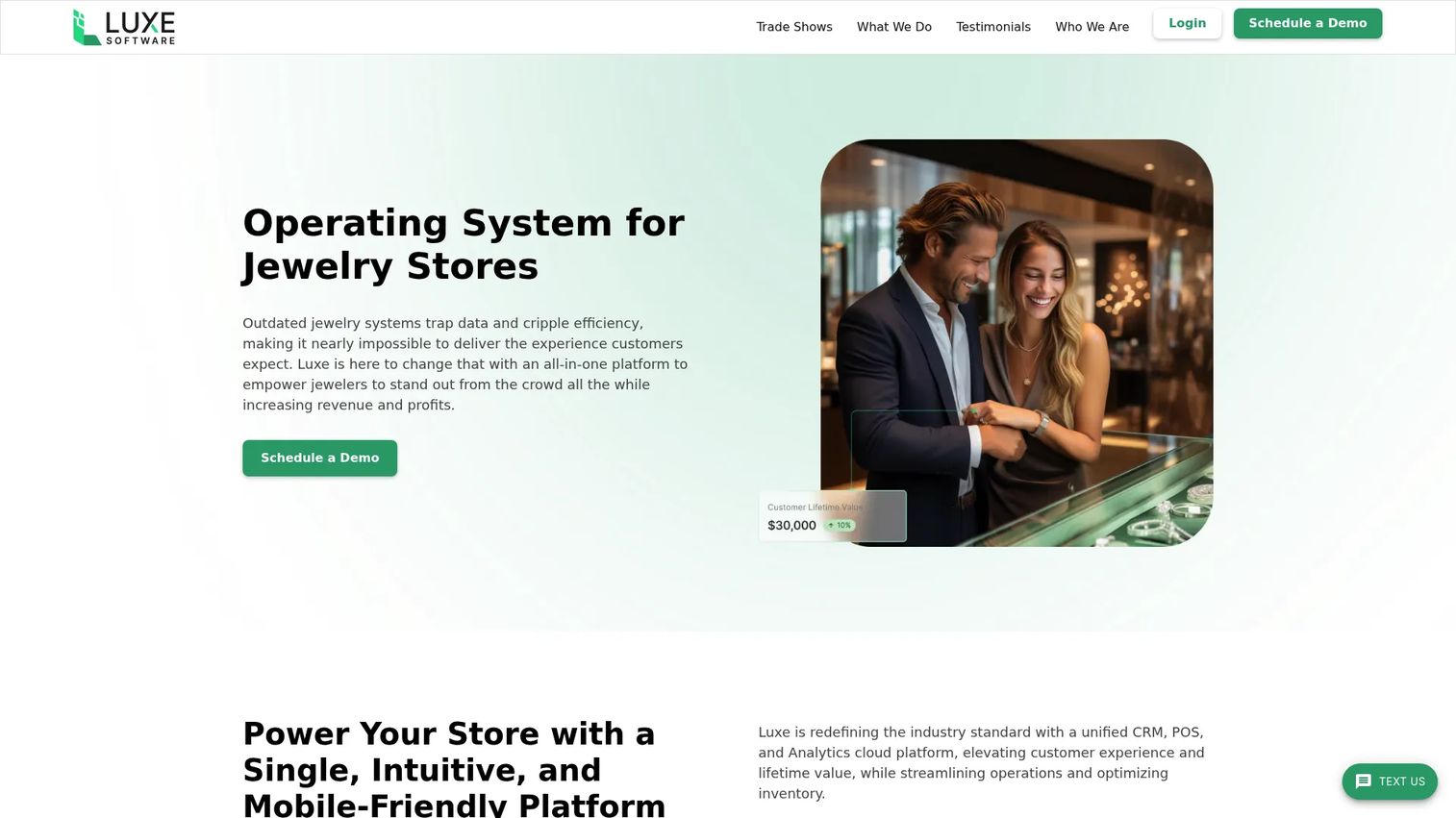
Luxe is a cloud-first jewelry store operating system built around POS, CRM, and inventory management, with analytics and related retail workflows layered on top. It suits stores that want a cleaner, more modern system and value browser-based access over a desktop install. The cloud delivery model keeps locations on the same live data and removes the maintenance burden of a local server.
Best for: Independent jewelry retailers that want an all-in-one, cloud-based POS and CRM platform.
Key strengths
- Cloud-native access: Run the store from a browser, keeping data live and consistent across devices and locations.
- Integrated POS and CRM: Sales and customer records sit in one system, so purchase history informs every interaction at the counter.
- Inventory management: Track stock alongside sales and customer data in a single modern interface.
Why choose Luxe: Luxe fits teams replacing an aging desktop system or standardizing operations across locations on the cloud. Owners who want a modern interface and browser access, without running local infrastructure, are the natural fit. It holds a 3.9/5 rating on G2.
Luxe pricing: Luxe does not publish pricing on its site, so request a quote directly to match a plan to your store count and workflow needs. Because pricing is not public, treat cost as a discovery conversation and confirm what is included before committing.
4. CaratIQ
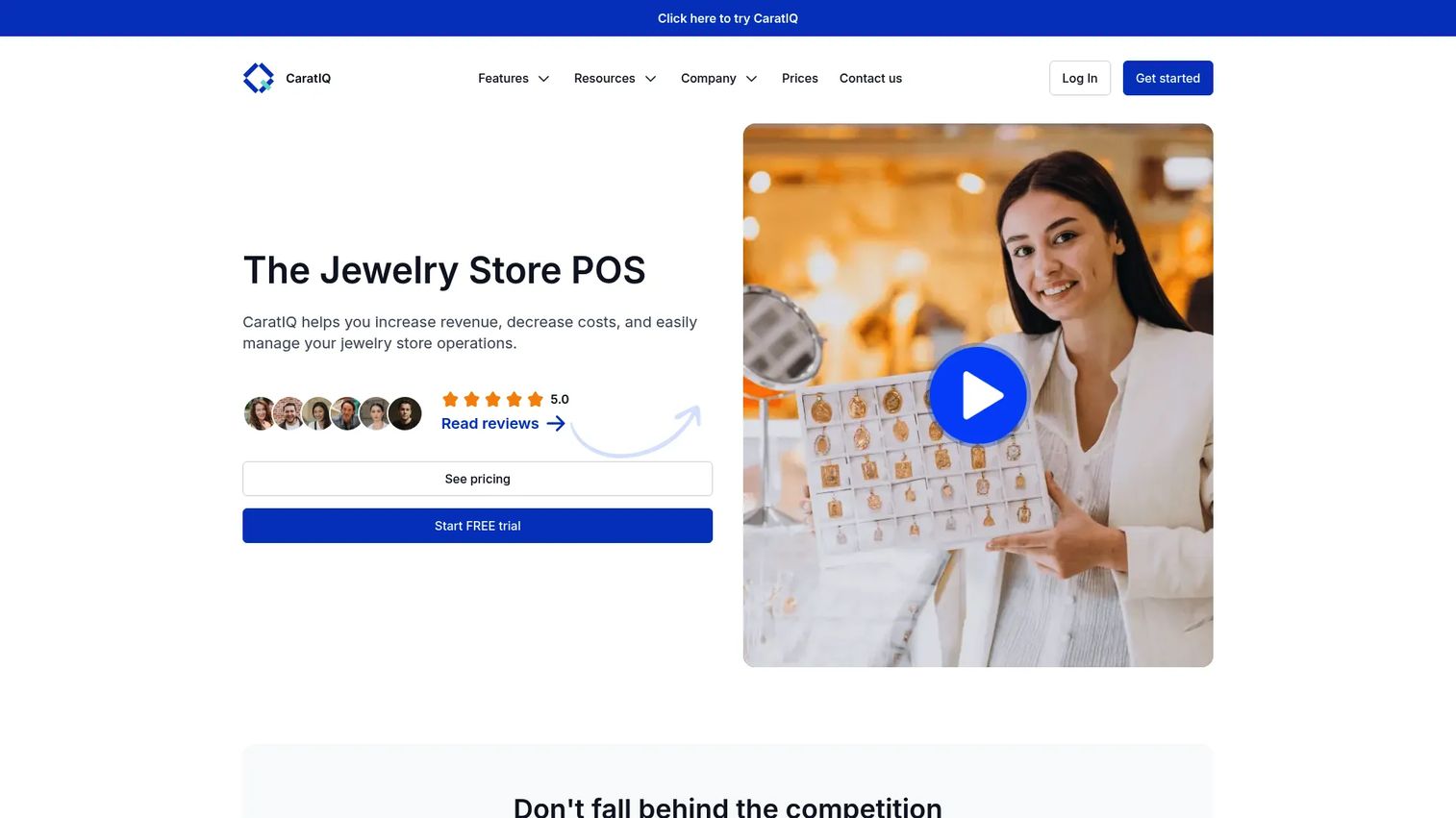
CaratIQ positions itself as an all-in-one platform for retail growth, covering point of sale, e-commerce website, CRM, inventory management, and accounting in one system. It reaches beyond the register into the broader retail stack, which makes it a fit for stores that want marketing, operations, and customer experience handled in the same place rather than bolted on.
Best for: Growing jewelry retailers that need an all-in-one POS and inventory system with e-commerce and accounting built in.
Key strengths
- Full retail stack: POS, e-commerce, CRM, inventory, and accounting run in one system, reducing the number of tools to maintain.
- Built-in e-commerce: Sell online and in-store from a shared inventory, keeping stock accurate across channels.
- Accounting inside the platform: Financial workflows live alongside sales and inventory, cutting manual reconciliation.
Why choose CaratIQ: CaratIQ suits stores that have outgrown a basic POS and want to consolidate online sales, customer management, and financials under one roof. Growing operations that plan to sell across channels benefit most from the shared inventory and integrated e-commerce.
CaratIQ pricing: CaratIQ publishes monthly plans: Basic at $300 per month, Professional at $550 per month, and Premium at $800 per month. Any plan can be tried free for seven days, and choosing annual billing includes one month free. The tiered structure lets smaller stores start on Basic and step up as e-commerce and reporting needs grow.
5. Jeweler360
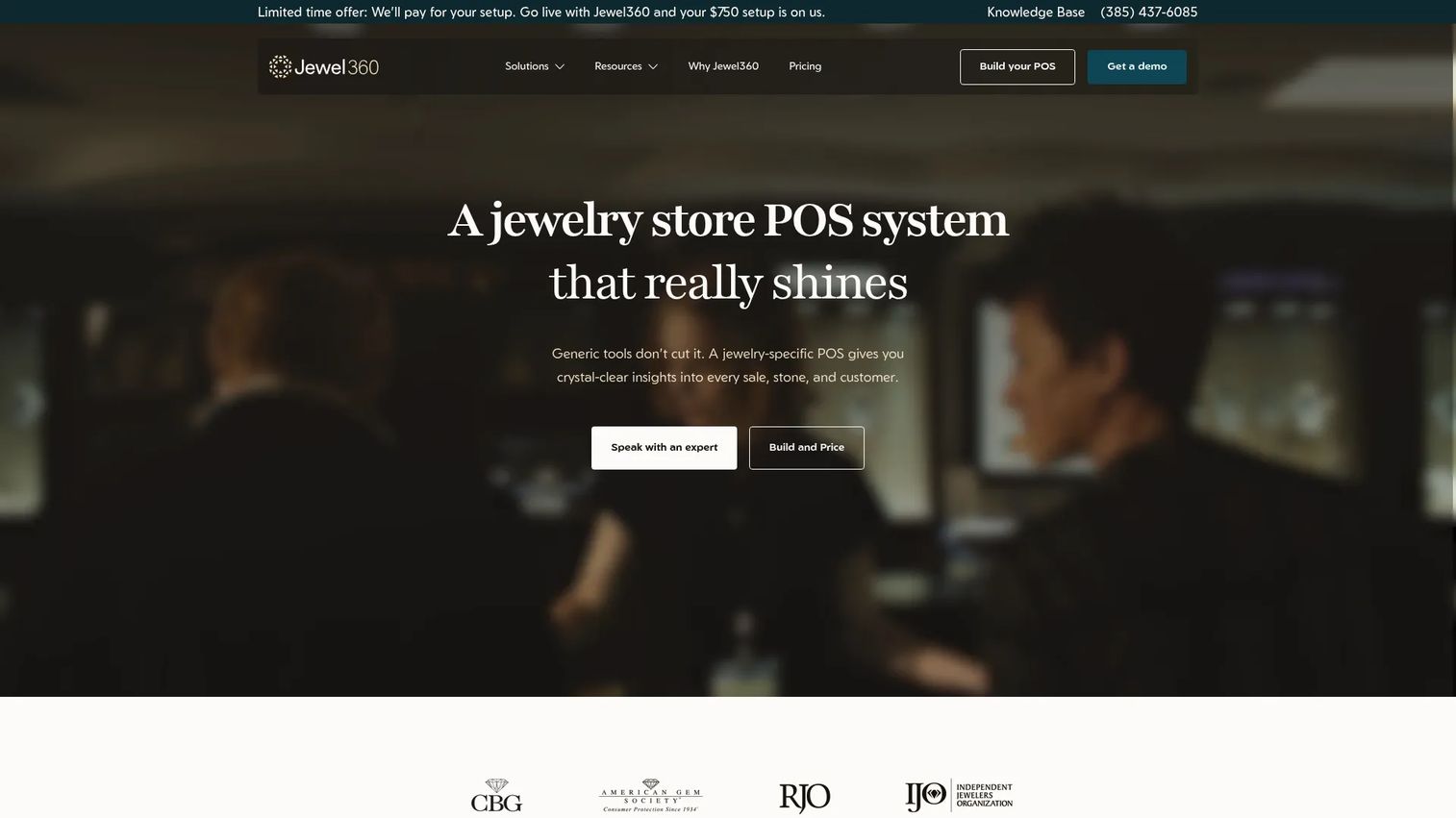
Jeweler360 is a cloud-based jewelry POS platform focused on store management, customer tracking, and daily operations. It pairs native POS and website integration with inventory and repairs tracking, plus appraisals and GIA stone certification integration, giving stores a structured retail system without excessive complexity. The cloud delivery keeps data accessible and current across the operation.
Best for: Jewelry stores that need a cloud-based POS, inventory, repair, and e-commerce system in one place.
Key strengths
- Native POS and website integration: In-store and online sales share one system, keeping inventory and orders aligned.
- Inventory and repairs tracking: Stock movement and service work are handled together, so nothing falls through the cracks.
- Appraisals and GIA integration: Built-in appraisal handling and GIA stone certification support match jewelry-specific documentation needs.
Why choose Jeweler360: Jeweler360 is the operational choice for stores that want structured daily management and cloud access without a heavy implementation. Owners who need POS, inventory, repairs, and an integrated website, but not the full enterprise footprint, will find it well scoped.
Jeweler360 pricing: Public pricing starts at $199 per month for the Startup plan. Core and Plus tiers are listed but their exact prices are not published on the pricing page. The vendor states pricing is transparent with no hidden fees. The Startup entry point suits smaller stores, while Core and Plus give room to grow, so confirm the higher-tier prices during a demo.
6. Clarity Software
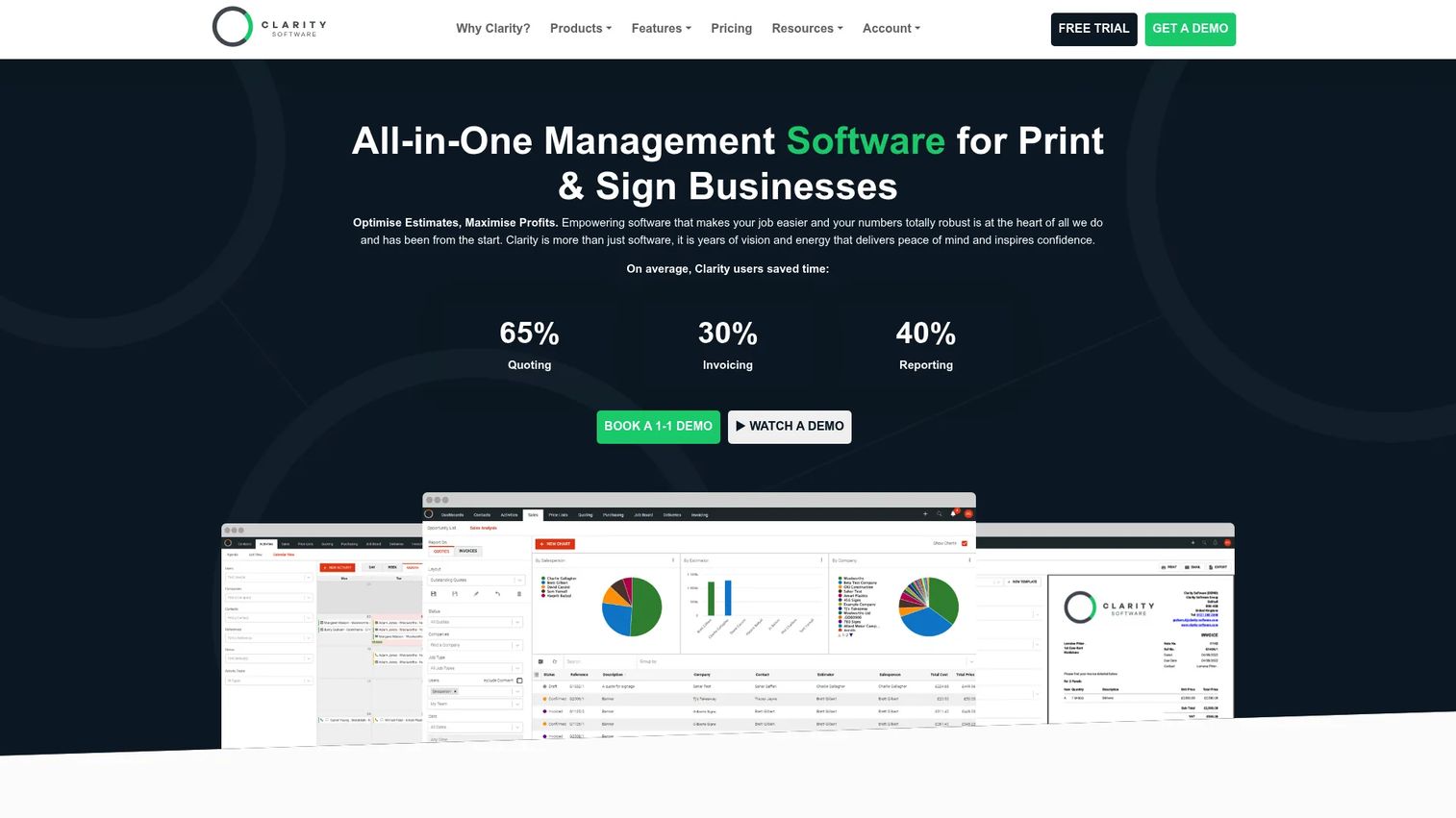
Clarity Software is a workflow and business management platform built around CRM, quoting and estimating, and job or production tracking. Its strength is process visibility: quoting, production scheduling, deliveries, invoicing, and integrations tie together in one management system. Jewelers with heavy custom and bench workflows evaluating a process-first management tool against jewelry-specific depth should look here.
Best for: Stores with structured, workflow-heavy operations that value quoting, production, and job tracking clarity.
Key strengths
- Quoting and estimating: Build and track quotes as a first-class workflow, useful for custom and made-to-order work.
- Job and production tracking: A production board follows work through the shop floor, giving clear status on every job.
- CRM and invoicing: Customer records, quoting, and invoicing connect so the sales-to-delivery path stays visible.
Why choose Clarity Software: Clarity fits operators who prioritize workflow visibility and structured job tracking. Stores with straightforward retail needs but a heavy custom or production element, and a desire for process clarity, should evaluate it against the jewelry-native platforms above.
Clarity Software pricing: Clarity publishes multiple product lines. Clarity Go starts at £33 per month (ex VAT) for one user, or £330 annually, with a higher plan at £55 per month. Clarity Pro starts from £35 per user per month, with a Marketing plan from £120 per user per month, and purchase or lease options are also listed. Because the lineup spans several products, confirm which product line and tier match your workflow before committing.
7. JewelMate
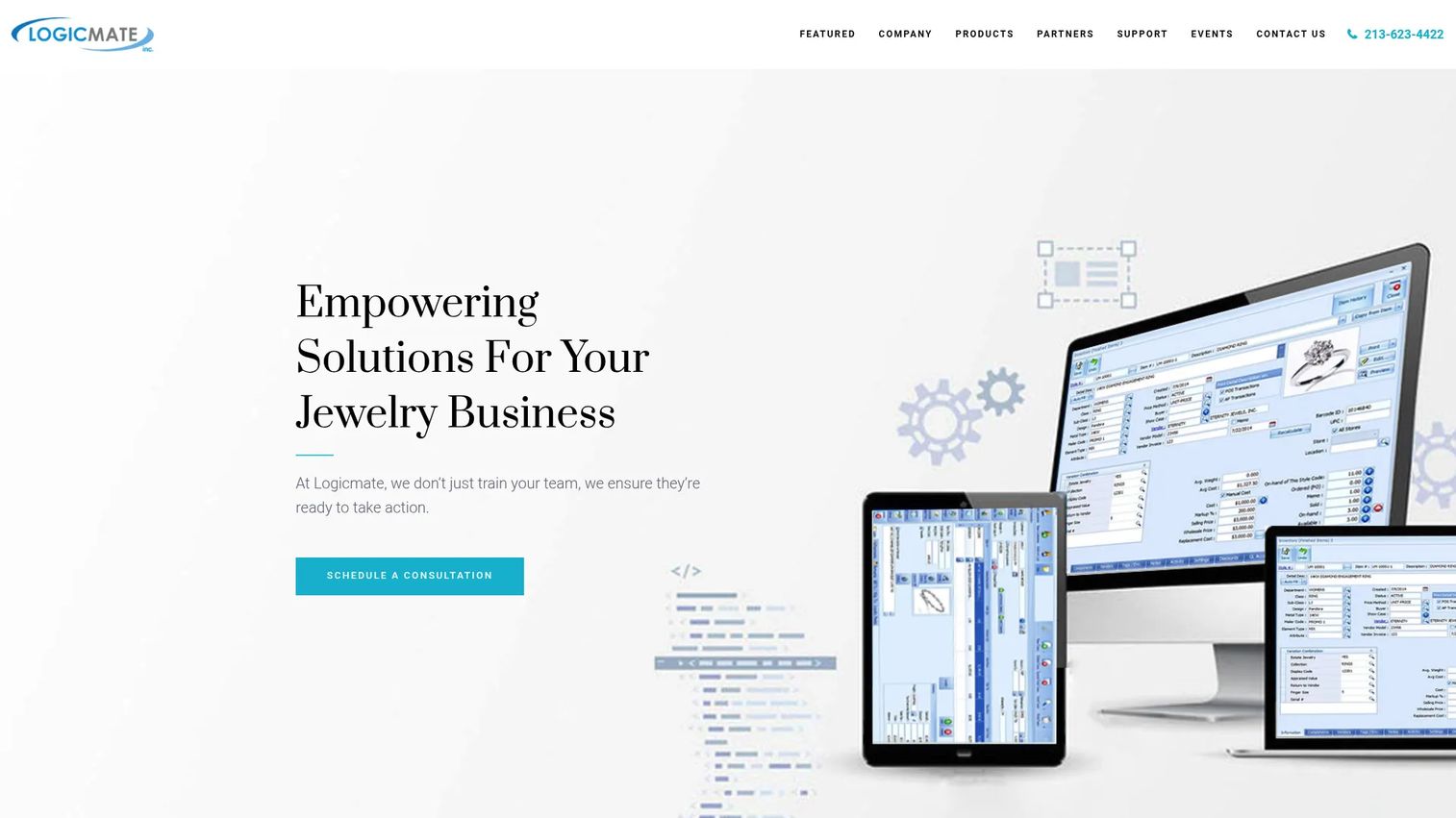
JewelMate is a jewelry POS and enterprise management system for retail and wholesale jewelry businesses. It rounds out this list with a different operational profile: industry-specific inventory and POS workflows built for stores and wholesalers that need practical, structured day-to-day management. Multi-level inventory categorization, automatic stock updates, and an integrated CRM handle the core operations.
Best for: Jewelry retailers and wholesalers that need industry-specific POS and inventory workflows.
Key strengths
- Structured inventory management: Multi-level categorization and automatic stock updates keep item records accurate as inventory moves.
- Integrated CRM: Customer details, wish lists, birthdays, anniversaries, and reminders live in the system to drive follow-up.
- Jewelry-specific tools: Gift certificate creation, appraisal tracking, reporting, and metal and stone pricing tools match industry needs.
Why choose JewelMate: JewelMate suits process-driven retailers and wholesalers that want industry-specific inventory and CRM depth. Its enterprise framing (also referred to as JewelMate Enterprise) makes it a fit for operations with structured inventory needs across retail and wholesale. It holds a 4.5/5 rating on G2.
JewelMate pricing: JewelMate does not publish public pricing; the vendor states pricing varies based on business size and needs and asks buyers to request a custom quote. Treat cost as a scoped conversation and confirm what each configuration includes before deciding.
Considerations
Before you commit, pressure-test each shortlisted tool against the workflows that actually break in a jewelry store.
POS and transaction handling
Watch how the system handles the transactions that generic retail POS tools fumble. Confirm checkout speed at the counter, how returns and exchanges process, whether layaways and special orders are native, and how it manages high-value and deposit-based sales. Ask to see a trade-in and a custom order run end to end.
Inventory accuracy and real-time stock control
Jewelry inventory software has to handle unique, high-value items, not interchangeable SKUs. Verify item-level tracking, serial number support, transfers between locations, and how quickly a sale in one store updates available stock everywhere. For multi-store operators, real-time sync is non-negotiable.
Repair workflows and custom jobs
If your store services or builds jewelry, treat repairs as a first-class test. Check repair intake, status tracking, technician assignment, deadline handling, and automated customer communication. A tool that links repair jobs to customer records keeps follow-up tight and protects the relationship.
CRM and customer retention
Repeat business is where jewelry margins live. Look at how the jewelry CRM stores purchase history, wish lists, and key dates, and whether it triggers follow-up reminders. The best systems surface purchase context at the counter so associates can personalize every interaction.
Multi-store operations and permissions
For more than one location, confirm role-based access, location-level reporting, and whether inventory and customer data sync in real time across sites. Reporting should roll up by store and region so owners see the whole operation, not just one counter.
Integrations and reporting
Verify accounting sync (QuickBooks is a common requirement), e-commerce connections, shipping tools, and payment processors. Then look at reporting depth: sales by associate and store, inventory aging, and margin analysis. Dashboards should answer daily questions without exporting to a spreadsheet.
Conclusion
The seven platforms here fall into clear buying patterns. For legacy-trusted, broad coverage, The Edge for Jewelers offers an established POS, inventory, and repairs system. For deep jewelry-specific operations, WJewel gives the most workflow coverage across POS, repairs, memo, and accounting. For modern cloud delivery, Luxe and Jeweler360 keep locations on live data with less infrastructure. For all-in-one retail growth, CaratIQ ties e-commerce, CRM, and accounting into one stack. Clarity Software serves process-heavy, workflow-driven operations, and JewelMate covers structured retail and wholesale management.
The right jewelry business software is not the one with the longest feature list. It is the one that solves the hardest workflow in your store, whether that is memo inventory, high-volume repairs, multi-location stock sync, or online and in-store selling from shared inventory. Start there. Shortlist two or three tools that own that workflow, then request a demo and confirm pricing before you commit.
FAQs
At minimum, jewelry store software should cover POS with support for high-value and special-order transactions, item-level inventory tracking, a CRM with purchase history and follow-up, repair and custom job tracking, reporting, and integrations for accounting and e-commerce. If your store services or builds jewelry, repairs should be a native workflow, not an afterthought.
Cloud jewelry software makes access, multi-store management, and automatic updates easier, and it now accounts for the majority of the market. Cloud delivery keeps every location on the same live data without a local server to maintain. Some established jewelers still prefer local desktop systems for control and familiarity, so the better choice depends on how many locations you run and how you want to access your data.
For multi-location operators, prioritize real-time inventory sync, role-based access so associates see only what they should, and reporting that rolls up by store and region. WJewel offers deep multi-store operational coverage, and cloud-native systems like Luxe and Jeweler360 keep locations on shared live data, so shortlist based on how tightly your stores need to share inventory and reporting.
Repair tracking is critical for any store that does servicing, custom work, or frequent follow-up. Good jewelry repair software logs intake, tracks status, assigns technicians, manages deadlines, and links each job to the customer record so pickup notifications and communication stay tight. Without it, service work slips through the cracks and damages customer relationships.
Many do, and it is worth confirming before you buy. QuickBooks is the most common accounting integration; WJewel, for example, offers a native QuickBooks connection. Verify the specific accounting sync you need, whether it is one-way or two-way, and how it handles inventory valuation before committing to a jewelry accounting software setup.
Focus on stock accuracy first. Confirm item-level and serial number tracking, how transfers between locations are handled, memo and consignment support, and how fast a sale updates available stock everywhere. Then check reporting depth, including inventory aging and margin analysis, so you can spot slow movers and protect margin across the operation.
All-in-one jewelry software usually reduces operational friction because POS, inventory, CRM, repairs, and accounting share one data set, cutting reconciliation and duplicate entry. Separate tools can work if one workflow, such as custom production or e-commerce, is unusually complex and needs a specialist system. Choose based on your hardest workflow, and confirm that any specialist tool integrates cleanly with your core POS.