A hazard gets reported on a paper form. The form sits in a truck cab for three days. By the time it reaches the safety office, the corrective action window has closed and the same near-miss has happened twice more.
That gap between what happens in the field and what leaders can see is where most safety programs break. Not because teams don't care. Because the reporting workflow lives on paper, in email threads, and in the memory of whoever ran the last inspection.
Safety compliance software closes that gap. It centralizes incident management, audits and inspections, hazard observations, training records, and corrective actions so a reportable event becomes visible before it becomes a citation. OSHA's electronic recordkeeping requirements now push many establishments to submit injury and illness data digitally, which raises the cost of scattered records.
The market reflects the shift. The global safety compliance management software market was valued at about USD 5.5 billion in 2025 and is forecast to grow at roughly 12% CAGR through 2033, according to Data Insights Market (2025). Digitized workplace safety software and compliance automation are no longer optional for teams operating at scale.
If you build internal workflows for a living, you already know the real problem is not more forms. It is activation, adoption, and maintainability across sites and roles. This guide focuses on OSHA compliance software and broader safety management software that holds up when frontline teams are mobile and connectivity is not guaranteed.
What's inside
This guide is for product managers and operations leaders building an OSHA-aligned safety compliance stack. It covers digital incident, inspection, training, and CAPA workflows that scale across sites and personas.
We selected platforms against five criteria:
- Coverage of core safety workflows (incidents, inspections, observations, training, CAPA)
- Mobile and offline usability for distributed field teams
- Analytics, dashboards, and reporting depth
- Integrations and compliance automation
- Fit for teams that need more than a single-purpose checklist tool
Each tool is verified against its live pricing page, feature set, and current ratings where public data exists.
TL;DR
Short on time? Here is the shortlist by buyer context:
- Best for frontline mobile workflows: SafetyCulture, built around mobile inspections and QR-enabled reporting
- Best for broad EHS platform depth: EHS Insight, with configurable dashboards and modular rollout
- Best for enterprise safety and risk: VelocityEHS or Riskonnect, both tying safety into wider risk operations
- Best for reporting and field operations: Safety Reports, with offline mobile use across modular apps
- Best for audit-oriented teams: Falcony, focused on inspections, observations, and follow-up
- Best for a simpler safety management stack: IndustrySafe (Vector EHS), with dashboards and training in one place
What is safety compliance software?
Safety compliance software is software that helps organizations manage OSHA and broader workplace safety requirements through digital workflows. It replaces paper forms and disconnected spreadsheets with a single system for capturing, reviewing, and reporting on safety data. Health and safety software typically sits inside a larger safety management platform rather than acting as a standalone checklist app.
Most platforms cover the same core capabilities:
- Incident reporting and investigation: log injuries, illnesses, and near-misses, then track root cause
- Audits and inspections: run scheduled checks with scoring and photo capture
- Observations and hazard reporting: let any worker flag a risk from the field
- Training and certification tracking: manage who is certified for what, and when it expires
- Corrective actions and CAPA: assign, track, and close follow-up tasks tied to findings
- Dashboards and reporting: turn raw records into OSHA logs and leadership visibility
The difference between manual and digital workflows is speed and traceability. A paper inspection tells you what was wrong on the day someone filed it. A digital inspection with incident management links the finding, the corrective action, the responsible owner, and the closure date in one record you can audit later. For a team running dozens of sites, that traceability is what turns compliance from a scramble into a system.
When to use safety compliance software
Not every team needs a full platform on day one. These three situations usually signal it is time.
Digitize frontline reporting
When your reporting happens on job sites, warehouse floors, or vehicles, paper creates lag and lost records. Mobile-first workflows let a worker capture a hazard, attach a photo, and submit it in under a minute. Offline reporting matters when connectivity is unreliable, because the report syncs the moment the device reconnects. QR code reporting speeds this up further by putting a scannable entry point at the hazard itself.
Centralize OSHA-aligned recordkeeping
When compliance data lives in multiple inboxes and drives, retrieval during an audit becomes a fire drill. Centralizing records means your OSHA 300 log, incident investigations, and training certificates sit in one queryable system. That single source of truth cuts the time to respond to a request from days to minutes.
Track inspections, actions, and training together
When inspections generate findings that need follow-up, and follow-up depends on trained people, splitting those across tools breaks the chain. Keeping inspections, CAPA, and training management in one platform means a failed inspection can automatically spawn a corrective action assigned to a certified owner. The workflow closes the loop instead of leaving it open.
Comparison table
Read this table as a fast filter, not a final answer. The "best for" column points you toward the operational context each tool fits, and pricing reflects publicly verified figures where available.
| # | Product | Best for | Key differentiator | Pricing | G2 rating |
|---|---|---|---|---|---|
| 1 | SafetyCulture | Frontline mobile inspections | Mobile-first inspections and QR reporting | From $24/user/mo | 4.6/5 |
| 2 | EHS Insight | Broad EHS depth | Configurable dashboards, offline mobile app | From $5k/year | 4.7/5 |
| 3 | VelocityEHS | Enterprise EHS and chemical safety | Unified platform with built-in AI | Custom | 4.4/5 |
| 4 | Riskonnect | Safety tied to risk operations | Safety inside a wider GRC platform | Custom | 4.3/5 |
| 5 | Safety Reports | Field-heavy mobile workflows | Modular apps with offline use | Contact sales | Not listed |
| 6 | Falcony | Audit-oriented teams | Audits, observations, and follow-up | Free trial, then custom | 5.0/5 |
| 7 | IndustrySafe | Simpler safety management | Centralized EHS with OSHA reporting | Custom | Not listed |
Best safety compliance software for 2026
Below is a closer look at each platform, what it covers, who it fits, and what it costs.
1. SafetyCulture
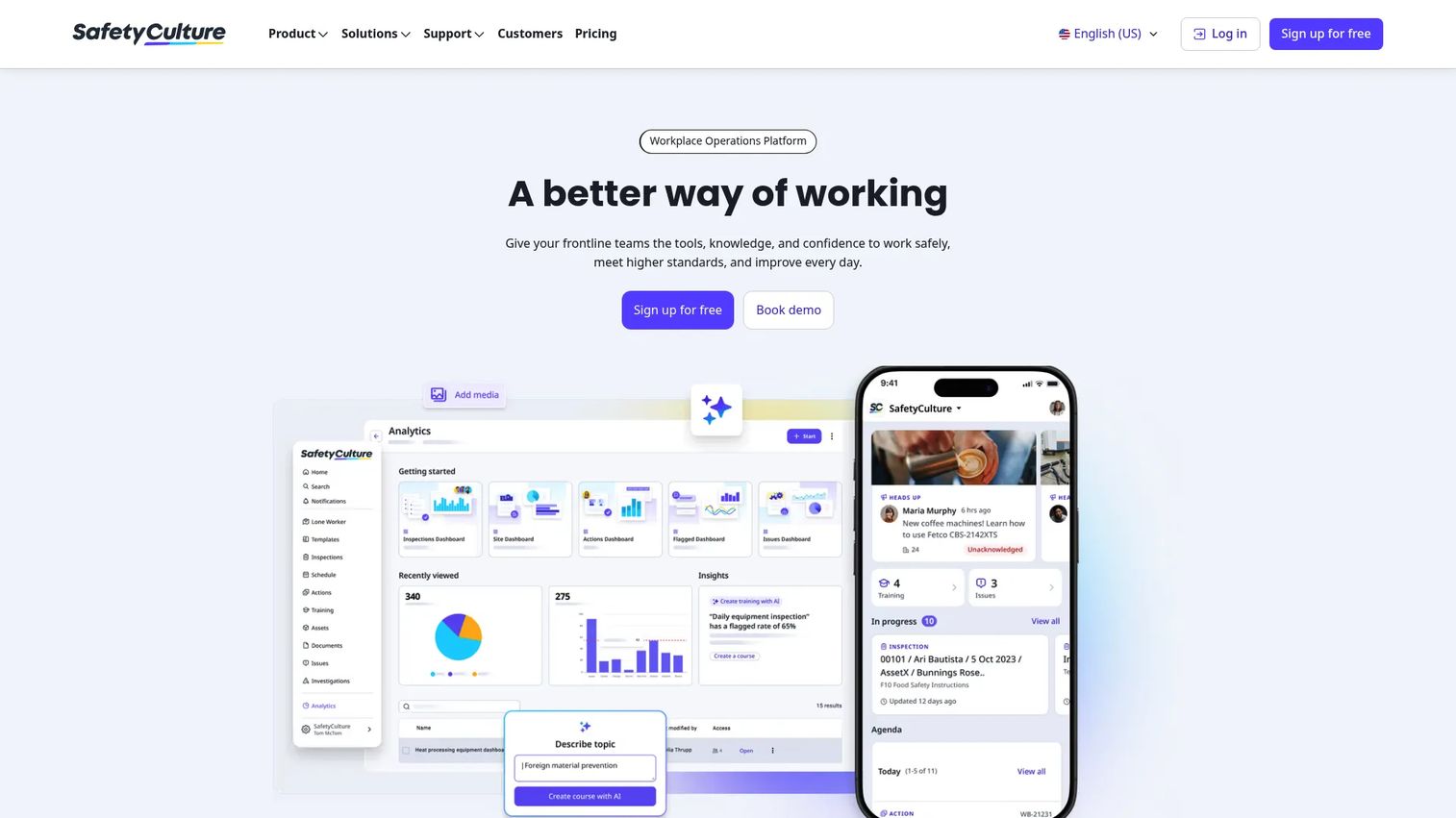
SafetyCulture is a workplace operations platform built around mobile inspections, issue reporting, asset management, and training. It is the tool most teams reach for when frontline usability decides whether the software gets adopted or ignored. Inspectors run checks from a phone, attach photos, and trigger action tracking without opening a laptop.
QR-enabled reporting lets any worker scan a code at a location and file a hazard or inspection on the spot. That low-friction capture is why field teams tend to keep using it after rollout, rather than reverting to paper.
Best for: Teams that need fast rollout and high frontline adoption for inspections and operational workflows.
Key features
- Mobile inspections with photo capture
- Asset management and tracking
- Training and onboarding modules
- Action tracking tied to findings
Why choose SafetyCulture: If your bottleneck is getting frontline workers to actually report, its mobile-first design lowers the barrier more than heavier EHS suites. It fits teams prioritizing adoption speed over deep enterprise configuration.
SafetyCulture pricing: Free plan available. Premium starts at $24 per user per month billed annually. Enterprise is custom-priced.
2. EHS Insight
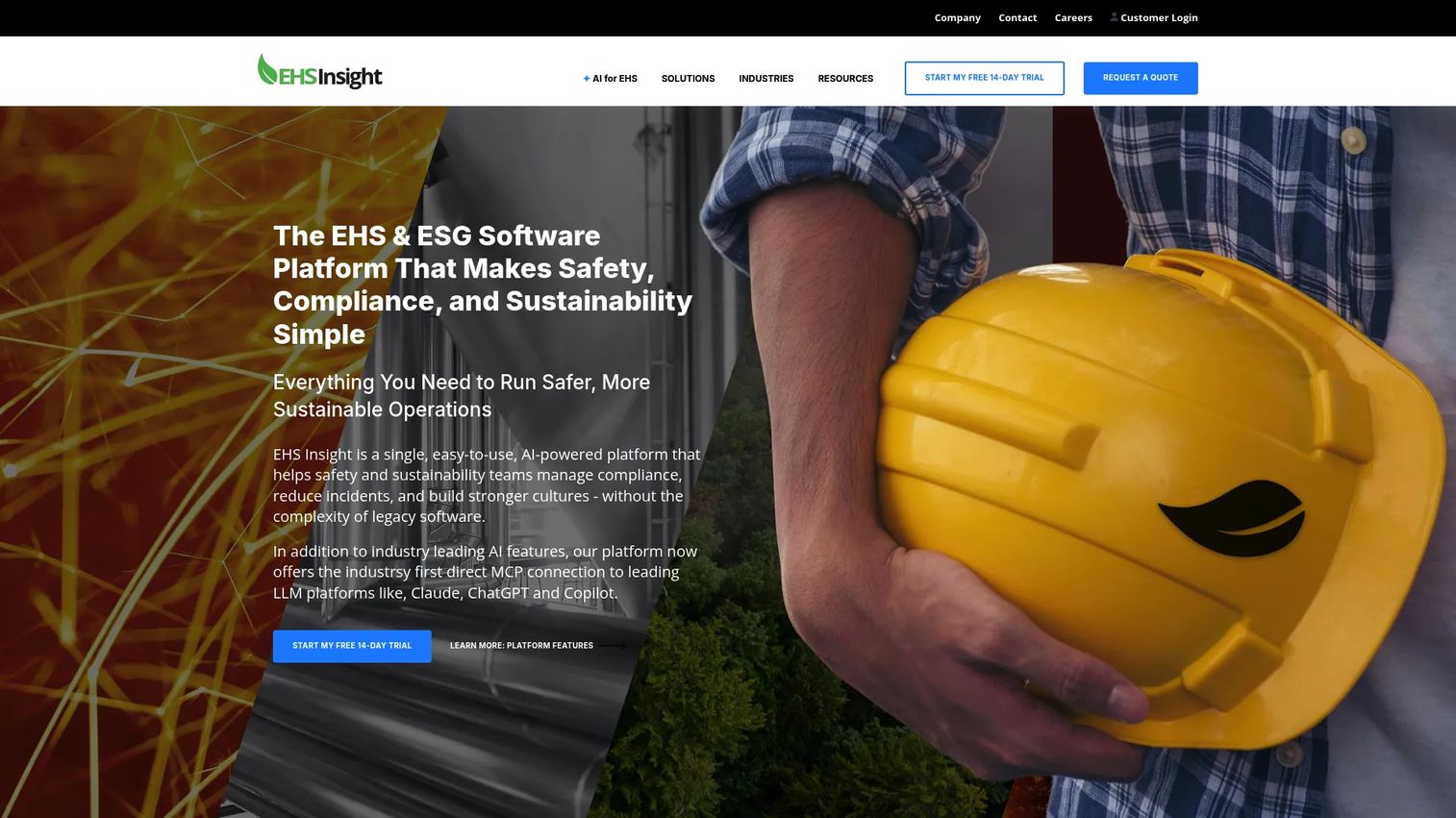
EHS Insight is cloud-based EHS management software covering safety, compliance, risk, and related operations. It suits teams that want broader environmental health and safety depth than a single-purpose inspection app, with modules that roll out incrementally. Incident management, audits, training, and compliance management live in one configurable system.
Customizable dashboards, reports, and workflows let you shape the platform around how your sites actually operate. An offline mobile app keeps field capture working where connectivity drops.
Best for: Organizations needing configurable EHS software with mobile field access and a modular rollout path.
Key features
- AI-powered safety tools
- Offline mobile app
- Customizable dashboards and reports
- Configurable workflows
Why choose EHS Insight: If you want to start with a few modules and expand, its modular pricing and configuration fit a phased adoption plan. It works well for teams that value flexibility over a fixed feature set.
EHS Insight pricing: The Small and Medium Business solution starts at $5,000 per year. Enterprise pricing is modular and quote-based, priced by employee count, selected modules, and implementation needs. A free trial is offered.
3. VelocityEHS
VelocityEHS is an EHS software platform spanning safety, chemical management, ergonomics, contractor safety, and related risk workflows. Its Accelerate platform unifies these areas so a mid-market or enterprise team can run compliance, chemical safety, and operational risk from one system rather than several. Built-in AI helps prioritize what needs attention first.
Mobile apps handle incidents, inspections, and chemical access in the field, which matters for teams managing hazardous materials across multiple locations.
Best for: Mid-market and enterprise teams managing EHS, chemical, and contractor-safety programs together.
Key features
- Unified Accelerate platform for EHS and risk
- Built-in AI for prioritization and insights
- Mobile apps for incidents and inspections
- Chemical and SDS management
Why choose VelocityEHS: If chemical management and contractor safety sit alongside your core safety program, its breadth covers more ground than inspection-focused tools. It fits teams that need one platform across several EHS disciplines.
VelocityEHS pricing: Public paid pricing is not listed; the platform routes buyers to a demo or quote. A free SDS trial is publicly offered.
4. Riskonnect
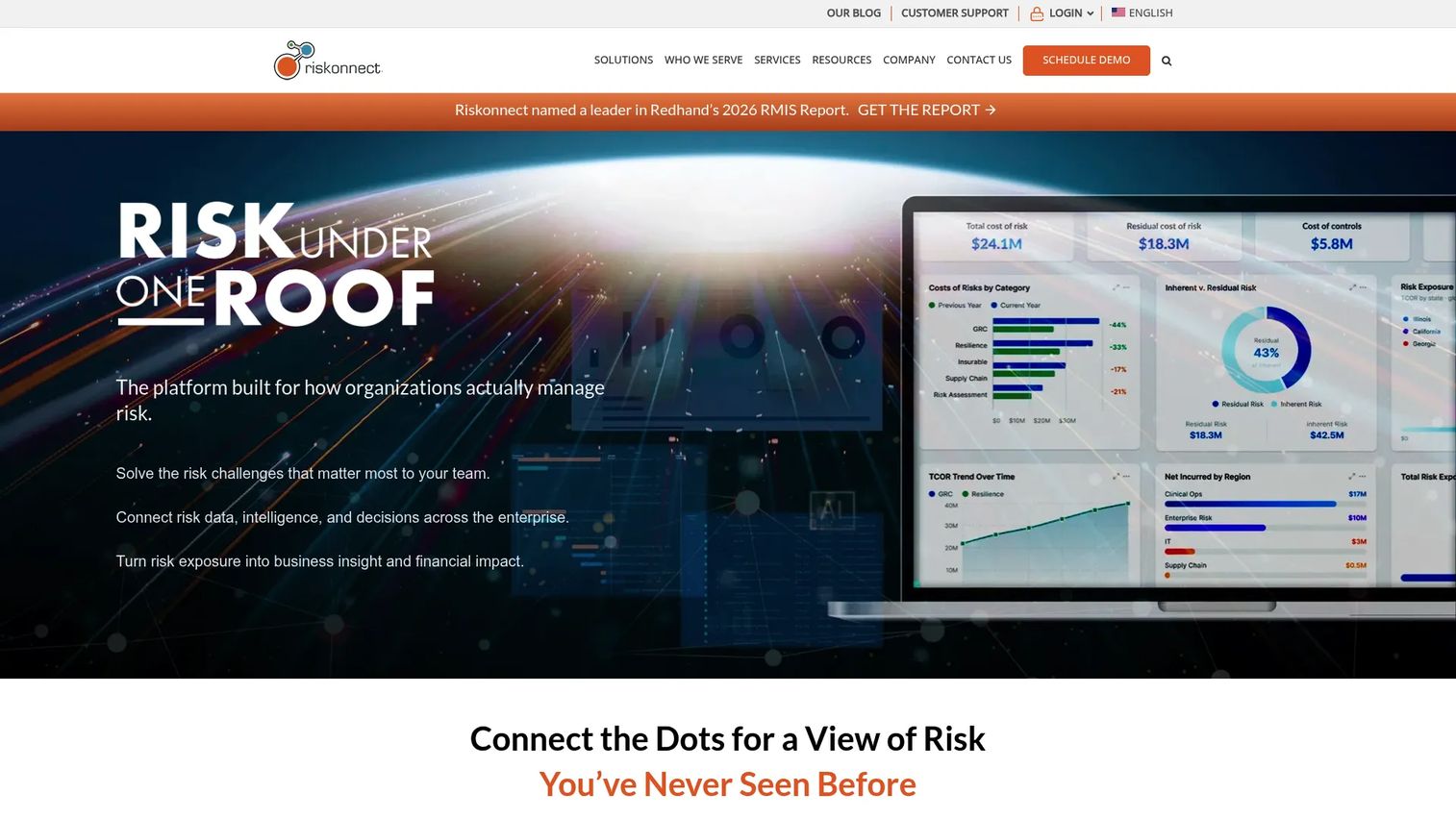
Riskonnect is an enterprise risk, GRC, claims, and business continuity platform that includes health and safety management. It fits teams that want compliance tied directly to risk operations rather than run as an isolated function. Incident and hazard tracking, OSHA recordkeeping, and dashboards connect into broader governance and claims workflows.
That integration is the differentiator. A safety incident can flow into claims management and risk reporting without manual re-entry, which matters for larger organizations where safety and insurable risk overlap.
Best for: Mid-to-large organizations needing integrated risk, compliance, claims, and resilience management.
Key features
- Governance, risk, and compliance workflows
- Incident and hazard tracking
- OSHA recordkeeping and dashboards
- Claims and business continuity integration
Why choose Riskonnect: If your safety data needs to connect to enterprise risk and claims, its GRC foundation ties those together in one platform. It fits organizations where safety is one part of a wider risk mandate.
Riskonnect pricing: Pricing is not publicly displayed. Riskonnect states cost depends on project size, complexity, and customization, so plan on a scoped quote.
5. Safety Reports
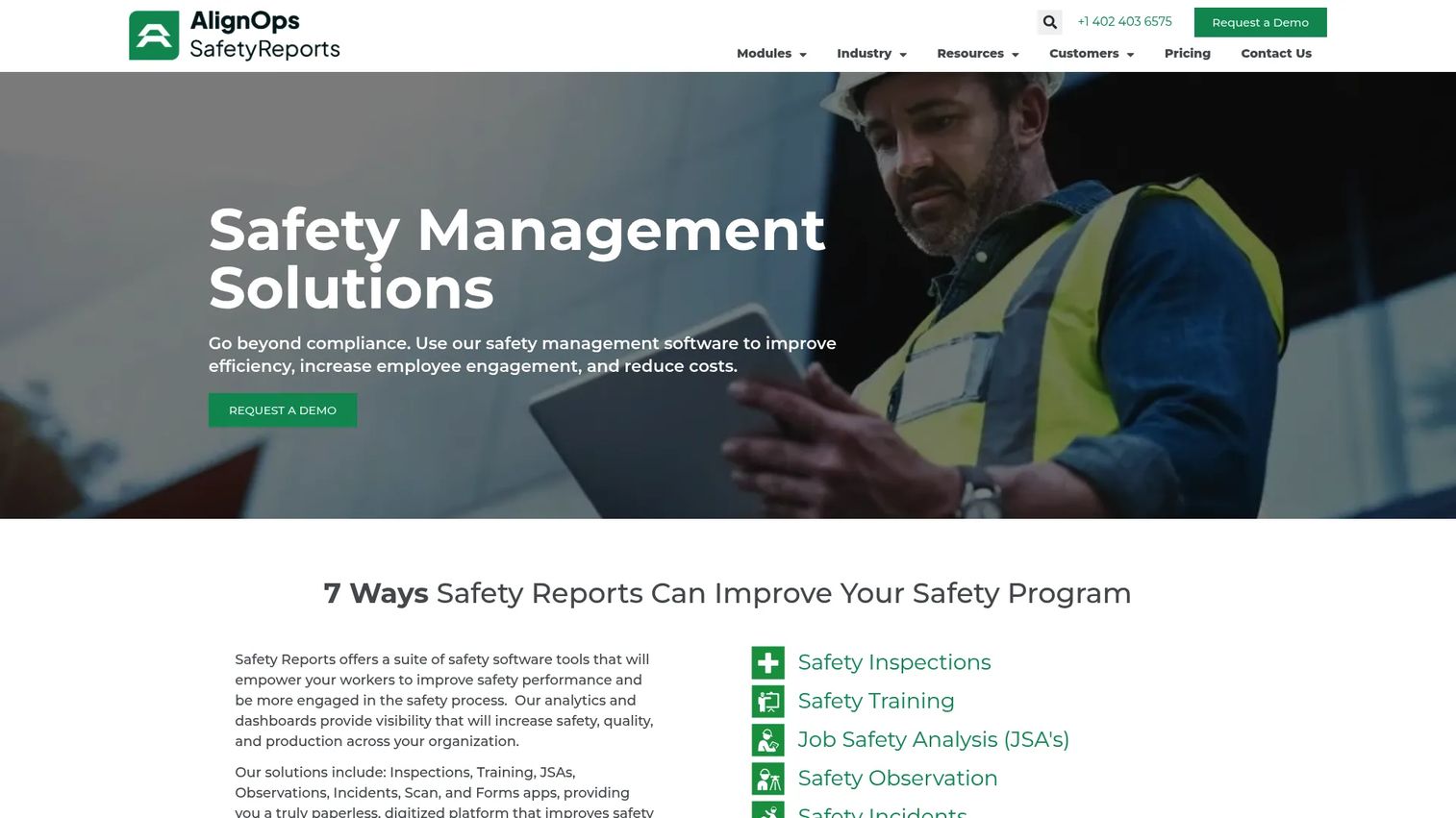
Safety Reports is workplace safety software with modular apps for inspections, incidents, training, observations, scans, forms, and JSAs. It fits field-heavy teams that need broad mobile workflow coverage without buying a monolithic suite. Each module runs as its own app, so teams can adopt the pieces they need.
Offline mobile use is a core strength, which matters for construction sites and remote operations where connectivity is inconsistent. Analytics roll the modular data up into reporting leaders can act on.
Best for: Teams that need modular mobile safety compliance workflows across inspections, incidents, and training.
Key features
- Inspections and audits
- Incident reporting
- Training and JSA modules
- Offline mobile use with scans
Why choose Safety Reports: If you want to assemble a stack module by module and work reliably offline, its app-based structure fits distributed field operations. It suits teams that prefer coverage breadth with mobile-first capture.
Safety Reports pricing: Two subscription tiers, Pro and Premium, are offered. Both require contacting the company for pricing. The site notes no startup fees and free training.
6. Falcony
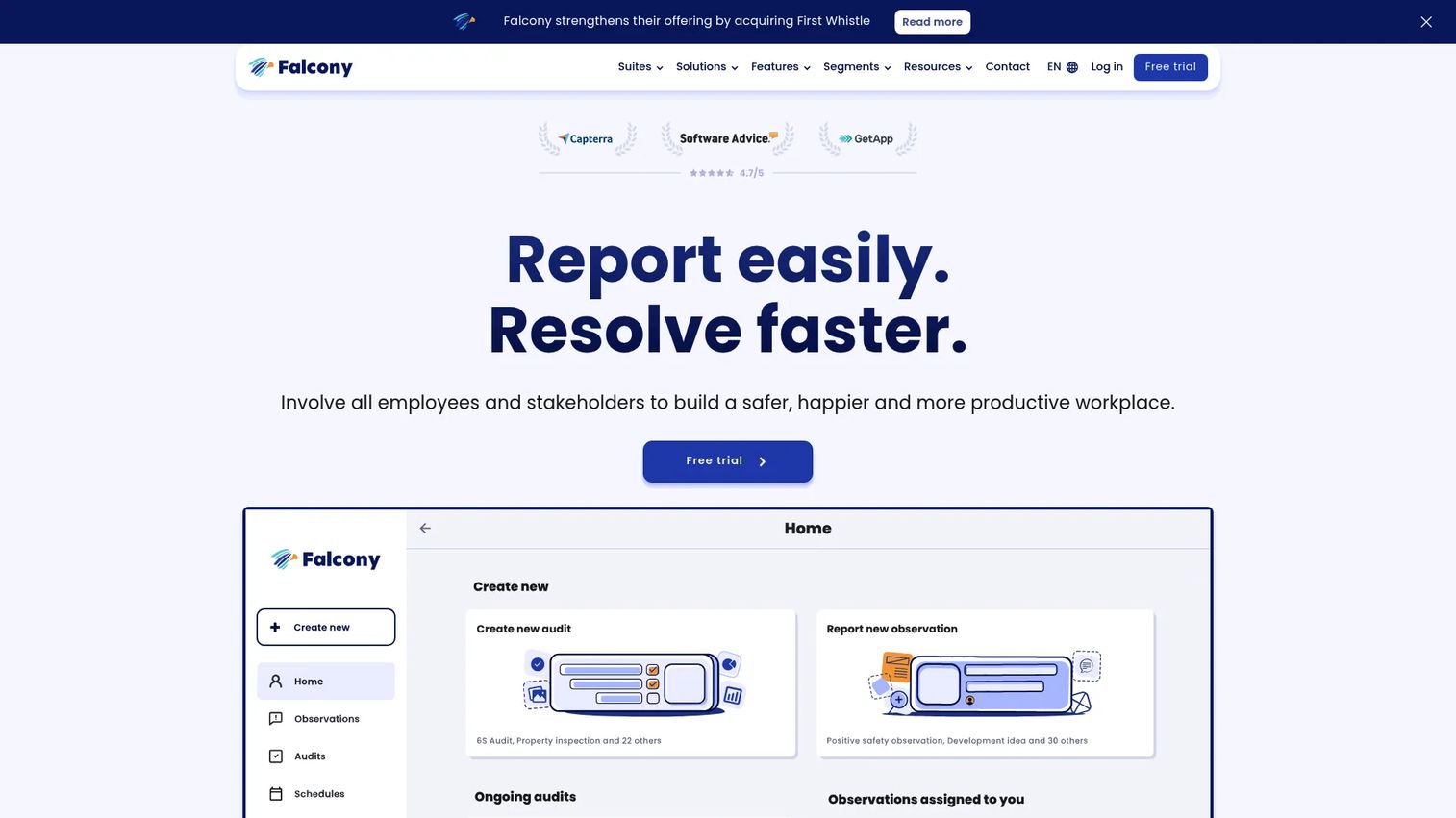
Falcony is a B2B platform for employee and stakeholder reporting, audits, inspections, and related workplace operations. It fits teams focused on audit execution and accountability, with reminder-based follow-up that keeps findings from going stale. Audit scoring and checklists structure inspections, while observations capture what happens between them.
Its modular suites span HSEQ, security, ESG, and GRC, and browser-based access works offline on a phone, tablet, or computer. That flexibility suits teams running audits across varied environments.
Best for: Organizations needing a mobile-first reporting and operations platform for audits, incidents, and stakeholder workflows.
Key features
- Mobile and web inspections
- Audit scoring and checklists
- Observation reporting
- Offline-capable browser access
Why choose Falcony: If audit accountability and follow-up are your priority, its reminder-driven workflows keep corrective actions moving. It fits teams that treat audits and observations as the backbone of their program.
Falcony pricing: A free 30-day trial is available. Paid licenses are billed 12 months in advance, with pricing described as tailored or usage-based and quoted on request.
7. IndustrySafe
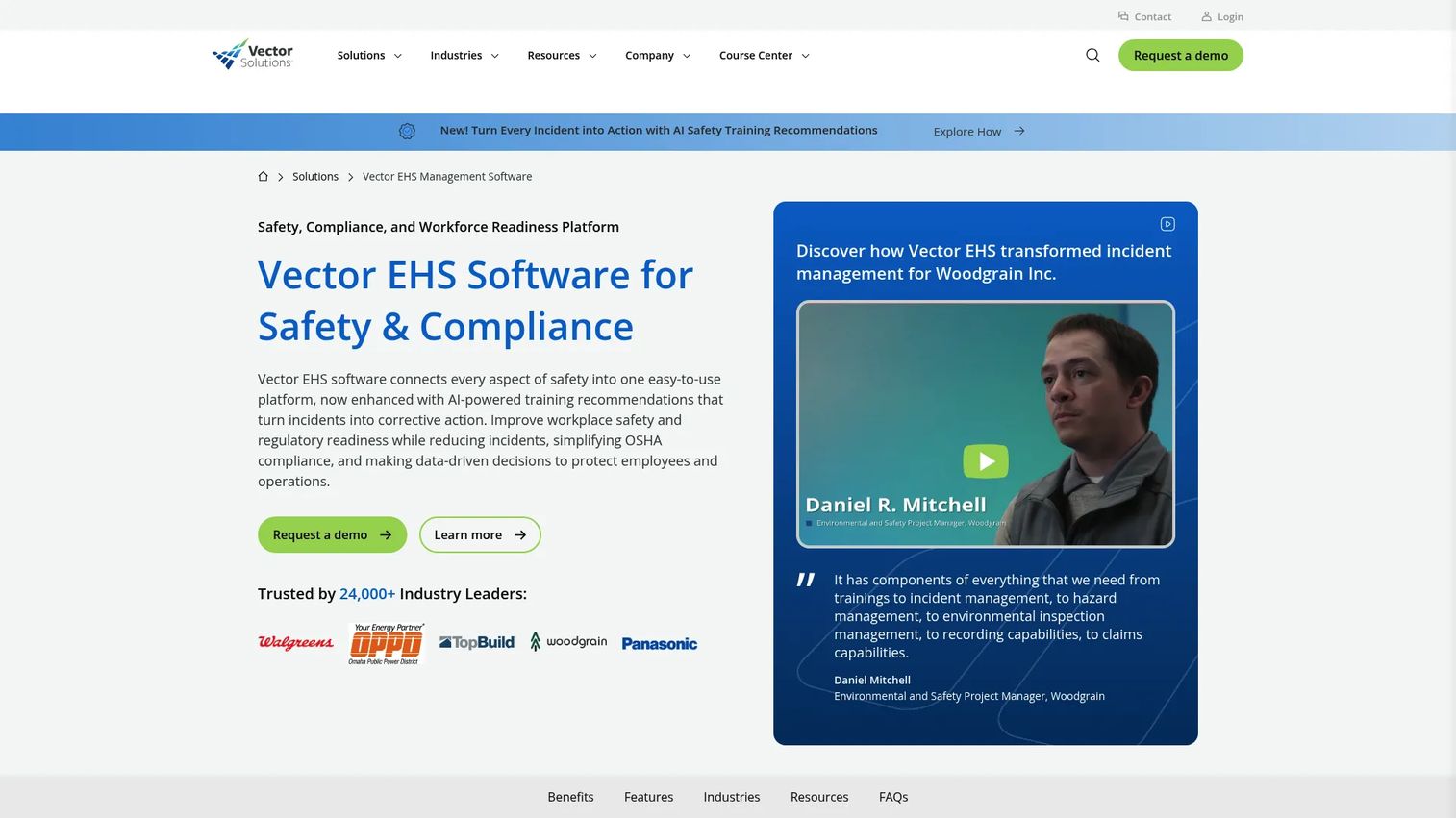
IndustrySafe, now offered as Vector EHS Management by Vector Solutions, is a safety and compliance platform for incident reporting, inspections, corrective actions, hazards, and OSHA reporting. It fits teams that want a centralized safety management stack without excessive complexity. Safety dashboards and training management sit alongside mobile EHS functionality in one system.
The centralized approach keeps incidents, inspections, and corrective action tracking connected, which supports OSHA reporting without stitching data across tools.
Best for: Mid-market and enterprise teams needing centralized EHS and safety management.
Key features
- Incident management
- Inspections and audits
- Corrective action tracking
- OSHA reporting and dashboards
Why choose IndustrySafe: If you want a straightforward, centralized safety platform with training and reporting in one place, its focused scope keeps the stack simple. It fits teams that value clarity over an expansive module count.
IndustrySafe pricing: Pricing is not publicly listed. Vector Solutions routes buyers through a demo or quote request, so expect a scoped conversation.
Considerations
Before you commit, check these five areas against how your team actually works.
Mobile and offline workflow support
Confirm that field users can report hazards and incidents without reliable connectivity. If your teams work on remote sites or in vehicles, offline capture that syncs later is not a nice-to-have. Test the mobile app with a real inspection before buying.
OSHA recordkeeping and reporting
Verify the tool supports the specific forms, logs, and submission workflows your team needs. OSHA 300 log generation and electronic submission handling vary across platforms. Check that the reporting matches your establishment's obligations, not a generic template.
Analytics and dashboard depth
Check whether the reporting is actionable or decorative. A dashboard that shows incident counts is table stakes. One that surfaces trends by site, root cause, and overdue corrective actions is what helps you prevent the next event. Ask to see real dashboards, not marketing screenshots.
Integrations and data flow
Check whether the platform fits with your HR, ERP, risk, or identity tools. Training records often live in an HR system, and single sign-on reduces adoption friction. Compliance automation only works when data flows between systems instead of being re-keyed by hand.
Training and CAPA coverage
Confirm that actions, training, and follow-up live in one system rather than splitting across tools. When a failed inspection can assign a corrective action to a certified owner and track it to closure, the loop stays closed. Split systems leave gaps where follow-up quietly disappears.
Conclusion
The right safety compliance software depends less on feature counts and more on your operational context. If frontline adoption is the bottleneck, SafetyCulture's mobile-first design lowers the barrier. If you want broad EHS depth with modular rollout, EHS Insight fits. For enterprise teams tying safety into wider risk operations, VelocityEHS and Riskonnect both connect compliance to the larger picture.
Field-heavy teams that need modular, offline-capable workflows will find Safety Reports fits, while Falcony suits audit-driven programs built on follow-up and accountability. Teams wanting a simpler centralized stack can look to IndustrySafe.
Start by mapping your core workflows: incidents, audits and inspections, training management, and CAPA. Then shortlist the two tools that match your mobile reality and reporting obligations, and run a real inspection through each. The platform that reduces manual follow-up and gives leaders visibility into risk before it becomes a reportable event is the one worth buying.
Start your journey with Guideflow today!
FAQs
Safety compliance software is a digital system for managing OSHA and broader workplace safety requirements. It centralizes incident reporting, inspections, observations, training records, and corrective actions in one place. Health and safety software replaces paper forms and spreadsheets with traceable, auditable workflows.
OSHA compliance software captures injury, illness, and near-miss data in a structured system that maps to required logs like the OSHA 300. It generates reports and supports electronic submission where mandated. Instead of reconstructing records during an audit, teams pull them from a single queryable source in minutes.
The core set is incident management, audits and inspections, hazard observations, training tracking, CAPA, and reporting. Mobile and offline capture matter for field teams, and integrations matter for connecting to HR and risk systems. Prioritize the workflows your team runs daily over feature counts you will never use.
For any team with frontline or field workers, yes. Mobile reporting lets workers capture hazards and incidents at the point they occur, often with photos and QR-enabled entry. Offline support keeps capture working where connectivity drops, then syncs when the device reconnects, which raises reporting rates and reduces lag.
Safety management software is the broader category covering the full safety program, including culture, operations, and continuous improvement. Safety compliance software focuses specifically on meeting regulatory obligations like OSHA recordkeeping and reporting. In practice most platforms cover both, with compliance sitting as a core layer inside the wider management system.
Start with your operational reality: how mobile your workforce is, which OSHA obligations apply, and how your workflows connect. Shortlist two or three tools that match your mobile and reporting needs, then run a real inspection through each during a trial. Choose the one that reduces manual follow-up and gives leaders visibility into risk early.