You spent two days on a video ad. It looked clean in the editor. Then it shipped, the click-through rate stalled, and nobody could tell you whether the problem was the creative, the placement, or the targeting. So you made another one. Same outcome.
That gap, between an ad that looks finished and an ad that actually moves pipeline, is what video advertising software exists to close. The category has grown because the stakes have. Digital video ad spend worldwide is projected to hit USD 292 billion in 2026, representing 52% of total digital ad spend, according to Digital Applied (2026). When more than half your channel budget rides on video, the tool you use to create, distribute, and measure those ads stops being a nice-to-have.
Most marketers feel the same three frictions. Too many disconnected tools. Attribution they cannot defend in a board meeting. And a creative bottleneck that turns every campaign launch into a fire drill. The right video advertising platform reduces all three at once: faster creative, cleaner channel-specific formats, and engagement data you can tie back to ROAS and conversions.
This guide compares nine video advertising tools across the workflow that actually matters, from making the ad to proving it worked. If your team is also rethinking the wider creative stack, it pairs well with our roundups of content creation software, AI video generators, and AI content creation tools.
What's inside
This guide is for digital and growth marketers choosing software to create, distribute, or measure video ads, whether you run paid social, brand campaigns, or landing page embeds. We picked tools across the full ad workflow, not just editors, so the list includes both creation-first apps and video marketing platforms when they serve the same buying job.
We evaluated each tool on four criteria that decide real fit:
- Workflow coverage across creation, distribution, and measurement
- Ease of use and brand controls for teams shipping at volume
- Analytics depth tied to CTR, conversions, and ROAS
- Pricing and integrations that scale without locking you in
TL;DR
- Best for simple, fast creative: Canva, a video ad maker with deep templates and brand kits.
- Best AI video ad maker: Adobe Express, for AI-assisted creation with on-brand assets.
- Best for short-form social ads: CapCut, built for trend-driven, high-volume edits.
- Best for polished marketing videos: Filmora, more control than templates, less weight than pro suites.
- Best for animated ad concepts: Animaker, a fast video ad creator for explainer-style motion.
- Best for branded explainer and promo content: Vyond, for consistent corporate storytelling.
- Best for lightweight animated promos: PowToon, template-led animation for awareness campaigns.
- Best for hosting and analytics: Wistia, for branded distribution and lead capture on owned surfaces.
- Best for sales and marketing video workflows: Vidyard, tying engagement data to pipeline.
The right pick depends on whether your team needs creation, hosting, collaboration, or measurement first. Most teams need two of the four.
What is video advertising software?
Video advertising software is a category of tools that help marketers create, adapt, distribute, and measure video ads across paid and owned channels. Some tools focus on one stage. The strongest ones connect several stages into a single workflow.
The workflow usually runs in four moves. Create or edit the video. Adapt it to each channel's format and aspect ratio. Distribute it across placements. Then measure performance and feed those learnings back into the next iteration.
Core capabilities to expect from video marketing software:
- Templates and presets sized for each channel
- AI tools for scripts, voiceovers, captions, and resizing
- Brand controls including kits, logos, and color governance for branded video ads
- Collaboration with review workflows and version control
- Analytics covering views, engagement, and conversions
- Integrations with CRM, ad platforms, and your analytics stack
Common ad formats and placements include in-stream (before or during other video), outstream (in article and feed), in-banner, social video ads, and mobile-first vertical placements. Marketers reach for this software to lift CTR, build brand recall and awareness, drive conversions, and generate qualified leads, without rebuilding every asset from scratch for every channel.
When to use video advertising software
Launch a paid social campaign
When you need ten creative variants by Friday, a video ad maker earns its place. Good ad creative software produces channel-specific cuts fast, so you can test hooks, lengths, and thumbnails without waiting on a designer. The speed matters most on paid social, where creative fatigue sets in quickly and you need fresh variants to keep CPMs in check across Meta, YouTube, LinkedIn, TikTok, and Instagram. Iteration, not perfection, wins here.
Standardize creative across a team
Brand kits, shared templates, and collaboration cut the back-and-forth that slows approvals. When every marketer pulls from the same locked logos, fonts, and colors, off-brand assets stop slipping through. Review workflows and version control mean the right cut ships, not the third draft someone grabbed from Slack. For larger orgs, this is the difference between consistent branded video ads and a folder full of near-duplicates. If you are building broader process, our guide to content marketing tools covers adjacent workflows.
Measure what actually works
Creation is half the job. The other half is proving impact. Analytics, UTM tracking, engagement data, and conversion reporting tell you which cut drove ROAS, which placement burned budget, and where lead quality dropped. This is where measurement earns its keep: when leadership wants defensible ROI, you need numbers your CFO believes, not a screenshot of view counts. Platforms that connect marketing analytics to downstream CRM data make that case far easier. For the wider measurement picture, see how analytics platforms drive ROI.
Comparison table
This table helps you compare each tool by intent, what sets it apart, pricing, and rating, so you can see at a glance which tools fit simple creation, editing, animation, hosting, or performance-driven distribution. Verify pricing and ratings on each vendor's site at the time you buy.
| # | Product | Intent | Key differentiation | Pricing | G2 rating |
|---|---|---|---|---|---|
| 1 | Canva | Fast, simple creation | Huge template library plus brand kits | Free; Pro US$144/year | 4.7/5 |
| 2 | Adobe Express | AI-assisted creation | Generative AI with brand controls | Free; Premium US$9.99/mo | Not listed |
| 3 | CapCut | Short-form social edits | Trend templates, captions, effects | Standard and Pro plans | 4.0/5 |
| 4 | Filmora | Polished editing | Desktop control plus AI helpers | From US$19.99/mo | 4.4/5 |
| 5 | Animaker | Animated ads | Character builder and templates | Free; Basic US$15/mo | Not listed |
| 6 | Vyond | Branded explainers | Business-grade animated storytelling | From US$58/mo | 4.8/5 |
| 7 | PowToon | Lightweight animation | AI doc-to-video and templates | Free; Lite US$15/mo | 4.4/5 |
| 8 | Wistia | Hosting and analytics | Branded hosting plus lead capture | Free; Business US$79/mo | 4.6/5 |
| 9 | Vidyard | Sales and marketing video | Personalization and engagement tracking | Free; custom tiers | 4.5/5 |
The 9 best video advertising software tools
1. Canva
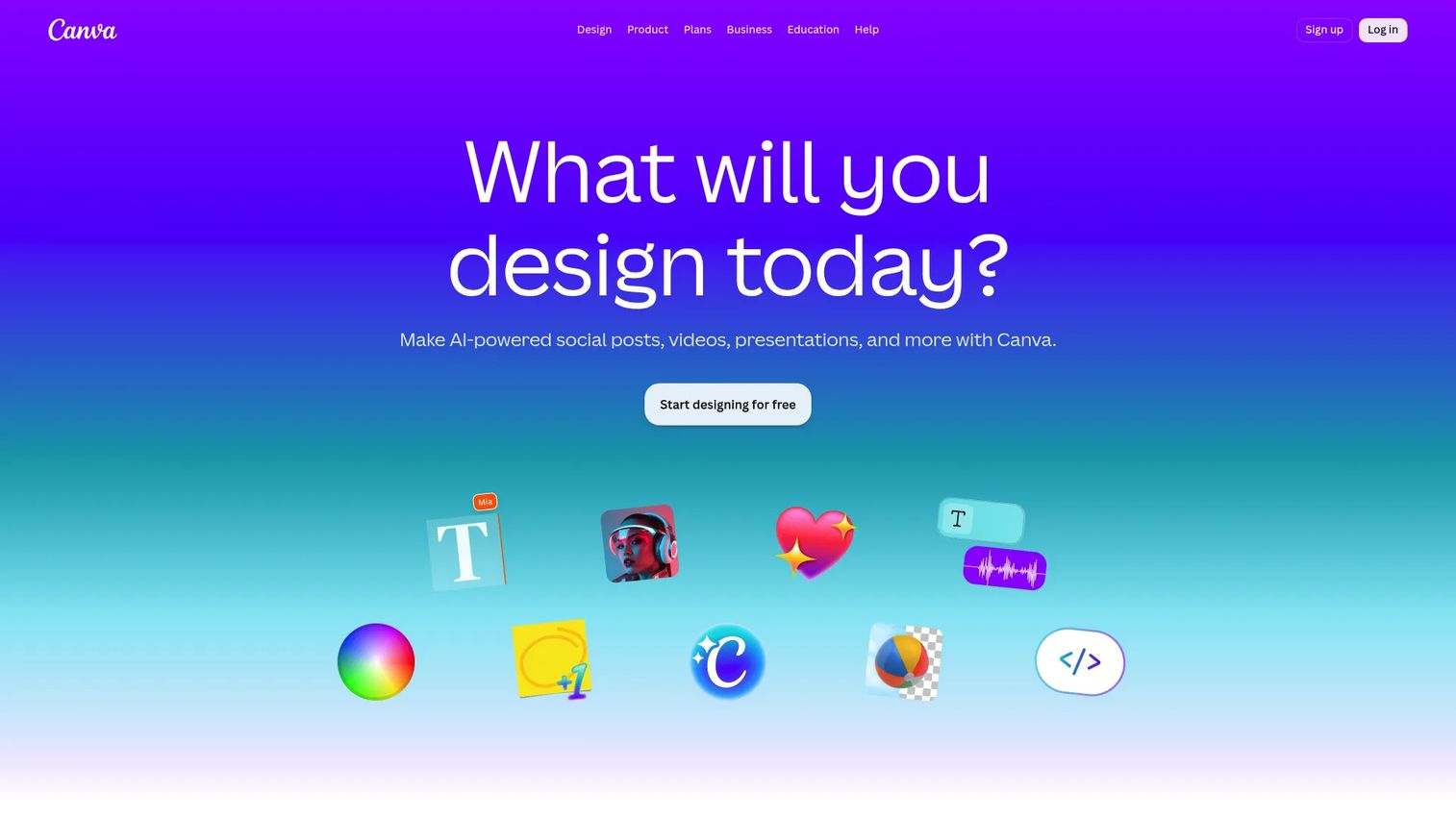
Canva is an online visual design and content creation platform built for teams and individuals who need marketing, social, and video content fast. For video ads specifically, it pairs a drag-and-drop editor with a deep template library, so a marketer with no design background can ship a polished social cut in an afternoon. It is the obvious starting point when speed beats production complexity.
Best for: Small teams and solo marketers who need quick-turn campaign assets without a learning curve.
Key strengths
- Drag-and-drop editor: Build and resize video ads across formats without touching pro software.
- AI tools: Generate images, video, and copy to speed up first drafts.
- Brand kit and collaboration: Keep logos, fonts, and colors consistent across the whole team.
Why choose Canva: The free tier covers a surprising amount, and the breadth of templates means you rarely start from a blank canvas. Canva is the strongest fit when you want volume and speed for paid social. Teams that need deeper ad trafficking, hosting, or downstream attribution will pair it with a measurement-focused platform later in the stack.
Canva pricing: A free plan is available for one person at US$0/year. Pro runs US$144/year for one person. Business, Enterprise, Nonprofit, and Education plans are also listed, with Business and Enterprise details handled through sales. Canva holds a 4.7/5 rating on G2.
2. Adobe Express
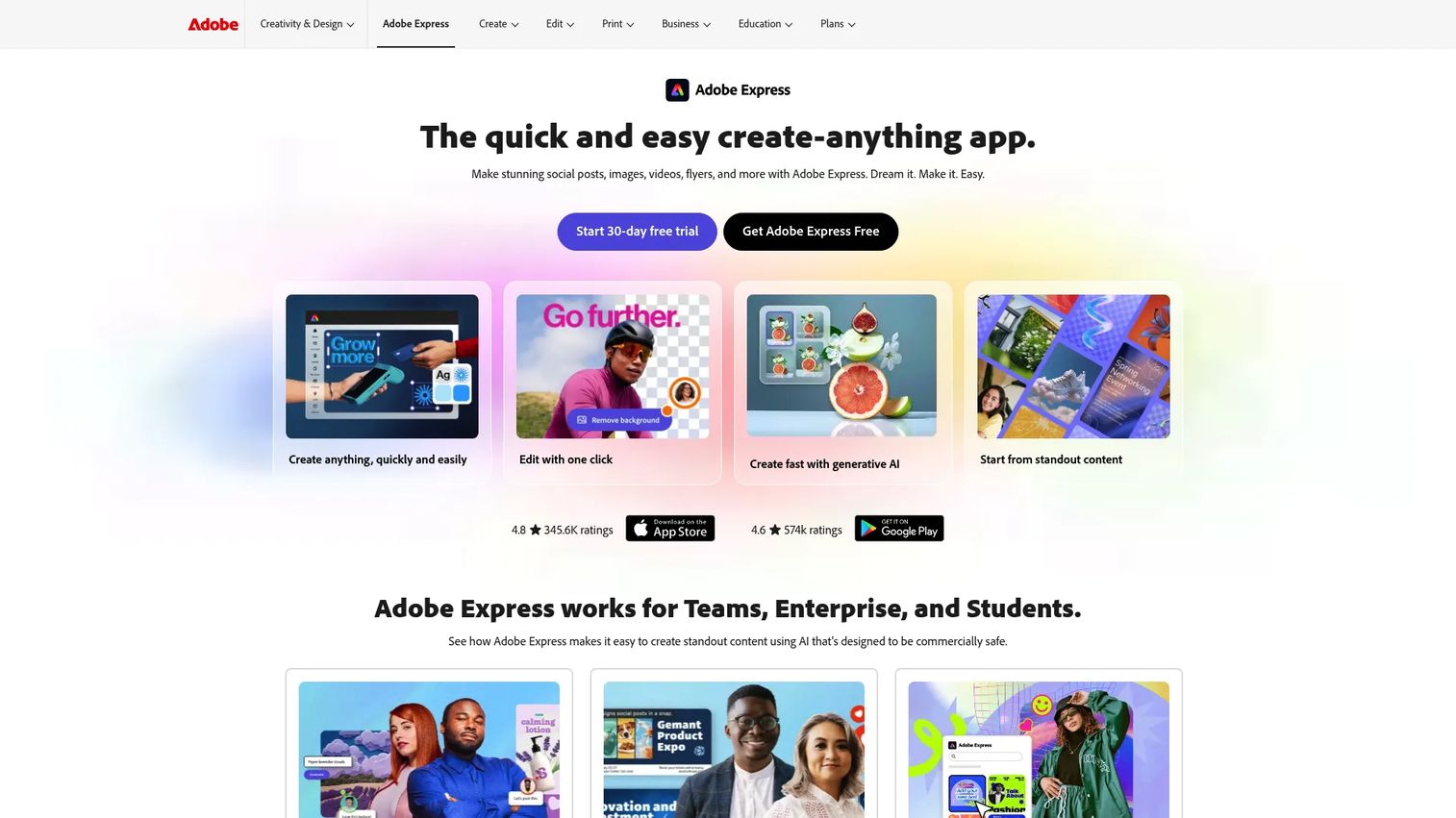
Adobe Express is a web and mobile app for creating social posts, images, videos, flyers, and branded content quickly. As an AI video ad maker, it stands out for marketers already living in Adobe's ecosystem who want generative tools and brand assets without the weight of full Creative Cloud editing. The output is social-ready and on-brand by default.
Best for: Teams that want polished, AI-assisted creative without pro editing complexity.
Key strengths
- One-click resize: Adapt a single ad to every channel format instantly.
- Brand kits: Lock content to your brand so nothing ships off-spec.
- Generative AI and scheduling: Create drafts fast, then schedule and publish from one place.
Why choose Adobe Express: If your design team already uses Adobe, Express keeps assets consistent and shortens handoffs. Real-time collaboration and content scheduling make it a fit for marketers who create and distribute social video ads on a recurring cadence rather than one-off campaigns.
Adobe Express pricing: The Free plan is US$0.00 per month. Premium is US$9.99 per month. Teams pricing carries an introductory first-year per-license offer, and Enterprise is contact sales. A current G2 rating was not available at the time of writing, though it is reviewed on Capterra.
3. CapCut
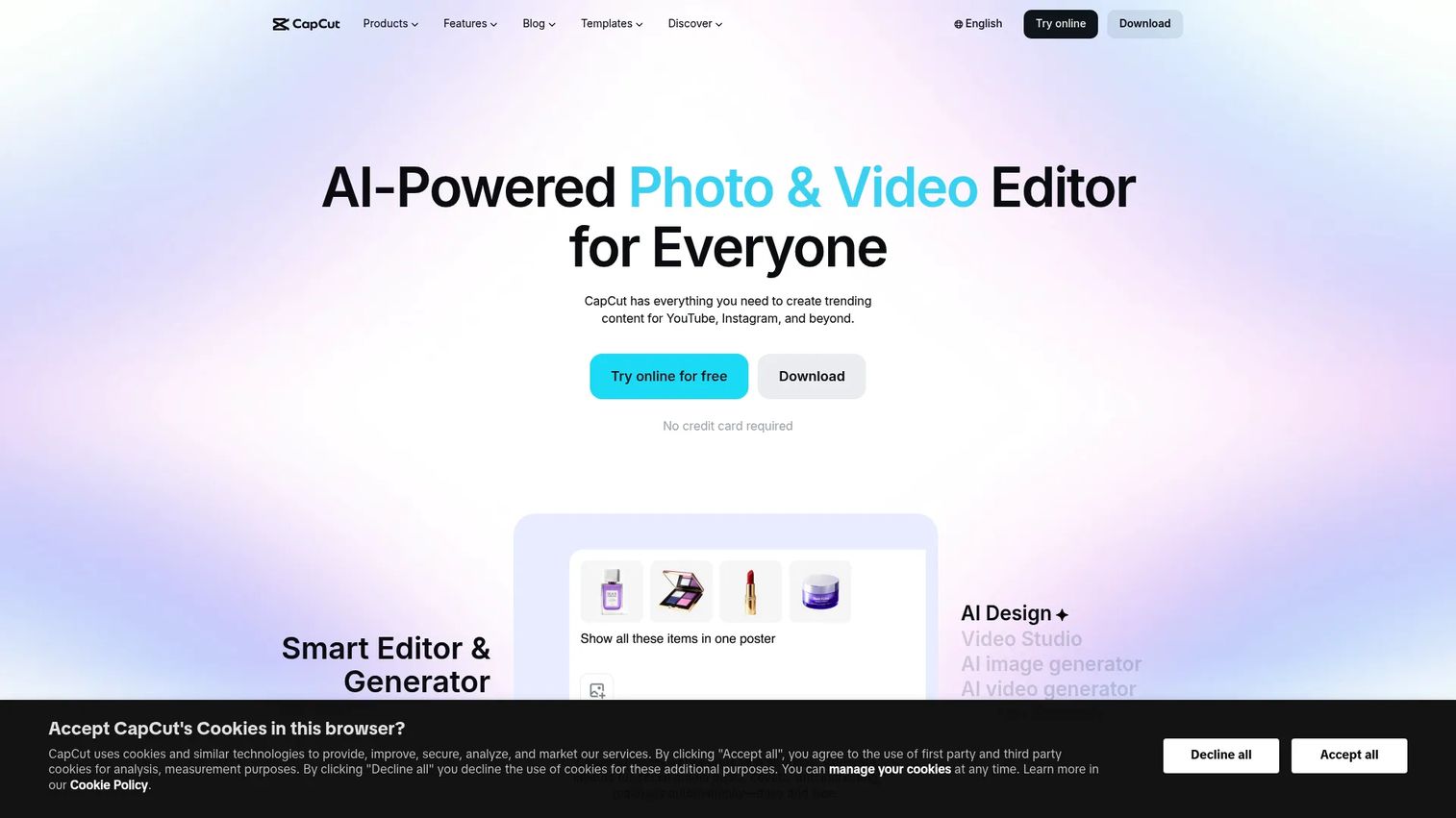
CapCut is an AI-powered video editor and content creation suite built for creators and teams producing short-form video ads. It is the tool of choice when your paid social strategy leans on trend-driven, creator-style content that needs to ship daily. Captions, effects, and trend templates make it fast to match whatever format is performing this week.
Best for: Teams producing high-volume short-form social ads and creator-style content.
Key strengths
- Cross-platform editing: Edit on mobile, desktop, or web and pick up where you left off.
- AI tools and templates: Auto-caption, apply effects, and start from trending formats.
- Cloud storage: Keep projects and assets accessible across devices and teammates.
Why choose CapCut: Few tools match its speed for vertical, sound-on, mobile-first creative. CapCut excels when iteration volume is the strategy and you need to test dozens of hooks across TikTok, Reels, and Shorts without a production bottleneck.
CapCut pricing: CapCut offers Standard and Pro plans, including a free tier. The company notes final pricing varies by region, platform, and taxes, so check the checkout page for current figures. CapCut Commerce Pro holds a 4.0/5 rating on G2.
4. Filmora
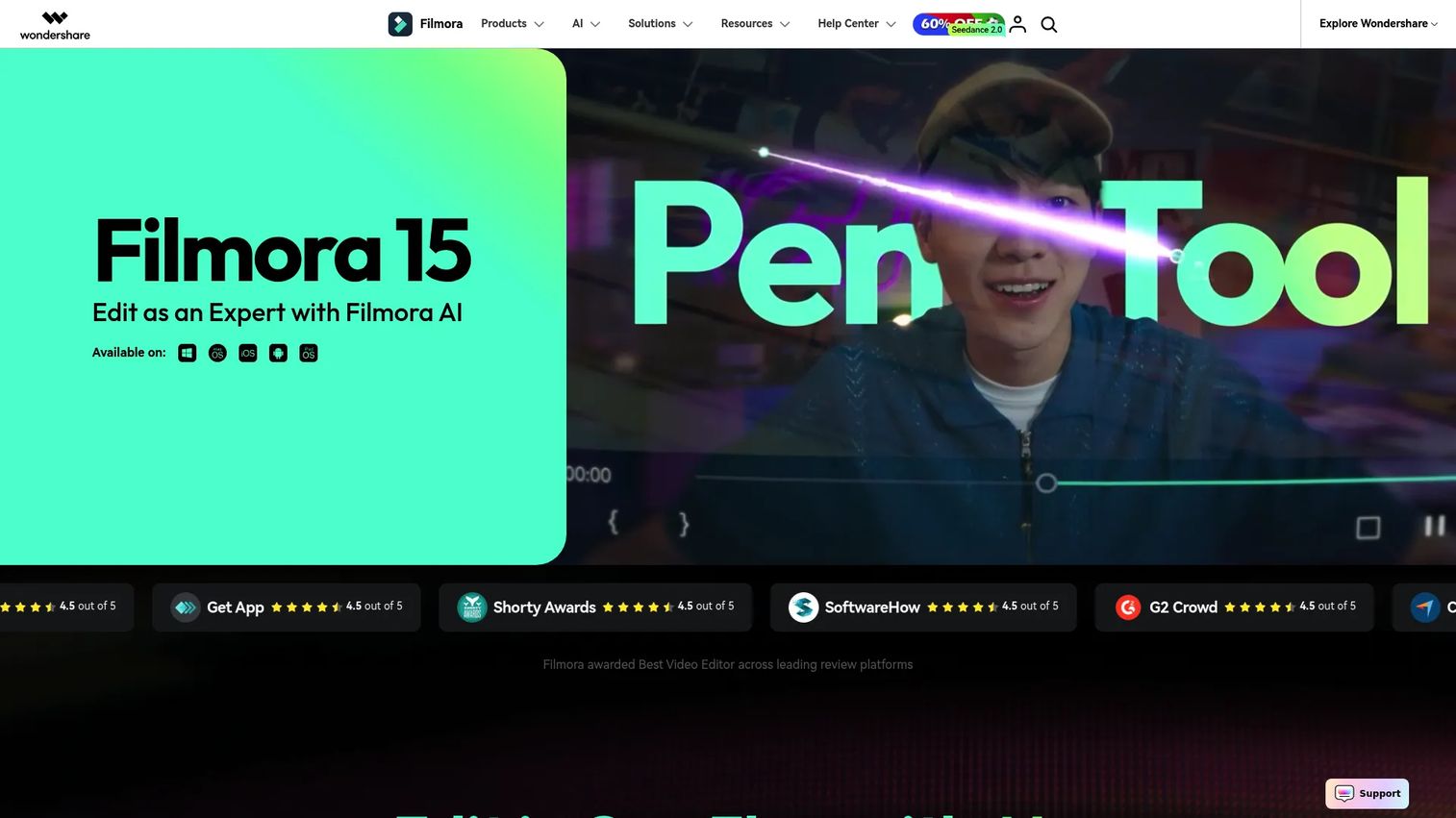
Filmora is AI-powered video editing software aimed at creators and beginners who want real editing control without a pro learning curve. For video ads, it sits in the sweet spot between template-only tools and full production suites: motion tracking, AI helpers, and clean exports for polished campaign promos.
Best for: Teams that want more control than templates allow but less complexity than professional suites.
Key strengths
- AI video editing tools: Speed up cuts, effects, and cleanup with AI assists.
- Automatic captions and transcription: Add accessible captions without manual timing.
- Audio cleanup and enhancement: Fix noisy source audio so ads sound professional.
Why choose Filmora: Its desktop workflow gives you frame-level control that browser tools rarely match, which matters for higher-production brand creative. Filmora works well when you want polished ad creatives and campaign promos that feel produced, not templated.
Filmora pricing: The Monthly Plan is US$19.99/month. The Annual Plan is US$49.99/year. A one-time Perpetual Plan is US$79.99, with included assets and add-ons noted on annual and perpetual tiers. A free trial is available. Filmora holds a 4.4/5 rating on G2.
5. Animaker
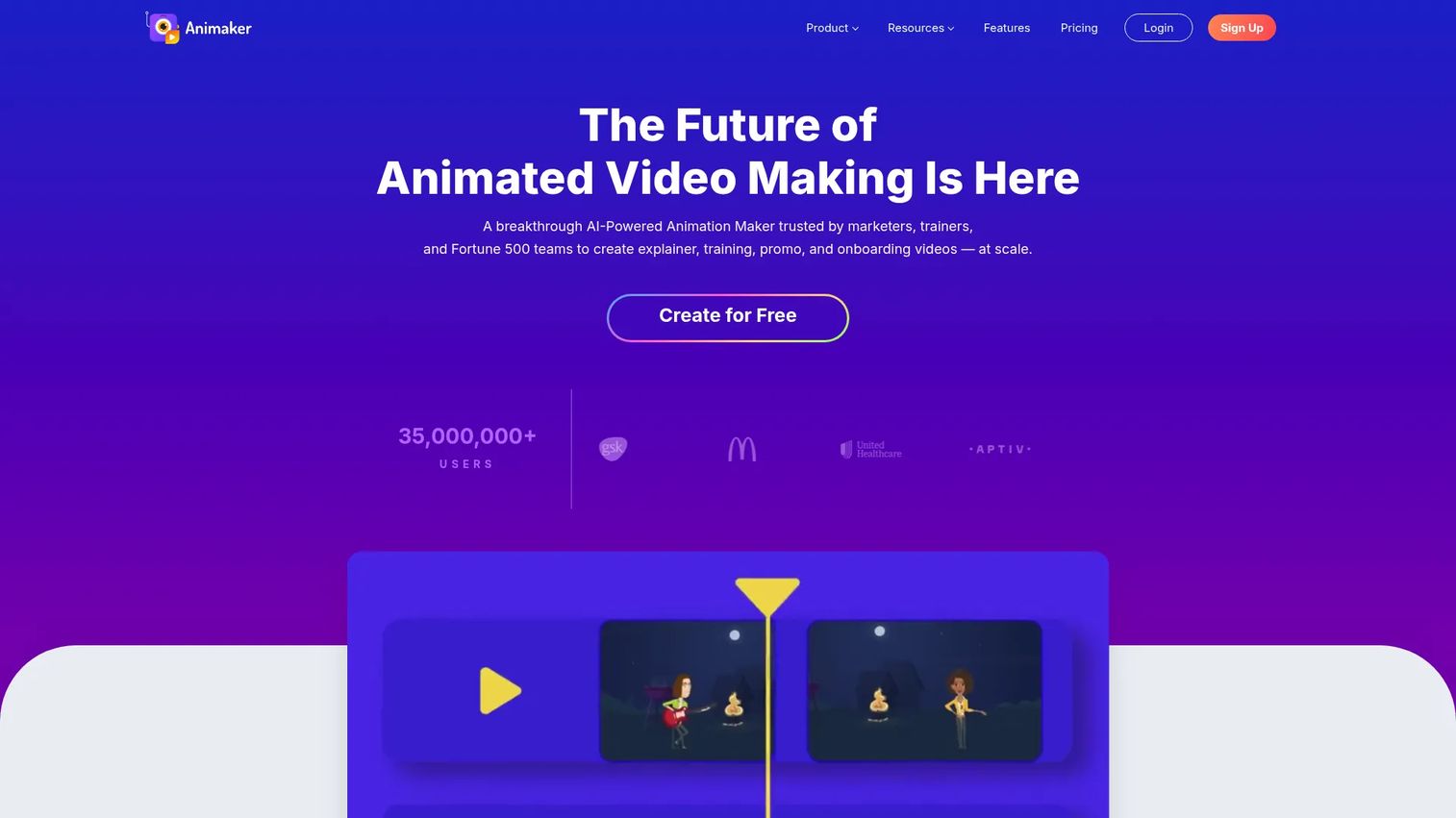
Animaker is an online animation and video creation platform for DIY animated and live-action content. As a video ad creator, it shines when your message lands better as motion graphics or a story-driven cartoon than as live footage. The character builder and template library make animated ads approachable for non-designers.
Best for: Teams and creators making animated explainer and marketing videos.
Key strengths
- Character builder: Create custom characters for branded story-driven ads.
- Animation templates: Start from ready-made scenes built for marketing.
- AI subtitles and translation: Localize ads for multiple markets quickly.
Why choose Animaker: Animation is the right format when you need to explain a product benefit visually, fast, without filming anything. Animaker fits teams running awareness or explainer campaigns where clarity of message matters more than live-action polish.
Animaker pricing: A Free plan is available at US$0. Basic is US$15/month, Starter is US$25/month, and Pro is US$43/month, with Enterprise on custom pricing. Monthly and annual billing options are listed, with all prices in USD.
6. Vyond
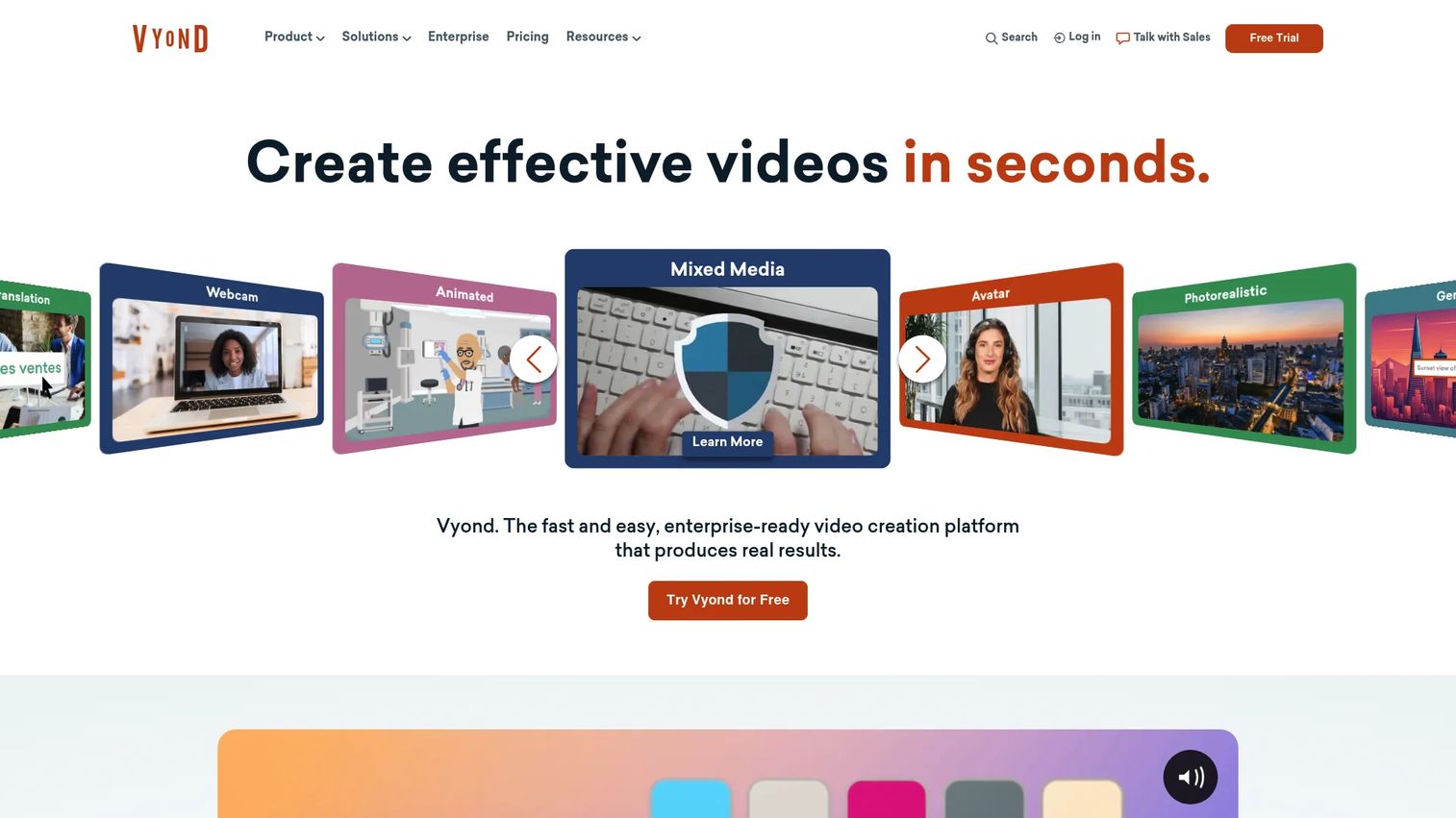
Vyond is an AI video creation platform built for business teams that need branded, on-message animated content at scale. For video advertising, it leans into corporate-ready visuals and consistent brand styling, which makes it a strong fit for B2B promos, onboarding clips, and product storytelling where live-action is unnecessary or impractical.
Best for: B2B teams that need branded animated explainers and promo content at scale.
Key strengths
- Vyond Go: Generate a first-draft video from a prompt with AI.
- Vyond Studio: Refine and customize with a full-featured editor.
- Vyond Mobile: Create and review videos on the go.
Why choose Vyond: When clear messaging and brand consistency matter more than cinematic footage, Vyond delivers repeatable, polished output. It suits B2B marketing teams producing branded video ads, internal-to-external promos, and product storytelling across a content calendar.
Vyond pricing: Starter is US$58/month, or US$699 billed annually for a single user. Professional is US$100/month per user, or US$1,199 annually. Enterprise is US$137/month per user (US$1,649 annually) and Agency is US$167/month per user (US$1,999 annually). Vyond holds a 4.8/5 rating on G2.
7. PowToon
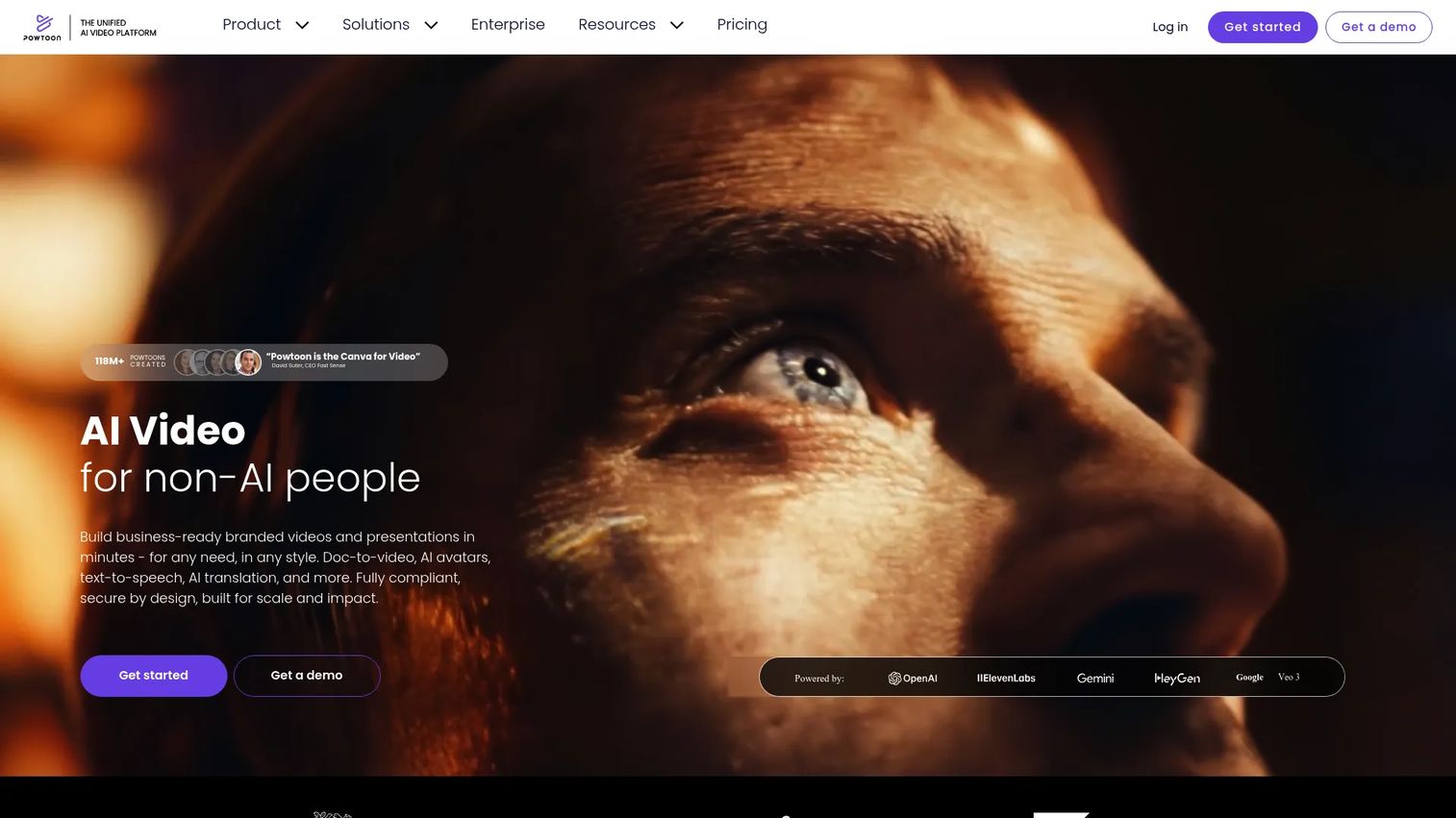
PowToon is a browser-based AI video and visual communication platform for animated videos, presentations, and visual content. For ad creative, it suits teams that want easy animated promos for awareness campaigns without a steep production process. The template-led workflow keeps lightweight ad creative moving.
Best for: Teams that need fast, animated promo clips for awareness campaigns.
Key strengths
- AI doc-to-video: Turn scripts or docs into animated drafts with text-to-video and avatars.
- Template-based creation: Build with characters, scenes, and branding controls.
- Export and share: Output to MP4 and publish to common platforms.
Why choose PowToon: Collaboration and fast production make it a practical pick for marketers who need animated awareness content without committing to a heavier animation tool. PowToon fits well when promo clips and lightweight social video ads are the priority.
PowToon pricing: The Free plan is US$0. Lite is US$15/month, Professional is US$40/month, and Business is US$125/month, all billed yearly. An Education plan is US$8/month. Paid plans include varying credits, exports, storage, and branding controls. PowToon holds a 4.4/5 rating on G2.
8. Wistia
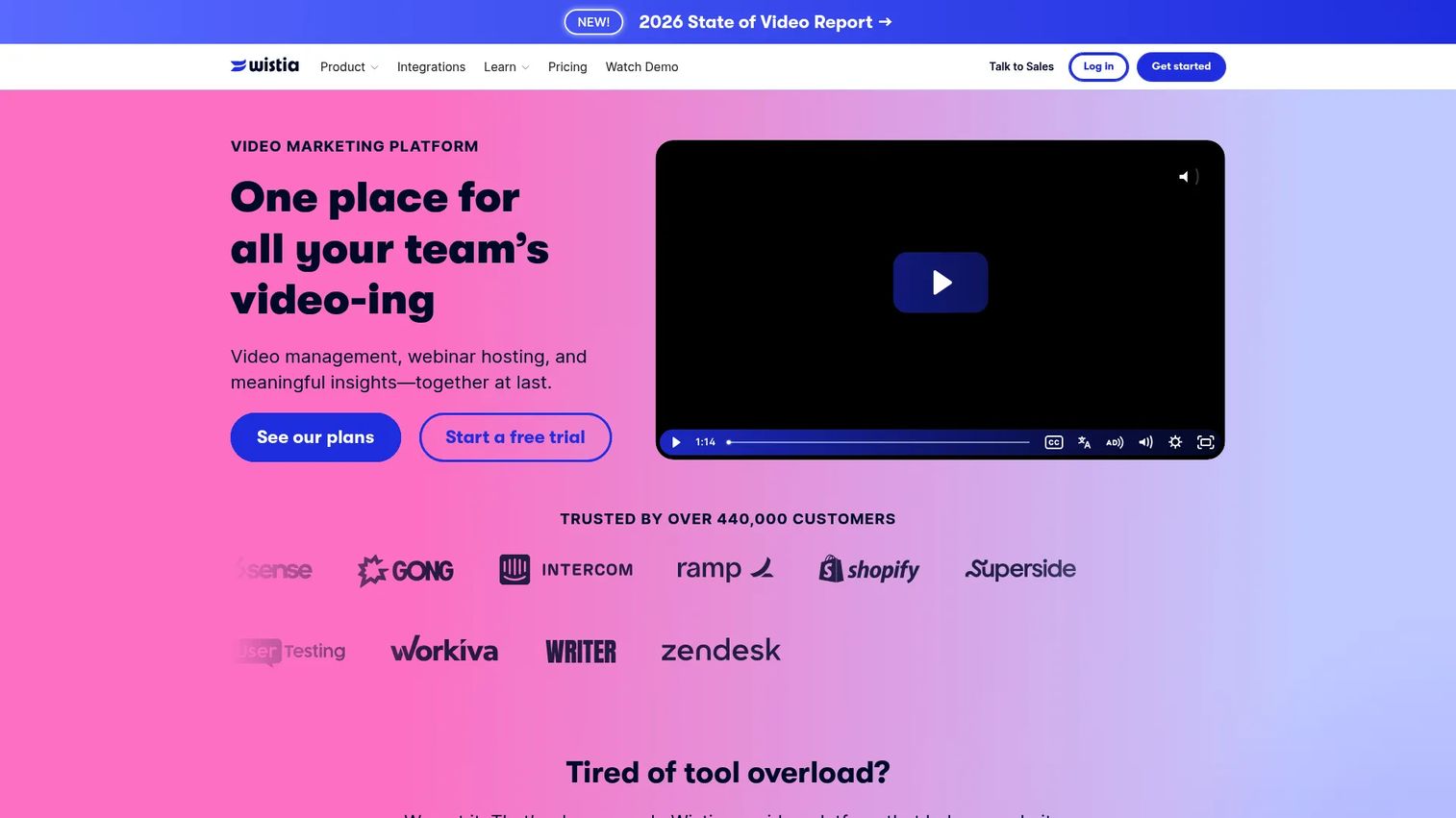
Wistia is a video marketing platform for hosting, creating, marketing, and analyzing business videos and webinars. Where most tools on this list focus on making the ad, Wistia is strongest at distributing and measuring video on owned surfaces. That makes it the pick when the goal is converting traffic on landing pages and demo pages, not just editing footage.
Best for: Teams that need branded video hosting plus marketing and analytics in one place.
Key strengths
- Video hosting and embedding: Host branded video without distracting platform UI.
- Lead capture and integrations: Collect leads inside the player and sync to marketing tools.
- Analytics and viewer tracking: See heatmaps, engagement, and conversion data per viewer.
Why choose Wistia: For marketers who want better video analytics and brand control, Wistia ties viewing behavior to lead and conversion data. It is a fit when omnichannel video distribution on your own properties, plus measurement, matters more than creation depth.
Wistia pricing: A Free plan is available at US$0/month. Business is US$79/month, with additional-user pricing listed separately. Enterprise is custom, handled through sales. Wistia holds a 4.6/5 rating on G2.
9. Vidyard
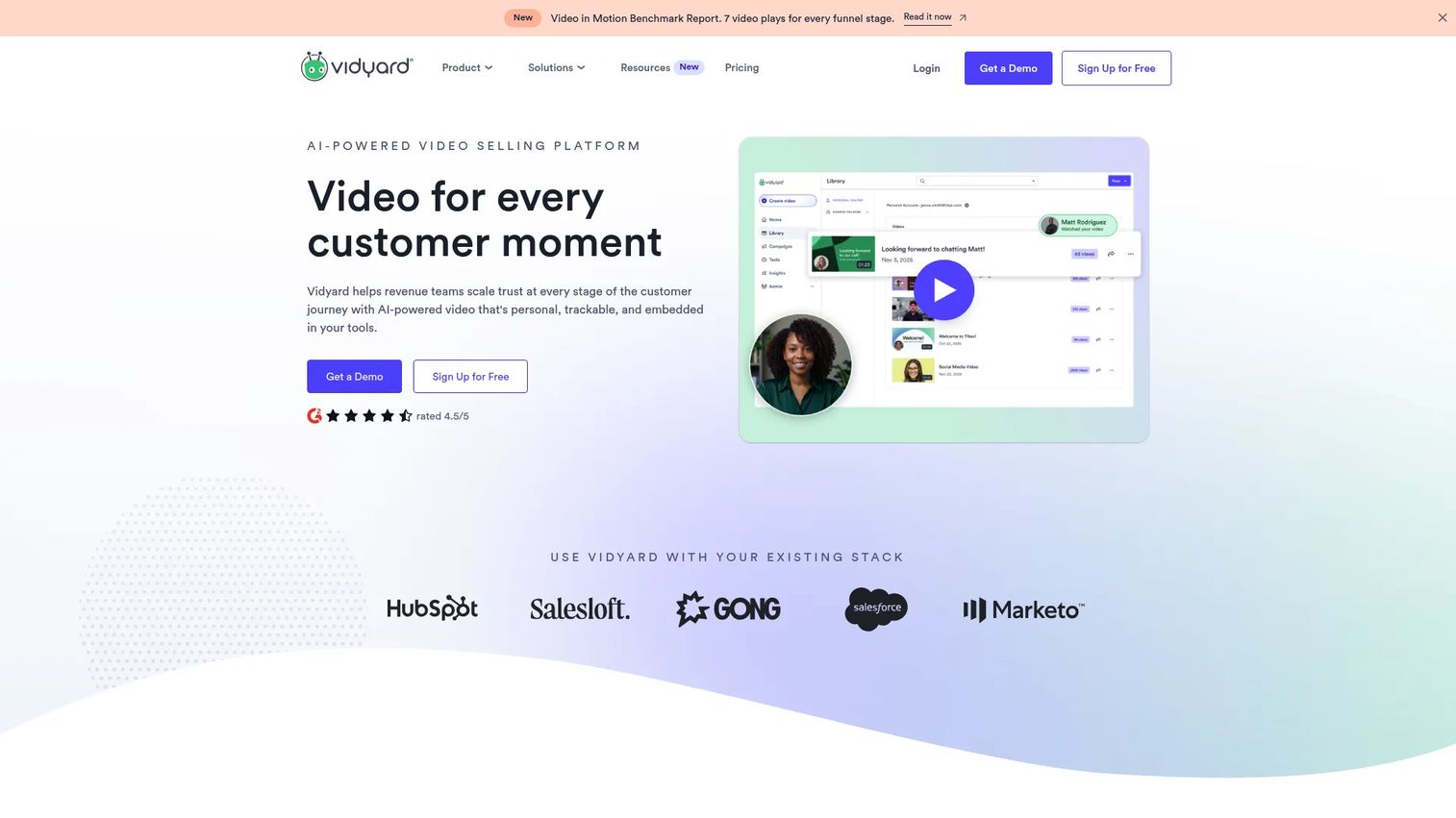
Vidyard is an AI-powered video selling platform for revenue teams that want to create, send, and track personalized video. For marketers, its value is the link between engagement data and pipeline: you see who watched, how far, and what they did next. That makes it useful for follow-up videos, landing page embeds, and campaign distribution where measurement drives the spend.
Best for: Revenue teams that want engagement data tied directly to pipeline.
Key strengths
- Webcam and screen recording: Produce personalized video fast, no studio needed.
- Video Sales Agent: Trigger-based workflows automate outreach at scale.
- AI Avatars and scripts: Generate on-brand video without filming every variant.
Why choose Vidyard: When sales and marketing share a video workflow, Vidyard gives both teams the same engagement signals to act on. It suits teams running follow-up sequences, embedding video on landing pages, and distributing campaigns where the goal is qualified pipeline, not just views.
Vidyard pricing: A Free plan is available with no credit card required. Starter, Teams, and Enterprise tiers are listed, with Teams and Enterprise on custom pricing. Vidyard holds a 4.5/5 rating on G2.
Considerations before you buy
Picking a video advertising platform is less about feature counts and more about which stage of the workflow your team struggles with most. Run any shortlist through these criteria.
Workflow coverage
Decide whether you need creation, hosting, distribution, or measurement first. A video ad maker solves the creative bottleneck. A hosting and analytics platform solves attribution. Few tools do all four well, so map the tool to your actual gap, not the longest feature list.
Brand controls and compliance
For teams shipping at volume, brand kits, locked assets, and approval workflows keep branded video ads on-spec. If you operate in a regulated space, check for brand-safe video advertising controls, watermarking, and permissions before you commit.
Analytics and attribution
Surface-level view counts will not satisfy a CFO. Look for video analytics that connect engagement to conversions, plus UTM support and CRM or attribution integrations so you can defend ROAS and lead quality downstream.
Pricing that scales
Check how cost grows with seats, exports, or hosting volume. The cheapest entry tier can become the most expensive option once your team and output scale, so model video advertising software for teams at your projected size, not today's.
Conclusion
The right video advertising tool depends on the job you need done first. For quick, simple creative, Canva and Adobe Express get assets out fast. For short-form social ads at volume, CapCut is hard to beat. For animated explainers and branded promos, Animaker, Vyond, and PowToon cover the range from lightweight to corporate-grade. When the priority shifts to distribution and proof, Wistia and Vidyard tie hosting and engagement data to conversions and pipeline.
The consolidation question matters here. Every tool you add is another login, another report that does not reconcile, another thing to maintain. Pick for the stage that hurts most, and favor a platform that reduces tooling sprawl rather than adding to it.
Here is the practical next step: shortlist two or three tools from this list, then test them against one live campaign. Measure CTR, conversions, and how fast your team can ship a variant. Real campaign data will tell you more in a week than any feature comparison can. For broader stack decisions, our guide to content creation software tools and AI design tools can help round out the picture.
FAQs
Video advertising software is a category of tools for creating, distributing, and measuring video ads across paid and owned channels. Some tools focus only on creation or editing, while others add hosting, distribution, and analytics. The right choice depends on which part of the workflow your team needs to solve.
The features that matter most are templates and editing, brand controls, collaboration, analytics, and integrations. If you are making ads, prioritize templates, AI assistance, and brand kits. If you are measuring them, prioritize video analytics, conversion tracking, and CRM integrations. The right mix depends on your goal.
They overlap but are not identical. Video editing software focuses on cutting and producing footage. Video ad software usually adds branding controls, channel-specific formats, distribution, and analytics layers on top of editing, so you can launch and measure campaigns, not just produce clips.
Most tools support social video ads, in-stream, outstream, in-banner placements, landing pages, and owned media. Many also handle mobile-first vertical formats for platforms like TikTok, Reels, and Shorts. Channel fit usually matters more than raw feature count, so check that a tool exports the formats your campaigns actually run.
Marketers measure ROI through CTR, conversions, lead generation, engagement, brand awareness, and ROAS. The most defensible approach combines platform analytics with downstream CRM or attribution data, so you can connect a specific ad to revenue rather than stopping at view counts. Building that into your reporting from day one saves arguments later.
Small teams usually want speed, templates, and low setup effort, so a simple video ad maker like Canva, CapCut, or Adobe Express is the natural starting point. These tools get assets shipped quickly without a learning curve, and their free tiers let you test before committing budget.
Enterprise teams usually need brand governance, collaboration, deep analytics, and integrations. Look for video advertising software for teams with approval workflows, locked brand kits, security controls, and CRM connections. Platforms like Wistia and Vidyard fit when measurement and governance matter, while Vyond suits enterprise-grade branded animation at scale.