



You need to remove a logo from a shot, track a moving camera, key out a green screen, and hand off a clean plate. Four jobs. One deadline. And the tool you pick decides whether that takes an afternoon or a week.
The problem is that "VFX software" is not one category. Compositing, motion tracking, rotoscoping, and 3D each pull in different directions, and few tools do all of them equally well. Pick the wrong one and you fight the software instead of the shot.
The market is not slowing down. The Business Research Company (2026) values the global VFX software market at $2.24 billion in 2026, up from $1.97 billion in 2025, growing at a 13.7% CAGR. More tools, more feature overlap, more decision fatigue.
So the real question is not "what is the best VFX software." It is "what is the best VFX software for the work in front of you, at your budget, at your skill level." That is what this guide sorts out.
What's inside
This guide is for beginners, CG artists, indie creators, and teams evaluating post-production software. We picked tools that cover real VFX work rather than only one narrow task.
Each tool here was chosen on four criteria:
- Workflow coverage: compositing, cleanup, tracking, or 3D depth
- Learning support: tutorials, docs, and active community
- Pricing clarity: free tiers, subscriptions, or perpetual licenses
- Real-world utility: object removal, rotoscoping, title sequences, and shot finishing
We skipped generic index lists and focused on decision-support: which tool fits which job, and how to step up from free to paid without wasting money.
TL;DR
- Best free option for beginners: Blender covers 3D and VFX in one package at no cost
- Best for Adobe-centric workflows: Adobe After Effects for motion graphics, cleanup, and tracking
- Best for node-based compositing: Blackmagic Fusion, free inside DaVinci Resolve
- Best for learning advanced CGI and FX: Houdini for procedural simulations
- Best for high-end compositing: Nuke, the film-pipeline standard
- Best for hybrid editing and effects: HitFilm Express for editing plus VFX in one place
- Best for 3D and animation workflows: Maya for character, animation, and asset-heavy pipelines
What is vfx software
VFX software is a category of digital tools used to create, alter, and combine visual elements that cannot be captured on camera, covering compositing, motion tracking, rotoscoping, object removal, title sequences, and 3D work.
Visual effects software sits at the center of modern post production. Some tools focus on layering footage and effects. Others build and animate 3D assets. The strongest pipelines usually combine both.
Core capabilities you will see across most digital visual effects software:
- Compositing: combine multiple layers of footage, CG, and effects into one shot
- Motion tracking: follow points, planes, or camera movement across a clip
- Rotoscoping: isolate and mask moving subjects frame by frame
- Object removal: erase wires, rigs, logos, or unwanted elements
- Title sequences: design animated text and motion graphics
- 3D compositing: integrate 3D-rendered elements into live-action plates
Compositing software and 3D compositing software are not always the same thing. A dedicated compositor keys, tracks, and layers. A 3D package models, rigs, and renders assets that later get composited. Motion tracking software can live inside either.
Most VFX programs also support keying, particle systems, and export in the formats a studio pipeline expects. That pipeline fit matters more than any single feature. A tool that does everything but ignores your file formats and plugins will slow the whole team down.
For a product manager or team lead evaluating this stack, the framing is the same as any tooling decision: workflow fit first, learning curve second, cost and maintenance third. The best VFX editor is the one your people can ramp on quickly without stalling every release of creative work.
When to use vfx software
Add effects to live-action footage
Most VFX work starts with a real plate that needs fixing or enhancing. Object removal takes out a boom mic or a modern car in a period shot. Sky replacement swaps a flat gray sky for something dramatic. Cleanup and stabilization smooth out shaky handheld footage. This is the common entry point because the footage already exists and the change is targeted.
Build shots that need tracking or compositing
When a shot needs a graphic locked to a moving surface, you reach for motion tracking. Planar tracking maps a flat element onto a wall or screen. Camera tracking rebuilds 3D space so CG sits correctly in the frame. Node-based compositing then layers everything with precise control. This work shows up in ads, short films, product videos, and motion graphics.
Choose a tool path by budget and skill level
Free VFX software like Blender and HitFilm Express lets beginners learn without spending anything. Indie tiers from Houdini and others bridge the gap. Paid tools like Nuke and Maya carry studio pipelines. Start free, learn the fundamentals, then move into specialized paid tools once your projects demand them.
Comparison table
This table ranks the seven picks by relevance to VFX work and beginner-to-pro fit. "Best for" describes the ideal user. "Key differentiator" is the one thing that sets each tool apart. Pricing and ratings reflect current vendor and G2 values where available.
| # | Product | Best for | Key differentiator | Pricing | G2 rating |
|---|---|---|---|---|---|
| 1 | Adobe After Effects | Motion designers and editors in Adobe workflows | Content-Aware Fill plus Creative Cloud integration | US$22.99/mo | 4.6/5 |
| 2 | Blender | Beginners and budget-conscious 3D and VFX artists | Full 3D and VFX pipeline, free and open source | Free | 4.6/5 |
| 3 | Blackmagic Fusion | Compositors who want a node workflow | Node-based compositing inside DaVinci Resolve | Free / $295 | Not listed |
| 4 | HitFilm Express | Newcomers wanting editing plus VFX in one place | Combined editing and effects with tutorials | Free / $6.25/mo | Not listed |
| 5 | Nuke | Professional compositors and studio pipelines | 200+ nodes with deep compositing | €3,139/yr | 4.5/5 |
| 6 | Houdini | Artists doing simulations and procedural FX | Procedural node-based workflow | Free / $299/yr | 4.5/5 |
| 7 | Maya | Character, animation, and asset-heavy VFX | Industry-standard 3D animation and rigging | US$134/mo | 4.3/5 |
Best 7 tools for VFX work
1. Adobe After Effects
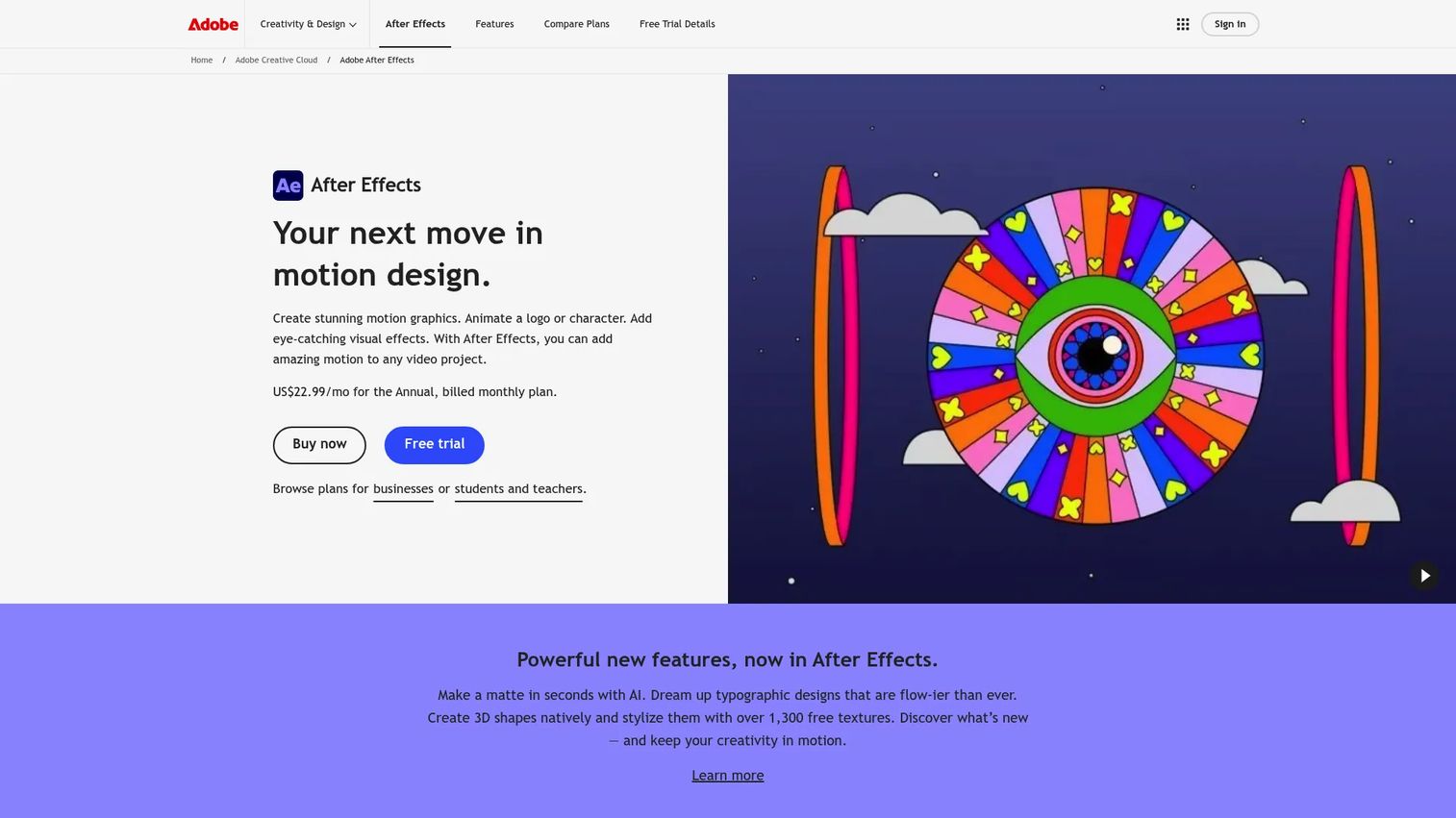
Adobe After Effects is the motion graphics and VFX workhorse for editors and motion designers. It handles cleanup, tracking, title design, and layered compositing without leaving the Adobe world. If your team already edits in Premiere and designs in the Creative Cloud, After Effects slots in with almost no friction. It is the most common first professional VFX editor for a reason: the learning path is well documented and the community is enormous.
Best for: editors and motion designers who live inside Adobe workflows and need fast iteration on practical effects.
Key features
- Content-Aware Fill for object removal
- Warp Stabilizer VFX for shaky footage
- 3D Camera Tracker for CG placement
- Cinema 4D renderer built in
- Creative Cloud integration across apps
Why choose Adobe After Effects: Pick it when speed of iteration matters and your team already uses Adobe tools. It is stronger at motion graphics and compositing than at heavy 3D or simulation work.
Adobe After Effects pricing: the standalone After Effects plan runs US$22.99/mo billed annually. Team licenses are US$37.99/mo each, and the Creative Cloud Pro bundle is US$69.99/mo. A 7-day free trial is available.
After Effects holds a 4.6/5 rating on G2.
2. Blender
Blender is the free and open-source 3D creation suite that also handles serious VFX. It packs motion tracking, a node compositor, modeling, animation, and rendering into one download. For beginners and indie artists, it is the strongest free starting point when a single tool has to cover both 3D and visual effects. The community output is massive, so nearly every problem you hit has a tutorial waiting.
Best for: beginners, indie artists, and budget-conscious users who want one tool for 3D and VFX.
Key features
- Modeling, sculpting, and UV editing
- Animation, rigging, and motion tracking
- Built-in compositor for layering
- Rendering plus video editing
- Free and open source
Why choose Blender: Choose it when budget is zero and you want to learn 3D and compositing together. It rewards patience, and the skills transfer directly to paid tools later.
Blender pricing: Blender is free and open source with no paid tier. You can download it directly from the official site at no cost.
Blender holds a 4.6/5 rating on G2.
3. Blackmagic Fusion
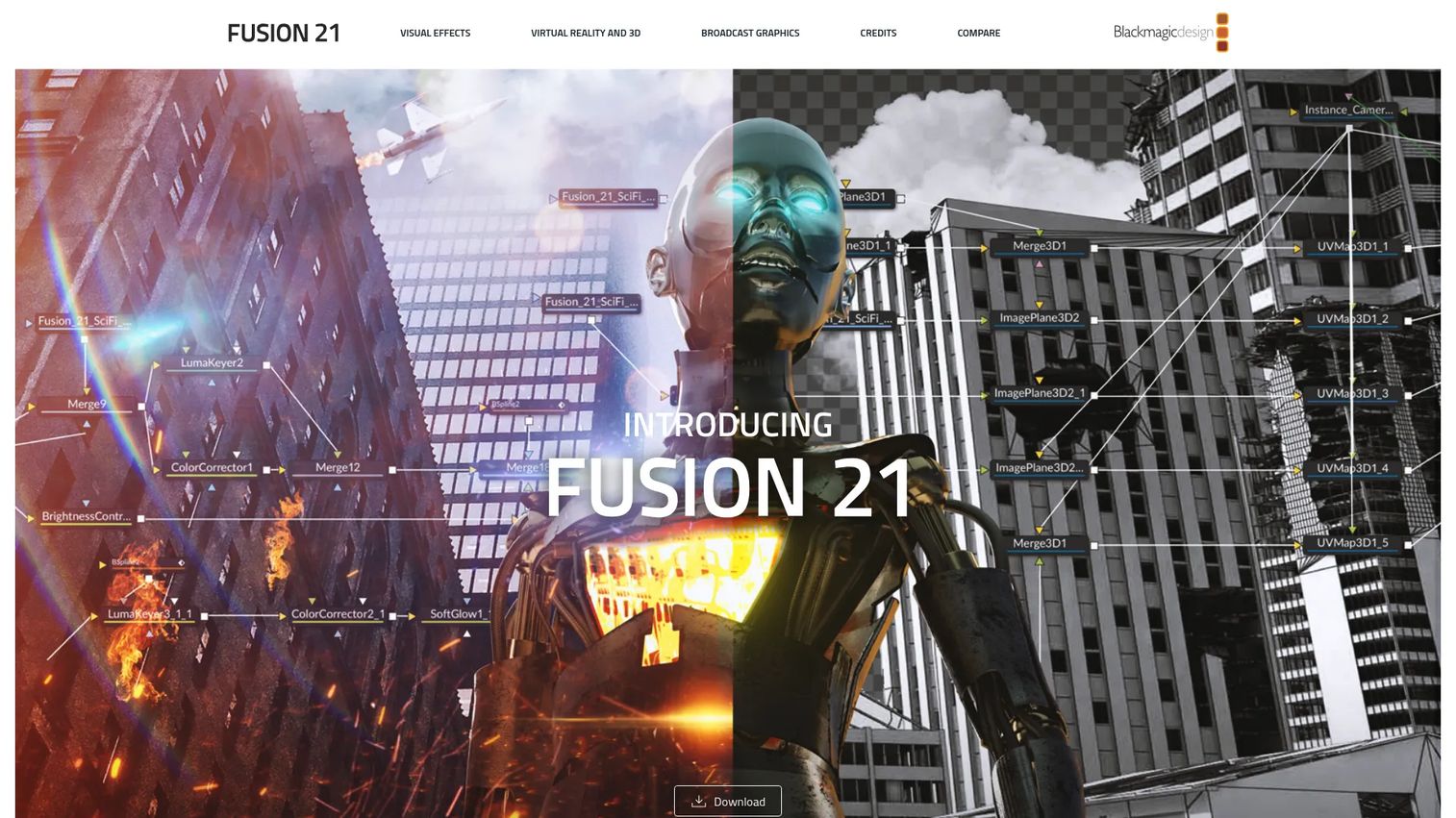
Blackmagic Fusion is a node-based compositing platform for keying, roto, motion tracking, and effects. It ships inside DaVinci Resolve, so you get 2D and 3D compositing alongside a full editing and color suite. For artists who prefer a structured node graph over a layer stack, Fusion offers advanced control without a steep price. It fits VFX and motion-graphics teams who want everything under one roof.
Best for: compositors who want a node-based workflow, especially teams already in DaVinci Resolve.
Key features
- 2D and 3D compositing
- Rotoscoping, masking, and keying tools
- 3D particles and motion tracking
- Paint tools for cleanup
- OpenFX plugin support
Why choose Blackmagic Fusion: Choose it when you want node-based compositing without a subscription. It suits artists moving from layers to nodes who value structured, non-destructive control.
Blackmagic Fusion pricing: Fusion comes free inside DaVinci Resolve. The standalone Fusion Studio 21 is a one-time $295 purchase.
4. HitFilm Express
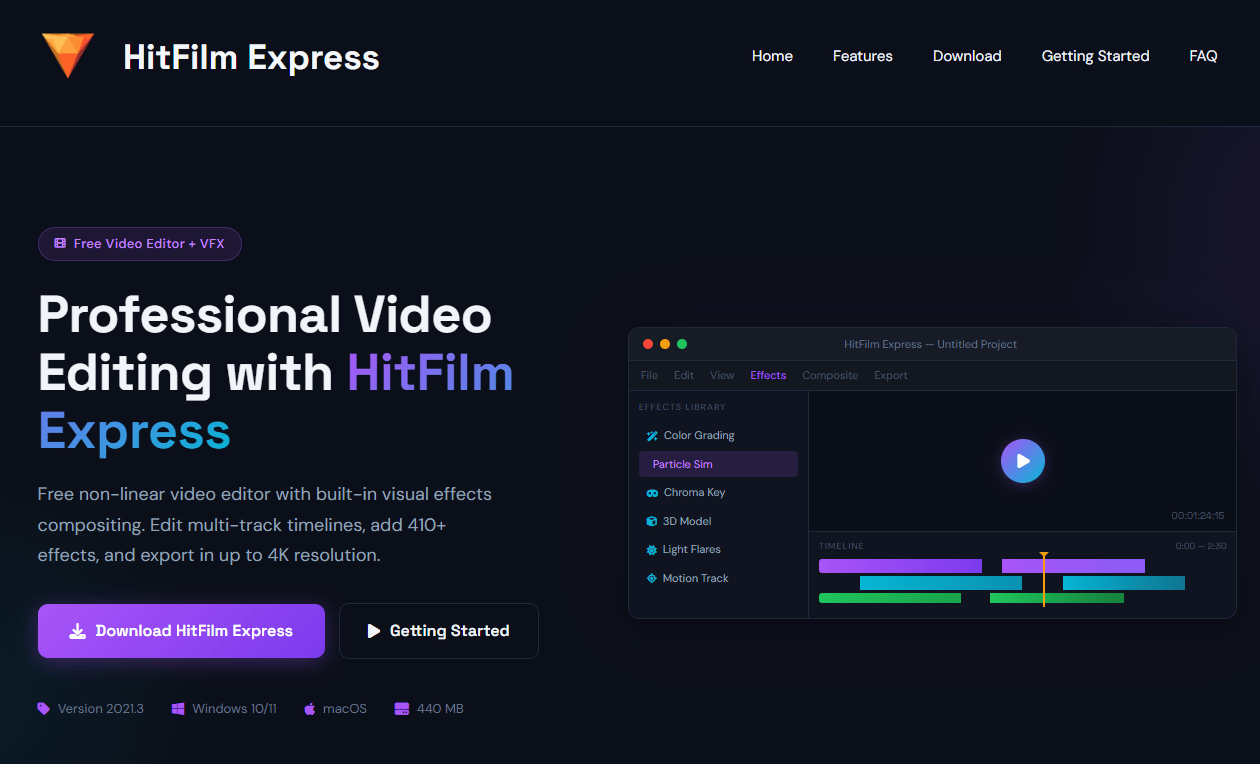
HitFilm Express is a beginner-friendly video editing and VFX tool from FXhome. It combines timeline editing with 2D and 3D compositing, motion tracking, and keying in one interface. For newcomers, it removes the jump between an editor and a separate compositor, and the tutorial library eases the ramp. It is a practical way to learn VFX basics before committing to a node-heavy pipeline.
Best for: newcomers who want editing plus VFX in a single place.
Key features
- Timeline-based video editing
- Motion tracking and keying
- 2D and 3D compositing
- Effects library included
- Clear upgrade path to paid tiers
Why choose HitFilm Express: Choose it when you want editing and effects together and prefer a gentler entry than a full node compositor. It suits self-taught creators building their first VFX shots.
HitFilm Express pricing: the Free plan costs $0. Paid FXhome tiers start at Creator for $6.25/mo billed yearly, with Pro at $11.60/mo billed yearly and custom Enterprise pricing on request.
5. Nuke
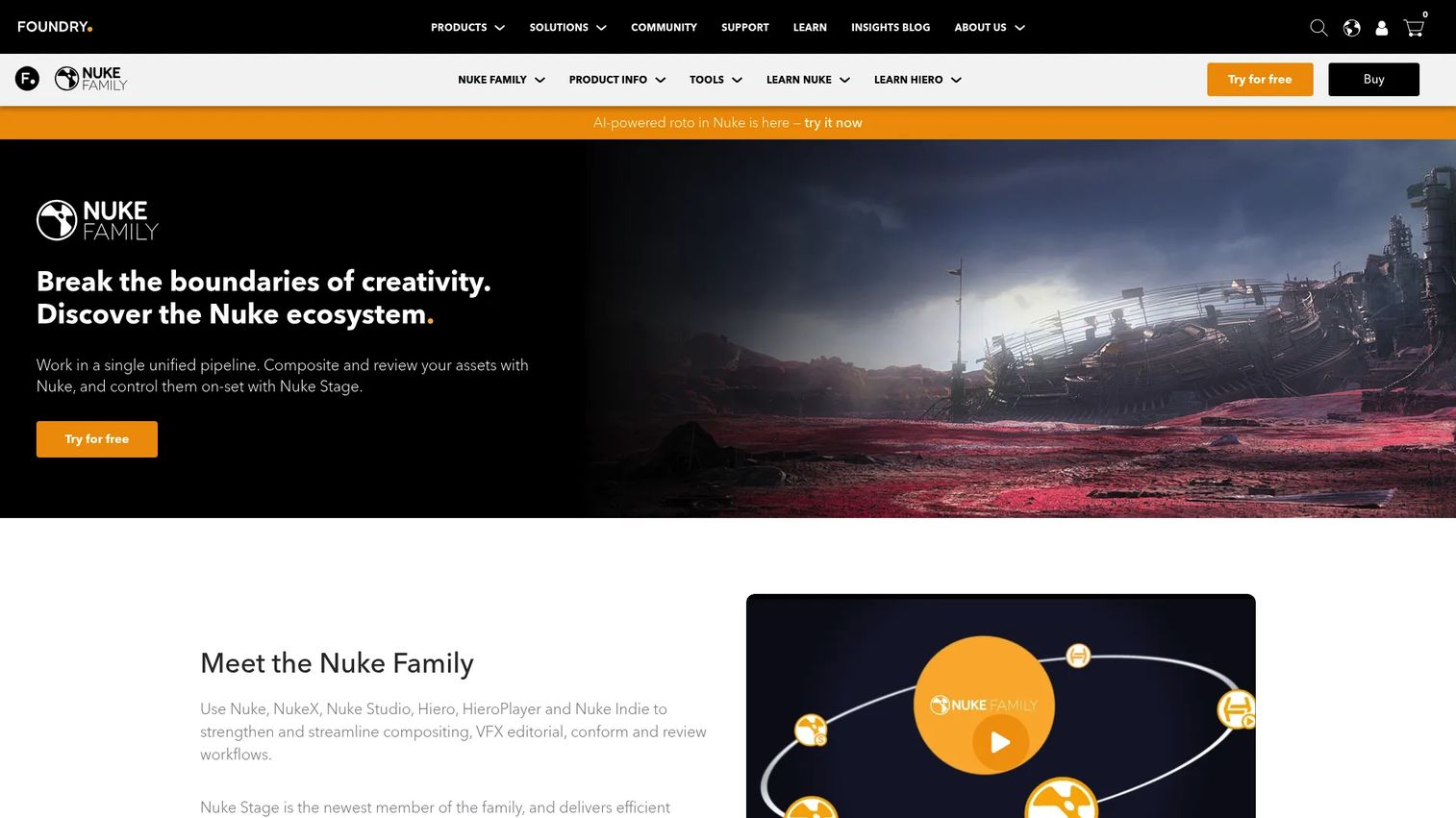
Nuke is Foundry's high-end node-based compositing standard for film, TV, and advanced post-production. It carries over 200 creative nodes, an integrated 3D environment, and scripting through Python and C++. Studios reach for Nuke when shot complexity and pipeline demands outgrow lighter compositors. It is built for deep compositing and review workflows at scale.
Best for: professional compositors and studio pipelines handling complex shots.
Key features
- 200+ creative nodes for compositing
- Integrated 3D environment
- Advanced tracking and roto tools
- Deep compositing support
- Python API and C++ SDK
Why choose Nuke: Choose it when shot complexity and pipeline integration justify a premium compositor. It is the industry benchmark for high-end film and TV finishing.
Nuke pricing: Foundry lists Nuke at €3,139/yr, NukeX at €4,759/yr, and Nuke Studio at €5,799/yr, with quarterly rental options too. Free non-commercial access and student discounts are available.
Nuke holds a 4.5/5 rating on G2.
6. Houdini
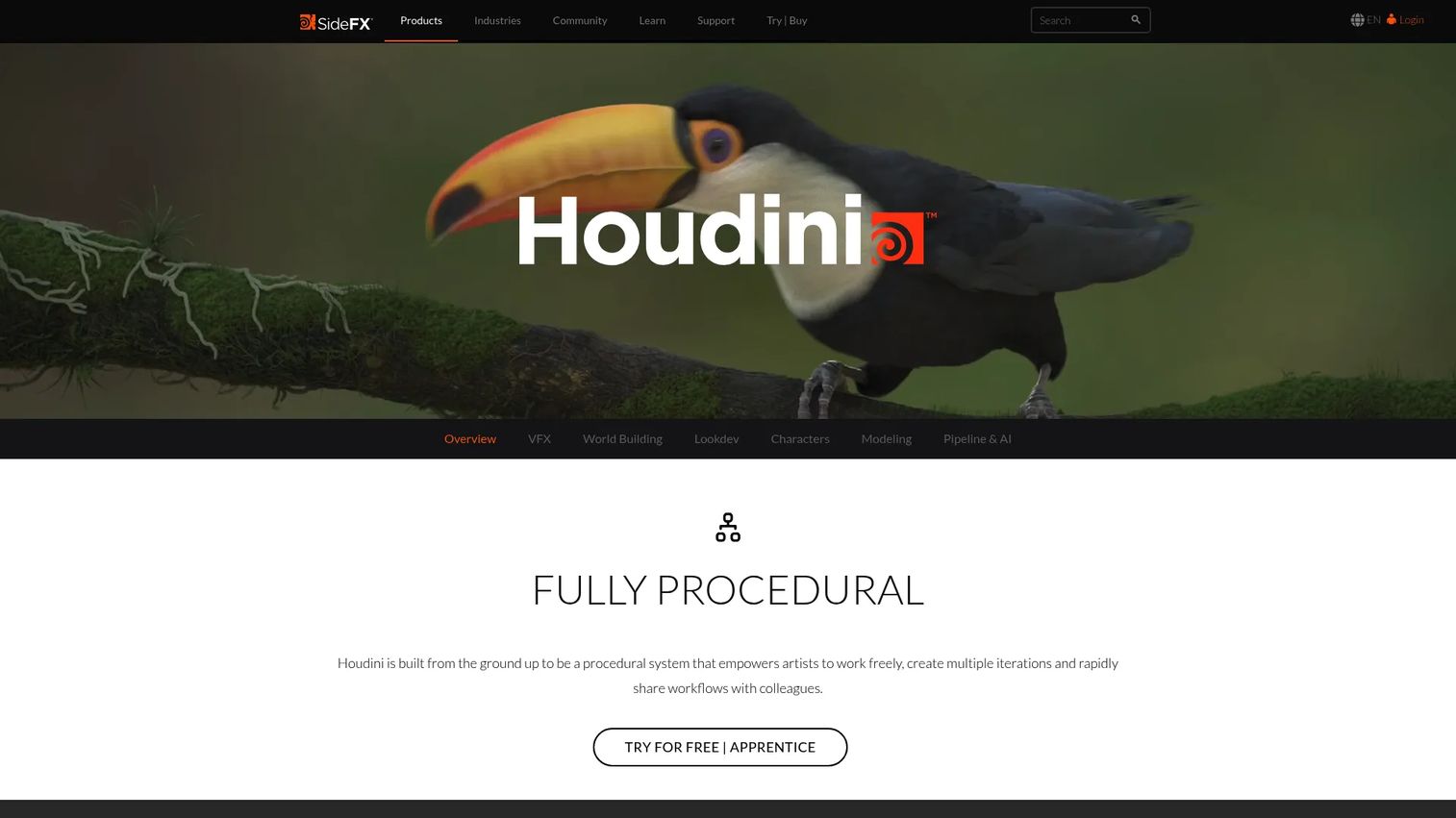
Houdini from SideFX is the procedural VFX and simulation tool for FX-heavy work. Its node-based, procedural workflow drives fluids, pyro, destruction, crowds, and particle effects that other tools struggle to match. When the effect itself is the deliverable rather than finishing polish, Houdini is the pick. It also handles modeling, animation, lookdev, lighting, and rendering.
Best for: artists doing simulations, procedural effects, and technical VFX.
Key features
- Procedural node-based workflow
- Simulations for fluids, pyro, and destruction
- Particle and crowd effects
- Modeling, lighting, and rendering tools
- Free Apprentice and Indie options
Why choose Houdini: Choose it when the effect is the product, not just the finish. It has a real learning curve, but tutorials and an active community make the climb manageable.
Houdini pricing: Apprentice is free for learning. Houdini Indie runs $299/yr, while commercial perpetual licenses start at $1,995 for Core and $4,495 for FX.
Houdini holds a 4.5/5 rating on G2.
7. Maya
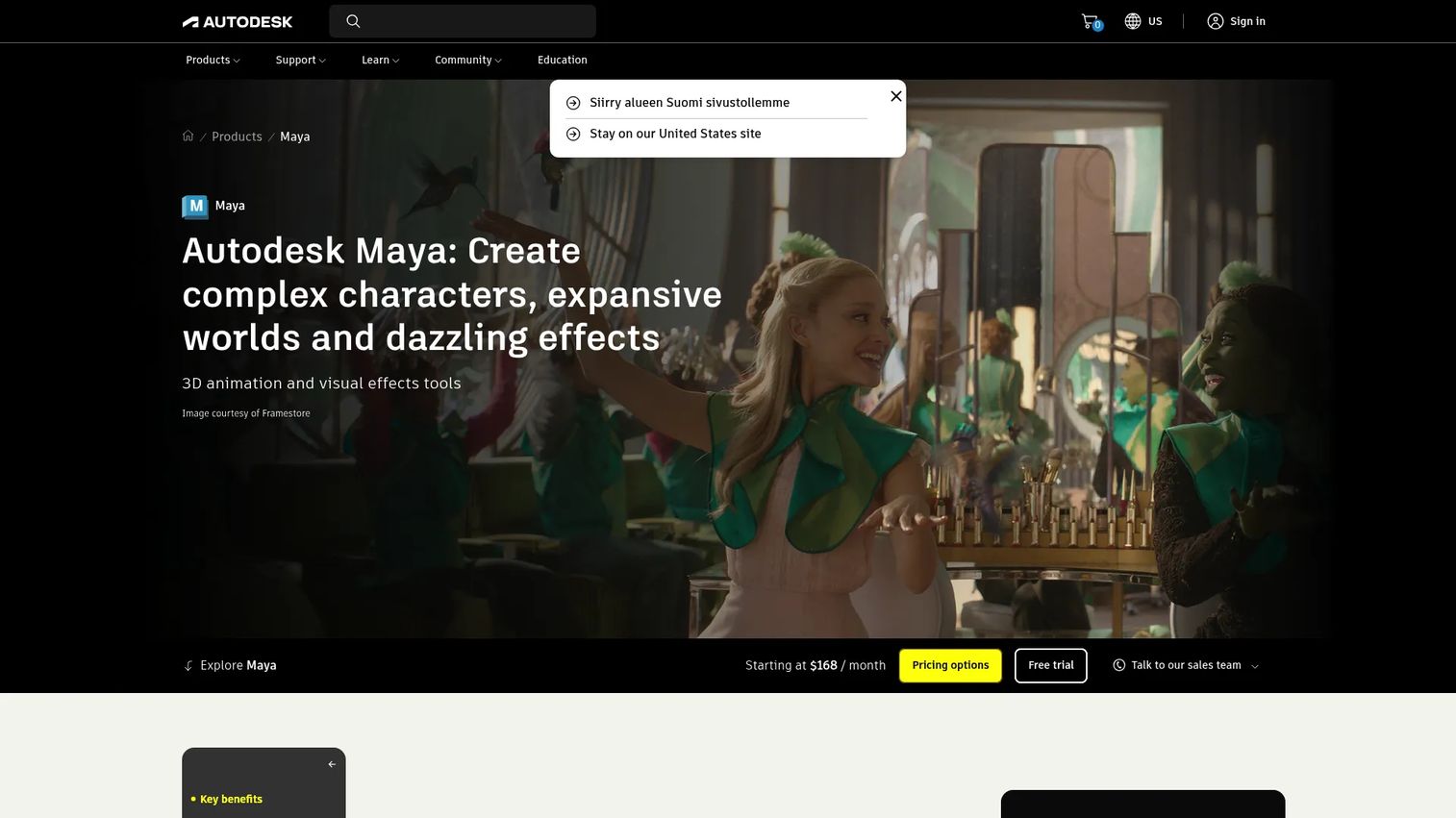
Maya from Autodesk is the 3D animation and modeling platform woven into most film, TV, and game VFX pipelines. It leads on modeling, rigging, character animation, simulation, and rendering pipeline support. When VFX work depends on 3D assets or character performance rather than compositing alone, Maya is the standard. It pairs with compositors like Nuke to complete the pipeline.
Best for: character, animation, and asset-heavy VFX workflows in studios.
Key features
- 3D modeling tools
- Rigging and animation
- Simulation and effects
- Character workflow support
- Rendering pipeline integration
Why choose Maya: Choose it when your VFX work leans on 3D assets, animation, or character performance. It is a 3D foundation, not a standalone compositor, so it usually sits alongside a dedicated compositing tool.
Maya pricing: Maya starts at US$134/month, with annual and 3-year subscription options plus Flex pay-as-you-go access. A 30-day free trial is available, and students and educators can access it for free.
Maya holds a 4.3/5 rating on G2.
Considerations
Budget and licensing
Match the pricing model to how you work, not just the sticker price. Free and open-source tools like Blender carry no cost. Subscriptions from Adobe and Autodesk spread payments monthly. Perpetual licenses from Houdini or Fusion Studio cost more upfront but no recurring fee. Studio-tier tools like Nuke price for pipeline depth, so weigh seat count against actual usage.
Workflow fit
Decide what the work actually demands. Compositing needs a strong node or layer tool. Simulation-heavy shots point to Houdini. Editing plus effects in one place favors HitFilm Express. Asset and character work centers on Maya. Do not buy 3D power you will never use if your work is mostly 2D cleanup and tracking.
Learning curve
Ramp time is a real cost. After Effects and HitFilm Express get beginners producing quickly. Blender rewards steady practice with wide payoff. Nuke and Houdini reward deep investment. Match the curve to your timeline and how much learning bandwidth your team has.
Community and support
Check the tutorial and forum ecosystem before you commit. Blender and After Effects have huge libraries and active communities. Nuke, Houdini, and Maya carry strong professional training and studio adoption. Good learning resources cut ramp time and keep projects moving when you hit a wall.
Pipeline compatibility
Confirm file formats, plugins, and integrations before purchase. A tool that ignores your export formats or refuses your plugins will bottleneck the whole team. Check that it plays with the rest of your post production software and, for studios, your render and asset pipeline.
Conclusion
The right VFX software depends on the job, your budget, and your skill level, not on any single "best" label.
Start free if you are learning. Blender covers 3D and VFX in one package, and HitFilm Express pairs editing with effects for a gentle entry. If you already live in Adobe tools, Adobe After Effects is the fastest path to practical motion graphics, cleanup, and tracking.
Step up when the work demands it. Blackmagic Fusion brings node-based compositing at a low cost. Nuke carries high-end film pipelines. Houdini owns procedural simulation, and Maya anchors 3D asset and character work.
The practical next step is simple: pick one tool that matches your current project, learn it well, and add specialized tools only when a shot forces the upgrade. Most people should download Blender or start an After Effects trial this week, then build from there.
Start your journey with Guideflow today!
FAQs
Blender is the best free pick if you want 3D and compositing in one tool. HitFilm Express is the better free choice if you want editing and VFX together in a simpler interface. Both cost nothing to start, so try the one that matches your immediate project.
Yes. After Effects is strong for motion graphics, cleanup, tracking, and layered compositing. Content-Aware Fill handles object removal and the 3D Camera Tracker places CG in live-action shots. It is less suited to heavy simulation or full 3D asset creation, where dedicated 3D tools fit better.
Compositing software combines footage, CG, and effects into a finished shot through keying, tracking, and layering. 3D software builds and animates the assets themselves through modeling, rigging, and rendering. Many pipelines use both: 3D creates the elements, then a compositor blends them into the plate.
Houdini has a real learning curve because its procedural, node-based approach differs from layer-based tools. That same design is why it excels at simulations like fluids, pyro, and destruction. SideFX offers a free Apprentice edition plus tutorials, and an active community makes the climb manageable.
Nuke is the compositing standard for high-end film and TV. Houdini leads on simulations and procedural effects, while Maya anchors 3D animation and character work. After Effects still handles motion graphics and lighter VFX on professional projects. Most studios run several of these together in one pipeline.
For many indie and small-team projects, yes. Blender covers 3D, tracking, and compositing at no cost, and its output can rival paid tools. Very large studio pipelines still lean on Nuke, Houdini, and Maya for scale, specialized simulation, and established pipeline integration.
Start with whichever matches your near-term projects. If you mostly fix and enhance live-action footage, learn compositing first through After Effects or HitFilm Express. If you want to create assets and animation, start with 3D in Blender. Either path builds skills that transfer across VFX programs.










