You can have the fastest laptop in the room and still lose twenty minutes to frozen tabs, an extension that crashes mid-screen-share, or a browser that drains the battery before the demo call wraps up. For presales and solutions engineers, the browser is not a passive tool. It's the workspace where CRM tabs, sandbox links, security questionnaires, admin consoles, and product demos all live at once.
Chrome held 68.79% of worldwide browser usage in October 2026, according to StatCounter, but market share does not answer the question that matters: Which browser holds up when your work is entirely browser-based? The right answer depends on your OS, your extension stack, your privacy expectations, and how much configuration overhead you are willing to accept.
This guide cuts through the noise. Every browser here was evaluated for performance, privacy controls, extension compatibility, and practical fit for teams that run their entire workflow inside a tab.
What's inside
This guide compares 8 web browsers for 2026. It is written for professionals who spend their workday inside browser-based SaaS tools and need a browser that keeps up without breaking.
- Who it's for: Presales teams, sales engineers, and anyone managing demos, CRM tabs, and security reviews in the browser
- How browsers were selected: Market presence, engine diversity, privacy controls, and workflow fit
- Selection criteria:
- Performance and memory behavior under tab-heavy workloads
- Privacy and security controls
- Extension compatibility and work-tool integration
- AI assistance and productivity features
TL;DR
- Best overall for extension-heavy work: Google Chrome offers the widest extension library and the highest SaaS compatibility
- Best for Apple users: Safari delivers battery efficiency and deep macOS and iOS continuity
- Best for Windows and Microsoft 365 teams: Microsoft Edge pairs Copilot with strong Windows integration
- Best for privacy and open-source control: Firefox runs on the independent Gecko engine with strong tracking protection
- Best for built-in ad blocking: Brave blocks ads and trackers by default, no extensions required
- Best for power users with too many tabs: Vivaldi offers workspaces, tab stacks, and deep interface customization
- Best for AI-assisted research: Perplexity Comet builds AI search and task support directly into the browsing session
- Best lightweight alternative with built-in extras: Opera includes sidebar apps, a free VPN, and an ad blocker out of the box
There is no universal best browser. The right pick depends on device, privacy expectations, and how you work day to day.
What is a web browser?
A web browser is software that retrieves, interprets, and displays websites, web apps, media, and files from the internet or local networks.
Browsers handle more than page loading. At the core, they:
- Request content through HTTP and HTTPS
- Render HTML, CSS, and JavaScript into the pages you see
- Manage cookies, cached data, history, downloads, and site permissions
- Protect users through sandboxing, safe browsing filters, certificate warnings, and site isolation
Core web browser capabilities:
- Tab and window management
- Profiles for separating work and personal sessions
- Password managers and passkey support
- Private browsing modes
- Extension stores and developer tools
- AI assistants and page summarization
Browser engines: Most browsers today run on Chromium, the open-source project behind Chrome. That shared foundation means Chrome, Edge, Brave, Vivaldi, and Opera behave similarly across most web apps. Safari uses WebKit, Apple's own engine. Firefox uses Gecko, the only major independent engine outside the Chromium and WebKit ecosystems. For presales teams validating buyer-reported issues, this distinction matters: A bug that appears in one engine may not appear in another.
Two common misconceptions worth naming:
Private browsing does not make you anonymous. It clears local history and cookies after the session, but your IP address, employer network traffic, and site-side analytics still record activity.
Ad blocking is not complete privacy protection. Blocking ads removes trackers embedded in ad calls, but fingerprinting, first-party tracking, and network-level monitoring operate independently.
More extensions typically increase attack surface. Each extension can read page data, so auditing what you have installed matters, especially for work machines.
When to use a different web browser
Protect sensitive research and reduce tracking
Presales teams frequently research prospect companies, review competitor positioning, and open confidential procurement portals. Privacy-first browsers reduce third-party data exposure during that research. Firefox, Brave, and Safari all offer meaningful tracking protection by default, though none replaces corporate network controls or a VPN for genuinely sensitive work.
Run browser-based work without tab chaos
A typical presales session might have a CRM deal record, a product sandbox, a shared proposal doc, a calendar invite, and a conference call link all open simultaneously. Browsers with profiles, tab groups, workspaces, and memory controls keep that session stable. Vivaldi and Edge both address this directly. Chrome's tab grouping and Memory Saver mode also reduce the overhead of a heavily loaded session.
Test SaaS experiences across buyer environments
Buyers report issues that only appear in specific browser configurations. Keeping a secondary browser installed gives you a fast way to reproduce those issues without reconfiguring your main workspace. Cross-engine coverage matters here: Chromium, WebKit, and Gecko each render differently, and a presales team that only tests in one engine will eventually get caught off guard during a live call.
Web browser comparison
The table below is a starting point for comparison. Most browsers are free to download, but connected services such as AI assistants, VPNs, and enterprise management may carry separate costs. G2 ratings are shown where current listings exist.
| # | Product | Best for | Key differentiator | Pricing | G2 rating |
|---|---|---|---|---|---|
| 1 | Google Chrome | Extension-heavy everyday browsing | Largest extension ecosystem and SaaS compatibility | Free | 4.7/5 |
| 2 | Safari | Apple users and battery efficiency | Deep macOS and iOS integration | Free (Apple devices) | 4.1/5 |
| 3 | Microsoft Edge | Windows and Microsoft 365 workflows | Copilot integration and Windows optimization | Free | 4.3/5 |
| 4 | Firefox | Open-source privacy control | Independent Gecko engine and strong tracking protection | Free | 4.4/5 |
| 5 | Brave | Built-in ad and tracker blocking | Privacy-first defaults without extra extensions | Free (paid extras available) | 4.6/5 |
| 6 | Vivaldi | Advanced tab management | Highly customizable workspaces and interface | Free | N/A |
| 7 | Perplexity Comet | AI-assisted browsing and research | Browser built around AI search and task execution | Requires Perplexity Max ($200/month) | 4.4/5 |
| 8 | Opera | Built-in extras without setup | Integrated sidebar apps, free VPN, and ad blocker | Free (VPN Pro from $4/month) | 4.2/5 |
Best 8 web browsers for 2026
1. Google Chrome
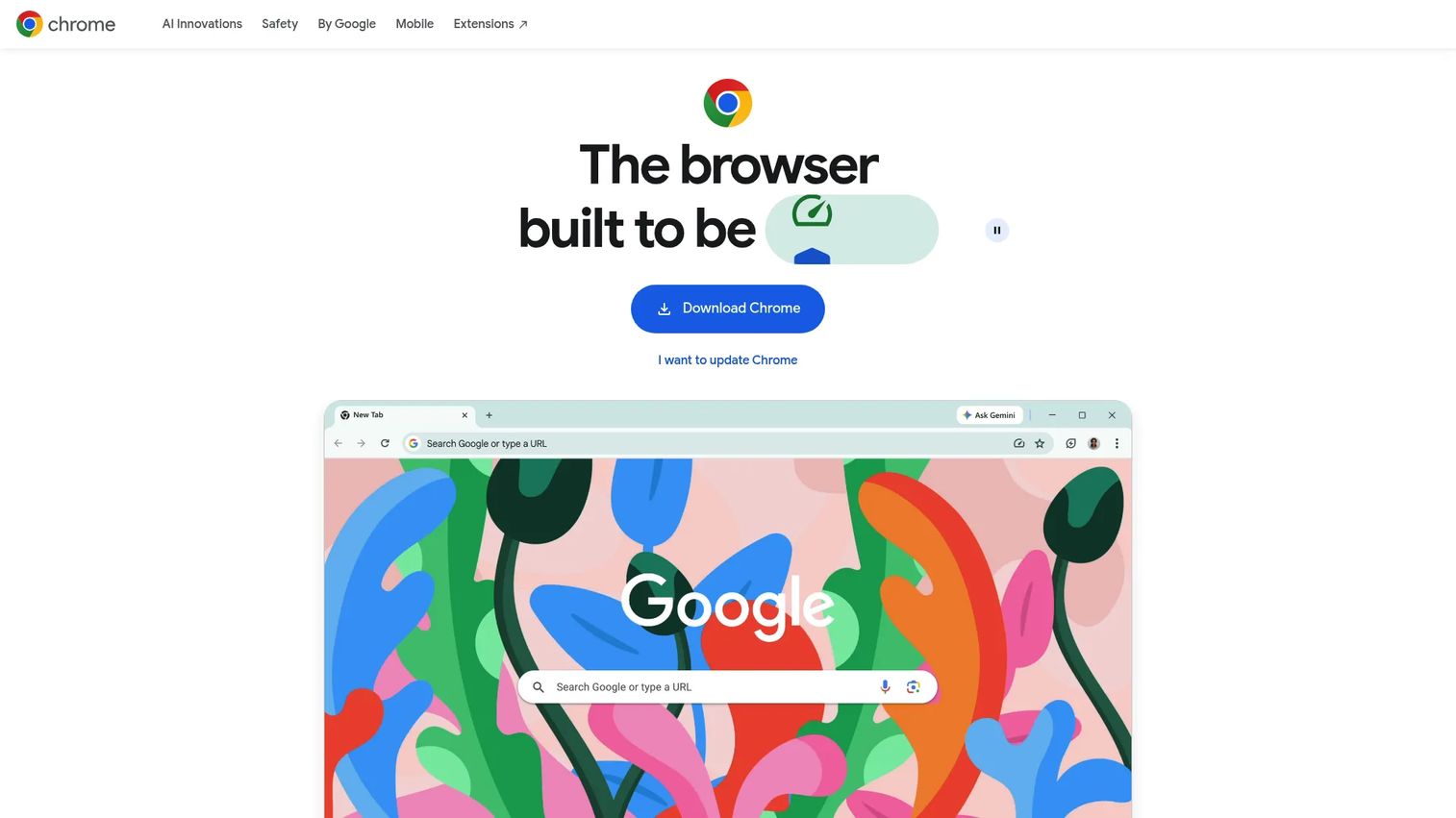
Google Chrome is a Chromium-based browser built for speed, compatibility, and integration with Google's ecosystem. It is the most widely used browser worldwide and the default choice for most SaaS tools, admin consoles, and CRM extensions. For presales teams, Chrome's reliability across web applications and its enormous extension library make it the lowest-friction starting point.
Best for: Teams that depend on extension compatibility and need every SaaS tool to work without workarounds.
Key features
- Large extension library via the Chrome Web Store
- Google account sync for bookmarks, passwords, and open tabs
- Tab grouping, split view, and vertical tabs
- Memory Saver and Energy Saver modes
- Gemini AI integration and Safe Browsing protection
Why choose Google Chrome: Chrome is the safest default if SaaS compatibility is your top priority. The tradeoff is memory consumption under heavy tab loads and Google's data collection model, which matters for privacy-sensitive environments.
Google Chrome pricing: Chrome is free to download and use. Chrome Enterprise Core is also no cost. Chrome Enterprise Premium, which adds advanced security controls for managed deployments, costs $6 per user per month.
G2 rating: 4.7/5
2. Safari
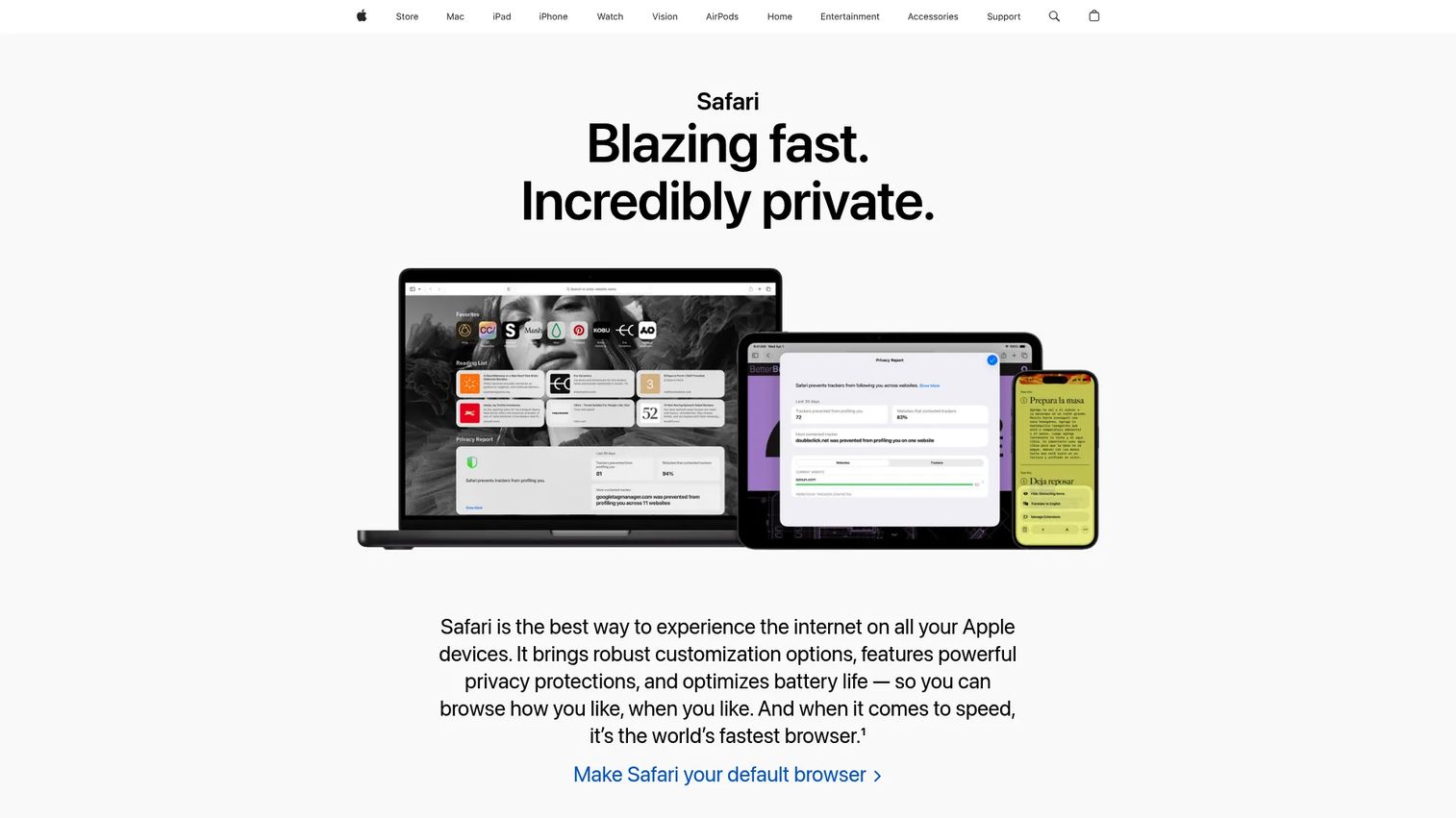
Safari is Apple's default browser, built on the WebKit engine and optimized for the entire Apple device lineup. For presales professionals who travel with a MacBook, Safari's energy efficiency is a genuine differentiator. It consistently outlasts Chrome and Edge on battery during long workdays or onsite meetings where charging is not guaranteed.
Best for: Apple users who want strong default performance, device continuity, and minimal battery drain.
Key features
- Intelligent Tracking Prevention and fingerprint blocking
- iCloud Keychain for passkeys and password sync
- Tab Groups and browser Profiles
- Cross-device Handoff between Mac, iPhone, and iPad
- Suspicious website warnings and privacy report
Why choose Safari: If your stack is entirely Apple and you do not need extensive extensions, Safari is the low-overhead choice. Its Chromium-incompatible WebKit engine means a small number of web apps behave differently, so keep a Chromium-based browser available for testing.
Safari pricing: Safari is free and ships with every Apple device.
G2 rating: 4.1/5
3. Microsoft Edge
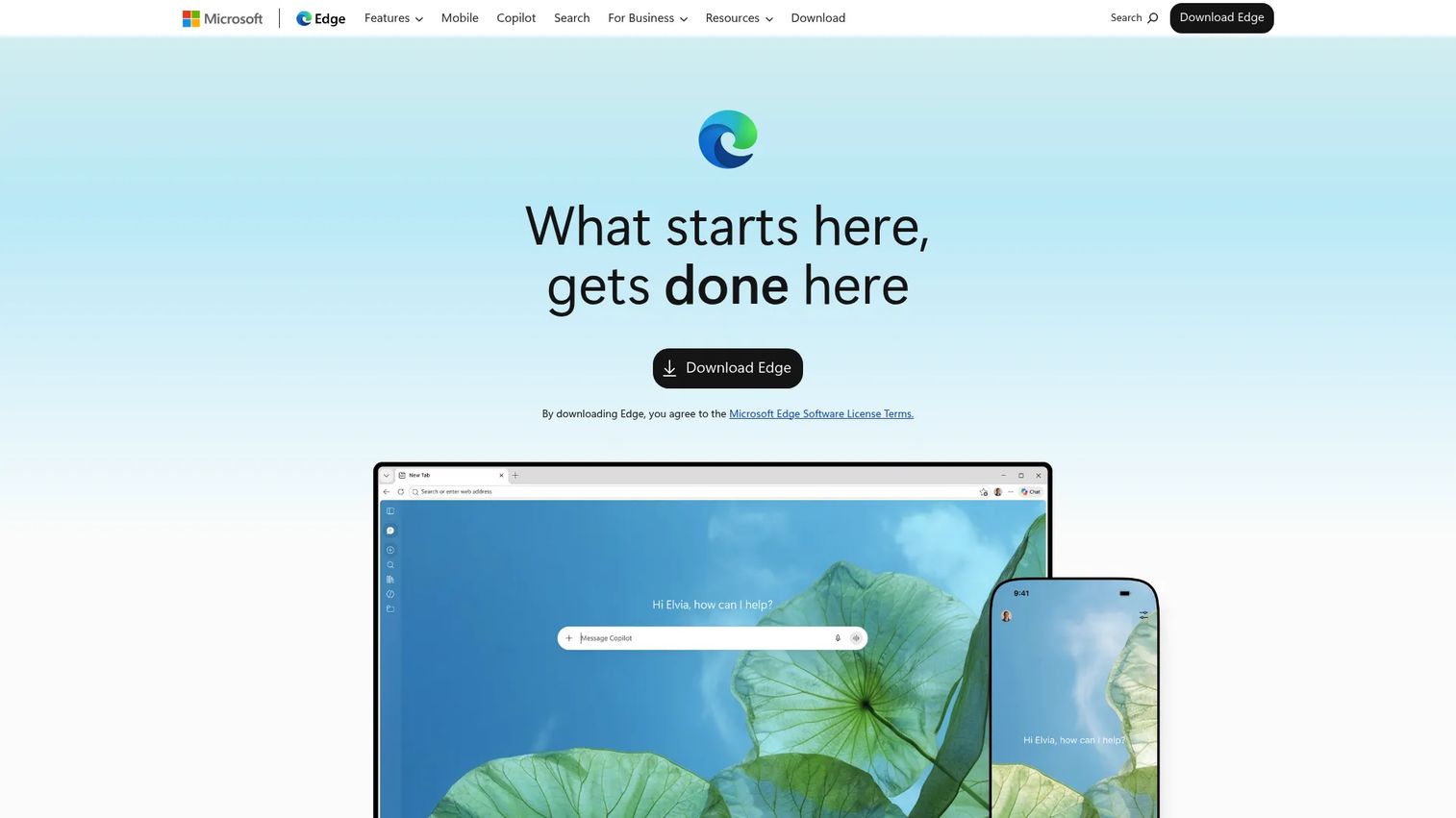
Microsoft Edge is the default browser on Windows, built on Chromium and tightly integrated with Microsoft's productivity stack. For teams living in Microsoft 365, Teams, and SharePoint, Edge removes the friction of switching contexts. Its Copilot sidebar surfaces AI assistance directly inside the browsing session, which is useful for account research, summarizing long technical documents, and drafting RFP responses without leaving the tab.
Best for: Windows-first teams whose daily work runs across Microsoft 365 apps and enterprise IT environments.
Key features
- Copilot sidebar for summarization, comparison, and research
- Sleeping Tabs and Startup Boost for performance management
- Vertical tabs and Collections for workspace organization
- Microsoft Defender SmartScreen and Enhanced security mode
- Enterprise policy controls and Microsoft account sync
Why choose Microsoft Edge: Edge earns its place when Windows integration and Microsoft account continuity matter more than browser independence. Some users find the default Microsoft service integrations feel intrusive; both are adjustable in settings.
Microsoft Edge pricing: Edge is free to download on Windows, macOS, iOS, Android, and Linux.
G2 rating: 4.3/5
4. Firefox
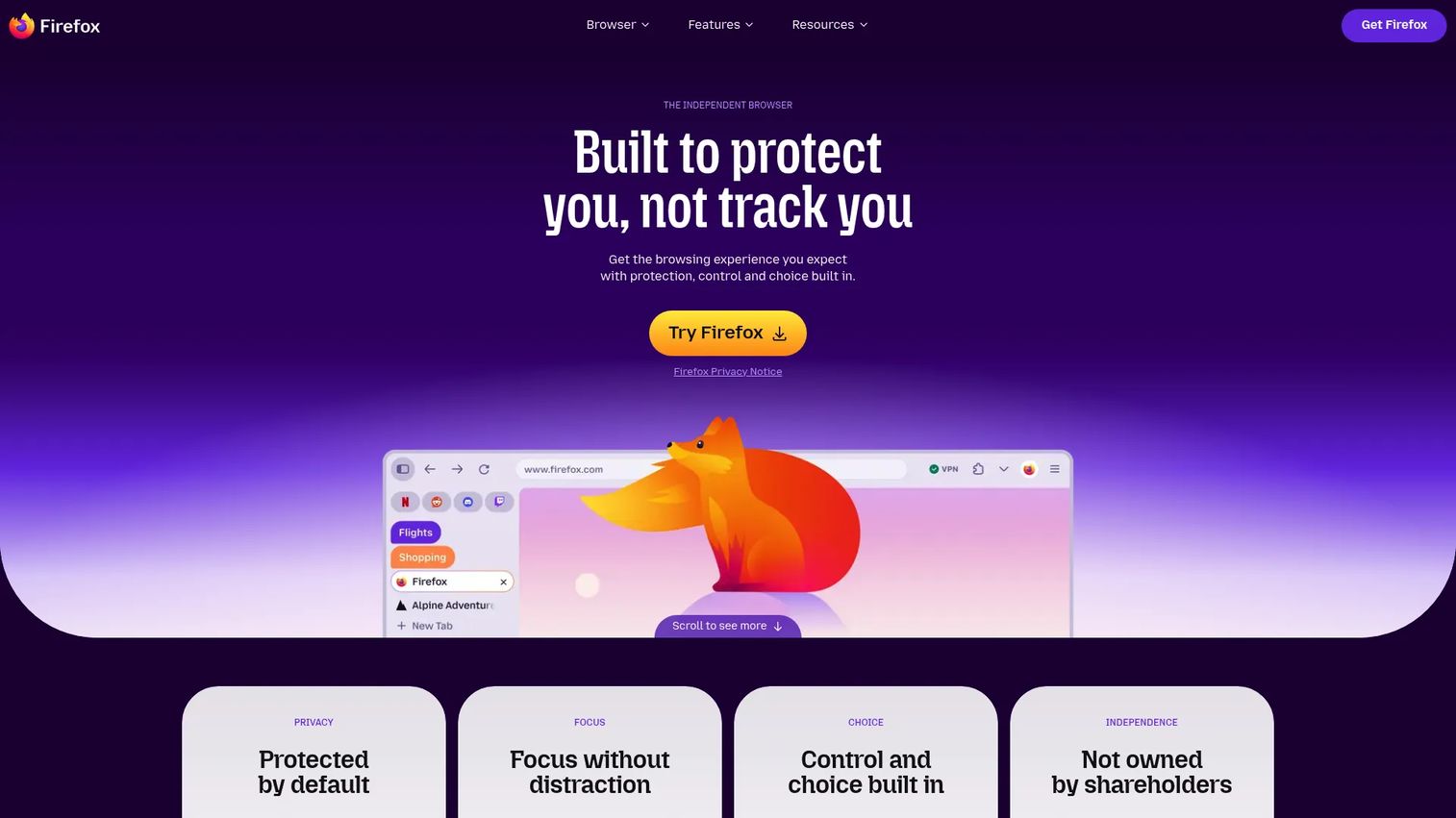
Firefox is Mozilla's open-source browser and the only major option running on the Gecko engine. That engine independence matters for browser diversity and cross-browser testing. Firefox also ships with meaningful privacy defaults, including Total Cookie Protection, which isolates cookies per site to prevent cross-site tracking without requiring extra configuration.
Best for: Privacy-conscious professionals who want a browser outside the Chromium and WebKit ecosystems.
Key features
- Total Cookie Protection and automatic tracker blocking
- Tab Groups and vertical tabs with customizable sidebar
- Container Tabs for separating work, personal, and research sessions
- Built-in PDF editor and developer tools
- Free password manager with cross-device sync
Why choose Firefox: Firefox is the right pick when you want tracking protection that works by default and an independent engine for cross-browser validation. A small share of web apps receives less Chromium testing than the rest, so occasional site incompatibilities are worth expecting and planning for.
Firefox pricing: Firefox is free, with no paid browser tiers.
G2 rating: 4.4/5
5. Brave
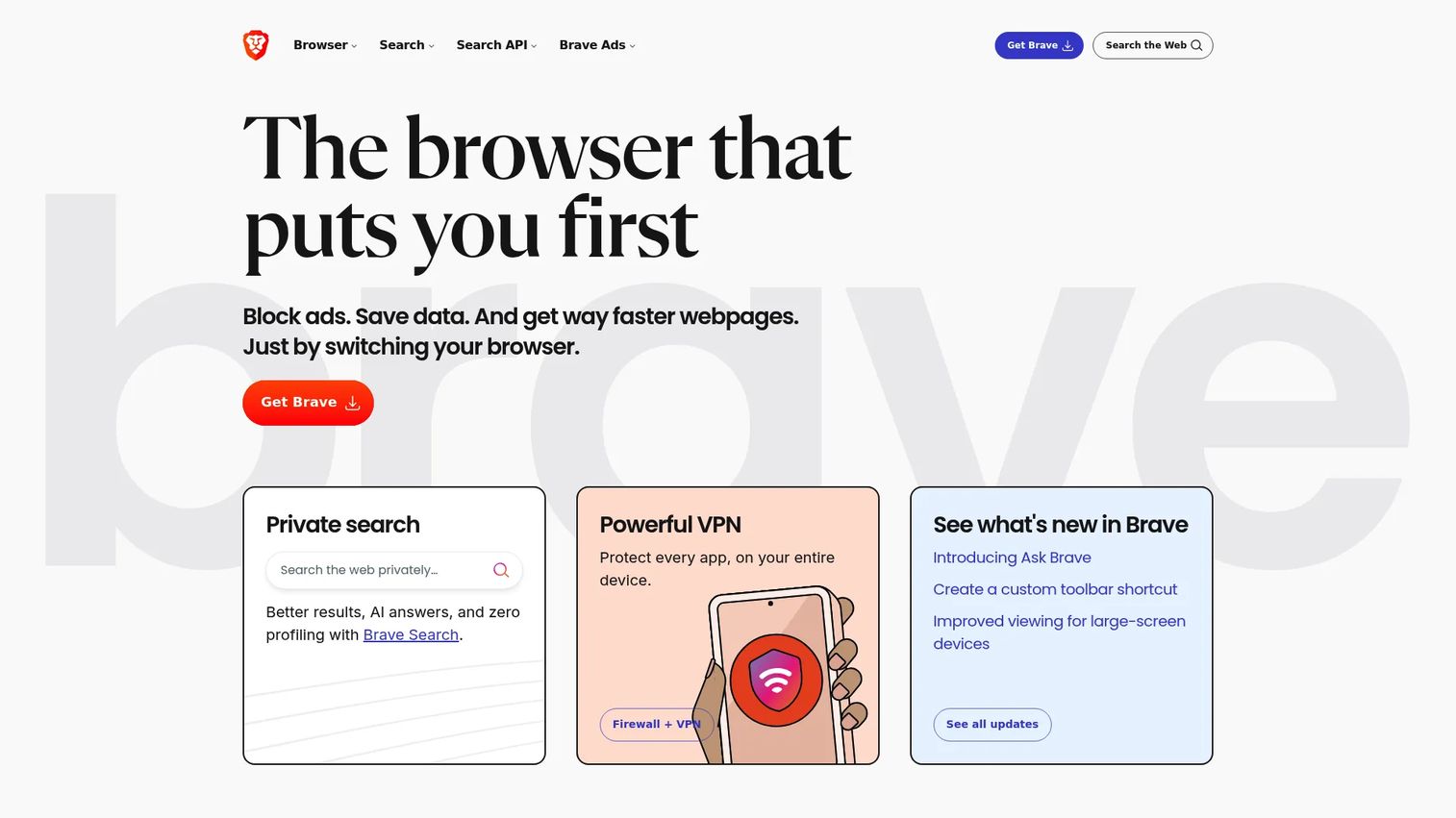
Brave is a Chromium-based browser with privacy controls set to on by default. Its Shields feature blocks ads, trackers, and fingerprinting on every page load without requiring you to install a separate extension. Because it runs on Chromium, it supports the Chrome extension library, so you do not have to give up your existing workflow tools to gain privacy defaults.
Best for: Users who want aggressive ad and tracker blocking out of the box, without managing extension configurations.
Key features
- Brave Shields with per-site ad and tracker blocking
- Fingerprinting defenses
- Private Brave Search with AI-powered answers
- Chromium extension compatibility
- Cross-device sync
Why choose Brave: Brave delivers the clearest privacy-by-default experience of any Chromium browser. The tradeoff is that some analytics-heavy portals, embedded forms, and video conferencing tools require per-site exceptions in Shields, which adds minor friction on a presales machine.
Brave pricing: The browser is free. Optional paid services include Search Premium at $3/month, Talk Premium at $7/month, Brave VPN at $9.99/month, and Leo AI Premium at $14.99/month.
G2 rating: 4.6/5
6. Vivaldi
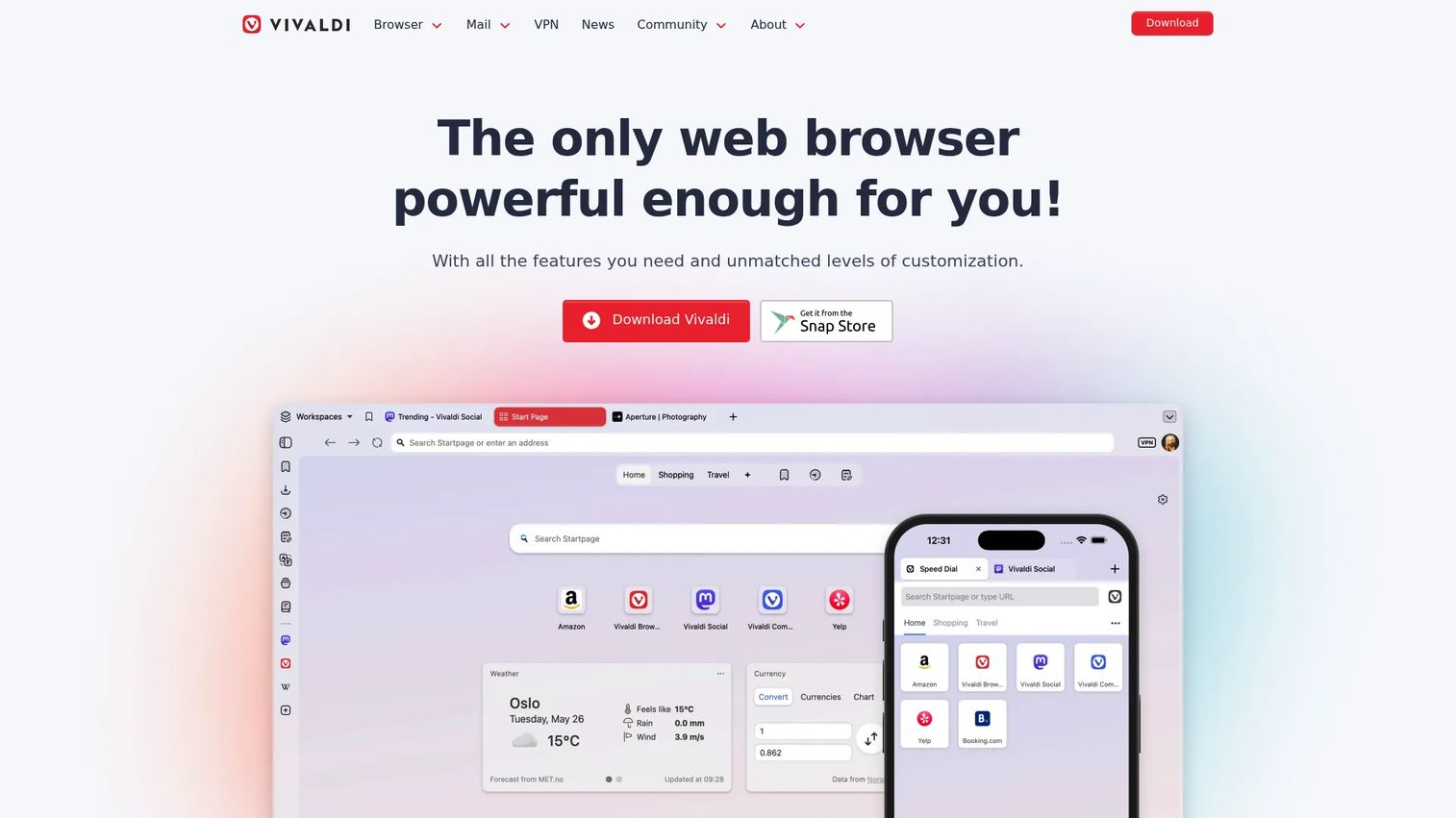
Vivaldi is a Chromium-based browser built specifically for users who want to configure how their browser works. Tab Stacking lets you nest related tabs inside a single tab group. Workspaces let you switch between completely separate sets of tabs without opening a new window. For presales engineers juggling multiple active deals, that organizational layer is a meaningful upgrade over standard tab management.
Best for: Power users who keep many tabs open and want browser-level control over workspace organization.
Key features
- Tab Stacks and Tab Tiling for spatial organization
- Workspaces for switching between deal or project contexts
- Side panels for notes, mail, calendar, and feed reader
- End-to-end encrypted sync
- Deep interface customization including keyboard shortcuts and Command Chains
Why choose Vivaldi: Vivaldi rewards users who invest time in configuration. The depth of customization options can feel excessive if you want a browser you can set up in five minutes, but for anyone whose browser is effectively their command center, the payoff is real.
Vivaldi pricing: Vivaldi is free to download and use.
7. Perplexity Comet
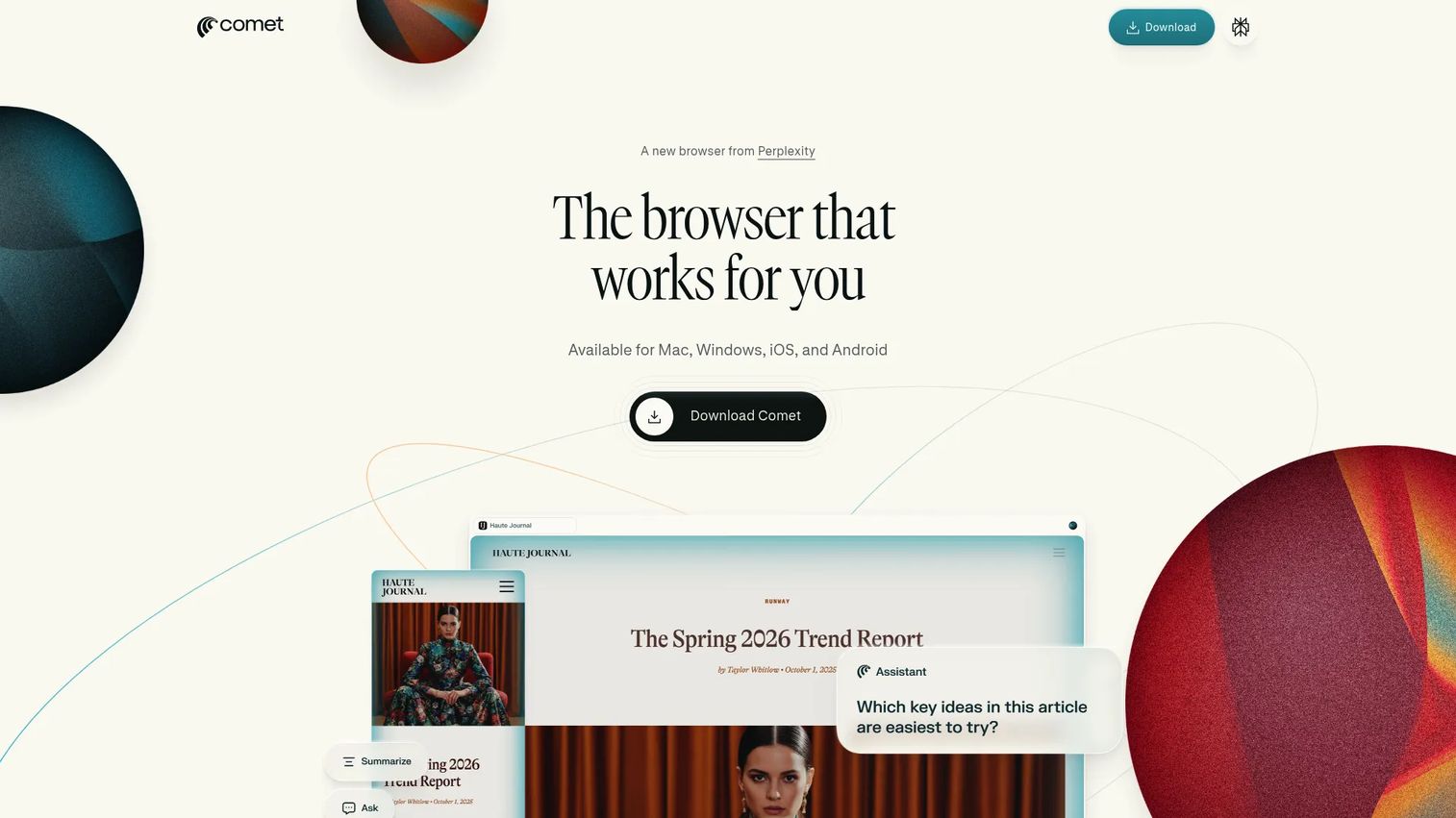
Perplexity Comet is an AI-first browser that embeds AI search, summarization, and task execution directly into browsing. Rather than switching to a separate AI tool to research an account or summarize a long technical document, Comet surfaces that capability inside the session. It supports Mac, Windows, iOS, and Android, and the assistant can draft emails, build study plans, and assist with shopping alongside standard page browsing.
Best for: Professionals who want AI research and task support built into every browsing session, not layered on top of it.
Key features
- AI-assisted browsing and webpage understanding
- Built-in research with page summarization
- Task execution including drafting, planning, and shopping support
- Context-aware assistance across open pages
- Available across Mac, Windows, iOS, and Android
Why choose Perplexity Comet: Comet makes the most sense for research-intensive presales work: Account investigation, technical document review, and competitive scanning. Early AI browsers carry real considerations around accuracy, data handling, and enterprise security review, so evaluate Comet against your organization's browser policy before making it your daily driver.
Perplexity Comet pricing: Comet access is included with Perplexity Max, priced at $200/month or $2,000/year.
G2 rating: 4.4/5
8. Opera
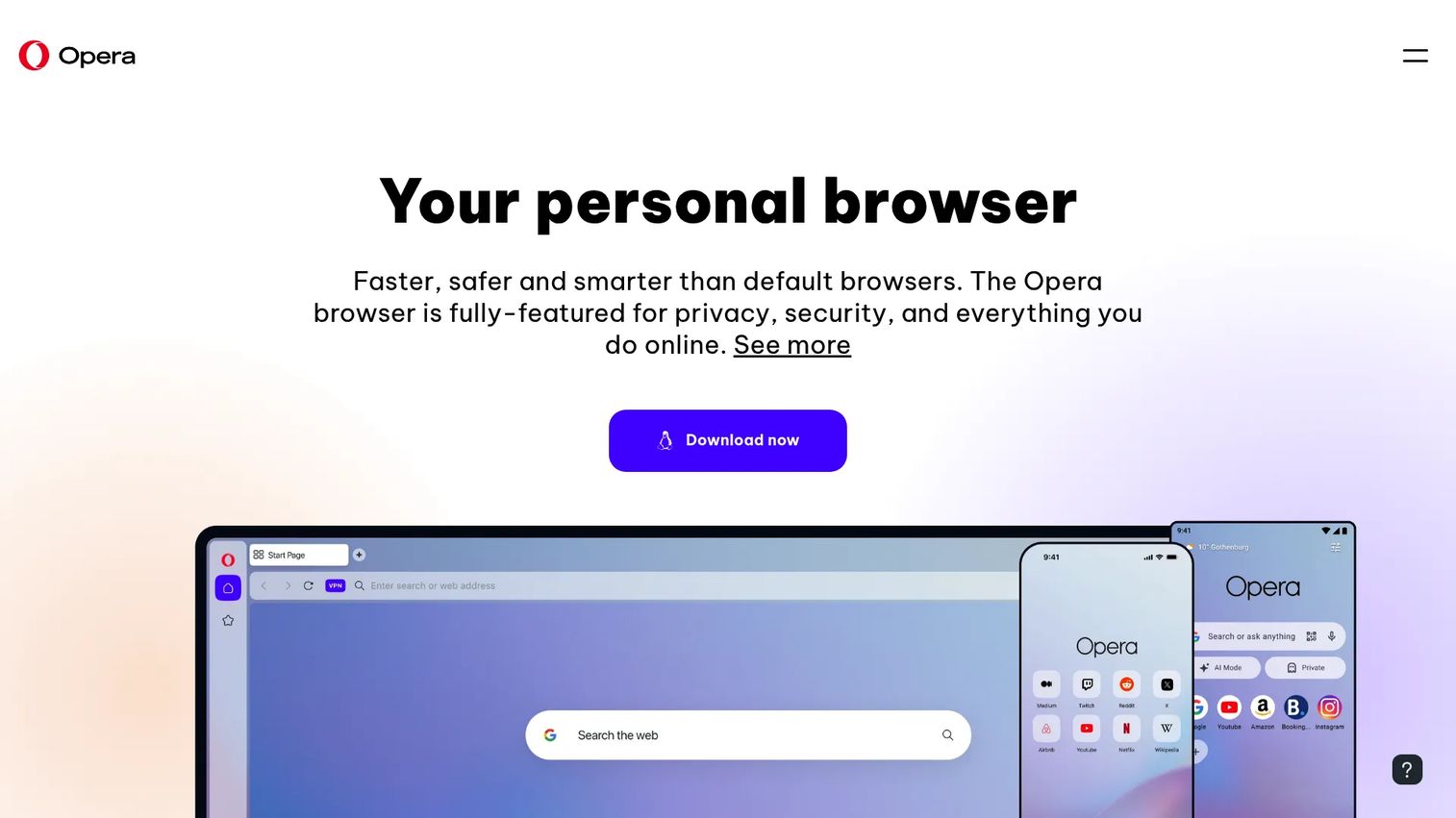
Opera is a Chromium-based browser that ships with a broader set of built-in tools than most alternatives. The sidebar gives quick access to messaging apps, music controls, and AI features without opening a new window. A free built-in VPN reduces IP-level exposure during research. Tab Islands group related tabs visually. For presales teams that want extras already included rather than assembled from extensions, Opera delivers a usable baseline.
Best for: Users who want a browser with built-in utilities and minimal extension setup.
Key features
- Built-in Opera AI sidebar
- Free built-in VPN and ad blocker
- Workspaces, Tab Islands, and Vertical Tabs
- Integrated messengers and music player
- Opera Sync and Flow for cross-device sharing
Why choose Opera: Opera suits presales professionals who want quick access to chat tools, research, and browser workspaces without building a custom extension stack. Users who prefer a minimal interface may find the default layout too feature-dense, but most of the sidebar elements can be toggled off.
Opera pricing: The core Opera browser is free. VPN Pro costs $4/month on an annual plan, $5/month on a six-month plan, or $8/month month-to-month.
G2 rating: 4.2/5
Considerations when choosing a web browser
Match the browser to your operating system
Safari performs best on Apple devices and is not available as a full standalone option on Windows. Edge is the native default on Windows and integrates with Windows Hello, enterprise policies, and Microsoft account management. Chrome and Firefox run consistently across macOS, Windows, and Linux, making them the practical choice for cross-platform teams.
Check extension compatibility before switching
List every extension you rely on before switching browsers. For presales, that list typically includes a password manager, a CRM extension, a screen capture tool, a calendar connector, and sometimes a security or VPN plug-in. Chromium-based browsers share most of the Chrome Web Store library. Firefox has its own extension ecosystem, which covers major tools but has fewer niche options.
Treat privacy settings as a workflow decision
Stronger privacy settings occasionally break embedded analytics, video conferencing tools, or single-sign-on flows in buyer portals. Test your most critical work URLs, including CRM pages and customer portals, before making a new browser your default.
Watch memory, battery, and tab behavior
Speed is not just page load time. A browser that consumes 4 GB of memory across 30 tabs creates a slower machine for everything else. Memory Saver in Chrome, Sleeping Tabs in Edge, and Vivaldi's workspaces all address this in different ways. Battery behavior matters during travel days and onsite meetings.
Keep a second browser for testing and recovery
A presales engineer who discovers a browser-specific rendering issue during a live demo call is in a bad position. Install a secondary browser with a different engine, run your demo flows in both, and you will catch those issues before they cost you a deal.
Conclusion
No single browser wins every category. The right choice depends on your OS, the tools you depend on, and how much time you are willing to spend on configuration.
Chrome remains the safest default when extension compatibility and SaaS reliability are the top concerns. Safari is the obvious pick for Apple-only setups where battery life matters. Edge earns its place on Windows teams running Microsoft 365. Firefox and Brave suit privacy-first workflows. Vivaldi rewards the presales engineer who runs their entire workday inside the browser and wants full control over that environment. Perplexity Comet addresses AI-heavy research workflows for teams that have cleared it through security review. Opera suits users who want built-in tools without assembling a custom extension stack.
A practical next step: Pick two browsers from this list that match your OS and workflow. Import your bookmarks into the challenger. Run five daily workflows for a week. Then switch defaults if the new browser holds up under your actual workload.
If your team sells browser-based software, interactive demos can help prospects understand the product before a live call, reducing the pressure on every demo session your presales team runs.
Start your journey with Guideflow today!
FAQs
There is no single best browser for everyone. Chrome is the safest default for SaaS compatibility, Safari fits Apple-only setups, Edge works well for Windows and Microsoft 365 teams, and Firefox or Brave suit users who prioritize privacy controls. The right answer depends on your device, your extension requirements, and your tolerance for configuration.
Speed depends on the device, the site, the number of open tabs, and the extensions installed. All major browsers perform similarly on modern hardware for typical browsing. Memory management under heavy tab loads is usually a more meaningful differentiator than raw page-load speed for professionals who keep many sessions open.
Firefox, Brave, and Safari all offer strong privacy controls. Brave blocks ads and trackers by default using Shields. Firefox's Total Cookie Protection isolates cookies per site. Safari's Intelligent Tracking Prevention limits cross-site data sharing. Private browsing modes do not make you anonymous, they clear local history but do not hide your activity from your network, employer, or the sites you visit.
Microsoft Edge is deeply integrated with Windows, Microsoft accounts, and enterprise IT policies, making it the natural default for Windows users. Chrome is a strong alternative when extension compatibility matters more than Microsoft-service integration. Firefox or Brave are worth considering if privacy controls are a higher priority than Windows native features.
Safari typically delivers the best battery life and Apple-device continuity for Mac users. Chrome, Firefox, Brave, and Opera all run well on macOS, though none matches Safari's power efficiency on Apple silicon. If you rely on cross-platform sync or extensions that Safari does not support, Chrome or Firefox are the most compatible options.
Yes. Use one browser as your primary work environment and keep a second browser installed for cross-browser testing and troubleshooting. When a buyer reports a UI issue or a demo behaves unexpectedly, being able to reproduce it in a different engine quickly tells you whether the problem is browser-specific. Testing across Chromium, WebKit (Safari), and Gecko (Firefox) covers the main rendering differences.
AI browsers are worth evaluating for research, page summarization, and task support within the browsing session. Before adopting one for work use, assess it against your organization's data handling policies, check whether it has passed your IT security review, and verify how it handles sensitive prospect or account data. AI-generated research should be verified, particularly for technical claims used in RFP responses or security questionnaires.
No. Privacy and security address different things. Privacy controls limit tracking and data exposure, covering cookies, fingerprinting, and ad networks. Security covers active threat protection, including phishing warnings, malicious download blocking, rapid vulnerability patching, and site isolation. A privacy-focused browser can still be vulnerable to security threats if it does not update quickly. The best browsers for professional use handle both, though the emphasis differs between products.