Most search results for "best sandbox tools" return cybersecurity platforms for malware analysis or developer environments for testing code. If you're a B2B sales or marketing team looking for tools to help prospects experience your product before a call, those results aren't helpful.
This guide covers sandbox tools built specifically for sales demos and product walkthroughs: platforms that create stable, interactive copies of your product that buyers explore on their own terms, without breaking your staging environment or requiring engineering support.
What's inside
This guide covers sandbox tools built specifically for sales demos and product walkthroughs, not the cybersecurity or developer sandboxes that dominate most search results. You'll find a clear breakdown of what separates demo sandboxes from interactive demos and live demos, plus honest evaluations of eight tools that help B2B teams show their product without relying on fragile staging environments.
We selected tools based on how well they handle real sales workflows: capture speed, personalization depth, engagement analytics, and whether they stay stable when your staging environment inevitably breaks.
TL;DR
- Demo sandbox tools create controlled, interactive copies of your product that prospects explore freely without affecting production data or requiring live calls.
- Guideflow covers all six demo formats in one platform, from sandboxes, interactive demos, to live demos, with no-code capture in about 2 min 30 s and step-level analytics that feed your CRM.
- Choose sandboxes when prospects want hands-on testing, multiple stakeholders evaluate independently, or your product has complex workflows worth exploring.
- Key evaluation criteria: no-code capture, data protection, personalization at scale, CRM integration, and engagement analytics that feed sales follow-up.
What is a demo sandbox tool
For B2B sales and marketing teams, a sandbox is a controlled, interactive copy of your product that prospects explore freely. Unlike cybersecurity sandboxes (which isolate malware for analysis) or developer sandboxes (which provide coding environments), demo sandboxes let buyers "test drive" your software on their own terms without touching production data.
The core idea: prospects get hands-on with a safe, stable version of your product before they ever schedule a call. Two architectures deliver that. A captured replica records your real interface and workflows and serves them as a stable, shareable environment, so a demo goes live in minutes and never depends on your staging uptime.
A provisioned instance spins up a live copy of your software for each prospect, which suits products that need installation, integration testing, or code execution, at the cost of setup time and infrastructure.
Most B2B sales and marketing teams need the first. Captured replicas cover the self-serve exploration that happens before technical validation, which is where most deals are won or lost, and a prospect can forward one to their whole buying committee without anyone provisioning anything. Provisioned instances earn their cost later, in proof-of-concept stages for infrastructure and developer products.
Here's how demo sandboxes differ from other sandbox types:
- Developer sandbox: Isolated coding environment for testing new features or integrations
- Cybersecurity sandbox: Isolated environment to analyze malware safely (tools like ANY.RUN or Joe Sandbox)
- Demo sandbox: Interactive product replica for sales, marketing, and presales teams to share with prospects
This distinction matters because most "best sandbox tools" search results return cybersecurity or developer tools. If you're looking for something to help your sales team close deals faster, you're in the right place.
Why sales teams use sandboxing tools
The pain points that drive teams toward sandbox tools are predictable. You've probably experienced at least one in the last quarter.
Staging environments break at the worst moments. Your SE is mid-demo with a VP of Engineering, and the staging instance goes down. Or someone pushed a change that broke the workflow you were about to show.
Sandbox tools create stable, isolated copies that don't depend on your staging environment's uptime.
Prospects want to explore before committing to meetings. Buyers spend 17% of buying time in direct vendor contact. Sandboxes let prospects self-serve that exploration without waiting for a scheduled call.
Multi-stakeholder buying committees evaluate asynchronously. The economic buyer who attended your demo wants to share it with the technical lead who couldn't make the call. With a sandbox, they forward a link instead of scheduling another meeting.
Presales bandwidth is finite. If your SE team handles every early-stage "show me how it works" request manually, you're burning expensive resources on repetitive demos. Sandboxes offload that work while still capturing engagement signals.
Tip: Track how many hours your presales team spends on repetitive demos each week. If it's more than 10 hours, sandbox tools typically pay for themselves within a quarter.
Demo sandbox vs interactive demo vs live demo
These three demo formats serve different purposes. Choosing the wrong one for your use case creates friction.
Format | What it is | Best for | Tradeoff |
|---|---|---|---|
Sandbox | Full product replica with free exploration | Deep evaluation, technical validation, multi-stakeholder sharing | Needs a clear entry point, or first-time viewers wander |
Interactive demo | Guided, step-by-step path through your product | Top-of-funnel nurturing, marketing campaigns, consistent messaging | Directs the path, so it answers fewer unexpected questions |
Live demo | Real product presented by a person | High-stakes deals, complex Q&A, relationship building | Needs scheduling, so it cannot serve early-stage interest at volume |
When to choose a sandbox
Sandboxes work best when more than half of large B2B transactions shift to digital self-serve, when multiple stakeholders evaluate independently, or when your product has complex workflows worth exploring. If your buyers are technical evaluators who want to poke around before committing, sandboxes outperform guided tours.
When to choose an interactive demo
Interactive demos work best for top-of-funnel nurturing, embedding on landing pages, or when you want consistent messaging at scale. They're faster to create and easier to maintain than full sandboxes, making them ideal for marketing campaigns.
When to choose a live demo
Live demos work best for enterprise deals with complex requirements, when prospects have specific questions, or when human rapport matters most. Scheduling is the real constraint, since a call cannot serve early-stage interest at volume. Presenting from a captured environment rather than your live product removes the other one, so a broken staging instance no longer takes the meeting with it.
Key features of sandbox tools
Not all best sandbox tools are created equal. Here's what separates tools that actually help sales teams from ones that create more work.
No-code capture and editing
Modern sandbox tools let non-technical users capture any workflow via browser extension. You click through your product as you normally would, hit finish, and the demo is created. No engineering tickets, no waiting for design assets, no production-ready environment required.
Data protection and security controls
Any sandbox showing customer-facing screens will contain sensitive data. Look for blur, hide, and delete functions that let you protect information before sharing. Access controls for links and embeds matter too, especially in regulated industries.
Personalization at scale
The best sandbox tools let you personalize demos for every prospect with dynamic variables. You swap out company names, logos, and data points without re-recording the entire demo. This matters when you're running 50 deals simultaneously and each prospect expects to see their context.
Engagement analytics and buyer intent signals
Vanity metrics like "demo viewed" don't help sales teams prioritize follow-up. Look for tools that track which features prospects explored, how long they spent in each section, and where they dropped off. This is intent data, not just engagement data, and it changes how your AEs approach the next conversation.
CRM and sales stack integration
Engagement signals are only useful if they reach your sales team. The best sandbox tools sync data to Salesforce, HubSpot, or your CRM of choice, and trigger alerts when high-intent activity happens. If your sandbox tool doesn't integrate with HubSpot, Salesforce, and more, you're creating another data silo.
Offline and field-ready mode
Conference Wi-Fi fails. On-site demos happen in buildings with spotty connectivity. Some sandbox tools offer offline presentation modes that let your field sales team run demos without depending on internet access.
Comparison table
# | Product | Intent | Key use case | Pricing | G2 rating |
|---|---|---|---|---|---|
1 | Guideflow | Demo automation platform | Sandbox, interactive demo, live demo, demo center | Free + paid from $40/mo | 5.0/5 |
2 | Testbox | Live sandbox environments | Technical evaluation with real product data | Contact for pricing | 4.8/5 |
3 | Saleo | Live demo overlays | Personalizing production demos in real-time | Contact for pricing | 4.9/5 |
4 | Demodesk | Video conferencing + demo | Meeting scheduling with demo playbooks | From €39/mo | 4.6/5 |
5 | Omedym | AI-powered demo platform | Buyer engagement tracking and content recommendations | Contact for pricing | 4.5/5 |
6 | Tourial | Marketing demo creation | Demo centers and multi-demo campaign experiences | Contact for pricing | 4.7/5 |
7 | CloudShare | Virtual training environments | Complex technical products requiring full provisioning | Contact for pricing | 4.5/5 |
8 | Instruqt | Developer-focused sandboxes | Hands-on labs and technical tutorials | Contact for pricing | 4.6/5 |
8 best sandbox tools for sales demos and walkthroughs
1. Guideflow
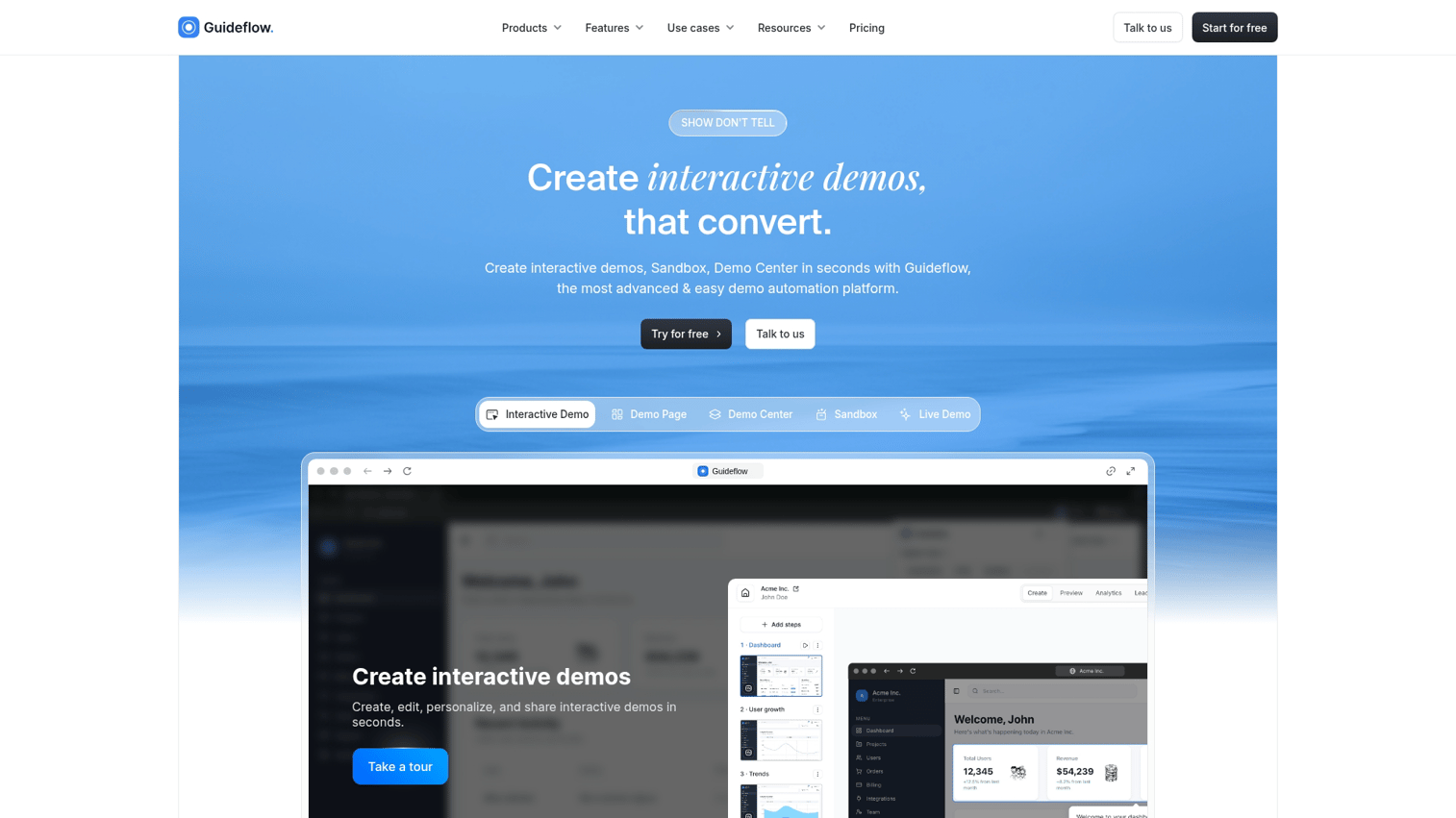
Guideflow is a demo automation platform that covers six demo formats in one library: interactive demos, demo pages, demo centers, sandboxes, live demos, and mobile demos. For the 61% of B2B buyers who prefer a rep-free experience, that means a prospect can explore a sandbox on their own, forward it to the rest of the buying committee, and move to a live demo later without your team rebuilding anything. Share any format as a public link, an embed, a personalized custom link, or on your own domain.
Capture runs through the Chrome extension or the native app. You click through your product as you normally would, step content and CTAs are written automatically, and a working demo is ready in about 2 minutes 30 seconds. Everything after that happens in a no-code editor, with no design or engineering help and no environment to provision. More than 500,000 guideflows have been created on the platform.
Best for: Presales, product marketing, and growth teams that want a self-serve sandbox for early evaluation plus the option to reuse the same captured product in a guided demo, a demo center, or a live call.
Key strengths
- Six formats, one library: Sandboxes for free exploration, interactive demos for guided paths, demo pages and demo centers so prospects self-select by persona or use case, live demos for calls, mobile demos for app products.
- Capture and edit without engineering: Chrome extension or native app, automated step content and CTAs, first demo ready in about 2 min 30 s.
- Personalization per viewer: Edit text, numbers, images, and charts inside the demo, then use variables and conditional branching to change what each viewer sees. Blur or remove sensitive data before you share.
- AI depth: Generate demo content, add narration with voice cloning, present with 150+ avatars or a video clone of your own team, localize into 100+ languages, and edit in plain language.
- MCP server: Connect an AI assistant to your workspace so it builds, personalizes, translates, publishes, and reports on demos alongside your CRM and Slack. A rep gets a personalized demo link from a single instruction.
- Analytics into your CRM: Completion rate, time on step, drop-off, and company-level visitor identification, with in-demo lead forms and Slack intent alerts. Native integrations for HubSpot, Salesforce, Pipedrive, Zoho, and Marketo.
Why pick Guideflow?
Pick Guideflow when you want one platform behind every stage of the demo, from the sandbox a prospect opens before they ever talk to you through to the live call that closes. Sandbox demos sit on the Advanced plan and above, so if self-serve exploration is the only thing you need today, you can start lower with interactive demos and demo pages on the same captured product and move up when the sandbox becomes the bottleneck.
Guideflow pricing
- Free: $0 (5 guideflows, unlimited viewers, 7-day analytics, watermark, 1 member)
- Solo: $35/user/month (unlimited guideflows, advanced analytics, lead forms, no watermark)
- Growth: $499/month (demo center, HTML capture, advanced branching, 10 members included)
- Advanced: $1,499/month (sandbox demos, offline demos, custom domain)
- Enterprise: from $2,999/month (all features, live demo, professional services)
Start your journey with Guideflow today!
2. Testbox
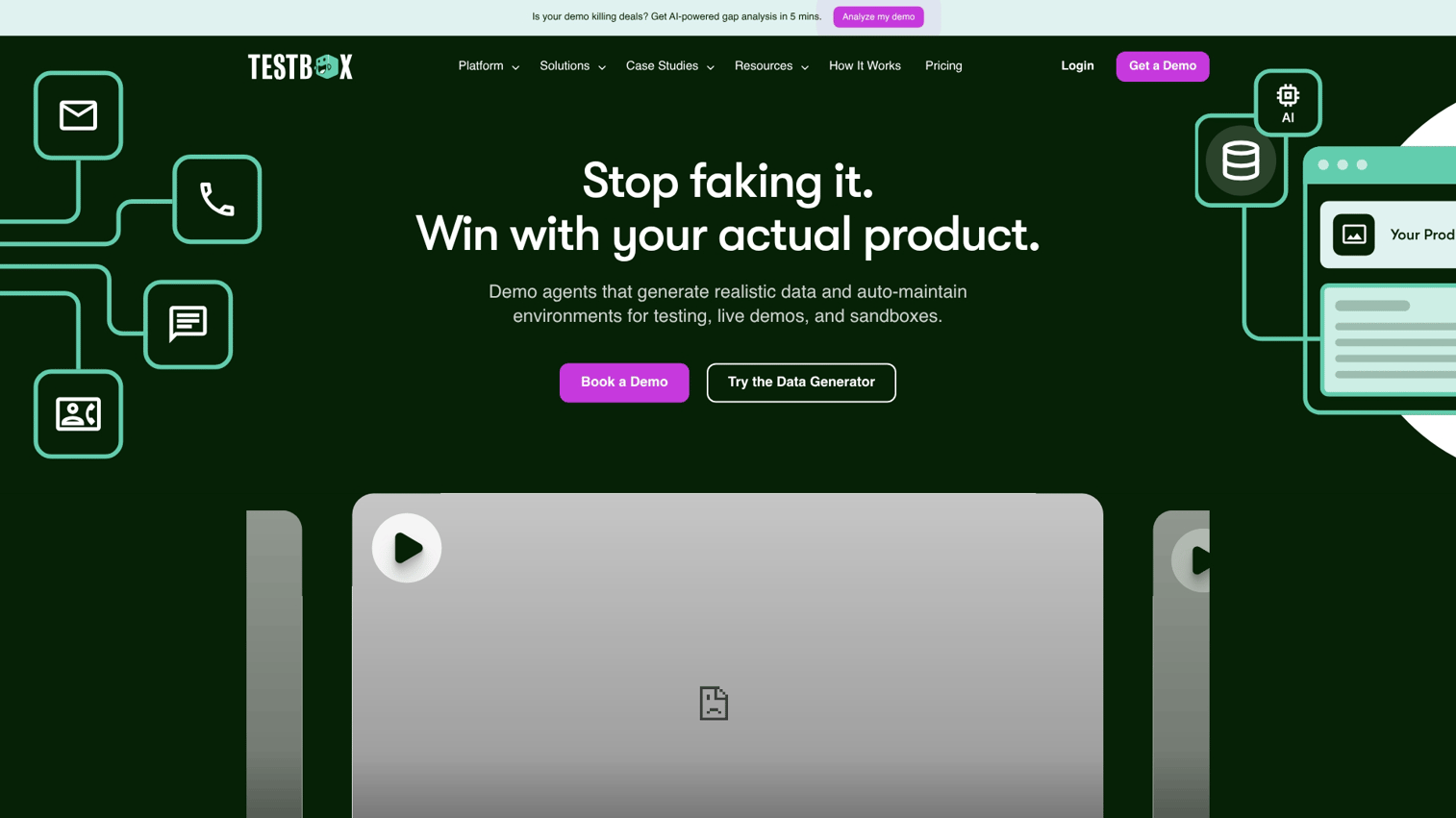
Testbox creates live sandbox environments with real product data for technical evaluation. Unlike captured demos, Testbox provisions actual instances of your product that prospects interact with. This approach is particularly useful for complex enterprise software where buyers want to test integrations or workflows with realistic data.
The platform focuses on the technical validation stage of the sales cycle, where prospects have moved past initial interest and want hands-on proof that your product works for their specific use case.
Best for: Enterprise sales teams with complex products where prospects require hands-on testing with realistic data before committing.
Key strengths
- Live product instances: Prospects interact with real, provisioned environments rather than captured screenshots.
- Pre-configured data sets: Demo environments come loaded with realistic data that showcases your product's capabilities.
- Technical validation focus: Built for the stage where buyers want to test integrations, APIs, and complex workflows.
- Engagement tracking: See which features prospects tested and how they interacted with the environment.
Why pick Testbox?
Testbox works well when your buyers are technical evaluators who won't trust a captured demo. If your sales cycle includes a "proof of concept" stage where prospects want to test with their own scenarios, Testbox handles that use case better than captured sandbox tools.
Testbox pricing
Contact Testbox for pricing. Plans typically scale based on the number of environments and usage.
3. Saleo
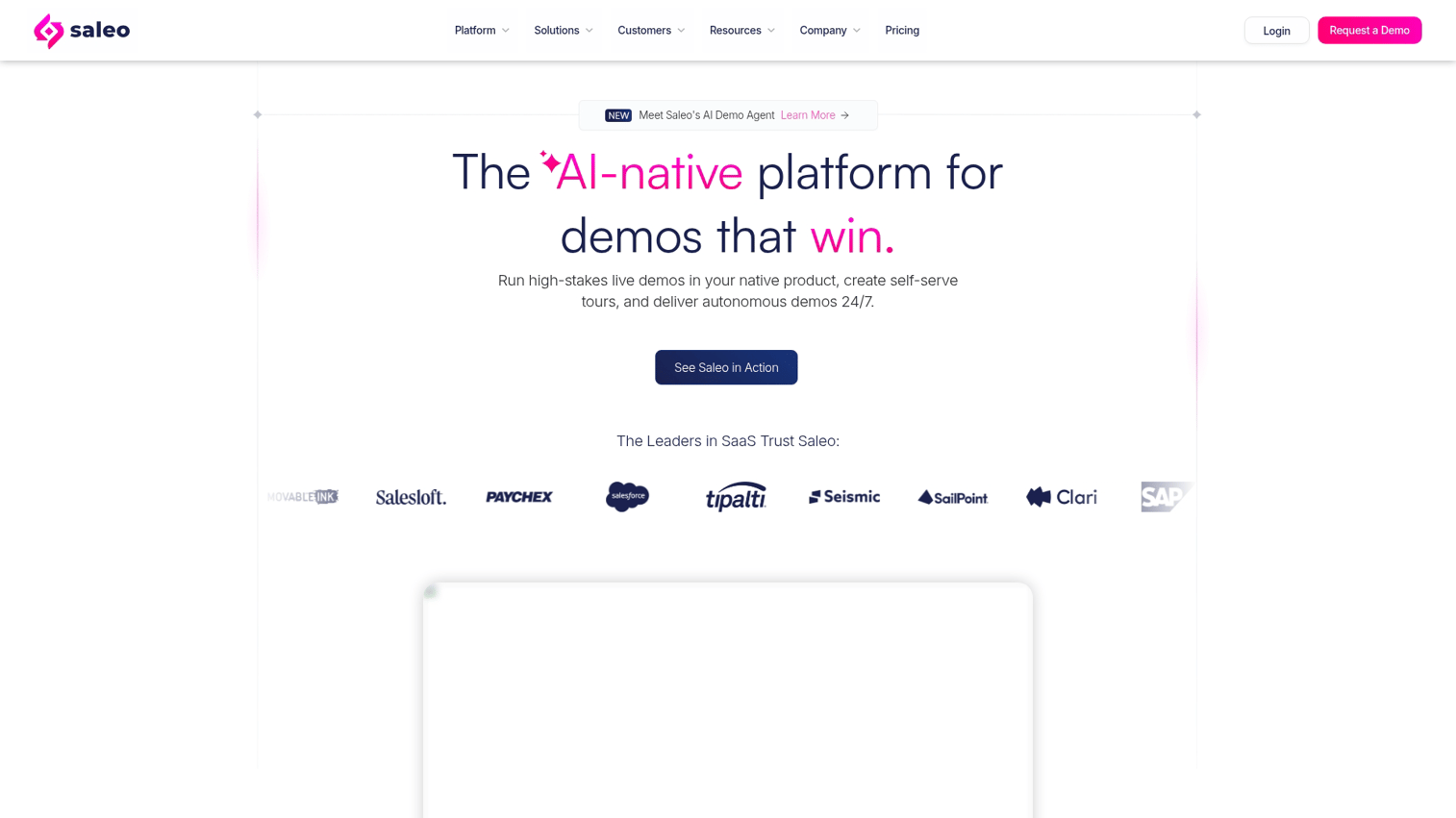
Saleo takes a different approach: instead of creating separate sandbox environments, it overlays personalized data on top of your live production demo. Your AE runs a demo in the real product, and Saleo modifies what appears on screen in real-time to show prospect-specific names, logos, and data.
This approach works well for teams that want to demo in production but struggle with the "fake data" problem. Instead of showing generic placeholder content, Saleo lets you personalize on the fly.
Best for: AEs who run live demos in production and want to personalize the experience without maintaining separate demo environments.
Key strengths
- Real-time data overlays: Modify what appears on screen during live demos without changing your actual product data.
- No separate environment required: Demo in production while showing personalized content.
- Quick personalization: Swap company names, logos, and metrics in seconds before a call.
- Works with existing workflows: Integrates with how your sales team already runs demos.
Why pick Saleo?
Saleo fits teams that prefer live demos over captured experiences but struggle with personalization. If your AEs are already comfortable demoing in production and you just want to solve the "generic data" problem, Saleo adds that layer without changing your workflow.
Saleo pricing
Contact Saleo for pricing. Plans typically vary based on team size and usage.
4. Demodesk
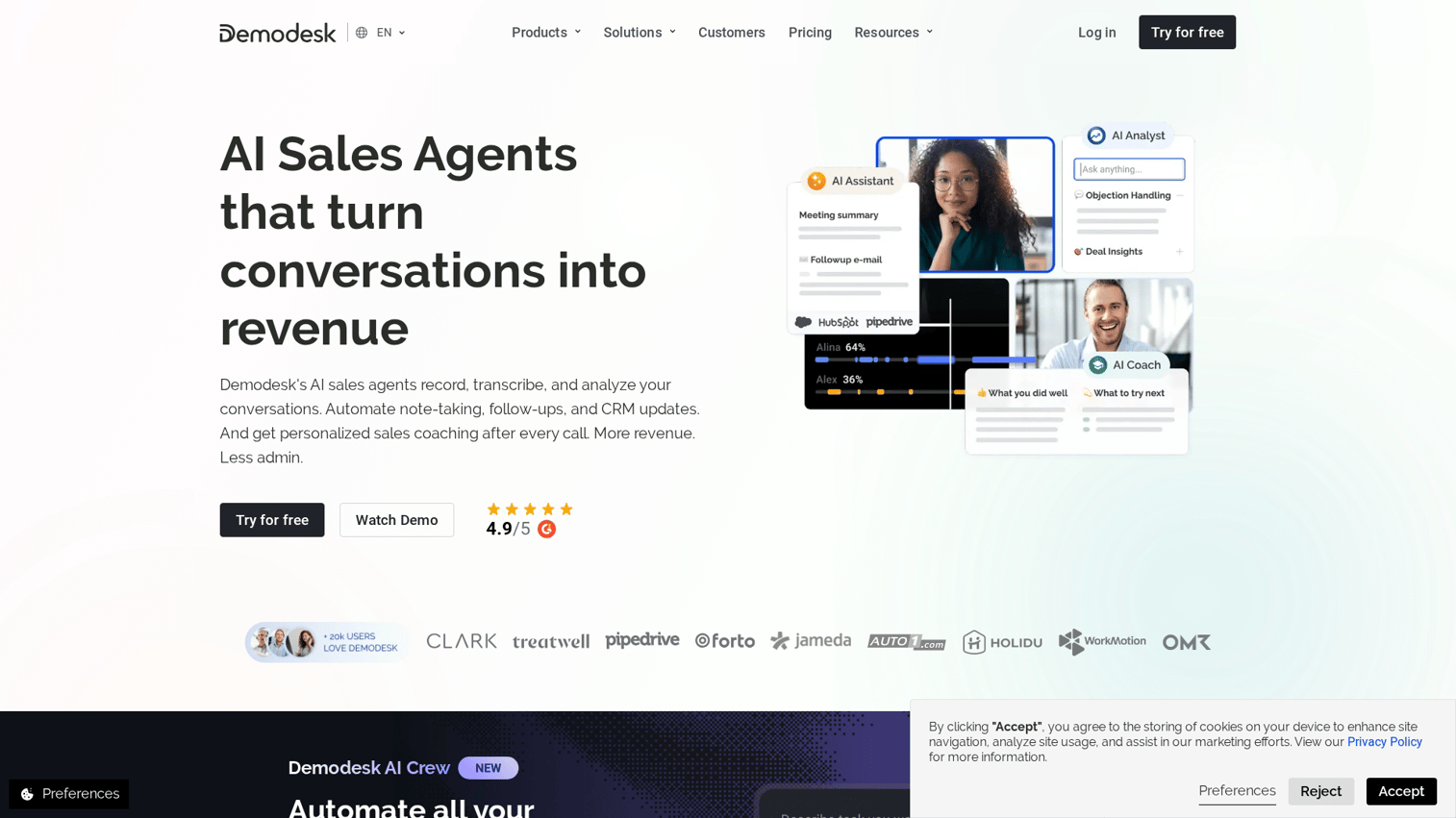
Demodesk combines video conferencing with demo-specific features like screen sharing, playbooks, and meeting scheduling. It's less of a sandbox tool and more of a "demo meeting platform" that helps sales teams run better live demos.
The platform includes features like automated scheduling, CRM integration, and presenter notes that guide AEs through consistent demo flows. If your challenge is less about creating self-serve experiences and more about improving live demo quality, Demodesk addresses that angle.
Best for: Sales teams that run high volumes of live demos and want to standardize the meeting experience with playbooks and automation.
Key strengths
- Integrated scheduling: Prospects book demos directly, and the platform handles calendar coordination.
- Demo playbooks: Guide AEs through consistent talk tracks and feature sequences.
- Screen sharing optimized for demos: Better quality and control than generic video conferencing tools.
- CRM sync: Meeting outcomes and notes flow directly into Salesforce or HubSpot.
Why pick Demodesk?
Demodesk works well for teams that run lots of live demos and want to improve consistency and efficiency. It's not a sandbox tool in the traditional sense, but it solves adjacent problems around demo meeting quality.
Demodesk pricing
Plans start at €39/month per user, with higher tiers for teams needing advanced features and integrations.
5. Omedym
Omedym focuses on AI-powered buyer engagement tracking and content recommendations. The platform helps you understand which demo content resonates with different buyer personas and suggests what to show next based on engagement patterns.
The AI layer analyzes how prospects interact with your demos and provides recommendations for follow-up content. This is useful for teams with large content libraries who struggle to match the right demo to the right buyer.
Best for: Teams with extensive demo content libraries who want AI-powered recommendations for what to show each prospect.
Key strengths
- AI content recommendations: The platform suggests which demos or content to share based on buyer behavior.
- Engagement analytics: Deep tracking of how prospects interact with demo content.
- Content organization: Manage large libraries of demos and sales content in one place.
- Buyer journey mapping: See how prospects move through your content over time.
Why pick Omedym?
Omedym fits teams with lots of demo content who struggle to match the right asset to the right buyer at the right time. The AI recommendations add value when you have enough content that manual curation becomes impractical.
Omedym pricing
Contact Omedym for pricing. Plans typically scale based on content volume and user seats.
6. Tourial
Tourial focuses on marketing-led demo creation, particularly demo centers that organize multiple demos for campaign landing pages. The platform helps marketing teams create self-serve demo experiences that live on the website and nurture prospects before they talk to sales.
The demo center concept is particularly useful for companies with multiple products or personas who want to let prospects self-select their path through the demo experience.
Best for: Marketing teams creating demo centers and multi-demo experiences for campaign landing pages and website embeds.
Key strengths
- Demo center creation: Build branded hubs that organize multiple demos by persona, use case, or product.
- Marketing-first design: Templates and workflows built for campaign integration.
- Website embedding: Easy integration with landing pages and marketing sites.
- Lead capture: Forms and gating options for capturing prospect information.
Why pick Tourial?
Tourial works well for marketing teams who own the demo experience on the website and want to create organized, branded demo centers. It's less focused on sales-led sandbox use cases and more on marketing-led demand generation.
Tourial pricing
Contact Tourial for pricing. Plans typically vary based on demo volume and features.
7. CloudShare
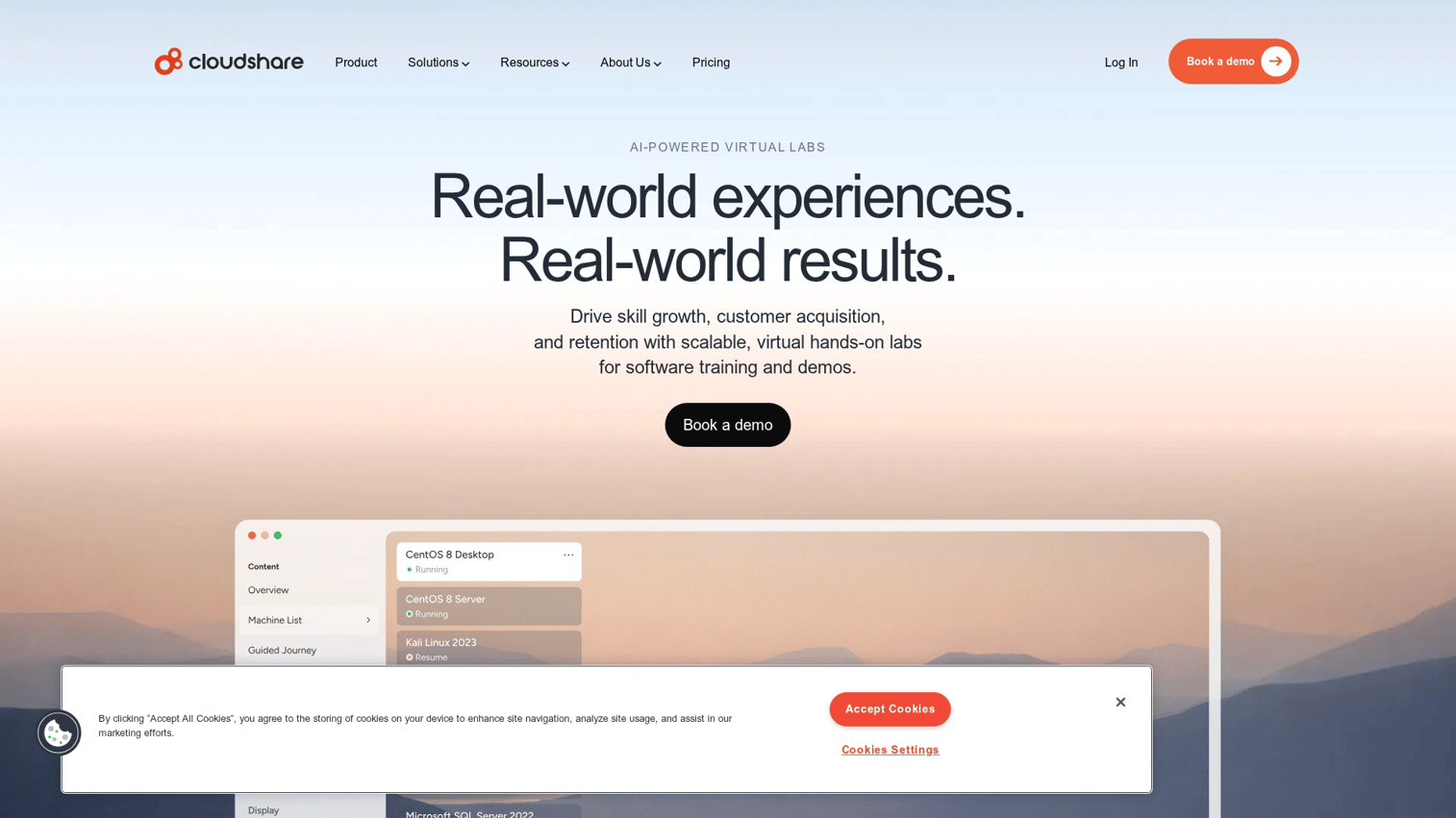
CloudShare provides virtual training and sandbox environments for complex technical products. Unlike captured demo tools, CloudShare provisions full virtual environments that run actual software. This is useful for products that require installation, configuration, or integration testing.
The platform is particularly strong for software that can't be effectively demonstrated through captured screenshots. If your product requires hands-on technical training or proof-of-concept testing, CloudShare provides the infrastructure for full environment provisioning.
Best for: Complex technical products requiring full environment provisioning for training, POCs, or technical validation.
Key strengths
- Full environment provisioning: Spin up complete virtual environments with your software installed and configured.
- Training and certification: Built-in features for technical training programs and certification tracks.
- Lab environments: Create hands-on labs where prospects or customers practice using your product.
- Enterprise scale: Infrastructure designed for large-scale training and POC programs.
Why pick CloudShare?
CloudShare fits when captured demos aren't enough and you need prospects to interact with fully provisioned environments. It's overkill for simple SaaS products but essential for complex enterprise software with installation or integration requirements.
CloudShare pricing
Contact CloudShare for pricing. Plans typically scale based on environment usage and concurrent users.
8. Instruqt
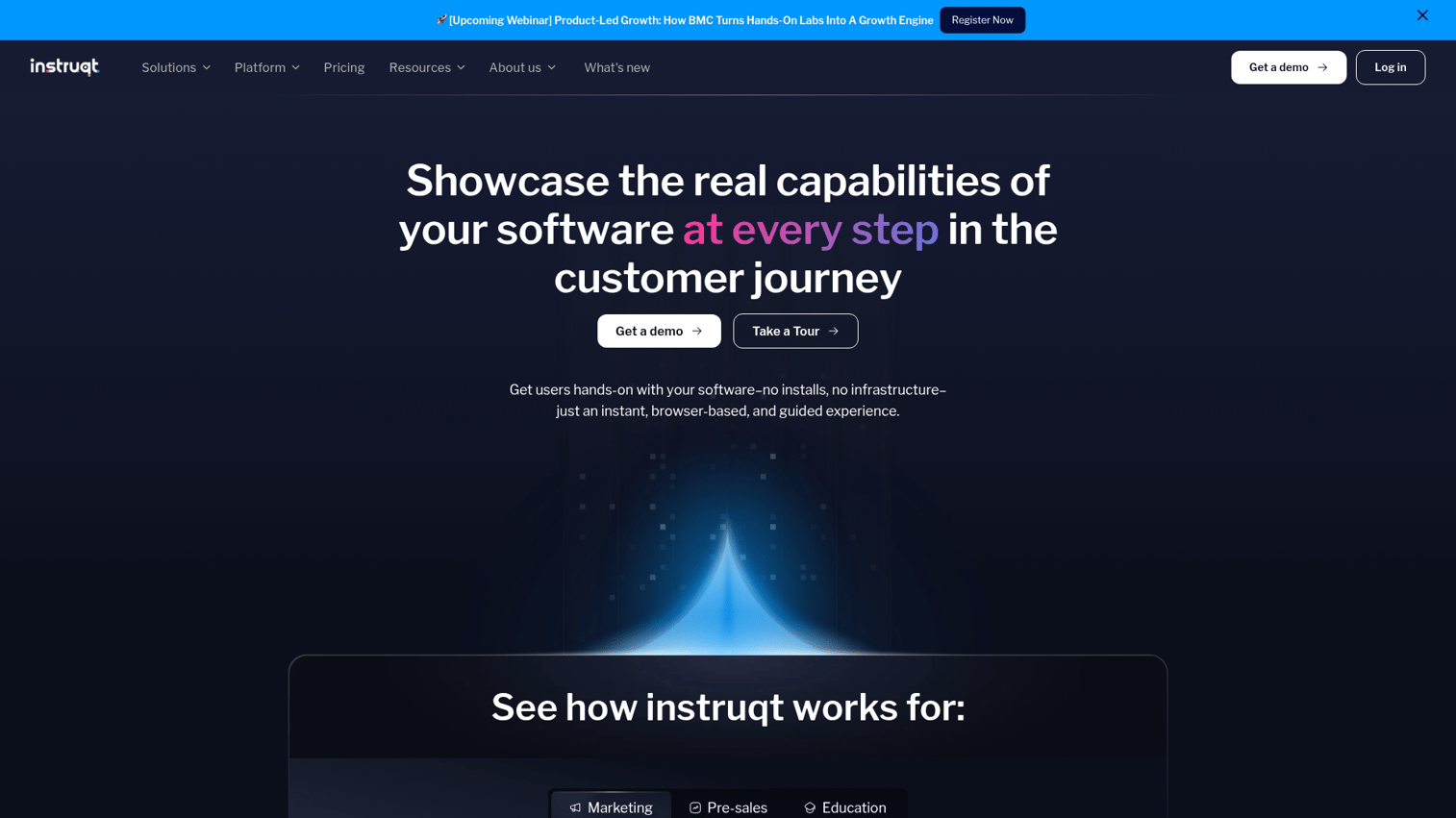
Instruqt builds developer-focused sandbox platforms for hands-on labs and technical tutorials. The platform is designed for products where the buyer is a developer who wants to write code, test APIs, or complete technical challenges before purchasing.
If your product is developer tools, infrastructure software, or anything where the evaluation process involves writing code, Instruqt provides the sandbox infrastructure for that use case.
Best for: Developer tools and technical products where hands-on labs and coding tutorials drive evaluation and adoption.
Key strengths
- Code execution environments: Prospects write and run code in sandboxed environments.
- Tutorial and lab creation: Build guided technical tutorials with checkpoints and validation.
- Developer-first design: UX built for technical audiences who want to learn by doing.
- Integration with DevRel workflows: Fits into developer relations and technical marketing programs.
Why pick Instruqt?
Instruqt is the right choice when your buyers are developers who evaluate products by writing code. It's not a general-purpose demo tool, but it's excellent for developer-focused product evaluation.
Instruqt pricing
Contact Instruqt for pricing. Plans typically vary based on lab usage and concurrent users.
How to evaluate sandbox tools for your team
Choosing among the best sandbox tools depends on your specific use case, technical requirements, and how demos fit into your sales motion.
1. Define your primary use case
Different use cases call for different tools. Ask yourself: Who creates demos? Who views them?
What happens after someone engages?
- Marketing embeds: You want demos on landing pages that nurture prospects before they talk to sales.
- Sales follow-ups: You want to send personalized demos after discovery calls to keep deals moving.
- Presales technical validation: You want prospects to test your product hands-on before committing.
2. Assess technical requirements and stack fit
Check integrations with your existing CRM, marketing automation software, and analytics tools. Confirm security requirements like SSO and SOC 2 compliance. Verify browser compatibility and whether the tool works with your product's tech stack.
If your product uses complex JavaScript frameworks or has unusual rendering, test capture quality before committing.
3. Calculate total cost of ownership
Look beyond license fees. Factor in implementation time, ongoing maintenance, and creator seat costs. Some tools scale by views, others by seats, and the pricing model that looks cheaper upfront might cost more at scale.
4. Test with a real demo scenario
Run a pilot with an actual sales workflow before committing. Capture your highest-value use case and see how the tool handles it. Pay attention to capture quality, editing flexibility, and whether the final demo actually looks like your product.
How to create an online sandbox demo without engineering
Most modern sandbox tools follow a similar workflow:
- Install the browser extension from your chosen tool.
- Navigate through your product as you would in a normal demo, clicking through the workflow you want to capture.
- Click to capture each screen and interaction. The tool records what you see and do.
- Edit in the no-code builder. Add branding, blur sensitive data, add guidance tooltips, and customize the experience.
- Generate a shareable link or embed code. Share demos via link or embed on your website, in emails, or through your sales sequences.
Most teams complete their first demo in under 30 minutes. The editing and personalization phase adds time depending on how polished you want the final experience.
Best practices for sandbox demo engagement
Creating a sandbox is only half the work. Getting prospects to actually engage with it, and using that engagement to close deals, requires some tactical thinking.
Start with your highest-value workflow
Lead with the "aha moment" your product delivers. Don't bury the value in feature tours or setup screens. If your product's magic happens in the reporting dashboard, start there.
Add guided paths for first-time viewers
Layer guided tooltips or suggested flows on top of free exploration. Help buyers find the value without forcing a linear experience. The best sandboxes let prospects choose their own adventure while providing guardrails for those who want direction.
Use engagement data for follow-up prioritization
Prospects who explore pricing or integration pages signal different intent than those who bounce after the first screen. Use your sandbox analytics to prioritize follow-up. A prospect who spent 10 minutes exploring your API documentation is a different conversation than one who watched the overview and left.
Keep sandboxes updated with product changes
Set a maintenance cadence. Outdated sandboxes erode trust and create confusion during sales calls. If your product UI changes significantly, recapture affected workflows.
When to consider sandbox alternatives
- Simple products: If your value proposition is obvious in one screen, a guided interactive demo or a short product video will get there faster than a full sandbox.
- Early-stage startups: If your product changes weekly, start with a short interactive demo covering the one workflow that sells, then add a sandbox once the UI settles. Recapturing a few steps takes minutes, not a rebuild.
- Highly regulated industries: If data handling raises compliance questions, blur or remove sensitive fields before sharing and gate access with links, SSO, and expiry rather than dropping self-serve entirely.
- Developer tools: If evaluation means running code, a playground or free trial belongs alongside the sandbox rather than instead of it. The sandbox still earns its place earlier, showing the non-developers on the committee what the product does.
How to choose the right sandbox tool for your team
The decision framework is straightforward.
Match the tool to your primary use case. Marketing-led demand generation, sales follow-ups, and presales technical validation each call for different capabilities. Don't buy an enterprise tool for a marketing embed use case.
Prioritize integrations with your existing stack. A sandbox tool that doesn't feed data into your CRM creates another silo. Look for native integrations with Salesforce, HubSpot, or whatever you're already using.
Test before you commit. Run a pilot with your actual product and your actual sales workflow. The vendor's demo is always polished.
Your content is the real test.
For teams that want flexibility across sandbox, interactive demo, and live demo formats, Guideflow offers the combination of fast capture, deep analytics, and enterprise-grade security without forcing you to choose one format.
Start your journey with Guideflow today!
FAQs about sandbox tools for sales demos
Most sandbox tools let you capture and publish a basic demo in under 30 minutes using a browser extension. Editing and personalization add more time depending on complexity, but teams typically ship their first demo the same day they start.
No. Sandbox environments are isolated copies that reset for each viewer. Prospects cannot affect your production data or other users' experiences.
You'll typically recapture affected workflows when your product UI changes significantly. Most tools make this a quick refresh rather than a full rebuild.
Yes. Sandbox tools handle multi-step workflows by capturing each screen and transition. Some tools even support branching paths for different user choices.
Yes. Many teams repurpose sales sandboxes for onboarding, training, and support documentation. Customer success teams often find sandboxes reduce support ticket volume.
Track engagement metrics like completion rate and feature exploration, then correlate with pipeline velocity, meeting conversion, and deal outcomes in your CRM.
Start with your highest-value workflow, protect sensitive data, personalize for each prospect, and use engagement analytics to prioritize follow-up.
Several of the best sandbox tools offer free tiers with limited features or viewer caps. Guideflow, for example, offers a free plan with 5 guideflows and unlimited viewers.