Users sign up but never stick around. That's the problem product adoption software exists to fix - and the category has exploded.
Dozens of digital adoption platforms now promise to guide your users from sign-up to habit. Some are built for SaaS onboarding. Others target employee training on enterprise tools like Salesforce or SAP. A few try to do both. Picking the wrong one wastes months and budget.
What's inside
This guide compares 14 product adoption software tools across pricing, features, use-case fit, and honest trade-offs. We evaluated each platform based on feature depth, ease of implementation, publicly available pricing, third-party review scores from G2, and suitability for different team sizes.
You'll find a quick-glance comparison table up front, a feature evaluation framework, individual reviews with real cons, and a decision guide for narrowing your shortlist. Whether you're a product manager at a 50-person SaaS startup or a VP of Customer Success at a mid-market company building a digital adoption strategy, this breakdown should save you a few dozen vendor calls.
TL;DR
- Best for pre-purchase product adoption: Guideflow. Interactive demos and sandboxes that let prospects experience your product before they sign up, priming faster in-app activation later.
- Best for multilingual employee rollouts: Lemon Learning - no-code in-app guidance across web, desktop, and legacy enterprise apps
- Best analytics + adoption combo: Pendo - retroactive analytics and in-app guides in one platform
- Best for enterprise digital transformation: WalkMe - deep integrations with SAP, Workday, and Salesforce
- Best for SaaS onboarding on a mid-market budget: Userpilot - strong flow builder, A/B testing, and surveys from ~$249/mo
- Best budget pick: UserGuiding - solid feature set starting at ~$69/mo
- Best for employee training: Whatfix - auto-generates training content in multiple formats
- Best analytics-first approach: Amplitude - identify adoption gaps before deploying targeted guidance
Quick-glance comparison table
| Tool | Best For | Starting Price | G2 Rating | Standout Feature |
|---|---|---|---|---|
| Guideflow | Pre-purchase product adoption | Free + $35/mo | 5.0/5 | Interactive demos and sandboxes for prospects |
| Lemon Learning | Employee software adoption | Custom | 4.8/5 | Fast no-code guidance across enterprise apps |
| Pendo | Analytics + adoption combined | Free (500 MAU); paid ~$7K/yr | 4.4/5 | Retroactive analytics (no event tagging) |
| WalkMe | Enterprise digital transformation | Custom (~$10K+/yr) | 4.5/5 | SAP-integrated enterprise DAP |
| Whatfix | Employee training & compliance | Custom (mid-market tier available) | 4.6/5 | Auto-generated multi-format training content |
| Userpilot | SaaS user onboarding | ~$249/mo | 4.6/5 | A/B testing for in-app experiences |
| Appcues | Non-technical teams | ~$249/mo | 4.6/5 | Easiest no-code builder |
| Gainsight PX | CS-driven adoption | Custom (mid-to-high enterprise) | 4.4/5 | Deep Gainsight CS integration |
| Apty | Complex enterprise rollouts | Custom enterprise | 4.7/5 | Workflow validation & data quality enforcement |
| UserGuiding | Budget-friendly option | ~$69/mo | 4.7/5 | Full feature set at startup pricing |
| Product Fruits | Mid-market European teams | ~$79/mo | 4.7/5 | GDPR-native with EU data hosting |
| Userflow | Speed of implementation | ~$240/mo | 4.8/5 | Rapid flow builder with AI-assisted content |
| Amplitude | Analytics-first product teams | Free; paid custom | 4.5/5 | Behavioral cohort analysis + experimentation |
| Userlane | IT & change management | Custom enterprise | 4.5/5 | HEART analytics framework |
What is product adoption software?
Product adoption software - also called a digital adoption platform (DAP) or digital adoption software - helps users discover, learn, and habitually use a product's features. It does this through in-app guidance, analytics, automated onboarding flows, and feedback collection.
There are two broad use cases. Customer-facing adoption focuses on helping SaaS users reach their "aha moment" faster. Employee-facing adoption trains internal teams on tools like Salesforce, Workday, or SAP. Some digital adoption platforms serve both audiences; others specialize.
The category has grown quickly alongside product-led growth strategies, remote work, and SaaS sprawl. When you have hundreds of features and thousands of users, one-on-one onboarding calls don't scale. Digital adoption solutions do.
Core capabilities tend to include:
- In-app walkthroughs and tooltips
- Onboarding checklists
- Feature usage analytics
- User segmentation and targeting
- In-app surveys and feedback collection
- Resource centers and knowledge bases
Key features to look for in product adoption software
Before diving into individual digital adoption tools, here's a framework for evaluating what actually matters.
No-code in-app guidance builder
Building walkthroughs, tooltips, modals, and checklists shouldn't require engineering sprints. In 2026, a WYSIWYG editor or Chrome extension builder is table stakes for any adoption software. Look for flexibility in targeting rules, multi-step flow logic, and the ability to preview changes before publishing.
The best builders let you layer in-app guidance on top of your product without touching your codebase. That means your product or CS team can ship onboarding updates the same day they identify a friction point - without pinging someone on Slack. If you're also looking for ways to create interactive demos that showcase your product's value before users even sign up, that's a complementary approach worth exploring.
Product analytics and adoption metrics
You can't improve what you don't measure. Strong product adoption metrics tracking includes feature usage heatmaps, funnel analysis, cohort analysis, time-to-value measurement, and adoption scoring. Key metrics to watch: DAU/MAU ratio, feature adoption rate, activation rate, and retention curves.
The best platforms tie these metrics directly to in-app experiences, so you can see which guide actually moved the needle on activation - not just how many users clicked "next."
User segmentation and targeting
Showing every user the same tooltip is a waste. Behavioral, demographic, and event-based segmentation lets you deliver the right guidance to the right user at the right time. A new trial user needs a different experience than a power user exploring an advanced feature.
Look for platforms that support real-time segmentation based on in-app events, user properties, and lifecycle stage.
AI-powered capabilities (2026 focus)
This is where the category is shifting fastest. AI capabilities in 2026 include auto-generated onboarding flows based on user behavior patterns, predictive churn signals, AI copilots for in-app help, natural language search in knowledge bases, and auto-localization for multi-language products.
Not every tool has meaningful AI features yet. Some have bolted on an LLM wrapper. Others - like Pendo's AI agent analytics and Userflow's AI-assisted content - are building AI deeper into the workflow. Ask vendors what their AI actually does, not just whether they have it.
Integrations and data ecosystem
Your adoption software doesn't exist in a vacuum. CRM integrations (Salesforce, HubSpot), analytics tools (Amplitude, Mixpanel, Segment), support platforms (Zendesk, Intercom), and data warehouses all need to connect. Integration depth directly affects how well you can tie adoption data to revenue, support tickets, and customer health scores.
A digital adoption platform with shallow integrations creates another data silo. That's the opposite of what you need.
Feedback and survey tools
In-app NPS, CSAT, micro-surveys, and feature request collection close the loop between what users do and what they think. The best user onboarding software lets you trigger surveys based on specific actions - like asking for feedback right after a user completes a new workflow for the first time.
The 14 best product adoption software tools in 2026
Each tool below was evaluated on feature depth, ease of implementation, pricing accessibility, G2 review scores, and suitability for different team sizes and use cases. The order reflects a combination of market presence, feature breadth, and editorial judgment - not a strict ranking.
1. Guideflow
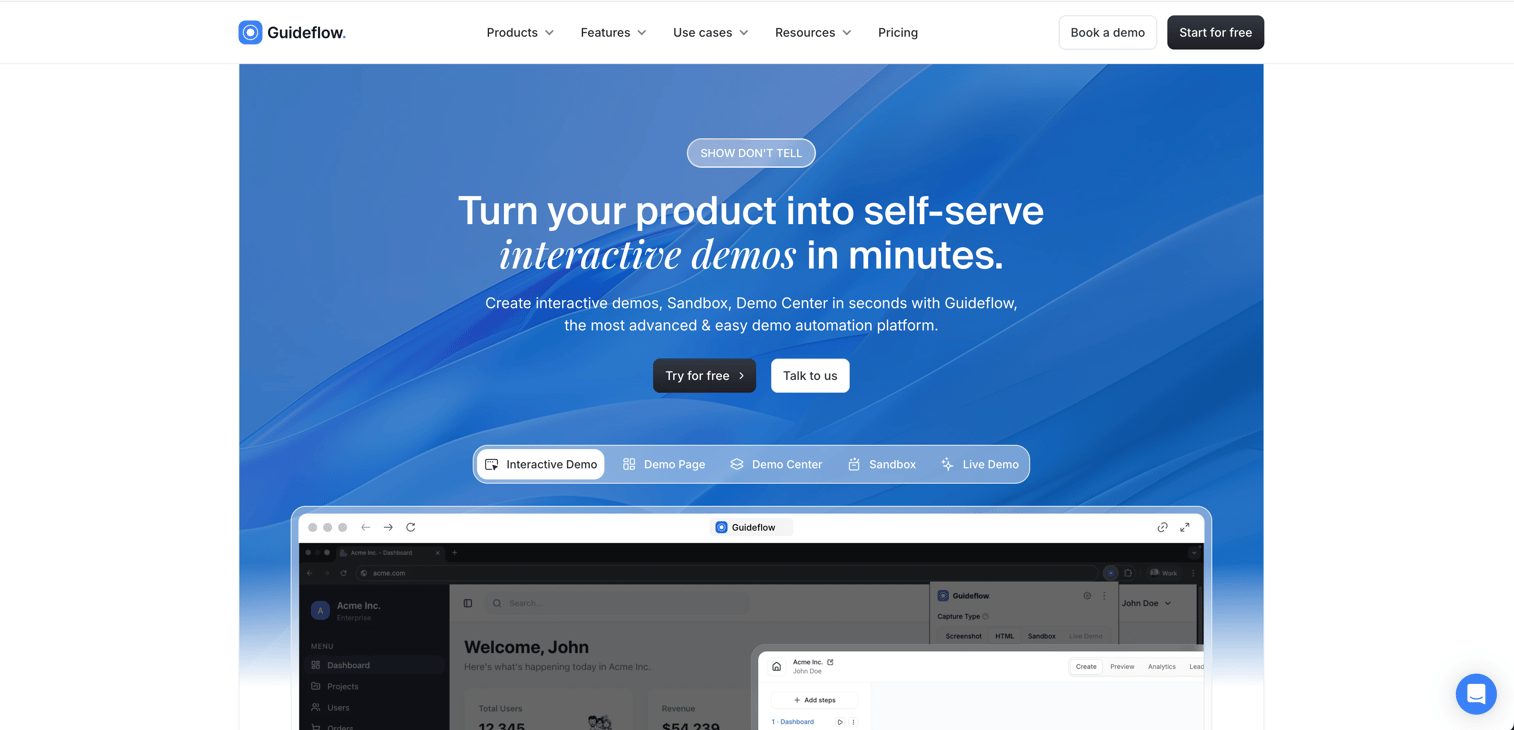
Guideflow approaches product adoption from a different angle. Instead of only guiding users once they are inside your app, Guideflow lets prospects experience the product beforehand through interactive demos and sandboxes.
Product marketing, pre-sales, and customer success teams use Guideflow to shorten time-to-value across the buyer journey. Prospects who try the product on a website or in an email arrive at signup already primed, which lifts activation and reduces the workload for downstream in-app guidance.
Best for: Product marketing, pre-sales, and customer success teams who want to accelerate adoption before and after signup
Key strengths
- No-code capture through the Chrome extension or native app, in screenshot, HTML, or video mode
- Multiple demo formats including interactive demos, sandboxes, demo pages, and demo centers
- AI-powered editing, translations, and voiceovers for global launches
- Behavioral analytics with completion rates, drop-offs, and CRM sync
- Flexible distribution through website embeds, links, emails, and social channels
Pricing: Free plan available. Solo at $35/user/month, Growth at $499/month, Advanced at $1,499/month, Enterprise from $2,999/month.
G2 Rating: 5.0/5
Honest trade-offs: Guideflow is not a traditional in-app overlay. Teams that need persistent tooltips and walkthroughs inside a signed-in product will want to pair Guideflow with a dedicated in-app guidance tool. SSO sits on the Enterprise tier.
Start your journey with Guideflow today
2. Lemon Learning - best for employee software adoption
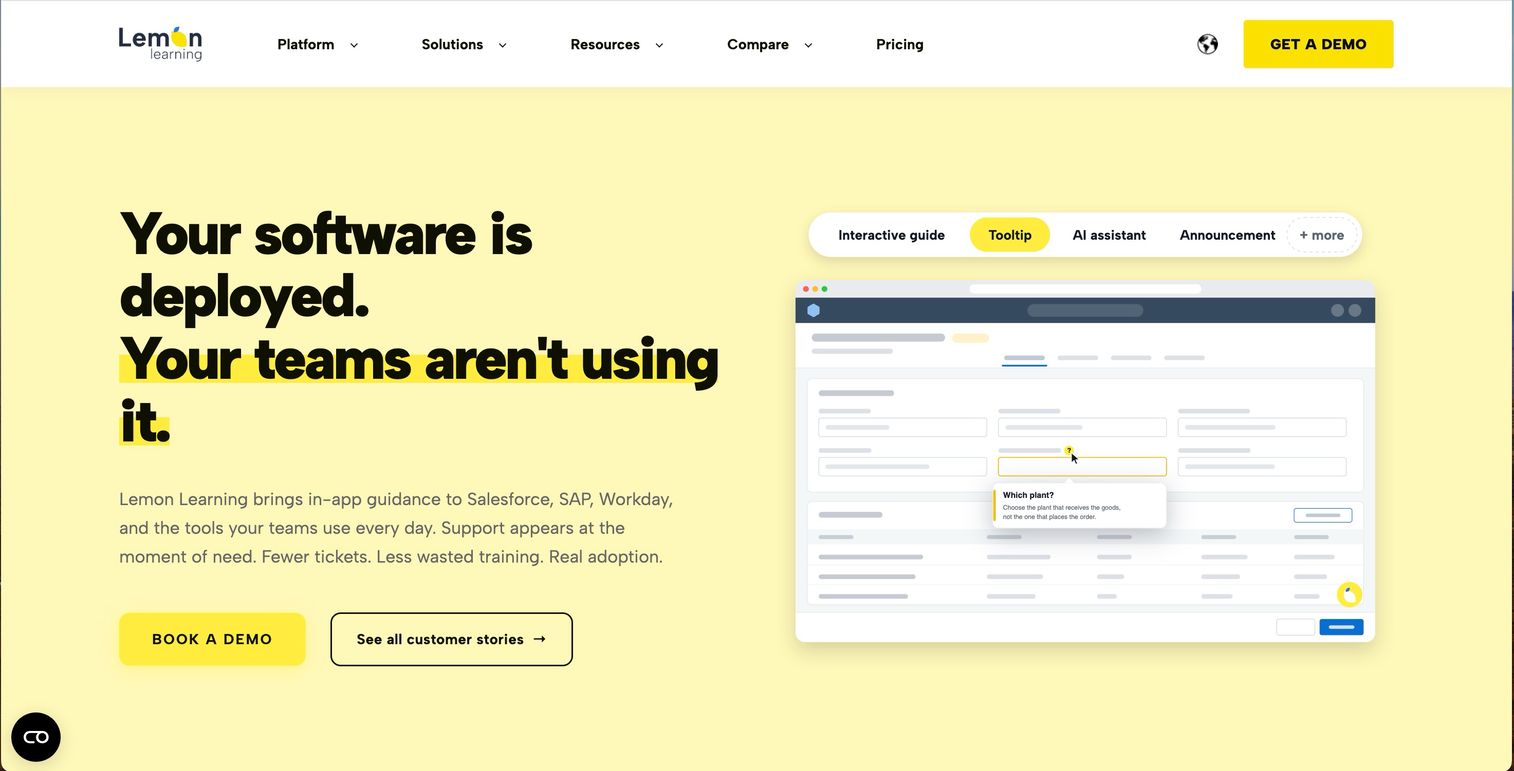
Lemon Learning helps employees learn business software inside the tools they already use. It supports web, SaaS, desktop, and legacy applications, including Salesforce, SAP, Workday, and ServiceNow.
Its main strength is ease of rollout. Teams build step-by-step guides, tooltips, and contextual help with a no-code editor, so L&D and operations can update guidance without waiting on developers. Multilingual delivery and adoption analytics round it out, which is what makes it workable for rollouts spanning several countries and a mix of modern and legacy systems.
Best for: Enterprise teams training employees across multiple business applications
Key strengths
- No-code in-app guides, tooltips, and contextual help
- Coverage across web, desktop, legacy, and in-house applications
- Multilingual guidance for global rollouts
- Adoption analytics for usage and friction points
- Fast setup without heavy developer involvement
Pricing: Custom enterprise pricing
G2 Rating: 4.8/5
Honest trade-offs: Pricing is not public, so budgeting requires a vendor conversation. Lemon Learning is built for employee adoption rather than customer-facing SaaS onboarding, and its review base is smaller than the enterprise incumbents, so smaller product teams will likely prefer a lighter onboarding tool.
3. Pendo - best for product analytics + adoption combined
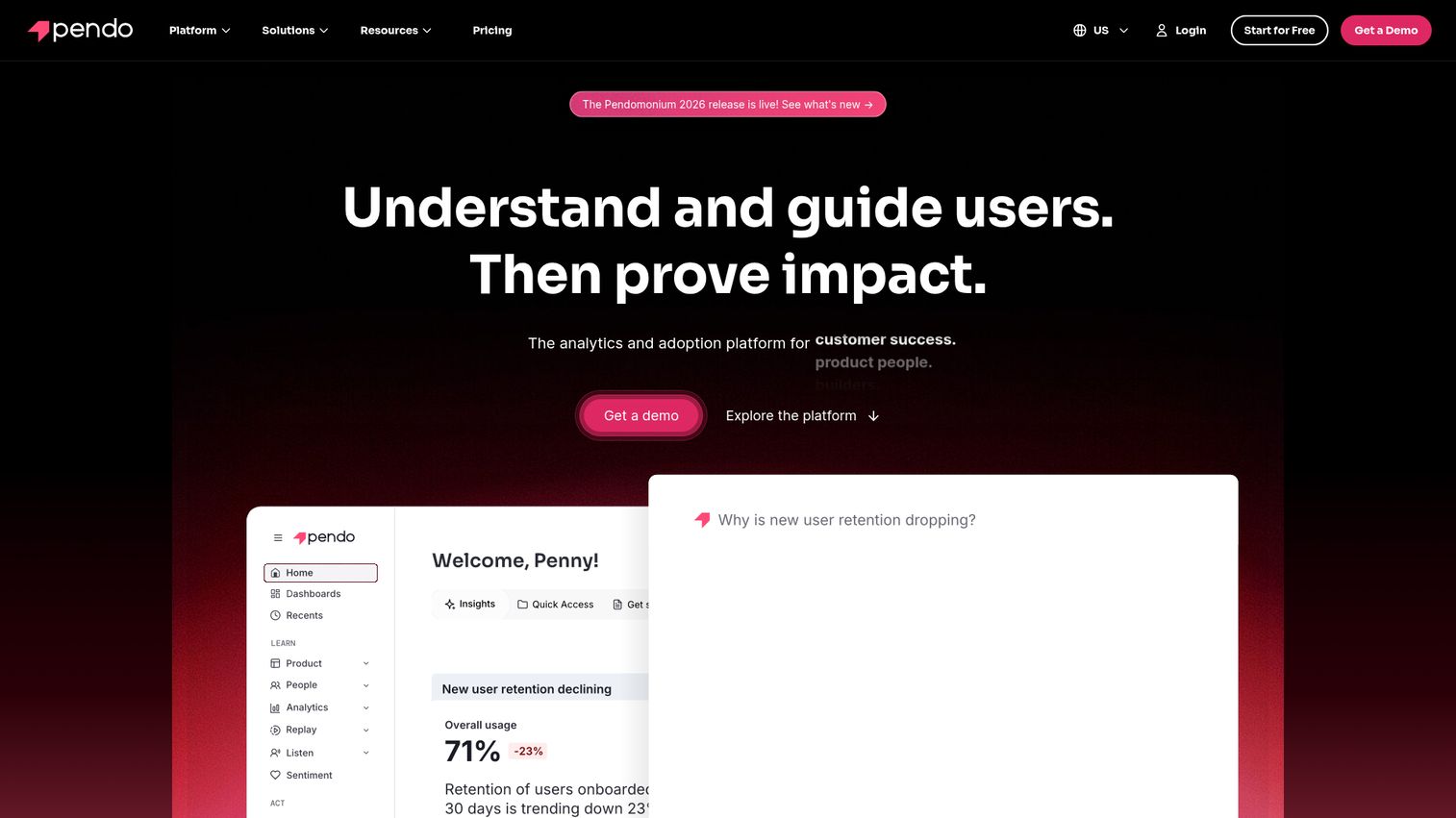
Pendo is a product experience platform that combines retroactive analytics, in-app guidance, session replays, and feedback - all without requiring event tagging upfront.
What makes Pendo distinct is its analytics-first approach. You install the snippet, and it starts capturing data retroactively. You don't need to define events before tracking them. In 2026, Pendo's AI agent analytics layer adds predictive adoption signals and auto-segmentation, which works particularly well for product teams that want data to drive their in-app guidance decisions rather than the other way around. You can explore how Pendo's interface works through an interactive walkthrough.
Best for: Product teams who want analytics and adoption guidance in a single platform
Key strengths
- Retroactive analytics with no pre-defined event tagging
- AI-powered agent analytics for predictive insights
- Built-in session replays alongside guide performance data
- Free tier available for early-stage validation
- Strong cross-platform support including mobile SDKs
Pricing: Free for up to 500 MAU; paid plans from ~$7K/year (Growth tier)
G2 Rating: 4.4/5
Honest trade-offs: The free tier is genuinely useful but limited. Paid plans jump significantly in price. The guide builder, while capable, isn't as intuitive as Appcues or Userflow. And if you're primarily looking for employee-facing adoption, Pendo isn't built for that.
4. WalkMe - best for enterprise digital transformation
WalkMe is the category pioneer and the enterprise heavyweight in digital adoption platforms. Following its SAP's acquisition of WalkMe in 2024, WalkMe has deepened its integrations with enterprise software stacks.
WalkMe's strength is helping large organizations drive adoption of complex internal tools - Salesforce, Workday, SAP, ServiceNow. Its WalkMe Discovery feature detects shadow IT detection and tracks which applications employees actually use. WalkMe competitors like Whatfix and Apty target similar enterprise use cases, but WalkMe's scale and SAP backing give it an edge in organizations already invested in the SAP ecosystem.
Best for: Large enterprises rolling out or optimizing complex internal software
Key strengths
- Deep enterprise integrations with SAP, Salesforce, and Workday
- Shadow IT detection via WalkMe Discovery
- Robust analytics for tracking enterprise-wide adoption
- Multi-application support across web and desktop
- Mature change management and compliance workflows
Pricing: Custom enterprise pricing, typically $10K+/year
G2 Rating: 4.5/5
Honest trade-offs: WalkMe has a steep learning curve. Implementation often takes 1–3 months with dedicated resources. It's expensive for mid-market companies, and it's not a natural fit for customer-facing SaaS onboarding. If you're a 50-person startup, this isn't your tool.
5. Whatfix - best for employee training and compliance
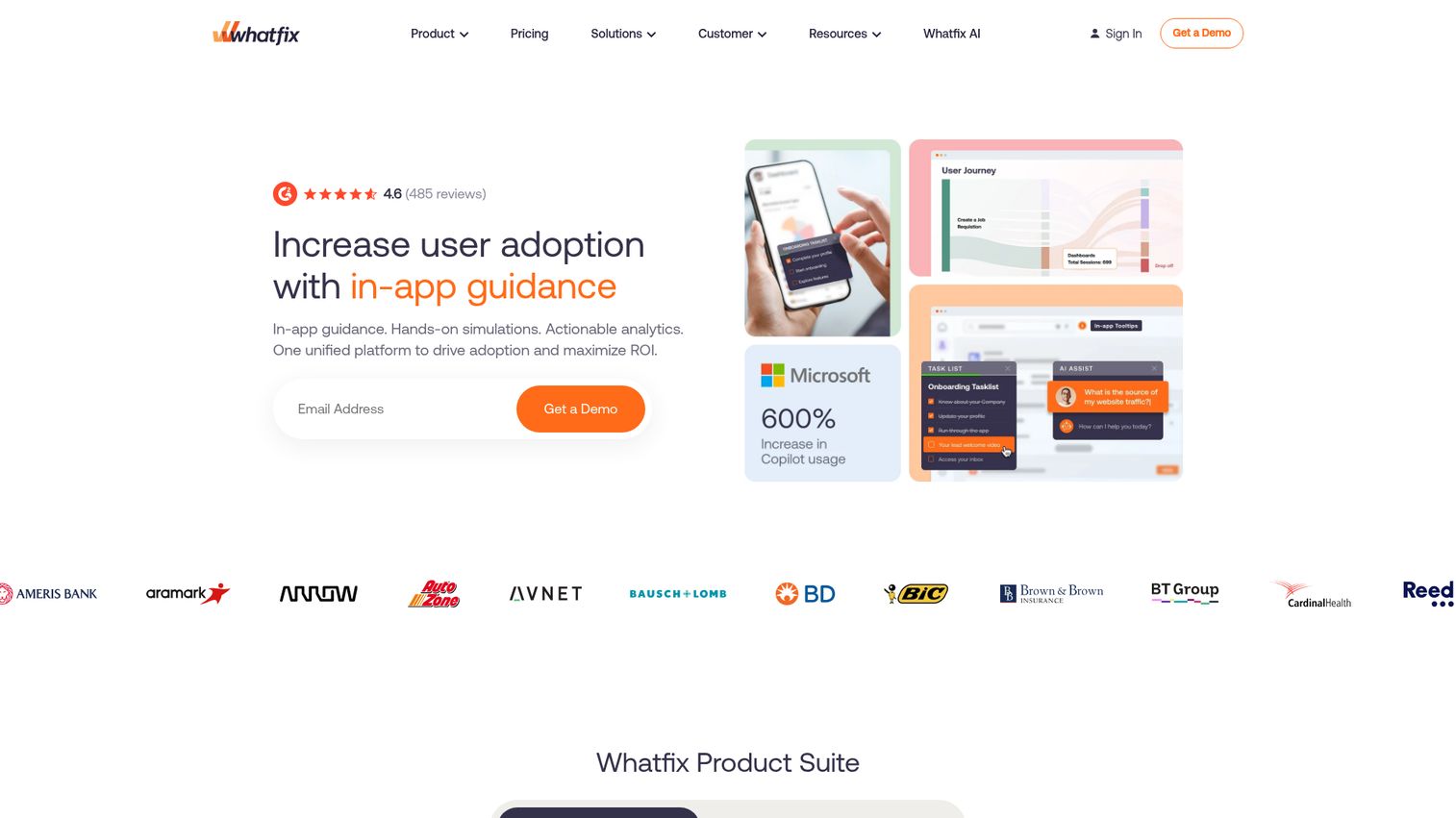
Whatfix stands out for its ability to auto-generate training content in multiple formats - PDFs, videos, slideshows - from a single interactive walkthrough.
This makes it particularly strong in regulated industries like banking and healthcare, where compliance documentation and audit trails matter. Whatfix supports web, desktop, and mobile applications, which is important for organizations with mixed technology environments. Its enterprise compliance tracking features go deeper than most digital adoption tools in the category.
Best for: Organizations needing employee training, compliance tracking, and multi-format content generation
Key strengths
- Auto-generated training content from single walkthrough source
- Multi-platform support across web, desktop, and mobile
- Enterprise compliance tracking and audit trails
- Strong presence in regulated industries
- Self-service knowledge base with in-app search
Pricing: Custom enterprise pricing; mid-market tier available on request
G2 Rating: 4.6/5
Honest trade-offs: Whatfix's product analytics capabilities are noticeably thinner than Pendo or Amplitude. Its pricing is enterprise-oriented, which can be a barrier for smaller teams. And if your primary goal is customer-facing SaaS onboarding, you'll find more purpose-built options elsewhere.
6. Userpilot - best for SaaS user onboarding
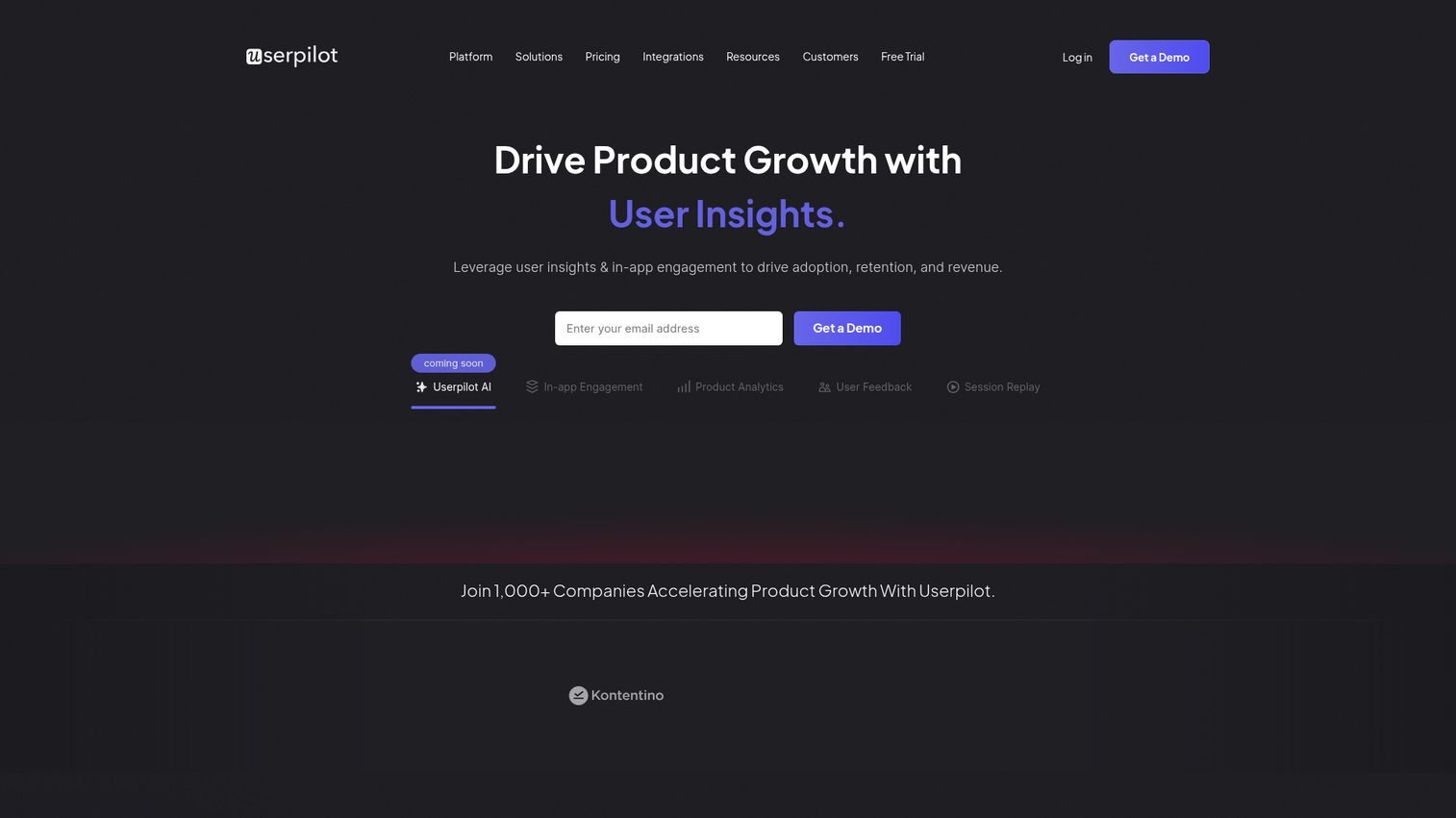
Userpilot is a product-growth platform built specifically for SaaS teams that want to improve onboarding, feature adoption, and retention without heavy engineering involvement.
Its flow builder, feature tagging, A/B testing for in-app experiences, and native NPS/survey tools hit a sweet spot for mid-market SaaS companies. Userpilot balances analytics and in-app guidance at a price point that doesn't require enterprise-level budgets - which is rare in this category. It's a strong fit for product-led growth teams focused on user onboarding software that actually connects to business outcomes.
Best for: Mid-market SaaS teams focused on onboarding, activation, and product-led growth
Key strengths
- A/B testing built into in-app experience builder
- Feature tagging for adoption tracking without code
- Native NPS, CSAT, and micro-survey tools
- Solid analytics dashboard with funnel and cohort views
- Reasonable mid-market pricing relative to feature depth
Pricing: Starter ~$249/mo; Growth ~$499/mo
G2 Rating: 4.6/5
Honest trade-offs: Userpilot is web-only - there's no mobile SDK. If your product has a mobile app, you'll need a second tool. Its employee-training features are minimal. And while its analytics are good, they don't match the depth of a dedicated platform like Amplitude.
7. Appcues - best for non-technical teams
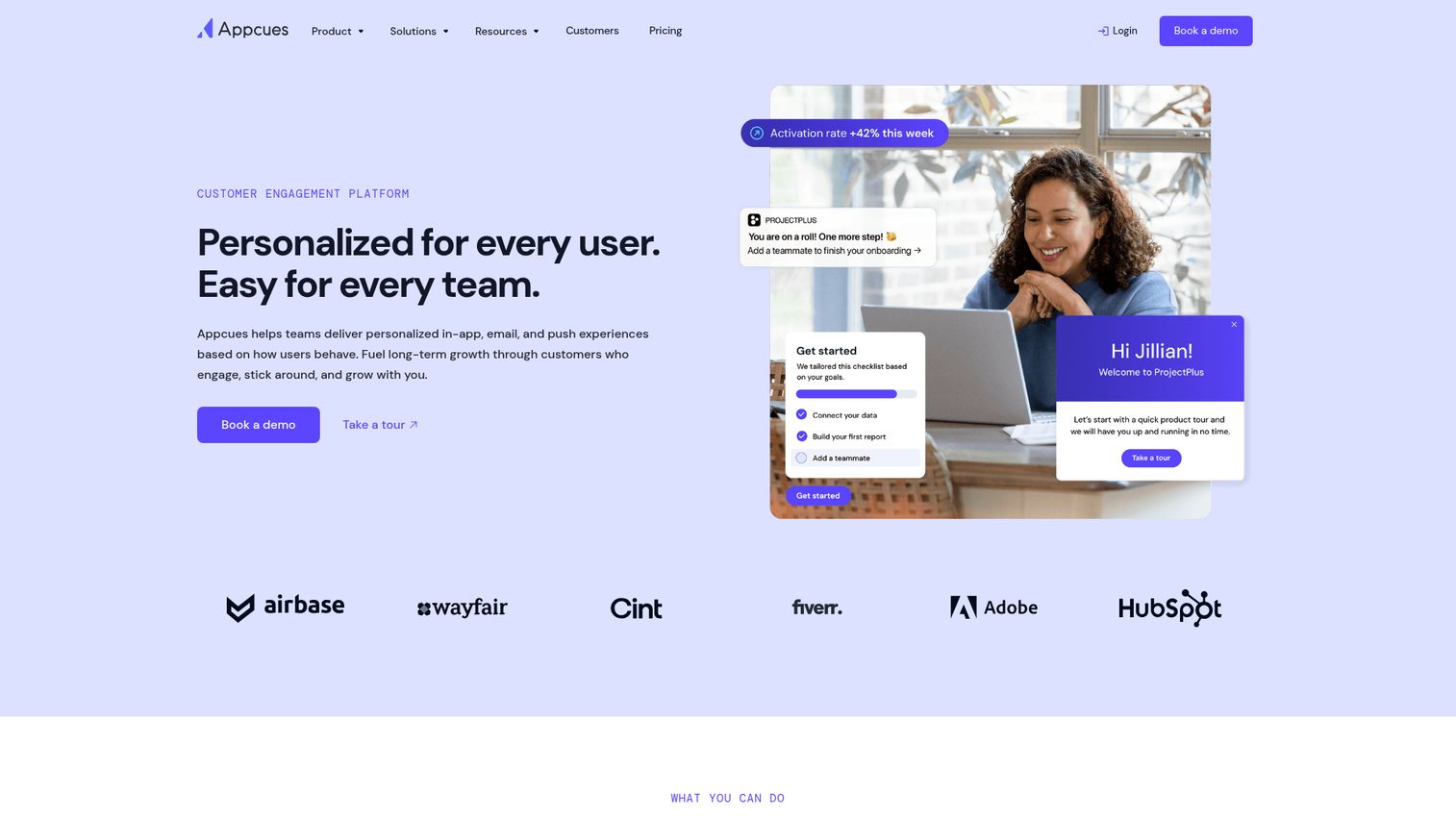
Appcues has built its reputation on having the easiest no-code builder in the category. If your team needs to ship onboarding flows fast without developer dependency, this is where to start.
Its flow builder, checklists, NPS surveys, and event tracking cover the core adoption use cases. The documentation and onboarding for the tool itself are notably strong - Appcues practices what it preaches. Lean product and marketing teams tend to find Appcues the fastest path from "we need in-app guidance" to "it's live."
Best for: Product and marketing teams who need fast, no-code onboarding without engineering support
Key strengths
- Widely regarded as the easiest UI in the category
- Fast setup with minimal technical requirements
- Strong documentation and self-service resources
- Built-in NPS surveys and event tracking
- Clean checklist and flow builder interface
Pricing: Essentials ~$249/mo; Growth ~$879/mo
G2 Rating: 4.6/5
Honest trade-offs: Analytics depth is limited compared to Pendo or Userpilot. Mobile support is restricted to higher-tier plans. And if you need deep customization - custom CSS, complex branching logic, advanced segmentation - you'll hit Appcues' ceiling faster than with other tools.
8. Gainsight PX - best for customer success-driven adoption
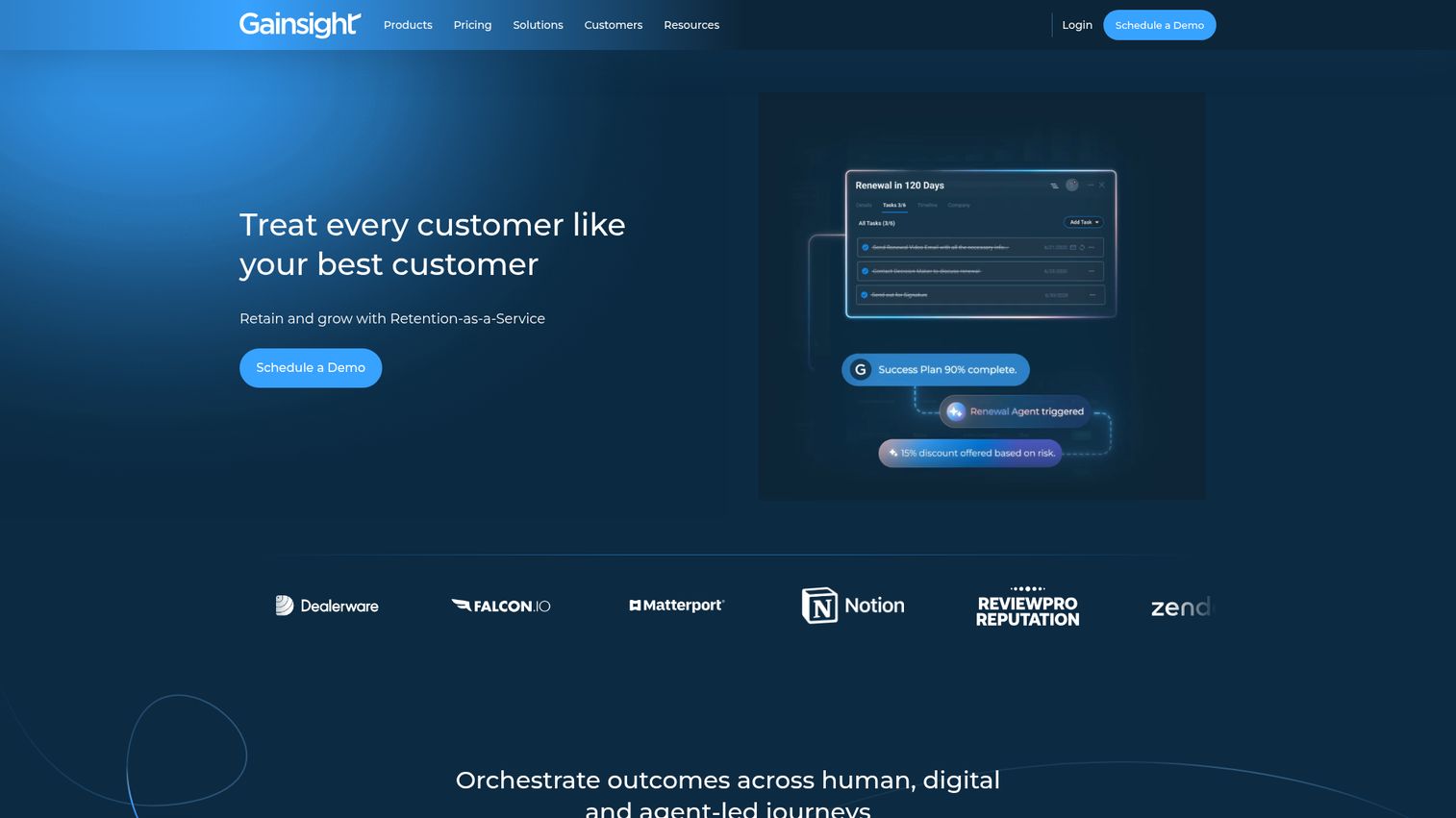
Gainsight PX is the product experience arm of the broader Gainsight customer success ecosystem. Its unique value is tying product adoption data directly to customer health scores, renewal predictions, and expansion revenue signals.
If your organization already runs on Gainsight CS, PX becomes the connective tissue between what users do in your product and what your CS team does about it. In-app engagement, analytics, and the ability to trigger CS workflows based on adoption signals make Gainsight PX a strong fit for CS-led organizations where adoption directly impacts net revenue retention.
Best for: Customer success-led organizations already using or evaluating the Gainsight ecosystem
Key strengths
- Deep integration with Gainsight CS for health scoring
- Adoption-to-revenue pipeline visibility
- In-app engagement builder with targeting rules
- Product analytics tied to customer lifecycle stages
- Automated CS workflow triggers based on usage data
Pricing: Custom pricing, typically mid-to-high enterprise range
G2 Rating: 4.4/5
Honest trade-offs: Gainsight PX delivers its full value only within the Gainsight ecosystem. If you're not using Gainsight CS, you're paying for integration capabilities you can't use. Setup is complex. And the price point puts it out of reach for most SMBs and early-stage companies.
9. Apty - best for complex enterprise software rollouts
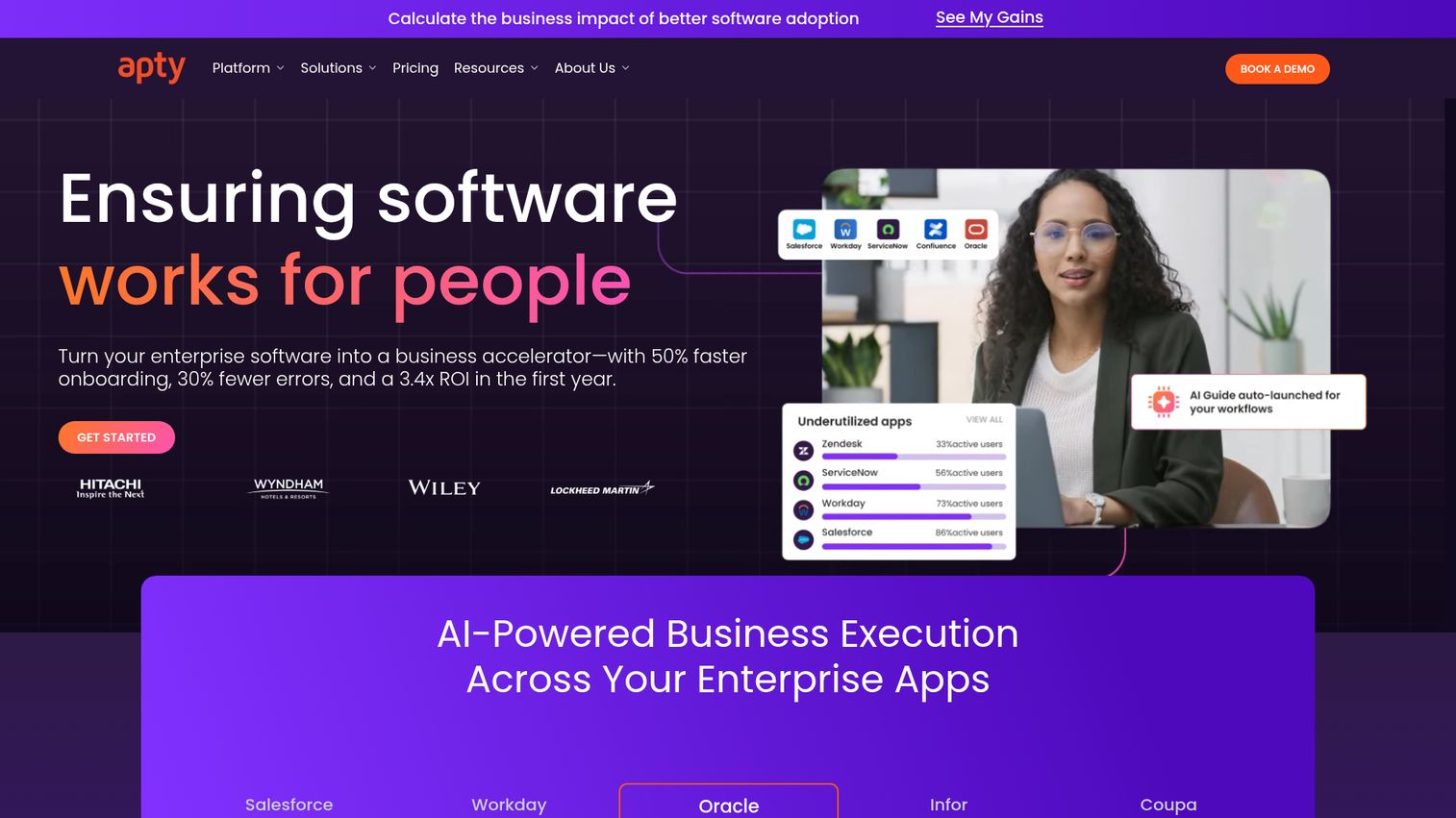
Apty focuses on enterprise software adoption for platforms like Salesforce, SAP, Oracle, and Workday - with a specific emphasis on workflow validation and data quality.
What sets Apty apart is its data validation feature. It doesn't just guide users through a process - it verifies they've completed each step correctly, preventing errors during form fills and multi-step workflows. For compliance-heavy enterprise rollouts, that's a meaningful differentiator.
Best for: IT and operations teams deploying complex enterprise software where data accuracy matters
Key strengths
- Workflow validation ensures correct process completion
- Data quality enforcement during form fills
- On-screen guidance for enterprise applications
- Compliance tracking and audit-ready reporting
- Strong focus on Salesforce, SAP, and Oracle adoption
Pricing: Custom enterprise pricing
G2 Rating: 4.7/5
Honest trade-offs: Apty's focus is narrow. It's not designed for customer-facing SaaS onboarding. Its ecosystem is smaller than WalkMe's. And if you need product analytics alongside adoption guidance, you'll need a separate tool.
10. UserGuiding - best budget-friendly option
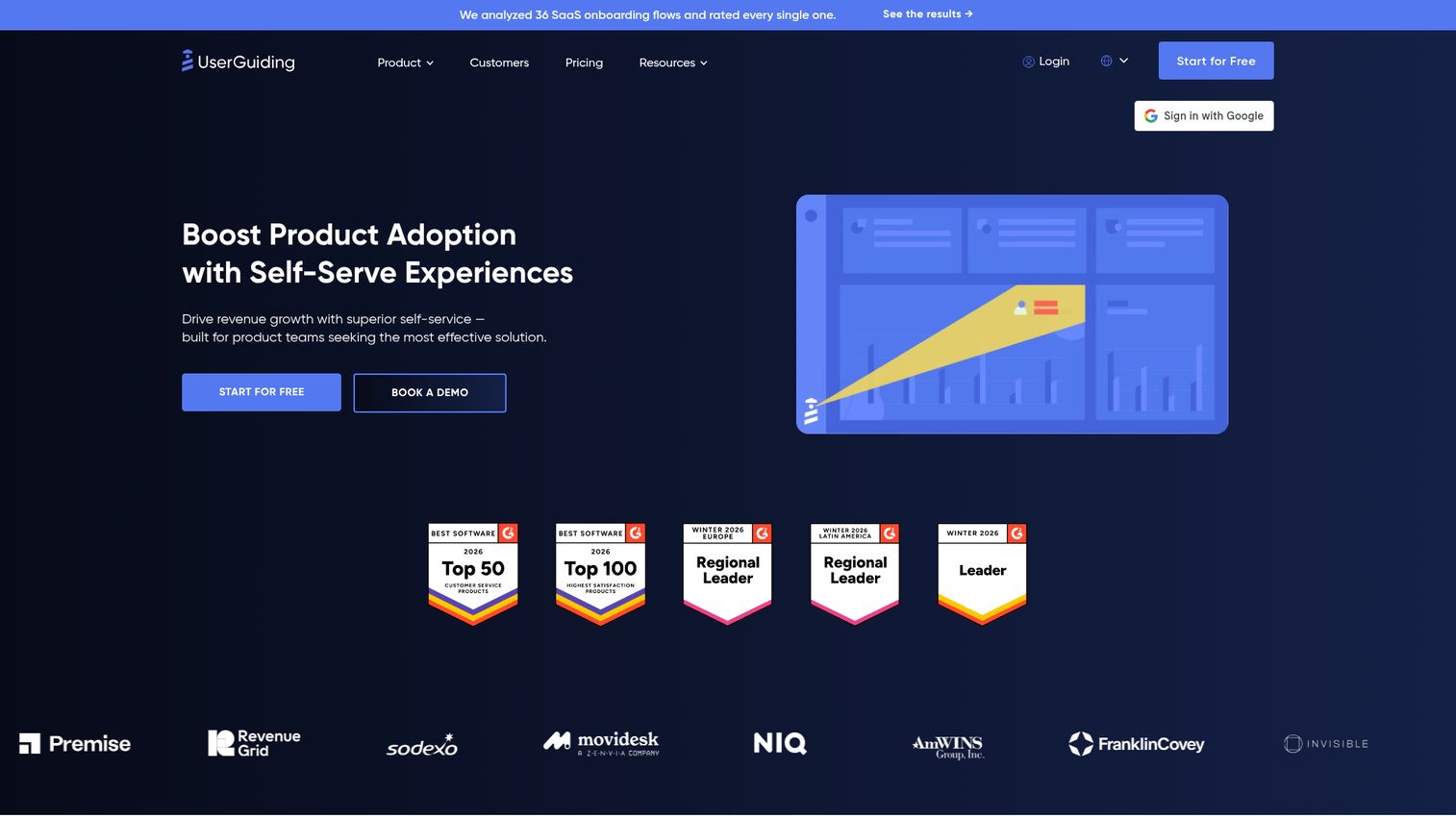
UserGuiding is an affordable, no-code digital adoption platform that punches above its price point - making it a natural fit for startups and SMBs.
It covers onboarding flows, resource centers, hotspots, NPS surveys, and user segmentation at a fraction of what mid-market tools charge. If your budget is tight but you need more than a tooltip library, UserGuiding tends to be the first tool teams outgrow - which is a compliment, not a criticism.
Best for: Startups and SMBs that need solid adoption features without enterprise pricing
Key strengths
- Full feature set starting at startup-friendly pricing
- No-code builder with onboarding flows and hotspots
- Built-in NPS surveys and resource center
- User segmentation and targeting capabilities
- Quick setup with minimal technical overhead
Pricing: Basic ~$69/mo; Professional ~$199/mo
G2 Rating: 4.7/5
Honest trade-offs: Analytics are less robust than mid-market competitors. Enterprise features like SSO, advanced permissions, and compliance tracking are limited. And the integration library is thinner - you won't find the same depth of CRM and data warehouse connections as Pendo or WalkMe.
11. Product Fruits - best for mid-market European teams
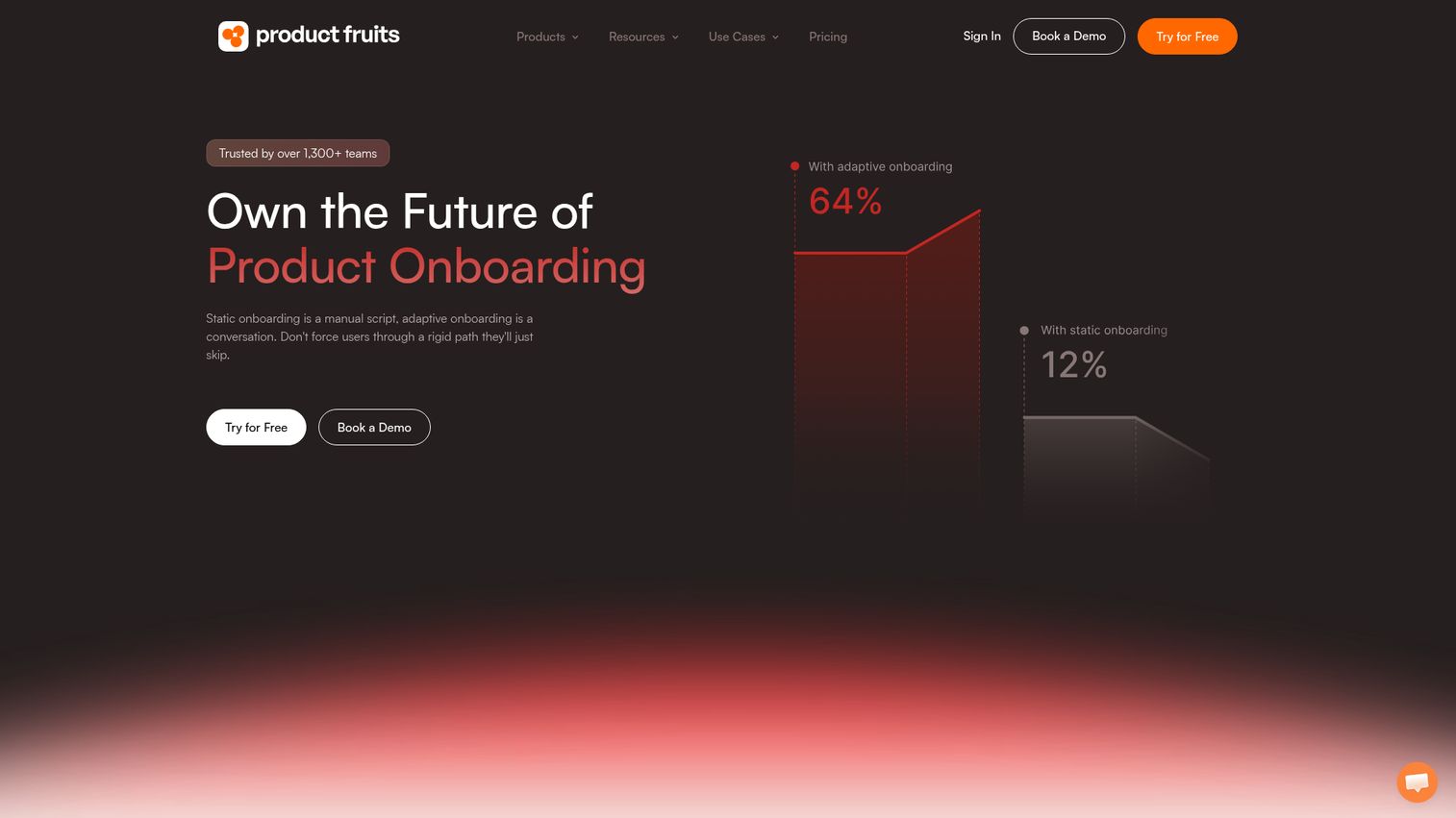
Product Fruits is a growing mid-market player with a particularly strong presence in the EU, offering GDPR-native compliance and European data hosting.
Its feature set - onboarding tours, hints, a "life ring" in-app help widget, feedback collection, and a built-in changelog - covers the core adoption use cases at a competitive price. For European teams where data residency and GDPR aren't afterthoughts but requirements, Product Fruits is a no-fuss option.
Best for: Mid-market European teams that need GDPR-native adoption software with EU data hosting
Key strengths
- GDPR-compliant with EU data hosting by default
- Built-in changelog for feature announcements
- In-app help widget ("life ring") for self-service support
- Feedback collection and feature request tracking
- Competitive pricing for mid-market feature depth
Pricing: Core ~$79/mo; Boost ~$139/mo
G2 Rating: 4.7/5
Honest trade-offs: The community and knowledge base are smaller than established players. Integrations are more limited - you won't find the same connector library as Userpilot or Pendo. And brand recognition outside Europe is still catching up.
12. Userflow - best for speed of implementation
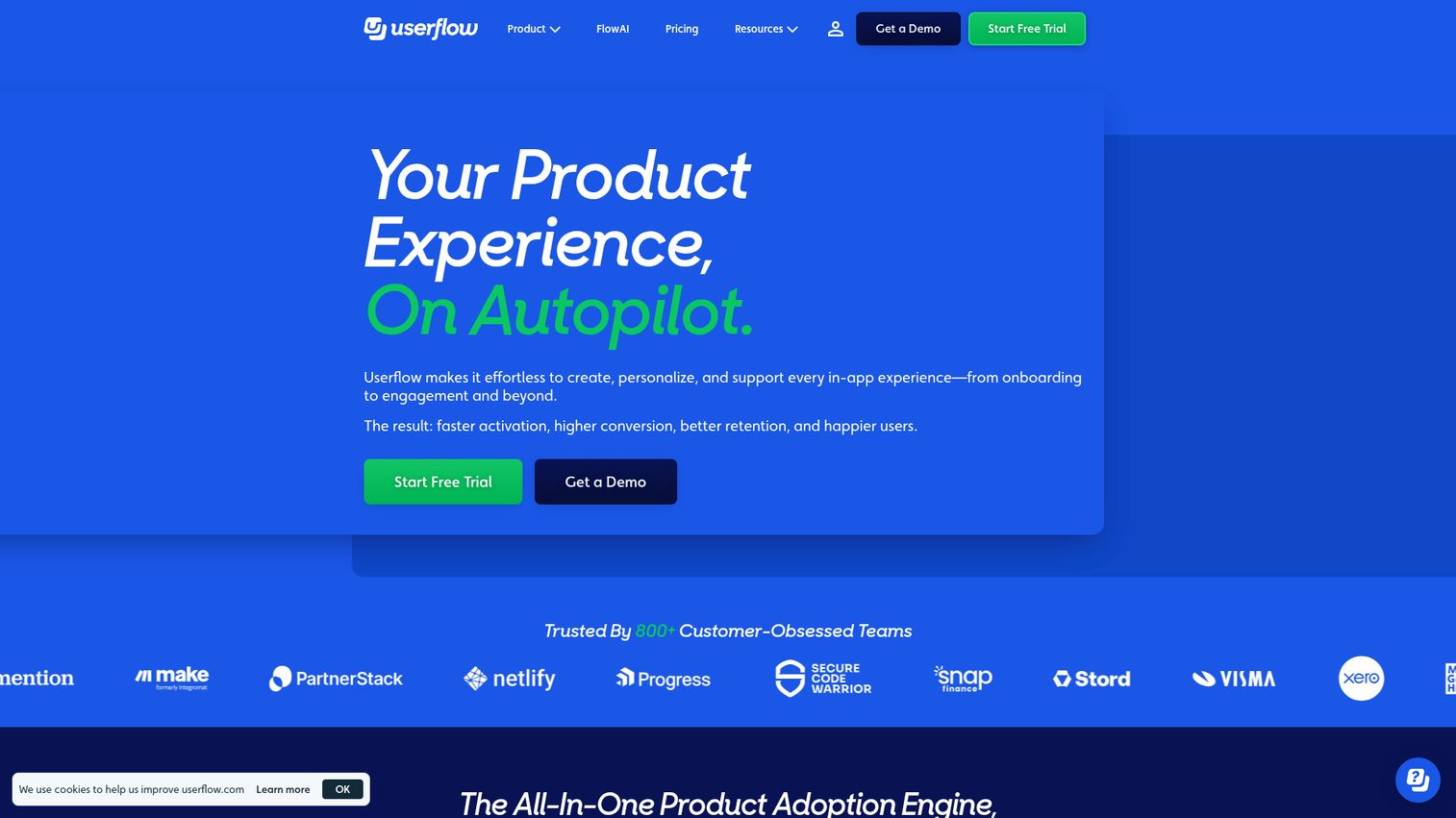
Userflow is built around one premise: you should be able to create and ship in-app flows fast. Its builder is designed for rapid deployment, and it shows.
Userflow's modern UI, AI-assisted content creation, checklists, resource center, and event tracking make it a strong mid-market option. It's developer-friendly while remaining accessible to non-technical users - a balance that's harder to strike than most vendors admit.
Best for: Teams that prioritize fast deployment and a modern, intuitive builder experience
Key strengths
- Rapid flow creation with a modern, clean interface
- AI-assisted content generation for guides and tooltips
- Strong user segmentation and targeting rules
- Built-in resource center and checklist builder
- Developer-friendly with good API documentation
Pricing: Startup ~$240/mo; Pro ~$680/mo
G2 Rating: 4.8/5
Honest trade-offs: Userflow is a newer platform with a smaller track record than Pendo or WalkMe. Enterprise features like advanced compliance, SSO on lower tiers, and deep audit logging are still maturing. If you need a battle-tested platform for a 10,000-person organization, this might not be the pick yet.
13. Amplitude - best for analytics-first product teams
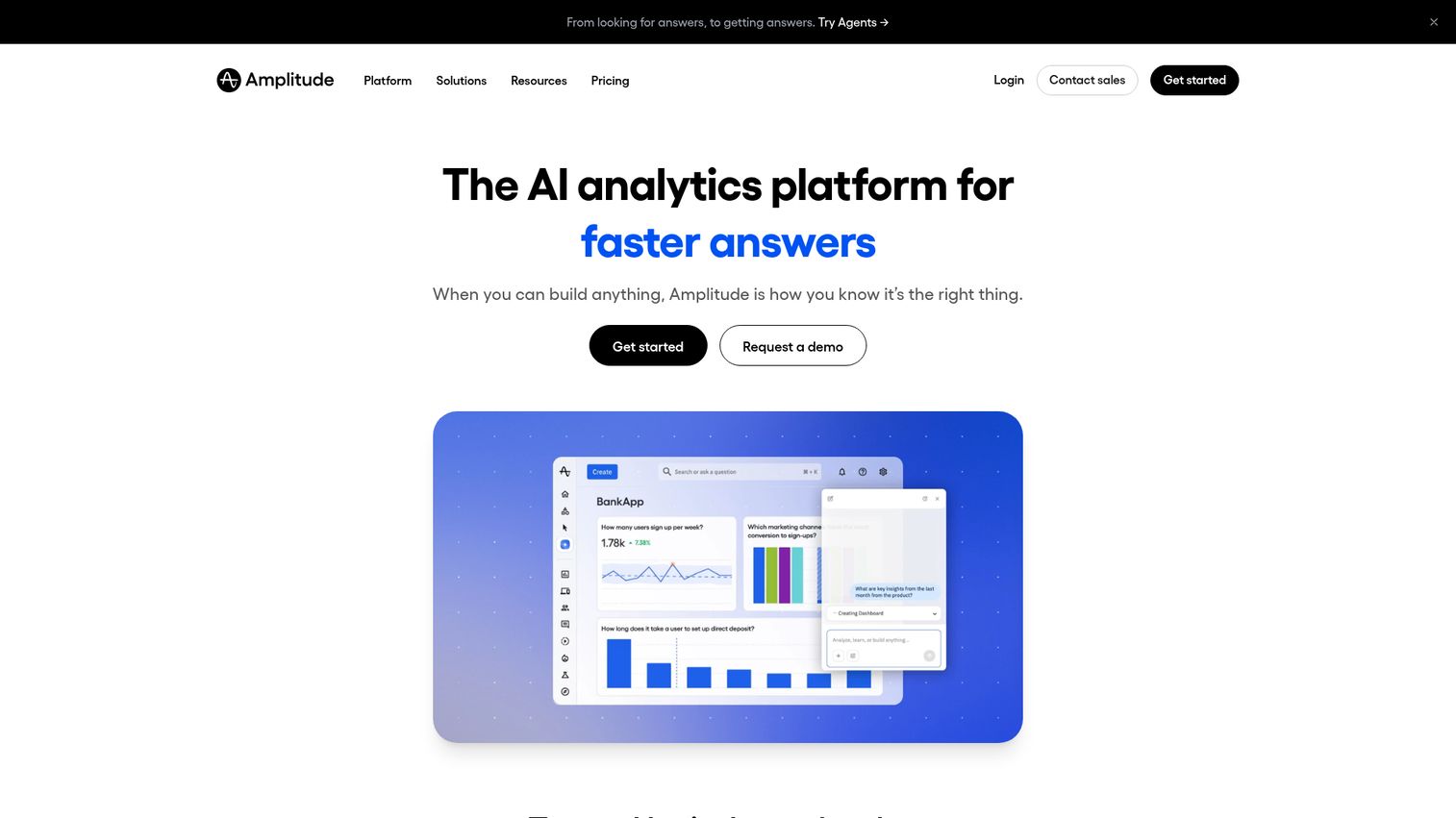
Amplitude is primarily a product analytics platform - but its expansion into adoption features via Amplitude Guides makes it relevant here. The approach is different: identify adoption gaps with deep behavioral analytics first, then deploy targeted in-app guidance. You can see how Amplitude works through an interactive product demo.
Amplitude's cohort analysis, experimentation framework, and behavioral segmentation are among the deepest in the market. For data-driven product teams who already use Amplitude for analytics, adding the guides layer keeps everything in one place. But it's not a standalone digital adoption solution.
Best for: Data-driven product teams who want analytics to inform their adoption strategy
Key strengths
- Deep behavioral analytics with cohort and funnel analysis
- Built-in experimentation and A/B testing framework
- Powerful segmentation based on user behavior patterns
- Free tier available for early-stage teams
- Strong integration ecosystem with data warehouses and CDPs
Pricing: Free tier available; Growth and Enterprise tiers are custom pricing
G2 Rating: 4.5/5
Honest trade-offs: Amplitude's in-app guidance features are less mature than dedicated digital adoption platforms. The learning curve for non-analysts is steeper. And if you need rich onboarding flows, checklists, and resource centers, you'll likely need a dedicated tool alongside Amplitude.
14. Userlane - best for IT and change management teams
Userlane provides step-by-step interactive guidance overlays for enterprise applications, with a specific focus on IT change management and ERP/CRM adoption.
Its HEART analytics framework (Happiness, Engagement, Adoption, Retention, Task success) gives IT and change management teams a structured way to measure whether employees are actually adopting new tools. Userlane's real-time guidance sits on top of applications like SAP, Salesforce, and Workday without modifying the underlying software.
Best for: IT departments and change management teams driving enterprise application adoption
Key strengths
- HEART analytics framework for structured adoption measurement
- Real-time interactive guidance overlays on enterprise apps
- Step-by-step walkthroughs that don't modify underlying software
- IT change management positioning with structured rollout tools
- Support for complex multi-application enterprise environments
Pricing: Custom enterprise pricing
G2 Rating: 4.5/5
Honest trade-offs: Userlane's market presence is smaller than WalkMe or Whatfix. Its SaaS-facing and customer-facing features are limited. And product analytics depth doesn't match what you'd get from Pendo or Amplitude.
How to choose the right product adoption software
14 tools is a lot. Here's how to narrow down to 2–3 finalists.
Define your primary use case
Start here. Are you building customer-facing SaaS onboarding, employee-facing enterprise tool training, or both?
- Pre-purchase product experience: Guideflow (interactive demos and sandboxes for prospects and website visitors)
- Customer-facing SaaS: Guideflow, Userpilot, Appcues, Pendo, Userflow, UserGuiding, Product Fruits
- Employee-facing enterprise: Lemon Learning, WalkMe, Whatfix, Apty, Userlane
- Hybrid (both): Pendo, WalkMe (with different strengths in each)
If you pick an enterprise DAP for a SaaS onboarding use case, you'll overpay for features you don't need. The reverse is equally true. For customer-facing scenarios, pairing in-app adoption software with a pre-purchase demo tool like Guideflow accelerates time-to-value on both sides of signup.
Assess your team's technical resources
Some tools need developer involvement for setup and maintenance. Others don't. If your product team has zero engineering bandwidth for adoption tooling, prioritize Guideflow, Appcues, UserGuiding, or Userflow. Guideflow in particular ships with no-code capture and a drag-and-drop editor, so PMMs and CS teams can build and update demos without pinging engineering.
If you have a dedicated implementation team, platforms like WalkMe, Pendo, or Gainsight PX can deliver more depth on the in-app guidance side.
Match to your company stage and budget
Budget is a real constraint. Here's a rough mapping:
- Startup/SMB ($0-$249/mo): Guideflow (free plan; Solo from $35/user/month), UserGuiding, Product Fruits, Appcues (Essentials)
- Mid-market ($249-$680/mo): Guideflow (Growth from $499/mo), Userpilot, Userflow, Appcues (Growth)
- Enterprise ($10K-$100K+/year): Guideflow (Enterprise from $2,999/mo), WalkMe, Whatfix, Apty, Pendo, Gainsight PX, Lemon Learning
Don't forget that free tiers from Guideflow, Pendo (500 MAU), and Amplitude can be useful for early-stage validation before committing budget.
Evaluate integration requirements
Check whether each tool connects with your existing stack. If you run Salesforce + Segment + Zendesk, verify that your shortlisted tools have native integrations - not just Zapier workarounds. Integration depth affects how well your digital adoption strategy ties into revenue, support, and customer health data. If you're evaluating your broader CRM software stack alongside adoption tools, ensuring compatibility is critical.
Check whether each tool connects with your existing stack. If you run Salesforce + Segment + Zendesk, verify that your shortlisted tools have native integrations, not just Zapier workarounds. Integration depth affects how well your digital adoption strategy ties into revenue, support, and customer health data. Guideflow, for example, syncs demo engagement data into your CRM so PMMs and sales can act on it inside their existing pipeline view.
Plan for total cost of ownership
Subscription price is only part of the cost. Factor in implementation time (hours for browser-based tools like Guideflow, days for lightweight tools, 1-3 months for enterprise DAPs), ongoing content creation and maintenance, team training on the platform itself, and any professional services fees.
A $35/mo tool that your team can deploy the same afternoon may deliver more ROI than a $50K/year platform that takes three months to configure and requires a dedicated admin.
Product adoption tools by use case
| Use Case | Top Picks | Why |
|---|---|---|
| Pre-purchase product experience | Guideflow | Interactive demos and sandboxes that let prospects experience the product before signup, priming activation later |
| SaaS user onboarding | Guideflow, Userpilot, Appcues, Userflow | Purpose-built for customer-facing product-led growth, with Guideflow adding embeddable demos across the signup flow |
| Enterprise employee training | Lemon Learning, WalkMe, Whatfix, Apty, Userlane | Deep integrations with Salesforce, SAP, Workday |
| Analytics-first adoption | Pendo, Amplitude | Strong analytics that inform where to deploy guidance |
| Customer success-driven | Gainsight PX | Ties adoption to health scores and renewal signals |
| Budget-conscious teams | Guideflow, UserGuiding, Product Fruits | Full feature sets under $200/mo, with Guideflow offering a free plan plus paid tiers from $35/mo |
| GDPR/EU compliance | Product Fruits | EU data hosting and GDPR-native by default |
Finding your best fit in 2026
The right product adoption software depends on your use case, team size, budget, and existing tech stack - there's no universal "best." AI is reshaping this category fast, with auto-generated guides, predictive churn signals, and intelligent segmentation becoming real differentiators rather than marketing fluff. The teams that invest in a digital adoption solution now and build the muscle of data-driven onboarding will compound those returns over every product release.
Beyond in-app adoption flows, many teams are also investing in interactive demos for presales and customer onboarding tools to create a seamless experience from first touch to power user. If you're building a complete product marketing stack, adoption software is just one piece of the puzzle.
Bookmark this comparison, share it with your evaluation committee, and start free trials with your top 2–3 picks.
FAQs
Product adoption software helps users learn, engage with, and get value from a product through in-app guidance, onboarding flows, analytics, and feedback tools. It's also commonly called a digital adoption platform (DAP). These tools reduce time-to-value by guiding users through features at the right moment rather than relying on static documentation or manual training.
The terms are largely interchangeable. "Digital adoption platform" tends to emphasize employee-facing enterprise use cases - training staff on internal tools like SAP or Salesforce. "Product adoption software" leans toward customer-facing SaaS products. Some platforms, like Pendo and WalkMe, serve both audiences, but most specialize in one direction.
Pricing ranges widely. Free/freemium tiers are available from Guideflow, Pendo (up to 500 MAU) and Amplitude. SMB-friendly plans run $35–$249/mo (Guideflow, UserGuiding, Product Fruits, Appcues Essentials). Mid-market tools cost $249–$680/mo (Userpilot, Userflow). Enterprise platforms like WalkMe, Whatfix, Apty, and Lemon Learning typically run $10K–$100K+/year with custom contracts. Pricing depends on MAU count, feature tier, and contract length.
The key product adoption metrics are: activation rate (percentage of users completing a key onboarding action), feature adoption rate (users engaging with specific features), time-to-value (how quickly users reach their first meaningful outcome), DAU/MAU ratio (daily vs. monthly active users as a stickiness measure), user retention and churn rate, and NPS/CSAT scores tied to product usage patterns.
Yes. Several digital adoption platforms - Lemon Learning, WalkMe, Whatfix, Apty, and Userlane - are designed specifically for employee onboarding and training on internal enterprise tools. They overlay step-by-step in-app guidance on applications like Salesforce, SAP, and Workday, reducing formal training costs and cutting support ticket volume by helping employees learn within the flow of work.
It varies by tool complexity. Lightweight tools like UserGuiding and Appcues can be live in a few days. Mid-market platforms like Userpilot and Userflow typically take 1–3 weeks. Enterprise digital adoption platforms like WalkMe and Whatfix often require 1–3 months with dedicated implementation support, professional services, and organizational change management planning.
Guideflow offers a free plan for interactive demos. Pendo's free tier offers core analytics and in-app guides for up to 500 MAU, making it the most feature-complete free option for in-app guidance. Amplitude's free plan provides strong analytics but limited in-app guidance. UserGuiding offers a limited free trial for initial testing. Free tiers are useful for early-stage validation, but most teams outgrow them quickly once they pass a few hundred active users.