You booked a webinar for 400 registrants. Sixty showed up. Half of them dropped when the audio glitched, and the other half never saw the lead-capture form because it lived in a separate tool your team bolted on afterward. The meeting worked. The pipeline didn't.
Most teams pick conference software the way they pick a lunch spot: whatever everyone already recognizes. That gets you a room where people can talk. It does not get you attribution, security your CFO signs off on, or a webinar that turns attendees into qualified leads.
The global web conferencing market is expected to reach USD 24.9 billion in 2026 and grow to USD 69.5 billion by 2036, at a 10.8% CAGR, according to Future Market Insights (2024). The category is crowded, and the tools have quietly split into camps: lightweight online meeting software for daily standups, heavier virtual conference software built for events and lead gen, and unified platforms that fold conferencing into phone, chat, and contact center.
For marketers and GTM teams, the choice matters more than it looks. The right video conferencing software captures registrations, records sessions you can repurpose, and feeds engagement data back into your CRM. The wrong one adds a tab, a login, and a support ticket. This guide compares eight tools on the criteria that actually change outcomes: security, collaboration, webinar support, and how cleanly each one slots into a stack you already pay for.
What's inside
This guide is for marketers, ops leaders, and cross-functional teams choosing web conferencing software for internal meetings, client calls, webinars, or virtual events. We evaluated eight platforms on four criteria that decide real-world fit: security and compliance depth, collaboration features (screen sharing, breakout rooms, whiteboard, recording, chat), webinar and virtual event support, and how well each integrates with productivity suites and your existing marketing stack. Pricing and ratings reflect verified, current values from each vendor and G2. We skipped feature-count vanity and focused on what changes conversion, cost, and cognitive overhead.
TL;DR
- Best all-in-one meetings suite: Zoom, for teams that want meetings, chat, phone, and whiteboards under one AI-first roof.
- Best for Microsoft-native teams: Microsoft Teams, if your org already runs on Microsoft 365 and wants conferencing inside the tools people live in.
- Best for security and compliance: Webex, for regulated and global teams that need encryption, admin controls, and AI meeting tools in one secure platform.
- Best for Google Workspace teams: Google Meet, for fast-moving teams that want browser-based meetings with zero install friction.
- Best free and open-source option: Jitsi Meet, for privacy-conscious teams that want a customizable, self-hostable meeting tool.
- Best for structured webinars and training: Adobe Connect, for teams running branded, high-engagement virtual events and classrooms. Reliable conference software for teams comes down to matching the tool to the job, not chasing the longest feature list.
What is conference software?
Conference software is a category of tools that lets people meet, present, and collaborate in real time over the internet, using video, audio, screen sharing, and chat instead of being in the same room. It spans daily video calls, large-scale virtual events, and structured webinars.
The category overlaps with several adjacent terms. Video conferencing software emphasizes live video meetings. Web conferencing software is the browser-based delivery layer. Virtual conference software leans toward events, sessions, and audiences at scale. Webinar software focuses on one-to-many broadcasts with registration and lead capture. Most modern platforms cover more than one of these jobs.
Core features to expect across conference software:
- Screen sharing: present slides, apps, or a full desktop to attendees in real time.
- Breakout rooms: split a large meeting into smaller groups for workshops or discussion.
- Whiteboard: collaborate visually on a shared canvas during sessions.
- Recording: capture sessions for async viewing, repurposing, or compliance.
- Chat: run text conversation alongside audio and video, including Q&A during webinars.
- Meeting notes, transcription, and AI summaries: auto-generate transcripts and action items so no one takes minutes by hand.
- Registration and lead capture: gate virtual events behind forms that feed your CRM.
- Security controls: encryption, waiting rooms, password protection, SSO, and MFA.
For marketing and GTM teams, the features that matter most sit at the edges: registration data, recordings you can slice into content, and integrations that push engagement signals into your CRM and marketing automation. A meeting tool that only handles the call leaves the pipeline work to someone else.
When to use each type
Run recurring internal meetings and standups
For daily standups, one-on-ones, and team syncs, prioritize speed and low friction over event features. Browser-based online meeting software that launches in one click and integrates with your calendar wins here. You want reliable audio, quick screen sharing, and recordings for anyone who missed the call. Heavy webinar tooling is overkill for a 20-minute standup.
Host webinars and virtual events for lead gen
When the goal is pipeline, you need registration pages, attendee tracking, Q&A, polls, and clean handoff of lead data to your CRM. This is where virtual conference software and dedicated webinar software earn their price. Marketers should weigh how attendee engagement data flows into attribution, because a webinar that generates 300 leads is only useful if you can score and route them.
Support secure client calls and regulated conversations
Sales calls, customer QBRs, and any conversation touching sensitive data call for secure conference software with encryption, access controls, and compliance certifications. If your buyers run security reviews, the platform's SSO, MFA, and data-handling posture become part of the deal, not an afterthought. For these calls, a polished interactive demo or a hands-on sandbox can carry the product story before, during, and after the live conversation, letting stakeholders explore workflows, validate use cases, and revisit the walkthrough on their own time.
Conference software comparison
Here is a side-by-side conference software comparison of all eight tools, sorted by broad relevance to meetings and events. Pricing reflects each vendor's public pricing page as of mid-2026, and G2 ratings reflect current listings. Use it as a shortlist filter, then read the full sections for fit.
| # | Product | Intent | Key use case | Pricing | G2 rating |
|---|---|---|---|---|---|
| 1 | Zoom | All-in-one meetings suite | Meetings, webinars, chat, phone, whiteboards | Free tier; paid plans quoted by sales | 4.6/5 |
| 2 | Microsoft Teams | Microsoft-native collaboration | Internal meetings, chat, file sharing | Free tier; from $4.00/user/mo (annual) | 4.4/5 |
| 3 | Webex | Secure enterprise conferencing | Global, regulated meetings and collaboration | Free tier; Meet from $144/license/yr | Not listed |
| 4 | Google Meet | Google Workspace meetings | Browser-based team meetings | From $7.00/user/mo (Workspace) | 4.6/5 |
| 5 | GoTo Meeting | Straightforward online meetings | Client calls, recurring meetings | Professional and Business tiers | 4.2/5 |
| 6 | RingCentral | Unified communications | Phone, video, messaging, contact center | From $19.99/user/mo (annual) | 4.3/5 |
| 7 | Jitsi Meet | Free, open-source meetings | Privacy-first, self-hosted calls | Free | Not listed |
| 8 | Adobe Connect | Structured webinars and training | Branded virtual events, classrooms | From $190/yr per host | 4.0/5 |
1. Zoom
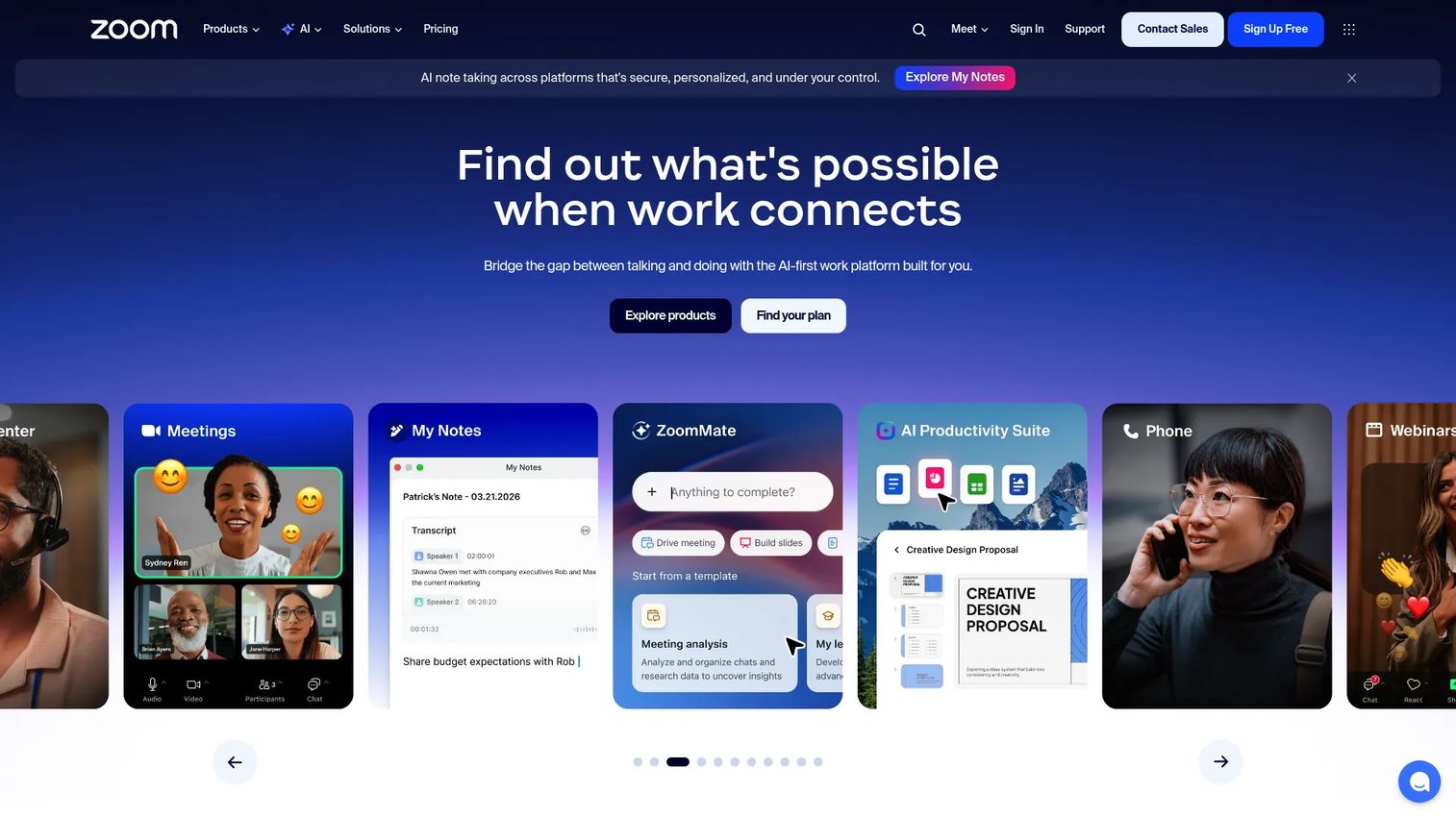
Zoom became the default video conferencing software for a reason: it works, it scales, and almost everyone already knows how to use it. Over the past few years it broadened from a meetings tool into an AI-first workplace platform, adding Team Chat, Phone, Docs, Whiteboard, and an AI Companion that drafts summaries and action items. For marketers, Zoom Webinars and Zoom Events extend the same reliability to registration-gated virtual events.
Best for: Teams that want an all-in-one video meetings and workplace collaboration suite without stitching tools together.
Key strengths
- Meeting reliability at scale: consistent audio and video quality from small syncs to large webinars, the reason adoption spread so fast.
- AI Companion: auto-generated meeting summaries, transcription, and action items reduce the manual note-taking tax.
- Unified workplace suite: Team Chat, Phone, Docs, and Whiteboard fold collaboration into one platform, cutting tool sprawl.
Why choose Zoom: If your team wants a single, familiar platform that covers daily meetings, webinars, and phone without a learning curve, Zoom is the safe default. Its 30-hour meeting limit on Pro and above removes the awkward disconnect mid-session, and the webinar tier gives marketers registration, polls, and Q&A for lead-gen events. The breadth means fewer separate subscriptions to justify.
Zoom pricing: Zoom Workplace offers Basic, Pro, Business, and Enterprise plans. The Basic tier is free and includes 40-minute group meetings, which suits small teams testing the waters. Paid plans unlock 30-hour meetings, cloud recording, and admin controls. Zoom bills all plans annually as a single upfront charge, with monthly rates shown only for comparison; current numeric pricing is quoted through Zoom directly. A free tier lowers the barrier to a trial before you commit budget.
2. Microsoft Teams
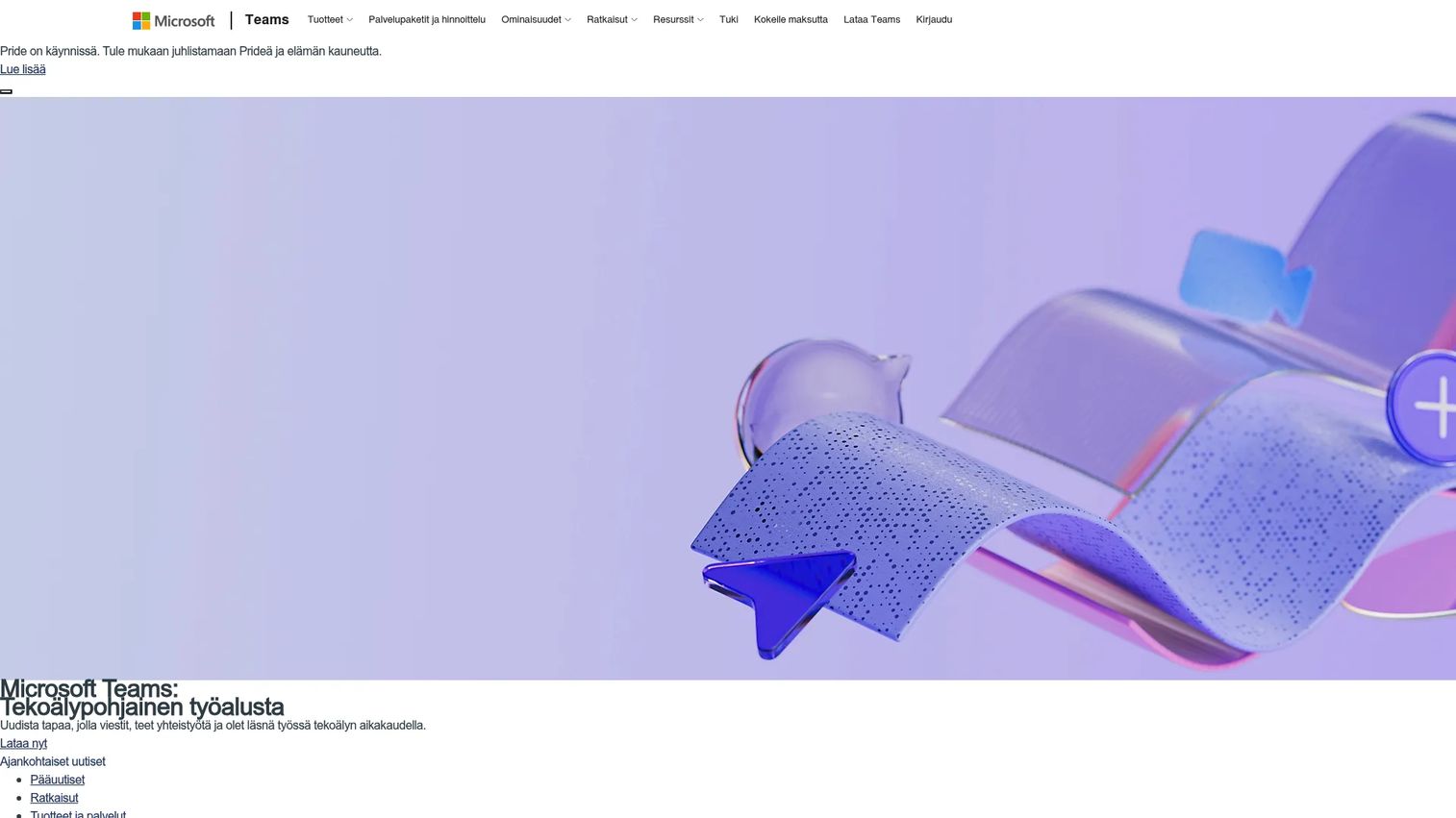
Microsoft Teams is the conferencing layer for organizations already living inside Microsoft 365. It combines chat, channels, video meetings, calling, and file sharing in one app, and because it sits next to Word, Excel, SharePoint, and Outlook, meetings happen where work already happens. For teams standardized on Microsoft, that adjacency removes friction no standalone tool can match.
Best for: Teams that need Microsoft-native collaboration for chat, meetings, and file sharing inside an existing Microsoft 365 stack.
Key strengths
- Chat and channels: persistent team conversation organized by project, so context lives alongside the meeting.
- Video meetings and calling: full conferencing with screen sharing, recording, and breakout rooms built into the collaboration hub.
- File and app sharing: native co-authoring on Office files during and after meetings, no attachments bouncing around email.
Why choose Microsoft Teams: The consolidation argument is strong here. If you already pay for Microsoft 365, Teams is bundled into most business plans, which means conferencing without a new line item. Enterprise governance, admin controls, and compliance inherit from the Microsoft ecosystem, so IT and security teams evaluate one vendor instead of two. It is the natural choice when the question is "what does this replace?"
Microsoft Teams pricing: Microsoft offers Teams Essentials at $4.00 per user per month, paid yearly, as the lowest standalone tier. Microsoft 365 Business Basic runs $6.00 per user per month and Business Standard $12.50 per user per month, both paid yearly and bundling the wider Office suite. A free tier exists for basic chat and meetings. For most Microsoft shops, Teams arrives inside a plan you already own, making it one of the most cost-efficient conference software options for teams.
3. Webex
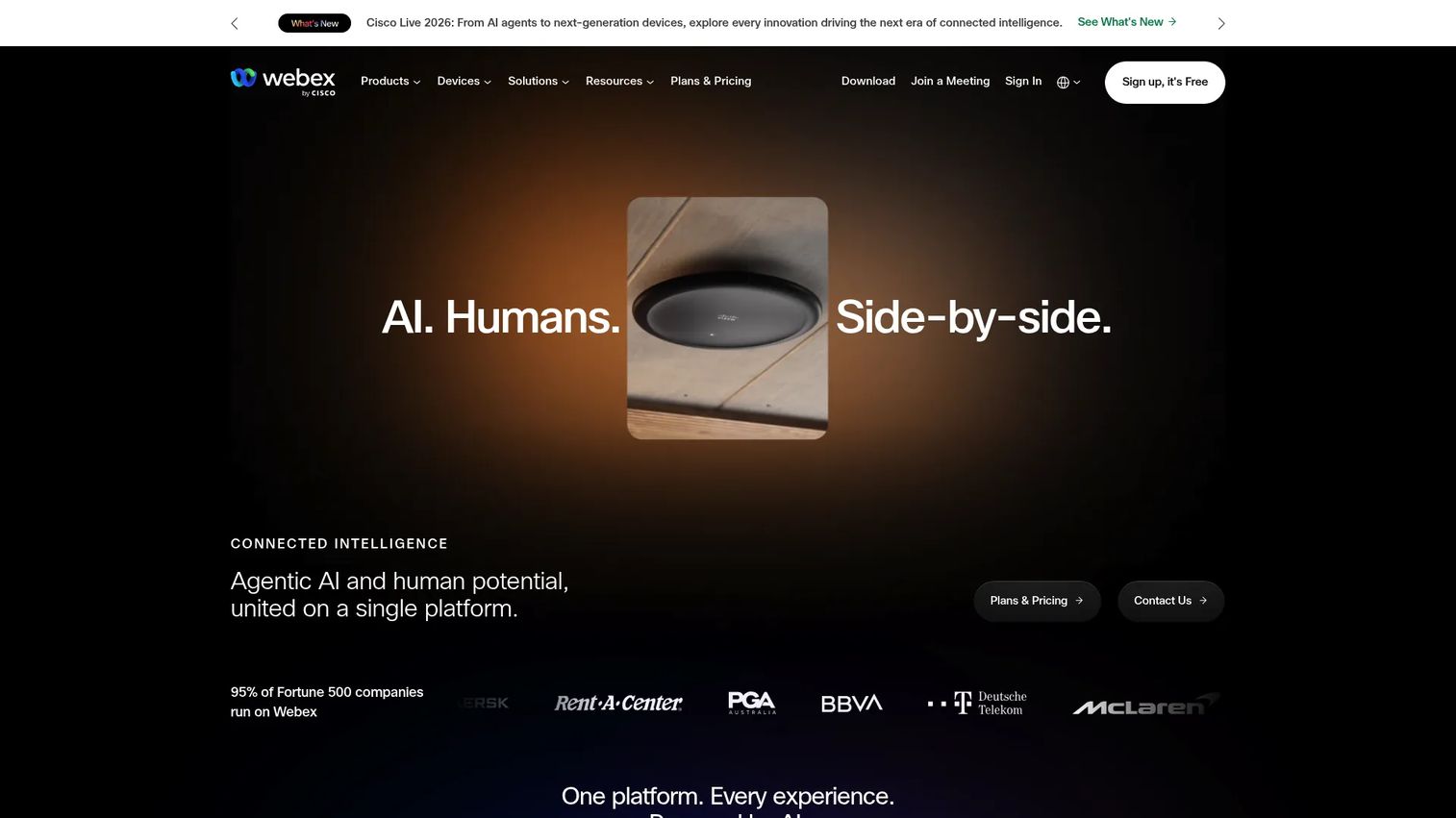
Webex, Cisco's collaboration suite, built its reputation on security and enterprise readiness. It covers meetings, calling, messaging, and customer experience in one platform, with encryption, admin controls, and compliance depth that appeal to regulated industries and global teams. Recent releases added an AI Assistant with meeting and message summaries, keeping it competitive on the productivity features buyers now expect.
Best for: Teams needing a secure all-in-one meetings and collaboration platform, especially in regulated or global environments.
Key strengths
- AI Assistant and summaries: meeting summaries and message summaries surface decisions and action items automatically.
- Unlimited meetings with recording: screen sharing and cloud recordings across plans support both internal collaboration and external sessions.
- Security-first architecture: encryption and enterprise admin controls make it a strong fit where compliance drives the buying decision.
Why choose Webex: When security is the gating factor, Webex earns its place. Global enterprises and regulated teams choose it because the compliance and encryption posture holds up under scrutiny, and the calling-plus-meetings suite consolidates communications spend. It is a serious secure conference software contender for organizations where a failed security review kills the deal.
Webex pricing: Webex publishes public pricing with a free plan at $0 per license per year, covering basic meetings. The Webex Meet plan runs $144 per license per year, and the Webex Suite bundling Meet and Call costs $270 per license per year. Enterprise pricing is available through Cisco sales. The free tier and transparent per-license pricing make it straightforward to model conference software pricing before committing.
4. Google Meet
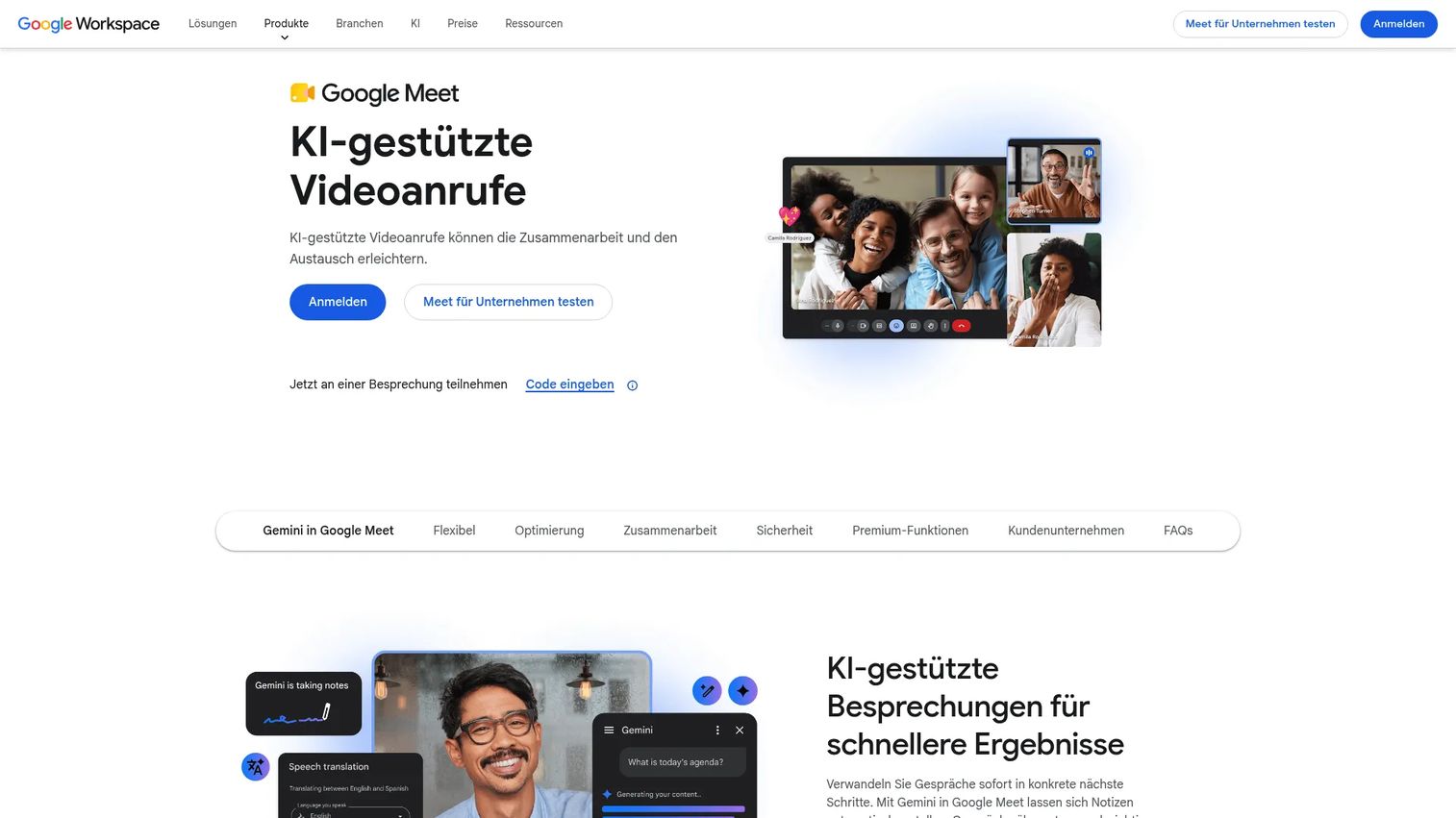
Google Meet is the video and voice conferencing service built into Google Workspace. Its appeal is simplicity: meetings run in the browser with no install, launch straight from Google Calendar and Gmail, and require almost no onboarding. For teams already on Workspace, Meet is the path of least resistance for daily conferencing.
Best for: Teams already using Google Workspace that want built-in video meetings with tight Google app integration.
Key strengths
- Video and voice conferencing: reliable browser-based meetings that start in one click from Calendar or Gmail.
- Live captions: real-time captioning improves accessibility and comprehension without a separate tool.
- Meeting recordings and transcripts: capture sessions and generate transcripts for async review and content repurposing.
Why choose Google Meet: For fast-moving teams that dislike friction, Meet's browser-first design is the draw. There is nothing to install, adoption is instant, and it inherits Workspace's admin and security settings. Marketers running lightweight sessions or internal syncs get clean recordings and transcripts to repurpose later. It shines when the priority is speed and Google-native workflow over heavy event features.
Google Meet pricing: Meet is included in Google Workspace editions rather than sold standalone. Business Starter is $7.00 per user per month, Standard is $14.00 per user per month, and Plus is $22.00 per user per month, with Enterprise quoted by sales. Higher tiers unlock live captions in more languages, longer recordings, and larger meetings. A free trial is available. Because you buy the whole Workspace suite, Meet effectively rides along with tools most teams already use.
5. GoTo Meeting
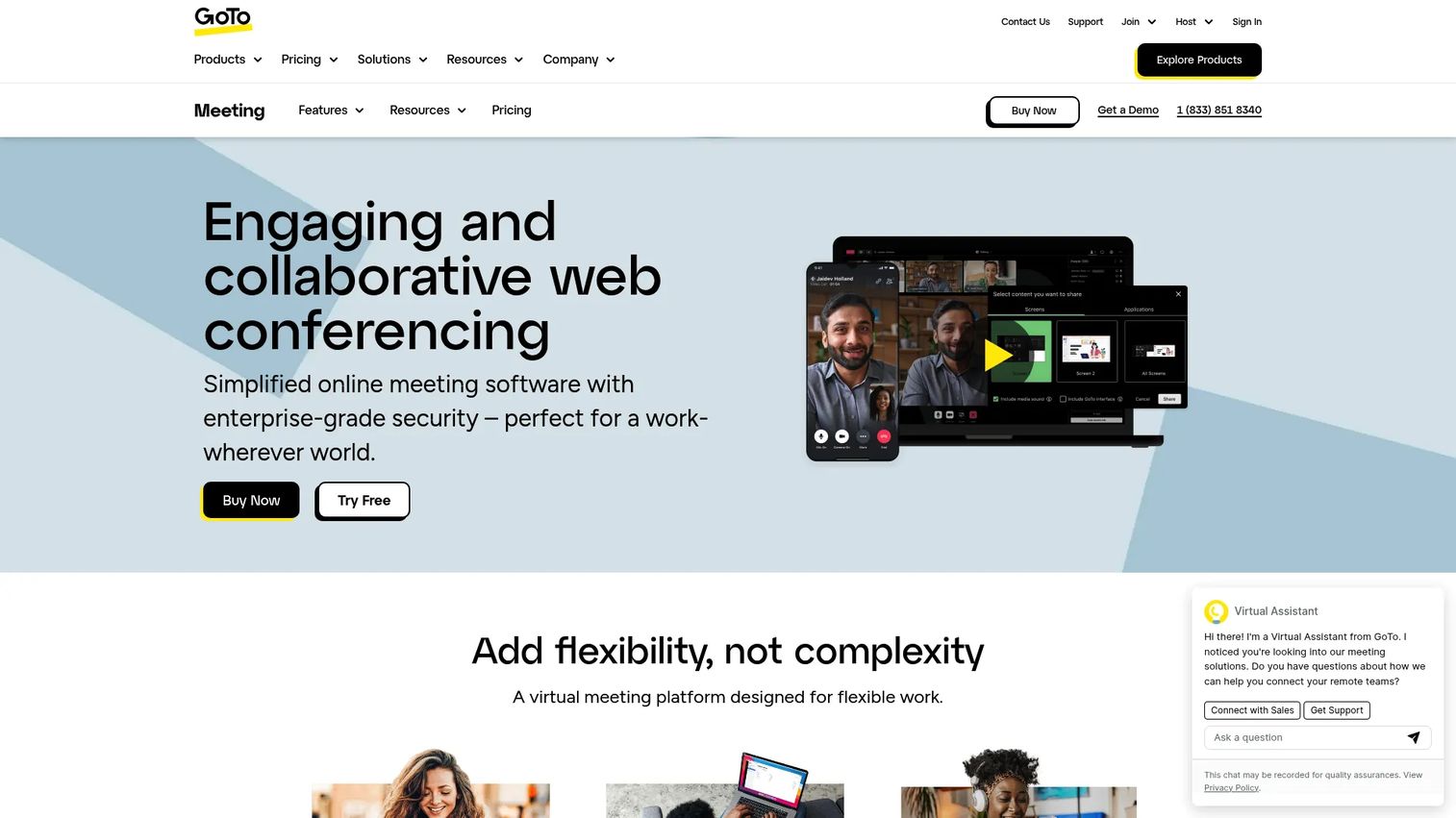
GoTo Meeting is cloud video conferencing software focused on doing the core job well: hosting straightforward online meetings without a lot of overhead. It offers screen sharing, meeting transcriptions, and a personal meeting room, which makes it a practical pick for recurring meetings, client calls, and smaller sessions where you do not need a full workplace suite.
Best for: Teams that need straightforward online meetings with screen sharing and transcription, without the complexity of a larger platform.
Key strengths
- Screen sharing: clean, reliable presentation of slides, apps, or full desktop during calls.
- Meeting transcriptions: automatic transcripts capture the conversation for follow-up and record-keeping.
- Personal meeting room: a persistent, reusable room link for recurring meetings and quick client calls.
Why choose GoTo Meeting: The case for GoTo Meeting is simplicity and focus. If a full unified-communications suite is more than your team needs, GoTo Meeting delivers dependable meetings with the essentials and none of the sprawl. It suits smaller teams and client-facing roles that want a no-fuss, reliable room without adopting an entire collaboration ecosystem.
GoTo Meeting pricing: GoTo Meeting offers Professional, Business, and Enterprise plans, with the Enterprise tier quoted through GoTo sales. Professional and Business are billed annually and support increasing meeting sizes and features as you move up. The public pricing page lists plan names and billing cadence, with current numeric pricing available directly from GoTo. For teams comparing conference software pricing, GoTo positions itself as the focused, meetings-first alternative to broader suites.
6. RingCentral
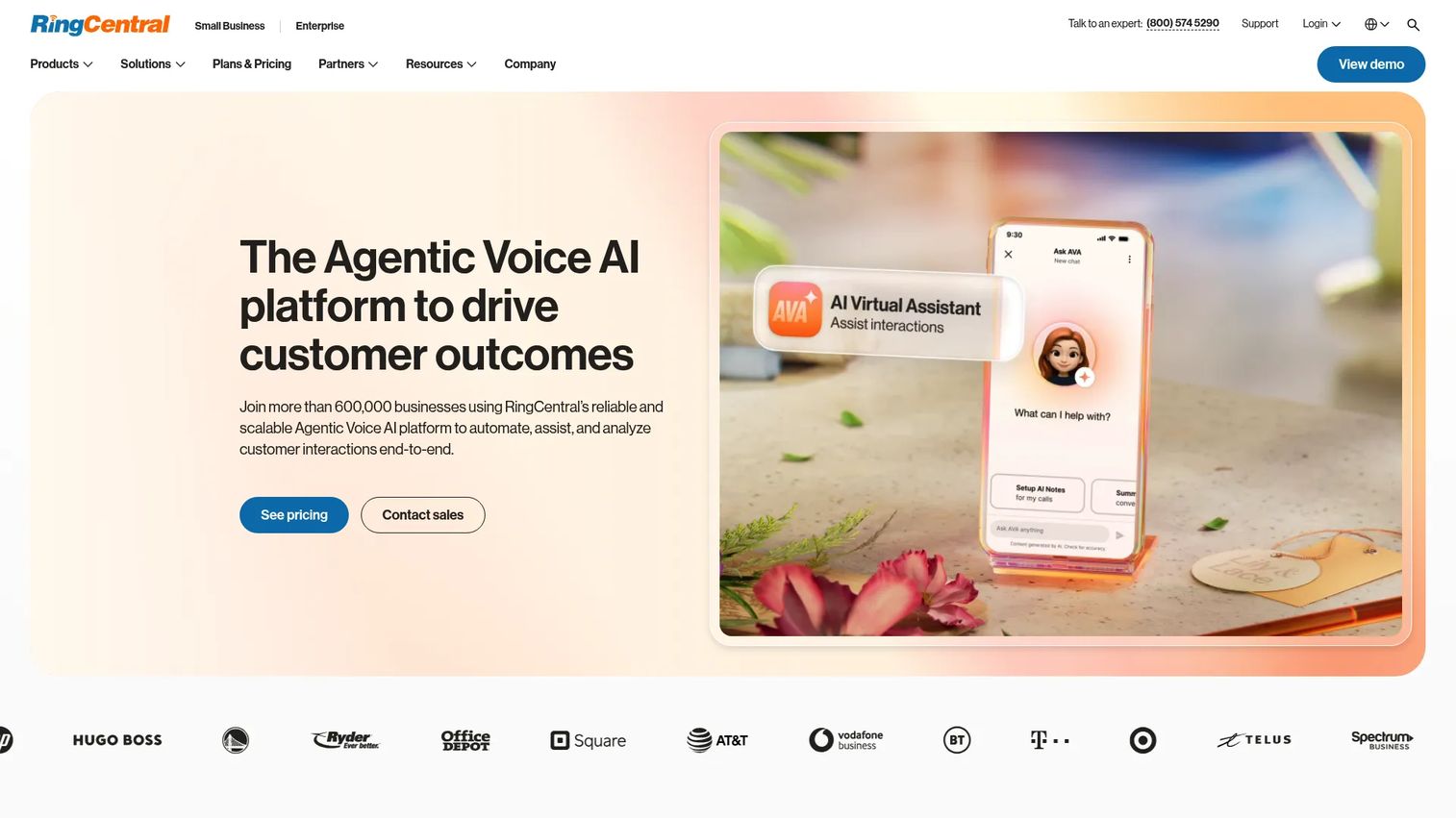
RingCentral is a unified communications platform where video conferencing is one piece of a larger whole. Its RingEX product combines business phone, messaging, video meetings, and contact center tools, so conferencing lives alongside calling and SMS in a single system. For teams that want to consolidate communications rather than run separate meeting and phone vendors, that breadth is the pitch.
Best for: Businesses wanting an all-in-one UCaaS and customer communications platform, not just a meetings tool.
Key strengths
- Business phone with SMS and fax: calling, SMS, voicemail-to-text, and fax in one place, replacing a separate phone system.
- Video meetings with breakout rooms: conferencing with transcription, breakout rooms, and encryption for secure collaboration.
- Contact center and AI engagement: customer engagement tools that extend the platform beyond internal meetings.
Why choose RingCentral: RingCentral makes sense when the goal is consolidation across the whole communications stack, not just meetings. Teams that would otherwise juggle a phone provider, a messaging app, and a conferencing tool can fold all three into one contract. The video meetings include the collaboration essentials, and the contact center capabilities matter for customer-facing operations that need voice and video under one roof.
RingCentral pricing: RingCentral's RingEX plans start at $19.99 per user per month for Essentials on annual billing. Standard runs $24.99, Premium $34.99, and Ultimate $49.99 per user per month, all on annual terms, with monthly pricing also shown. There is no free tier. The pricing reflects the broader unified-communications scope: you are buying phone, messaging, and video together, which changes the value math versus a meetings-only tool.
7. Jitsi Meet
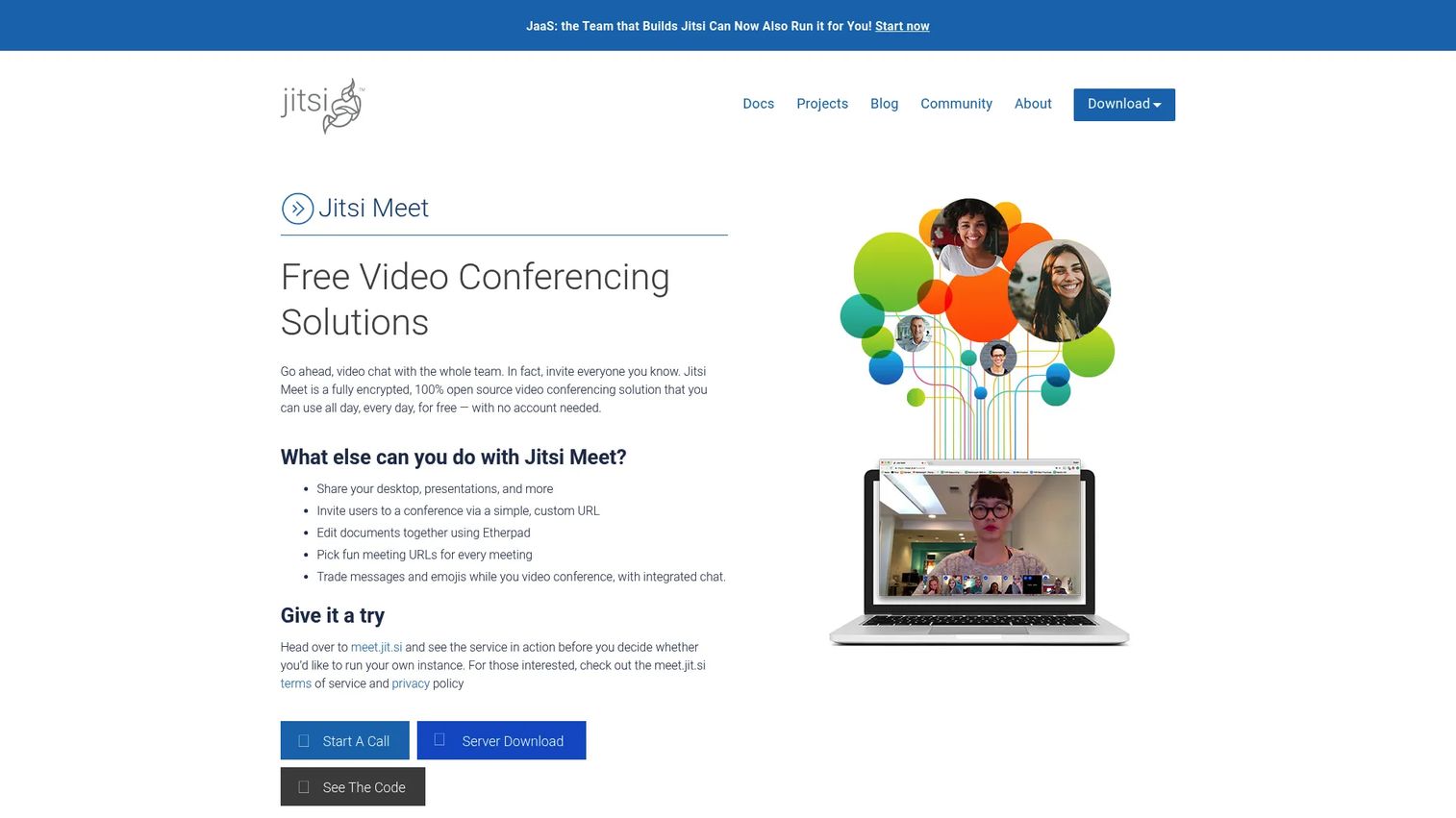
Jitsi Meet is free, open-source video conferencing software for browser-based meetings, with the option to self-host. It requires no account to join a call, supports screen sharing and password-protected rooms, and gives privacy-conscious teams full control over their deployment. For organizations that want a lighter, more customizable option without licensing costs, Jitsi is a distinct choice.
Best for: Teams or communities needing a free, open-source meeting tool they can use as-is or self-host for full control.
Key strengths
- No account required: participants join calls straight from a link, removing sign-up friction entirely.
- Screen sharing: present content in the browser without installing software.
- Password-protected rooms: lock meetings behind a password for privacy and access control.
Why choose Jitsi Meet: Jitsi appeals to teams that value privacy, cost control, and customization over a polished commercial suite. Because it is open source, technically capable teams can self-host to keep data fully in their own environment, which is compelling for privacy-first organizations. It is the pragmatic pick when you want a functional, free meeting tool and are willing to trade white-glove vendor support for autonomy and zero licensing spend.
Jitsi Meet pricing: Jitsi Meet is free to use, with no account needed and no tiered paid pricing table on the official site. Teams can use the hosted version at no cost or self-host the open-source project on their own infrastructure. The trade-off is that self-hosting shifts maintenance and support to your own team, but for organizations with the technical capacity, the licensing cost is zero. That makes it one of the most budget-friendly conference software options available.
8. Adobe Connect
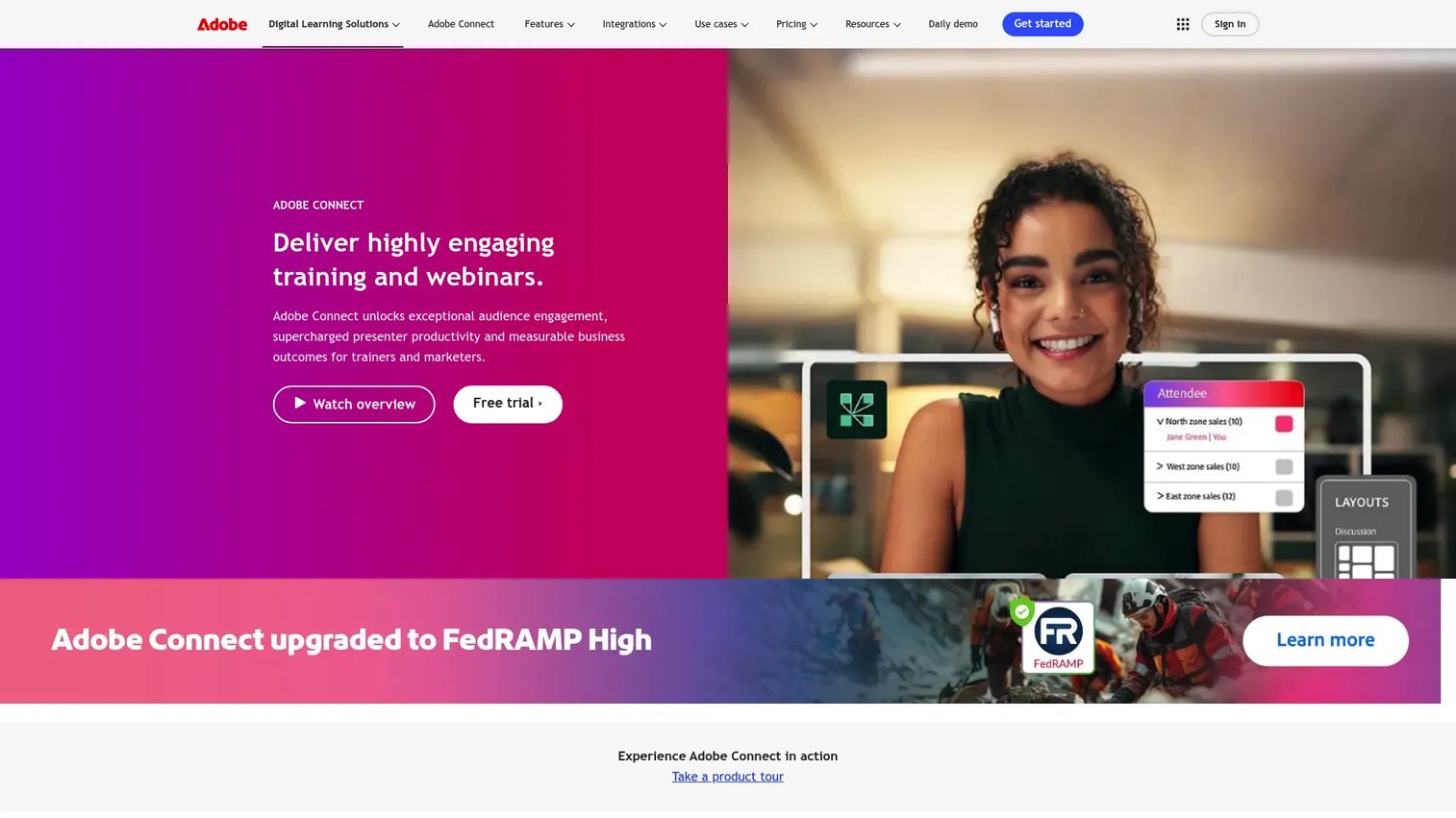
Adobe Connect is a virtual training and webinar platform built for engaging, structured live online experiences. Instead of a generic meeting grid, it uses customizable rooms with Pods and Layouts, persistent rooms, pre-configured breakouts, and engagement analytics. That makes it stand out for training, classrooms, and branded webinars where audience interaction and presentation control matter more than casual calls.
Best for: Organizations running branded webinars or training sessions that need persistence, customization, and engagement tools.
Key strengths
- Personalized virtual rooms with Pods and Layouts: design the room to match the session, from training to webinar to breakout.
- Persistent rooms and pre-configured breakouts: rooms retain their setup between sessions, so recurring programs launch instantly.
- Engagement analytics and reporting: track attendance, interaction, and participation to measure webinar and training performance.
Why choose Adobe Connect: For teams whose primary need is structured, high-engagement virtual events rather than daily meetings, Adobe Connect is purpose-built. Marketers running webinars get analytics and branded rooms that support lead-gen and audience tracking, and training teams get persistent, customizable classrooms. It stands apart precisely because it optimizes for presentation and engagement, not ad-hoc video calls.
Adobe Connect pricing: Adobe Connect offers Training and Webinar packages, each with Standard, Premium, and Enterprise tiers. Training and Webinar Standard both start at $190 per year per host, Premium at $290 per year per host, and Enterprise at $390 per year per host, with optional add-ons available. There is no free tier. The per-host, per-year model fits teams running dedicated webinar and training programs rather than broad, all-hands conferencing.
Considerations before you buy
A shortlist is only useful once you match it against your own constraints. Run every candidate through these criteria before you commit budget.
Security and compliance
Check for encryption, waiting rooms, and password protection at minimum. For regulated industries, verify SSO, MFA, and specific compliance certifications your buyers or auditors require. Secure conference software is not a nice-to-have when your calls touch sensitive data; a weak security posture can stall a deal during a customer's vendor review.
Webinar and virtual event support
If lead gen is the goal, confirm the platform handles registration pages, attendee tracking, polls, Q&A, and clean lead handoff. Ask how engagement data exports and whether it flows into your CRM. A tool that hosts a great webinar but traps the attendee data is a half-solution for marketers who need attribution.
Integration with your existing stack
The strongest consolidation argument is a tool that replaces something you already pay for. Verify native integration with your productivity suite, calendar, and CRM. Conference software for teams already standardized on Microsoft 365 or Google Workspace often costs less because it rides along with a plan you own.
Collaboration depth
Match features to how your team actually meets. Daily standups need reliable screen sharing and recording. Workshops need breakout rooms and a whiteboard. Webinars need registration and Q&A. Do not pay for event tooling you will never open, and do not force a lightweight meeting tool to do a webinar's job.
Conclusion
The best conference software is the one that fits your job, not the one with the biggest logo. For most teams, the decision comes down to where you already live and what you are trying to accomplish.
If you want an all-in-one meetings suite, Zoom is the reliable default. If your org runs on Microsoft, Teams is the consolidation play, and if you are on Google Workspace, Google Meet is the frictionless choice. For security-first and global teams, Webex holds up under scrutiny. RingCentral fits when you want to consolidate phone, messaging, and video into one platform. Jitsi Meet is the free, open-source, privacy-first option, and Adobe Connect is purpose-built for structured webinars and training.
For marketers and GTM teams, shortlist based on three things: budget, audience size, and integration needs. A tool that captures registrations, records reusable content, and pushes engagement data into your CRM earns its place. One that only handles the call leaves the pipeline work undone. Pick the platform that turns meetings and virtual events into measurable outcomes, whether you are running internal syncs, client calls, or lead-gen webinars for remote teams.
If your evaluation extends to how you show your product to buyers before and after those calls, Guideflow is worth a look for the demo side of the funnel. You can capture your product flow in a few clicks, personalize it for each account, share it across landing pages, emails, and events, and analyze engagement to see what buyers actually explored. Its AI features auto-generate steps and voiceovers, teams collaborate on demos together, and it integrates with the CRM and marketing tools your conference software feeds into. Its demo center gives teams a single branded hub to organize demos for website resource hubs, sales enablement portals, event kiosks, and account-based collections, while live demos add the human layer during sales presentations, webinars, QBRs, and executive briefings, and mobile demos let buyers experience your mobile product exactly as it feels on their device.
Start your journey with Guideflow today!
FAQs
For small teams, Zoom's free Basic tier and Google Meet inside Google Workspace are strong starting points because both minimize setup and cost. Microsoft Teams is ideal if the team already pays for Microsoft 365, since conferencing comes bundled. The best pick depends on which productivity suite the team already uses, since integration removes friction and avoids paying twice.
Webex is a leading choice for security-conscious and regulated teams, with encryption, enterprise admin controls, and compliance depth that hold up in vendor reviews. Microsoft Teams also inherits strong governance from the Microsoft 365 ecosystem, and RingCentral offers encryption on its video meetings. Always verify that the platform supports the specific certifications, SSO, and MFA your auditors or buyers require.
Adobe Connect is purpose-built for structured webinars and training, with customizable rooms, persistent setups, and engagement analytics. Zoom Webinars extends Zoom's reliability to registration-gated events with polls and Q&A. For lead gen specifically, prioritize platforms that export attendee and engagement data cleanly into your CRM, since that is what turns a webinar into pipeline.
Free tiers can absolutely work for small teams and internal meetings. Zoom's Basic plan handles 40-minute group calls, Google Meet is included with Workspace, and Jitsi Meet is fully free and open source. The limits show up at scale: meeting length caps, fewer admin controls, and lighter security features. For regulated calls or large events, a paid tier or self-hosted deployment usually becomes necessary.
Marketers should prioritize registration and lead capture, recordings they can repurpose into content, and integrations that push engagement data into the CRM and marketing automation. Attribution matters: a webinar tool that generates leads but traps the data leaves the pipeline work undone. Look for clean data export, native CRM connections, and analytics that tie attendance to funnel outcomes.
Microsoft Teams integrates most tightly with Microsoft 365, living inside Word, Excel, SharePoint, and Outlook. Google Meet does the same for Google Workspace, launching straight from Calendar and Gmail. Zoom, Webex, and RingCentral offer broad integrations across both ecosystems plus CRM and marketing tools, so the right fit depends on which suite your team already runs.
Start with the productivity suite your remote team already uses, since native integration removes daily friction. Weigh reliability, recording for async catch-up across time zones, and security for distributed access. Match features to actual use: daily standups need speed, workshops need breakout rooms and a whiteboard, and lead-gen webinars need registration and clean data handoff to your CRM.
The essentials are reliable screen sharing, recording, chat, and breakout rooms for collaboration. Beyond those, AI summaries and transcription cut manual note-taking, and security controls like encryption, SSO, and MFA protect sensitive calls. For marketing use, registration and lead capture plus CRM integration matter most, because they turn meetings and virtual events into measurable outcomes rather than isolated calls.