
You shipped the launch video. The hero film, the explainer, the product walkthrough. It tested well with your North American buyers. Then someone on the GTM call asked the obvious question: what about EMEA? What about APAC? Half the pipeline does not speak English as a first language, and you just built an asset that only speaks to one region.
Reshoots cost weeks. Hiring voice actors for eight languages costs more than the original production. And subtitles alone leave engagement on the table, because most viewers will not read a wall of text while they watch.
This is the gap video translation software fills. CSA Research found that 75% of consumers prefer to buy products in their native language, and 60% rarely or never buy from English-only experiences (CSA Research, 2014). That preference did not soften as video took over the funnel. It hardened.
The good news: AI dubbing, voice cloning, and lip-sync have closed most of the quality gap that made machine translation embarrassing two years ago. Travod reports AI translation now reaches 90 to 98% accuracy on clear audio, at a fraction of the $50 to $150 per minute traditional studio dubbing runs (Travod, 2026). You can localize a launch film into a dozen languages in an afternoon, not a quarter.
The problem is choosing the right tool. The category is crowded, the pricing models do not line up, and the dubbing quality varies more than the marketing pages admit. So we tested the field.
What's inside
This guide is for product marketing managers and GTM teams who localize video at scale: launch films, product videos, ads, training, and enablement content for global buyers. Not creators dubbing one YouTube short, though most of these tools handle that too.
We evaluated each tool against four criteria that actually matter when you are buying:
- Dubbing and voice-clone quality: how natural the translated voice sounds, and whether lip-sync holds up.
- Language coverage: the real count of supported languages and dialects, not just the headline number.
- Pricing and free-tier reality: what each tier costs, and what the free plan actually lets you do.
- Workflow fit and integrations: how output slots into your existing video, brand, and localization stack.
Every pricing figure and G2 rating below was verified against live sources in June 2026.
TL;DR
Short on time? Here are the decision shortcuts by use case.
- Best for AI avatars plus translation: Synthesia, for PMMs building avatar-led training and launch videos from a script.
- Best for lip-sync and language breadth: HeyGen, with 175+ languages and high-fidelity lip-synced dubbing.
- Best for voice quality: ElevenLabs, if natural-sounding voice and API access top your list.
- Best for enterprise localization workflows: Smartcat, when you need governed, reviewable translation across formats.
- Best for creators and social at volume: Rask AI, for localizing YouTube and social content fast.
- Best free option to start: Canva, if your team already lives in the Canva editor.
Background: what video translation software actually does
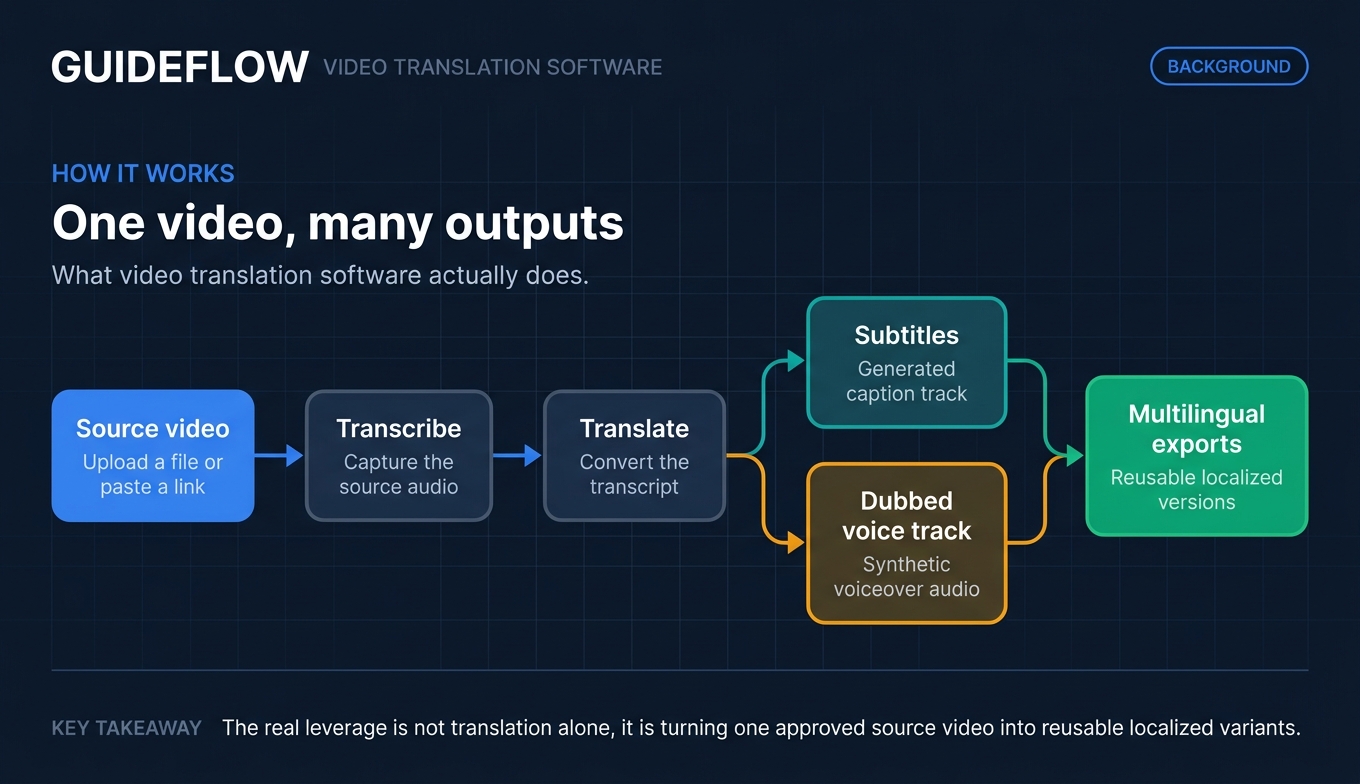
Video translation software uses AI to translate a video's spoken audio, subtitles, and on-screen text into other languages, often with dubbing, voice cloning, and lip-sync. It turns one source video into many language versions without reshoots, studio time, or voice actors.
The category sits between two older worlds: manual subtitling services and full studio dubbing. AI video translation collapses both into a software workflow. You upload a file or paste a link, the tool transcribes and translates, then it generates subtitles or a dubbed voice track, and you export.
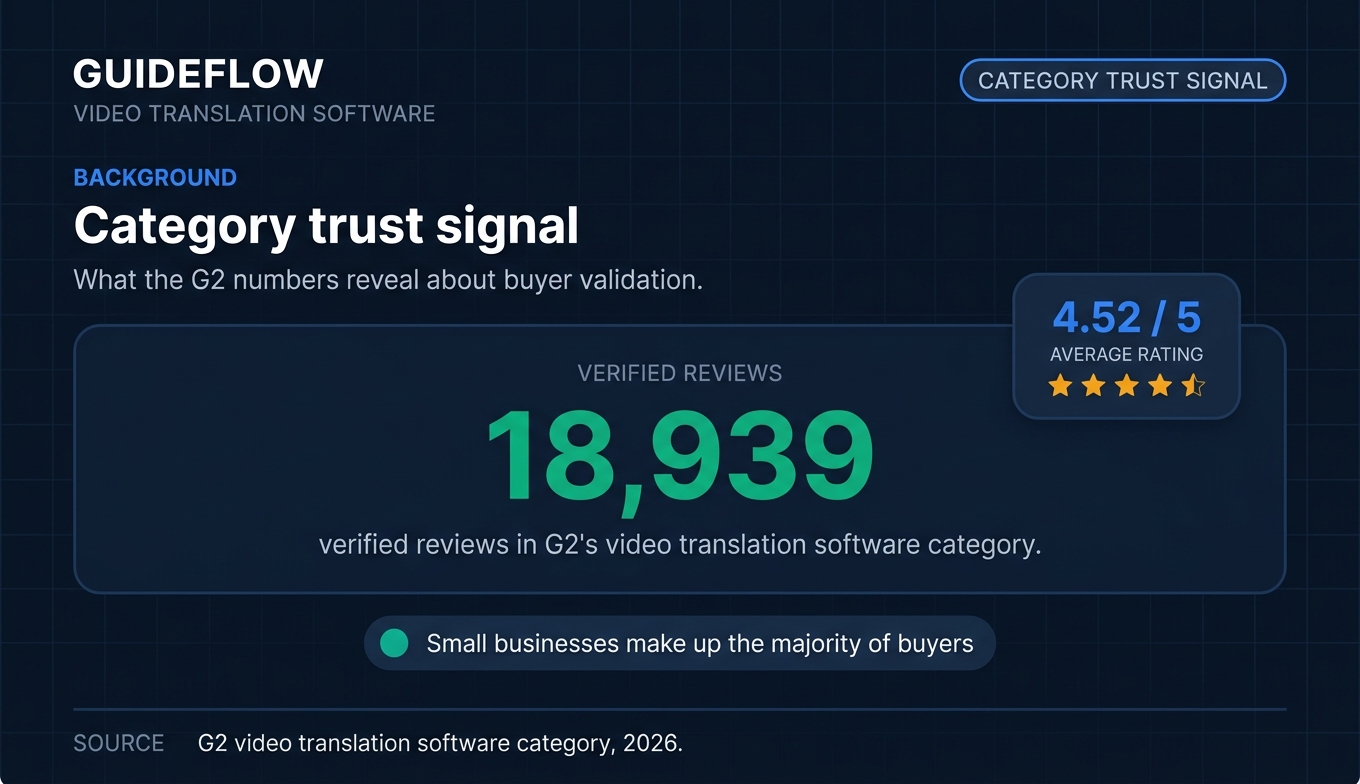
The activity is real and trusted. G2's video translation software category shows 18,939 verified reviews at an average 4.52 out of 5, with small businesses making up the majority of buyers (G2, 2026).
Core capabilities you will see across most tools:
- Auto transcription: speech-to-text on the source audio, usually with timestamps and speaker labels.
- Subtitle generation and editing: translated captions you can correct, restyle, and export as SRT or VTT.
- AI dubbing: a replacement voice track in the target language, synced to the original timing.
- Voice cloning: a synthetic version of the original speaker's voice so the dub sounds like the same person.
- Lip-sync: reshaping the on-screen mouth movements to match the new audio.
- Multi-speaker detection: separating and labeling distinct voices in the source.
- Glossary and brand-term control: locking product names, trademarks, and pronunciations across every version.
- Multilingual export: downloading all language variants in your required formats.
Not every tool does all of this well. Some are subtitle-first. Some are voiceover-led with no lip-sync. Some are full localization platforms with human review baked in. The right ai video translator depends on which of these you actually need.
When to use video translation software
The category covers more ground than "make the video speak Spanish." Here are the three moments a PMM reaches for it.
Localize launch and product videos for global GTM
You want every region to launch in-language on day one. Translate the launch film, the explainer, or the product video so a buyer in Munich and a buyer in São Paulo both hear value in their own language. Dubbing matters most here, because a polished launch asset with subtitles-only signals "we did the minimum." A natural dubbed version signals "we built this for you." For teams coordinating these regional rollouts, the right product launch software can keep the localized assets and go-to-market motion aligned.
Scale training and enablement content across regions
One onboarding video, eight markets. Instead of rebuilding training for each region, you translate the master asset and distribute language versions. This is where AI dubbing earns back the most hours, since enablement libraries are large and update often. Pairing translated videos with user onboarding software helps each region adopt the product in-language from day one.
When the asset is an interactive product demo rather than a flat video, you have an even stronger complement for localized product storytelling. Interactive demos let global buyers click through real product screens at their own pace, with translated steps and AI voiceovers, so the walkthrough speaks every buyer's language across landing pages, onboarding flows, sales follow-ups, and partner enablement. Many GTM teams pair translated videos for the narrative with interactive demos for the hands-on experience.
Translate ads, shorts, and YouTube for reach
Paid social, reels, and YouTube reward localized content with higher watch time and click-through. Localize a winning ad into five languages and you multiply the creative you already proved works. Several tools accept a YouTube link directly, so you can translate a video without re-uploading the source file. The right content creation software rounds out the production side of this localized output.
Comparison table
The table below sorts the field by relevance to a PMM localizing video at scale. Pricing reflects entry paid tiers verified in June 2026, and G2 ratings were pulled live. Free tiers are noted where they exist.
| # | Product | Intent | Key use case | Pricing | G2 rating |
|---|---|---|---|---|---|
| 1 | Synthesia | Avatar video plus translation | Avatar-led training and launch videos from script | Free; Starter $29/mo | 4.6/5 |
| 2 | HeyGen | Lip-sync dubbing at scale | Highest-fidelity lip-sync, 175+ languages | Free; Creator $29/mo | 4.8/5 |
| 3 | Rask AI | Volume dubbing for social | YouTube and social localization at scale | Creator $60/mo | 4.7/5 |
| 4 | ElevenLabs | Natural voice and API | Voice-quality-first dubbing and bulk via API | Free; Starter $6/mo | 4.5/5 |
| 5 | Smartcat | Enterprise localization | Governed, reviewable translation across formats | Basic from $1,200/yr | 4.6/5 |
| 6 | Maestra | Subtitle-first localization | Caption-heavy and transcription workflows | From $12 per 60 credits | 4.8/5 |
| 7 | Kapwing | Editor plus translation | All-in-one editor with translation built in | Free; Pro $16/mo | 4.1/5 |
| 8 | Veed | Social editing plus dubbing | Edit and translate social video in one tool | Free tier available | 4.6/5 |
| 9 | Murf | Voiceover-led localization | AI voiceover and narration localization | Free tier available | 4.7/5 |
| 10 | Canva | Quick free-to-start dubbing | Translation inside the Canva creative suite | Free; Pro $144/yr | 4.7/5 |
1. Synthesia
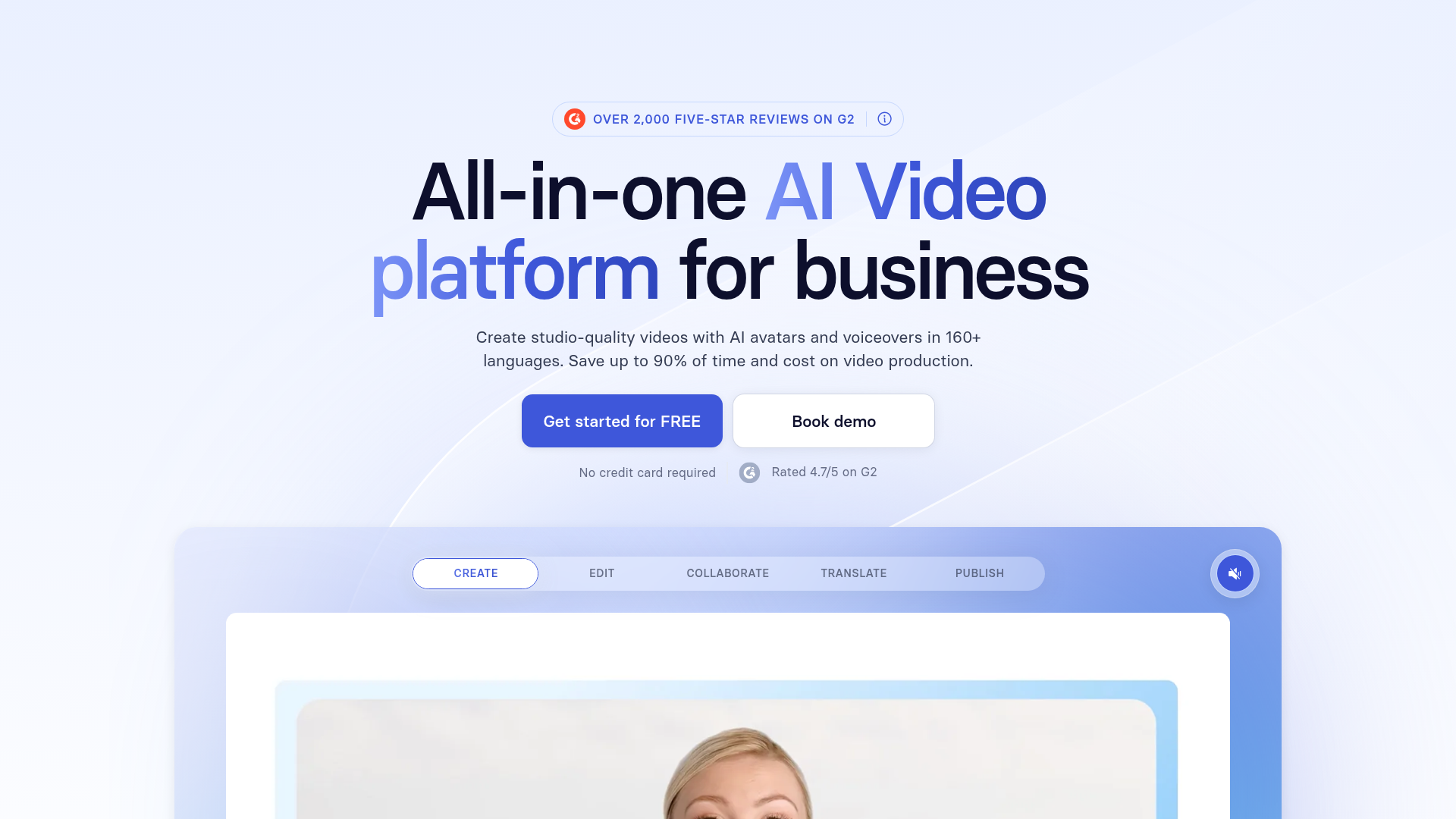
Synthesia is an AI video platform for business teams to create and scale professional videos for communication, training, and skill development. It is best known for AI avatars: you write a script, pick a presenter, and generate a polished video without a camera. On top of that, it handles AI dubbing and translation of existing videos, so it works both as a creation tool and as a video translator.
For PMMs, the draw is that one workflow produces both the original asset and its localized versions. You build the launch or onboarding video once, then dub it into other languages with the same brand kit applied.
Best for: Business teams producing avatar-led training, onboarding, and launch videos that need to ship in many languages.
Key strengths
- Script-to-video creation: Turn text, a PowerPoint, a PDF, a prompt, or a URL into a finished AI video.
- 160+ languages with avatars and voices: Generate and localize presenter-led content across a wide language range.
- AI dubbing and brand control: Dub existing videos and apply brand kits so every version stays on-brand.
Why choose Synthesia: If your localization need is tied to creating new presenter-style videos, not just translating footage you already shot, Synthesia keeps both jobs in one place. The trade-off is that it is built around avatar and script-driven video, so teams localizing live-action footage with on-camera people may find a dubbing-first tool fits closer.
Synthesia pricing: A free Basic plan lets you experiment with AI video. Starter runs $29 per month billed monthly, or $18 per month billed yearly, and adds downloads, AI Dubbing, and the AI Video Assistant. Creator is $89 per month monthly, or $64 yearly, adding personal avatars, branded video pages, and API access. Enterprise is custom-priced with unlimited video minutes, SSO, brand kits, and SCORM export. Synthesia holds a 4.6 out of 5 on G2.
2. HeyGen
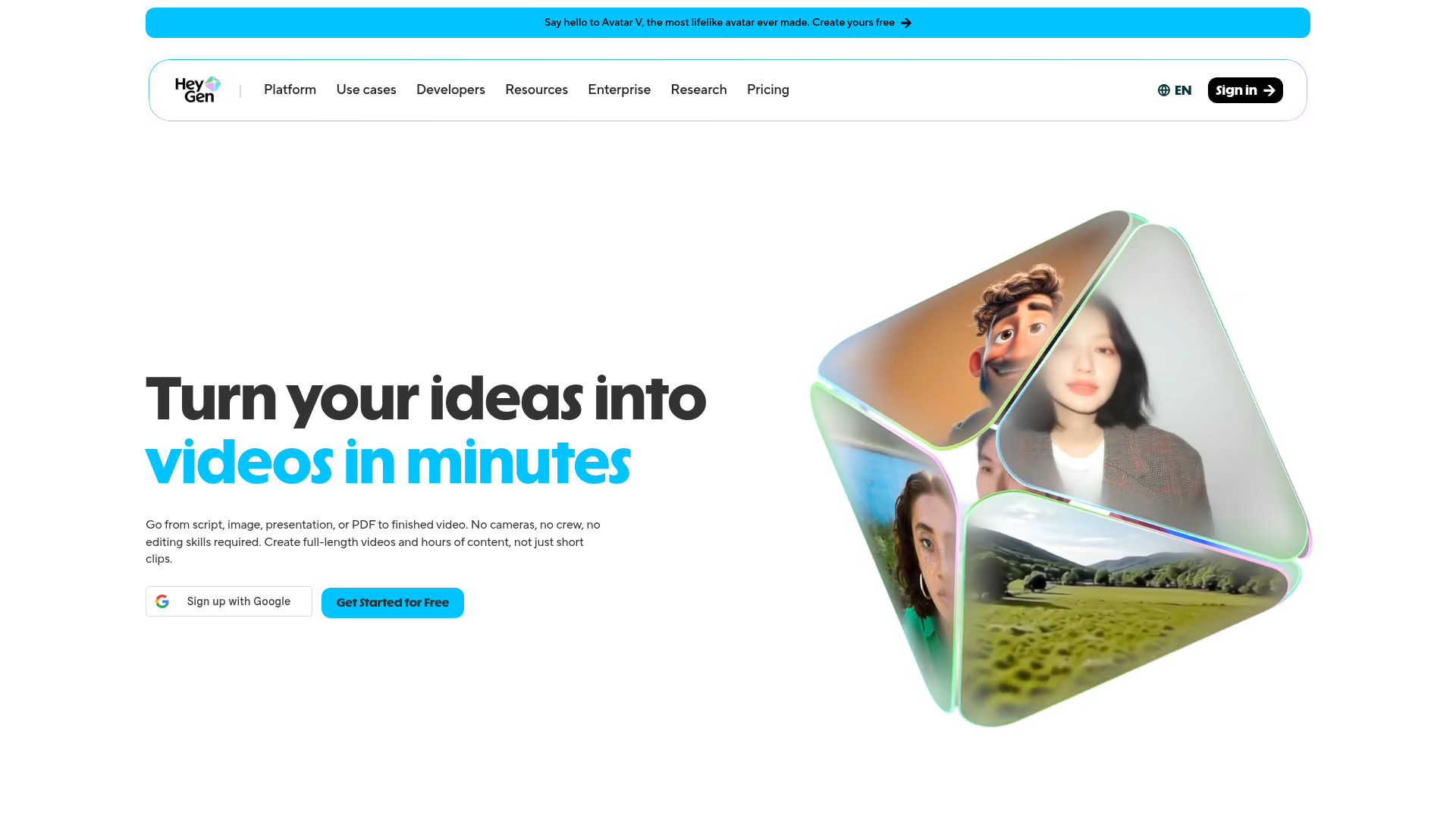
HeyGen is an AI video creation platform for generating videos with avatars, voices, translation, and collaboration tools. On the translation side, it is one of the strongest for lip-synced dubbing across a very wide language range. You can translate an uploaded file or pull a video straight from a YouTube link, and the dubbed mouth movements track the new audio.
Trivago uses HeyGen to localize its video content, and HeyGen features that as a public case study, which is useful proof for a PMM evaluating dubbing fidelity at brand scale.
Best for: Teams that want the highest-fidelity lip-sync paired with broad language coverage.
Key strengths
- 175+ languages and dialects: Localize into one of the widest language sets in the category on paid plans.
- Voice cloning plus lip-sync: Keep the original speaker's voice and match on-screen mouth movements to the dub.
- Avatar videos and YouTube import: Generate avatar-led content or translate directly from a YouTube URL.
Why choose HeyGen: When the on-screen person matters and a robotic, out-of-sync dub would undercut the brand, HeyGen's lip-sync is the differentiator. It also keeps translations on-brand through terminology and glossary controls. For pure subtitle work or voiceover-only narration, lighter tools may be enough.
HeyGen pricing: A Free plan includes 3 videos per month. Creator is $29 per month and adds 600 credits, voice cloning, 175+ languages, and 1080p export. Pro starts at $49 per month with 4K export and customizable usage. Business is $149 per month with SSO, workspace collaboration, SCORM export, and integrations, plus $20 per additional seat. Enterprise is custom. HeyGen carries a 4.8 out of 5 on G2.
3. Rask AI
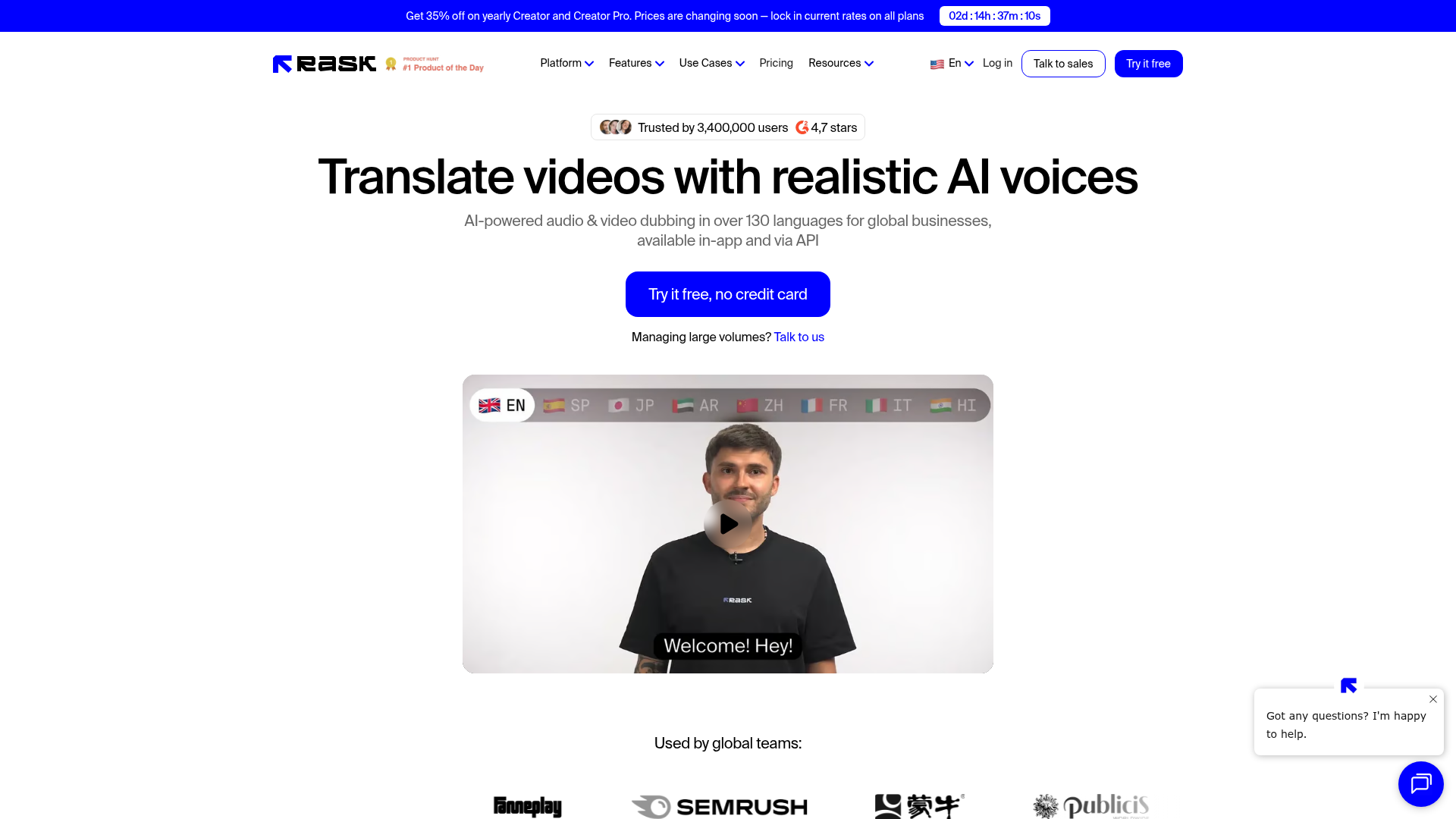
Rask AI is an AI-powered audio and video localization platform for translating, dubbing, lip-syncing, and scaling multilingual content. It is built for volume: creators and marketers who need to push YouTube and social content into many languages without a heavy editing process. Multi-speaker translation and a transcript editor let you clean up output before export.
Best for: Creators and marketers localizing YouTube and social content at scale.
Key strengths
- 130+ languages for dubbing: Translate and dub video or audio across a broad language set.
- VoiceClone in 32 languages: Preserve the original speaker's voice in a sizable language subset.
- Lip-sync, captions, and multi-speaker: Handle on-screen sync, auto captions, and several voices in one source.
Why choose Rask AI: If your localization motion is high-frequency social and YouTube output, Rask AI is built around that cadence with per-minute plans that scale to it. Independent testing has flagged lip-sync as an area where it trails the strongest dubbing tools, so for hero assets where mouth-sync is critical, test a clip first.
Rask AI pricing: A 7-day free trial includes 3 minutes, no card required. Creator starts at $60 per month monthly, or $50 yearly, for 25 minutes. Creator Pro is $150 per month for 100 minutes. Business is $750 per month for 500 minutes. Enterprise is custom, from 2,000 minutes per month. Rask AI holds a 4.7 out of 5 on G2.
4. ElevenLabs
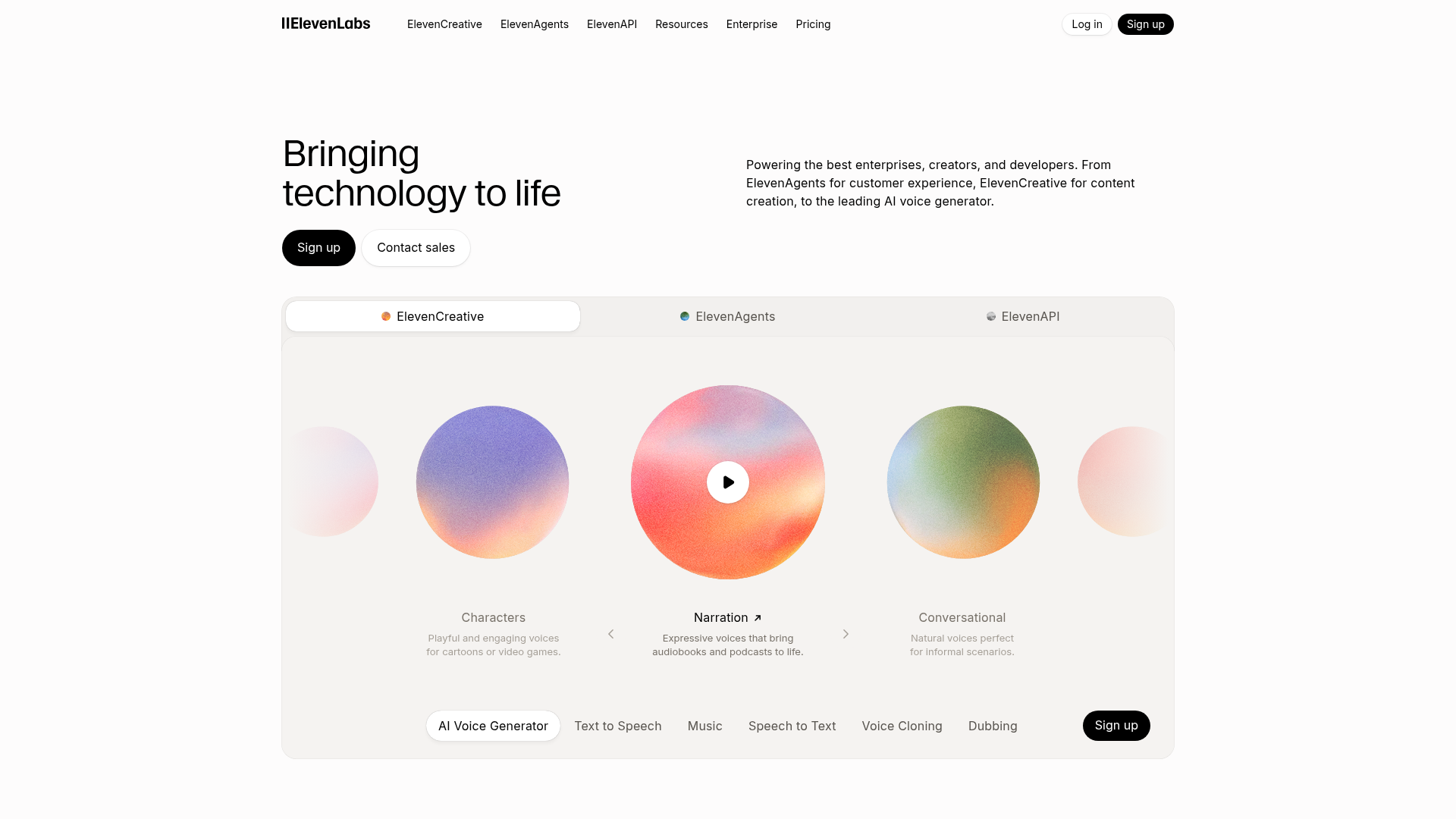
ElevenLabs is an AI communication platform for generating speech, music, sound effects, media, and deploying conversational voice agents. Its Dubbing Studio and voice cloning are widely regarded for the most natural-sounding AI voice output in the category. If the dub needs to be indistinguishable from a human read, this is the tool people benchmark against.
It is also developer-friendly, with an API for teams that want to localize audio in bulk or wire translation into a pipeline.
Best for: Teams that prioritize natural voice quality and want API access for bulk localization.
Key strengths
- Realistic text-to-speech and dubbing: Generate voice output that holds up against human narration.
- Voice cloning: Clone a speaker's voice for consistent narration across languages.
- API and Dubbing Studio: Localize at scale through the API or the dedicated dubbing workflow.
Why choose ElevenLabs: When voice naturalness is the deciding factor and you can work without lip-sync, ElevenLabs is the strongest pick. It is voice-first, so teams that need on-screen mouth-matching for talking-head footage will pair it with a lip-sync tool or choose a dubbing-plus-sync platform instead.
ElevenLabs pricing: Free includes 10k credits per month. Starter is $6 per month with 30k credits, a commercial license, voice cloning, and Dubbing Studio access. Creator is $11 per month (after a first-month discount) with 121k credits and professional voice cloning. Pro is $99, Scale is $299, and Business is $990 per month, scaling credits and seats. Enterprise is custom. ElevenLabs carries a 4.5 out of 5 on G2.
5. Smartcat
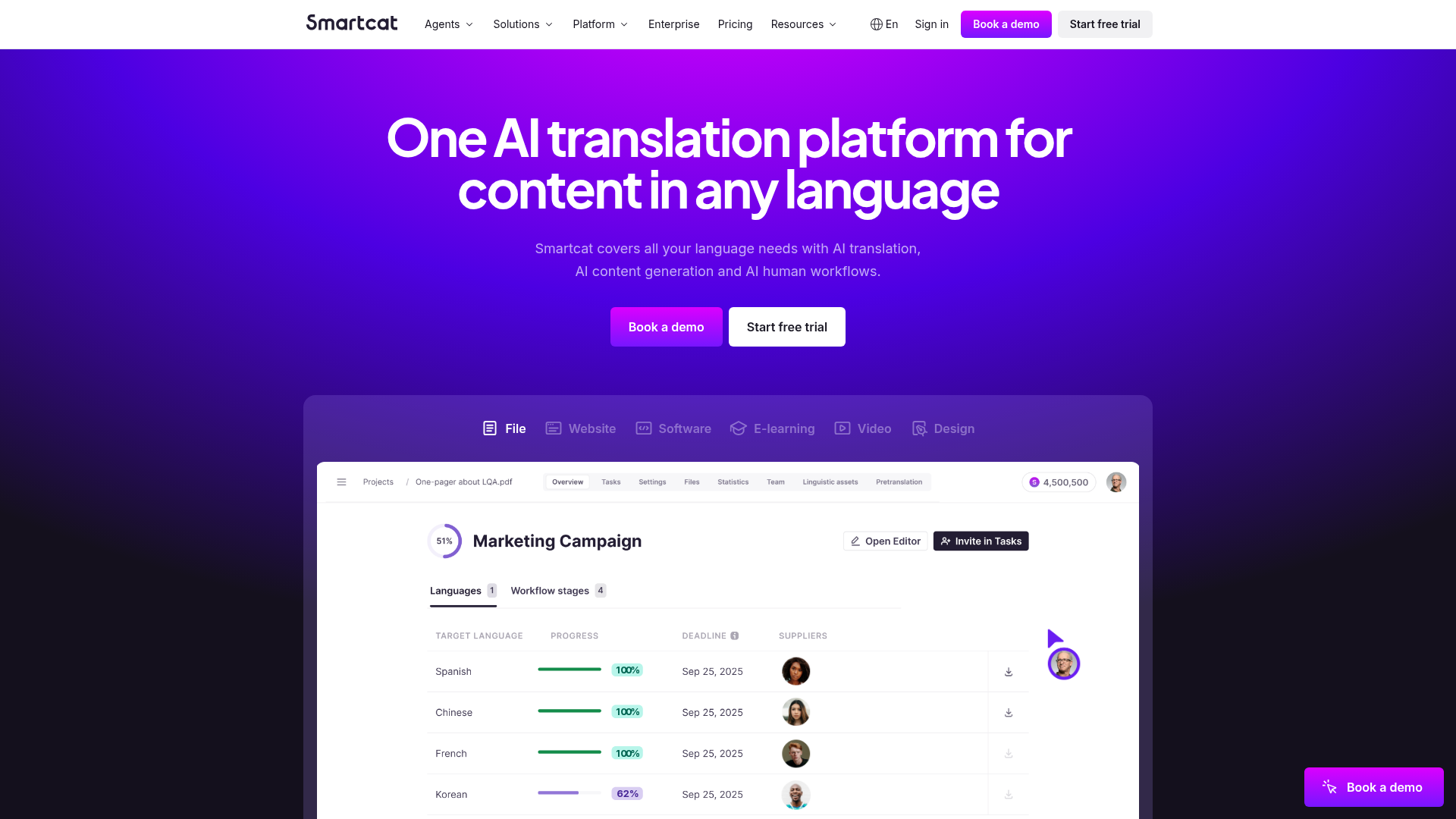
Smartcat is an AI-powered global content and translation management platform for creating, translating, localizing, and automating multilingual content workflows. Video is one piece of a much larger localization system. Its video translation supports subtitles and dubbing across a very wide language range, with speaker detection, a glossary, QA checks, and a collaborative review layer where in-house and external linguists refine AI output.
Enterprise customers including Smith+Nephew and Wunderman Thompson appear in Smartcat's case studies, which signals where this tool fits: regulated, high-volume, governed localization.
Best for: Enterprise teams that need governed, reviewable localization across many content formats, not just video.
Key strengths
- End-to-end localization workflow: Manage translation, review, and delivery across documents, media, software, and web in one platform.
- AI dubbing plus expert review: Generate subtitles and dubs, then route them through human linguists for QA.
- Glossary, QA, and integrations: Lock terminology, run quality checks, and connect to your content systems.
Why choose Smartcat: If video is part of a broader localization program and you need audit trails, terminology governance, and a marketplace of reviewers, Smartcat covers the whole motion. A team that only needs to dub a handful of marketing videos will find a lighter, video-only tool faster to stand up.
Smartcat pricing: Basic starts at $1,200 per year for independent creators and small companies, with unlimited users and one collaborative space. Enterprise is custom-priced for global and regulated teams, adding unlimited spaces, marketplace access billed pay-as-you-go, 24/7 support, and compliance features like SSO and audit logging. A 15-day free trial is available. Smartcat holds a 4.6 out of 5 on G2.
6. Maestra
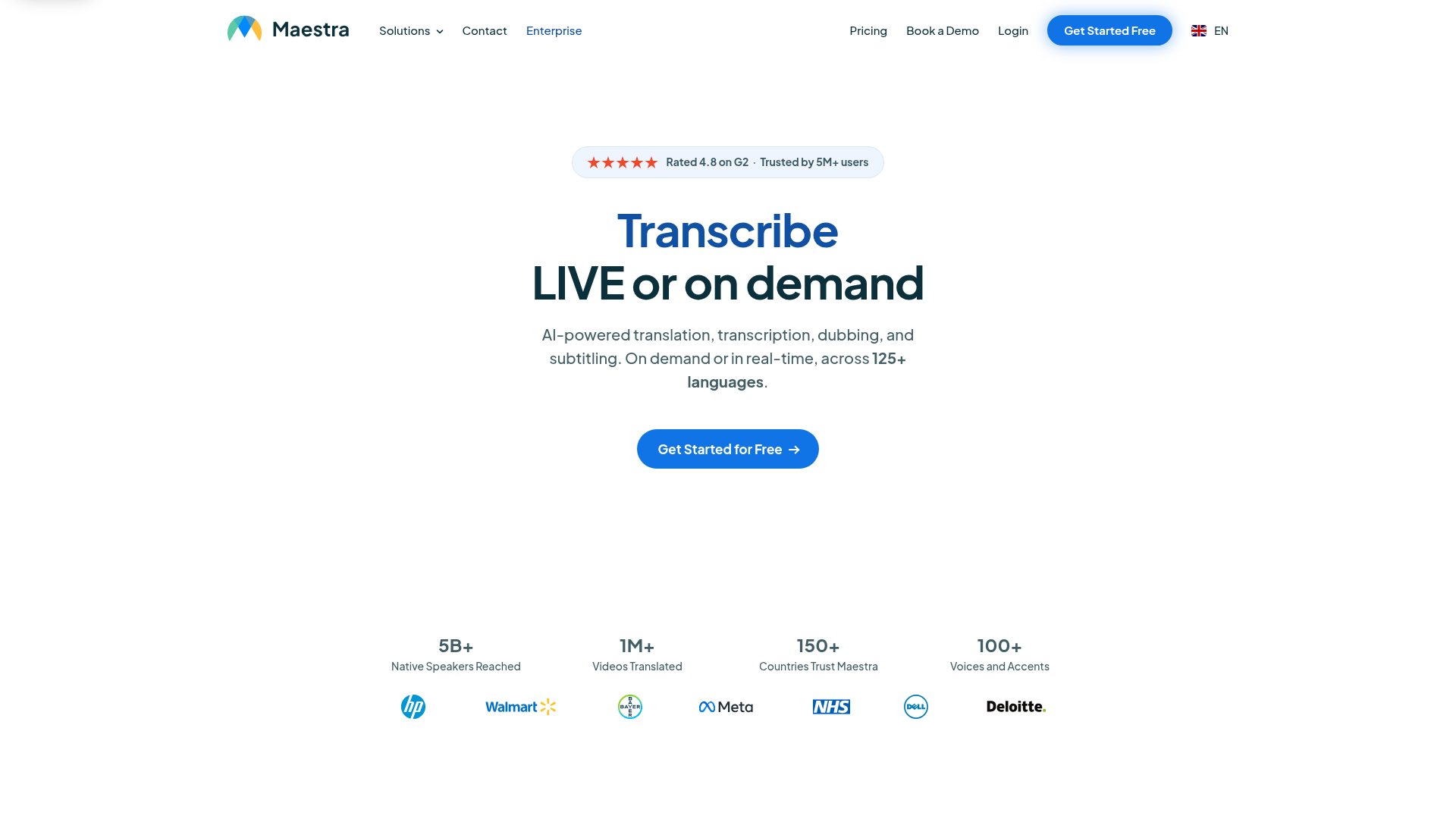
Maestra is an AI-powered media localization platform for transcription, translation, subtitling, dubbing, and live language workflows. It leans subtitle-first, which makes it a strong fit for caption-heavy work, but it also handles AI dubbing, voice cloning, and lip-sync. The transcription engine covers 125+ languages with speaker detection and timestamps.
Best for: Subtitle-first and caption-heavy workflows that also need occasional dubbing.
Key strengths
- Transcription in 125+ languages: Auto-transcribe audio and video with speaker labels and timestamps.
- Subtitles with full editing and export: Edit, translate, and export captions as SRT, VTT, or embedded video.
- AI dubbing and voice cloning: Generate dubbed voiceovers with lip-sync when you need spoken localization.
Why choose Maestra: If your localization starts with accurate captions and transcripts, and dubbing is a sometimes-need, Maestra's subtitle workflow is its center of gravity. Teams whose primary need is high-fidelity lip-synced dubbing may prioritize a dubbing-first tool, then use Maestra for the caption layer.
Maestra pricing: Pay As You Go is $12 per 60 credits. Lite is $23 per month for 180 transcription minutes. Basic is $39 per month for 360 minutes, adding AI summary, custom dictionary, and cloud file sharing. Premium is $79 per month for 900 minutes, with team features, centralized billing, and API access. Enterprise is custom. Maestra carries a 4.8 out of 5 on G2.
7. Kapwing
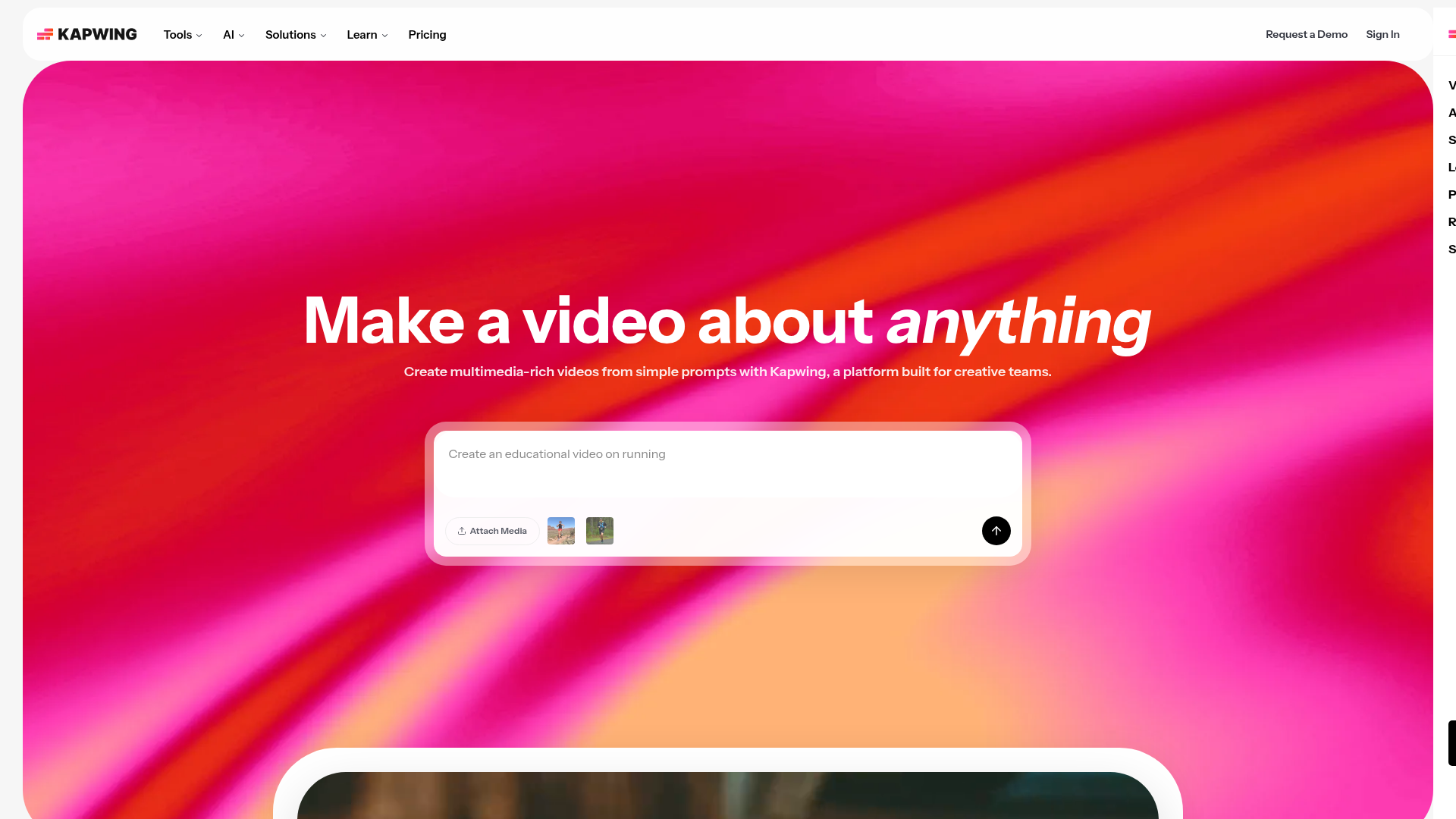
Kapwing is an online content creation platform for creating and editing videos, GIFs, images, audio, and other media. Translation is one feature inside a full browser-based editor, so marketers who want to edit, subtitle, dub, and collaborate in a single tab gravitate to it. Auto-subtitling and auto-translating sit alongside the timeline editor.
Best for: Marketers who want an all-in-one editor with translation built in.
Key strengths
- Browser-based editor with collaboration: Trim, combine, overlay, and edit with your team in real time.
- Auto-subtitle and auto-translate: Generate and translate captions without leaving the editor.
- AI dubbing and voice tools: Dub audio, clean it up, and apply text-to-speech in the same workflow.
Why choose Kapwing: If your localization is part of a broader editing job, Kapwing keeps the whole task in one place rather than handing files between a dubbing tool and an editor. For hero assets where dubbing quality is the priority, a dedicated dubbing platform will give you more control over voice and sync.
Kapwing pricing: Free includes 10 credits, watermarked exports, and 720p quality. Pro is $16 per member per month billed annually, or $24 monthly, adding 1,000 credits per month, no watermark, 4K export, and a brand kit. Business is $50 per member per month annually, or $64 monthly, adding custom voice clones and lip-sync. Enterprise is custom. Kapwing holds a 4.1 out of 5 on G2.
8. Veed
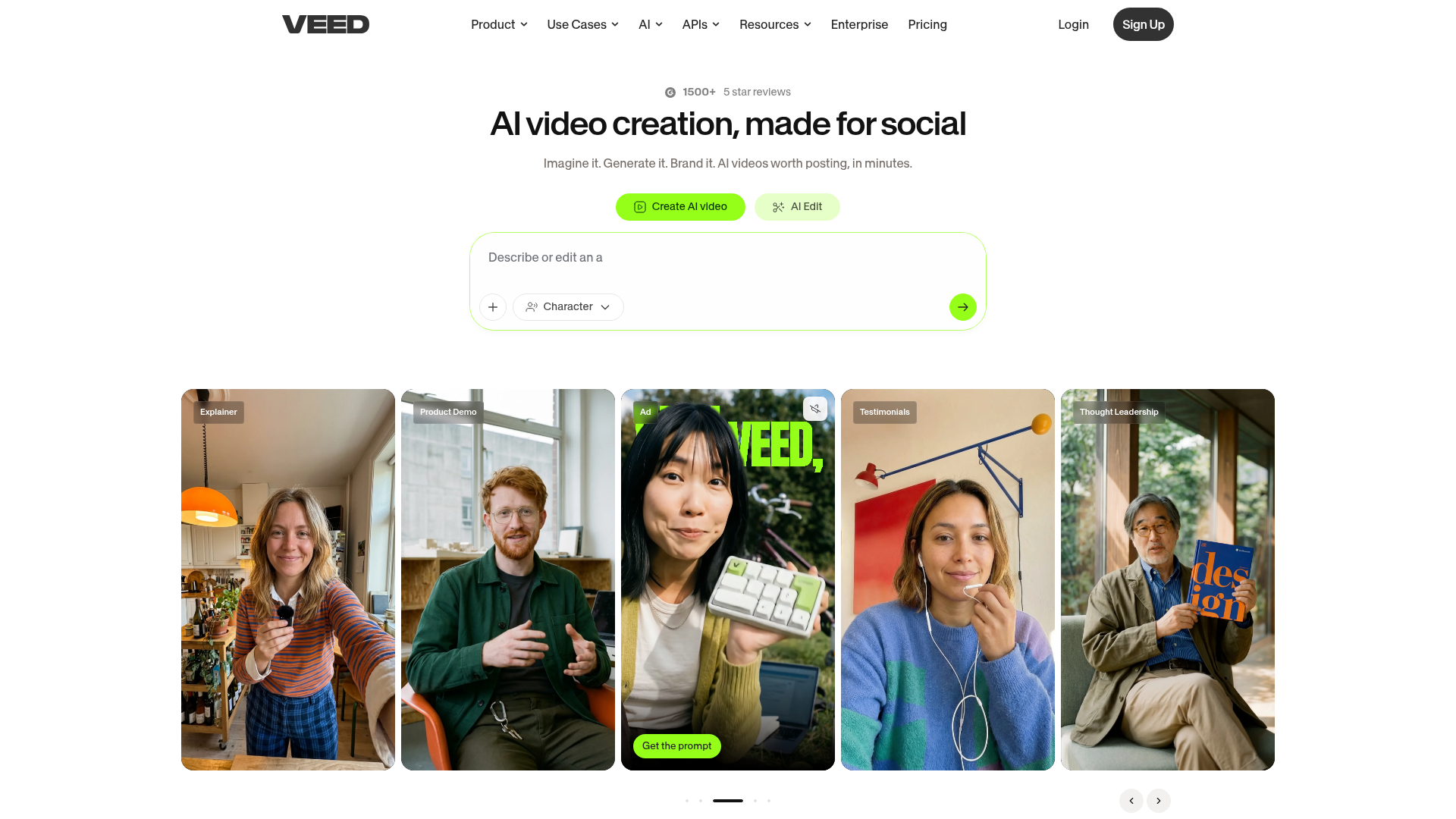
VEED is an AI video creation and editing platform for generating, editing, enhancing, translating, and exporting videos in a browser-based workflow. Like Kapwing, it combines editing and translation, but it leans into social and marketing output with a brand kit, AI avatars, and a deep set of cleanup tools. Subtitles, transcription, dubbing, and translation cover 125+ languages.
Best for: Social and marketing teams that want to edit and translate video in one tool.
Key strengths
- Editing plus AI enhancement: Trim, resize, and clean audio, with eye-contact correction and background removal.
- Auto subtitles and dubbing in 125+ languages: Caption, transcribe, dub, and translate across a wide language set.
- Brand kit and voice cloning: Keep social output on-brand with branding controls and cloned voices.
Why choose Veed: If your team produces a steady stream of social and marketing video and wants localization folded into the same editor, Veed fits the cadence. Teams whose first priority is studio-grade dubbing fidelity on talking-head footage may test the dubbing output against a dedicated tool before committing.
Veed pricing: Veed offers a free tier, verified on its video editor page. Public plan names and prices were not exposed on the pricing page during verification, so confirm current tier costs directly on Veed's pricing page before you budget. Veed carries a 4.6 out of 5 on G2.
9. Murf
Murf is a cloud-based AI voice platform for generating realistic text-to-speech voiceovers, dubbing, translation, voice cloning, and voice APIs. It is voiceover-led: the strength is narration quality and a large voice library, which makes it a fit when localization means replacing the audio track rather than matching mouth movements.
Best for: Voiceover-led localization and narration where lip-sync is not required.
Key strengths
- Realistic text-to-speech voiceover: Generate natural-sounding narration from a script.
- AI dubbing and translation: Localize audio and video by swapping in a translated voice track.
- Voice cloning and voice changer: Clone voices and adjust delivery for consistent narration.
Why choose Murf: If your localized content is narration-driven, like explainers, training, and product overviews with voiceover rather than on-camera talent, Murf's voice quality and library carry the work. Teams that need on-screen lip-sync will pair it with a sync tool or pick a dubbing-plus-sync platform.
Murf pricing: Murf offers a free tier and paid plans, but readable plan names and prices were not exposed on the pricing page during verification. Confirm current tiers directly on Murf's pricing page before budgeting. Murf holds a 4.7 out of 5 on G2.
10. Canva
Canva is an all-in-one visual communication and design platform, and its AI Video Translator lives inside that same editor. For teams already designing in Canva, translation and dubbing happen without leaving the workflow. It is the easiest free-to-start entry point for a PMM who wants to test localization before committing to a dedicated tool.
Best for: Teams already in Canva who want quick, free-to-start video translation.
Key strengths
- Translation inside the design suite: Translate and dub video without switching tools.
- Template-driven editing: Localize video alongside the rest of your branded content.
- Brand kit and collaboration: Keep localized output consistent with team brand controls.
Why choose Canva: If Canva is already your design home and you need fast, low-stakes localization for short videos, it removes the friction of adding another tool. For deep dubbing fidelity, multi-speaker work, or large localization programs, a dedicated video translation tool gives you more control.
Canva pricing: The Free plan includes core design and video tools. Pro is US$144 per year for one person, adding premium tools, brand kits, and more storage. Business is US$250 per year per person, adding collaboration and admin controls. Canva carries a 4.7 out of 5 on G2.
Considerations: how to choose video translation software
The right pick depends less on the headline feature list and more on these five questions.
Dubbing and voice-clone quality
"Natural" is the word every vendor uses, so test it yourself. Run your own 60-second clip through the tool and listen for robotic prosody, flat emotion, and wrong emphasis. A voice that sounds fine in a demo script can fall apart on your real audio with industry terms and brand names.
Language and dialect coverage
A "175+ languages" headline does not guarantee the specific dialect your GTM needs. Confirm the exact target languages and regional variants, like Latin American versus European Spanish, before you commit. Coverage breadth matters less than coverage depth in the markets you actually sell into.
Pricing model and free-tier limits
Pricing models do not line up across this category. Some charge per minute, some per seat, some flat. Watch for export caps, watermarks on free tiers, and minute limits that look generous until you localize a 20-minute training library. Normalize cost against your real monthly volume.
Brand control and glossary
Across many language versions, product names and trademarks drift unless you lock them. Look for protected terms, pronunciation rules, and a glossary that travels with every export. This is what keeps a translated video on-brand instead of off by one critical word.
Integrations and workflow fit
Output has to slot into your existing stack: your CMS, DAM, analytics, and review workflow. A tool that produces great dubs but forces manual handoffs at every step costs more in time than it saves in production. Check how exports move into the systems your team already uses, and lean on tools with strong native integrations to avoid manual handoffs.
Conclusion
The field splits cleanly by job. For avatar-led training and launch videos built from a script, Synthesia keeps creation and localization in one place. For the highest-fidelity lip-sync across the widest language range, HeyGen leads. For natural voice quality and bulk API localization, ElevenLabs is the benchmark. For governed enterprise localization across formats, Smartcat covers the whole motion. For high-volume social and YouTube output, Rask AI fits the cadence. And if your team already lives in Canva, its free tier is the fastest way to start.
The honest next step is not more research. It is a test. Shortlist two tools that match your use case, run the same 60-second clip through both, and compare voice naturalness and lip-sync side by side. The marketing pages will not tell you which one nails your actual audio with your actual brand terms. The clip will. And when you need a localized walkthrough that buyers can click through, an interactive demo carries the product story in every language.
Start with the tool that matches your primary job, dubbing fidelity, voice quality, or enterprise governance, and let your own footage make the final call.
Frequently asked questions
What is the best video translation software?
It depends on the job. For governed enterprise localization across many formats, Smartcat is the strongest fit. For the most natural AI voice, ElevenLabs leads. For creators localizing YouTube and social at volume, Rask AI is built for that cadence. Match the tool to your primary use case rather than chasing a single "best" label.
Is there a free AI video translator?
Yes, several offer free tiers, but read the limits. Free plans typically cap export minutes, add watermarks, or restrict resolution. Canva's free plan, for example, lets you test translation inside its editor before upgrading. Use the free tier to evaluate quality on a short clip, then expect to pay once you localize at real volume.
How accurate is AI video translation?
Accuracy varies by language pair, audio clarity, and subject matter. Travod reports 90 to 98% accuracy on clear audio (Travod, 2026), but technical terms, accents, and overlapping speakers lower that. For high-stakes content like legal, medical, or regulated material, route AI output through human review before publishing.
How do I translate a video to English with AI?
Upload your source video or paste its link into a video translation tool. The software transcribes the original audio, translates it to English, then generates either English subtitles or a dubbed English voice track. Review and edit the output, then export in your required format.
Can I translate a YouTube video with AI?
Yes. Several tools, including HeyGen, accept a YouTube link directly so you can translate a video without downloading and re-uploading it. One caveat: only translate content you own or have rights to use. Translating someone else's video does not grant you rights to redistribute it.
What's the difference between AI dubbing and subtitles?
Subtitles add translated text on-screen while the original audio plays. Dubbing replaces the spoken audio with a new voice track in the target language. Localization providers report dubbed content often holds attention and completion better than subtitles alone, especially on mobile, though robust comparative benchmarks are limited.
Will the translated voice sound natural?
Quality depends on the tool's voice cloning and how well it handles prosody. The best tools produce voices close to human narration; weaker ones sound flat or robotic on real audio. The only reliable test is your own clip. Run a 60-second sample with your brand terms and listen before you commit.
How much does video translation software cost?
The spread is wide. Free tiers and trials exist across the category. Paid plans start as low as $6 per month for voice-first tools like ElevenLabs and run to $60 to $150 per month for per-minute dubbing plans. Enterprise localization platforms like Smartcat start around $1,200 per year, with custom contracts above that.