
Your CRM doesn't talk to your billing system. Your ERP exports a nightly CSV that someone reformats by hand. A new SaaS tool gets added every quarter, and each one needs another custom script to fit the stack. Then the script breaks, and nobody remembers who wrote it.
That's the daily reality behind most integration projects. And it's getting more expensive. According to Fortune Business Insights (2025), around 80% of businesses still build integrations in-house, while only 29% use embedded iPaaS. The result is brittle point-to-point plumbing that slows every downstream workflow, from buyer onboarding to financial close.
For presales teams, this problem shows up in a specific way. You're the one explaining integration architecture to a skeptical technical buyer, running a proof of concept, or fielding a security review. If you can't map a platform to the systems a prospect already runs, the deal stalls. The same friction that hits your own stack shows up in every technical validation you support.
This guide cuts through the marketing to give you a clean shortlist. We compare the leading iPaaS platforms by platform fit, governance depth, automation breadth, and enterprise readiness, so you can shortlist two or three credible options fast. If you also evaluate adjacent categories, our roundups on marketing automation, customer data platforms, and contract lifecycle management follow the same evaluation approach.
What's inside
This list covers iPaaS vendors built for teams that need to connect cloud apps, on-prem systems, APIs, and workflows without stitching everything together by hand. It's written for presales, sales engineers, and technical evaluators who have to explain fit, defend a shortlist, and move a deal through validation.
We selected platforms on five criteria that matter during technical evaluation: connector breadth, low-code and no-code usability, governance and security controls, hybrid and real-time support, and monitoring depth. Each entry includes what the platform is best for, its key strengths, why teams choose it, and verified pricing where a public figure exists.
TL;DR
- Best overall for enterprise integration and governance: Boomi, with integration, API management, and data governance in one platform.
- Best for business-led automation and workflow orchestration: Workato, for cross-functional workflows across apps and departments.
- Best for Microsoft-heavy environments: Microsoft Azure Logic Apps, native to the Azure ecosystem.
- Best for complex, hybrid integration landscapes: MuleSoft, for API-led connectivity and reuse at scale.
- Best for AI-assisted pipeline building: SnapLogic, for teams modernizing data and application integration.
- Best for lighter-weight, faster deployment: Jitterbit Harmony, for mid-market teams that need practical coverage without overbuilding.
What is an integration platform as a service?
An integration platform as a service (iPaaS) is a cloud-hosted layer that connects applications, data, and processes across cloud and on-premises systems using prebuilt connectors, data mapping, and automated workflows, without requiring teams to build and maintain point-to-point code.
That's the integration platform as a service definition in one line. In practice, iPaaS solutions replace the tangle of custom scripts, scheduled batch jobs, and one-off connectors that accumulate as a company adds software. Instead of maintaining brittle plumbing, teams model integrations once and manage them from a central console.
Core capabilities buyers expect from iPaaS software:
- Connectors and adapters: Prebuilt links to CRM, ERP, databases, and SaaS apps, plus custom connector support.
- Data transformation and mapping: Convert, enrich, and reshape data between systems that expect different formats.
- Workflow automation and orchestration: Chain steps across apps into governed, reusable processes.
- Real-time and batch processing: Support both event-driven, real-time integration and scheduled batch integration.
- Monitoring, alerting, and auditability: Dashboards, error handling, and logs for integration monitoring.
- Security, governance, and access controls: Role-based access, approvals, encryption, and integration governance.
- Hybrid and B2B integration: Runtime agents for on-prem systems, plus B2B integration and managed file transfer.
How iPaaS works: A cloud control plane hosts the design tools and orchestration engine. Connectors and secure runtime agents reach into each system, data mapping translates between them, and the platform executes, monitors, and logs every flow.
Where it sits in the stack: iPaaS sits between your applications and your data, acting as the connective tissue for API integration, workflow automation, and enterprise integration across cloud and on-prem.
What it replaces: Custom point-to-point scripts, legacy middleware, manual exports, and fragile scheduled jobs.
The market reflects the shift. Grand View Research (2025) projects the iPaaS market will grow from about $15.9B in 2026 to $55.5B by 2033, a 19.6% CAGR, with North America the largest region and Asia Pacific the fastest growing.
When to use iPaaS
Replace brittle point-to-point scripts
When integration volume outgrows custom scripts, the maintenance burden compounds. Every schema change breaks a job, and visibility disappears into scattered cron files. iPaaS platforms centralize that logic, so a change is made once and monitored in one place. If your team spends more time fixing integrations than building them, that's the trigger.
Connect cloud and on-prem systems
Most enterprises run a mix: SaaS apps in the cloud, an ERP or CRM that may be on-prem, and legacy systems that predate the cloud entirely. iPaaS bridges these through connectors and secure runtime agents. Use real-time integration where a sales or support action must sync instantly, and batch integration where nightly movement is enough. Hybrid cloud integration is where most modern buyers land.
Standardize automation across teams
When business teams start requesting the same integrations repeatedly, ad hoc builds don't scale. Low-code integration and no-code integration let application teams and citizen developers build reusable workflows under governance. For presales conversations, this is the scalability and supportability story: a platform that lets IT govern while business teams self-serve safely.
iPaaS comparison table
The table below compares all ten platforms by primary intent, key differentiation, pricing posture, and current G2 rating. It's ordered to lead with the strongest options for complex, enterprise buyer environments, then move toward lighter-weight and ecosystem-specific picks. Use it to spot enterprise, mid-market, and ecosystem-aligned options at a glance.
| # | Product | Intent | Key differentiation | Pricing | G2 rating |
|---|---|---|---|---|---|
| 1 | Boomi | Enterprise integration + governance | Integration, API management, and data hub in one platform | Free 30-day trial; $99/mo pay-as-you-go; subscription (contact sales) | 4.5/5 |
| 2 | MuleSoft | Complex, API-led enterprise integration | API-led connectivity and reuse with AI-agent governance | Usage-based; free trial | 4.5/5 |
| 3 | Workato | Business-led automation | Cross-functional workflow orchestration | Usage-based (contact sales) | 4.7/5 |
| 4 | SnapLogic | AI-assisted data + app integration | 1,000+ Snaps with AI agents and hybrid deployment | Essential / Professional / Enterprise One (contact sales) | 4.4/5 |
| 5 | Celigo | SaaS + business app integration | Prebuilt integrations and flow builder | Flat-rate by endpoints/flows; 30-day trial | 4.6/5 |
| 6 | Microsoft Azure Logic Apps | Microsoft-native automation | Azure-native with 1,400+ connectors | Usage-based; free account | 4.3/5 |
| 7 | IBM webMethods Hybrid Integration | Governed hybrid + B2B integration | Unified control plane for APIs, events, files, B2B | Standard tier from USD 2,565/mo; free trial | 4.3/5 |
| 8 | Oracle Integration Cloud | Oracle ecosystem integration | Prebuilt adapters plus process automation | From $0.600036 per 5,000 messages/hour | Not publicly listed |
| 9 | Jitterbit Harmony | Practical mid-market integration | Low-code integration, APIs, and app building | Annual contract (contact sales) | 4.5/5 |
| 10 | TIBCO Platform | Mature, complex enterprise integration | Unified control plane across integration and data | Simplified SKU model (contact sales) | Not publicly listed |
The 10 best iPaaS platforms for 2026
1. Boomi
Boomi is a cloud-based enterprise platform for integration, data management, API management, and agentic workflow governance. It's one of the most consistently shortlisted iPaaS vendors for broad integration programs, hybrid workflows, and governance-heavy environments. For presales teams, its appeal is that integration, API management, and data governance sit in one place, which simplifies the architecture story during a technical review.
Best for: Enterprises that need integration, API management, and data governance in one platform.
Key strengths
- Unified platform: Integration and automation across cloud, on-premises, and hybrid environments from a single console.
- API management: Built-in API management and developer portal capabilities for exposing and governing services.
- Data governance: Data management, data hub, and agent workflow governance to keep records consistent.
Why choose Boomi: When a buyer's real problem is fragmentation across many systems plus governance requirements, Boomi's consolidation is the pitch. It lands well with larger teams that want fewer tools to manage and a clear audit trail. Its low-code design lets both technical and business users contribute without hand-coding every flow.
Boomi pricing: Boomi publicly lists a 30-day free trial and a pay-as-you-go option at $99 per month plus usage, billed monthly. Subscription plans for Integration, API Management, and Data Hub are shown as talk-to-sales, so higher tiers require a quote.
2. MuleSoft
MuleSoft is an enterprise integration and API management platform with AI-agent governance. Technical teams reach for it when architecture matters as much as speed, especially in complex integration landscapes where reuse and governance drive long-term cost. Its API-led connectivity model encourages building reusable assets once and composing them across projects.
Best for: Enterprises needing governed integrations, APIs, and AI-agent orchestration.
Key strengths
- API-led connectivity: Reusable APIs and integrations that compose into larger enterprise architectures.
- AI-agent governance: Governance and orchestration for AI agents alongside traditional integrations.
- Modern developer tooling: MCP-supported IDE and natural-language app building for faster delivery.
Why choose MuleSoft: Buyers who think in terms of architecture, reuse, and long-term maintainability tend to prefer it. The evaluation usually involves architects and platform teams, not just line-of-business owners, and centers on how well reusable assets reduce future build cost. It fits organizations planning a multi-year integration strategy rather than a single connection.
MuleSoft pricing: MuleSoft uses usage-based pricing packages and offers a free trial. Its pricing documentation describes the model but does not publish a numeric starting price, so plan on a scoped quote.
3. Workato
Workato is an enterprise automation and integration platform for connecting apps, data, and workflows. It resonates with teams that want business-led automation and less hand-coding, supporting cross-functional workflow orchestration across departments. When RevOps, IT, and operations all need reusable recipes, Workato tends to surface early in the evaluation.
Best for: Enterprises needing secure app, data, and workflow automation in one platform.
Key strengths
- Enterprise iPaaS: Governed integration across apps and data with enterprise controls.
- Embedded integrations: Ship integrations inside your own product for partners and customers.
- Agentic AI: AI-driven automation layered on top of workflow orchestration.
Why choose Workato: Its sweet spot is faster deployment across many apps and teams without deep engineering involvement. For presales, it's the platform to raise when the buyer's pain is cross-functional workflow automation, not just system-to-system data movement. It fits organizations standardizing automation as a shared capability rather than a one-off project.
Workato pricing: Workato uses a usage-based model with platform editions named Standard, Business, Enterprise, and Workato One, plus additional capabilities by contract. No public dollar amount is listed, so pricing requires a sales conversation.
4. SnapLogic
SnapLogic is an enterprise integration and AI automation platform for connecting data, apps, APIs, and AI agents. Technical teams use it for more complex orchestration and pipeline building, and it's frequently considered in modern integration stacks where AI assistance speeds design. Its library of prebuilt connectors, called Snaps, covers a wide range of common systems.
Best for: Enterprises needing iPaaS-style integration and AI automation across hybrid systems.
Key strengths
- Broad connector library: More than 1,000 prebuilt Snaps for data and application integration.
- AI-assisted design: AI agents and API management to speed pipeline building.
- Hybrid deployment: Unlimited pipelines and data movement across hybrid environments.
Why choose SnapLogic: It fits teams that need both application integration and data integration in one platform, with AI helping accelerate the build. The evaluation usually centers on pipeline complexity and how well the platform handles high-volume data movement. It suits data-heavy organizations modernizing away from legacy ETL.
SnapLogic pricing: SnapLogic lists Essential, Professional, and Enterprise One packages. It does not publish public prices and prompts a demo for customized pricing, so expect a scoped quote.
5. Celigo
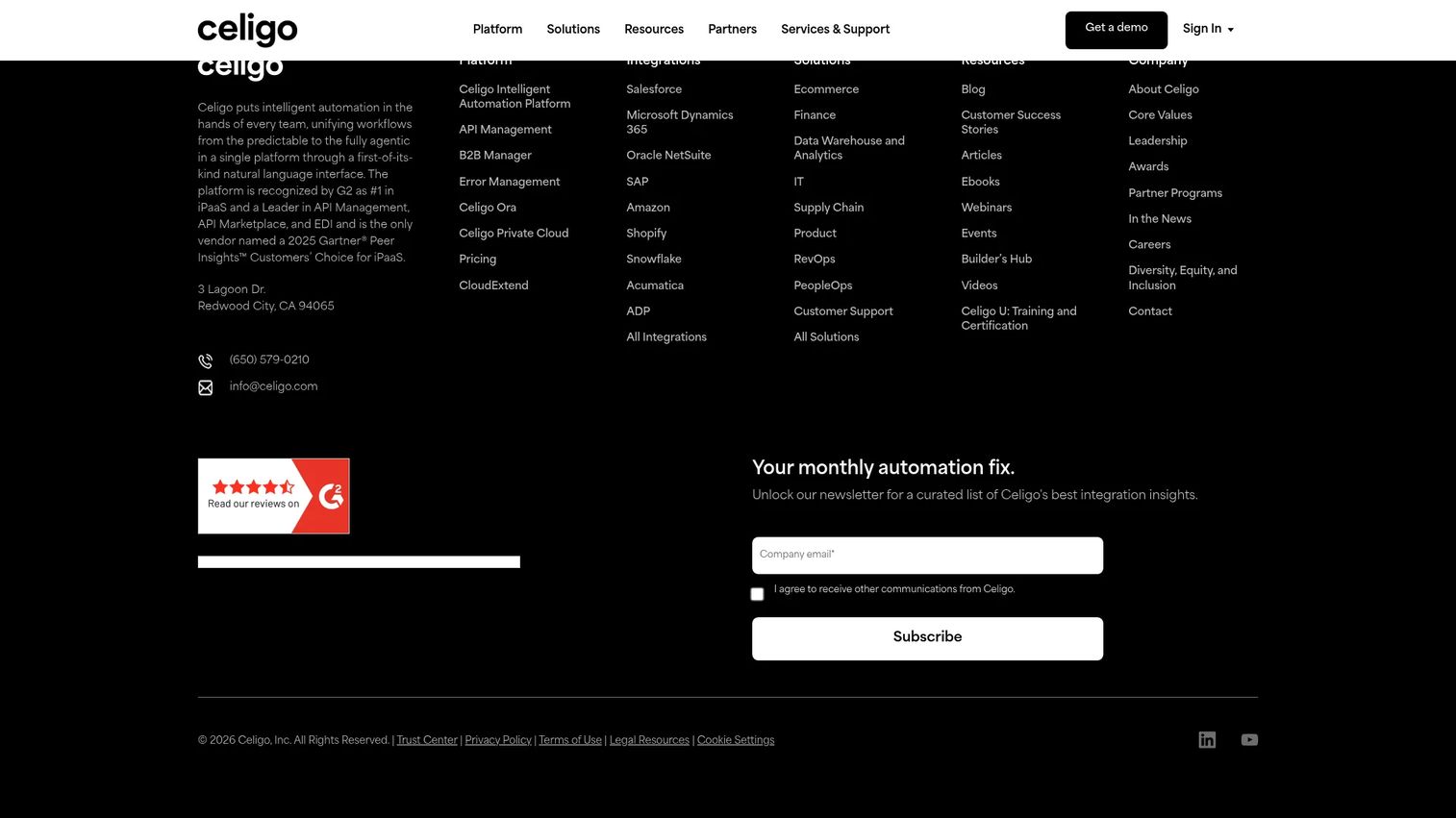
Celigo is an intelligent automation and iPaaS platform for integrating and automating business systems. It appeals to teams connecting SaaS and business applications, especially where packaged workflows and faster deployment matter. Its prebuilt integrations across ERP, CRM, ecommerce, and finance make it a practical shortlist option for lean teams.
Best for: Mid-market to enterprise teams automating integrations across ERP, CRM, ecommerce, and finance systems.
Key strengths
- Visual flow builder: Drag-and-drop orchestration for building integrations without heavy code.
- Prebuilt integrations: Packaged integrations and universal connectors for common business apps.
- Lifecycle management: Integration lifecycle and error management to keep flows healthy.
Why choose Celigo: Teams that value speed to value and prebuilt patterns over building everything from scratch tend to shortlist it. For presales, it's a strong fit when the buyer runs common SaaS and ERP systems and wants faster deployment. It works well for operations and finance teams that need reliable, maintainable flows.
Celigo pricing: Celigo does not disclose public numeric prices. Its site describes flat-rate pricing based on endpoints and flows, with a 30-day free trial available.
6. Microsoft Azure Logic Apps
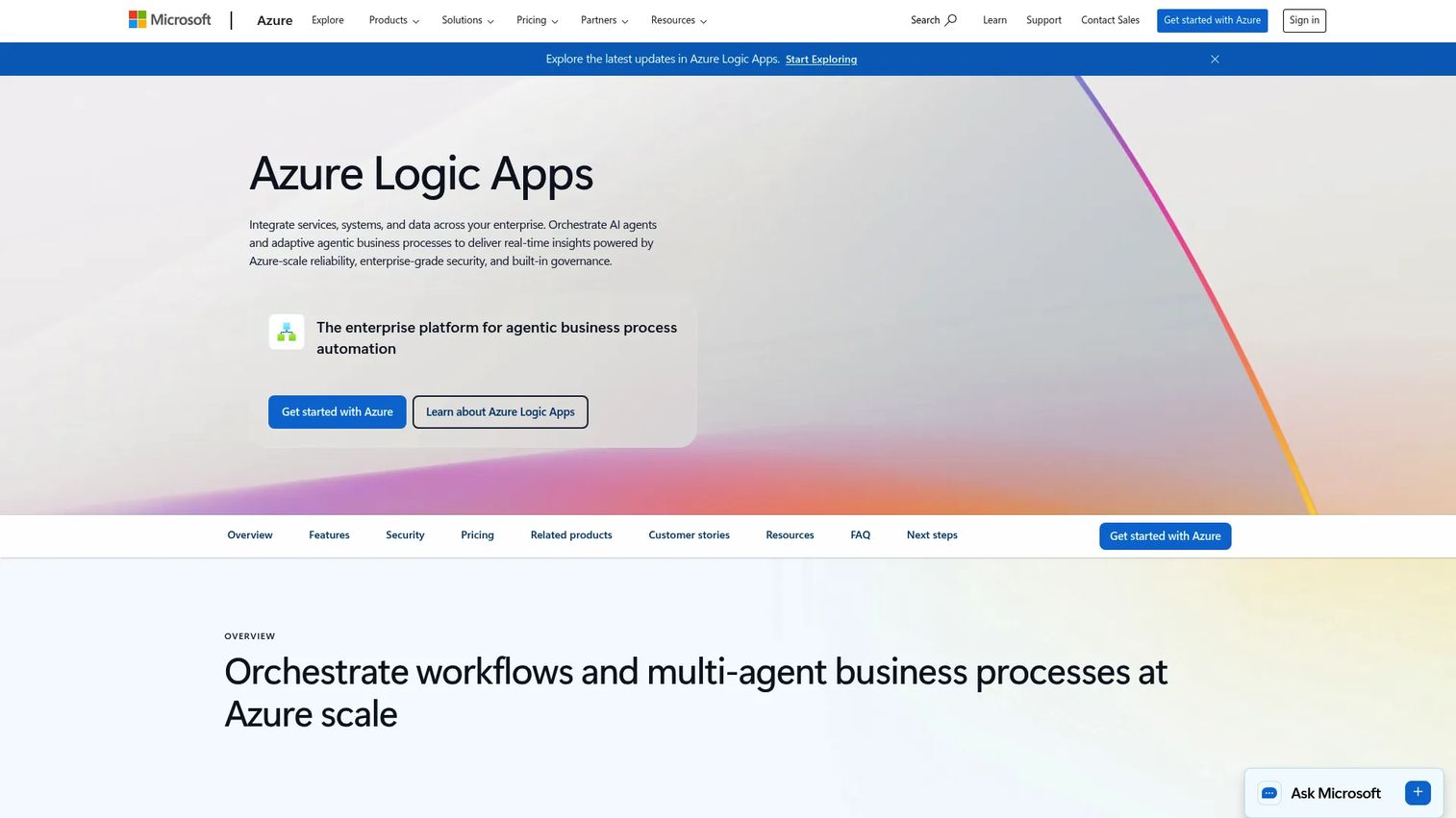
Microsoft Azure Logic Apps is a cloud integration and workflow automation service for orchestrating business processes and connecting apps, systems, and data. Microsoft-centric organizations choose it for workflow automation inside the Azure ecosystem, where it fits naturally into cloud-native and hybrid architectures. If a buyer already runs Azure, the integration and billing story is simple.
Best for: Enterprises needing Azure-native workflow automation and system integration.
Key strengths
- Azure-native: Deep alignment with Azure services and existing Microsoft cloud investments.
- Broad connectivity: More than 1,400 prebuilt connectors across apps and services.
- Flexible design: Visual designer with drag-and-drop workflows plus local development support.
Why choose Microsoft Azure Logic Apps: For teams standardized on Microsoft cloud, it removes procurement and integration friction and consolidates spend. The evaluation usually hinges on how much of the stack already sits in Azure. It fits hybrid or cloud-native architectures that lean on Microsoft services.
Microsoft Azure Logic Apps pricing: Microsoft offers usage-based pricing with a Standard single-tenant plan and a Consumption multi-tenant plan, plus a free Azure account. Numeric line items were not publicly visible on the pricing page during review, so confirm current rates in the Azure pricing calculator.
7. IBM webMethods Hybrid Integration
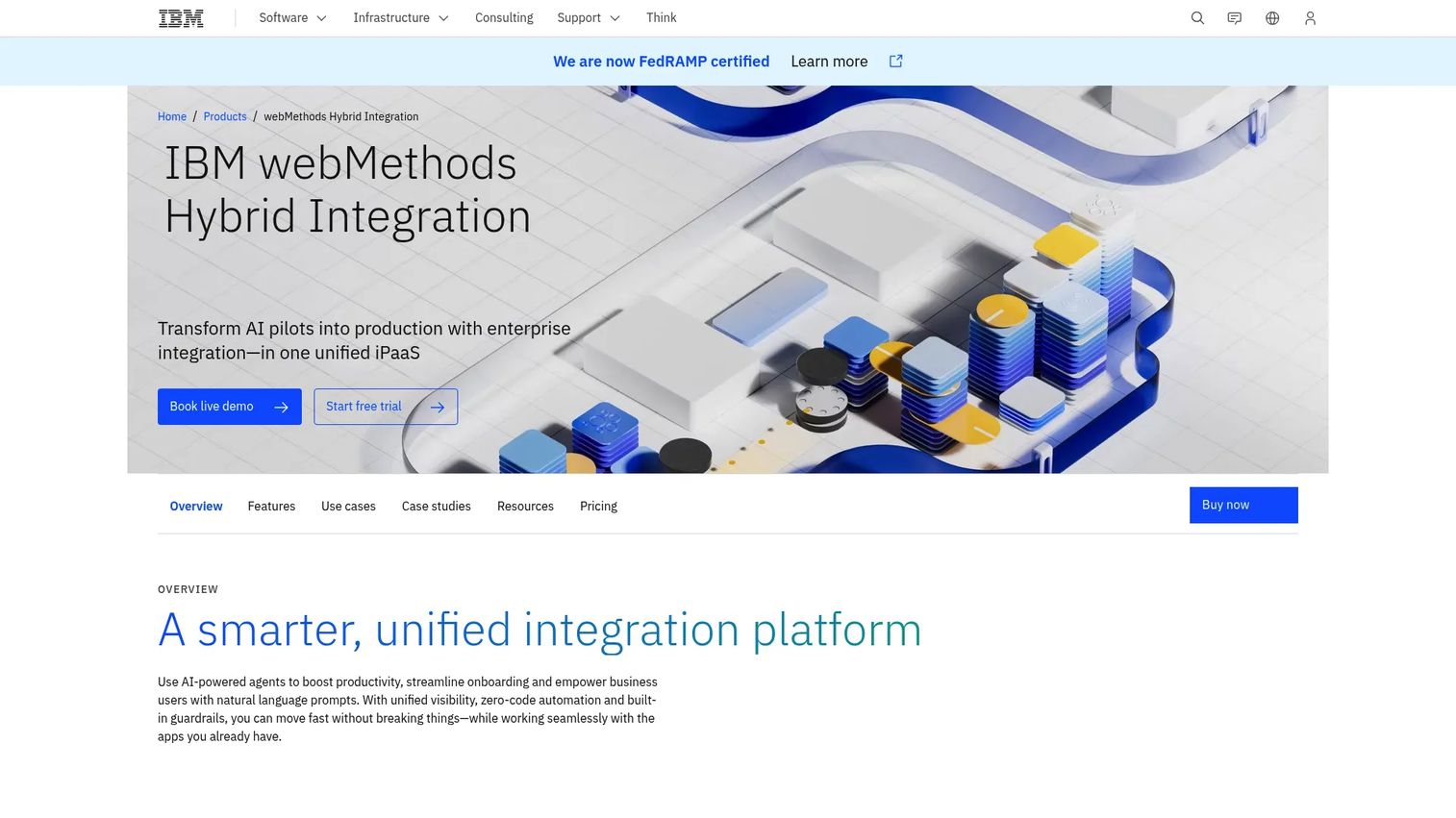
IBM webMethods Hybrid Integration is a unified hybrid integration platform as a service for connecting APIs, apps, events, data, messaging, and B2B/EDI. It supports complex enterprise architectures with strong governance, which makes it a common evaluation for buyers with legacy systems, strict governance needs, or broader IBM relationships. Its unified control plane spans several integration styles in one place.
Best for: Enterprises needing governed hybrid integration across apps, APIs, events, files, and B2B.
Key strengths
- Unified control plane: One plane for APIs, integrations, events, and messaging.
- B2B and file transfer: Managed file transfer and B2B integration for partner ecosystems.
- AI and automation: AI-powered agents and zero-code automation to speed delivery.
Why choose IBM webMethods Hybrid Integration: It fits enterprises that need governed hybrid integration plus B2B and managed file transfer under one roof. The evaluation usually involves buyers with mature integration requirements and existing IBM investments. It suits regulated environments where auditability and control are non-negotiable.
IBM webMethods Hybrid Integration pricing: IBM lists a Standard Tier starting at USD 2,565 per month, including flexible credits across integration capabilities. Pricing is indicative and may vary by country, and IBM offers a free trial and a request-a-quote path.
8. Oracle Integration Cloud
Oracle Integration Cloud is Oracle's cloud integration platform for connecting applications, data, and processes across cloud and on-premises systems. It's a common shortlist choice for Oracle-heavy enterprises, especially for ERP and SaaS connectivity and business process integration. Prebuilt adapters plus process automation make it a natural fit where Oracle applications anchor the stack.
Best for: Enterprises needing a managed iPaaS to integrate SaaS and on-premises systems.
Key strengths
- Prebuilt connectivity: Application adapters and low-code automation for fast connections.
- Process automation: Visual designers and templates for business process integration.
- B2B and insight: B2B capabilities, file transfer, and integration insight for visibility.
Why choose Oracle Integration Cloud: For organizations that run Oracle ERP and SaaS, ecosystem alignment reduces friction and supports coordinated enterprise processes. The evaluation usually centers on how deeply the buyer sits in the Oracle stack. It fits enterprises coordinating multiple Oracle applications alongside third-party systems.
Oracle Integration Cloud pricing: Oracle lists Standard and Enterprise editions with BYOL variants. Standard starts around $0.600036 per 5,000 messages per hour, with Enterprise adding on-premises enterprise application adapters, process automation, B2B, and Integration Insight.
9. Jitterbit Harmony
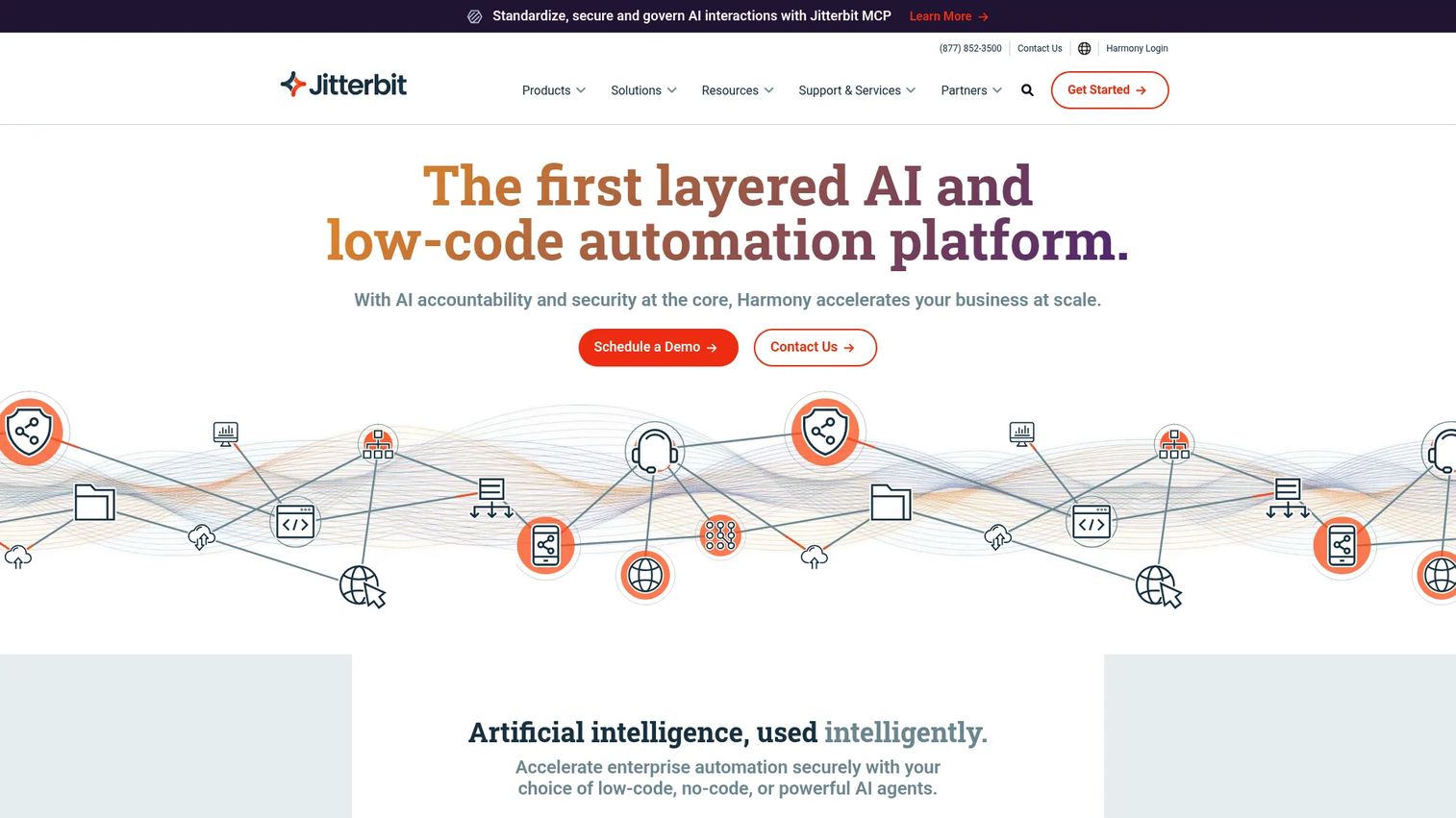
Jitterbit Harmony is an AI-infused low-code platform for integration, orchestration, automation, and app development. Smaller enterprise and mid-market teams evaluate it for faster deployment and practical integration coverage without overbuilding the architecture. Its combination of integration, API management, and app building keeps the stack lean.
Best for: Enterprises needing a unified platform for integrations, APIs, workflows, and app development.
Key strengths
- Low-code integration: iPaaS integration and workflow automation with a low-code approach.
- API management: Built-in API management for exposing and governing services.
- App Builder: App Builder plus a marketplace of pre-built integrations to accelerate delivery.
Why choose Jitterbit Harmony: Teams that want practical coverage without a heavy platform investment find it a good fit. For presales, it's the option to raise when a mid-market buyer needs integrations, APIs, and light app building without overbuilding. It suits teams that value speed and simplicity over maximum architectural depth.
Jitterbit Harmony pricing: Jitterbit offers Standard, Professional, and Enterprise plans on annual contracts. Its pricing page shows plan names and a feature comparison but no public numeric prices, so pricing is customized and requires contact with sales.
10. TIBCO Platform
TIBCO Platform is a real-time, AI-enabled composable data platform for integration, messaging, data grid, event processing, and process automation. It fits enterprises with mature integration requirements and mixed systems that need breadth across data movement and orchestration. Its unified control plane brings many TIBCO capabilities under one roof.
Best for: Enterprises that want to manage and modernize TIBCO integration and data capabilities in one platform.
Key strengths
- Unified control plane: A single plane for TIBCO integration and data solutions.
- Broad capability set: Integration, messaging, data grid, event processing, and process automation.
- AI-enabled: AI copilots and zero-code agents layered across the platform.
Why choose TIBCO Platform: It makes sense for organizations with complex, event-driven integration and existing TIBCO investments. The evaluation usually involves platform teams modernizing a mature integration estate. It fits enterprises that need real-time data movement and orchestration across many systems.
TIBCO Platform pricing: TIBCO describes a simplified pricing model that reduces 450+ product SKUs to four unified platform SKUs. No public numeric price is shown on its pricing pages, so pricing requires a direct conversation.
What to evaluate before you buy
Use this checklist to pressure-test any iPaaS shortlist during technical validation. It maps directly to the objections a presales team hears in security reviews and POCs.
Connector coverage
Confirm the platform supports the systems the buyer already runs, not just the popular ones. Check for prebuilt connectors to their CRM, ERP, and key SaaS apps, plus a clean path for custom connectors. Missing a critical adapter often turns into weeks of custom work.
Hybrid and real-time support
Verify the platform handles both batch integration and event-driven, real-time integration well. Ask how it reaches on-prem systems, usually through secure runtime agents, and how it fails over. Hybrid cloud integration is where most enterprise deals live.
Governance and security
Check role-based access control, audit logs, approvals, and admin visibility. For regulated buyers, integration governance and auditability are gating requirements, not nice-to-haves. Confirm encryption, secrets handling, and compliance posture early to avoid a stalled security review.
Ease of adoption
Evaluate whether both technical and business users can work in the platform. Strong low-code integration and no-code integration options let citizen developers build under governance while IT keeps control. Adoption is what separates a platform that scales from one that becomes shelfware.
Pricing and scaling
Make sure the pricing model fits expected integration volume and team size. Usage-based, message-based, and endpoint-based models scale very differently, so model your real volume before signing. Confirm what a free trial covers and where costs jump at higher tiers.
Choosing the right iPaaS for your stack
The best-fit patterns are clearer than the market noise suggests. If you need enterprise governance and deep integration, Boomi and MuleSoft lead, with IBM webMethods Hybrid Integration and TIBCO Platform strong for governed hybrid and mature, complex estates. For business-led automation and speed, Workato and Celigo fit best. For ecosystem alignment, Microsoft Azure Logic Apps suits Microsoft shops and Oracle Integration Cloud suits Oracle shops. For practical mid-market deployment, Jitterbit Harmony and SnapLogic are pragmatic picks.
Shortlist two or three vendors based on stack fit and integration complexity, then run a focused POC against real systems. Before you buy, compare governance depth, connector coverage, and operational overhead, not just the demo. Those three factors decide whether the platform holds up in production and survives a security review.
If your evaluation spans adjacent categories, our guides on audit management software, contract management software, and AI cybersecurity solutions can help you frame the wider stack.
FAQs
An integration platform as a service is a cloud-hosted layer that connects applications, data, and processes across cloud and on-premises systems using prebuilt connectors, data mapping, and automated workflows. It replaces one-off scripts and legacy middleware with a central place to build, run, and monitor integrations. The goal is fewer brittle point-to-point connections and clearer governance.
In hybrid cloud integration, a cloud control plane hosts the design and orchestration tools, while secure runtime components or agents run inside the buyer's network to reach on-prem systems. Those agents connect to databases, ERPs, and legacy apps behind the firewall, then move or transform data to and from cloud apps. This lets teams support both real-time integration and batch integration across mixed environments.
An ESB (enterprise service bus) is typically an on-premises middleware pattern that routes and transforms messages between systems inside a data center. iPaaS delivers similar integration and orchestration as a cloud service, with prebuilt connectors, low-code tooling, and managed scaling. In practice, an ESB fits legacy on-prem estates, while iPaaS fits cloud and hybrid stacks and is easier to extend as SaaS sprawl grows.
No. The categories overlap but do different jobs. iPaaS focuses on connecting systems and orchestrating workflows and data across them. API management focuses on exposing, securing, versioning, and governing APIs for internal and external consumers. Many iPaaS platforms include API management features, so on iPaaS vs API management, treat them as complementary rather than interchangeable.
Look for broad connectors and adapters, data transformation and mapping, workflow automation and orchestration, and both real-time and batch processing. Add monitoring, alerting, and auditability, plus governance and access controls. For enterprise needs, confirm hybrid support, B2B integration, and managed file transfer.
IT and application teams own most integration work, but usage spans RevOps, operations, finance, and business teams that need repeatable workflows. Presales and sales engineering teams also rely on iPaaS knowledge to explain architecture and pass security reviews. Increasingly, citizen developers build governed integrations under IT oversight.
Focus on stack fit first: does it connect the systems the buyer already runs. Then weigh scalability, governance, security, support, and whether the platform handles current and future integration needs. Run an iPaaS comparison across two or three finalists with a real POC, and compare connector depth, hybrid support, and operational overhead before committing.