
A court clerk pulls a physical file, walks it to a judge's chambers, logs a hearing date in one system, then re-keys the same date into a calendaring tool that does not talk to the first one. Multiply that by thousands of active cases and the backlog stops being a scheduling problem. It becomes a system problem.
Courts are under real pressure to fix this. The global court management software market was valued at roughly USD 0.85 billion in 2024 and is projected to reach USD 1.5 billion by 2032, growing at a 7.3% CAGR, according to Wise Guy Reports. Cloud deployment already accounts for the majority of new case management software adoption, with Grand View Research reporting a 60.1% cloud share in 2023. The direction is clear: courts are moving off paper and disconnected tools toward a single, secure system of record.
This guide is a practical shortlist for anyone evaluating court case management software in 2026. If you run judicial operations, manage a clerk's office, or sit on a public sector procurement team, the goal here is to help you compare real systems by the criteria that actually decide fit: court workflow automation, document management, interoperability, security and compliance, case tracking, and real-time collaboration across stakeholders. If you are evaluating adjacent operational systems, you may also find our roundups of audit management software and contract lifecycle management software useful for comparison frameworks.
What's inside
This list covers seven court management software tools selected for their relevance to modern judicial operations. We evaluated each against the capabilities courts most often weigh when replacing or upgrading legacy systems: end-to-end case tracking, document handling, court workflow automation, integration depth, security and compliance, and stakeholder collaboration.
We did not rank these alphabetically. The order reflects breadth of fit across common court modernization scenarios, from statewide enterprise deployments to focused municipal operations. Each entry includes what the tool does, who it fits best, verified strengths, and pricing or rating context where a first-party or credible source confirmed it. Where a figure could not be verified, we wrote around it rather than guess.
TL;DR
- Best for statewide and enterprise courts: Tyler Enterprise Case Manager, built for high-volume, multi-court case management.
- Best for configurable, browser-based fit: C-Track, an adaptable web-based court management software option from Thomson Reuters.
- Best for all-in-one configurability: FullCourt Enterprise, a highly configurable end-to-end court management system.
- Best for detail-level operational tracking: Jayhawk Court Software, purpose-built for offenses, dispositions, hearings, warrants, and payments.
What is court management software?
Court management software is a system of record that helps courts manage cases from filing to disposition, coordinating case tracking, scheduling, documents, financials, reporting, and stakeholder access in one platform. It replaces fragmented, paper-heavy processes with digital court operations that keep every case status, deadline, and document defensible and searchable.
Modern court management systems typically cover a consistent set of capabilities:
- Case tracking: A single record for each case, from initial filing through disposition and appeal.
- Scheduling: Hearing calendars, docketing, and deadline automation to reduce conflicts and missed dates.
- Document management: Secure storage, retrieval, and audit-ready records for filings, orders, and exhibits.
- Court workflow automation: Rules-based routing, notices, and status updates that cut manual handoffs.
- Financials and payments: Fees, fines, restitution, and payment processing tied to the case record.
- Reporting and dashboards: Operational and statutory reporting for administrators and oversight bodies.
- Integrations: Interoperability with e-filing, records, prosecution, law enforcement, and public access systems.
- Security and access controls: Role-based permissions, audit logs, and retention policies that keep records defensible.
The distinction that matters: court software is built for judicial operations, not for law firms. It manages the court's docket, not a single party's matter. That difference shapes everything from the judge-centric workflow to the public access portal requirements that a government case management software buyer has to weigh.
When to use court management software
Automate filing-to-disposition workflows
When a court is still moving cases through disconnected manual steps, backlog compounds. A case management software for courts platform tracks the full lifecycle in one place: filing, assignment, hearing scheduling, notices, orders, and disposition. Court workflow automation handles the repetitive routing, generates notices automatically, and gives administrators real-time status visibility across the docket. That is where deadline automation earns its keep, flagging statutory dates before they slip and reducing the manual reconstruction that eats clerk time.
Replace paper-heavy records handling
When filing cabinets and scanned PDFs are the system of record, retrieval is slow and defensibility is weak. This is the moment to move to structured document management with paperless processing. A good system stores every filing, order, and exhibit against the case record, supports fast retrieval, and maintains audit-ready records with retention rules. Historical record management stops being a physical space problem and becomes a search query.
Connect court operations across stakeholders
When clerks, judges, attorneys, and the public each work from a different view of the same case, errors and delays multiply. Modern court management systems give each role appropriate, secure access to shared case data. Real-time collaboration means a judge sees the same current status a clerk just updated, and a public access portal lets citizens check case information without a phone call to the clerk's office. Interoperability with prosecution, law enforcement, and e-filing systems closes the remaining gaps.
Comparison table
Here is how the seven tools compare across the purchase signals that matter most: court scale, configurability, reporting depth, public access, integration breadth, and deployment model. Pricing and ratings reflect verified first-party or credible sources where available; unverified figures are omitted rather than estimated.
| # | Product | Intent | Key differentiation | Pricing | G2 rating |
|---|---|---|---|---|---|
| 1 | Tyler Enterprise Case Manager | Statewide and enterprise courts | Web-based case management from e-filing through disposition | Not publicly listed | 4.0/5 |
| 2 | C-Track | Configurable, browser-based courts | Adaptable workflow rules, web-based deployment | Not publicly listed | - |
| 3 | FullCourt Enterprise | All-in-one configurable courts | Highly configurable end-to-end case and docket management | Not publicly listed | - |
| 4 | DuProcess | Process-oriented court operations | Structured process-oriented case management | Not publicly listed | 4.0/5 |
| 5 | Jayhawk Court Software | Municipal and district courts | Offense, disposition, warrant, and payment tracking | From $1,500 per user | 4.5/5 |
1. Tyler Enterprise Case Manager

Tyler Enterprise Case Manager is web-based court case management software built for courts and justice operations that need to run at scale. It handles the full case lifecycle, from e-filing through disposition, and pairs that with docketing, forms, fees, and reporting tools. For statewide systems or high-volume multi-court deployments, the appeal is operational consistency: one platform enforcing the same workflows, records handling, and reporting standards across many courts.
Best for: Courts and justice agencies that need an enterprise-grade case management system spanning multiple courts or jurisdictions.
Key strengths
- Web-based case management: Access the full case record from any browser, supporting distributed staff and remote work.
- E-filing through disposition: Track each case across its entire lifecycle in one continuous workflow.
- Docket, forms, fees, and reporting: Manage scheduling, standardized forms, financials, and statutory reporting from a single system.
Why choose Tyler Enterprise Case Manager: If your priority is standardizing operations across a large or multi-court environment, this fits the enterprise profile. The breadth of docketing, financials, and reporting suits administrators who need consistency and defensible records at scale rather than a single-court point tool. It carries a 4.0/5 rating on G2.
Tyler Enterprise Case Manager pricing: Tyler does not publish pricing for Enterprise Case Manager on its product page. Court management platforms at this scale are typically quoted per deployment based on court volume, modules, and implementation scope, so plan to engage their team directly for a figure tied to your jurisdiction.
2. C-Track
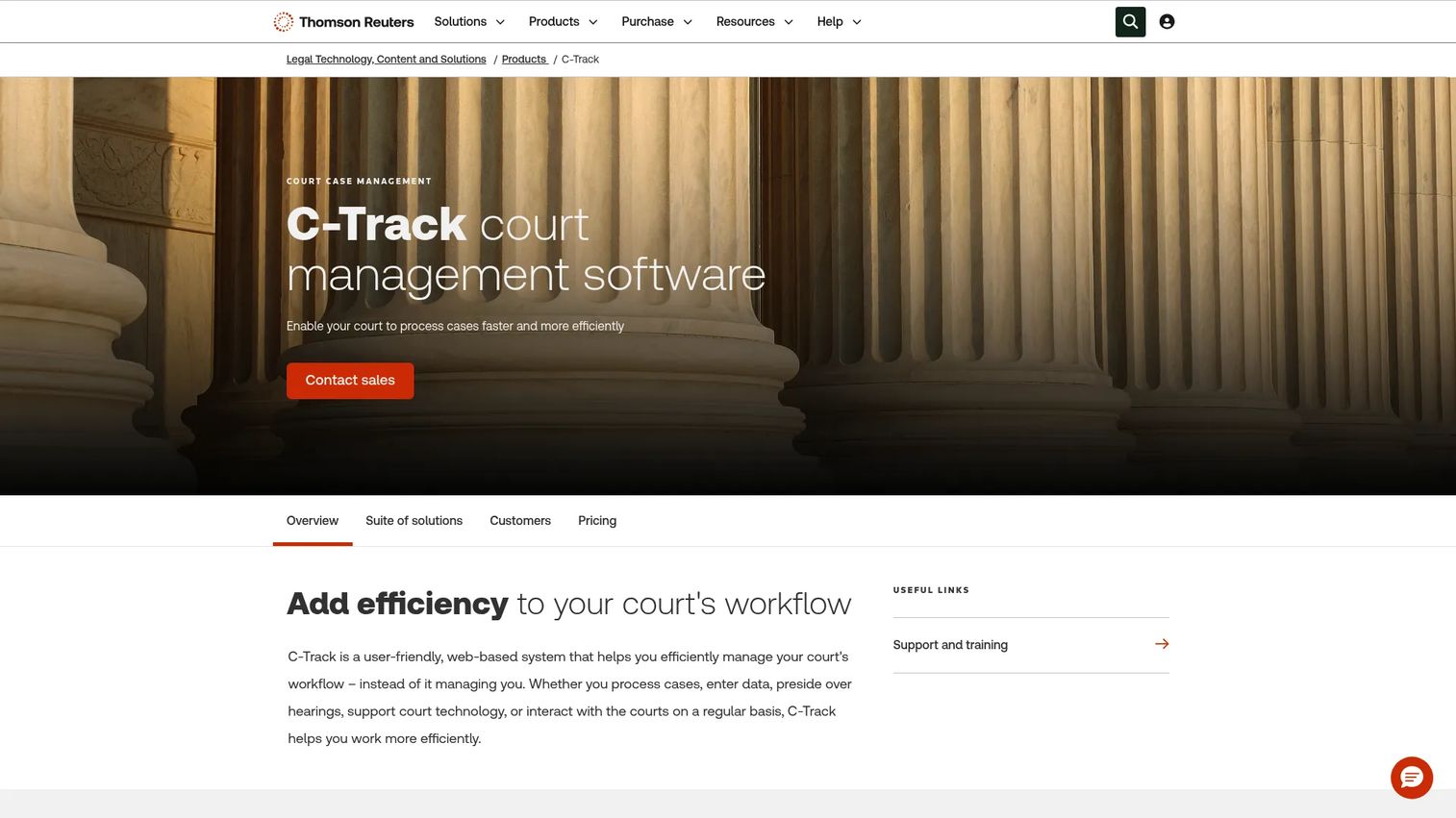
C-Track is web-based court case management software from Thomson Reuters, positioned as a configurable off-the-shelf platform. The pitch is flexibility without full custom development: courts adapt workflow rules, calendaring, and docketing to their own procedures rather than rebuilding the system from scratch. That configurability, paired with browser-based access and security controls, is why court teams shortlist it when they need to match local court rules without a bespoke build.
Best for: Courts that want configurable, web-based court management software that adapts to existing rules and integrates with current systems.
Key strengths
- Adaptable workflow rules: Configure case processing to match your court's procedures without custom code.
- Calendaring and docketing: Manage scheduling and dockets within the same configurable framework.
- Security and access controls: Role-based case information access keeps records defensible and appropriately scoped.
Why choose C-Track: Choose C-Track when you need configurability and interoperability but do not want the cost or timeline of fully custom software. The web-based deployment and adaptable rules suit courts modernizing off a legacy system while keeping their established processes intact.
C-Track pricing: Thomson Reuters lists C-Track through a contact-sales model rather than public pricing. Expect a scoped quote based on court size, configuration needs, and integration requirements.
3. FullCourt Enterprise
FullCourt Enterprise is court case management software built for courts and justice organizations that want a configurable, end-to-end system. Its emphasis is breadth and flexibility: case management, docket management, and highly configurable workflows that a court can shape to its own operational reality rather than adapting its processes to the software.
Best for: Courts that want an all-in-one, highly configurable case management system covering multiple workflows.
Key strengths
- Case management: A complete case record spanning filing through resolution.
- Docket management: Coordinate hearings, scheduling, and docket activity in one place.
- Highly configurable workflows: Shape case processing to match your court's specific procedures.
Why choose FullCourt Enterprise: If you want one system that covers broad court management challenges rather than a narrow point tool, FullCourt's configurability is the draw. It fits courts that expect their workflows to evolve and want a platform that can be reconfigured rather than replaced.
FullCourt Enterprise pricing: No public first-party pricing was available at the time of writing. Court management platforms of this scope are typically quoted per deployment, so contact the vendor for a figure scoped to your court size and workflow needs.
4. DuProcess

DuProcess is court case management software built around structured, process-oriented workflows. The focus is straightforward court operations: case filing, tracking, and disposition handled through a clear operational structure rather than a sprawling module set. For courts that want core case tracking done well without unnecessary complexity, that focus is the point.
Best for: Courts that want process-oriented case management software grounded in core, structured workflows.
Key strengths
- Court case management: Manage the case record as a clean operational system of record.
- Process-oriented workflow: Move cases through defined, repeatable steps that reduce ambiguity.
- Case filing and tracking: Handle filing and status tracking with a straightforward, structured approach.
Why choose DuProcess: DuProcess fits courts that value operational clarity over breadth. If your team wants dependable core case tracking and a structured process rather than a wide catalog of modules, it holds a 4.0/5 rating on G2 and stays grounded in the fundamentals.
DuProcess pricing: DuProcess does not currently list public pricing. Because court software cost scales with deployment and court size, a direct conversation with the vendor is the way to get a figure that reflects your operation.
5. Jayhawk Court Software
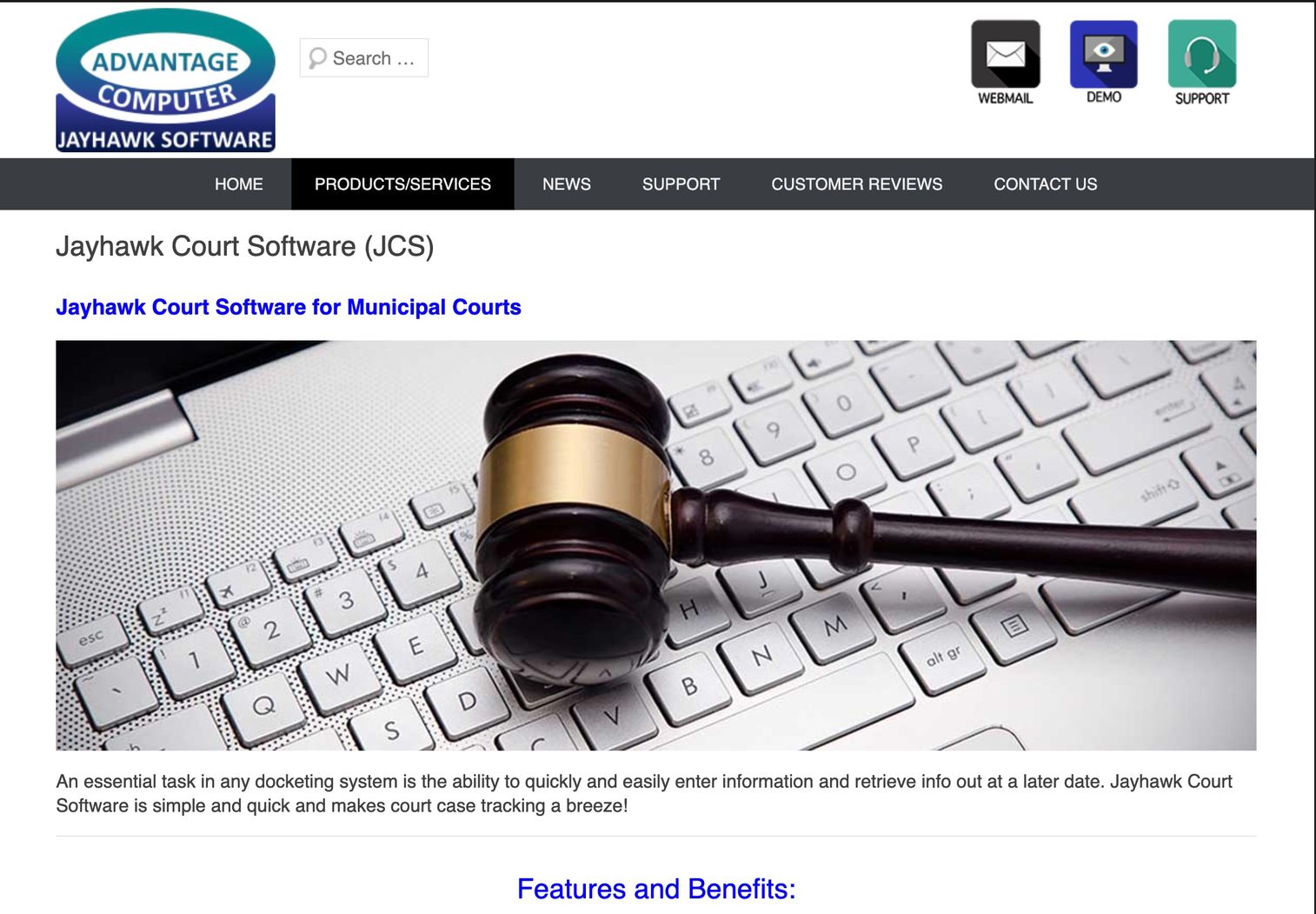
Jayhawk Court Software is court case management software built for municipalities and courts that need tightly tracked operational detail. It handles offenses, dispositions, judge's notes, hearings, warrants, suspensions, and payments, and extends to district court budget tracking. For municipal and district courts that want granular control over case-level detail, that specificity is the differentiator.
Best for: Municipal or district courts that need detailed case tracking plus budget management in one system.
Key strengths
- Detailed case tracking: Track offenses, dispositions, judge's notes, hearings, warrants, suspensions, and payments in one record.
- Municipal court management: Purpose-built for the operational reality of municipal courts.
- District court budget tracking: Manage court budgets alongside case data.
Why choose Jayhawk Court Software: Jayhawk fits courts that want operational precision at the case level rather than an enterprise platform. It holds a 4.5/5 rating on G2, and its municipal focus makes it a practical option for smaller courts that still need warrants, suspensions, and payments tracked defensibly.
Jayhawk Court Software pricing: Capterra lists a starting price of $1,500 per user as a one-time cost, with no free tier reported. Confirm the current figure and any implementation costs directly with Jayhawk, since first-party pricing was not readable at the time of writing.
Considerations before you buy
Once you have a shortlist, the decision comes down to a handful of criteria that separate a system you tolerate from one that actually reduces backlog. Use this checklist to pressure-test each vendor.
Workflow automation depth
Look at how far court workflow automation actually goes. Can the system route cases by rule, generate notices automatically, and enforce deadline automation across the docket? The difference between light and deep automation shows up directly in how many manual handoffs your staff still perform after go-live.
Interoperability and integrations
A court system that does not integrate becomes another silo. Verify interoperability with e-filing, prosecution, law enforcement, financial, and public access systems. Ask specifically which integrations are prebuilt versus custom, because that gap determines implementation cost and timeline.
Security and compliance
Judicial records demand strict security and compliance. Confirm role-based access controls, audit logs, data retention policies, and record defensibility. For government case management software, ask how the platform supports statutory retention and audit-ready records under scrutiny.
Document and records handling
Evaluate document management beyond storage. Test retrieval speed, version control, and how the system maintains audit-ready records across a case's full history. Paperless processing only pays off if retrieval is faster than the filing cabinet it replaces.
Deployment model and scale
Decide between cloud court management software and on-premise based on your IT reality. Cloud-based court platform options reduce infrastructure burden and support distributed access, which is why cloud now leads new adoption. Match the deployment model to your court's size, staffing, and long-term modernization plan.
Conclusion
The right court management software depends less on feature checklists and more on fit. For statewide or high-volume operations, Tyler Enterprise Case Manager and FullCourt Enterprise offer the enterprise scale and configurability that multi-court deployments require. When configurability without custom development is the goal, C-Track can adapt to existing court rules and integrate with current systems.
For focused operations, DuProcess suits courts that want clean, process-oriented case tracking, while Jayhawk Court Software fits municipal and district courts that need granular offense, warrant, and payment tracking plus budget management.
Narrow your shortlist by three questions: How complex is your court workflow automation need, how many external systems must you integrate with, and how demanding are your security, compliance, and record-handling requirements? Score each finalist against those, then request scoped demos from the two or three that fit best. That is where you validate whether the platform reduces backlog in practice, not just on paper.
FAQs
Court management software is a system of record that helps courts manage cases from filing through disposition. It coordinates case tracking, hearing scheduling, document management, and court workflow automation in one platform, replacing fragmented or paper-based processes with defensible digital court operations.
At minimum, look for case tracking, hearing scheduling, document management, court workflow automation, financials and payments, reporting and dashboards, integrations, and role-based security. Courts serving the public should also weigh a public access portal so citizens can check case information without contacting the clerk's office.
It reduces backlog by automating repetitive work and removing manual handoffs. Court workflow automation routes cases by rule, generates notices automatically, and applies deadline automation so statutory dates do not slip. Better scheduling visibility and real-time case status mean fewer conflicts and less time spent reconstructing where a case stands.
Court management software is built for courts and judicial operations, managing the docket, hearings, dispositions, and public access across many cases. Legal case management software is built for law firms to manage individual matters and clients. The court version centers on judge-centric workflow and defensible records; the firm version centers on a single party's representation.
Very important. Without interoperability, a court system becomes another silo that requires duplicate data entry. Strong integrations connect the platform to e-filing, prosecution, law enforcement, financial, records, and public access systems, which keeps data consistent and reduces manual re-keying across the justice ecosystem.
Municipal courts should prioritize payments, fines and fees processing, hearing scheduling, automated notices, reporting, and paperless workflows. Detailed tracking of offenses, dispositions, warrants, and suspensions matters at this level, along with budget tracking. The system should be right-sized for a smaller operation rather than an enterprise deployment.
Courts evaluate role-based access controls, audit logs, data retention policies, and record defensibility. For government case management software, the platform must support statutory retention schedules and produce audit-ready records that hold up under scrutiny. Data protection, encryption, and clear access governance are non-negotiable given the sensitivity of judicial records.