

It is 3 p.m. and you are typing the same seven-step walkthrough into a ticket reply for the third time today. "Click the gear icon, then Settings, then scroll to the Billing tab." The customer replies: "I don't see a gear icon." You attach a screenshot from the old UI. It does not match what they see. Average handle time climbs. Your queue grows.
Some tickets cannot be deflected with a help article and cannot be resolved with words. Text docs get skipped. Screenshots go stale the moment your product ships an update. Macros that demand long written explanations just slow agents down. The customer is stuck on a screen, and the only way to fix it fast is to see that screen and guide their cursor.
That is what co-browsing software does. According to Baymard Institute's ongoing e-commerce research, average cart abandonment sits above 70 percent, and a large share of that loss traces back to small points of friction during checkout and form completion. Those are exactly the moments where an agent who can see and steer the customer's session resolves the issue in seconds instead of a five-message thread. For repeatable flows, many teams also build self-serve interactive demos to guide customers through friction points without an agent.
The challenge: the co-browsing category is full of vendors. Some are pure-play co-browse tools. Some bury co-browsing inside a broader contact-center suite. Security models, mobile coverage, and helpdesk integrations vary widely. This guide cuts through that.
What's inside
This guide is for support leaders and operations owners (Head of Support, Support Managers, Support Ops, Team Leads) evaluating co-browsing software in 2026, plus senior agents researching tools to recommend upward.
We selected and ranked 10 co-browsing tools against the criteria that actually matter to a support buyer:
- Real-time session quality: how cleanly an agent joins, highlights, and guides a live session.
- Security and compliance controls: automatic masking and redaction, button blocking, and standards like SOC 2, ISO 27001, and HIPAA.
- Platform coverage: web only, or web plus native iOS and Android apps.
- Helpdesk and CRM integration: native hooks into Zendesk, Intercom, Salesforce, and Zoho versus a custom build.
TL;DR
Short on time? Here are the decision shortcuts by support sub-segment:
- Best for enterprise security and mobile: Cobrowse.io, with web plus native iOS and Android SDKs and private-by-default redaction.
- Best for codeless, regulated industries: Surfly, universal co-browsing with no JavaScript snippet requirement.
- Best for contact-center and omnichannel: RingCentral, co-browsing bundled with voice, messaging, and video.
- Best for SaaS helpdesk teams: Upscope for instant no-download screen viewing, or Fullview for co-browsing plus session replay and console logs.
- Best for the Zoho stack: Zoho SalesIQ, with native Zoho CRM and Zoho Desk integration and a free tier.
What is co-browsing software?
Co-browsing software lets a support agent and a customer view and navigate the same web page or app in real time, with the agent able to guide, highlight, or take limited control of the shared session.
It differs from screen sharing in one important way: co-browsing shares only the browser or app session, not the customer's whole device, and for the customer it usually needs no download. That distinction matters for security, customer effort, and speed to start a session.
The terms are used interchangeably. You will see it written as cobrowsing, co browsing, cobrowse, and co browse, and the underlying capability is sometimes called collaborative browsing. A tool that powers the agent side is often called a cobrowser. Whatever the spelling, the job is the same: shared, guided navigation of a live session.
Here are the core capabilities support teams should expect from modern co browsing solutions:
- Real-time session sharing: the agent sees the customer's live view and can scroll, point, and guide.
- Data masking and redaction: sensitive fields (card numbers, SSNs, passwords) are hidden automatically.
- Agent annotations and pointers: highlight, draw, and point without taking full control.
- Mobile SDK support: native iOS and Android co-browsing, not just web.
- Helpdesk integration: launch a session straight from a Zendesk, Intercom, or Salesforce ticket.
- Session analytics: metrics you can map to AHT, FCR, and CSAT to prove impact.
Co-browsing handles the live, complex tickets that arrive in your queue. Many teams pair it with proactive, self-serve interactive guides that deflect repetitive "how do I" questions before they ever reach a human, so agents spend their co-browsing time on the issues that genuinely need a live session. Tools from the digital adoption platform category serve a similar deflection role.
How co-browsing works
The live session flow is straightforward, which is part of why customer effort stays low.
- The customer starts or accepts a session. This happens through an embedded prompt, a shared link, or a short PIN or code the agent reads out. No install on the customer side for most web tools.
- The agent joins the same view. The agent now sees exactly what the customer sees, in real time.
- The agent guides. Depending on the tool and permission level, the agent highlights elements, points, annotates, or takes limited control to click and scroll on the customer's behalf.
- Sensitive fields stay masked. Card numbers, passwords, and other regulated data are redacted automatically, often before the agent ever sees them.
Under the hood, co-browsing tools generally use one of three technical approaches, and support buyers ask about this during security review:
- DOM-based: the tool synchronizes the page's document object model between agent and customer. Lightweight and common for web.
- Proxy or remote-browser: traffic routes through a proxy that mirrors the session, useful for sharing third-party sites.
- Isolated cloud browser: the session runs in a secured, isolated browser in the cloud, favored for high-compliance environments.
The right architecture depends on your security posture and whether you need to co-browse only your own web app or external pages too.
When support teams use co-browsing
Co-browsing earns its place when words and screenshots run out. Here are the three situations where support teams reach for it most.
Resolve complex, multi-step tickets faster
Configuration issues, navigation problems, and "it's not where you said it is" tickets are where written walkthroughs fail. The agent reads a description, guesses at the customer's screen state, and sends instructions that may not match what the customer sees. With co-browsing, the agent sees the exact screen and points to the exact button. That cuts the clarification loop and lifts first-contact resolution.
Guide customers through form and application completion
High-abandonment flows in banking, insurance, and healthcare onboarding are full of fields people get wrong or give up on. Co-browsing lets an agent walk a customer through a multi-page application live, highlighting required fields while sensitive inputs stay masked. This is the single most common high-value use case in regulated industries, and it ties directly to conversion and completion rates.
Onboard and train users without scheduling a call
A new user stuck during setup does not want to book a meeting three days out. An agent can join the session and walk them through their first configuration immediately. For recurring training needs that repeat across many users, teams often complement live sessions with async interactive guides so the same walkthrough scales without an agent present, while co-browsing stays reserved for the live, one-off situations that need a human. Pairing this with dedicated user onboarding software can scale first-run experiences further.
Comparison table
The table below ranks the 10 best co browsing software tools by relevance to support teams. Pricing and G2 ratings reflect the values verified at the time of writing. Where a vendor does not publish public pricing, the entry is marked as custom or contact sales.
| # | Product | Intent | Key use case | Pricing | G2 rating |
|---|---|---|---|---|---|
| 1 | Cobrowse.io | Enterprise web + mobile co-browsing | Secure co-browsing across web and native apps | From $18/agent/mo (annual) | 4.4/5 |
| 2 | Surfly | Universal codeless co-browsing | Regulated industries, branded sessions | Contact sales | 4.8/5 |
| 3 | LogMeIn Rescue | Co-browse in a remote-support suite | Enterprise IT and customer care | From $109/mo (annual) | 4.6/5 (Capterra) |
| 4 | RingCentral | Contact-center co-browsing | Omnichannel support with voice + digital | From $19.99/user/mo | 4.2/5 |
| 5 | Glance | Enterprise guided CX | Finance, insurance, healthcare CX | Contact sales | 4.5/5 |
| 6 | Upscope | SaaS support co-browsing | No-download instant screen viewing | Contact sales | 4.7/5 |
| 7 | Acquire | Engagement platform + co-browse | Chat plus co-browse bundle | Contact sales | 4.2/5 |
| 8 | Zoho SalesIQ | Engagement suite co-browsing | Zoho-stack support teams | From $7/mo (annual) | 4.4/5 |
| 9 | Fullview | Co-browse + session replay | Technical SaaS support | Custom (free trial) | 4.7/5 |
| 10 | Pega | CX platform co-browsing | Enterprise contact centers | Contact sales | 4.2/5 |
1. Cobrowse.io
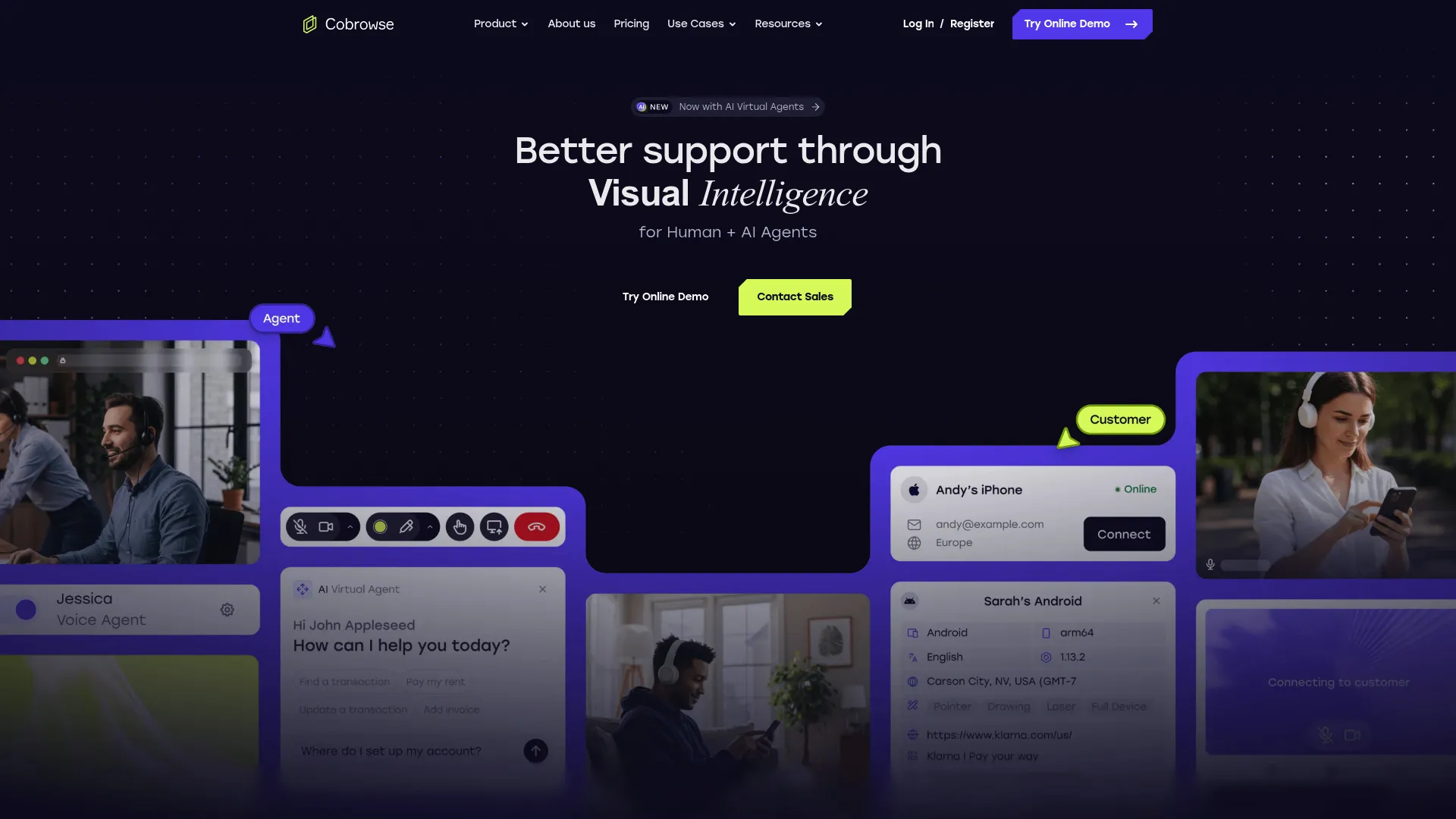
Cobrowse.io is an enterprise co-browsing platform that lets human and AI agents visually collaborate with customers across web and mobile digital channels in real time. It is built for teams that need to support customers wherever they are, including inside native iOS and Android apps and on modern web frameworks. The platform leans heavily on a private-by-default security model, which matters when your support sessions touch regulated data.
Best for: Enterprise support, sales, and CX teams that need secure real-time co-browsing across web and mobile customer journeys.
Key strengths
- Universal cross-platform coverage: co-browse across web, mobile apps, third-party sites, and modern web frameworks from one tool.
- AI virtual agent co-browse: real-time visibility with annotations, drawing, pointers, and redaction controls for both human and AI agents.
- Private-by-default redaction: sensitive data is hidden by default, with auditability and self-hosting or on-premise deployment options.
Why choose Cobrowse.io: If your customers spend time in a native mobile app, not just a browser, Cobrowse.io is one of the few tools that treats mobile as a first-class surface rather than an afterthought. If mobile is core to your journeys, it's also worth seeing how mobile demos can support those flows. The private-by-default posture and self-hosting option also make it a strong fit for support orgs whose security teams gate every vendor.
Cobrowse.io pricing: Named agent pricing starts at $18 per agent per month, billed annually, for web co-browsing. Web plus mobile app co-browsing is $36 per agent per month, billed annually. A Custom enterprise tier is contact-sales and adds large agent counts, alternate licensing, enablement services, 24/7 incident response, and self-hosting. There is no free tier, though a technical evaluation or proof of concept is available.
2. Surfly
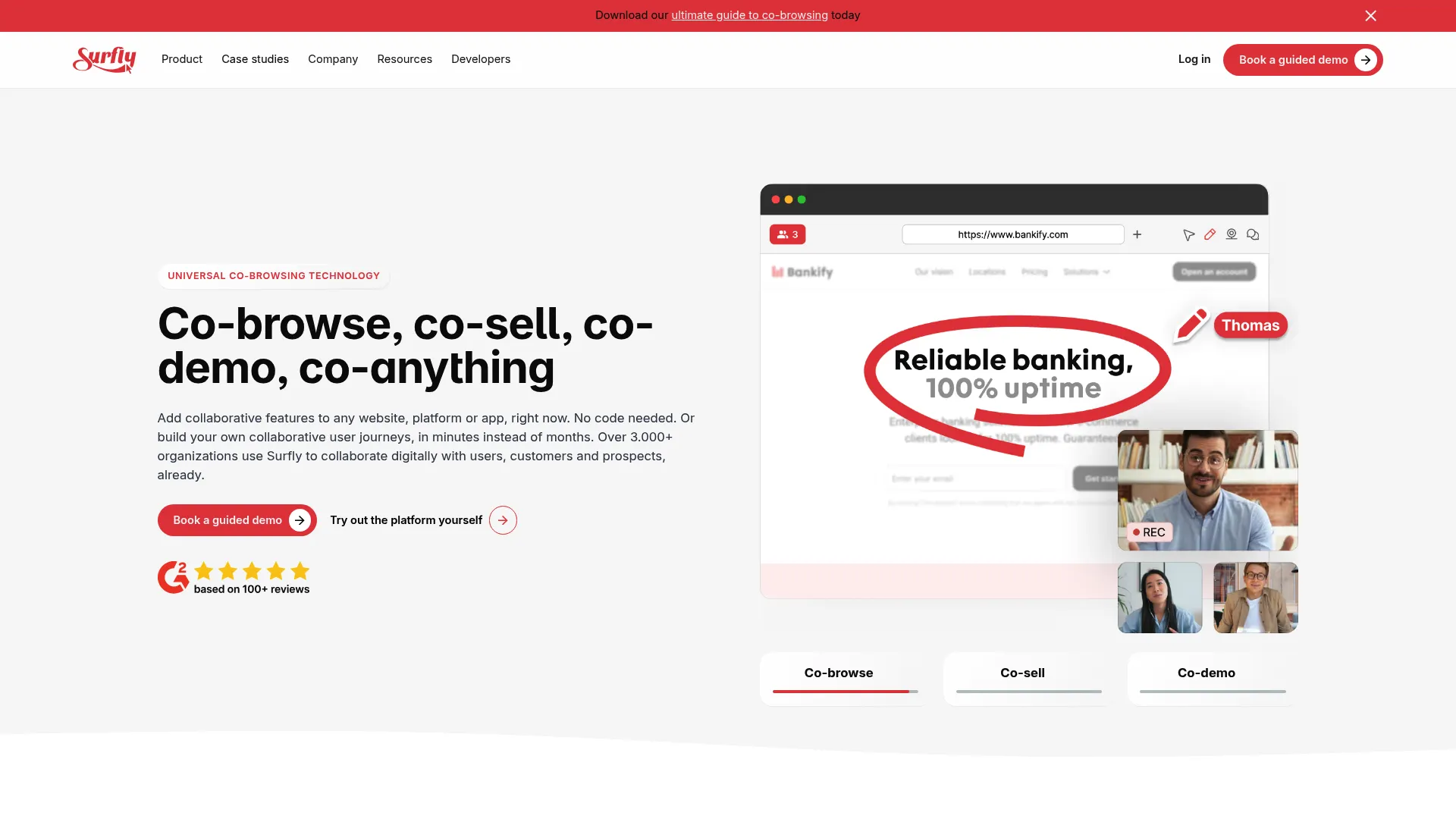
Surfly provides universal co-browsing technology for adding collaborative web interaction to websites, platforms, and apps. Its core argument against legacy co browsing is that you should not have to install JavaScript snippets or modify your application to get started. That codeless approach lets support teams launch sessions on pages and flows they could not easily instrument before.
Best for: Companies that need secure real-time co-browsing for remote customer support, sales, onboarding, or complex digital journeys.
Key strengths
- Universal co-browsing without plugins: start sessions without downloads or page-by-page instrumentation.
- Built-in collaboration tools: video calls, e-signatures, annotation, and control switching inside the session.
- Security and compliance controls: audit logs plus field and element masking to protect regulated data.
Why choose Surfly: Regulated industries like insurance and banking gravitate to Surfly because of the branded, codeless session model and the masking controls. If your team needs to embed a collaborative, compliant experience into existing customer journeys without a long engineering project, Surfly is built for that.
Surfly pricing: Surfly does not publish public pricing on a readable first-party page, so pricing is contact-sales and tailored to your usage and compliance requirements. Verify the current plan structure with Surfly directly before you commit. On G2, Surfly holds a 4.8 out of 5 rating, among the highest in the co-browsing category.
3. LogMeIn Rescue
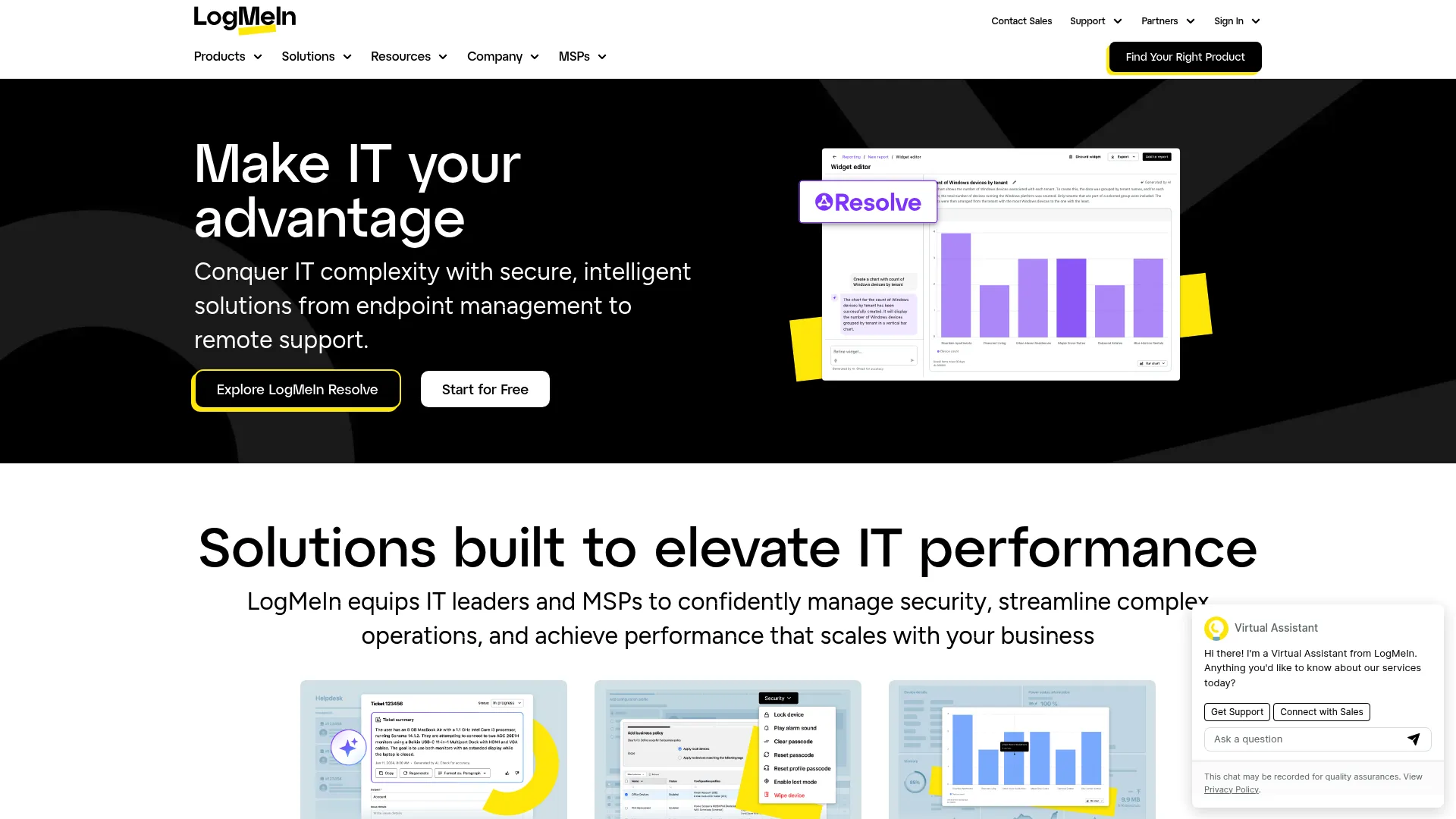
LogMeIn Rescue is remote support software for IT and customer care teams to support PCs, Macs, mobile devices, and tablets. Co-browsing through Rescue Live Guide sits inside this broader remote-support suite, which is the reason established enterprise IT and support orgs choose it. If your team already runs full remote-control sessions, adding lighter-weight co-browsing in the same platform avoids a second vendor.
Best for: Enterprise IT help desks and customer support teams that need secure, cross-platform remote troubleshooting.
Key strengths
- Full remote-support toolkit: remote control, screen sharing, unattended access, diagnostics, file transfer, reboot, and session transfer.
- Broad platform support: works across Mac, PC, iOS, Android, Linux, ChromeOS, and Intel vPro.
- Enterprise administration: reporting, customization, integrations, APIs and SDKs, SSO and AD sync, permissions, and security controls.
Why choose LogMeIn Rescue: Rescue is the pragmatic pick when co-browsing is one job inside a larger remote-support mandate, not the whole story. Teams that troubleshoot devices as well as web sessions get both motions in one governed platform with mature reporting and access controls.
LogMeIn Rescue pricing: The Remote Device Support plan is listed at $109 per month, billed annually, and includes Windows and Mac remote control, unattended access, in-session diagnostics, agent collaboration, and scripting. Rescue Enterprise is contact-sales and adds dedicated technical support, 24/7 priority care, white-glove onboarding, a VIP support portal, and committed SLAs. A free trial is available. Rescue holds a 4.6 out of 5 rating on Capterra.
4. RingCentral
RingCentral brings business calls, texts, video meetings, messaging, SMS, and fax into one app, and offers co-browsing inside its RingCX contact-center product. For support teams that already run an omnichannel contact center, co-browsing in the same platform means an agent on a voice call can launch a shared session without context-switching to a separate tool.
Best for: Businesses that need a unified cloud phone, messaging, video, SMS, fax, and AI communications platform with co-browsing built in.
Key strengths
- Unified communications: cloud calling, team messaging, SMS, video, and fax in a single app.
- Contact-center co-browsing: start a co-browse session from within an active customer conversation.
- AI assistant capabilities: transcriptions, summaries, action items, message drafting, translation, and meeting highlights.
Why choose RingCentral: RingCentral fits when co-browsing should live alongside voice and digital channels rather than as a standalone tool. Agents handling complex calls can move straight into a guided session, which shortens handle time on the tickets that escalate from a phone conversation.
RingCentral pricing: RingEX plans start with Essentials at $19.99 per user per month, Standard at $24.99, Premium at $44.99, and Ultimate at $59.99 per user per month. Higher tiers add larger video meeting capacity, more toll-free minutes, unlimited internet fax, and automatic call recording. A 14-day free trial is available; there is no permanent free tier. RingEX holds a 4.2 out of 5 rating on G2. Confirm RingCX co-browsing packaging with RingCentral, as contact-center features are priced separately from the core RingEX plans.
5. Glance
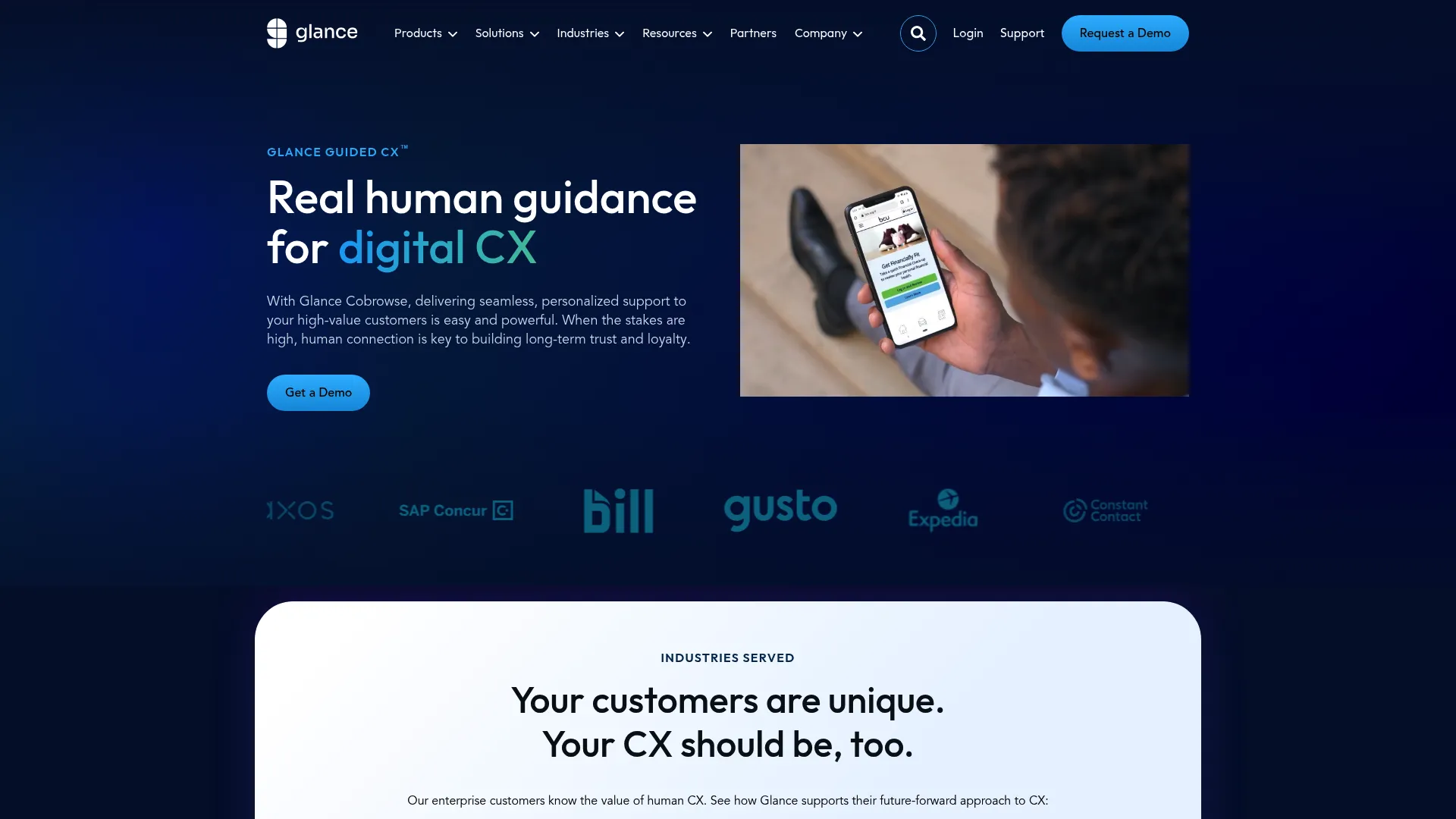
Glance Guided CX is a digital customer experience platform for real-time human guidance through cobrowse, screen share, video, mobile collaboration, document sharing, and remote assist. It is a long-established enterprise player, especially in finance, insurance, and healthcare, where high-touch guided sessions and a strong security posture are non-negotiable.
Best for: Enterprises that need secure, high-touch guided customer support, onboarding, sales, or advisory experiences inside websites, portals, mobile apps, and agent workspaces.
Key strengths
- Cobrowse and screen share: live shared browsing and desktop sharing with customers, with no downloads or installs.
- Mobile and multi-modal collaboration: mobile collaboration, live video, document share, and remote assist in one suite.
- Enterprise integrations: APIs and SDKs that connect into CRM, CCaaS, and custom agent systems.
Why choose Glance: Glance suits large CX teams in regulated verticals that run advisory-style sessions, not just quick fixes. The breadth of the visual engagement suite and the enterprise integration depth make it a fit when co-browsing is part of a broader guided-experience strategy.
Glance pricing: Glance does not publish public pricing; the site directs prospects to request a demo, so pricing is contact-sales and scoped to your deployment. Verify plan details with Glance directly. On G2, Glance holds a 4.5 out of 5 rating.
6. Upscope
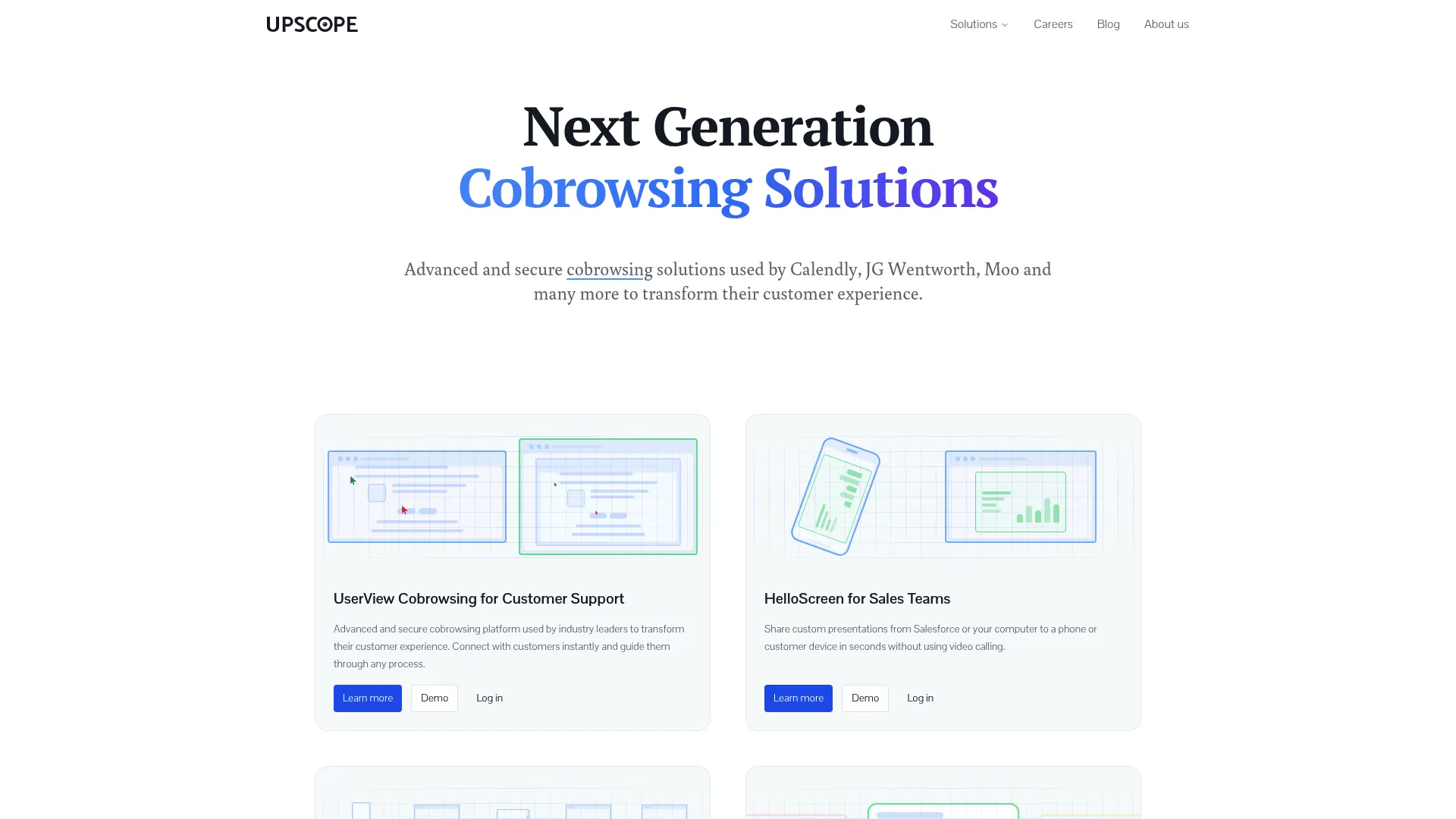
Upscope provides cobrowsing and visual communication tools for customer-facing teams supporting complex products. It is built for SaaS support, with a focus on no-download instant screen viewing so an agent can see a non-technical customer's screen in seconds. The privacy-first model only accesses the specific browser tab and masks sensitive information automatically.
Best for: Customer support, customer success, onboarding, and sales teams that need permission-based cobrowsing for non-technical customers.
Key strengths
- Real-time browser sharing: see the customer's screen instantly with their permission, no download required.
- Interactive control: click, scroll, type, and guide the customer through the flow when permitted.
- Privacy-first cobrowsing: access is limited to the specific browser tab, with automatic masking of sensitive data.
Why choose Upscope: Upscope is the practical SaaS pick when your customers are non-technical and you want the lowest possible friction to start a session. The instant, permission-based screen view keeps customer effort minimal, which is exactly what high-volume support queues need.
Upscope pricing: Upscope does not publish current pricing on a readable first-party page, so plan details are best confirmed directly with Upscope. The product is positioned around helpdesk-native integration with tools like Intercom and Zendesk, so factor your existing stack into the conversation. On G2, Upscope holds a 4.7 out of 5 rating.
7. Acquire
Acquire is an all-in-one customer support platform for digital customer communication, workflows, messaging, and video support, with co-browsing as part of the engagement toolkit. For smaller support teams, the appeal is getting chat, video, and co-browsing in one platform rather than stitching together separate tools.
Best for: Customer support teams that need live chat, workflow routing, SMS and email channels, and video-enabled customer conversations.
Key strengths
- Live messaging: chat widget with customer context, file sharing, and translation built in.
- Workflow automation: routing, prioritization, queues, SLAs, and alerts to keep the queue moving.
- Voice and video calling: one-way and two-way video support alongside co-browsing.
Why choose Acquire: Acquire fits SMB and mid-market support teams that want chat and co-browsing together under one roof. If you would rather consolidate channels than manage a co-browse point solution plus a separate chat tool, the bundled approach reduces both cost and context-switching.
Acquire pricing: Acquire's pricing page lists self-service, integrated solution, and coming-soon options, but shows "Contact us" or "Book a demo" rather than public figures, so pricing is custom. Confirm current packaging and any free tier with Acquire directly. On G2, Acquire holds a 4.2 out of 5 rating.
8. Zoho SalesIQ
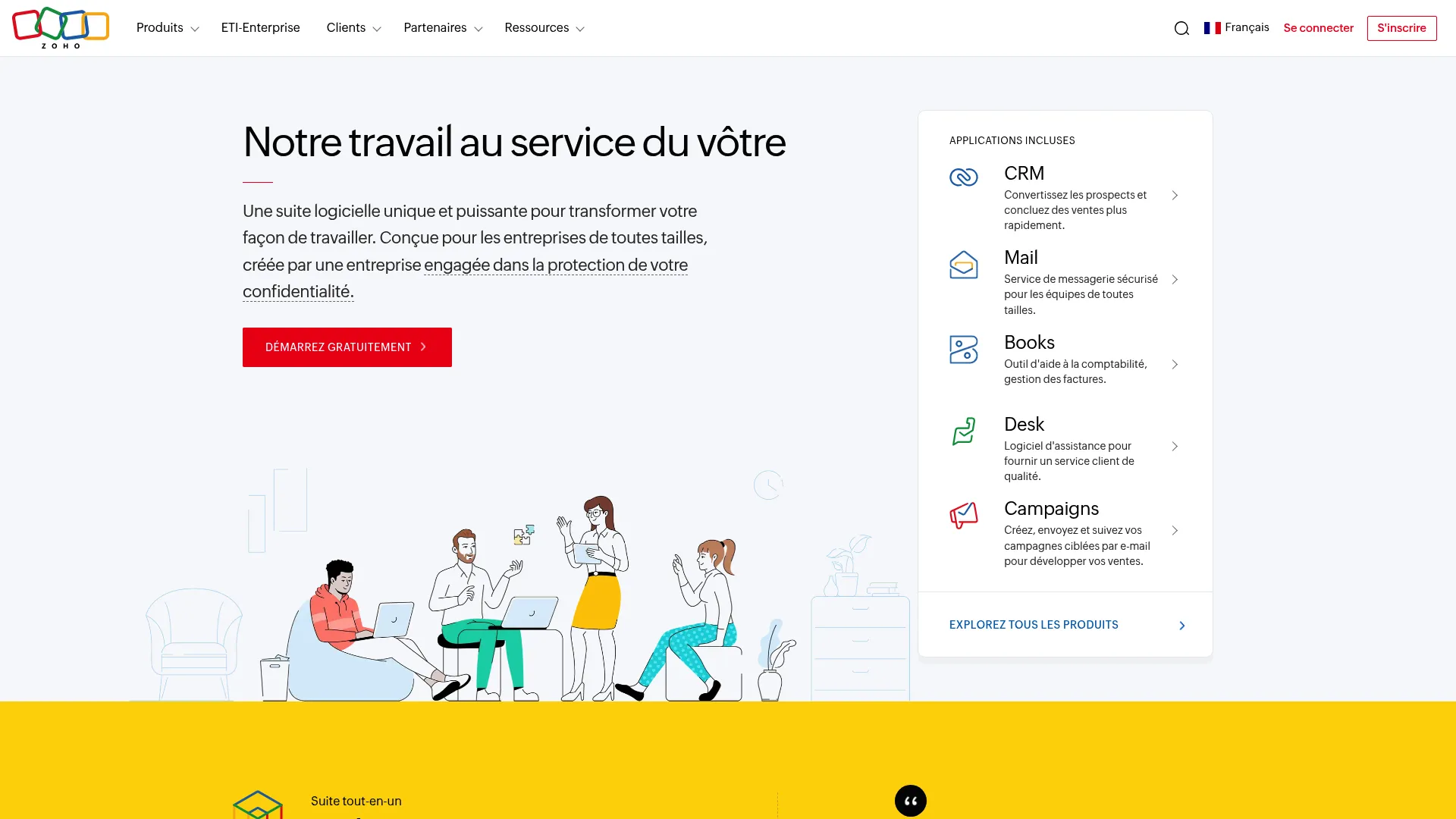
Zoho SalesIQ is a customer engagement platform for live chat, visitor tracking, chatbots, and customer support across web, mobile, and messaging channels, with co-browsing and screen sharing as part of its live chat toolkit. The obvious draw is for teams already on the Zoho stack, where SalesIQ slots natively into Zoho CRM and Zoho Desk.
Best for: Businesses that want live chat, visitor intelligence, chatbots, and omnichannel customer engagement connected to the Zoho ecosystem.
Key strengths
- Visitor tracking and lead scoring: real-time website visitor intelligence built into the platform.
- Live chat with co-browse: chat routing, transfer, group chat, audio calls, screen sharing, and chat translation.
- Bots and AI engagement: custom chatbots, Answer Bot, hybrid bots, a resource library, and AI-powered features.
Why choose Zoho SalesIQ: SalesIQ is the natural choice if you already run Zoho CRM and Zoho Desk and want co-browsing without adding another vendor. The native integration and accessible pricing make it an efficient option for support teams standardized on Zoho. You can also see how an interactive Zoho demo looks in practice.
Zoho SalesIQ pricing: The Free plan includes 3 operator licenses. Paid tiers, billed annually per operator, are Basic at $7 per month, Professional at $12.75 per month, and Enterprise at $20 per month, with progressively higher visitor tracking limits, chat volume, chatbot, routing, reporting, and AI capabilities. On G2, Zoho SalesIQ holds a 4.4 out of 5 rating.
9. Fullview
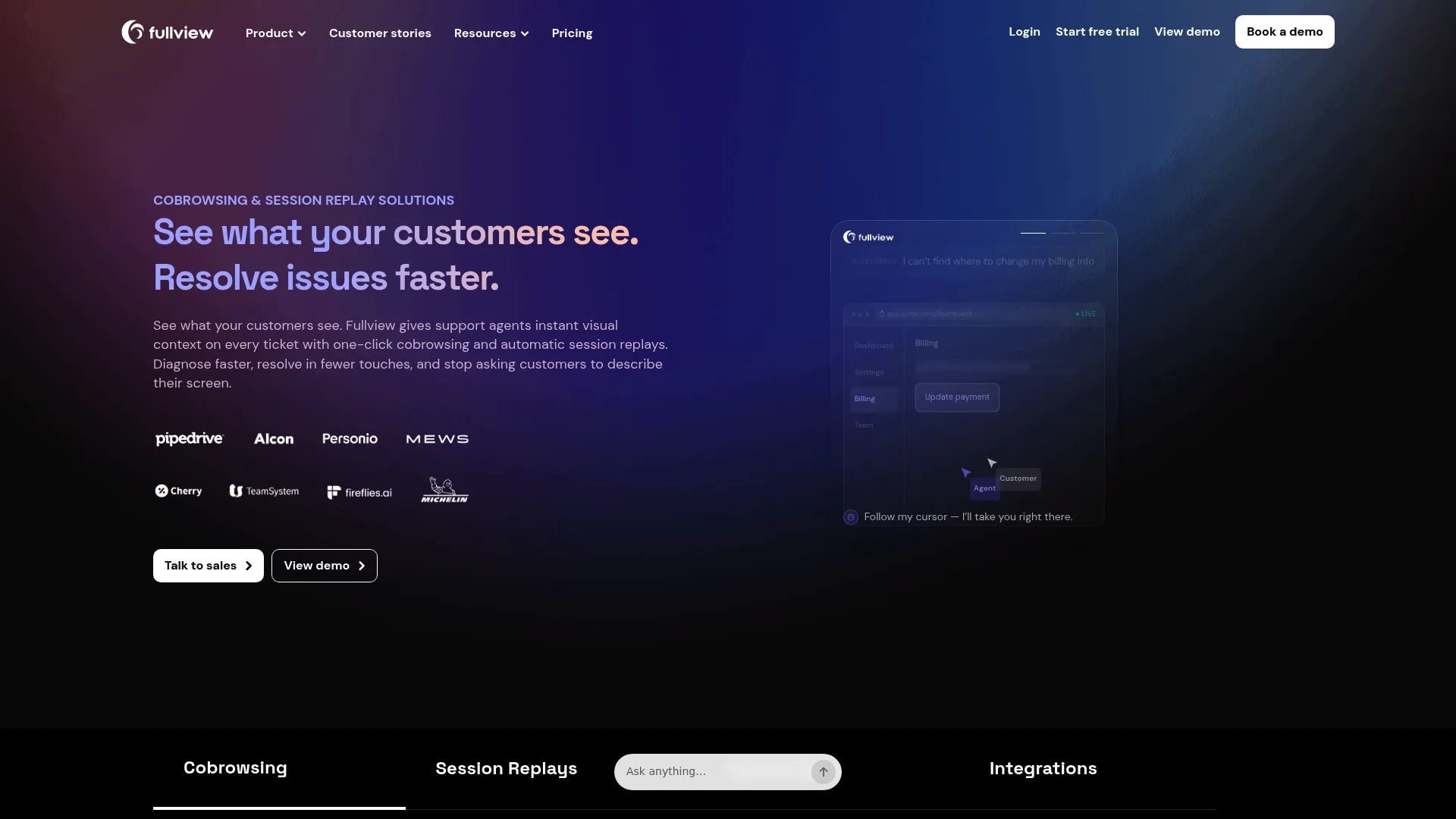
Fullview is a cobrowsing and session replay platform for customer support teams. Its differentiator is pairing live co-browsing with the troubleshooting context developers need: session replays, console logs, and network data sit right alongside the live session. For technical SaaS support, that combination turns a vague bug report into a reproducible case.
Best for: Customer support teams that need live visual troubleshooting and session context directly inside their helpdesk.
Key strengths
- One-click cobrowsing: launch a session straight from a helpdesk ticket.
- Automatic session replays: capture clicks, scrolls, navigation, and errors for after-the-fact review.
- Developer context: console logs and network data alongside cobrowsing sessions and replays.
Why choose Fullview: Fullview is the pick for technical support teams that need debugging context, not just a shared screen. When agents and engineers need to reproduce an issue, having console logs and replays attached to the session shortens the path from report to fix.
Fullview pricing: Fullview uses custom pricing based on team size and monthly session volume, and states that cobrowsing and session replays are included in every plan. Volume discounts and enterprise options for custom SLAs, dedicated support, and advanced security are available. A 14-day free trial is offered. On G2, Fullview holds a 4.7 out of 5 rating.
10. Pega
Pega provides an AI-powered enterprise platform for workflow automation, customer engagement, and low-code application development, with co-browse capabilities for enterprise CX and contact-center scenarios. It is the heaviest enterprise option on this list, suited to organizations that want co-browsing embedded in a much larger decisioning and automation platform.
Best for: Large enterprises that need governed AI decisioning, workflow automation, case management, and low-code modernization across complex operations.
Key strengths
- AI-powered decisioning: route and resolve customer interactions with built-in decisioning.
- Workflow automation: case management, BPM, process mining, and robotic process automation in one platform.
- Low-code application development: build and modernize customer-facing applications without heavy engineering.
Why choose Pega: Pega makes sense when co-browsing is one capability inside a broad enterprise CX and automation strategy, not a standalone purchase. Large contact centers already invested in Pega's platform can layer guided sessions onto governed workflows without a separate tool.
Pega pricing: Pega does not publish public pricing on a readable first-party page; the site directs prospects to contact sales, request a demo, or start a trial, so pricing is custom. Confirm packaging and co-browse availability with Pega directly. On G2, the Pega Platform holds a 4.2 out of 5 rating.
How co-browsing compares to screen sharing and other support tools
Support buyers ask one question more than any other: how is co-browsing different from screen sharing? And where does it sit next to remote support and chat or video? The table below compares them on the dimensions that affect customer effort and AHT.
| Dimension | Co-browsing | Screen sharing | Remote support | Chat / video |
|---|---|---|---|---|
| Download required | Usually none for customer | Often a download or app | Agent or unattended install | None |
| What's shared | Browser or app session only | Entire screen or window | Whole device | Text, audio, or video only |
| Security / masking | Field-level masking, button blocking | Limited; whole screen visible | Full device access | No screen visibility |
| Customer effort | Low: accept a prompt or PIN | Medium: install and grant access | High: install and grant control | Low, but no visual context |
| Mobile fit | Strong with native SDKs | Varies | Strong for device support | Strong |
Co-browsing wins when the issue lives inside a web app or mobile app and you want minimal customer effort with sensitive data protected by masking. Screen sharing wins when the customer needs to show something outside the browser, like a desktop file or another application. Remote support wins for full device troubleshooting, such as a misconfigured OS setting. Chat and video win for conversation and reassurance, but on their own they give the agent no view of the screen, which is why complex tickets stall there.
For a support team, the practical read is simple: co-browsing keeps customer effort low and lets the agent see the exact problem, which reduces clarification loops and contributes to lower AHT and higher first-contact resolution.
Considerations for support teams
Before you shortlist, run every candidate through this checklist. These are the criteria that decide whether a tool actually moves your metrics.
Security, masking, and compliance
Verify that the tool masks sensitive fields automatically, supports button blocking on actions you do not want agents triggering, and meets the standards your industry requires (SOC 2, ISO 27001, HIPAA where you handle health data). Private-by-default approaches, where data is hidden unless explicitly revealed, are the safest baseline for regulated support. For more on how vendors handle this, review security and compliance practices.
Web and mobile coverage
Confirm the tool covers your actual surfaces. If a meaningful share of your customers use your native iOS or Android app, a web-only co-browser will not help them. Tools with mobile SDKs cover both; web-only tools do not reach native apps.
Helpdesk and CRM integration
Check for native hooks into your stack: Zendesk, Intercom, Salesforce, or Zoho. A one-click session launch from inside a ticket saves agents real time versus a custom build or a separate console they have to alt-tab into. Reviewing the best CRM software can help you confirm where co-browsing slots in.
Deployment model
Decide between codeless, code-based, and hybrid. Codeless tools launch fast without engineering involvement. Code-based options can offer deeper control. Match the model to your engineering bandwidth and how quickly you need to go live.
Analytics and ROI tracking
Demand session metrics that map to AHT, FCR, and CSAT so you can prove impact rather than rely on vague "reduce tickets by X percent" claims. The full picture is reactive plus proactive: co-browsing resolves the complex live tickets, while self-serve interactive guides deflect the repetitive ones before they reach the queue. Tracking both halves shows where your support effort actually goes.
Conclusion
The right co-browsing tool depends on your stack and your hardest ticket type. For enterprise teams supporting native mobile apps with strict security, Cobrowse.io leads on coverage and private-by-default redaction. For regulated industries that want codeless, branded sessions, Surfly is the strong pick. For omnichannel contact centers, RingCentral keeps co-browsing in the same platform as voice and digital. For SaaS helpdesk teams, Upscope offers the lowest-friction instant screen view, while Fullview adds the session replay and console-log context technical support needs. And for teams already standardized on Zoho, Zoho SalesIQ is the efficient native option.
Here is a concrete next step: shortlist two tools that natively integrate with your existing helpdesk, then run a side-by-side trial on your single highest-AHT ticket type. Measure handle time and first-contact resolution before and after. Let the numbers, not the sales deck, decide.
Looking ahead, the clearest 2026 trend is AI agent co-browsing maturing, where automated agents join sessions with pointers, annotations, and screen visibility to deliver visual guidance at scale. Choosing a tool with a credible AI roadmap today positions your team for that shift.
FAQs
Co-browsing software lets a support agent and a customer view and navigate the same web page or app in real time, with no download required for the customer in most cases. The agent can highlight elements, guide the customer, or take limited control of the shared session. The purpose is to resolve complex, visual issues live instead of through written back-and-forth.
Co-browsing shares only the browser or app session and usually needs no download from the customer. Screen sharing exposes the customer's entire device or window and often requires a download or app install. Co-browsing keeps customer effort and security exposure lower because masking can hide sensitive fields within the shared session.
Yes, when the tool is built for it. Enterprise-grade co browsing solutions commonly include automatic field masking and redaction, button blocking, encryption, and compliance with standards like SOC 2, ISO 27001, and HIPAA. Look for private-by-default approaches, where sensitive data is hidden unless explicitly revealed, especially in regulated industries.
Pricing varies widely. SaaS-focused tools can start around $7 per month for entry tiers or $18 per agent per month for dedicated web co-browsing. Many enterprise and contact-center tools use custom, contact-sales pricing scoped to your deployment, agent count, and compliance needs. Always verify current figures on the vendor's pricing page.
It works on native mobile apps only for tools that ship iOS and Android SDKs. Tools like Cobrowse.io and Glance treat mobile as a first-class surface. Web-only co-browsers will not reach inside your native app, so confirm mobile coverage if a meaningful share of your customers use a mobile app.
The agent sees the exact screen the customer is on instead of interpreting written descriptions, which eliminates the clarification back-and-forth that inflates handle time. Seeing the issue directly also lifts first-contact resolution and lowers customer effort. The exact impact depends on your implementation and which ticket types you apply it to.
The purpose of co-browsing is to resolve complex, visual, multi-step issues live that text macros and screenshots cannot, and to guide customers through high-friction flows like form and application completion. It gives agents shared visibility of the customer's session so they can point, highlight, and steer in real time. That makes it most valuable on the tickets that words alone fail to resolve.
Yes, and it is an emerging 2026 trend rather than a fully mature standard. Some vendors, including Cobrowse.io, now enable AI agents to join or drive co-browsing sessions with visual tools like pointers, annotations, and real-time screen visibility for automated visual guidance. Expect this capability to expand as AI agents take on more frontline support volume.


![12 best proofreading software in 2026 [hands-on tested]](https://cdn.prod.website-files.com/66ccf78be99d9f56e3f51096/6a8ec908c02243dc28e98da5_screenshot_74275a3e.webp)