You run three tours a day. Somebody emails to reserve four spots. A walk-in takes two of them before you update the shared calendar. Now you have overbooked, and you are apologizing to a family that drove two hours to be there.
That is the tax of running bookings through inboxes, spreadsheets, and a phone. Every reservation lives in a different place, nobody trusts the master calendar, and the founder ends up personally reconciling seats at 9pm. It does not scale, and it quietly caps how many tours you can sell.
A proper tour booking system fixes the mechanics. It takes reservations 24/7, checks real-time availability before it confirms a seat, collects payment, and sends the confirmation without anyone touching it. Digital booking functions have already crossed 71% adoption among tour operators, per Business Research Insights (2026), and the tour operator software market is projected to grow from about USD 1.05 billion in 2026 to USD 2.23 billion by 2035. The operators still running manual workflows are competing against businesses that took themselves out of the reconciliation loop.
The right activity booking software does more than accept payments. It syncs your calendar, prevents double bookings, pushes inventory to OTA channels, and hands you clean booking data instead of a mess of email threads. If you are also rethinking how your site converts visitors into bookings, tightening the conversion path with better landing page builders and a cleaner content and campaign rhythm using marketing calendar software tools pairs well with an online tour booking system. This guide compares seven real options so you can pick the one that matches how you actually operate.
What's inside
This is a practical buyer's guide for tour operators, experience businesses, and founders who need to replace manual reservation chaos with a repeatable system. We compared seven tour booking system options that teams actually shortlist: Bookeo, SuperSaaS, Rezdy, Bókun, Regiondo, FareHarbor, and Checkfront.
We picked and ranked them against four criteria that decide operational fit:
- Pricing transparency, including whether they charge commissions or consumer fees
- Scheduling depth, including calendar sync, availability control, and resource management
- Payment handling, including deposits, full payments, and refunds
- Distribution, including OTA integrations and channel manager features
Each section tells you who the tool fits, what problem it solves, and which booking model it supports best.
TL;DR
Fast recommendations by operator type:
- Best for small operators on a budget: Bookeo, with paid plans starting at €7/month and no per-booking commissions.
- Best flexible scheduler: SuperSaaS, for teams that want a broad booking engine with a free tier.
- Best for channel-heavy distribution: Rezdy, built around a channel manager and OTA distribution.
- Best value with marketplace reach: Bókun, with a free trial, a low entry price, and a native Viator connection.
- Best branded booking flow: Regiondo, strong for European operators needing on-site ticket scanning.
- Best industry-specific infrastructure: FareHarbor, an all-in-one reservation system with deep distribution.
- Best broader booking platform: Checkfront, for teams booking tours alongside rentals and accommodations.
What is tour booking software?
Tour booking software is an online booking and reservation system that lets tour and activity operators sell bookings, take payments, and manage availability from a single platform instead of email, phone, and spreadsheets.
A modern tour operator booking software platform typically includes:
- Booking widget: an embeddable booking flow or branded booking page that takes reservations directly from your website.
- Calendar sync and real-time availability: live inventory across tours, dates, and times so seats update instantly and double bookings stop happening.
- Payment handling: deposits, full payments, refunds, and payouts, often with support for multiple currencies.
- Automated communications: confirmations, reminders, and rescheduling notices sent without manual work.
- Waivers: digital liability forms collected at booking for adventure and activity tours.
- Channel management: OTA integrations and a channel manager that push availability to resellers and marketplaces.
- Revenue features: upsells, add-ons, and gift vouchers that lift average order value.
- Reporting: manifests, guest lists, and booking data you can actually act on.
The point of a tour scheduling software platform is operating leverage. It removes the founder from the reservation loop, keeps one source of truth for availability, and turns fragmented booking activity into clean, repeatable data. That matters more as volume grows, when manual reconciliation stops being an annoyance and starts being a ceiling.
When to use tour booking software
Replace manual booking workflows
Email, spreadsheets, and phone bookings work until they don't. The break point usually shows up around the moment two channels can sell the same seat at the same time. When a booking lives in an inbox, a walk-in lives on paper, and availability lives in someone's head, double bookings become inevitable. A booking software for tours setup collapses those into one live calendar, so every reservation checks against real-time availability before it confirms.
Sell direct bookings from your website
If most of your reservations still route through a call or a form you check manually, you are leaking bookings overnight and paying OTA commissions on the rest. An embedded booking widget or branded booking page lets visitors book and pay on your own site, at any hour, keeping the margin and the customer relationship. Direct bookings also feed cleaner data back to you than reservations that arrive through a third-party marketplace.
Coordinate tours, guides, and inventory
Once you run multiple tours, guides, vehicles, or locations, the hard part is not taking the booking, it is allocating the resource behind it. Tour scheduling software with resource management ties each booking to the guide, boat, or time slot it consumes, then generates the manifest automatically. Calendar sync keeps everyone looking at the same availability, so operations stop depending on the founder to hold it all in their head.
Comparison table
Here is how the seven platforms compare on intent, primary use case, entry pricing, and G2 rating. Use it to shortlist, then read the full sections for fit.
| # | Product | Intent | Key use case | Pricing | G2 rating |
|---|---|---|---|---|---|
| 1 | Bookeo | Direct bookings, no commissions | Small operators selling tours, classes, and appointments | From €7/month, 30-day free trial | 3.8/5 |
| 2 | SuperSaaS | Flexible scheduling engine | Teams wanting a broad scheduler with a free tier | Free plan; paid from $9/month | Not listed |
| 3 | Rezdy | Channel distribution | Operators prioritizing OTA reach and channel management | From $49/month + 3% per online booking | Not listed |
| 4 | Bókun | Value plus marketplace reach | Operators wanting low entry price and Viator distribution | From $49/month + booking fee; free trial | 4.5/5 |
| 5 | Regiondo | Branded booking and ticketing | European operators needing branded flow and ticket scanning | From 49€/month, 30-day free trial | 4.2/5 |
| 6 | FareHarbor | Industry-specific infrastructure | Tour businesses wanting all-in-one booking and distribution | Custom pricing | Not listed |
| 7 | Checkfront | Broader booking platform | Teams booking tours, rentals, and accommodations together | From $225/month (Capterra-reported) | 4.4/5 |
The 7 best tour booking software platforms
1. Bookeo
Bookeo is booking and reservation software for appointments, classes, and tours. It leans into direct bookings with real-time availability, a customizable booking page you embed on your own site, and no per-booking commissions on your reservations. For a small operator watching margin, that last point matters: you keep the full ticket price instead of handing a cut to the platform on every sale.
Best for: small and mid-sized tour operators and class providers who want online booking without paying commissions.
Key strengths
- Direct bookings with no commissions: take reservations through a website widget and keep the full price on your own bookings.
- Real-time availability and calendar sync: live inventory prevents double bookings and keeps every channel looking at the same seats.
- Payments, reminders, and waivers: collect deposits or full payment, send automated confirmations and reminders, and gather waivers where you need them.
Why choose Bookeo: if you are a lean operator who wants predictable, transparent costs, Bookeo fits. The commission-free model means your software bill stays flat as you sell more, which is exactly the kind of cost behavior a founder wants when volume scales. It handles the operational basics, real-time availability, reminders, and customizable booking pages, without pushing you into an enterprise contract.
Bookeo pricing: Bookeo Appointments Waiver plans start at €7/month for the W-200 tier and scale by monthly booking volume, reaching €215/month at the W-10000 tier. All prices are shown in EUR, and there is a 30-day free trial with no credit card required. SMS and FAX credits are billed separately, starting around €0.07 per credit.
2. SuperSaaS
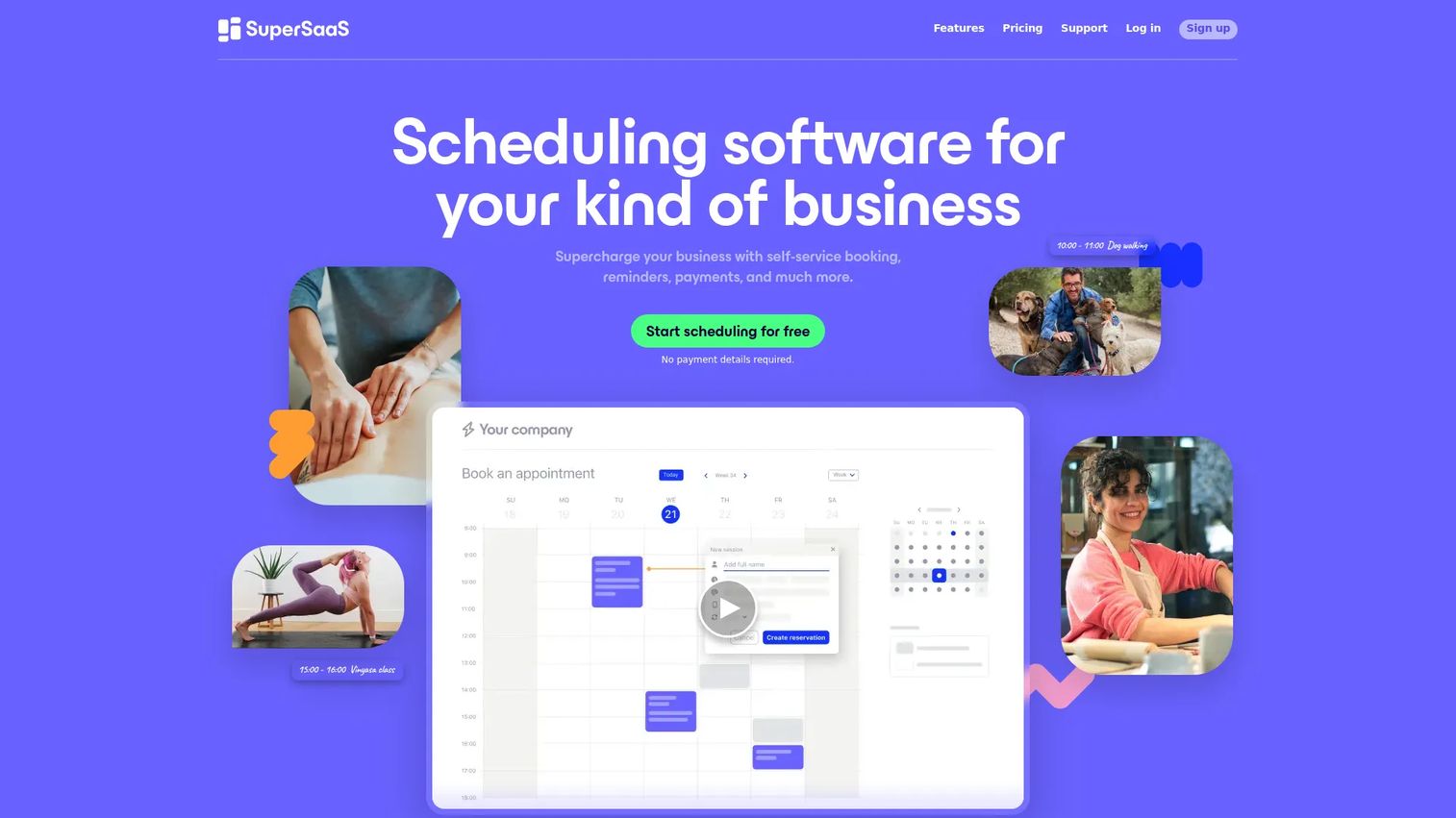
SuperSaaS is online appointment scheduling and reservation software that flexes across many booking scenarios, including sightseeing and tours. It is less tour-specific than some options here and more of a broad, configurable scheduler, which is the point: if your booking model is unusual, or you run tours alongside other bookable services, the flexibility earns its place.
Best for: operators who want a flexible booking engine with a free tier and custom booking forms.
Key strengths
- Flexible scheduling and custom booking forms: configure the booking flow, fields, pricing rules, and promotions to match how you actually sell.
- Calendar sync and website integration: sync with Google Calendar, Outlook Calendar, and iCalendar, and embed the booking flow on your site.
- Payments and reminders: take online payments, apply coupon codes, and send automated reminders in multiple languages.
Why choose SuperSaaS: the free plan makes it easy to start without committing budget, and the paid tiers scale by appointment and user limits rather than locking core features behind a high entry price. If you want a booking software for tours that also handles adjacent booking types, SuperSaaS gives you room to configure rather than forcing your process into a fixed template.
SuperSaaS pricing: SuperSaaS offers a free plan, with paid plans starting at $9 (or €7) per month. Higher tiers scale up through a series of steps as your appointment and user limits grow, topping out around $180 (€119) per month for the largest published package. Paid plans add ad-free use, calendar sync, and payment handling.
3. Rezdy
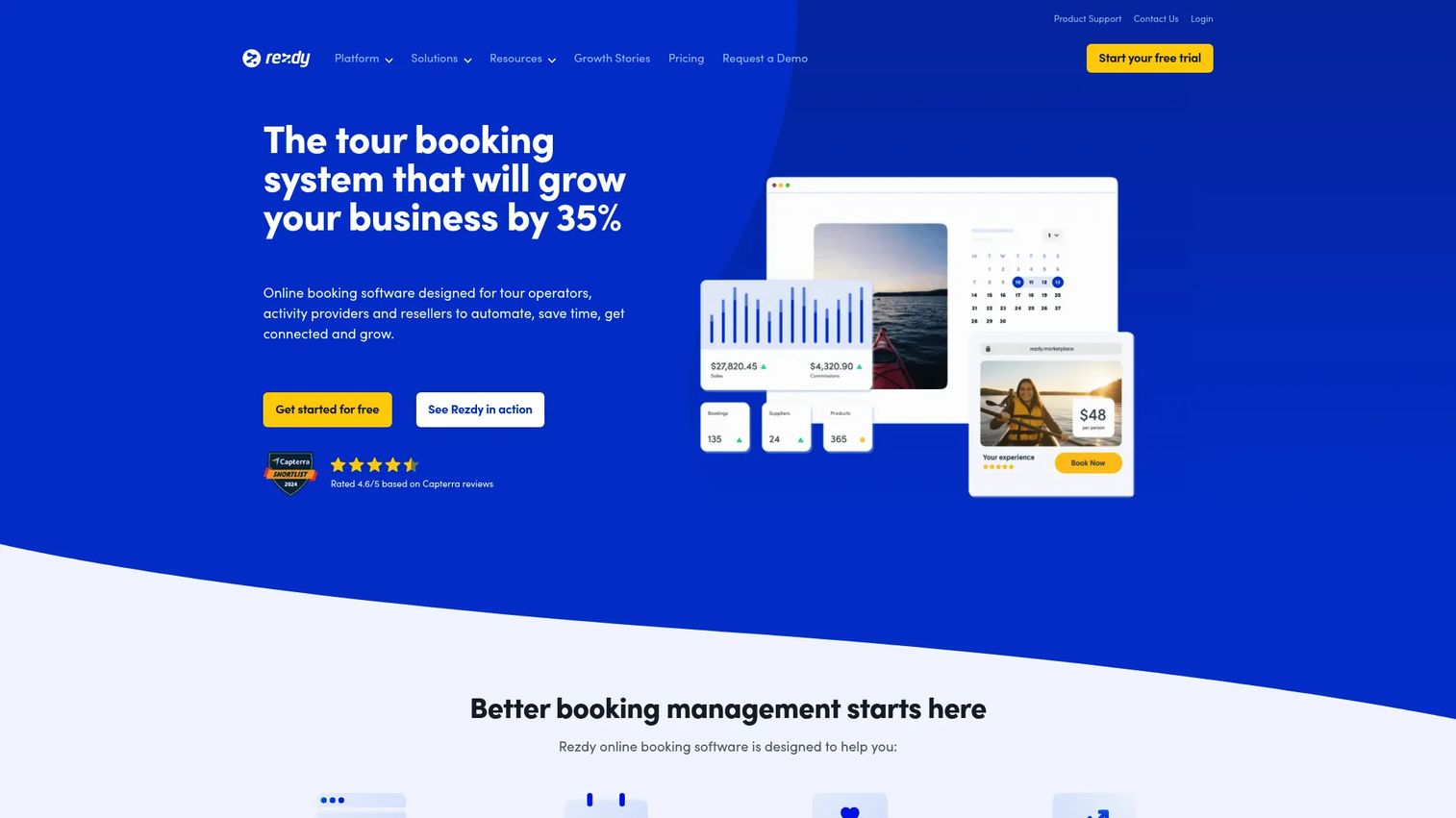
Rezdy is booking software and a channel manager built for tours, activities, attractions, shuttles, charters, and tickets. Where some tools focus mostly on your own website, Rezdy is built around distribution: it pushes your real-time availability out to OTAs and resellers so you fill seats through more channels without managing each one by hand.
Best for: tour and activity operators who need booking plus serious OTA distribution and channel management.
Key strengths
- Channel manager and OTA distribution: connect to resellers and marketplaces and keep availability synced across every channel from one place.
- Online booking engine and guest manifest: take direct bookings on your site and generate manifests automatically for each departure.
- Payment processing and reporting: collect payments, absorb or pass on the booking fee, and pull reporting on how each channel performs.
Why choose Rezdy: if resellers and OTA channels drive a meaningful share of your bookings, a dedicated channel manager stops the manual availability updates that cause double bookings across marketplaces. Rezdy is the pick when distribution and operational control matter as much as your own booking widget. The reporting also helps you see which channels actually pay off, which is the kind of signal a growing operator needs.
Rezdy pricing: Rezdy shows three public plans. Foundation starts at $49 per month plus 3% per online booking, Accelerate is $99 per month plus 3%, and Expansion is $249 per month plus 3%. A 21-day free trial is listed. The booking fee can be absorbed into your pricing or passed on to guests, and Australian prices are shown exclusive of GST.
4. Bókun
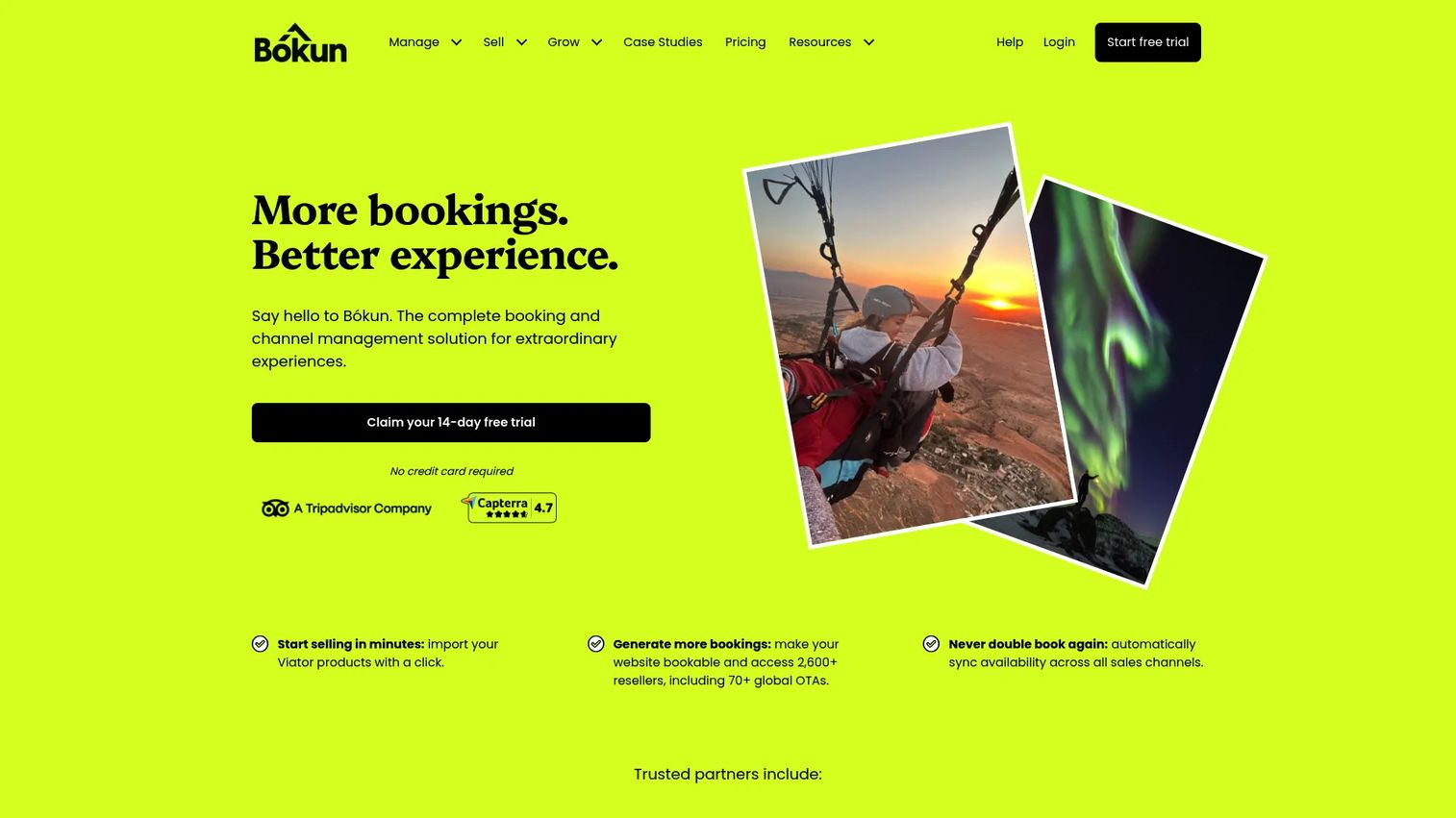
Bókun is booking software for tour and activity operators to manage bookings, sell online, and distribute across channels. Its standout is the native Viator connection, which plugs you into one of the largest experience marketplaces, plus a channel manager, mobile app, website builder, and point of sale. For operators who want marketplace reach without stitching integrations together, that bundle is compelling.
Best for: tour and activity operators who want low entry pricing plus strong marketplace and channel features.
Key strengths
- Booking management and Viator connection: manage bookings centrally and distribute through Viator and other channels via the channel manager.
- Selling tools and POS: sell through booking widgets, a website builder, payment links, and point of sale for in-person bookings.
- Gift cards and mobile app: offer gift cards to lift revenue and run operations from a mobile app on the ground.
Why choose Bókun: the low starting price paired with marketplace distribution makes Bókun a strong value play, especially for operators who want OTA reach early. The booking fee decreases as you move up plans, so the pricing rewards growth rather than penalizing it. If Viator is a channel you care about, the native connection removes a lot of manual work.
Bókun pricing: Bókun shows four options. The FREE tier is a 14-day free trial with no credit card required. START is $49 per month plus a 1.5% fee on applicable bookings, PLUS is $149 per month plus 1.25%, and PREMIUM is $499 per month plus 1%. Channel Manager pricing is available on request. The booking fee shrinking as plans rise is worth modeling against your volume.
5. Regiondo
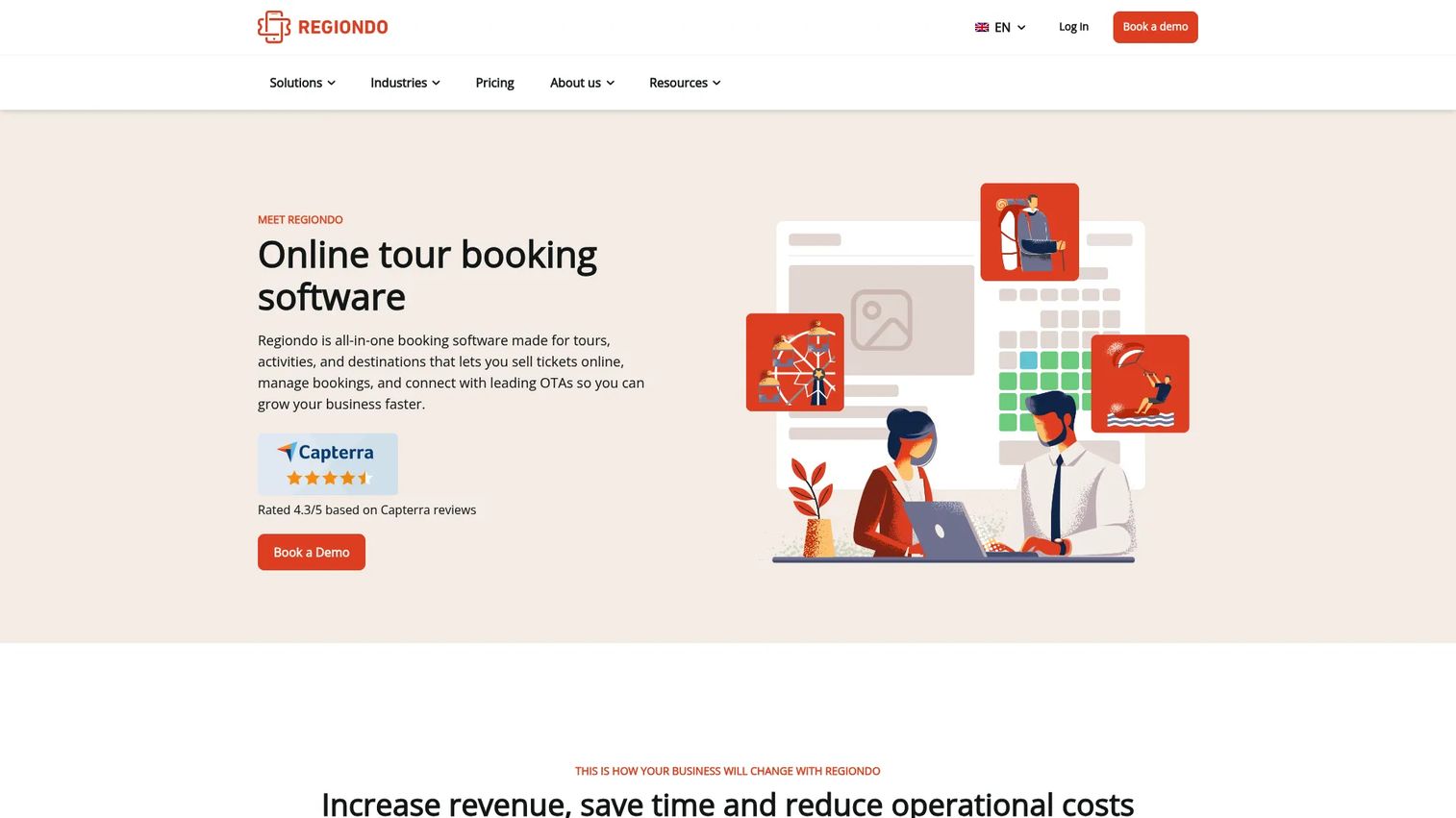
Regiondo is all-in-one booking software for tours, activities, attractions, and destinations. It combines online booking and a booking widget with multi-currency payments, a website builder, distribution to OTAs, and on-site ticket scanning. That last piece makes it a fit for operators who need a clean handoff from online booking to a physical gate or entry point.
Best for: European operators and attraction-style businesses that need a branded booking flow plus on-site ticketing.
Key strengths
- Booking widget and website sales: sell directly through a branded booking page and manage bookings from one dashboard.
- OTA distribution and channel manager: push availability to marketplaces and resellers to widen reach beyond your own site.
- Ticket scanning and multi-currency payments: scan tickets at the door and accept payments across currencies for international visitors.
Why choose Regiondo: if you sell tickets that get scanned on arrival, or you operate across European markets and currencies, Regiondo covers booking, distribution, and on-site entry in one system. The branded booking flow keeps the experience on your brand rather than a generic checkout, which matters for operators building a direct-booking habit with repeat visitors.
Regiondo pricing: Regiondo shows Starter at 49€ per month, Advanced at 99€ per month, and Enterprise at 199€ per month, with a Website Builder add-on at €49 per month. A 30-day free trial is available, and a separate partner tab lists price-on-request plans. Pricing is displayed in EUR, in line with its European operator focus.
6. FareHarbor
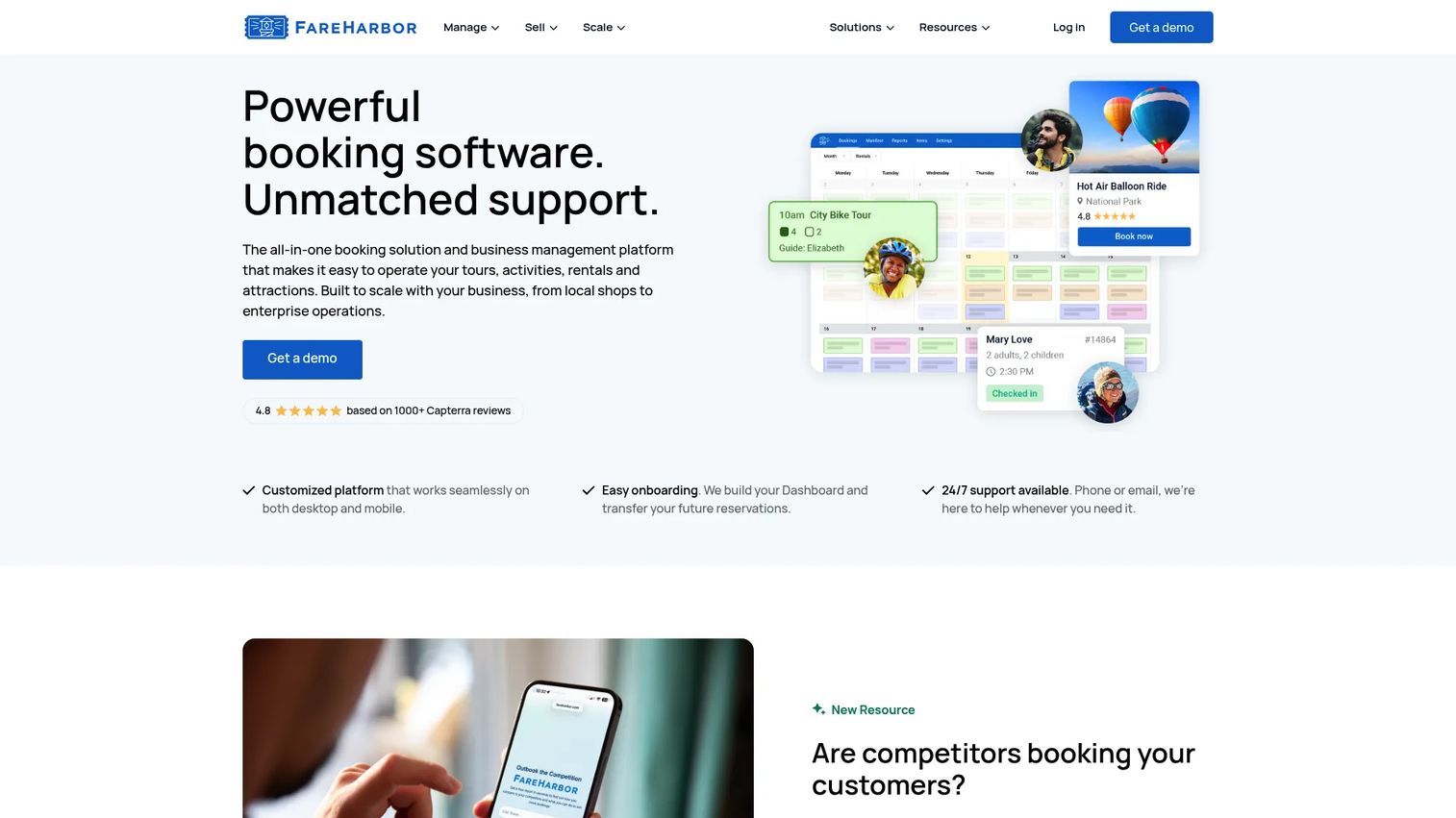
FareHarbor is an all-in-one booking and business management platform for tour, activity, attraction, and rental operators. It bundles mobile-optimized online booking, deep distribution through 250+ OTA, affiliate, and distribution integrations, and built-in tools for waivers, point of sale, waitlists, packages, and upsells. It is the option built specifically around tour operations rather than adapted to them.
Best for: tour and activity businesses that want booking, operations, and distribution infrastructure in one industry-specific platform.
Key strengths
- Mobile-optimized booking flow: a booking experience built to convert on phones, where a large share of activity bookings now happen.
- 250+ distribution integrations: connect to OTAs, affiliates, and resellers to broaden reach without managing each channel manually.
- Operations tools built in: waivers, POS, waitlists, packages, and upsells handle the on-the-ground reality of running tours.
Why choose FareHarbor: when your business is tours and you want purpose-built infrastructure rather than a general scheduler, FareHarbor is designed around exactly that. The breadth of distribution plus the built-in operational tooling means fewer separate systems to stitch together, which is where a lot of manual work hides for growing operators.
FareHarbor pricing: FareHarbor does not expose a standard public pricing table on its marketing pages, so pricing is best confirmed directly with the vendor for your booking volume and setup. Treat it as custom pricing tied to your operation rather than a fixed monthly plan, and ask specifically about any consumer fees or booking fees so you can model the true cost.
7. Checkfront
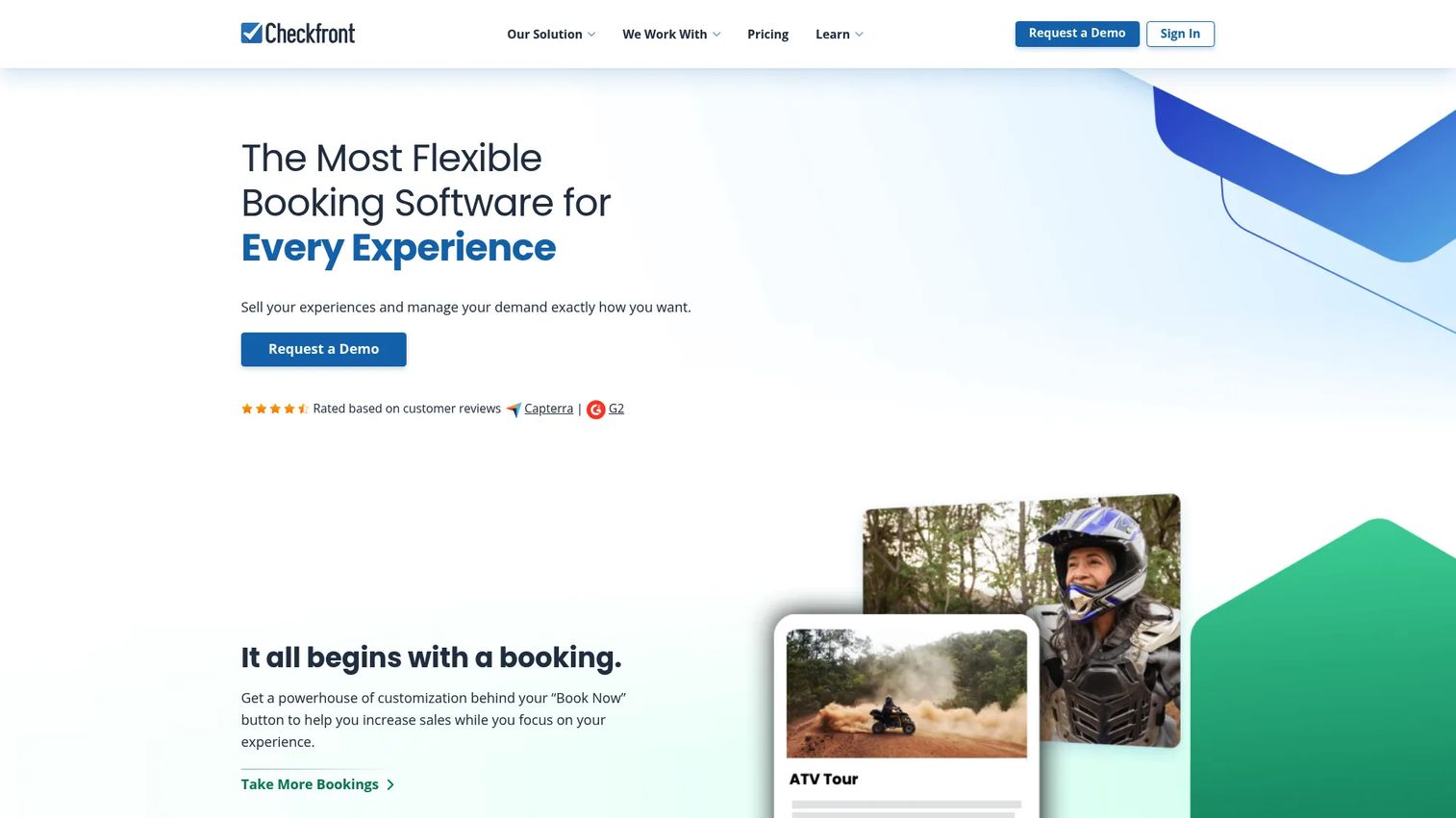
Checkfront is booking management software for tours, activities, rentals, and accommodations. Its strength is breadth: if you book more than just tours, Checkfront handles reservations across inventory types with availability calendars, payments, and pricing controls in one place. That makes it a fit for businesses whose booking needs span several categories.
Best for: teams that need a broader reservation and booking platform that still handles tours well.
Key strengths
- Flexible booking and inventory management: manage reservations across tours, rentals, and accommodations with availability calendars.
- Payments and pricing controls: collect payments and set pricing rules, deposits, and availability windows per inventory item.
- Integrations: connect to the tools around your booking flow to keep data and payments consistent.
Why choose Checkfront: if tours are one line of business among several bookable products, a broader platform beats stitching together niche tools. Checkfront gives you one reservation system across inventory types, which reduces tool sprawl and keeps booking data in a single place. For a founder trying to cut tools while increasing signal, that consolidation is the draw.
Checkfront pricing: Checkfront does not expose numeric plan prices on its own public pages in a way that is easy to verify, though its site references plan comparisons and Growth and Managed plans. Capterra lists a starting price of $225 per month flat rate. Confirm current pricing and what each tier includes directly with Checkfront before committing.
What to look for in tour booking software
Before you commit, run any shortlist through these criteria.
Pricing model and true cost
Look past the headline monthly price. Some platforms charge per-booking fees or commissions on top of the subscription, which changes the math as volume grows. Others are flat. Decide whether you want predictable flat costs or fees that scale with bookings, and check whether the tool passes any consumer fees on to guests, which affects conversion.
Payment and deposit handling
Confirm the tool takes deposits and full payments, handles refunds cleanly, and supports the currencies you sell in. If you run high-value tours, deposit support protects you from no-shows. If you serve international visitors, multi-currency payments matter more than they first appear.
Distribution and OTA reach
If resellers and marketplaces drive real revenue, a channel manager that syncs real-time availability across OTA integrations prevents double bookings and manual updates. If you sell almost entirely through your own site, a strong booking widget and branded booking page matter more than broad distribution.
Scheduling and resource depth
Match the tool to your operational complexity. Simple single-tour operators need clean calendar sync and reminders. Multi-location or multi-guide operators need resource management, manifests, and availability control that ties bookings to the guides, vehicles, or slots they consume.
Ease of setup and daily use
The point of online booking software for tour operators is to remove the founder from the loop, not add a new system nobody wants to touch. Favor tools your team can actually run day to day, with a booking flow guests complete without friction. A free trial is the fastest way to test whether it fits how you actually work.
Which tour booking software should you choose?
The right pick comes down to your operating model, not a feature checklist.
If you are a lean operator who wants direct bookings, transparent costs, and no commissions eating your margin, start with Bookeo. If you want a flexible scheduler with a free tier that flexes across booking types, SuperSaaS fits. If OTA channels and resellers drive your bookings, Rezdy and its channel manager are built for that distribution problem, and Bókun offers similar marketplace reach with a low entry price and a native Viator connection.
If you need a branded booking flow with on-site ticket scanning, especially across European markets, Regiondo covers it. If you want purpose-built, industry-specific reservation software with deep distribution, FareHarbor is designed around tours end to end. And if you book tours alongside rentals or accommodations, Checkfront gives you one broader booking platform instead of several niche tools.
The next step is simple: pick the two that match your booking model, start a free trial, and process a handful of real bookings through each. The tool that removes the most manual work and prevents the most double bookings, without adding admin, is the one that earns its place in your stack. That is the whole point of a tour operator booking software system, to turn founder-dependent booking chaos into a process that runs without you.
FAQs
Tour booking software prevents double bookings by holding one live source of availability that every channel checks before confirming a seat. When a reservation comes in from your website, an OTA, or a walk-in logged at the desk, real-time availability updates instantly across all of them. As long as every booking channel runs through the same system, the calendar cannot sell the same seat twice.
Yes. Most tour reservation software supports both deposits and full payments, so you can collect a partial amount to secure a booking or charge the full price upfront. Many platforms also handle refunds and multiple currencies. Deposits are useful for high-value tours where no-shows are costly, since a paid deposit gives guests a reason to show up or reschedule rather than vanish.
No, though a website helps. Most booking software for tours gives you a hosted branded booking page you can link to directly, so you can take direct bookings even without your own site. If you do have a website, you embed a booking widget so visitors book without leaving your pages. Either way, you can also distribute through OTA integrations to reach guests who never visit your site at all.
Scheduling software books time slots and appointments generically. Tour booking software adds the operational pieces tours specifically need: real-time inventory across departures, guest manifests, waivers, deposits, upsells, gift vouchers, and OTA distribution through a channel manager. A general scheduler can work for simple single-tour operators, but multi-tour, multi-guide, or reseller-heavy businesses usually need the tour-specific depth.
For OTA-heavy and reseller-driven operators, Rezdy and Bókun stand out because both are built around distribution and channel management. Rezdy centers on its channel manager and reseller network, while Bókun offers a native Viator connection plus broad channel distribution. FareHarbor also brings deep reach with 250+ OTA, affiliate, and distribution integrations. All three sync real-time availability across channels to prevent double bookings.
A free tier or free trial is a good way to validate fit, and tools like SuperSaaS offer a genuine free plan while Bookeo, Rezdy, Bókun, and Regiondo offer free trials. Free tiers usually cap booking volume, integrations, or channels. For a growing operator, the deciding factor is whether the paid tier removes manual work and prevents double bookings at your volume, not whether a free plan exists.
Look at the total cost, not just the monthly subscription. Check whether the platform charges per-booking fees or commissions on top of the base price, since those scale with volume and can outrun a flat plan. Confirm whether any consumer fees get passed to guests, which affects conversion. Then match the pricing model to your growth: flat pricing rewards high volume, while low-entry plans with booking fees suit operators just getting started.