You need to model a distillation column, size a heat exchanger, or prove a debottlenecking case before capital gets approved. So you open a vendor page. Twenty minutes later you are still reading about "next-generation platforms" and "integrated ecosystems," and you still cannot tell whether the tool handles the thermodynamics your process actually needs.
That gap is the real problem. Choosing process simulation software is a technical decision buried under marketing language. Most category pages explain what a flowsheet simulator does. Few help you decide which one fits your process type, your simulation depth, and your budget.
The market itself keeps expanding, which only widens the field. The global chemical process simulation software market is expected to rise from USD 842.8 million in 2025 to USD 1,544 million by 2033, a 7.9% CAGR, according to Metastat Insights (2024). Cloud-based deployment is growing even faster, projected at 8.1% CAGR through 2033. More vendors, more deployment models, more decisions.
Buyers usually end up comparing three things: steady-state simulation for design work, dynamic process simulation for control and operability, and platforms aligned with digital twin technology for live operations. This guide sorts eight process simulation tools against those needs so you can shortlist faster. If you work in presales or technical validation, the same lens helps you frame fit conversations and support hands-on evaluation, similar to how teams run structured product tours and interactive walkthroughs in software buying cycles.
What's inside
This guide covers industrial process simulation tools used across engineering, operations, and technical validation. It is written for teams evaluating software to buy, not for casual learners.
We selected and ranked tools against four criteria that matter in real buying decisions:
- Modeling depth, including steady-state, dynamic, and 3D or commissioning support
- Collaboration and deployment, including cloud-based process simulation and shared workflows
- Integration, including plant data, digital twin, and engineering stack connections
- Licensing clarity and use-case fit, across chemical, oil and gas, and manufacturing contexts
Each entry explains where the tool sits in the engineering workflow and who it fits best.
TL;DR
- Best for broad enterprise process simulation: AspenTech, the benchmark for Aspen Plus and Aspen HYSYS across design and optimization.
- Best for integrated lifecycle simulation: AVEVA Process Simulation, with unified steady-state, dynamic, and cloud collaboration.
- Best for 3D verification and virtual commissioning: Siemens Tecnomatix Process Simulate, where process simulation meets production engineering.
- Best open-source process simulation: DWSIM, a free, CAPE-OPEN compliant chemical process simulator.
The right choice depends on your simulation mode, deployment needs, and industry fit. Shortlist two or three, then validate them against one real process model.
What is process simulation software?
Process simulation software is an engineering application that uses thermodynamic models and unit-operation calculations to predict how a chemical or industrial process behaves under defined conditions. Engineers build a flowsheet, define streams and equipment, and the process simulator software solves mass and energy balances to show throughput, temperatures, pressures, compositions, and performance.
These tools operate in a few distinct modes, and knowing which you need is the first real filter.
- Steady-state simulation models a process at stable operating conditions. It is the workhorse for design, equipment sizing, and process optimization software calculations.
- Dynamic process simulation models behavior over time. It handles startup, shutdown, control tuning, safety scenarios, and operability studies.
- 3D process and commissioning simulation validates layout, robotics, assembly, and virtual commissioning before physical build.
- Open-source and equation-oriented modeling gives teams flexible, customizable flowsheet simulation, often used in research and education.
Across those modes, engineering simulation software supports a consistent set of jobs:
- Design studies to test flowsheets and operating conditions before construction
- Optimization to improve yield, energy use, and margin
- Debottlenecking to find and remove throughput constraints
- Operator training through operator training simulator environments tied to plant models
- Digital twin integration to connect models with live plant data
That last point is where process modeling software and digital twin technology overlap. A simulation model predicts how a process should behave. A digital twin usually takes that model further, connecting it to live sensor data so it mirrors the running plant in real time. Simulation is the engine. The digital twin is the always-on application built on top of it. Many of the platforms below now market both.
When to use process simulation software
Different projects pull you toward different simulation modes. Here is how to match the situation to the capability.
Evaluate process designs before building
Before steel goes in the ground, teams use simulation to test flowsheets, size equipment, and check operating conditions against targets. This is early-stage engineering and capital planning territory. A steady-state model of a new unit tells you whether the design meets throughput and purity specs, and where the energy costs land, long before a purchase order exists. Getting the design right on screen is far cheaper than fixing it in the field.
Optimize existing plants and operations
Running assets generate constant pressure to do more with less. Engineers use process optimization software to push throughput, cut energy use, reduce emissions, and improve margin on units that are already built. When models connect to live data, the same tools support day-to-day operational decisions, letting teams test a change in simulation before touching the real process. This is where steady-state and dynamic modeling both earn their keep.
Validate commissioning and training scenarios
Some plants involve complex equipment, tight controls, or heavy human interaction. Here, 3D process simulation, robotics validation, and operator training simulators matter. Virtual commissioning lets teams verify automation logic and layout before installation, cutting startup risk. Operator training simulators let staff practice startup, shutdown, and upset scenarios safely. If your process has significant human-in-the-loop or robotic elements, these capabilities move from nice-to-have to essential.
Comparison table
Here is the shortlist at a glance. AspenTech leads as the broad enterprise benchmark, with the rest sorted by relevance to general process simulation needs. Pricing is quote-based for most industrial vendors, so figures are shown only where a public price was verified.
| # | Product | Intent | Key use case | Pricing | G2 rating |
|---|---|---|---|---|---|
| 1 | AspenTech | Broad enterprise process simulation and optimization | Aspen Plus and Aspen HYSYS for design, simulation, and asset optimization | Quote-based | 4.5/5 |
| 2 | AVEVA Process Simulation | Integrated lifecycle simulation | Steady-state, dynamic, and cloud collaboration across the plant lifecycle | Quote-based | 4.4/5 |
| 3 | Siemens Tecnomatix Process Simulate | 3D validation and virtual commissioning | Robotics, assembly, and human task validation before production | From USD $25,099.20/year | 4.3/5 |
| 4 | DWSIM | Open-source chemical simulation | Free steady-state and dynamic flowsheets for study and research | Free, open source | 4.6/5 |
| 5 | UniSim Design Suite | Steady-state and dynamic plant modeling | Oil and gas and process plant design and operation | Quote-based | Not listed |
| 6 | ProMax | Gas processing and refining simulation | Hydrocarbon processing modeling and optimization | Quote-based | Not listed |
The 8 best process simulation software tools
1. AspenTech
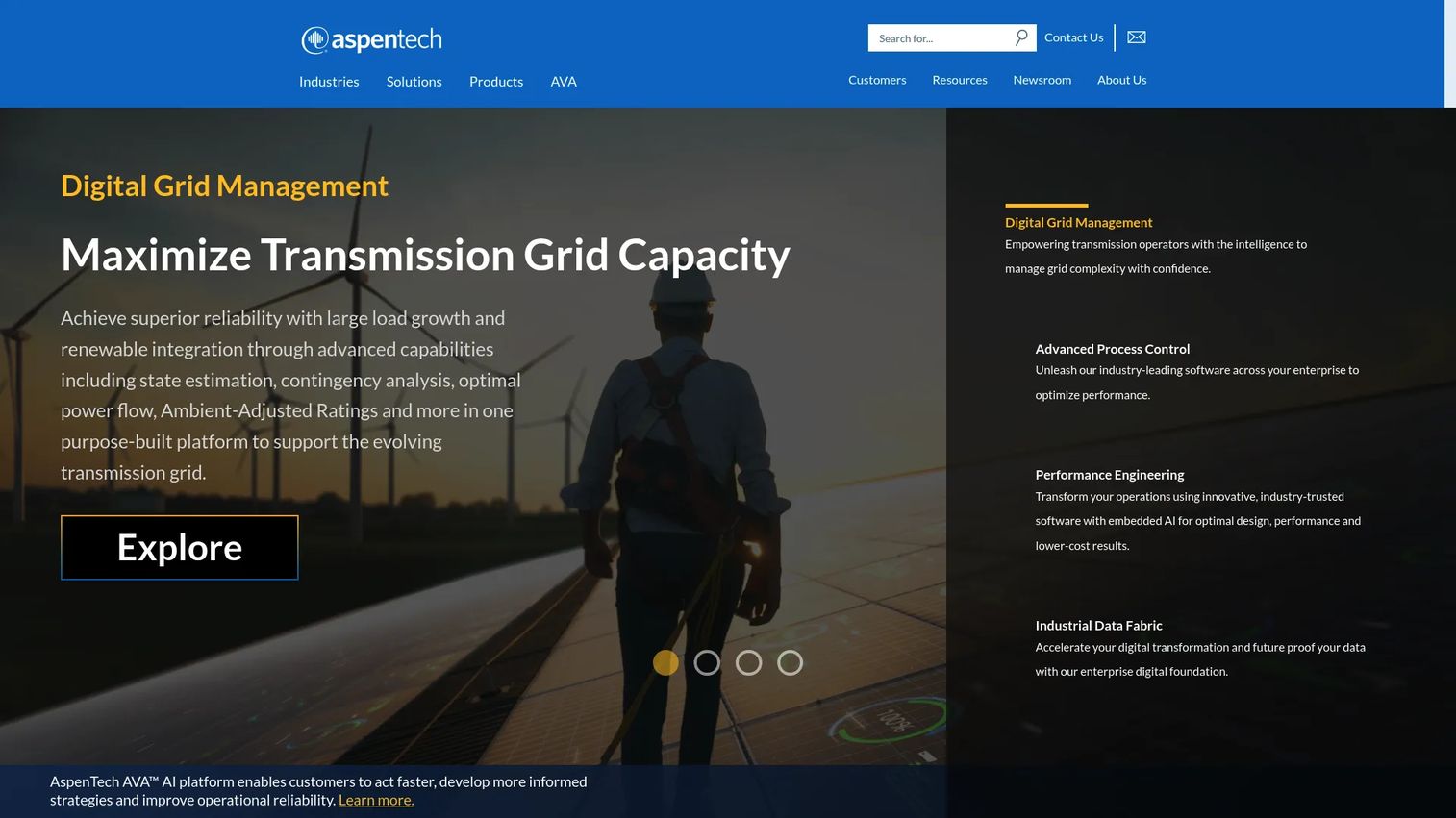
AspenTech is the reference point for industrial process simulation. Its flagship products, Aspen Plus and Aspen HYSYS, cover chemical process simulation software and hydrocarbon process modeling respectively, and together they anchor process engineering workflows in refining, chemicals, energy, and specialty manufacturing. If you have seen a distillation model in a technical paper, there is a strong chance it was built here.
The company positions itself around industrial AI, asset optimization, and asset performance management, which extends simulation from design into ongoing operations and digital twin technology. That breadth is why AspenTech tends to be the benchmark others get compared against.
Best for: Large industrial enterprises that need deep simulation, optimization, and asset performance software under one roof.
Key strengths
- Aspen Plus and Aspen HYSYS: Industry-standard steady-state and dynamic simulation for chemical and hydrocarbon processes.
- Optimization and asset performance: Industrial AI and optimization tools that extend models into live operations.
- Digital twin alignment: Connects engineering models to plant data and asset performance management.
Why choose AspenTech: Choose it when you need the deepest thermodynamics libraries, the widest process coverage, and a path from design simulation all the way to operational optimization. It is a natural fit for teams that standardize on one vendor across many process types and want the deepest possible modeling capability.
AspenTech pricing: AspenTech does not publish a public price. Its sites use contact-us and quote-based selling, and enterprise contracts are negotiated per deployment. AspenTech holds a 4.5/5 rating on G2. Plan for a procurement-led evaluation rather than a self-serve signup.
2. AVEVA Process Simulation
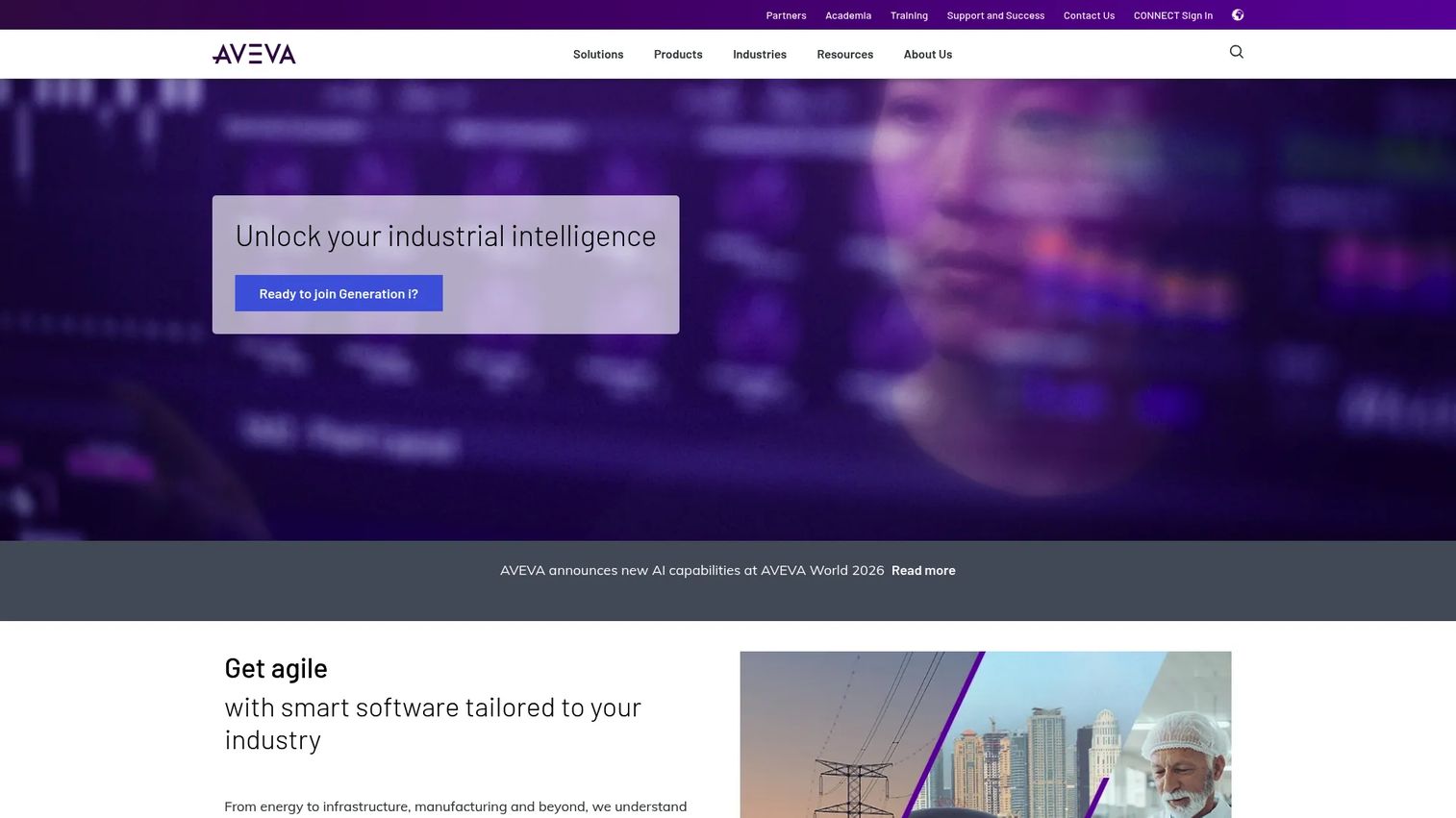
AVEVA Process Simulation takes an integrated, single-environment approach. Rather than treating steady-state simulation, rating, and dynamic process simulation as separate tools, it unifies them in one equation-oriented model. That means the same model can move from conceptual design through detailed engineering and into dynamic operability studies without a rebuild.
Cloud access through AVEVA Simulation makes it a strong fit for distributed engineering teams that want cloud-based process simulation and shared workflows. AVEVA also builds in sustainability, renewables, and digital twin support, which lines up with decarbonization and energy-transition projects.
Best for: Process engineering teams that want a unified platform spanning design, utilities, flare, and dynamic simulation.
Key strengths
- Unified simulation modes: Steady-state, rating, and dynamic simulation in one equation-oriented model.
- Cloud collaboration: Cloud access supports distributed teams and shared engineering workflows.
- Sustainability and digital twin: Built-in support for renewables, decarbonization, and digital twin use cases.
Why choose AVEVA Process Simulation: Choose it when you want one model to carry through the full plant lifecycle instead of handing off between separate steady-state and dynamic tools. Teams focused on sustainability metrics and cloud collaboration will find the platform framing especially aligned with their goals.
AVEVA Process Simulation pricing: AVEVA does not list a public price on its first-party pages; pricing is handled through sales. AVEVA holds a 4.4/5 seller rating on G2. Expect a quote-based, deployment-specific engagement.
3. Siemens Tecnomatix Process Simulate
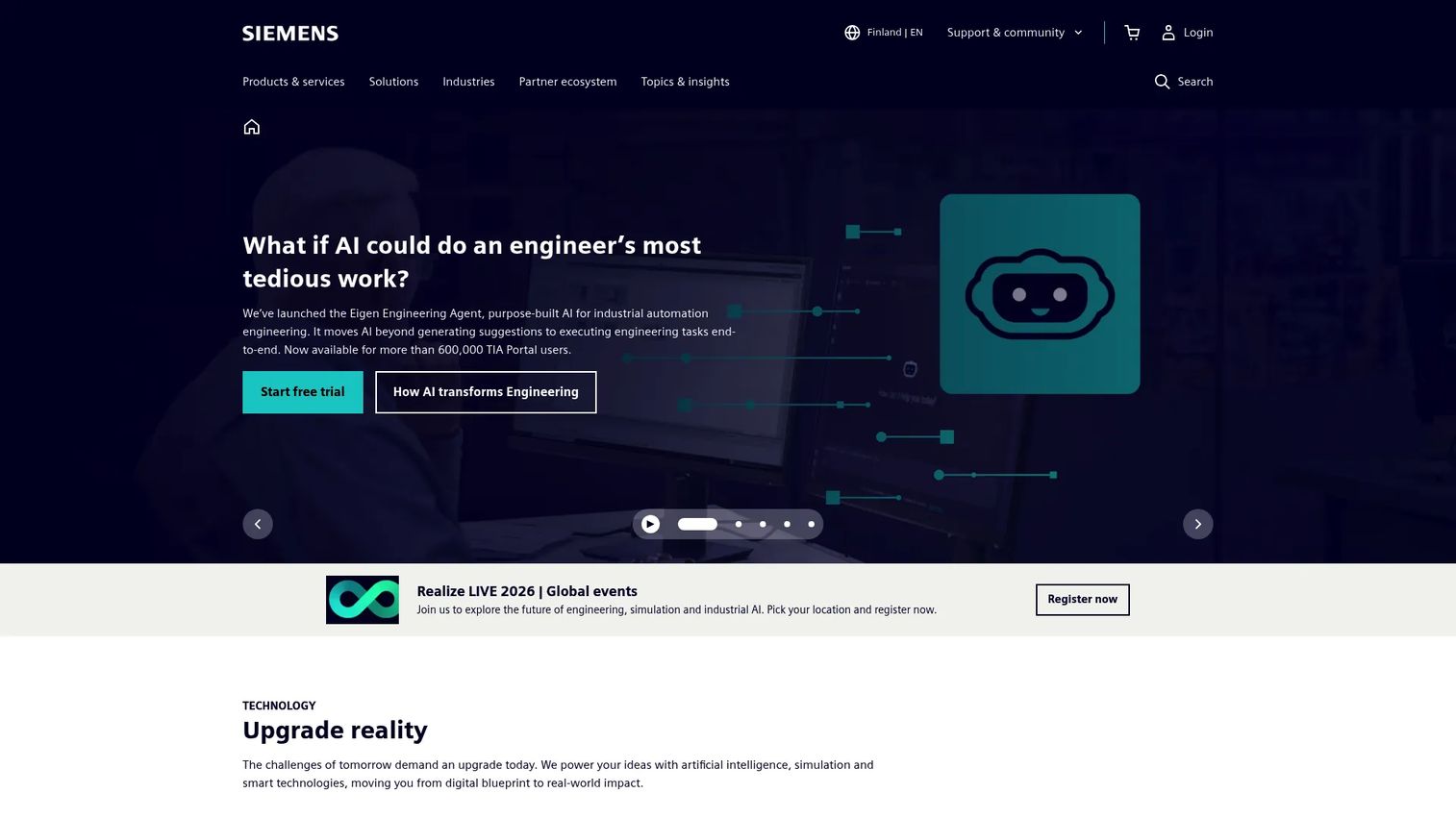
Siemens Tecnomatix Process Simulate sits at the intersection of process simulation and production engineering. This is not a chemical flowsheet simulator. It is digital manufacturing software for planning, simulating, and validating human tasks, robotics processes, and automation in 3D before anything is built on the factory floor.
Its strength is 3D process simulation and virtual commissioning. Teams simulate assembly and disassembly sequences, program and validate robots offline, and check ergonomics and human task feasibility. That makes it the right pick where "process" means a manufacturing process rather than a chemical reaction.
Best for: Manufacturing engineering teams that need digital validation of robotics, human tasks, and automation before production starts.
Key strengths
- 3D assembly simulation: Validate assembly and disassembly sequences in a full 3D environment.
- Robotics and virtual commissioning: Offline robot programming and virtual commissioning of automation logic.
- Human simulation and ergonomics: Human task validation, ergonomic analysis, and VR review.
Why choose Siemens Tecnomatix Process Simulate: Choose it when your process is a discrete manufacturing line and you need to verify robotics, layout, and automation before installation. Virtual commissioning here directly reduces startup risk and commissioning time on the plant floor.
Siemens Tecnomatix Process Simulate pricing: Siemens shows a US pricing view for Process Simulate X Essentials starting at USD $25,099.20 per year, with annual and three-year subscription options, and directs buyers to request a quote for other configurations. There is no free tier. The product carries a 4.3/5 rating on G2 under Siemens Digital Industries Software.
4. DWSIM
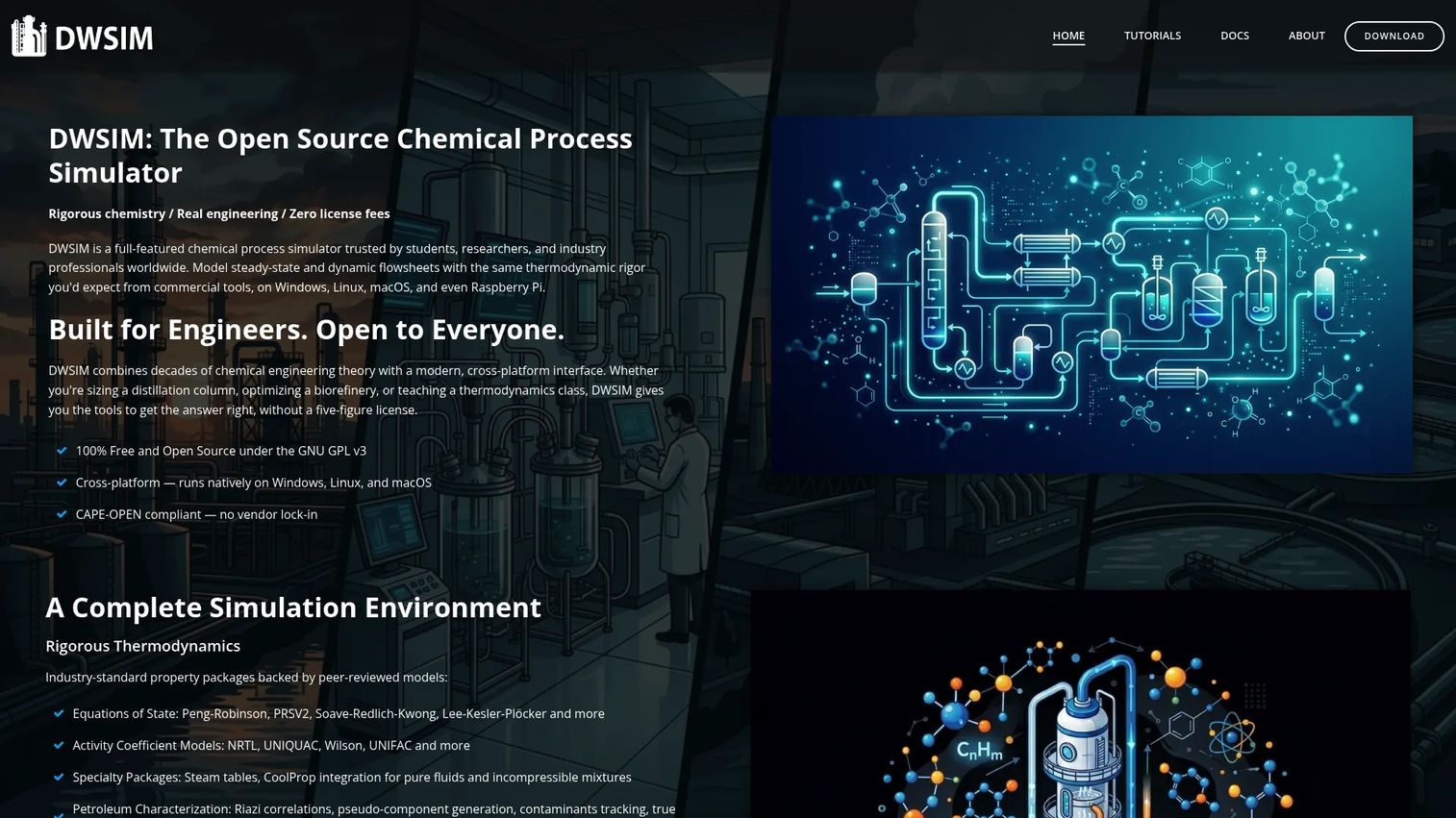
DWSIM is the leading open-source process simulation option. It is a free chemical process simulator that runs on Windows, Linux, and macOS, and it supports both steady-state and dynamic flowsheets. For students, researchers, and engineers who need a capable simulator without a license negotiation, it is the obvious entry point.
Do not mistake free for limited. DWSIM offers rigorous thermodynamics and CAPE-OPEN compliance, which means it can use standardized thermodynamic and unit-operation packages. Recent additions include AI-assisted flowsheet analysis and tutorials for techno-economic analysis, life-cycle assessment, and phase-envelope workflows.
Best for: Students, researchers, and engineers who need a free, flexible chemical process simulator.
Key strengths
- Cross-platform and free: Runs on Windows, Linux, and macOS at no cost.
- Rigorous thermodynamics: CAPE-OPEN compliance and solid property packages for real modeling work.
- Extensible workflows: AI-assisted analysis plus TEA, LCA, and phase-envelope tutorials.
Why choose DWSIM: Choose it when budget is a hard constraint, when you need to customize behavior, or when you are teaching and learning process modeling. The open-source model gives full flexibility. Teams that later need vendor support contracts or enterprise governance often run DWSIM alongside a commercial tool rather than instead of one.
DWSIM pricing: The main open-source release is free and perpetual. The project also offers a Patreon Edition with extra features, though a public price for it was not verified on the site. DWSIM holds a 4.6/5 rating on G2, the highest in this list.
5. UniSim Design Suite
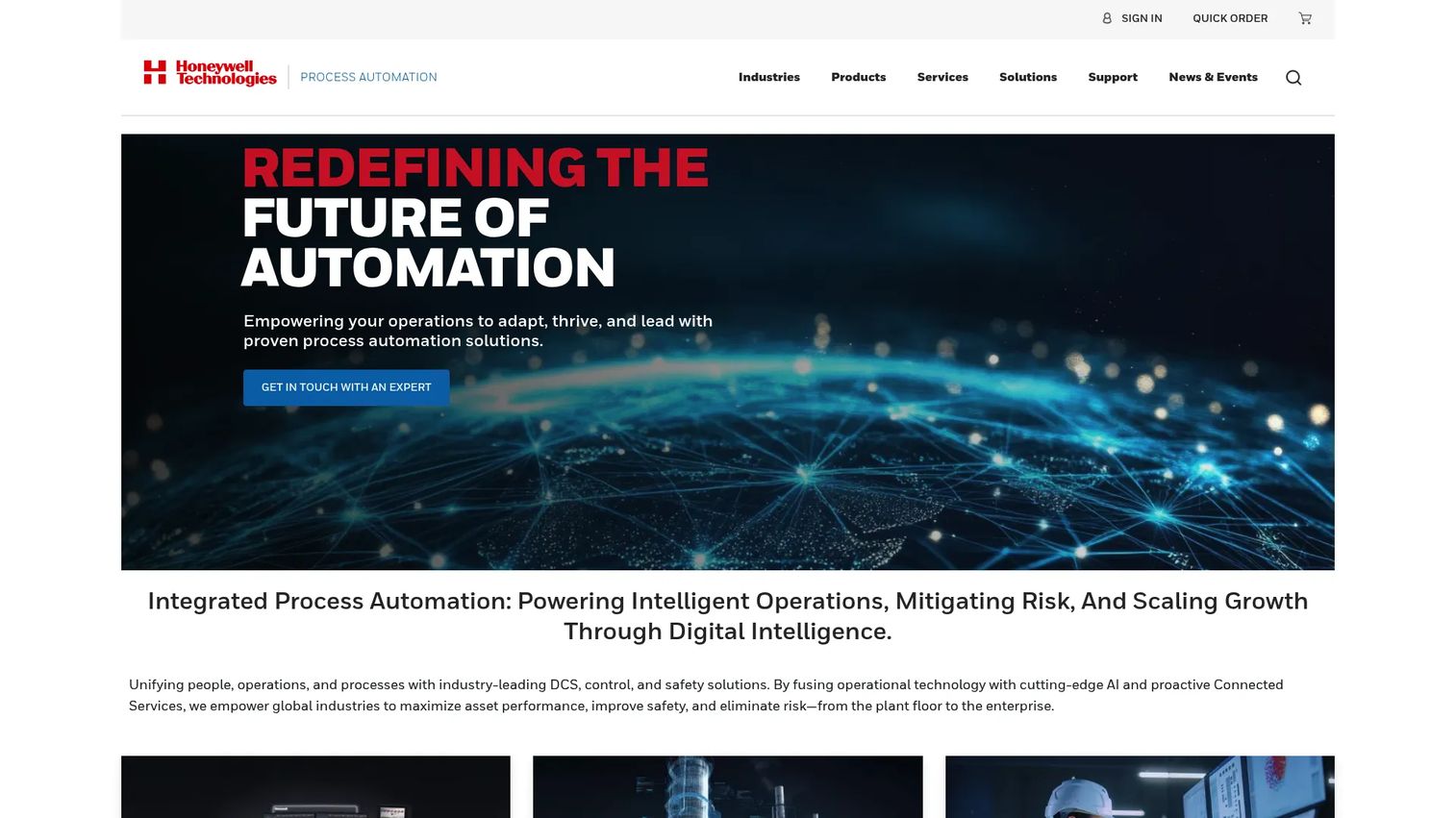
UniSim Design Suite is Honeywell's process simulation software for steady-state and dynamic plant modeling. It is widely used in oil and gas and related process industries for design, operation, and optimization, and it supports multi-purpose flowsheeting and digital twin use cases.
A practical differentiator is accessibility for engineering teams: the UniSim API and AltView give Python, .NET, and no-code access to models, which helps teams embed simulation into broader engineering and automation workflows. That makes it a strong fit for EPC teams and operators who want models that plug into wider systems.
Best for: Process engineers and EPC teams modeling and optimizing industrial plants, especially in oil and gas.
Key strengths
- Steady-state and dynamic modeling: Both simulation modes for design and operability studies.
- Multi-purpose flowsheeting: Flexible modeling across process types and digital twin use cases.
- API and no-code access: UniSim API and AltView for Python, .NET, and no-code model access.
Why choose UniSim Design Suite: Choose it when you work in oil and gas or refining and want steady-state and dynamic modeling backed by a large industrial vendor. The API access is a genuine advantage for teams that need to connect simulation to automation and digital twin systems.
UniSim Design Suite pricing: Honeywell does not publish public pricing; its pages direct users to contact sales or request a trial. A current standalone G2 rating for this exact product was not verified. Treat evaluation as a sales-led process and request a trial to test fit against your process models.
6. ProMax
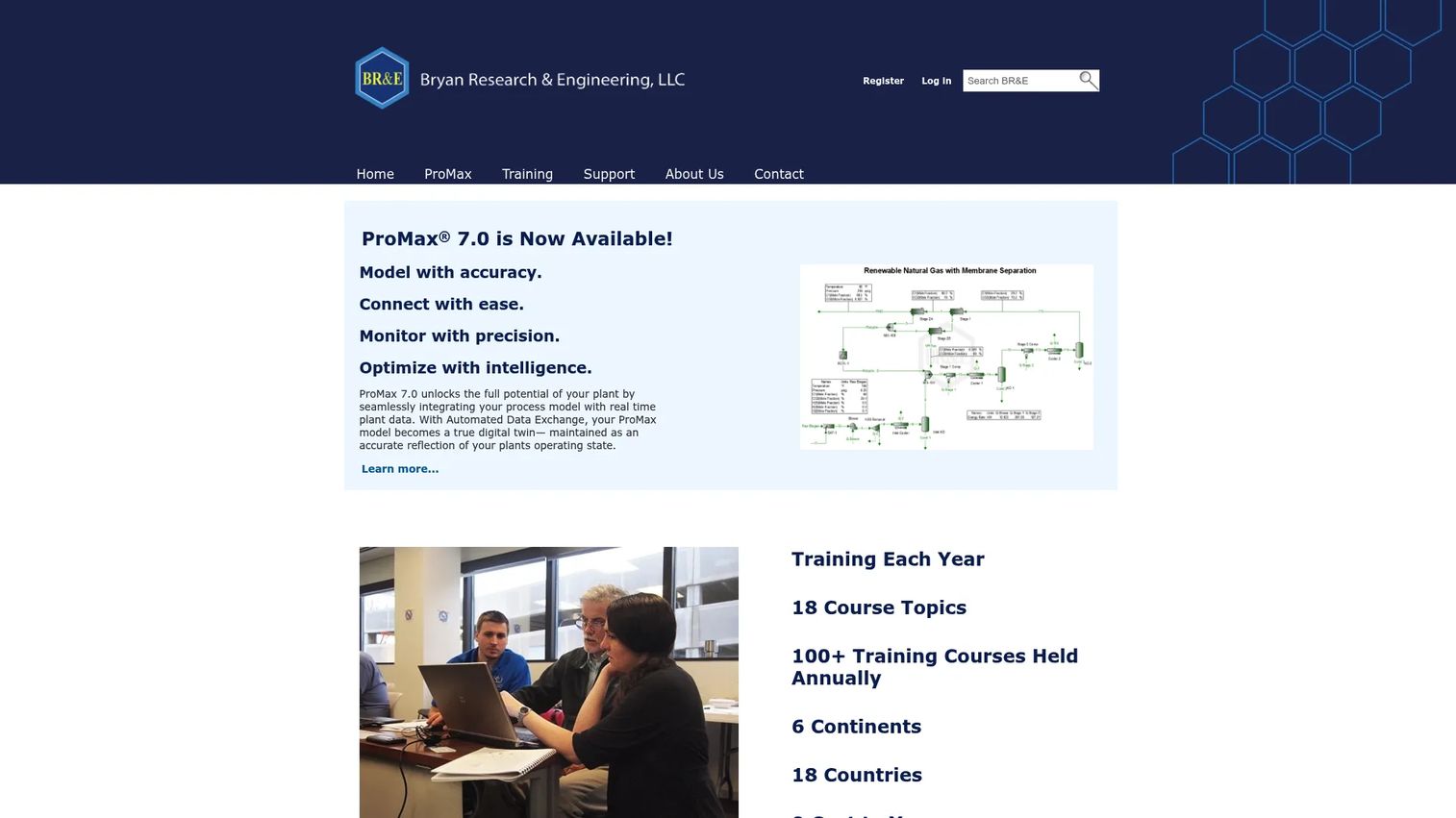
ProMax, from Bryan Research and Engineering, is a specialist process simulation program for gas processing, refining, and chemical facilities. Where broad platforms aim for everything, ProMax has a strong reputation in hydrocarbon and gas-treating applications, which is why it earns a place on a technical buyer's shortlist for those industries.
It also connects to plant reality through Automated Data Exchange for real-time connectivity with plant data, and it includes an optimization tool for solving process optimization problems. That combination supports both design work and operational tuning in refinery simulation and gas-processing contexts.
Best for: Engineers modeling and optimizing hydrocarbon processing and related industrial plants.
Key strengths
- Gas processing and refining focus: Deep capability for gas treating, processing, and refining.
- Automated Data Exchange: Real-time connectivity between models and live plant data.
- Optimization tool: Dedicated tooling for solving process optimization problems.
Why choose ProMax: Choose it when your work centers on gas processing or refining and you want a simulator with a strong specialist track record in those domains. The plant-data connectivity makes it useful for operational optimization, not just design.
ProMax pricing: Bryan Research and Engineering does not publish public pricing; the site directs users to contact sales or log in for licensing. No public G2 rating was verified. Plan a sales-led evaluation and validate it against a representative hydrocarbon model.
What to check before buying process simulation software
The right tool depends on your process, not on the longest feature list. Run every shortlisted option through these criteria.
Modeling scope and simulation mode
Confirm the tool supports the modes you actually need. Steady-state simulation covers most design and optimization work. Dynamic process simulation is essential for control, safety, and operability studies. If your process is discrete manufacturing, you need 3D and virtual commissioning instead. Do not pay for modes you will never run.
Thermodynamics and property libraries
Simulation accuracy lives or dies on thermodynamics. Check that the tool includes property packages and models suited to your chemistry, whether that is hydrocarbons, electrolytes, polymers, or specialty chemicals. A tool with the wrong property methods gives confident, wrong answers.
Integrations and deployment
Consider how the tool fits your stack. Look at plant-data connectivity, digital twin support, API access, and whether cloud-based process simulation matters for your distributed teams. A simulator that plugs into your automation and data systems is worth more than an isolated one.
Support, licensing, and total cost
Most industrial vendors sell through quotes and annual contracts, so ask about license structure, seat counts, and support tiers early. Open-source options like DWSIM remove license cost but shift the support burden onto your team. Weigh vendor support against budget honestly.
Conclusion
There is no single best process simulation software, only the best fit for your process, deployment, and industry.
For broad enterprise modeling with the deepest coverage, AspenTech is the benchmark. For integrated lifecycle simulation across steady-state, dynamic, and cloud, AVEVA Process Simulation leads. When "process" means manufacturing and you need 3D verification and virtual commissioning, Siemens Tecnomatix Process Simulate is the pick. For open-source flexibility, DWSIM is the strongest free option. And for specialized use cases, ProSimPlus, UniSim Design Suite, CHEMCAD, and ProMax each bring focused strengths in chemical, oil and gas, and gas-processing work.
Choose based on simulation mode, deployment needs, and industry fit, in that order. Then take the practical next step: shortlist two or three tools, request trials, and validate each one against a single real process model you already understand. The tool that matches your actual numbers wins the evaluation.
If your buying process also involves showing complex technical value to stakeholders, the same evaluation discipline used for account-based marketing software and answer engine optimization tools applies here: define criteria first, then test against reality.
FAQs
Process simulation software is used to model, design, and optimize chemical and industrial processes before and during operation. Engineers use it to test flowsheets, size equipment, evaluate operating conditions, debottleneck existing plants, and support operator training. Many teams also use it as the modeling engine behind digital twin technology.
Process simulation models how a process should behave under defined conditions, using thermodynamics and unit-operation calculations. A digital twin usually takes that model further by connecting it to live plant data so it mirrors the running process in real time. In short, simulation is the predictive engine, and the digital twin is the always-on application built on top of it.
DWSIM is the most accessible starting point because it is free, open source, and runs on Windows, Linux, and macOS. It offers rigorous thermodynamics and CAPE-OPEN compliance, so beginners learn on capable software rather than a stripped-down tool. Students and self-taught engineers can build real flowsheets without a license negotiation.
Steady-state simulation models a process at stable operating conditions, which suits design, equipment sizing, and process optimization software work. Dynamic process simulation models behavior over time, which is essential for startup, shutdown, control tuning, safety analysis, and operability studies. Most design work starts steady-state; control and safety work needs dynamic.
Yes. Engineers use it heavily for virtual commissioning and 3D validation, especially in discrete manufacturing. Tools like Siemens Tecnomatix Process Simulate let teams validate robotics, automation logic, and layout before installation. This reduces startup risk and shortens commissioning time on the plant floor.
For many tasks, yes. Open-source process simulation like DWSIM offers rigorous thermodynamics and CAPE-OPEN compliance, which makes it capable for real modeling and analysis. Where teams want vendor support contracts, formal validation, or enterprise governance, they often pair it with a commercial tool. It comes down to your support and compliance requirements, not the modeling capability itself.
Broad platforms like AspenTech, with Aspen HYSYS, and AVEVA Process Simulation serve oil and gas well and cover many process types. For more specialized fit, UniSim Design Suite is widely used in oil and gas, and ProMax has a strong track record in gas processing and refinery simulation. The right choice depends on whether you want one broad platform or a domain specialist.
Check the modeling scope and simulation modes you actually need, the thermodynamics and property libraries for your chemistry, and the integrations and deployment options, including digital twin and cloud support. Then review support, licensing structure, and total cost, since most vendors sell through quotes and annual contracts. The best test is validating a shortlist against one real process model you already understand.