Your team's calendars are a mess. Meetings stack on meetings, every booking takes three emails, and the founder still ends up in coordination loops that should run without them. The right calendar software fixes this, but the wrong one just adds another tab to the seven everyone already has open.
This matters more than it looks. Microsoft's 2023 Work Trend Index found that knowledge workers spend 58% of their day on email, meetings, and chat, leaving less than half the workday for focused output. When scheduling friction eats into the rest, the math gets ugly fast.
For an operator at a growing company, calendar choice is really a stack decision. You want one calendar application that syncs cleanly, fits the tools you already pay for, scales per seat without surprises, and lets the team schedule consistently without you in the middle. That is a different lens than the personal-productivity roundups that dominate this category. If scheduling automation is your priority, it's worth reviewing the broader landscape of business scheduling software tools alongside the calendars themselves.
So this guide ranks calendar software for teams, not solo hobbyists. We weigh integration depth, collaboration features, security, and value relative to your stage. Some of these are full calendar apps. A few are scheduling and AI layers that sit on top of one. Each earns its place for a specific kind of team. For teams managing campaigns, a dedicated marketing calendar software tool can complement the general-purpose picks below.
What's inside
This is a ranked shortlist of 10 calendar software tools built for teams and operators, not just individual planners. We picked them against four criteria that matter when you are buying for a company:
- Integration depth: How well it connects to Google Workspace, Microsoft 365, video, tasks, and your CRM.
- Team collaboration: Shared calendars, booking pages, permissions, and visibility across the team.
- Security and compliance: SSO, SOC 2, GDPR, and the controls B2B buyers actually need.
- Value relative to stage: Per-seat pricing that scales without punishing growth.
Every pricing figure and rating below was verified against the vendor's own pages.
TL;DR
Short on time? Here are the decision shortcuts.
- Best default backbone: Google Calendar, especially if your team runs on Google Workspace.
- Best for Microsoft-stack teams: Microsoft Outlook Calendar, native to Microsoft 365 and Teams.
- Best AI scheduling for automated days: Motion, which plans tasks and meetings for you.
- Best for protecting focus time: Reclaim AI, an AI calendar that defends deep work.
- Best free calendar app for Notion users: Notion Calendar, free and tightly connected to Notion.
- Best for heavy external booking: Calendly, the scheduling layer for sales and customer success.
Each pick suits a different team shape, stack, and budget. The rest of this guide explains why.
Background: what is calendar software?
Calendar software is an application that lets individuals and teams schedule, view, share, and manage events, meetings, and tasks across devices and integrated tools. It is the system of record for time, the way a CRM is the system of record for deals.
A good calendar application does more than show a grid of days. For teams, the value lives in shared visibility, consistent scheduling, and clean integration with the rest of the stack. The best calendar apps in 2026 also add AI scheduling to cut the manual work of arranging meetings and protecting time.
Here is what modern calendar software typically covers:
- Scheduling and event management: Create, edit, and recur events with notes, locations, and attendees.
- Multiple views: Day, week, month, and agenda views, plus time-zone handling for distributed teams.
- Sharing and collaboration: Shared and team calendars, permissions, and visibility into who is free.
- Appointment booking: Booking pages and links that let others reserve open slots without back-and-forth.
- Integrations: Email, video conferencing, task managers, and CRM connections.
- Reminders and notifications: Alerts before events and changes across devices.
- AI scheduling: Auto-scheduling, time-blocking, and focus-time defense in an AI calendar.
- Security and compliance: SSO, encryption, SOC 2, and GDPR controls for business use.
- Google Calendar sync: The ability to connect to Google Calendar accounts, the ecosystem backbone most tools build around.
Most calendar apps today sync with Google Calendar, which functions as the default layer for a large share of teams. The differences show up in collaboration depth, AI automation, and how cleanly the tool fits your existing software.
When to use calendar software (and when to cut the meeting instead)
Calendar software earns its keep in a few specific situations. Here is how to pattern-match yours.
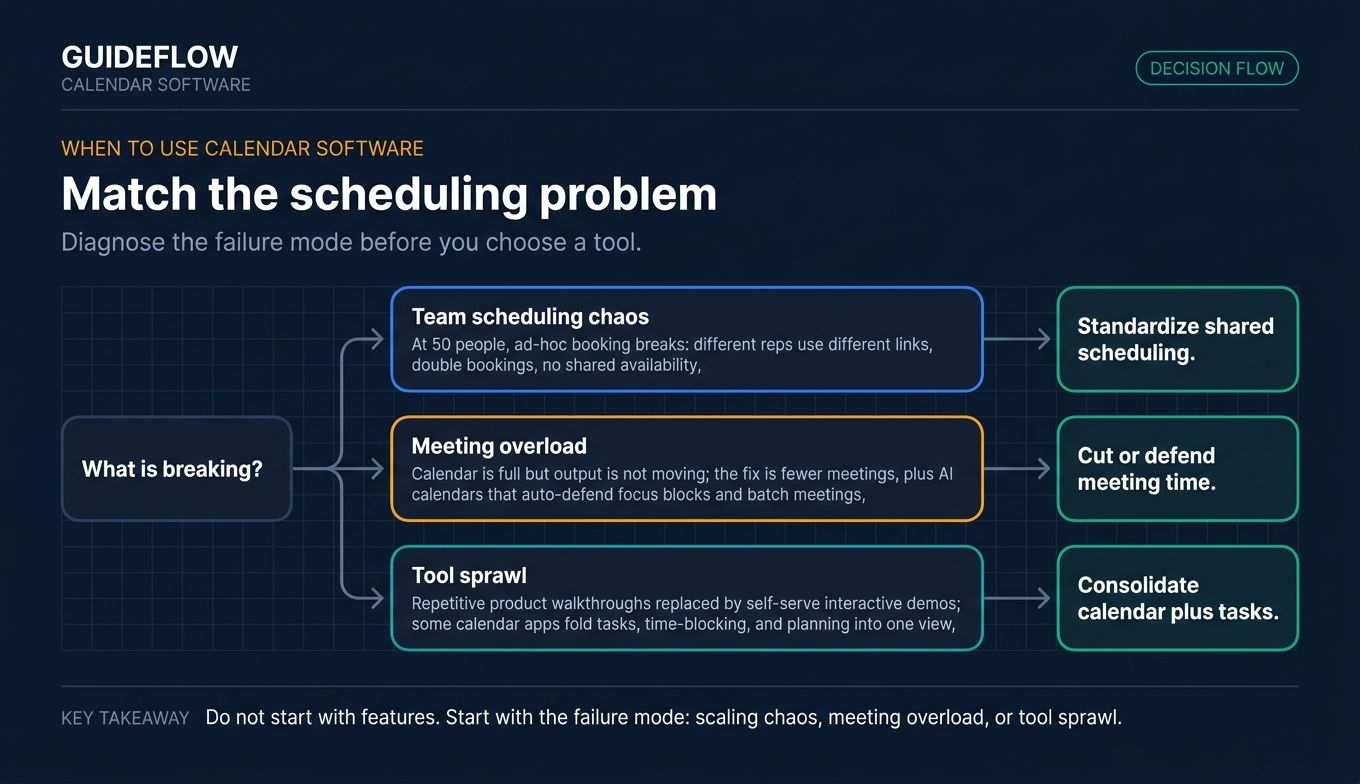
Standardize scheduling across a growing team
When your team was five people, ad-hoc booking worked. At 50, it does not. Different reps use different links, double bookings happen, and no one can see who is available. A shared team calendar with consistent booking pages and permissions standardizes how people schedule, so coordination stops routing through the founder.
Reduce meeting load and protect focus time
Sometimes the calendar is full but output is not moving. The fix is not a better calendar, it is fewer meetings. AI calendars can auto-defend focus blocks and batch the rest. And some recurring meetings do not need to happen at all. Repetitive product walkthroughs, for instance, can be replaced with self-serve interactive product experiences that let people explore at their own pace, which frees the calendar for work that genuinely needs live time. Used this way, async product experiences are a smart way to trim the meeting load before you optimize what remains. You can even build self-service experiences that handle the repetitive walkthroughs your team currently does live.
Consolidate scheduling, tasks, and time-blocking
When tool sprawl is the real problem, the answer is consolidation. Some calendar applications fold tasks, time-blocking, and planning into one view, so the team stops bouncing between a calendar, a to-do app, and a planner. Fewer tools, more signal, less context switching.
Comparison table
Here is the full calendar software comparison at a glance, sorted by relevance to teams. Pricing and ratings reflect each vendor's current published figures. Use this as a fast filter, then read the item sections for fit.
| # | Product | Intent | Key use case | Pricing | G2 rating |
|---|---|---|---|---|---|
| 1 | Google Calendar | Team default | Shared scheduling in Google Workspace | Free; Workspace from €6.80/user/mo | Not listed |
| 2 | Microsoft Outlook Calendar | Enterprise default | Calendar native to Microsoft 365 and Teams | Free; Microsoft 365 from $1.99/mo | 4.5/5 |
| 3 | Motion | AI scheduling | Auto-planning tasks and meetings | From $19/seat/mo (annual) | 4.1/5 |
| 4 | Notion Calendar | Notion-connected | Free calendar tied to Notion work | Free | 4.6/5 |
| 5 | Reclaim AI | Focus-time defense | Protecting deep work across calendars | Free; Starter from $10/seat/mo | 4.8/5 |
| 6 | Calendly | Appointment booking | External booking for sales and CS | Free; Standard from $10/seat/mo | 4.7/5 |
| 7 | Morgen Calendar | Multi-calendar planner | Consolidating accounts and tasks | From $10/seat/mo (team, annual) | 4.8/5 |
| 8 | Vimcal | Executive coordination | Fast scheduling for founders and EAs | Free (iOS); paid from $16.67/mo | 4.5/5 |
| 9 | Fantastical | Apple-ecosystem calendar | Natural-language scheduling on Apple | Free tier; paid plans available | Not listed |
| 10 | Sunsama | Daily planning | Calm, ritual-based daily planning | From $20/mo (annual) | 4.7/5 |
1. Google Calendar
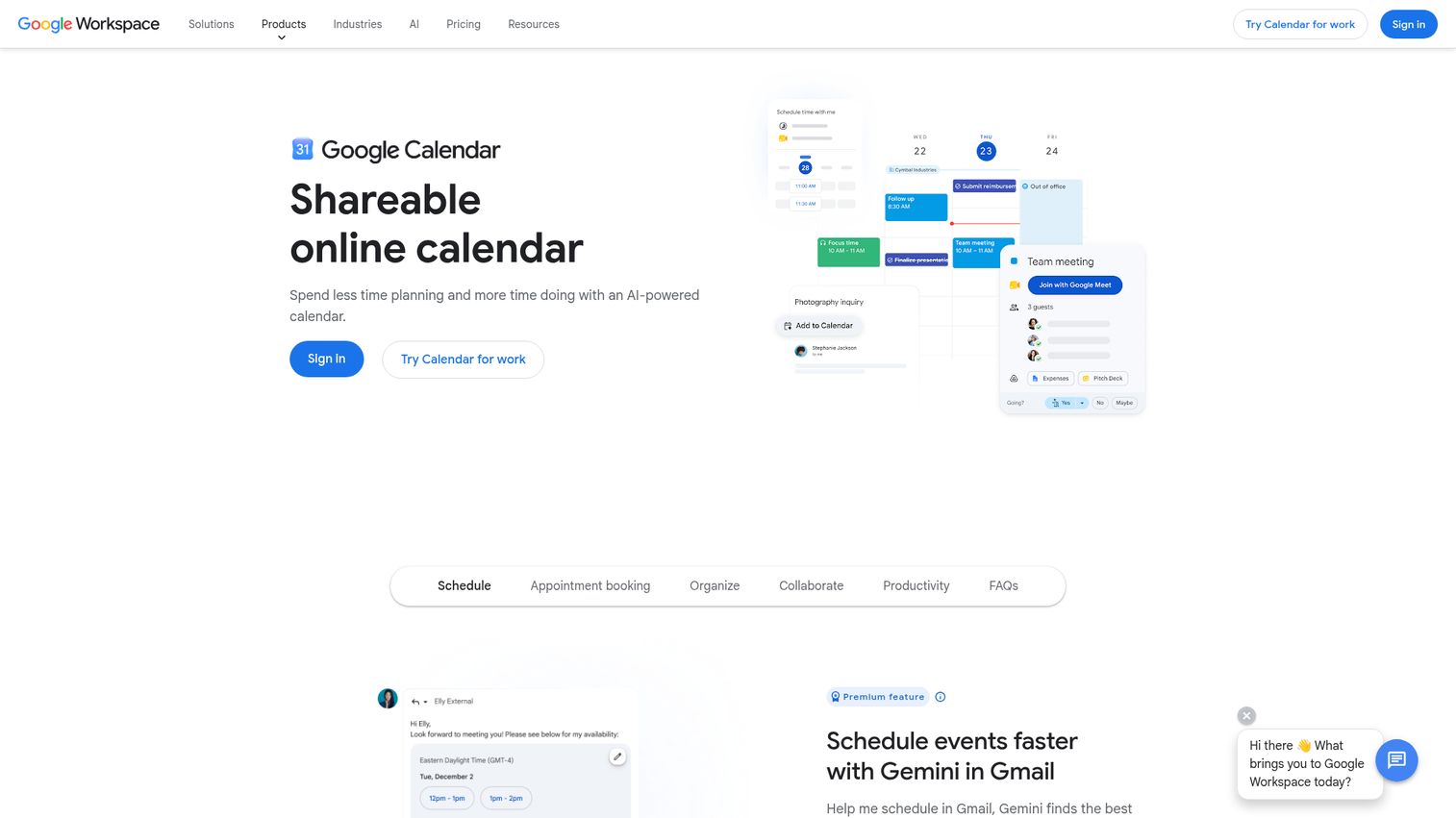
Google Calendar is the default backbone for most teams. It is a shareable online calendar for scheduling events, appointment bookings, and coordinating calendars across Google Workspace. If your company already runs on Gmail, Meet, and Drive, Calendar is the path of least resistance and the layer most other calendar apps sync to.
The strength is reach. Shared calendars, conference-room reservation, and appointment booking pages cover the core team-scheduling jobs. Tight integration with Gmail, Tasks, and Google Meet means events, invites, and video links flow without setup. Calendar also fits inside Google's broader AI-enabled Workspace, where Gemini supports scheduling and summarization across apps.
Best for: Teams already in Google Workspace who want shared scheduling, appointment booking, and native Gmail, Tasks, and Meet integration.
Key strengths
- Shared calendars: Give the whole team visibility into availability and bookings.
- Built-in appointment booking pages: Let others reserve open slots without email back-and-forth.
- Gmail, Tasks, and Google Meet integrations: Keep events, invites, and video links connected by default.
Why choose Google Calendar: For a Google Workspace team, this is the obvious starting point and usually the ending point too. It is free with a Google account, scales across the org, and serves as the sync target that nearly every other tool on this list connects to. The trade-off is that deep AI auto-scheduling lives in dedicated tools, not here.
Google Calendar pricing: Calendar is free with a personal Google account, including a single booking page. For teams, it comes with Google Workspace, which starts at €6.80 per user per month for the Starter plan, with Standard at €13.60, Plus at €21.10, and Enterprise as custom pricing. Plans bill monthly, with an annual commitment saving 16%. Standard and above add conference-room browsing and richer appointment booking.
2. Microsoft Outlook Calendar
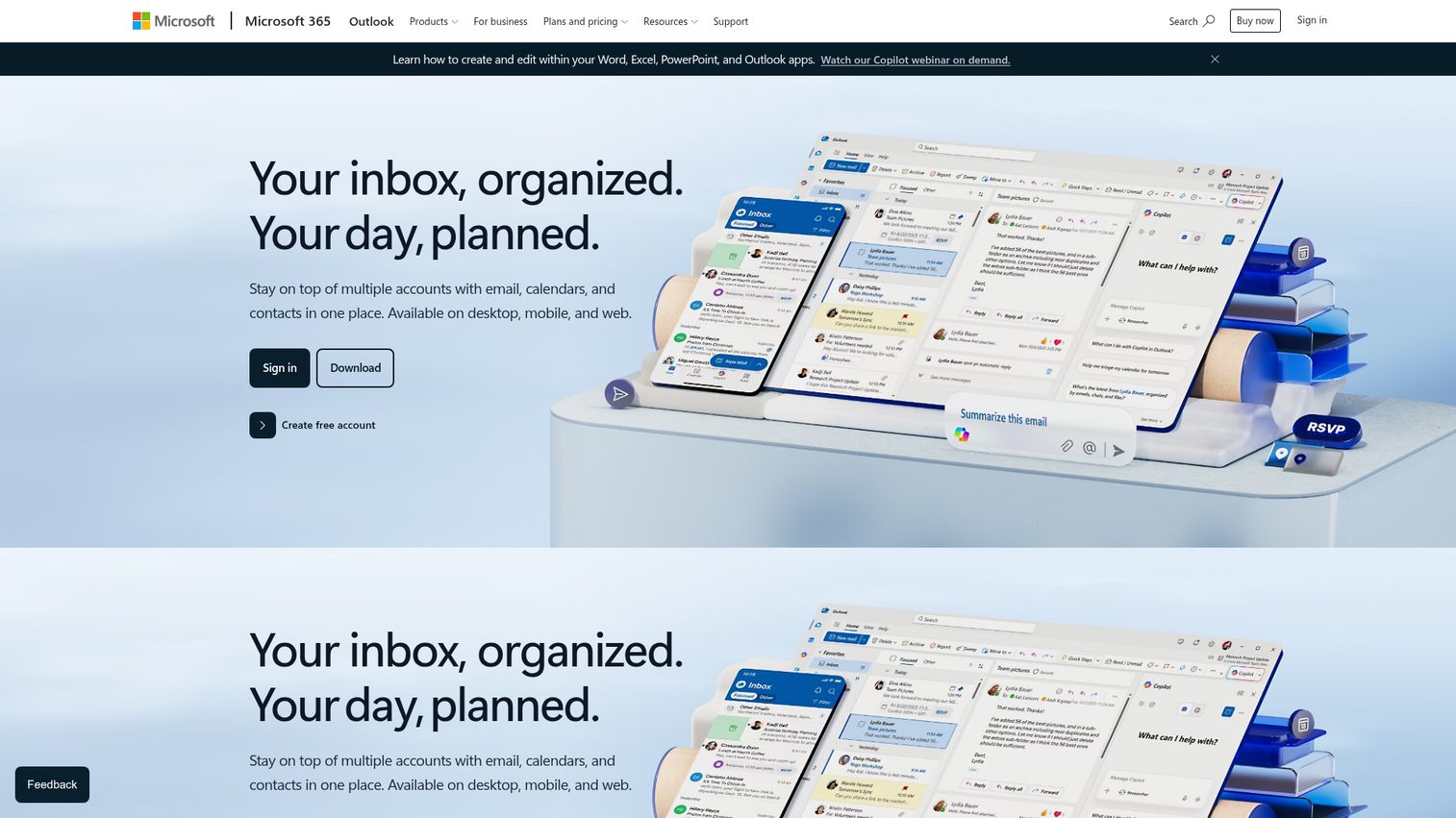
Microsoft Outlook Calendar is the calendar and scheduling component of Outlook, integrated with email, contacts, tasks, and Microsoft 365 apps across web, desktop, and mobile. For teams standardized on Microsoft, it is the native counterpart to Google Calendar.
The value is the same ecosystem logic that makes Google Calendar strong for Workspace teams, applied to Microsoft 365. Calendar, email, contacts, and tasks live in one place, and scheduling connects directly to Microsoft Teams for meetings. Enterprise security and compliance come from the surrounding Microsoft 365 stack, which matters for regulated and larger organizations.
Best for: Individuals and Microsoft 365 teams that want integrated email, calendar, contacts, tasks, and scheduling in one suite.
Key strengths
- Unified Outlook workspace: Manage email, calendar, tasks, and contacts together across web, desktop, and mobile.
- Microsoft Teams integration: Schedule and join meetings directly from the calendar.
- Microsoft 365 storage and security: Calendar and mailbox storage included, with enterprise controls on business plans.
Why choose Microsoft Outlook Calendar: If your stack is Microsoft, this removes friction the same way Google Calendar does for Workspace teams. Email-native scheduling and shared calendars keep coordination inside tools people already use. The trade-off is that it shines inside the Microsoft world and feels less natural outside it.
Microsoft Outlook Calendar pricing: Outlook has a free plan for one person with email and calendar, core security, 15 GB mailbox storage, and 5 GB cloud storage. Paid consumer Microsoft 365 plans start at $1.99 per month for Basic, $9.99 for Personal, and $12.99 for Family, adding ad-free Outlook, advanced security, and more storage. Business plan pricing is quoted separately by Microsoft. Outlook Calendar holds a 4.5 out of 5 rating on G2.
3. Motion
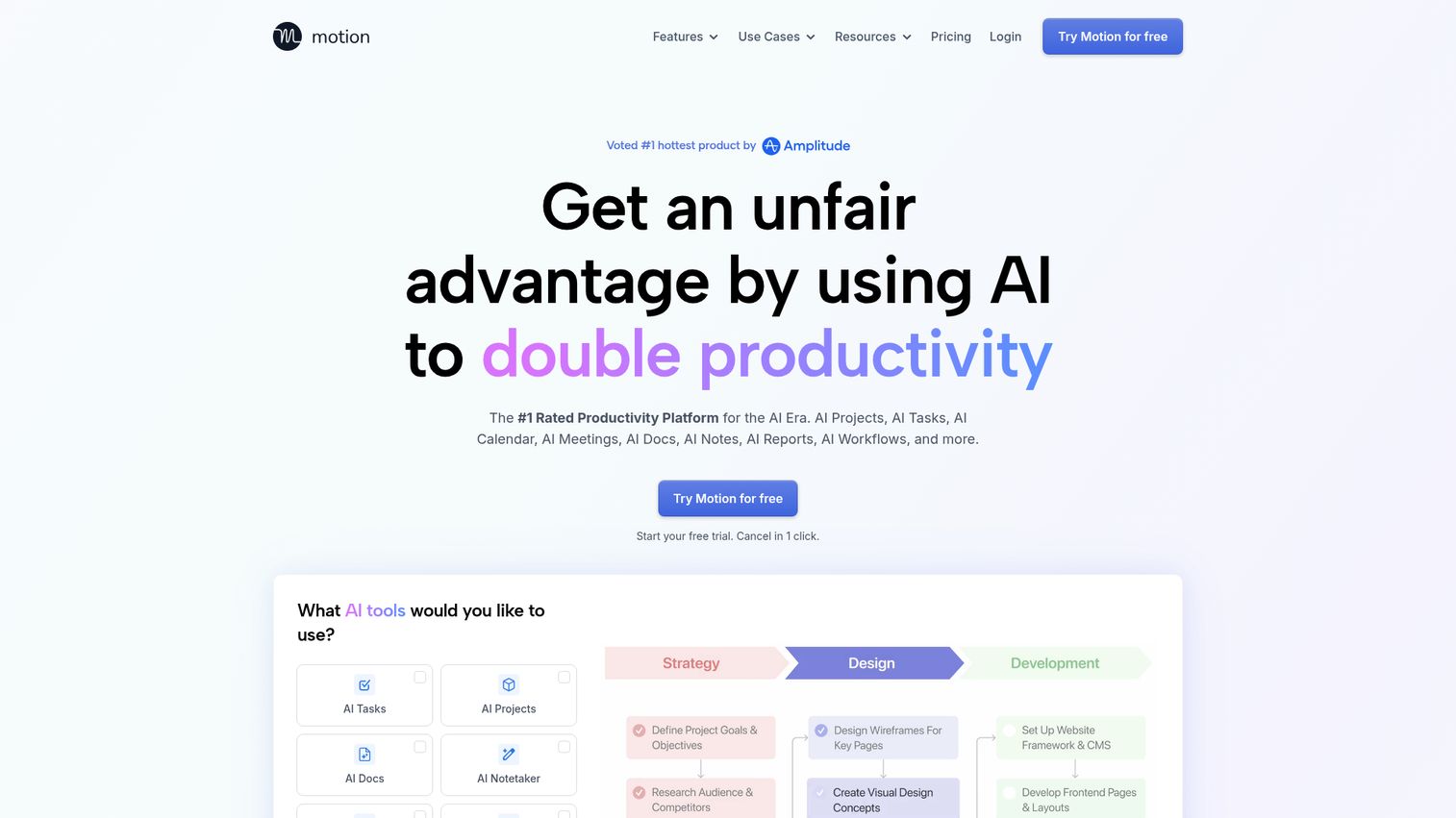
Motion is an AI productivity workspace for scheduling tasks, managing projects, calendars, meetings, docs, notes, and workflows. It is built around an AI calendar that plans your day automatically, slotting tasks and meetings into open time and rearranging when priorities shift.
This is the pick for teams that want AI scheduling to do the planning, not just display it. Motion's AI Calendar prioritizes tasks, alerts on at-risk deadlines, schedules meetings, and protects deep work. Layered on top are AI projects and tasks with auto-scheduling, plus knowledge tools like AI chat, docs, and a meeting notetaker. It consolidates a calendar, a task manager, and project management into one workspace. If you're also evaluating dedicated note tools, our roundup of the best AI note-taking tools goes deeper.
Best for: Solo professionals, small teams, and businesses that want AI-assisted task scheduling, project planning, and calendar automation in one place.
Key strengths
- AI Calendar: Prioritizes tasks, flags at-risk deadlines, and protects deep work automatically.
- AI Projects and Tasks: Plans projects and auto-schedules work into your calendar.
- Knowledge and collaboration tools: AI chat, docs, wiki, notes, dashboards, and a meeting notetaker.
Why choose Motion: Motion fits teams drowning in tasks who want the calendar to plan itself. It replaces the manual ritual of dragging blocks around with automated scheduling that adapts. The consolidation angle is the real draw: one tool instead of a calendar plus a project manager plus a task app.
Motion pricing: Pro AI starts at $19 per seat per month billed annually, including AI chat, projects and tasks, calendar and meetings, docs, and 7,500 credits per seat each month. Business AI is $29 per seat per month annually, adding team capacity planning, advanced dashboards, timeline and Gantt charts, time tracking, permissions, and 15,000 credits per seat. Motion offers a free trial rather than a free tier, and holds a 4.1 out of 5 rating on G2.
4. Notion Calendar
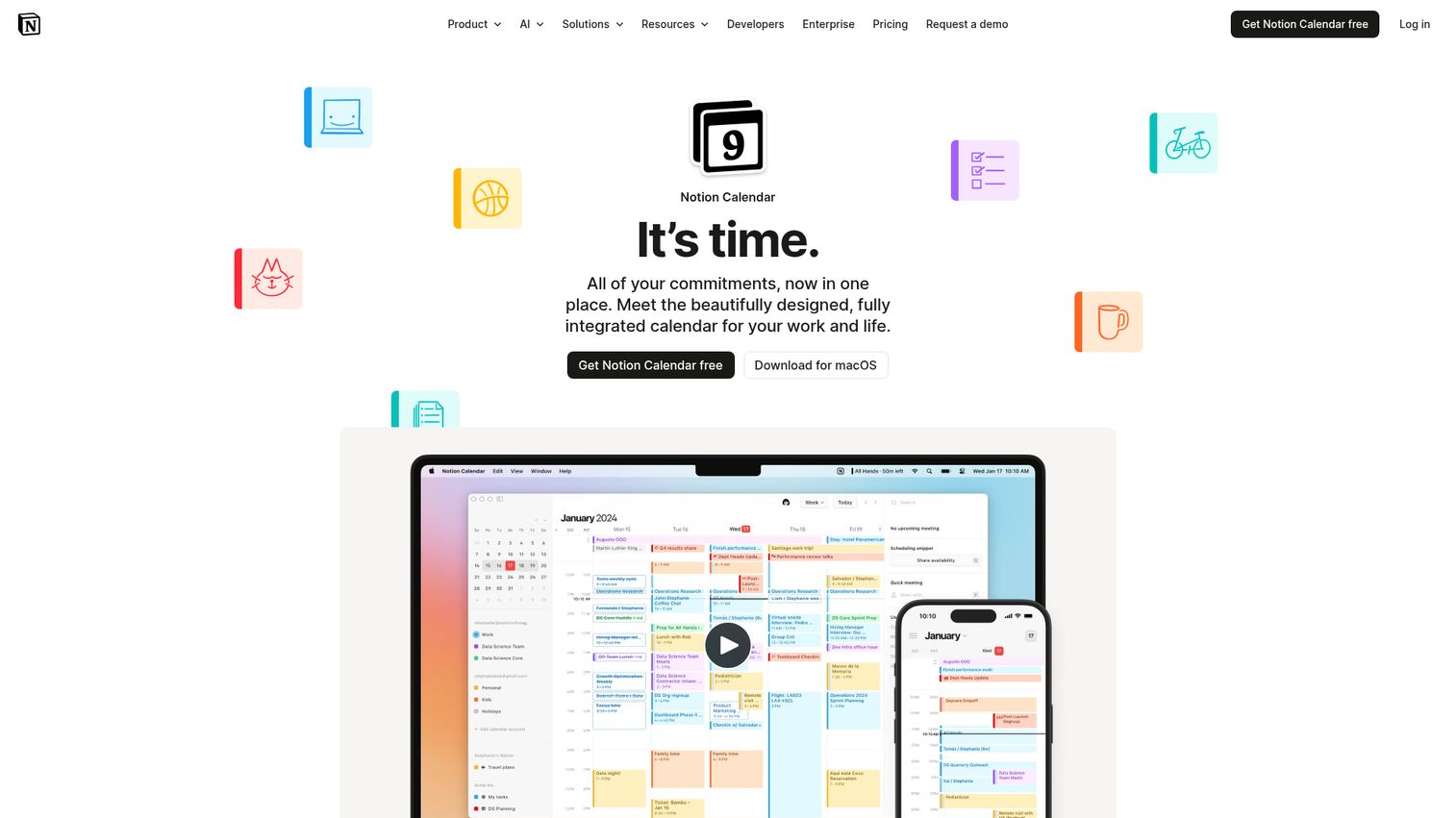
Notion Calendar is a fully integrated calendar for managing work and life commitments alongside Notion workspace items. It is a clean, design-first calendar app that connects to Google Calendar and surfaces your Notion deadlines and project timelines right next to your events.
The appeal is connection. If your team runs on Notion, this folds your databases, deadlines, and projects into a single calendar view, so planning and scheduling stop living in separate tools. It includes built-in scheduling links and availability sharing, syncs with Google Calendar accounts and Apple iCloud-synced calendars, and is free to use.
Best for: Individuals and teams already using Notion who want scheduling, meeting links, and Notion task and deadline visibility in one calendar.
Key strengths
- Built-in scheduling links: Share availability and let others book without back-and-forth.
- Notion deadlines in view: See project timelines and database deadlines alongside calendar events.
- Google Calendar and Apple sync: Connect existing Google and iCloud calendars into one place.
Why choose Notion Calendar: For Notion-centric teams, this is one of the best free calendar app options because it makes your existing workspace the source of truth for time. It is a strong Google Calendar alternative interface, especially if the rest of your team already lives in Notion. Teams outside the Notion ecosystem will get less from it.
Notion Calendar pricing: Notion Calendar is free and listed under Notion's Free plan, which is $0 per member per month. Broader Notion plans run $10 per member per month for Plus and $20 for Business, with Enterprise as custom pricing, but the calendar itself does not require a paid tier. Notion holds a 4.6 out of 5 rating on G2.
5. Reclaim AI
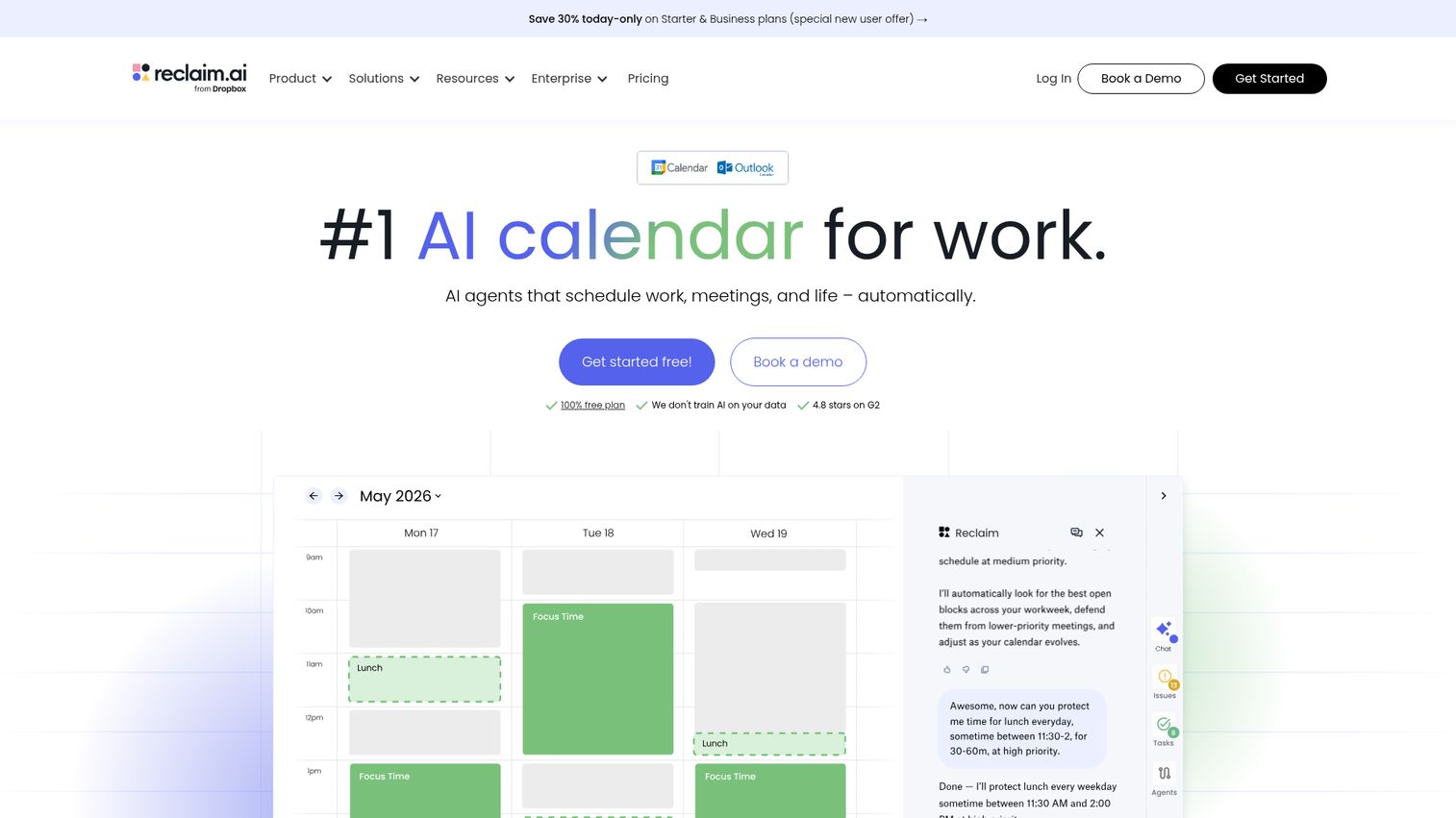
Reclaim AI is an AI calendar for work that uses agents to automatically schedule meetings, tasks, and life around your existing calendar. Where a standard calendar shows your time, Reclaim actively defends it, blocking focus periods and balancing meetings against deep work.
This is the pick for teams whose calendars are full but whose meaningful output is not. Reclaim's AI Focus Time auto-defends blocks for concentration, AI Tasks schedules work into open slots, and AI Smart Meetings optimizes when meetings land. It syncs across multiple calendars, so it sits on top of your Google Calendar setup rather than replacing it.
Best for: Teams and individuals that want AI-assisted scheduling, focus-time protection, meeting optimization, and task scheduling layered onto their current calendar.
Key strengths
- AI Focus Time: Automatically defends blocks of uninterrupted deep work.
- AI Tasks: Schedules tasks and habits into available calendar gaps.
- AI Smart Meetings: Finds and optimizes the best times for meetings across calendars.
Why choose Reclaim AI: Reclaim works best for teams that want to reduce meeting overload without ripping out their existing calendar. It enhances Google Calendar rather than replacing it, which keeps adoption low-friction. The focus-time defense is the standout for protecting the team's heads-down hours.
Reclaim AI pricing: Reclaim's Lite plan is free forever for calendar basics. Paid tiers start at $10 per seat per month for Starter, $15 for Business, and $22 for Enterprise, with the lower prices reflecting the yearly view. Higher monthly prices apply if you bill month to month. Reclaim AI holds a strong 4.8 out of 5 rating on G2.
6. Calendly
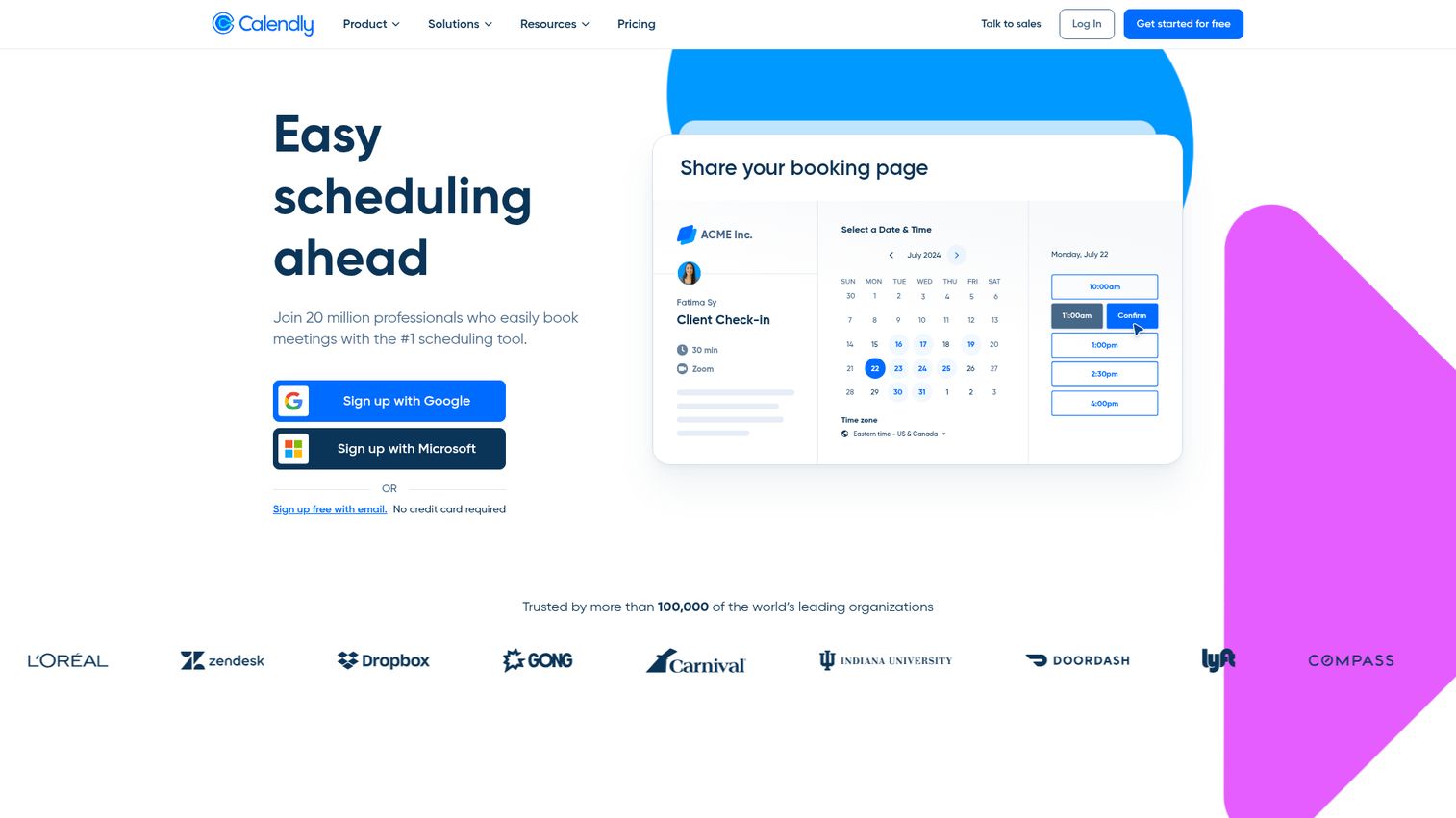
Calendly is a scheduling automation platform for booking meetings without back-and-forth emails. It is not a base calendar. It sits on top of one, turning your real-time availability into shareable booking links that external people can use to reserve time. You can also explore an interactive Calendly demo to see how its booking flow works in practice.
This is the layer for teams with heavy outside booking, like sales and customer success. Calendly connects to your calendars to show live availability and avoid double booking, then automates the rest with reminders, follow-ups, and routing. Event types cover 1:1, group, and round robin meetings, and routing forms qualify and direct bookers to the right person.
Best for: Teams with frequent external booking, especially sales and customer success, who want automated scheduling on top of an existing calendar.
Key strengths
- Real-time availability: Connects calendars to prevent double booking automatically.
- Customizable booking links: Share event types with availability rules and buffers.
- Automation and routing: Reminders, follow-ups, integrations, and routing forms for team scheduling.
Why choose Calendly: Calendly is the right call when the bottleneck is external scheduling, not internal visibility. It complements a base calendar like Google Calendar or Outlook rather than replacing it. The reason to pair it with your stack is simple: it removes the email ping-pong that slows down every customer-facing meeting.
Calendly pricing: Calendly offers an always-free plan for personal use. Paid plans start at $10 per seat per month for Standard and $16 per seat per month for Teams, both billed yearly. Enterprise starts at $15,000 per year. The free tier handles basic 1:1 booking, while team scheduling and advanced routing sit on paid plans. Calendly holds a 4.7 out of 5 rating on G2.
7. Morgen Calendar
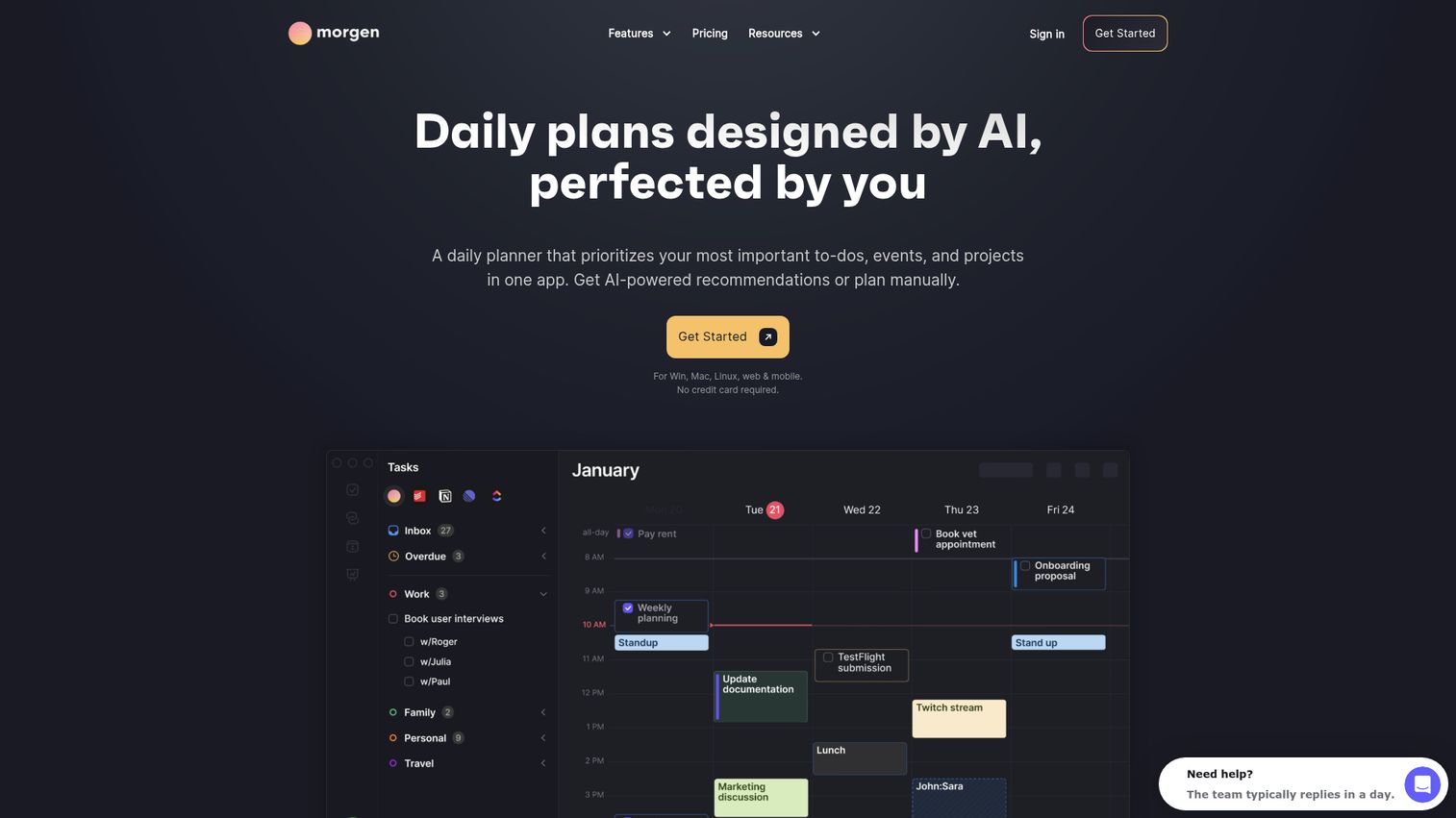
Morgen Calendar is an AI daily planner that combines calendars, tasks, scheduling links, and time-blocking in one app. Its core job is consolidation, pulling multiple calendar accounts across platforms into a single view so you stop switching between Google and Outlook tabs.
This fits teams and individuals juggling several calendars at once. Morgen supports unlimited calendar and task integrations, an AI Planner for time-blocking, and booking pages with scheduling links. It works as a unified planning layer over whatever calendars you already run, which is useful when work and accounts are split across providers.
Best for: Professionals and teams who want to consolidate calendars and tasks, time-block work, and share availability from one planner.
Key strengths
- Multi-calendar consolidation: Unlimited calendar and task integrations in a single view.
- AI Planner time-blocking: Schedule focused work blocks with AI assistance.
- Booking pages and scheduling links: Share availability and let others book directly.
Why choose Morgen Calendar: Morgen is the pick when fragmentation across accounts and platforms is the actual pain. It brings calendars and tasks together and adds light scheduling on top, so one app replaces several. The consolidation value is the reason to look here over a single-provider calendar.
Morgen Calendar pricing: Morgen offers individual plans at $30 per month billed monthly or $15 per month billed yearly. Team plans run $25 per seat per month billed monthly or $10 per seat per month billed yearly, with a two-seat minimum. There is a 14-day free trial with full access and no credit card required, but no permanent free tier. Morgen holds a 4.8 out of 5 rating on G2.
8. Vimcal
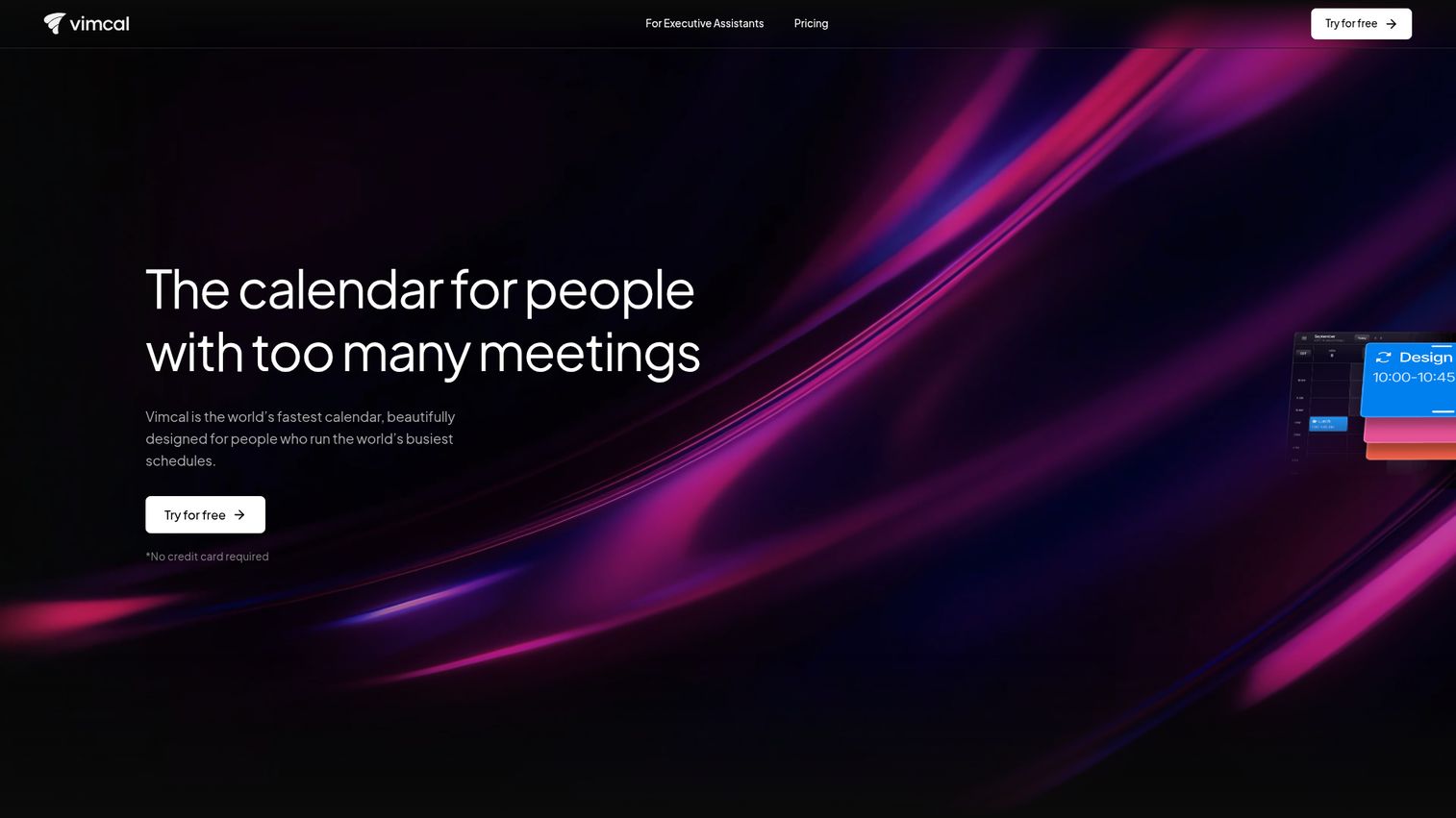
Vimcal is a fast calendar and scheduling tool built for busy professionals, teams, founders, executives, VCs, and executive assistants. Speed is the whole point. Keyboard shortcuts, quick booking, and clean time-zone handling let people who live in their calendar move through it in seconds.
This is the calendar for founders and the EAs who manage their time. Vimcal handles availability sharing and booking links, multi-time-zone scheduling and conversion, and offers desktop and mobile apps with shortcut-driven navigation. For executives coordinating dozens of meetings across regions, the speed compounds into real time saved.
Best for: Busy professionals, executives, founders, VCs, and executive assistants who schedule many meetings across calendars and time zones.
Key strengths
- Availability sharing and booking links: Send slots and let others book without friction.
- Multi-time-zone scheduling: Convert and coordinate meetings across regions cleanly.
- Keyboard-driven apps: Desktop and mobile apps built for shortcut speed.
Why choose Vimcal: Vimcal fits the founder or executive who runs a high meeting volume and wants every interaction faster. There is even a dedicated plan for executive assistants who manage someone else's calendar full time. The reason to pick it is speed for power users, not breadth for the whole company.
Vimcal pricing: Vimcal offers a free iOS Only plan. The iOS and Desktop plan is $20 per month, or $16.67 per month billed yearly. There is an EA Scheduling plan at $75 per month, or $62.50 per month billed yearly, for executive assistants, plus custom Enterprise pricing. Vimcal holds a 4.5 out of 5 rating on G2, based on a small number of reviews.
9. Fantastical
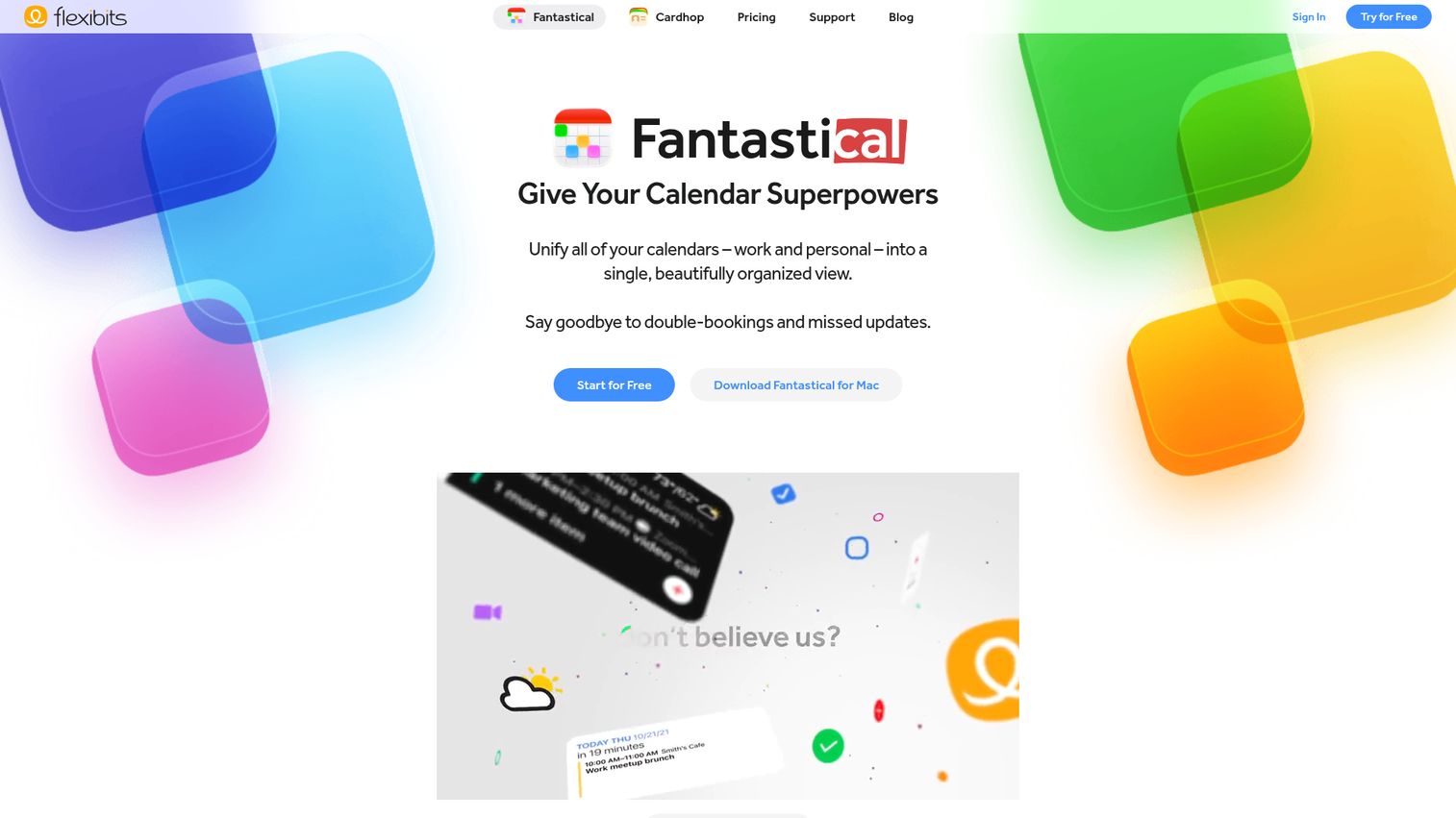
Fantastical is a calendar and tasks app that unifies work and personal calendars into a single organized view. It is the polished, Apple-native choice, best known for natural-language event entry that lets you type a sentence and get a fully formed event.
This is the calendar app for Apple-centric teams. Fantastical runs across macOS, iOS, and watchOS, with multiple views including DayTicker, day, week, month, quarter, and year. Scheduling tools cover Openings, Proposals, RSVPs, and conference-call support, so it handles team coordination as well as personal planning inside the Apple world.
Best for: Individuals, families, and teams that need a cross-device Apple calendar, task, and scheduling app with strong calendar consolidation.
Key strengths
- Natural-language entry: Create events and tasks by typing plain sentences.
- Multiple calendar views: DayTicker, day, week, month, quarter, and year layouts.
- Scheduling tools: Openings, Proposals, RSVPs, and conference-call support built in.
Why choose Fantastical: Fantastical fits teams committed to the Apple ecosystem who value design and fast entry. It consolidates work and personal calendars into one clean view across Apple devices. The reason to pick it is polish and Apple-native feel, so cross-platform teams will get more from a provider-agnostic option.
Fantastical pricing: Fantastical is part of Flexibits Premium, which bundles Fantastical, Scheduling, and Cardhop. Plans include a free tier plus Individual, Family, and Team options, with a 14-day free trial on paid plans. The free tier covers core calendar use, while scheduling and advanced features sit on Premium. Check the Flexibits pricing page for current paid-plan figures, as numeric prices vary by plan.
10. Sunsama
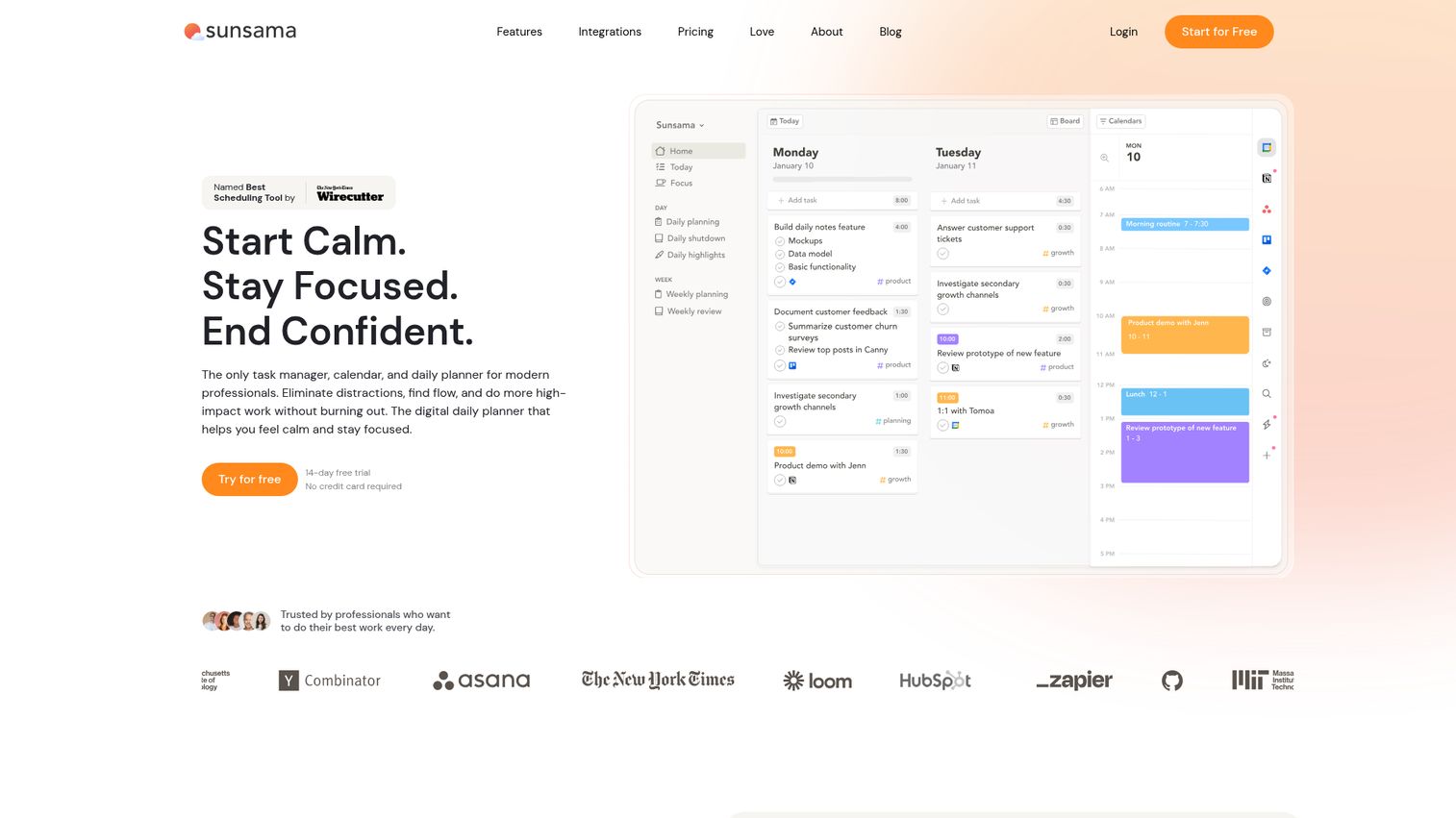
Sunsama is a digital daily planner that brings tasks, meetings, calendars, emails, and work-tool tasks into one focused workspace. It is less a raw calendar and more a planning ritual, guiding you through a deliberate daily plan and a daily shutdown.
This fits teams that want calm, intentional planning rather than a packed grid. Sunsama unifies calendar time-blocking with task lists pulled from your other tools, and adds focus mode, a Pomodoro timer, break reminders, and analytics on how you spend time. The daily planning ritual is the differentiator, designed to make heavy workloads sustainable instead of frantic.
Best for: Busy professionals who want a guided daily planner for time-blocking, task consolidation, and sustainable work routines.
Key strengths
- Daily planning ritual: Guided daily planning and shutdown to set intentional priorities.
- Calendar and task consolidation: Integrations with calendar, project, task, email, and messaging apps.
- Focus and analytics tools: Focus mode, Pomodoro timer, break reminders, and time-use analytics.
Why choose Sunsama: Sunsama suits teams that want to reduce the chaos of a full calendar with a structured, calmer workflow. It consolidates calendar and tasks into one daily plan, so people work from intention rather than reaction. The reason to pick it is the planning discipline, which fits teams ready to commit to a daily ritual.
Sunsama pricing: Sunsama's Pro Plan is $20 per month billed yearly or $25 per month billed monthly, with unlimited usage, unlimited integrations, and AI plus Zapier support. An Enterprise option covers custom security, compliance, and billing. There is a 14-day free trial with no credit card required, but no permanent free tier. Sunsama holds a 4.7 out of 5 rating, based on reviewer data.
Considerations: how to choose calendar software for your team
The right calendar software is the one that fits your stack, stage, and the way your team actually works. Run any shortlist through this checklist before you commit.
Integration depth with your existing stack
Start with what you already pay for. A Google Workspace team gets the most from Google Calendar; a Microsoft 365 team gets it from Outlook. Then check connections to your video tool, task manager, and CRM. The tool that plugs into your stack cleanly beats the one with more features it cannot reach.
Team collaboration and shared visibility
For teams, the point is shared scheduling, not personal planning. Look for shared calendars, booking pages, and permission controls that give the team visibility without exposing everything. The goal is consistent scheduling that does not route every coordination question through one person.
Security, privacy, and compliance
This is the factor most consumer roundups skip and most B2B buyers cannot. Confirm SSO, encryption, SOC 2, and GDPR support, especially if you operate in a regulated industry. Calendar data reveals who meets whom and when, so the controls matter. If security is non-negotiable, see how a vendor's security and compliance posture stacks up before committing.
AI scheduling and automation
Decide whether you need an AI calendar that plans the day automatically or just a calendar that displays it. Auto-scheduling, focus-time defense, and time-blocking can cut real meeting overhead. Tools like Motion and Reclaim AI lead here, layered on or replacing a base calendar.
Total cost and consolidation value
Look at per-seat pricing that scales with headcount, then ask what each tool replaces. A calendar that folds in tasks and time-blocking can retire two other subscriptions. For an operator, that consolidation, fewer tools with more signal, is often worth more than any single feature.
Conclusion
There is no single best calendar software for every team, only the best fit for your stack and stage. If your company runs on Google, Google Calendar is the default backbone and the layer everything else syncs to. Microsoft 365 teams should start with Outlook Calendar for the same native-fit reason.
From there, the choice depends on the problem you are solving. For AI scheduling that plans the day automatically, Motion leads. To protect focus time across existing calendars, Reclaim AI is the pick. For heavy external booking in sales and customer success, Calendly is the scheduling layer to add. And for Notion-centric teams, Notion Calendar is a strong free option.
The next step is simple: evaluate the one tool that matches your existing stack first, since integration depth drives most of the value. For operators, the real win is consolidation, fewer tools, cleaner scheduling, and a team that books consistently without the founder in every loop. And where live meetings aren't strictly necessary, interactive product demos can absorb the recurring walkthroughs that otherwise clog the calendar. Start there, prove it in a quarter, and expand only if a clear gap remains.
FAQs
It depends on your stack. Google Calendar is the best default for Google Workspace teams, and Microsoft Outlook Calendar is the native fit for Microsoft 365. For AI scheduling, Motion leads, while Calendly is the strongest pick for teams with heavy external booking.
Google Calendar is the strongest free calendar app for most teams, free with any Google account, though some advanced features require a paid Google Workspace plan. Notion Calendar is another strong free option, especially for teams already using Notion. Both cover core scheduling, sharing, and Google Calendar sync at no cost.
Calendar software manages events, views, and sharing as your system of record for time. Scheduling software, like Calendly, automates booking on top of a calendar by turning your availability into shareable links. You typically run a base calendar and add a scheduling layer when external booking gets heavy. For a deeper look, our guide to business scheduling software tools breaks down the scheduling-layer options.
Yes. Most modern calendar apps sync with Google Calendar, which functions as the ecosystem backbone for many teams. Tools like Motion, Reclaim AI, Calendly, Notion Calendar, and Morgen all connect to it. Note that apps built on the Google Calendar API are subject to Google's quotas and permission scopes, which can limit some advanced use cases.
Reputable calendar software supports business-grade security, including SSO, encryption, and compliance with standards like SOC 2 and GDPR. Enterprise plans usually add advanced admin and security controls. For regulated industries, confirm the specific compliance certifications you need before you commit, since coverage varies by vendor and plan.
AI calendar tools like Motion and Reclaim AI aim to reduce overload through auto-scheduling, focus-time defense, and automated time-blocking. They block deep-work periods and slot tasks into open gaps so meetings do not crowd out real output. Given that Microsoft's 2023 Work Trend Index found 58% of the workday goes to email, meetings, and chat, that automation targets a genuine problem.
Microsoft Outlook Calendar is the native fit for Microsoft 365, integrating directly with email, contacts, tasks, and Microsoft Teams. It inherits enterprise security and compliance from the surrounding Microsoft 365 stack. Cross-platform tools like Morgen and Reclaim AI also connect to Outlook if you need to combine it with other calendars.
Costs range from free to roughly $8 to $30 per seat per month for team and AI tools. Google Calendar and Notion Calendar offer strong free tiers, while paid plans like Calendly Standard ($10 per seat per month) and Motion Pro AI ($19 per seat per month, annual) fall in the typical band. Always check the vendor's current pricing page, since tiers and billing terms change.