A tech is stuck outside a job because dispatch sent him to the wrong side of town. An emergency call comes in and nobody can find an open slot. An invoice from last Tuesday still hasn't gone out, so the cash is still sitting in the field instead of your account. Meanwhile the estimate a homeowner asked for on Monday is buried in a text thread.
This is the daily reality for most plumbing businesses running on spreadsheets, whiteboards, and memory. The work gets done, but the coordination around the work leaks time and money everywhere. Plumbing software exists to close those leaks by making dispatch, estimating, and billing repeatable instead of heroic.
The category is growing fast because operators are feeling the pinch. The global plumbing software market is estimated at $1.22 billion in 2025 and forecast to reach $2.69 billion by 2034, an 11.3% compound annual growth rate, according to Dataintelo (2026). That growth reflects a simple truth: plumbing businesses that systematize their operations run leaner and grow faster than the ones that don't.
Choosing the right platform matters more in 2026 than it did a few years ago, because the tools have split into distinct camps. Some lead with scheduling and dispatch. Some lead with estimating and job costing. Some are built for contractors doing new-construction work rather than service calls. Picking the wrong camp means paying for depth you never touch, or hitting a ceiling six months in. This guide sorts them out so you can shortlist with confidence. If your operation leans heavily on route-based field teams, our roundup of the best field sales software covers adjacent workflows worth a look.
What's inside
This guide covers four plumbing software platforms chosen for real operational fit, not marketing gloss. We evaluated each against the criteria that actually determine whether a tool earns its keep:
- Plumbing scheduling and dispatch: how fast you can assign, reschedule, and route crews
- Field-to-office sync: whether techs can update jobs, add photos, and collect payment from the truck
- Estimating and invoicing: how cleanly a quote becomes an approved job and then a paid invoice
- Accounting integration: depth of QuickBooks sync and reporting
- Job and project management: support for multi-visit work, recurring service plans, and contractor projects
You'll see which tool fits small service teams, which suits accounting-conscious owner-operators, and which is built for contractor and new-home work. The goal is a decision, not a feature dump.
TL;DR
Short on time? Here's the fast version for the four picks in this guide.
- Best all-in-one platform: ServiceTitan, for larger or operationally complex plumbing businesses that want dispatch, CRM, estimates, billing, and reporting under one roof.
- Best scheduling-heavy plumbing service software: Workiz, for dispatch-first teams that live on emergency calls, online booking, and mobile field coordination.
- Best for profitability and accounting control: Knowify, for owner-operators who want proposals, job costing, and tight QuickBooks sync so they can see job economics clearly.
- Best plumbing contractor software: Bolt, for trade contractors doing residential construction and builder coordination rather than pure service calls.
Match your dominant workflow to the pick, then read the item sections to confirm the fit before you book demos.
Background
Plumbing software is a category of field service management software that helps plumbing businesses schedule and dispatch crews, build estimates and proposals, invoice and collect payments, track jobs in the field, and keep the office and technicians in sync from one system.
At its core, a plumbing platform replaces the patchwork of paper tickets, texts, and spreadsheets with a single operational record. The best plumbing business software connects the moment a call comes in to the moment cash lands in the bank, with as few manual handoffs as possible.
The capability set most plumbing management software shares looks like this:
- Scheduling and dispatch: assign jobs to techs, view the day on a calendar or map, and reschedule when emergencies hit
- Estimates and proposals: build quotes fast, use templates, capture approvals, and handle change orders
- Mobile app access: let techs see their schedule, add job notes and photos, and update status from the field
- Invoicing and payments: turn completed work into an invoice and collect payment on-site or online
- QuickBooks sync: push invoices, payments, and customer records into accounting without double entry
- Inventory management: track parts and materials so trucks are stocked and jobs are costed correctly
- Reporting: see revenue, job profitability, technician performance, and cash flow at a glance
The key jobs plumbing software supports are simple to state and hard to do well: book the right tech for the right job, turn estimates into approved work, keep the field and office looking at the same information, and get paid faster. Every platform below does these jobs, but each leans in a different direction. Teams that also manage customer follow-up at scale often pair this with a customer data platform to keep records clean across systems.
When to use plumbing software
Not every plumbing business needs the same depth. Here's how to know which pressures signal it's time to systematize, and what to prioritize when you do.
Dispatch and reschedule crews faster
When emergency calls, no-shows, and route changes pile up, the office spends its day playing phone tag with the field. A tech finishes early and sits idle because nobody knew to send the next job. An urgent burst pipe call comes in and the dispatcher can't see who's closest.
Plumbing dispatch software cuts the back-and-forth by putting the whole day on one screen. Dispatchers drag jobs between techs, see who's nearest on a map, and push updates straight to phones. The field stops calling in for their next stop, and the office stops guessing where everyone is. For dispatch-heavy operations, this alone justifies the switch.
Turn estimates into approved jobs
A quote that takes two days to write and another three to chase down is a job you're at risk of losing. Speed and clarity win work.
Plumbing estimating software lets you build a quote from reusable line items, drop in proposal templates, and send it while the interest is hot. Homeowners approve with a click, and approved estimates convert straight into scheduled jobs. Change orders get logged instead of forgotten, so the final invoice matches the actual work. The result is a shorter path from lead to booked job and fewer estimates that die in limbo.
Sync field updates to billing and cash flow
The gap between finishing a job and getting paid is where profit quietly evaporates. If a tech finishes at 4 p.m. and the invoice goes out five days later, that's five days of your money sitting idle.
A mobile app for plumbers closes that gap. Techs mark work complete, attach photos, and generate the invoice on-site. Customers pay by card before the truck leaves. Plumbing invoicing software then hands the transaction to accounting, and QuickBooks integration for plumbing software means the reconciliation happens without anyone re-keying numbers. Faster billing is faster cash, and cleaner books.
Manage jobs that span more than one visit
Service calls are one thing. A bathroom remodel, a repipe, or a recurring maintenance contract is another. These jobs span multiple visits, materials, and sometimes multiple crews.
Plumbing job management software keeps multi-day work organized: tracking labor and materials against a budget, coordinating return visits, and running recurring service plans on autopilot. As a plumbing company grows into bigger, more complex work, this project management layer becomes the difference between profitable jobs and jobs that quietly lose money.
Comparison table
Here's how the four platforms stack up at a glance. Pricing and G2 ratings reflect what each vendor and G2 published as of mid-2026; where a vendor routes buyers to a demo instead of listing prices, we've noted that. Rankings reflect overall relevance to plumbing software buyers evaluating an all-around operating platform.
| # | Product | Intent | Key differentiation | Pricing | G2 rating |
|---|---|---|---|---|---|
| 1 | ServiceTitan | All-in-one platform for growing plumbing businesses | Deep dispatch, CRM, estimates, billing, and reporting in one system | Request pricing | Not publicly listed |
| 2 | Workiz | Scheduling and dispatch-first plumbing service software | Online booking, integrated phone system, payments, field productivity | Free Lite plan; paid plans by request | 4.5/5 |
| 3 | Knowify | Profitability and accounting-focused job management | Estimates, job costing, AIA pay apps, tight QuickBooks sync | From $99/month | 4.5/5 |
| 4 | Bolt | Contractor software for residential construction | Scheduling, project management, and inventory for builder work | Request pricing | 4.3/5 |
The sections below expand each pick with strengths, best-fit buyers, and pricing detail so you can narrow to a shortlist of two.
1. ServiceTitan
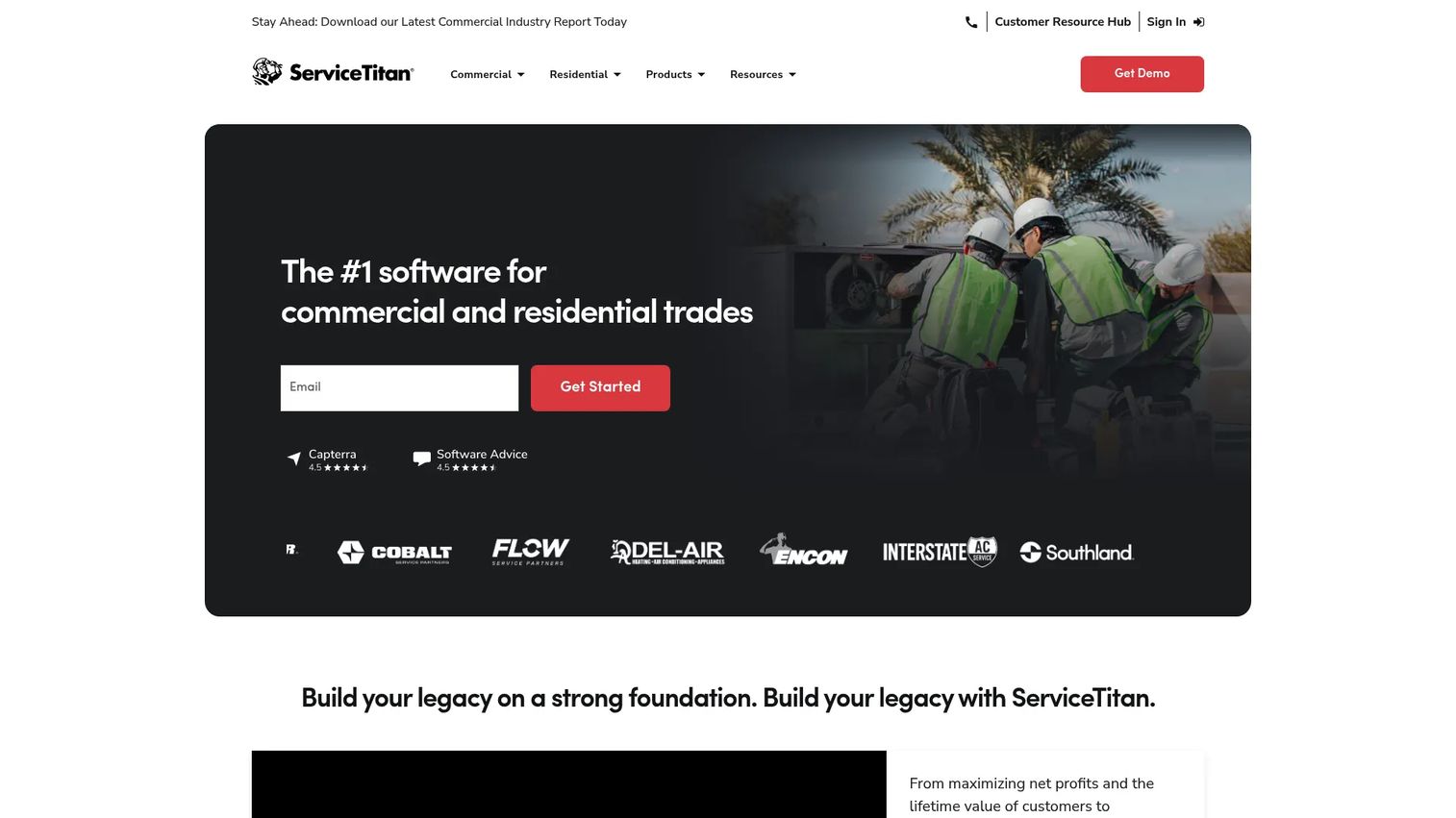
ServiceTitan is the broad, all-in-one platform for plumbing businesses that want dispatch, estimates, billing, CRM, reporting, and mobile work management in one place. Built as a cloud-based operating system for commercial and residential contractors, it aims to be the single record for the entire business, from the first inbound call to the closed-out job and the financial report at month's end. It's the deepest option on this list, and the one operators reach for when the goal is process control at scale.
Where lighter tools handle scheduling well and stop there, ServiceTitan connects the customer relationship, the sales estimate, the dispatched job, the collected payment, and the reporting into one continuous flow. For a plumbing business that has outgrown a simpler stack and wants everything to talk to everything, that breadth is the point.
Best for: Larger or operationally complex plumbing teams that want depth, scalability, and stronger process control across dispatch, sales, and finance.
Key strengths
- Dispatch and scheduling: Assign, route, and reschedule crews with a real-time view of the whole day, so emergency calls and route changes don't stall the office.
- CRM, sales, and estimates: Track every customer interaction and build estimates that convert into booked jobs, keeping the sales motion inside the same system as operations.
- Payments and invoicing: Collect payment in the field or online and push billing through to reporting, so cash flow and job profitability stay visible.
Why choose ServiceTitan: Choose it when depth and scalability matter more than simplicity. A growing plumbing company with dispatchers, sales staff, and an office team benefits most, because the platform gives each role a shared operating picture and the reporting to manage crews, inventory, and cash from one place. If you're consolidating several disconnected tools into one, this is the platform built for that job. Smaller shops with a couple of trucks may find more depth here than they'll use day to day.
ServiceTitan pricing: ServiceTitan does not publish public numeric pricing. Its pricing page routes visitors to request a demo and a custom quote based on business size and needs. Expect a tailored proposal rather than an off-the-shelf monthly rate, which fits the platform's focus on larger, more established plumbing operations. Confirm the total, including onboarding and per-seat costs, during the demo.
2. Workiz
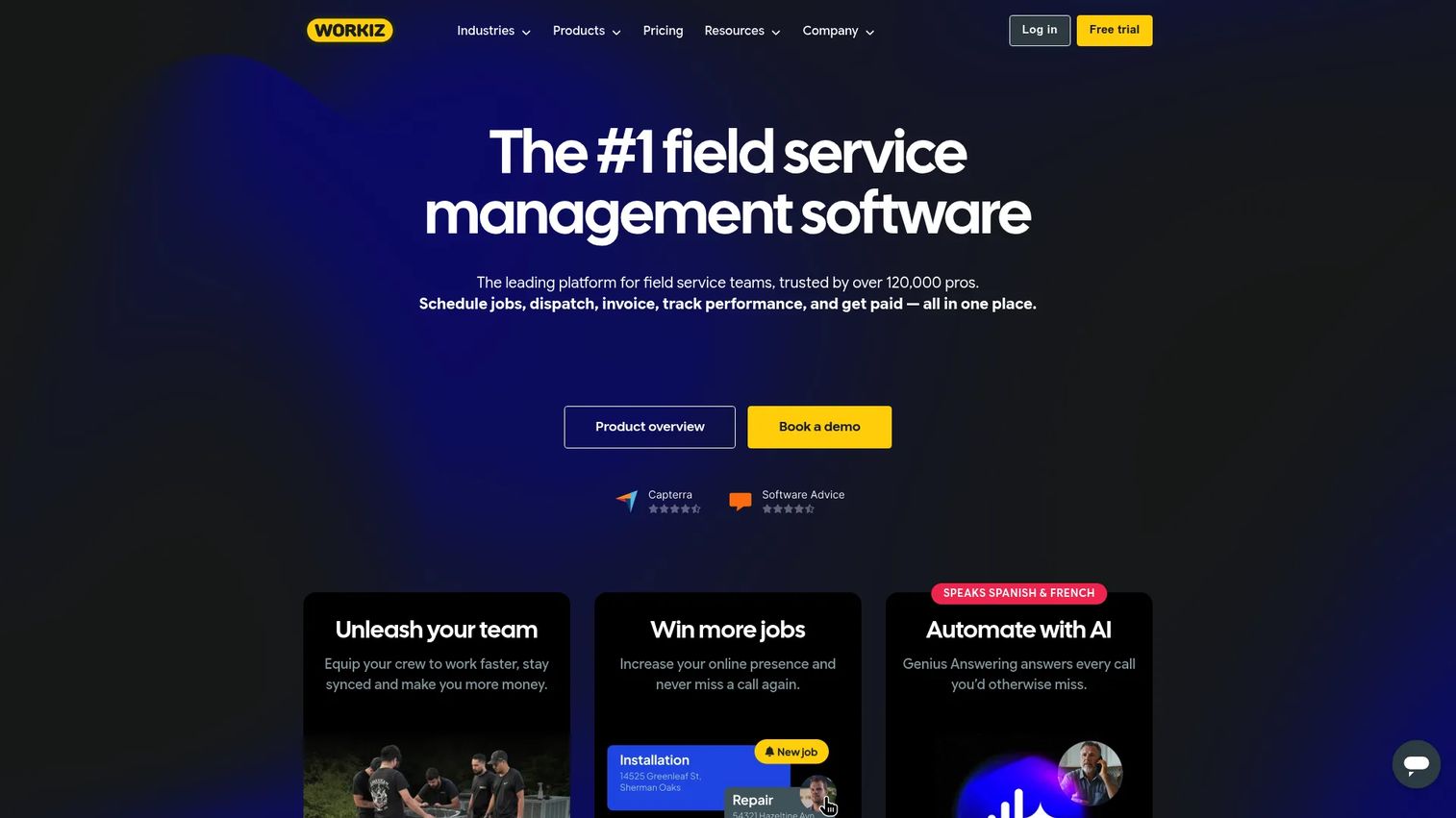
Workiz is the plumbing software option that leans hard into scheduling, dispatch, online booking, lead capture, payments, and field productivity. It's field service management software built for businesses that live and die by the daily schedule: the ones fielding emergency calls, juggling lead sources, and coordinating techs across town in real time. If your operation is dispatch-first, this is the pick built around your actual bottleneck.
Workiz pairs scheduling and dispatching with invoicing, estimates, and online payments, then adds an integrated phone system with AI answering so inbound calls turn into booked jobs instead of missed opportunities. For a plumbing service software buyer who wants a simpler, tighter operational stack focused on getting crews to the right jobs and getting paid, it's a strong fit.
Best for: Dispatch-heavy plumbing service businesses that need scheduling, online booking, payments, and call handling working together in one system.
Key strengths
- Scheduling and dispatching: Manage the day on a calendar or map, assign and reroute techs on the fly, and keep the field moving when emergency calls hit.
- Invoicing, estimates, and online payments: Build quotes, convert them to invoices, and collect card payments so billing keeps pace with the work.
- Integrated phone system and AI answering: Capture inbound calls and lead sources inside the platform, so no booking opportunity slips through.
Why choose Workiz: Choose it when your growth is gated by scheduling and lead handling rather than complex project accounting. Service businesses that want a lean stack, fast dispatch, and payments in one tool tend to adopt it quickly. The built-in phone system and AI answering are genuinely useful for shops where missed calls equal missed revenue. It also supports equipment tracking and service plans for recurring maintenance work.
Workiz pricing: Workiz offers a free forever Lite plan, which makes it approachable for small teams testing the waters. Paid Standard and Pro plans, which include the first five users, are shown as request-pricing on the current pricing page rather than fixed public numbers, and an Ultimate tier is available with custom pricing for larger operations. The free tier plus a low barrier to the paid plans makes Workiz one of the friendlier entry points for a small plumbing business.
3. Knowify
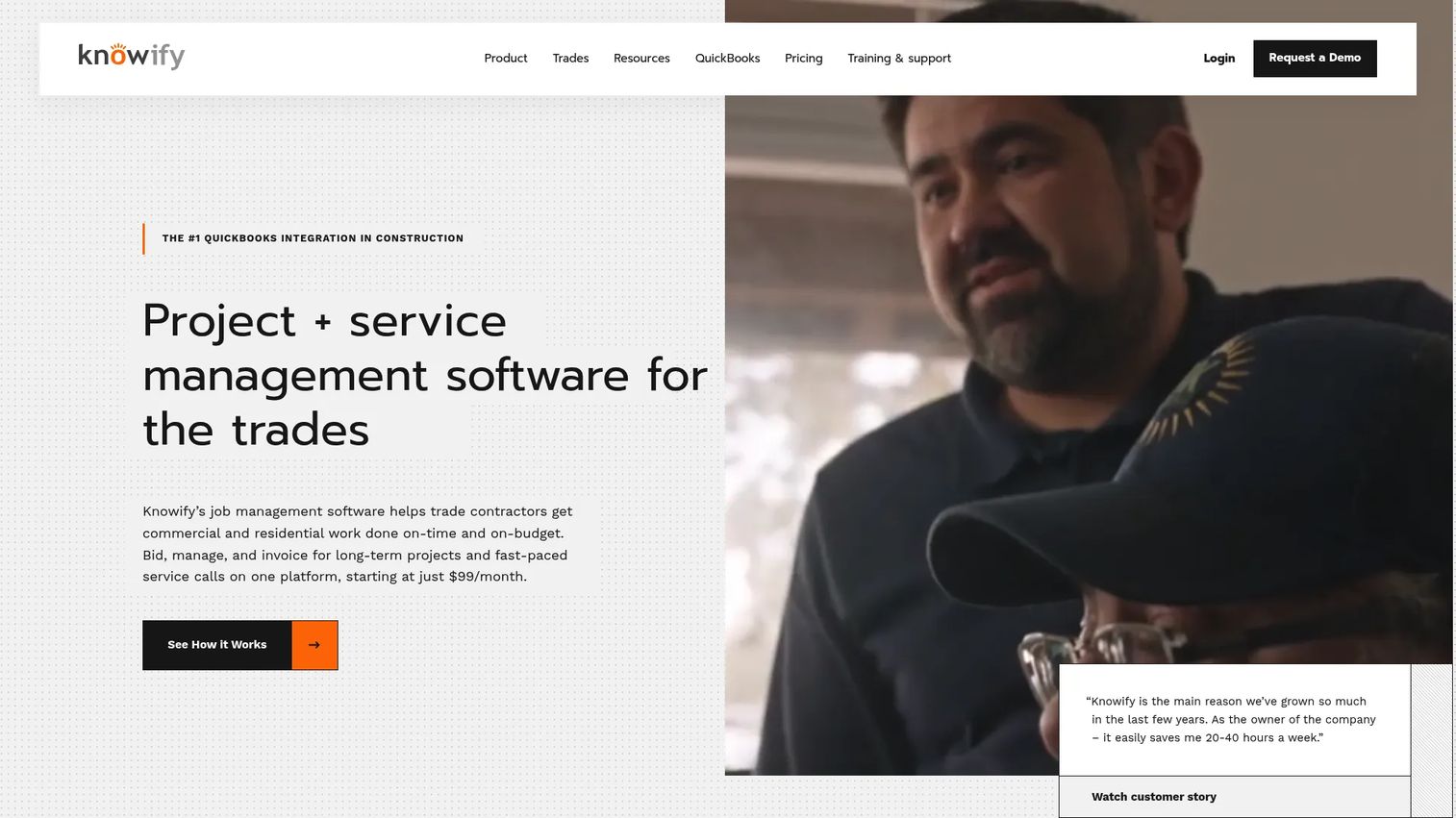
Knowify is the strongest pick for plumbing teams that want proposals, project management, billing, job costing, inventory, and QuickBooks sync tied together around one goal: knowing whether each job actually made money. It's construction management software built for trade contractors, with estimating, scheduling, job costing, invoicing, and service-job management in a single platform. Where other tools optimize for moving crews, Knowify optimizes for financial clarity.
For owner-operators who suspect some jobs are quietly unprofitable but can't prove it, Knowify's job costing turns that hunch into numbers. It handles estimates, fixed-price contracts, and AIA pay applications, then ties everything back to QuickBooks Online or Desktop so the books stay clean without double entry. It's plumbing billing software and job management in one.
Best for: Accounting-conscious owner-operators and trade contractors who want project and service work tied directly to QuickBooks and clear job economics.
Key strengths
- Estimates, proposals, and AIA pay applications: Build fixed-price contracts and progress billing, so quoting and invoicing stay accurate on complex jobs.
- Scheduling, time tracking, and job costing: Track labor and materials against each job's budget, so profitability is visible before the job closes, not after.
- QuickBooks Online and Desktop integration: Sync invoices, payments, and records both ways, so reconciliation happens without re-keying and cash flow stays current.
Why choose Knowify: Choose it when profitability and accounting control matter more than the depth of dispatch. Owner-operators who want to see job economics clearly, manage change orders cleanly, and keep QuickBooks in lockstep get the most value. The customer portal and AIA workflows also make it a fit for plumbers doing contract and progress-billed work alongside service calls.
Knowify pricing: Knowify publishes clear pricing. The Core plan starts at $99 per month and includes one user. The Advanced plan starts at $329 per month and includes ten users. An Enterprise tier is available with custom pricing via sales. Optional add-ons include a Service Pro module at $99 per month, plus equipment and tool tracking. There's no free tier, but the transparent entry price makes budgeting straightforward for a small plumbing business.
4. Bolt
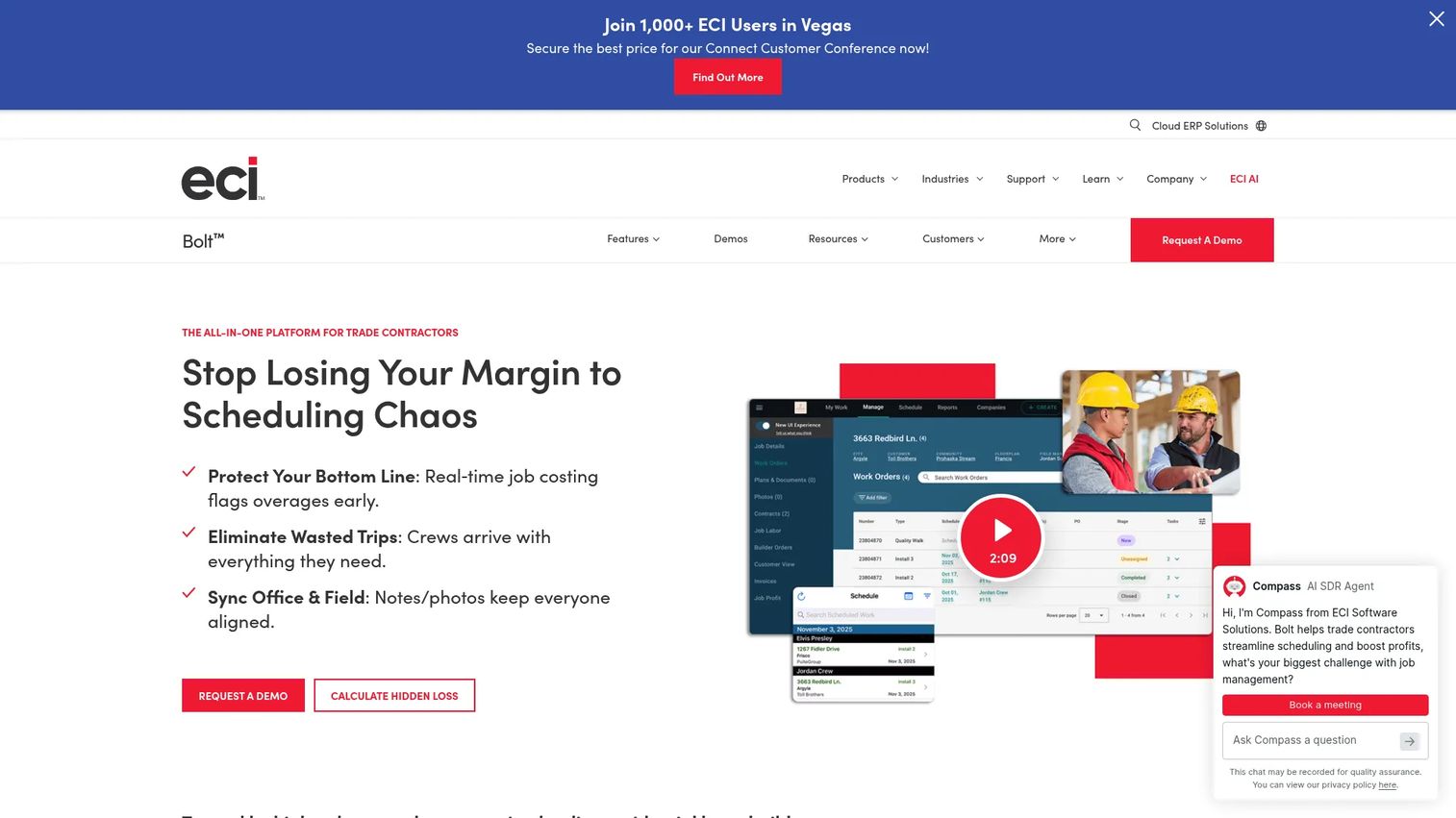
Bolt is the best fit for plumbing contractors working in residential construction and builder coordination. It's web and mobile project management and scheduling software built for residential trade contractors who work with home builders, where the job is less about one-off service calls and more about high-volume, scheduled work across many home sites. If your business does new-construction plumbing rather than repair-and-replace service, Bolt speaks your language.
Bolt centralizes job information, coordinates crews in real time, and tracks inventory against specific jobs, all with strong mobile access for teams that are constantly on site. Its paperless, builder-facing workflows are designed for the back-and-forth between trade contractors and the general contractors or home builders they serve, including document management, reporting, and quality control.
Best for: High-volume trade contractors and plumbing companies doing residential construction and new-home work that need scheduling, job management, and inventory coordination with builders.
Key strengths
- Scheduling and real-time crew assignments: Coordinate crews across multiple home sites and update assignments in real time, so builder timelines stay on track.
- Project management with centralized job information: Keep documents, statuses, and job details in one place, so field teams and builders work from the same record.
- Inventory management with real-time tracking: Track materials with job-specific costing, so inventory and job profitability stay accurate on high-volume work.
Why choose Bolt: Choose it when your business does more contractor and new-home work than pure service calls. The builder-facing coordination, paperless document workflows, and job-specific inventory tracking are built for the rhythms of residential construction. Plumbing contractors juggling many active home sites and general-contractor relationships will find the project and quality-control features more relevant than a service-first tool.
Bolt pricing: Bolt does not display public pricing on its site. The vendor uses a request-a-demo flow, so you'll get a quote based on your business size and the scope of your contractor operation. Given its focus on high-volume trade contractors, expect pricing tailored to team size and job volume. Confirm implementation and support terms during the demo.
Conclusion
The right plumbing software depends almost entirely on what kind of plumbing business you run.
If you want one platform to run dispatch, sales, billing, and reporting at scale, ServiceTitan is the broad, all-in-one operating system built for growing and complex operations. If scheduling and lead handling are your bottleneck, Workiz gives you dispatch-first plumbing service software with booking, payments, and call handling in a lean stack. If you need to know whether each job actually made money, Knowify pairs proposals, job costing, and tight QuickBooks sync for accounting control. And if you do residential construction and builder work, Bolt is the plumbing contractor software built for high-volume, project-based coordination.
Here's the practical next step: shortlist two of these that match your dominant workflow. Map them side by side against the five things that matter most, scheduling, estimate-to-invoice flow, mobile app access, QuickBooks sync, and billing. Then book demos and put your own real jobs through each one. The tool that handles your messiest workflow cleanly is the one that will earn its place in your stack.
FAQs
Plumbing software is a type of field service management software for scheduling and dispatching crews, quoting jobs, invoicing, collecting payments, updating work from the field, and tracking jobs from start to finish. It replaces spreadsheets, paper tickets, and text threads with a single system that keeps the office and technicians in sync. The goal is to make dispatch, billing, and job tracking repeatable rather than dependent on memory.
The core features are scheduling and dispatch, estimating, invoicing, a mobile app for field techs, QuickBooks integration, and inventory management. Scheduling and dispatch keep crews moving; estimating and invoicing shorten the path from lead to paid job; the mobile app keeps the field connected. Which matters most depends on your team size and job complexity. A dispatch-heavy service shop prioritizes scheduling, while a contractor doing project work leans on job costing and inventory.
Yes. Nearly every leading plumbing platform includes a mobile app for plumbers, because most of the work happens away from the office. Techs use it to see their schedule, add job notes and photos, update job status, generate invoices, and collect payment on-site. A strong mobile app is the difference between real-time field-to-office sync and a day of phone calls chasing updates.
Many leading tools do, and it's one of the most common reasons operators switch. QuickBooks integration for plumbing software means invoices, payments, and customer records flow into accounting without anyone re-keying numbers, which speeds up reconciliation and keeps cash flow accurate. The depth of sync varies by vendor, so confirm whether it handles two-way syncing, which QuickBooks version it supports, and which fields it maps before you commit.
It depends on the work you do. For a small service-focused shop, a scheduling-first platform with an approachable entry point and a free or low-cost tier tends to fit best. For a small contractor watching job margins, a tool built around job costing and QuickBooks sync makes more sense. The right choice is criteria-based: match the platform's strength to your dominant workflow rather than chasing the longest feature list.
It removes the operational friction that caps growth. Faster scheduling means more jobs per tech per day. Quicker estimate-to-approval means fewer lost jobs. On-site invoicing and payments mean faster cash flow. Cleaner books and clearer reporting mean better decisions about crews, pricing, and inventory. Growth comes from making the business run without everything routing through the owner, and that's exactly what a good system delivers.
Run a short checklist: scheduling and dispatch, estimate-to-invoice flow, mobile app quality, accounting sync, pricing model, and support. Score each candidate against your dominant workflow, then shortlist two and put real jobs through their demos. Also weigh switching and onboarding: how long setup takes, whether your data migrates cleanly, and how much training your team needs. The best plumbing software is the one your crew will actually use every day.