



You run three brands out of one kitchen. Orders hit from four aggregators at once. A courier is waiting, a station is backed up, and someone is manually reconciling stock in a spreadsheet at 11pm.
That is where most cloud kitchen operations break. Not at the recipe. At the coordination.
The global cloud kitchen market reached USD 80.28 billion in 2025 and is projected to hit USD 203.72 billion by 2033 at a 12.6% CAGR, according to Grand View Research (2026). Growth like that rewards operators who can add brands and locations without adding chaos. Spreadsheets and disconnected apps stop working the moment order volume, menu counts, and delivery partners multiply. Every handoff between order intake, kitchen prep, and courier dispatch becomes a place where margin leaks.
The right cloud kitchen software is the control layer that ties those handoffs together. It replaces scattered tools with one system of record for order management, inventory, kitchen display, and reporting. What operators need in 2026 is not another point solution. It is repeatable operations that hold up across brands, locations, and delivery aggregator integrations.
What's inside
This guide is for operators, founders, and operations leads running cloud kitchens, ghost kitchens, and multi-brand food businesses who want a shortlist, not a feature dump.
We selected and ranked these tools on the criteria that matter for delivery-first operations:
- Operational control: order management, dispatch, and kitchen display system depth
- Inventory rigor: stock visibility, recipe management, and procurement software
- Multi-brand and multi-location fit: centralized dashboard, permissions, and reporting
- Integrations: delivery aggregator integrations, POS, and payment connections
- Verified pricing and ratings: real numbers from vendor pages and public review sites
You will get a comparison table, a "best for" breakdown by operator type, and a buyer's checklist.
TL;DR
- Best for delivery-first kitchen space: CloudKitchens, if you want physical infrastructure plus logistics, not software alone.
- Best for inventory and chain control: Gofrugal, for POS billing, inventory, KOT, KDS, and procurement in one system.
- Best for dispatch and workflow orchestration: Delivety, for its operator dashboard, assembly board, and courier management.
- Best for multi-brand order automation: LimeTray Cloud Kitchen, for auto-accepting aggregator orders through a single interface.
- Best for a broad POS platform: Toast, for restaurants running delivery-first or hybrid operations.
- Best for enterprise operations: Oracle Restaurants, for centralized controls and multi-location depth.
- Best for simpler deployment: TouchBistro, for smaller or growing operators.
What is cloud kitchen software
Cloud kitchen software is the operational system that coordinates order management, dispatch, inventory, menu control, kitchen display workflows, and reporting for delivery-first kitchen businesses. It acts as the single system of record that connects order intake from every channel to kitchen prep and courier handoff.
Core capabilities of cloud kitchen management software include:
- Cloud kitchen POS: billing, KOT generation, and offline billing when connectivity drops
- Cloud kitchen order management: order aggregation across web, app, and delivery partners
- Cloud kitchen inventory management: stock tracking, batch control, and low-stock alerts
- Recipe management: standardized recipes to control portioning and food cost
- Kitchen display system: prep routing and station-level order visibility on a KDS screen
- Procurement software: purchase orders, vendor management, and reorder automation
- Cloud kitchen dispatch software: courier assignment and delivery status tracking
- Delivery aggregator integrations: two-way sync with third-party delivery platforms
- Analytics and reporting: margin visibility, sales trends, and bottleneck detection
Generic restaurant POS software handles a dine-in checkout and a table map. Cloud kitchen software for POS billing and inventory is built for delivery-first realities: no tables, multiple virtual brands, concurrent aggregator orders, and dispatch coordination. That distinction matters most for multi-brand cloud kitchen software, where one physical kitchen runs several menus and each needs its own reporting, pricing, and stock accounting from a centralized dashboard.
When to use cloud kitchen software
Manage multiple brands from one dashboard
When a single kitchen serves several brands or virtual menus, you need centralized control or the reporting turns to mush. One dashboard should show sales, stock, and order flow per brand, per location, with role-based permissions. Operations leads and founders care most here, because brand-level P&L is where scaling decisions get made.
Reduce delays in order and dispatch workflows
The gap between order capture and courier handoff is where delivery-first kitchens lose ratings and repeat customers. Good software moves an order from intake to KDS to assembly to dispatch without a human retyping anything. Cloud kitchen dispatch software that auto-assigns couriers and tracks status keeps kitchen managers and dispatch teams out of the reactive loop.
Control inventory, recipes, and food cost
Margin drift usually starts in the kitchen, not the menu. Stock visibility, standardized recipes, and batch tracking tie every sale back to consumed ingredients, so waste and over-portioning surface fast. Procurement automation then reorders before you run out mid-service. Finance leads and head chefs feel this one directly in the numbers.
Comparison table
Here is how the seven tools compare on fit, differentiator, verified pricing, and public G2 rating. Pricing and ratings reflect vendor pages and public review listings at the time of writing.
| # | Product | Best for | Key differentiator | Pricing | G2 rating |
|---|---|---|---|---|---|
| 1 | CloudKitchens | Delivery-first kitchen space | Move-in-ready private kitchens plus logistics | Request a price | Not listed |
| 2 | Gofrugal | Inventory and chain control | POS, inventory, KOT, KDS, and procurement in one ERP | From ₹750/month | Not listed |
| 3 | Delivety | Dispatch and assembly workflows | Operator dashboard with KDS and assembly board | Free trial; custom | Not listed |
| 4 | LimeTray Cloud Kitchen | Multi-brand order automation | Auto-accept aggregator orders via one interface | From $49/month per outlet | Not listed |
| 5 | Toast | Broad POS platform | POS, online ordering, and KDS in one stack | Custom | 4.2/5 |
| 6 | Oracle Restaurants | Enterprise operations | Centralized POS, payments, and analytics | PAYG from $0.15/txn | 4.6/5 |
| 7 | TouchBistro | Simpler deployment | All-in-one POS with fast setup | From $69/month | 4.1/5 |
Best cloud kitchen software for 2026
1. CloudKitchens
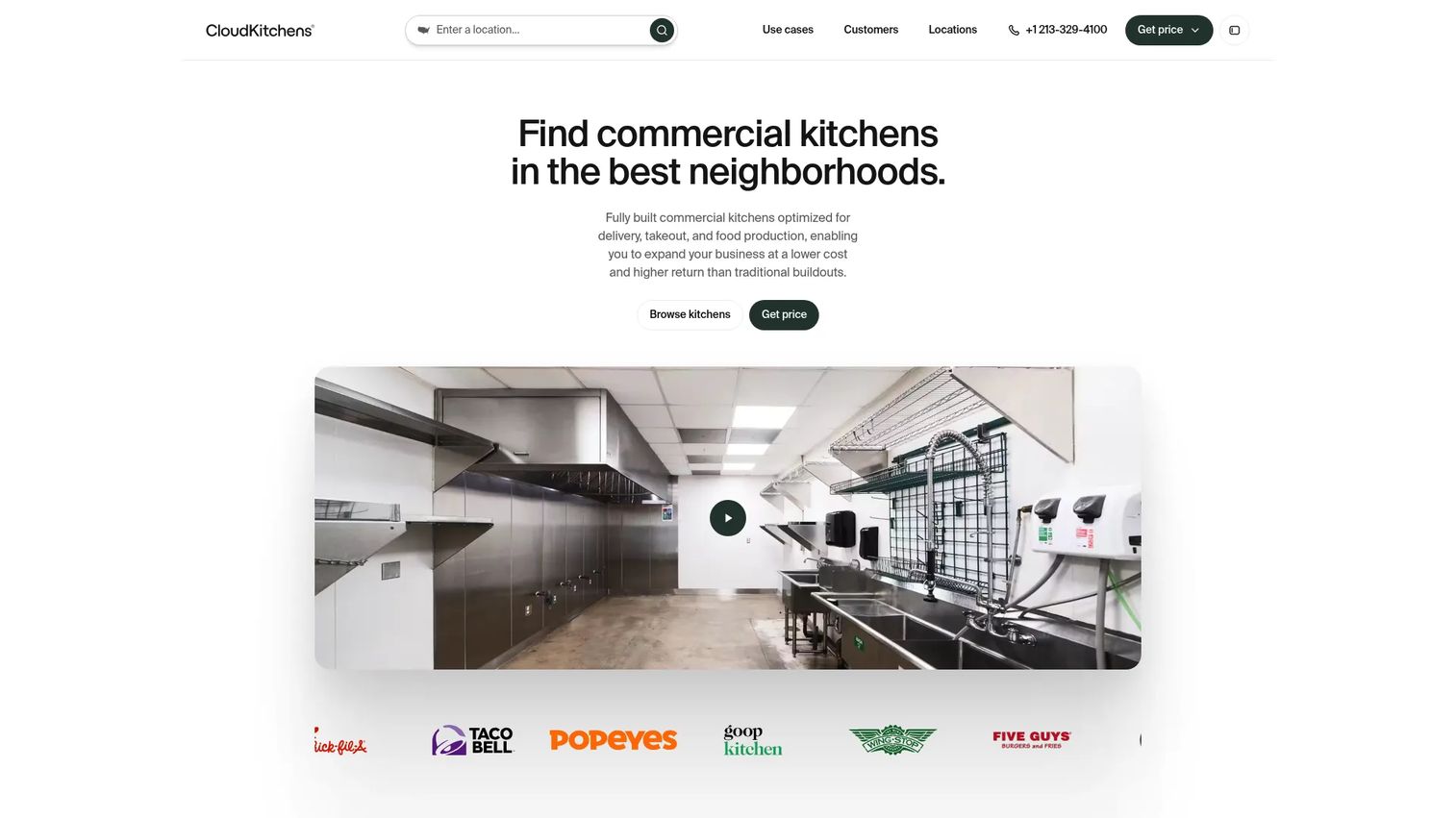
CloudKitchens is the outlier on this list because it leads with physical space, not software. It provides delivery-optimized commercial kitchens that food brands rent to launch delivery-first or ghost kitchen operations without signing a long retail lease. On-site support and technology tools come bundled with the facility.
This matters for the buyer decision. If your bottleneck is real estate and delivery logistics, CloudKitchens solves a problem that a pure software platform cannot. If your bottleneck is order, inventory, and dispatch coordination, you still need cloud kitchen management software running inside that space.
Best for: restaurants and food brands that need delivery-first kitchen space plus operational support, not just a software layer.
Key strengths
- Move-in-ready private kitchens
- Delivery and pickup optimized facilities
- On-site support and technology tools
Why choose CloudKitchens: Choose it when your first constraint is footprint and delivery economics. It gets you into a delivery-ready kitchen fast, then you layer the operational software you need on top.
CloudKitchens pricing: The site prompts you to request a price and routes you through a contact-sales flow rather than listing plan tiers.
A current public G2 rating for CloudKitchens was not available at the time of writing.
2. Gofrugal
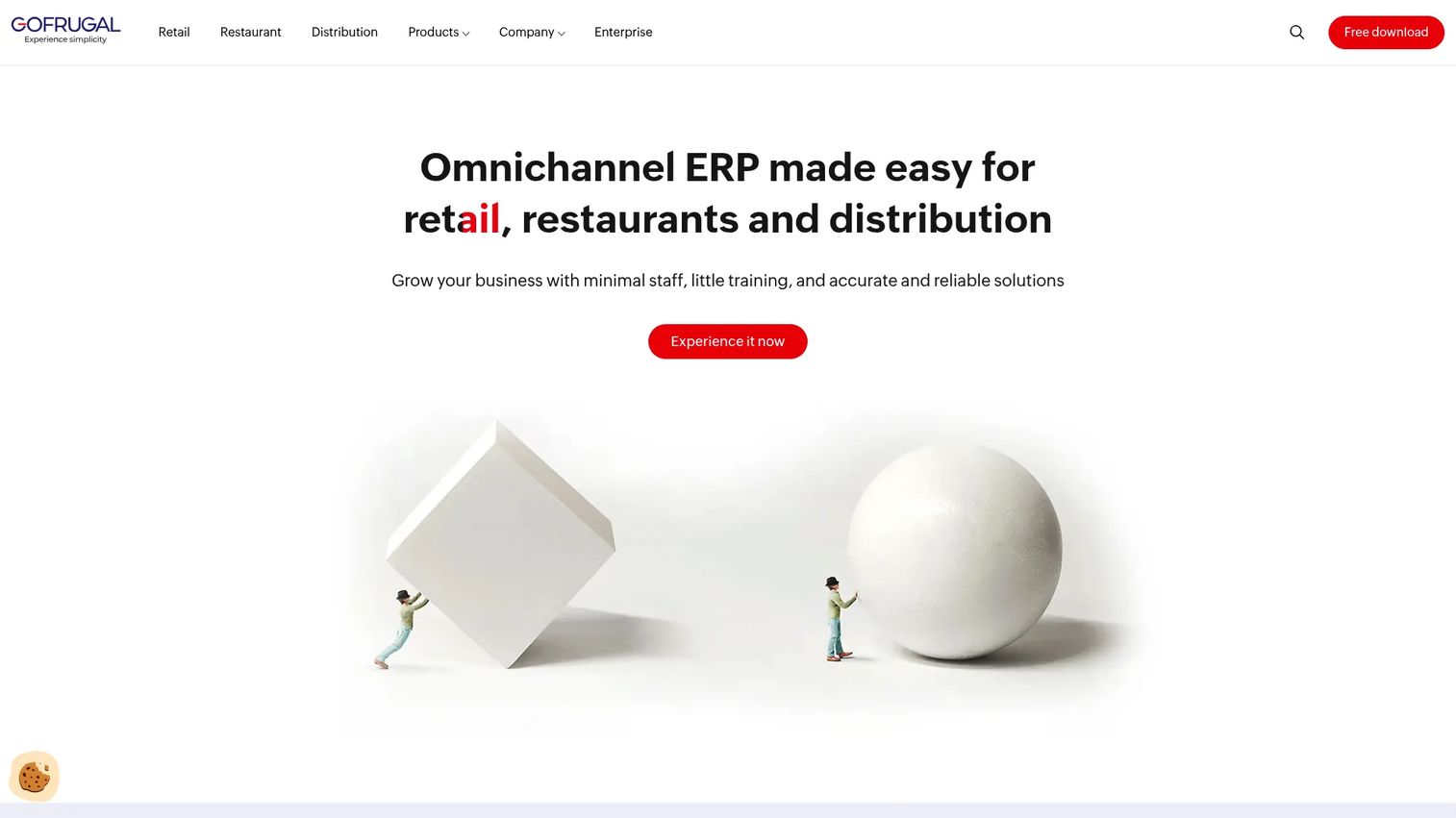
Gofrugal is ERP software for retail, restaurant, and distribution businesses, and its restaurant edition covers the full cloud kitchen stack. You get POS billing, inventory and purchase management, KOT, KDS, and procurement in one system, with business intelligence reporting layered on top. It leans hard into multi-outlet and chain management.
For operators running several locations or brands that want standardized operations, this is a strong fit. The inventory and reorder management is the standout: it ties billing to stock consumption so food cost stays visible across outlets. That centralized control is exactly what multi-brand cloud kitchen software needs to prevent margin drift.
Best for: multi-outlet retail, restaurant, and distribution operations that need POS plus ERP workflows in one place.
Key strengths
- Fast billing
- Inventory and purchase/reorder management
- Business intelligence reporting
Why choose Gofrugal: Choose it when chain control and inventory discipline matter more than a minimal setup. It is built for operators who want one ERP running billing, stock, and procurement rather than stitching point tools together.
Gofrugal pricing: Retail ERP starts from ₹750 per month, billed yearly, according to Gofrugal's plans and pricing page. Plan tiers include Cash Register, Starter, Standard, and Professional, with per-tier prices confirmed at signup. There is no free tier.
A current public G2 rating for Gofrugal was not available at the time of writing; Capterra lists reviews on its GoFrugal POS software page.
3. Delivety
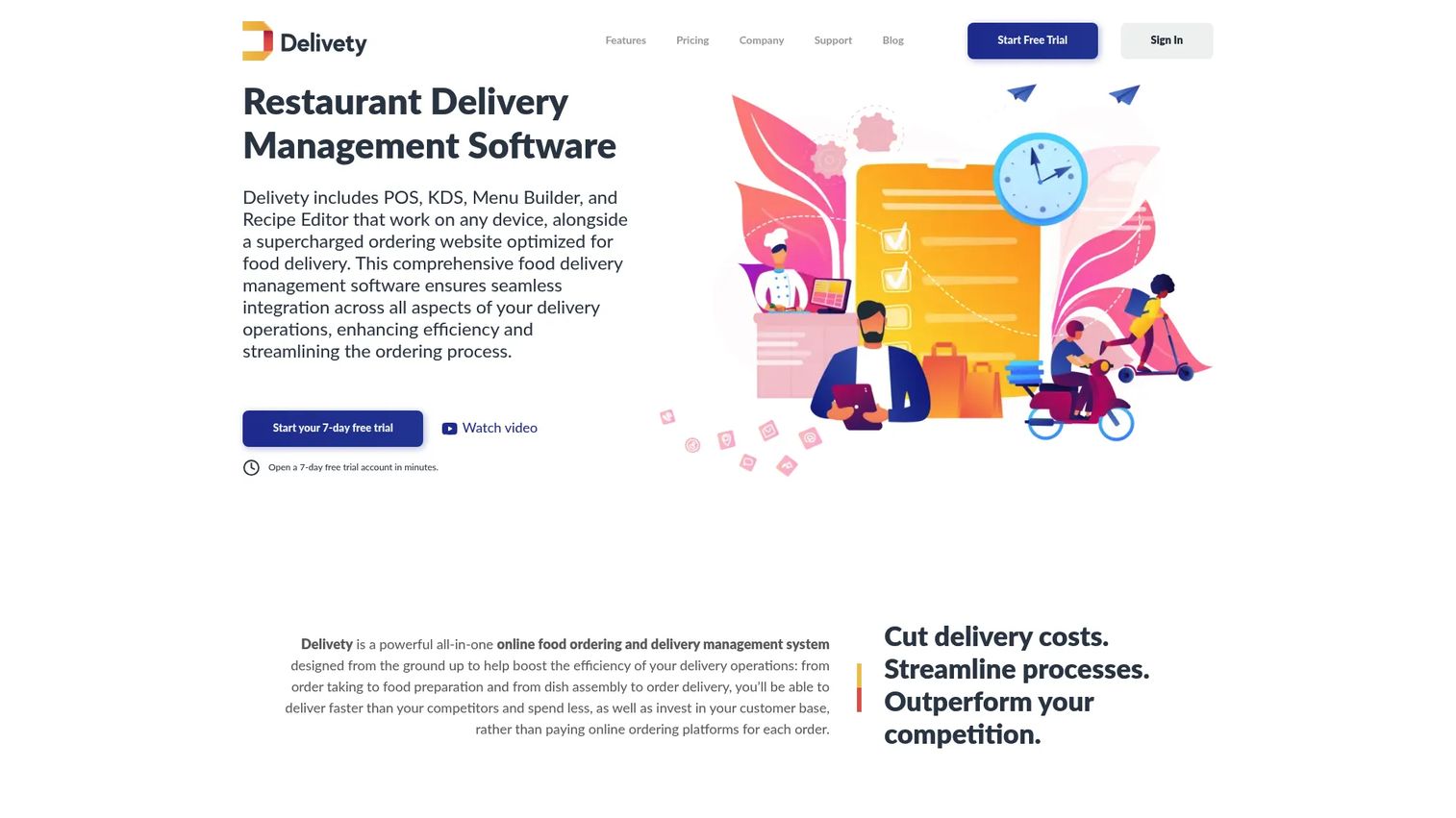
Delivety is browser-based food delivery management software built around workflow orchestration. Its operator dashboard doubles as a POS with CRM features, and it pairs that with a kitchen display system and a dedicated assembly dashboard. Menu builder, recipe editor, reporting, data export, and a developer API round out the stack.
The reason it earns the dispatch pick is the assembly board plus courier management. It gives you operational visibility at the exact handoff points where cloud kitchen order management usually breaks: prep to assembly to courier. If your pain is coordination and dispatch rather than accounting, Delivety is built for that flow.
Best for: restaurants, cloud kitchens, and food delivery operators that need an all-in-one workflow system with strong dispatch coordination.
Key strengths
- Operator dashboard and POS with CRM features
- Kitchen display system and assembly dashboard
- Menu builder, recipe editor, reports, data export, and developer API
Why choose Delivety: Choose it when your priority is moving orders through the kitchen and out the door cleanly. The assembly dashboard and API give operations teams visibility and integration room that generic POS tools lack.
Delivety pricing: Delivety offers a 7-day free trial and describes its pricing as flexible. No public numeric plan price is listed on its pricing page, so confirm your quote directly.
A current public G2 rating for Delivety was not available at the time of writing, though a G2 listing exists.
4. LimeTray Cloud Kitchen
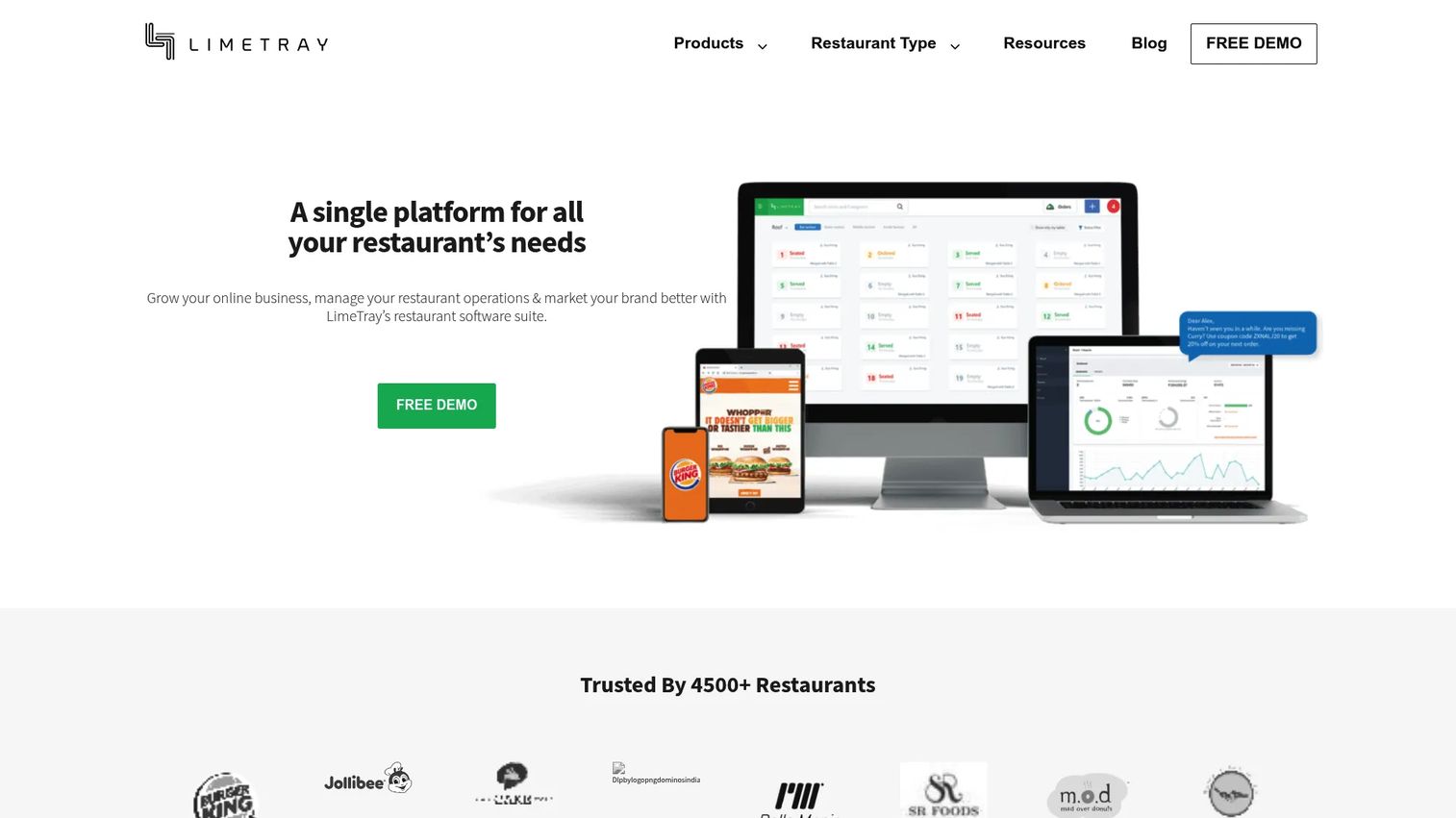
LimeTray Cloud Kitchen is cloud kitchen software built around order automation, POS, marketing, and reporting. Its signature capability is auto-accepting third-party orders through a single interface and integrating menus across aggregators from one dashboard. It also supports your own ordering system for website and mobile app orders.
For multi-brand operators drowning in aggregator tablets, this is the direct fix. Managing menus and orders across delivery platforms from one screen removes the manual retyping and tablet-juggling that slows dispatch. Chat-based feedback and loyalty integration extend it past pure operations into repeat-customer marketing.
Best for: cloud kitchens that need one system for online ordering, aggregator order handling, POS, and marketing.
Key strengths
- Auto-accept third-party orders through a single interface
- Menu integration across aggregators from one dashboard
- Own ordering system for website and mobile app orders
Why choose LimeTray Cloud Kitchen: Choose it when your operation lives on delivery aggregator integrations and you want to consolidate every channel into one dashboard. The aggregator automation is what sets it apart for delivery-first, multi-brand kitchens.
LimeTray Cloud Kitchen pricing: The restaurant management solution lists two plans on LimeTray's site: Essentials at $49 per month per outlet and Turbo at $149 per month per outlet. There is no free tier.
A current public G2 rating for LimeTray was not available at the time of writing.
5. Toast
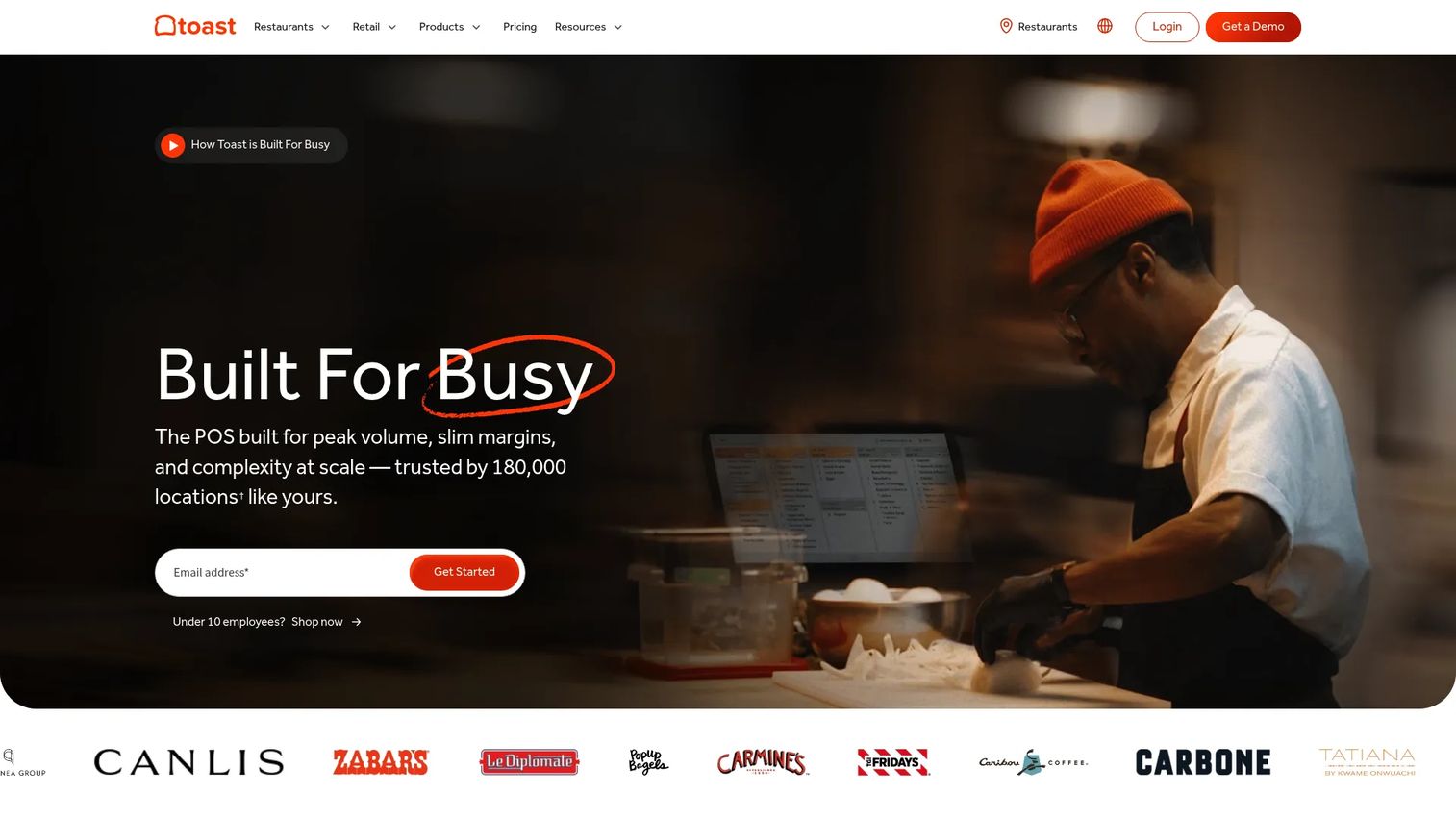
Toast is a restaurant point-of-sale and management platform that suits operators who want a broad restaurant stack, not a cloud-kitchen-only tool. It combines POS and payment processing with online ordering, loyalty, and marketing, plus hardware, handhelds, and kitchen display systems. That makes it a fit for delivery-first or hybrid kitchens that also run pickup or dine-in.
If you want strong POS control and expect to expand beyond pure delivery, Toast gives you the platform depth to grow into. Its KDS and online ordering cover the core cloud kitchen workflows, while the broader restaurant operations software footprint handles anything hybrid.
Best for: restaurants and multi-location food service businesses that need an all-in-one POS stack across delivery, pickup, and dine-in.
Key strengths
- Point of sale and payment processing
- Online ordering, loyalty, and marketing tools
- Hardware, handhelds, and kitchen display systems
Why choose Toast: Choose it when you want one broad restaurant platform rather than a delivery-only tool. It fits operators planning hybrid models where dine-in or pickup sits alongside delivery.
Toast pricing: Its pricing page references a Starter Package and a Pay-as-You-Go plan, but says upfront costs vary by hardware and implementation, so pricing is quote-based.
Toast holds a 4.2/5 rating on G2 at the time of writing.
6. Oracle Restaurants
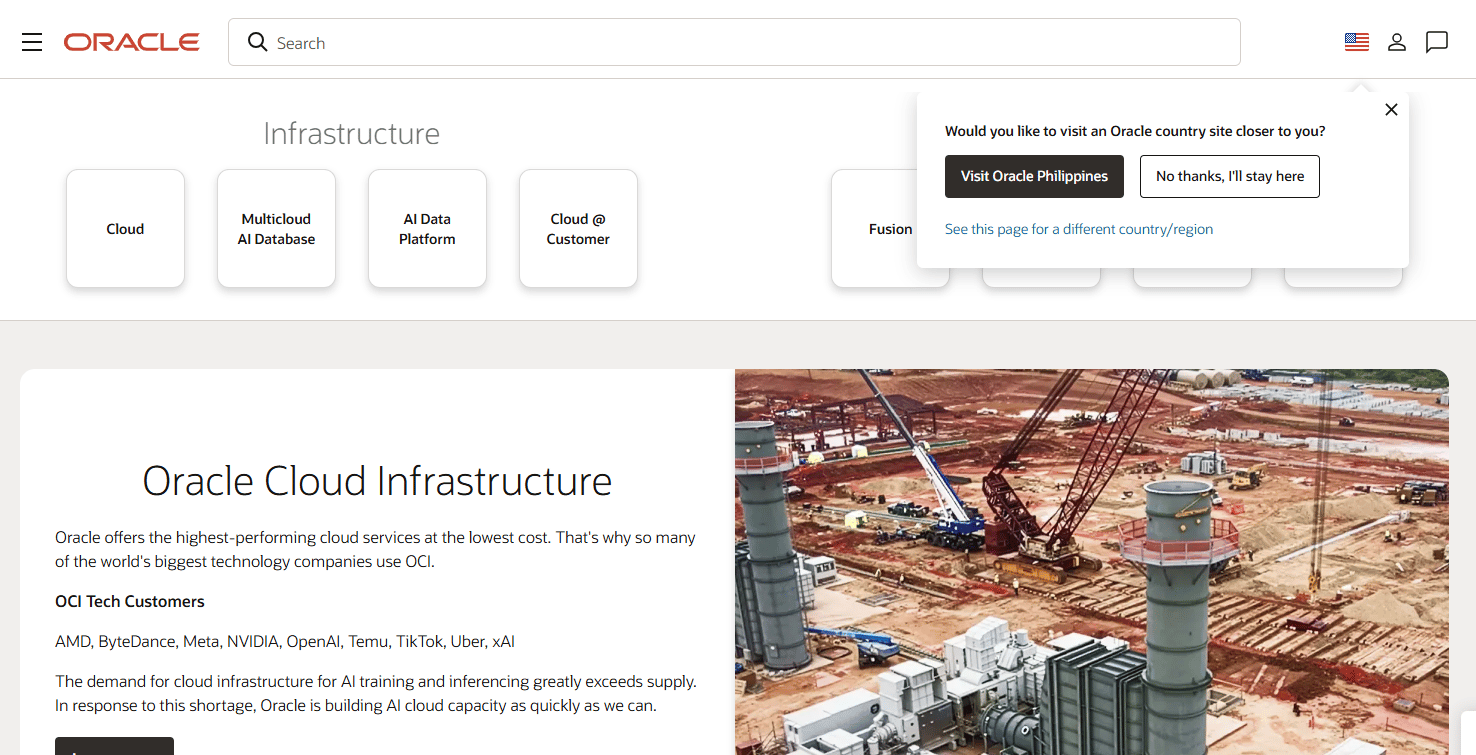
Oracle Restaurants is Oracle's food-and-beverage suite for restaurant operations, covering POS, payments, analytics, loyalty, and integrations. It is built for larger operators that need process discipline, centralized controls, and stack depth across many locations. The Simphony platform anchors the POS and reporting layer.
For enterprise cloud kitchen groups, the draw is centralized multi-location management and analytics depth. When you run dozens of kitchens and need consistent controls, permissions, and reporting, Oracle's enterprise-grade restaurant operations software is designed for that scale rather than a single site.
Best for: restaurants and venue operators that need an enterprise restaurant POS and payments platform with multi-location control.
Key strengths
- POS systems
- Payment processing
- Analytics and reporting
Why choose Oracle Restaurants: Choose it when scale and governance are the priority. It fits large operators that need centralized controls and reporting depth across many locations rather than a lightweight single-kitchen tool.
Oracle Restaurants pricing: Oracle does not list a single public starting price for the restaurant suite. Its pay-as-you-go price list shows a card-present transaction fee of $0.15 per processed payment for the Restaurants Payment Cloud Service; Simphony Cloud Service pricing is not shown publicly.
Oracle Food and Beverage POS holds a 4.6/5 rating on G2 at the time of writing.
7. TouchBistro
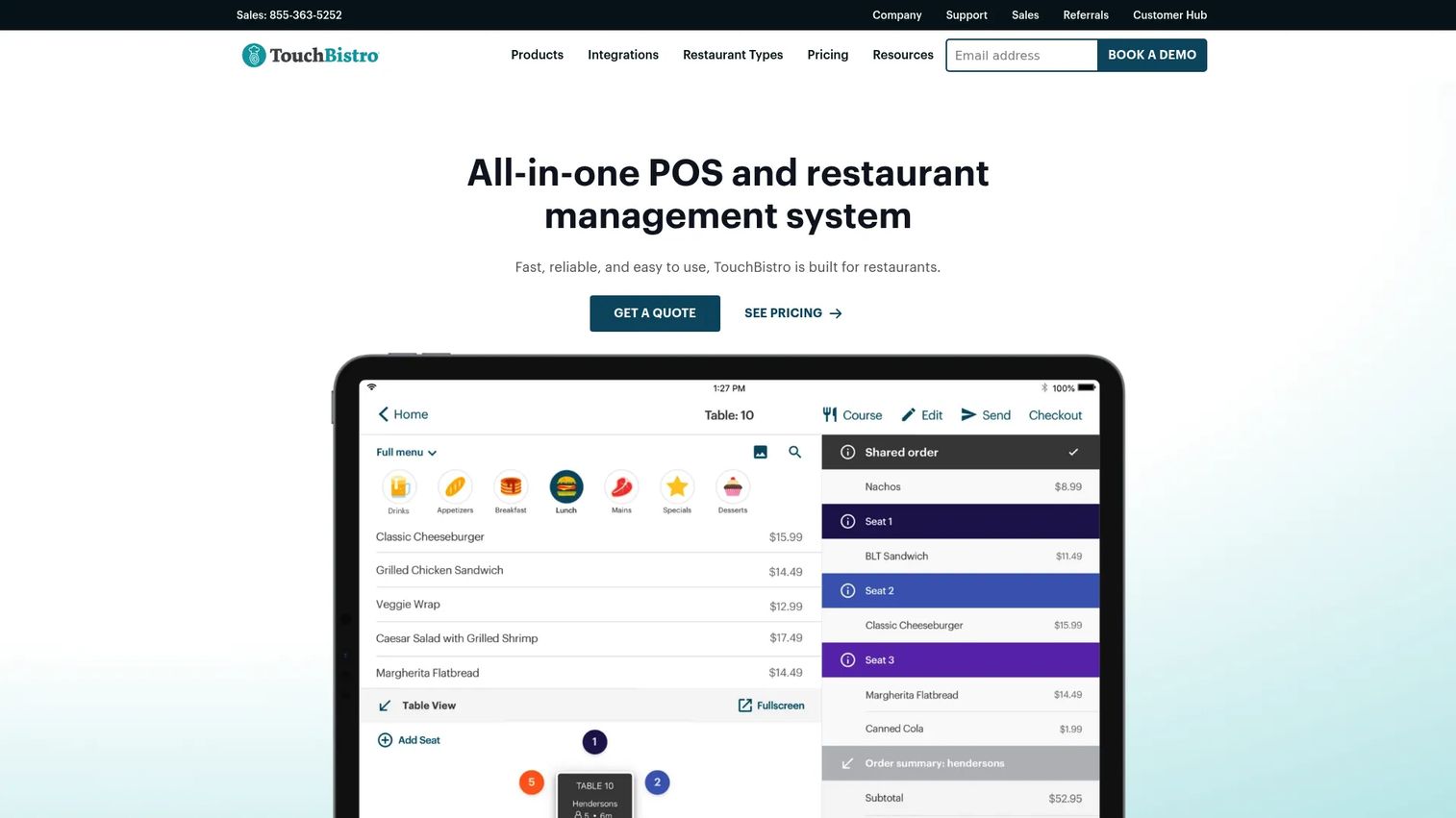
TouchBistro is restaurant POS and management software aimed at smaller or growing operators that want simpler deployment. It covers tableside ordering, floor plan and table management, and menu management in an all-in-one POS. For cloud kitchen environments, its value is a fast, clean setup rather than heavy enterprise configuration.
If you are a smaller operator or an early-stage brand, TouchBistro gets you running without a long implementation. It fits kitchens that need reliable POS and menu control now and can add depth as they scale, rather than committing to an enterprise platform on day one.
Best for: restaurants and growing operators that need an all-in-one POS with straightforward setup and menu control.
Key strengths
- Tableside ordering
- Floor plan and table management
- Menu management
Why choose TouchBistro: Choose it when speed to deploy and simplicity outweigh enterprise depth. It suits smaller cloud kitchens that want a dependable POS without a heavy rollout.
TouchBistro pricing: Point of Sale starts at $69/month, the Essentials Bundle starts at $119/month, and Custom Setup is quote-based. Add-ons are offered separately. There is no public free tier.
TouchBistro holds a 4.1/5 rating on G2 at the time of writing.
Considerations
Before you shortlist, verify the software against how your operation actually runs. Use this checklist to pressure-test each option.
Multi-brand and multi-location control
Confirm the platform gives you brand-level and location-level reporting from one centralized dashboard, not a merged blob. Check role-based permissions so a store manager sees their kitchen while ops leads see everything. If you cannot pull a clean P&L per brand, scaling gets painful fast.
Inventory, recipe, and procurement discipline
Look for stock tracking tied to recipes so every sale deducts the right ingredients. Verify batch tracking, waste logging, and low-stock alerts. Then check whether procurement software can auto-generate purchase orders and manage vendors, because manual reordering is where mid-service stockouts start.
Dispatch and aggregator integrations
Test how orders sync from each delivery platform you use. You want two-way delivery aggregator integrations that push menu and price changes out and pull orders in without a tablet farm. Confirm the cloud kitchen dispatch software auto-assigns couriers and tracks status end to end.
KDS and kitchen workflow fit
Watch a live order move from intake to the kitchen display system to assembly. Check whether prep routing sends the right items to the right stations and whether the KDS handles concurrent aggregator orders cleanly. Assembly-stage visibility is what keeps handoffs fast under load.
Analytics and operator visibility
Verify the reporting shows margin per brand, per item, and per location, not just gross sales. Look for bottleneck detection: where orders stall, which stations back up, which items drive waste. Reporting depth is what turns operational data into decisions you can defend to a board.
Conclusion
The right pick comes down to your first constraint.
- If your bottleneck is space and delivery logistics, CloudKitchens gives you delivery-ready kitchens plus support.
- If it is inventory and chain control, Gofrugal ties POS, stock, and procurement into one ERP; for dispatch and assembly coordination, Delivety is built around the handoff.
- If it is aggregator overload or platform breadth, LimeTray Cloud Kitchen consolidates delivery channels, while Toast, Oracle Restaurants, and TouchBistro cover broad POS, enterprise scale, and simpler deployment respectively.
The selection logic stayed the same throughout: rank by operational control, inventory rigor, multi-brand fit, integrations, and verified numbers rather than marketing claims.
Next step: shortlist two or three tools based on your operational complexity and your existing delivery aggregator integrations. Run a live order through each, from intake to dispatch, before you commit. The tool that survives your busiest hour is the one to buy.
FAQs
Cloud kitchen software coordinates order management, dispatch, inventory, menu control, and reporting for delivery-first kitchens. It acts as one system of record that connects order intake from web, app, and delivery aggregators to kitchen prep and courier handoff, so operators run multiple brands without manual retyping between disconnected tools.
No. A cloud kitchen POS handles billing and payments, but cloud kitchen software wraps around it. It adds order aggregation across aggregators, dispatch coordination, kitchen display workflows, recipe-linked inventory, and multi-brand reporting. Generic restaurant POS software is built for dine-in checkout and table maps, not concurrent aggregator orders and courier handoff.
Prioritize a centralized dashboard with brand-level and location-level reporting, role-based permissions, and per-brand P&L. Then confirm delivery aggregator integrations, recipe-linked inventory, and a kitchen display system that handles concurrent orders. Multi-brand cloud kitchen software lives or dies on whether you can see each brand's numbers cleanly from one screen.
It ties every sale back to consumed ingredients through recipe management, so over-portioning and waste surface in the data. Cloud kitchen inventory management adds batch tracking, low-stock alerts, and procurement automation that reorders before you run out. That visibility is where operators stop margin drift across brands and locations.
At minimum, two-way delivery aggregator integrations that sync menus, prices, and orders without a tablet farm. Beyond that, look for POS and payment connections, courier or dispatch integrations, and data export or an API for reporting. The more your channels sync automatically, the less manual reconciliation your team carries.
Start with centralized control: can you manage menus, permissions, and reporting across every location from one dashboard? Then verify inventory and procurement discipline, aggregator sync depth, and analytics that show margin per location. Shortlist two or three tools and run a live order through each before committing.
Not always. A smaller operator running one or two brands can start with a simpler POS-led tool and add depth as volume grows. All-in-one platforms pay off once you juggle multiple brands, several aggregators, and inventory across locations. Match the tool to your current complexity, not your five-year plan.
Expect margin visibility per brand, per item, and per location, not just gross sales totals. Strong platforms add bottleneck detection: where orders stall, which stations back up, and which items drive waste. Analytics and reporting depth is what turns raw operational data into decisions you can defend to investors or a board.










