You need to trust a design before you cut metal. That is the whole job. But trusting a simulation result means balancing three things that usually pull against each other: fidelity high enough to believe the numbers, speed fast enough to iterate, and access broad enough that your distributed team can actually collaborate on the same model.
Most teams pick a simulation platform for one of those three and inherit the tradeoffs on the other two.
The market signal backs up why this matters now. The global engineering simulation software market was valued at USD 2.66 billion in 2025 and is projected to reach USD 7.07 billion by 2033, a 13.0% CAGR, according to Congruence Market Insights (2025). More than 58% of engineering firms have integrated AI into simulation workflows, cutting design iteration cycles by 28%. By 2028, these tools are expected to reduce product development costs by 28% and improve design accuracy by 32%.
For presales and sales engineering teams, this shift changes the qualification conversation. When you are helping a technical buyer validate fit, you have to know which physics they run, whether they need cloud simulation or on-prem HPC, and how their engineers collaborate. The same logic applies to any technical buyer picking a stack. If you build interactive product experiences yourself, tools like Guideflow let buyers explore a product before a call, and the software-selection discipline below mirrors how you would evaluate any AI-native platform or AI design tool. This guide is the practical shortlist the category is missing.
What's inside
This guide compares seven engineering simulation software platforms for teams evaluating CFD, FEA, multiphysics, and cloud-native workflows. It is written for engineering leaders, simulation analysts, and the presales teams who help technical buyers validate fit.
We selected platforms on four criteria that decide real-world outcomes: physics coverage across CFD, FEA, thermal, and electromagnetics; deployment model (cloud, desktop, or hybrid); collaboration and access for distributed teams; and scalability from a single engineer to enterprise HPC. Pricing and ratings reflect verified public sources where available. Where a vendor gates pricing behind sales, we say so plainly rather than guess.
TL;DR
- Best broad enterprise benchmark: Ansys, for teams running multiple physics domains under one ecosystem.
- Best cloud-native and browser-based option: SimScale, for distributed teams that want instant access without local HPC.
- Best CAD-linked design validation: Autodesk, for product teams validating inside an existing design workflow.
- Best coupled multiphysics: COMSOL Multiphysics, for engineers who need highly configurable, tightly coupled physics.
- Best structural and optimization suite: Altair HyperWorks, for optimization-heavy CAE workflows.
- Best high-fidelity CFD: Siemens Simcenter STAR-CCM+, for complex fluid dynamics and thermal analysis.
- Best model prep and structural readiness: Hexagon MSC Apex, for teams focused on meshing, cleanup, and downstream structural analysis.
What is engineering simulation software?
Engineering simulation software uses physics-based mathematical models to predict how a product will behave under real-world conditions before a physical prototype exists. Instead of building and breaking hardware, engineers run virtual prototyping to test structural loads, fluid flow, heat transfer, and electromagnetic behavior on a digital model.
This is the core of digital validation: proving functionality, performance, and durability in software so physical testing narrows to a final confirmation step rather than an iterative search.
The category spans several physics domains, and most real products touch more than one:
- CFD software (computational fluid dynamics): simulates fluid flow, aerodynamics, heat transfer in fluids, and multiphase behavior.
- FEA software (finite element analysis): predicts structural stress, deformation, fatigue, and vibration under mechanical load.
- Thermal simulation: models heat transfer, cooling, and thermal management across components and systems.
- Electromagnetics simulation: analyzes electromagnetic fields, antenna performance, signal integrity, and EMI/EMC.
- Multiphysics simulation: couples two or more of the above so interacting effects (for example, thermal-structural or fluid-structure interaction) are solved together rather than in isolation.
The reason this matters commercially: 48% of engineering organizations cite digital twin adoption as a primary growth driver for these tools, ahead of cost reduction and automation, per Congruence Market Insights (2025). Over 55% of firms now use engineering simulation to help meet emissions and sustainability regulations, reporting a 22% reduction in material waste through virtual testing.
When to use engineering simulation software
Use it to validate designs before prototyping
Every physical prototype loop costs time and material. Simulation lets you test a design against structural, thermal, or fluid conditions in software, catch failures early, and only build hardware once the digital model holds up. Teams using simulation this way compress the iterate-build-test cycle from weeks to hours per design change, which is where the reported 28% cost reduction and 22% material waste reduction come from.
Use it to compare design options quickly
When you have five candidate geometries and one deadline, simulation turns tradeoff analysis into a parameter sweep. Design exploration tools run many variants automatically, rank them by performance targets, and surface the option that balances weight, cost, and durability. This is scenario testing at a scale physical prototyping cannot match, and it is where AI-driven design exploration is now cutting iteration cycles by nearly a third.
Use it to collaborate across distributed engineering teams
Modern engineering teams are rarely in one building. Cloud simulation and browser-based simulation let analysts in different locations open the same model, review results, and iterate without shipping files or provisioning local HPC. Version control and shared model management keep everyone working from the current geometry instead of a stale copy. For teams that already run distributed workflows, deployment model is often the deciding factor, not solver depth.
Comparison table
Here is the shortlist at a glance. Pricing reflects publicly verified figures; where a vendor gates pricing behind sales, that is noted rather than estimated. Ratings are current G2 seller or product scores.
| # | Product | Intent | Key differentiation | Pricing | G2 rating |
|---|---|---|---|---|---|
| 1 | Ansys | Broad enterprise multiphysics | Deepest cross-domain ecosystem (CFD, structures, electromagnetics) | Free trial and student versions; quote-based | 4.4/5 |
| 2 | SimScale | Cloud-native simulation | Fully browser-based, no local HPC, AI capabilities | Free Community tier; custom paid plans | 4.6/5 |
| 3 | Autodesk | CAD-linked design validation | Simulation tied to existing design workflows | Fusion from $680/year | 4.4/5 |
| 4 | COMSOL Multiphysics | Coupled multiphysics | Highly configurable physics coupling and custom apps | Quote-based licensing | 4.5/5 |
| 5 | Altair HyperWorks | Structural and optimization CAE | AI-powered optimization and broad solver ecosystem | Quote-based | 4.2/5 |
| 6 | Siemens Simcenter STAR-CCM+ | High-fidelity CFD | Multiphysics CFD with embedded design exploration | Quote-based | 4.5/5 |
| 7 | Hexagon MSC Apex | Model prep and structural analysis | Integrated CAD cleanup, meshing, and readiness checks | Quote-based | 4.4/5 |
1. Ansys
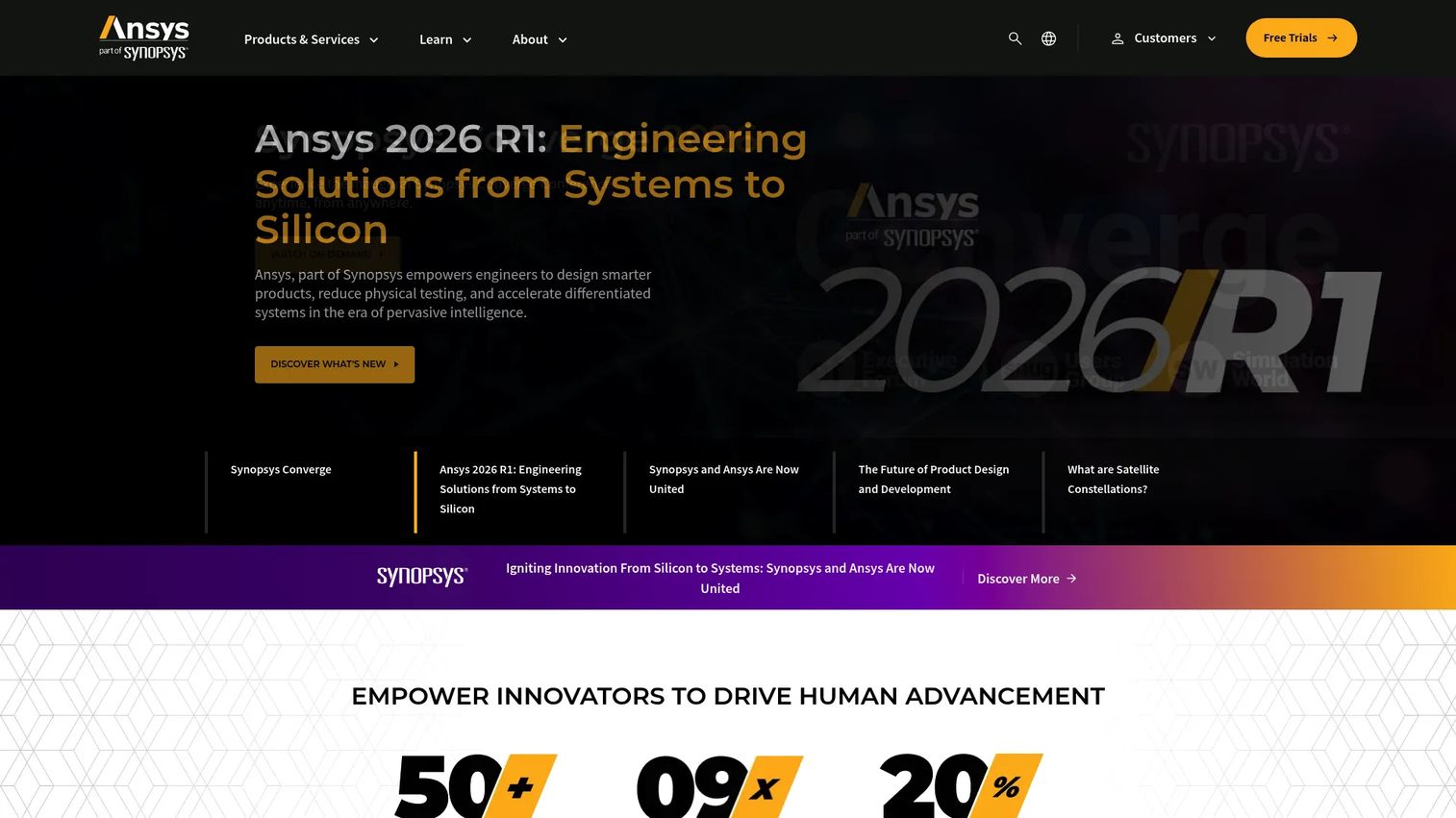
Ansys is the broad enterprise benchmark for engineering simulation software. It offers physics-based simulation across nearly every domain a large engineering organization touches, and its depth in CFD, structural mechanics, and electromagnetics is why it anchors so many enterprise CAE stacks. If a technical buyer runs multiple physics domains and wants one vendor ecosystem behind them, Ansys is usually the reference point every alternative gets measured against.
The breadth is the differentiator and the reason for the price. Ansys supports 2D and 3D product modeling workflows, and pairs its solvers with training, education, and support services that matter when you are standing up simulation across a large team. For distributed groups, that ecosystem depth reduces the number of point tools you have to stitch together.
Best for: Enterprise engineering teams running simulation across multiple physics domains under one vendor.
Key strengths
- Cross-domain physics depth: covers CFD, structural, thermal, and electromagnetics simulation in one ecosystem.
- Enterprise scalability: solvers scale to large HPC deployments for high-fidelity workloads.
- Support and education services: training and support resources ease adoption across big teams.
Why choose Ansys: If your buyer's evaluation spans several physics domains and they need a vendor that can support enterprise-scale rollout, Ansys is the safe, deep choice. It fits teams that value ecosystem breadth over a single specialized solver, and its 4.4/5 G2 rating reflects steady enterprise trust.
Ansys pricing: Ansys does not publish product prices; pricing is quote-based and product-specific. It offers free 30-day trials for many products and free student versions, which is a practical way for a technical team to validate fit before a procurement conversation.
2. SimScale
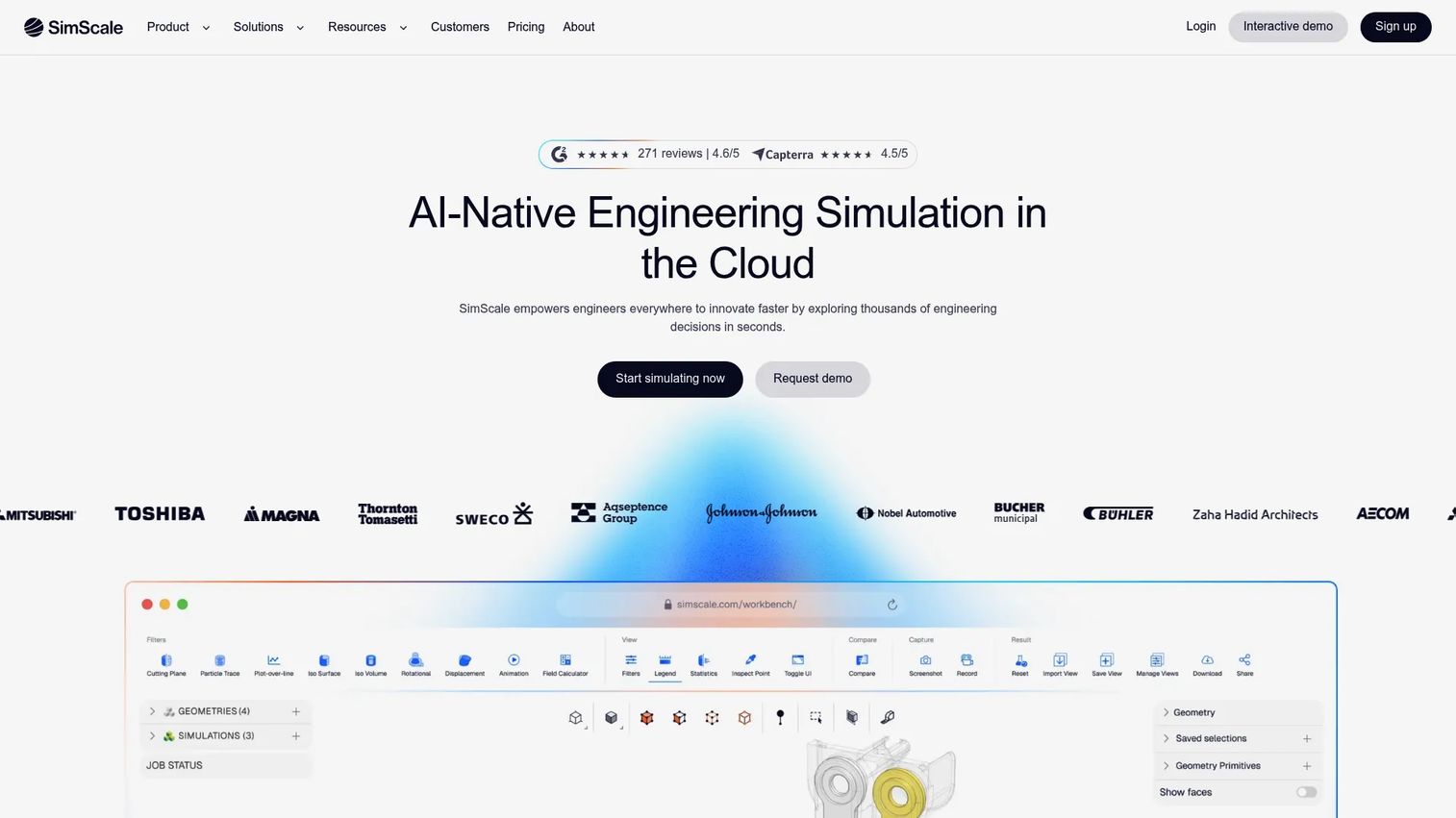
SimScale is the cloud-native, browser-based option for teams that want to run simulation without provisioning local HPC. Everything happens in the browser: CFD, FEA, thermodynamics, and electromagnetics all run on cloud compute, which means an engineer can open a model from any machine and a distributed team can collaborate on the same simulation in real time. For presales teams qualifying a buyer with limited local infrastructure, this is the deployment model that removes the biggest friction point.
SimScale layers AI capabilities and collaboration on top of its cloud compute, which fits the broader shift toward AI-native engineering simulation. The browser-first approach makes it the clearest answer for teams whose deciding factor is access and collaboration rather than a specialized on-prem solver.
Best for: Engineering teams that need cloud-native simulation and real-time collaboration without local HPC infrastructure.
Key strengths
- Fully browser-based simulation: run CFD, FEA, and multiphysics without installing anything locally.
- Cloud compute at scale: spin up solver capacity on demand instead of maintaining hardware.
- Collaboration and AI features: distributed teams work on the same model with AI-assisted workflows.
Why choose SimScale: For distributed teams and organizations without an HPC budget, SimScale removes the infrastructure barrier entirely. Its 4.6/5 G2 rating, the highest on this list, reflects how well the cloud-first model resonates with teams that value instant access and browser-based collaboration.
SimScale pricing: SimScale publishes pricing on its site. The Community tier is free for testing and learning, while the Mechanical, Professional, and Enterprise tiers are custom-priced. The free tier makes it easy for a technical evaluator to validate real workflows before committing.
3. Autodesk
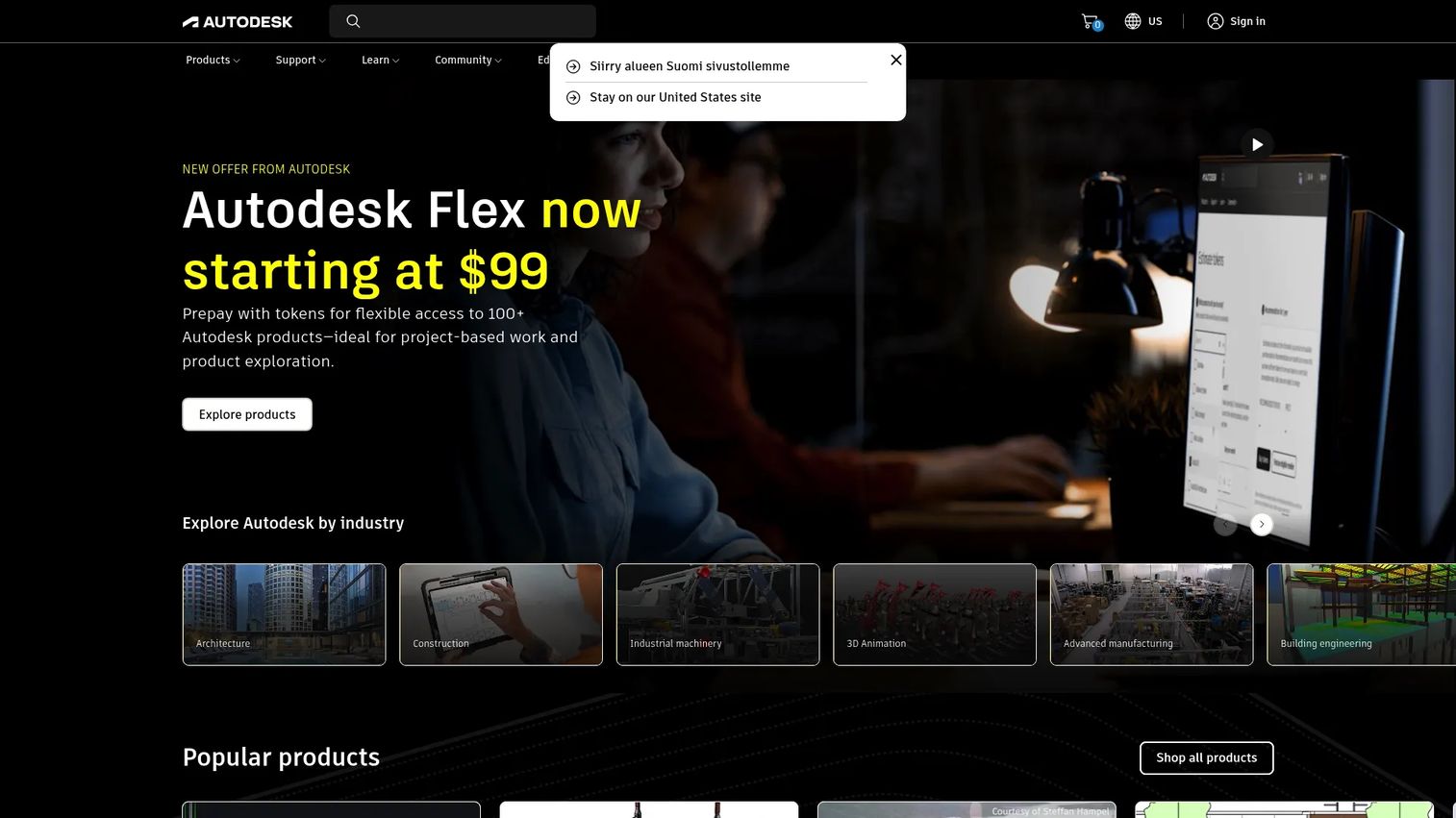
Autodesk is the accessible engineering simulation platform tied directly to design and product development workflows. Its strength is proximity: simulation lives next to the CAD where the design already exists, so product teams can run digital validation of functionality, performance, and durability without exporting to a separate tool. Autodesk covers CFD, FEA, Moldflow, and Nastran across automotive, construction, aerospace, and electronics applications.
For teams whose primary job is product design validation rather than dedicated analysis, this CAD-linked model reduces the handoff friction that slows iteration. It also supports desktop, web, and mobile access, which helps design teams collaborate across locations.
Best for: Product teams that want CAD-linked simulation for design validation before prototyping.
Key strengths
- CAD-integrated simulation: validate designs inside the workflow where geometry already lives.
- Broad design toolset: 2D and 3D modeling with industry-specific toolsets and collaboration.
- Flexible access: desktop, web, and mobile access for distributed design teams.
Why choose Autodesk: If your buyer's engineers already work in a design-first environment and want simulation without a separate analysis silo, Autodesk fits naturally. It suits product design teams over dedicated simulation analysts, and its 4.4/5 G2 rating reflects wide adoption across design and manufacturing.
Autodesk pricing: Autodesk publishes subscription prices for many products. Fusion starts at $680/year, AutoCAD Web at $100/year, and full collections such as Architecture, Engineering & Construction run higher. Free trials and one-year educational access are available for eligible users. Simulation-specific extensions and CFD are priced per product, so confirm the exact configuration your team needs.
4. COMSOL Multiphysics
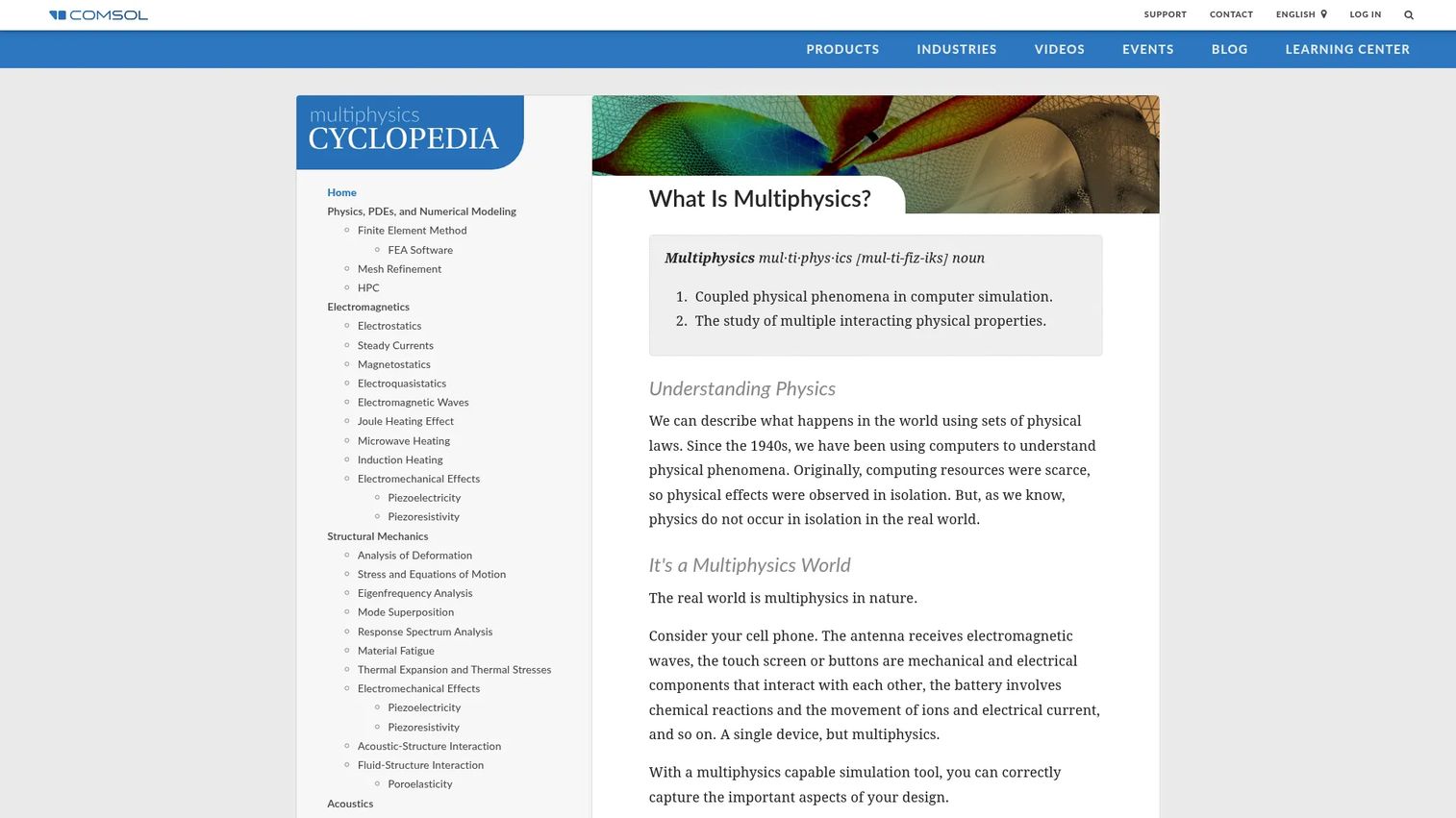
COMSOL Multiphysics is the strong choice when tightly coupled physics is the point, not an afterthought. It models and solves problems across electromagnetics, structural mechanics, acoustics, fluid flow, heat transfer, and chemical reactions, and its core value is coupling those domains together so interacting effects solve as one system. For engineers and researchers who need highly configurable physics rather than a packaged ecosystem, COMSOL gives control other platforms abstract away.
Its Model Builder workflow takes you from geometry to results, while the Application Builder lets teams wrap complex models into custom simulation apps that non-experts can run. Model Manager adds version control and collaborative model management, which matters when several analysts iterate on the same coupled model.
Best for: Engineers and researchers who need configurable, tightly coupled multiphysics and custom simulation apps.
Key strengths
- Deep physics coupling: solve interacting physics (thermal-structural, fluid-structure) as one system.
- Application Builder: package complex models into apps non-experts can run.
- Model Manager: version control and collaboration for shared coupled models.
Why choose COMSOL: When a buyer's problem is inherently multiphysics and they want to configure the coupling themselves, COMSOL excels where broader packaged tools generalize. It fits research-heavy and specialized engineering teams, and its 4.5/5 G2 rating reflects strong loyalty among users who need that configurability.
COMSOL pricing: COMSOL does not display public prices. Its licensing page lists options including CPU-Locked, Named Single-User, Floating Network, COMSOL Server, Class Kit, and Academic Server, with term or perpetual licensing. Pricing is quote-based, so a sales conversation is required to scope your license type.
5. Altair HyperWorks
Altair HyperWorks is an established CAE platform built for structural and optimization-heavy engineering workflows. Its reputation rests on model preparation, a broad solver ecosystem, and design optimization, which makes it a natural fit for teams whose work centers on structural simulation and finding the best design under constraints. HyperWorks pairs finite element analysis with multiphysics capabilities and increasingly leans on AI-powered engineering to speed up optimization.
For technical users who spend real time in model prep and want automation, HyperWorks supports customization through Python APIs and digital thread workflows. That combination of solver breadth and optimization depth is why it stays on enterprise shortlists for simulation-driven design.
Best for: Engineering teams focused on structural simulation and optimization-heavy design workflows.
Key strengths
- Design optimization depth: built for finding optimal designs under structural and performance constraints.
- Broad solver ecosystem: multiphysics and FEA across a wide range of analysis types.
- Automation and AI: Python APIs, digital thread workflows, and AI-powered engineering.
Why choose Altair HyperWorks: If a buyer's workflow is optimization-first and structurally focused, HyperWorks provides the model prep and solver breadth to support it at scale. It fits teams that treat optimization as a core discipline, and its 4.2/5 G2 rating reflects steady use among CAE-heavy engineering groups.
Altair HyperWorks pricing: Altair does not publish a public HyperWorks price on its site; pricing is handled through a sales conversation. Altair is known for a flexible units-based licensing model that lets teams access multiple tools from a shared pool, so scope your expected usage before requesting a quote.
6. Siemens Simcenter STAR-CCM+
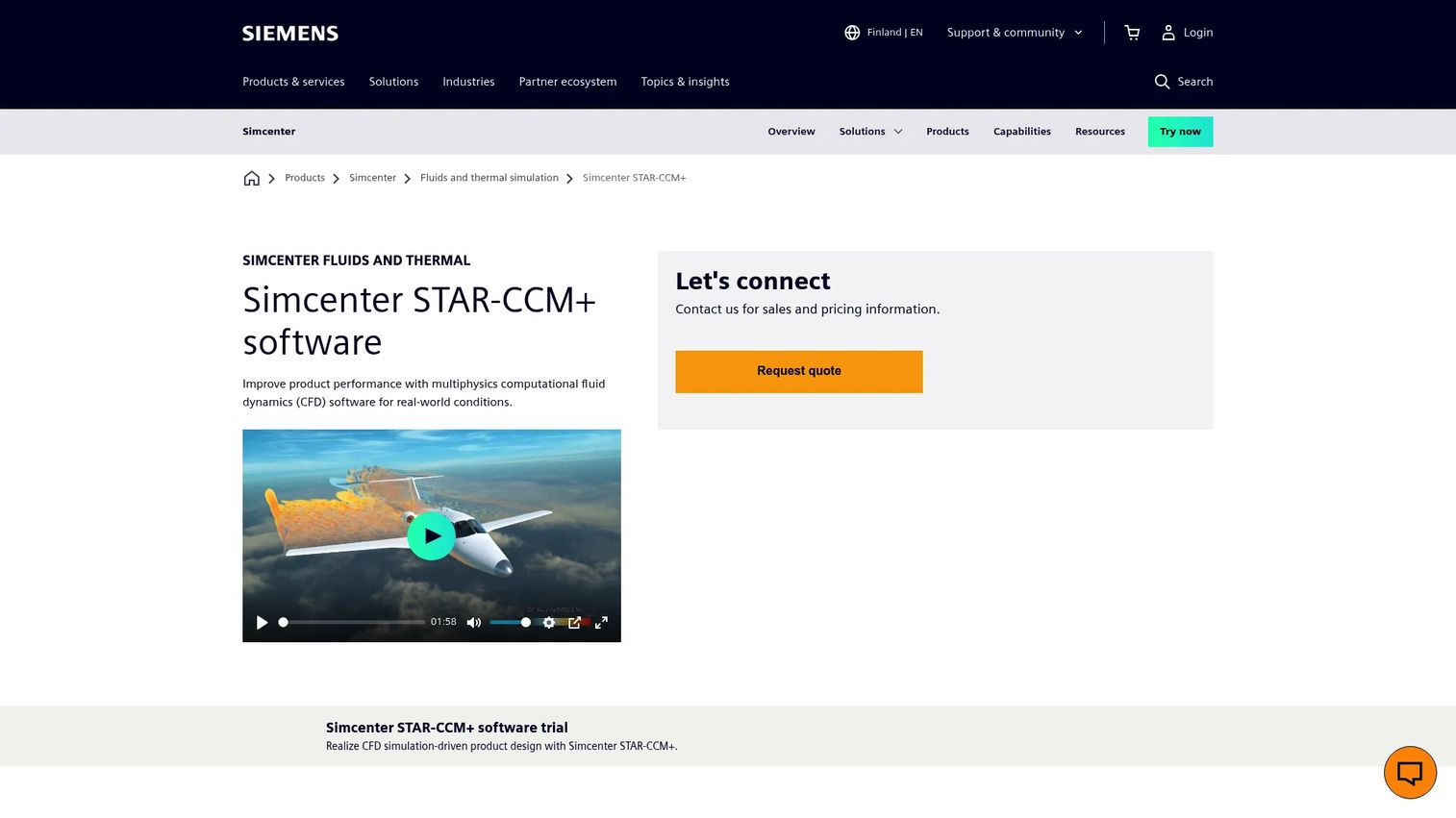
Siemens Simcenter STAR-CCM+ is the high-fidelity CFD choice for teams running complex fluid dynamics and thermal analysis. It is multiphysics CFD software built to handle fluid flow, heat transfer, multiphase and reacting flows, fluid-structure interaction, aeroacoustics, rheology, and electrodynamics. When the physics is fluid-dominated and demanding, STAR-CCM+ is the platform teams reach for over broader all-purpose tools.
What sets it apart for performance-intensive work is automated workflows and embedded design exploration, so engineers can run many CFD variants and let the tool surface the best-performing designs. Its scalable solvers handle the large meshes that high-fidelity fluid simulation demands.
Best for: Engineering teams running high-fidelity CFD and complex multiphysics fluid simulation.
Key strengths
- Multiphysics CFD depth: handles multiphase, reacting flows, FSI, aeroacoustics, and more.
- Embedded design exploration: run and rank many design variants inside the workflow.
- Scalable solvers: built for the large meshes high-fidelity fluid analysis requires.
Why choose STAR-CCM+: When a buyer's core challenge is fluid dynamics or thermal performance at high fidelity, STAR-CCM+ excels where general-purpose platforms trade depth for breadth. It fits fluid-focused engineering teams, and its 4.5/5 G2 rating reflects strong standing among CFD specialists.
Siemens Simcenter STAR-CCM+ pricing: Siemens does not display public pricing on the product page. Access is through licensed subscriptions, and a trial version is mentioned. Pricing is quote-based, so a sales conversation is needed to scope licensing for your team's CFD workloads.
7. Hexagon MSC Apex
Hexagon MSC Apex is a structural simulation and model preparation tool for teams that want to move faster through the parts of the workflow that usually slow analysis down. Its focus is CAD and mesh preparation, including midsurfacing and cleanup, analysis readiness checks, and solver support. For engineers who lose hours to geometry cleanup and meshing before they can even run a structural analysis, MSC Apex compresses that front end.
A standout is its regenerative capability: when a design changes, the model updates rather than forcing a full rebuild. That keeps structural workflows moving during iteration and reduces the rework that eats analyst time.
Best for: Engineers focused on structural analysis who want integrated CAD cleanup, meshing, and faster downstream workflows.
Key strengths
- CAD and mesh prep: midsurfacing, cleanup, and meshing tools that speed the front end of analysis.
- Analysis readiness checks: catch model issues before they cost you a failed solve.
- Regenerative updates: models update on design changes instead of requiring a full rebuild.
Why choose Hexagon MSC Apex: If a buyer's bottleneck is model preparation rather than solver depth, MSC Apex targets exactly that friction. It fits structural-focused teams that iterate frequently, and its 4.4/5 G2 rating reflects appreciation from engineers who value the streamlined prep-to-analysis path.
Considerations before you buy
Before you commit to a simulation platform, run the evaluation against the factors that actually decide outcomes for technical teams.
Physics domain fit
Start with the physics you run most. A team that lives in fluid dynamics has different needs than one doing coupled multiphysics or structural optimization. Match the platform's core strength to your dominant workload first, then check secondary domains. Buying broad when you need deep, or deep when you need broad, is the most common expensive mistake.
Deployment model
Decide between cloud simulation, desktop, or hybrid before you shortlist. Cloud-native and browser-based simulation remove the HPC infrastructure burden and suit distributed teams; on-prem gives you control over data and compute for regulated or high-security environments. This is often the single biggest differentiator for teams without local HPC.
Collaboration and access
Modern engineering is distributed. Evaluate how analysts share models, whether version control keeps everyone on the current geometry, and how easily results get reviewed across locations. Browser-based access and shared model management matter more as your team spreads out.
Scalability and total cost
Confirm the platform scales from a single engineer to enterprise HPC without a disruptive migration. Because most vendors here price through sales, get a quote scoped to your real usage, including solver seats, compute, and support, before comparing sticker impressions.
Conclusion
The right engineering simulation software depends less on which platform is objectively best and more on the physics you run, the deployment model you need, and how your team collaborates.
Start with your dominant physics domain. If you run broad multiphysics across a large organization, Ansys is the enterprise benchmark. If your deciding factor is cloud access and distributed collaboration, SimScale removes the infrastructure barrier entirely. For CAD-linked design validation, Autodesk keeps simulation next to the design. When coupled multiphysics is the point, COMSOL gives you the configurability. Altair HyperWorks anchors optimization-heavy structural work, Siemens Simcenter STAR-CCM+ owns high-fidelity CFD, and Hexagon MSC Apex speeds the model-prep front end.
The practical next step: shortlist by physics domain and deployment model first, then use each vendor's free trial or free tier to validate real workflows before a procurement conversation. Technical buyers who validate hands-on close with far more confidence than those who buy on a spec sheet, which is exactly why letting people experience a product before they commit outperforms static claims. If your own team needs to show a complex product that way, Guideflow turns it into an interactive experience buyers can explore on their own terms.
Start your journey with Guideflow today!
FAQs
Engineering simulation software is used to predict how a product will behave under real-world conditions before a physical prototype exists. Engineers use it for digital validation of structural loads, fluid flow, heat transfer, and electromagnetic behavior, which reduces physical prototyping and speeds design decisions. Congruence Market Insights (2025) projects these tools will cut product development costs by 28% by 2028.
For cloud-based and distributed teams, browser-based platforms that run on cloud compute are the strongest fit because they remove the need for local HPC. SimScale is the clearest cloud-native option here, letting engineers run CFD, FEA, and multiphysics from any browser and collaborate on the same model in real time. Evaluate cloud fit by whether your team can open, run, and review simulations without provisioning hardware.
CFD software (computational fluid dynamics) simulates fluid flow, aerodynamics, and heat transfer in fluids, so it is used for anything involving air, liquid, or gas behavior. FEA software (finite element analysis) predicts structural stress, deformation, fatigue, and vibration under mechanical load. Many products need both, and multiphysics platforms couple them so fluid-structure interaction is solved together rather than in isolation.
No. Simulation tools reduce the number of physical prototypes and test cycles, but they do not fully eliminate physical validation. The practical model is to use digital validation to catch failures early and narrow the design space, then confirm the final design with targeted physical testing. Firms using this approach report a 22% reduction in material waste, per Congruence Market Insights (2025).
Automotive, aerospace, industrial equipment, electronics, construction, and medical devices are the heaviest users. These industries run physics-intensive designs where failure is costly, so virtual prototyping and digital validation deliver the largest returns. Rising emissions and sustainability regulations are pushing adoption further, with over 55% of firms now using simulation to help meet those requirements.
Technical buyers should evaluate physics domain fit first, then deployment model, collaboration and access, and scalability with total cost. Match the platform's core strength to your dominant workload, decide between cloud and on-prem early, and confirm the tool scales from a single engineer to enterprise HPC. Because most vendors price through sales, get a quote scoped to your real usage before comparing.
Browser-based simulation runs on cloud compute, so engineers get instant access from any machine and distributed teams collaborate on the same model without shipping files or maintaining HPC. Desktop tools give you local control over compute and data, which suits regulated or high-security environments. The right choice depends on whether access and collaboration or on-prem control matters more for your team.