A technician is idling in a driveway because dispatch sent them to the wrong address. A quote that should have gone out yesterday is still sitting in someone's inbox. Two service agreement renewals slipped because nobody flagged them. None of this is a technician problem. It is an operations problem, and it compounds every week you run the business on spreadsheets, a whiteboard, and a phone tree.
That friction is exactly what HVAC software exists to remove. The right platform connects the office, the field, and the accounting stack into one workflow: schedule the job, dispatch the right tech, capture the work order, collect the payment, and see it all in QuickBooks without re-keying a thing. The global HVAC software market was valued at roughly USD 4.2 billion in 2024 and is projected to reach USD 12.3 billion by 2033, according to LinkedIn Pulse (2026) - a signal that contractors are moving off manual processes fast.
If you have run a fast-growing company, you already know the pattern. The tools that survive are the ones that give leaders clean operational data without stitching together five dashboards, and that keep working when the founder or owner steps out of the room. This guide reads the HVAC software market through that lens: repeatable operations, visibility, and stack fit.
Choosing the wrong platform is expensive in migration time and lost momentum, so the goal here is to shorten your shortlist. If you also evaluate adjacent categories, our roundups of the best field sales software and best contract lifecycle management software use the same buyer-first framing.
What's inside
This guide covers eight HVAC platforms picked for how well they run the full workflow chain, from scheduling to cash collection. We weighted four things: workflow coverage (dispatch, estimating, invoicing, payments), commercial versus small business fit, accounting and QuickBooks integration depth, and mobile usability for technicians in the field.
We pulled pricing and features from each vendor's public pages and G2 ratings from live listings, then organized the list so broad HVAC buyers can pattern-match quickly. Whether you run a two-truck residential shop or a commercial mechanical contractor with service agreements and project work, there is a fit here.
TL;DR
- Best commercial HVAC service software: ServiceTrade, built for mechanical and fire/life-safety contractors that live on inspections and maintenance agreements.
- Best HVAC software for small business: Housecall Pro or Jobber, both fast to set up with scheduling, quoting, invoicing, and payments in one place.
- Best ERP-native hvac business software: FIELDBOSS, purpose-built on Dynamics 365 for contractors that need field service and financials together.
- Best for service plus project work: BuildOps, for commercial contractors juggling recurring service and large projects.
- Best all-in-one benchmark: ServiceTitan, the common reference point for larger trade operations.
- Best deep QuickBooks integration for contractors: FieldEdge, with HVAC-specific price books and a strong QuickBooks link.
What is HVAC software?
HVAC software is a category of hvac management software that connects scheduling, dispatching, estimating, invoicing, technician mobility, customer communication, and reporting into one system built for heating, ventilation, and air conditioning contractors. Most tools are a form of hvac field service management software, meaning they coordinate work between the office and the field in real time rather than through paper tickets and phone calls.
At its core, hvac service software replaces the disconnected stack most shops start with: a calendar for scheduling, a whiteboard for dispatch, a separate quoting doc, and a bookkeeper re-keying invoices into accounting. When those steps live in one platform, a job flows from booking to payment without data loss.
Buyers typically expect these core capabilities:
- Scheduling and dispatch: assign the right technician, plan routes, and send appointment reminders.
- Estimating and quoting: build consistent proposals with price books, options, and digital signatures.
- Invoicing and payments: turn completed work orders into invoices and collect payment on-site or online.
- Mobile technician app: work orders, notes, photos, time tracking, and GPS from the field.
- Preventive maintenance, service agreements, and contract management: schedule recurring visits, track coverage, and never miss a renewal.
- Customer communication: reminders, notifications, and a customer portal for approvals and history.
- Reporting and accounting integration: dashboards for visibility plus a QuickBooks integration or ERP sync so finance stays clean.
The category splits along one main line: commercial HVAC service software built for maintenance-contract-heavy mechanical work, and hvac software for small business focused on speed, simplicity, and residential jobs.
When to use HVAC software
Not every shop needs the same system, but a few clear signals tell you it is time to move off manual processes.
Clean up scheduling and dispatch
Spreadsheets and a phone tree work until they don't. Once you are juggling more technicians than one dispatcher can hold in their head, jobs get double-booked, drive time balloons, and customers wait on hold. That is when hvac scheduling software earns its place. Route planning, real-time technician availability, and automated appointment reminders cut the chaos and reduce no-shows without adding office headcount.
Standardize estimating, quoting, invoicing, and payments
If two technicians quote the same job at two different prices, or if cash sits uncollected for weeks because invoicing lags the work, you have a standardization problem. HVAC software fixes it with price books, templated proposals, digital signatures, and on-site payment capture. Consistent quotes protect margin, and faster invoicing shortens the gap between finishing a job and getting paid.
Connect the office, field, and accounting stack
The most expensive friction is the handoff. When technicians re-key notes, when the office re-enters work orders, and when a bookkeeper re-types invoices into accounting, errors and delays multiply. This is the moment to sync QuickBooks, an ERP, your CRM, and the mobile tech workflow into one flow. One entry, one source of truth, clean numbers your leadership can actually trust for weekly decisions.
Comparison table
Here is the shortlist sorted by relevance to broad HVAC buyers. Pricing reflects each vendor's public pricing page, and G2 ratings come from live listings. Where a vendor does not publish numeric pricing, we note the plan structure instead.
| # | Product | Intent | Key use case | Pricing | G2 rating |
|---|---|---|---|---|---|
| 1 | ServiceTrade | Commercial field service | Maintenance agreements, inspections, dispatch for mechanical contractors | Select / Premium / Enterprise suites, priced by team size (request pricing) | 4.5/5 |
| 2 | Housecall Pro | SMB all-in-one | Scheduling, invoicing, dispatch, payments for home service | From $59/mo; 14-day free trial | 4.3/5 |
| 3 | FIELDBOSS | ERP-native commercial | Field service plus financials on Dynamics 365 | From $90/user/mo (mobile); back office from $185/user/mo | Not listed |
| 4 | BuildOps | Commercial service + projects | Service, projects, and back-office workflows in one platform | Custom, based on crew size and modules | 4.2/5 |
| 5 | ServiceTitan | All-in-one at scale | Dispatch, sales, invoicing, agreements for larger trade teams | Starter / Essentials / The Works (request pricing) | 4.5/5 |
| 6 | Jobber | SMB simplicity | Scheduling, quoting, invoicing, client follow-up | From $29/mo; 14-day free trial on Grow | 4.6/5 |
| 7 | FieldEdge | HVAC-rooted contractors | Service agreements, price books, QuickBooks integration | Select / Premier / Elite (request pricing) | 4.0/5 |
| 8 | Service Fusion | Value-focused SMB | Dispatch, mobile tech workflows, unlimited users | From $208/mo, billed annually | 4.1/5 |
1. ServiceTrade
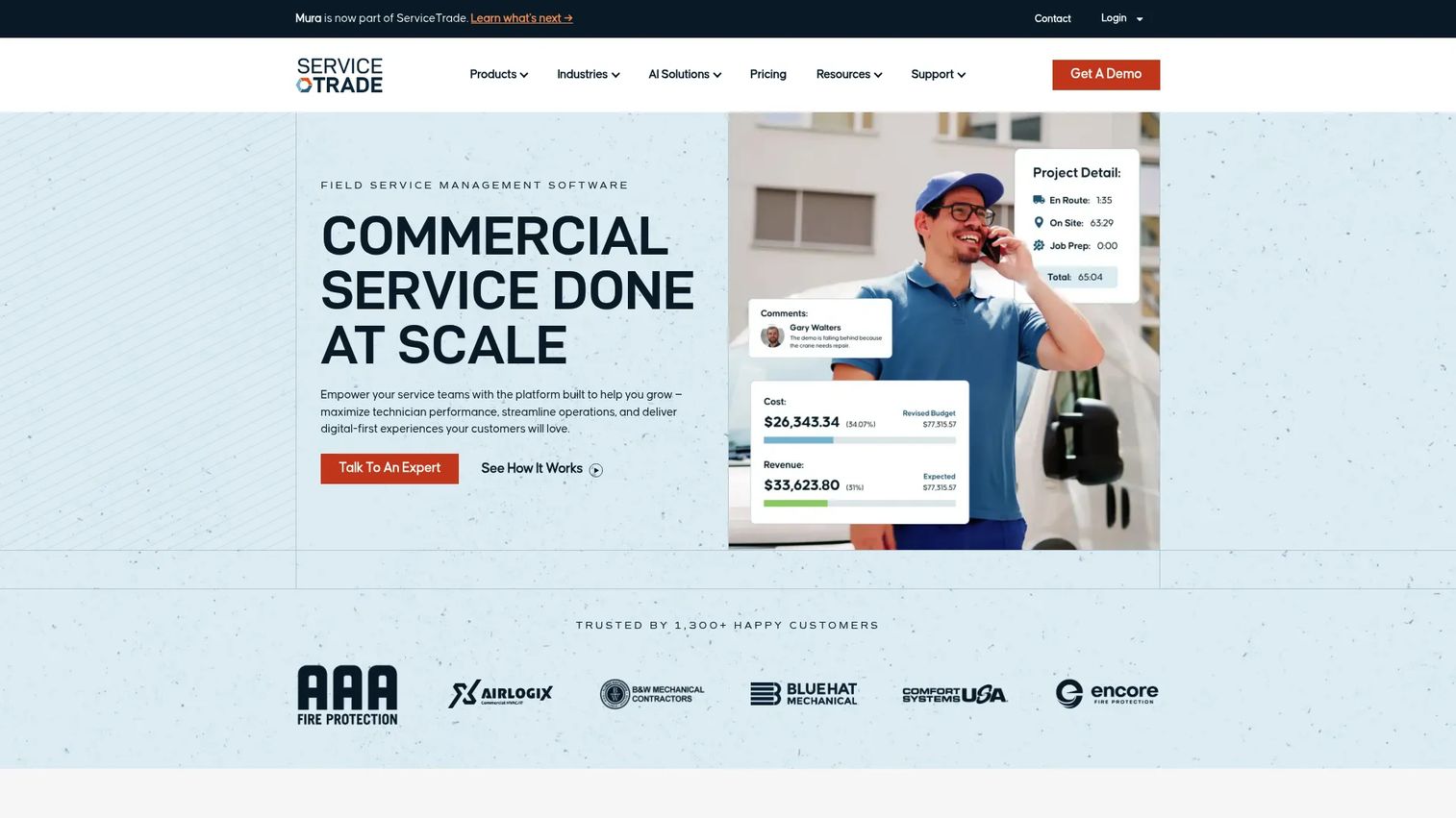
ServiceTrade is field service management software built specifically for commercial service contractors. If your revenue leans on recurring maintenance agreements, scheduled inspections, and compliance documentation rather than one-off residential calls, this is the platform designed around your reality. It is a strong pick for mechanical HVAC, fire protection, and life-safety contractors that need to track coverage, service history, and technician work across a large customer base.
Best for: Commercial HVAC, mechanical, and fire/life-safety contractors that need end-to-end field service management.
Key strengths
- Scheduling and dispatching: Coordinate technicians across a busy commercial service board with real-time visibility.
- Technician mobile app: Field crews capture work orders, notes, and photos on-site without paper tickets.
- Inspections and compliance workflows: Standardize recurring inspections and generate the documentation commercial customers require.
Why choose ServiceTrade: The platform is built around the maintenance-heavy commercial model, not retrofitted from a residential tool. That focus shows up in how it handles service agreements, deficiency tracking, and the customer portal that lets clients see their service history. For a contractor whose margin depends on keeping preventive maintenance contracts organized and renewals on schedule, that specialization matters more than a long generic feature list.
ServiceTrade pricing: ServiceTrade prices by team size, mainly the number of technicians supported, across three suites: Select, Premium, and Enterprise. The pricing page does not display a public numeric figure and routes you to request pricing based on your headcount. It holds a 4.5/5 rating on G2.
2. Housecall Pro
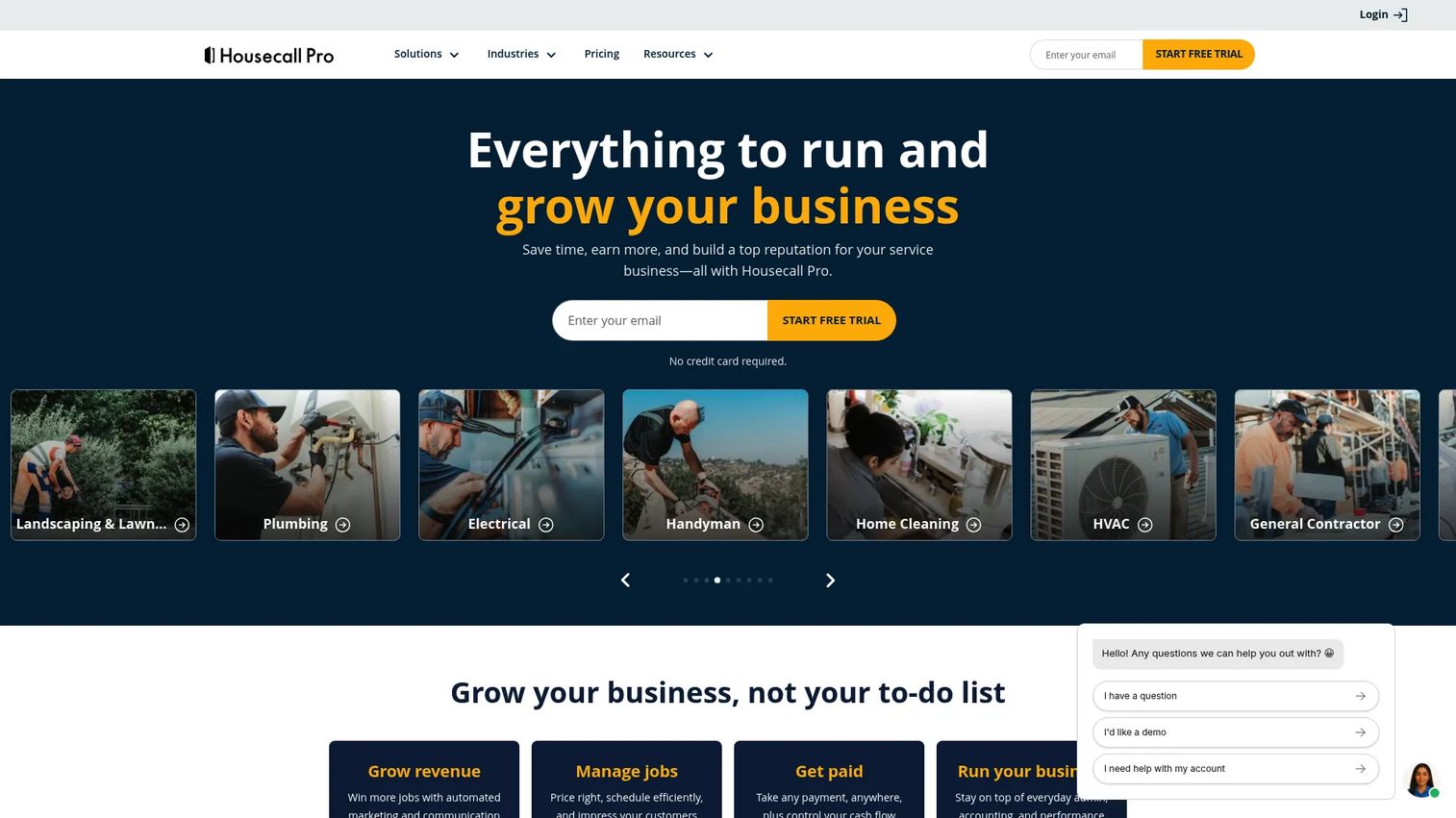
Housecall Pro is field service management software built for home service businesses, and it is one of the cleaner entry points into hvac software for small business. It bundles scheduling, automated invoicing, dispatching, online booking, and payments into a single platform that a small residential shop can stand up quickly. If you are trying to get off spreadsheets and phone messages this week rather than this quarter, the fast setup is the draw.
Best for: Home service teams that need scheduling, invoicing, dispatch, and payments in one platform.
Key strengths
- Scheduling: Book, assign, and adjust jobs from a clean calendar with customer reminders.
- Automated invoicing: Turn completed jobs into invoices without manual re-entry, then collect payment fast.
- Dispatching: Send the right technician to the right job with mobile updates in the field.
Why choose Housecall Pro: For a residential-first shop, the value is speed and simplicity. You do not need an implementation project to start booking jobs and collecting payments, and the workflow covers the essentials most small teams actually use daily. It leans lighter on the deep commercial maintenance-contract features that a large mechanical contractor would need, which is exactly why it fits fast-moving SMB teams so well.
Housecall Pro pricing: Plans start at $59/mo for the Starter tier, with Essentials at $149/mo and a custom MAX offering for larger operations. There is a 14-day free trial and no permanent free plan. Housecall Pro holds a 4.3/5 rating on G2.
3. FIELDBOSS
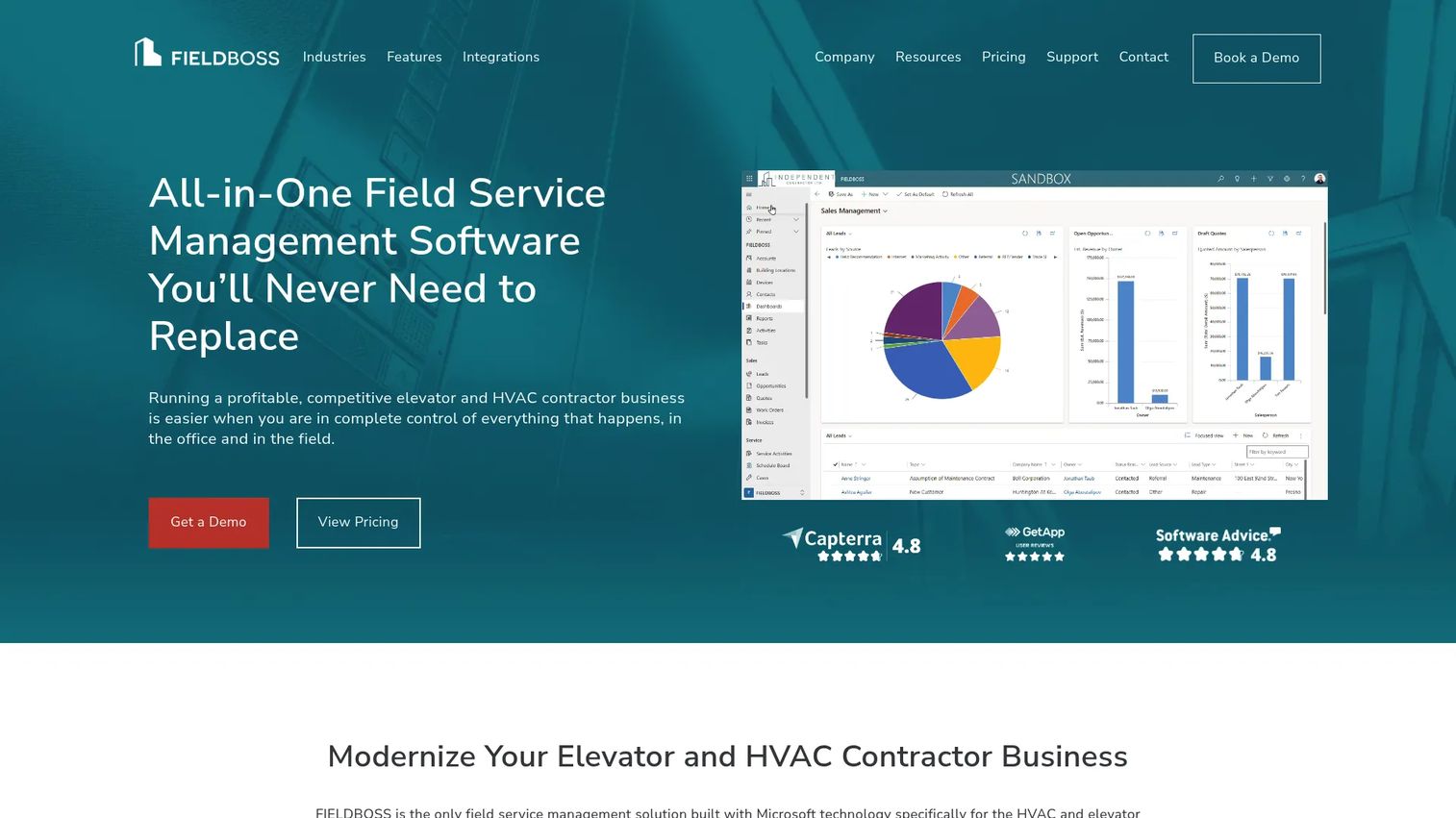
FIELDBOSS is all-in-one field service management software built on Microsoft Dynamics 365 for HVAC, elevator, and specialty contractors. The ERP-native architecture is the point: instead of syncing a field service tool to a separate accounting system, FIELDBOSS runs field operations and financials on the same foundation. For a commercial contractor that already lives in the Microsoft stack or needs tight financial control, that integration removes a whole class of reconciliation headaches.
Best for: Contractors needing integrated field service, financials, and operations in one platform.
Key strengths
- CRM: Manage customers, sites, and equipment history in one connected record.
- Scheduling: Coordinate technicians and recurring maintenance visits across complex operations.
- Work order management: Track jobs from creation through completion with full financial visibility.
Why choose FIELDBOSS: The Dynamics 365 foundation is what separates it. Commercial contractors with complex reporting needs, maintenance agreements, and a preference for one system over a patchwork of integrations get real value here. It is a heavier platform than a lightweight SMB tool, and it is meant to be, because the buyers it serves need financials and field execution to speak the same language.
FIELDBOSS pricing: Pricing starts from $90 per user/month for a Mobile User License and from $185 per user/month for a Back Office License, with implementation fees that begin around $50,000 and scale up for enterprise onboarding. Plans map to Rapid, Complete, and Enterprise onboarding tiers. The billing model reflects its ERP-native positioning.
4. BuildOps
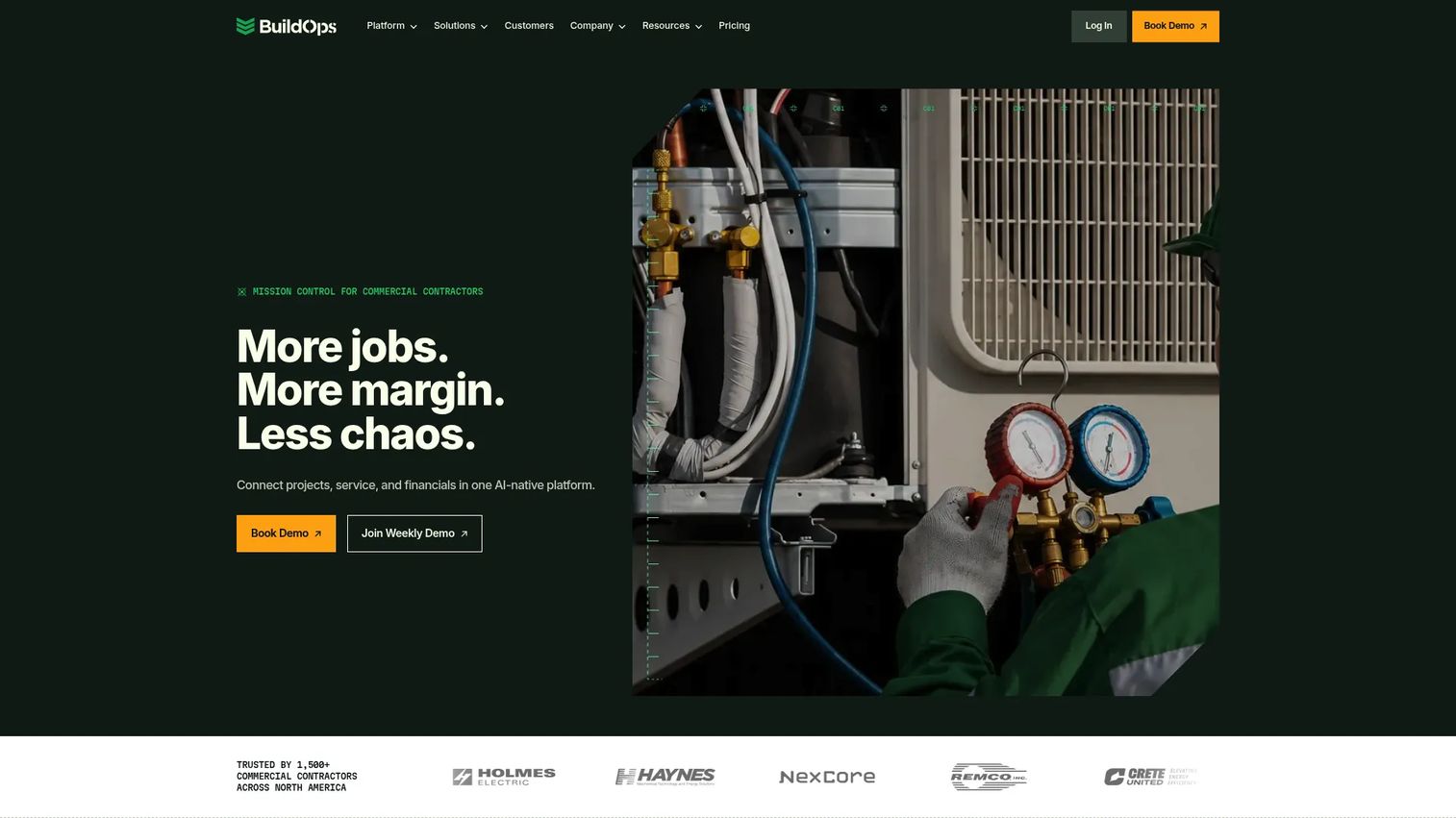
BuildOps is commercial contractor operations software for MEP field service and projects. Its distinguishing angle is that it handles both recurring service work and larger construction-style projects in one platform, which matters for commercial HVAC contractors whose revenue comes from a mix of maintenance agreements and multi-week installations. This is commercial hvac service software for teams that outgrew a service-only tool.
Best for: Commercial contractors that need one platform for service, projects, and back-office workflows.
Key strengths
- OpsAI built into workflows: Surface operational insights inside the day-to-day workflow rather than in a separate report.
- Dispatch and scheduling: Coordinate service technicians and project crews from one board.
- Service, projects, and financial reporting: Connect field execution to project financials and back-office reporting.
Why choose BuildOps: If your operation straddles service and project work, running two separate systems creates exactly the handoff friction that costs margin. BuildOps consolidates them, which gives leadership one view of both sides of the business. That operational visibility is the real value for a growing commercial contractor trying to prove the business scales without constant firefighting.
BuildOps pricing: BuildOps uses custom pricing based on crew size, trades, users, modules, and integrations, and states there is no one-size-fits-all number and no hidden platform fees. You request a quote scoped to your operation. It holds a 4.2/5 rating on G2.
5. ServiceTitan
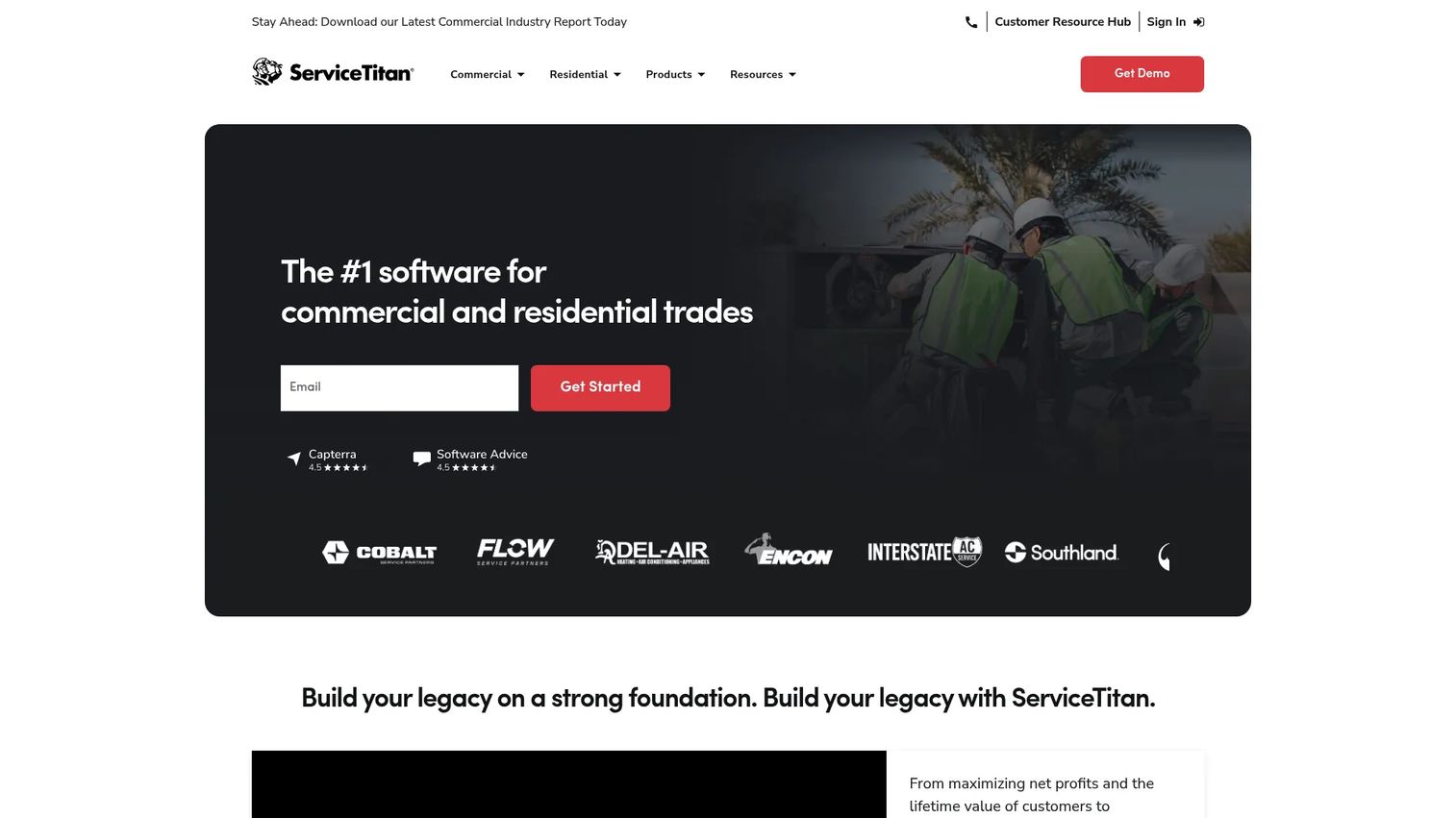
ServiceTitan is a cloud-based software platform for trade contractors covering scheduling, dispatch, invoicing, CRM, reporting, and related workflows. It is the common benchmark in the category, the platform other tools get measured against, largely because of how much it orchestrates for larger teams. If you are running a sizable operation and want one operating system for service, dispatch, sales, and field workflows, it belongs on your shortlist.
Best for: Trade contractors needing an all-in-one operating system for service, dispatch, sales, and field workflows.
Key strengths
- Dispatching and scheduling: Manage a high volume of jobs and technicians with detailed board control.
- Call booking and invoicing: Connect inbound calls to booked jobs and completed invoices in one flow.
- Pricebook, estimates, and reporting: Standardize pricing, build estimates, and track performance through dashboards.
Why choose ServiceTitan: For larger teams, the breadth is the appeal. Service agreements, payments, a mobile app, and integrations all live under one roof, which reduces the number of disconnected tools a growing contractor has to manage. It is a substantial platform aimed at orchestrating complex operations, so it fits contractors ready to commit to an all-in-one system rather than a lightweight point tool.
ServiceTitan pricing: ServiceTitan lists three packages, Starter, Essentials, and The Works, priced on a per-technician basis. The pricing page shows Request Pricing rather than a public numeric amount, so you get a quote scoped to your team. It holds a 4.5/5 rating on G2.
6. Jobber
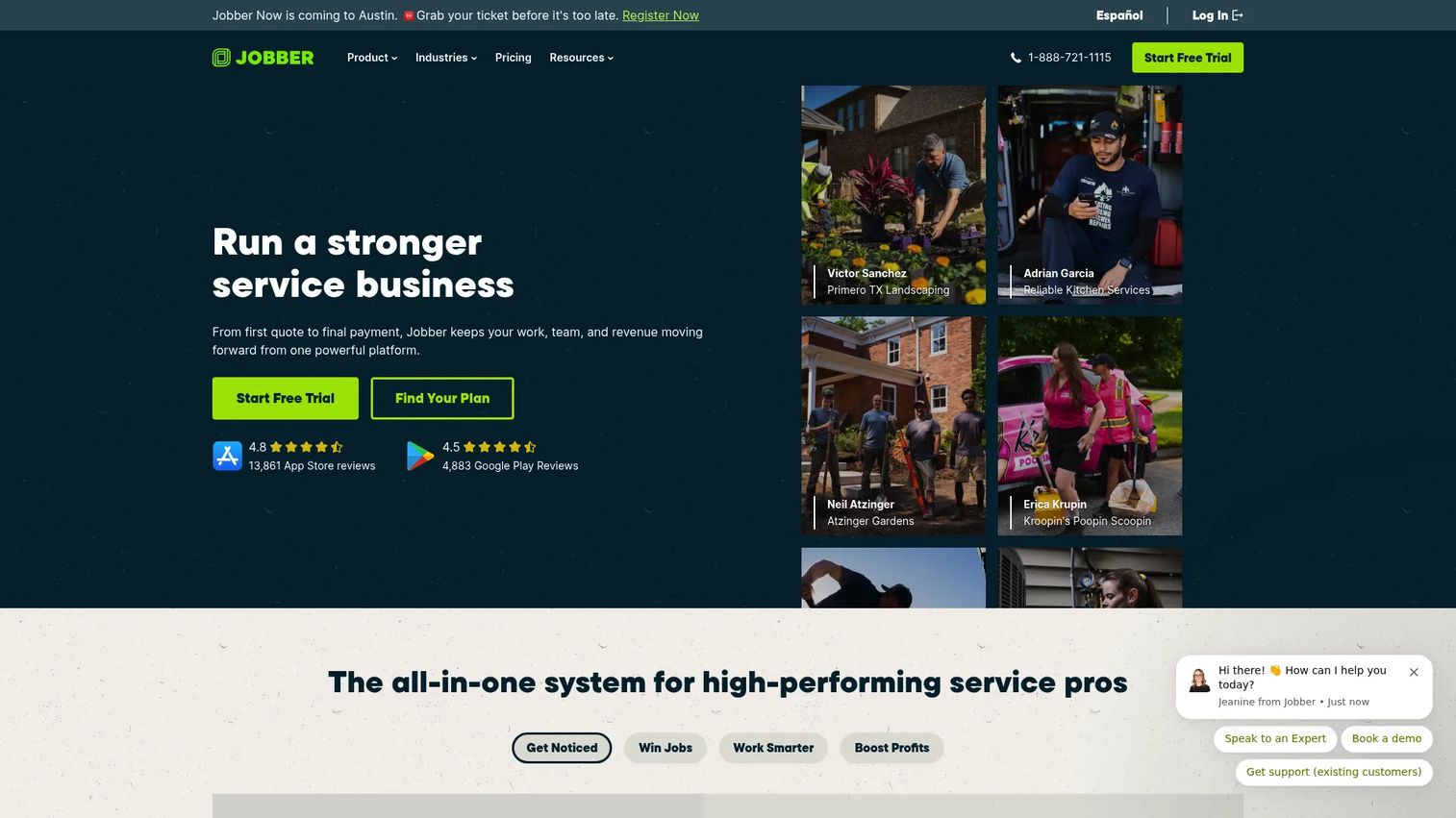
Jobber is field service management software for home service businesses, and it is one of the easiest systems for a smaller HVAC team to adopt. It covers scheduling, quoting, invoicing, and client communication without the weight of an enterprise platform. For an owner-operator or a small crew that wants a lighter hvac scheduling software that still handles the full quote-to-cash flow, Jobber hits the sweet spot.
Best for: Home service teams that need scheduling, quoting, invoicing, and client follow-up in one system.
Key strengths
- Scheduling and dispatch: Assign jobs and route technicians from a simple, fast interface.
- Quoting and invoicing: Send professional quotes, convert them to invoices, and collect payment.
- Client communication and follow-ups: Automate reminders and follow-ups that keep customers informed.
Why choose Jobber: Jobber wins on ease. Smaller operators who want to standardize scheduling and get paid faster without a long onboarding project get value in the first week. It is built for teams that value simplicity over deep commercial maintenance-contract machinery, which makes it a natural fit for residential-leaning shops and lean crews.
Jobber pricing: Jobber starts at $29/mo, with Core at $49/mo, Connect at $99/mo, Grow at $149/mo, and Plus at $399/mo. Billing options include monthly, one-year, and annual commitments, and a 14-day free trial is available on the Grow plan. It holds a 4.6/5 rating on G2, the highest on this list.
7. FieldEdge
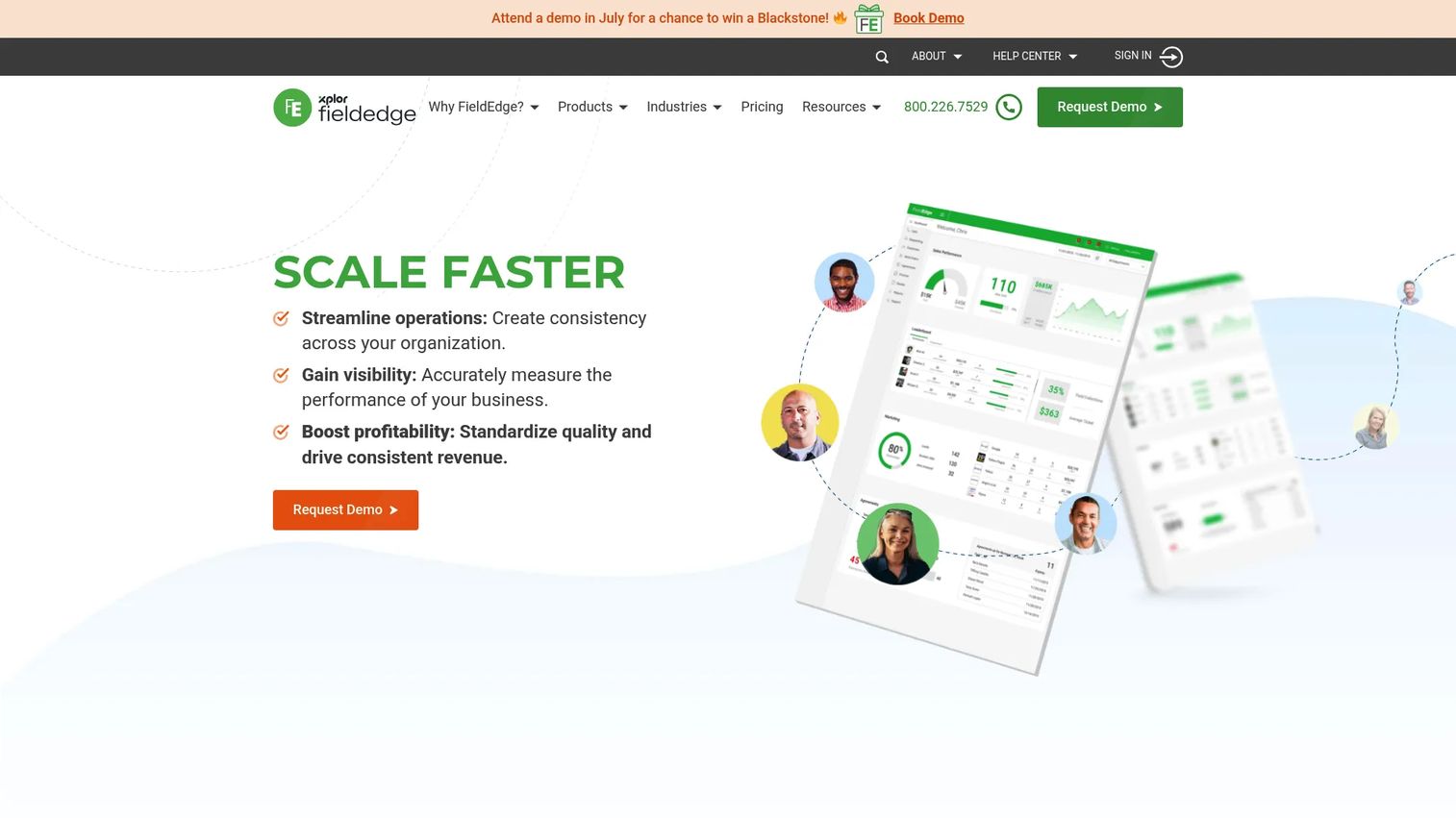
FieldEdge is field service management software for SMB and mid-market contractors running multiple trucks. Its roots run deep in HVAC, plumbing, and electrical, and it is best known among contractors who want a strong QuickBooks integration paired with HVAC-specific workflows. If your books already live in QuickBooks and you want field operations that sync cleanly rather than fighting a bolted-on connection, FieldEdge is built for that.
Best for: HVAC, plumbing, and electrical contractors running multi-truck field operations.
Key strengths
- Scheduling and dispatching: Manage multi-truck operations with a clear dispatch board.
- Customer management: Keep service history, equipment, and agreements in one customer record.
- QuickBooks integration: Sync invoices and financial data with QuickBooks to keep the books clean.
Why choose FieldEdge: The QuickBooks link is the headline. Contractors who have run their accounting in QuickBooks for years and do not want to rip it out get a field service layer that connects to it directly. Add service agreements and price books tuned for the trades, and you have a system built by people who understand HVAC operations, not a generic tool with an HVAC template.
FieldEdge pricing: FieldEdge lists three plan tiers, Select, Premier, and Elite, but does not display public numeric prices. Pricing is request-based through a demo. It holds a 4.0/5 rating on G2.
8. Service Fusion
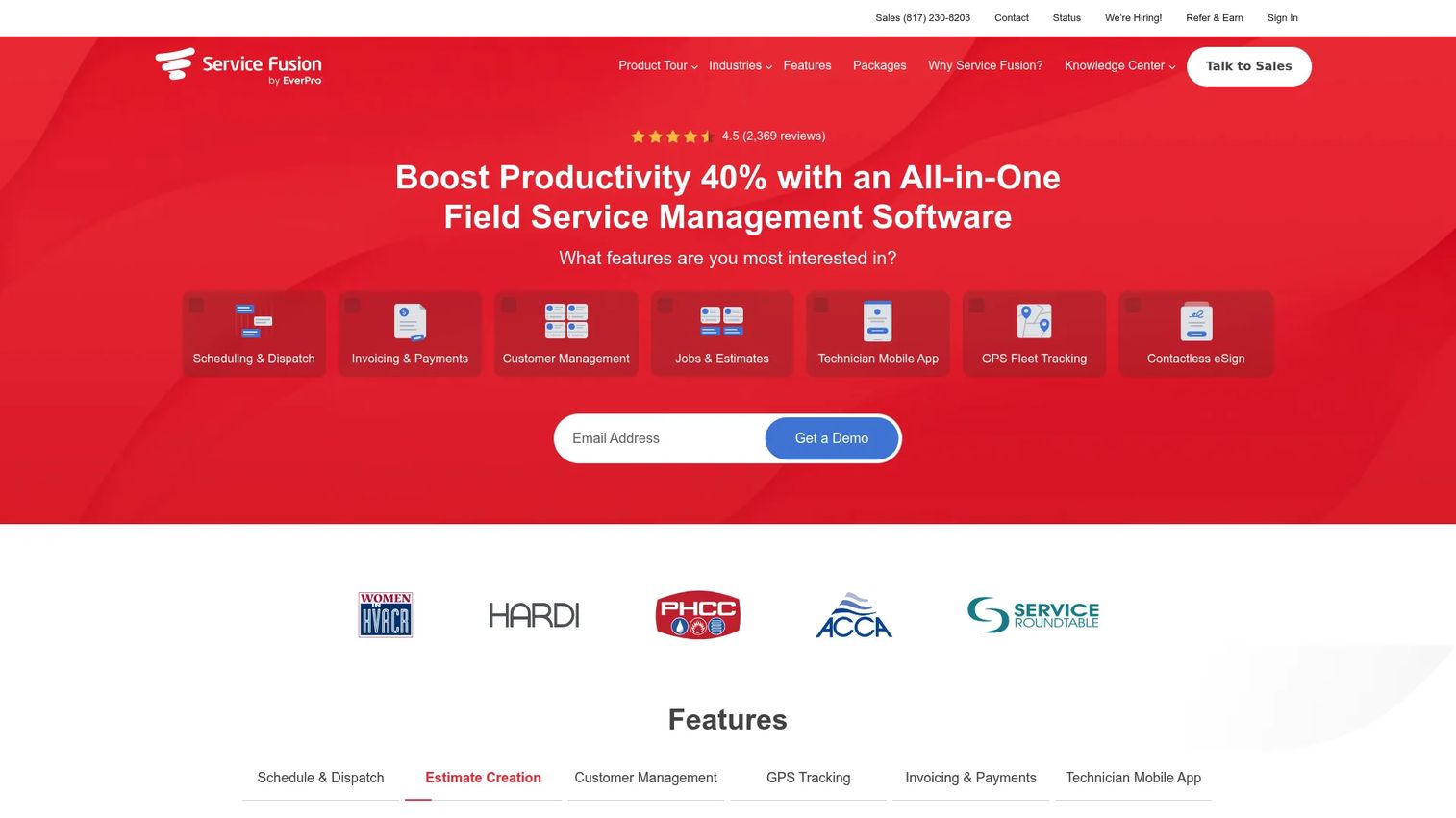
Service Fusion is field service management software for service contractors, and its distinguishing feature is flat-rate pricing with unlimited users on every plan. For a value-focused SMB that is adding technicians and does not want per-seat costs to punish growth, that model is worth a hard look. It covers the field service basics: dispatch, mobile tech workflows, customer management, and GPS fleet tracking.
Best for: Service businesses that want flat-rate, unlimited-user field service management software.
Key strengths
- Scheduling and dispatching: Assign and track jobs across your team without per-user fees.
- Customer management: Store customer, job, and equipment history in one place.
- GPS fleet tracking: See where trucks are to tighten routing and dispatch decisions.
Why choose Service Fusion: The unlimited-user model changes the math for a growing shop. If you plan to add technicians, flat-rate pricing means your software cost does not climb every time you hire. That makes Service Fusion a pragmatic pick for SMB HVAC operators who want predictable costs and solid field service basics rather than the deepest feature set on the market.
Service Fusion pricing: Service Fusion offers Starter at $208/month, Plus at $325/month, and Pro at $533/month, all billed annually with unlimited users, and annual billing saves 15% over month-to-month. It holds a 4.1/5 rating on G2.
What to check before you buy
The demo will always look clean. Your job is to pressure-test fit against how your business actually runs.
Workflow coverage end to end
Trace one real job through the platform: booking, dispatch, work order, invoice, payment. If any step forces a workaround or a jump to another tool, that gap will cost you daily. The value of hvac business software is the unbroken chain, so verify the whole chain, not the flashy parts.
Commercial versus small business fit
Commercial contractors need maintenance agreements, inspections, and compliance documentation. SMB residential shops need speed and simplicity. Buying a heavy commercial platform for a two-truck shop, or a light residential tool for a maintenance-contract operation, is the most common expensive mismatch. Be honest about which side you are on.
Accounting and QuickBooks integration
Ask exactly how the tool syncs with your accounting system. A real QuickBooks integration means invoices, payments, and customers flow both ways without re-keying. A shallow one means someone still copies data by hand. This is worth a specific question during the demo.
Mobile usability for technicians
Your technicians live in the mobile app. If it is clunky, they will avoid it, and your data will be incomplete. Put the app in a technician's hands before you sign, not just the office dashboard.
Total cost and hvac software pricing model
Look past the sticker. Per-technician pricing scales differently than flat-rate unlimited-user pricing, and implementation fees on ERP-native platforms can dwarf the monthly cost. Model your cost at the team size you expect in a year, not today.
Conclusion
There is no single best HVAC software, only the best fit for how you operate. For commercial mechanical contractors living on maintenance agreements and inspections, ServiceTrade and BuildOps lead, with FIELDBOSS the pick for teams that want field service and financials on one ERP-native foundation. For small business and residential shops, Housecall Pro and Jobber get you running fast, while Service Fusion offers predictable flat-rate pricing as you add technicians. FieldEdge is the natural choice when a deep QuickBooks integration is non-negotiable, and ServiceTitan remains the all-in-one benchmark for larger operations.
The next step is simple: shortlist two tools that match your side of the commercial-versus-SMB line, run one real job through each demo end to end, and confirm the accounting integration and pricing model at your projected team size. The platform that keeps your operations clean without routing everything through you is the one worth buying.
FAQs
HVAC software is field service management software built for heating, ventilation, and air conditioning contractors. It connects scheduling, dispatch, estimating, invoicing, technician mobile workflows, and reporting in one system so jobs flow from booking to payment without manual re-entry.
It coordinates the full service workflow: booking and scheduling jobs, dispatching the right technician, capturing work orders in the field, invoicing completed work, and collecting payment. Most platforms also handle maintenance agreements, customer communication, and reporting, and sync with accounting so finance stays clean.
HVAC software pricing varies widely by model. SMB tools like Jobber start around $29/mo and Housecall Pro from $59/mo, while Service Fusion runs from $208/month with unlimited users. Commercial and ERP-native platforms such as ServiceTrade, ServiceTitan, and FIELDBOSS use per-technician or per-user pricing that typically requires a custom quote, and ERP-native tools add implementation fees.
For most small residential HVAC shops, Housecall Pro and Jobber are the strongest picks. Both set up fast and cover scheduling, quoting, invoicing, and payments without a long implementation. Service Fusion is worth evaluating if flat-rate, unlimited-user pricing fits your growth plan better than per-seat costs.
Yes, most leading HVAC platforms offer a QuickBooks integration, though depth varies. FieldEdge is known for a strong two-way QuickBooks link, and tools like Housecall Pro and Jobber connect as well. Always confirm during the demo whether invoices, payments, and customers sync both ways or require manual entry.
Yes, and this is where commercial hvac service software separates from SMB tools. ServiceTrade, BuildOps, FIELDBOSS, and ServiceTitan are built around recurring maintenance agreements, scheduled inspections, and contract management, with the coverage tracking and renewal workflows that commercial contractors depend on.
Yes, a mobile technician app is standard across the category. Field crews use it for work orders, notes, photos, time tracking, and often GPS. Test the app on a real device with a technician before buying, since mobile usability drives whether your data stays complete and dispatch stays accurate.