You booked six jobs today. Two crews are idle because dispatch is a group text. One estimate went out three hours late. A customer called about an invoice you swear you already sent. And the lead from your Google Local Services ad is still sitting unread in an inbox nobody checks.
None of that is a demand problem. It is a coordination problem.
The U.S. junk removal industry pulled in roughly $10.7 billion in revenue in 2023, with 68% of consumers using a junk removal service at least once in the past five years, according to Gitnux (2026). Demand is not the constraint. The constraint is how many of those jobs you can quote, schedule, route, complete, and collect on without dropping one along the way. That is exactly the job that junk removal software is built to handle.
The market has noticed. The global junk removal business software market reached about $935.9 million in 2024 and is projected to hit $2.5 billion by 2035 at a 9.3% CAGR, per WiseGuy Reports (2024). More money is flowing into these platforms because the operational math is simple: every hour a crew sits idle, every estimate that goes out late, every unpaid invoice is margin you already earned and then lost to admin friction.
This guide ranks the six junk removal software platforms worth your evaluation time in 2026, judged on the operations that actually move revenue.
What's inside
This is a shortlist for junk removal business owners and operators comparing a junk removal app or full field service management software to run scheduling, dispatch, quoting, payments, and crews. We picked platforms based on four criteria that matter for this trade: quoting and estimate depth (photo and property-based), dispatch and route visibility, payment and invoicing workflow, and CRM plus lead capture. Every tool here is a live, verifiable product with published feature sets and pricing where the vendor discloses it. We ranked by how well each handles the full junk removal workflow in one system, not by brand recognition.
TL;DR
- Best all-in-one for junk removal operations: Workiz. Scheduling, dispatch, invoicing, payments, and lead-source tracking with a free starter tier.
- Best branded self-service booking: Fieldd. Customer hub, branded apps, and online booking for a polished customer experience.
- Best QuickBooks-connected option: Method:Field Services. Work orders and dispatch built around QuickBooks sync.
- Best for smaller or mixed field service teams: Jobber. Simple scheduling, quoting, invoicing, and a strong mobile app.
- Best recognizable all-rounder: Housecall Pro. Online booking, estimates, payments, and marketing automation in one platform.
- Best for large, complex operations: ServiceTitan. Enterprise dispatch, reporting, and workflow control for high-volume contractors.
What is junk removal software?
Junk removal software is field service management software built to run the day-to-day operations of a junk removal business: capturing leads, quoting jobs, scheduling and dispatching crews, optimizing routes, tracking trucks, collecting payments, and managing customer communication in one system. It replaces the patchwork of spreadsheets, group texts, paper estimates, and separate invoicing tools most operators start with.
A strong junk removal CRM ties every lead, quote, job, and payment to a single customer record, so nothing falls through the cracks between the phone call and the final invoice.
Core capabilities to expect in 2026:
- Junk removal scheduling software: calendar-based job booking, crew assignment, and online booking or self-service booking for customers.
- Junk removal dispatch software: real-time crew assignment, job status updates, and mobile job details for drivers.
- Junk removal estimate software: on-site or photo-based quoting, volume and item pricing, and instant quote delivery.
- Junk removal route optimization software: multi-stop route planning to cut drive time and fuel between jobs.
- Junk removal fleet tracking software: GPS tracking of trucks and crews for live location and job progress.
- Junk removal invoicing software: automated invoices, online payments, and QuickBooks integration for clean books.
- Junk removal leads app: capture and route leads from Google, Angi, Thumbtack, and web forms into one pipeline.
- Recurring junk removal service support: repeat scheduling and contract billing for property managers and commercial accounts.
The best platforms combine these into a single workflow rather than forcing you to stitch together five tools. That consolidation is the whole point: fewer handoffs, fewer dropped jobs, less admin.
When to use junk removal software
Replace the group text with real dispatch
If crew assignment happens over text and nobody knows which truck is where, you are leaking billable hours. Junk removal dispatch software gives you a live board: who is on which job, what is next, and how the day is tracking. Use it the moment you run more than one crew.
Quote faster than the competitor who called first
Junk removal is a speed-to-quote game. The operator who sends an accurate estimate in ten minutes usually wins the job. Junk removal estimate software with photo or property-based pricing lets you quote from the field or the office without a second site visit. Use it if quoting is your bottleneck.
Stop chasing payments
If invoices go out late and payments come in slower, cash flow suffers even when jobs are booked. Junk removal invoicing software with online payments and QuickBooks integration closes the gap between job done and money collected. Use it if your accounts receivable is a mess.
Comparison table
Here is how the six platforms compare on intent, standout use case, entry pricing, and G2 rating. Pricing reflects each vendor's published rates as of July 2026. Where a vendor gates pricing behind a sales conversation, that is noted.
| # | Product | Intent | Key use case | Pricing | G2 rating |
|---|---|---|---|---|---|
| 1 | Workiz | All-in-one operations | Scheduling, dispatch, invoicing, and lead-source tracking | Free (Lite); paid from $187/mo | 4.5/5 |
| 2 | Fieldd | Branded self-service | Online booking, customer hub, and branded apps | From $199/mo | Not listed |
| 3 | Method:Field Services | QuickBooks-connected teams | Work orders and dispatch with QuickBooks sync | From $15/user/mo | Limited reviews |
| 4 | Jobber | Smaller or mixed teams | Scheduling, quoting, invoicing, and mobile app | From $29/mo | Highly rated |
| 5 | Housecall Pro | Recognizable all-rounder | Online booking, estimates, payments, and marketing | From $59/mo | 4.3/5 |
| 6 | ServiceTitan | Large, complex operations | Enterprise dispatch, CRM, and reporting | Request pricing | 4.5/5 |
1. Workiz
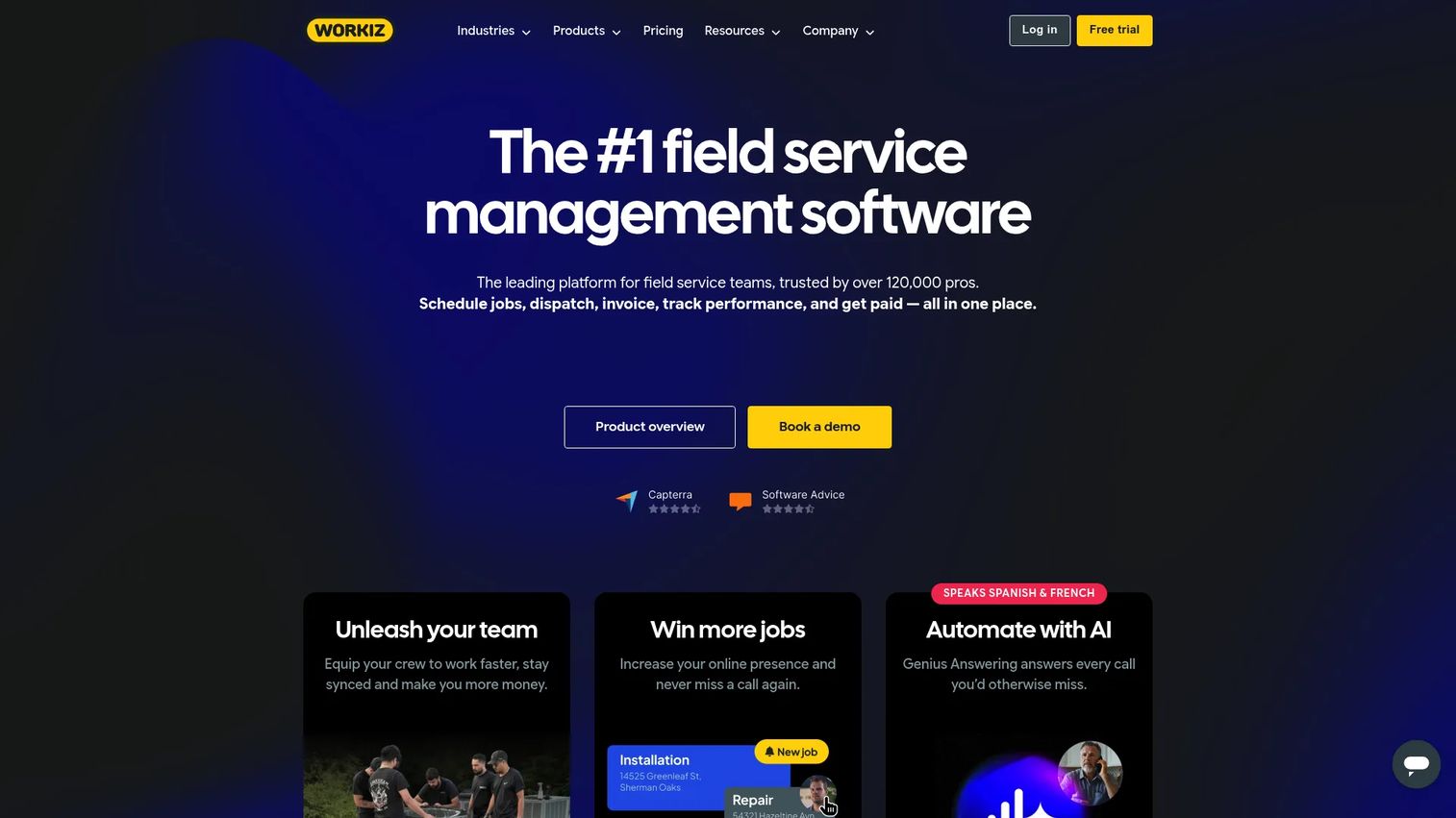
Workiz is field service management software built for scheduling, dispatch, invoicing, payments, communications, and automation, with a dedicated junk removal use case. It pulls the whole operation into one board: leads come in from your ad channels, jobs get scheduled and dispatched, crews update status from the field, and invoices and payments close the loop. For operators tired of running five disconnected tools, it is the strongest all-in-one starting point on this list.
Best for: Junk removal teams that want one platform to run leads, dispatch, and payments end to end.
Key strengths
- Scheduling and dispatching: Assign crews, manage the calendar, and track job status in real time so no truck sits idle.
- Invoicing, estimates, and online payments: Quote from the field, invoice automatically, and collect payment without chasing customers.
- AI and communication tools: Genius scheduling, AI answering, and call masking keep customer communication tight without adding headcount.
Why choose Workiz: Workiz earns its place because it consolidates the most tools of any option here without demanding an enterprise budget on day one. Lead-source tracking ties every job back to the channel that produced it, which matters when you are spending on Google, Angi, and Thumbtack and need to know what actually converts. It is the pragmatic pick for an operator who wants signal, not spreadsheets.
Workiz pricing: Workiz offers a free Lite plan for up to two members, billed free forever. Paid tiers start with Kickstart at $187/month (monthly billing, first three users included), Standard at $229/month (annual billing, first five users), and Pro at $270/month (annual billing, first five users). The Ultimate tier is custom, priced on request. Workiz holds a 4.5/5 rating on G2.
2. Fieldd
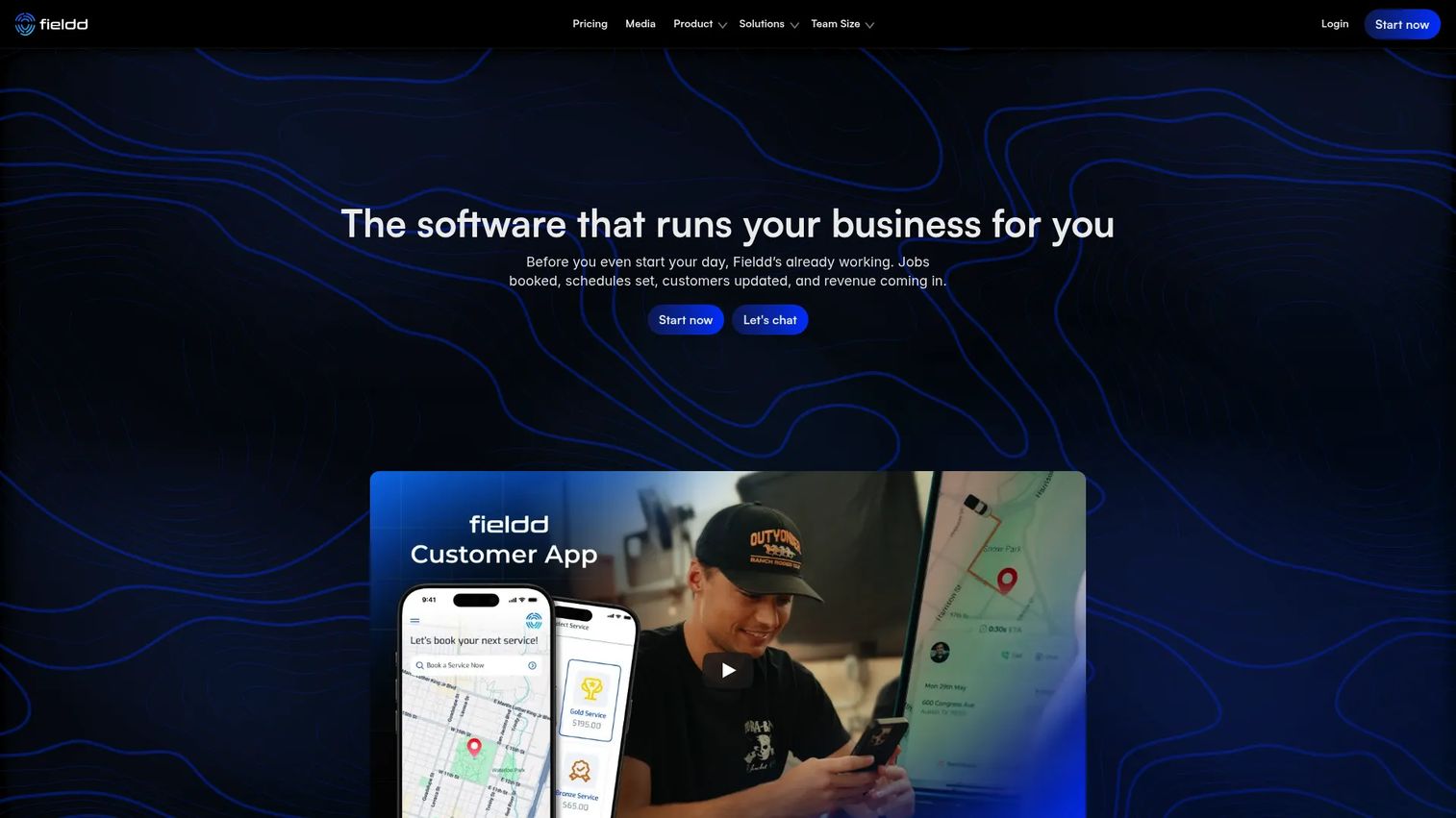
Fieldd is an all-in-one software platform for service businesses, with a strong emphasis on branded customer experience. Where other tools focus inward on operations, Fieldd puts real weight on how the customer books, pays, and interacts with your brand. Its customer hub handles online booking and payments, and its branded apps make a small operation look established.
Best for: Junk removal businesses that want polished self-service booking and a branded customer experience.
Key strengths
- Customer hub for booking and payments: Let customers book and pay through a self-service portal that runs around the clock.
- Branded customer and team apps: Put your brand on the app customers use and the app crews work from.
- CRM and SMS marketing: Keep customer profiles and follow-up campaigns in one junk removal CRM.
Why choose Fieldd: Fieldd is the pick when the customer-facing experience is part of your differentiation. If you compete on looking more professional than the guy with a truck and a phone number, the branded apps and self-service booking do real work. It handles dispatch and communication too, so you are not sacrificing operations for polish.
Fieldd pricing: Fieldd publishes three monthly plans: Start at $199/month, Scale at $299/month, and Pro at $999/month. The pricing page also offers annual billing with a 25% saving. A current G2 star rating was not available at the time of writing, so evaluate Fieldd through a trial or demo rather than aggregate scores.
3. Method:Field Services
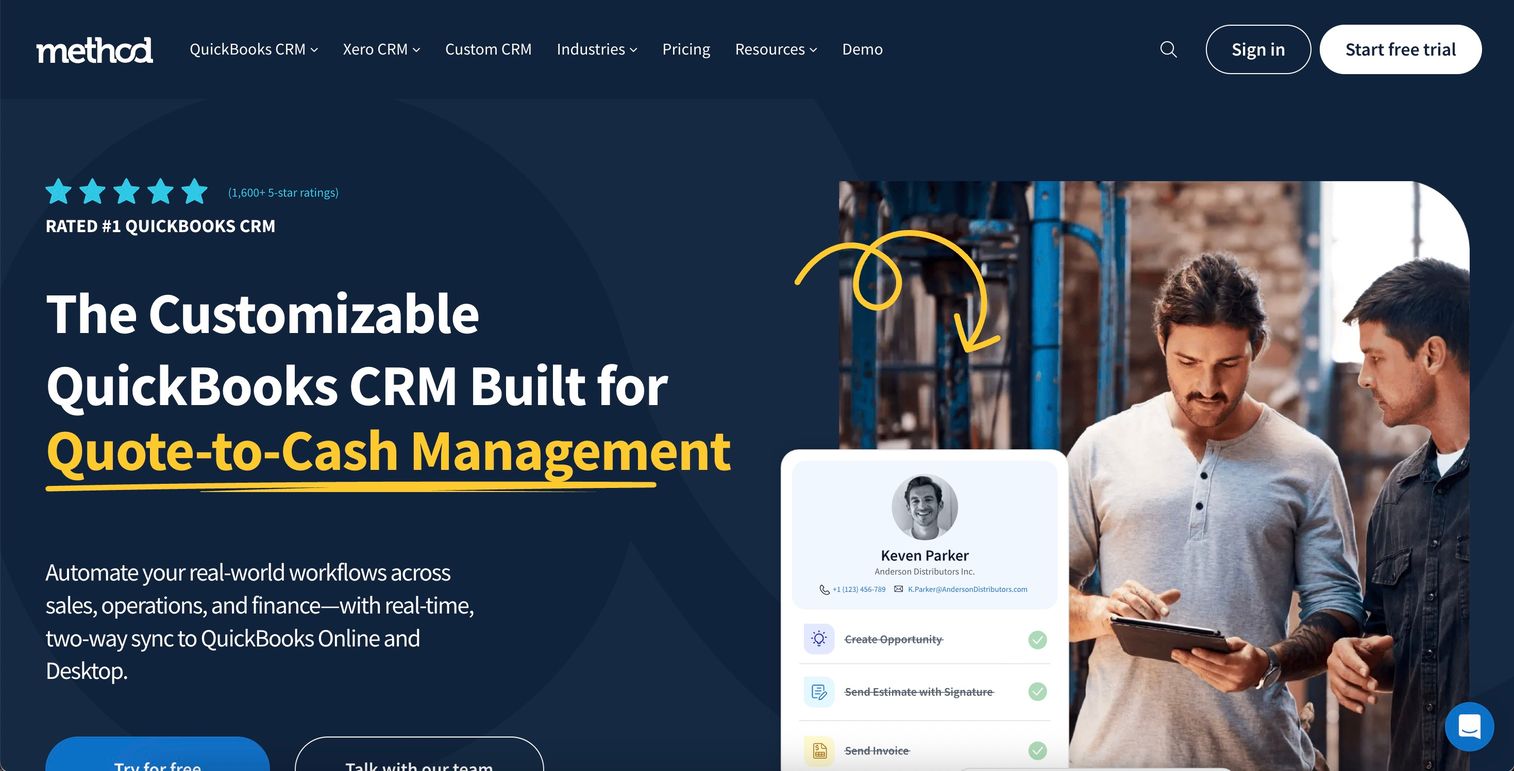
Method:Field Services is field service CRM software for scheduling, dispatching, work orders, and QuickBooks-connected invoicing. Its defining trait is how tightly it wraps around QuickBooks. If your books already live there and you want your field operations to sync cleanly without double entry, Method is built for exactly that handoff.
Best for: Small junk removal or mixed field service teams that run their accounting in QuickBooks.
Key strengths
- Work orders management: Create, assign, and track work orders from booking through completion.
- Field crew mobile workflow: Give crews job details, status updates, and capture in the field from their phones.
- QuickBooks sync: Keep invoicing and financials aligned with QuickBooks without manual re-entry.
Why choose Method:Field Services: Method is a fit for the operator who runs a broader field service business, not junk-only, and treats QuickBooks as the source of truth. The user-based pricing lets you add field crew seats cheaply while keeping dispatcher roles separate. For multi-service operators, that flexibility is a real advantage over flat-rate platforms.
Method:Field Services pricing: Method prices per user. The Dispatcher role runs $53/month billed annually ($59 billed monthly), and Field Crew Technician runs $15/month billed annually ($18 monthly). Non-field-services users start at $32/month billed annually ($35 monthly). A free trial is available. This user-based model rewards teams with many field techs and few office seats.
4. Jobber
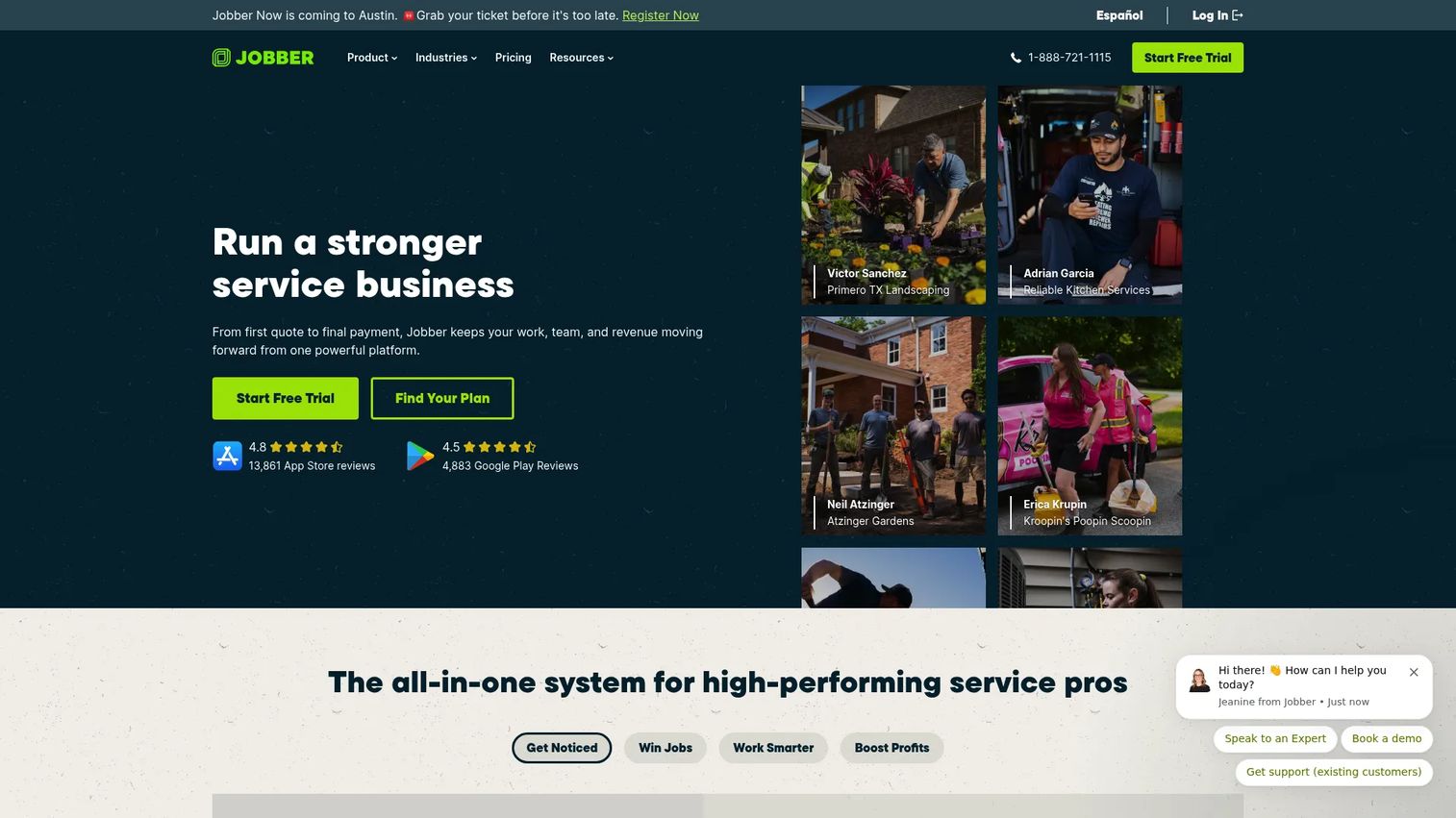
Jobber is field service management software for home and commercial service businesses, known for keeping the core workflow simple. It covers scheduling, online booking, quoting, invoicing, payments, and client communication without a steep learning curve. For a smaller junk removal operation or a crew that also does hauling and other services, Jobber is an easy on-ramp.
Best for: Smaller or mixed field service teams that want all-in-one operations without complexity.
Key strengths
- Scheduling and online booking: Book jobs and let customers self-schedule through online booking.
- Quoting, invoicing, and payments: Send quotes, invoice on completion, and collect payment in one flow.
- Client communication, automations, and AI tools: Automate reminders and follow-up so fewer jobs slip.
Why choose Jobber: Jobber wins on approachability. A new crew member or office admin can pick it up fast, and the mobile app is genuinely usable in the field. It is the right call for an owner-operator or small team that wants clean job scheduling software and invoicing without paying for enterprise features they will not touch.
Jobber pricing: Jobber offers four paid plans billed annually prepaid: Core at $29/month, Connect at $99/month, Grow at $149/month, and Plus at $399/month. A 14-day free trial is available with no credit card required. Jobber is consistently well rated among home service teams, and the tiered structure lets you start lean and grow into features like automations as volume climbs.
5. Housecall Pro
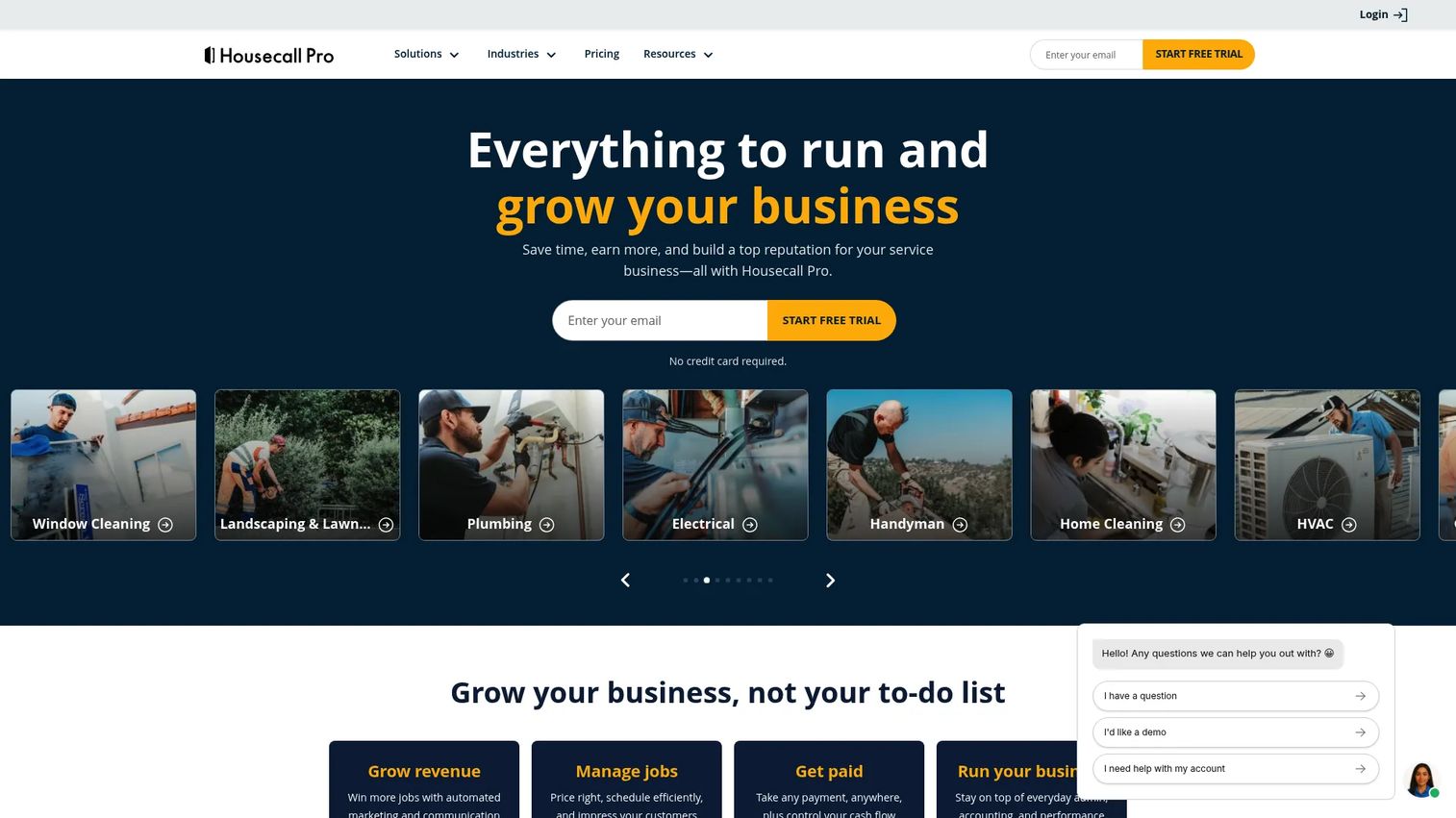
Housecall Pro is field service management software for home service businesses, and one of the most recognizable all-in-one platforms in the category. It combines online booking, scheduling, dispatching, estimates, invoicing, payments, and marketing automation. For a junk removal business that wants operations and lead capture in the same place, it covers a lot of ground.
Best for: Junk removal contractors who want a recognizable all-in-one platform with marketing built in.
Key strengths
- Online booking: Let customers request and book jobs directly, feeding your pipeline automatically.
- Scheduling and dispatching: Assign crews and manage the day from a central board.
- Invoicing and payments: Invoice and collect payment on the spot or after the job.
Why choose Housecall Pro: Housecall Pro leans into marketing automation more than most operations-first tools, which helps if your growth depends on repeat business and reviews. The self-service booking reduces phone tag, and the platform is mature enough that most integrations you need already exist. It is a safe, well-supported choice for a growing operation.
Housecall Pro pricing: Housecall Pro starts with Basic at $59/month billed annually, Essentials at $149/month, and Max at $299/month. A 14-day free trial is available. Housecall Pro holds a 4.3/5 rating on G2. The Essentials tier is where most growing junk removal teams land, since it unlocks the scheduling depth and automations that a single-truck operator eventually outgrows Basic for.
6. ServiceTitan
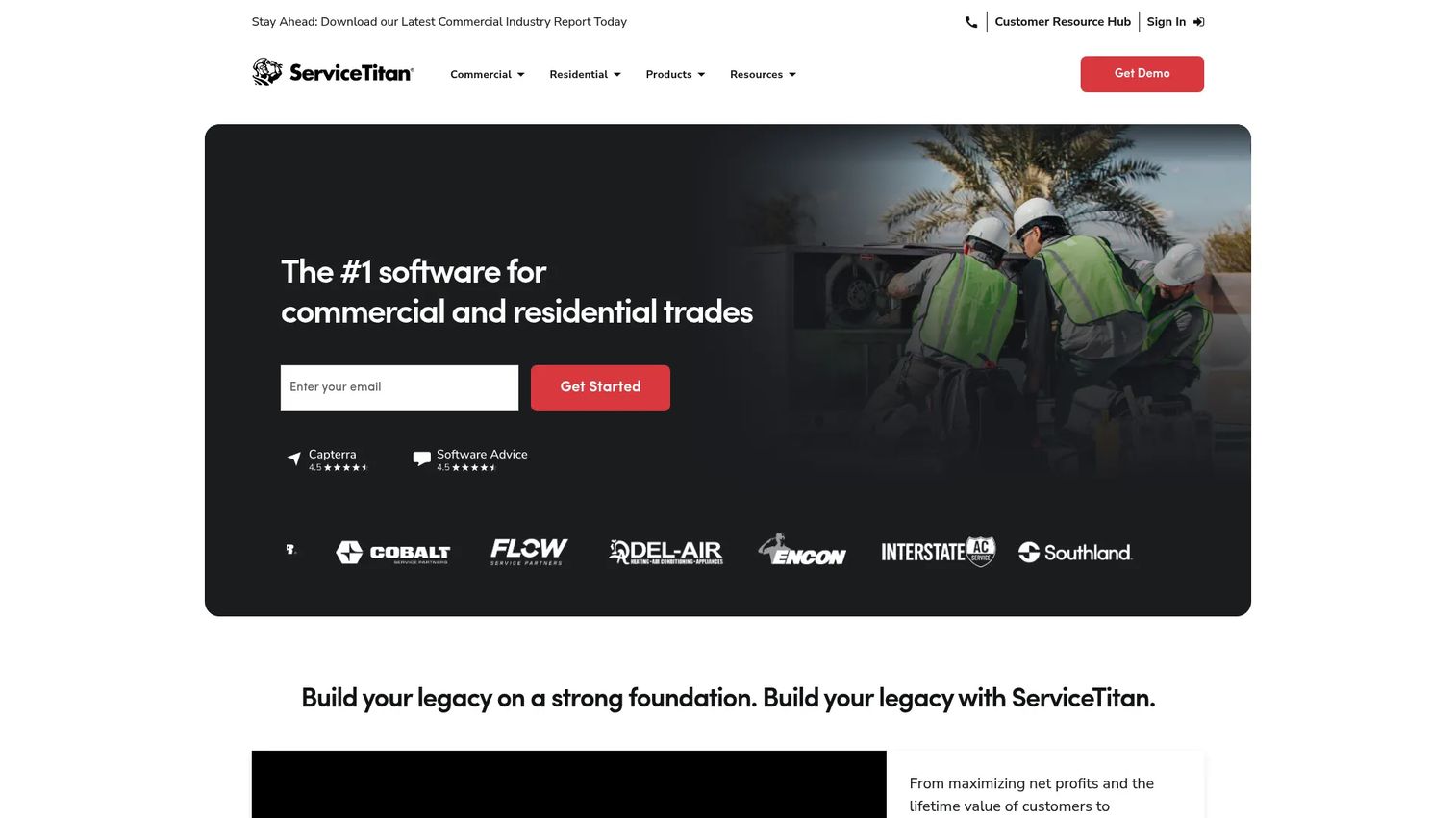
ServiceTitan is cloud-based operating software for commercial and residential contractors, built for scale. It is the heavyweight on this list, with deep dispatching, scheduling, call booking, CRM, sales, and reporting. For a large junk removal operation running multiple crews, locations, and complex workflows, ServiceTitan offers the process control and reporting depth that lighter tools do not attempt.
Best for: Large junk removal operations with multiple crews and complex process needs.
Key strengths
- Dispatching: Manage high volumes of jobs and crews with granular dispatch control.
- Scheduling: Coordinate complex, multi-crew schedules across locations.
- Call booking: Capture and route inbound calls into the pipeline with structured booking.
Why choose ServiceTitan: ServiceTitan is the choice when your operation has outgrown simpler platforms and reporting depth becomes a competitive advantage. The advanced analytics let you see profitability by crew, job type, and channel, which is the kind of signal a multi-location owner needs to allocate resources. It is an investment, and it pays off at scale, not on a single truck.
ServiceTitan pricing: ServiceTitan prices per technician across three packages: Starter, Essentials, and The Works. Public numeric pricing is not published; each package requires a pricing request. ServiceTitan holds a 4.5/5 rating on G2. Expect an enterprise-level commitment and a longer onboarding than the lighter tools here, in exchange for the deepest process and reporting control on this list.
Considerations before you buy
Before you commit to any junk removal software, run it against these criteria.
Quoting and estimate depth
How fast and accurate can you get a quote out? If you quote from the field or handle property-based jobs, prioritize junk removal estimate software with photo or satellite measurement. Speed to quote is often the difference between winning and losing a job.
Dispatch and route visibility
Can you see every crew and job on one board in real time? Junk removal dispatch software and junk removal route optimization software cut idle time and fuel. If you run more than one crew, this is non-negotiable.
Payments and QuickBooks integration
Does the platform invoice automatically, take online payments, and sync to your books? A clean QuickBooks integration eliminates double entry and speeds up cash flow. Confirm the sync is two-way before you commit.
Lead capture and CRM depth
Does it pull leads from Google, Angi, and Thumbtack into one pipeline? A strong junk removal CRM ties every lead to a job and a payment, and lead-source tracking tells you which channels actually convert. This is where a junk removal leads app earns its keep.
Pricing model and scale
Match the pricing model to your shape. Flat-rate tiers suit stable teams; user-based pricing rewards operations with many field crew and few office seats. Factor in onboarding time, not just monthly cost.
Conclusion
There is no single best junk removal software, only the best fit for how your operation runs today and where it is headed.
If you want one platform to consolidate the whole operation without an enterprise budget, start with Workiz. If a branded, self-service customer experience is your edge, look at Fieldd. If QuickBooks is your source of truth, Method:Field Services fits cleanly. For smaller or mixed teams, Jobber is the easiest on-ramp. Housecall Pro is the recognizable all-rounder with marketing built in, and ServiceTitan is the pick when you have outgrown everything else and need reporting depth to run at scale.
Start with the tool that matches your biggest operational pain, quoting complexity, dispatch needs, or CRM depth, and run a free trial before you migrate. Most of these platforms let you test the core workflow in under a week. Book a job, quote it, dispatch it, and collect on it inside the trial. If that loop feels clean, you have your answer.
FAQs
Junk removal software is field service management software that runs the operational side of a junk removal business: lead capture, quoting, scheduling, dispatch, route optimization, fleet tracking, invoicing, payments, and customer communication. It replaces spreadsheets, group texts, and separate invoicing tools with one connected workflow, so jobs move from lead to paid invoice without falling through the cracks.
Prioritize the features tied to revenue: fast quoting (ideally photo or property-based estimate software), real-time dispatch, online payments, and lead capture from your ad channels. A junk removal CRM that ties every lead to a job and payment comes next. Route optimization and fleet tracking matter most once you run multiple crews.
Most major platforms offer QuickBooks integration, though depth varies. Method:Field Services is built specifically around QuickBooks-connected workflows, while Workiz, Jobber, and Housecall Pro offer QuickBooks sync among their integrations. Confirm whether the sync is one-way or two-way before committing, since two-way sync eliminates double entry.
Yes. Junk removal route optimization software plans efficient multi-stop routes to cut drive time and fuel between jobs, and junk removal fleet tracking software adds GPS tracking so you can see truck and crew locations in real time. These features deliver the most value once you run more than one crew and want to keep drive time down.
For a recurring junk removal service, look for repeat-scheduling and contract billing, which are especially useful for property-manager and commercial accounts. Full platforms like Workiz and ServiceTitan support recurring jobs alongside broader operations, and Housecall Pro handles recurring scheduling well. Confirm the platform can automate repeat scheduling and recurring invoices.
The best junk removal app for crews gives drivers job details, status updates, and payment collection from their phones. Jobber and Housecall Pro both have strong, easy-to-use mobile apps, and Fieldd offers a branded team app. Method:Field Services provides a dedicated field crew mobile workflow priced per technician, which keeps crew seats affordable.
Smaller operators usually do best with a lighter all-in-one that covers scheduling, quoting, invoicing, and payments without complexity. Jobber and Workiz's free Lite tier both fit that shape. Save the enterprise platforms for when you run multiple crews or locations and need reporting depth you cannot get from simpler tools.
Pricing in 2026 ranges widely. Entry plans start around $15 per user per month for Method:Field Services and $29 per month for Jobber, with free starter options from Workiz. Mid-tier all-in-one plans run roughly $150 to $300 per month, and enterprise platforms like ServiceTitan price per technician on request. Match the pricing model to your team shape, and factor in onboarding time, not just the monthly rate.