Last updated: October 2026
A customer needs one replacement part. Your service team has the CAD file, engineering has the BOM, and the dealer is working from an old PDF. Nobody agrees on the correct part number.
That scenario stops being a nuisance and becomes a margin problem fast. Wrong part orders, field service delays, and dealer confusion are not documentation failures. They are operating failures. Once your installed base grows past a certain point, a parts catalog stops being a document and starts being a revenue, service, and retention system.
G2 tracked 26 products in the 3D parts catalog category as of October 2026, with an average category rating of 4.36 out of 5 (G2, October 2026). The spread in that list tells you something: These tools solve genuinely different problems. Some handle illustrated parts authoring for aerospace standards. Others automate catalog generation directly from CAD. A few focus almost entirely on aftermarket commerce. One fits founders who sell catalog or service software and need buyers to experience the workflow before a live call.
"Wrong part identification becomes expensive long before it shows up in a board deck."
What's inside
This guide covers seven tools across CAD-driven parts catalogs, aftermarket commerce, technical publications, and self-serve product experience. Here is how they were selected:
- 3D visualization and parts identification capability: Does the tool support interactive assemblies, exploded views, and drill-down navigation?
- Data connectivity: Can it connect to CAD, BOM, ERP, or PLM sources?
- Ordering and service fit: Does it support carts, quoting, dealer routing, or ERP order handoff?
- Operating model match: Which implementation burden belongs with your operations leader, not you?
The guide also covers where Guideflow fits: As a self-serve product experience layer for teams that sell or onboard users to catalog and service software, not as the catalog system itself.
TL;DR
- Best for illustrated parts catalogs: RapidCatalog, for teams that need 3D explosions, drill-down navigation, and standards-oriented authoring
- Best for CAD-to-catalog automation: Zea Parts, for manufacturers building interactive 3D spare parts catalogs directly from 3D models
- Best for online parts ordering: Components Engine, for aftermarket teams connecting visual identification to carts, quoting, and ERP order files
- Best for showing catalog software before a sales call: Guideflow, for self-serve interactive demos, buyer training, and sales leave-behinds
- Best for enterprise service information: Arbortext, for organizations needing structured XML content, configuration control, and engineering-connected technical publications
What is 3D parts catalog software?
3D parts catalog software turns CAD models, BOM data, and service information into searchable visual catalogs that help customers, dealers, and technicians identify, order, and service the correct part.
The category covers a wider operating range than it first appears. Before you evaluate a shortlist, it helps to understand what each tool is actually built to do.
Core capabilities
- Interactive 3D assemblies: Rotate, zoom, and explode equipment models to identify components visually
- Drill-down navigation: Move through assembly hierarchies from machine to subassembly to individual part
- BOM and service BOM connections: Pull structured parts data from engineering or service records
- Configuration and serial number filtering: Serve the correct parts for a specific product variant or installed unit
- 2D illustrations and technical documents: Support standards-based illustrated parts catalogs alongside 3D views
- Commerce and ordering workflows: Add carts, quote requests, customer pricing, and ERP order handoff
- Engineering change management: Keep the published catalog aligned with the current product revision
- Multi-channel access: Deliver via browser, tablet, offline package, or service portal
Adjacent categories at a glance
| Category | Primary job | Example output |
|---|---|---|
| 3D parts catalog software | Identify and order service parts visually | Exploded assembly with clickable parts |
| Electronic parts catalog software | Deliver current parts and service content | Searchable service portal |
| CAD configurator | Help engineers configure products | Configured model and part number |
| Service lifecycle platform | Coordinate service, parts, and aftermarket ops | Service information plus parts process |
| Interactive demo platform | Show users how software works before access | Guided, clickable product experience |
A brief note on that last row: An interactive demo platform does not replace catalog data management. It helps manufacturers show the catalog workflow, service portal, or ordering experience to buyers, dealers, and internal teams without provisioning a live environment.
When to use 3D parts catalog software
Replace static PDF parts books
Technicians lose hours scrolling multi-hundred-page PDFs when the job calls for one replacement seal. A 3D parts catalog with visual selection and configuration filtering cuts that lookup from minutes to seconds, and it routes the result to the correct part number without a phone call to a product specialist.
Connect engineering changes to service content
When product variants multiply and revision cycles accelerate, outdated part references create wrong orders. A catalog platform connected to CAD, BOM, or PLM data means that an engineering change flows to service content without a manual authoring step in between.
Turn aftermarket parts into a digital sales channel
Carts, quote requests, customer-specific pricing, and ERP order handoff convert a passive parts lookup into a revenue-generating channel. This matters when spare parts revenue is growing faster than your team's ability to handle order requests manually.
Show complex service software without scheduling every stakeholder
This is Guideflow's specific role in this category. If your company sells catalog or service software, you can use an interactive demo to let prospects experience parts search, configuration rules, or the ordering workflow before any trial access is provisioned. Use a catalog platform to manage parts. Use an interactive demo when buyers, partners, or internal teams need to experience the platform on their own terms first.
3D parts catalog software comparison
These products overlap around visual parts identification, but they solve different operating problems. Some focus on catalog authoring, others on aftermarket commerce, CAD downloads, technical publications, or product experience. Choose your shortlist based on your primary data source, end user, ordering flow, and update ownership.
| # | Product | Best for | Key differentiator | Pricing | G2 rating |
|---|---|---|---|---|---|
| 1 | Guideflow | Demonstrating catalog or service software | Self-serve interactive demos, personalization, embedded forms, and engagement analytics | Free plan available; paid plans start from $35/month (annual billing) | 5.0/5 |
| 2 | RapidCatalog | 3D illustrated parts catalogs and standards-based publishing | 3D explosions, drill-down navigation, BOM and technical documentation workflows | Contact sales for a quote | 4.0/5 |
| 3 | Zea Parts | CAD-driven interactive spare parts catalogs | Automated catalog generation from 3D models and service BOM data | Contact sales for a quote | Not verified |
| 4 | Components Engine | Online aftermarket parts ordering | Interactive 2D and 3D catalogs with carts, order files, and ERP handoff | Contact sales for a quote | Not verified |
| 5 | CDS Visual | Visual aftermarket commerce and configured product experiences | CAD-based 2D and 3D visual experiences for spares, configuration, and work instructions | Contact sales for a quote | Not verified |
| 6 | eCATALOG 3Dfindit | CAD download catalogs for component manufacturers | Parametric configuration, 3D CAD and BIM downloads, and lead capture | Request pricing | 4.9/5 |
| 7 | Arbortext | Enterprise technical publications and service content | Structured XML content, parts catalogs, and engineering-connected service information | Annual license; contact PTC for a quote | 4.1/5 |
Pricing and ratings verified October 2026 from vendor pricing pages and current G2 listings.
Best 7 3D parts catalog software tools for 2026
Each tool below fits a different operating model. Shortlist based on your primary data source, end user, and update workflow.
1. Guideflow
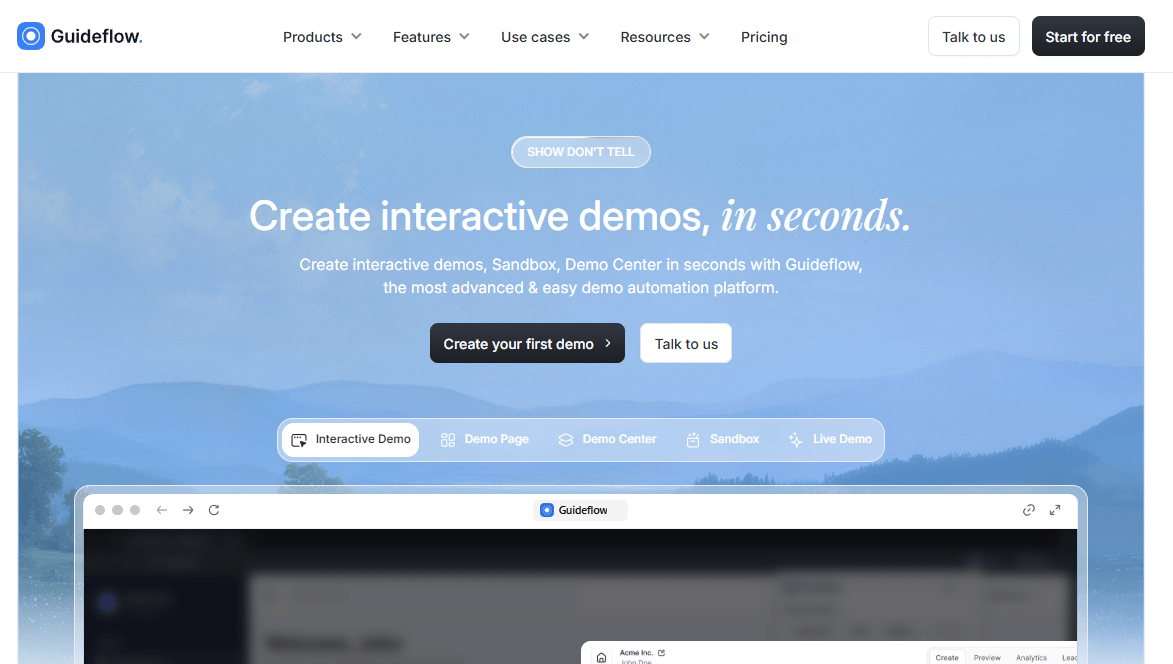
Guideflow is a demo automation platform that helps teams show complex software through guided interactive demos, sandboxes, demo centers, live demos, and mobile demos. For manufacturing software founders, it solves a specific problem: How do you let a prospect experience a parts catalog, service portal, or ordering workflow before you provision live access?
Guideflow captures your product in a few clicks, then lets you personalize, embed, and share the experience across landing pages, outbound follow-ups, partner portals, and sales leave-behinds. Each session generates engagement analytics you can route to your CRM.
Best for: Manufacturing SaaS and industrial technology teams that need buyers, dealers, or internal teams to experience catalog and service workflows before system access is granted.
Key features
- Guided clickable product demos across five format types
- CRM-based personalization with dynamic variables
- Embedded lead capture forms inside the demo flow
- Session-level engagement analytics and drop-off tracking
- Demo Center for organizing multiple demos behind one branded hub
Why choose Guideflow: Use it when the problem is "show the catalog workflow before a call," not "create and maintain the parts catalog itself." It is the right tool when your sales motion still requires a product expert to repeat the same service or ordering walkthrough for every prospect. Build one self-serve demo, then hand it to your new sales or partner leader to distribute and measure.
Guideflow pricing: A free plan is available. Paid plans start from $35 per month on annual billing. Check the Guideflow pricing page before you commit, since plan access and tier details are updated regularly.
G2 rating: 5.0/5 (G2, October 2026).
Start your journey with Guideflow today!
2. RapidCatalog
RapidCatalog, developed by Cortona3D, is a 3D illustrated parts catalog authoring tool for organizations that create electronic, online, and interactive parts catalogs. It is built around reuse of engineering data: CAD assemblies become 3D exploded views, which become drill-down navigable catalog structures connected to BOM and DPL data. Teams working to aerospace, defense, and industrial standards find the platform directly supports ATA2200, DITA, and S1000D workflows without building custom export processes around generic authoring tools.
RapidCatalog sits firmly in the technical publications space. The product owner is usually a documentation or publications team, not a product manager or service operations lead.
Best for: Aerospace, industrial equipment, and technical publications teams that need structured, standards-aligned illustrated parts catalogs.
Key features
- 3D exploded parts illustrations from CAD data
- Drill-down assembly hierarchy navigation
- Engineering data and CAD reuse workflows
- BOM and DPL connections for structured parts content
- ATA2200, DITA, and S1000D publishing support
Why choose RapidCatalog: It suits companies where catalog authoring quality, illustrated parts documentation, and standards alignment drive the decision. The strength is depth of technical publications control. If your primary need is aftermarket commerce or online ordering, other platforms in this list will serve that better.
RapidCatalog pricing: RapidCatalog is sold through a quote-based sales process. During evaluation, confirm authoring seat count, which publishing modules apply to your standards, and what implementation services are included. Contact the vendor directly for current package details.
G2 rating: 4.0/5, verified via the Cortona3D RapidCatalog listing on G2 (October 2026).
3. Zea Parts
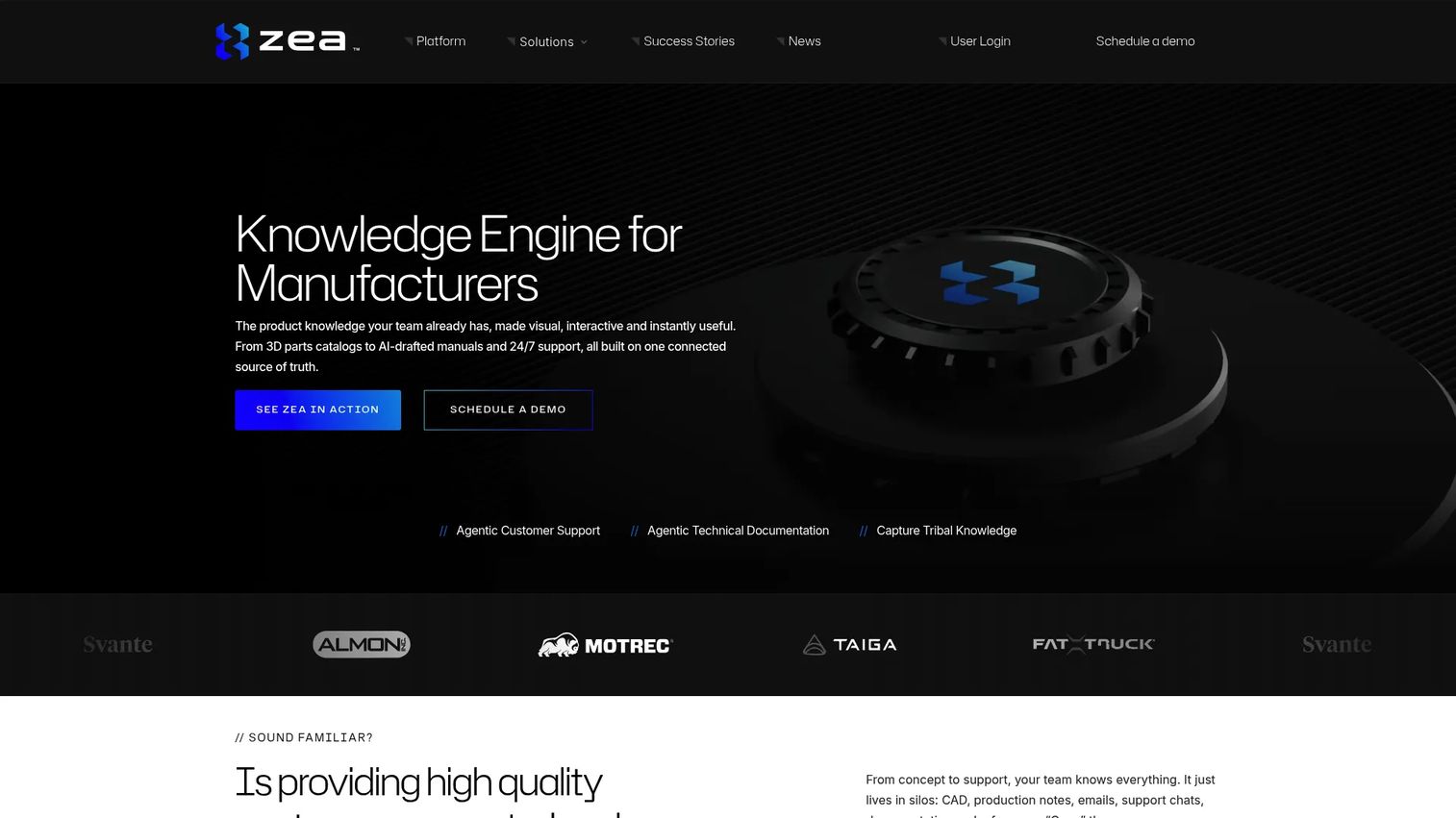
Zea Parts uses 3D models to create and update interactive spare parts catalogs. The platform maps service parts to CAD geometry via service BOM imports and master parts lists, then publishes customer-facing catalogs where users navigate 3D assemblies, view part descriptions and pricing, and submit quote requests or trigger e-commerce workflows. Serial number-specific data workflows are supported where that data is available in the source.
For teams whose biggest frustration is asking engineering to produce revised parts views every time a product changes, Zea Parts targets the update cycle directly: The catalog draws from the 3D model and synced data, so a geometry change flows to the catalog without a manual illustration rebuild.
Best for: Equipment manufacturers that want CAD-driven catalog generation and visual part selection, with updates owned by the product data or service team rather than a specialist illustrator.
Key features
- Automated 3D catalog generation from CAD models
- Service BOM data imports and master parts list mapping
- Quote request and shareable cart workflows
- Interactive 3D part selection for customers and dealers
- IP protection through CAD filtering before publication
Why choose Zea Parts: Prioritize this if your service team regularly asks engineering to produce revised parts views, or if catalog updates are a manual bottleneck slowing dealer enablement. The operating model fits founders who want catalog ownership to transfer cleanly to a service or aftermarket operations leader.
Zea Parts pricing: The vendor does not display numeric pricing. The commercial model is quote-based. When evaluating, ask about product line count, model complexity, expected catalog traffic, data onboarding scope, and integration requirements, since those variables drive the cost.
4. Components Engine
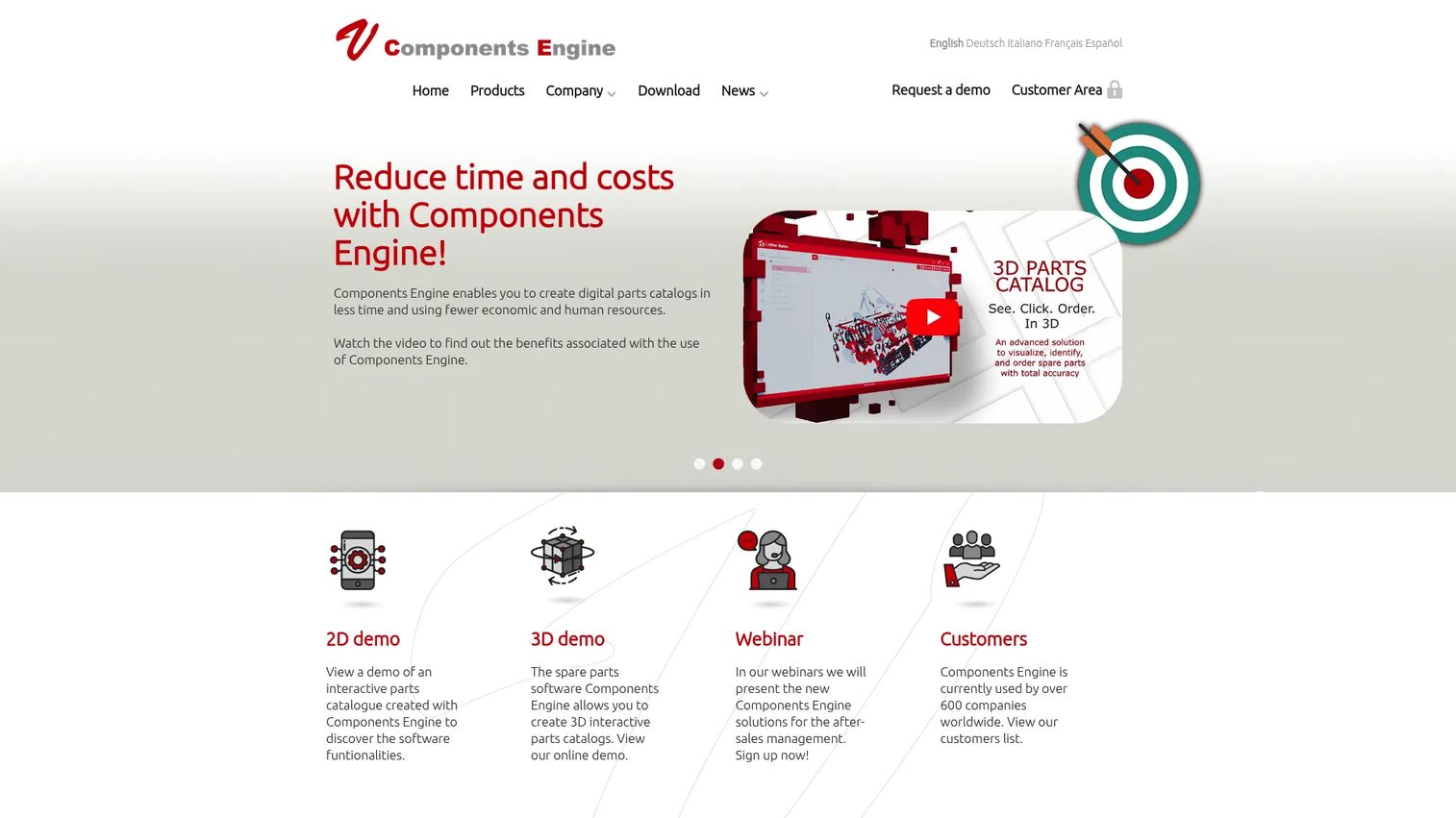
Components Engine is interactive 2D and 3D spare parts catalog software with online, offline, PDF, and printed outputs. The commercial layer is what distinguishes it from pure catalog authoring tools: Carts, quote requests, customer-specific price lists, order history, and order files exportable in ERP-compatible formats. According to the vendor's own documentation, users can create online parts catalogs with real-time availability and pricing information, then export order data in the formats required by ERP systems.
The platform is responsive across PC, tablet, and smartphone. It also supports access to technical and commercial documentation alongside the catalog itself, so a technician identifying a part can pull the associated installation instructions in the same session.
Best for: Aftermarket organizations that need visual parts identification and a clear path from part selection to quote, order, or dealer fulfillment.
Key features
- Interactive 2D and 3D spare parts catalog creation
- Online carts and quote request workflows
- Customer-specific price lists and order history
- ERP-compatible order file exports
- Online and offline catalog publishing
Why choose Components Engine: Choose this when spare parts revenue is growing faster than your capacity to handle manual order requests. It is less focused on presenting CAD content for its own sake and more focused on reducing wrong orders while supporting aftermarket revenue through a single connected experience.
Components Engine pricing: The vendor does not display numeric pricing. The package is quote-based. During evaluation, ask about catalog volume, which commerce modules apply, integration requirements, and the user access model.
G2 rating: A verified G2 rating for Components Engine was not confirmed at time of publication. Capterra shows a 5.0/5 rating from five reviews. Verify both sources before finalizing your evaluation.
5. CDS Visual
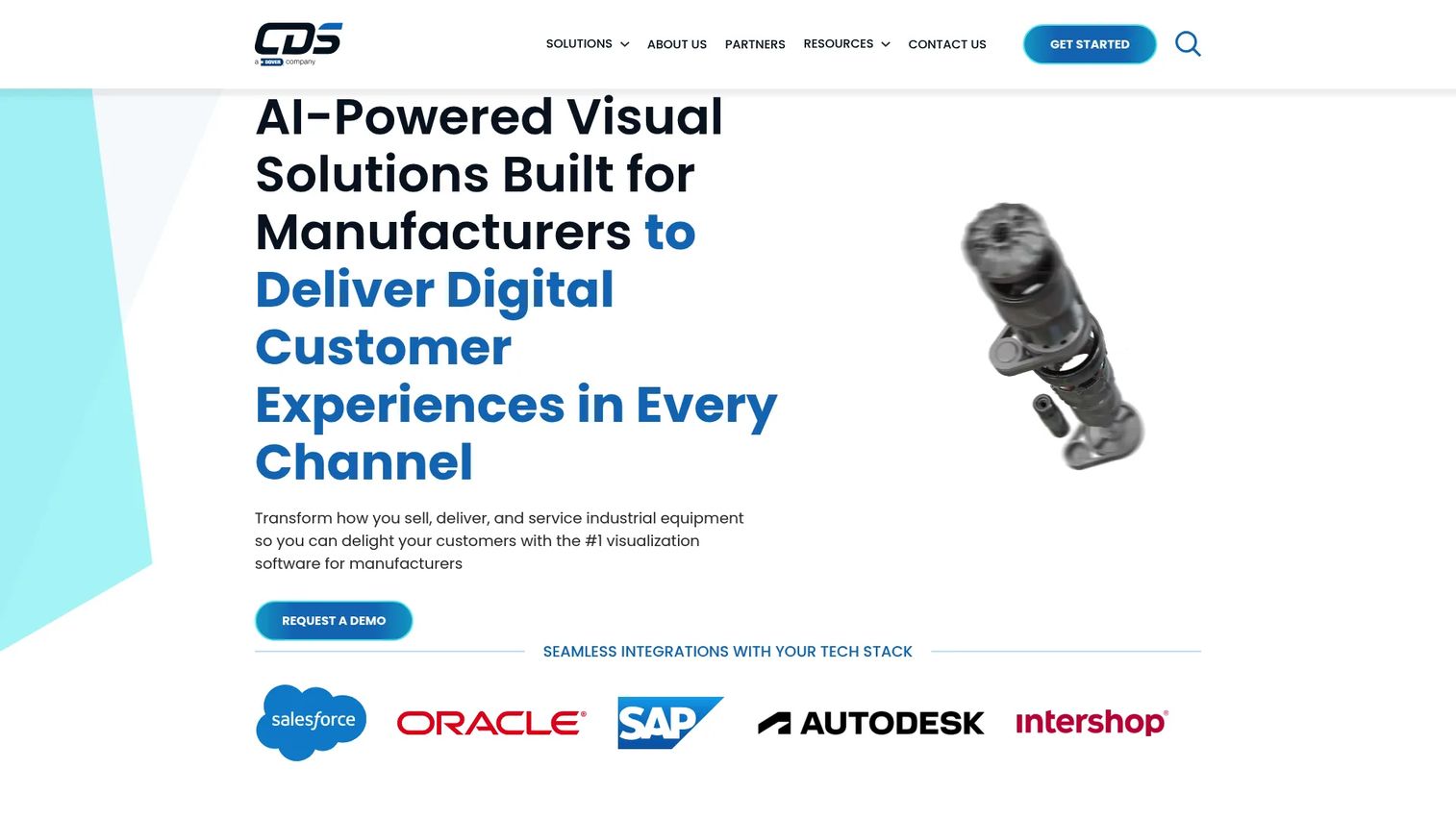
CDS Visual is a cloud-based 2D and 3D visualization platform for industrial manufacturers and distributors. The platform covers three major operating areas: Spare parts identification using serial number, BOM, order-based, 2D exploded-view, and interactive 3D search; product configuration with CAD-based visuals, rendered images, and augmented reality; and digital work instructions with guided execution, quality and traceability tracking, and training management.
The positioning is broader than a standalone parts catalog. CDS Visual is built for organizations that want visual experiences to run consistently across service, sales, and field workforce channels from a single platform.
Best for: Manufacturers that need visual commerce, parts identification, and work instruction experiences across multiple customer and workforce touchpoints.
Key features
- AI-powered spare-parts identification with serial number and BOM search
- 3D product configurators and CAD-based visual experiences
- Augmented reality for field and service applications
- Digital work instructions with quality and traceability tracking
- ERP and commerce system integrations
Why choose CDS Visual: Choose this category of platform when 3D visualization needs to extend beyond a standalone parts catalog into product configuration and field workforce operations. It fits founders building service revenue across multiple channels rather than solving for one catalog use case.
CDS Visual pricing: The vendor directs visitors to request a quote or demo. The cost depends on product scope, which visual applications you activate, integration requirements, and implementation services. Contact CDS Visual for current commercial packaging.
G2 rating: A verified G2 rating was not available at the time of publication. Check the CDS Visual seller page on G2 before finalizing your evaluation.
6. eCATALOG 3Dfindit
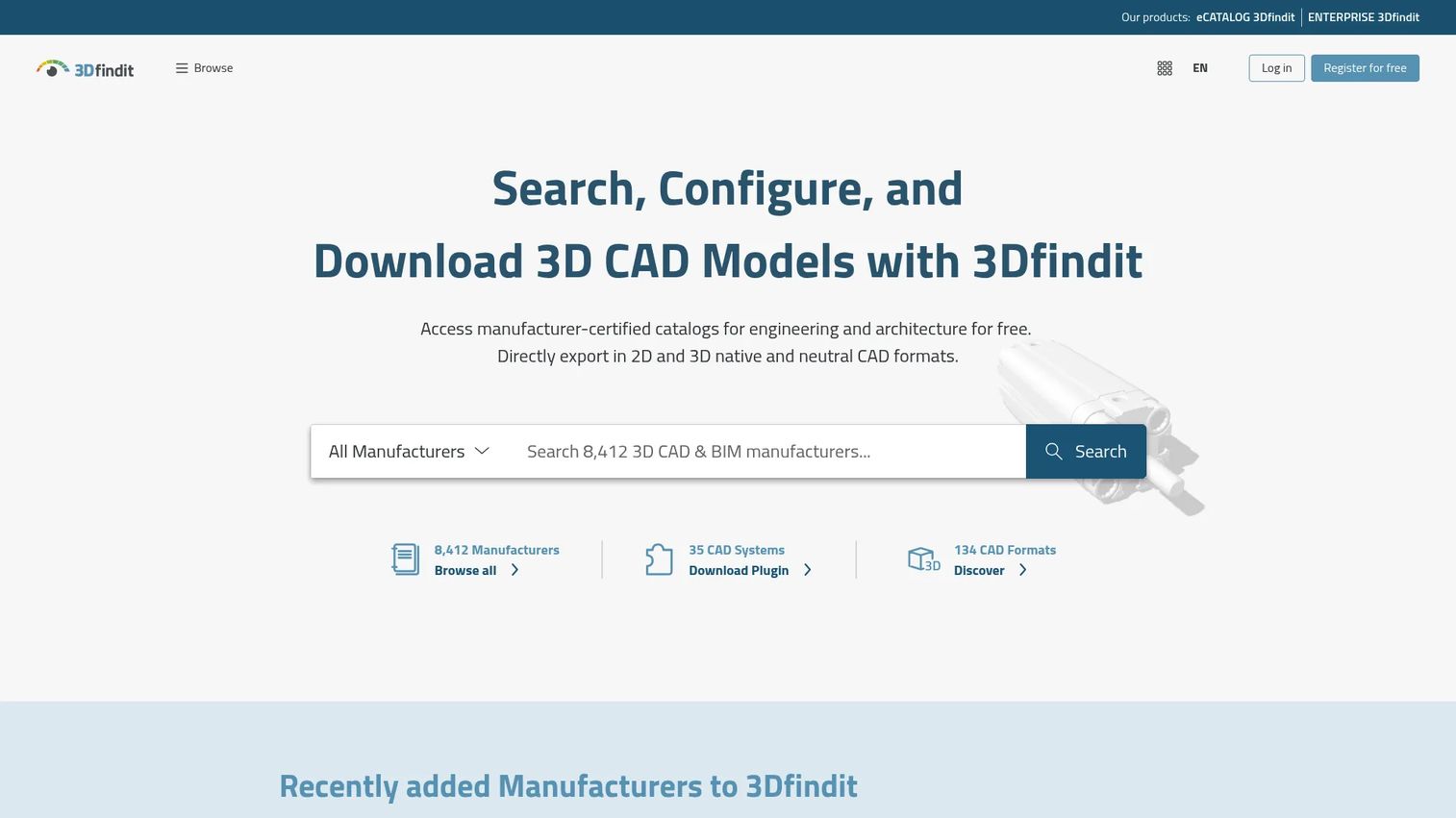
eCATALOG 3Dfindit is a digital product catalog and CAD configurator for component manufacturers. Engineers and designers use it to configure products parametrically, view interactive 3D models, download native CAD and BIM files in their preferred format, and generate configured part numbers. The platform connects to CRM systems including Salesforce, HubSpot, and Microsoft Dynamics, supports RFQ workflows, and integrates with e-commerce and pricing tools. Its primary commercial goal is getting components designed into new engineering projects before procurement begins.
If your company wins by becoming the specified component, eCATALOG 3Dfindit supports a design-in strategy rather than an aftermarket ordering strategy.
Best for: Component manufacturers that want engineers and designers to configure products, download CAD data, and generate qualified sales leads through self-serve specification.
Key features
- Parametric product configuration with configured part numbers
- Interactive 3D visualization for design engineers
- Native CAD and BIM model downloads in multiple formats
- CRM integrations: Salesforce, HubSpot, Microsoft Dynamics
- RFQ workflows and e-commerce and pricing integrations
Why choose eCATALOG 3Dfindit: Choose this when the commercial goal is to get components specified into new projects, not to manage aftermarket spare part orders from existing customers. It fits founders whose product wins in the design phase and whose sales team targets engineering decision-makers early in the specification process.
eCATALOG 3Dfindit pricing: Pricing is not displayed on the official product page. The vendor offers demo and pricing requests. Catalog size, configuration logic complexity, export format scope, and integration requirements drive the commercial model. Contact the vendor for current pricing.
G2 rating: 4.9/5, verified via the eCATALOG 3Dfindit listing on G2 (October 2026).
7. Arbortext
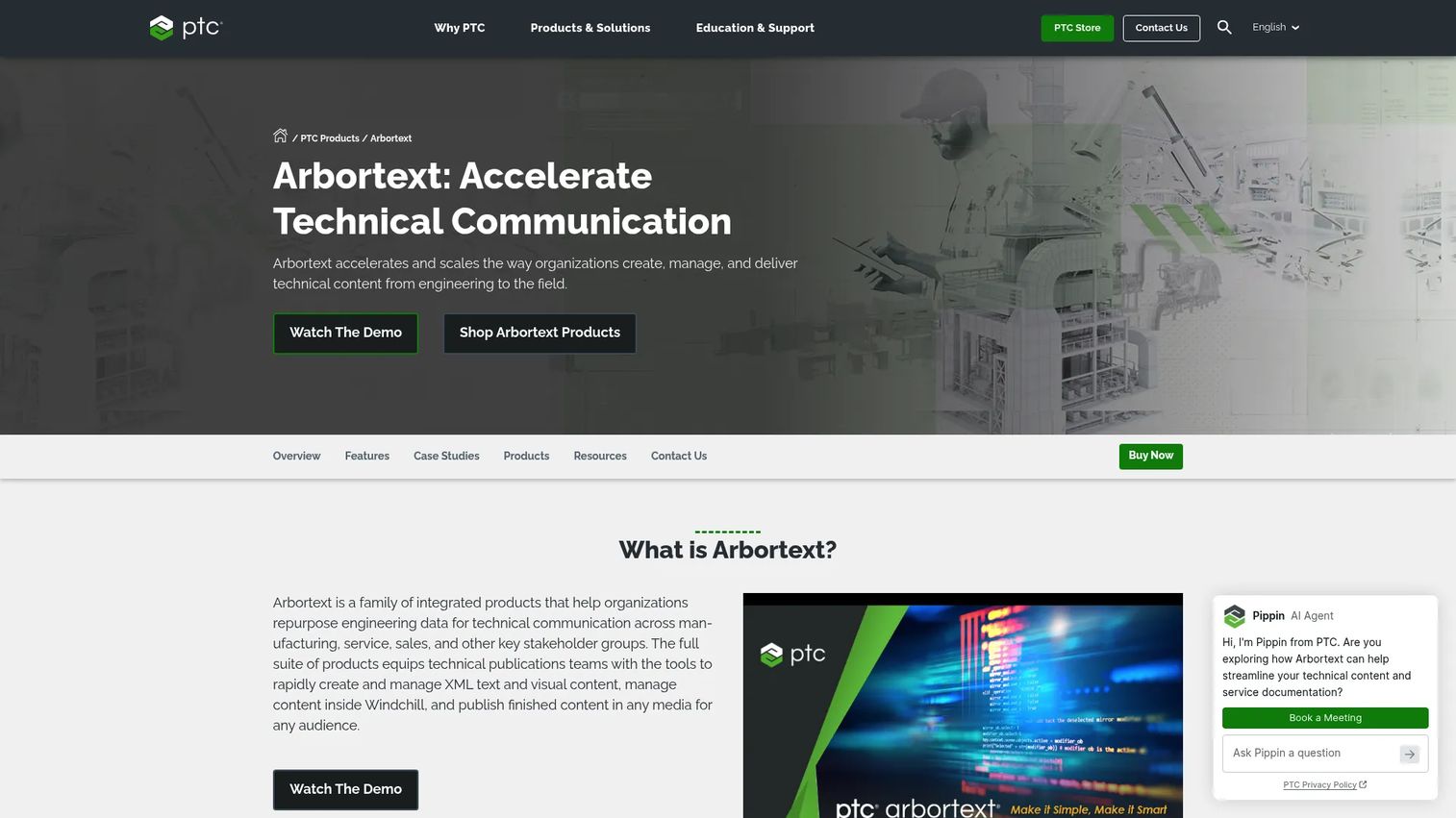
Arbortext is PTC's enterprise solution for creating, managing, and delivering structured technical publications and service information. It supports XML and SGML authoring, DITA and S1000D compliance, CAD-derived 2D and 3D technical illustrations, component-based content management, and multiformat publishing to PDF, HTML, mobile, and other outputs. PTC positions Arbortext for industrial equipment, automotive, aerospace, defense, and high-tech organizations that need product and service information to stay current with engineering.
This is a scale decision. Arbortext fits teams that are prepared to operate structured technical content as a durable business system, with governance, reuse, and configuration control built into the authoring process.
Best for: Enterprises with formal technical publications processes, regulated documentation requirements, and established PLM or Windchill environments.
Key features
- XML and SGML structured authoring
- DITA and S1000D compliance support
- CAD-derived 2D and 3D technical illustration
- Component-based content management and reuse
- Multiformat publishing: PDF, HTML, mobile, and others
Why choose Arbortext: Choose it when content governance, reuse across product families, and configuration control matter as much as the visual catalog experience. It is best suited to teams with a technical publications function that already owns the operating model.
Arbortext pricing: PTC offers annual licensing with floating, locked, and registered-user license types. Numeric pricing is not displayed on the accessible product store page. The cost depends on licensing model, authoring seat count, publishing components, content delivery scope, and integration requirements. Contact PTC for current commercial terms.
G2 rating: 4.1/5, verified via the Arbortext Editor listing on G2 (October 2026). Note this rating refers to Arbortext Editor rather than the full suite.
Considerations when choosing 3D parts catalog software
Start with the source of truth
Ask where part data originates: PLM, ERP, PIM, CAD, a service BOM, or some combination. The catalog will fail if the update path is manual or ambiguous. A technically strong viewer built on stale data produces wrong orders just as reliably as the PDF it replaced.
Match the tool to the user's job
A dealer ordering spare parts, a field technician repairing equipment, and a design engineer specifying components need genuinely different experiences. Do not buy a design configurator when the service team needs configuration-specific repair parts. Map your primary end user before you evaluate a shortlist.
Test configuration and serial number logic on a real variant
Ask to run the most complex real product configuration through any demo. Generic sample data hides the problem that causes incorrect orders. The tool that handles your hardest case in a proof of concept is usually the one that survives field use.
Price the integration work, not just the licenses
Total cost often sits in data cleanup, CAD preparation, catalog architecture, ERP connectivity, and change management. Ask vendors who owns each workstream in a typical implementation and what "live" means for the first launched product family.
Establish update ownership before you sign
Define before launch whether engineering, technical publications, product data, or an external partner is responsible for keeping the catalog current after product revisions. A catalog that cannot be updated quickly becomes a liability, not an asset.
How to choose the right 3D parts catalog software for your team
If your main problem is illustrated service documentation: RapidCatalog or Arbortext. Technical publications standards, authoring governance, and controlled content reuse should drive the decision. Ask which team will own the operating model on day one.
If your main problem is aftermarket ordering accuracy: Components Engine or CDS Visual. Order flow, dealer experience, ERP handoff, and service revenue belong in the evaluation alongside the catalog viewer itself.
If engineering needs to turn CAD data into a customer-facing catalog: Zea Parts. The focus should be on CAD-derived catalog maintenance, service BOM mapping, and the update cycle when product geometry changes.
If you need to get designed into customer projects: eCATALOG 3Dfindit. Parametric configuration, native CAD and BIM downloads, and engineering self-service make this the right fit for a design-in commercial strategy.
If you sell catalog or service software and need a repeatable product story: Guideflow as the experience layer. It helps the GTM team show the software to prospects, dealers, and internal teams before access is provisioned. The distinction matters: Guideflow supports product evaluation and enablement. It does not replace the catalog platform.
Conclusion
Pick the 3D parts catalog software that matches the system you are actually building, not the most feature-rich option in a demo.
- RapidCatalog: Illustrated technical parts catalog creation with standards-based authoring
- Zea Parts: CAD-driven catalog generation with service BOM mapping
- Components Engine: Aftermarket commerce and spare parts ordering connected to ERP
- Guideflow: Demonstrating complex catalog and service software at scale, without provisioning a live environment
- CDS Visual: Broader visual experiences across sales, parts identification, and field workforce
- eCATALOG 3Dfindit: Component configuration, native CAD and BIM downloads, and engineering-led lead generation
- Arbortext: Structured enterprise service content and parts information with full authoring governance
Before you book a vendor call, run one real test: One real assembly, one real product configuration, one service workflow, and one required integration. The tool that makes ownership and updates clear after that test is usually the better long-term choice.
Start your journey with Guideflow today!
FAQs about 3D parts catalog software
3D parts catalog software converts CAD models, BOM data, and service information into searchable visual catalogs. Users navigate interactive 3D assemblies, identify the correct component through drill-down or configuration filtering, and in some platforms proceed directly to ordering or quoting. The core function is replacing static PDF parts books with a connected, visual identification experience.
A 3D parts catalog emphasizes visual navigation, exploded assemblies, and geometry-derived part identification. An electronic parts catalog is a broader category: It may include 2D images, supersession data, configuration filtering, technical documents, and service procedures alongside any visual elements. Many modern platforms combine both, but the authoring approach and primary end user differ.
Yes, many platforms support ERP connectivity, though the depth varies. Common integration points include part master data, real-time availability, customer-specific pricing, order file exports, and dealer routing. Before finalizing a vendor, validate the exact ERP connector, which data directions it supports, and whether the integration is native or requires middleware.
At minimum: CAD assemblies or 3D models, an engineering BOM or service BOM, and a parts master with current part numbers. For more capable catalogs, add product variant rules, supersession data, pricing rules, technical documents, and a defined owner for post-release updates. Clean, current data affects launch speed more than the viewer interface does.
Several platforms support serial number, product code, validity date, or configuration-based filtering. The key is testing a real installed base scenario, not a generic demo configuration. Ask the vendor to show your most complex real variant. Accept the outcome of that test as the answer, not the sales presentation.
Yes, when the company has a growing installed base, recurring spare parts demand, dealer complexity, or field service burden. Smaller teams get the most value by starting with one high-volume product family rather than cataloging the full portfolio at launch. A focused first catalog that stays current is more useful than a comprehensive one that falls behind engineering revisions.
Some platforms include carts, quote requests, payment options, customer-specific pricing, and ERP or e-commerce handoff. Others focus exclusively on identification and documentation, treating ordering as a downstream step. Determine whether ordering is in scope before evaluating, because it significantly affects which platforms belong on your shortlist.
A guided interactive demo lets you show parts search, configuration logic, or ordering workflows without creating a live trial account. The buyer clicks through a realistic capture of the product at their own pace, and you get session-level engagement data showing which features they explored and where they spent time. This approach works well for landing pages, outbound follow-ups, and partner enablement, giving the sales team a repeatable product story that does not depend on a product expert joining every call.