Your sprint checklist lives in a Google Doc. Your onboarding checklist is a Notion page no one updates. Your release checklist is a Slack thread from three months ago. Sound familiar?
The pattern isn't laziness. It's a tooling problem. When recurring work has no system behind it, steps get missed, ownership blurs, and accountability disappears into chat. According to Grand View Research (2026), the task management software market reached USD 3.9 billion in 2025, which signals how many teams are actively searching for something better than docs and memory.
True checklist management software is different from personal to-do apps. It enforces process: Who does what, in what order, on what schedule, with a record of what happened. For product managers juggling release cadences, onboarding flows, and cross-functional handoffs, that distinction matters enormously. The tool you pick determines whether your recurring workflows stay consistent at scale or quietly decay every time someone new joins the team.
What's inside
This guide is for product managers, operations leads, and team ops owners evaluating structured checklist tools in 2026. Tools were selected based on four criteria:
- Recurring workflows: Does the tool handle scheduled, repeating checklists natively?
- Assignment and ownership: Can tasks be assigned per role, user, or segment?
- Automation and integrations: Does it connect to the rest of your stack without engineering work?
- Reporting and visibility: Can managers see completion status and overdue items at a glance?
TL;DR
- Best for structured recurring workflows: Manifestly gives ops and product teams repeating SOP checklists with role-based assignments and audit trails
- Best for compliance-heavy or deskless teams: SmartSense Operate covers multi-location operational checklists with manager dashboards and corrective action tracking
- Best for workflow automation plus SOP documentation: Process Street combines checklist runs with approval workflows and AI-assisted process generation
- Best for broad project and checklist work: Asana handles recurring tasks inside a larger project management system
- Best for simple, lightweight checklists: Checkify and Todoist suit smaller teams or individuals who want low-overhead task tracking
What is checklist management software?
Checklist management software is a category of tools that lets teams create, assign, schedule, run, and track structured task lists as repeatable workflows, with built-in accountability and reporting.
This is meaningfully different from a personal to-do app. A to-do app helps one person remember things. Checklist management software enforces a process across a team, guarantees steps happen in the right order, and creates a record of what was completed and by whom.
Core capabilities to evaluate:
- Templates and blueprints: Pre-built or custom checklist templates you can reuse across runs without rebuilding from scratch
- Assignment and ownership: Tasks assigned to specific users, roles, or groups so accountability is explicit, not assumed
- Recurring scheduling: Automated checklist creation on daily, weekly, monthly, or custom intervals without manual triggering
- Reminders and notifications: Automated alerts for due dates, overdue steps, and approaching deadlines to reduce manual follow-up
- Conditional logic: Steps that appear or skip based on answers earlier in the checklist, supporting branching workflows
- Reporting and dashboards: Real-time views of completion rates, overdue items, and run history across teams or locations
- Integrations and automation: Connections to CRMs, Slack, HR systems, and other tools via native integrations or webhooks
The clearest signal you've outgrown a simple to-do app: Your recurring work fails when the person who ran it last time leaves, gets sick, or forgets. That's a process management problem, not a productivity one.
When to use checklist management software
Standardize recurring team work
When the same process runs every sprint, every onboarding cohort, or every product launch, a checklist template enforces the standard without depending on individual memory. Teams use this for employee onboarding, release checklists, audit preparation, and quarterly reviews, anywhere a repeating sequence needs to stay consistent across runs and people.
Reduce missed steps and ownership gaps
Chat follow-ups and manual reminders break down at scale. When a step has no named owner and no due date, it gets skipped. Checklist management software assigns ownership at the task level, sends automated reminders, and flags overdue items before they become blockers. This is particularly high-impact for cross-functional handoffs where no single person sees the full picture.
Track execution across teams or locations
Multi-team and multi-location operations need more than completion checkboxes. Managers need to see which runs are behind, which steps fail repeatedly, and where the pattern breaks. Built-in dashboards and run histories make that visibility possible without building custom reporting in a spreadsheet.
Checklist management software comparison
The six tools below cover the range from purpose-built checklist systems to broader work management platforms with strong checklist capabilities. Use the table to orient your shortlist, then read the item sections for the detail that matters to your situation.
| # | Product | Best for | Key use case | Pricing | G2 rating |
|---|---|---|---|---|---|
| 1 | SmartSense Operate | Deskless and multi-location ops | Compliance checklists with audit records and manager dashboards | Custom pricing | N/A |
| 2 | Checkify | Small teams wanting simple process management | Checklist templates, task guides, and recurring runs | From £7/member/month | N/A |
| 3 | Todoist | Individuals and small teams | Recurring tasks with reminders and lightweight collaboration | Free; paid from $5/user/month | 4.5/5 |
| 4 | Manifestly | Ops teams running SOPs at scale | Recurring SOP checklists with role assignments and audit trails | From $10/user/month | 4.5/5 |
| 5 | Process Street | Teams needing SOP automation and approvals | Workflow automation with conditional logic, approvals, and AI | Custom pricing | 4.6/5 |
| 6 | Asana | Cross-functional project teams | Recurring tasks inside a full project management system | Free; paid from $10.99/user/month | 4.4/5 |
Best checklist management software for 2026
1. SmartSense Operate
SmartSense Operate is a digital task and checklist platform designed for operational teams working across multiple locations or in deskless environments. It combines digital checklists with cloud-based dashboards, corrective action tracking, and compliance-ready audit records. Industries like food service, facilities management, and healthcare operations use it to replace paper-based checklists with timestamped digital records.
Best for: Multi-location operations managers and compliance-focused teams who need audit-ready task records and real-time visibility across sites.
Key features
- Digital checklists with photo, signature, and timestamp capture
- Cloud dashboard with manager visibility across locations
- Corrective action workflows triggered by failed checklist items
- Advanced analytics for process compliance and completion trends
- Integrations with operational and facilities management systems
Why choose SmartSense Operate: The audit trail and corrective action features set this apart from generic checklist tools. If your team needs to prove that a step happened, who completed it, and what was done when it failed, Operate addresses that traceability requirement directly. It's a narrower fit than broader tools, but the right narrower fit for regulated or multi-site operations.
SmartSense Operate pricing: Pricing is quote-based. Contact SmartSense directly to get a proposal sized to your number of locations and users.
No G2 rating was available for SmartSense Operate at the time of writing.
2. Checkify
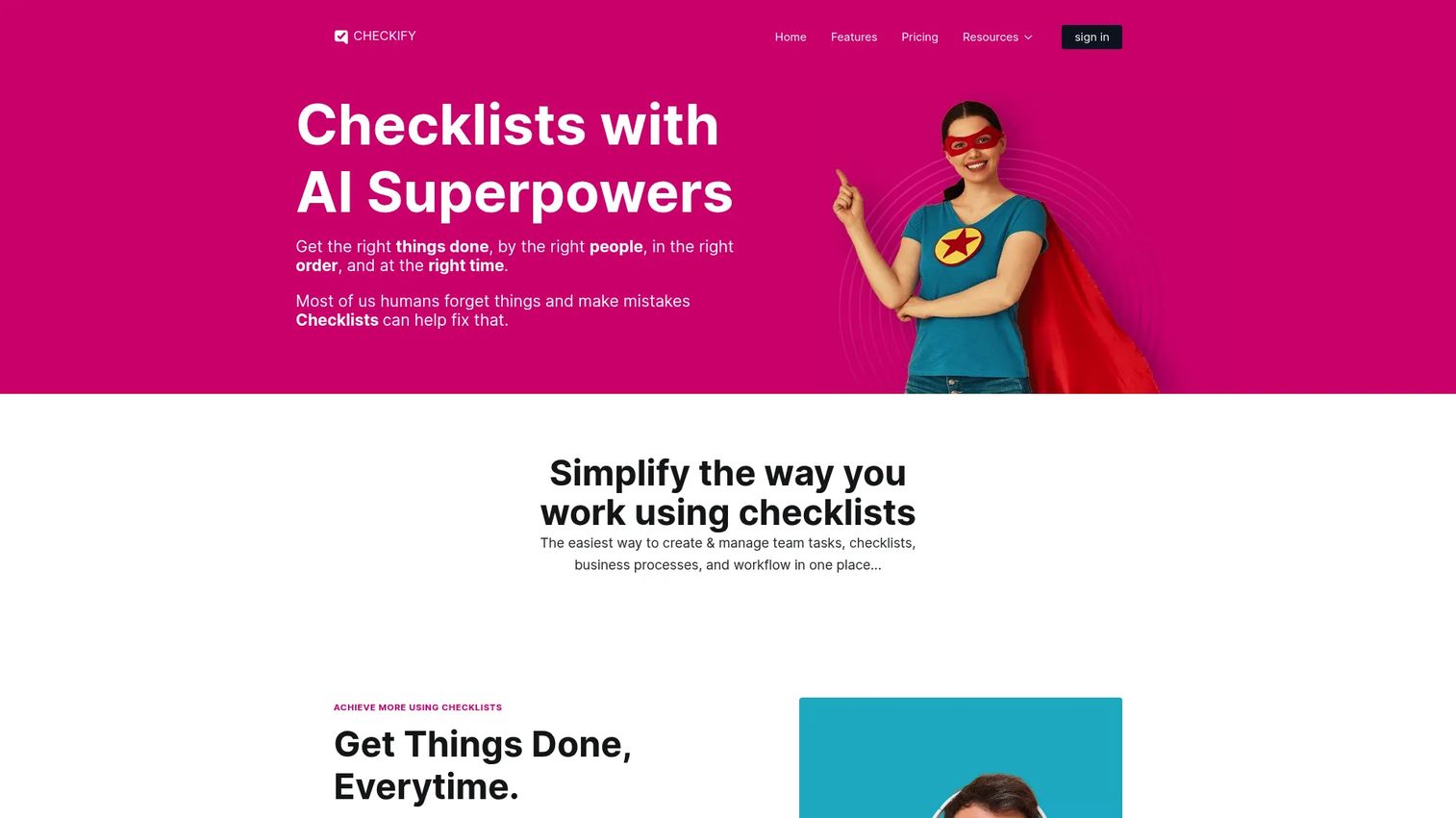
Checkify is a checklist and process management tool that covers task guides, recurring checklists, team assignments, comments, and approval flows. It's built to give small and mid-sized teams a dedicated checklist system without the complexity of a full project management suite. Workspaces, automation rules, and webhooks are available on paid plans, making it more capable than it first appears.
Best for: Small teams and solopreneurs who want dedicated checklist software with clear process management and a lower learning curve than enterprise platforms.
Key features
- Unlimited checklists and tasks with task guides and comments
- Recurring checklist scheduling with notifications
- Approval workflows and team assignment controls
- Automation, webhooks, and API access on higher tiers
- Workspaces for separating projects or departments
Why choose Checkify: Checkify gives you a purpose-built checklist tool without forcing you into a broader project management workflow. The tiered pricing makes it accessible for smaller teams, and the automation features on higher plans add meaningful capability without requiring a developer to configure them.
Checkify pricing: Pricing is shown in GBP. Solopreneur starts at £7 per member per month, Team is £13, and Business is £18. A single-user free option is available. Annual billing reduces the per-month cost.
No G2 rating was available for Checkify at the time of writing.
3. Todoist
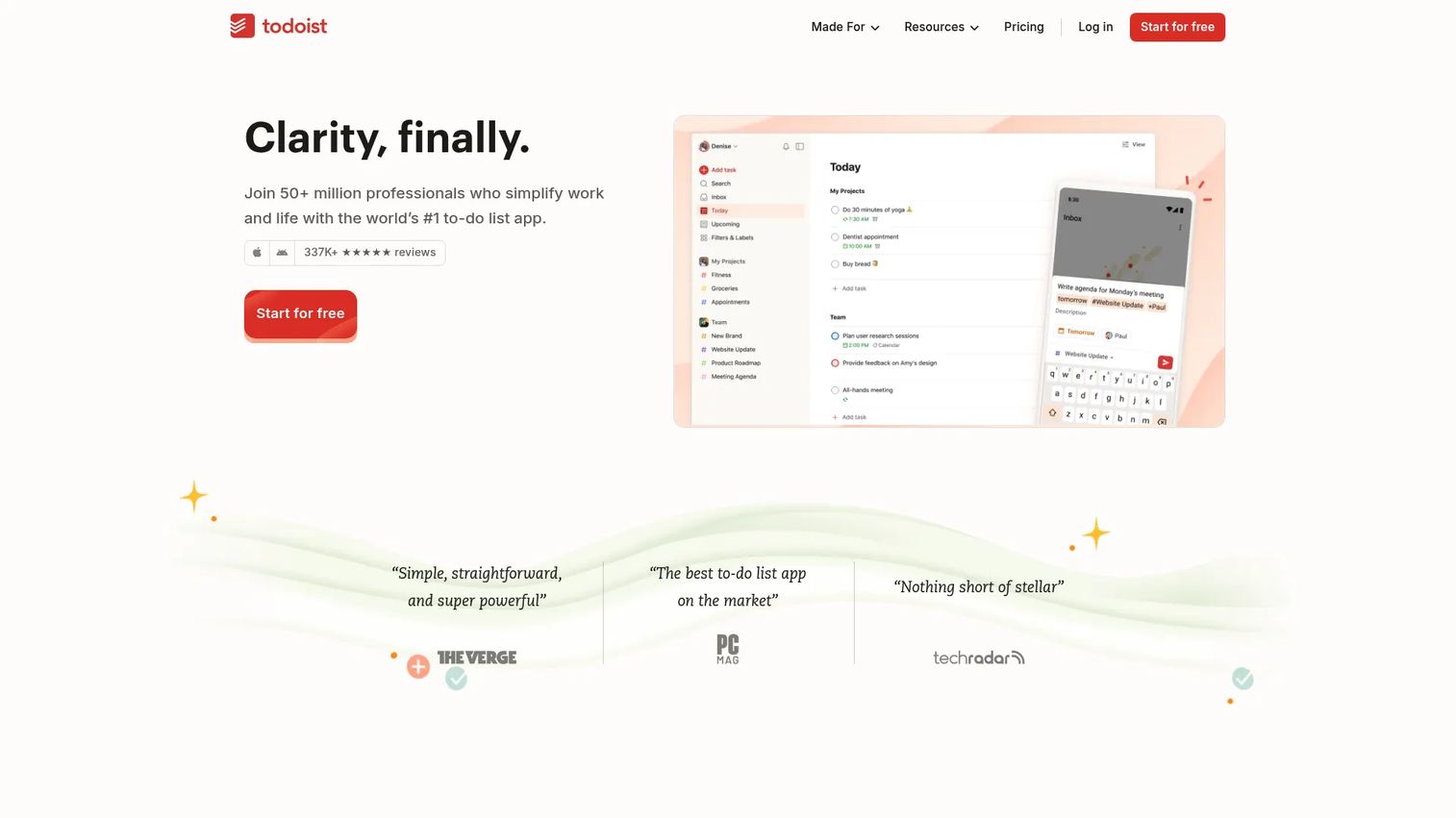
Todoist is a task and project management app with strong recurring task support, cross-device sync, and a clean interface most teams can adopt in an hour. It covers list and board layouts, calendar views, custom filters, and shared workspaces. The AI-powered Todoist Assist adds task suggestions and breakdowns. It's not a structured workflow tool in the strict process management sense, but it handles recurring personal and team tasks effectively.
Best for: Individuals and small teams who need recurring task management with reminders and lightweight collaboration, without structured SOP enforcement.
Key features
- Recurring tasks with natural language scheduling ("every Monday")
- List, board, and calendar views across devices
- Shared team workspaces and task comments
- Custom filters and priority labels
- AI-powered Todoist Assist for task breakdowns
Why choose Todoist: Todoist wins on ease of adoption and cross-device reliability. If your team's recurring work is relatively informal and doesn't require approval chains, conditional steps, or audit records, Todoist handles the job without any setup overhead. It's the right call when process enforcement matters less than speed and simplicity.
Todoist pricing: The Beginner plan is free. Pro is $5 per user per month. Business is $8 per user per month, plus local tax.
Todoist holds a 4.5/5 rating on G2.
4. Manifestly
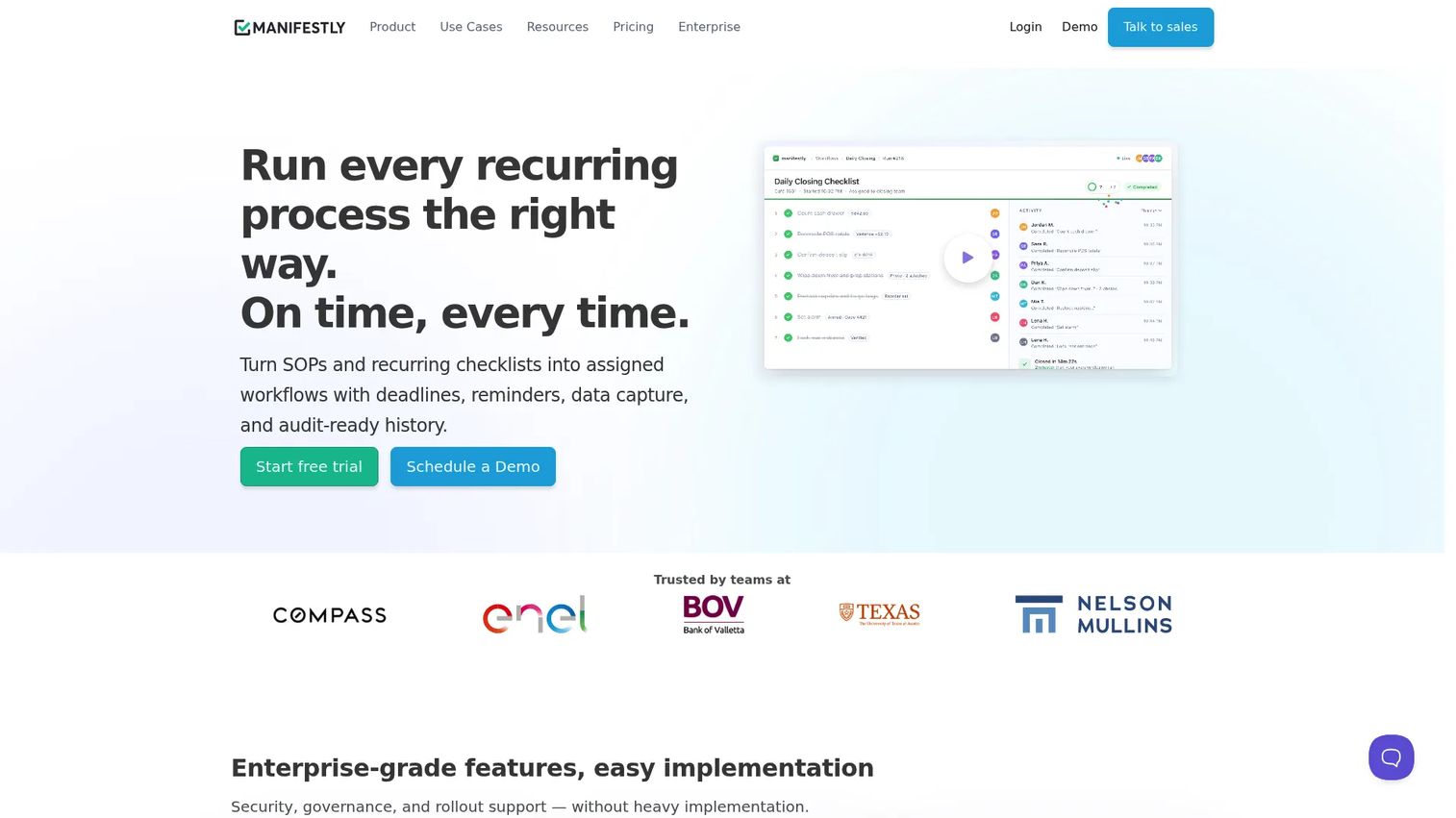
Manifestly is a recurring checklist and SOP execution platform for operations teams. It handles unlimited workflow runs with role-based assignments, scheduled recurrence, file uploads, data collection, and a full audit history. Teams use it for employee onboarding, vendor reviews, compliance audits, and any other repeating process where proof of completion matters. Its Slack integration means checklist notifications show up where your team already works.
Best for: Operations and product teams running repeatable SOPs at scale, where role-based assignments and a clean audit trail are non-negotiable.
Key features
- Unlimited workflows (SOPs) and checklist runs
- Role-based assignments and recurring schedule automation
- Data collection, file uploads, and audit history per run
- Slack integration for notifications and task updates
- Reporting on completion rates and overdue items by team
Why choose Manifestly: Manifestly is one of the few tools on this list built specifically around the recurring SOP use case. The audit trail is genuine, not an afterthought. For product managers coordinating cross-functional release checklists or onboarding sequences that involve CS, sales, and engineering, Manifestly's role-based assignment model prevents the ownership gaps that generic task tools create.
Manifestly pricing: Business is $10 per user per month (or $100 per user per year). Enterprise starts at $2,000 per year, covering 10 users, with an annual contract. A 14-day free trial is available.
Manifestly holds a 4.5/5 rating on G2.
5. Process Street
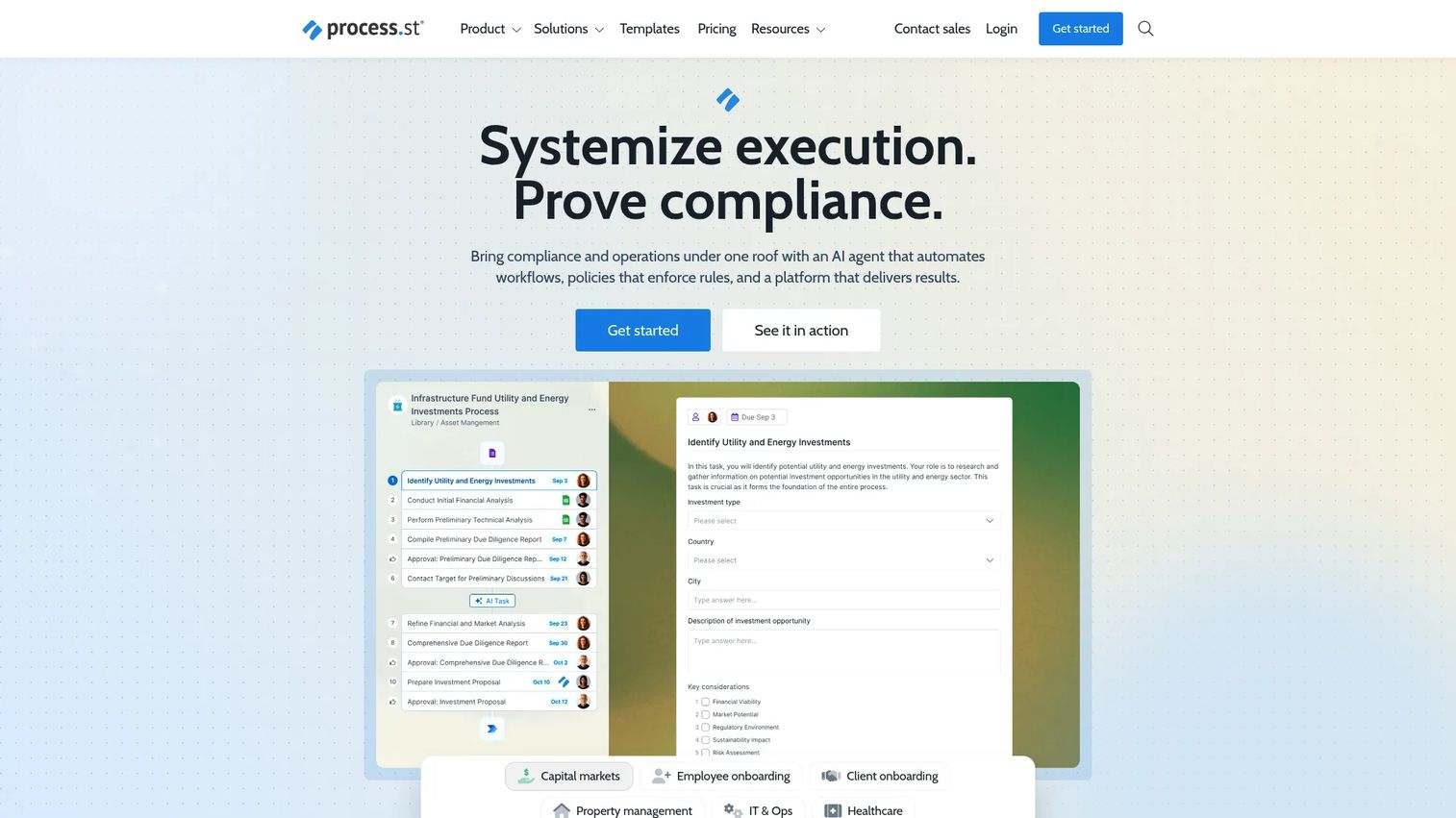
Process Street positions itself as a compliance operations platform that goes beyond checklists. Workflows include task assignments, conditional logic, approval steps, scheduler automation, and group-based permissions. The AI feature generates workflow structures and individual task content from a prompt, which shortens the time from "we should document this process" to a running checklist. Pages and Data Sets let teams build SOPs, knowledge articles, and structured data alongside their workflows.
Best for: Teams that need auditable workflow automation with approval gates, structured SOP documentation, and AI assistance for process creation.
Key features
- Workflow builder with conditional logic, approvals, and scheduler
- Process AI for generating workflow structures and task content
- Pages and Data Sets for SOPs, knowledge bases, and structured records
- Role-based permissions and group management
- Native integrations with common business tools
Why choose Process Street: This is the right choice when your team's processes require approval gates and a documented SOP library alongside the checklist runs themselves. The AI generation feature meaningfully cuts the cost of creating new workflows, which matters when your release cadence is high and documentation constantly needs updating.
Process Street pricing: Plans are custom-priced across Startup, Pro, and Enterprise tiers. A 14-day free trial is available for the Pro plan. Contact Process Street for a quote.
Process Street holds a 4.6/5 rating on G2.
6. Asana
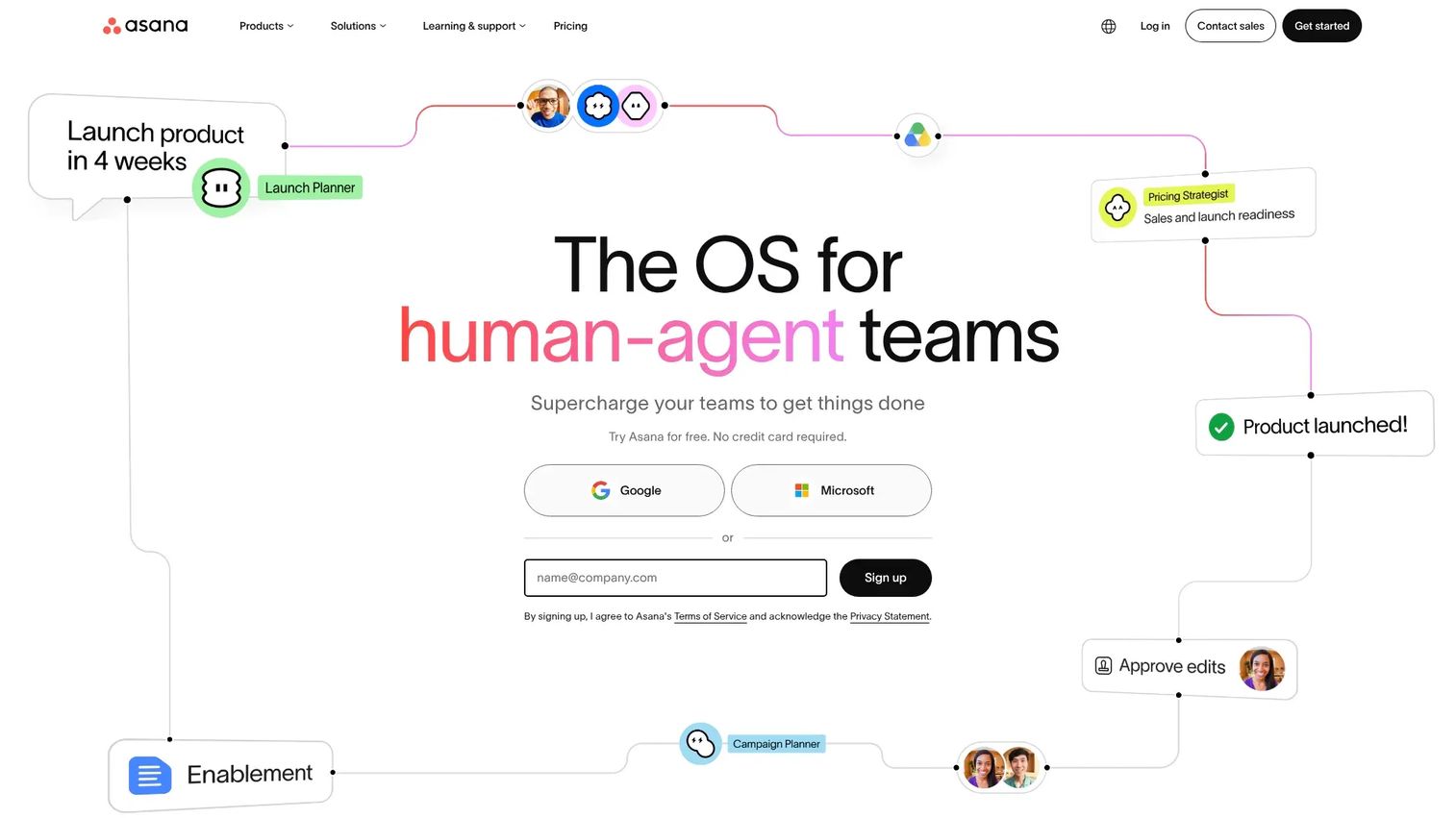
Asana is a broad work management platform that handles tasks, projects, goals, dashboards, and automation in one system. Recurring tasks and project templates give teams a checklist-like experience inside a larger project structure. It's the tool most cross-functional teams already have, which makes its checklist capabilities worth understanding before buying a dedicated tool. Timeline and Gantt views, Kanban boards, and reporting dashboards are all included.
Best for: Cross-functional teams who need project tracking, recurring tasks, and reporting within a single platform they're already using for broader work management.
Key features
- Recurring tasks with flexible scheduling and reminders
- Multiple project views: List, board, timeline, calendar, and Gantt
- Goals, portfolio dashboards, and workload reporting
- Automation rules for task assignment, status changes, and notifications
- AI features for task summarization and workflow suggestions
Why choose Asana: Asana makes sense when your team already uses it for project work and you want to add checklist discipline without switching tools. The recurring task capability is solid, and the reporting layer is more robust than most purpose-built checklist tools. The trade-off: You're getting checklist functionality as part of a larger system, not a tool designed exclusively around process enforcement.
Asana pricing: A free Personal plan is available. Starter is $10.99 per user per month, billed annually ($13.49 billed monthly). Advanced and Enterprise tiers are available, with Enterprise priced on contact.
Asana holds a 4.4/5 rating on G2.
Considerations
Before shortlisting a tool, run through these four evaluation criteria against your actual workflow needs.
Templates and recurring workflows
Ask whether the tool lets you create a master checklist template and run it on a defined schedule without manual intervention. Some tools require manually triggering each new run; others automate it entirely. For recurring work like weekly sprint reviews or monthly compliance audits, full automation is the standard worth insisting on.
Assignment, ownership, and approvals
Verify that tasks can be assigned to specific users or roles within a run, not just to the checklist as a whole. For processes that cross team boundaries, role-based assignment prevents the "someone else will do it" failure mode. If your workflows need sign-off before proceeding, check whether approval steps are native or require a workaround.
Automation and integrations
Map the tools your team currently uses and check native integration coverage before evaluating. A checklist tool that pushes completions to Slack, updates a CRM field, or fires a webhook when a step is overdue reduces the manual follow-up burden meaningfully. For product and ops teams already running a modern stack, this connectivity is often the deciding factor.
Reporting and visibility
Run the reporting feature against a real question you ask weekly: "Which onboarding runs are behind this week?" or "Which release step gets skipped most often?" If the dashboard can't answer that question in under 30 seconds, it won't change behavior. Look for run-level history, overdue tracking, and the ability to filter by team or workflow type.
Scalability and maintenance
Consider what happens to your checklist library six months from now when the product has changed and three people who built the original templates have moved on. Tools with clear ownership controls, version history, and easy template editing reduce the maintenance burden that kills checklist adoption over time. For PMs specifically, this is the opportunity cost question: How much engineering or admin time does keeping the system current require?
Conclusion
The right checklist management software depends primarily on two factors: How structured your recurring workflows need to be and how much visibility leadership requires.
For process-heavy teams with cross-functional handoffs, Manifestly and Process Street offer the strongest combination of SOP enforcement, role-based assignments, and audit history. SmartSense Operate is the clear choice for deskless or multi-location operations where compliance traceability matters.
On the simpler end, Todoist handles recurring tasks with minimal setup, and Checkify adds structured process management without a steep learning curve. Asana covers the use case well for teams already invested in it as their primary work management system.
Start by mapping one repeating workflow that currently breaks down, whether that's a sprint ceremony, a new hire onboarding sequence, or a monthly audit checklist. Run a free trial of your shortlisted tool against that one process. If it handles the assignment, recurrence, and reporting correctly for that workflow, it will scale.
Start your journey with Guideflow today!
FAQs
Task management software helps individuals and teams track work items, priorities, and deadlines, typically without enforcing a fixed order or process. Checklist management software enforces a structured sequence: Steps happen in a defined order, ownership is explicit per step, and the system creates a record of each run. The distinction matters most for recurring compliance, onboarding, and operational processes where a missed step has real consequences.
At minimum: Reusable templates, recurring scheduling, per-task assignment, automated reminders, and a completion dashboard. For teams with compliance requirements, add audit trail and corrective action tracking. For teams with complex workflows, conditional logic and approval steps move from nice-to-have to essential. Integrations with your existing stack determine how much manual follow-up the tool eliminates.
Yes, and recurring workflow support is one of the primary reasons to choose a dedicated checklist tool over a general task app. Tools like Manifestly and Process Street automate recurring checklist creation on daily, weekly, monthly, or custom intervals. The difference between tools is how much control you have over scheduling and whether each new run inherits assignments automatically.
Directly useful. Onboarding is a high-stakes repeating process with multiple owners, defined steps, and a clear sequence. A checklist tool lets you templatize the full onboarding workflow, assign each step to the right person or role, schedule it to trigger automatically on a hire date, and track which steps are complete and which are overdue. The audit trail is also valuable for onboarding programs subject to HR or compliance review.
Focus on three things: Whether the tool handles the specific recurrence interval your operations run on, whether managers get real-time visibility without pulling manual reports, and whether the tool supports your team's environment (field workers may need mobile-first interfaces or offline access). For regulated industries, prioritize tools with timestamped records, photo or signature capture, and corrective action workflows.
Accountability improves when ownership is explicit and tracked automatically. Checklist software assigns steps to named people or roles, sends automated reminders before due dates, and flags overdue items without a manager having to ask. Reporting improves because the system generates run history automatically, something a shared doc or spreadsheet never does reliably. The combination reduces the human effort required to maintain team-wide process standards.
Start with the integrations your team actually uses today: Your project management tool, communication platform, CRM, and any HR or ticketing systems. Native integrations are more reliable than workarounds. Beyond that, look for webhook support and API access, which let you connect the checklist tool to systems that don't have a pre-built integration. Automation rules within the tool itself, like auto-assigning a step when another is completed, reduce the configuration your team needs to maintain.
A to-do app is enough when the work is individual, informal, and doesn't require proof that it happened. If no one else needs to see completion status, if the tasks don't follow a fixed sequence, and if a missed step has no downstream consequence, a personal task app covers the job without adding system overhead. The moment you need to coordinate across people, enforce an order, or report on whether a process ran correctly, a dedicated checklist tool gives you capabilities a to-do list can't match.