Your small team is wasting hours on tasks a machine should handle.
Every week, someone on your team copies data between apps, chases approvals through email threads, or manually updates a CRM after a call. According to Asana's 2025 Anatomy of Work Index, workers spend roughly 58% of their time on "work about work" - status updates, data entry, notification routing - instead of the skilled work they were hired to do. For a 10-person team, that's the equivalent of nearly six full-time employees doing busywork.
A workflow automation platform fixes this. It connects your apps, moves data automatically, and runs repetitive processes without anyone touching a keyboard. The right one pays for itself in the first month.
But there are dozens of workflow automation tools on the market, and most comparison guides are written for enterprises with 500-person IT departments. You don't have that. You have a lean team, a real budget, and zero patience for tools that take six weeks to deploy.
This guide is built specifically for teams of 5 to 100 people. We reviewed 15 workflow automation platforms, calculated what each actually costs at small-team scale, and rated them on how quickly a non-technical person can get their first automation running.
What's inside
You'll find a side-by-side comparison table, individual reviews with honest pros and cons, a buyer's guide tailored to small teams, and a section on AI workflow automation trends shaping 2026. Every recommendation comes with real pricing math - not just "starting at $X" but what a 10-person team actually pays monthly.
We also included an honorable mentions section covering 10 additional tools that didn't make the main list, so you won't wonder if we missed something. Whether you need no code workflow automation or a developer-friendly API platform, there's a match here.
TL;DR
- Easiest starting point: Zapier - 7,000+ integrations, 15-minute setup, no code required
- Best value for complex workflows: Make - visual builder, 1,000 free operations/month, roughly 4x cheaper than Zapier at scale
- Best open-source option: n8n - self-host for free, full data control, code-optional
- Best for Microsoft teams: Power Automate - often included in your existing Microsoft 365 subscription
- Best all-in-one with automation: ClickUp - project management plus 100 free automations/month at $7/member
- Best for AI-powered workflows: Lindy AI - autonomous agents that handle email, scheduling, and research without trigger-action logic
What is a workflow automation platform (and why your small team needs one)
A workflow automation platform is software that connects your apps and automates repetitive tasks using triggers, conditions, and actions - without requiring you to write code or manually intervene. Think of it as an invisible team member who never forgets a step, never takes a break, and works across every tool in your stack.
Here's a concrete example: when a new lead fills out your website form, the platform automatically creates a contact in HubSpot, sends a Slack notification to your sales rep, and adds a follow-up task in Asana. That three-step process used to require someone watching a form inbox. Now it happens in seconds.
This is different from workflow management software, which helps you visualize and track processes but doesn't necessarily automate them. It's also distinct from RPA (robotic process automation), which mimics mouse clicks on desktop applications and legacy systems. A cloud workflow automation platform operates between your SaaS tools - the apps your team already uses daily.
Small teams benefit disproportionately from automated workflow software. Here's why: if an enterprise saves 10 hours a week across 500 employees, that's 0.02 hours per person. If your 10-person team saves 10 hours a week, that's a full hour back per person - roughly 3% of their entire working week. At small scale, every automated process has an outsized impact on capacity.
The most common workflows small teams automate include:
- Lead routing from forms to CRMs and notification channels
- Invoice generation when project statuses change
- Data syncing between Google Sheets, your CRM, and reporting dashboards
- Approval chains for PTO requests, purchase orders, and content reviews
- Customer onboarding sequences triggered by a new Stripe payment
If your team is doing any of these manually, you're spending time you don't have on work a machine handles better.
How we evaluated these workflow automation platforms
Every tool on this list was assessed through a small-team lens. We didn't care about features only a 500-person company would use. Here's what we measured:
- Ease of setup - Can a non-technical user build their first automation in under 30 minutes? We tested each platform's onboarding flow
- Pricing for small teams - What does a team of 10 actually pay per month? We calculated real costs, not just starting prices
- Integration ecosystem - Does it connect with the tools small teams rely on: Google Workspace, Slack, HubSpot, Stripe, Shopify, and Notion?
- AI capabilities - Does it offer AI-powered workflow suggestions, natural language building, or intelligent routing? AI workflow tools are table stakes in 2026
- Scalability - Can it grow with you from 5 to 50 to 500 people without a painful migration?
- Pre-built templates - Does it offer ready-made workflow templates so you're not starting from scratch?
- Support and documentation - Is help available when you're stuck at 11pm without pinging someone on Slack?
Every platform was evaluated with business process automation tools in mind - specifically, the kinds of processes that small operations teams deal with daily. Enterprise governance features and compliance certifications were noted but not weighted heavily unless they're relevant at the SMB level.
Quick comparison table: 15 best workflow automation platforms at a glance
Short on time? Here's every workflow automation platform we reviewed, compared side by side.
| Platform | Best For | Starting Price | Free Tier? | AI Features? | Integrations |
|---|---|---|---|---|---|
| Zapier | Beginners, broad app connectivity | ~$19.99/mo | Yes (100 tasks) | Yes | 7,000+ |
| Make | Visual, complex workflows | ~$9/mo | Yes (1,000 ops) | Yes | 1,500+ |
| n8n | Open-source, self-hosting | ~$20/mo (cloud) | Yes | Yes | 400+ |
| Power Automate | Microsoft 365 teams | ~$15/user/mo | Partial | Yes (Copilot) | 1,000+ |
| monday.com | PM teams adding automation | ~$12/seat/mo | Yes (2 seats) | Yes | 200+ |
| ClickUp | Budget-conscious all-in-one | ~$7/member/mo | Yes (100 automations) | Yes | 200+ |
| Pipedream | Developer API automation | ~$19/mo | Yes | Limited | 2,000+ |
| Workato | Scaling enterprise-grade | Custom pricing | No | Yes | 1,000+ |
| Relay.app | Human-in-the-loop approvals | ~$9.99/mo | Yes | Yes | 100+ |
| Kissflow | No-code business processes | ~$1,500/mo | No | Limited | 50+ |
| Gumloop | AI content and data tasks | Free tier available | Yes | Yes (AI-native) | 50+ |
| Lindy AI | Autonomous AI agents | Free tier available | Yes | Yes (AI-native) | 100+ |
| Smartsheet | Spreadsheet-centric teams | ~$9/user/mo | No | Limited | 100+ |
| Integrately | Budget Zapier alternative | ~$19.99/mo | Yes (100 tasks) | Limited | 1,200+ |
| Tray.ai | Marketing/RevOps teams | Custom pricing | No | Yes (Merlin AI) | 600+ |
1. Zapier - best all-around workflow automation platform for beginners
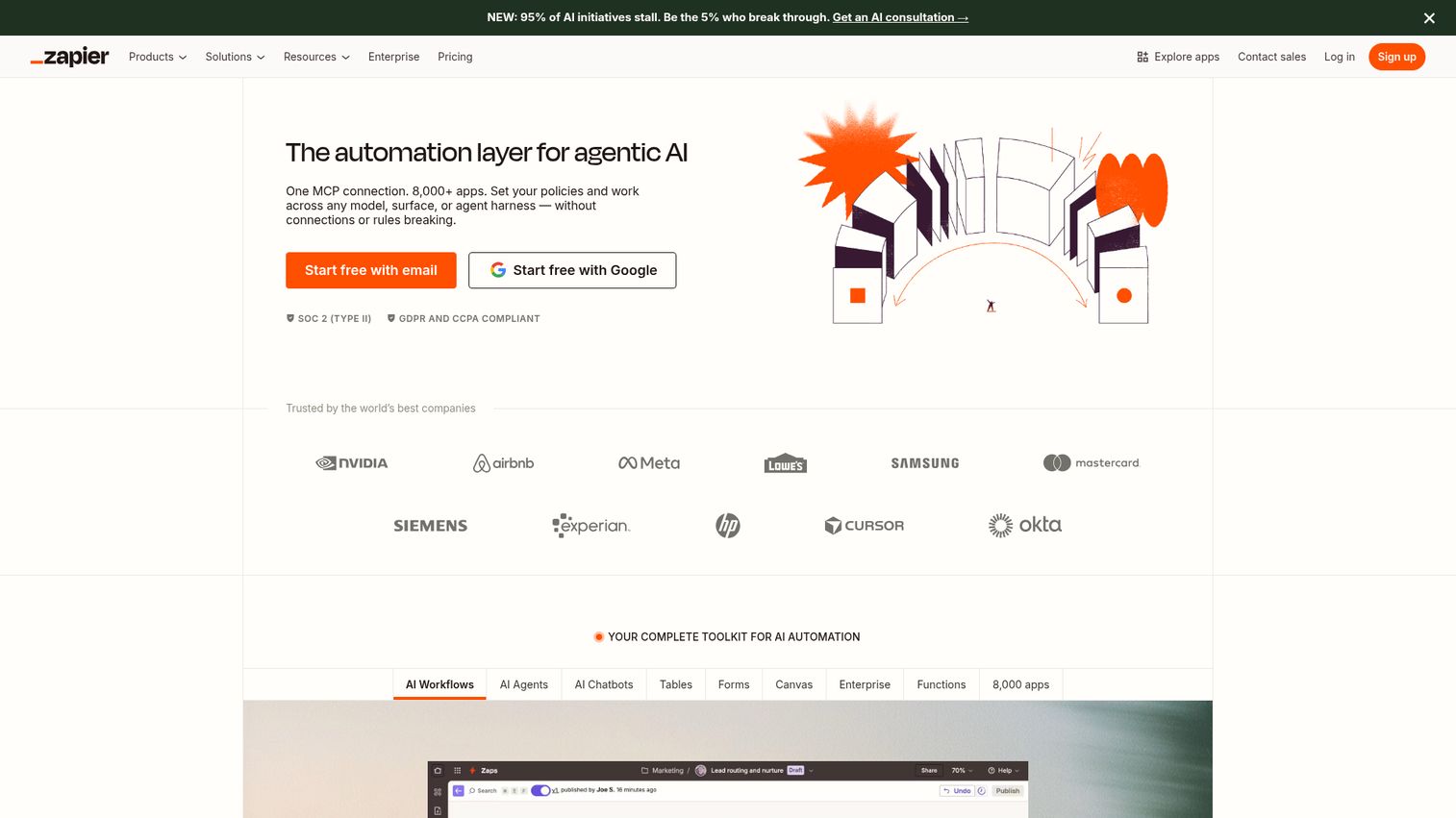
Zapier is the most widely adopted no code workflow automation platform, connecting 7,000+ apps through a straightforward trigger-action interface that anyone can learn in an afternoon.
If your team uses more than five SaaS tools (and you almost certainly do), Zapier likely supports all of them. Its AI-powered Zap builder lets you describe a workflow in plain English and generates the automation for you - a feature that's gotten noticeably better in 2026.
Best for: Non-technical small teams who need to connect many different SaaS tools quickly.
Key strengths
- 7,000+ app integrations, the largest library available
- AI assistant builds Zaps from natural language descriptions
- Multi-step workflows with conditional logic (Paths)
- Built-in Tables database and Interfaces for forms
- Active community with thousands of pre-built templates
Pricing: Free tier includes 100 tasks/month and 5 Zaps. Starter plan at ~$19.99/mo for 750 tasks. For a 10-person team on the Team plan, expect ~$69.50/mo (shared workspace, 2,000 tasks). Task-based pricing means costs can spike if your automations run frequently - a team running 5,000 tasks/month would pay around $49/mo on the Professional plan.
The main trade-off with Zapier is cost at scale. It's the easiest platform to start with, but per-task pricing adds up fast once you're automating more than a handful of workflows. If you're running under 2,000 tasks per month, it's hard to beat. Beyond that, Make tends to offer better value.
2. Make (formerly Integromat) - best for visual, complex workflow design
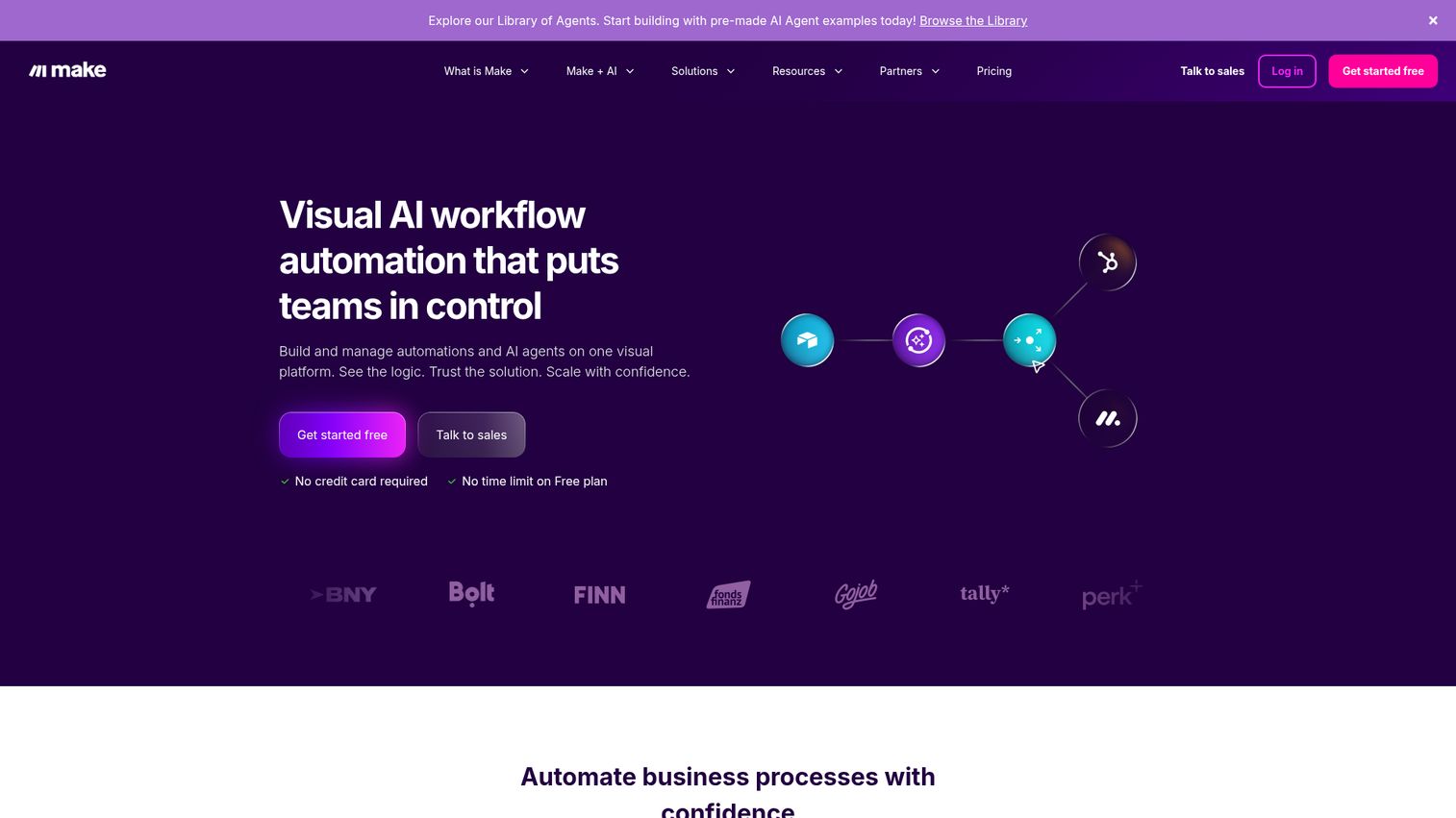
Make is a visual workflow automation platform that uses a node-based canvas to handle complex branching, loops, and data transformations - giving you significantly more power than Zapier at a lower price point.
The visual scenario builder is where Make shines. You can see your entire workflow as a flowchart, with routers splitting paths, iterators processing arrays, and data stores holding information between runs. It's a low code workflow automation approach that rewards a bit of learning with much more capability.
Best for: Small teams with moderately complex workflows who want more power without enterprise pricing.
Key strengths
- Visual canvas makes complex logic easy to understand
- Routers enable parallel execution paths in one workflow
- Roughly 4x more operations per dollar than Zapier
- HTTP/webhook modules connect to any API endpoint
- Built-in data stores for persistent workflow data
Pricing: Free tier includes 1,000 operations/month (10x Zapier's free allowance). Core plan starts at ~$9/mo for 10,000 operations. A 10-person team typically lands on the Pro plan at ~$16/mo for 10,000 operations with additional features. Even at 40,000 operations/month, you're looking at ~$29/mo - a fraction of what Zapier charges for equivalent volume.
The learning curve is real. Make's interface can feel cluttered when you're building your first scenario, and the terminology (scenarios, modules, operations) takes some getting used to. Most users report becoming comfortable within a week. If your workflows involve more than three steps or any conditional logic, Make tends to be the better long-term investment.
3. n8n - best open-source workflow automation platform
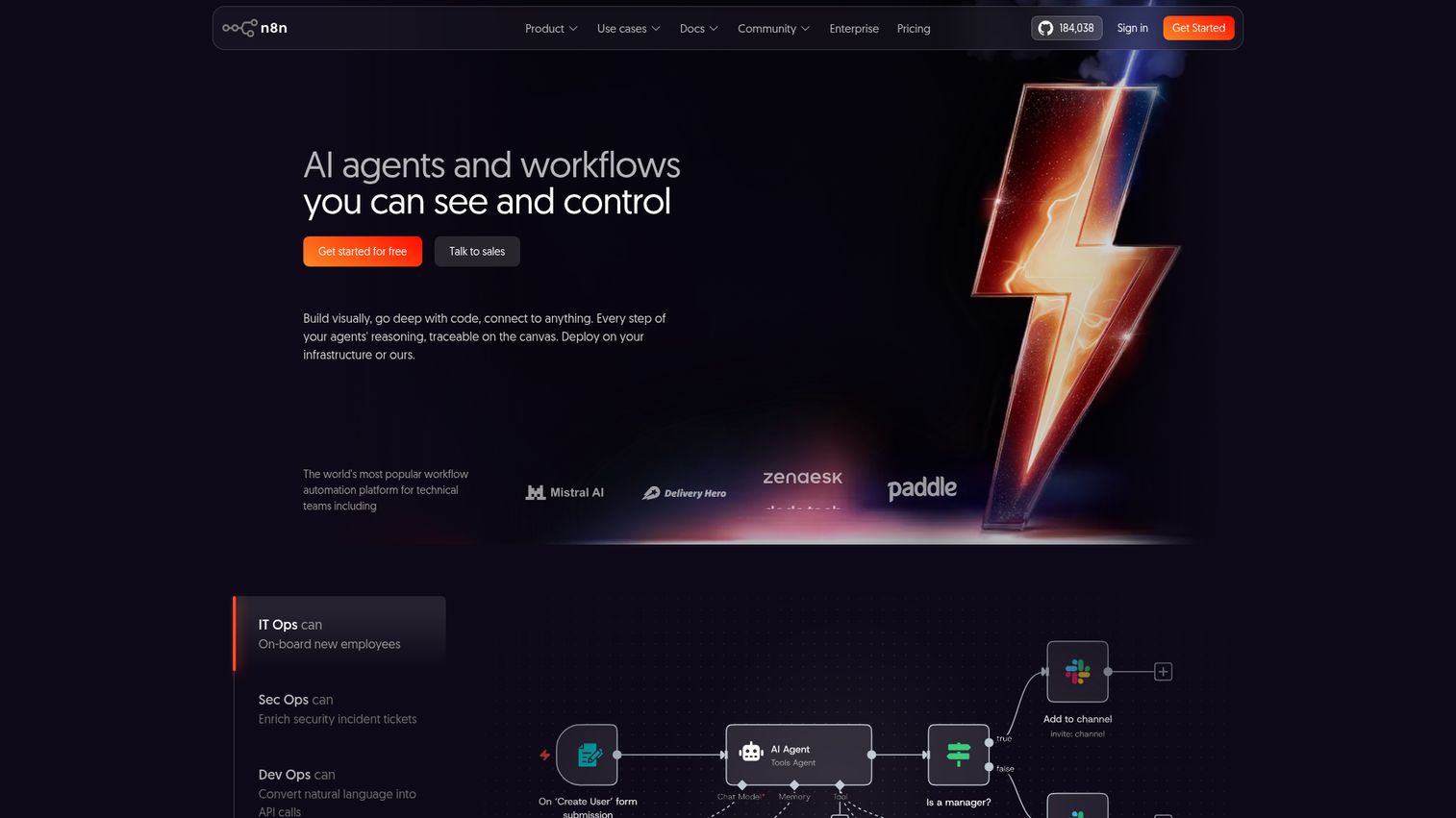
n8n is an open-source, self-hostable workflow automation platform that gives technical teams full control over their data and infrastructure while offering a code-optional approach to building automations.
What sets n8n apart is flexibility. You can self-host it on your own server (completely free), use the managed cloud version, or run it in a Docker container. For teams that care about data sovereignty - and in 2026, more small teams do - n8n means your workflow data never touches a third-party server.
Best for: Technical small teams or startups with a developer who wants maximum flexibility and data sovereignty.
Key strengths
- Self-hosting option gives full data control at zero cost
- JavaScript and Python code nodes for custom logic
- AI agent capabilities for autonomous multi-step workflows
- Active open-source community building custom nodes
- No vendor lock-in - your workflows are portable
Pricing: Free cloud tier with limited executions. Starter plan at ~$20/mo for the hosted version. Self-hosted is free forever - you only pay for your own infrastructure (a basic VPS runs $5-20/mo). A 10-person team self-hosting on a $10/mo server gets unlimited executions with no per-task fees.
The trade-off is clear: self-hosting requires someone on your team who's comfortable with server administration. The cloud version removes that burden but introduces per-execution pricing similar to competitors. The UI is functional but less polished than Zapier or Make. If you have even one developer on your team, n8n often delivers the best value of any automation software on this list.
4. Microsoft Power Automate - best for teams already in the Microsoft ecosystem
Microsoft Power Automate is Microsoft's native automation tool, deeply integrated with Office 365, Dynamics 365, and Azure - making it the obvious choice if your team already lives in the Microsoft stack.
The biggest advantage is that you might already be paying for it. Power Automate is included in many Microsoft 365 Business plans, which means your 10-person team could have access to cloud flows at no additional cost. Copilot-assisted flow creation lets you describe automations in natural language, and the desktop flow feature adds RPA capabilities for legacy applications.
Best for: Small teams that run their daily work in Microsoft 365 (Outlook, Teams, SharePoint, Excel).
Key strengths
- Often included in existing Microsoft 365 subscriptions
- Native integration with Outlook, Teams, SharePoint, Excel
- Desktop flows (RPA) for automating legacy applications
- Copilot AI builds flows from natural language prompts
- 1,000+ connectors including third-party apps
Pricing: Frequently included in Microsoft 365 Business Basic ($6/user/mo) and Business Premium ($22/user/mo) plans. Standalone Power Automate starts at ~$15/user/mo. Premium connectors (Salesforce, SAP, etc.) cost extra. For a 10-person team already on Microsoft 365 Business Premium, the automation capability is essentially free.
The downsides are notable. The interface can feel confusing - Microsoft's design language prioritizes power over clarity. Premium connectors lock popular third-party integrations behind additional fees. And if your team doesn't use Microsoft tools daily, there's little reason to choose Power Automate over Zapier or Make. It's a strong fit for Microsoft shops and a poor fit for everyone else.
5. monday.com - best for project management teams adding automation
monday.com is primarily a work management platform with powerful built-in automation recipes - ideal for teams that want project management and workflow automation in a single tool rather than stitching together separate systems.
The automation builder uses a recipe-based approach: "When status changes to Done, notify someone, and move item to group." You pick from 200+ pre-built recipes or create custom ones. It's no code workflow automation that feels natural because the automations live right where your work happens.
Best for: Small teams that want workflow automation embedded directly in their project management tool.
Key strengths
- 200+ pre-built automation recipes ready to activate
- Custom automation builder with no coding required
- Automations trigger from project board changes directly
- Built-in dashboards, docs, and forms alongside automations
- AI assistant suggests automations based on your workflows
Pricing: Free tier for 2 seats (no automations). Basic plan at ~$9/seat/mo (no automations). Standard plan at ~$12/seat/mo includes 250 automations/month. Pro plan at ~$19/seat/mo includes 25,000 automations/month. A 10-person team on Standard pays ~$120/mo for 250 automation actions - which is enough for light automation but can feel limiting quickly.
The key limitation: monday.com is not a dedicated automation platform. Its external app connectivity is narrower than Zapier or Make. If you need to automate workflows across 10+ different SaaS tools, you'll likely still need a dedicated automation platform alongside monday.com. But if most of your automation needs live within your project management workflow, it's a clean, intuitive choice.
6. ClickUp - best free workflow automation for budget-conscious teams
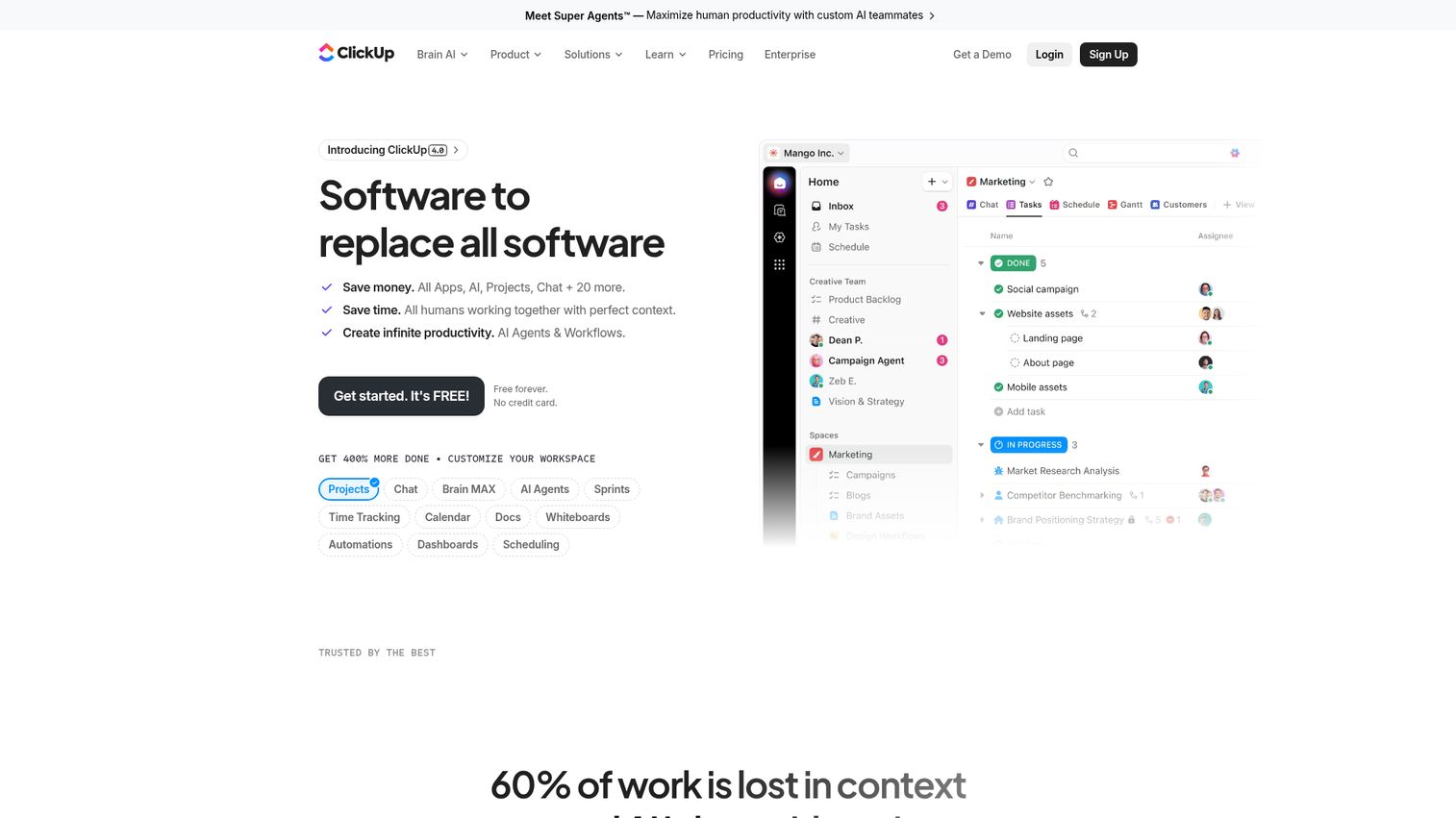
ClickUp is an all-in-one productivity platform that packs automation capabilities, project management, docs, time tracking, and goals into a single workspace - at a price that's hard to argue with.
For budget-conscious small teams, ClickUp's value proposition is straightforward: you get 100 automations per month on the free tier and a massive feature set on the Unlimited plan at just $7/member/mo. ClickUp AI adds writing assistance, summarization, and task creation from natural language.
Best for: Budget-conscious small teams who want an all-in-one workspace with automation baked in.
Key strengths
- 100+ automation templates included on free tier
- $7/member/mo Unlimited plan is among the cheapest options
- ClickUp AI for writing, summarization, and task creation
- Docs, goals, time tracking, and whiteboards included
- Custom automation builder with conditional logic
Pricing: Free tier includes 100 automations/month. Unlimited plan at ~$7/member/mo (unlimited automations). Business plan at ~$12/member/mo adds advanced automation features. A 10-person team on Unlimited pays ~$70/mo for unlimited automations - compared to $120/mo on monday.com Standard with a 250-automation cap.
The honest trade-off: ClickUp tries to do everything, and that can feel overwhelming. New users often report a steep onboarding curve simply because there are so many features. The automation capabilities, while solid for internal workflows, are less sophisticated than dedicated platforms like Zapier or Make for cross-app automation. If you need a single tool that handles project management and basic process automation software needs, ClickUp is the budget winner.
7. Pipedream - best for developer-friendly API automation
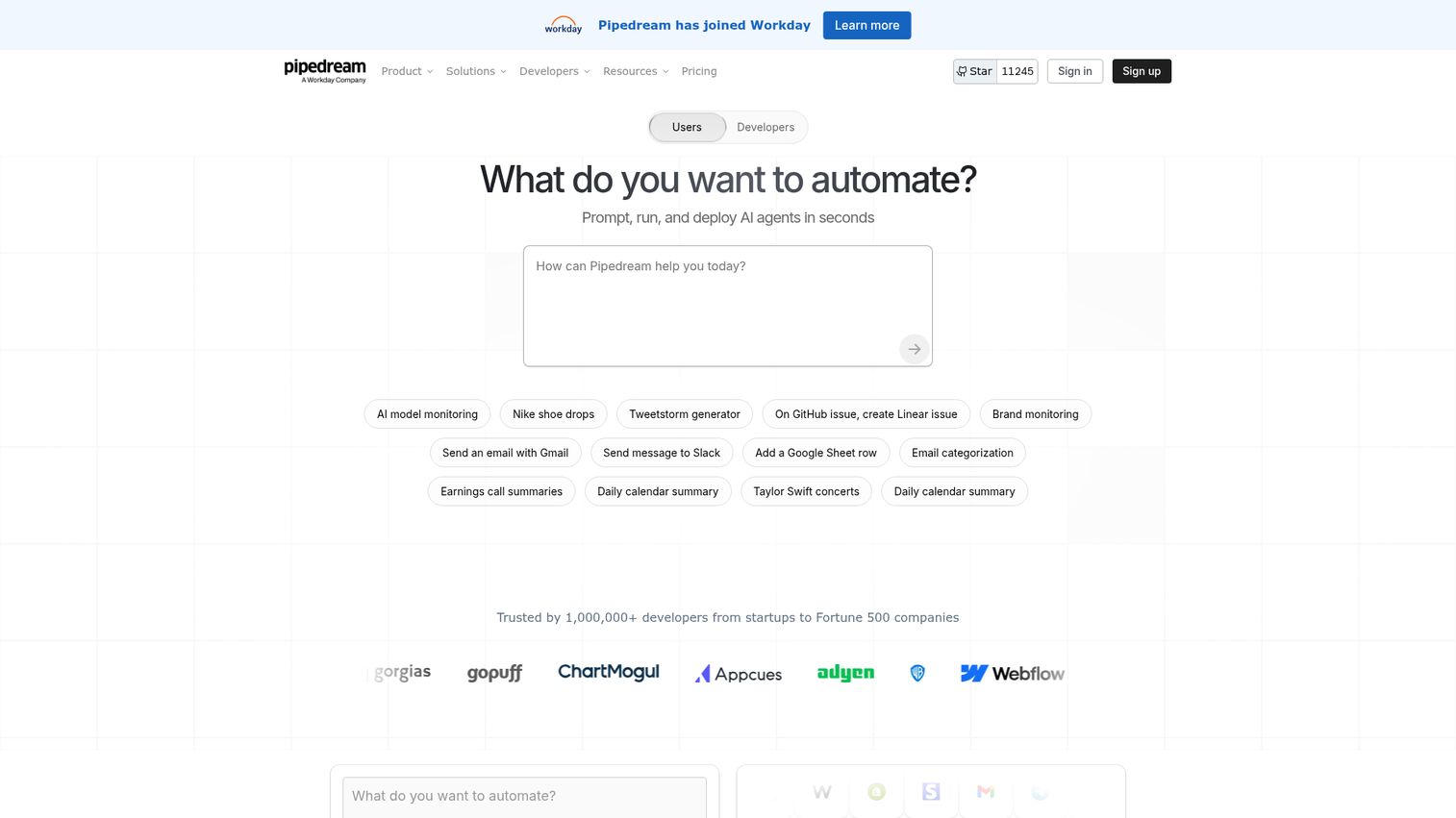
Pipedream is a code-first workflow automation platform that lets developers build automations using JavaScript, Python, Go, or Bash - with a visual builder available for simpler tasks.
If your small team includes even one engineer, Pipedream offers something no other platform on this list matches: real code execution within workflows. You're not configuring dropdown menus. You're writing actual functions that process data, call APIs, and handle edge cases with full programming logic.
Best for: Small dev teams or startups with engineers who want to automate API workflows with real code.
Key strengths
- Real code execution in JavaScript, Python, Go, Bash
- 2,000+ pre-built API integrations with auth handled
- Event-driven architecture for real-time processing
- Generous free tier with daily invocation limits
- Built-in data stores and key-value storage
Pricing: Free tier with daily invocation limits (sufficient for light use). Starter plan at ~$19/mo. Advanced plans for teams needing higher throughput. A 10-person startup with one developer building automations would typically spend $19-39/mo.
Pipedream is not for non-technical users. The interface assumes programming literacy, and the documentation is written for developers. If nobody on your team writes code, look at Zapier or Make instead. But for technical teams, Pipedream's combination of code flexibility and pre-built integrations makes it one of the most powerful automation tools available at any price.
8. Workato - best enterprise-grade platform that scales with growing teams
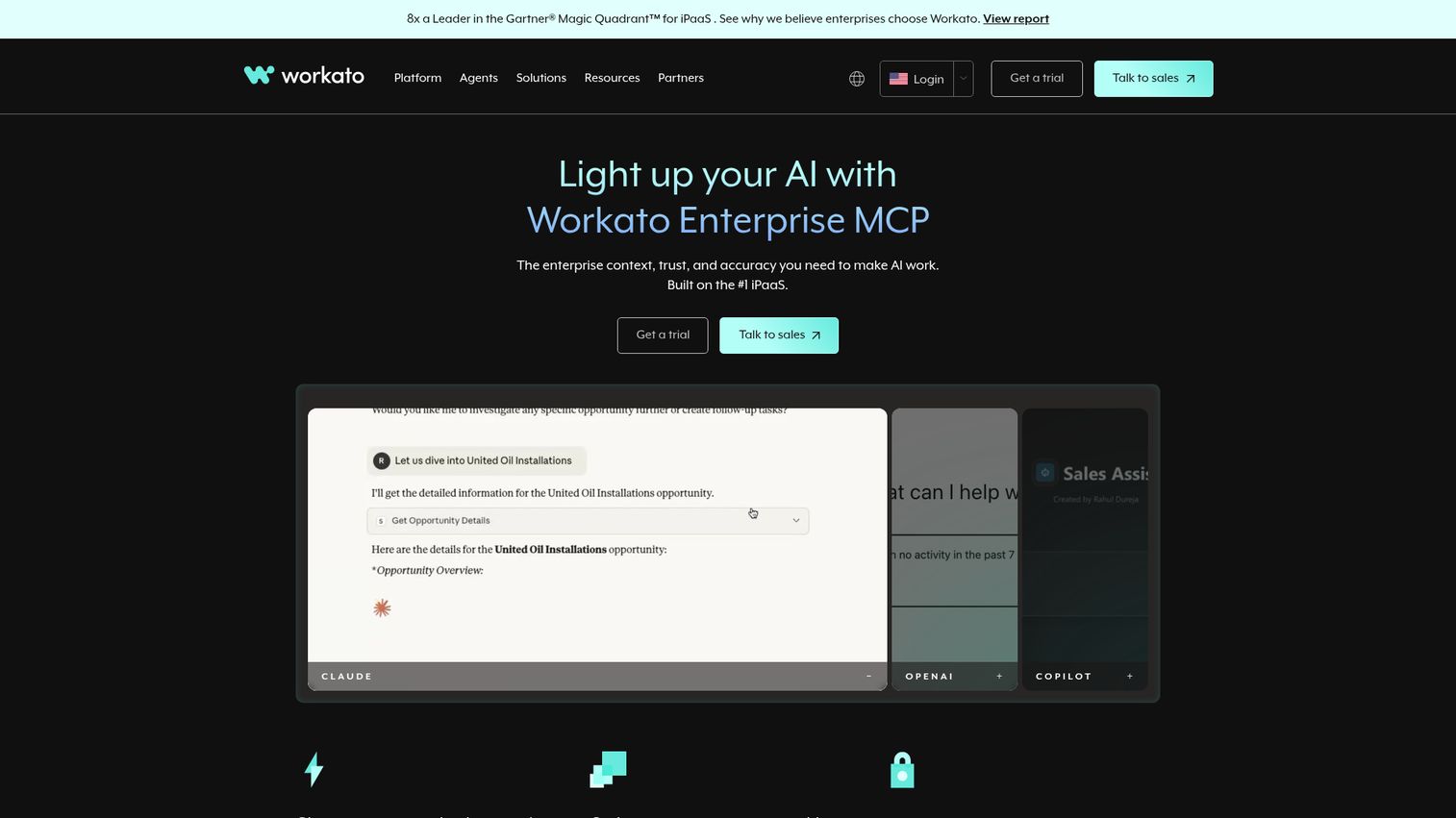
Workato is an enterprise integration and automation platform with AI capabilities - positioned at the higher end of the market but increasingly relevant for mid-market teams preparing for serious scale.
Workato's recipe-based automation handles complex enterprise integrations that would require multiple tools on other platforms. Its Workbot feature brings automation directly into Slack and Teams, and AI-powered recipe suggestions help less technical users build sophisticated workflows.
Best for: Growing teams (50+ employees) preparing for scale who need enterprise-grade automation and compliance.
Key strengths
- Handles complex multi-system enterprise integrations natively
- Recipe-based builder accessible to business users
- Workbot brings automation actions into Slack and Teams
- Strong governance, audit trails, and security controls
- 1,000+ pre-built connectors for enterprise apps
Pricing: Custom/quote-based - no public pricing. Industry estimates suggest plans start around $10,000/year. Contact Workato's sales team for a quote.
A candid note for small teams: Workato is likely overkill and overpriced if you're under 50 people. It's on this list because growing teams often outgrow Zapier or Make and need to know what's next. If you're a 10-person startup, start with Zapier or Make and revisit Workato when your integration complexity and team size justify the investment. Including it here is about giving you the full picture, not recommending you sign up tomorrow.
9. Relay.app - best for human-in-the-loop workflow automation
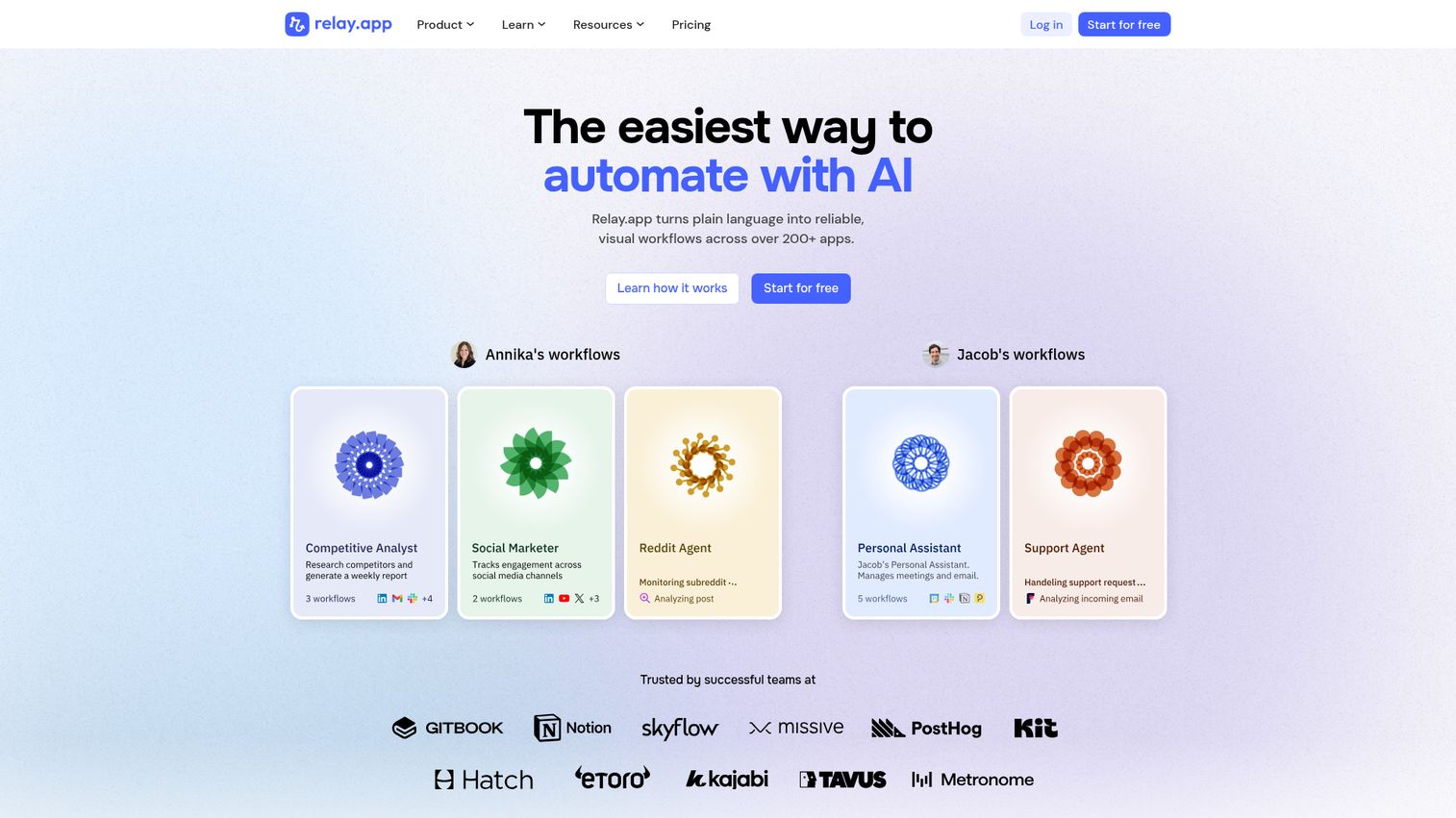
Relay.app is a modern automation platform built around "human-in-the-loop" design - automations that pause and wait for human approval or input before continuing, rather than running entirely on autopilot.
This matters more than it sounds. Many workflows shouldn't be fully automated. A content approval chain, a customer refund over $500, a contract sent to a prospect - these need a human eye before proceeding. Relay.app makes that pause-and-approve step a first-class feature rather than a workaround.
Best for: Small teams that need automation with human oversight - approval workflows, content review chains, quality checks.
Key strengths
- Human-in-the-loop steps as a core design feature
- AI steps with LLM integration for content tasks
- Multiplayer collaboration on shared automations
- Clean, modern interface that's pleasant to use
- Natural language workflow descriptions for easy setup
Pricing: Free tier available with limited runs. Paid plans start at ~$9.99/mo. A 10-person team would typically spend $9.99-29/mo depending on volume.
The limitations are honest ones. Relay.app has a smaller integration library than Zapier or Make - roughly 100+ apps compared to thousands. It's a newer platform, which means less community content, fewer tutorials, and features that are still evolving. If your primary need is broad app-to-app automation, Zapier or Make is a better fit. If your workflows specifically need human checkpoints, Relay.app does that better than anyone.
10. Kissflow - best no-code platform for business process automation
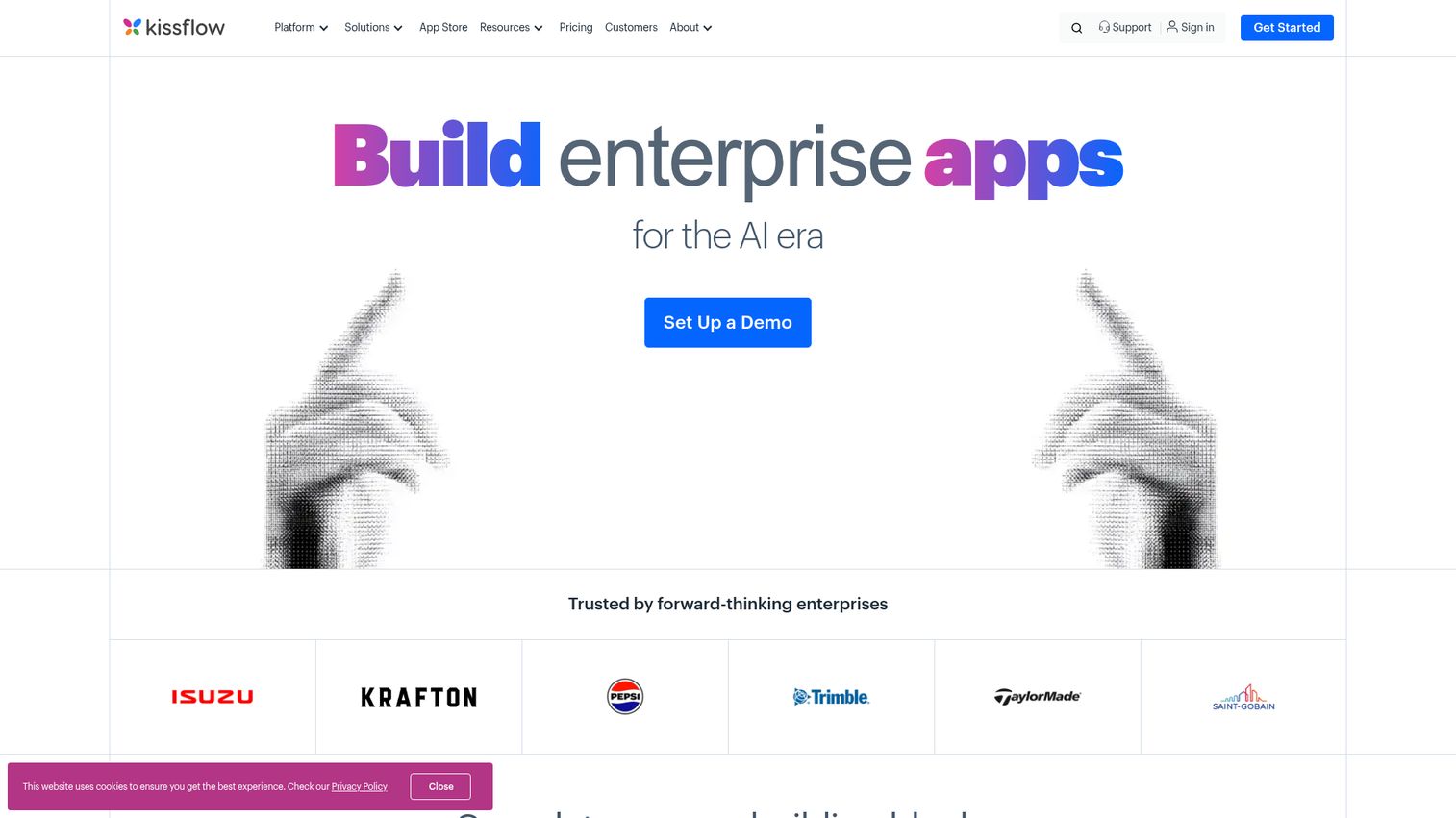
Kissflow is a no-code workflow and process management platform designed for business users to digitize and automate approval processes, request management, and operational workflows - the kind of processes that often still run on email and paper.
Where Zapier and Make connect SaaS apps, Kissflow focuses on internal business processes. Think purchase request approvals, employee onboarding checklists, IT service requests, and expense reimbursements. Its drag-and-drop process builder lets non-technical users create these workflows visually.
Best for: Small businesses with process-heavy operations (HR approvals, purchase requests, onboarding) who want to digitize without code.
Key strengths
- Drag-and-drop process builder requires zero coding
- Pre-built templates for common business processes
- Forms, case management, and project boards included
- Analytics dashboard tracks process bottlenecks
- Good governance features with audit trails
Pricing: Starts at ~$1,500/mo with a minimum of 50 users on some plans. This is a significant consideration for small teams - the per-user economics only work if you have enough people to justify the minimum.
A pricing reality check: at $1,500/mo, Kissflow costs more than most small teams spend on their entire SaaS stack. It's designed for organizations with at least 50 employees and heavy process automation needs. If you're a 10-person team, Kissflow is likely not the right fit. Consider monday.com or ClickUp for lighter process automation, or pair Zapier with a form tool like Jotform for approval workflows at a fraction of the cost.
11. Gumloop - best AI-native workflow automation for content and data tasks
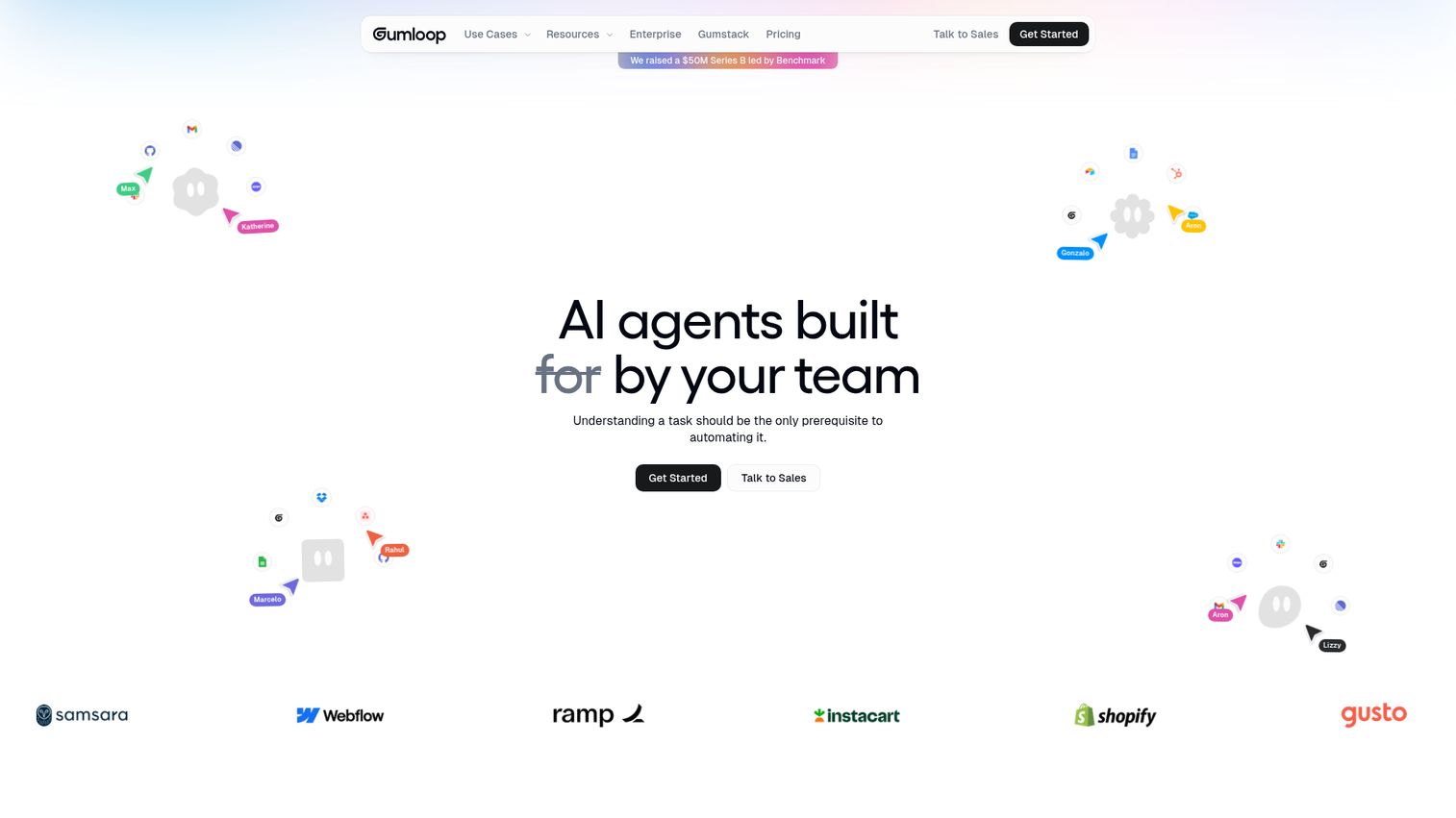
Gumloop is an AI-native automation platform purpose-built for workflows that involve large language models - content generation, data extraction, summarization, web research, and document processing.
Unlike general-purpose platforms that added AI as a feature, Gumloop was designed from the ground up around AI workflow automation. Its visual canvas lets you chain together LLM calls, web scraping steps, and data transformations into pipelines that handle tasks like "scrape these 50 company websites, extract key information, and generate a summary report."
Best for: Small teams that want to automate AI-heavy tasks - content creation pipelines, research automation, data extraction and summarization.
Key strengths
- AI-first design with LLM integration at the core
- Visual canvas for building multi-step AI pipelines
- Web scraping and document processing nodes built in
- Growing template library for common AI workflows
- Modern interface designed around AI workflow patterns
Pricing: Free tier available for basic usage. Paid plans scale based on AI processing volume and usage credits.
The trade-off is scope. Gumloop is narrower than Zapier or Make - it's not designed for general app-to-app automation like syncing your CRM with your email tool. It's specifically built for ai workflow tools use cases involving content and data. If your team spends hours on research, content drafting, or data extraction, Gumloop handles those tasks remarkably well. For everything else, you'll need a general-purpose platform alongside it.
12. Lindy AI - best for autonomous AI agent workflows
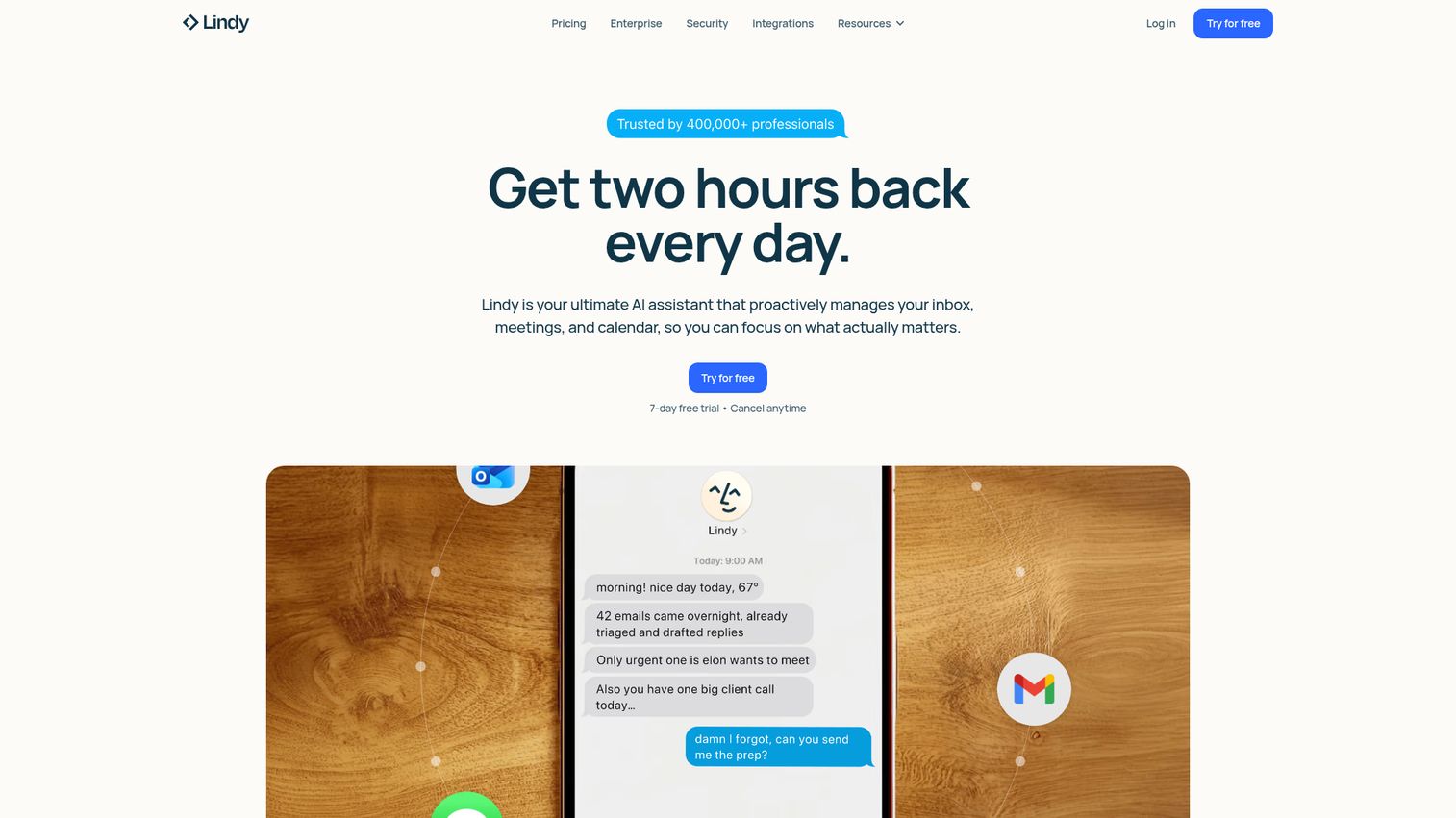
Lindy AI is an AI agent platform that lets you build autonomous "Lindies" - AI assistants that handle multi-step tasks like email triage, meeting scheduling, CRM updates, and lead research without traditional trigger-action logic.
This represents a different approach to automation entirely. Instead of "when X happens, do Y," you tell Lindy "manage my inbox, prioritize urgent messages, draft responses to routine ones, and flag anything that needs my personal attention." The AI agent figures out the steps. It's closer to hiring a virtual assistant than configuring an automation.
Best for: Small teams that want AI to handle repetitive knowledge work autonomously - email management, meeting scheduling, lead research.
Key strengths
- AI agent approach handles multi-step reasoning autonomously
- Natural language instructions replace complex configuration
- Pre-built agent templates for common knowledge tasks
- Multi-agent orchestration for complex workflows
- Integrations with email, calendar, CRM, and research tools
Pricing: Free tier available with limited agent actions. Paid plans based on usage credits, typically starting around $49/mo for meaningful volume.
The honest caveat: AI agents can be unpredictable. They occasionally misinterpret instructions, handle edge cases incorrectly, or make decisions you wouldn't have made. Lindy AI works best for tasks where occasional errors are low-stakes and easy to catch - like drafting email responses that you review before sending. For mission-critical processes where accuracy is non-negotiable, stick with deterministic automation platforms like Zapier or Make.
13. Smartsheet - best for spreadsheet-centric teams moving to automation
Smartsheet is a work management platform with a spreadsheet-like interface and built-in automation - the ideal bridge for teams graduating from Excel or Google Sheets who aren't ready to learn an entirely new tool paradigm.
If your team manages projects, tracks tasks, or runs reports in spreadsheets, Smartsheet feels immediately familiar. The automation layer sits on top of that spreadsheet structure: when a row changes, trigger an approval request; when a date arrives, send a reminder; when a status updates, move the row to a different sheet.
Best for: Small teams that manage work in spreadsheets and want to add automation without learning a new interface.
Key strengths
- Spreadsheet interface reduces learning curve dramatically
- Automated workflows trigger from cell and row changes
- Approval and update request automations built in
- Strong reporting dashboards and resource management
- Enterprise-ready security and compliance features
Pricing: Pro plan at ~$9/user/mo with limited automation actions. Business plan at ~$19/user/mo with expanded automation capacity. A 10-person team on Business pays ~$190/mo.
The limitation is flexibility. Smartsheet automations are sheet-centric - they work within the Smartsheet ecosystem but don't connect broadly to external apps the way Zapier or Make do. If you need to automate workflows between Smartsheet and 15 other tools, you'll likely pair Smartsheet with Zapier. But for teams whose work lives primarily in spreadsheet-style views, the built-in automation is genuinely useful and requires zero additional tools.
14. Integrately - best budget alternative to Zapier
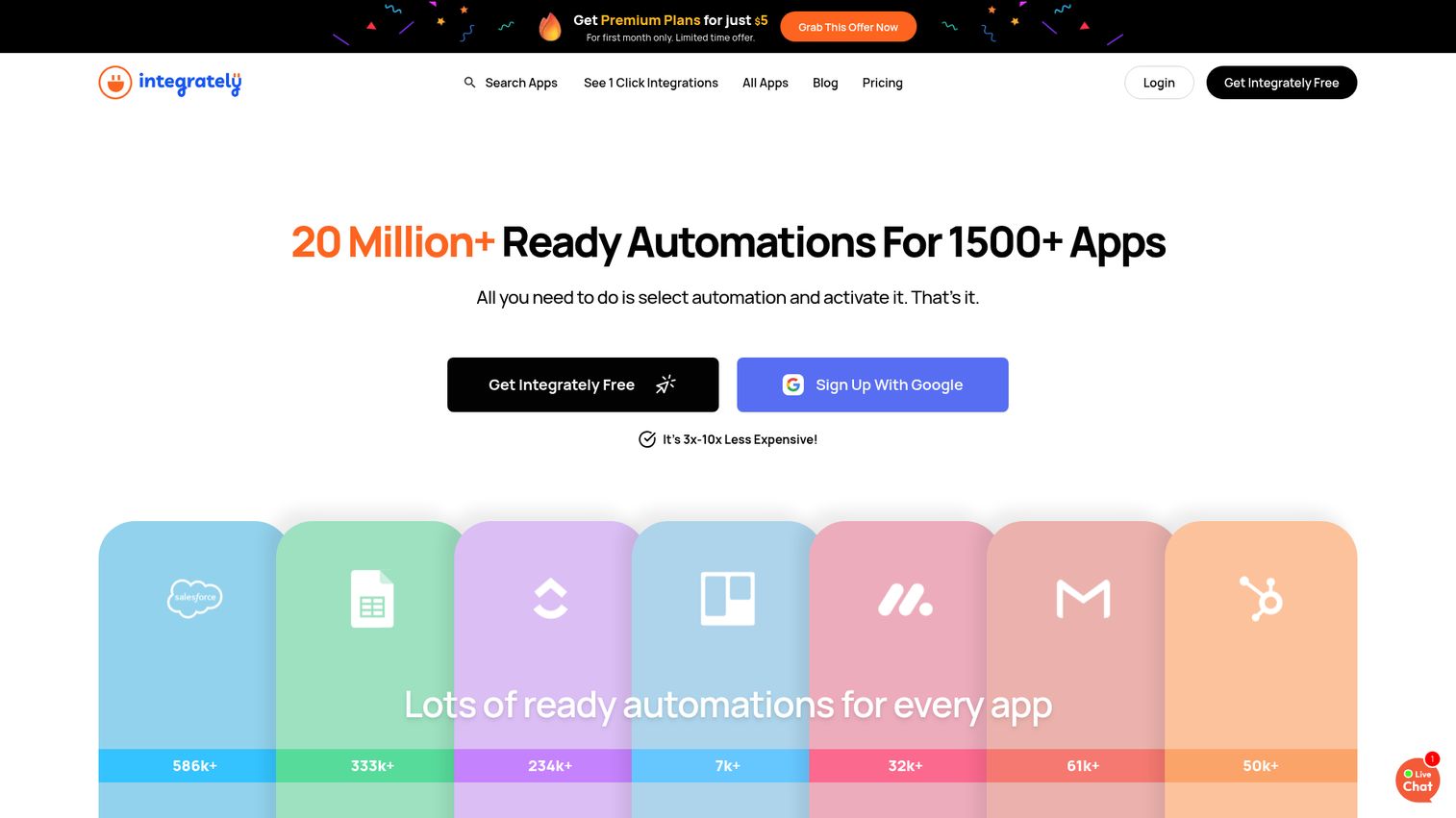
Integrately is an affordable automation platform positioning itself as a simpler, cheaper alternative to Zapier - with 8 million+ pre-built automations and 1,200+ app integrations at a fraction of the cost.
The "1-click automation" concept is Integrately's main differentiator. Instead of building workflows from scratch, you browse a massive library of pre-configured automations, click to activate one, connect your accounts, and you're done. For common workflows like "new Shopify order → create QuickBooks invoice," setup takes under two minutes.
Best for: Budget-conscious small teams and e-commerce businesses that need simple app-to-app automations at a fraction of Zapier's cost.
Key strengths
- 8 million+ pre-built automations ready to activate
- 1-click setup for common workflow patterns
- 10,000 tasks on the Starter plan vs. Zapier's 750
- Strong Shopify and WooCommerce integration library
- Multi-step workflows with conditional logic available
Pricing: Free tier with 100 tasks. Starter at ~$19.99/mo for 10,000 tasks. Compare that to Zapier's Starter at ~$19.99/mo for 750 tasks - Integrately gives you roughly 13x more tasks for the same price.
The trade-off is sophistication. Integrately handles straightforward A-to-B automations well but struggles with complex conditional logic, error handling, and edge cases that Zapier manages more reliably. The community is smaller, documentation is thinner, and advanced features are limited. For simple, high-volume automations - especially in e-commerce - Integrately is the clear budget winner. For anything requiring nuanced logic, Zapier or Make is worth the premium.
15. Tray.ai - best for marketing and RevOps teams needing advanced integrations
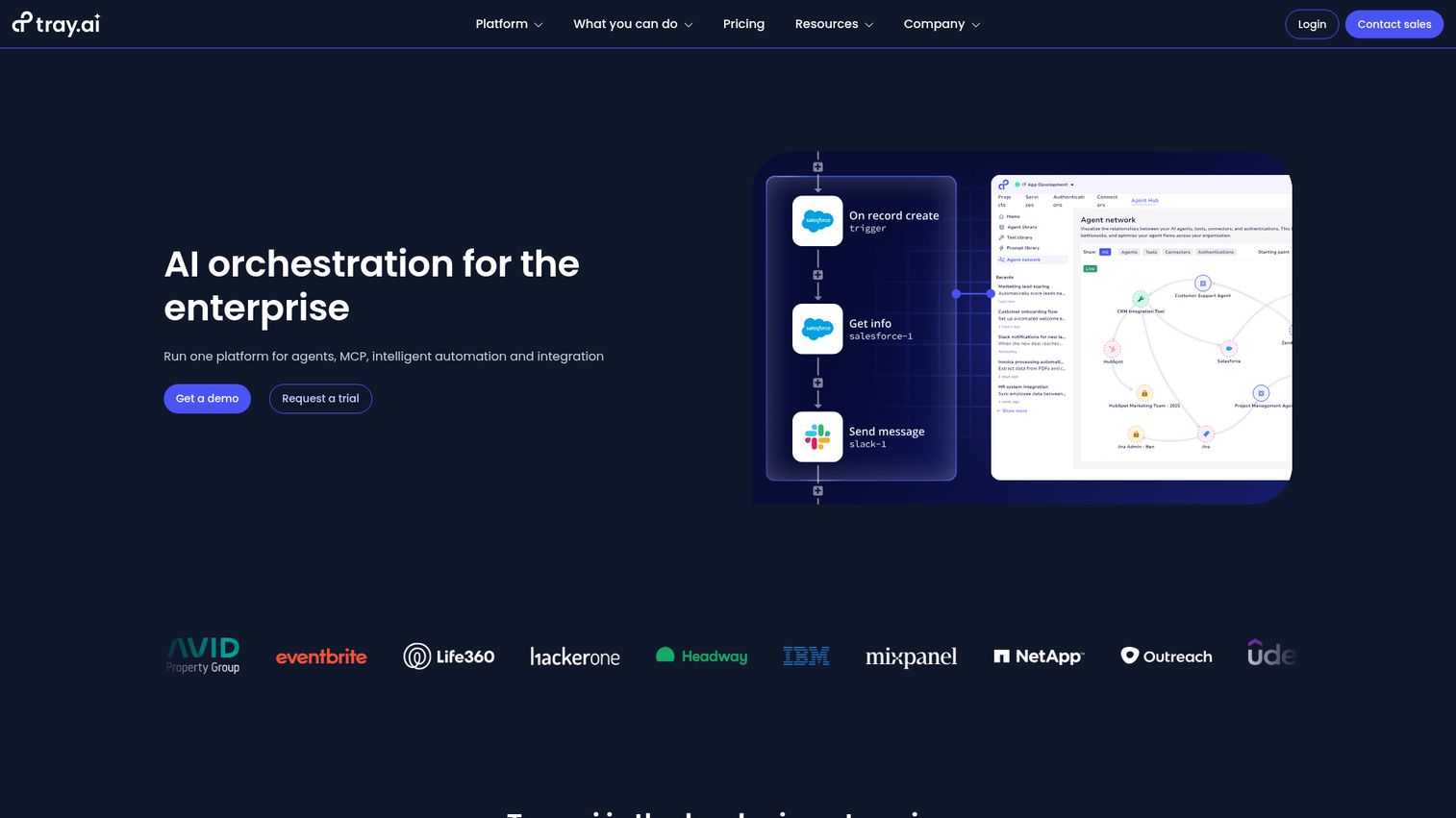
Tray.ai is a general automation platform with a visual builder and strong focus on marketing, sales, and RevOps use cases - offering API-level flexibility without requiring deep coding knowledge.
Tray.ai's universal connector can connect to any API, which means you're not limited to pre-built integrations. Its Merlin AI feature lets you describe complex data transformations in natural language, and the platform handles the technical implementation. This makes it particularly strong for marketing automation software use cases and sales operations teams that need to sync data across complex tool stacks.
Best for: Growing marketing/RevOps teams (20-100 people) that need to automate complex cross-tool workflows across their sales and marketing stack.
Key strengths
- Universal connector works with any API endpoint
- Merlin AI translates natural language into automations
- Strong pre-built connectors for marketing and sales tools
- Complex data mapping and transformation capabilities
- Visual builder accessible to semi-technical users
Pricing: Quote-based pricing - no public rates. Generally positioned as mid-market to enterprise. Industry estimates suggest starting costs around $600-1,000+/mo, though Tray.ai has introduced more accessible tiers for smaller teams.
For small teams: Tray.ai's pricing and complexity make it a better fit for teams of 20+ with a dedicated ops person. A 10-person startup would find Zapier or Make more practical and affordable. But if you're a 30-person marketing agency juggling HubSpot, Salesforce, Marketo, and a dozen other tools, Tray.ai's API-level flexibility is genuinely hard to match with simpler workflow automation solutions.
Honorable mentions: other workflow automation platforms worth knowing
These tools didn't make the main list - typically because they're too enterprise-focused, too niche, or priced beyond what most small teams would consider. But they're strong platforms in their own right.
- Wrike - Project management platform with built-in automation for creative and professional services teams. Good automation recipes, but pricing starts higher than monday.com or ClickUp for comparable features.
- Jira - The standard for software development team automation. Excellent for issue routing, sprint automation, and DevOps workflows. Too specialized for non-engineering teams.
- Adobe Workfront - Enterprise marketing workflow automation integrated with the Adobe Creative Cloud. Powerful but priced and designed for large marketing departments.
- UiPath - The leading RPA platform for automating desktop applications and legacy systems. Excellent for tasks that require clicking through old software interfaces. Overkill for cloud-native SaaS automation.
- StackAI - AI workflow builder for teams building LLM-powered internal tools. Strong for custom AI applications but narrower than general-purpose platforms.
- Vellum AI - AI/LLM workflow orchestration for teams deploying AI applications in production. Developer-focused and specialized for AI model management.
- Camunda - Open-source process orchestration for complex business processes. Powerful but requires significant technical expertise to deploy and manage.
- Boomi Flow - Integration-first automation for teams with heavy iPaaS (integration platform as a service) needs. Strong enterprise integration but complex for small teams.
- Nanonets - AI-powered document processing and data extraction automation. Excellent for invoice processing and form data extraction. Narrow use case.
- Jotform Workflows - Form-centric workflow automation for simple approval processes. Great if your workflows start with a form submission. Limited beyond that.
How to choose the right workflow automation platform for your team
Start with your workflows, not the tool
Map out the 3-5 workflows you want to automate first. List every app involved in each workflow. This determines which platform has the right integrations.
For example: if your top workflow is "new lead from Typeform → add to HubSpot → notify sales in Slack → create task in Asana," you need a platform that connects all four tools. Zapier and Make both do. Pipedream does too, but requires code. monday.com doesn't connect to Typeform natively.
Start with the workflow, then find the platform that supports it. Not the other way around.
Calculate your real cost
Don't trust "starting at" prices. Here's how to estimate what your team actually pays:
Per-seat platforms (monday.com, ClickUp, Smartsheet): Number of users × per-seat price. A 10-person team on monday.com Standard = 10 × $12 = $120/mo.
Per-task platforms (Zapier, Make, Integrately): Estimate your monthly task volume. Count each step in each automation as one task. A 5-step automation running 20 times/day = 100 tasks/day = ~3,000 tasks/month. On Zapier Professional, that's ~$49/mo. On Make Core, that's ~$9/mo.
Quote-based platforms (Workato, Tray.ai): Request pricing early. If they won't give you a ballpark without a sales call, budget at least $500-1,000/mo.
Match technical skill to platform complexity
A practical framework for your team:
No-code (anyone can use): Zapier, monday.com, ClickUp, Kissflow, Relay.app, Integrately
Low-code (comfortable with logic, not code): Make, Smartsheet, Gumloop
Code-optional (developer available but not required): n8n, Lindy AI
Developer-first (requires programming skills): Pipedream, Tray.ai
Pick the category that matches the person who'll actually build and maintain your automations. If that's your ops manager, stay in no-code. If it's a developer, code-optional and developer-first platforms offer more power per dollar.
Test before you commit
Sign up for 2-3 free tiers simultaneously. Build the same workflow in each platform. Compare the experience firsthand - how long it took, how intuitive it felt, whether the result was reliable.
Most workflow automation software offers free tiers generous enough for a real test. Start with your most time-consuming manual workflow. If a platform can automate that one process, it's probably the right fit.
Key workflow automation trends to watch in 2026
AI-native automation
The biggest shift in 2026 is the move from "trigger → action" to "describe what you want." Zapier's AI builder, Relay.app's AI steps, and Make's AI modules all let you build automations using natural language. This trend is collapsing the learning curve - what used to take 30 minutes of configuration now takes a two-sentence description. If you're exploring how AI is transforming sales and marketing workflows specifically, our guide to the best AI sales tools covers the leading platforms in that space.
Autonomous AI agents
Tools like Lindy AI and Gumloop represent a new category that blurs the line between automation and artificial intelligence. Instead of rigid if-then logic, AI agents reason through multi-step tasks autonomously. According to Gartner's 2025 predictions, by 2028, 33% of enterprise software applications will include agentic AI. Small teams are adopting this pattern faster because they have fewer legacy systems to work around. For sales teams specifically, AI SDR tools are a prime example of autonomous agents handling outbound prospecting end-to-end.
Embedded automation
Project management tools like monday.com and ClickUp are building automation natively, reducing the need for standalone platforms. This "embedded automation" trend means more teams will automate workflows without ever leaving their primary work tool. The trade-off is flexibility - embedded automations tend to be less powerful than dedicated platforms.
Low-code and no-code convergence
The distinction between low code workflow automation and no code workflow automation is dissolving. Platforms like n8n and Make offer visual builders alongside code escape hatches. You start with drag-and-drop, and when you hit a limitation, you drop into code for that one step. This hybrid approach gives small teams room to grow without switching platforms.
Compliance and governance for SMBs
Even small teams now face questions about data handling in automated workflows. SOC 2 compliance, GDPR-compliant data processing, and audit trails are moving from enterprise requirements to baseline expectations. Platforms that offer built-in governance features - like Workato and Power Automate - have an edge here, but simpler tools are adding these capabilities too.
Pick the platform that matches your team's reality
There's no single "best" workflow automation platform. The right choice depends on your team's technical skill, budget, existing tool stack, and the complexity of workflows you need to automate.
Quick paths based on your situation:
- Easiest start, broadest compatibility → Zapier
- More power, lower cost → Make
- Developer on the team, want full control → n8n or Pipedream
- Automation inside your PM tool → monday.com or ClickUp
- Already paying for Microsoft 365 → Power Automate
- AI should do the thinking → Lindy AI or Gumloop
- Human approvals are critical → Relay.app
- Zapier is too expensive → Integrately
Pick one platform from this list, sign up for the free tier, and automate your first workflow today. You'll wonder why you waited.
Once your workflows are running, consider how you present your own product to prospects - an interactive demo can showcase your software's value just as efficiently as automation handles your back-office tasks. If you're evaluating tools to streamline your presales process alongside workflow automation, that's another area where the right platform makes a measurable difference.
FAQs
A workflow automation platform is software that connects your apps and automates repetitive tasks using triggers, conditions, and actions - without requiring manual work or coding. For example, when a new customer signs up in Stripe, the platform can automatically create a contact in your CRM, send a welcome email, and notify your team in Slack. It replaces the manual copy-paste-notify cycle that eats up hours every week.
Workflow automation connects cloud apps and automates digital processes between SaaS tools - like moving data from a form to a CRM to a spreadsheet. RPA (robotic process automation) mimics human actions on desktop applications and legacy systems, literally clicking buttons and typing into old software interfaces. UiPath is the leading RPA tool; Zapier and Make are workflow automation platforms. Many modern tools now offer both capabilities.
Make offers the most generous free tier at 1,000 operations/month - 10x Zapier's 100-task free allowance. n8n is completely free if you self-host it. ClickUp includes 100 automations/month on its free plan. Zapier's free tier works for very light usage (100 tasks, 5 Zaps). Every free tier has limits, and most teams outgrow them within a few months - but they're plenty for testing and building your first few workflows.
Most small teams spend $0 to $200/month on workflow automation. The two main pricing models are per-seat (monday.com at ~$12/seat/mo, ClickUp at ~$7/member/mo) and per-task (Zapier at ~$19.99/mo for 750 tasks, Make at ~$9/mo for 10,000 operations). Per-task pricing can spike unexpectedly if automations run frequently. A 10-person team on Make Pro typically pays ~$16-29/mo. The same team on Zapier Professional pays ~$49-69/mo depending on task volume.
Yes. Platforms like Zapier, monday.com, ClickUp, Kissflow, Relay.app, and Integrately are designed specifically for non-technical users. You build automations by selecting triggers and actions from dropdown menus or activating pre-built templates. Some platforms like n8n and Pipedream offer code as an option but don't require it. The 2026 trend is toward natural language AI builders - you describe what you want in plain English, and the platform builds the automation for you.
Zapier is easier to learn and has more integrations (7,000+ vs. 1,500+). Make is more powerful for complex workflows and significantly cheaper at higher volumes - roughly 4x more operations per dollar. Choose Zapier if you want the simplest setup and broadest app coverage. Choose Make if your workflows involve branching logic, data transformations, or you're running more than 1,000 tasks per month. Many teams start with Zapier and migrate to Make as their needs grow.
If a task is repetitive and rule-based, it can likely be automated. Common examples by department: Marketing - lead routing, email sequences, social media posting. Sales - CRM updates, deal stage notifications, proposal generation. HR - onboarding checklists, PTO approvals, document collection. Finance - invoice processing, expense approvals, payment reconciliation. Operations - data syncing between tools, automated reporting, inventory alerts. Teams looking to automate their sales engagement workflows specifically will find dedicated platforms that handle outreach sequences and follow-ups alongside general automation tools.
A basic Zapier Zap takes 5-15 minutes to build. A multi-step Make scenario with conditional logic might take 1-2 hours. Self-hosting n8n requires a few hours of initial server setup. Full organizational rollout with multiple workflows across your team typically takes 2-4 weeks. The best approach is to start with one high-impact workflow - your most time-consuming manual process - get it running reliably, then expand from there.