
Picking web hosting software feels simple until the second invoice lands. The intro price that hooked you was a first-term discount. Renewal is triple that. Support takes a day to answer. The site went down twice last month and nobody told you. Hosting is not a one-time purchase. It is an operational commitment you pay for every month, and the real cost shows up long after signup.
The stakes are getting higher too. The global web hosting services market was valued at USD 149.3 billion in 2025 and is projected to reach USD 661 billion by 2034, a 17.8% CAGR, according to Fortune Business Insights (2026). More providers, more plans, more promotional pricing, more noise. That makes a clear head about what you actually need worth more than any coupon code.
If you manage a product website, launch pages, documentation environments, or small internal apps, you are already thinking like an operator. You care about uptime, security posture, migration friction, and how much ongoing management the platform creates. Those same instincts matter when you evaluate onboarding infrastructure or self-serve product experiences. If part of your job is helping users reach value fast, tools like interactive product demos and platforms for building feedback loops and running ab testing sit in the same operational mindset: low maintenance, measurable, and scalable. Hosting is where all of it lives.
This guide compares seven hosting options the way you would evaluate any part of your stack. Not a spec dump. A practical shortlist with honest pricing and clear fit.
What's inside
This guide covers seven web hosting software options spanning shared hosting, VPS hosting, cloud hosting, free hosting, and control-panel-led infrastructure. It is written for people who need to make a hosting decision they can defend, not just find the cheapest sticker price.
We chose these seven based on four things that matter after you sign up:
- Relevance and stability: real market presence and consistent uptime
- Performance and scalability: speed today, room to grow tomorrow
- Security and management: SSL, backups, DDoS and malware protection, control panel usability
- Pricing transparency: honest intro versus renewal pricing, no surprise math
Each entry names the kind of team and website it fits best.
TL;DR
- Best overall for most sites: HostGator, balanced shared hosting with a clear VPS upgrade path and bundled tools
- Best for beginners and budget: Hostinger, low entry pricing plus an easy website builder
- Best for premium support and reliability: SiteGround, managed hosting with strong WordPress tooling
- Best free option: Wasmer, free-forever hosting for WebAssembly-powered apps and zero-setup deploys
- Best for WordPress first-timers: Bluehost, WordPress-focused onboarding for new site owners
- Best control panel for operators: Plesk, standardized server and site management for agencies and sysadmins
- Best general-purpose platform: Hosting.com, shared through VPS and reseller options with heavy support
What is web hosting software?
Web hosting software is the platform and control layer that stores your website files, databases, and applications on internet-connected servers and makes them available to visitors around the clock. It combines the underlying server infrastructure with the tools you use to deploy, manage, secure, and scale a site.
At an infrastructure level, hosting ties several pieces together. Servers store and serve your files. DNS routes your domain name to the right server. Storage holds files and databases. A control panel (like cPanel or Plesk) gives you a dashboard to manage everything without a terminal. SSL certificates encrypt traffic. Bandwidth determines how much data your site can move. Backups protect you when something breaks. A CDN and WAF add speed and a security layer at the edge.
Most hosting decisions come down to picking the right model:
- Shared hosting: many sites share one server. Cheapest, easiest, best for small sites. It is still the largest segment of the market, representing 35.3% of global web hosting services in 2022, according to Grand View Research (2023).
- VPS hosting: a virtual private server gives you dedicated resources and more control on shared hardware.
- Dedicated hosting: an entire physical server for one customer. Maximum control and performance.
- Cloud hosting: resources drawn from a pool of servers, easy to scale up and down with traffic.
- Managed hosting: the provider handles updates, security, and maintenance for you.
- Free hosting: no cost, useful for prototypes, static sites, and specific deployment workflows.
The right model depends on traffic, budget, technical skill, and how much ongoing management you want to own.
When to use web hosting software
Launch a new website quickly
For a marketing site, small business page, or a landing page, shared or managed hosting is usually enough. You get one-click installs for WordPress and other apps, a guided setup, and a control panel that does not require server knowledge. The goal here is first-site success with minimal friction, and the entry-tier plans from most providers on this list handle it without over-provisioning.
Scale beyond basic shared hosting
When traffic climbs, you need more predictable performance, VPS hosting or cloud hosting becomes the better fit. VPS gives you dedicated resources and root-level control for custom configurations. Cloud hosting lets you scale resources with demand, which matters for launch spikes or seasonal load. Move here when shared hosting starts throttling under real traffic, or when you need customization and reliability that a shared environment cannot guarantee.
Prioritize control, compliance, or repeatable operations
If you run multiple sites, manage client infrastructure, or need consistent permissions and deployment, a control panel like Plesk or a managed VPS matters most. This is about standardizing the admin experience: user roles, security patching, backups, and repeatable provisioning. Teams that treat hosting as ongoing operations, not a one-time setup, benefit from tooling built for that reality.
Comparison table
The table below compares each option by intent (who and what it fits), its key differentiation, current entry pricing, and G2 rating where available. Pricing reflects entry-tier introductory rates published by each provider at the time of writing. Remember that intro discounts almost always renew higher, so read the renewal terms before you commit.
| # | Product | Intent | Key differentiation | Pricing | G2 rating |
|---|---|---|---|---|---|
| 1 | HostGator | Balanced shared and VPS hosting for small business and WordPress | Bundled tools, unmetered bandwidth, clear VPS upgrade path | From $2.75/mo* (intro) | 3.6/5 |
| 2 | Hostinger | Budget-friendly hosting for creators and small business | Low entry pricing plus AI website builder | From $2.99/mo (48-mo term) | 4.4/5 |
| 3 | SiteGround | Managed and WordPress hosting with premium support | 24/7 live support, staging, managed WordPress tooling | From $14.99/mo (24-mo term) | 4.2/5 |
| 4 | Wasmer | Free-to-start hosting for WebAssembly-powered apps | Free-forever tier, zero-setup deploys | Free; Pro $10/mo | Not listed |
| 5 | Bluehost | WordPress-focused hosting for first-time site owners | Beginner onboarding, free SSL, 24/7 support | From $3.99/mo (36-mo term) | 3.4/5 |
| 6 | Plesk | Control panel and server management for operators | Multi-site management, security, extension catalog | From 6.60€/mo | 4.4/5 |
| 7 | Hosting.com | General-purpose hosting from shared to VPS and reseller | Support-heavy, free migration, security stack | From $1.00/mo (intro) | 4.4/5 |
1. HostGator

HostGator is a web hosting and services provider offering shared hosting, WordPress hosting, VPS, dedicated hosting, domains, and website tools. It is a solid default for people who want one place to host, build, and manage a site without stitching together separate services. The host, build, market, grow, and secure framing on its site maps to how most small teams actually run a website.
Best for: Budget-conscious users who want beginner-friendly shared web hosting with room to grow into VPS.
Key strengths
- Flexible control panel: Manage sites, domains, and email from one dashboard without server knowledge.
- Unmetered bandwidth: No throttling on data transfer for typical small to mid-size sites.
- Free website builder and SSL: Launch a site and secure it without buying extras separately.
Why choose HostGator: It hits a middle ground that fits most first sites: cheap enough to start, capable enough to grow. The VPS story gives you a clean upgrade path when a shared plan starts to strain, so you are not migrating providers when traffic climbs. The bundled builder and SSL reduce the number of moving parts you manage.
HostGator pricing: Shared hosting starts at $2.75/mo on the Hatchling plan, which HostGator lists as a first-term introductory offer in USD. Higher tiers (Baby and Business) add more sites and features. Plan for renewal rates to rise after the intro term, which is standard across the shared hosting market, and factor that into your real annual cost.
2. Hostinger
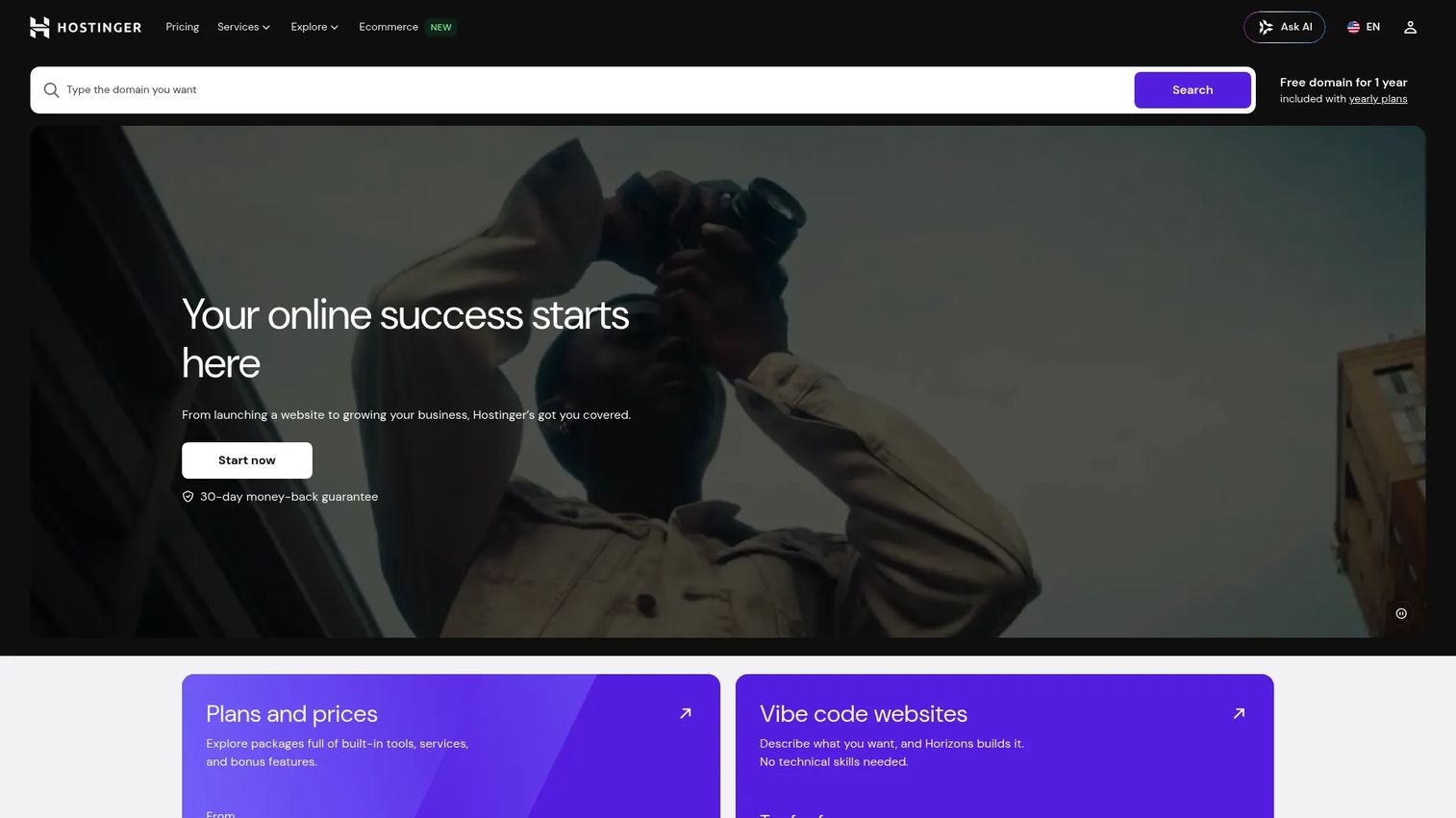
Hostinger is a web hosting and website-building platform for individuals and businesses. It pairs low entry pricing with an AI-assisted website builder, which makes it a strong fit for people who want to get online fast without paying for a premium plan they will not use yet. It offers shared, cloud, and VPS hosting under one account.
Best for: Small businesses and creators who want low-cost hosting with an easy website builder.
Key strengths
- Website builder with AI tools: Generate and edit a site quickly without design or code experience.
- Shared, cloud, and VPS hosting: Start small and move up tiers without changing platforms.
- Free SSL and free site migration: Secure your site and move an existing one in without extra cost.
Why choose Hostinger: The value case is straightforward. Entry pricing is among the lowest here, and the builder lowers the barrier for non-technical users. Free migration matters if you are moving off another host and want to avoid downtime and manual file transfers. The dashboard is clean enough that first-time owners rarely feel lost.
Hostinger pricing: Plans are paid upfront, with the monthly rate dropping on longer commitments. The Premium plan starts at $2.99/mo on a 48-month term, Business at $3.99/mo, and Cloud Startup at $7.99/mo. There is no free tier. The long commitment is how the low monthly number works, so budget for the full term and check the renewal rate.
3. SiteGround

SiteGround is a web hosting and online services platform focused on WordPress, ecommerce, site building, and AI tools. It positions itself higher on the price ladder than the budget options, and the tradeoff is support quality, managed WordPress tooling, and reliability. If downtime or a slow support reply costs you real money, that positioning makes sense.
Best for: Small businesses and WordPress site owners who want managed hosting with strong support.
Key strengths
- Managed WordPress tooling: Migrator, WP Starter, and staging environments handle the fiddly parts for you.
- Website Builder and ecommerce creation: Build content sites and stores without extra platforms.
- 24/7 live support: Reach a human quickly when something breaks.
Why choose SiteGround: You are paying for polish and peace of mind. The staging environment lets you test changes before they hit production, which matters when a site drives revenue. Managed WordPress handling reduces the maintenance you own. For teams that treat uptime and support as operational costs, the higher price often pays for itself.
SiteGround pricing: Shared hosting plans are shown in multiple currencies and billing periods. The StartUp plan runs $24.99/mo on a 1-month term, $17.99/mo on 12 months, and $14.99/mo on 24 months. GrowBig and GoGeek add resources and features at higher rates. There is no free tier, and like most hosts, renewal pricing rises after the initial term.
4. Wasmer
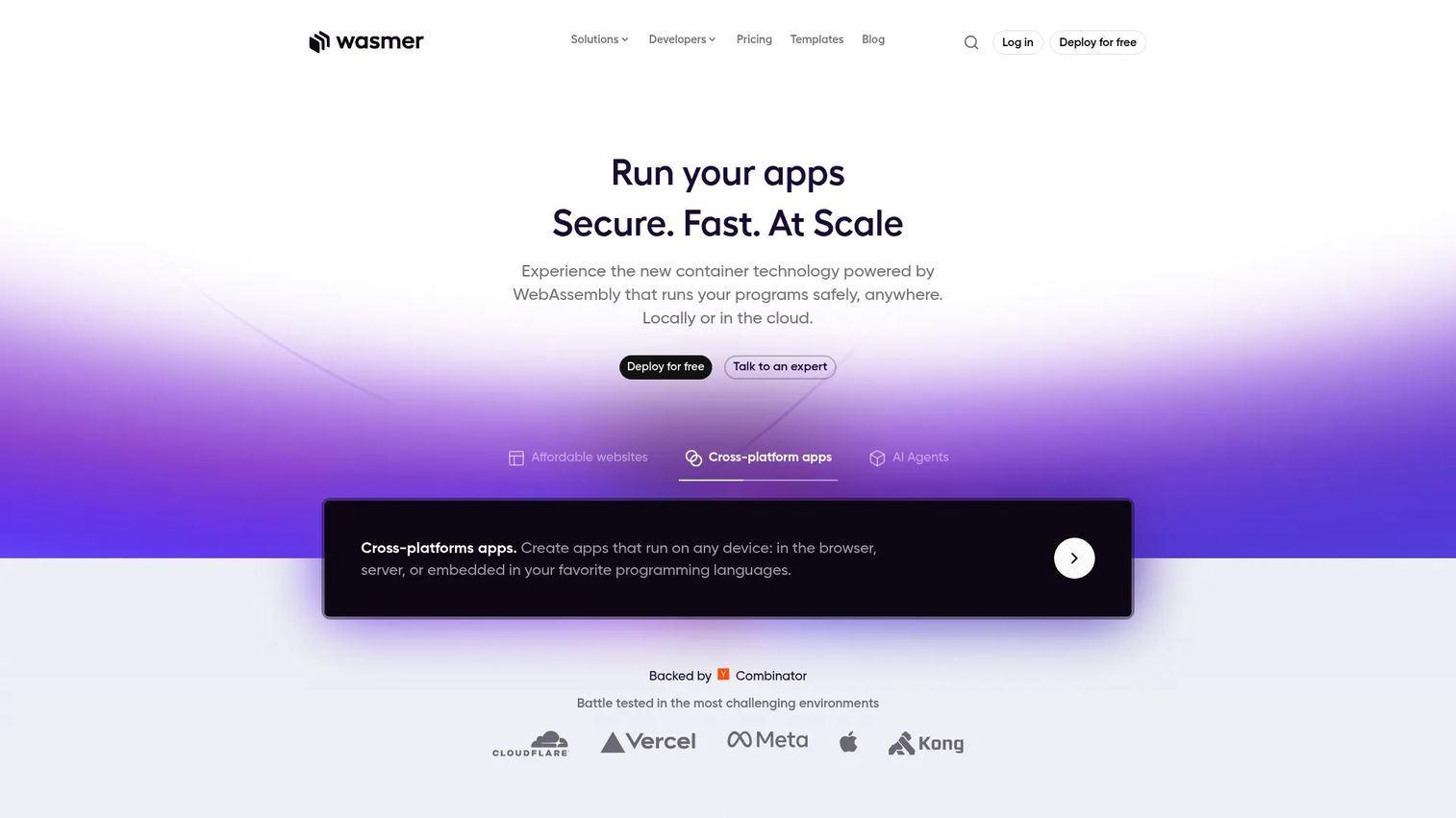
Wasmer is a WebAssembly-based platform for running and deploying applications locally or in the cloud, with a free-to-start hosting model. It is not a traditional shared host. It fits teams deploying WebAssembly-powered apps who want zero-setup deploys, automatic SSL, and an upgrade path to team and enterprise plans. Free hosting here is a real workflow, not a stripped demo.
Best for: Teams deploying WebAssembly-powered apps that want free-to-start hosting with a clear upgrade path.
Key strengths
- Free Hobby plan: Deploy and host at no cost, useful for prototypes and small projects.
- Pro plan with team collaboration: Shared workspaces and priority execution when you scale up.
- Enterprise and Subhosting: Custom support and SLA for larger deployments.
Why choose Wasmer: Free hosting is genuinely useful when it fits your architecture. For WebAssembly apps, prototypes, and edge-deployed workloads, the Hobby plan removes cost and setup friction entirely. The line between free and paid is honest: you move to Pro when you need collaboration and priority execution, not because the free tier suddenly stops working.
Wasmer pricing: The Hobby plan is free forever. Pro is $10/month with team collaboration and priority execution. Enterprise and Subhosting use custom pricing with SLA and dedicated support. This is one of the few options here where a free plan is a legitimate long-term choice for the right kind of project, rather than a trial.
5. Bluehost
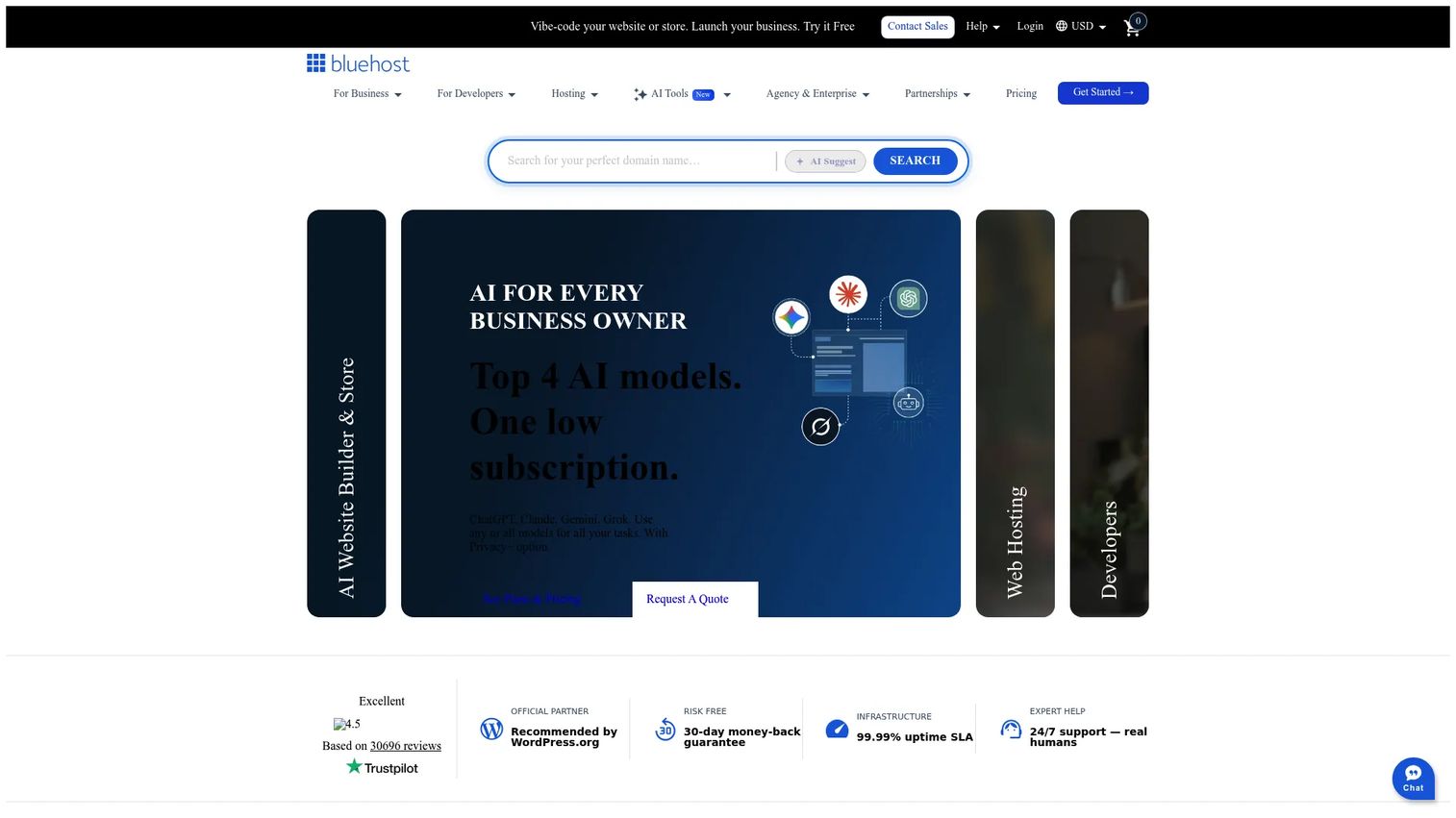
Bluehost is a web hosting provider offering shared, cloud, VPS, dedicated, WordPress, and ecommerce hosting. Its strongest angle is WordPress onboarding for first-time site owners. WordPress powers over 43.5% of all websites and more than 61% of the known CMS market as of 2026, according to Elementor (2026), so a host built around that workflow removes a lot of setup guesswork.
Best for: Small businesses and WordPress users who need entry-level hosted websites.
Key strengths
- Shared, cloud, VPS, and dedicated hosting: One provider covers you from first site to larger workloads.
- Free SSL included: Encryption comes with hosting plans, no separate purchase.
- 24/7 chat and phone support: Reach help through more than one channel when you are stuck.
Why choose Bluehost: For someone launching their first WordPress site, the guided onboarding lowers the learning curve. The plan range means you can start on shared hosting and move up without switching providers. The multi-channel support helps first-timers who prefer talking to someone over reading docs.
Bluehost pricing: Shared hosting uses introductory 36-month pricing. The Starter plan begins at $3.99/mo, Business at $6.99/mo, and eCommerce Essentials at $14.99/mo. There is no free tier. As with the other shared hosts here, introductory pricing renews higher, so read the renewal terms and check what the domain bundle costs after year one.
6. Plesk
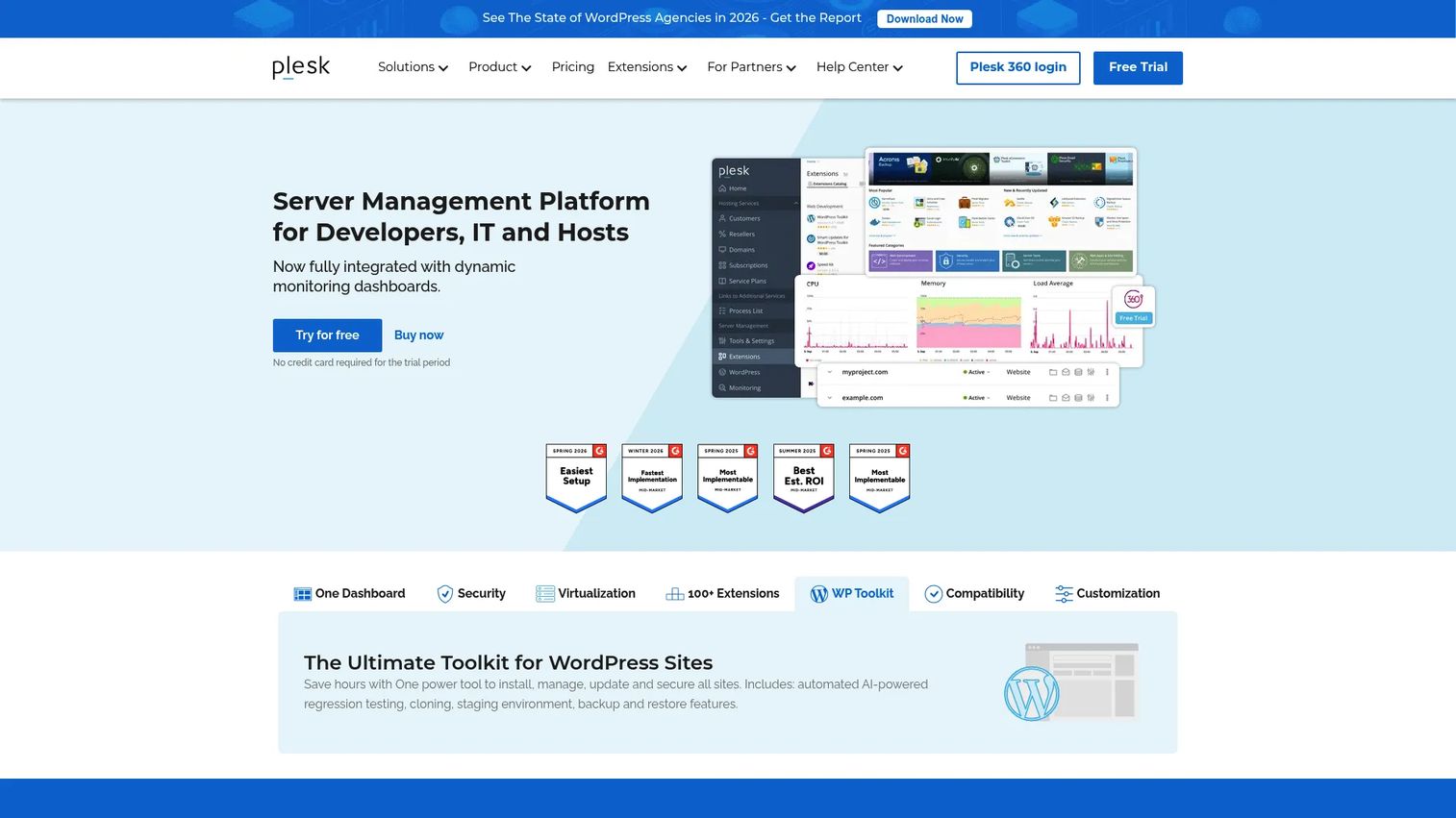
Plesk is a WebOps hosting and server management platform for managing websites, domains, email, databases, backups, and security from one dashboard. It is not a host in the traditional sense. It is the control panel layer you run on top of a VPS or dedicated server to standardize management. Agencies, hosting providers, and sysadmins use it to keep dozens of sites consistent.
Best for: Hosting providers, agencies, and sysadmins managing multiple websites and servers.
Key strengths
- Domain and subscription management: Organize many sites and clients under one control panel.
- Email, database, and file management: Handle the operational pieces without jumping between tools.
- Backups, security, and extension catalog: Standardize protection and extend functionality across servers.
Why choose Plesk: When you operate infrastructure rather than a single site, a control panel is how you stay sane. Plesk standardizes permissions, patching, backups, and deployment so repeatable operations do not depend on one person's memory. For technical teams running client work, it turns server management into a consistent, delegable process.
Plesk pricing: Monthly VPS plans are shown on the pricing page. The Web Admin Edition starts at 6.60€/mo, Web Pro Edition at 9.90€/mo, and Web Host Edition at 16.50€/mo. A free two-week trial is available. Pricing shows region and currency variants, so check the rate for your location before committing.
7. Hosting.com
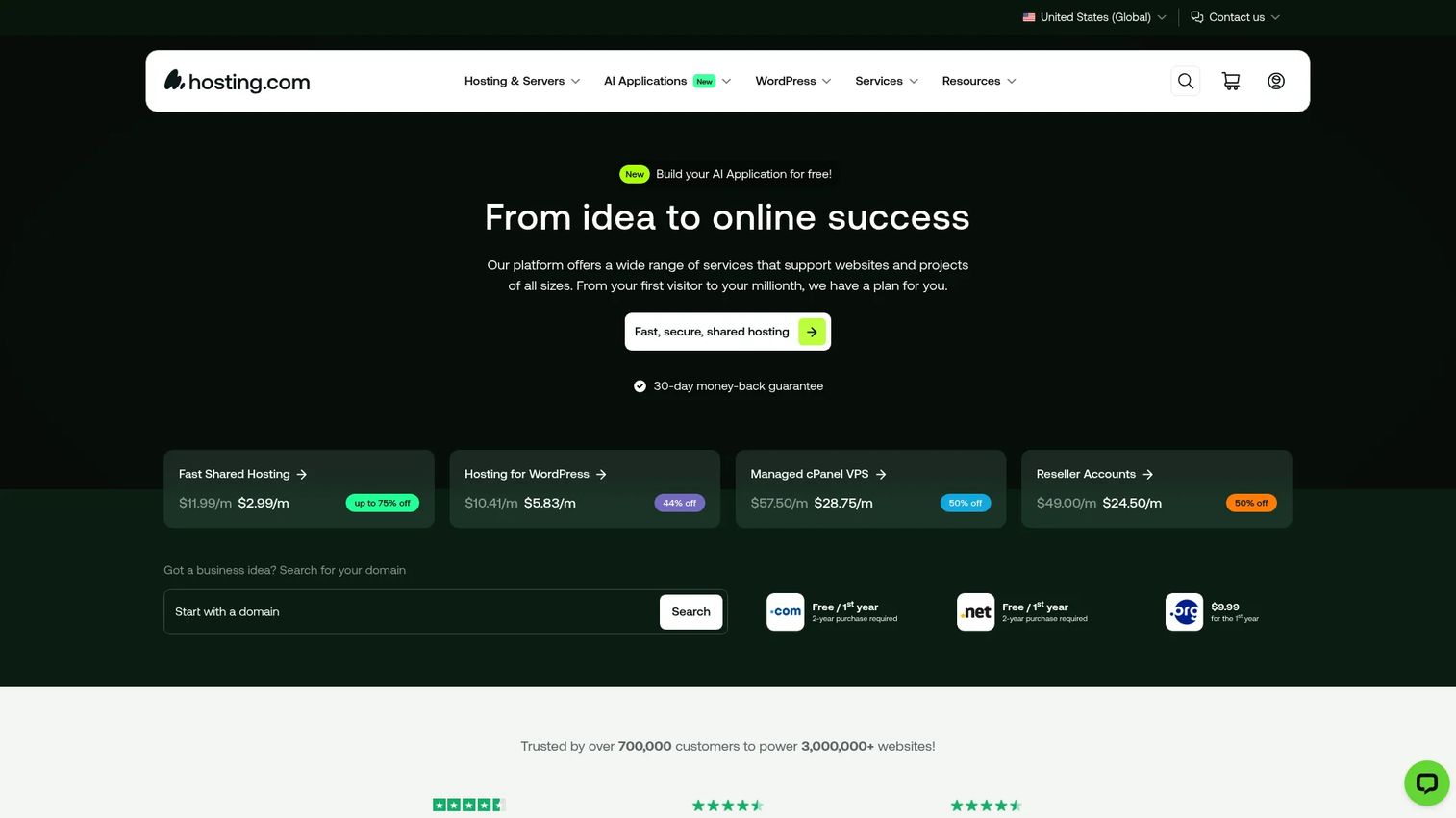
Hosting.com is a web hosting provider offering shared hosting, WordPress hosting, VPS, reseller, domain, and AI website and app hosting services. It works as a general-purpose platform that covers most needs under one roof, with a heavy emphasis on support and a bundled security stack. If you want breadth without managing multiple vendors, it is a reasonable single choice.
Best for: Users who want fast, support-heavy web hosting with WordPress and VPS options.
Key strengths
- 24/7/365 support: Round-the-clock help across plan types.
- Free SSL, DDoS protection, and malware scanning: Security stack included, plus brute force defense.
- Free site migration and one-click staging: Move a WordPress site in and test changes safely.
Why choose Hosting.com: The appeal is coverage and support. From a $1.00/month WordPress plan to managed VPS and reseller accounts, you can scale within one provider. The included security stack means you are not bolting on DDoS or malware protection separately. Free migration lowers the friction of moving an existing site over.
Hosting.com pricing: Public introductory prices span multiple plans. Managed WordPress starts at $1.00/month, Fast Shared Hosting at $2.99/month, Managed cPanel VPS at $28.75/month, and Reseller Accounts at $24.50/month. All are introductory rates that renew at regular pricing, so confirm the renewal cost before you sign.
Considerations before you buy
Treat hosting like an operational decision, not a one-time purchase. Here is what to verify before you commit.
Uptime and SLA
Look for a published uptime guarantee (99.9% is common) and understand what the provider actually does when they miss it. An SLA that offers account credits is more meaningful than a vague promise. Uptime is the single metric that directly affects whether your site is reachable and your revenue is safe.
Security stack and backups
Confirm what comes included versus what costs extra. Free SSL, DDoS protection, malware scanning, and a WAF should be baseline. Backups matter just as much: check frequency, retention, and how fast you can restore. A backup you cannot restore quickly is not really a backup.
Migration and control panel usability
If you are moving an existing site, free migration saves real time and downtime. For ongoing management, the control panel is where you live day to day. cPanel and Plesk are the two you will encounter most, and a clean dashboard reduces the operational load on whoever maintains the site.
Renewal pricing and support quality
The intro price is marketing. The renewal price is your real cost. Always read the renewal terms and calculate the true multi-year total. Test support before you depend on it, response time and quality separate the providers that save you from the ones that cost you.
Conclusion
There is no single best web hosting software, only the best fit for your traffic, budget, technical skill, and tolerance for ongoing management. HostGator is the balanced default for most sites with a clean VPS upgrade path. Hostinger wins on entry price and beginner friendliness. SiteGround is worth the premium when support and reliability are operational costs you cannot absorb. Wasmer makes free hosting a real option for WebAssembly apps. Bluehost smooths the path for first-time WordPress owners. Plesk gives operators a consistent control panel across many sites. Hosting.com covers the broadest range under one support-heavy roof.
Whatever you choose, look past the intro price. Calculate the renewal cost, confirm the security and backup stack, and test support before you rely on it. The right hosting decision is the one you are still happy with at the second invoice.
FAQs
Web hosting software is the platform and control layer that stores your website files, databases, and applications on internet-connected servers and serves them to visitors. It bundles the server infrastructure with tools for deploying, securing, and managing a site, often through a control panel like cPanel or Plesk. Choosing it well means matching the hosting model to your traffic, budget, and technical skill.
Shared hosting puts many sites on one server, which keeps it cheap and simple but means you share resources with other tenants. VPS hosting gives you a dedicated slice of a server with guaranteed resources and root-level control. Choose shared for small sites and tight budgets, and move to VPS when traffic grows or you need custom configurations and more predictable performance.
For most production business sites, free hosting carries limits on performance, custom domains, and support that make it a poor long-term fit. It works well for prototypes, static sites, and specific workflows like deploying WebAssembly apps, where a free tier is a legitimate architecture choice rather than a trial. If a site drives revenue or reputation, budget for a paid plan with backups and support.
A good control panel lets you manage domains, email, databases, backups, and security from one dashboard without touching a terminal. cPanel and Plesk are the two most common, and Plesk is especially strong for managing multiple sites or servers at once. Prioritize a clean interface, clear permission controls, and easy access to backups and SSL, since this is where you will spend your management time.
They are two of the most important factors. Uptime determines whether visitors can reach your site at all, so look for a published guarantee near 99.9% and an SLA that actually offers credits when missed. Backups protect you when something breaks, so check frequency, retention, and restore speed. A backup you cannot restore quickly does not protect you when it counts.
Most hosts advertise a low first-term introductory price that renews at a significantly higher rate. That renewal is your real ongoing cost, and ignoring it leads to a nasty surprise on the second invoice. Always read the renewal terms, calculate the true multi-year total, and compare providers on renewal price, not just the intro discount.
Managed WordPress or WordPress-focused shared hosting is usually the best fit, since it handles updates, staging, and optimization built for the platform. Given that WordPress powers over 43.5% of all websites as of 2026, most providers offer WordPress-specific onboarding and tooling. For a first site, a beginner-friendly WordPress plan removes setup guesswork; for a revenue site, managed WordPress with staging is worth the premium.
It depends on your technical comfort and how much operational load you want to own. Managed hosting means the provider handles updates, security patching, and maintenance, which frees your time but costs more. Self-managing a VPS, often with a control panel like Plesk, gives you full control and lower cost but requires you to handle patching, backups, and configuration yourself.