



The meeting was supposed to start at 2:00. By 2:04, one person is on speakerphone in a parking lot, two people are stuck on the dial-in prompt, and someone is typing "can you hear me?" into chat. The decisions you actually scheduled the call to make? Pushed to the next meeting.
That friction is why audio conferencing still matters in 2026. Sales teams, RevOps, and hybrid orgs run dozens of voice-first calls a week: pipeline reviews, quick approvals, customer check-ins, and handoffs that do not need video to move fast. When the audio is clean and joining is one tap, those calls start on time and end with outcomes. When it is not, every meeting pays a tax.
The category is growing fast. The global audio conferencing market is valued at roughly US$26.3 billion in 2026 and is projected to reach US$48.7 billion by 2034 at an 8% CAGR, according to Research and Markets (2024). That growth tracks the shift to cloud-based and hybrid work, where dependable voice access is no longer a nice-to-have.
This guide ranks the best audio conferencing software for 2026 with a decisively audio-first lens. We weigh call quality, dial-in and dial-out access, call-me convenience, security and admin controls, collaboration fit, and pricing transparency. If your team also runs a lot of screen-heavy sessions, our roundup of video conferencing software and our guide to business phone systems pair well with this list. For teams optimizing how reps run and track calls, our breakdown of outbound call tracking is a useful companion.
What's inside
This guide compares 12 audio conferencing tools built for phone-first and hybrid meeting workflows, then gives you a framework to choose. It is written for business buyers, especially sales and cross-functional teams that need meetings to start on time and stay clear.
We selected and ranked tools on five criteria:
- Audio quality and reliability: clarity, latency, and noise cancellation under weak connections.
- Access methods: dial-in numbers, dial-out, call-me, and international reach.
- Security and admin controls: encryption, SSO, meeting locks, and recording governance.
- Collaboration fit: chat, screen sharing, recording, and transcription when you need them.
- Pricing transparency: clear public pricing and predictable add-on or regional costs.
TL;DR
- Best overall for business conferencing: Microsoft Teams, especially for Microsoft 365 orgs.
- Best for global dial-in and call quality: Zoom.
- Best for Google Workspace teams: Google Meet.
- Best for secure enterprise meetings: Cisco Webex.
- Best free audio conferencing: FreeConferenceCall.com.
- Best all-in-one calling plus conferencing: Dialpad, Nextiva, and RingCentral Video for teams consolidating voice and meetings.
What is audio conferencing software?
Audio conferencing software is a tool that lets three or more people join a single voice call from phones, computers, or conference rooms, usually with dial-in numbers, app-based joining, and host controls.
The distinction matters when you buy. Audio-only conferencing focuses on voice: dial-in access, call quality, and host moderation. Audio and video conferencing adds a camera layer and screen sharing. Broader web meeting platforms bundle webinars, whiteboards, and events. Most modern tools span all three, but the audio conference is still the workhorse for fast, recurring business calls.
When you evaluate conference audio, expect these core capabilities:
- Dial-in numbers: local and toll-free numbers so attendees can join by phone.
- Dial-out: the host adds a participant by calling their number into the bridge.
- Call-me: the system rings your phone so you join without typing a PIN.
- Noise cancellation: background noise suppression for clearer audio conf sessions.
- Recording and transcription: capture the call and generate searchable notes.
- Collaboration: chat, screen sharing, and shared notes when voice alone is not enough.
- Encryption and admin controls: secure conference calls with SSO, MFA, and locks.
- Flexible pricing: per-user plans, credits, or bundled audio conferencing services.
Audio conferencing vs audio/video conferencing
Voice-only is the faster choice when the meeting is about decisions, not visuals. Daily standups, pipeline syncs, quick approvals, and check-ins rarely need a camera. Audio also travels better on weak connections and lets people join from a car or a hallway.
Video earns its place when the content is visual or the relationship is new. Use a camera for demos, first customer meetings, design reviews, and any session where reading the room matters.
| Factor | Audio conferencing | Audio and video conferencing |
|---|---|---|
| Best for | Internal syncs, approvals, phone-first calls | Demos, customer intros, visual reviews |
| Connection demand | Low, works on weak networks | Higher bandwidth needed |
| Join friction | Very low, dial-in or call-me | Moderate, app or browser plus camera |
| Engagement style | Voice and screen share optional | Face-to-face plus visuals |
Core features buyers should expect
Before you commit, confirm the tool covers the basics that make business calls dependable:
- Local, international, and toll-free dial-in numbers.
- Dial-out and call-me for low-friction joining.
- Noise cancellation and consistent call quality.
- Host controls: mute, lock, waiting rooms, and participant management.
- Recording, retention settings, and transcription.
- SSO, MFA, and encryption for secure conference calls.
- Transparent pricing with clear regional and toll-free rate details.
When to use audio conferencing software
Keep calls fast and simple
Voice-only meetings are the fastest way to start a sync without camera overhead. Team standups, pipeline reviews, and quick approvals do not need anyone to look presentable or share a screen. People dial in, talk, decide, and get back to work. For sales teams running back-to-back calls, that speed compounds across the week.
Support hybrid and mobile attendees
Hybrid meetings break when access is hard. Dial-in and call-me options let people join from anywhere without hunting for a link. Common access methods to look for:
- Dial-in: attendees call a local or toll-free number and enter a PIN.
- Dial-out: the host pulls a participant into the call by dialing their number.
- Call-me: the platform rings the attendee so they join with one tap.
- App or browser join: one-click entry for people at their desk.
These options matter most for mobile workers, travelers, and partners who live on their phones.
Enable regional and toll-free access
Distributed teams need access that works across borders. Toll-free dial-in removes the cost barrier for attendees, while international local numbers reduce long-distance charges and connection issues. Before you buy, check which countries are covered, what toll-free dial-in costs, and how international minutes are billed. Clear regional rates keep a global meeting from turning into a surprise invoice.
Comparison table
The table below helps you scan access methods, differentiation, and budget fit at a glance. Pricing reflects publicly listed starting tiers, and G2 ratings reflect current listings. Use it to shortlist two or three tools, then test them in real meetings.
| # | Product | Intent | Key differentiation | Pricing | G2 rating |
|---|---|---|---|---|---|
| 1 | Microsoft Teams | Microsoft 365 orgs | Native chat, meetings, and audio conferencing add-on | From $4.00 user/month | 4.4/5 |
| 2 | Zoom | Global meetings | Reliable audio, broad dial-in, noise cancellation | Free tier; paid plans available | 4.6/5 |
| 3 | Google Meet | Google Workspace teams | Browser-based joining with Workspace fit | From $7 user/month | 4.6/5 |
| 4 | Cisco Webex | Enterprise security | Suite with meetings, calling, and strong governance | Free tier; Meet from $144/user/year | 4.2/5 |
| 5 | RingCentral Video | Calling plus meetings | AI meetings inside a communications stack | Free tier; paid plans available | 4.2/5 |
| 6 | Dialpad | AI-forward calls | AI transcription and call summaries | From $15/user/month | 4.4/5 |
| 7 | GoTo Meeting | Simple meetings | Familiar, browser-accessible conferencing | Professional, Business, Enterprise | 4.2/5 |
| 8 | FreeConferenceCall.com | Budget-first | Free audio conferencing with large capacity | Pay-what-you-can from $4/month | 4.4/5 |
| 9 | Intermedia Unite | UCaaS stack | Calling, messaging, and meetings in one | From $27.99 user/month | 4.5/5 |
| 10 | 8x8 | Global comms | Enterprise voice plus contact center | Custom pricing | 4.2/5 |
| 11 | Vonage | Flexible comms | Conferencing tied to a wider phone system | VBC from $13.99/line/month | 4.3/5 |
| 12 | Nextiva | All-in-one calling | Voice, messaging, and contact center | From $15/user/month | 4.5/5 |
1. Microsoft Teams
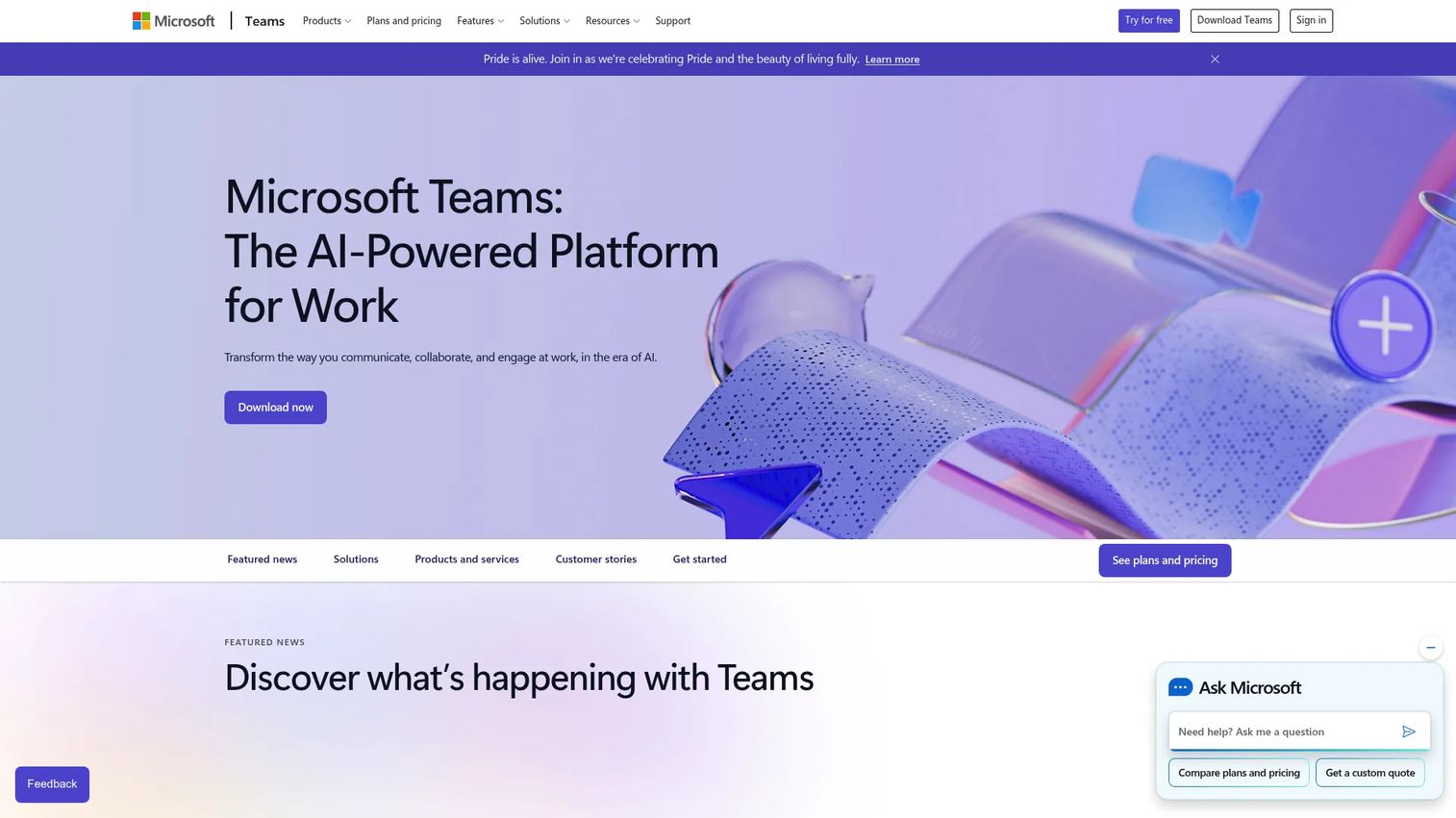
Microsoft Teams is the obvious starting point for any organization already living in Microsoft 365. It combines chat, meetings, calling, and file collaboration in one workspace, and its audio conferencing option adds dial-in numbers, dial-out, and call-me so attendees can join by phone from anywhere. For sales and RevOps teams that already run on Outlook and SharePoint, Teams keeps meetings inside the tools people use all day.
Best for: Microsoft-heavy organizations that want chat, meetings, and audio conferencing in one native stack.
Key strengths
- Native Microsoft 365 fit: meetings live alongside Outlook, calendar, and Office files with no extra tab.
- Flexible phone access: dial-in, dial-out, and call-me let participants join without a laptop.
- Centralized admin: IT manages users, policies, and audio conferencing licensing from one console.
Why choose Microsoft Teams: If your company is standardized on Microsoft 365, Teams reduces tool sprawl and keeps audio conferencing inside one governed environment. The audio conferencing capability is available within Microsoft 365 plans or as an add-on, so admins can extend dial-in access to the people who run external calls without re-platforming.
Microsoft Teams pricing: Teams Essentials starts at $4.00 per user per month billed yearly. Microsoft 365 Business Basic is $6.00 per user per month, Business Standard is $12.50 per user per month, and Microsoft Teams Phone Standard is $10.00 per user per month. A free version is available, and audio conferencing for dial-in is bundled into some Microsoft 365 plans or added as a license.
2. Zoom
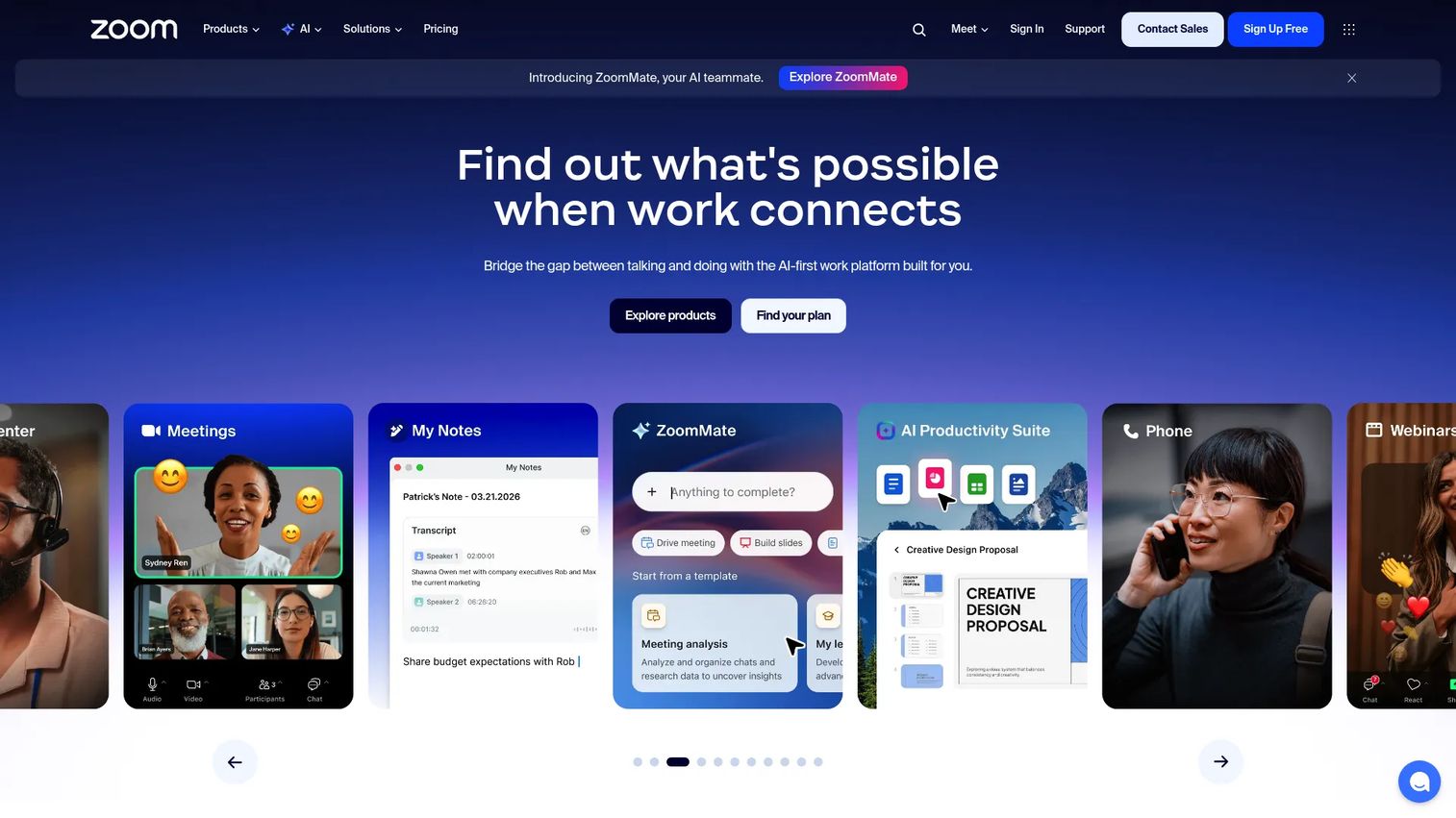
Zoom is a strong default for external meetings and distributed teams that need dependable audio. Zoom Workplace bundles Meetings, Chat, Phone, and scheduling, and its meeting experience supports HD audio, global dial-in, call-out, and audio-only joining. The noise cancellation holds up well when someone joins from a noisy environment, which matters for customer calls where every word counts.
Best for: Teams running frequent external and global calls that need reliable audio and broad dial-in access.
Key strengths
- Broad dial-in coverage: local and international numbers help attendees join from many regions.
- Audio-only mode: participants can drop video and run a clean voice conferencing session.
- Noise cancellation: background suppression keeps calls clear on weak or busy connections.
Why choose Zoom: When your meetings cross time zones and you cannot predict where attendees are calling from, Zoom's audio flexibility and global access make it a safe pick. It works equally well as a phone-first bridge and as a full audio and video conferencing platform when a camera helps.
Zoom pricing: Zoom Workplace Basic is free for one user. Paid Pro and Business plans are billed annually and add higher limits, cloud recording, and admin controls. Audio conferencing and toll-free dial-in are available as part of paid plans and add-ons, so confirm regional dial-in rates for the countries your team calls into.
3. Google Meet
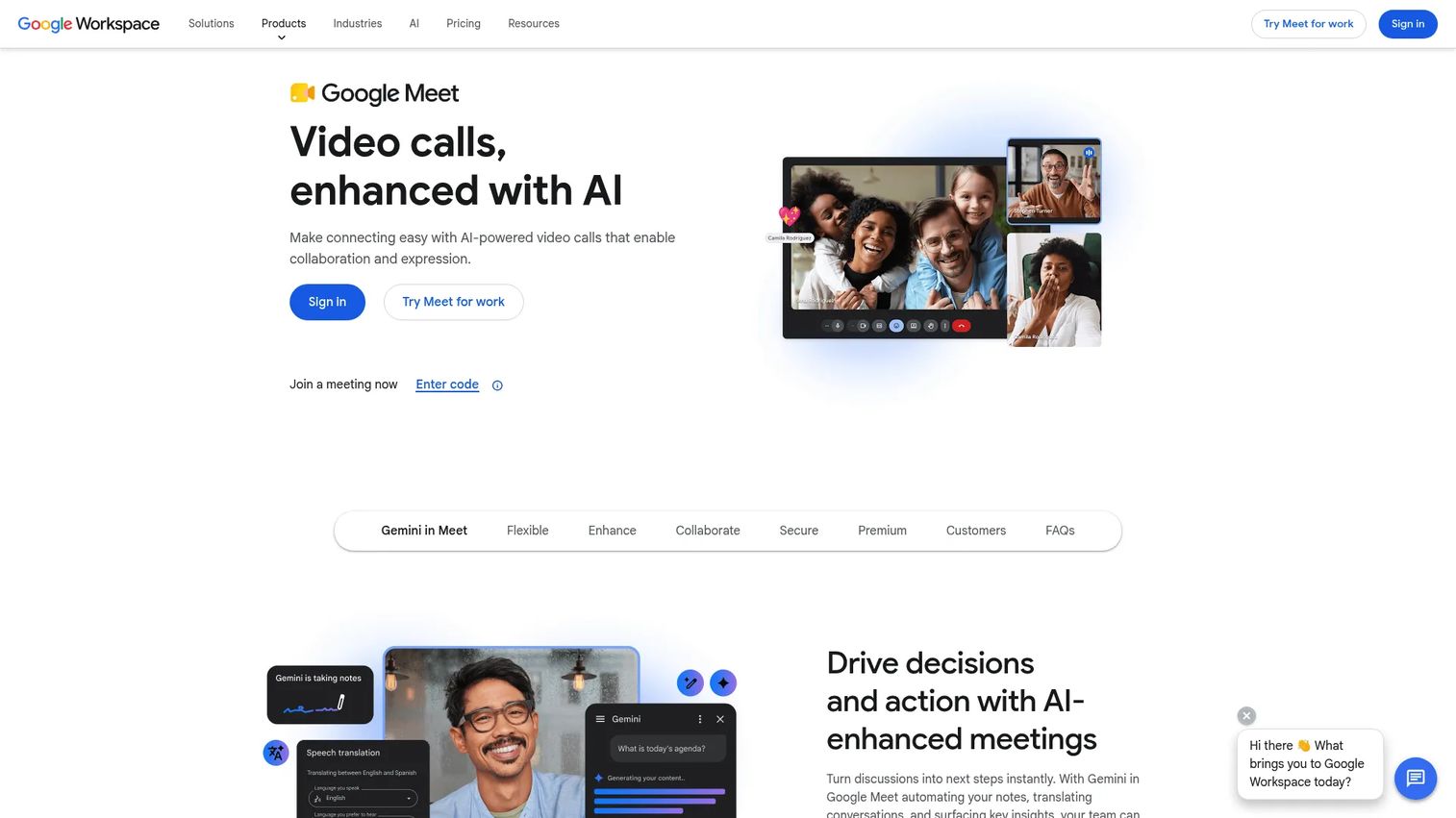
Google Meet is the natural choice for teams standardized on Google Workspace. Meetings run in the browser with no install, and joining from a Calendar invite is one click. Paid Workspace plans add dial-in numbers, recording, and noise cancellation, so attendees who cannot get online can still call into the meeting by phone.
Best for: Google Workspace teams that want simple, browser-based meetings with phone dial-in.
Key strengths
- Browser-first joining: no downloads, and Calendar invites carry the join link and dial-in.
- Global dialing on paid plans: attendees join by phone where dial-in numbers are available.
- Workspace-native fit: meetings connect cleanly with Gmail, Calendar, and Drive.
Why choose Google Meet: If your team already lives in Gmail and Calendar, Meet removes adoption friction because there is nothing new to learn. The convenience of one-click joining keeps recurring internal calls moving without anyone fumbling for a link.
Google Meet pricing: Google Workspace Business Starter is $7 per user per month, Business Standard is $14 per user per month, and Business Plus is $22 per user per month. A free tier is available to anyone with a Google Account, with up to 100 participants and 60-minute meetings. Higher tiers add recording, noise cancellation, and larger participant limits.
4. Cisco Webex
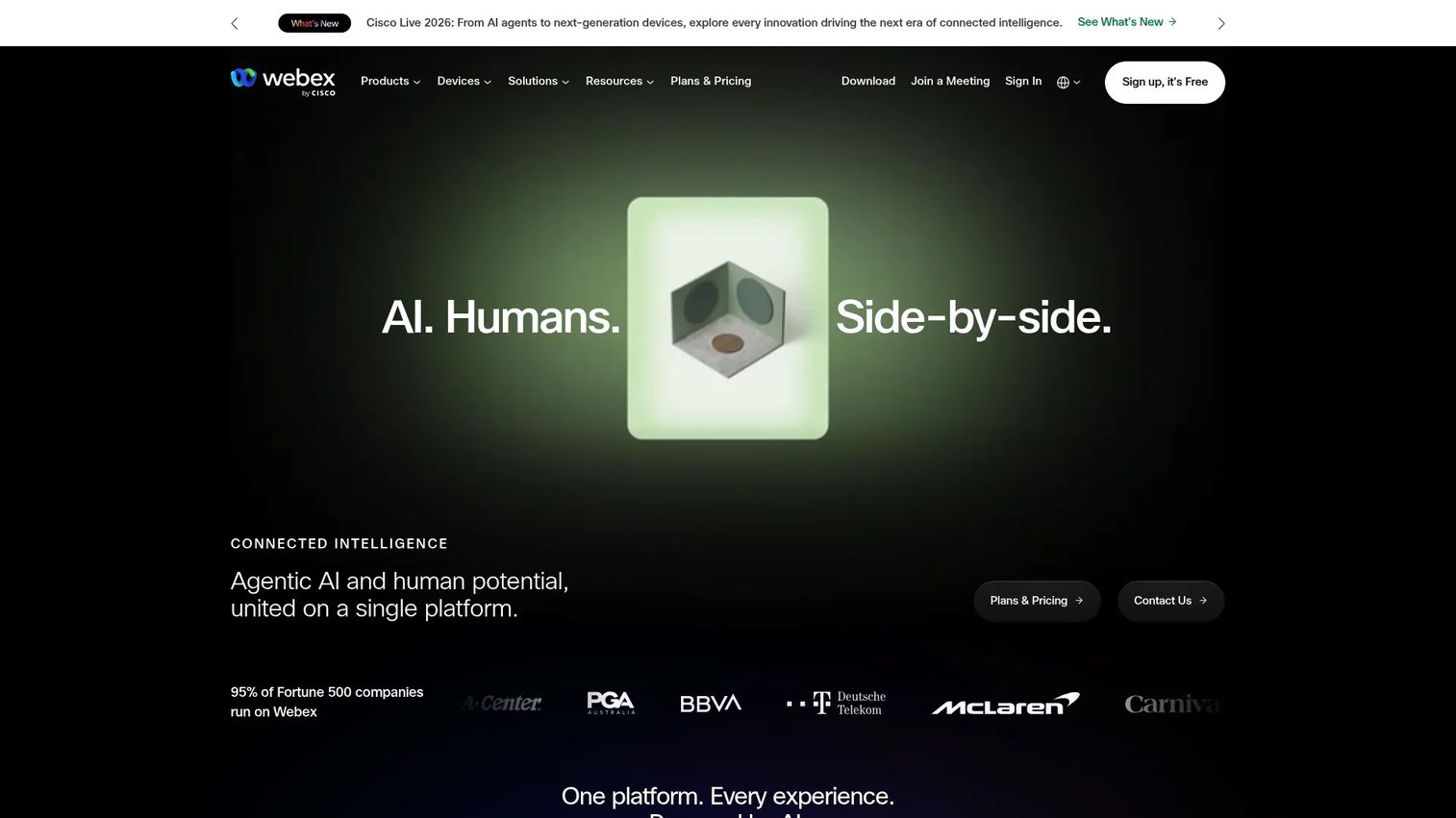
Cisco Webex is built for enterprises where security and governance lead the decision. The Webex Suite unifies meetings, calling, messaging, webinars, and events, with audio conferencing integrated throughout. For large teams that need consistent reliability and tight admin control, Webex pairs strong audio with the compliance posture security reviews expect.
Best for: Enterprise and security-heavy organizations that need governed, large-scale conferencing.
Key strengths
- Unified suite: meetings, cloud calling, and messaging live in one platform with shared admin.
- Enterprise controls: policy management, encryption, and admin governance support compliance reviews.
- Scalable reliability: built to support large meetings and distributed teams.
Why choose Cisco Webex: When IT and security hold real veto power, Webex tends to clear reviews because governance and admin depth are core to the product, not afterthoughts. It fits organizations that want meetings, calling, and collaboration consolidated under one secure roof.
Cisco Webex pricing: Webex Free is $0 per user per year. Webex Meet is $144 per user per year, and Webex Suite is $270 per user per year, both billed annually. Webex Enterprise uses custom pricing through sales. Optional add-ons are listed on the pricing page, so confirm which audio and calling features your plan includes.
5. RingCentral Video
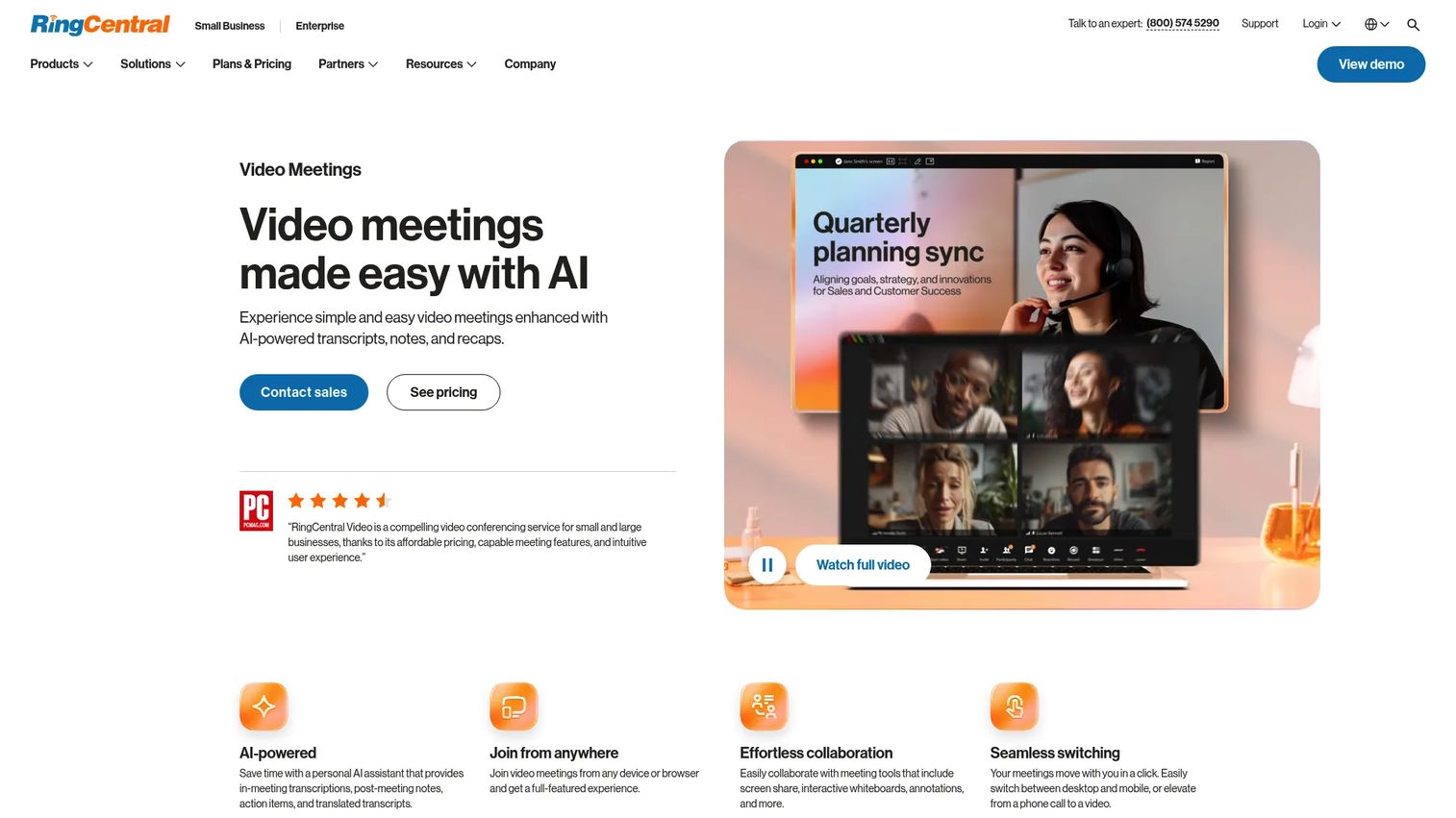
RingCentral Video fits teams that want calling and meetings in one platform. It delivers AI-assisted meetings with transcripts, notes, and recaps, plus screen sharing and collaboration, and it joins from the browser or mobile. For organizations already using RingCentral for business phone, conferencing slots into the same communications workflow.
Best for: Teams consolidating business calling and meetings inside one communications platform.
Key strengths
- AI meeting support: automatic transcripts, notes, and recaps capture what was said.
- Flexible joining: start or join from a browser or the mobile app.
- Collaboration built in: screen share, whiteboard, and annotations support working sessions.
Why choose RingCentral Video: If you want conferencing tied to a broader phone system rather than a standalone meeting tool, RingCentral keeps calls and meetings under one workflow. That consolidation simplifies admin and gives reps one place for voice and video.
RingCentral Video pricing: RingCentral Video offers a free tier, and reviewer-reported plans on G2 list paid editions around $5 and $10 per user per month. Because RingCentral often packages video within wider communications plans, confirm current pricing and included audio features directly with RingCentral for your team size.
6. Dialpad
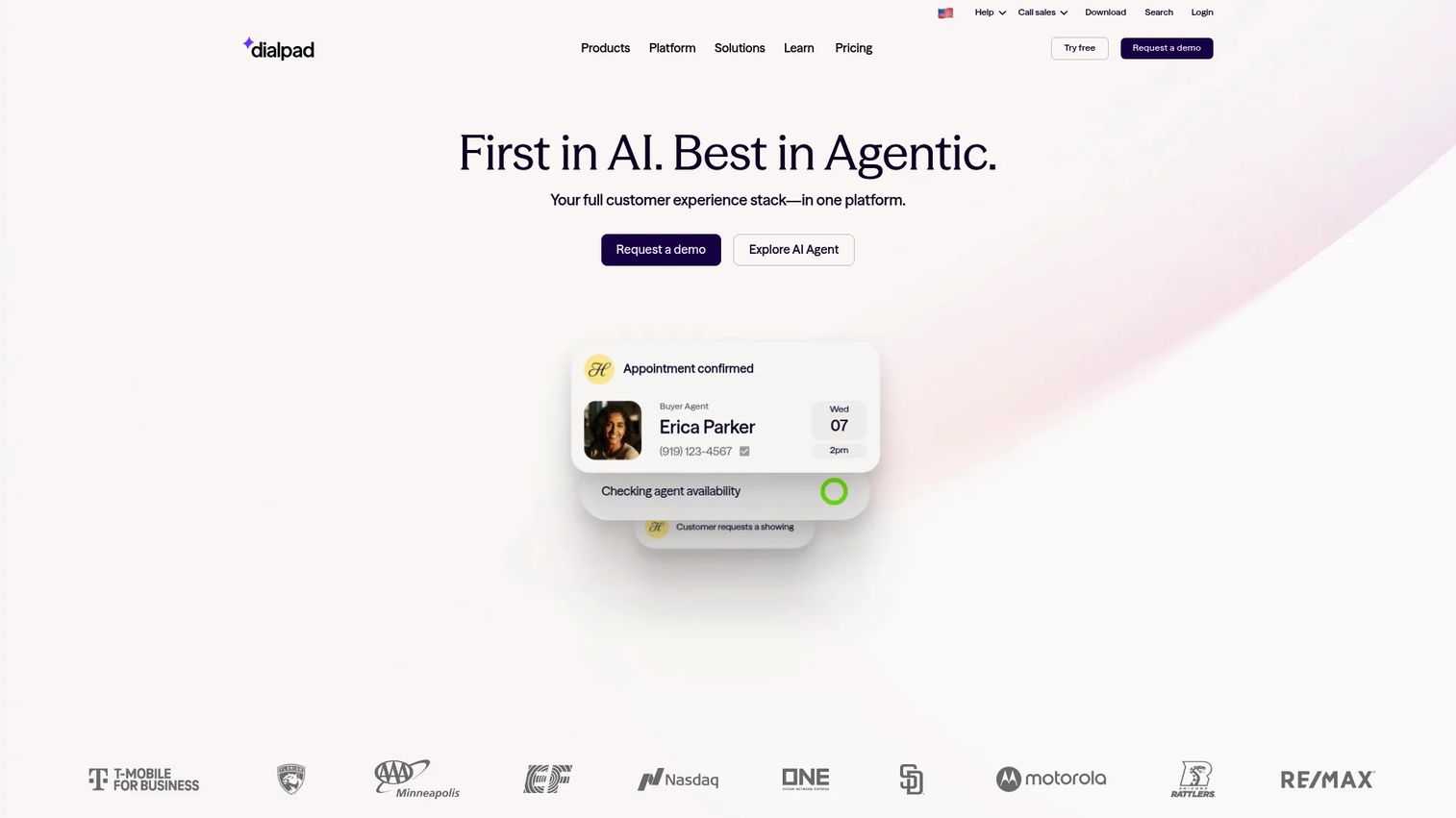
Dialpad is an AI-native communications platform where transcription and call intelligence are first-class. It combines voice, video, chat, and SMS in one app, with AI transcripts and call summaries that capture meetings automatically. For sales teams that want conferencing plus business calling and call intelligence in one workflow, Dialpad keeps everything connected.
Best for: Teams that want AI-assisted calling, meetings, and contact center tooling in one platform.
Key strengths
- AI transcription and summaries: every call generates searchable notes and recaps.
- Unified communications: voice, video, chat, and SMS run from a single app.
- Call routing and automation: built-in routing supports sales and support workflows.
Why choose Dialpad: If your team values having a record of every conversation without manual note-taking, Dialpad's AI layer is the differentiator. It works best for organizations that want conferencing and business communications consolidated, with call intelligence baked in.
Dialpad pricing: Dialpad Connect Standard is $15 per user per month billed annually, Pro is $25 per user per month billed annually, and Enterprise uses custom pricing through sales. There is no public free tier, but Connect offers a 14-day free trial so you can test audio and meeting quality before committing.
7. GoTo Meeting
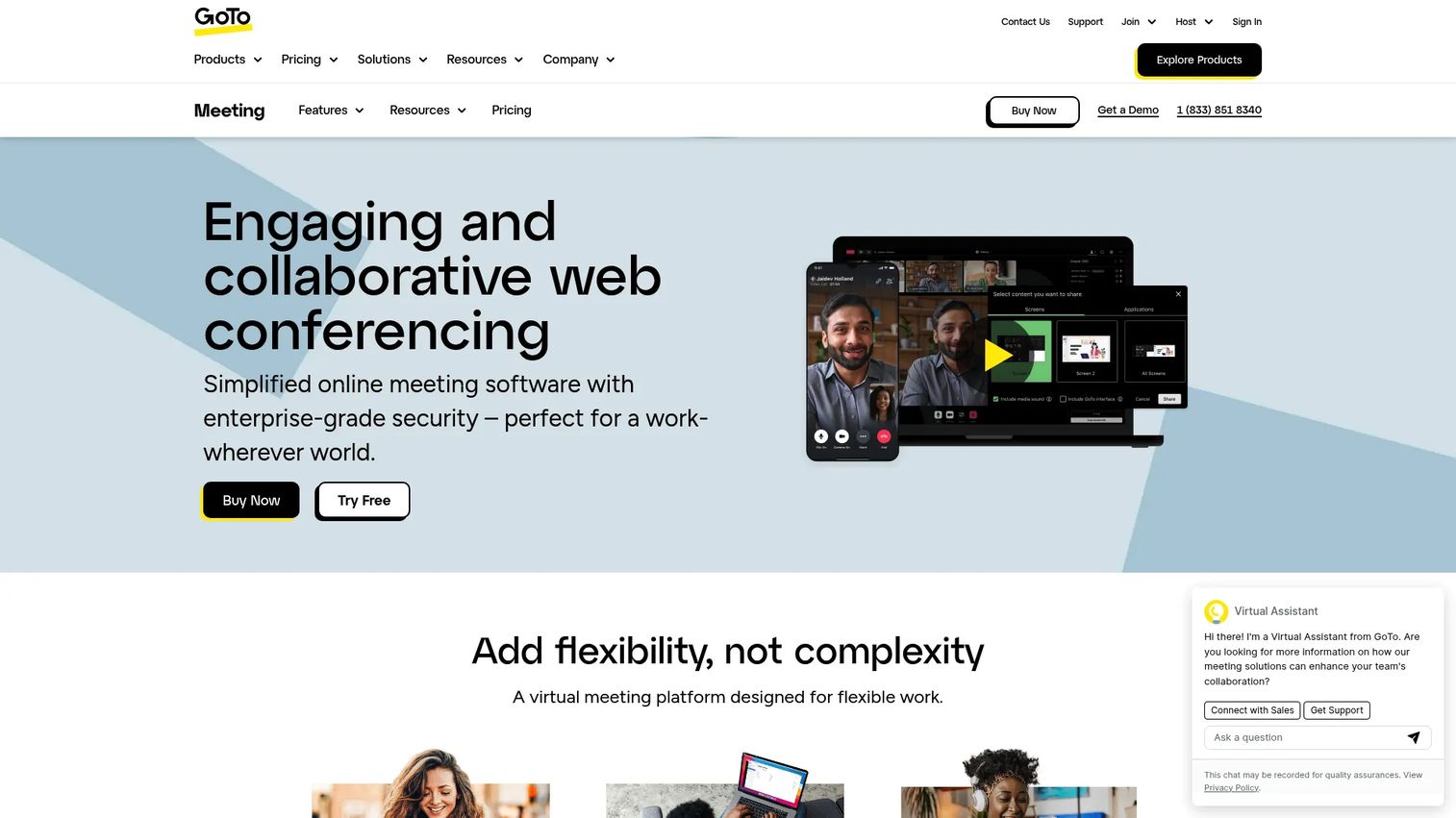
GoTo Meeting is a familiar, no-frills meeting tool for teams that value simplicity over a sprawling feature set. It runs in the browser, supports screen sharing, unlimited meetings, and cloud recording with transcription, and it covers the standard conferencing basics without a steep learning curve. For teams that just want meetings to work, that focus is the appeal.
Best for: Teams that want straightforward, browser-accessible meetings with built-in collaboration.
Key strengths
- Browser-based access: attendees join without heavy setup.
- Recording and transcription: capture meetings and generate searchable notes.
- Simple, familiar interface: low learning curve for new users and external attendees.
Why choose GoTo Meeting: If your team prioritizes ease of use and standard conferencing over an expansive communications suite, GoTo Meeting keeps things simple. It fits organizations that want dependable meetings without managing a wider platform.
GoTo Meeting pricing: GoTo Meeting lists Professional, Business, and Enterprise plans, with Enterprise quoted through sales. The pricing page offers a currency selector including USD, so check current figures for your region directly. A free trial is available to test the experience before you buy.
8. FreeConferenceCall.com
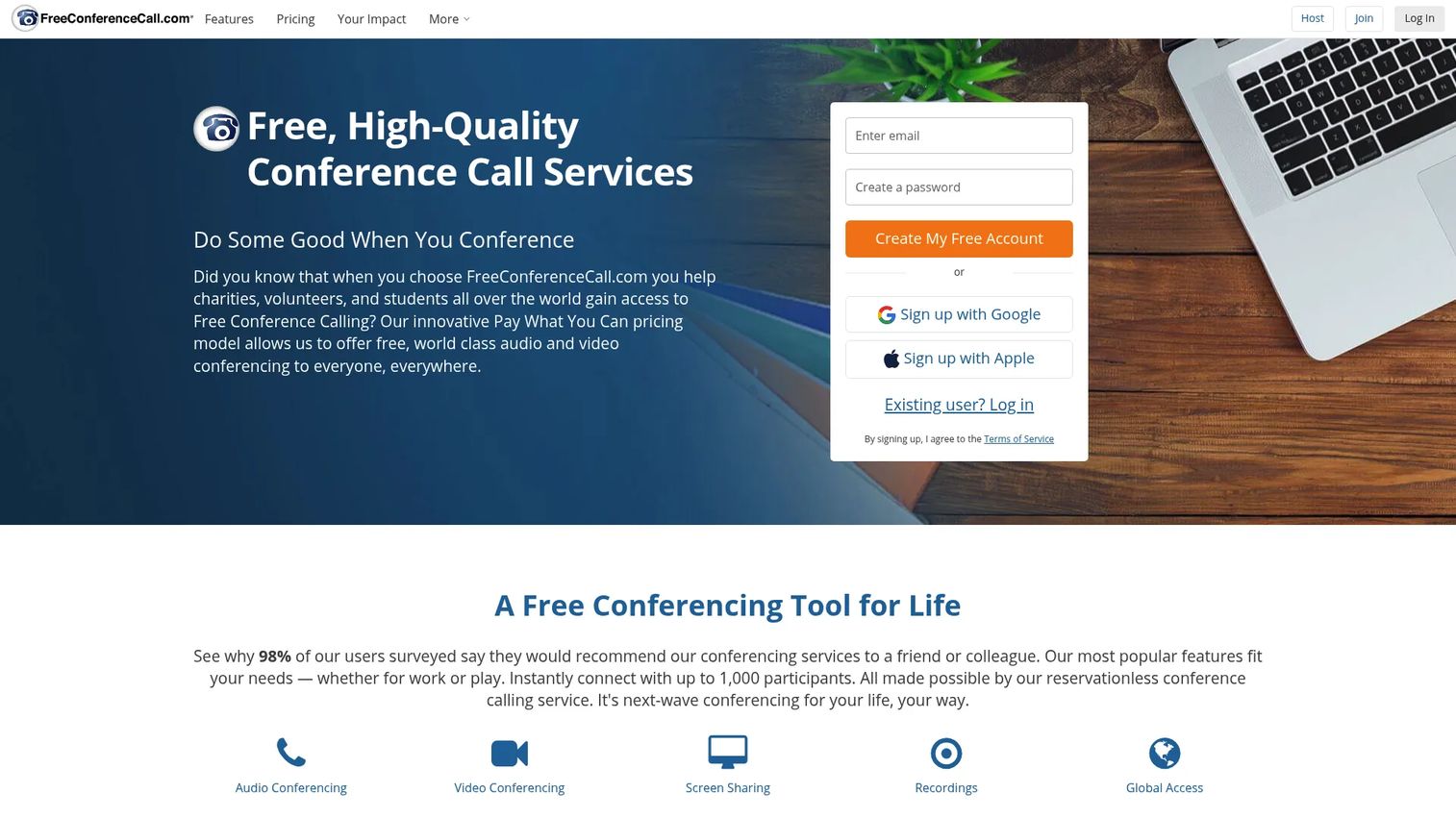
FreeConferenceCall.com is the free-first option for teams that need basic conferencing without a heavy budget. It covers audio conferencing, video, screen sharing, and international dial-in, with large participant capacity, making it a practical pick for community calls, internal syncs, and budget-conscious teams. The pay-what-you-can model keeps costs low while supporting the core meeting basics.
Best for: Teams or communities that need low-cost, high-capacity conferencing without premium overhead.
Key strengths
- Free audio conferencing: core conferencing at no required cost.
- International dial-in: attendees join by phone from many countries.
- Large capacity: supports sizable participant counts on calls.
Why choose FreeConferenceCall.com: When budget is the main constraint and you need reliable dial-in for group calls, this is a sensible starting point. Verify the security and admin controls you need before standardizing it for sensitive customer conversations, since requirements vary by team.
FreeConferenceCall.com pricing: The base service is free under a pay-what-you-can model, with a suggested contribution of $4 per month, an average of $8.21 per month, and a market rate of $15 per month. An FCC Pro premium version is also available. Confirm current premium pricing on the official page.
9. Intermedia Unite
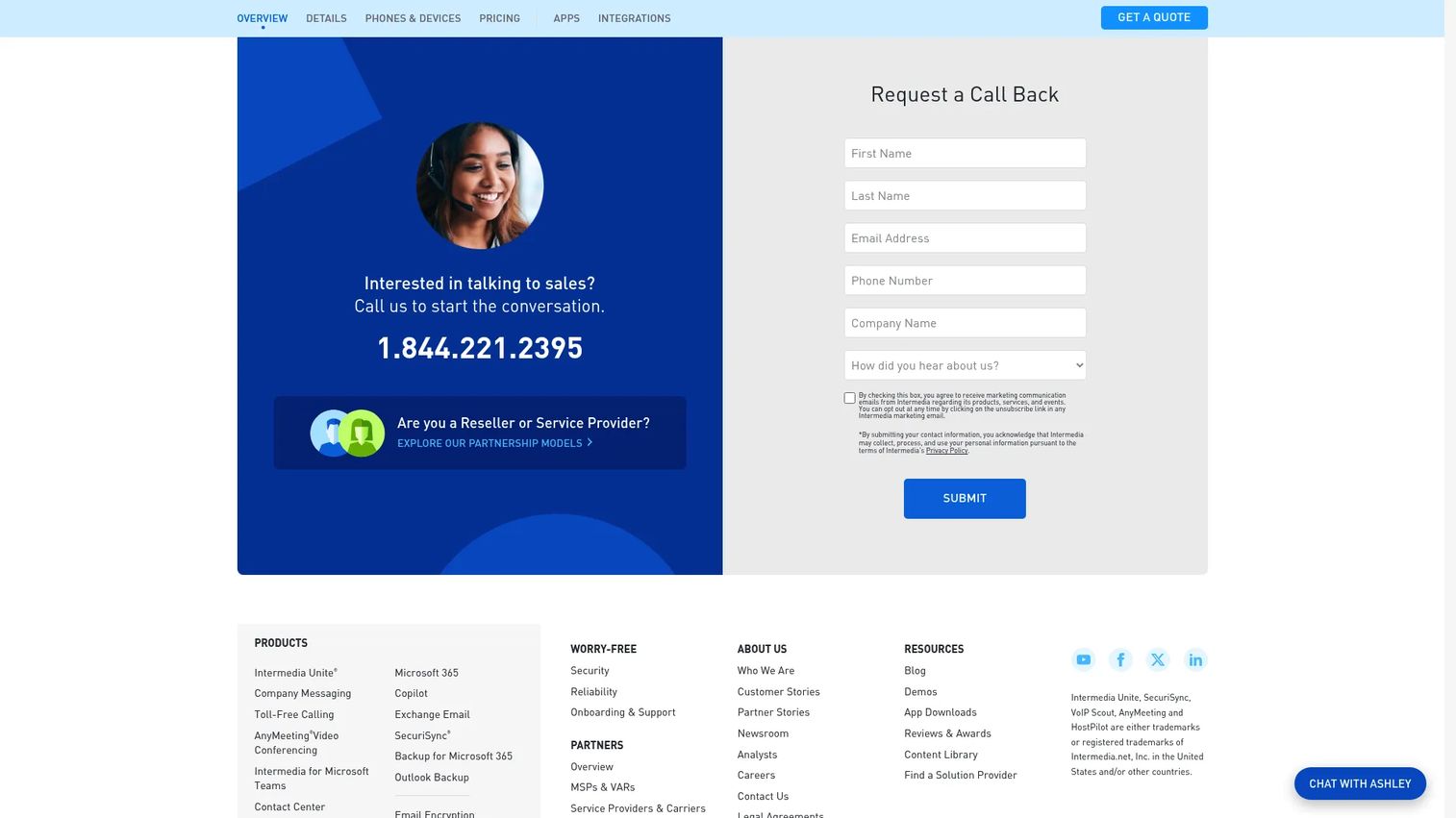
Intermedia Unite is a UCaaS platform that brings business phone, video meetings, chat, and SMS into one stack. It adds AI features like meeting and call recaps, and it is built for organizations that want telephony and conferencing managed together with straightforward admin. For teams replacing a legacy phone system, Unite folds conferencing into the same platform.
Best for: Businesses that want an all-in-one UCaaS platform with calling, messaging, and meetings.
Key strengths
- Unified communications: phone, video, chat, and SMS in a single platform.
- AI recaps: meeting and call summaries capture key points automatically.
- Business telephony focus: built around dependable calling and admin simplicity.
Why choose Intermedia Unite: If conferencing is part of a larger move to consolidate business phone and collaboration, Unite delivers the full stack with admin kept simple. It suits organizations that prefer one vendor for voice, messaging, and meetings.
Intermedia Unite pricing: The Pro plan is $27.99 per user per month, and the Enterprise plan is $32.99 per user per month. Contact Center features and some add-ons are listed separately, with certain items quoted on request. Confirm which audio and meeting features sit in each tier for your team.
10. 8x8
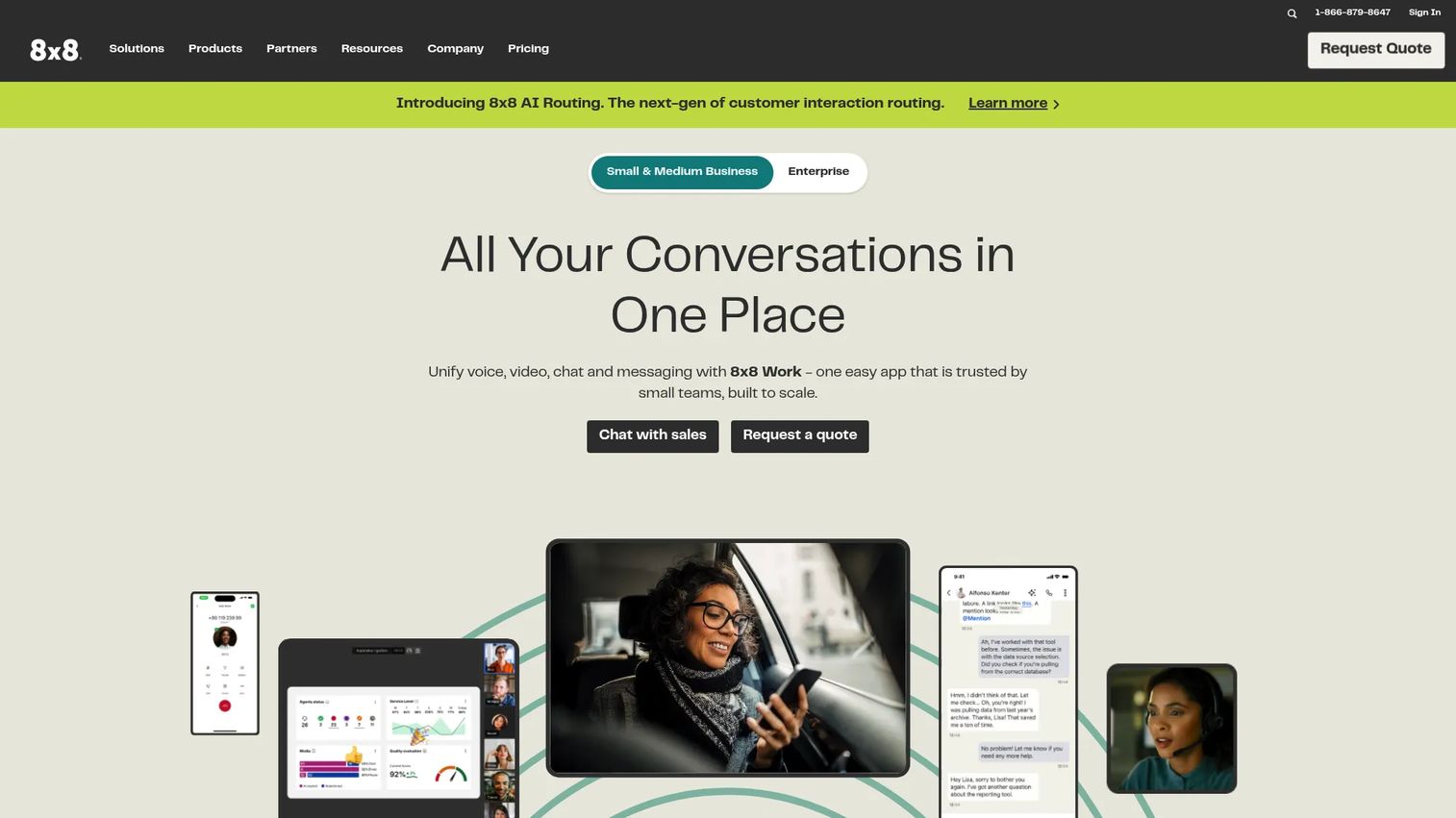
8x8 is a global communications platform that pairs business voice and video with contact center capabilities. It offers omnichannel routing, AI automation, and unified communications, making it a fit for distributed teams that need international reach and conferencing as part of a broader calling suite. For organizations operating across regions, 8x8's global footprint is the draw.
Best for: Businesses needing an enterprise communications platform with contact center capabilities.
Key strengths
- Global reach: built for distributed teams with international communications needs.
- Unified comms plus contact center: voice, video, and messaging alongside customer support tooling.
- AI automation: routing and automation support high-volume workflows.
Why choose 8x8: When conferencing is one piece of a larger global communications and contact center need, 8x8 brings it together under one platform. It fits enterprises that want voice, meetings, and customer experience tooling integrated.
8x8 pricing: 8x8 offers custom plans and directs buyers to request a quote rather than listing public prices. Because pricing is tailored to team size and feature needs, ask sales for a breakdown that includes audio conferencing, dial-in coverage, and any international rate details.
11. Vonage
Vonage is a cloud communications provider that ties conferencing to a wider business phone system and communications APIs. It offers cloud-based phone, unlimited calling and SMS, video collaboration, and team messaging, giving business buyers flexible access methods across one platform. For teams that want adaptable communications with conferencing built in, Vonage covers a broad range of needs.
Best for: Businesses needing unified communications, contact center, or programmable communications APIs.
Key strengths
- Flexible communications: cloud phone, SMS, video, and messaging in one provider.
- Broad product range: business communications plus programmable APIs for custom workflows.
- Adaptable access: conferencing tied to a configurable business phone system.
Why choose Vonage: If you want conferencing as part of an adaptable communications platform rather than a standalone meeting app, Vonage gives you room to configure access methods. It fits teams that value flexibility and may also need API-driven communications.
Vonage pricing: Vonage Business Communications plans include VBC Mobile at $13.99 per line per month, VBC Premium at $20.99 per line per month, and VBC Advanced at $27.99 per line per month. Vonage also publishes separate Cloud Runtime and API pricing families. Prices vary by plan, employee count, billing cycle, and region, so confirm your configuration with Vonage.
12. Nextiva
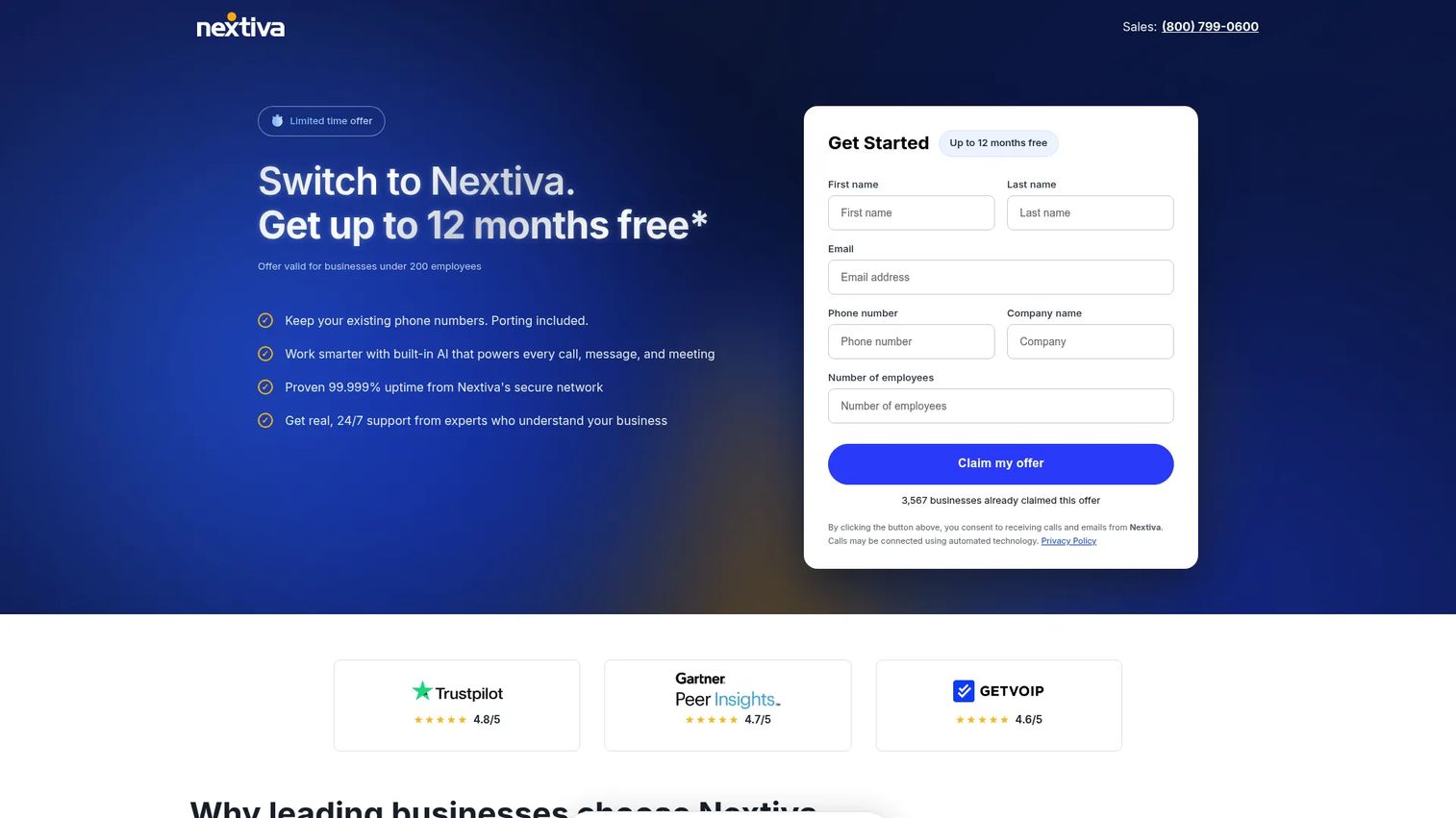
Nextiva is a business communications platform that supports conferencing within a broader calling and collaboration workflow. It combines business phone, SMS, video meetings, and team chat, with contact center features and AI tools like transcription and summaries. For small and mid-market teams that want voice and meetings in one practical stack, Nextiva keeps the setup approachable.
Best for: Businesses wanting an all-in-one voice, messaging, and contact center platform.
Key strengths
- All-in-one communications: phone, SMS, video, and chat in a single platform.
- AI tools: transcription and summaries plus an AI receptionist option.
- Contact center options: inbound routing and reporting for support teams.
Why choose Nextiva: If you are a small or mid-market team consolidating voice, messaging, and meetings, Nextiva is a practical, approachable choice. It folds conferencing into a wider communications platform without requiring enterprise complexity.
Nextiva pricing: The Core plan is $15 per user per month, Engage is $25 per user per month, and Scale is $75 per user per month. Contact center plans start with Essential from $75 per agent per month, while Professional and Premium are contact-sales plans. Confirm which audio and meeting features sit in each tier for your team.
Key buying considerations for audio conferencing software
Call quality and reliability
Run a real trial call before you commit, and test it under realistic conditions. Things to check:
- Latency: is there a noticeable delay that makes people talk over each other?
- Dropouts: does audio cut out when someone moves between Wi-Fi and cellular?
- Clarity: can you understand a speaker on a weak connection or speakerphone?
- Noise cancellation: does background noise get suppressed without clipping voices?
Reliability is the whole point of conference audio. A tool that sounds great on a fiber connection but falls apart on a phone in transit will cost you in every hybrid meeting.
Dial-in, dial-out, and call-me access
Access methods decide whether people actually join on time. Confirm the tool supports:
- Dial-in: local and toll-free numbers in the regions your attendees call from.
- Dial-out: the host can pull a missing participant into the call.
- Call-me: the platform rings attendees so they join without a PIN.
- One-click app or browser join: for people at their desk.
For mobile and hybrid teams, the difference between a buried link and a one-tap call-me is the difference between starting at 2:00 and starting at 2:06.
Security, privacy, and admin controls
Business calls carry sensitive information, so secure conference calls are non-negotiable. Check for:
- Encryption for audio in transit.
- Waiting rooms and meeting locks to control who joins.
- SSO and MFA for managed access.
- Recording retention and deletion controls to meet compliance.
- Admin governance for policies, user management, and audit logs.
If IT and security review your purchase, these controls determine whether the tool clears approval.
Collaboration and workflow fit
Even audio-first meetings benefit from light collaboration. Screen sharing helps when someone needs to point at a number, chat captures links and action items, and recording plus transcription means no one has to scribble notes. Decide which of these your meetings actually use, then avoid paying for a heavy collaboration suite you will not touch. Match the tool to how your team really runs calls.
Pricing and regional rates
Public pricing rarely tells the whole story for audio conferencing. Beyond the per-user plan, ask about toll-free dial-in costs, minute pooling or credits, and international rates for the countries you call. Some platforms bundle dial-in into a plan; others charge per-minute or as an add-on. Map your real usage, including toll-free and international minutes, so the total cost reflects how your team actually meets.
How to choose the right tool
If you already use Microsoft 365
Start with Microsoft Teams. It fits the stack you already pay for, keeps meetings inside Outlook and Office, and reduces tool sprawl. The audio conferencing capability is included in some Microsoft 365 plans or added as a license, so you can extend dial-in access to the people who need it without re-platforming. For most Microsoft-heavy orgs, this is the path of least resistance and the lowest adoption friction.
If you need strong global access
Choose Zoom. When your meetings cross time zones and attendees join from unpredictable places, Zoom's broad dial-in coverage, audio-only mode, and noise cancellation keep calls clear. It works as both a phone-first bridge and a full audio and video conferencing platform, which makes it a flexible default for distributed and external-facing teams.
If your org lives in Google Workspace
Choose Google Meet. Browser-based joining and one-click entry from Calendar invites remove adoption friction, since there is nothing new to learn. Paid Workspace plans add dial-in, recording, and noise cancellation, covering phone access for attendees who cannot get online. For Google-native teams, it is the most convenient fit.
If security and governance dominate the decision
Choose Cisco Webex. When IT and security hold the deciding vote, Webex's encryption, policy management, and admin governance tend to clear reviews because they are core to the product. It consolidates meetings, calling, and messaging under one secure suite, which fits enterprises with strict compliance requirements.
Conclusion
The right audio conferencing software depends on how your team actually joins and runs calls. Microsoft Teams is the default for Microsoft 365 orgs that want meetings inside their existing stack. Zoom wins on global dial-in, audio flexibility, and noise cancellation. Google Meet is the convenient pick for Google Workspace teams. Cisco Webex leads when security and governance drive the decision. FreeConferenceCall.com covers budget-first needs, while Dialpad, RingCentral Video, Intermedia Unite, 8x8, Vonage, and Nextiva fit teams consolidating calling and conferencing into one communications platform.
The buying rule is simple: choose based on how often your team dials in, whether you need call-me or international access, and how much admin control matters. Then prove it. Shortlist your top two, run a 30-minute trial call on each, and compare audio quality, access methods, and the real cost including toll-free and regional rates. The tool that starts your meetings on time, every time, is the one that wins.
FAQs
Audio conferencing software lets three or more people join a single voice call from phones, computers, or conference rooms. It typically provides dial-in numbers, dial-out, call-me, host controls, and recording. Unlike full video conferencing, it focuses on clear voice and easy phone access rather than cameras and visual collaboration.
Audio conferencing centers on voice, with dial-in access and host moderation for fast, phone-first meetings. Video conferencing adds cameras and screen sharing for visual sessions. Use audio for internal syncs, approvals, and quick check-ins, and use video for demos, first customer meetings, and reviews where seeing the room matters.
Yes. Microsoft Teams includes an audio conferencing capability that adds dial-in numbers, dial-out, and call-me so attendees can join meetings by phone. It is available within some Microsoft 365 plans or as an add-on license, and admins manage users and policies centrally. This makes it a natural fit for Microsoft 365 organizations.
Yes. Zoom supports audio-only joining, global dial-in, and call-out, plus noise cancellation that keeps calls clear on weak or busy connections. Participants can drop video and run a clean voice conferencing session. That flexibility makes Zoom a strong option for phone-first and hybrid meetings across time zones.
Yes. Most audio conferencing services let attendees join by phone through dial-in numbers, including local and toll-free options. Many tools also offer call-me, where the platform rings the attendee so they join with one tap, and dial-out, where the host adds a participant by calling their number into the bridge.
Cisco Webex is a strong choice for enterprise security, with encryption, policy management, and admin governance built into the suite. Microsoft Teams also offers enterprise-grade controls like SSO, MFA, and centralized admin within Microsoft 365. The best fit depends on your existing stack and the specific compliance requirements your IT and security teams enforce.
Test call quality on a real trial call, including latency, dropouts, and clarity on weak connections. Confirm access methods like dial-in, dial-out, and call-me for your regions. Verify security controls such as encryption, SSO, and recording retention. Finally, map pricing including toll-free and international rates to your actual usage.
Yes. FreeConferenceCall.com offers free audio conferencing with international dial-in and large capacity under a pay-what-you-can model. Zoom, Google Meet, Microsoft Teams, and Cisco Webex also offer free tiers with meeting or time limits. Verify participant caps, dial-in availability, and security controls before standardizing a free plan for business calls.










