Your HR lead just emailed the wrong version of the remote work policy to 400 people. The approved version was sitting in a Google Doc someone renamed "FINAL_v3_actual." Legal signed off in a Slack thread nobody can find. And your auditor wants proof that every employee acknowledged the updated data handling policy by last quarter.
This is what policy chaos looks like. Version drift, missed acknowledgments, approvals buried in inboxes, and an audit scramble every time someone asks for a paper trail. The stakes keep rising. The global policy management software market hit USD 2.1 billion in 2025 and is forecast to reach USD 4.8 billion by 2034, growing at a 9.48% CAGR, according to IMARC Group. That growth reflects a simple reality: manual policy handling does not scale when regulators, boards, and customers all want evidence.
If you run enablement, operations, or compliance, the problem pattern is familiar. It is the same governance problem you face with sales content: findability, version control, ownership, and proving the field actually used the right thing. A good policy management system fixes that for policies, procedures, and attestations the same way a content platform fixes it for battlecards and decks. The same disciplines that keep your contract lifecycle management clean apply here, and they overlap heavily with audit management software and broader ai governance tools.
What's inside
This guide compares eight policy management tools selected for workflow automation, governance, audit readiness, centralized policy control, and fit for regulated teams. We picked tools across two groups: dedicated policy platforms built specifically for policy lifecycle management, and broader governance or GRC tools that genuinely serve the policy use case when policy sits inside a larger risk program. For each, we cover intent, key differentiation, verified pricing where public, and current G2 ratings. Use this to build a shortlist, not to skip your own evaluation.
TL;DR
- Best overall for workflow-heavy teams: VComply, for policy plus broader compliance execution in one GRC platform.
- Best for public safety or training-linked policy management: PowerDMS, when policy needs to connect to training and accreditation.
- Best for streamlined, AI-assisted policy workflows: DocTract, for teams that want a focused policy management tool.
- Best for Microsoft 365-centered environments: ConvergePoint, built natively on SharePoint.
- Best for teams that want broader GRC alongside policy: LogicGate, for policy inside a larger risk program.
- Best for enterprise governance: NAVEX One PolicyTech and Workiva, for formal, large-scale compliance programs.
What policy management software is
Policy management software is a policy management system that centralizes how an organization creates, reviews, approves, distributes, tracks acknowledgment of, and retires its policies and procedures. It replaces shared drives, email approval chains, and spreadsheet trackers with a single controlled workflow and a centralized repository.
The category is really about policy lifecycle management. A policy is not a static file. It moves through drafting, collaborative review, approval, publication, employee attestations, periodic review, and eventual retirement. Good policy and procedure management software governs every one of those stages and leaves an audit trail behind each action.
Policy vs. process vs. procedure
These three get confused constantly, and the confusion is why so many "policy" repositories become dumping grounds.
- Policy: The rule and the why. "All employees must complete security awareness training annually." It states intent and sets a standard.
- Process: The high-level flow of how work gets done across roles. "How security training is assigned, delivered, and reported on."
- Procedure: The step-by-step instructions. "Log into the LMS, select the 2026 course, complete all modules, download your certificate."
Policy management software governs the policy layer and its acknowledgments. Some tools extend into procedures. Very few try to own process, and you should not expect them to.
Why policy management matters in 2026
Audit pressure is up, remote and hybrid work multiplied the number of policies employees must acknowledge, and regulators expect proof, not promises. North America alone held over 42.7% of the global market in 2025 per IMARC Group, which tracks with how much regulatory weight sits on US healthcare, finance, and public safety organizations. When an auditor asks who acknowledged which version and when, audit-ready policy management is the difference between a five-minute report and a two-week fire drill.
Core capabilities buyers should expect
- Workflow automation: Routing for drafting, review, and approvals without manual chasing.
- Version control: A clear record of every revision and who approved it.
- Approvals and acknowledgments: Structured sign-off plus employee attestations at scale.
- Audit trail: Time-stamped evidence of every action for audit-ready policy management.
- Reporting: Acknowledgment rates, overdue reviews, and gaps by team.
- Permissions: Role-based access and governance controls.
- Integrations: Ties into HRIS, LMS, SSO, and document systems.
- Centralized repository: One source of truth for every current policy.
When to use
Replace email-based approvals
Reviewing a policy across a 40-message inbox thread is how approvals get lost and outdated versions slip through. Nobody knows who has the current draft or whether Legal actually signed off. Policy management software creates a controlled approval path where every reviewer sees the same version, sign-offs are logged, and the workflow will not advance until required approvers act. That alone kills most version drift.
Standardize policy distribution
When five departments across three regions all need the same updated policy, a centralized repository ensures everyone reads the same current version, not whatever was last saved locally. Publishing from one source means an update pushes everywhere at once, and you can require re-acknowledgment when a material change ships. This is the same governance discipline that keeps enablement content consistent across a distributed field team.
Prepare for audits and attestations
Audits reward traceability. Policy management tools let you prove who acknowledged which version, track every change with timestamps, and pull historical records in minutes instead of digging through folders. Employee attestations become defensible evidence rather than a spreadsheet you hope is accurate. For teams already running formal programs, this pairs naturally with contract management and audit management workflows.
Comparison table
Treat pricing and G2 ratings as starting points, not the whole decision. Vendors package differently, most enterprise policy management software is quote-based, and a 0.1 rating gap says less than a hands-on approval test with your own workflow. Use the table to narrow the field, then validate fit against your regulatory and integration needs.
| # | Product | Intent | Key differentiation | Pricing | G2 rating |
|---|---|---|---|---|---|
| 1 | VComply | GRC-first policy plus compliance execution | Policy inside a full compliance, risk, and audit suite | PRO GRC Suite from $1,000/mo | 4.6/5 |
| 2 | PowerDMS | Policy tied to training and accreditation | Public safety and healthcare fit | Custom quote | 4.7/5 |
| 3 | DocTract | Streamlined, AI-assisted policy management | AI policy search and workflow automation | Free trial; custom | 4.6/5 |
| 4 | ConvergePoint | SharePoint-native policy governance | Lives inside Microsoft 365 | Custom quote | 4.4/5 |
| 5 | LogicGate | Policy within a broader GRC program | Configurable no-code risk workflows | Custom quote | 4.6/5 |
| 6 | NAVEX One PolicyTech | Enterprise policy and procedure management | Part of the NAVEX One compliance platform | Request pricing | Not listed |
| 7 | Workiva | Connected reporting plus policy governance | Enterprise-wide reporting and controls | Request demo | Not listed |
| 8 | Microsoft SharePoint | Adaptable policy repository | Build-it-yourself inside Microsoft 365 | SharePoint Plan 1 from $5/user/mo | 4.0/5 |
1. VComply
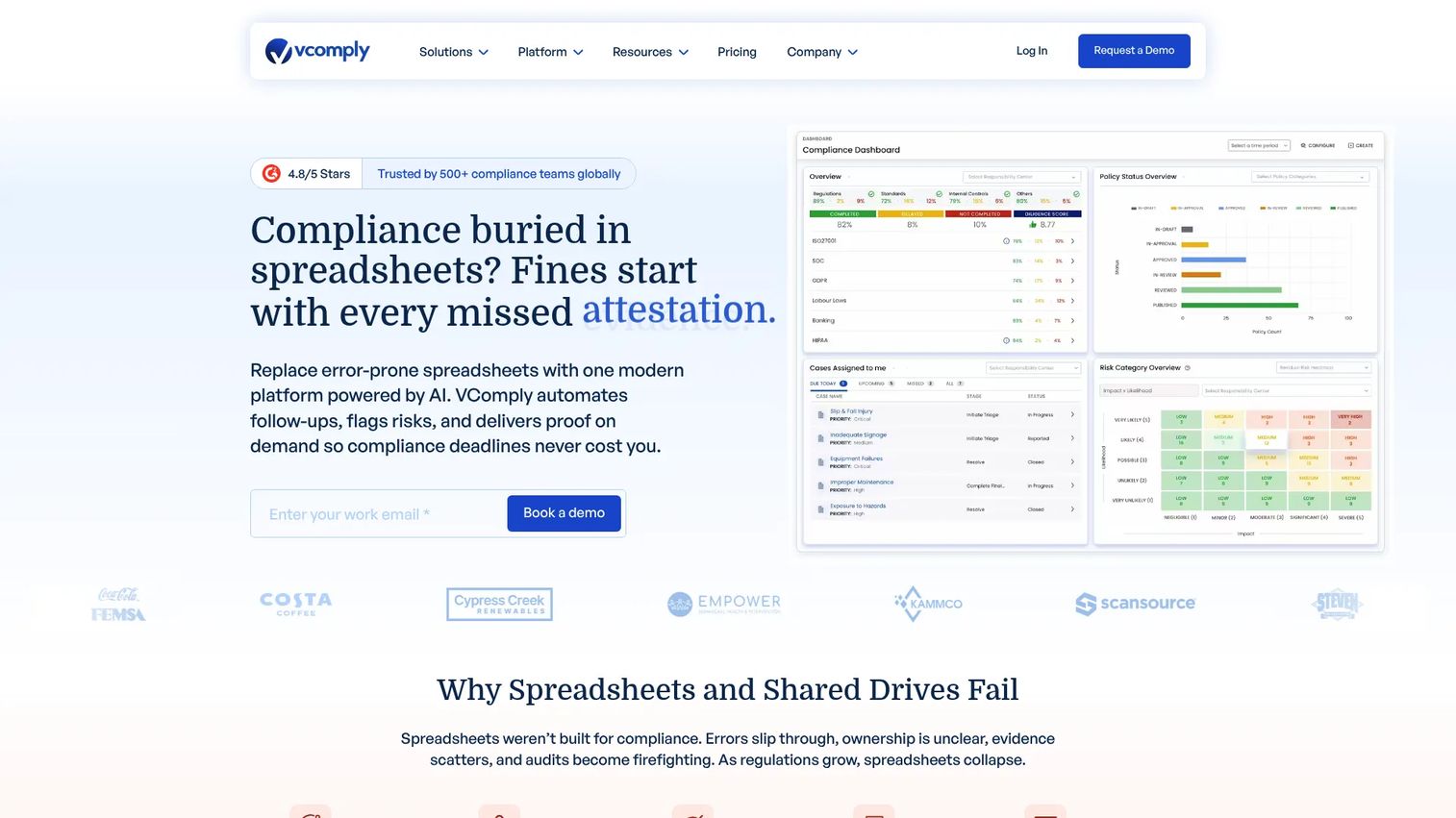
VComply is a governance, risk, and compliance platform that handles compliance, risk, policy, audit, and incident workflows in one place. Rather than treating policy as an isolated task, it positions policy lifecycle management inside a broader compliance execution engine. That makes it a strong fit when policy is one part of a wider governance mandate, not the only thing your team owns.
Best for: Organizations that need a configurable GRC platform where policy, risk, audit, and compliance live together.
Key strengths
- Compliance management automation: Route obligations and controls without manual tracking.
- Policy management with audit evidence: Version control, approvals, and attestation records built in.
- Risk and audit planning: Analytics, assessment planning, and incident management alongside policy.
Why choose VComply: If your policy work never lives in isolation, VComply reduces tool sprawl by keeping compliance monitoring, audit evidence, and policy workflows in a single system. Teams that want audit-ready policy management as part of a larger compliance picture, rather than a standalone repository, get the most out of it.
VComply pricing: VComply invoices annually with a 12-month minimum contract. The Starter GRC Suite is custom-priced for startups and non-profits. The PRO GRC Suite starts at $1,000 per month, and the Enterprise GRC Suite is custom. No free tier is listed on the pricing page. VComply holds a 4.6/5 rating on G2.
2. PowerDMS
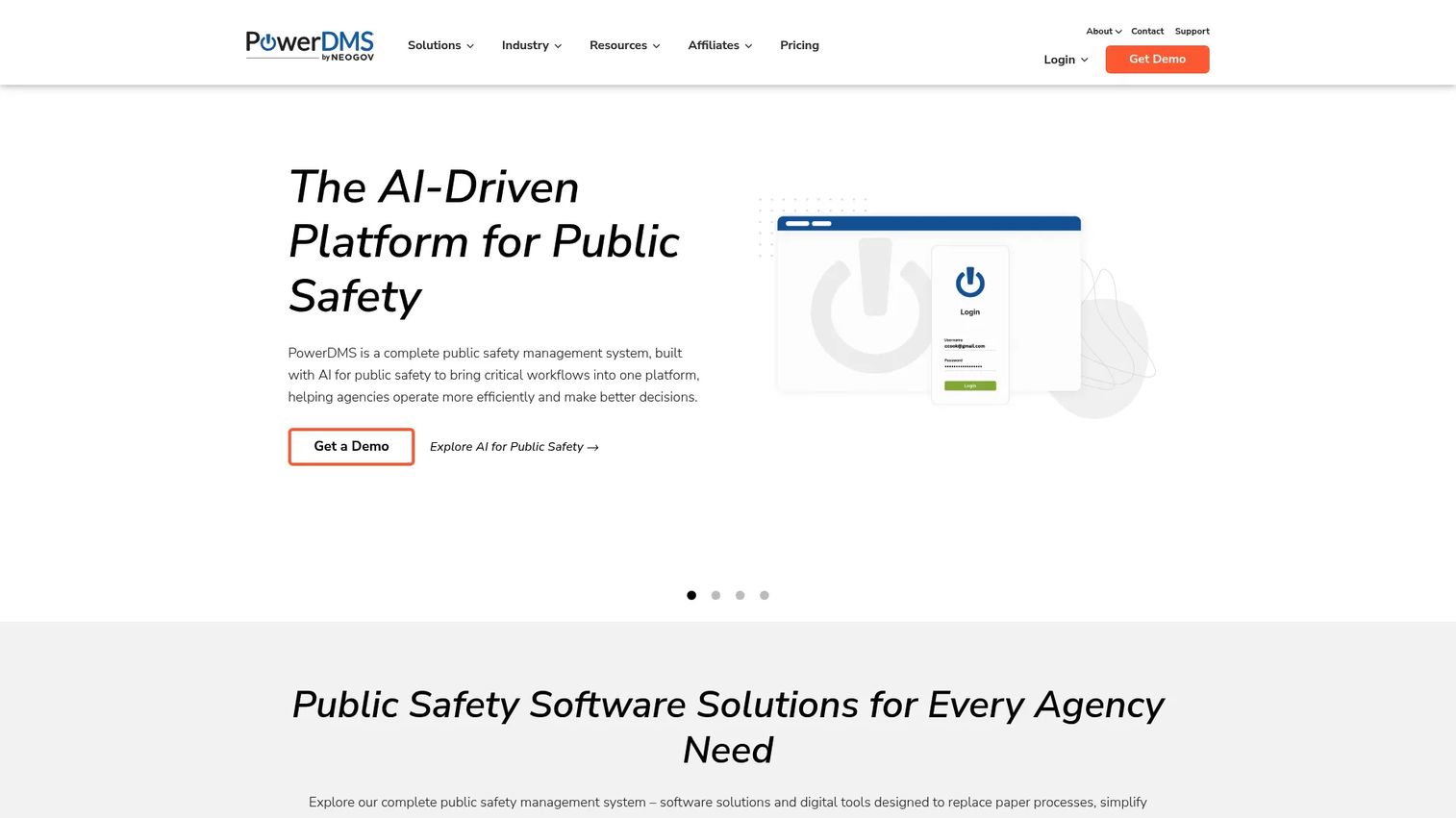
PowerDMS is cloud-based policy, training, and accreditation management software built for public safety and compliance teams. Its differentiator is the tight link between policy distribution and training. When a policy updates, PowerDMS can push the acknowledgment and the related training in one motion, which matters enormously in regulated fields where reading a policy is not enough.
Best for: Public safety and healthcare organizations that need policy, training, and accreditation workflows connected in one platform.
Key strengths
- Policy and compliance management: Centralized distribution with version control and acknowledgments.
- Training management: Tie policy updates directly to required training.
- Accreditation management: Map policies to accreditation standards and prove compliance.
Why choose PowerDMS: When acknowledgment alone does not satisfy your regulators and you need to prove employees were trained on a policy, PowerDMS connects those workflows natively. That accreditation tie-in is why police departments, fire agencies, and healthcare providers gravitate to it over generic policy tools.
PowerDMS pricing: PowerDMS uses custom quote pricing tailored to agency size, product selection, and integrations. No public numeric price is listed on its pricing pages, so expect a sales conversation to scope cost. PowerDMS earns a 4.7/5 rating on G2, the highest on this list.
3. DocTract
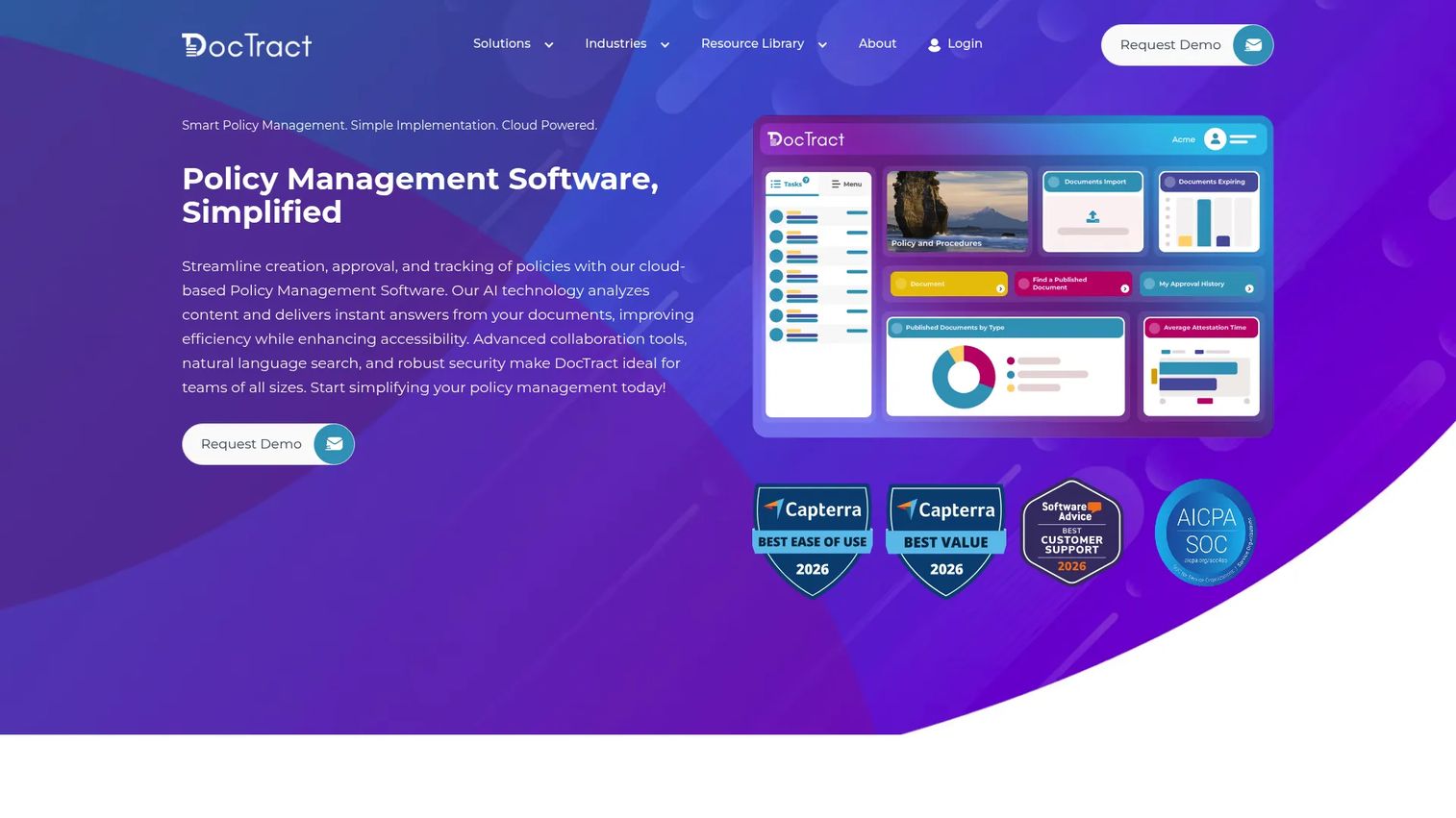
DocTract is cloud-based AI policy management software for creating, distributing, tracking, and governing organizational policies. It leans into a streamlined experience with AI-assisted search that answers policy questions in natural language, which cuts down on the "which policy covers this?" tickets that flood most teams.
Best for: Organizations that want a focused policy management tool with AI search, workflow automation, and transparent implementation.
Key strengths
- AI-powered policy search: Natural-language answers pulled straight from your policy library.
- Automated workflow engine: Role-based routing for drafting, review, and approvals.
- Audit-ready reporting: Version control, attestation tracking, and clean audit trails.
Why choose DocTract: If you want purpose-built policy lifecycle management without the weight of a full GRC suite, DocTract keeps the scope tight and the workflow clear. The AI search layer is genuinely useful for large policy libraries where employees struggle to find the right document fast.
DocTract pricing: DocTract does not publish pricing on its site. Its terms reference a 15-day free trial and free service up to certain limits, with subscription fees shown at checkout or on an order form. Plan on requesting a quote for a full deployment. DocTract holds a 4.6/5 rating on G2.
4. ConvergePoint
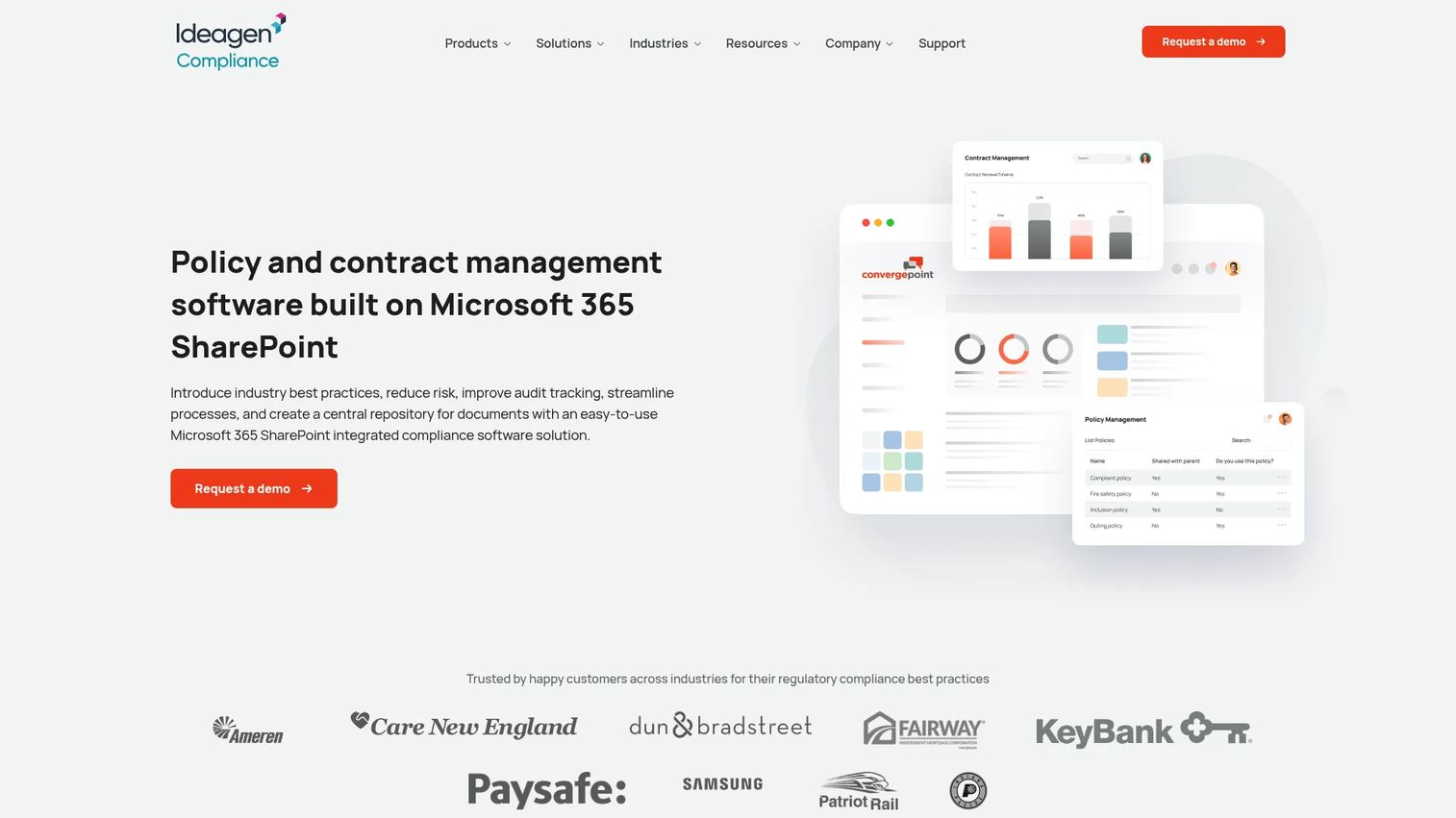
ConvergePoint is Microsoft 365 and SharePoint-based compliance software covering policy, contract, incident, and conflict management workflows. The whole point is that it lives inside SharePoint, so organizations already standardized on Microsoft do not add a new silo. Governance workflows run where your documents already sit.
Best for: Enterprises that want SharePoint-native policy governance and compliance workflows inside their existing Microsoft stack.
Key strengths
- Policy lifecycle management: Drafting, review, approval, and retirement inside SharePoint.
- Contract lifecycle management: Extend the same governance model to contracts.
- Incident management: Track incidents and conflicts alongside policy.
Why choose ConvergePoint: If your IT team already runs Microsoft 365 and your data governance rules favor keeping everything in SharePoint, ConvergePoint removes the friction of a standalone system. You get structured policy workflows without migrating documents out of the environment your organization already trusts.
ConvergePoint pricing: ConvergePoint does not publish public pricing. Its FAQ explains licensing is per central-admin server and that models are discussed with an account manager, so pricing scales with your SharePoint deployment. ConvergePoint holds a 4.4/5 rating on G2.
5. LogicGate
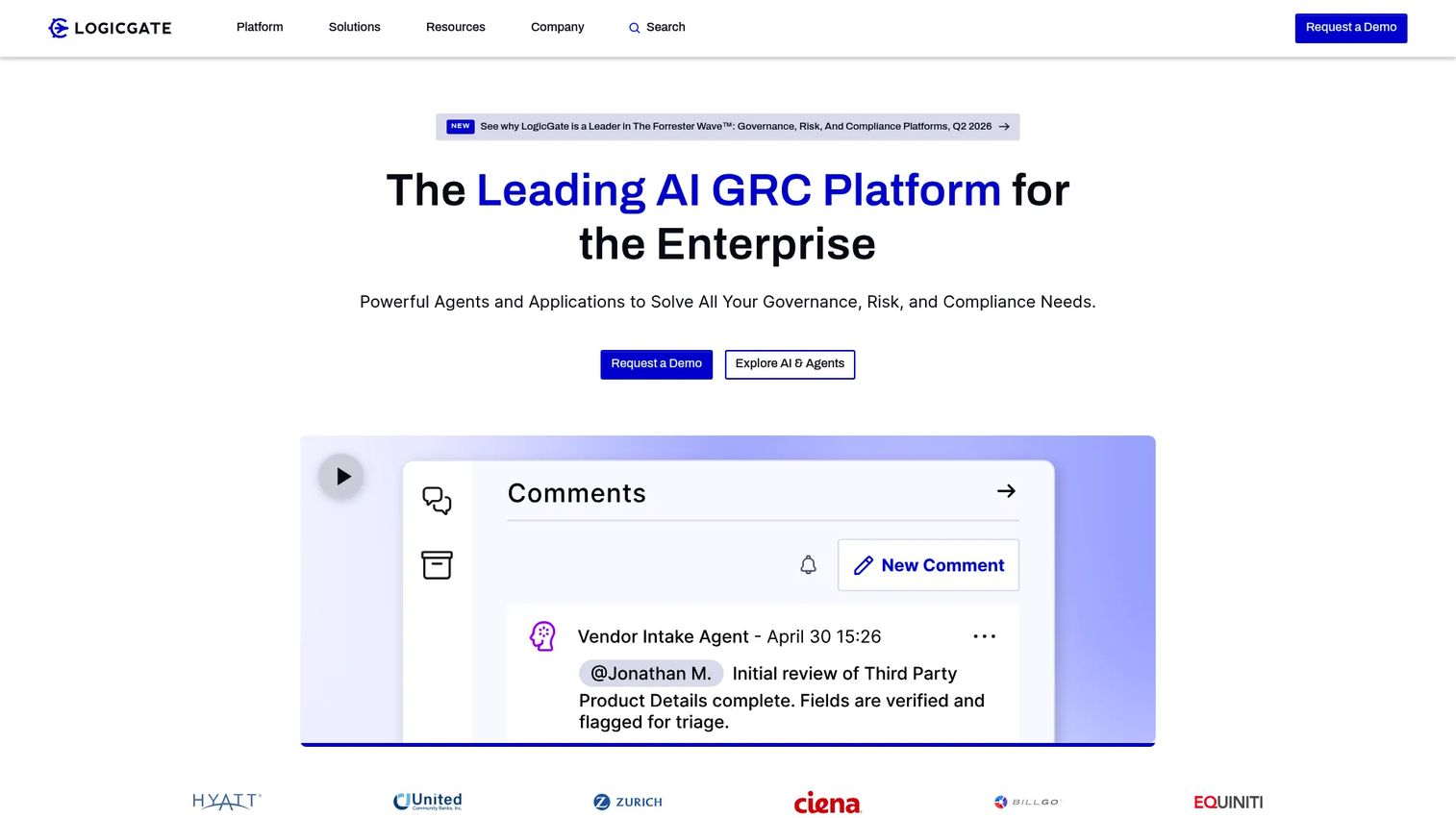
LogicGate is an AI GRC platform built for enterprise governance, risk, and compliance teams. Its Risk Cloud is highly configurable through a no-code graph database, which means policy management becomes one application inside a larger, tailored risk program. Risk teams shortlist it when policy is inseparable from controls, evidence, and risk quantification.
Best for: Enterprises that need policy management inside a configurable, broader GRC and risk program.
Key strengths
- No-code workflow automation: Build policy and risk workflows without engineering.
- Automated evidence collection: Gather audit evidence continuously across programs.
- Reporting and analytics: Spark AI and Risk Cloud Quantify surface risk and compliance status.
Why choose LogicGate: When policy is genuinely one piece of an enterprise risk mandate, LogicGate lets you model policy alongside controls, risks, and evidence in one connected system. Teams that outgrow standalone policy tools because they need risk quantification and cross-program reporting land here.
LogicGate pricing: LogicGate uses custom pricing. Customers purchase Applications and Power User licenses, then add features and services as needed. No public numeric price or free tier is listed, so budget for a scoped enterprise agreement. LogicGate holds a 4.6/5 rating on G2.
6. NAVEX One PolicyTech
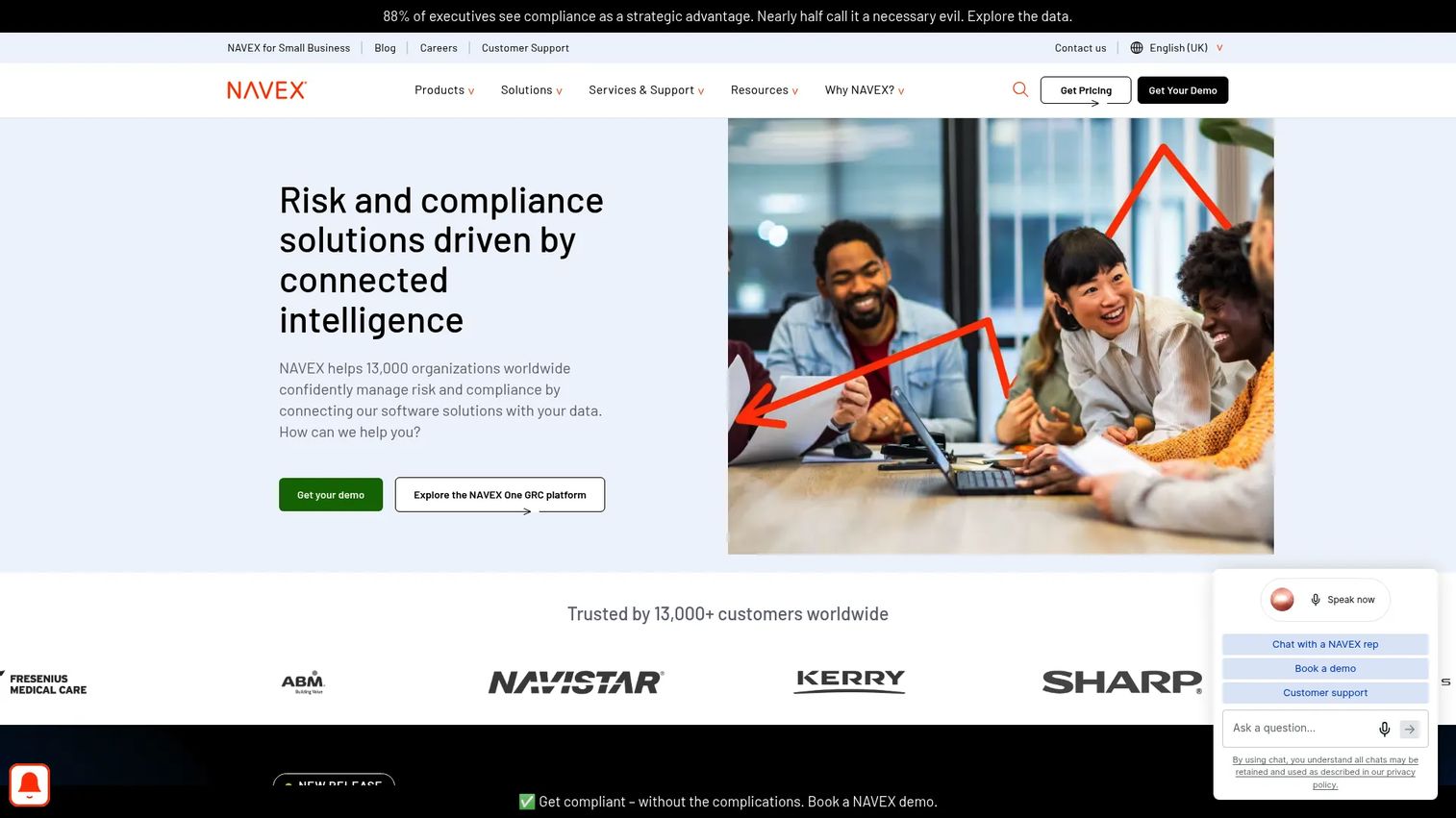
NAVEX One PolicyTech is policy and procedure management software inside the broader NAVEX One risk and compliance platform. It focuses on enterprise policy governance, structured version control, and approval workflows, all backed by a centralized repository. For large regulated organizations with formal compliance programs, its depth and NAVEX ecosystem tie-ins are the draw.
Best for: Large regulated organizations that need enterprise policy and procedure management inside a formal compliance program.
Key strengths
- Policy and procedure management: Governs both policies and detailed procedures at enterprise scale.
- Centralized repository: One controlled source of truth for every current document.
- Version control and approval workflows: Structured sign-off with a full audit trail.
Why choose NAVEX One PolicyTech: If you already run parts of the NAVEX One platform, PolicyTech extends governance into policy without bolting on a separate vendor. Enterprises with mature compliance functions get depth here that lighter tools do not match, especially where policy and procedure both need formal control.
NAVEX One PolicyTech pricing: NAVEX does not publish pricing publicly and directs prospects to request a tailored quote. Cost depends on your NAVEX One footprint and the modules you deploy, so plan for a sales-led scoping process.
7. Workiva
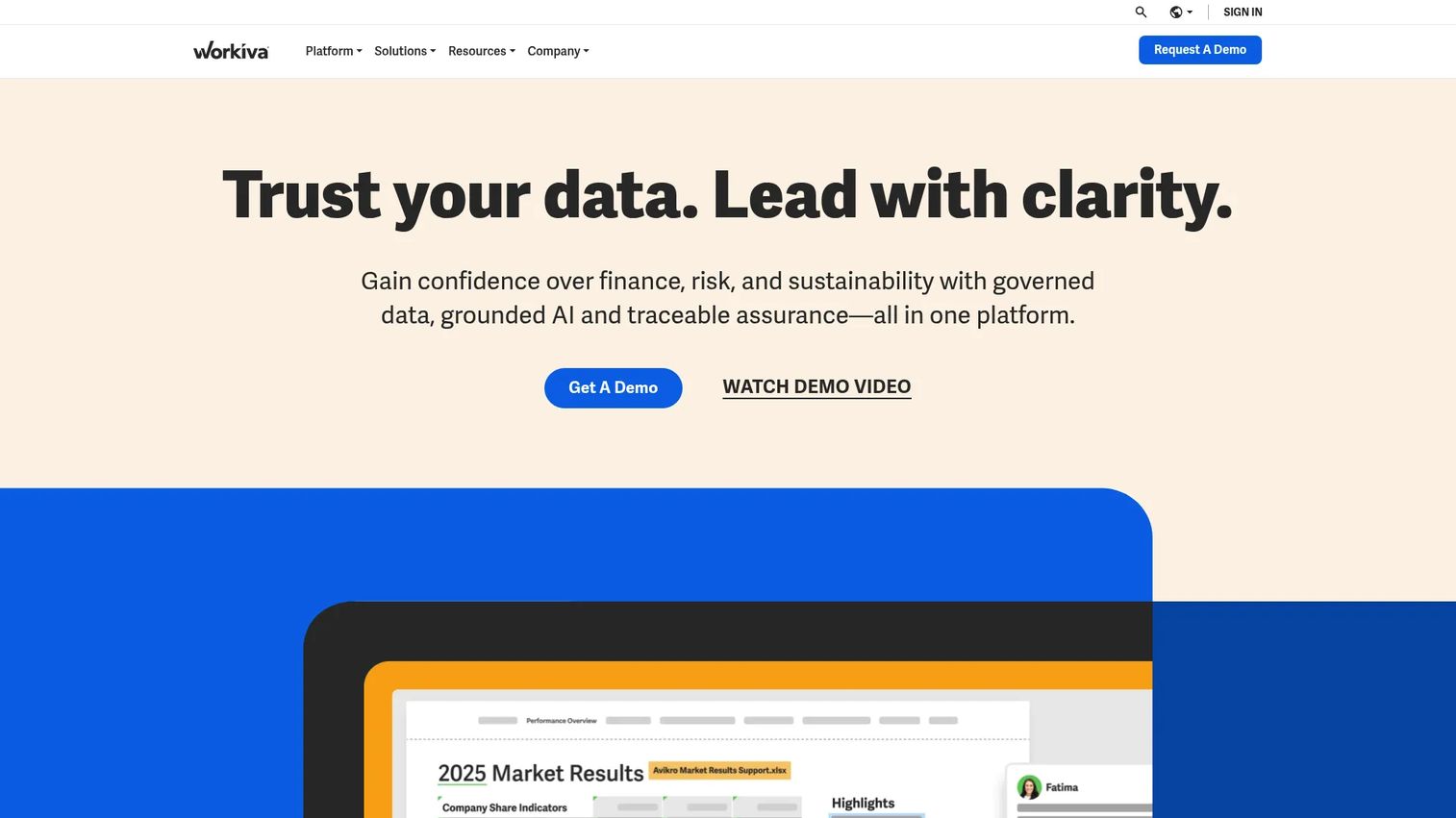
Workiva is a cloud platform for connected reporting, data collaboration, and compliance workflows. Policy governance lives inside a larger system built for controlled financial, ESG, GRC, and regulatory reporting. Its strength is enterprise-wide visibility: approvals, attestations, and policy documents connect to the same data that powers your reporting.
Best for: Enterprises already using Workiva for connected reporting and controls that want policy governance in the same environment.
Key strengths
- Connected documents and data: Documents, spreadsheets, and presentations linked to live data.
- Workflow and process automation: Tasks, approvals, and attestations across programs.
- Enterprise-wide visibility: Wdata, Chains, and AI capabilities tie policy to reporting.
Why choose Workiva: If Workiva already runs your regulatory or ESG reporting, keeping policy governance in the same platform gives you one connected source of truth and consistent audit trails. The value compounds when policy, controls, and reporting all reference the same underlying data rather than living in separate tools.
Workiva pricing: Workiva does not publish public pricing. Subscription cost is based primarily on solution use, and the site directs you to request a demo rather than posting prices. Expect an enterprise, sales-led purchase scaled to the solutions you adopt.
8. Microsoft SharePoint
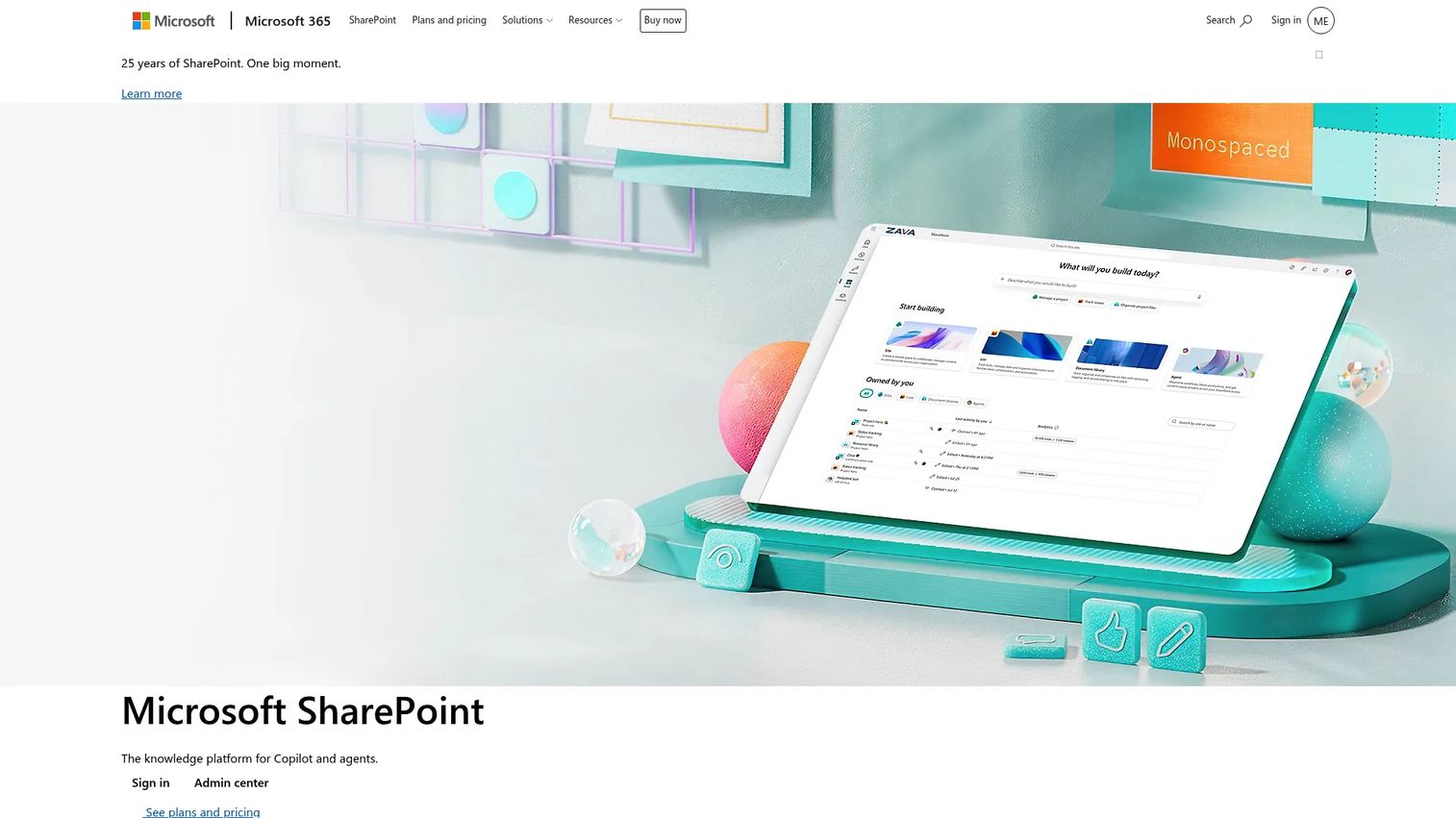
Microsoft SharePoint is a web-based collaboration and document management platform inside Microsoft 365. It is not purpose-built for policy lifecycle management, and it is honest to say most teams adapt it into a policy repository rather than buy it as a policy system. With document management, permissions, and Microsoft 365 integration, a capable team can build approval flows and version control on top of it.
Best for: Teams already inside Microsoft 365 that want a lightweight, build-it-yourself policy repository.
Key strengths
- Team sites and document management: Store, organize, and share policy documents with permissions.
- Version control: Native versioning on documents in a library.
- Microsoft 365 integration: Works with Word, Excel, Teams, OneDrive, and Copilot.
Why choose Microsoft SharePoint: If you already pay for Microsoft 365 and your policy needs are modest, SharePoint can serve as a centralized repository without new spend. Just know that acknowledgments, automated review cycles, and audit-ready reporting take configuration or add-ons that dedicated tools provide out of the box.
Microsoft SharePoint pricing: SharePoint (Plan 1) starts at $5.00 per user per month, paid yearly. Microsoft 365 Business Standard is $12.50 per user per month, or $9.29 without Teams, both billed annually and auto-renewing. No free tier is listed. SharePoint holds a 4.0/5 rating on G2.
Considerations
Before you commit, run every shortlist candidate through these criteria. This is where a demo becomes an evaluation.
Workflow and approval fit
Map your real approval chain, then rebuild it in each tool during a trial. If your drafting, review, and sign-off path does not translate cleanly, the tool will create workarounds instead of removing them. Test whether the workflow blocks publication until required approvers act.
Version control and audit trail
Confirm that every revision is captured, attributed, and time-stamped. Ask specifically how the tool proves who approved which version and when. Audit-ready policy management stands or falls on this, so do not take it on faith from a feature list.
Attestations and reporting
Check that employee attestations scale to your headcount and that you can require re-acknowledgment on material changes. Then look at reporting: can you pull acknowledgment rates, overdue reviews, and gaps by team in minutes? This is what an auditor will ask for.
Integrations and regulatory fit
Verify the tool connects to your HRIS, LMS, SSO, and document systems, and that it maps to the regulations you answer to. A tool built for public safety accreditation and one built for financial reporting are not interchangeable. Match the tool to your governance reality, not the other way around. Adjacent stacks like ai governance tools and audit management software often need to interoperate too.
Conclusion
There is no single winner, only a best fit for your situation. VComply suits teams that want policy inside a full compliance and risk suite. PowerDMS is the pick when policy must connect to training and accreditation, especially in public safety and healthcare. DocTract fits teams that want a focused, AI-assisted policy management tool. ConvergePoint and Microsoft SharePoint make sense for Microsoft 365-centered organizations, one purpose-built on SharePoint and one you adapt yourself. LogicGate and NAVEX One PolicyTech serve enterprises that need policy inside a larger governance and risk program, and Workiva fits teams already running connected reporting.
Your next step: shortlist two or three of these policy management solutions, load a real policy, and run a full approval test end to end. Verify that attestations, version control, and reporting behave the way your auditors expect before you sign anything. The tool that survives that test is the one to buy.
If your evaluation involves showing these workflows to stakeholders across teams, Guideflow can help you build interactive walkthroughs of any software so buying committees see exactly how a system works before committing.
FAQs
Policy management software is a policy management system that centralizes creating, reviewing, approving, distributing, acknowledging, and retiring organizational policies. Teams use it to replace shared drives and email approvals with a controlled workflow and a centralized repository, so the current version is always clear and every action leaves an audit trail.
Document management stores and organizes files. Policy and procedure management software governs the full lifecycle around those files: workflow automation, approvals and acknowledgments, version control, and audit trails. A document system tells you where a file lives; a policy system proves who approved it, who acknowledged it, and when.
The non-negotiables are version control, a centralized repository, workflow automation for approvals, employee attestations, reporting on acknowledgment and review status, role-based permissions, and integrations with HRIS, LMS, and SSO. Together these deliver audit-ready policy management rather than just file storage.
For a small team with few policies and light regulatory pressure, a Microsoft 365 setup built on SharePoint may be enough to start. Purpose-built policy software becomes worth it once you need automated review cycles, defensible attestations at scale, or fast audit reporting, which is usually when manual tracking starts costing real time.
It creates traceability. Every draft, edit, approval, and acknowledgment is time-stamped and attributed, so you can produce proof of acknowledgment and pull historical versions in minutes. Instead of reconstructing a paper trail under deadline, audit-ready policy management hands the auditor the evidence directly.
Regulated and operations-heavy sectors feel the pain first: healthcare, public safety, finance, energy, and large enterprises with formal compliance programs. These organizations manage high policy volumes, strict acknowledgment requirements, and frequent audits, which is exactly where policy lifecycle management earns its keep.
Yes. Several tools link policy distribution to training, certification, or accreditation workflows. PowerDMS is a clear example, connecting a policy update to the required training and acknowledgment in one motion, which matters in fields where reading a policy is not sufficient proof of compliance.