



You inherited a test suite that breaks every time a developer renames a button. Half your week goes to fixing selectors instead of finding real bugs. Then leadership asks why coverage is flat while the product ships faster than ever.
That is the actual problem AI software testing tools are supposed to solve in 2026. Not "test faster" in the abstract. Cut the time you spend authoring tests from scratch, stop chasing flaky failures caused by trivial DOM changes, and validate visual regressions before customers screenshot them on social.
The market reflects the pressure. Gartner projects that 80% of enterprises will have integrated AI testing into their software engineering toolchain by 2027, per analysis cited by Leapwork (2026). Yet the 2024 State of Testing Report found 60% of teams were not using AI in testing at all, and only 25% used it for test case creation. The gap between intent and adoption is where bad tool choices happen.
Here is the catch most listicles skip: "ai testing tools" is not one category. A visual AI platform, a self-healing automation suite, a low-code authoring tool, and an autonomous test agent solve different jobs. Picking the wrong one wastes a quarter. This guide treats the list as a decision framework, not a directory. If you also evaluate adjacent tooling, our roundups of agentic ai platforms and best ai code generation tools cover related ground for engineering teams.
What's inside
This guide is built for QA engineers, SDETs, automation leads, and engineering managers shortlisting an AI software testing tool that actually fits their stack and team maturity. It covers AI-assisted, self-healing, visual, low-code, and autonomous testing platforms in one comparison.
We selected the 12 tools on five criteria that matter when money is on the line:
- AI test creation: how the tool generates tests from plain English, recordings, or requirements
- Test maintenance: how it reduces flaky-test churn through self-healing and selector resilience
- Framework compatibility: support for Playwright, Selenium, Cypress, and WebDriver
- Enterprise readiness: SSO, RBAC, audit logs, and deployment controls
- Peer credibility: verified G2 ratings and real adoption signals
TL;DR
Short on time? Use these shortcuts:
- Best for visual validation: Applitools, for AI-driven visual regression across browsers and devices.
- Best for self-healing maintenance: Testim and Functionize, for resilient locators that cut flaky-test churn.
- Best for low-code and natural-language teams: Testsigma, Katalon, and Reflect, for accessible authoring without heavy scripting.
- Best for enterprise governance: Tricentis and Mabl, for breadth, controls, and unified quality engineering.
- Best for cloud-scale execution: BrowserStack, for real-device and cross-browser coverage at scale.
- Best for autonomous and human-in-the-loop creation: Rainforest QA, ACCELQ, and Autify, for fast test generation with low maintenance.
If you want to scan more category roundups before committing, our best ai agents and ai governance tools guides pair well with this one.
What ai software testing tools are
AI software testing tools are platforms that use machine learning, natural language processing, and increasingly agentic reasoning to create, run, and maintain automated tests with less manual scripting.
In practice, that breaks into a few distinct capabilities you will see described across vendor pages:
- Test creation with AI: generating test steps from plain English, requirements docs, or recorded user flows
- Self-healing tests: automatically repairing selectors when the underlying UI changes, so a renamed element does not break the suite
- Visual testing: comparing rendered screens pixel-by-pixel or with visual AI to catch layout and rendering regressions
- Autonomous testing: goal-directed execution where the tool decides what to test and how, with minimal human direction
- Root cause analysis: triaging failures and pointing engineers at the likely source instead of a raw stack trace
The category overlaps with traditional automated software testing tools, but the AI layer changes the economics. Instead of writing and rewriting scripts, teams describe intent and let the tool handle the brittle parts.
AI testing tools vs AI-augmented software testing tools
You will see both phrases. "AI testing tools" is the broad, search-friendly label. "AI-augmented software testing" is the Gartner-style market framing for platforms that layer AI onto established test automation rather than replacing engineers.
The distinction matters when you read vendor claims:
| Framing | What it usually means | Typical buyer |
|---|---|---|
| AI-assisted | AI speeds up authoring and maintenance, humans stay in control | Teams modernizing an existing suite |
| AI-augmented | AI is woven through generation, maintenance, and analysis across a platform | Enterprises consolidating tooling |
| Autonomous | The tool drives test selection and execution with runtime decisions | Teams piloting agentic workflows |
None of these are mutually exclusive. Most platforms on this list mix assisted and augmented capabilities, and a handful are pushing into autonomous territory.
What vendors mean by agentic, autonomous, and self-optimizing
These terms are everywhere in 2026, and they are not interchangeable.
- Agentic testing usually means goal-directed execution with runtime decision-making. You give the agent an objective, and it decides the steps, not just a prompt that generates a static script.
- Autonomous testing describes tools that create and maintain coverage with minimal human input, often discovering flows on their own.
- Self-optimizing points to systems that learn from past runs to prioritize tests, reduce redundancy, or tune execution.
A quick gut check: if a vendor says "agentic" but the product only generates a script from a prompt, that is GenAI-assisted authoring, not an agent making decisions at runtime. Ask what the tool decides on its own versus what you still script.
Core capabilities buyers should expect
Whatever label a vendor uses, hold every candidate to the same baseline:
- Natural-language test generation from plain English or requirements
- Self-healing selectors that survive routine UI changes
- Visual AI for layout and rendering validation
- CI/CD integrations with your pipeline, plus Playwright, Selenium, Cypress, and WebDriver support where relevant
- Root cause analysis that shortens triage
- Test observability with clear reporting and failure analytics
When to use ai software testing tools
AI test automation tools earn their cost in specific situations. Match the trigger to the tool.
Reduce test authoring time
If your team spends more time writing tests than running them, look at natural-language and AI test generation first. These tools turn plain English, recorded flows, or existing requirements into runnable tests, which helps when:
- You are adding coverage faster than engineers can script it
- Manual QA wants to contribute automation without learning a framework
- A new product line needs a suite from zero
Cut flaky-test maintenance
Flaky-test reduction is the clearest ROI in AI testing. Self-healing and selector resilience matter most when:
- Your UI changes frequently and breaks locators weekly
- Engineers ignore the suite because it cries wolf
- Maintenance, not creation, is your real bottleneck
The maintenance math is brutal without it. Every renamed class or restructured DOM can cascade into dozens of false failures, and AI-driven repair is what keeps the suite trusted.
Validate UI and visual regressions at scale
When pixels matter, visual AI is the deciding factor. Screenshot comparison and visual testing shine when:
- You ship across many browsers, devices, and viewports
- Brand and layout consistency is a real business risk
- Functional tests pass but customers still see broken pages
Support enterprise-grade governance
Enterprise test automation buyers have a different checklist. Governance becomes the deciding axis when:
- Security requires SSO, SAML, and RBAC
- Audit logs and traceability are compliance requirements
- You need flexible deployment, from cloud to private
- Multiple teams share environments and need access controls
Comparison table
Read this table top to bottom by intent, not by rank. The "Intent" column tells you the primary job each tool is built for, and "Key differentiation" is what sets it apart. Pricing reflects publicly available information at time of writing; many enterprise tiers are quote-based.
| # | Product | Intent | Key differentiation | Pricing | G2 rating |
|---|---|---|---|---|---|
| 1 | Applitools | Visual validation | Visual AI for UI regression across browsers and devices | Custom (Starter, Public Cloud, Dedicated Cloud) | 4.4/5 |
| 2 | Tricentis | Enterprise quality engineering | Unified platform spanning automation, management, and performance | Quote-based | 4.3/5 |
| 3 | Testim | Self-healing automation | AI smart locators for resilient web and mobile tests | Free account available; plans quote-based | 4.5/5 |
| 4 | Katalon | Low-code automation breadth | No-code to full-code across web, mobile, API, desktop | From $167/seat/mo (annual); Enterprise custom | 4.4/5 |
| 5 | BrowserStack | Cloud execution at scale | 30,000+ real devices and cross-browser coverage | From $29/mo (annual) | 4.4/5 |
| 6 | ACCELQ | Codeless enterprise automation | Codeless coverage across web, mobile, API, mainframe | Free trial; Enterprise contact sales | 4.8/5 |
| 7 | Testsigma | Natural-language authoring | Tests written in plain English with auto-healing | Free plan; Pro/Enterprise quote-based | 4.4/5 |
| 8 | Rainforest QA | No-code autonomous creation | AI test plan generation with fast feedback loops | Usage-based (third-party reported) | 4.3/5 |
| 9 | Autify | Agentic AI testing | Autonomous agent plus Playwright-based authoring | Free tier; Core from $99/mo (annual) | 4.8/5 |
| 10 | Reflect | No-code browser testing | AI-generated actions from plain-English steps | Free trial; paid tiers contact sales | 4.7/5 |
| 11 | Functionize | Enterprise self-healing | AI-native automation with deep element recognition | Free trial; Enterprise quote-based | 4.6/5 |
| 12 | Mabl | Product-led delivery | Unified web, mobile, API, accessibility, performance | Custom; 14-day free trial | 4.4/5 |
1. Applitools
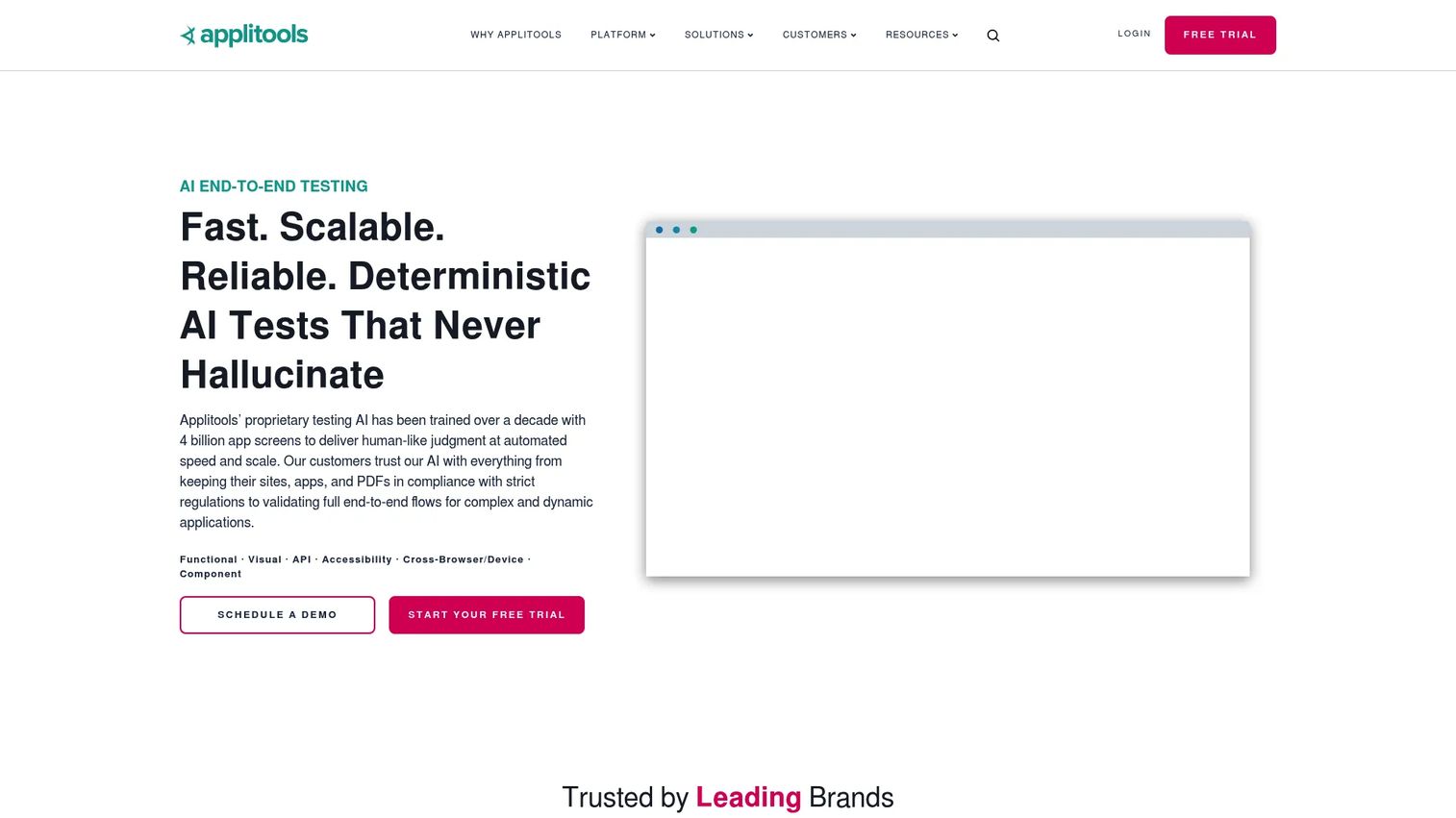
Applitools built its reputation on Visual AI, the engine that catches layout and rendering regressions a functional assertion would miss. It spans visual, functional, accessibility, API, and component testing, and runs validation across many browsers and devices from a single check. For teams where a broken layout is a brand problem, this is the category leader.
Best for: Teams that treat visual regressions and large-scale UI quality as a first-order risk.
Key strengths
- Visual AI engine: Detects meaningful visual differences while ignoring noise like anti-aliasing.
- Cross-browser and cross-device: Validates rendering across environments without rewriting tests.
- No-code and autonomous authoring: Generates and maintains visual coverage with minimal scripting.
Why choose Applitools: If your functional tests pass but customers still report broken pages, visual validation is the missing layer. Applitools is the most mature option for catching what pixel-level changes break, and it integrates alongside your existing functional suite rather than replacing it.
Applitools pricing: Applitools publishes three plans, Starter, Public Cloud, and Dedicated Cloud, with pricing handled through sales rather than a public dollar figure. The Starter tier includes 50 Test Units, unlimited users, and unlimited test executions. Expect a quote based on volume and deployment.
2. Tricentis
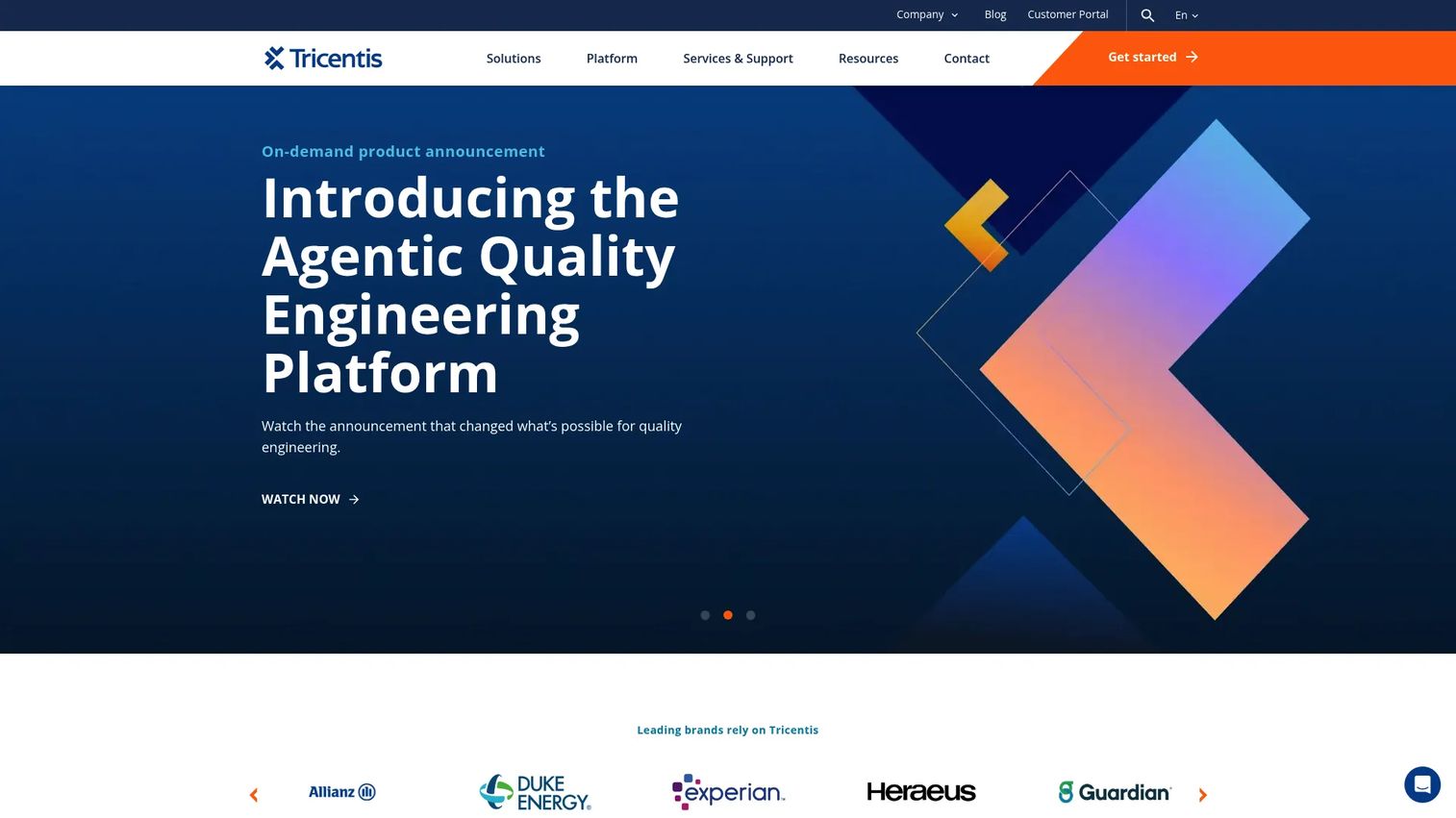
Tricentis is the enterprise heavyweight. Its platform spans test automation, test management, and performance engineering, with AI woven through authoring and analytics. For large organizations consolidating fragmented tooling into one governed quality engineering stack, Tricentis is built for that scale.
Best for: Large enterprises that need a unified testing and quality engineering platform with strong governance.
Key strengths
- AI-powered continuous testing: Automates across complex application landscapes, including packaged enterprise apps.
- Test management plus automation: Combines planning, execution, and reporting in one platform.
- Performance engineering: Adds load and performance testing under the same governance umbrella.
Why choose Tricentis: When you have many teams, regulated workflows, and a sprawl of applications, point tools create more management overhead than they remove. Tricentis trades the simplicity of a single-purpose tool for breadth and control, which is the right call for enterprise QA leaders standardizing across the org.
Tricentis pricing: Tricentis does not publish numeric pricing on its product pages. Plans are quote-based and arranged through sales, typically scoped to the modules you need across automation, management, and performance.
3. Testim
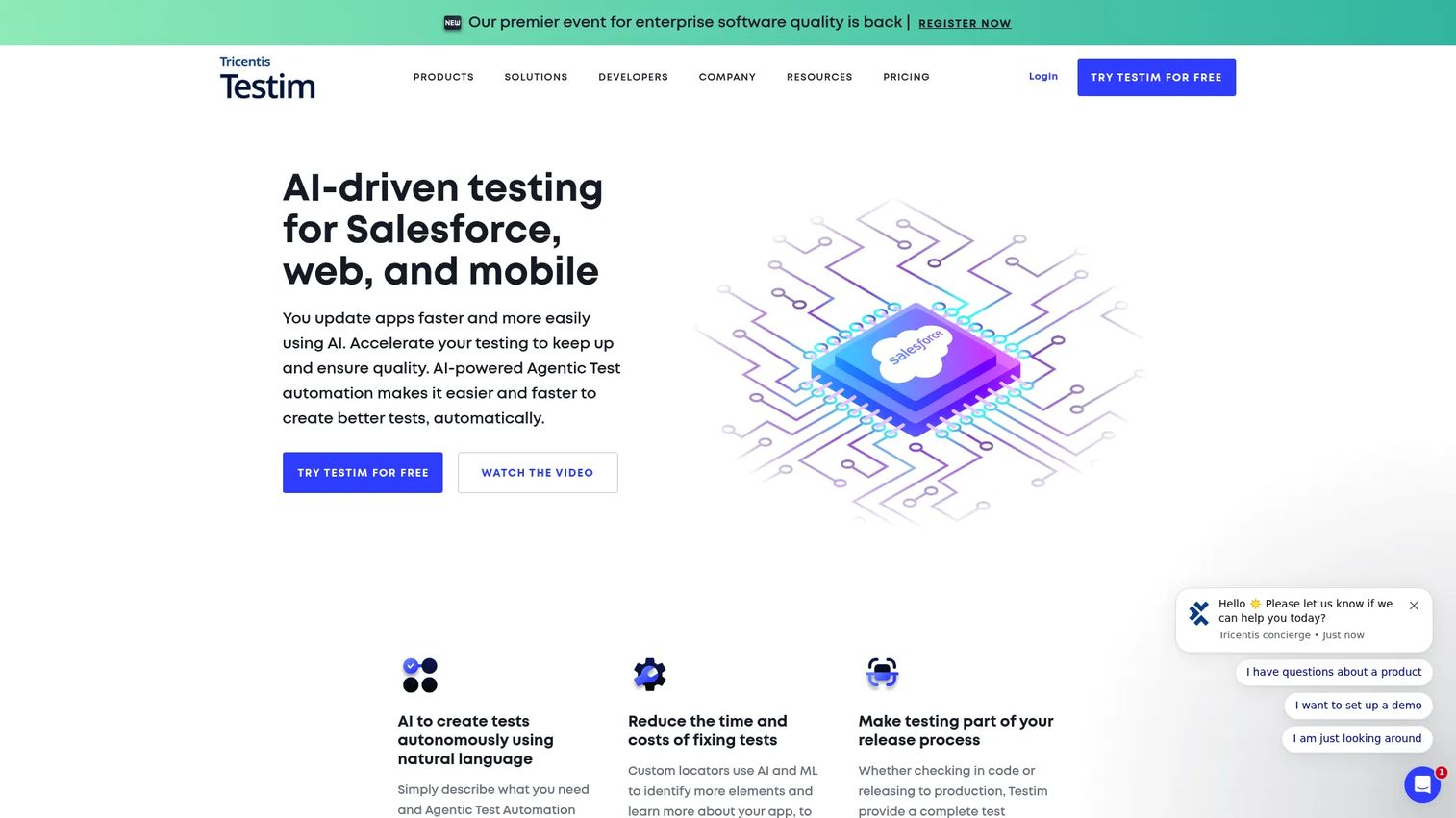
Testim is built around AI smart locators that self-heal when the UI shifts, which is why teams pick it to cut flaky-test maintenance. It supports both low-code and coded authoring, runs tests in parallel, and manages everything through TestOps. Now part of the Tricentis family, it fits teams that want strong automation with less script overhead.
Best for: Teams that want resilient AI-assisted end-to-end automation across web and mobile.
Key strengths
- AI smart locators: Self-healing selectors reduce maintenance when elements change.
- Low-code and coded authoring: Lets QA and engineers work in the same suite at their own depth.
- Parallel execution and TestOps: Scales runs and centralizes test operations.
Why choose Testim: If your bottleneck is maintenance rather than creation, Testim's locator resilience is the draw. It suits teams that have outgrown brittle scripts but do not want to throw away the flexibility of code when they need it.
Testim pricing: Testim offers a free account path to get started, with paid plans arranged through sales. Public numeric pricing was not listed at time of writing, so request a quote scoped to seats and execution volume.
4. Katalon
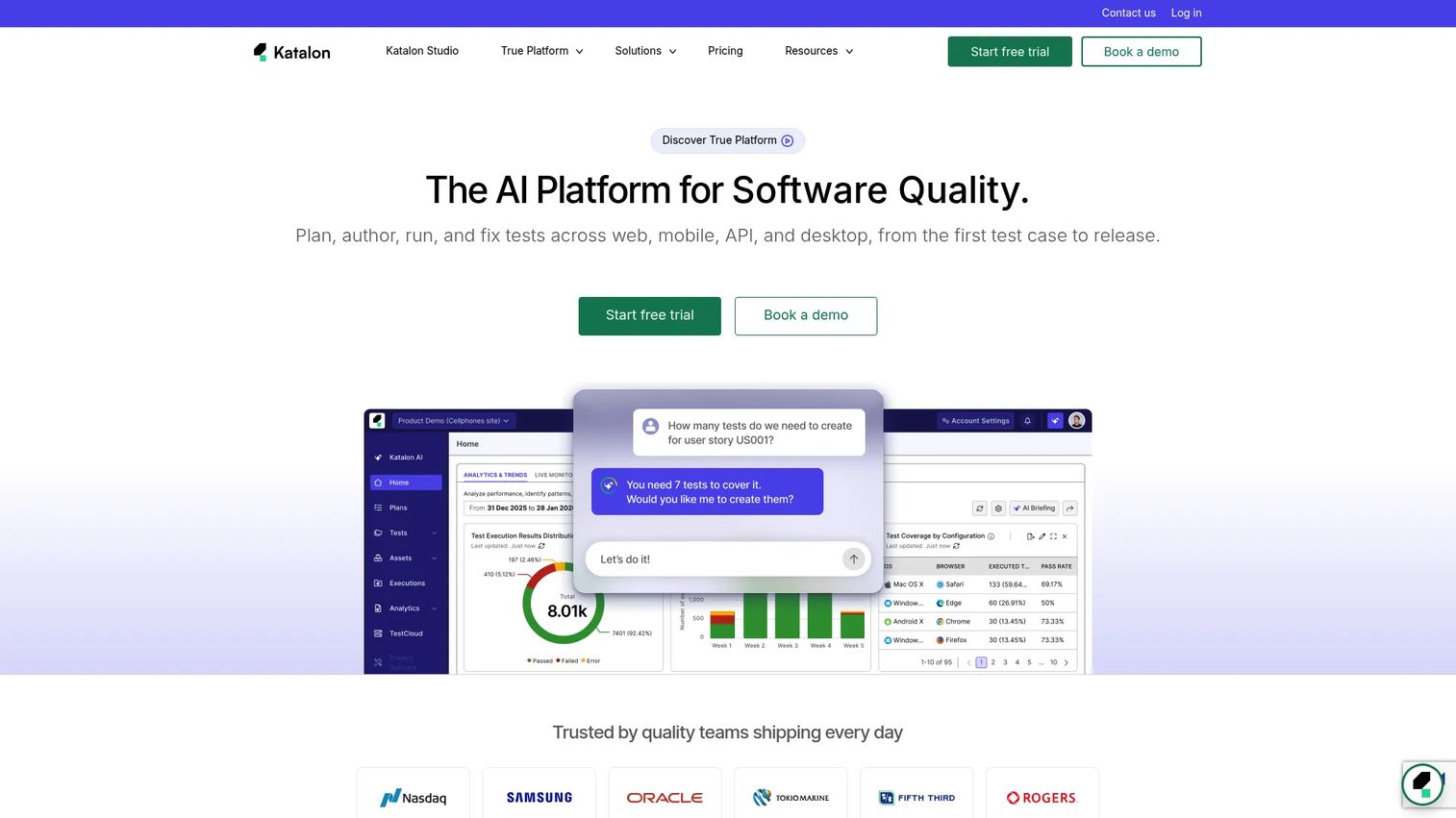
Katalon balances speed and control with no-code, low-code, and full-code authoring in one platform. It covers web, mobile, API, and desktop testing, with an AI Assistant for test generation. For teams that want accessible automation without giving up the option to drop into code, Katalon hits the middle.
Best for: Teams needing a unified automation platform with AI-assisted authoring across web, mobile, API, and desktop.
Key strengths
- Three authoring modes: No-code, low-code, and full-code in the same tool.
- AI-powered generation: The AI Assistant accelerates test creation.
- Multi-channel coverage: Web, mobile, API, and desktop under one roof.
Why choose Katalon: Mixed-skill teams benefit most here. Manual testers can build no-code, while SDETs extend in code, all without splitting across tools. That breadth makes it a practical default for teams scaling automation across surfaces.
Katalon pricing: Team Edition Standard runs $167 per seat per month billed annually, or $185 billed monthly. A package offer brings the first annual purchase of five seats to $67 per seat per month. Enterprise Edition is sales-led, and a free trial is available.
5. BrowserStack
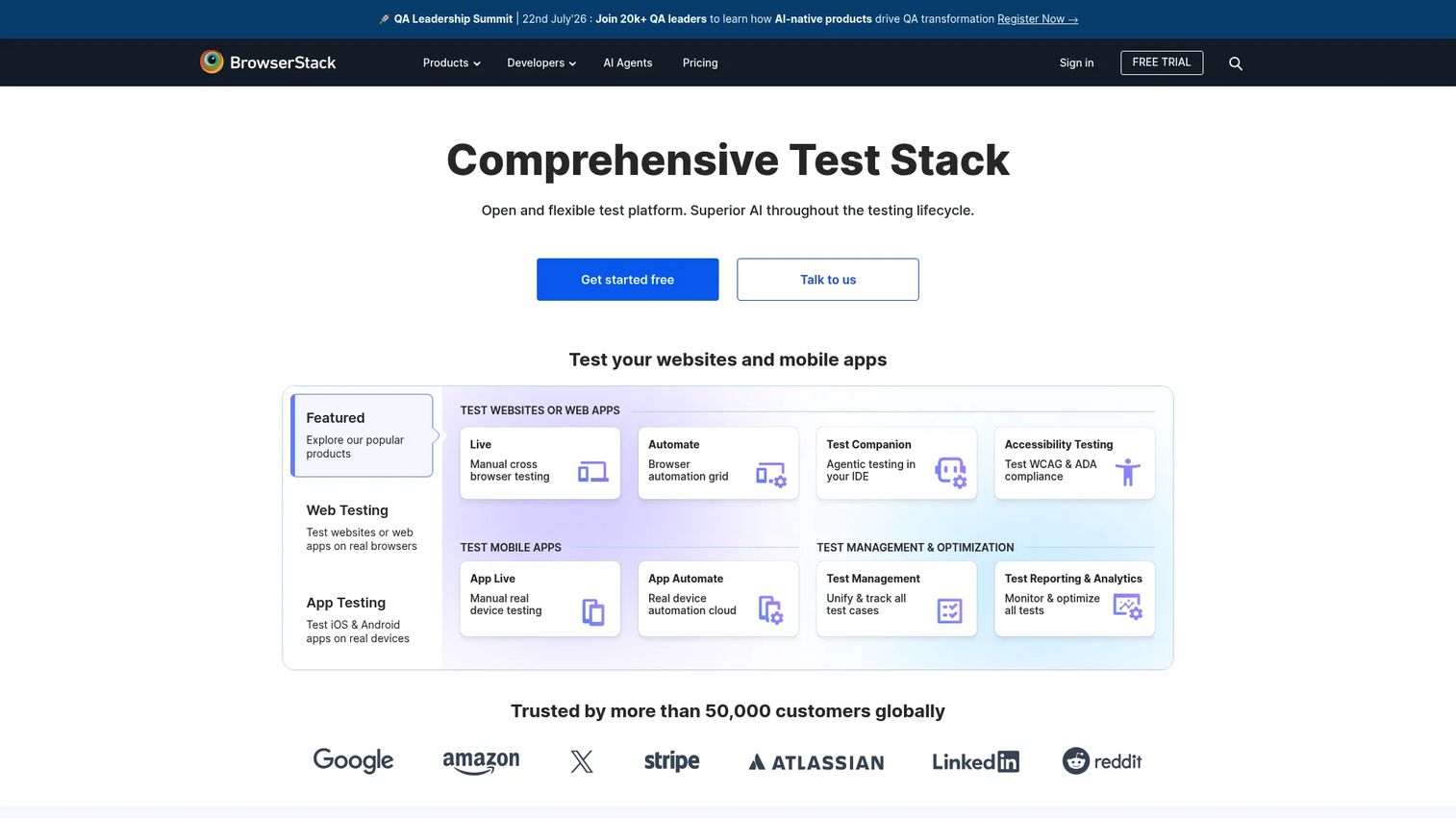
BrowserStack is the execution layer for modern QA stacks. It provides cloud access to 30,000+ real iOS and Android devices, cross-browser testing against local and staging sites, and accessibility testing with screen readers. AI-related capabilities help teams scale and triage across that vast device matrix.
Best for: QA and engineering teams needing real-device and cross-browser testing at scale.
Key strengths
- Real device cloud: 30,000+ real devices for authentic mobile and browser testing.
- Cross-browser coverage: Tests local, staging, and private sites across environments.
- Accessibility testing: Automated scans plus screen-reader support.
Why choose BrowserStack: You may already have an authoring tool but lack the infrastructure to run tests everywhere your users are. BrowserStack solves the execution and coverage side, pairing well with authoring platforms rather than replacing them.
BrowserStack pricing: The Desktop plan starts at $29 per month billed annually, Desktop & Mobile at $39 per month, and Team Ultimate at $375 per month. Test & Monitor offerings and larger team plans scale up from there, with some enterprise options arranged through sales. A free trial is available.
6. ACCELQ
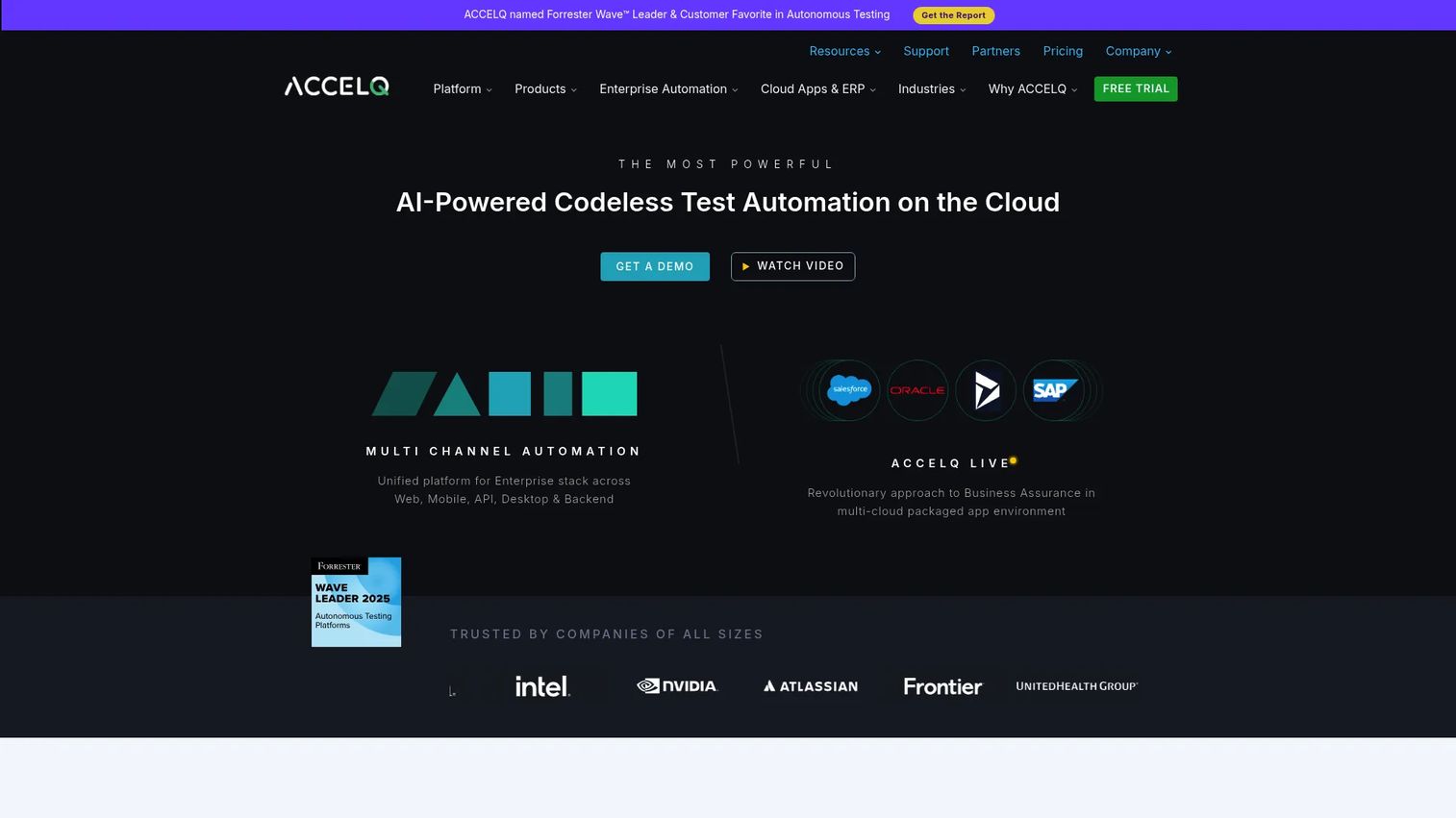
ACCELQ is a codeless automation platform with self-healing and enterprise test management built in. It spans web, mobile, API, desktop, and even mainframe, with cloud or on-prem execution. For teams that want broad automation with less script maintenance, ACCELQ covers an unusually wide surface.
Best for: Teams needing codeless end-to-end QA automation across web, mobile, API, and enterprise apps.
Key strengths
- Codeless authoring: Builds tests without scripting, lowering the barrier for QA.
- Broad surface coverage: Web, mobile, API, desktop, and mainframe in one platform.
- Self-healing plus flexible deployment: Cloud or on-prem with resilient tests.
Why choose ACCELQ: Its mainframe and enterprise-app coverage sets it apart for organizations with legacy systems alongside modern web apps. The codeless model keeps maintenance manageable as that surface grows.
ACCELQ pricing: ACCELQ presents its plans as product modules, Automate Web, Mobile, API, and Manual, each with a free-trial entry point. Enterprise pricing is arranged through sales, with no public numeric figure listed at time of writing.
7. Testsigma
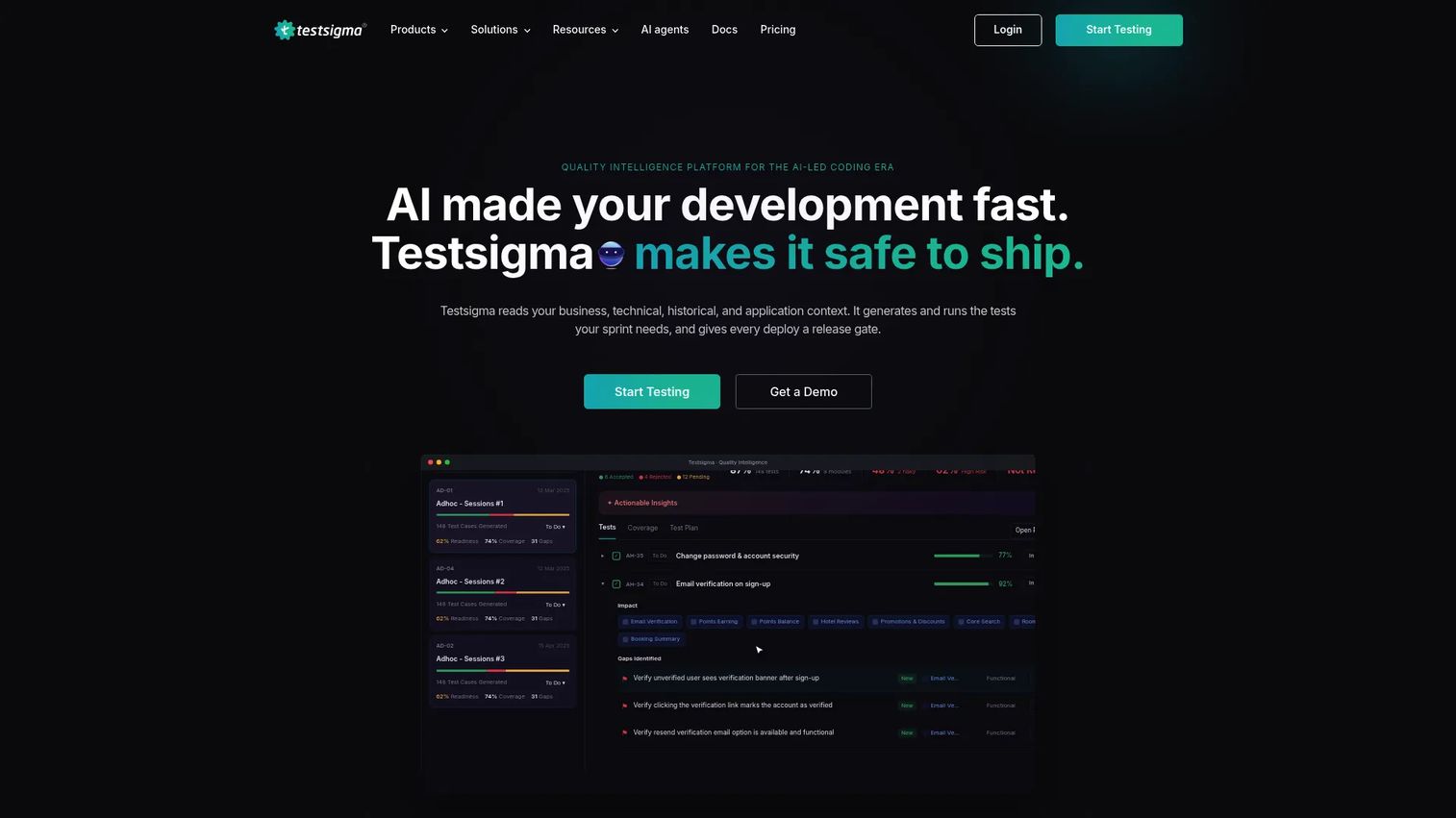
Testsigma lets you write tests in simple English, then runs them across browsers and devices in the cloud. An AI Copilot handles auto-healing to keep tests stable as the app changes. For teams that want accessible automation without heavy scripting, the natural-language model is the appeal.
Best for: QA teams wanting AI-assisted no-code test automation at scale.
Key strengths
- Plain-English authoring: Write test steps in natural language, no framework required.
- Cross-browser and cross-device cloud: Run anywhere without managing infrastructure.
- AI Copilot and auto-healing: Keeps tests stable when the UI shifts.
Why choose Testsigma: If you want manual QA and non-engineers contributing automation, natural-language authoring removes the scripting barrier. It also covers web, mobile, desktop, API, and Salesforce, so a single tool stretches across surfaces.
Testsigma pricing: Testsigma offers a free sign-up plan. Its Pro and Enterprise tiers are quote-based, with pricing requested through the vendor rather than published as a number.
8. Rainforest QA
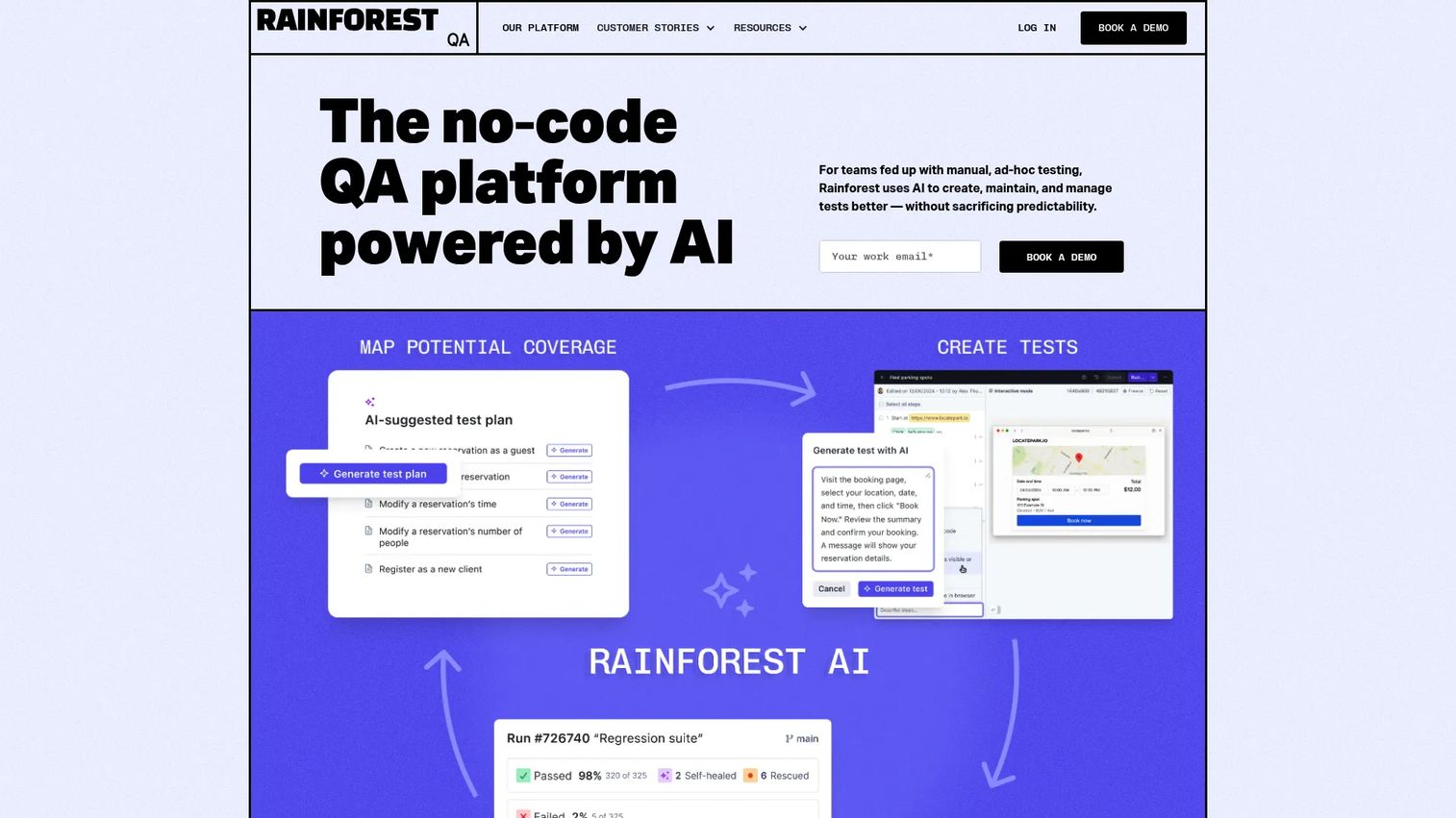
Rainforest QA is a no-code platform that leans on AI for test plan generation and fast feedback. It creates and edits tests without code, self-heals, and debugs with logs and video. For SaaS teams that prioritize fast creation and low maintenance, it is built to move quickly.
Best for: Teams that want no-code AI test automation with fast feedback and low maintenance.
Key strengths
- AI test plan generation: Drafts coverage from product context to speed creation.
- No-code creation and editing: Builds and maintains tests without scripting.
- Self-healing with rich debugging: Repairs tests and surfaces logs and video for triage.
Why choose Rainforest QA: Teams that need coverage fast, without standing up a framework, get the most here. The video-and-log debugging makes failures easy to interpret even for less technical contributors.
Rainforest QA pricing: Rainforest QA uses usage-based pricing billed annually, with a free trial available. The vendor directs buyers to sales for a tailored quote rather than publishing a public tier price.
9. Autify
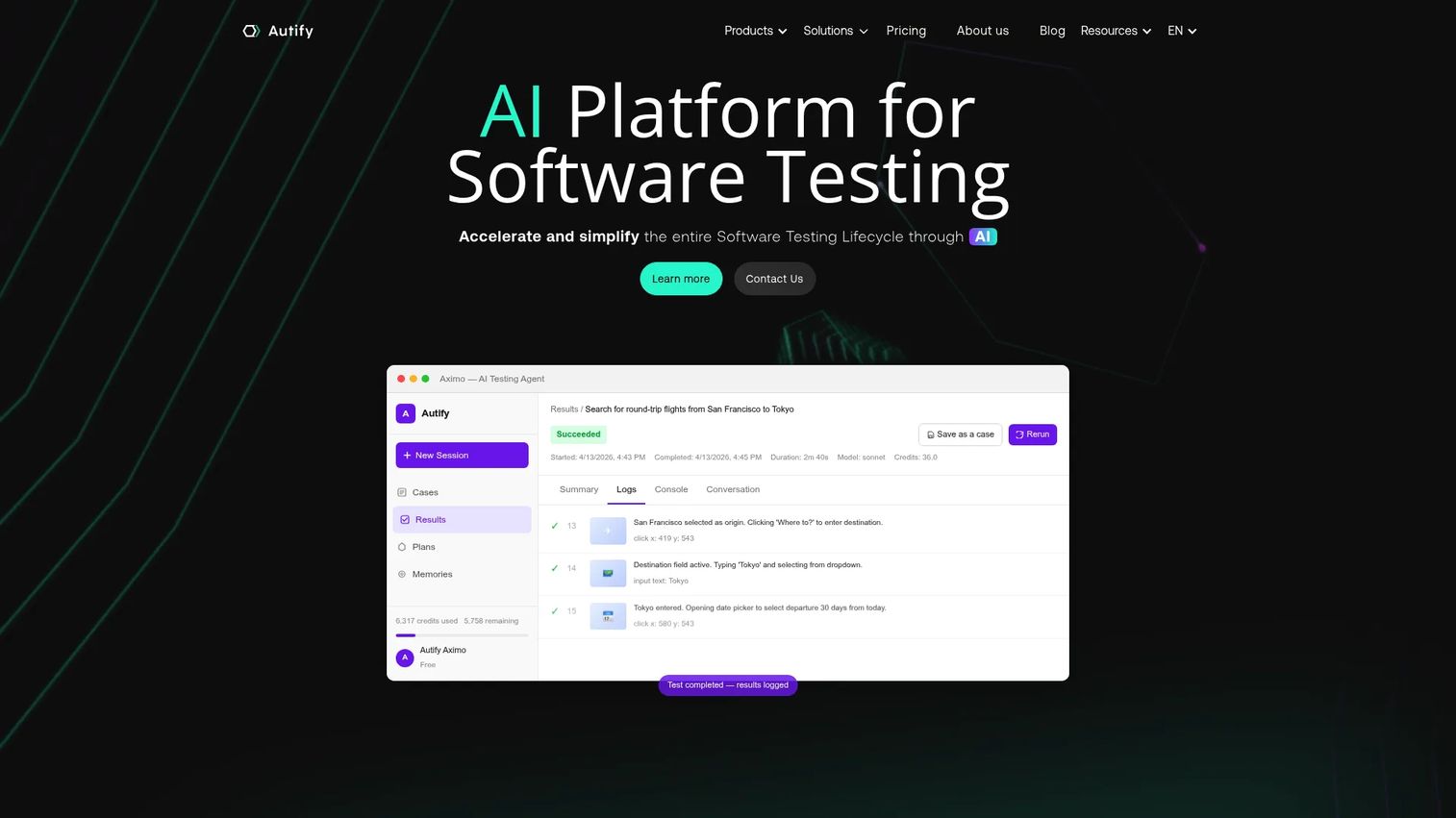
Autify pushes furthest into agentic testing on this list. Its Aximo agent runs autonomous AI testing, Genesis handles AI-driven test design, and Nexus offers Playwright-based low-code and full-code automation. For teams exploring autonomous workflows across web, mobile, and desktop, Autify is a strong candidate.
Best for: Teams wanting AI-assisted end-to-end test automation, including autonomous agent workflows.
Key strengths
- Aximo autonomous agent: Goal-directed testing that decides steps at runtime.
- Genesis test design: AI generates test cases and designs coverage.
- Nexus Playwright authoring: Low-code and full-code automation on a Playwright base.
Why choose Autify: If you want to pilot agentic testing without abandoning code-based control, the Aximo-plus-Nexus pairing gives you both. The Playwright foundation keeps you close to a familiar open framework.
Autify pricing: Autify offers a free tier at $0. The Core plan is $99 per month billed annually, or $120 monthly. Team runs $450 per month annually, or $550 monthly. Enterprise is custom and arranged through sales.
10. Reflect
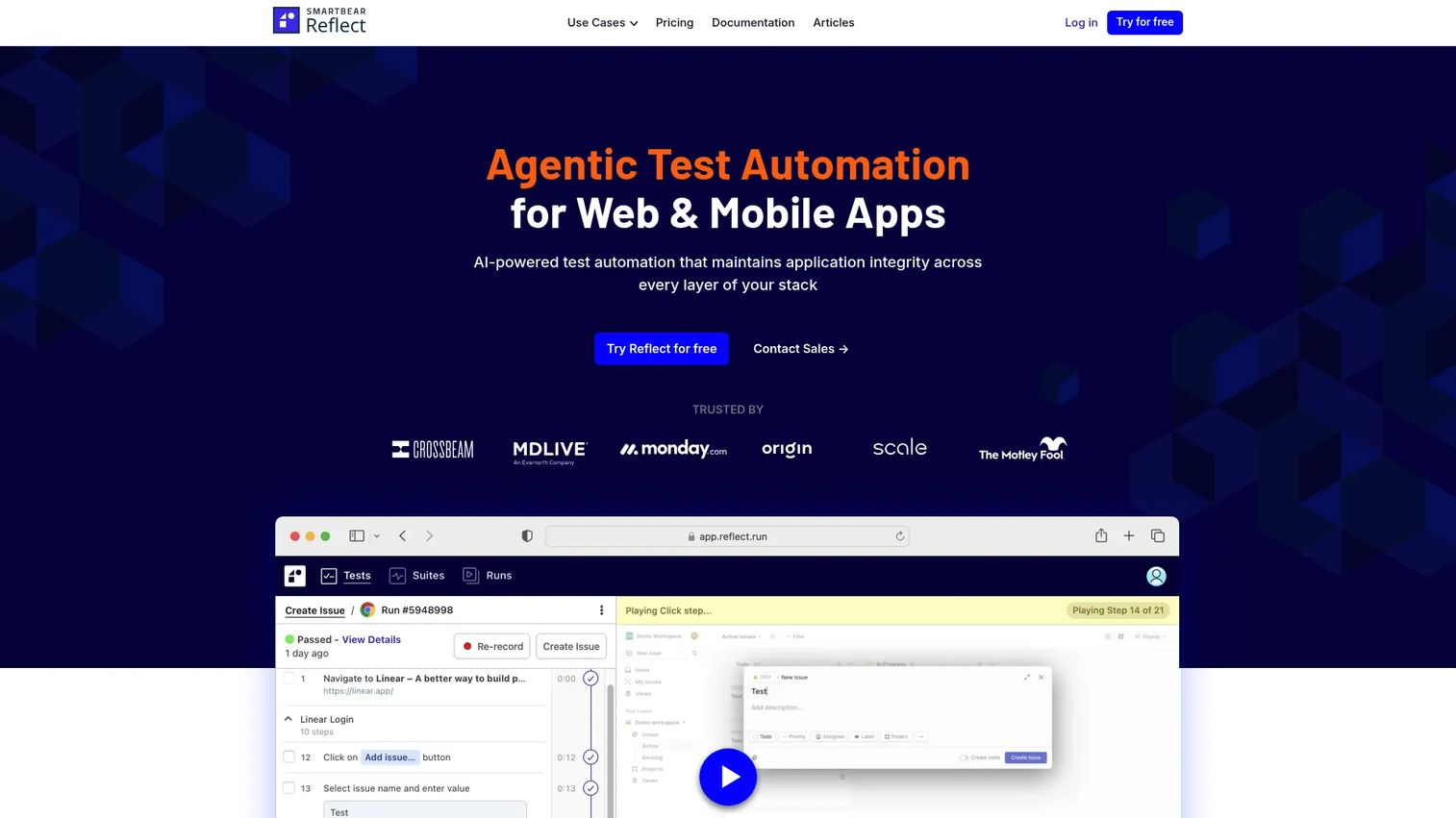
Reflect is a no-code, browser-based testing tool that generates actions from plain-English steps. It covers web, mobile, API, visual, and cross-browser testing, with AI-assisted maintenance to keep tests current. For smaller or fast-moving teams, the natural-language model lowers the cost of getting started.
Best for: Teams that want no-code end-to-end testing with AI-assisted maintenance.
Key strengths
- Plain-English action generation: AI turns written steps into runnable tests.
- Browser-based, no install: Build and run tests directly in the browser.
- Broad coverage: Web, mobile, API, visual, and cross-browser in one tool.
Why choose Reflect: Fast-moving teams that do not have a dedicated automation engineer get value quickly. The no-code, no-install model means QA can author tests the same day they sign up.
Reflect pricing: Reflect lists three paid plans, Premium, Advanced, and Enterprise, all arranged through sales. A free account and trial path are available, with numeric pricing requested through the vendor.
11. Functionize
Functionize is an AI-native enterprise platform built for complex test volumes and repeatability. It combines self-healing automation, codeless creation with AI editing, and visual verification across web, API, file, localization, and packaged-app testing. For enterprise QA teams that want low-maintenance automation at scale, it is built for orchestration.
Best for: Enterprise QA teams that want AI-assisted, low-maintenance test automation.
Key strengths
- Self-healing automation: Repairs tests automatically as the application evolves.
- Codeless creation with AI editing: Builds and edits tests without scripting.
- Visual verification plus integrations: Catches visual issues and connects to your stack.
Why choose Functionize: Organizations with high test volumes and strict repeatability needs benefit from its AI-native architecture and deep element recognition. It is designed to keep large suites stable where brittle scripts would buckle.
Functionize pricing: Functionize does not publish a numeric price on its pricing page. It promotes enterprise-grade automation with a free trial, and pricing is arranged through sales based on scope.
12. Mabl
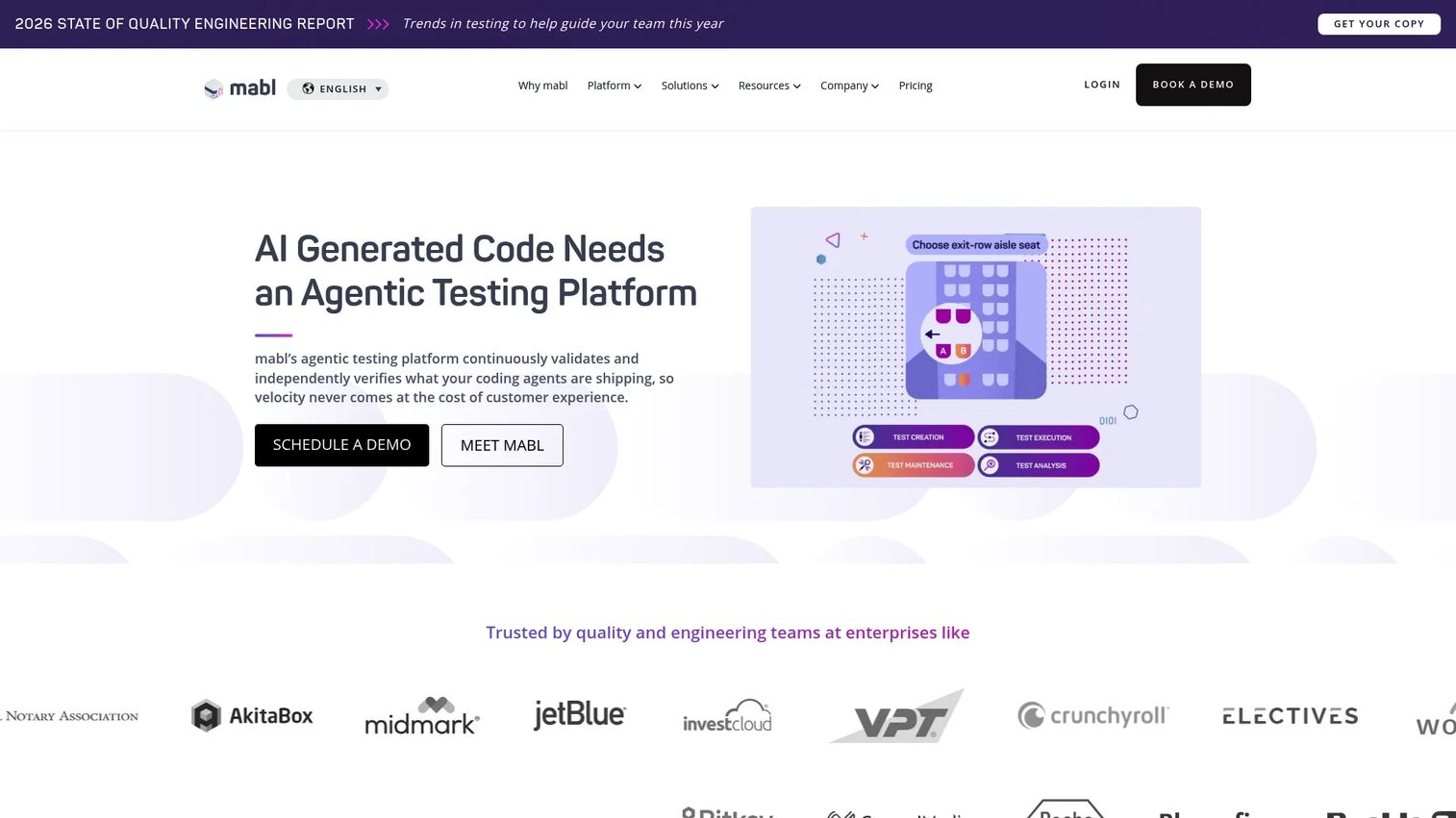
Mabl is a unified AI test automation platform that fits product-led teams wanting speed without a heavy scripting burden. It covers web and mobile end-to-end testing, API testing, and accessibility and performance testing, with AI keeping tests stable inside modern delivery workflows. For teams shipping fast, it integrates cleanly into CI/CD.
Best for: Teams needing a unified AI test automation platform with enterprise support.
Key strengths
- Web and mobile end-to-end: One platform for core functional coverage.
- API testing: Validates services alongside UI flows.
- Accessibility and performance: Extends coverage beyond functional checks.
Why choose Mabl: Product-led teams that want test speed without standing up a framework get a clean fit. Its breadth across functional, API, accessibility, and performance keeps testing in one tool as the product grows.
Mabl pricing: Mabl uses customized, quote-based pricing. It offers a 14-day free trial, and Core plans include 500 cloud credits per month. Request a quote for a figure scoped to your team.
Considerations
Before you commit, run every shortlisted tool through this checklist. The right answer depends on your stack and team, not on a feature count.
Test creation model
Decide whether your team needs script-heavy, low-code, or natural-language authoring. If non-engineers will contribute, plain-English and no-code tools lower the barrier. If SDETs own automation, code-first or hybrid tools keep flexibility. Mismatch here kills adoption faster than any missing feature.
Self-healing and maintenance reduction
Ask how each vendor implements self-healing, not just whether they claim it. Look at how selectors are identified, how repairs are surfaced for review, and whether you can trust auto-fixes without manual approval. The goal is flaky-test reduction you can verify, not a marketing checkbox.
Framework compatibility
Confirm support for the frameworks you already use. Playwright, Selenium, Cypress, and WebDriver support varies by tool, and some platforms layer AI on top of an open framework while others are fully proprietary. Framework compatibility affects portability if you ever switch tools.
Enterprise readiness
For regulated or large orgs, verify SSO, SAML, RBAC, audit logs, and deployment options before anything else. Compliance and governance requirements are non-negotiable, and they often gate which tier you need. Confirm these in a security review, not a sales call.
Analytics and observability
Evaluate how each tool handles failure triage, debugging, and reporting. Strong test observability, root cause analysis, and clear dashboards turn a red build into an actionable fix. Without it, your team drowns in failures it cannot interpret. For teams formalizing AI oversight, our ai governance tools and agentic ai tools for sales guides cover adjacent evaluation criteria.
Conclusion
The right AI software testing tool depends on the job you are solving, not the longest feature list. If visual regressions are your risk, Applitools leads on Visual AI. If maintenance is your bottleneck, Testim and Functionize put self-healing first. For low-code and natural-language teams, Testsigma, Katalon, and Reflect lower the scripting barrier. For enterprise governance and breadth, Tricentis and Mabl consolidate quality engineering, while BrowserStack handles execution at scale and Autify pushes into agentic workflows.
Do not buy on a demo alone. Shortlist two or three tools that match your primary decision axis, then run a real proof of concept against your own application. Test the exact flows that break most often, measure how much maintenance the tool actually removes, and confirm the framework and governance fit before you sign. The tool that wins your POC is the one that earns the purchase, not the one with the best slide deck.
FAQs
AI software testing tools are platforms that use machine learning, natural language processing, and agentic reasoning to create, run, and maintain automated tests with less manual scripting. They typically fall into a few categories: AI-assisted authoring, self-healing maintenance, visual testing, and autonomous execution. Most modern platforms blend several of these capabilities.
Traditional automation tools require engineers to write and maintain scripts by hand, which breaks when the UI changes. AI testing tools add a layer that generates tests from plain English or recordings, self-heals selectors automatically, and triages failures with root cause analysis. The difference is less manual upkeep and faster test creation, not a fundamentally different test runner.
No. They accelerate the work QA engineers do by removing repetitive scripting and maintenance, freeing teams to focus on exploratory testing, edge cases, and quality strategy. Think of them as workflow accelerators that handle the brittle, time-consuming parts so engineers can spend time where human judgment matters.
Focus on framework compatibility with Playwright, Selenium, Cypress, or WebDriver, how self-healing is actually implemented, and how much maintenance it removes in practice. Then verify enterprise requirements like SSO, RBAC, audit logs, and compliance, plus the depth of reporting and root cause analysis. Run a proof of concept on your own app before committing.
Testim, Functionize, and ACCELQ all build self-healing into their core, and Testsigma and Reflect add AI-assisted maintenance. The key is to compare how each handles selectors, surfaces repairs for review, and lets you trust or override auto-fixes. Test the self-healing claim against your own frequently changing flows during evaluation.
Applitools is the most established visual testing platform, with a Visual AI engine purpose-built to catch layout and rendering regressions across browsers and devices. Several broader platforms, including Functionize, Mabl, and Reflect, also include visual verification as part of wider coverage. Choose based on whether visual validation is your primary need or one feature among many.
Yes, when they meet enterprise requirements. Verify SSO, SAML, RBAC, audit logs, compliance certifications, and flexible deployment before anything else. Tricentis, Mabl, ACCELQ, and Functionize are built with enterprise governance and breadth in mind, but confirm the specifics in a security review rather than relying on marketing claims.
Pilot two or three tools that match your primary decision axis, whether that is visual validation, self-healing, low-code authoring, or enterprise governance. Run each against the same real flows from your own application, measure maintenance reduction and framework fit, and let the proof of concept decide. More than three pilots usually slows the decision without adding signal.










