Too many spreadsheet programs. Not enough clarity.
You need a spreadsheet tool that fits your workflow, your budget, and your team. But the landscape in 2026 stretches from free open-source desktop apps to AI-native cloud platforms that write formulas for you. Picking the wrong one means paying for features you don't use - or missing features you desperately need.
This guide covers 15 of the best spreadsheet software tools available right now, spanning free and paid options, cloud-based and desktop, traditional and modern. Each tool is assessed on core functionality, pricing, collaboration capabilities, AI integration, platform availability, and ideal use case. If you're evaluating other software categories for your stack, check out our roundups of the best CRM software and best product analytics software tools as well.
By the end, you'll know exactly which spreadsheet software fits your workflow and budget.
What's inside
We break down every major spreadsheet program worth considering in 2026 - from the obvious picks like Microsoft Excel and Google Sheets to newer entrants like Rows and Sourcetable. Each review follows the same structure so you can compare apples to apples.
You'll also find a master comparison table, a decision framework for choosing the right tool, and answers to the most common questions about free spreadsheet software and Excel alternatives.
TL;DR
- Best overall: Microsoft Excel - unmatched depth, Copilot AI, industry-standard format
- Best free cloud option: Google Sheets - real-time collaboration, Gemini AI, zero cost
- Best free desktop option: LibreOffice Calc - full-featured, open-source, no account required
- Best for project management: Smartsheet - spreadsheet-like interface built for workflows
- Best spreadsheet-database hybrid: Airtable - relational tables, multiple views, rich field types
- Best for privacy: CryptPad Sheet - end-to-end encrypted, zero-knowledge, open-source
What is spreadsheet software?
Spreadsheet software is any application that organizes data into rows and columns, letting you run calculations, analyze datasets, build charts, and automate repetitive tasks. It's spreadsheet computer software in the most literal sense - a digital grid that replaced paper ledgers.
The category has evolved considerably since VisiCalc launched in 1979. Early spreadsheet programs like Lotus 1-2-3 ran on DOS. Today's tools live in browsers, sync across devices, and use AI to generate formulas from plain English prompts. You'll find two broad categories: traditional desktop spreadsheets (Excel, LibreOffice Calc) and modern cloud-first platforms (Google Sheets, Rows, Coda).
Who uses them? Accountants, analysts, project managers, students, marketers, small business owners - the list of spreadsheet software examples spans nearly every profession. Many of these professionals also rely on marketing analytics software and sales analytics tools that integrate directly with their spreadsheets.
How we evaluated these spreadsheet tools
Every tool in this list was assessed against the same eight criteria. This isn't a sponsored list - tools were selected based on current market relevance, user adoption, and feature completeness.
- Core spreadsheet functionality - formulas, functions, pivot tables, charting
- Pricing and free tier availability - what you get at $0 vs. paid plans
- Collaboration features - real-time co-editing, comments, sharing permissions
- AI and automation capabilities - AI-assisted formulas, auto-fill, workflow automation
- Platform availability - web, desktop (Windows/Mac/Linux), mobile (iOS/Android)
- Integration ecosystem - third-party app connections, API access
- Ease of use and learning curve - how quickly a new user becomes productive
- Data privacy and security - encryption, self-hosting options, compliance certifications
Quick comparison table - 15 best spreadsheet software at a glance
| Tool | Best For | Free Plan? | Platform | AI Features | Starting Price |
|---|---|---|---|---|---|
| Microsoft Excel | Power users, finance | ✓ (web) | Web, desktop, mobile | Copilot | ~$6.99/mo |
| Google Sheets | Collaboration, free use | ✓ | Web, mobile | Gemini | Free / ~$7/user/mo |
| Zoho Sheet | Zoho ecosystem users | ✓ | Web, mobile | Zia | Free / ~$3/user/mo |
| LibreOffice Calc | Free desktop use | ✓ | Desktop, web | ✗ | Free |
| Smartsheet | Project management | ✗ | Web, mobile | Limited | ~$9/user/mo |
| Airtable | Database-spreadsheet hybrid | ✓ | Web, desktop, mobile | AI fields | Free / ~$20/user/mo |
| Apple Numbers | Mac and iPad users | ✓ | macOS, iOS, web | ✗ | Free |
| ONLYOFFICE Docs | Self-hosted, open-source | ✓ | Web, desktop, mobile | ✗ | Free / ~$4/user/mo |
| WPS Office | Free Excel alternative | ✓ | Desktop, web, mobile | WPS AI | Free / ~$35.99/yr |
| Quip | Salesforce teams | ✗ | Web, mobile | Limited | ~$10/user/mo |
| Coda | Docs-meet-sheets workflows | ✓ | Web, mobile | AI assistant | Free / ~$10/user/mo |
| CryptPad Sheet | Privacy-first use | ✓ | Web | ✗ | Free / ~€5/mo |
| Rows | Data-connected dashboards | ✓ | Web | Built-in AI | Free / ~$59/user/mo |
| Apache OpenOffice Calc | Legacy free desktop | ✓ | Desktop | ✗ | Free |
| Sourcetable | AI-native analysis | ✓ | Web | Core AI | Free / varies |
Keep reading for a detailed breakdown of each tool.
1. Microsoft Excel - best overall spreadsheet software
Microsoft Excel is the spreadsheet that defined the category and still sets the bar for feature depth in 2026. Part of Microsoft 365, it's available as a desktop app, a web app (Excel Online), and a mobile app across every major platform. You can explore the Microsoft interactive demo to see the interface in action.
Excel ships with over 400 functions, PivotTables, Power Query, Power Pivot, macros via VBA, and conditional formatting that handles nearly any data analysis scenario. The Copilot AI integration - added in recent years - lets you generate formulas, surface data insights, and run natural-language queries directly in your excel spreadsheet. It's the most capable AI implementation in any traditional spreadsheet program today.
Best for: Power users, finance professionals, data analysts, and enterprise teams needing advanced excel sheets capabilities.
Key strengths
- 400+ functions with PivotTables and Power Query
- Copilot AI for formula generation and insights
- Industry-standard .xlsx file format compatibility
- Real-time co-authoring via Excel Online and OneDrive
- Massive ecosystem of templates, add-ins, and community support
Pricing: Excel for the web is free with a Microsoft account. Microsoft 365 Personal starts at approximately $6.99/mo. Business Basic runs approximately $6/user/mo, and Business Standard approximately $12.50/user/mo. Verify current microsoft 365 excel pricing on the Microsoft website.
The trade-offs are real. The desktop version requires a paid subscription. Advanced features like Power Pivot carry a steep learning curve. And for simple tasks - a grocery list, a basic budget - Excel can feel like using a sledgehammer to hang a picture frame.
2. Google Sheets - best free cloud spreadsheet
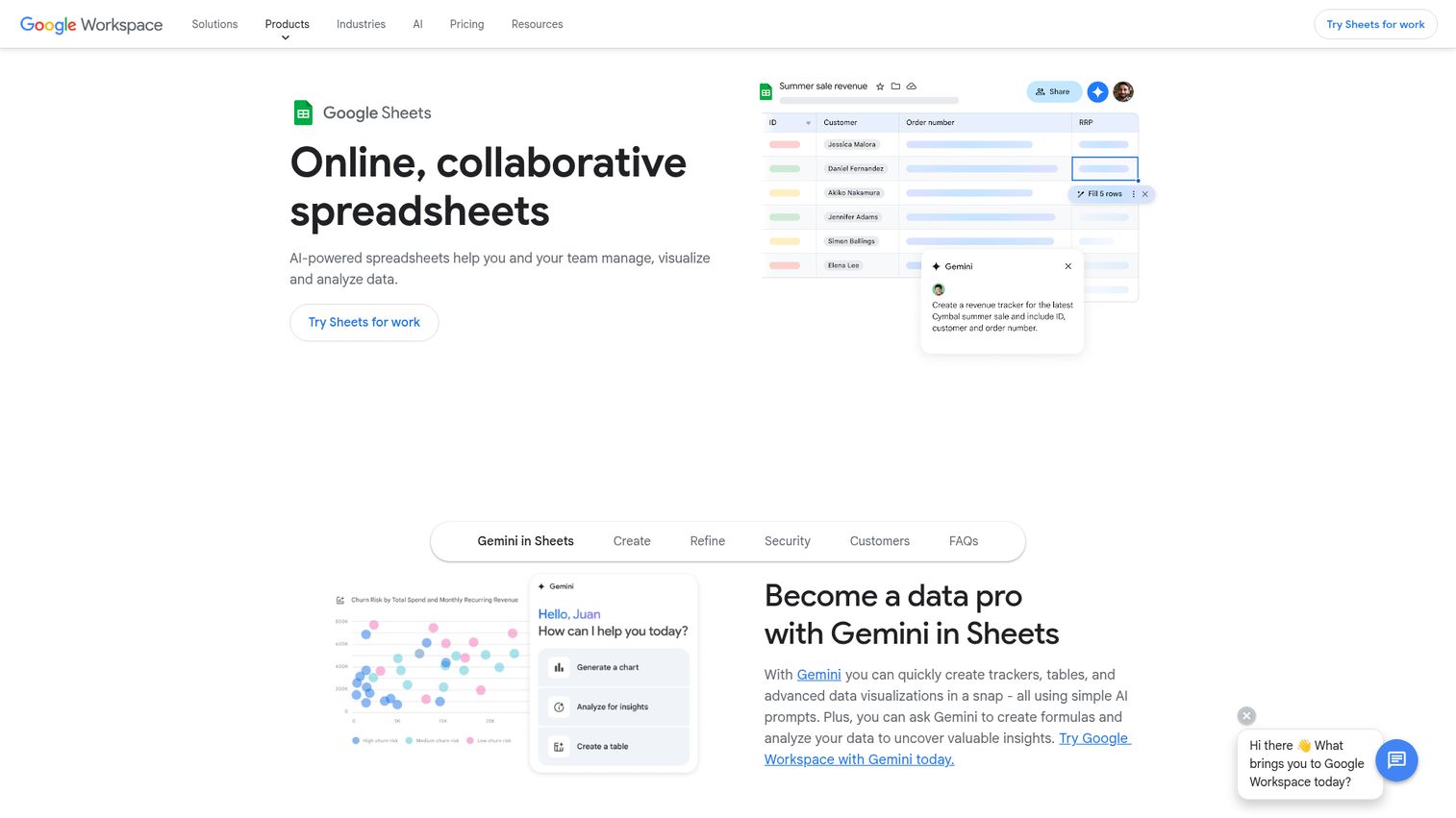
Google Sheets is the most widely used free spreadsheet software for a reason: it does collaboration better than anything else on this list, and it costs nothing for personal use.
It's entirely browser-based, with offline mode available through Chrome. You get 400+ functions, pivot tables, charts, data validation, conditional formatting, and Apps Script for custom automation. The Gemini AI integration provides data insights, formula suggestions, and natural-language analysis - putting it on a more competitive footing with Excel's Copilot.
Real-time collaboration is where Google Sheets genuinely excels. Granular sharing permissions, version history, comments, and @mentions make it the default choice for teams that work on spreadsheets together.
Best for: Teams prioritizing collaboration, budget-conscious users, Google Workspace organizations, educators, and students looking for free spreadsheet software.
Key strengths
- Completely free for personal use with generous storage
- Best-in-class real-time collaboration and sharing
- Gemini AI for insights and formula assistance
- Extensive add-on marketplace with 1,000+ extensions
- Auto-saves to cloud with full version history
Pricing: Free for personal use. Google Workspace plans start at approximately $7/user/mo for business features, increased storage, admin controls, and enhanced Gemini AI capabilities. Verify current pricing on the Google Sheets website.
Where Google Sheets falls short: it tends to slow down noticeably with large datasets (100,000+ rows), it offers fewer advanced functions than Excel, and full functionality requires an internet connection. If you're building complex financial models, Excel remains the stronger pick.
3. Zoho Sheet - best for Zoho ecosystem users
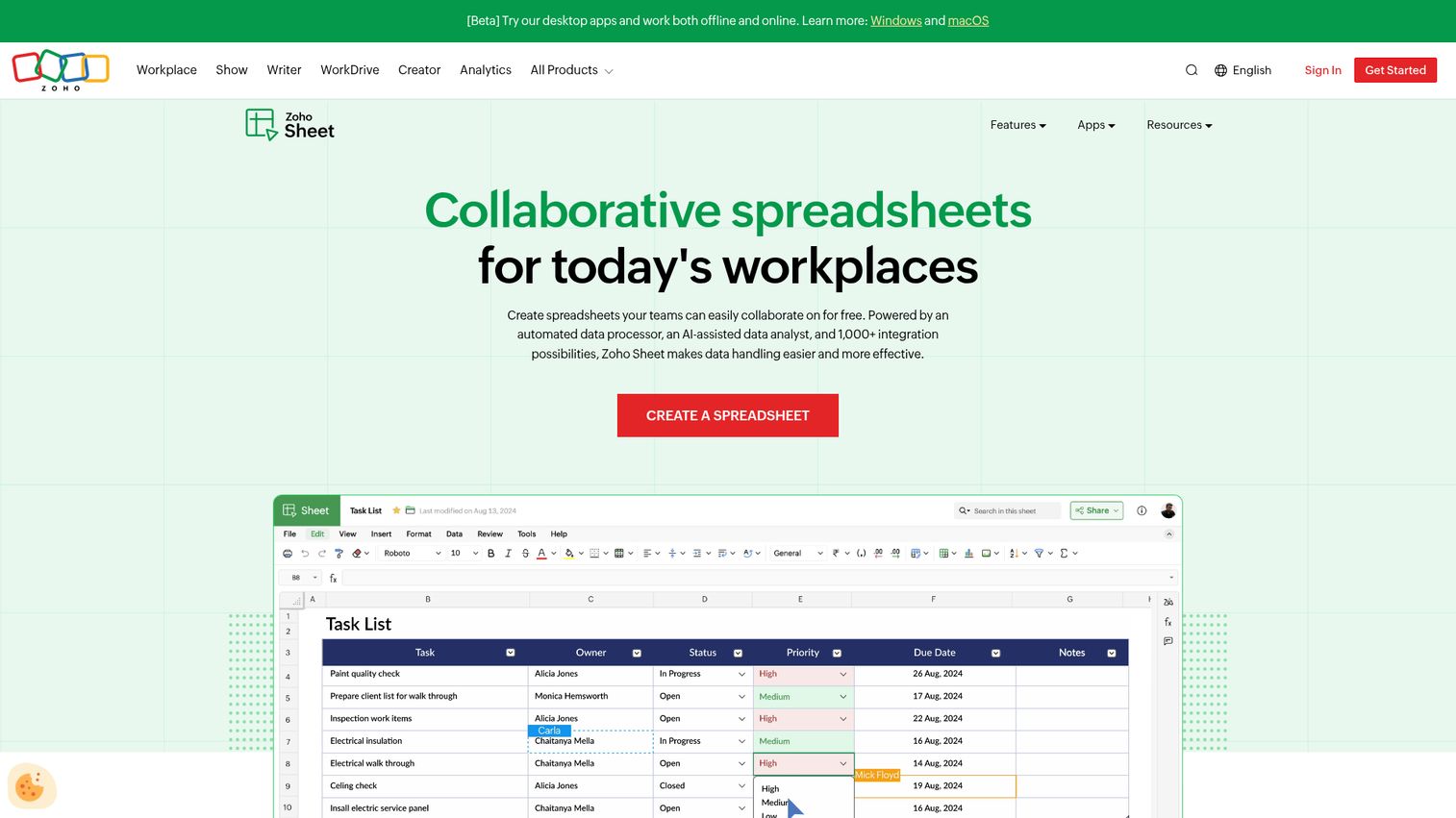
Zoho Sheet is a cloud-based spreadsheet that works particularly well if your team already uses Zoho CRM, Projects, or other Zoho Workplace apps. It's a capable alternative to Excel with a pricing structure that undercuts most competitors. See how the broader Zoho platform works with the Zoho interactive demo.
You get 350+ functions, pivot tables, charts, data validation, and macros via Zoho's Deluge scripting language. The Zia AI assistant provides data insights and pattern recognition. A notable feature: Zoho Sheet can import VBA macros from Excel, which reduces friction for teams migrating from Microsoft's ecosystem.
Best for: Small businesses using Zoho products, teams needing affordable collaboration, and privacy-conscious organizations (Zoho is GDPR-compliant with data centers in multiple regions).
Key strengths
- Generous free tier for up to 5 users
- Strong integration with Zoho CRM and Workplace
- Zia AI assistant for data analysis and insights
- VBA macro import support from Excel files
- GDPR-compliant with regional data center options
Pricing: Free for personal use (up to 5 users). Zoho Workplace starts at approximately $3/user/mo. Verify current pricing on the Zoho Sheet website.
The downsides: Zoho Sheet has a smaller user community than Excel or Google Sheets, fewer third-party integrations outside the Zoho ecosystem, and a UI that can feel less intuitive for first-time users.
4. LibreOffice Calc - best free desktop spreadsheet
LibreOffice Calc is the strongest free desktop spreadsheet available - full stop. It's the spreadsheet component of LibreOffice, an open-source office suite maintained by The Document Foundation, and it rivals Excel in raw feature depth.
You get comprehensive formula support, pivot tables (called DataPilot), macros via LibreOffice Basic or Python, extensive charting, .xlsx and .ods compatibility, and a Solver tool for optimization problems. No account required. No data sent to any cloud. It's excel software freeware in the truest sense.
Best for: Users who want a free Excel replacement for desktop use, Linux users, privacy-focused individuals, and anyone with offline-heavy workflows.
Key strengths
- 100% free with no account or subscription needed
- Powerful desktop features that rival paid spreadsheet programs
- Strong .xlsx and .ods format compatibility
- Available on Windows, macOS, and Linux natively
- No telemetry or data collection by default
Pricing: Completely free. Open-source under MPL 2.0. Cloud collaboration is available through Collabora Online (self-hosted or hosted).
The honest trade-offs: the UI feels dated compared to modern tools, real-time collaboration requires setting up Collabora Online separately, and there are no built-in AI features. If cloud collaboration is a priority, Google Sheets or Excel Online will serve you better.
5. Smartsheet - best for project management spreadsheets
Smartsheet uses a spreadsheet-like interface, but it's not a traditional spreadsheet. It's a work management platform purpose-built for project tracking, resource planning, and workflow automation. You can explore the Smartsheet interactive demo to see how the grid interface works in practice.
You get Gantt charts, Kanban boards, card views, automated workflows, resource management, dashboards, forms, and proofing tools. Integrations span Slack, Teams, Jira, and Salesforce. The familiar grid layout makes it approachable for anyone who's used a spreadsheet before - but the focus is on managing work, not crunching numbers.
Best for: Project managers, operations teams, and marketing teams managing campaigns who need structured work management with a spreadsheet feel.
Key strengths
- Gantt charts, Kanban, and calendar views built in
- Powerful workflow automation without coding required
- Integrations with Slack, Jira, Salesforce, and Teams
- Strong reporting dashboards for stakeholder visibility
- Intuitive grid interface for non-technical users
Pricing: No free plan. Pro starts at approximately $9/user/mo. Business runs approximately $19/user/mo. Enterprise pricing is custom. Verify current pricing on the Smartsheet website.
Important distinction: Smartsheet's formula capabilities are limited compared to Excel or Google Sheets. If you need advanced calculations, pivot tables, or VBA macros, this isn't the right tool. It's also entirely cloud-based with no offline mode.
6. Airtable - best spreadsheet-database hybrid
Airtable combines the simplicity of a spreadsheet with the power of a relational database. It's popular with marketing, product, and operations teams who've outgrown traditional spreadsheets but don't want to learn SQL. Try the Airtable interactive demo to experience the interface firsthand.
The standout feature is multiple views: grid, calendar, Kanban, gallery, Gantt, and timeline - all showing the same underlying data. You can link records between tables relationally, build automations, write scripts in JavaScript, and use AI-powered field types. Rich field types (attachments, checkboxes, linked records, barcodes) go well beyond what a standard spreadsheet offers.
Best for: Content calendars, CRM-light use cases, product roadmaps, inventory tracking, and teams that need database functionality with a spreadsheet's ease of use.
Key strengths
- Multiple views from a single dataset (grid, Kanban, Gantt)
- Relational linking between tables for structured data
- Built-in automations and JavaScript scripting support
- AI field types for categorization and summarization
- Large template gallery covering dozens of use cases
Pricing: Free tier allows up to 1,000 records per base. Team plans start at approximately $20/user/mo. Business runs approximately $45/user/mo. Enterprise pricing is custom. Verify current pricing on the Airtable website.
The limitations: record caps on the free plan get restrictive fast, pricing scales steeply for larger teams, and Airtable isn't ideal for heavy numerical computation or complex formulas. Performance can also degrade with very large bases.
7. Apple Numbers - best for Mac and iPad users
Apple Numbers is a free spreadsheet app that ships pre-installed on every Mac, iPad, and iPhone. It prioritizes visual design and simplicity over raw feature depth.
The canvas-based design lets you place tables, charts, and images anywhere on the page - a different approach from the infinite-grid model of Excel or Sheets. You get interactive charts, Smart Categories for organizing data, Apple Pencil support on iPad, and iCloud-based collaboration. Excel import/export works for basic files.
Best for: Mac and iPad users who need simple, visually polished spreadsheets for personal finance, school projects, or light business use.
Key strengths
- Completely free on all Apple devices
- Beautiful canvas-based design for visual presentations
- Apple Pencil support for iPad annotations
- iCloud real-time collaboration and sharing
- Intuitive interface with minimal learning curve
Pricing: Free on Apple devices. Also accessible via iCloud.com on any browser.
The honest limitation: Numbers is locked to the Apple ecosystem (no Windows or Android apps), offers fewer advanced features than Excel, has limited third-party integrations, and isn't suitable for complex data analysis or large datasets.
8. ONLYOFFICE Docs - best open-source cloud spreadsheet
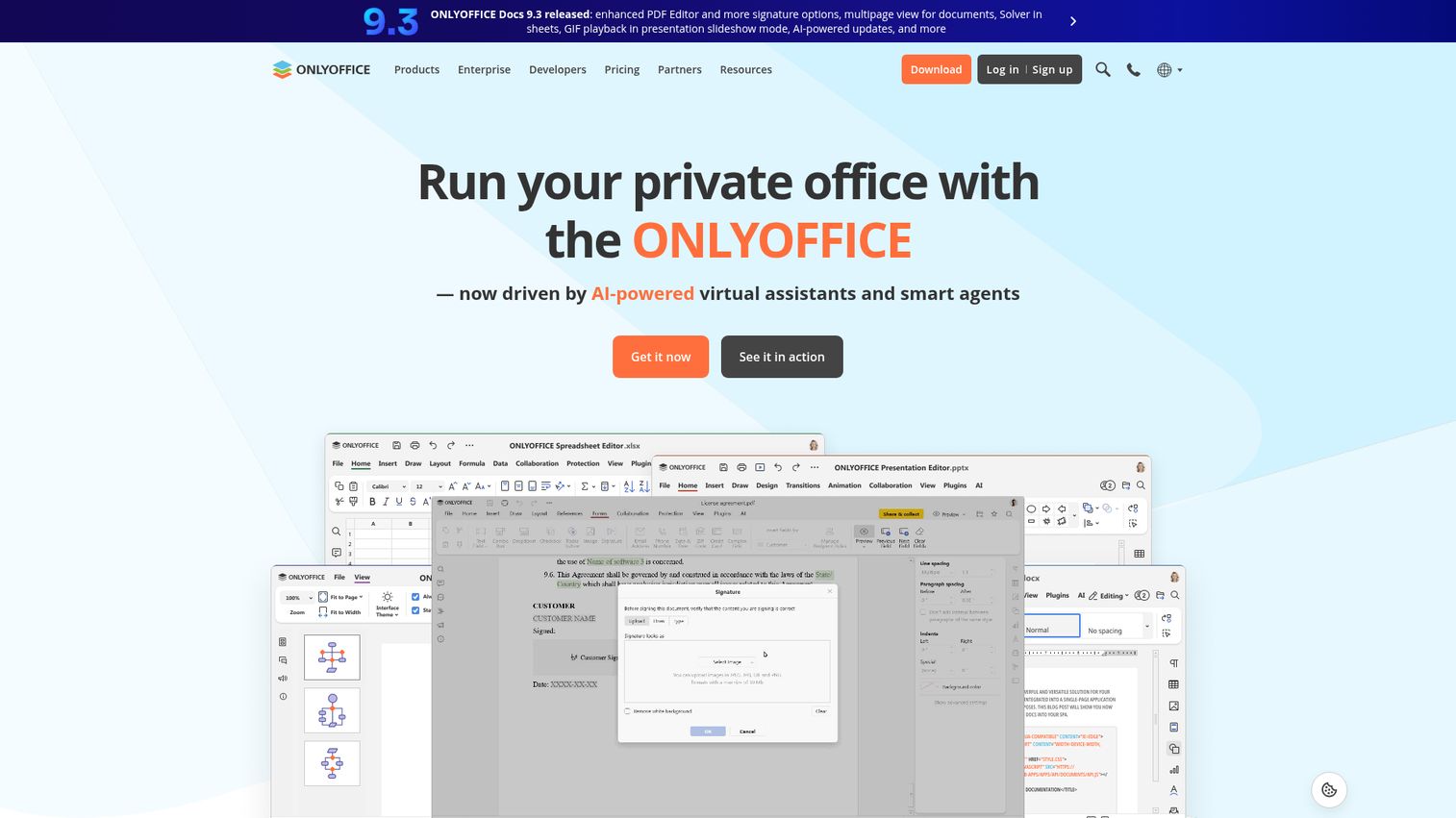
ONLYOFFICE is an open-source office suite that emphasizes .xlsx compatibility and data sovereignty. You can self-host it on your own servers or use the ONLYOFFICE cloud - a distinction that matters for organizations with strict data control requirements.
The spreadsheet module offers high-fidelity .xlsx support, pivot tables, charts, macros via JavaScript-based plugins, conditional formatting, data validation, and document comparison. Two collaboration modes - fast (real-time) and strict (lock-based) - let teams choose their preferred editing style.
Best for: Organizations prioritizing data sovereignty, open-source advocates, teams needing self-hosted collaboration, and European businesses focused on GDPR compliance.
Key strengths
- Open-source with full self-hosting capability
- High-fidelity .xlsx compatibility for Excel migration
- Two collaboration modes (fast and strict editing)
- Cross-platform: web, Windows, macOS, Linux, mobile
- Affordable enterprise pricing starting around $4/user/mo
Pricing: Free for personal cloud use. Self-hosted community edition is free. Enterprise plans start at approximately $4/user/mo. Verify current pricing on the ONLYOFFICE website.
The trade-offs: ONLYOFFICE's feature set is smaller than Excel's, the community is smaller than Google Sheets', the UI feels less polished, and self-hosting requires technical setup and maintenance.
9. WPS Office Spreadsheets - best free Excel alternative for desktop
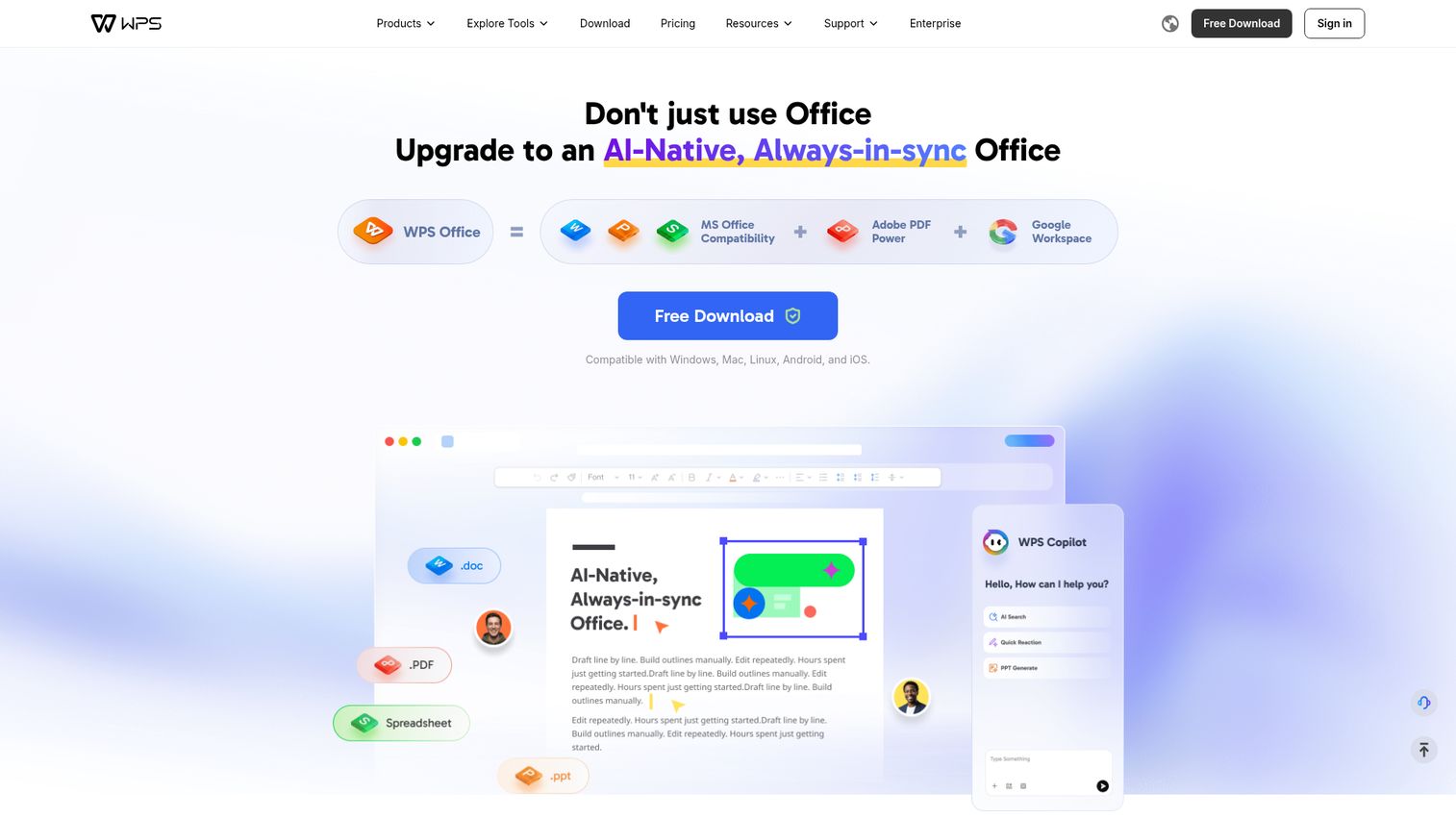
WPS Office (formerly Kingsoft Office) is a freemium office suite with strong Excel compatibility and a familiar interface. It's popular in Asia and growing globally as an alternative to Excel for users who want desktop-first functionality without the Microsoft 365 price tag.
The tabbed interface lets you open multiple spreadsheets in one window. You get solid .xlsx compatibility, 100+ formulas, pivot tables, PDF conversion, and the WPS AI assistant for formula help and data analysis. It's lightweight and runs well on older hardware.
Best for: Users wanting a free, desktop-first Excel clone for personal use or student work.
Key strengths
- Free tier with robust spreadsheet features included
- Familiar Excel-like interface reduces learning curve
- Tabbed interface for managing multiple spreadsheets
- Cross-platform: Windows, macOS, Linux, iOS, Android, web
- Built-in PDF tools and WPS AI assistant
Pricing: Free (ad-supported). WPS Pro costs approximately $35.99/year. Verify current pricing on the WPS Office website.
The concerns: the free version shows ads, there are documented privacy concerns around data collection, some advanced features sit behind the paywall, and the formula library is smaller than Excel's.
10. Quip (Salesforce) - best for Salesforce-integrated spreadsheets
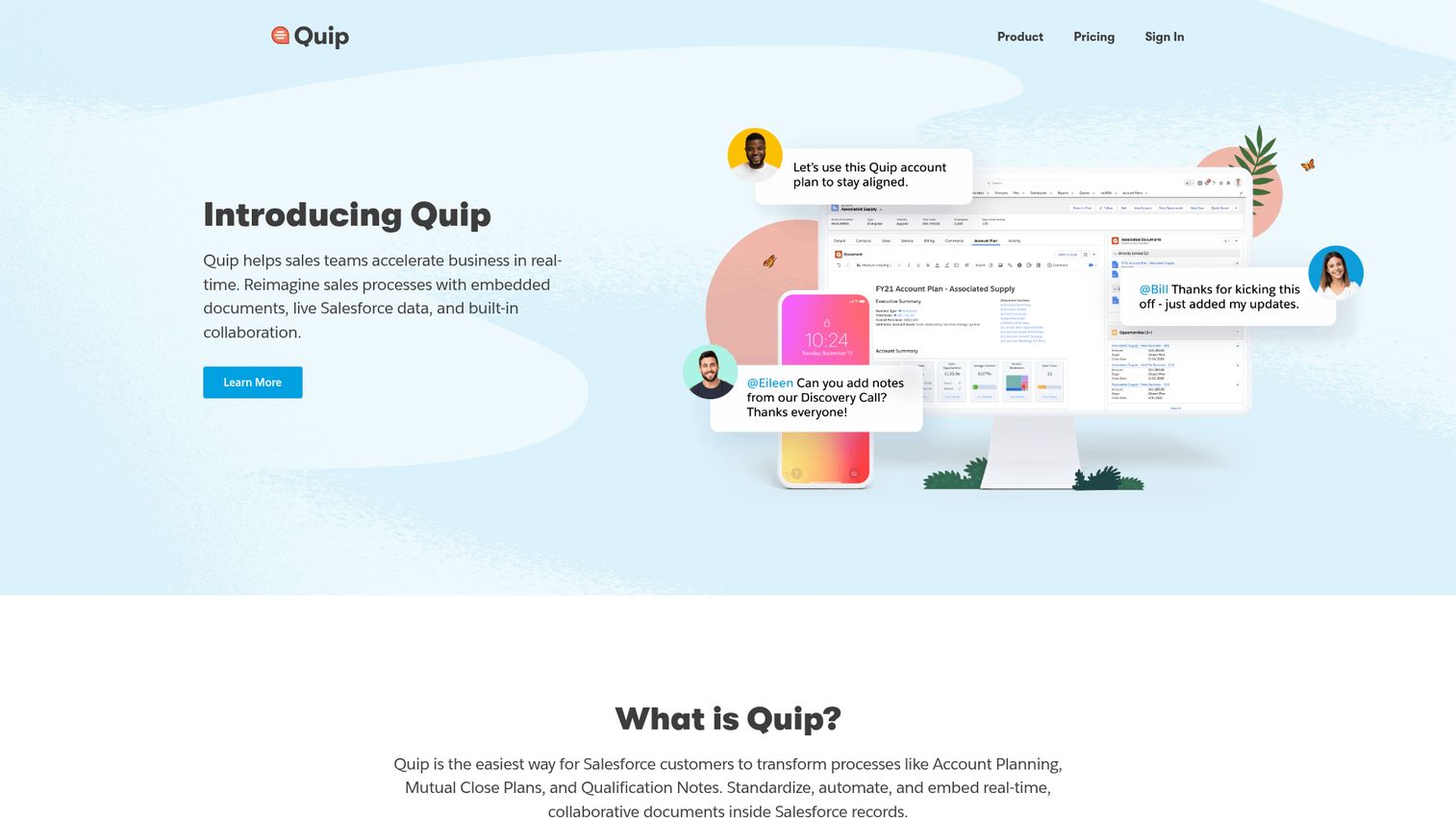
Quip is a collaborative productivity tool by Salesforce that combines documents, spreadsheets, and chat in one interface. Its core value proposition is pulling live Salesforce data directly into spreadsheets - if you're not using Salesforce, Quip offers limited standalone value. You can explore the Salesforce interactive demo to see the broader ecosystem.
You get embedded chat alongside spreadsheets, @mentions, task lists, templates, and basic spreadsheet functions. The real-time co-editing is solid, and notifications keep teams aligned.
Best for: Sales teams using Salesforce who need collaborative spreadsheets tied to CRM data.
Key strengths
- Live Salesforce data embedded directly in spreadsheets
- Built-in chat alongside documents and sheets
- Real-time co-editing with @mentions and notifications
- Templates designed for sales workflows and reporting
- Mobile apps for iOS and Android access
Pricing: Quip Starter costs approximately $10/user/mo as part of Salesforce add-ons. No free plan. Verify current pricing on the Quip website.
The limitations are significant for non-Salesforce users: spreadsheet functionality is basic compared to Excel or Sheets, the tool is expensive without the Salesforce ecosystem to justify it, and formula support is limited.
11. Coda - best for docs-meet-spreadsheets workflows
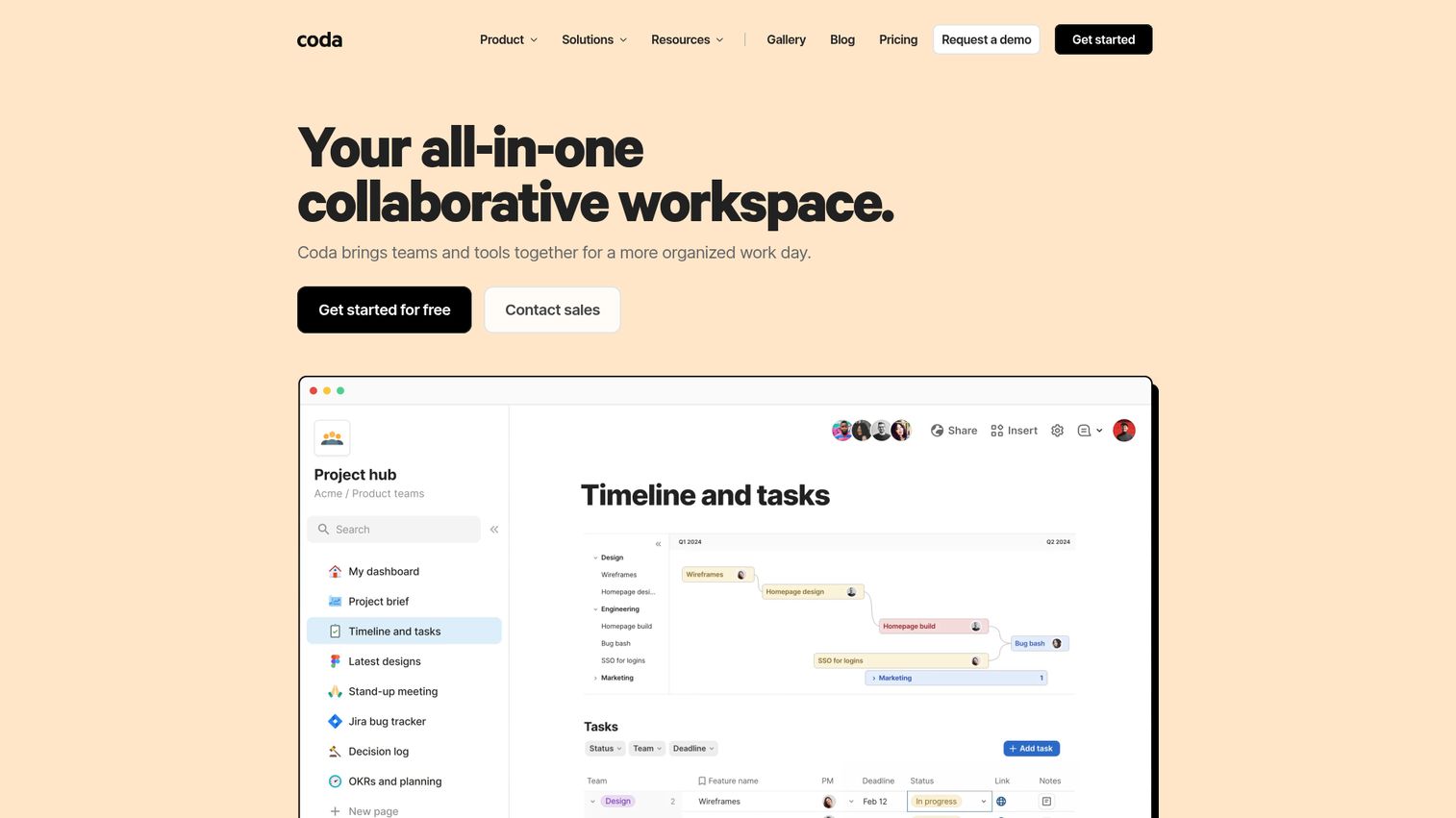
Coda is an all-in-one doc that blends the flexibility of documents, spreadsheets, and lightweight applications. It's not a traditional spreadsheet - it's a doc-first tool with powerful table and formula capabilities built in.
You get tables with formula columns, automations via Packs (integrations with Gmail, Slack, Jira, and more), buttons and controls, conditional views, an AI assistant, and a growing template library. The result is something closer to a custom internal tool than a standard spreadsheet program. Teams looking to streamline workflows further often pair tools like Coda with marketing automation software.
Best for: Teams wanting to replace multiple tools (docs + sheets + lightweight apps), product teams, and startups building custom workflows.
Key strengths
- Combines documents, tables, and app-like functionality
- Powerful automations via Packs integrations
- AI assistant for formula and content generation
- Buttons, controls, and conditional views in docs
- Growing template library for common team workflows
Pricing: Free with limits on doc size and automations. Pro starts at approximately $10/user/mo. Team runs approximately $30/user/mo. Verify current pricing on the Coda website.
The downsides: Coda can't handle massive datasets the way Excel can, it has a steep learning curve for advanced features, performance degrades with large docs, and it doesn't import or export Excel files natively.
12. CryptPad Sheet - best for privacy-first spreadsheets
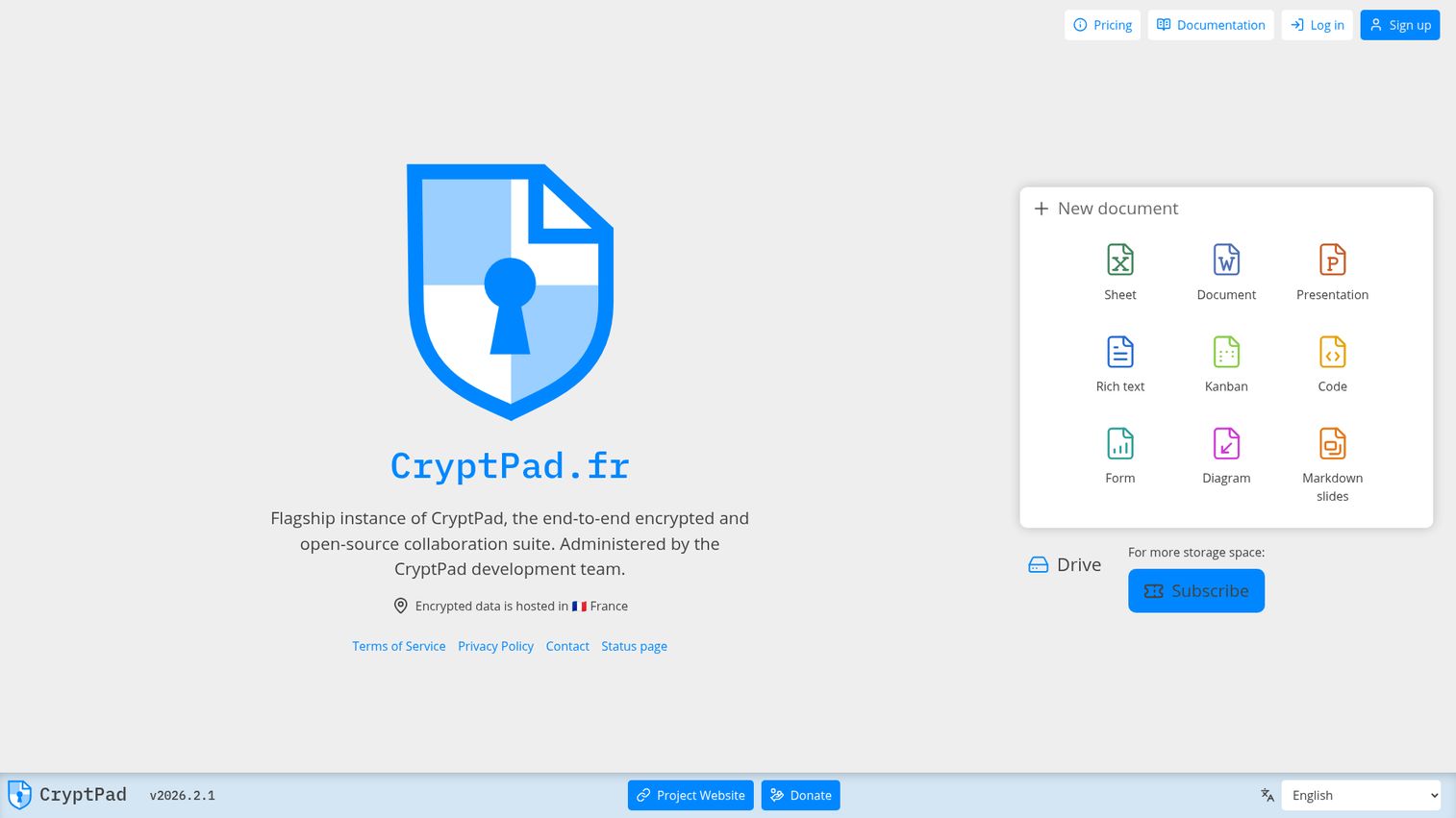
CryptPad is an open-source, end-to-end encrypted collaborative suite. The Sheet module offers basic spreadsheet functionality with zero-knowledge encryption - meaning even the server operators can't read your data.
You get basic formulas, formatting, real-time collaboration, and link-based sharing. No account is required for basic use. Self-hosting is available for organizations that want full control over their data infrastructure.
Best for: Journalists, activists, privacy-conscious individuals, organizations handling sensitive data, and anyone who needs encrypted collaboration.
Key strengths
- End-to-end encryption with zero-knowledge architecture
- Open-source and self-hostable for full data control
- No account required for basic anonymous editing
- GDPR-friendly with European hosting options
- Real-time encrypted co-editing via shared links
Pricing: Free with 50 MB storage. Premium plans start at approximately €5/mo for more storage. Self-hosting is free. Verify current pricing on the CryptPad website.
The trade-offs are substantial: spreadsheet features are limited compared to any other tool on this list, there are no mobile apps, performance suffers with large datasets, the user community is small, and there's no Excel import/export. CryptPad Sheet is the right choice only when privacy is the top priority.
13. Rows - best for data-connected spreadsheets
Rows is a modern, cloud-based spreadsheet designed for pulling live data from APIs, databases, and SaaS tools directly into cells. Think of it as Google Sheets meets a data integration platform.
Built-in integrations let you pull data from Google Analytics, Stripe, HubSpot, Twitter, and dozens of other sources without leaving the spreadsheet. The AI assistant helps with analysis and formula generation. You can also create charts and dashboards, then share them as interactive pages - a feature that makes Rows popular with marketing and growth teams. If you're building data-driven marketing reports, you may also want to explore the best content marketing tools that complement spreadsheet-based workflows.
Best for: Marketing analysts, growth teams, data-driven startups, and anyone building live dashboards from multiple data sources.
Key strengths
- Built-in integrations with 50+ SaaS data sources
- AI assistant for analysis and formula generation
- Shareable interactive dashboards and reports
- SQL-like queries directly within the spreadsheet
- Modern, clean interface designed for data workflows
Pricing: Free tier with limited integrations and rows. Pro starts at approximately $59/user/mo. Verify current pricing on the Rows website.
The honest concerns: Rows is expensive, it has limited offline use, it's not suited for traditional spreadsheet tasks like budgeting or bookkeeping, and the formula library is smaller than Excel's or Sheets'.
14. Apache OpenOffice Calc - best legacy free option
Apache OpenOffice Calc is one of the original open-source spreadsheet programs, and it's still maintained - though development has slowed considerably compared to LibreOffice (which forked from the same codebase).
You get basic to intermediate formula support, charts, pivot tables via DataPilot, macros, .xlsx compatibility (imperfect), and PDF export. It's lightweight and runs on older hardware without issue.
Best for: Users on older hardware, those who prefer a simple free desktop spreadsheet, and legacy document compatibility needs.
Key strengths
- Completely free under Apache License 2.0
- Lightweight enough for older or low-spec hardware
- No account or internet connection required
- Basic pivot tables, charts, and macro support
- Familiar interface for long-time OpenOffice users
Pricing: Completely free. Open-source.
The candid assessment: development has slowed significantly, the UI looks outdated, .xlsx compatibility is imperfect, there are no cloud or mobile features, and security updates are less frequent than LibreOffice. For most users, LibreOffice Calc is the better free desktop choice in 2026. Apache OpenOffice Calc remains a viable option mainly for users already familiar with it or running constrained hardware.
15. Sourcetable - best AI-native spreadsheet
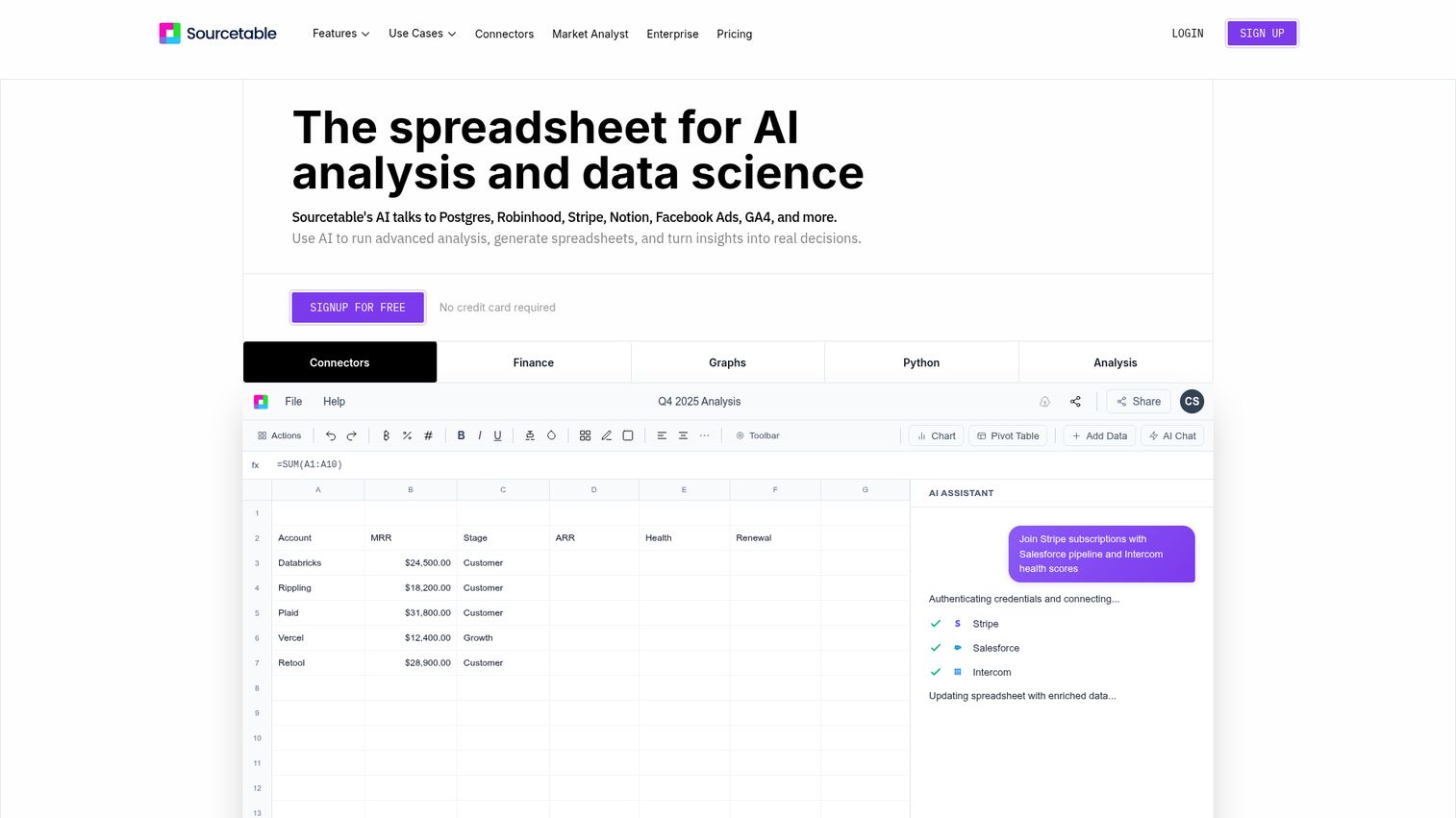
Sourcetable is a newer entrant that puts artificial intelligence at the center of the spreadsheet experience. Instead of writing formulas manually, you describe what you want in plain language and the AI handles the rest - data analysis, chart generation, data cleaning, and formula creation. The rise of AI-native tools like Sourcetable mirrors the broader trend of AI sales tools transforming how teams work with data.
Integrations with databases and APIs let you connect external data sources. The interface is modern and designed for users who want to analyze data without learning spreadsheet syntax.
Best for: Non-technical users, business analysts who want AI-assisted data work, and teams exploring AI-first tools.
Key strengths
- AI-powered analysis via natural language prompts
- Automated chart generation and data cleaning
- Database and API integrations for live data
- Low learning curve for non-technical users
- Modern interface designed around AI interaction
Pricing: Freemium model - verify current pricing on the Sourcetable website as plans are still evolving.
The caveats: Sourcetable is a newer product with a smaller community, which means potential stability concerns and fewer community resources. Advanced users may find the feature set limiting compared to Excel or Sheets. And there's an inherent dependency on AI accuracy - when the AI gets a formula wrong, you need enough spreadsheet knowledge to catch the error.
How to choose the right spreadsheet software
With 15 options on the table, narrowing down your choice comes down to a few key factors.
Budget
If you're paying nothing, your strongest options are Google Sheets (cloud), LibreOffice Calc (desktop), and Apache OpenOffice Calc (desktop legacy). If budget is available, Microsoft Excel offers the deepest feature set, and Zoho Sheet provides strong value at approximately $3/user/mo.
Use case
Simple data entry and budgets? Google Sheets or Apple Numbers. Complex financial modeling? Microsoft Excel. Project tracking and workflows? Smartsheet. Database-like organization? Airtable. Live data dashboards? Rows.
Collaboration needs
Solo use points toward LibreOffice Calc or Apple Numbers. Team collaboration works best with Google Sheets, Excel Online, or Airtable. If your team lives in Salesforce, Quip connects spreadsheets to CRM data directly. For SaaS teams looking to onboard users or showcase product features interactively, interactive demo software can complement your spreadsheet workflows by turning data-driven processes into guided walkthroughs.
Platform requirements
Desktop-first users should look at LibreOffice Calc, Excel, or WPS Office. Cloud-first teams tend to prefer Google Sheets, Rows, or Coda. Cross-platform needs are well served by WPS Office and ONLYOFFICE, which cover Windows, Mac, Linux, web, and mobile.
Data privacy
If data sovereignty matters, ONLYOFFICE and CryptPad Sheet offer self-hosting. CryptPad provides end-to-end encryption. Zoho Sheet is GDPR-compliant with regional data centers. Most cloud-based tools store data on vendor servers - check their compliance certifications before committing.
AI features
Microsoft Excel (Copilot) and Google Sheets (Gemini) lead among traditional spreadsheets. Rows and Sourcetable are built around AI from the ground up. Coda and Zoho Sheet (Zia) offer AI assistants as supplementary features. This is the fastest-moving area in spreadsheet software - expect capabilities to expand throughout 2026.
Free vs. paid spreadsheet software
| Factor | Free Options | Paid Options |
|---|---|---|
| Examples | Google Sheets, LibreOffice Calc, Apache OpenOffice Calc, CryptPad | Excel (desktop), Smartsheet, Airtable (Team+), Rows (Pro) |
| Best for | Personal use, students, small teams, budget-constrained orgs | Enterprise teams, power users, complex workflows |
| Collaboration | Google Sheets excels; others are limited | Excel Online, Smartsheet, Airtable all strong |
| AI features | Google Sheets (Gemini), basic | Excel (Copilot), Rows, Sourcetable - more advanced |
| Support | Community forums, documentation | Dedicated support, SLAs, onboarding |
| Data limits | Varies; Google Sheets caps at ~10M cells | Higher or no limits on paid tiers |
Most paid tools offer free tiers or trials. Start there before committing to annual subscriptions.
Closing
The spreadsheet software market in 2026 ranges from zero-cost open-source tools to AI-powered platforms that write formulas from plain English. The right pick depends entirely on your specific workflow, team size, and budget. Try the free versions of your top picks and see which fits your workflow best.
Frequently asked questions about spreadsheet software
Google Sheets is the best free cloud spreadsheet - it offers the strongest balance of features, collaboration, and Gemini AI at no cost. For desktop use, LibreOffice Calc provides the most capable free option with full offline functionality. Apache OpenOffice Calc and CryptPad Sheet are also free alternatives, though with more limited feature sets.
Spreadsheets organize data in rows and columns with formulas for calculation, visualization, and ad-hoc analysis. Databases use structured tables with defined relationships, queries (typically SQL), and are designed for larger datasets with strict data integrity rules. Airtable sits in the middle as a hybrid - it uses a spreadsheet-like interface backed by relational database architecture.
Yes. Excel for the web is free with a Microsoft account, though it has limited features compared to the desktop version - no macros, no Power Query, and reduced formula support. The mobile app is also free with basic editing capabilities. The full desktop app requires a Microsoft 365 subscription starting at approximately $6.99/mo.
Microsoft Excel's Copilot and Google Sheets' Gemini lead among traditional spreadsheet programs, offering formula generation, data analysis, and natural-language queries. Rows and Sourcetable go further by building their entire experience around AI - Sourcetable in particular is designed for users who prefer prompts over formulas. This is a rapidly evolving area in 2026, with capabilities expanding across most major tools.
For collaboration and everyday use, Google Sheets is often the better choice - it's free, auto-saves, and handles real-time co-editing better than any competitor. For advanced data analysis, complex formulas, macros/VBA, Power Query, and large datasets (1M+ rows), Excel remains clearly superior. The answer depends on whether you prioritize collaboration or analytical depth.
Google Sheets is the strongest starting point - it's free, collaborative, and integrates with hundreds of tools. Zoho Sheet is worth considering if you already use Zoho CRM, as it starts at approximately $3/user/mo with strong ecosystem integration. If your budget allows and you need advanced features, Microsoft Excel provides the most capable spreadsheet experience. For project-heavy teams, Smartsheet adds workflow management on top of the spreadsheet format.
Yes. Microsoft Excel (desktop), LibreOffice Calc, Apache OpenOffice Calc, WPS Office, and Apple Numbers all work fully offline with no internet connection required. Google Sheets offers an offline mode through Chrome, but functionality is limited - you can edit existing sheets but can't access add-ons or real-time collaboration features. Offline capability is an important consideration for users in areas with unreliable internet.