You shipped an AI feature that works in the demo. Then real traffic hits it. Retrieval slows down, results drift off-topic, and filtering that felt trivial in a notebook starts returning the wrong records. The model was never the problem. The retrieval layer was.
Choosing the wrong vector database software is expensive in ways that do not show up until production. Weak filtering means irrelevant results reach your users. Poor recall means your RAG system quotes the wrong document. High latency means your semantic search feels broken. And migrating off a system that cannot scale is the kind of rework that eats a quarter of engineering time nobody budgeted for.
This matters more every year. The global vector database market reached roughly USD 2.3 to 2.55 billion in 2025, with forecasts pointing toward USD 9.1 billion or higher by 2035, according to Astute Analytica (2025). Retrieval-augmented generation alone accounts for about 46% of application share, per the same 2025 report. If you are building anything with embeddings, semantic retrieval, or conversational AI, this decision sits on your critical path.
For Product Managers, the stakes map directly to what you own: activation, retention, and the engineering cost of getting there. A good vector search engine reduces time to validate a feature. A bad one becomes a maintenance tax that competes with every other roadmap item. The same evaluation discipline applies whether you are choosing retrieval infrastructure or the b2b contact database software that feeds your go-to-market data. The pattern is identical: test against your real workload before you commit.
What's inside
This guide covers the leading vector database software options for 2026, built for Product Managers who need to balance technical fit with team efficiency. We chose tools based on four criteria that decide real outcomes: retrieval quality (recall, relevance, and hybrid search), filtering and metadata support, deployment flexibility across managed and self-hosted models, and production readiness including latency, scale, and governance. Each entry names who it fits, what it does well, and how pricing works, so you can shortlist without reading eight separate docs sites. Pricing and ratings reflect verified sources at the time of writing.
TL;DR
- Best for managed production teams: Pinecone. Serverless vector search with low infrastructure overhead, strong for RAG and recommendations.
- Best open-source with production controls: Qdrant. Native hybrid search, advanced filtering, and multivector support.
- Best for AI-native retrieval workflows: Weaviate. Hybrid search plus RAG and agent-driven workflows in one platform.
- Best for high-scale self-hosted workloads: Milvus. Distributed architecture built for large vector volumes.
- Best managed route for Milvus teams: Zilliz Cloud. Fully managed Milvus with AutoIndex and BYOC options.
- Best for teams already on MongoDB or Postgres: MongoDB Atlas Vector Search and pgvector. Vector search inside a database you already run.
What is vector database software?
Vector database software is a system built to store, index, and search high-dimensional vectors, called embeddings, so you can retrieve items by meaning rather than exact keyword match. Instead of matching the literal string "cancel my plan," a vector search returns records semantically close to it, like "end my subscription," even when no words overlap.
Embeddings are numerical representations of text, images, audio, or user behavior, produced by machine learning models. Similar concepts land close together in vector space. A vector database measures that closeness at scale, which is why keyword search alone falls short for AI features. Keyword search matches tokens. Semantic search matches intent.
Here are the core concepts a vector DB is built around:
- ANN indexing: Approximate nearest neighbor indexing finds the closest vectors fast without scanning every record, trading a small amount of exactness for large speed gains.
- Index types: HNSW, IVF, IVFPQ, and LSH structure vectors for fast retrieval; quantization compresses vectors to cut memory and cost.
- Hybrid retrieval: Combining dense (semantic) and sparse (keyword, such as BM25) signals catches both meaning and exact terms in one query.
- Metadata filtering: Restricting results by attributes like user ID, date, or category so semantic matches respect business rules.
- RAG and semantic search: Retrieval-augmented generation pulls relevant context from the vector store to ground an LLM's answer in your data.
- Latency, throughput, and real-time indexing: How fast queries return, how many run concurrently, and how quickly new data becomes searchable.
Get these right and your AI features feel accurate and instant. Get them wrong and no amount of prompt engineering will save the experience.
When to use vector database software
Not every feature needs a dedicated vector search engine. These three scenarios are where one earns its place.
Power semantic search and RAG
If you are building retrieval-augmented generation or search that understands intent, this is the core use case. RAG systems retrieve relevant chunks from your knowledge base, then feed them to an LLM so answers stay grounded in your data instead of hallucinated. The quality of that retrieval determines the quality of every answer. A production vector database gives you the recall, filtering, and low latency to make context-aware results feel reliable, which is exactly what users expect from a modern AI product experience.
Support recommendations and personalization
Vector similarity search powers "you might also like" without hand-tuned rules. Encode products, articles, or user behavior as embeddings, and related-item retrieval becomes a nearest-neighbor query. This drives recommendation systems, content matching, and personalization that adapt as your catalog grows. For a PM chasing engagement and expansion metrics, this is a direct lever on activation and retention, with far less rules maintenance than legacy approaches.
Add intelligent retrieval to production systems
Prototypes tolerate slow, unfiltered search. Production does not. When you need metadata filtering at scale, predictable latency, and reliability under concurrent load, a dedicated vector database becomes infrastructure rather than an experiment. This is also where governance enters: an enterprise vector database brings RBAC, SSO, private networking, and compliance controls that a notebook never will. Anomaly detection, fraud signals, and conversational AI all lean on this same reliable retrieval layer.
Comparison table
This table gives you the fast scan: intent, primary use case, entry pricing, and community rating for each vector database software option. Use it to narrow to two or three, then read the full sections before you test.
| # | Product | Intent | Key use case | Pricing | G2 rating |
|---|---|---|---|---|---|
| 1 | Pinecone | Managed production search | RAG, semantic search, recommendations | Free; Builder $20/mo | 4.6/5 |
| 2 | Qdrant | Open-source with production controls | Hybrid search, filtering, multivector | Free forever; usage-based | 4.5/5 |
| 3 | Weaviate | AI-native retrieval platform | Hybrid search, RAG, agent workflows | $0/mo; Flex $45/mo | 4.6/5 |
| 4 | Milvus | High-scale self-hosted | Large-scale similarity search | Free (open source) | 4.8/5 |
| 5 | Zilliz Cloud | Managed Milvus at scale | Managed vector search, AutoIndex | Free; Standard pay-as-you-go | 4.7/5 |
| 6 | MongoDB Atlas Vector Search | Vector search in your database | Semantic search on Atlas | Free; Flex from $0.011/hr | 4.5/5 |
| 7 | Redis | Low-latency retrieval | Semantic cache, hybrid search | Free; Essentials $5/mo | 4.6/5 |
| 8 | pgvector | Postgres-native vectors | Vector search inside Postgres | Free (open source) | 3.8/5 |
1. Pinecone
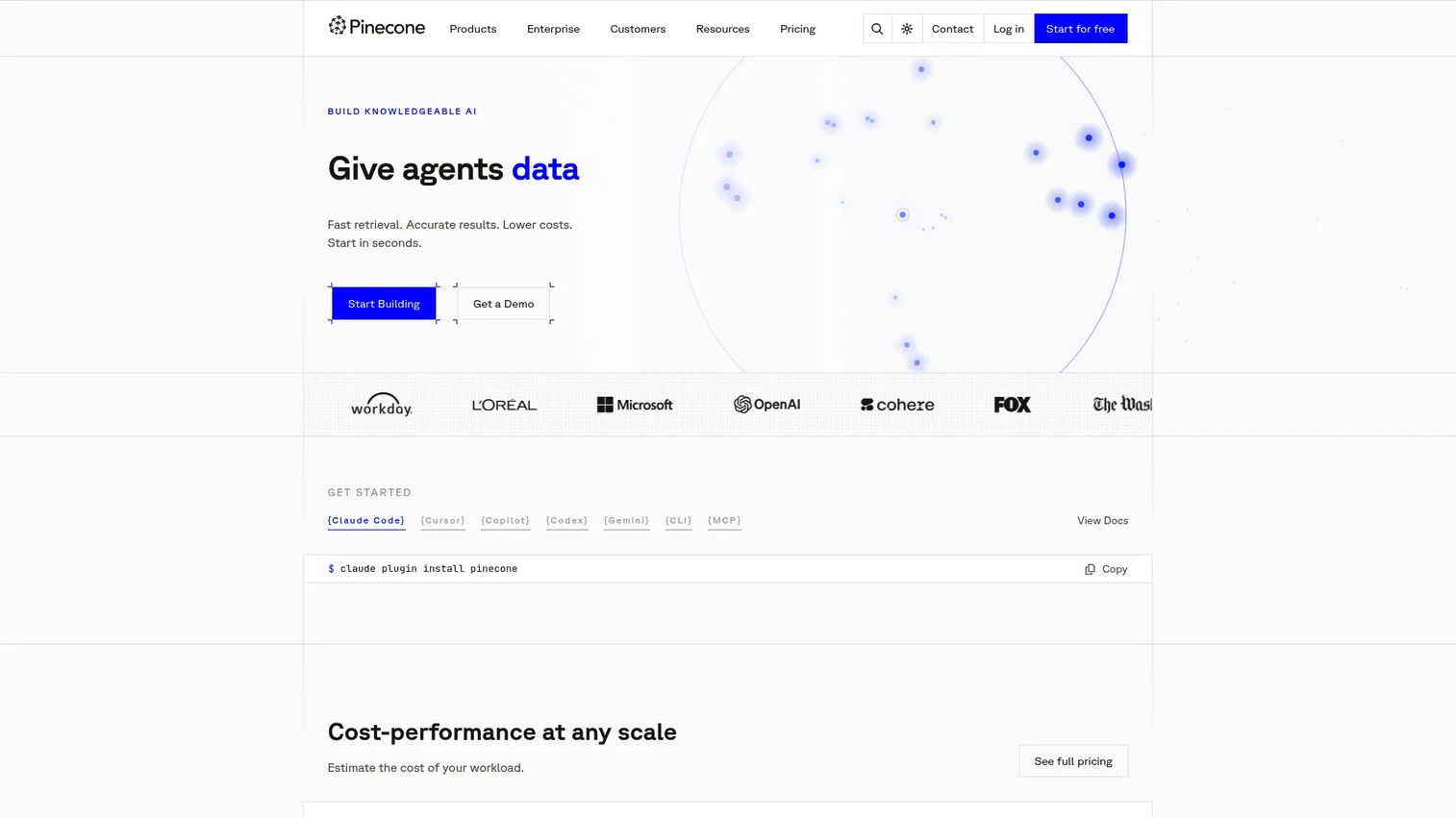
Pinecone is a fully managed vector database built for production AI search, retrieval, and assistant applications. It handles serverless vector search so your team writes queries, not infrastructure. For PMs who need to validate an AI feature fast without pulling engineers into index tuning and cluster ops, Pinecone removes the parts of the stack that usually stall a launch.
The platform covers semantic search, hybrid retrieval, and hosted embeddings, so you can go from raw data to a working RAG pipeline without stitching together separate services. Teams pick it when speed to production matters more than deep infrastructure control.
Best for: Teams building production AI search, RAG, and recommendation systems who want minimal operational overhead.
Key strengths
- Semantic search: Retrieve by meaning at scale, the foundation for RAG and intent-aware search.
- Hybrid retrieval: Combine dense and sparse signals so exact terms and semantic matches both surface.
- Hosted embeddings and inference: Generate and store embeddings in one place, cutting the number of services you maintain.
Why choose Pinecone: If your team is small on infrastructure bandwidth and you want a vector search engine that scales without becoming a second full-time job, Pinecone is the direct route. The tradeoff of managed convenience is less low-level control, which matters more to platform teams than to product teams shipping features.
Pinecone pricing: Pinecone starts with a free Starter plan. The Builder tier is $20 per month flat. Standard begins at a $50 per month usage minimum with pay-as-you-go beyond that, and Enterprise starts at a $500 per month minimum. That structure lets you validate on the free tier and scale spend with actual usage.
2. Qdrant
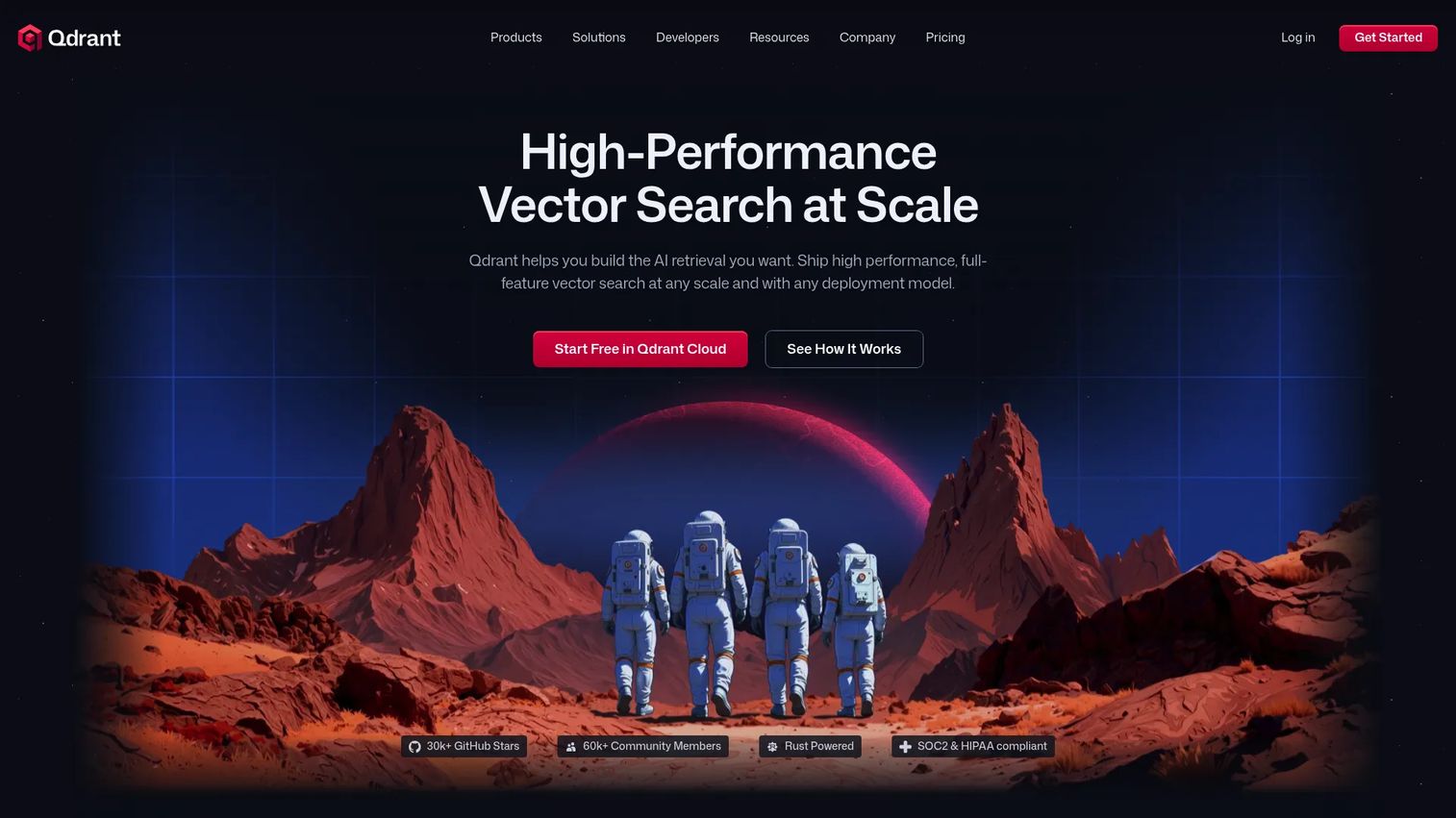
Qdrant is a high-performance vector search engine and database for AI retrieval, built for teams that want open-source flexibility alongside production-grade controls. It is a strong fit when you need vector search at scale for RAG, semantic search, or recommendation systems and want to avoid vendor lock-in.
Qdrant stands out on filtering. Its advanced metadata filtering runs alongside vector search rather than as a slow post-filter step, which keeps results both relevant and fast. Native hybrid search and built-in multivector support round out a feature set aimed at real production workloads.
Best for: Teams building AI search, RAG, or recommendations that need high-performance vector search with strong filtering.
Key strengths
- Native hybrid dense and sparse search: One query blends semantic and keyword signals for better relevance.
- Advanced metadata filtering: Filter by attributes without sacrificing query speed, critical for business-rule-aware retrieval.
- Built-in multivector search: Store and search multiple vectors per record for richer, more nuanced matching.
Why choose Qdrant: For teams that value open-source control but still need managed options and enterprise deployment, Qdrant covers both without forcing a choice. Its filtering approach is a genuine differentiator for anything where metadata constraints matter as much as semantic closeness.
Qdrant pricing: Qdrant Cloud offers a Free Tier that stays free forever, a usage-based Standard Tier billed monthly, and Premium, Hybrid Cloud, and Private Cloud options priced on request. The free-forever tier makes it easy to prototype before committing to a paid plan.
3. Weaviate
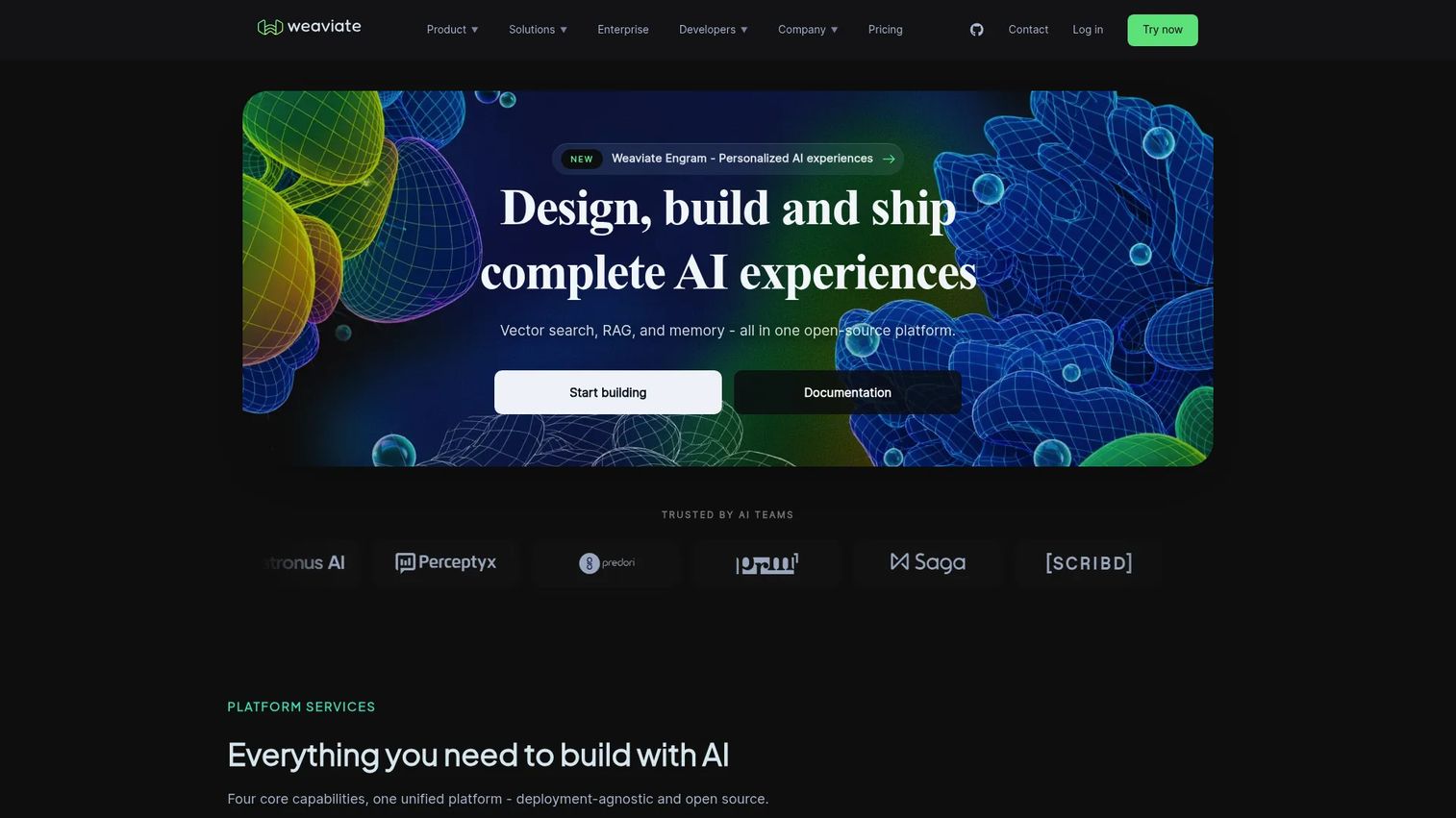
Weaviate is an open-source vector database and managed cloud service for semantic search and AI retrieval. It pushes beyond storage and indexing into a broader application layer, with RAG support and agent-driven workflows built in. That makes it appealing to teams that want more than a bare vector store.
For a PM balancing experimentation against production rollout, Weaviate's range matters. You can prototype semantic search, then extend into RAG and agentic patterns without switching platforms. The result is fewer moving parts across the lifecycle of an AI feature.
Best for: Teams building semantic search, RAG, or AI-native retrieval systems that want an application layer, not just an index.
Key strengths
- Semantic and hybrid search: Blend dense and sparse retrieval for relevance across query types.
- RAG support: Built-in patterns for grounding LLM responses in retrieved context.
- Agent-driven workflows: Structure multi-step AI retrieval directly on the platform.
Why choose Weaviate: Weaviate fits teams that expect their AI retrieval needs to grow from search into RAG and agents. Consolidating those needs in one platform reduces integration work and keeps your architecture simpler as the feature matures.
Weaviate pricing: Weaviate offers a Free plan that is always free, a Flex plan starting at $45 per month on pay-as-you-go, and a Premium plan starting at $400 per month on a prepaid contract. Starting free lets teams validate retrieval quality before scaling into a paid tier.
4. Milvus
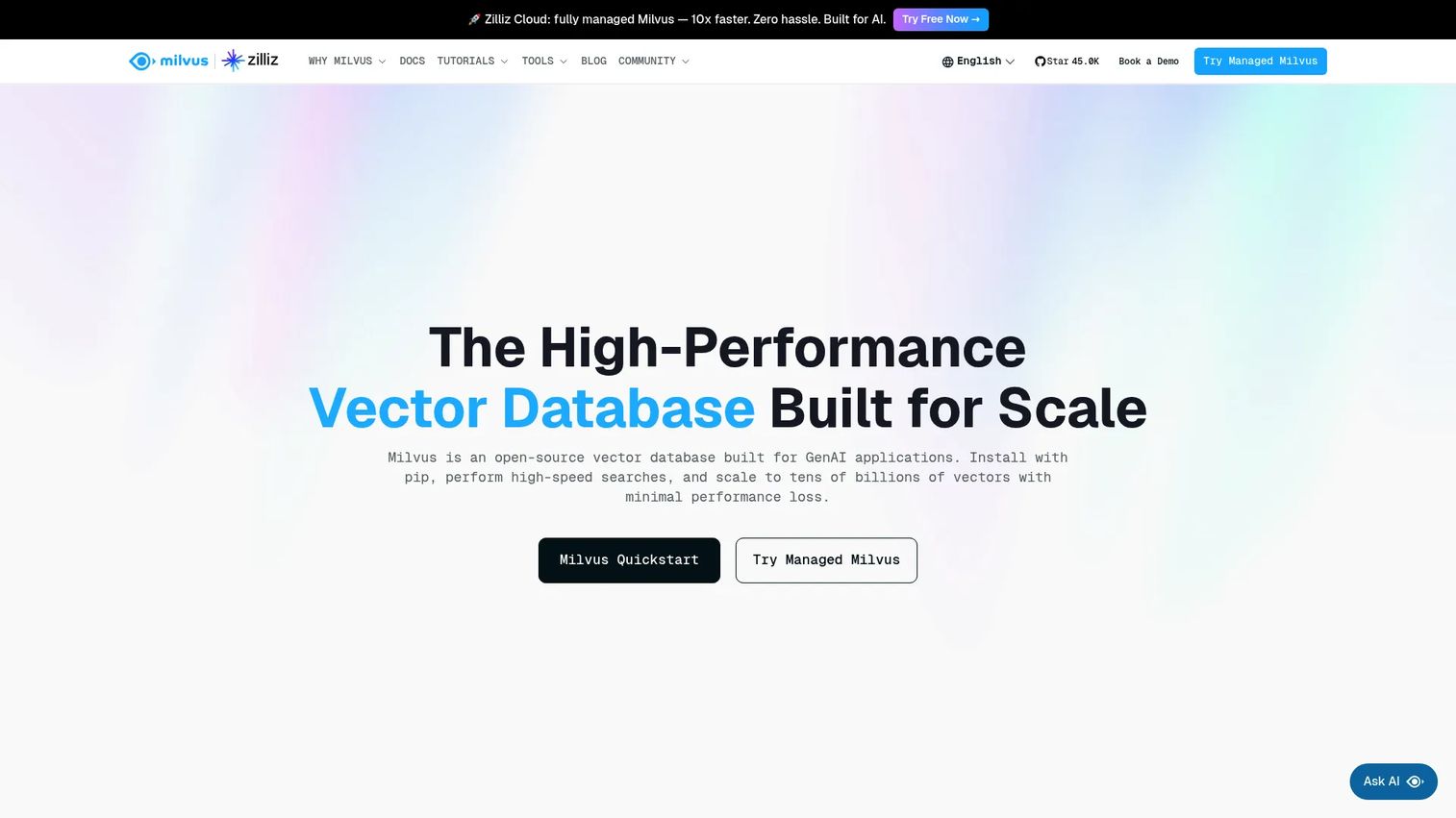
Milvus is an open-source, cloud-native vector database built for high-performance similarity search and AI applications. Its distributed, horizontally scalable architecture is why teams reach for it when vector volumes get serious. If you are planning for billions of vectors rather than millions, Milvus is engineered for that scale.
As a widely adopted open-source project, Milvus gives you deployment flexibility and a large community. It supports hybrid search with metadata filtering, so you get relevance and business-rule constraints together, not one at the expense of the other.
Best for: Teams building scalable vector search for demanding AI and RAG workloads.
Key strengths
- Open-source vector database: Full control over deployment with no license cost for the core project.
- Hybrid search with metadata filtering: Combine semantic matching with attribute constraints in one query.
- Distributed, horizontally scalable architecture: Add nodes to handle growing vector volumes without re-architecting.
Why choose Milvus: Milvus is the pick when scale and self-hosted control are non-negotiable. It carries operational responsibility that suits teams with the infrastructure capacity to run it, and it rewards that investment with performance at volumes many managed services are not built for.
Milvus pricing: Milvus itself is a fully free, open-source project. There is no license fee for the core software. Teams that want managed operations rather than self-hosting typically move to Zilliz Cloud, the managed offering built by the Milvus creators, covered next.
5. Zilliz Cloud
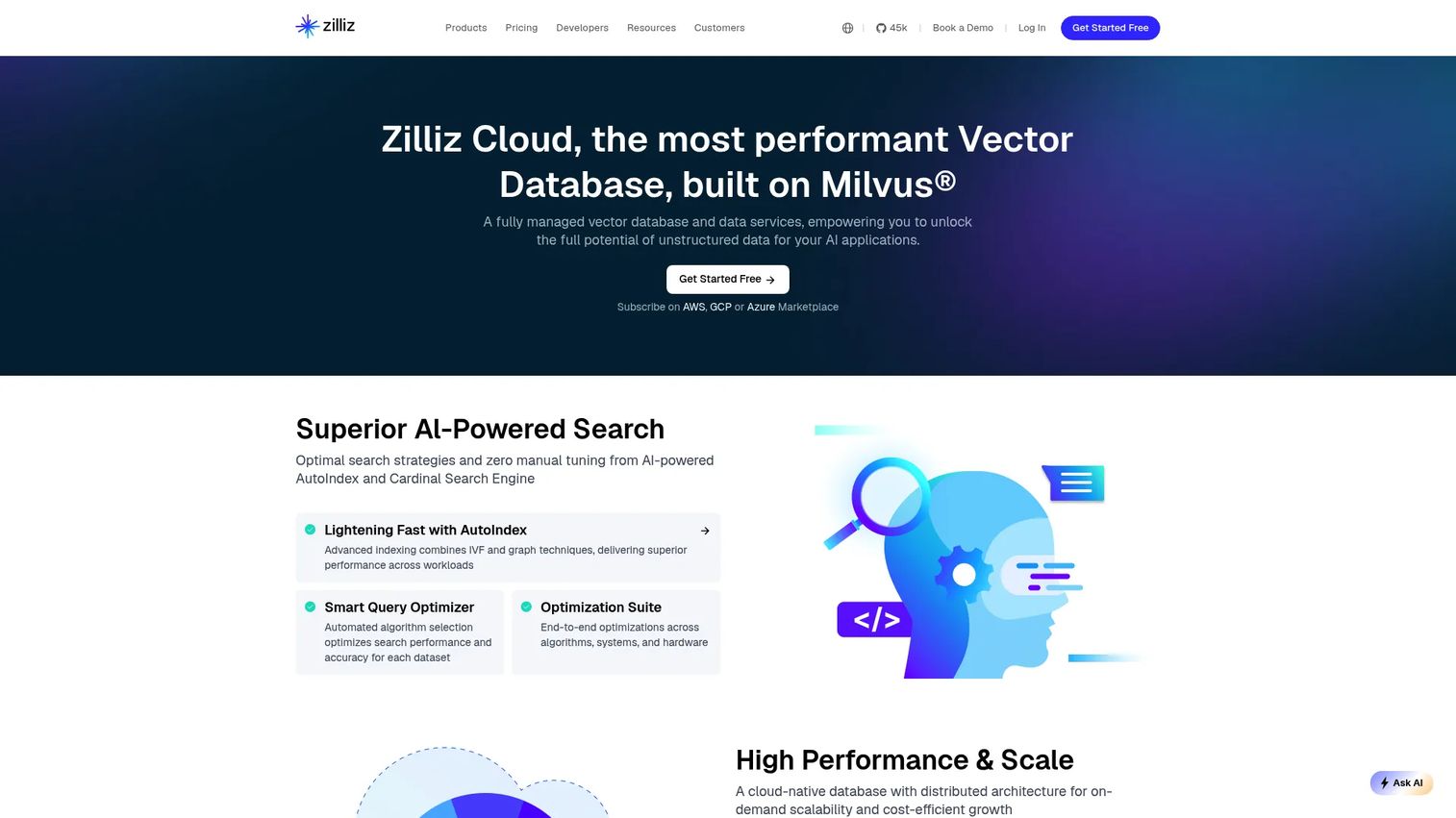
Zilliz Cloud is a fully managed vector database and data service built on Milvus. It gives teams Milvus-grade capabilities without the burden of self-managing infrastructure, indexing, and scaling. For PMs who want the performance profile of Milvus but not the operational load, this is the managed route.
Zilliz Cloud layers on an AI-powered AutoIndex and the Cardinal search engine to tune retrieval automatically, plus hybrid search with multiple similarity metrics. Deployment options span fully managed and bring-your-own-cloud, so it fits both simple and compliance-sensitive setups.
Best for: Teams building production AI apps that need managed vector search at scale without running Milvus themselves.
Key strengths
- AI-powered AutoIndex and Cardinal search engine: Automatic index tuning for strong retrieval without manual configuration.
- Hybrid search with multiple similarity metrics: Match on meaning and exact signals across different distance measures.
- Fully managed and BYOC deployment: Choose managed simplicity or run in your own cloud for governance needs.
Why choose Zilliz Cloud: Zilliz Cloud is the natural choice for Milvus-minded teams that would rather ship features than manage clusters. AutoIndex removes a common tuning burden, and BYOC gives enterprise teams the data-locality controls their security reviews demand.
Zilliz Cloud pricing: Zilliz Cloud offers a free Starter tier and a Standard tier on pay-as-you-go pricing, with additional tiers available as usage grows. Starting free lets you benchmark managed Milvus against your workload before committing spend.
6. MongoDB Atlas Vector Search
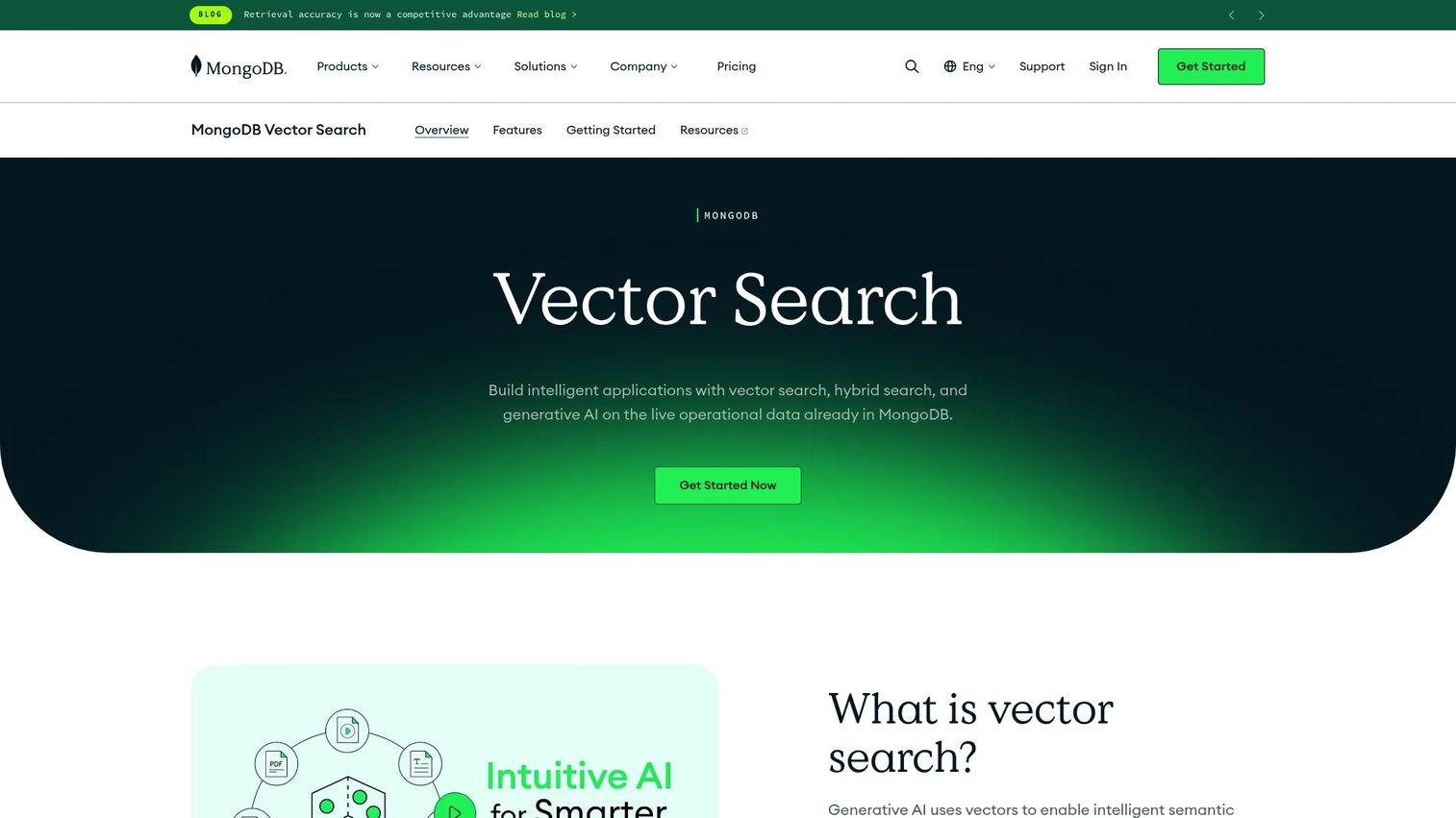
MongoDB Atlas Vector Search brings vector search directly into the operational database many teams already run. Instead of provisioning a separate vector store, you add semantic search and generative AI capabilities to your existing Atlas clusters, keeping your vectors close to your application data.
That data locality is the point. Teams already on MongoDB avoid syncing embeddings between systems and get ANN search, exact nearest neighbor search, and hybrid text-plus-vector queries inside one platform. Fewer systems means less integration surface to maintain.
Best for: Teams already using MongoDB Atlas that want built-in vector search for semantic search and generative AI.
Key strengths
- Approximate nearest neighbor search: Fast retrieval at scale for production semantic search.
- Exact nearest neighbor search: Precise matching when accuracy outweighs speed.
- Hybrid text and vector search: Combine full-text and semantic retrieval in a single query.
Why choose MongoDB Atlas Vector Search: If MongoDB is already your system of record, adding vector search here avoids a whole class of data-sync and operational complexity. The appeal is consolidation: one platform for operational data and semantic retrieval.
MongoDB Atlas Vector Search pricing: Atlas offers a free forever tier, a Flex tier at $0.011 per hour up to about $30 per month, and Dedicated clusters starting at $0.08 per hour. Vector search runs on dedicated search nodes within Atlas, so pricing scales with the cluster tier you choose. The free tier makes early prototyping straightforward.
7. Redis
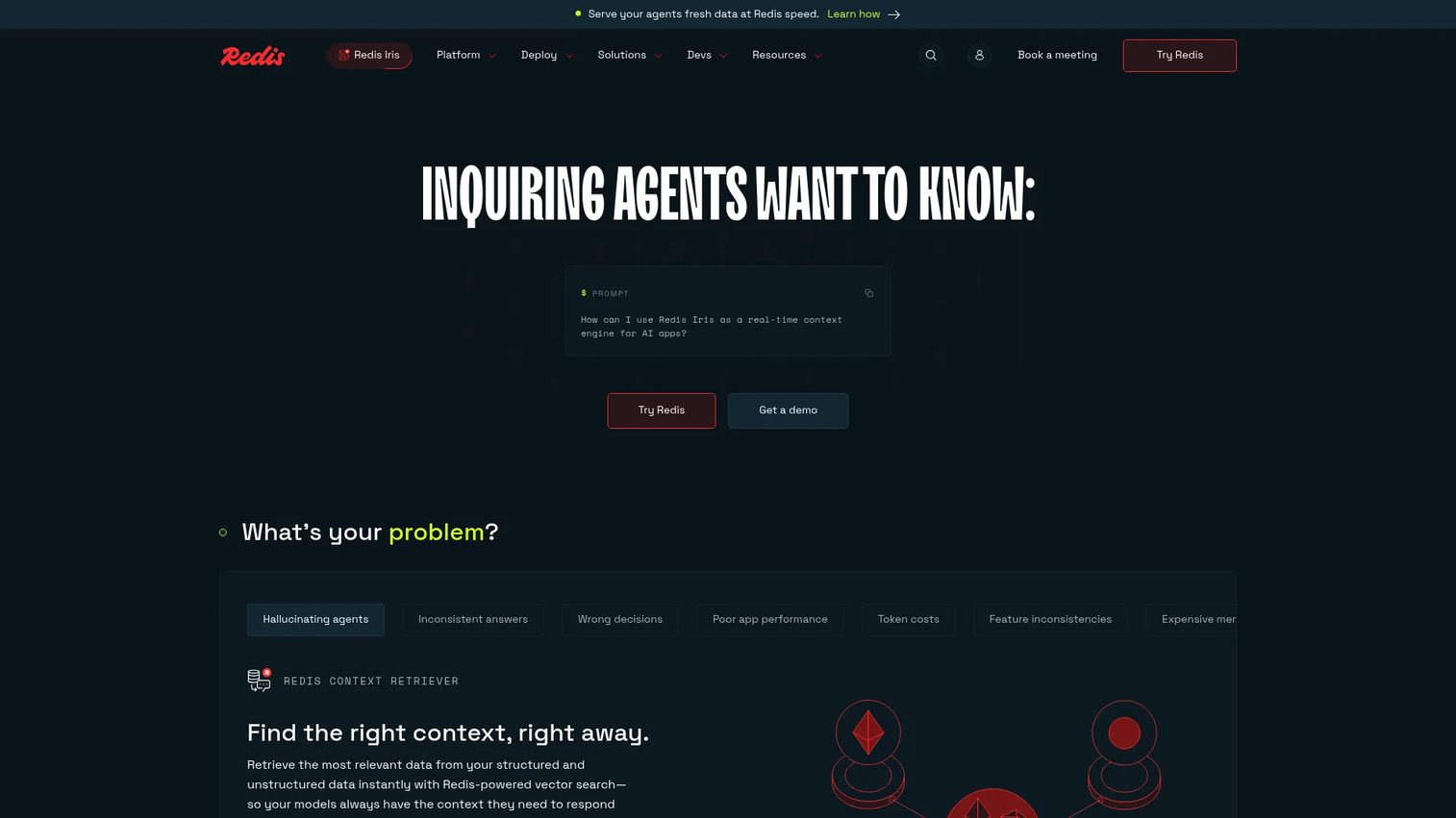
Redis is a real-time data platform known for caching and low-latency workloads, and it now includes vector database and vector search capabilities. For teams where speed is the headline requirement, Redis brings vector similarity search into an engine already built for millisecond responses.
That makes it a strong fit for semantic caching, low-latency retrieval, and hybrid search where structured filtering runs alongside vector matching. Teams already in the Redis ecosystem gain vector search without adding a new system to their stack, which keeps operational overhead flat.
Best for: Teams needing a managed Redis platform for low-latency apps and real-time retrieval use cases.
Key strengths
- Caching: Proven low-latency infrastructure that vector search inherits.
- Search and query: Structured filtering and query support alongside vector matching.
- Vector database and vector search: Semantic retrieval built into a real-time engine.
Why choose Redis: Redis shines when latency targets are aggressive and you want semantic search plus caching in one system. For teams already running Redis, the incremental cost of adding vector search is minimal, and the performance ceiling is high.
Redis pricing: Redis Cloud offers an always-free tier, an Essentials plan from $0.007 per hour totaling about $5 per month, and a Pro plan from $0.014 per hour with the first $200 free and a $200 per month minimum after that. Enterprise and on-premise pricing is quote-based. The free tier supports early testing before you scale.
8. pgvector
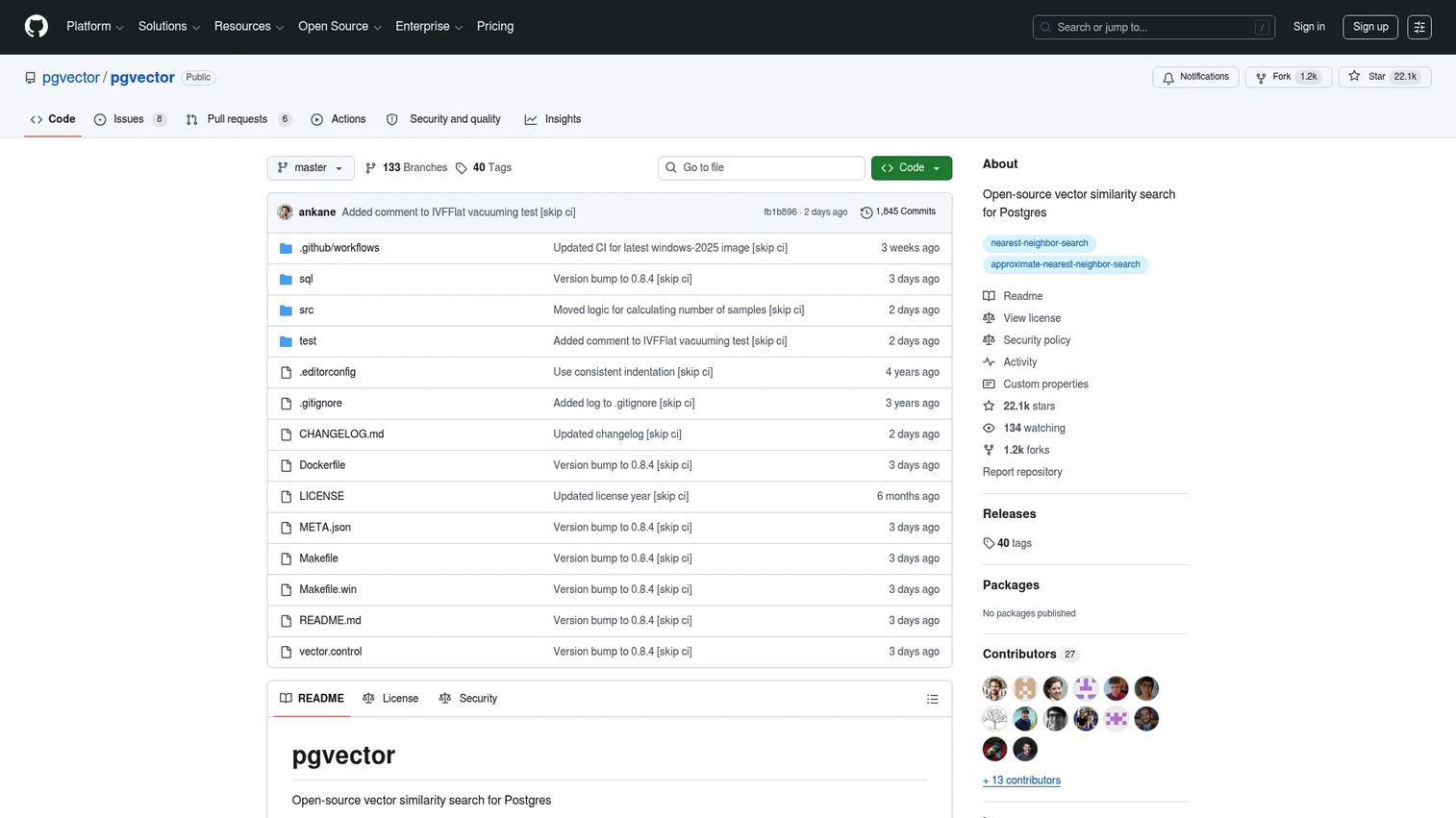
pgvector is an open-source extension that adds vector similarity search to PostgreSQL. For teams already invested in Postgres, it means adding embeddings and semantic search without introducing a new database. Your vectors live next to your relational data, queried with the SQL your team already knows.
pgvector supports both exact and approximate nearest neighbor search, multiple vector types including single-precision, half-precision, binary, and sparse vectors, and multiple distance metrics such as L2, inner product, cosine, L1, Hamming, and Jaccard. That is a substantial toolkit for a Postgres extension.
Best for: Teams that want vector similarity search inside PostgreSQL without a separate system.
Key strengths
- Exact and approximate nearest neighbor search: Choose precision or speed per query.
- Multiple vector types: Support for single-precision, half-precision, binary, and sparse vectors.
- Multiple distance metrics: L2, inner product, cosine, L1, Hamming, and Jaccard for flexible similarity.
Why choose pgvector: pgvector is the honest choice when your existing Postgres investment matters more than specialized vector features. For smaller or simpler production use cases, staying inside one database keeps your architecture lean and your SQL-based workflows intact. As vector volumes and query demands grow, teams often evaluate a dedicated vector search engine alongside it.
pgvector pricing: pgvector is a free, open-source project with no license cost. Your only spend is the Postgres infrastructure you already run or the managed Postgres service you use to host it.
Considerations for choosing vector database software
Beyond the shortlist, five factors decide whether a tool holds up in production. Weigh each against your actual workload, not the marketing benchmarks.
Retrieval quality first
Recall and relevance are the whole point. Build an evaluation set from real queries and measure how often the right result appears in the top-k. Test hybrid search behavior, since dense-only retrieval misses exact terms that matter. Check how reranking and filtering interact, because filtering that degrades recall quietly breaks your feature.
Scale and latency
Sticker-page latency numbers rarely match your reality. Test with your vector count, your dimensionality, and your concurrency. Measure p95 and p99, not just averages, and confirm real-time indexing keeps pace with your write volume. Indexing time under load is often the metric that surprises teams post-launch.
Deployment and governance
Decide early between cloud, self-hosted, and hybrid, because it shapes cost and compliance. For an enterprise vector database, confirm RBAC, SSO, private networking, backups, and the compliance certifications your security team requires. These are gating items in enterprise deals, not afterthoughts.
Ecosystem fit
Check SDK quality, orchestration framework support, and how cleanly the tool slots into your existing data stack. Integration friction is a hidden cost that shows up as engineering time nobody scoped. A tool that fits your stack ships faster than a technically superior one that fights it.
Cost model
Compare total cost of ownership, not sticker price. Factor compute, storage, read and write volume, and the operational overhead of running the system. A free open-source vector database can cost more in engineering time than a managed plan, depending on your team's capacity.
Conclusion
The right vector database software depends on retrieval quality, filtering, deployment model, and how much operational load your team can carry. Pinecone and Zilliz Cloud fit managed production teams that want scale without ops. Qdrant, Weaviate, and Milvus give open-source teams strong retrieval with production controls, from filtering to hybrid search to horizontal scale. MongoDB Atlas Vector Search and pgvector fit teams that would rather add vector search to a database they already run. Redis fits when latency is the headline requirement.
Do not pick from a table. Shortlist two or three, then test them against the same workload: your real queries, your vector count, your latency targets, your filtering rules. The tool that wins on your data is the one to ship. That same test-before-you-commit discipline pays off across your stack, whether you are evaluating retrieval infrastructure or the b2b contact database that powers your go-to-market motion.
For teams also rethinking how they show product value to buyers and users, Guideflow helps you turn your product into self-serve interactive experiences you can capture, personalize, share, and analyze in minutes.
Start your journey with Guideflow today!
FAQs
Vector database software stores and searches embeddings so applications can retrieve information by meaning rather than exact keywords. It powers semantic search, retrieval-augmented generation, recommendation systems, conversational AI, and anomaly detection. Any AI feature that needs to find similar items at scale relies on this retrieval layer.
A relational database stores structured rows and columns and queries them with exact matches and joins. A vector database stores high-dimensional embeddings and queries them by similarity, returning the closest matches in vector space. Many teams use both: relational for transactional data, vector for semantic retrieval, and some tools like pgvector and MongoDB Atlas Vector Search combine both in one system.
ANN stands for approximate nearest neighbor. Instead of comparing a query against every stored vector, ANN indexing uses structures like HNSW or IVF to find the closest matches quickly, trading a small amount of exactness for large gains in speed. It is what makes vector similarity search fast enough for production at scale.
Use hybrid search when exact terms matter alongside meaning, such as product codes, names, or specific terminology that pure semantic search can miss. Hybrid search blends dense (semantic) and sparse (keyword, like BM25) signals in one query. It usually improves relevance for real-world queries that mix intent with precise terms.
pgvector runs in production for many teams, especially where the existing Postgres investment matters and vector volumes are moderate. It supports exact and approximate nearest neighbor search, multiple vector types, and several distance metrics. As vector counts and query concurrency grow, teams often benchmark a dedicated vector search engine alongside it to compare latency and scale.
There is no single answer, since RAG accounts for roughly 46% of vector database application share per Astute Analytica (2025) and every tool here supports it. Pinecone and Weaviate suit teams wanting managed, RAG-ready platforms. Qdrant and Milvus fit teams wanting open-source control. The best choice is the one that hits your recall, latency, and filtering targets on your own data.
Evaluate retrieval quality against a real query set, latency and throughput under your actual load, deployment and governance fit, ecosystem and SDK compatibility, and total cost of ownership including operational overhead. Prioritize speed to validate and maintainability across releases, since those affect activation and engineering opportunity cost. Shortlist two or three tools and test them on the same workload before committing.