



You have a conference in three days. You need 200 badges that look consistent, spell every name right, and print without a fight with your office printer. So you open a blank document, start dragging text boxes around, and 40 minutes later the alignment still looks off.
That is the real friction with name badges. Not design taste. Formatting overhead. The gap between "we need badges" and "badges are printing" is where the hours disappear, especially when you are producing them in batches or reusing the same layout every quarter.
The global name badge market hit $1.2 billion in 2025, with 62.5% of sales moving through online stores, according to Market Intelo (2025). That tells you something: badge production has gone digital, and the tool you pick decides whether repeat runs take minutes or an afternoon.
Good name badge software fixes the formatting problem at the source. It gives you templates, saved projects, data merge for batches, and print settings that match your labels or plates the first time. This guide compares four options so you can match the right badge maker software to your actual workflow.
What's inside
This guide is for anyone who has to design, personalize, and print name badges or ID badges without turning it into a project. Event teams, office managers, HR, retail leads, and marketers running conference booths.
We chose these four tools against criteria that matter for real badge production:
- Beginner-friendly editing, so non-designers can produce clean badges fast
- Template and reuse support, including saved projects and reusable badge templates
- Windows compatibility and reliable printing workflows
- Branding customization plus batch production for employee badge maker use cases
The article covers both consumer-friendly name tag maker tools and heavier ID badge software, so you can see where each fits.
TL;DR
- Best for branded reusable badges: Imprint Plus pairs name badge design software with reusable plates and an on-site print-and-assemble flow.
- Best for Windows badge insert printing: Name Print Graphics (NPG) software prints Mighty Badge inserts in-house on a Windows system.
- Best for free online badge creation: Avery Design & Print Online offers free templates, mail merge, and QR code support with no install.
- Best for desktop ID badge production: BadgeMaker handles card design, data import, and photo capture for full ID badge workflows.
- Best for beginners: Avery Design & Print Online, because you can create name tags in a browser with zero setup.
What is name badge software
Name badge software is a tool that helps you create, customize, and print name badges, name tags, and ID badges, either in a browser or as installed desktop software.
At its core, a name badge maker replaces manual document formatting with purpose-built layouts and print settings. Some tools are web-based and run entirely in your browser. Others are Windows desktop software built for high-volume ID card and insert printing.
Most badge design software covers the same key capabilities:
- Templates and layouts: pre-built badge and name tag sizes so you skip manual measuring
- Text, logo, and font customization: control over branding, placement, and typography
- Data merge or batch printing: import a spreadsheet to generate many badges at once
- Export and print support: output that matches your labels, plates, or ID cards
- Reusable projects or saved designs: save a layout once and reuse it for the next event or hire
The difference between a simple name tag generator and full ID badge software usually comes down to data handling, photo capture, and card printer support. More on that split in the FAQs.
When to use name badge software
Create event badges fast
Conferences, meetups, pop-ups, and internal town halls all share one deadline problem: the attendee list finalizes late, and you still need clean badges by doors-open. Badge software with a saved template lets you drop in the final name list and print the same day. You skip the manual layout entirely and just merge, check, and print name badges.
Print employee badges in batches
HR onboarding, retail staffing, and warehouse access all need repeatable production, not one-off design. An employee badge maker with data merge turns a staff spreadsheet into a full batch in one pass. When a new cohort starts, you reuse the layout and reprint only the new records, which keeps every badge visually consistent.
Reuse branded templates across teams
Multi-location businesses and departments that produce badges regularly need consistency more than creativity. Reusable badge templates lock in your logo, fonts, and layout so a badge printed in one office matches one printed in another. Save the branded project once, share it, and every team creates name tags that look like they came from the same place.
Comparison table
Here is how the four tools line up. Read it by matching the "Best for" column to your primary use case, then check pricing and platform before you commit.
| # | Product | Best for | Key differentiator | Pricing | G2 rating |
|---|---|---|---|---|---|
| 1 | Imprint Plus | Branded reusable badge programs | Reusable name badge plates plus design software | Product pricing from $8.30 | Not listed |
| 2 | Name Print Graphics (NPG) software | Printing Mighty Badge inserts on Windows | Windows-only insert printing, one key for up to 4 installs | $55.00 per key | Not listed |
| 3 | Avery Design & Print Online | Free online DIY badge creation | Free templates, mail merge, QR codes in-browser | Free | 4.7/5 |
| 4 | BadgeMaker | Desktop ID badge production | Card design with data import and photo capture | Custom pricing | Not listed |
Best 4 name badge software tools for 2026
1. Imprint Plus
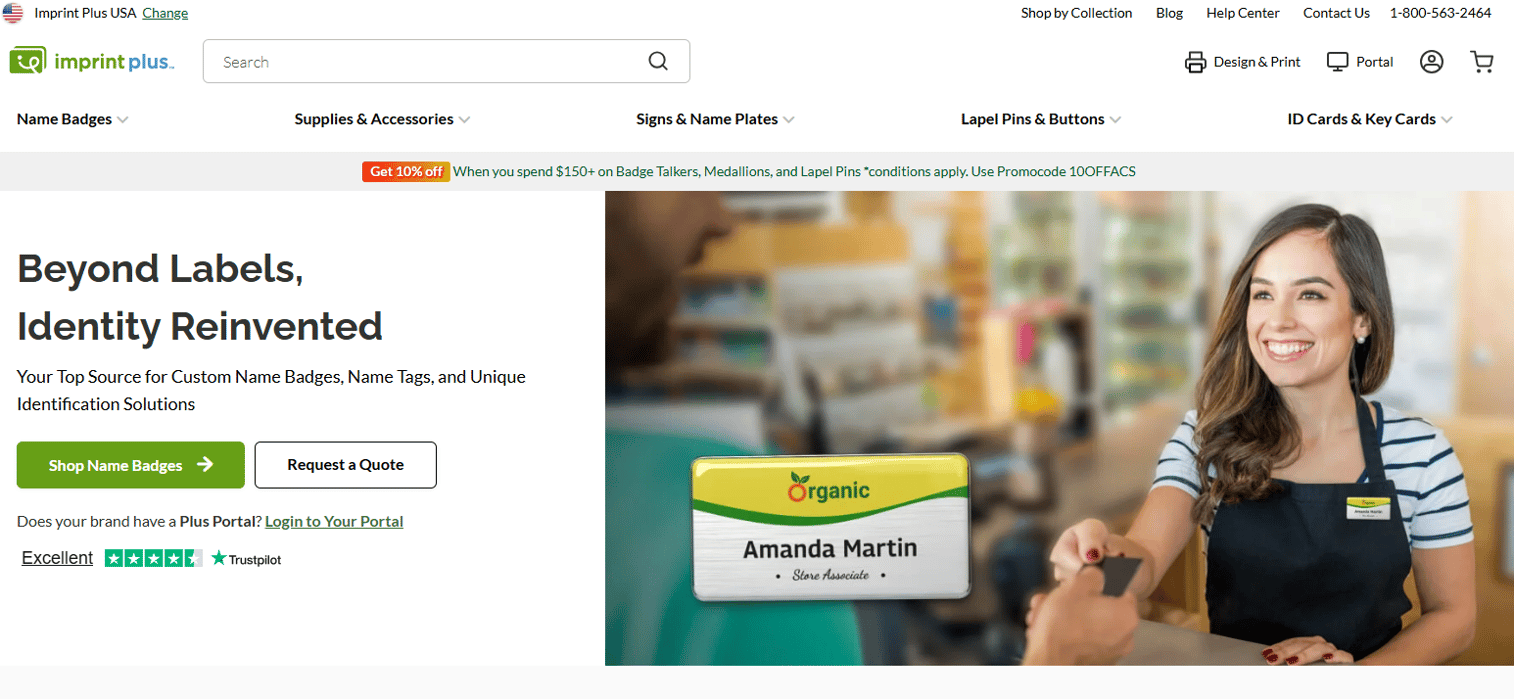
Imprint Plus builds name badge design software around reusable, customizable badges, signs, and accessories rather than disposable printouts. You design a badge with your logo, text, and fonts, then print inserts and assemble them into reusable plates. The workflow is built for businesses that run an ongoing employee badge program and want branding to stay consistent across every hire and location.
The pitch here is longevity. Instead of printing a fresh card every time someone joins or leaves, you reuse the plate and swap the insert. That suits offices, retail, and hospitality teams that cycle staff often but want a polished, on-brand look each time.
Best for: businesses that need reusable, on-brand employee badges they can produce and reorder in bulk.
Key features
- Reusable name badge systems: swap inserts instead of reprinting whole badges
- Custom-branded portal: order and manage badges with access control
- Bulk upload and reorder tracking: produce and reorder batches without rekeying data
- Logo, text, and font control for consistent branding
- On-site print-and-assemble flow for insert-based badges
Why choose Imprint Plus: choose it when badges are a recurring program, not a one-time event. The reusable plate model fits teams that value brand consistency and lower waste over the flexibility of a blank-canvas designer.
Imprint Plus pricing: pricing is product-specific rather than a single subscription. Rectangle name badge plates start at $8.30 each, and custom buttons start at $0.85 each, both one-time. Volume and quote-based pricing apply on larger orders.
2. Name Print Graphics (NPG) software
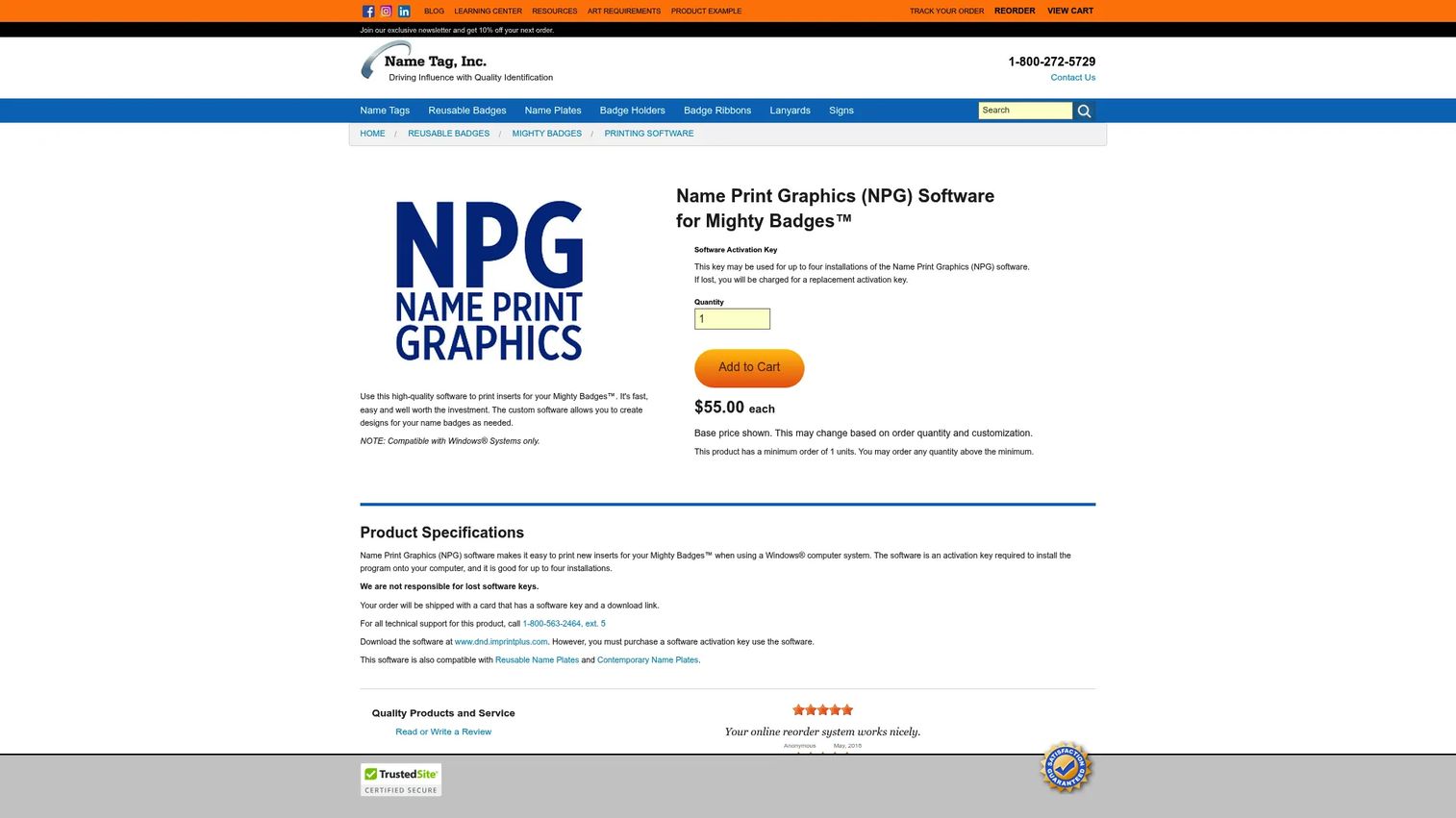
Name Print Graphics (NPG) software is the companion print tool for Mighty Badges. If your team already uses the Mighty Badge reusable system, NPG is how you design and print the inserts in-house on a Windows computer. It is a focused, single-job tool: get insert artwork onto the badge without outsourcing the print run.
The model is straightforward. You buy an activation key, install the software, and print inserts as staff and roles change. Because it targets one badge system, there is little to configure. You open it, lay out the insert, and print.
Best for: teams already running Mighty Badges who want to print reusable inserts in-house on Windows.
Key features
- Prints Mighty Badge inserts directly from your desktop
- Compatible with Windows systems
- Activation key covers up to four installations
- Reuse workflow: reprint inserts as roles or names change
- No design outsourcing needed for insert runs
Why choose Name Print Graphics (NPG) software: choose it when you are committed to the Mighty Badge system and want print control in-house. The activation-key model keeps it simple for a small team managing insert production on a Windows setup.
Name Print Graphics (NPG) software pricing: the software activation key is $55.00 each, and one key covers up to four installations. There is no free tier.
3. Avery Design & Print Online
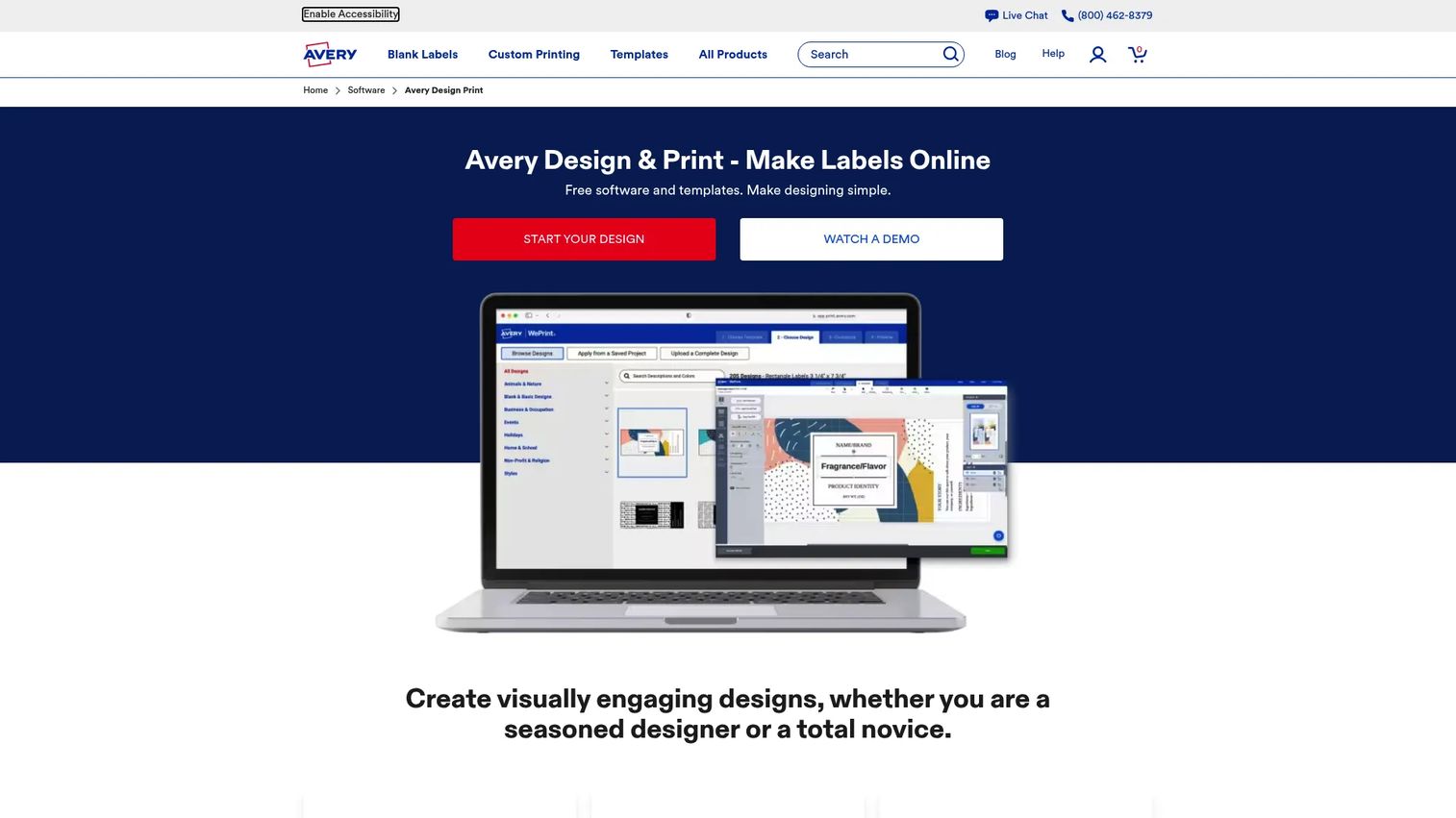
Avery Design & Print Online is the strongest free option for DIY badge creation. It runs in your browser, needs no install, and covers templates, image and text editing, mail merge, and barcode or QR code generation. For a marketer or office manager who just needs clean name tags fast, this is usually the quickest path from blank page to printed badge.
The mail and data merge is the feature that earns its place for batch work. Upload a spreadsheet of names and Avery generates a badge per row, which turns a 200-person conference list into a single print job. You can save projects to a free Avery account and reopen them for the next event, so reusable badge templates stay one click away.
Best for: individuals and small teams making Avery-compatible name tags and badges in a browser with no software to install.
Key features
- Free templates for badges, name tags, and labels
- Image upload and editing for logos and photos
- Text editing with font and layout control
- Mail and data merge for bulk personalization
- Barcode and QR code generator
- Save projects online to a free account
Why choose Avery Design & Print Online: choose it when you want beginner-friendly editing, no install, and no cost. It fits event and office workflows where speed matters more than card-printer control, and it handles both print-at-home and Avery's professional print service.
Avery Design & Print Online pricing: The software and templates are free, and creating an account to store projects costs nothing. There is no paid tier for the design tool itself.
4. BadgeMaker
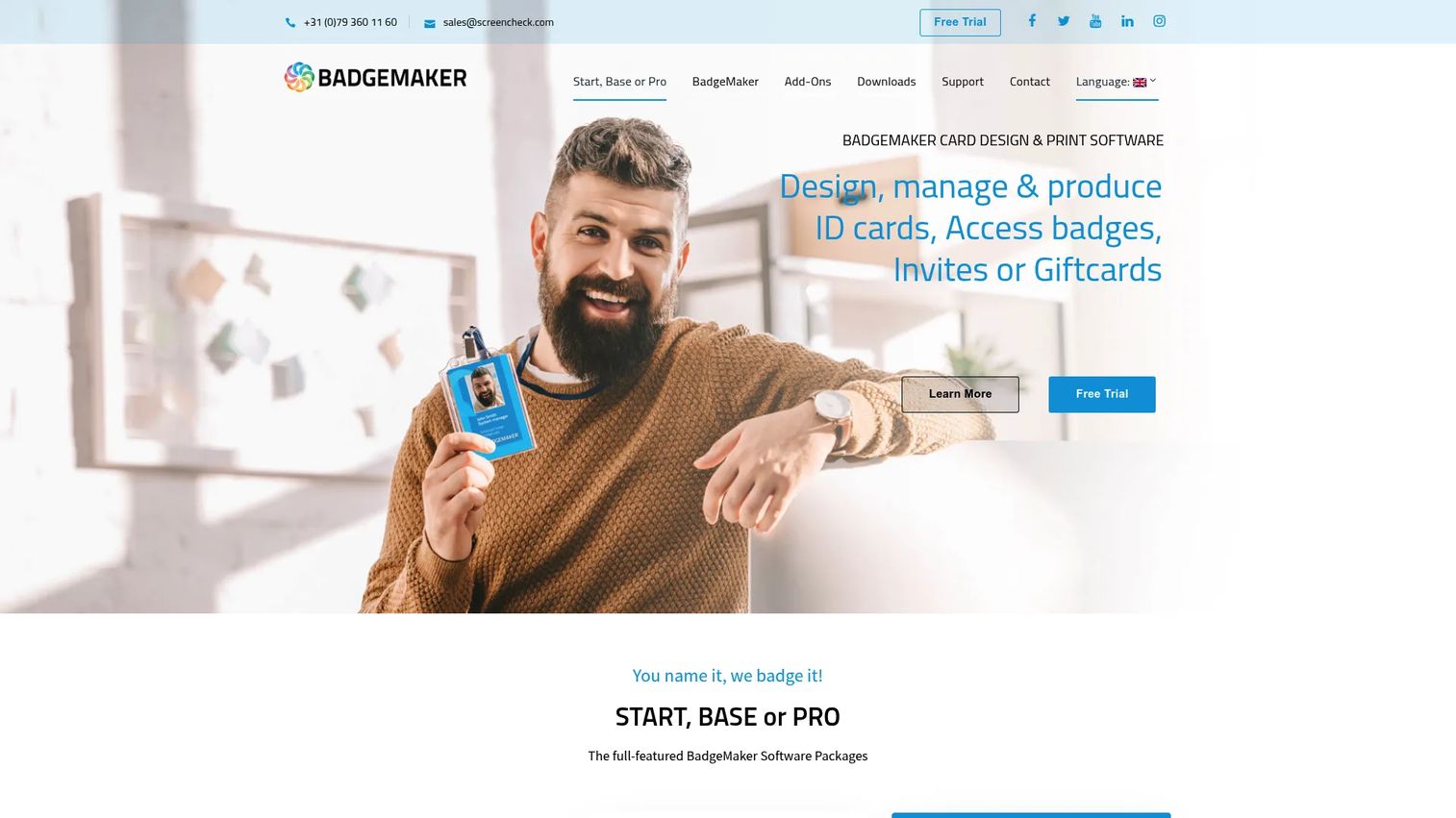
BadgeMaker is desktop ID card and badge design software for organizations that need real data handling, not just a pretty layout. It combines card design, record management, and photo capture into a single Windows application built for producing ID badges at scale. This is the option when your badges double as access cards and carry photos, barcodes, and employee records.
The strength here is smart data. You import records from Excel or CSV, manage them inside the app, and design cards with text, images, shapes, barcodes, and templates. Photo capture with face recognition and auto-cropping speeds up the part of ID badge production that usually eats the most time.
Best for: organizations that need on-premise ID card design, data management, and card printing in one tool.
Key features
- Card design with text, images, shapes, barcodes, and templates
- Data management with import from Excel or CSV
- Photo capture with face recognition and cropping
- Record handling for large batches
- Editions for different feature and scale needs
Why choose BadgeMaker: choose it when your badges are ID cards with data behind them, not simple name tags. It fits teams that print photo IDs, access cards, or credentials and want records, images, and printing managed in one desktop app.
BadgeMaker pricing: BadgeMaker offers Start, Base, and Pro packages plus a free trial license after registration. Public numeric prices are not listed, so request a quote for tier pricing.
Considerations
Before you commit, weigh these five factors against how your team actually produces badges.
Ease of use
Not every tool assumes the same skill level. Avery Design & Print Online is built for beginners who want to open a browser and start, while BadgeMaker assumes you are comfortable managing data and card templates. Match the learning curve to who will actually run the tool, because the fastest software is the one your team will use without training.
Windows compatibility
Desktop badge software matters here. Both Name Print Graphics (NPG) software and BadgeMaker run on Windows, so confirm your machines meet the requirements before buying. Web-based tools like Avery sidestep the operating-system question entirely, which is worth weighing if your team mixes Windows and Mac.
Template reuse
Saved projects and reusable badge templates are what separate a one-time task from a repeatable workflow. If you print badges every quarter, a tool that stores your branded layout saves real time on every run. Check whether the tool lets you save, reopen, and share templates across your team.
Printing workflow
There is a real difference between print-at-home, print-on-demand, and professional output. Avery supports both home printing and a professional print service. Imprint Plus and NPG center on insert printing for reusable plates, while BadgeMaker targets dedicated card printers. Pick the workflow that matches the badge type and volume you actually produce.
Branding and customization
Logos, font control, and text placement decide whether a badge looks polished or improvised. If brand consistency matters across locations, prioritize tools that lock your logo and layout into a reusable template. For simple event tags, lighter customization is usually enough.
Conclusion
The right name badge software depends on the badge, not the brand name. For a recurring, on-brand employee program with reusable plates, Imprint Plus fits. If your team already runs Mighty Badges and prints inserts on Windows, Name Print Graphics (NPG) software is the direct match. For free, fast, browser-based badge creation with mail merge and QR codes, Avery Design & Print Online is the easiest starting point. And for full ID badge production with photos, data, and card printers, BadgeMaker handles the heavy lifting.
Your next step: pick the one tool whose "Best for" line matches your primary use case, then test it against your real attendee or employee list before your next print run. That single test tells you more than any feature comparison.
FAQs
Name badge software is used to design, personalize, and print name badges, name tags, and ID badges without manual document formatting. Teams use it for conferences, employee onboarding, retail staffing, and access credentials. The batch and template features are what make it faster than building badges from scratch in a word processor.
Yes. Avery Design & Print Online is free to use, including its templates, project saving, and mail merge, with no charge to create an account. It runs in your browser, so there is no software to install. It is the most accessible free option for straightforward name tag and badge creation.
For reusable, on-brand employee badges, Imprint Plus fits ongoing programs with its insert-and-plate model. For photo ID badges that double as access cards, BadgeMaker handles data import and photo capture. The best employee badge maker depends on whether you need simple name badges or full ID cards with records behind them.
Yes. Avery Design & Print Online lets you create name tags entirely in a browser with no install. You pick a template, add text and logos, merge a name list, and print. This makes it a strong name tag generator for teams that want zero setup.
Most badge design software supports templates and saved projects. Avery offers free templates you can save to an account and reopen, and BadgeMaker includes card templates for repeat production. Reusable badge templates are what keep repeat runs consistent and fast.
Yes. Avery Design & Print Online includes a built-in barcode and QR code generator, and BadgeMaker supports barcodes in its card design. QR and barcode support is useful for event check-in, access control, and linking a badge to a digital record.
Name Print Graphics (NPG) software and BadgeMaker are Windows applications, so you should confirm the current system requirements on each vendor's page before buying. Web-based tools like Avery Design & Print Online run in any modern browser, which avoids the Windows-only question. Always check compatibility against the machines your team actually uses.
A Word template works for a handful of one-off badges, but it gets slow and error-prone at volume. Name badge software adds data merge, saved templates, and print settings tuned to your labels or plates. If you produce badges in batches or reuse a layout regularly, dedicated software saves more time than it costs.










