


Your model looks perfect in the viewport. Then you unwrap it, drop a texture on, and the seams tear, the pixels stretch across one face, and the density jumps between the arm and the chest. Now you are fixing UVs instead of shipping the asset.
UV work is where a clean 3D asset either stays clean or turns into rework. The tension is real: You want speed, but sloppy packing wastes texture space. You want automation, but auto-seams land in the wrong place. You want low distortion, but tight packing fights it.
The category is growing because that pain scales. The UV mapping and unwrapping software market sat at USD 191M in 2024 and is projected to reach USD 364M by 2034, a 9.9% CAGR, per Intel Market Research (2026). More teams are shipping more assets, and manual unwrapping does not scale with them.
What's inside
This guide is built for 3D artists, technical artists, game developers, and production teams comparing UV mapping software for real pipelines, not demo meshes. We assessed each tool against the criteria that actually decide texture quality:
- UV packing quality: How efficiently the tool fills texture space
- Seam control and distortion handling: How much you can steer seams and reduce stretch
- Workflow speed and automation: How fast you move from raw mesh to usable UVs
- Learning support and pipeline fit: Docs, tutorials, and format compatibility with your stack
Each tool is judged on how it holds up across a batch of models you ship, not one hero scene.
TL;DR
- Best for advanced packing and production workflows: RizomUV, built for speed and texel density at volume
- Best for broad format support and classic unwrap control: Ultimate Unwrap 3D, a dedicated editor with 100+ file formats
- Best for learning UVs inside a full 3D suite: 3DCoat, automatic and manual workflows in one place
- Best for automation and AI-assisted asset generation: Sloyd, browser-based generation with clean topology
- Best for focused, precise unwrap control: Headus UVLayout, a specialist UV editor for technical artists
- Best for free workflow flexibility: Blender, full UV tools at zero license cost
What is uv mapping software
UV mapping software unwraps a 3D model's surface into a flat 2D coordinate space so textures can be painted, baked, and applied without distortion. The "U" and "V" are the two axes of that 2D space, standing in for X and Y so they do not clash with the model's 3D coordinates.
A UV mapping program takes geometry, cuts it along chosen edges, and lays the resulting pieces flat. The quality of those cuts and that layout decides whether your texture reads clean or smears across the surface. A strong uv unwrap software gives you control over every stage of that process.
Core concepts a uv unwrapping tool handles:
- UV seams: The edges where the mesh is cut open so it can lie flat, ideally hidden where the camera rarely looks
- UV islands: The separated 2D pieces produced by those cuts, each mapped to a region of the texture
- Texel density: The ratio of texture pixels to surface area, kept consistent so a wall and a prop read at the same resolution
- UV packing: How islands are arranged to fill the texture square with minimal wasted space
- Distortion reduction: How the tool minimizes stretching and squashing so textures hold their proportions
The best uv tools also handle UDIM tiles for high-resolution assets, batch processing for large sets, and format support for FBX, OBJ, GLTF, and DAE so the UVs survive the trip through your production pipeline. Seam control and distortion reduction are the two levers that separate a passable unwrap from a production-ready one. Get those wrong and no amount of texture resolution saves the asset.
For a product manager evaluating 3D workflow tooling for a team, the practical read is this: UV mapping is a recurring, high-friction step. The right program cuts rework, keeps output consistent across artists, and reduces the "why does this texture look wrong" tickets that pull people off roadmap work.
When to use uv mapping software
Prepare assets for texturing
Clean UVs come before any painting or baking. If you texture on a bad unwrap, every fix downstream costs more than getting the UVs right up front. Dedicated software gives you seam control and distortion previews so the texture stage starts on solid ground. This matters most in production pipelines where one bad asset holds up a batch.
Improve texel density and texture consistency
When several artists ship props, characters, and environment pieces into one scene, mismatched density is obvious. One surface looks crisp, the next looks muddy. UV packing and texel density controls keep resolution consistent across the whole set. For game assets especially, consistent density is the difference between a scene that reads together and one that looks assembled from parts.
Reduce manual unwrap time
Unwrapping one model by hand is fine. Unwrapping two hundred is a bottleneck. Automated UV mapping and batch tools cut that time so a team can ship at volume without a single artist becoming the choke point. Repeatability is the real win: The same settings produce the same quality across every asset, which keeps output predictable as your release cadence speeds up.
Comparison table
Here is a side-by-side view of the seven UV mapping programs in this guide. Pricing reflects each vendor's listed rates as of August 2026, and G2 ratings match current listings where a verified score exists. Some specialist 3D tools do not carry enough G2 reviews to publish a rating, so those cells are marked accordingly.
| # | Product | Best for | Key differentiator | Pricing | G2 rating |
|---|---|---|---|---|---|
| 1 | RizomUV | Advanced packing and production pipelines | Fast unwrap and pack with distortion visualization | From €14.90/mo, €149.90 perpetual | Not rated |
| 2 | Ultimate Unwrap 3D | Broad format support and classic editing | 100+ import/export formats on Windows | $59.95 one-time | 4.2/5 |
| 3 | 3DCoat | Learning UVs in a full 3D suite | Automatic and manual UVs plus sculpting | From €279 one-time | 4.3/5 |
| 4 | Sloyd | Automation and AI-assisted generation | Browser-based 3D generation with UVs | From $180/yr | Not rated |
| 5 | Unwrella-IO | Low-friction, fast unwrapping | Simple one-pass unwrap workflow | Contact Unwrella | Not rated |
| 6 | Headus UVLayout | Focused, precise unwrap control | Edge-loop detection and auto packing | From US$35 | 4.1/5 |
| 7 | Blender | Free workflow flexibility | Full UV tools inside a free suite | Free | Not rated |
Best 7 uv mapping software tools for 2026
1. RizomUV
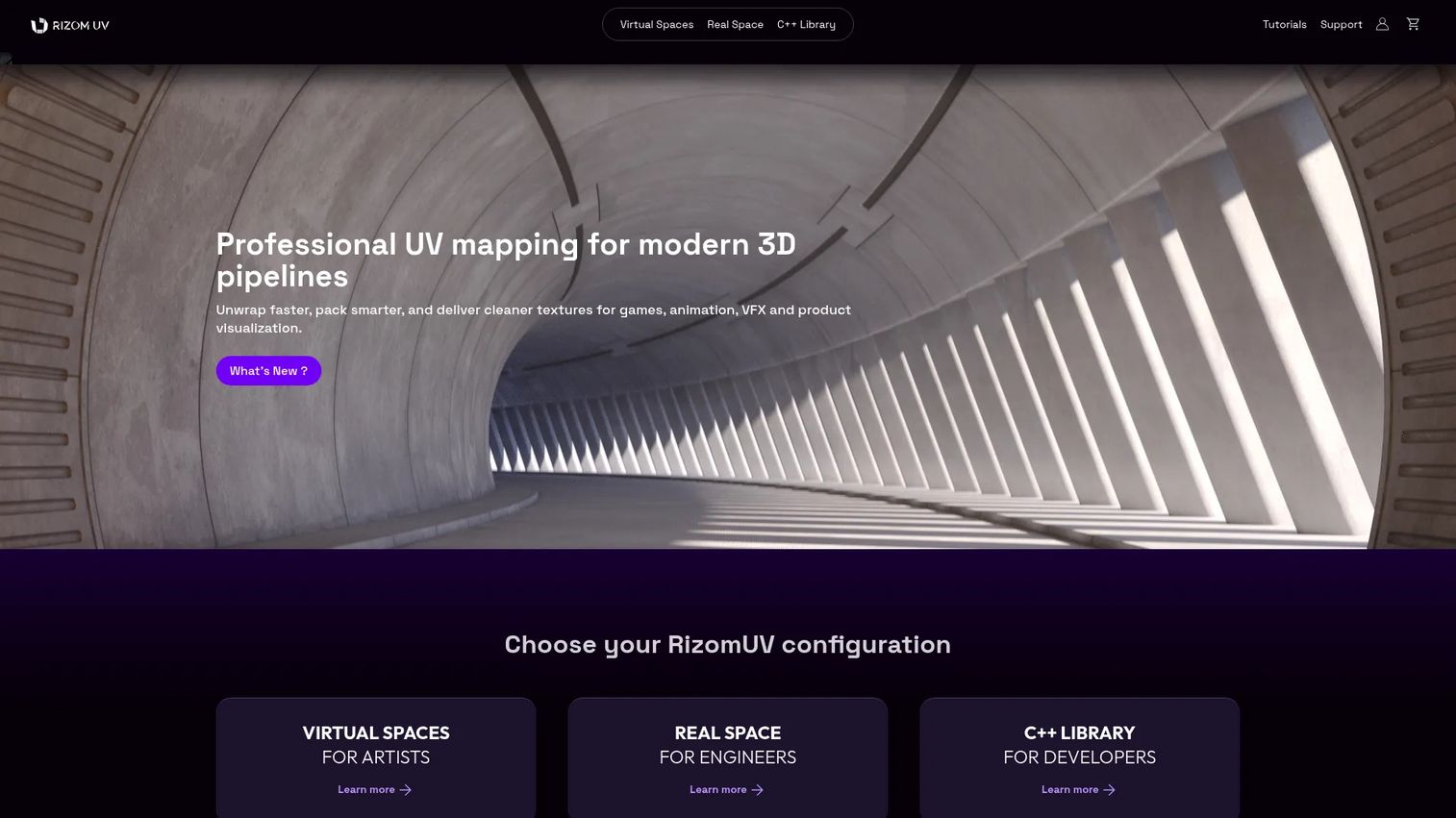
RizomUV is a dedicated UV mapping program built for artists and technical teams working at production speed. It focuses on fast unwrapping, tight packing, and texel density control, with distortion visualization so you can see stretch before it reaches the texture. The product splits into Virtual Spaces and Real Space lines, plus a C++ library for teams wiring UV work into a larger pipeline.
Best for: Advanced artists and studios pushing high volumes of assets through modern 3D pipelines.
Key features
- Fast unwrap and pack workflows
- Distortion visualization across islands
- Texel density control for consistency
- UDIM support for high-resolution assets
- C++ SDK for pipeline integration
Why choose RizomUV: If your bottleneck is packing efficiency and consistent density across a big asset set, RizomUV is built for exactly that. It rewards artists who already know UV theory and want a faster, more precise tool rather than a teaching environment.
RizomUV pricing: The Rent-to-own plan starts at €14.90/month, and a perpetual Indie license runs €149.90 one-time. Pro plans (NodeLocked and Floating) are €34.90/month per token, and students and academic institutions get free licenses.
RizomUV does not carry a verified G2 rating at the time of writing, so weigh it on trial performance with your own models rather than a review score.
2. Ultimate Unwrap 3D
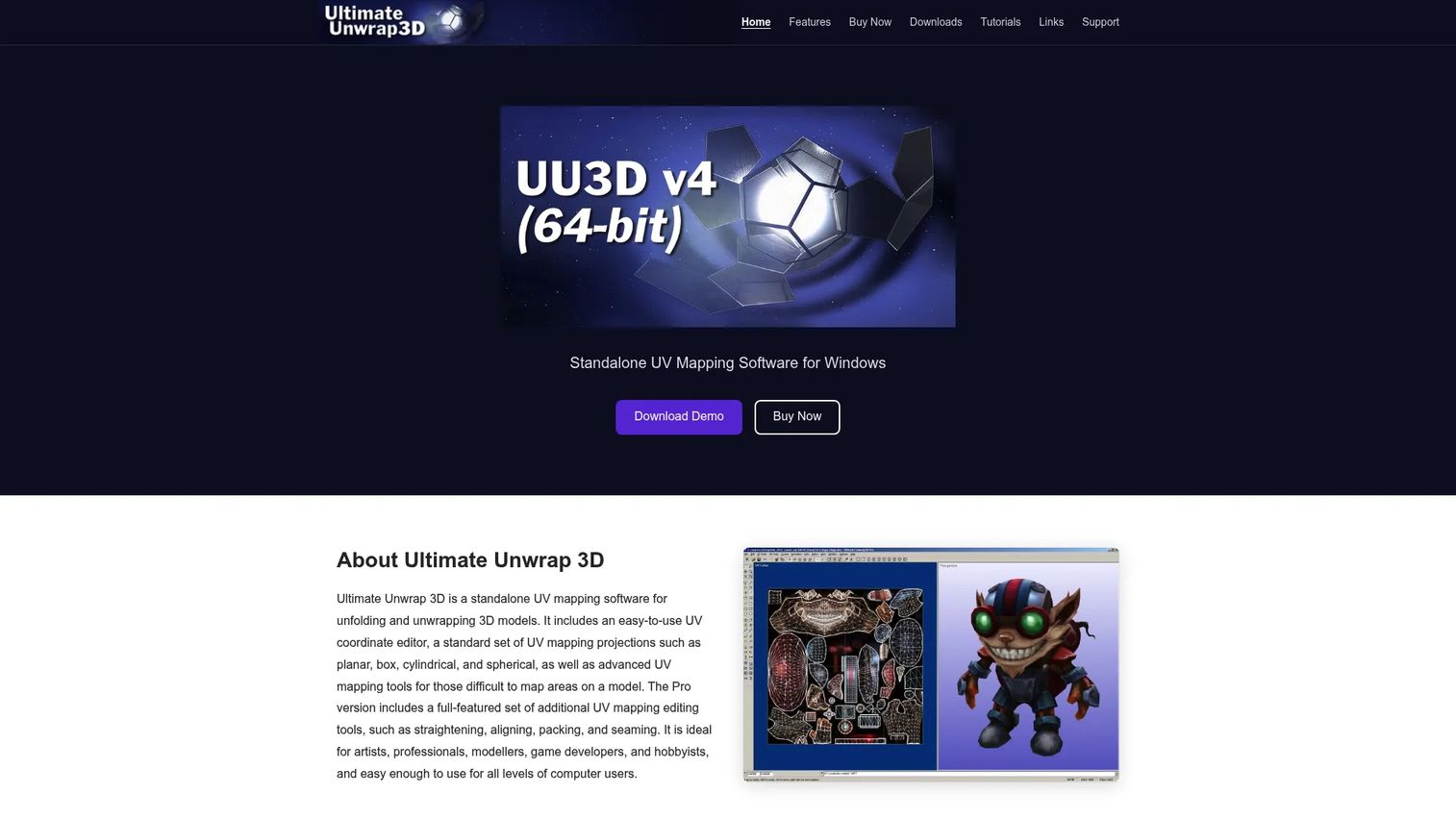
Ultimate Unwrap 3D is a standalone UV editor with deep roots in game asset work. It gives you direct control over the UV coordinate space with planar, box, cylindrical, and spherical projections, plus tools to straighten, align, pack, and stitch islands. Its standout trait is format breadth: It reads and writes over 100 file types, which makes it a useful bridge inside mixed toolchains on Windows.
Best for: 3D artists and game developers who want a dedicated UV editor with wide file compatibility.
Key features
- Planar, box, cylindrical, and spherical projections
- Straighten, align, and stitch tools
- Packing and texel density controls
- Seam marking for manual control
- 100+ import and export formats
Why choose Ultimate Unwrap 3D: Pick this when your workflow moves assets between many programs and you need a UV tool that speaks every format. It suits hands-on artists who prefer direct editing over automation.
Ultimate Unwrap 3D pricing: The Pro (64-bit) license is a one-time $59.95, and a demo is available on the downloads page before you buy.
On G2, Ultimate Unwrap 3D holds a 4.2/5 rating, reflecting steady use among game and hobbyist artists.
3. 3DCoat
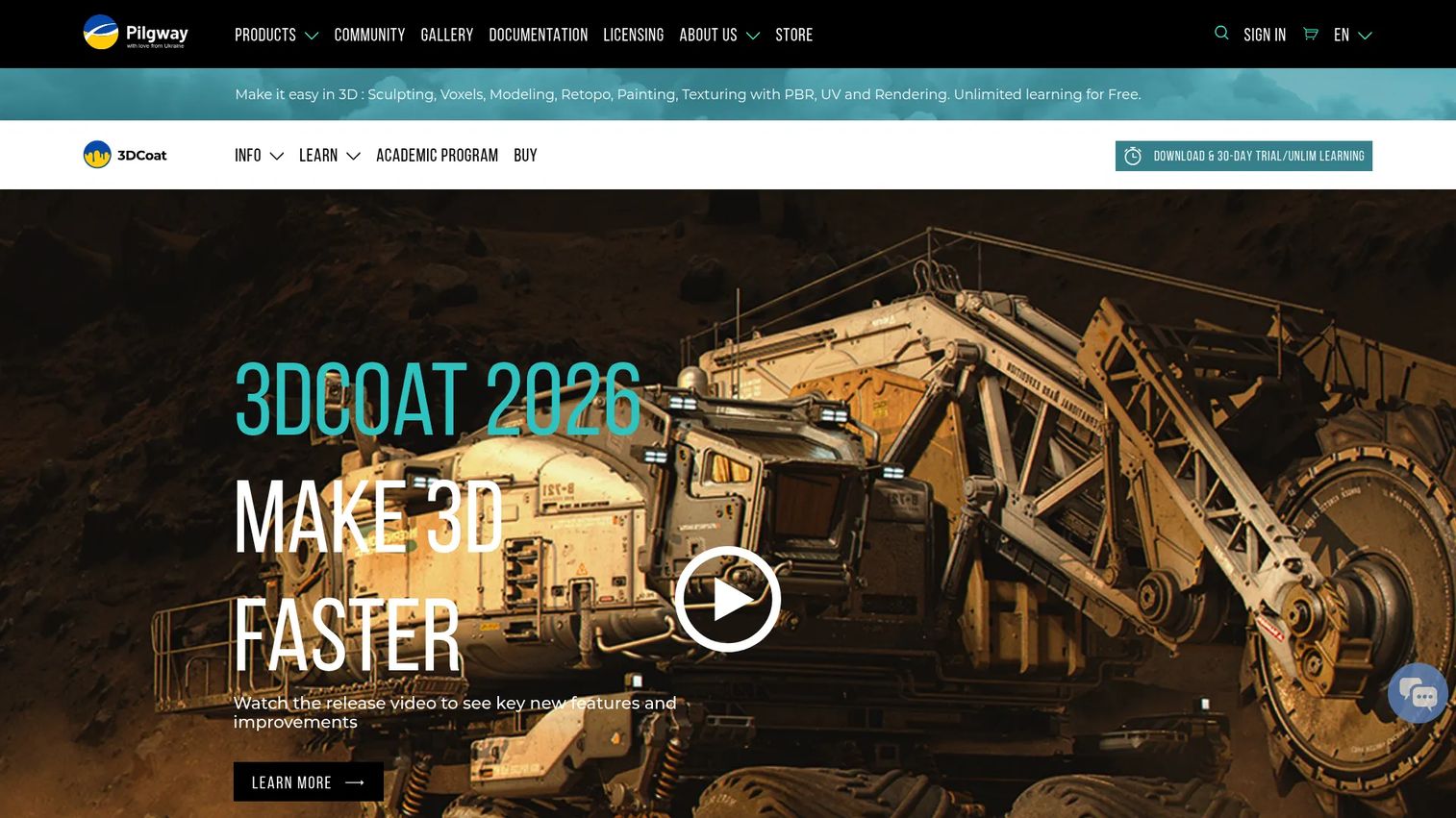
3DCoat is a full 3D suite covering sculpting, retopology, UV mapping, and PBR texture painting. Its UV workflow supports both automatic creation and manual seam marking, with edge-loop tools and a UV path approach that walks you through the process. Because it pairs UVs with sculpting and painting, it is a strong environment for learning how UV decisions affect the finished texture.
Best for: Artists who want automatic and manual UV workflows alongside broader asset creation in one program.
Key features
- Automatic UV creation
- Manual seam marking
- Edge-loop selection tools
- UV path guided workflow
- PBR texture painting and smart materials
Why choose 3DCoat: If you want to sculpt, retopo, unwrap, and paint without jumping between four programs, 3DCoat keeps it under one roof. It fits artists building UV skills while doing real production work.
3DCoat pricing: The individual node-locked license for 3DCoat 2026 is €279 one-time, discounted from a €379 regular price. A 30-day trial and an unlimited learning mode are available at no cost.
3DCoat carries a 4.3/5 rating on G2, the highest verified score among the dedicated 3D tools in this list.
4. Sloyd
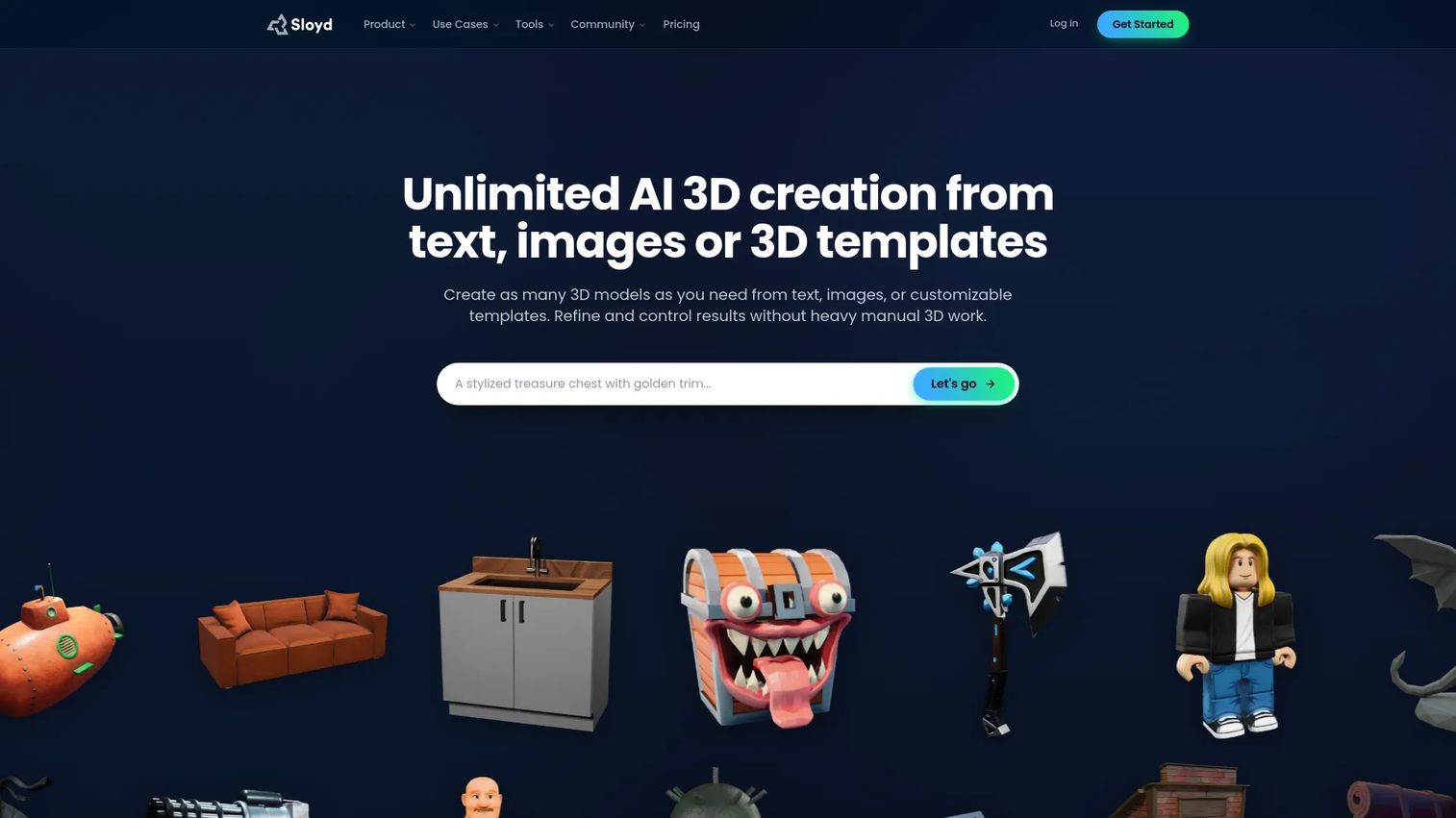
Sloyd approaches the problem from the other end: Instead of unwrapping models you already have, it generates game-ready 3D assets from text, images, and parametric templates, with UVs and clean topology handled as part of that generation. It runs in the browser and exports to common 3D formats, which makes it a fit for teams treating UV work as one step in a larger automated asset pipeline.
Best for: Creators and game developers who want fast, automated asset generation with UVs built into the output.
Key features
- Text-to-3D and image-to-3D generation
- Automated UV mapping on generated models
- Clean topology output
- Parametric templates and plugins
- Export to common 3D workflows
Why choose Sloyd: Choose Sloyd when the goal is producing many assets quickly and UV mapping is part of a broader generation stack, not a hand-crafted step. It trades granular seam control for speed and repeatability.
Sloyd pricing: The Guest tier is free with one generation per day for personal use. Plus is $180/year with unlimited generations and commercial rights, and Pro is $600/year adding faster generation and more Ultra Gen credits.
Sloyd does not have enough G2 reviews to show a rating yet, so evaluate it against your own asset requirements during the free tier.
5. Unwrella-IO
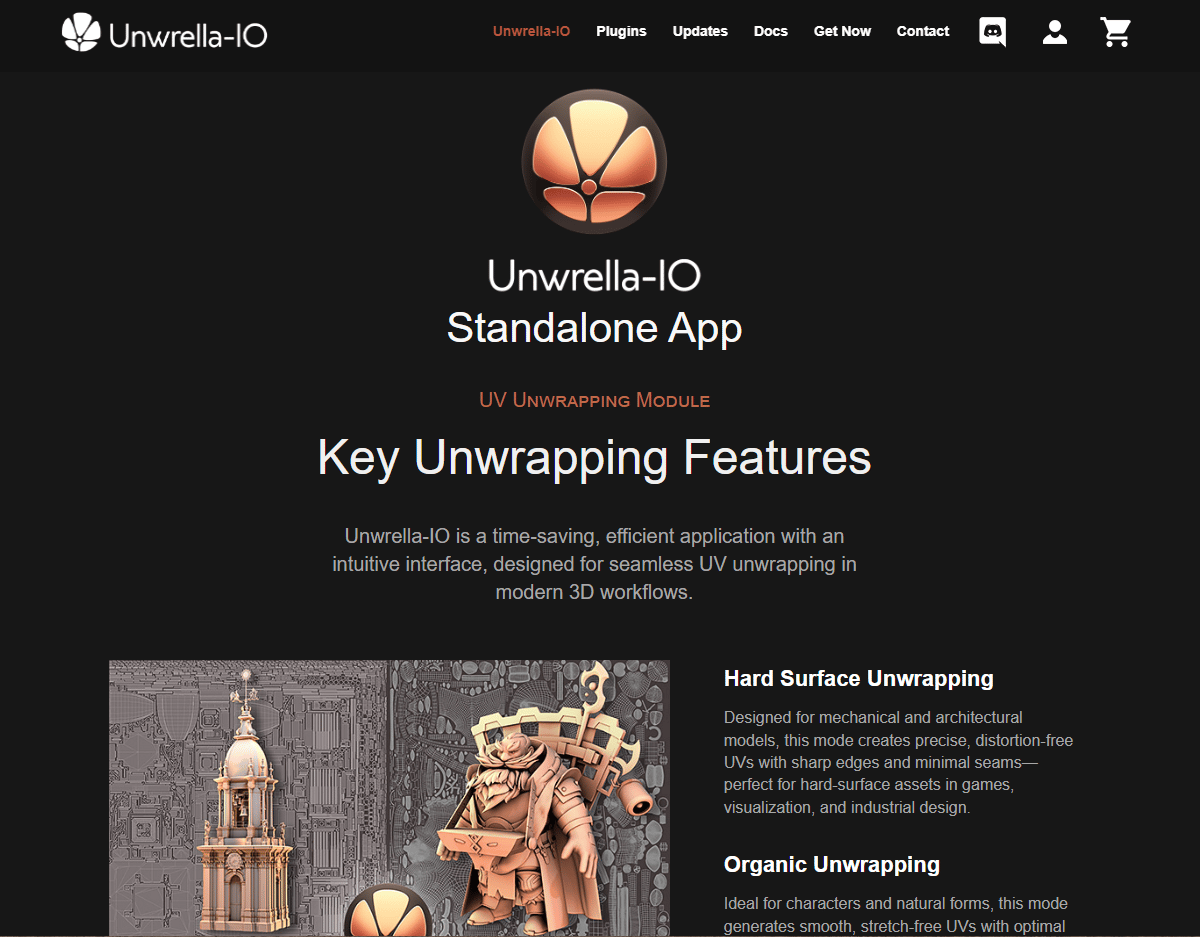
Unwrella-IO positions itself around simplicity: Fast, low-friction unwrapping without a heavy learning curve. The pitch is a straightforward path from mesh to usable UVs, with low-distortion output and padding controls so textures sit clean inside their islands. It suits users who value speed and a short setup over deep manual editing.
Best for: Users who want quick, low-distortion unwrapping without a steep learning curve.
Key features
- Simple one-pass unwrap workflow
- Low-distortion output
- Padding and margin controls
- Batch processing support
- Fast setup for new users
Why choose Unwrella-IO: Reach for this when speed and simplicity matter more than fine-grained control. It fits artists who want results fast and are happy to trade some manual tuning for a shorter workflow.
Unwrella-IO pricing: Public pricing was not available to verify from the vendor at the time of writing, so contact Unwrella directly for current license rates before committing.
No verified G2 rating exists for Unwrella-IO at this time, so lean on a hands-on trial with representative models to judge fit.
6. Headus UVLayout
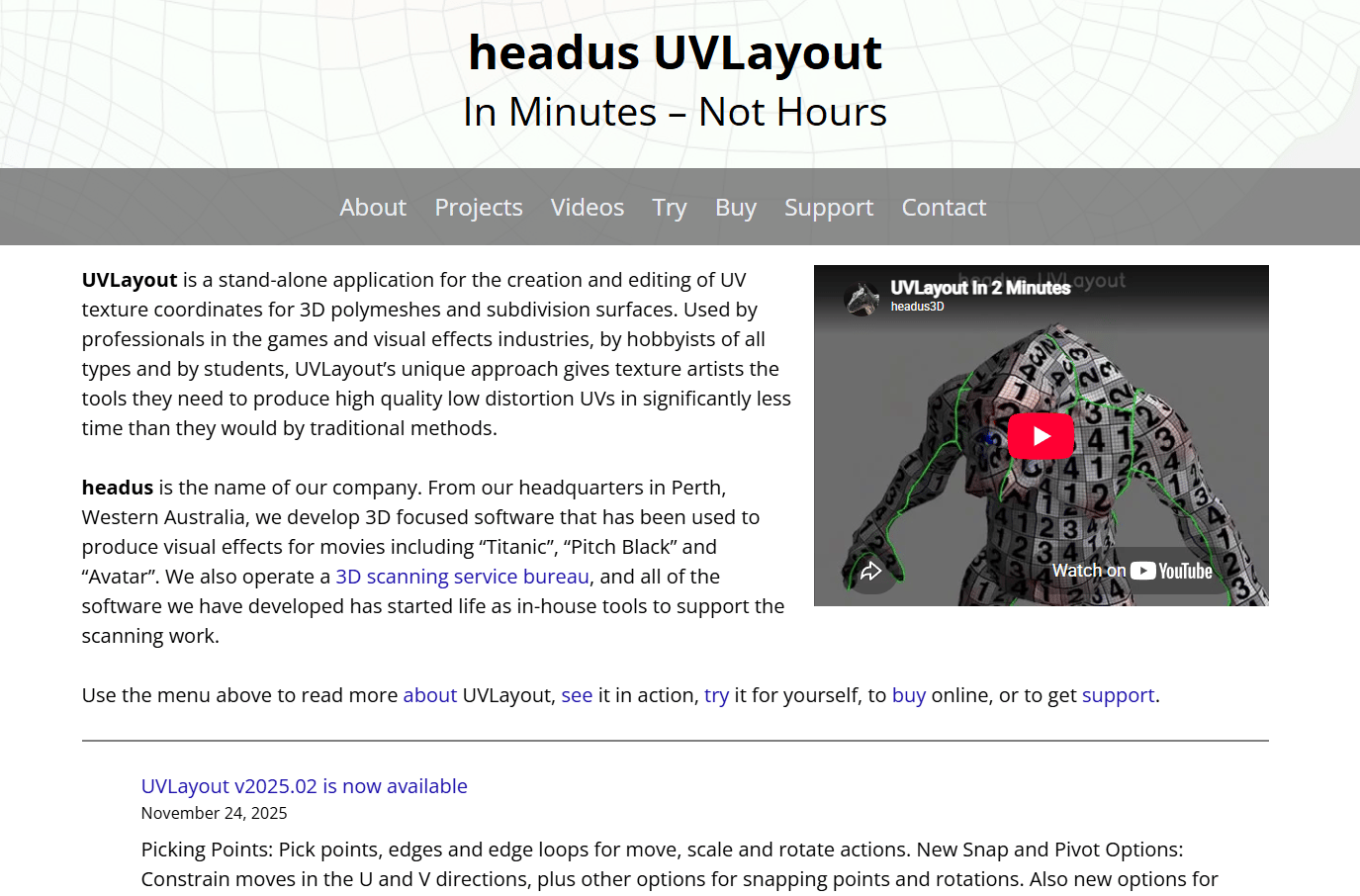
Headus UVLayout is a stand-alone UV unwrapping and editing tool with a long track record in film and games. It focuses squarely on the UV job: Edge-loop detection to find natural seams, distortion reduction, and auto packing and stacking to arrange islands efficiently. That narrow focus is the point for technical artists who want a precise, dedicated editor rather than a suite.
Best for: Technical artists and creators who want a focused UV editor with precise unwrap control.
Key features
- Edge-loop seam detection
- Distortion reduction tools
- Auto packing and auto stacking
- OBJ import and export
- Cross-platform support
Why choose Headus UVLayout: Pick UVLayout when UV quality is the priority and you want a specialist tool that does one job well. It suits people who already own a modeling program and need a dedicated unwrap step.
Headus UVLayout pricing: Student licenses start at US$35 for four months, a permanent Hobbyist license is US$200, and Professional runs US$330 (Dongle) or US$400 (Float). A free demo is available to test first.
UVLayout holds a 4.1/5 rating on G2, consistent with its reputation as a stable, focused UV editor.
7. Blender
Blender is the free, open-source 3D suite with UV tools built directly into its modeling workflow. You mark seams, unwrap, and pack islands without leaving the program where you built the mesh, which keeps the whole asset in one place. For teams already running Blender, the UV toolset covers most production needs at zero license cost.
Best for: Independent creators and teams already working inside Blender in their pipeline.
Key features
- Built-in unwrap tools
- Manual seam marking
- Island packing controls
- UDIM workflow support
- Python scripting and add-ons
Why choose Blender: Choose Blender when cost matters and your team already knows the interface. Keeping modeling and UVs in one program removes a round-trip, though dedicated tools still edge it on advanced packing.
Blender pricing: Blender itself is free and open source. Blender Studio, a separate subscription for training and production files, starts at €11.50/month for individuals if you want that layer.
Blender does not carry a verified G2 rating from an approved source, but its UV tools are widely used and well documented across community resources.
Considerations
Before you commit, run each shortlisted uv unwrapping tool against the criteria that actually decide texture quality in your pipeline.
UV packing quality
Pack efficiency directly affects how much texture resolution each asset gets. Wasted space means muddier textures at the same file size. Test packing on your densest real models, not a clean demo mesh, because that is where weak packers fall apart.
Seam control
Seam placement changes both texture quality and how much retouching you do afterward. Automation is fast, but it drops seams in visible spots more often than manual control. Decide where your workflow needs a human steering the cuts and where auto-seams are acceptable.
Texel density
Consistent density across props, characters, and environments is what makes a scene read as one piece. A tool that holds density steady across a batch saves you the manual balancing pass. Pipeline consistency, not any single asset, is the real payoff here.
Learning resources
UV workflows get messy fast, so strong docs and tutorials matter more than the feature count. Check whether the tool has current guides for the specific tasks your team hits, like UDIM setup or batch unwrapping. Thin documentation turns into support load later.
File and pipeline support
Confirm the tool reads and writes the formats your stack runs on, including FBX, OBJ, DAE, and GLTF, plus UDIM where relevant. A tool that breaks on export costs you more than one with fewer features. For a product manager, format fit is the difference between a smooth rollout and a stalled one.
Conclusion
The right UV mapping software depends entirely on the models you ship, not the cleanest demo scene a vendor shows you.
For production speed and packing at volume, RizomUV is built for it. If you move assets across many programs, Ultimate Unwrap 3D and its 100+ formats bridge the gaps. 3DCoat suits artists who want automatic and manual UVs alongside sculpting and painting. Sloyd fits automated, high-volume asset generation, while Headus UVLayout is the specialist's pick for precise unwrap control. Blender covers free, flexible workflows for teams already inside it.
Start with a trial and run your two most difficult assets through the top two candidates. Judge packing, seam behavior, and density on those, then pick. The tool that handles your hardest model cleanly is the one that will hold up across your whole pipeline.
If your work also involves showing a software product rather than a 3D asset, teams turn to interactive product demos, sandboxes, demo centers, and guided walkthroughs to let users experience a workflow directly. You can build one fast with Guideflow, which lets you capture a product flow, edit and personalize it, share it anywhere, and analyze engagement, with AI assistance, team collaboration, and CRM integrations built in.
Start your journey with Guideflow today!
FAQs
3DCoat and Blender are the friendliest starting points. 3DCoat offers a guided UV path plus an unlimited learning mode, and Blender pairs free access with a large library of community tutorials. Both let you learn seam marking and unwrapping without buying a specialist tool first.
RizomUV and Headus UVLayout are the strongest picks for game work because they focus on tight UV packing and consistent texel density. Both handle high asset volumes and reduce distortion, which keeps textures crisp inside strict game budgets. Ultimate Unwrap 3D is a solid alternative when format compatibility matters most.
RizomUV stands out for distortion reduction because it visualizes stretch across islands before it reaches your texture. Headus UVLayout also handles distortion well through its relaxation and edge-loop tools. Seeing distortion early is what lets you fix seams before you waste time painting.
Not always. Blender's built-in UV tools cover most standard unwrapping, seam marking, and packing needs at no extra cost. A dedicated tool like RizomUV or Headus UVLayout earns its place when you ship high volumes and need faster packing or tighter texel density control than Blender's native tools provide.
Look for FBX, OBJ, GLTF, and DAE at minimum, since these are the common interchange formats across 3D pipelines. UDIM support matters for high-resolution assets. Ultimate Unwrap 3D leads on breadth with over 100 supported formats, which helps in mixed toolchains.
For many assets, yes. Automated UV mapping in tools like Sloyd handles high volumes fast and produces usable UVs on clean topology. For hero assets or complex organic shapes, manual seam control still wins, because automation places seams in visible spots more often than a human would. Most production teams mix both.










