Raising money is the easy part to explain. Processing it cleanly is where most nonprofits leave time and money on the table.
Online giving grew approximately 11% year over year at nonprofits in 2025, according to the Blackbaud Institute. That growth creates real pressure on the payment stack underneath it. The wrong setup means finance spends Mondays untangling deposit records, sustainer coordinators chase failed recurring gifts by hand, and your accounting integration exports a CSV that nobody trusts.
The choice is not just about which processor charges the lowest card rate. It is about whether the tool handles ACH for major donors, retries failed recurring gifts automatically, produces payout reports your finance lead can hand to an auditor, and fits your donor database without a custom build. It is about total operating cost, not advertised transaction fees.
Mobile devices generated 43% of nonprofit donation transactions in 2025, according to M+R Benchmarks. That means your payment stack needs to work where donors already are, not just on a desktop donation form.
This guide compares 15 nonprofit payment gateway software options across those dimensions so your team can choose one that creates less cleanup, not more.
What's inside
This guide is for nonprofit operations leaders, finance owners, fundraising directors, and operators who need to compare payment processing for nonprofits options before committing.
- Who it is for: Nonprofit leaders, finance and RevOps owners, fundraising teams, and SaaS founders building nonprofit-facing products
- How tools were selected: SERP frequency, nonprofit payment relevance, payment method coverage, recurring gift support, integration depth, and fee transparency
- What you get: A comparison table, 15 tool sections, and a buying checklist
- What to verify before signing: Total fees (not just card rates), payout timing, data ownership, support quality, and CRM fit
TL;DR
- Best for flexible payment infrastructure: Stripe handles cards, ACH, digital wallets, and subscriptions with strong developer tooling
- Best for donor familiarity: PayPal reduces checkout hesitation because donors already trust the brand
- Best for fundraising tools plus donor-covered fees: Givebutter and Zeffy both offer fundraising platforms with optional donor tip models
- Best for integrated nonprofit CRM and payments: CharityEngine ties payment processing, donor records, and recurring gifts into a single system
- Best for recurring donor retention: SustainerIQ specializes in failed-payment recovery and sustainer program optimization
- Best for in-person and event payments: Square and Clover handle mobile, tap-to-pay, and hardware-based giving at galas and community drives
What is nonprofit payment gateway software?
Nonprofit payment gateway software helps charities, associations, churches, schools, and mission-driven organizations securely accept online donations through cards, ACH, digital wallets, and recurring payment methods.
Before choosing a tool, it helps to understand what each term means:
- Payment gateway: Captures and encrypts donor payment data, then transmits it to the processor. Examples include Authorize.Net used as a standalone gateway.
- Payment processor: Moves funds between the donor's bank, the card network, the acquiring bank, and the nonprofit's account.
- Payment aggregator: Lets multiple organizations process under a shared merchant structure, which speeds setup but may limit customization.
- Merchant account: A dedicated processing relationship between a nonprofit and an acquiring bank, often required by traditional gateways.
- Donation platform: Wraps payments inside fundraising forms, campaign pages, donor management, event tools, and receipts. Givebutter, CharityEngine, and Zeffy are donation platforms, not pure gateways.
Key capabilities to evaluate:
- Cards, ACH, digital wallets, and mobile giving
- Recurring donations with card updater and retry logic
- PCI compliance, tokenization, and fraud monitoring
- Donation forms and donor-covered fee or donor-tip options
- CRM, fundraising, event, and accounting software integrations
- Payout reporting and reconciliation exports
- Refund, dispute, and chargeback workflows
- Donor receipts and tax acknowledgment
One thing most articles skip: The advertised card rate is not your total cost. Platform fees, chargeback fees, monthly gateway fees, payout timing delays, donor-tip model mechanics, and manual reconciliation time all affect what you actually pay. Evaluate total operating cost, not the headline percentage.
When to use nonprofit payment gateway software
Accept online donations without manual finance cleanup
Online giving needs clean deposit records, donor receipts, and payment method coverage from the first transaction. The right tool sends a reconcilable deposit to your bank account, generates automatic tax receipts, and exports to your accounting system. The wrong one moves the reconciliation work from the donation page to a spreadsheet someone has to maintain.
Grow recurring gifts without losing failed payments
Monthly giving accounted for 27% of nonprofits' online revenue in 2025, according to M+R Benchmarks. Those recurring donors are only as valuable as your payment recovery rate. When a card expires or a transaction declines, strong tools use account updater services, automated retries, and donor notifications to recover the gift. Organizations without those tools lose sustaining revenue quietly, one failed charge at a time.
Collect gifts across events, mobile, and campaigns
Donors give in person at galas, via QR codes on printed materials, through peer-to-peer campaign pages, and by text. Your payment system needs to work across those moments. That means evaluating mobile readers, tap-to-pay hardware, online checkout links, text-to-give, and contactless wallet support before assuming a web-only tool covers your giving mix.
Nonprofit payment gateway software comparison
The table below summarizes all 15 tools by payment use case, key differentiator, pricing starting point, and G2 rating. Tools are ordered by how broadly they apply to nonprofit payment gateway needs.
| # | Product | Best for | Key differentiator | Pricing | G2 rating |
|---|---|---|---|---|---|
| 1 | Stripe | Flexible payment infrastructure | Cards, ACH, wallets, and subscriptions with developer APIs | 2.9% + 30¢/transaction | 4.4/5 |
| 2 | PayPal | Donor familiarity and wallet checkout | Broad donor trust and PayPal/Venmo wallet support | From 2.29% + 9¢/transaction | 4.4/5 |
| 3 | Givebutter | Fundraising platform with donor-covered fees | All-in-one fundraising with donor-tip model | Free plan; Plus from $29/mo | 4.7/5 |
| 4 | CharityEngine | Integrated nonprofit CRM and payments | CRM, fundraising, and payment processing together | From $450/mo | 4.3/5 |
| 5 | iATS Payments | Nonprofit-focused merchant services | Payment processing built for nonprofit workflows | Contact for pricing | 4.2/5 |
| 6 | Braintree | Gateway flexibility with PayPal ecosystem | Cards, PayPal, Venmo, and digital wallets | 2.89% + 29¢/transaction | 3.4/5 |
| 7 | WePay | Embedded payments for platforms | Integrated payments for platforms serving nonprofits | Contact for pricing | 3.6/5 |
| 8 | SustainerIQ | Recurring donor retention | Failed-payment recovery and sustainer optimization | Contact for pricing | N/A |
| 9 | Authorize.Net | Merchant account gateway flexibility | Established gateway for cards and eCheck | $25/mo + 2.9% + 30¢/transaction | N/A |
| 10 | Square | In-person and event payments | POS hardware, mobile reader, and Tap to Pay | Free plan; Plus from $49/mo/location | 4.6/5 |
| 11 | Clover | Hardware-heavy onsite giving | POS hardware for events, thrift stores, and countertop giving | From $16/mo (36-month) | 3.8/5 |
| 12 | Regpack | Registration and program payments | Form-driven payment collection for programs and events | Contact for pricing | 3.9/5 |
| 13 | Snowball | Small nonprofit donation tools | Donation pages, text-to-give, and campaign fundraising | From $399/year | 4.0/5 |
| 14 | Zeffy | No-platform-fee fundraising | Donor-tip model covers platform costs entirely | Free | 4.9/5 |
| 15 | Blackbaud Merchant Services | Blackbaud ecosystem payments | Native payments for Blackbaud fundraising products | Contact for pricing | 4.3/5 |
Best 15 nonprofit payment gateway software tools
1. Stripe
Stripe is a financial infrastructure platform that handles payments, subscription billing, fraud prevention, and revenue reporting. Nonprofits use it directly or through fundraising tools that run Stripe behind the scenes. It supports cards, ACH, Apple Pay, Google Pay, and Link, with a hosted checkout option that requires minimal code.
Best for: Nonprofits or nonprofit SaaS teams that want developer control, broad payment method support, and a large ecosystem of fundraising integrations.
Key features
- Cards, ACH, and digital wallets including Apple Pay and Google Pay
- Recurring billing with Smart Retries and dunning automation
- Radar fraud detection and identity verification
- Hosted payment pages and embeddable checkout
- API and integration ecosystem for fundraising platforms
Why choose Stripe: Stripe is the right foundation when you want payment infrastructure that can grow with your donation volume, integrate with your CRM, and support multiple giving channels. Less technical nonprofits may prefer a platform that bundles donation forms and donor management alongside processing.
Stripe pricing: Standard rate is 2.9% + 30¢ per successful domestic card transaction, with no setup or monthly fees. ACH direct debit runs at 0.8% capped at $5. Stripe offers custom volume pricing for organizations with higher transaction volumes.
G2 rating: 4.4/5
2. PayPal
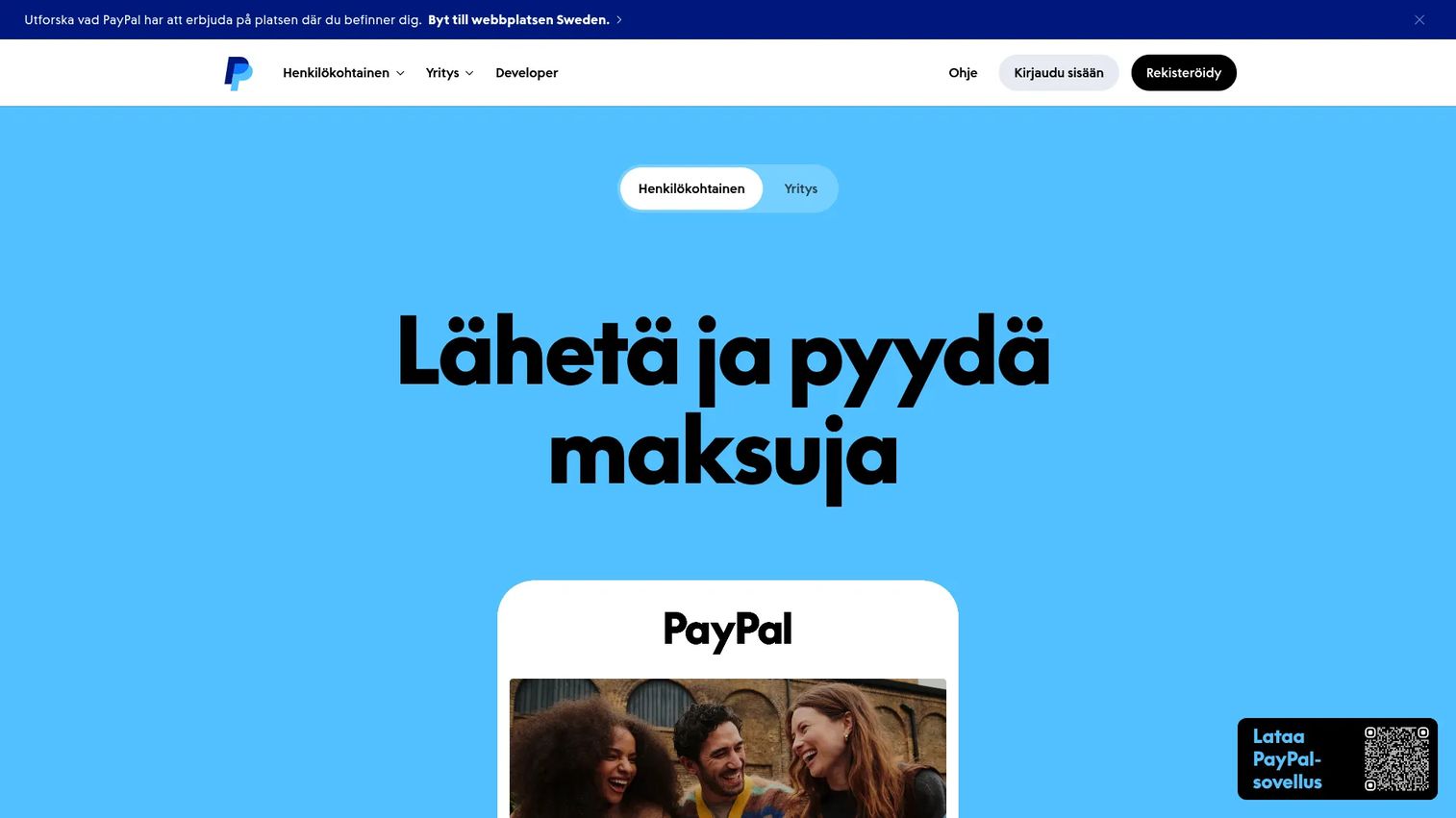
PayPal is one of the most recognized payment brands globally, which matters when donors are deciding whether to complete a checkout. It supports online card payments, PayPal wallet checkout, Venmo where available, recurring donation buttons, invoicing, and mobile giving. Many nonprofits use it as a secondary payment option alongside a primary gateway.
Best for: Nonprofits that want recognizable checkout to reduce hesitation and maximize donation completion rates.
Key features
- PayPal wallet and Venmo checkout
- Recurring donation buttons and subscription billing
- Mobile-friendly checkout with QR codes and payment links
- Seller Protection on eligible transactions
- Nonprofit account options for registered charities
Why choose PayPal: Donor trust and fast setup make PayPal a strong option for smaller nonprofits or as a supplementary checkout method. Scaling teams should evaluate reporting depth, reconciliation exports, and CRM integration quality before relying on PayPal as the primary payment processor.
PayPal pricing: Processing fees vary by channel. Tap to Pay and in-person POS transactions run at 2.29% + $0.09 per transaction. Standard PayPal/Venmo checkout runs at 3.49% + $0.49 per transaction. Card transactions through PayPal Checkout run at 2.99% + $0.49 per transaction. Nonprofit organizations may qualify for reduced charitable rates through PayPal's charity program.
G2 rating: 4.4/5
3. Givebutter
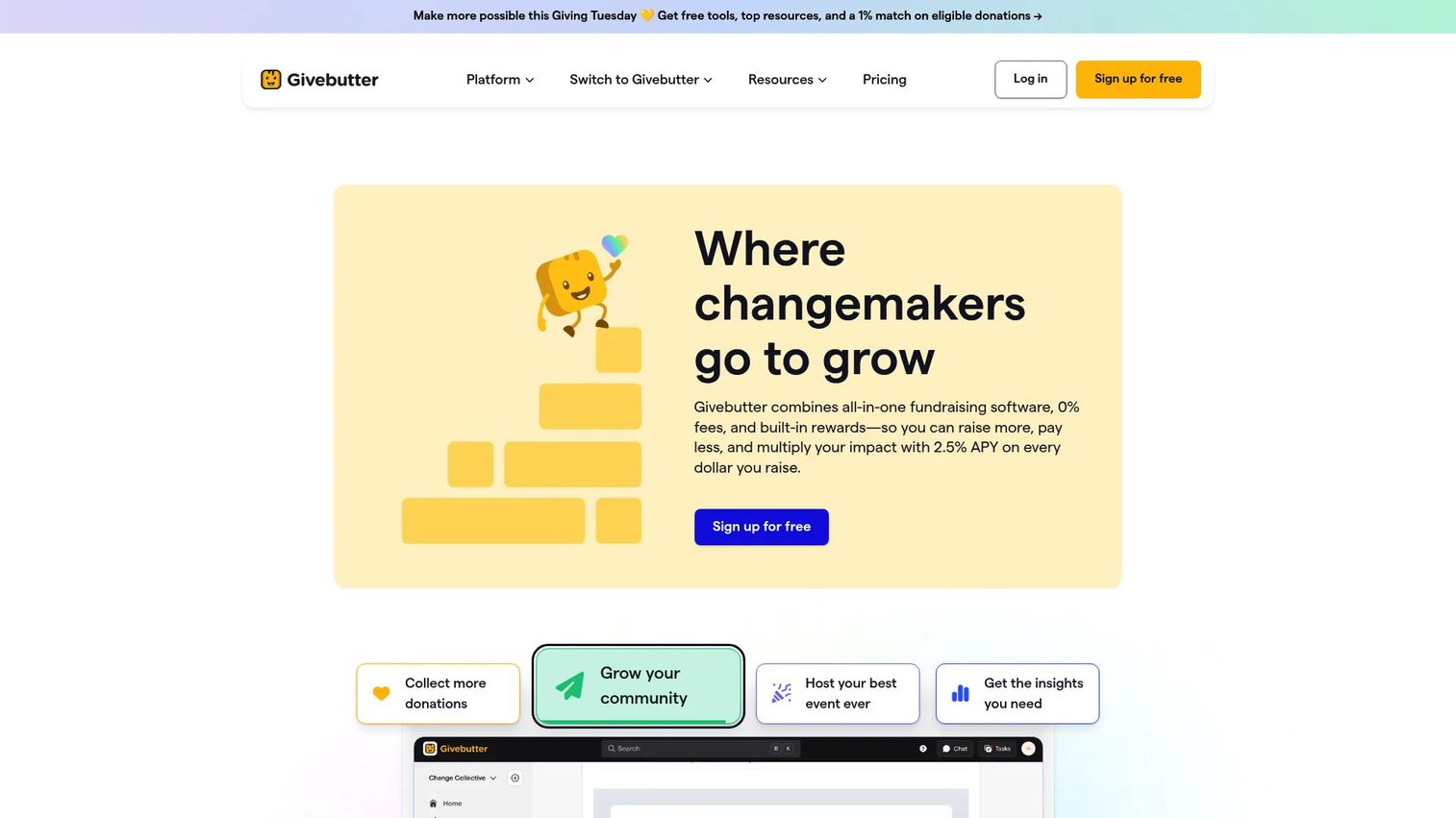
Givebutter is an all-in-one nonprofit fundraising and donor management platform. It covers donation forms, peer-to-peer campaigns, events, auctions, ticketing, email and SMS outreach, and a built-in donor CRM. Its fee model gives donors the option to cover processing costs, which can effectively reduce what nonprofits pay out of pocket.
Best for: Nonprofits that want fundraising pages, donor management, and payment processing inside a single platform without assembling a separate tech stack.
Key features
- Customizable donation forms and campaign pages
- Donor-tip model to offset processing costs
- Events, auctions, ticketing, and peer-to-peer fundraising
- CRM-style donor records with email and SMS tools
- AI-powered features and third-party integrations
Why choose Givebutter: The combination of fundraising tools and payment processing under one roof reduces setup time and integration friction. Finance teams should evaluate payout timing, reconciliation export formats, and how the donor-tip prompt appears on forms before switching all donation flows.
Givebutter pricing: The core platform is free, with fundraising tools and CRM included. Givebutter Plus starts at $29/month billed annually (or $33.80/month billed monthly). When donor tips are disabled, a 3% platform fee plus processing fees applies. Payment processing fees are charged separately.
G2 rating: 4.7/5
4. CharityEngine
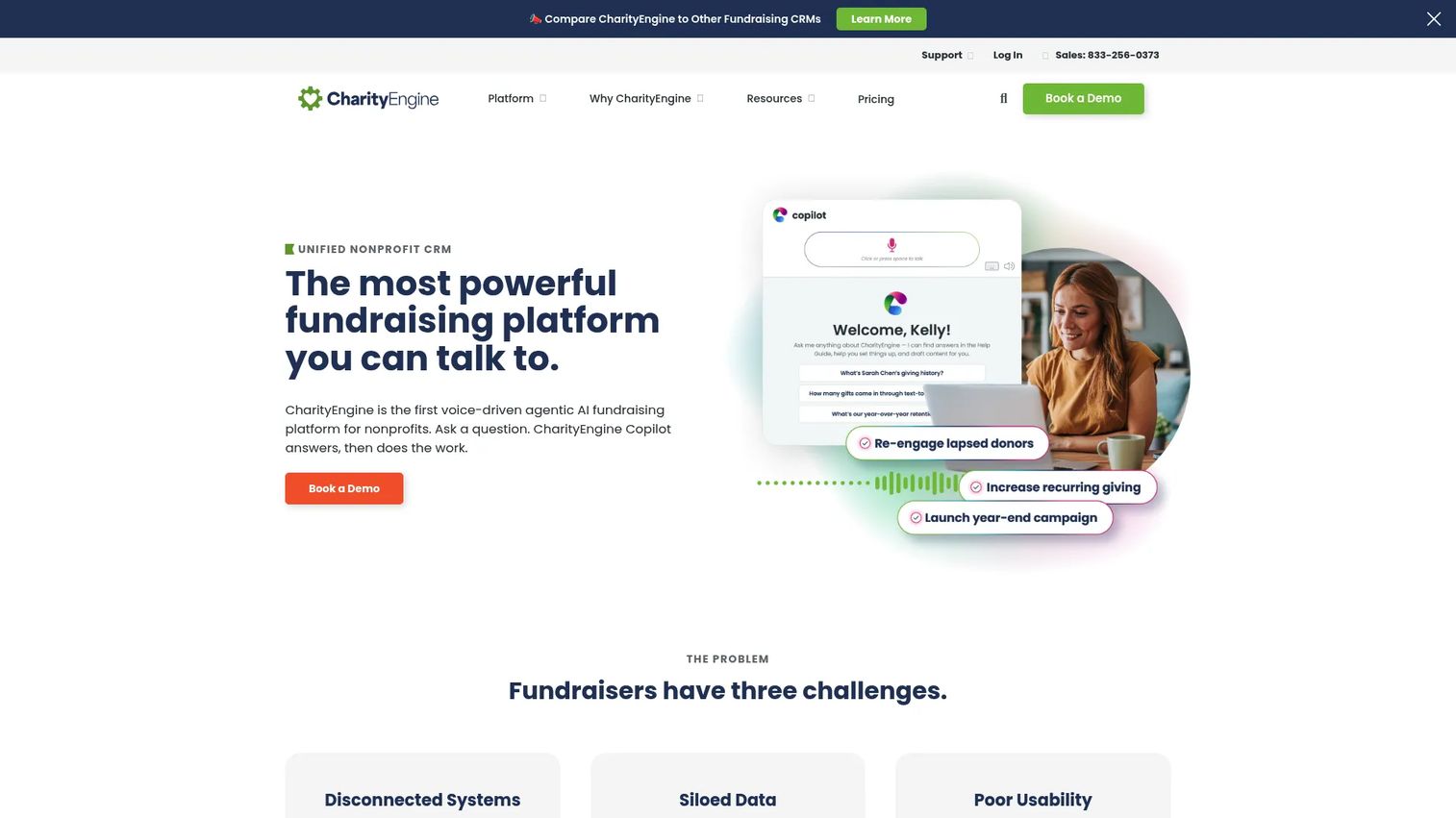
CharityEngine is an integrated nonprofit CRM and fundraising platform with built-in payment processing. Donor records, campaign management, recurring gift tracking, event payments, advocacy tools, and email automation all live in the same system. That integration reduces the reconciliation work that happens when payments, donor data, and communications live in separate tools.
Best for: Mid-sized and larger nonprofits that want payment processing tied directly to CRM workflows and constituent management.
Key features
- Nonprofit CRM with donor records and segmentation
- Donation forms, recurring gifts, and pledge management
- Event payments, auctions, and peer-to-peer fundraising
- Email marketing automation and text-to-give
- Reporting, analytics, and data workflow automation
Why choose CharityEngine: The value is in the data consolidation. Payments, donor records, and fundraising history update together, which reduces manual reconciliation and gives finance and fundraising a shared view of revenue. Teams that only need a lightweight payment gateway will find CharityEngine's full platform more than they need.
CharityEngine pricing: Plans start at $450/month for the Standard tier, which supports up to 25,000 contacts and 100,000 monthly emails. The Professional tier runs $700 to $1,500/month and supports up to 100,000 contacts. Enterprise pricing is custom and covers organizations above that scale.
G2 rating: 4.3/5
5. iATS Payments
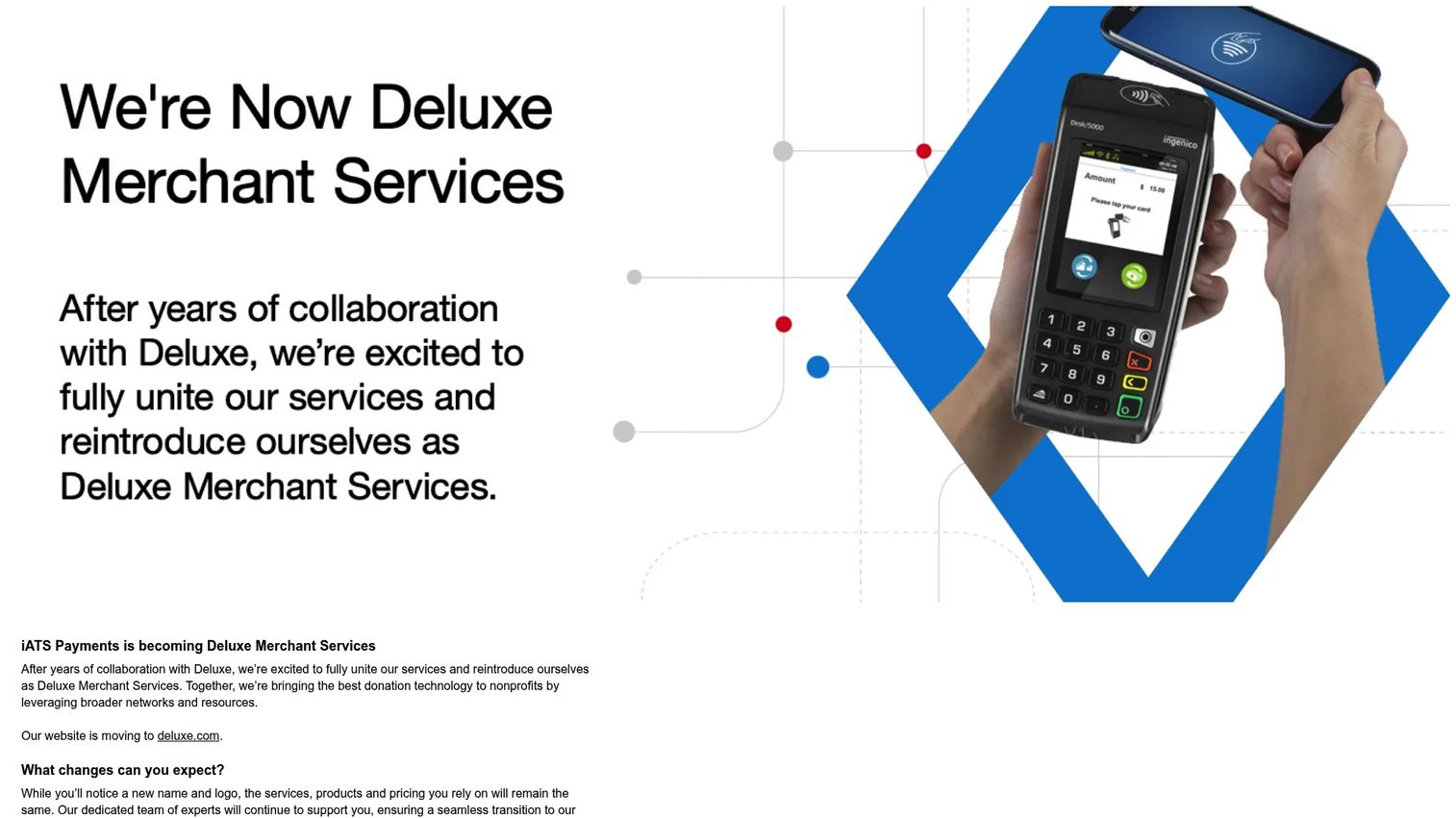
iATS Payments is a payment processor with a long track record serving the nonprofit sector. It supports credit card and ACH processing, recurring donations, online donation forms, and batch processing. It is commonly paired with fundraising CRMs through integrations like Brickwork for Salesforce. Note that iATS Payments is in the process of transitioning to Deluxe Merchant Services, with services continuing as normal during the change.
Best for: Nonprofits that want a payment processor with a nonprofit-specific track record and established integrations with donor database platforms.
Key features
- Credit card and ACH direct debit processing
- One-time and recurring donation support
- Online donation form tools
- Salesforce integration via Brickwork
- Batch processing and recurring payment updates
Why choose iATS Payments: The nonprofit sector focus and CRM integration history make it a reasonable choice for organizations already running a Salesforce-based donor database. Buyers should verify gateway compatibility with their exact fundraising and accounting stack before committing, and confirm transition details related to the Deluxe Merchant Services rebrand.
iATS Payments pricing: Cost drivers include payment volume, method mix, integration requirements, and support tier.
G2 rating: 4.2/5
6. Braintree
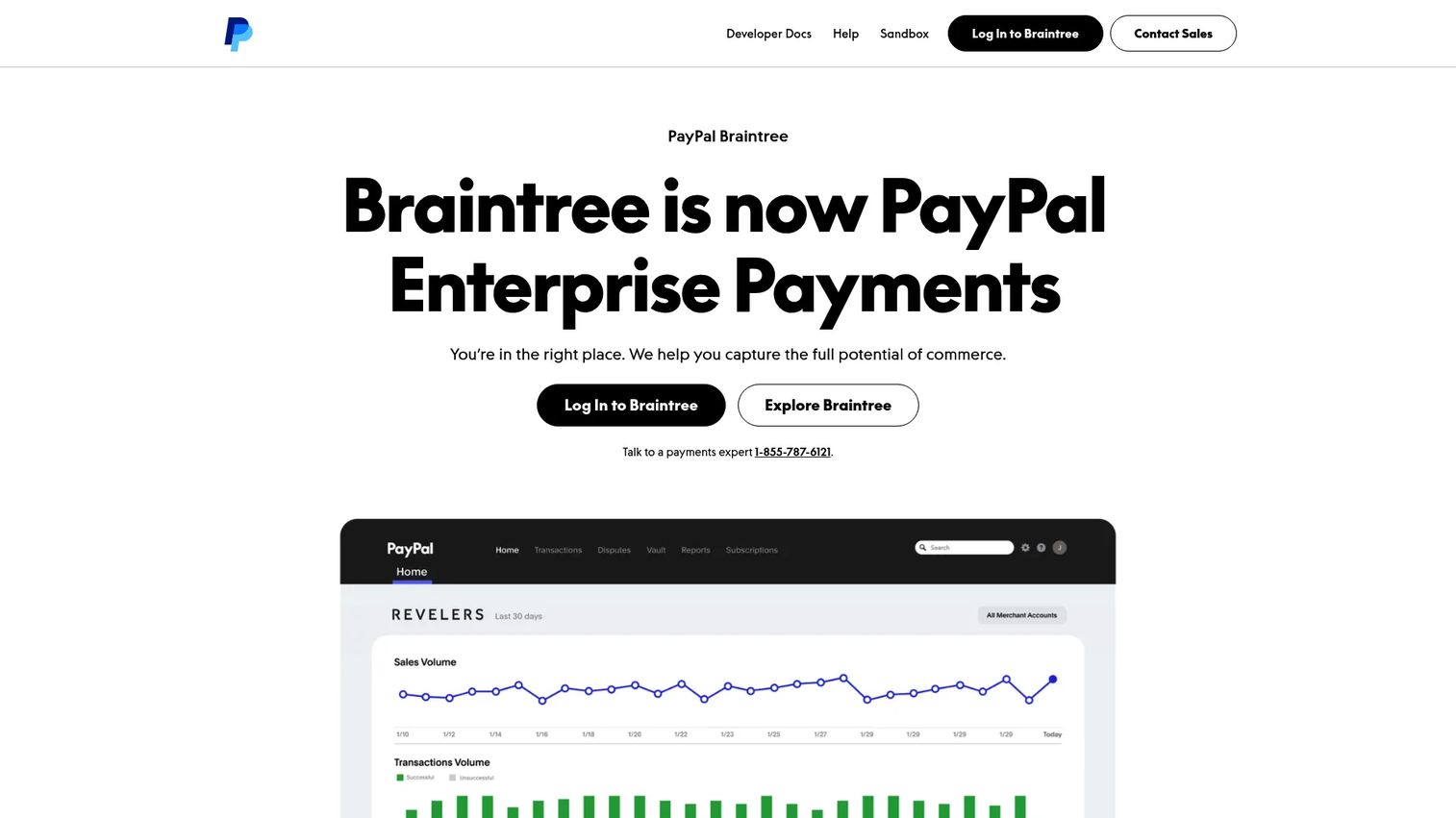
Braintree is a PayPal-owned payment gateway for developers and technical teams. It supports credit and debit cards, PayPal, Venmo, digital wallets, recurring billing, and foreign-currency acceptance through a single API. Nonprofits with technical resources use it to build custom donation flows that accept multiple payment methods from one integration.
Best for: Organizations with technical teams that want gateway flexibility and PayPal ecosystem support without the overhead of a full fundraising platform.
Key features
- Credit and debit card processing
- PayPal and Venmo checkout integration
- Digital wallet and foreign-currency support
- Recurring billing and stored payment profiles
- Fraud protection tools
Why choose Braintree: Payment method breadth and developer-friendly APIs make Braintree a solid gateway choice for nonprofits building custom donation experiences. Teams that need built-in campaign pages and donor management will still need separate fundraising software alongside it.
Braintree pricing: Standard rate is 2.89% + $0.29 per transaction for US card and digital wallet payments. Additional fees apply for American Express pass-through transactions, non-USD currency, and cards issued outside the United States. No free tier was confirmed.
G2 rating: 3.4/5
7. WePay
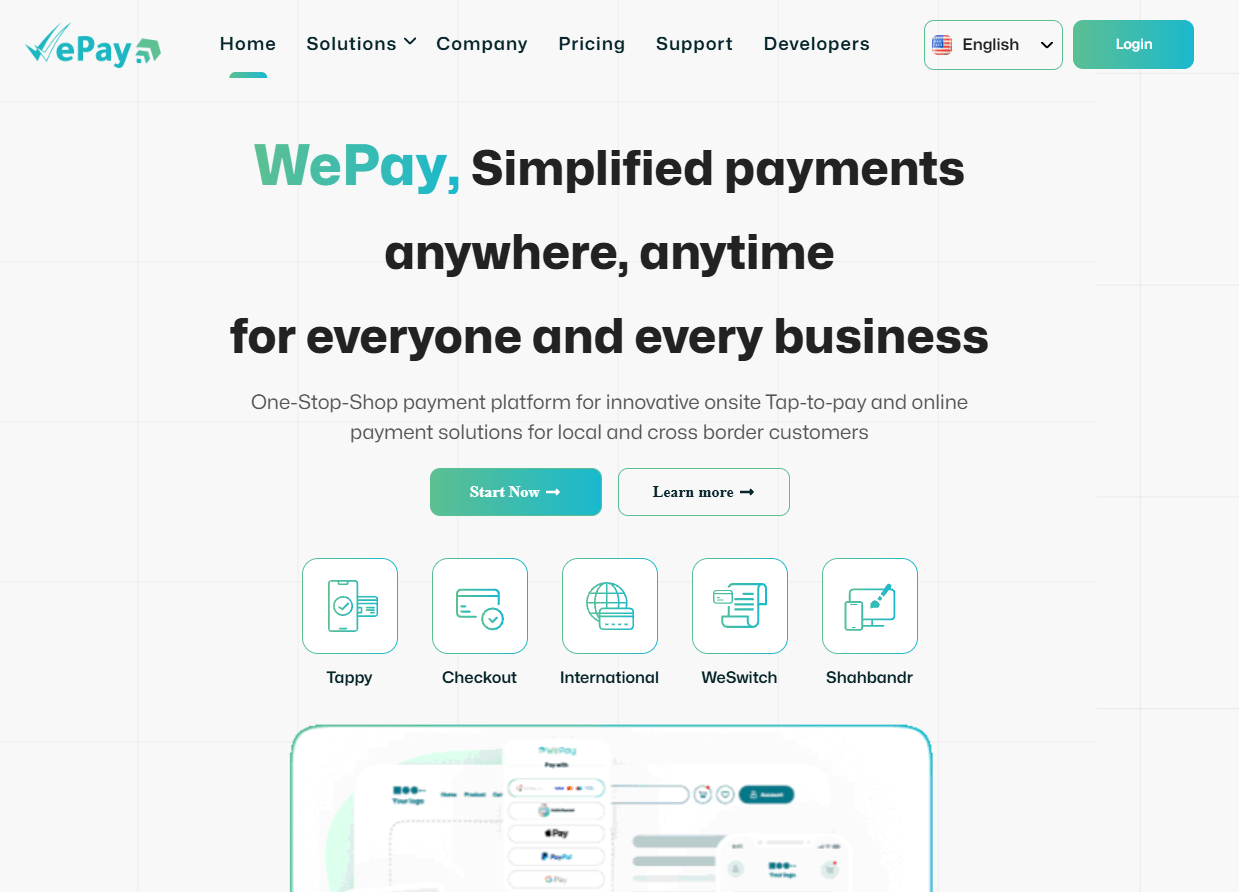
WePay is a JPMorgan Chase-owned embedded payments infrastructure provider for software platforms and independent software vendors. It is not a typical nonprofit donation tool. Its relevance here is for SaaS founders building nonprofit-facing products who want to embed payment processing directly into their platform rather than sending users to a separate gateway.
Best for: Software platforms and ISVs serving nonprofits that want to embed payment processing for their users, not direct nonprofit fundraising teams.
Key features
- Embedded payment processing for software platforms
- Online card and ACH payment support
- Recurring billing
- Fraud protection and risk management
- Reporting and dashboard tools
Why choose WePay: If you are building a nonprofit SaaS product and want native payments inside your product rather than a third-party redirect, WePay is worth evaluating. Direct nonprofit teams running donation forms and campaigns will find dedicated fundraising platforms or payment gateways more appropriate.
WePay pricing: Pricing requires a sales conversation. Cost factors include platform transaction volume, risk profile, payout structure, and implementation requirements.
G2 rating: 3.6/5
8. SustainerIQ
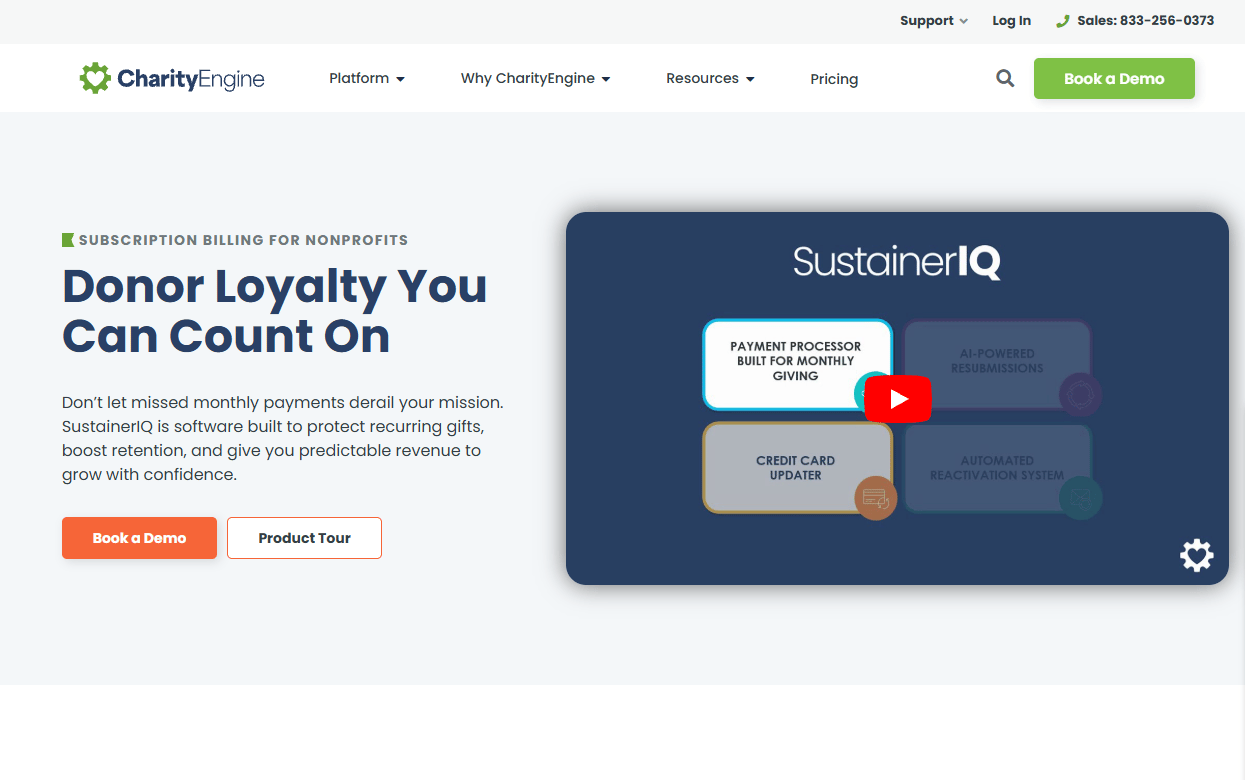
SustainerIQ is CharityEngine's proprietary subscription-billing and payment recovery technology for nonprofit sustainer programs. It addresses the specific problem of failed recurring payments through AI-powered retry logic, automatic card updating, donor self-service portals, and reactivation campaigns. It is not a standalone donation gateway but a specialized layer for protecting recurring giving revenue.
Best for: Nonprofits with an active recurring donor file that want to reduce payment failure churn and recover interrupted gifts.
Key features
- AI-powered payment recovery with intelligent retry logic
- Automatic credit card updating including American Express
- Donor self-service portal for updating payment details
- Automated donor reactivation campaigns
- Real-time sustainer dashboard with collection-rate metrics
Why choose SustainerIQ: Recurring gift failures are silent revenue leaks. SustainerIQ addresses the operational gap between a failed charge and a lost donor, which matters most for organizations where monthly giving represents a significant share of online revenue. Teams without an existing primary payment processor will still need one.
SustainerIQ pricing: Cost drivers include sustainer file size, payment volume, recovery workflow scope, and integration requirements. Contact CharityEngine for a quote.
9. Authorize.Net
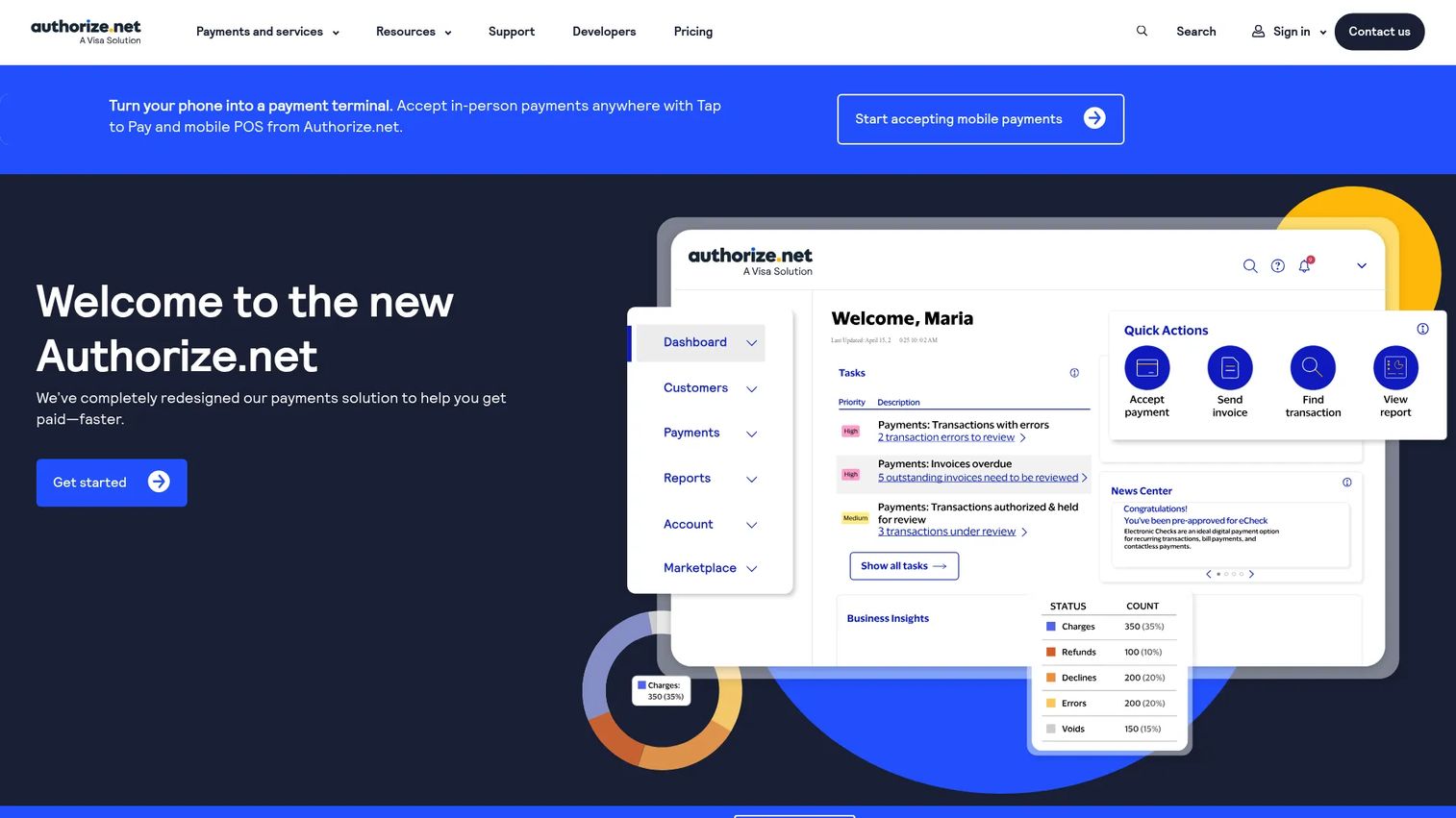
Authorize.Net is one of the longest-running payment gateways available, now part of Visa. It connects to merchant accounts and supports credit cards, eCheck/ACH, recurring billing, digital wallets including Apple Pay and Google Pay, and virtual terminal payments. Many nonprofit fundraising platforms use Authorize.Net as a supported gateway option when organizations already have a merchant account relationship.
Best for: Nonprofits that have an existing merchant account or want established gateway flexibility with eCheck support.
Key features
- Credit and debit card processing
- eCheck and ACH payment support
- Recurring billing and customer payment profiles
- Digital wallet support including Apple Pay and Google Pay
- Fraud detection and virtual terminal
Why choose Authorize.Net: The gateway's maturity and broad merchant account compatibility make it a stable option for organizations that want processing control without migrating to a bundled platform. Teams that need built-in donor management and fundraising forms will still need connected software.
Authorize.Net pricing: The All-in-one plan runs $25/month plus 2.9% + 30¢ per transaction. The Gateway Only plan runs $25/month plus 10¢ per transaction and a 10¢ daily batch fee, designed for use with an existing merchant account.
10. Square
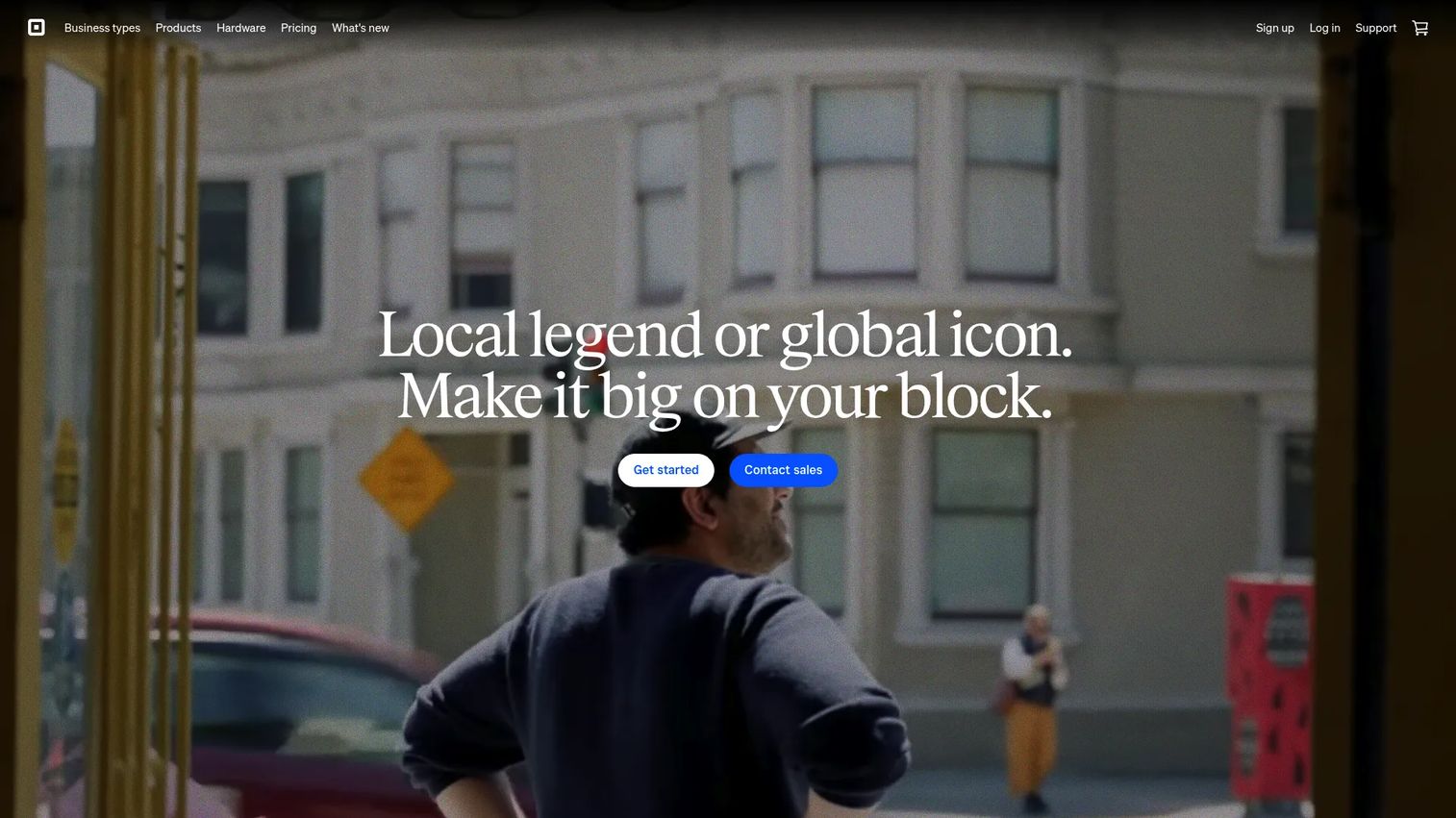
Square is a commerce platform built around in-person and online payment acceptance. For nonprofits, it fits event fundraising, gala ticketing, merchandise tables, mobile giving at community drives, and simple online donation links. It supports Tap to Pay, mobile card readers, countertop POS hardware, invoice payments, and online checkout without a monthly subscription on its base plan.
Best for: Nonprofits that collect payments at events, pop-up fundraisers, galas, and community drives and want fast hardware setup.
Key features
- Mobile card readers and Tap to Pay on iPhone or Android
- POS hardware for countertop and event use
- Online checkout links and payment pages
- Invoice and recurring invoice payments
- Inventory and staff management tools
Why choose Square: The free base plan and fast hardware setup make Square a practical choice for event-driven giving. Donor stewardship, pledge tracking, and nonprofit CRM features require a separate tool, so Square works best alongside a donor management system rather than as a standalone fundraising platform.
Square pricing: The Free plan has no monthly subscription and charges 2.6% + 10¢ for in-person transactions and 2.9% + 30¢ for online transactions. Square Plus costs $49/month per location and Square Premium costs $149/month per location, both including 30-day free trials.
G2 rating: 4.6/5
11. Clover
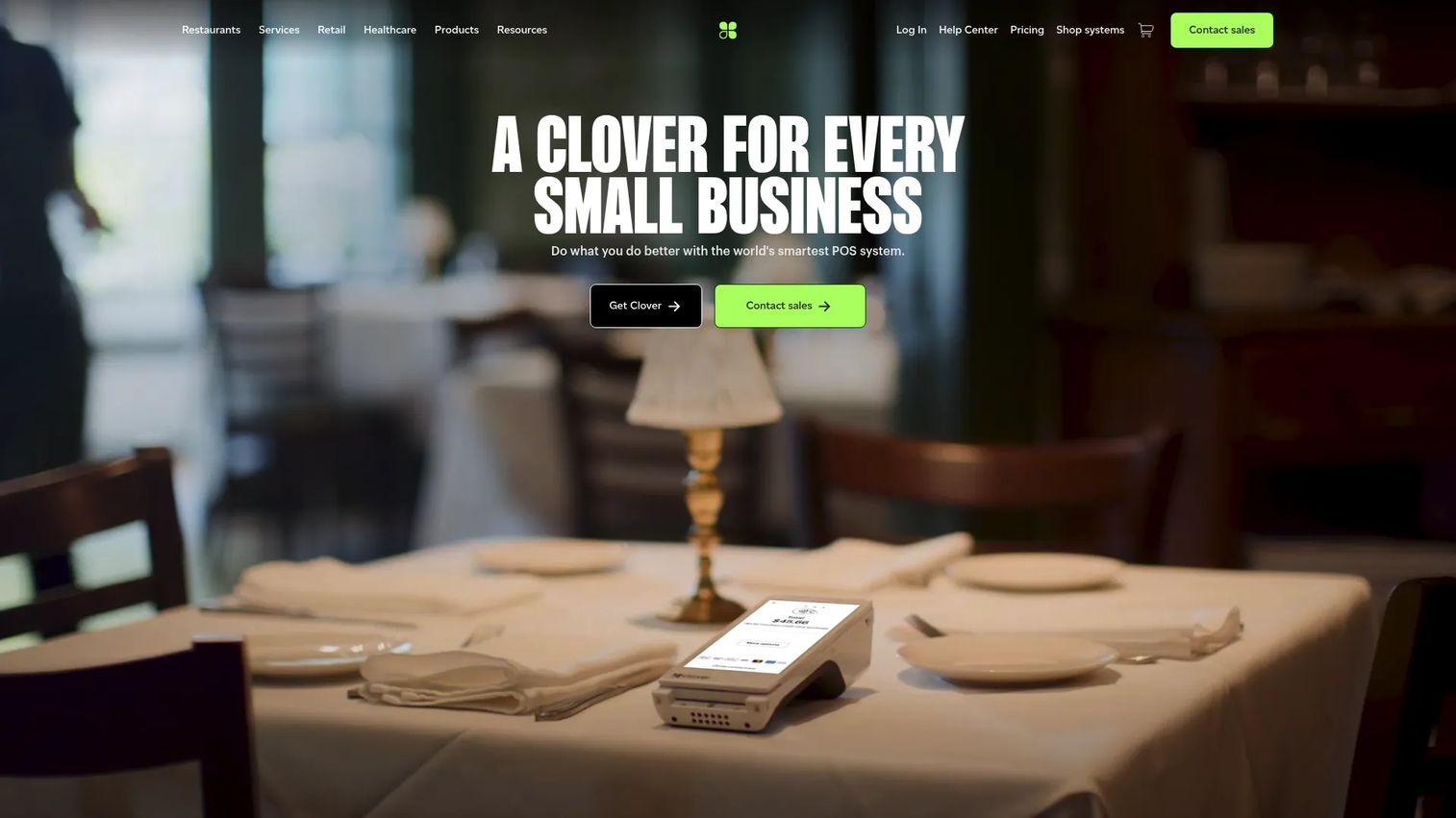
Clover is a point-of-sale and payment platform built around hardware. It suits nonprofits with consistent onsite payment operations, including thrift stores, event merchandise tables, countertop giving stations, and ticketing booths. Available devices include handheld, countertop, and mobile configurations, and the platform covers contactless payments, cash, checks, invoices, and gift cards.
Best for: Nonprofits with recurring onsite payment needs, event-heavy fundraising, and physical retail operations like thrift stores.
Key features
- POS hardware for countertop, handheld, and mobile use
- Contactless card and digital wallet payments
- Inventory tracking and receipt management
- Staff permissions and role management
- Sales analytics and tax reporting
Why choose Clover: The hardware depth and onsite payment workflows make Clover a practical fit for organizations running physical operations or frequent in-person events. Online donation journeys and nonprofit CRM capabilities typically require additional software outside Clover.
Clover pricing: Retail bundles start at $16/month for 36 months (or $349 upfront) for the Basic configuration. The Standard bundle runs $180/month for 36 months (or $1,899 upfront plus $84.95/month service). The Advanced bundle runs $240/month for 36 months (or $2,648 upfront plus $104.90/month service). Processing rates depend on the plan and hardware selected.
G2 rating: 3.8/5
12. Regpack
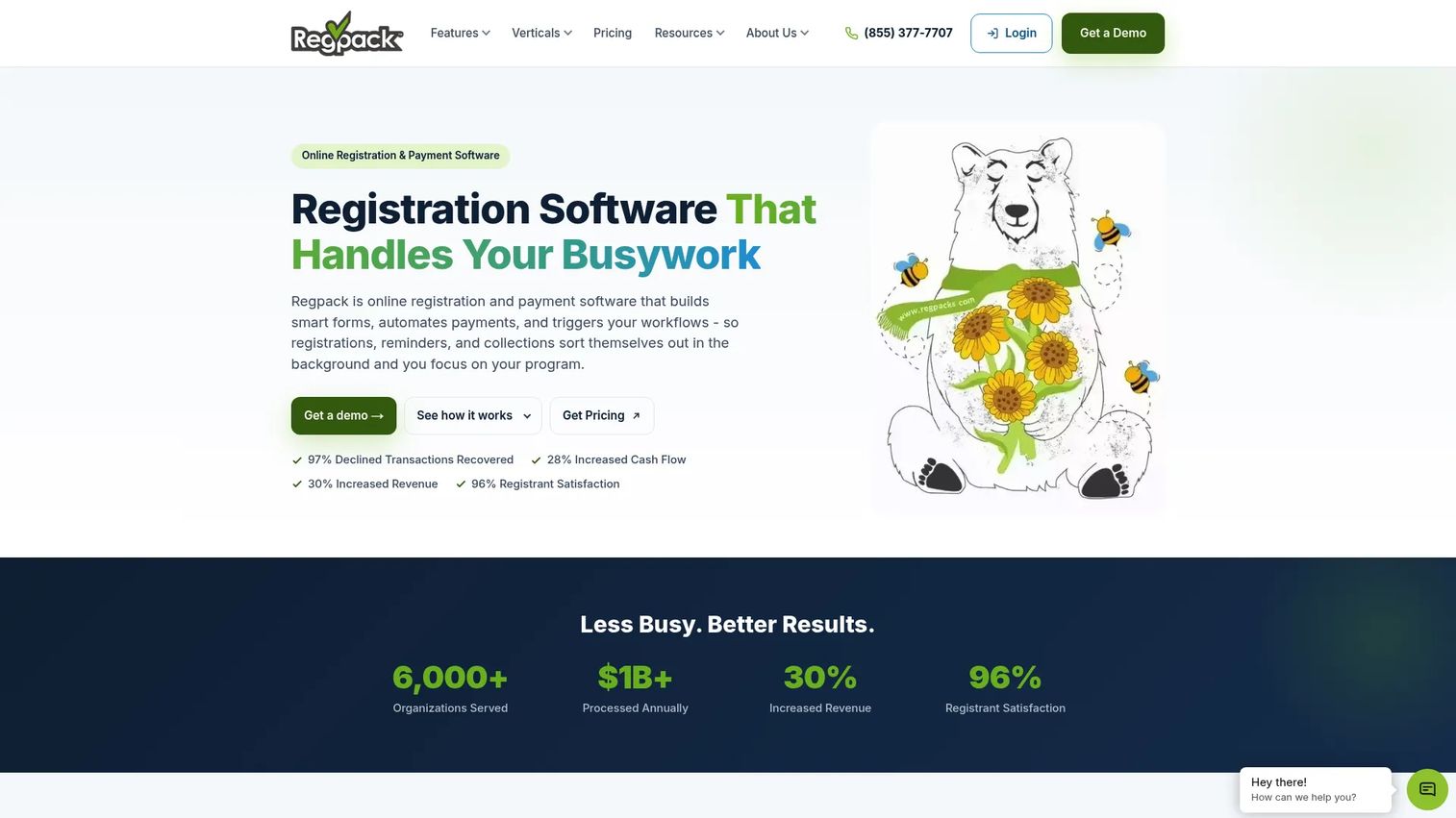
Regpack is registration and payment software for programs, camps, classes, events, and application-based workflows. It handles custom forms with conditional logic, payment plans, automated billing, autopay retries, ACH and card payments, and no-code workflow automation. It is designed for nonprofits that collect fees tied to participation or enrollment rather than pure donation checkout.
Best for: Nonprofits collecting program fees, event registrations, camp payments, and recurring participant billing alongside complex registration workflows.
Key features
- Custom registration forms with conditional logic
- Payment plans, autopay, and automated billing retries
- ACH and card payment support
- E-signatures, file uploads, and group registration
- No-code workflow automation with 60+ trigger conditions
Why choose Regpack: The form-driven payment model fits organizations where the payment is tied to a registration decision, a billing schedule, or a program eligibility workflow. Nonprofits focused purely on donation fundraising will find dedicated donation platforms more appropriate.
Regpack pricing: Regpack offers SMB, Mid-Market, and Mid-Market Plus plans. Pricing is generated through a personalized quote process rather than published directly. All plans include unlimited users, projects, forms, and reports. Contact Regpack to get figures based on transaction volume and feature needs.
G2 rating: 3.9/5
13. Snowball
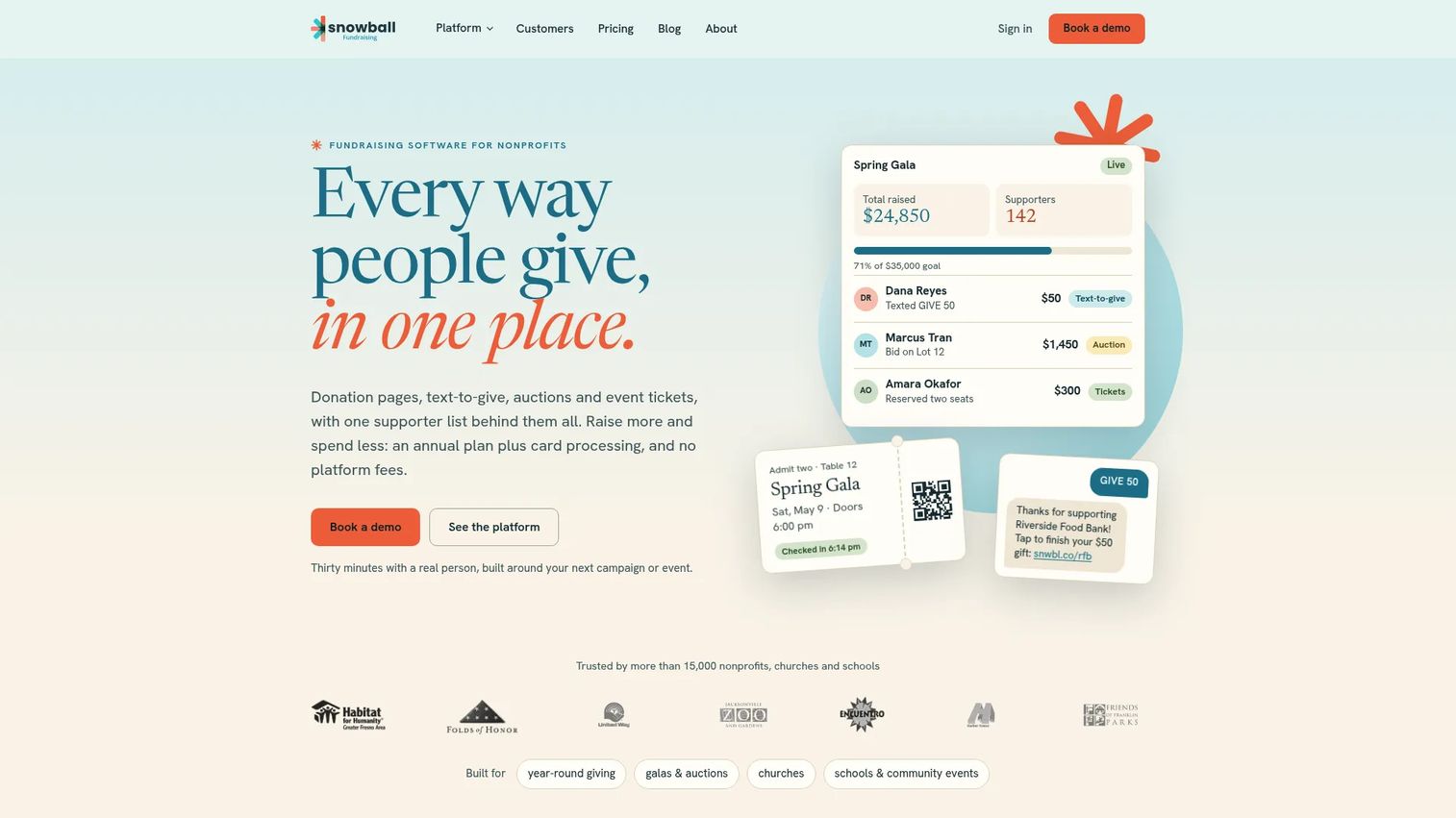
Snowball is a nonprofit fundraising platform covering donation pages, text-to-give, online auctions, event ticketing, supporter management, and recurring donations. It is designed for nonprofits that want donor-facing fundraising tools without a heavy implementation process. The platform suits smaller and mid-sized organizations that need mobile giving and campaign tools in the same product.
Best for: Small to mid-sized nonprofits that want donation pages, text-to-give, and event fundraising tools without complex setup.
Key features
- Customizable donation campaign pages
- Text-to-give with unlimited trigger keywords
- Online auctions with outbid alerts and instant receipts
- Event ticketing, registration, and QR check-in
- Supporter management, email outreach, and reporting
Why choose Snowball: The approachable fundraising tools and mobile donation workflows make Snowball a practical starting point. Larger nonprofits should evaluate CRM depth, accounting integration options, and reporting detail before committing, since the platform targets smaller organizations.
Snowball pricing: A new-nonprofit plan is available at $399/year with a 2.5% transaction rate plus 30¢ per transaction. The standard pricing page directs buyers to a sales conversation for exact annual plan costs. Contact Snowball for current pricing on larger plans.
G2 rating: 4.0/5
14. Zeffy
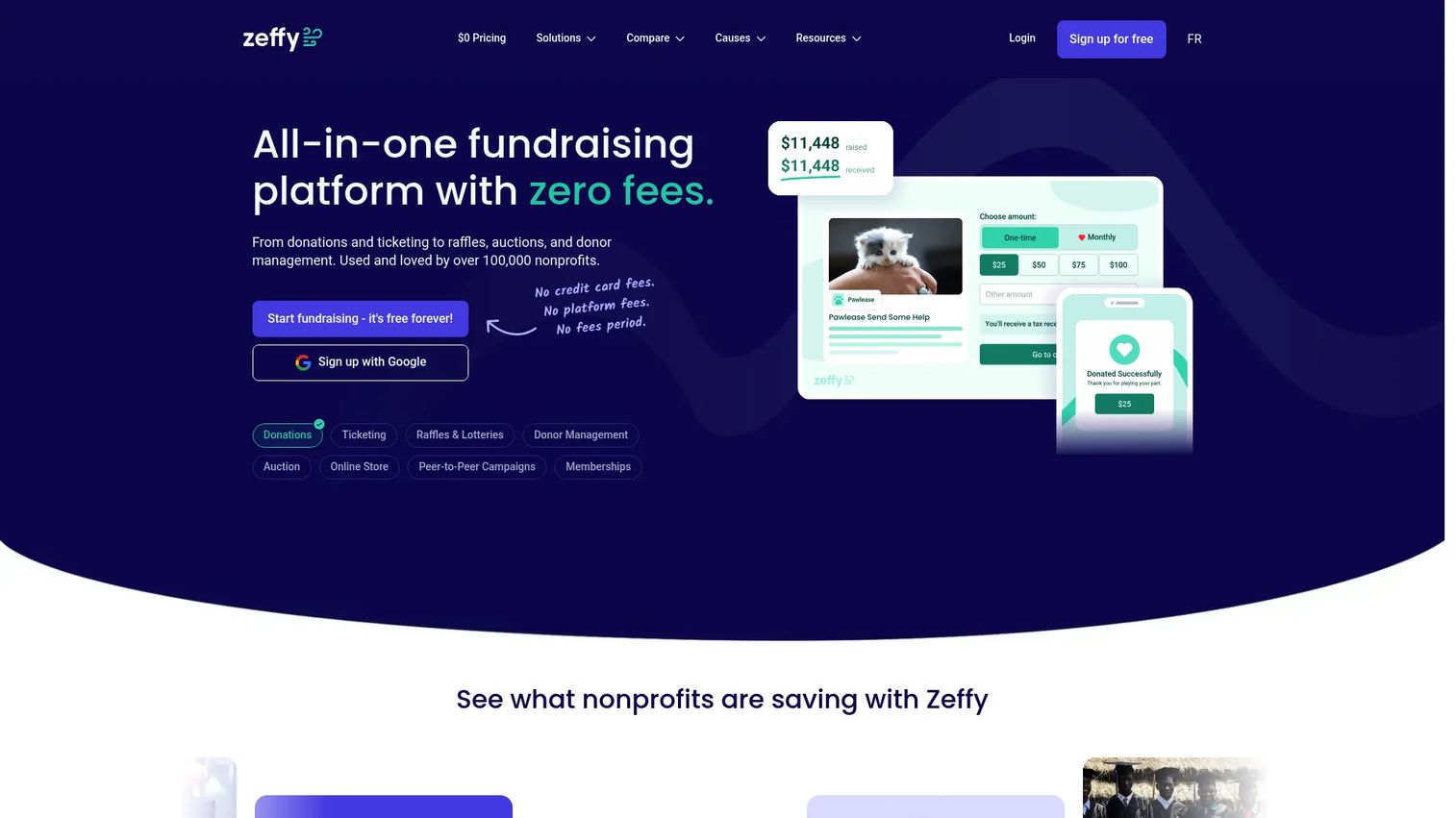
Zeffy is a fundraising platform and donor CRM for nonprofits that charges no platform fees, no transaction fees, and no subscription fees. It covers donation forms, event ticketing, peer-to-peer fundraising, auctions, raffles, memberships, and an online store. Zeffy's model works through optional donor contributions that appear during checkout, which cover Zeffy's operating costs.
Best for: Cost-conscious nonprofits that want a broad fundraising platform and are comfortable with the donor-tip funding model.
Key features
- Donation forms with recurring giving options
- Event ticketing with discount codes and check-in tracking
- Peer-to-peer fundraising, auctions, raffles, and memberships
- Donor CRM with email, automated tax receipts, and reporting
- Integrations with common donor management platforms
Why choose Zeffy: The no-fee structure is the headline, and the fundraising feature breadth makes it genuinely competitive. Before migrating all payment flows, review the donor-facing contribution prompt to understand how it appears, confirm payout timing, and test reporting export quality against your finance team's needs.
Zeffy pricing: All features are free for nonprofits. Zeffy charges no platform, transaction, credit card, or subscription fees. Donor Mail, a physical mailing feature, is a separate paid option at $1.20 per standard letter or $1.50 per first-class letter.
G2 rating: 4.9/5
15. Blackbaud Merchant Services
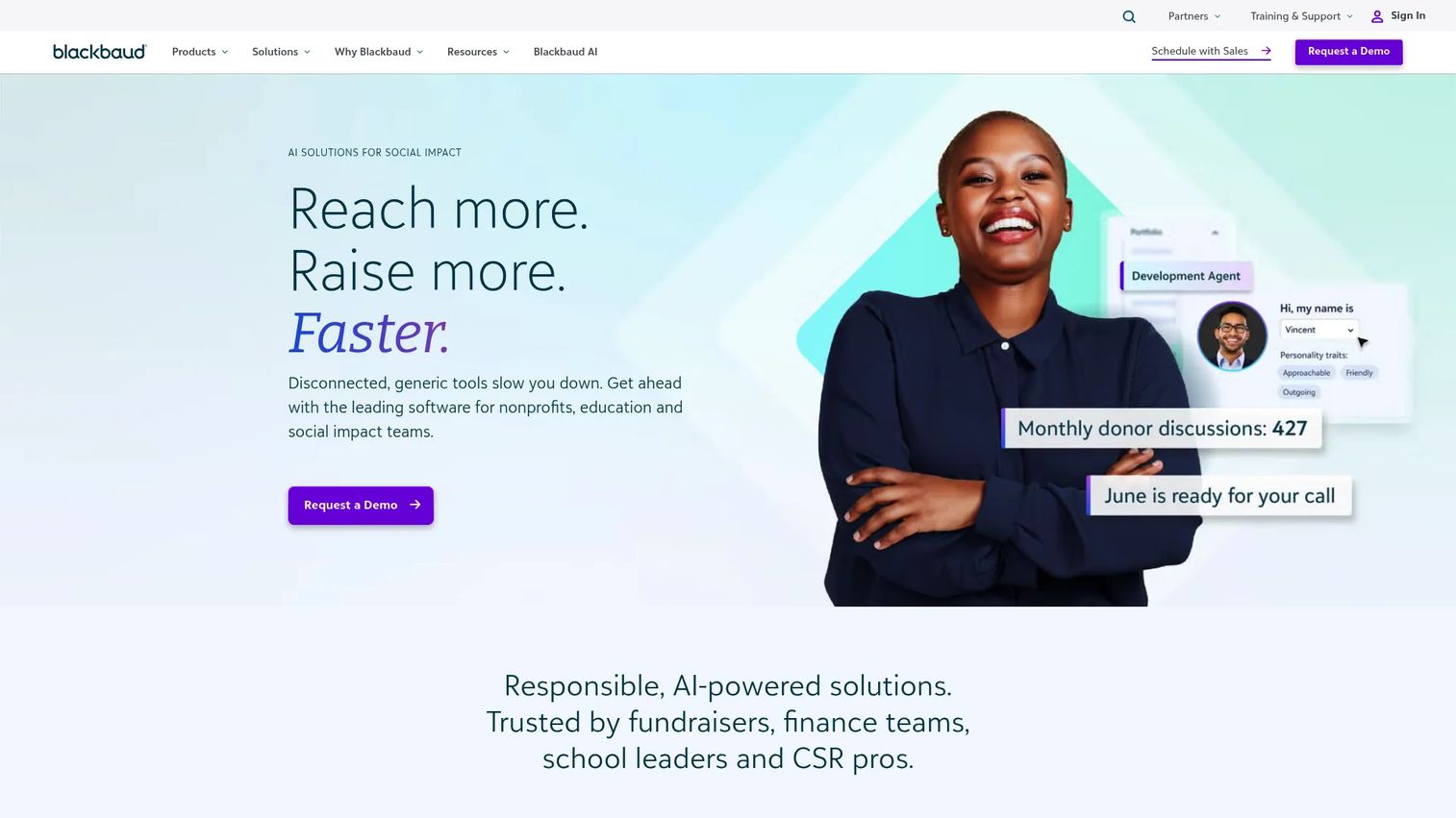
Blackbaud Merchant Services is Blackbaud's end-to-end payment processing solution built for organizations already running Blackbaud fundraising and donor management products. It supports credit cards, debit cards, ACH, recurring gifts, digital wallets, MobilePay Terminal for in-person giving, fraud management, and a reconciliation and disbursement reporting layer.
Best for: Nonprofits already running Blackbaud fundraising or donor management software that want native payment processing without a separate gateway integration.
Key features
- Credit card, debit card, and ACH payment processing
- Recurring gifts with Credit Card Updater
- MobilePay Terminal for in-person donations
- Digital wallet support
- Fraud management, reconciliation, and disbursement reporting
Why choose Blackbaud Merchant Services: For organizations already in the Blackbaud ecosystem, the native integration reduces reconciliation friction and keeps payment data inside the same donor record. Nonprofits outside the Blackbaud product suite should compare total cost of ownership and migration complexity before choosing it as a standalone option.
Blackbaud Merchant Services pricing: Pricing requires a personalized quote. Blackbaud confirms no monthly service fee for Merchant Services accounts, with transaction fees applying. Cost details depend on payment volume, method mix, and which Blackbaud products are in use. Contact Blackbaud for current rates.
G2 rating: 4.3/5
Considerations when choosing nonprofit payment gateway software
Match payment methods to donor behavior
Donors give by card, ACH, digital wallet, QR code, and in person. ACH matters for major gift donors and recurring sustainers because fees are often lower than card rates, though settlement timelines can run longer. Confirm that your chosen tool supports the payment methods your donor base actually uses before assuming coverage.
Calculate total cost, not advertised rates
The card processing rate is one line item. Add platform fees, monthly gateway fees, chargeback fees, refund processing costs, donor-tip model mechanics, POS hardware, and implementation time. Platforms that appear free often operate on donor-covered fee models, which shifts cost to donors and may affect donation completion rates depending on how prominently the tip prompt appears.
Check recurring gift retention tools
Recurring donor retention depends on more than saving a card on file. Look for account updater integrations, intelligent retry logic, ACH as a fallback, donor-facing self-service for updating payment details, and dunning communications. Tools without these features let revenue leak silently every billing cycle.
Verify reconciliation and reporting quality
Your finance team needs payout reports at the deposit level, campaign attribution, refund and dispute records, and accounting export formats that match your general ledger. A lower processing rate is not a good trade if the resulting deposit report takes three hours to reconcile each week.
Review security and migration requirements before switching
PCI compliance responsibility, tokenization, fraud tools, role-based access controls, and donor data portability all matter before you migrate. Confirm data export options, donor record ownership, and whether the new provider can import existing payment profiles. Support availability during migration is worth evaluating separately from day-to-day support quality.
Conclusion
Payment gateway selection for nonprofits comes down to what problem you need to solve first.
If you need flexible infrastructure with broad payment method support, start with Stripe or Braintree. If donor familiarity at checkout is the priority, evaluate PayPal. For fundraising tools and payment processing together, Givebutter, Zeffy, and CharityEngine all offer meaningful integration, with Zeffy standing out on cost and CharityEngine on CRM depth. If recurring gift revenue is leaking from failed payments, SustainerIQ addresses that specific problem directly. For event and in-person giving, Square and Clover are the clearest options, with Square better suited to mobile and event setups and Clover stronger for hardware-heavy onsite operations. If merchant account gateway control matters, Authorize.Net and iATS Payments both serve that need. Organizations inside the Blackbaud ecosystem will find Blackbaud Merchant Services the lowest-friction option.
Pick the tool that solves your most expensive current problem without creating two new ones for finance. The best payment processing software is the one your team can actually hand off to a finance lead on day one.
FAQs
Nonprofit payment gateway software securely captures donor payment information and routes transactions through the appropriate banks and card networks. It covers cards, ACH, digital wallets, and recurring giving. Many platforms in this category combine the gateway function with fundraising forms, donor management, and reporting tools designed around nonprofit workflows.
A payment gateway captures and encrypts donor payment data, then transmits it to the processor. A payment processor moves the transaction through the card network, the issuing bank, and the acquiring bank, and settles funds into the nonprofit's account. Many modern platforms bundle both functions, so the distinction matters most when evaluating older gateway-only tools like Authorize.Net that require a separate merchant account.
The answer depends on what you need most. Stripe is the strongest option for flexible infrastructure and payment method breadth. PayPal works well for organizations that want donor familiarity and fast setup. Givebutter and Zeffy are strong picks for fundraising tools with donor-covered fee models. Authorize.Net suits nonprofits that already have a merchant account and want gateway flexibility.
Free payment processing usually means the cost is covered by optional donor contributions rather than the nonprofit. Zeffy operates entirely on this model, with donors invited to contribute a tip that covers Zeffy's costs. Givebutter's free plan works similarly when tips are enabled. Neither option is costless: The donor-tip prompt appears during checkout and may affect some donors' giving decisions. Review how the prompt displays before assuming it has no impact on conversion.
ACH can be more cost-effective than card processing for larger or recurring gifts, since rates are typically a percentage with a cap rather than the full card rate. Stripe charges 0.8% capped at $5 for ACH, compared to 2.9% + 30¢ for cards. The trade-off is slower settlement and different return rules. ACH works well for major donors and monthly sustainers who are comfortable with bank transfer authorization.
Any organization that accepts card payments carries PCI responsibilities. Using a compliant processor reduces your scope, but it does not eliminate your obligation to handle donor data safely internally. Organizations that use hosted payment pages or tokenized forms rather than collecting card data directly carry a significantly smaller PCI burden. Confirm your responsibility level with your processor and review PCI Security Standards Council guidance for nonprofit-sized organizations.
Recurring donation performance depends on more than storing a card number. Look for automatic card updater integrations, intelligent retry logic with configurable timing, ACH as a fallback for failed card charges, donor-facing self-service for updating payment details, and dunning communications that recover gifts before donors are contacted manually. SustainerIQ is built specifically for this problem. CharityEngine and Givebutter both include recurring gift tools within their broader platforms.
Start with the per-transaction card rate and ACH rate, then add monthly platform fees, monthly gateway fees, chargeback fees, refund fees, and any hardware costs. For donor-tip models, estimate what percentage of donors opt out of the tip and what happens to your effective cost in that scenario. Factor in payout timing, since slower settlement affects cash flow. Finally, estimate the finance team's time cost for reconciliation, since a lower processing rate paired with poor reporting can cost more in labor than a slightly higher rate with clean exports.