You scheduled four instructor-led sessions this quarter. Two of them you ran from a spreadsheet, one from a shared inbox, and the last one fell apart because nobody confirmed the room and half the cohort never got the reminder. Now leadership wants a completion report by Friday, and you are stitching attendance from three different places.
That is the real problem training management software solves. Not "hosting courses." Operations. The global training management system software market sat at roughly USD 7.57 billion in 2024 and is forecast to reach USD 15.46 billion by 2033, growing at about 8.6% CAGR, according to Exactitude Consultancy (2024). That growth is not driven by people wanting more content. It is driven by teams wanting less manual admin and clearer visibility into who finished what.
If you run onboarding, certification, or recurring compliance training at any scale, the friction is familiar: scattered registrations, manual reminders, weak reporting, and no clean way to prove training ROI. The right training management platform turns that mess into a repeatable system with scheduling, enrollment automation, and reporting baked in. The wrong one becomes another tool nobody updates.
For enablement teams especially, this overlaps with how you already think about readiness and adoption. The same instinct that makes you build interactive demos and structured product walkthroughs for reps applies here: structure the experience, then measure whether it landed. This guide compares eight tools so you can match a training management solution to your actual workflow, not a feature list.
What's inside
This guide compares eight training management software tools for teams that need scheduling, enrollment, reporting, automation, and governance in one place. We picked tools that fit a range of training motions: instructor-led training management, virtual sessions, blended learning management, and extended enterprise training across customers and partners.
We evaluated each tool on four things that matter to operators: ease of administration, integration depth (CRM, HRIS, calendar, virtual classroom), reporting and analytics quality, and pricing transparency. The list is ranked by relevance to operations-first training management, not alphabetically. Where a tool leans more toward learning delivery than logistics, we say so, so you can self-sort before reading the full reviews.
TL;DR
- Best for training providers selling and scheduling courses: Arlo handles registration, payments, and course scheduling in one system.
- Best for enterprise training operations: Training Orchestra focuses on instructor-led and virtual scheduling, resource management, and budget tracking at scale.
- Best for configurable enterprise L&D: Absorb LMS pairs learning delivery with strong reporting and automation.
- Best for fast internal employee training: TalentLMS gets small teams running quickly with branded courses and certifications.
- Best for multi-audience training: LearnUpon supports employee, customer, and association training from one platform.
- Best for AI-assisted scale: Docebo suits larger orgs needing flexibility across internal and external audiences.
Tools like Guideflow sit alongside these platforms when your training motion includes showing software, not just tracking course completion. More on where that fits below.
What is training management software?
Training management software is a system used to plan, schedule, administer, and measure training programs across instructor-led, virtual, and blended formats. It acts as the operational record for your training: who is enrolled, when sessions run, who attended, who got certified, and what it cost.
People confuse it with an LMS, but the jobs differ. A learning management system (LMS) is built to deliver and track e-learning content: courses, modules, quizzes, SCORM files. A training management system (TMS) is built to run the operations around training: scheduling, instructor management, resource booking, registration, and financial tracking. Some platforms blur the line and do both, which is why the LMS vs TMS distinction trips up first-time buyers.
A training administration system also differs from adjacent systems you already own. Your CRM tracks deals and contacts. Your HRIS tracks employees and roles. A TMS connects to both but owns the training layer specifically.
Core capabilities a serious training software management tool should cover:
- Scheduling: course calendars, session planning, instructor and room assignment
- Enrollment: self-service registration, waitlists, enrollment automation, approvals
- Attendance: check-in, completion tracking, no-show handling
- Communications: automated reminders, confirmations, follow-ups
- Certification: certificate issuance, expiry, and certification tracking
- Reporting: training reporting and analytics on completion, cost, and impact
- Integrations: CRM, HRIS, calendar, virtual classroom, and reporting connections
If you are also evaluating how training programs prove value to leadership, it is worth reviewing how analytics platforms drive ROI across operational functions, because the measurement logic carries over.
What training management software should do
Before comparing vendors, get clear on the functional baseline. A serious training management platform should remove manual steps at every stage of the training lifecycle, not just store a course catalog.
Scheduling and resource management. You should be able to build a course calendar, assign instructors, book rooms or virtual sessions, and avoid double-booking without a spreadsheet. This is where training scheduling software earns its place, especially for instructor-led training management where logistics are the bottleneck.
Registration and enrollment. Learners or managers should self-enroll, join waitlists, and trigger approvals automatically. Enrollment automation cuts the inbox coordination that eats admin time.
Automated communications. Confirmations, reminders, and follow-ups should fire on their own. Manual reminder-chasing is the single biggest time sink in training operations.
Payment handling, where relevant. Training providers and association training programs need checkout, invoicing, and registration fees handled inside the system, not bolted on.
Reporting and analytics. You need completion rates, attendance, certification status, and cost data in one view. Without training reporting and analytics, proving training ROI becomes guesswork.
Workflow automation. Recurring compliance cycles, certification renewals, and onboarding paths should run on rules, not memory.
Each capability maps back to the same pain: too much manual work, too little visibility. Tie every feature you evaluate to the workflow it removes. If a tool adds clicks instead of cutting them, it is the wrong tool, regardless of how the feature list reads. The same measurement discipline applies when you compare event management platforms, where scheduling and registration overlap heavily with training operations.
When sales enablement teams use training management software
Enablement teams own readiness, and readiness is a training operation. Here is where a training administration system earns its keep.
Onboarding and ramp
New-hire onboarding is the highest-stakes training program most enablement teams run. A TMS schedules ramp sessions, enrolls cohorts automatically, tracks completion by week, and flags reps who fall behind. That visibility shortens time-to-productivity and gives managers a clean readiness signal instead of a guess. Pairing structured product walkthroughs and interactive demos with tracked completion makes onboarding both consistent and measurable.
Certification programs
Certification is where governance matters most. You need to know who is certified, when it expires, and who needs to recertify. Certification tracking inside a TMS automates renewal cycles and keeps audit-ready records, instead of leaving you to reconstruct status from old emails.
Manager coaching
Frontline managers drive most behavior change. A training management platform schedules coaching sessions, tracks attendance, and ties completion back to the reps each manager owns. That structure turns coaching from an ad hoc activity into a repeatable program with measurable adherence.
Launch enablement
Every product release needs a rollout. A TMS coordinates launch training across regions and teams, automates enrollment, and reports who completed the new messaging. When you also distribute the actual product story through a centralized demo center, reps get both the training and the source-of-truth assets in one motion.
Comparison table
Use this table to filter fast before reading the full reviews. It compares all eight tools on intent, key differentiation, pricing, and G2 rating. Ranking reflects relevance to operations-first training management, not alphabetical order. For broader operational tooling, you can also cross-reference our guides to marketing automation and community management software, which share automation and governance patterns.
| # | Product | Intent | Key differentiation | Pricing | G2 rating |
|---|---|---|---|---|---|
| 1 | Arlo | Training providers running scheduled courses | Registration, payments, and scheduling in one platform | From $118 per license/mo (billed annually) | 4.5/5 |
| 2 | Training Orchestra | Enterprise ILT and vILT operations | Scheduling, resource, and budget management at scale | Quote-based | 5.0/5 |
| 3 | Absorb LMS | Configurable enterprise L&D | AI course creation plus deep reporting | Quote-based | - |
| 4 | TalentLMS | Fast internal employee training | Quick deployment, branded courses | From $119/mo | 4.6/5 |
| 5 | LearnUpon | Multi-audience training delivery | Employee, customer, and association training | Quote-based | 4.5/5 |
| 6 | Docebo | AI-assisted enterprise learning | Configurable for internal and external audiences | Quote-based | 4.3/5 |
| 7 | iSpring LMS | Course creation plus management | Authoring with active-user pricing | From $4.46 per user/mo (billed annually) | 4.5/5 |
| 8 | Bridge | Learning plus skills and performance | LMS combined with performance management | From $15,000/yr | 4.2/5 |
1. Arlo
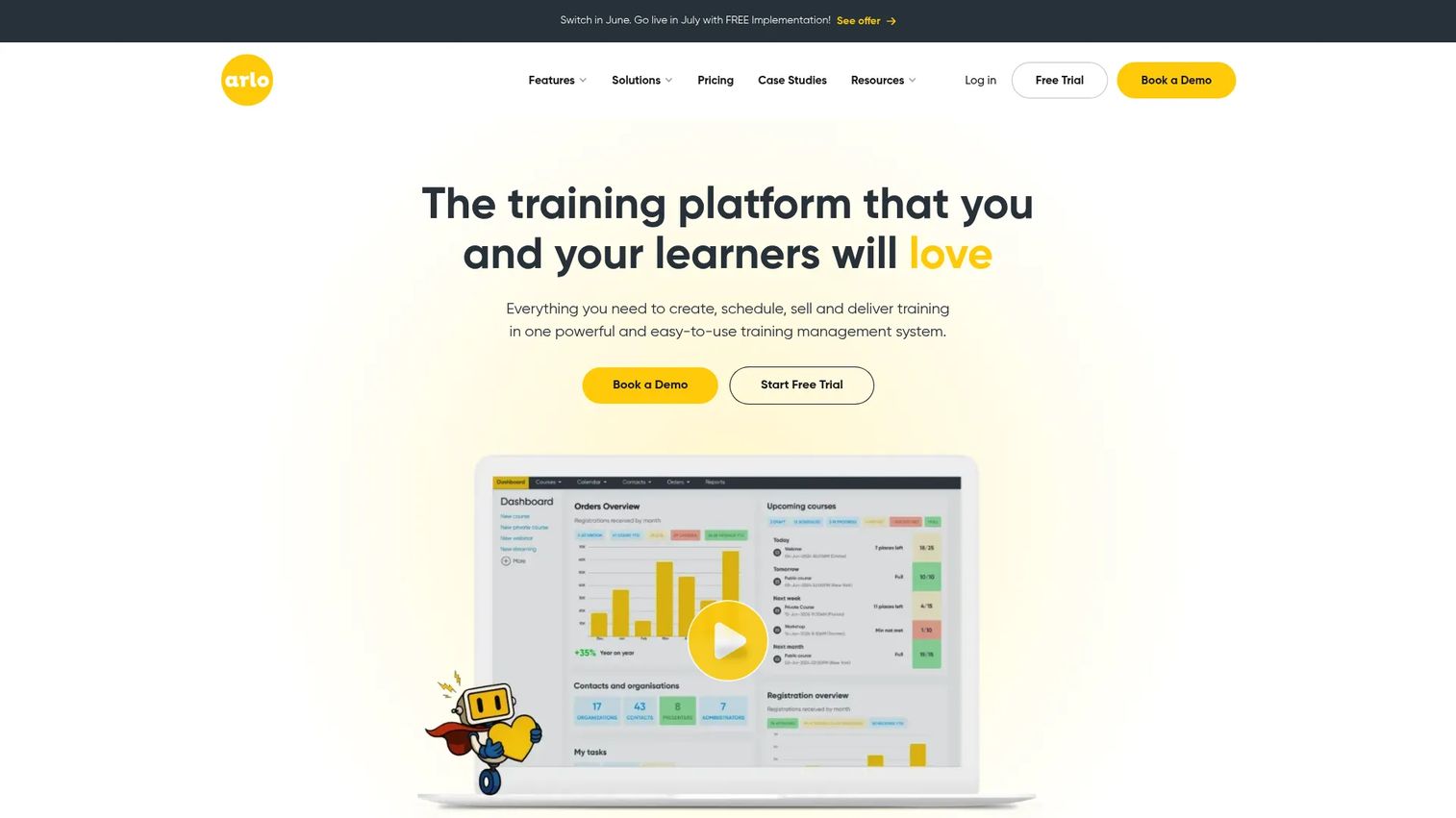
Arlo is training management software built for providers that sell, schedule, and deliver courses. If your training is also a revenue line, with public course catalogs, paid registrations, and recurring sessions, Arlo handles the full operational chain in one place. It combines course scheduling software, online registration, payment processing, and automation, so the back office runs without a stack of spreadsheets.
Best for: Training providers needing a single platform for course scheduling, registration, and delivery.
Key strengths
- Website and registration integration: Build training sites and take registrations and payments directly, no separate checkout tool needed.
- Course management and automation: Automate confirmations, reminders, and waitlists across scheduled and on-demand courses.
- Online registration and payments: Handle paid and free registrations with built-in commerce, ideal for commercial training programs.
Why choose Arlo: If you run training as a business, the registration-to-delivery workflow is where most tools fall down and Arlo is purpose-built for it. It suits commercial training providers more than internal-only L&D teams, because the commerce and public-catalog features are central rather than bolt-ons. Teams running blended learning management across instructor-led and online formats get one system instead of three.
Arlo pricing: Arlo publishes tiered administrator licenses on its pricing page. The Simple plan starts at $118 per license per month, the Professional plan at $204, and the Enterprise plan at $271, each billed annually. A Scale tier is available on request. Usage-based registration fees apply on top of license costs, and a 14-day free trial is available.
2. Training Orchestra
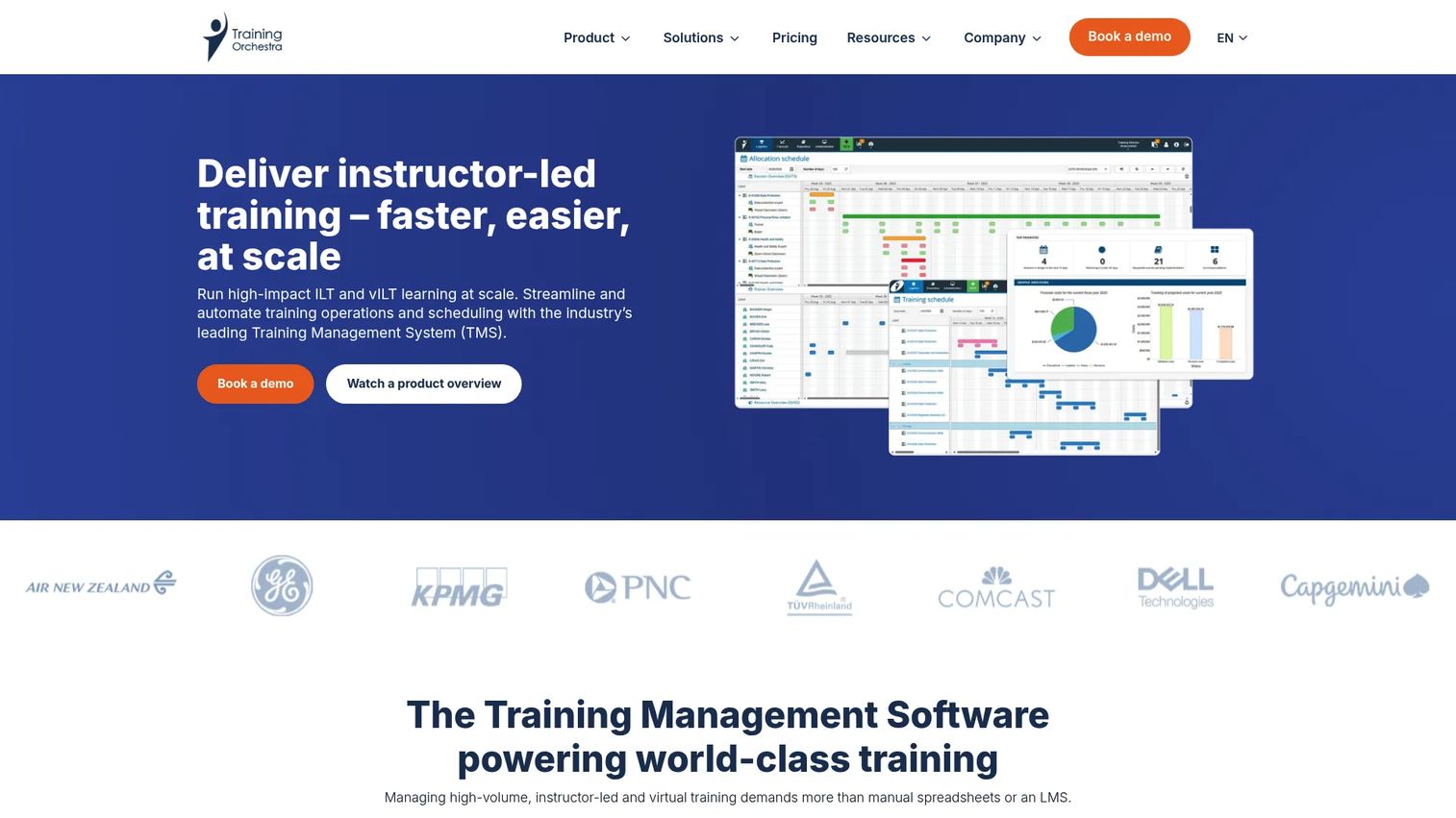
Training Orchestra is training management software focused squarely on operations: scheduling and running instructor-led training (ILT) and virtual instructor-led training (vILT) at scale. Where an LMS delivers content, Training Orchestra manages the logistics around live training, sessions, instructors, rooms, resources, and budgets. For organizations where course logistics are the core problem, this is the operations layer.
Best for: Organizations that need enterprise training operations and scheduling management.
Key strengths
- Scheduling and resource management: Plan sessions, assign instructors, and book resources without conflicts across a high-volume calendar.
- Budget and cost tracking: Track training spend against budget, useful when finance wants to see training ROI.
- Reporting and analytics: Surface utilization, cost, and operational metrics that pure LMS reporting often misses.
Why choose Training Orchestra: When your bottleneck is logistics, not content, this is the specialist. It stands out for training providers and enterprise training teams managing hundreds of instructor-led sessions where manual scheduling breaks down. Teams that already run an LMS often add Training Orchestra as the operational layer the LMS does not cover, combining instructor management, resource planning, and financial reporting in one system.
Training Orchestra pricing: Training Orchestra does not publish numeric pricing. Its site lists Basic, Professional, and Enterprise tiers and directs buyers to request a quote. Expect pricing to scale with training volume, number of sessions, and operational complexity, so engage sales with your session counts ready.
3. Absorb LMS
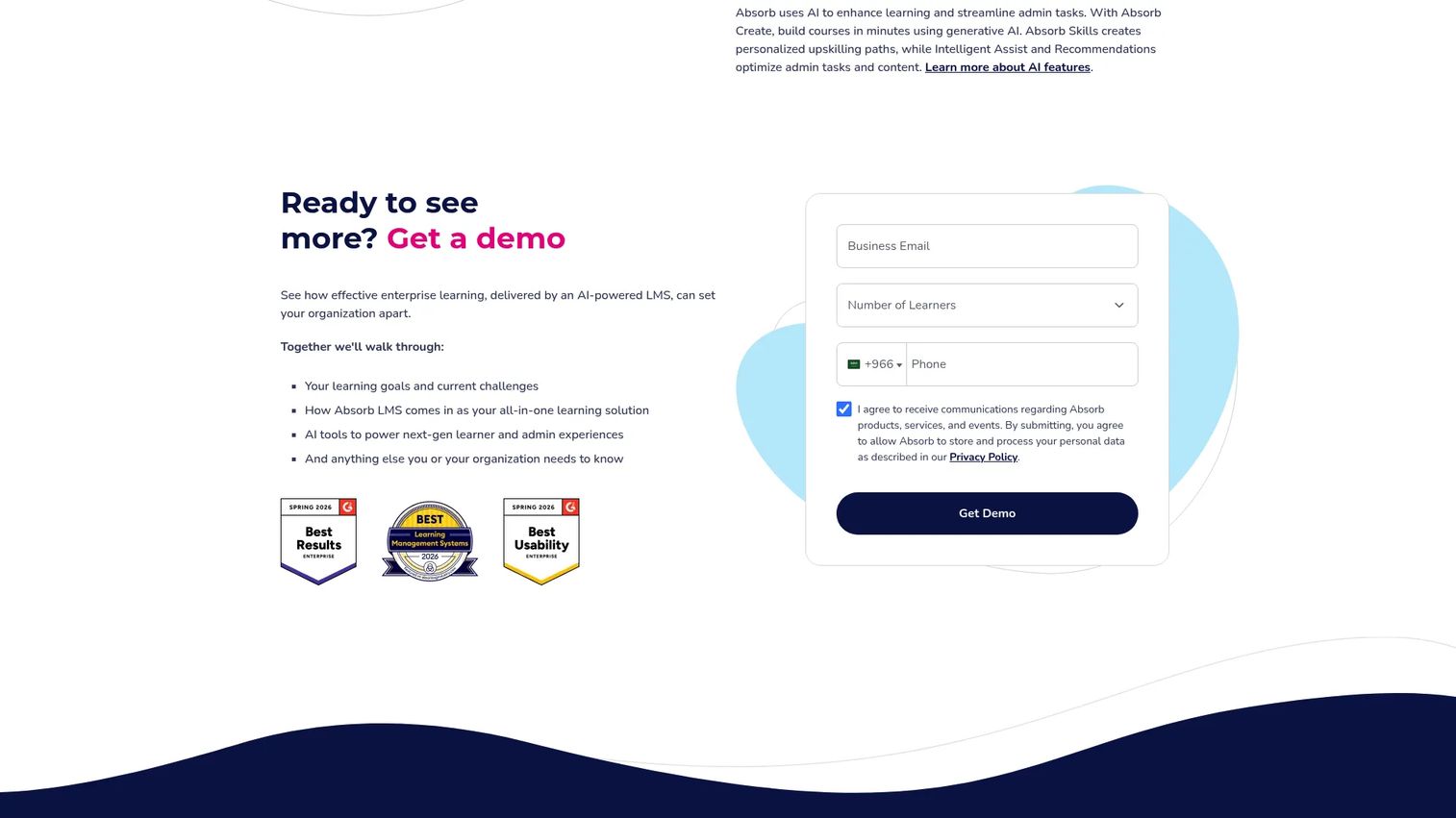
Absorb LMS is a cloud-based learning management system that doubles as a capable training administration system for employee, customer, member, and partner training. It earns its place here because it pairs learning delivery with the reporting, automation, and content management that operations-minded teams need. For organizations that want both course delivery and administrative depth in one platform, Absorb covers more ground than a pure TMS or a basic LMS.
Best for: Organizations needing a configurable LMS with AI, reporting, and eCommerce.
Key strengths
- AI-powered course creation and automation: Generate courses faster and automate repetitive admin tasks like enrollment and reminders.
- Reporting and analytics: Use pre-built reports plus Absorb Analyze for deeper training reporting and analytics across audiences.
- Mobile learning with offline access: Let learners complete training on any device, including offline, useful for field teams.
Why choose Absorb LMS: Choose Absorb when you need learning delivery and administration in the same system, especially for extended enterprise training across customers and partners. It is a better fit than a pure TMS when content delivery is central and you still want strong reporting and automation. The configurability scales from mid-market to enterprise without forcing a platform switch later.
Absorb LMS pricing: Absorb does not publish public pricing. Its pricing page is a lead-capture form, and quotes are tailored to your audience size, feature set, and eCommerce needs. A free trial is available. Plan to scope your user counts and required modules before the sales conversation to get an accurate quote.
4. TalentLMS
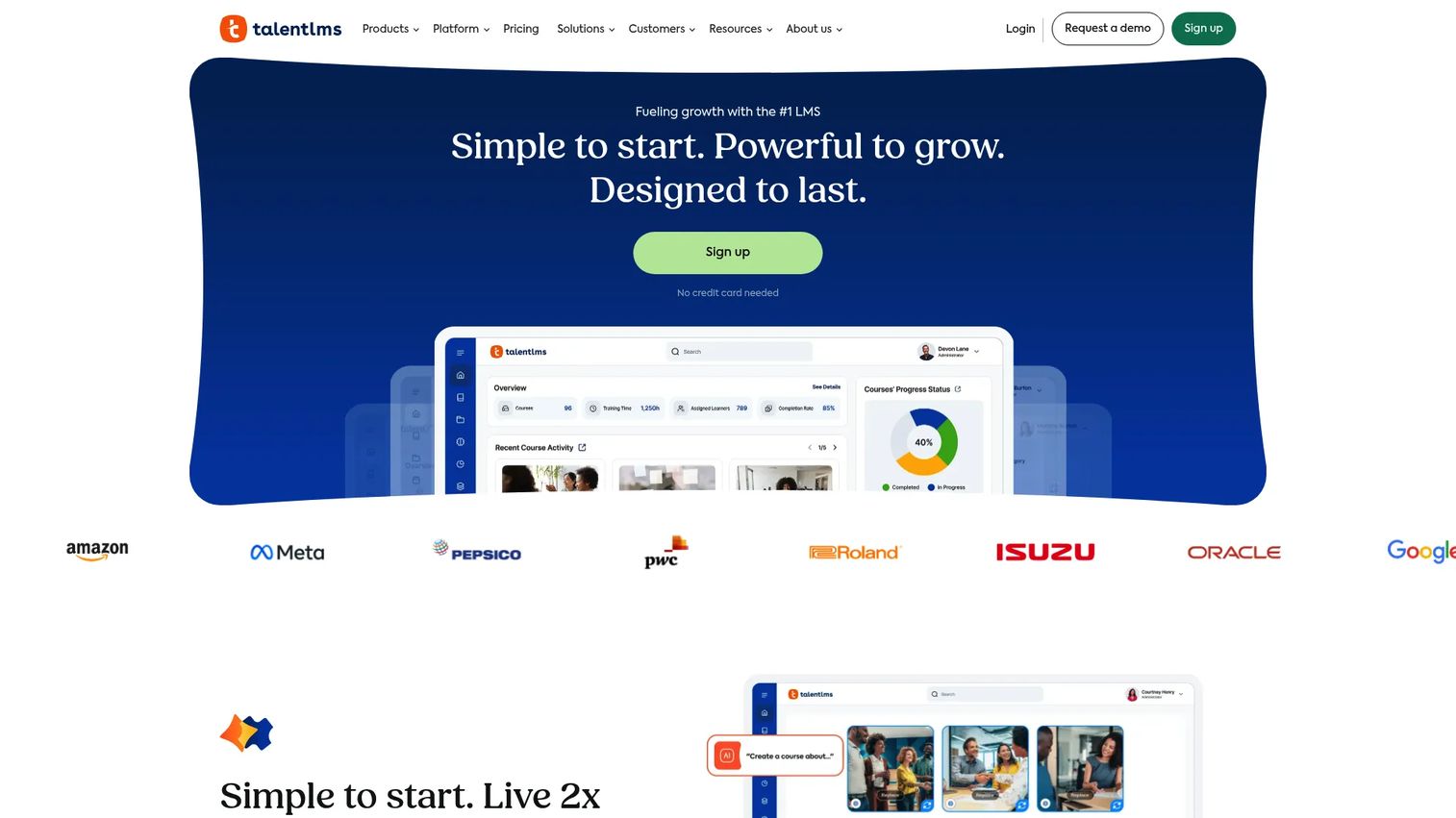
TalentLMS is a cloud-based learning management system built for ease of use and quick deployment. Teams choose it when they want internal training, onboarding, and certifications running fast, without a long implementation cycle. It covers course management, enrollments, certifications, and reporting in a clean, branded interface that non-specialists can administer.
Best for: Teams that need a branded LMS for internal training and onboarding.
Key strengths
- AI content tools and course creation: Build courses quickly with AI assistance, cutting the time from idea to live training.
- Gamification: Drive completion with badges, points, levels, and leaderboards that lift engagement on internal programs.
- Custom branding and mobile app: Apply your brand, use a custom domain, and let learners train from a mobile app.
Why choose TalentLMS: This is the pragmatic pick for smaller teams or straightforward programs that need to launch now. It fits employee training management where speed and simplicity matter more than heavy scheduling or commerce features. If your training motion is mostly self-paced online courses with certifications, TalentLMS gets you live without specialist admin overhead.
TalentLMS pricing: TalentLMS publishes a public pricing page with a free plan plus Core, Grow, Pro, and Enterprise tiers. Core starts at $119 per month, Grow at $229, and Pro at $449, each billed monthly. Enterprise pricing is tailored and arranged with sales. The free plan makes it easy to trial the platform before committing.
5. LearnUpon
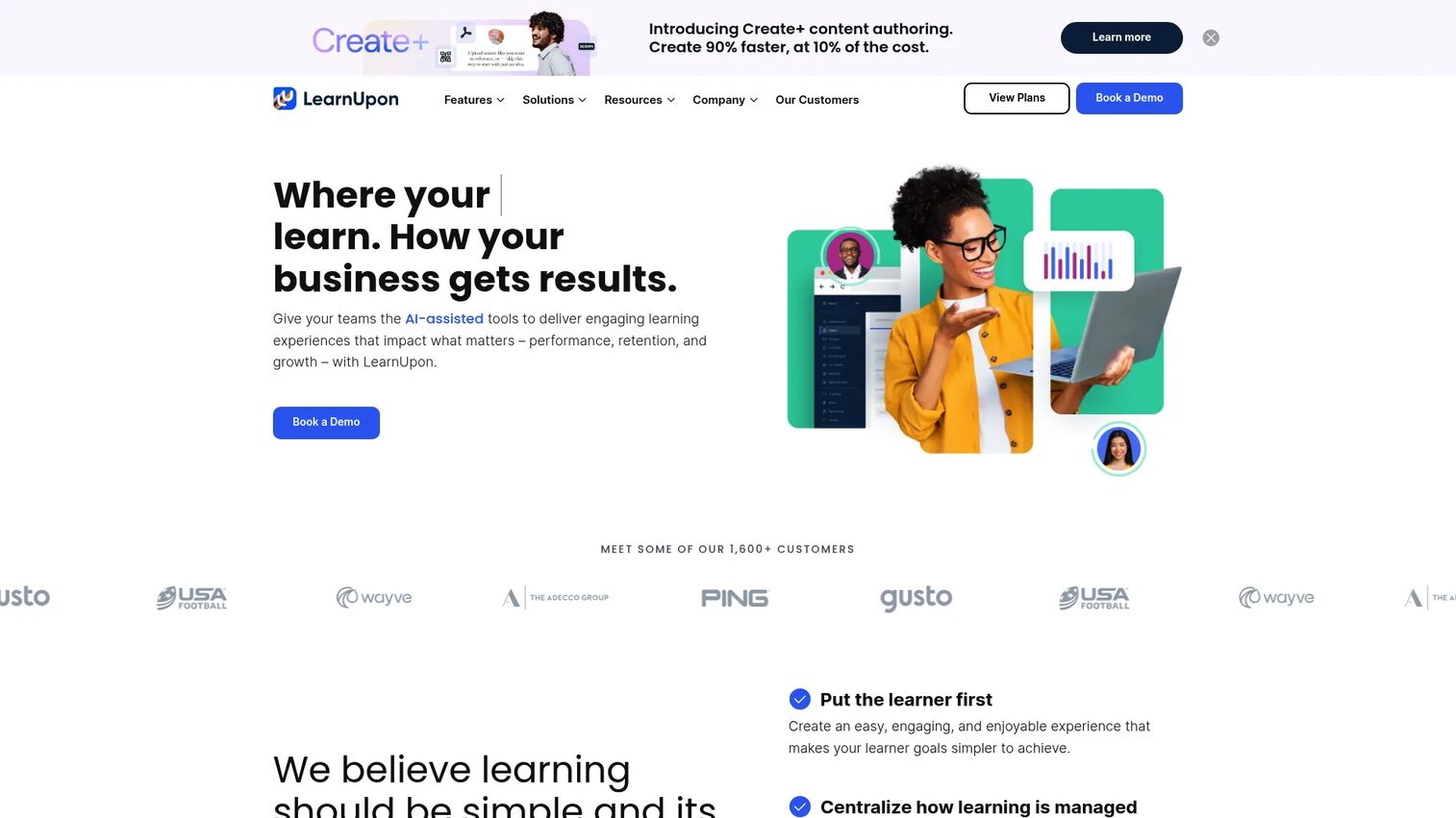
LearnUpon is a cloud learning management system built for delivering structured training across multiple audiences: employees, customers, and associations. It suits teams that need to run distinct training programs for different groups from one platform without spinning up separate tools. Learner management, automation, and reporting are the core strengths.
Best for: Mid-market and enterprise teams needing an LMS for employee, customer, or association training.
Key strengths
- SCORM and xAPI support: Import and track standards-based content, so existing course libraries carry over cleanly.
- Learning journeys: Build structured, sequenced paths that guide learners through multi-step programs automatically.
- Live Learning: Run and track instructor-led and virtual sessions alongside self-paced content for blended learning management.
Why choose LearnUpon: Choose LearnUpon when you serve more than one audience and need structured delivery across all of them. It fits teams running employee training, customer education, and association training software needs in parallel. The multi-portal model keeps each audience separate while you administer everything centrally, which reduces tool sprawl as your training programs grow.
LearnUpon pricing: LearnUpon does not publish numeric pricing. Its pricing page presents plan categories with user minimums and directs buyers to book a demo. Pricing scales with user volume and the number of audiences or portals you need, so come prepared with your learner counts across each group.
6. Docebo
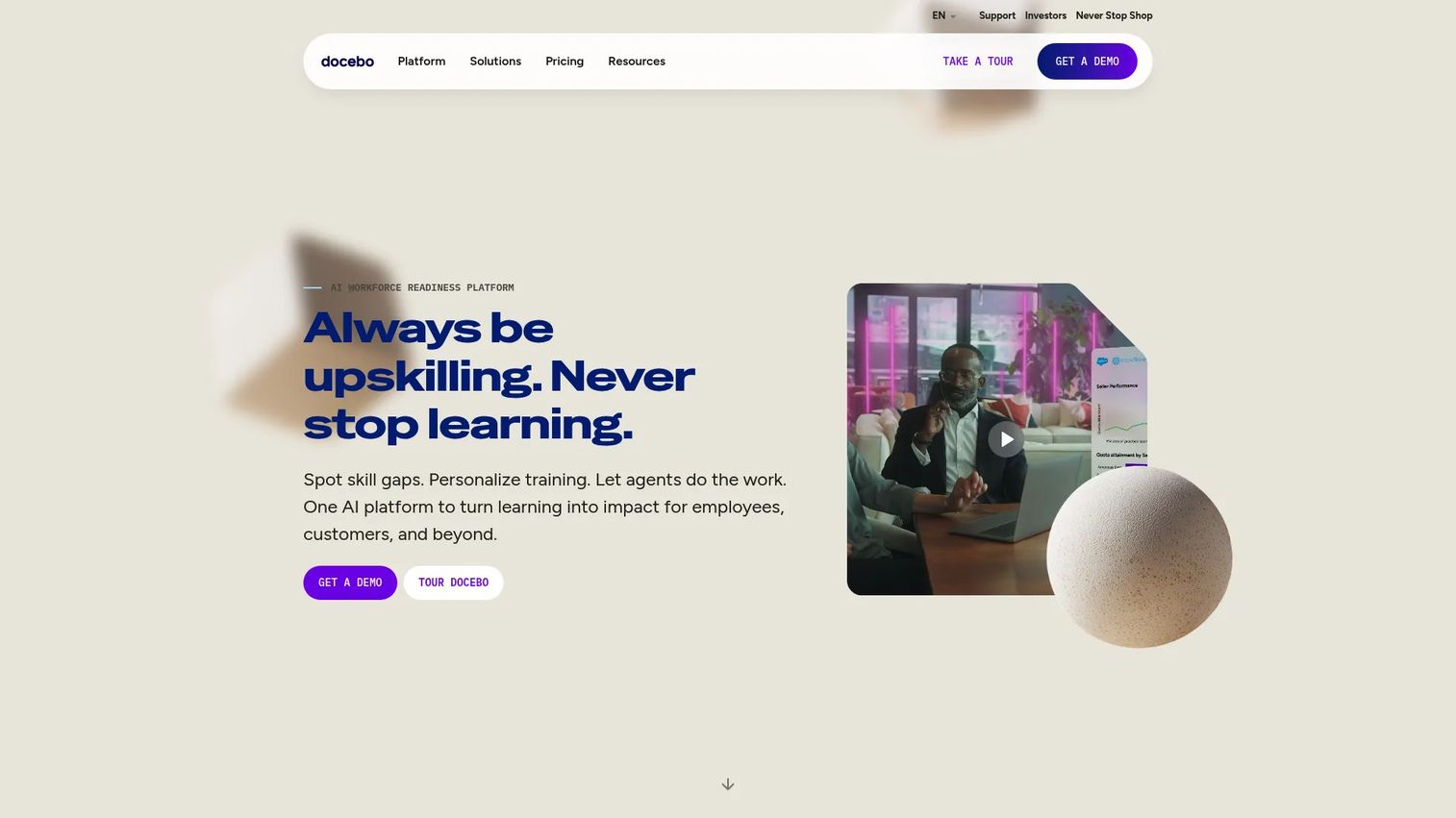
Docebo is a cloud learning platform built for enterprise scale across employee, customer, partner, and compliance training. It stands out for AI-assisted features, configurability, and ecosystem depth, which makes it a fit for larger organizations that need flexibility across many audiences and use cases. Operations teams choose it when they need one platform to handle complex, multi-audience training programs.
Best for: Mid-market and enterprise teams needing a configurable LMS for internal and external audiences.
Key strengths
- AI-powered content and Harmony AI: Generate content and use an AI copilot and search to speed up administration and discovery.
- White-label and multilingual training: Brand the experience per audience and deliver instant translations for global teams, supporting extended enterprise training.
- Reporting, dashboards, and integrations: Connect via integrations and webhooks, with dashboards for training reporting and analytics at scale.
Why choose Docebo: Choose Docebo when scale and flexibility are non-negotiable and you serve multiple distinct audiences. It is usually owned by a dedicated L&D or enablement function with the bandwidth to configure it. The AI features and integration depth pay off most for larger orgs running internal and external training in many languages.
Docebo pricing: Docebo publishes two core tiers, Elevate and Enterprise, both with custom pricing based on product tier and active users, measured as monthly, yearly, or registered active users. No public numeric price is listed. Because pricing ties to active-user models, clarify which metric applies to your audience before comparing quotes.
7. iSpring LMS
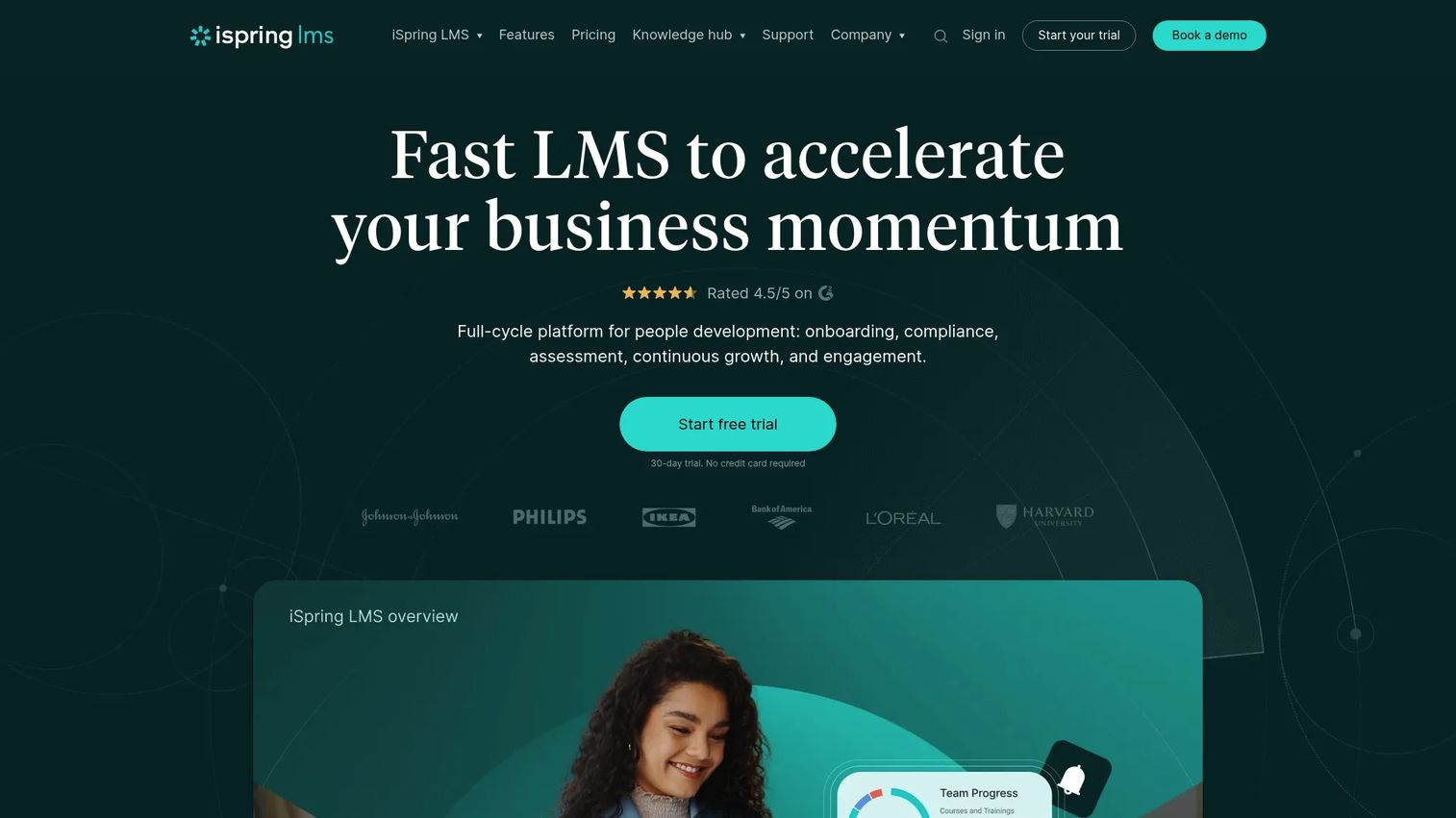
iSpring LMS is a cloud-based LMS for corporate training, onboarding, and employee development, with course creation and management in one environment. Teams that want to author content and run training without juggling separate tools find it practical. It covers training and user management automation, enrollment, tracking, and certification.
Best for: Organizations that want a corporate LMS with active-user pricing and built-in training management.
Key strengths
- Training and user management automation: Automate enrollments, assignments, and reminders to cut manual admin.
- Mobile apps with offline learning: Let learners train on mobile, including offline, for distributed or field teams.
- Custom roles and permissions: Set granular access so admins, managers, and learners see only what they should.
Why choose iSpring LMS: Choose iSpring when course authoring and training management in one place matters and you prefer paying only for active users. It fits organizations standardizing onboarding and compliance training with built-in certification tracking. Teams with heavy instructor-led scheduling needs may pair it with a dedicated TMS, but for self-paced corporate training it covers the full cycle.
iSpring LMS pricing: iSpring uses active-user pricing billed annually. Plans run at $4.46 per user per month for 300 users, $3.97 for 500 users, and $3.58 for 1,000 users, so the per-user cost drops as you scale. Custom plans are available for 100-plus users, and the brand site mentions a 30-day free trial.
8. Bridge
Bridge is a corporate LMS and employee development platform that combines learning, skills, and performance management. It fits people operations and enablement teams that want training to connect to coaching, skills, and performance rather than sit in isolation. For organizations treating development as a continuous program, Bridge ties the pieces together.
Best for: Mid-market companies that want an all-in-one LMS plus skills and performance platform.
Key strengths
- LMS for training delivery and tracking: Deliver and track training across the org with completion and certification records.
- Skills mapping and AI recommendations: Map skills and surface AI-powered learning recommendations tied to development goals.
- Performance management and analytics: Connect training to performance reviews, goals, and coaching in one platform.
Why choose Bridge: Choose Bridge when training is part of a broader people-development strategy, not a standalone compliance function. It complements HR and enablement programs where skills and performance matter as much as course completion. If you only need scheduling and registration for external courses, a dedicated TMS fits better, but for internal development that links learning to performance, Bridge consolidates the stack.
Bridge pricing: Bridge states that plans start at $15,000 annually with annual billing, and specific package pricing is quote-based. Tiers include Learn, Talent Suite, and Full Suite, plus add-ons like Bridge Author Pro and Engagement Surveys. There is no free plan, so scope your headcount and required modules before requesting a quote.
Considerations before you buy
A feature list will not tell you whether a tool fits your training motion. Run every shortlisted training management platform through this checklist before committing.
Integrations
Verify that the tool connects to your CRM, HRIS, calendar, virtual classroom, and reporting stack. Integration quality determines whether the system reduces admin or creates a new silo. Ask for specifics: which platforms, how deep, and whether sync is real-time or batch. A weak integration turns a TMS into a data-entry chore.
Workflow fit
Map your actual training lifecycle: scheduling, enrollment, reminders, attendance, certification, reporting. Then confirm the tool handles each step without manual workarounds. If you run heavy instructor-led training management, prioritize scheduling and resource depth. If you run self-paced courses, prioritize authoring and tracking.
Reporting
Confirm you can pull completion, attendance, certification status, and cost in the views leadership expects. Training reporting and analytics is where most buyers compromise and later regret it. Ask whether reports export cleanly and whether you can build custom dashboards without vendor help.
Security and governance
Check permissions, data residency, and audit trails, especially for compliance training and certification tracking. You need role-based access and clean records that survive an audit. Governance also covers versioning and approvals so training content stays current.
Scalability and implementation effort
Confirm the tool grows with your audience count, session volume, and number of training programs. Then get a realistic implementation timeline. A platform that fits today but stalls at scale forces a painful migration later. Ask current customers how long onboarding actually took.
Conclusion
The best training management software is not the one with the longest feature list. It is the one that removes the most manual work from your specific training motion and gives you visibility you can act on.
Start with your most painful workflow. If registration and payments break down, Arlo is built for it. If instructor-led scheduling is the bottleneck, Training Orchestra specializes there. If you need learning delivery plus administration, Absorb LMS or Docebo scale across audiences. For fast internal employee training, TalentLMS gets you live quickly, while LearnUpon handles multiple audiences and Bridge ties training to performance. iSpring suits teams wanting authoring and management with active-user pricing.
Match the training management solution to the friction you feel most, not the biggest catalog of features. And if your training motion includes showing software, the same logic that powers tracked, interactive product walkthroughs applies. Start your journey with Guideflow today!
FAQs
Training management software is a system used to plan, schedule, administer, and measure training programs. It typically includes registration and enrollment automation, automated communications, certification tracking, and reporting. Unlike a simple course catalog, a training management system owns the operational record of who trained, when, and at what cost.
A training management system (TMS) is operations-focused: scheduling, instructor management, registration, resource booking, and financial tracking. A learning management system (LMS) is delivery-focused: hosting and tracking e-learning content like courses and quizzes. The LMS vs TMS line blurs because some platforms offer both, but the core distinction is logistics versus content delivery.
It depends on whether your LMS handles scheduling, enrollment, instructor management, and operational reporting well enough. Many LMS platforms deliver content cleanly but lack deep instructor-led training management and resource scheduling. If that operational layer is missing, a dedicated training administration system fills the gap, often running alongside your existing LMS.
For instructor-led training management, prioritize scheduling, resource planning, attendance, and automation. Training Orchestra and Arlo both specialize in live-session logistics, with Training Orchestra leaning enterprise operations and Arlo leaning commercial training providers. Training providers usually need stronger logistics and commerce tools than internal L&D teams.
For employee training management, focus on onboarding, certifications, recurring compliance training, and manager visibility. Reporting and automation matter more than public checkout or registration. TalentLMS, iSpring LMS, and Bridge all fit internal training well, with Bridge adding skills and performance for teams that want development tied to outcomes.
Pricing varies widely by audience size, automation depth, and enterprise requirements. Some vendors publish prices: TalentLMS starts at $119 per month, iSpring from $4.46 per active user per month, Arlo from $118 per license, and Bridge from $15,000 annually. Others, including Training Orchestra, Absorb LMS, LearnUpon, and Docebo, require a quote based on your specific needs.
Look for CRM, HRIS, virtual classroom, calendar, communication, and reporting integrations. CRM and HRIS connections keep learner and employee data in sync, while calendar and virtual classroom links streamline scheduling. Integration quality often determines whether the tool reduces admin or creates more of it, so verify depth before you buy.
Prioritize automation, training reporting and analytics, ease of administration, security, and flexibility across instructor-led, virtual, and blended formats. Check the product roadmap and support quality too, since both shape long-term fit. The strongest training management solution for 2026 is the one that cuts manual admin and proves training ROI without forcing you to stitch data together by hand.