
You don't pick "deep learning software." You pick a stack.
That's the part most roundups miss. A research team chasing a new architecture cares about graph ergonomics and how fast they can iterate. A platform team shipping models to production cares about inference latency, serving throughput, and whether the runtime plays nicely with their GPUs. These are different problems, and they almost never get solved by the same single tool.
The market reflects that complexity. The global deep learning market reached around US$40.1 billion in 2025 and is projected to climb at a 29.61% CAGR through 2034, according to IMARC Group (2025). Deep learning software alone accounted for roughly 48.2% of that market. The category is huge, fragmented, and moving fast.
So the real decision isn't "TensorFlow or PyTorch." It's how you assemble frameworks, GPU acceleration libraries, distributed training layers, and deployment tooling into something your team can actually ship on. That tension between training speed, inference performance, portability, and what your team already knows is what this guide is built to resolve.
If your work touches adjacent territory like model deployment, MLOps, or GPU optimization workflows, the tradeoffs below will feel familiar. We'll treat deep learning software as a layered stack, not a single product, so you can build a shortlist that fits training, inference, and deployment at once.
What's inside
This guide covers three layers of the deep learning stack: core frameworks (where you build and train models), acceleration libraries (where GPU performance comes from), and deployment and infrastructure tooling (serving, distributed training, data loading, and reusable assets).
We selected tools based on four criteria that matter to technical buyers:
- Ecosystem maturity: active development, community size, and documentation depth.
- Acceleration support: GPU acceleration, mixed precision, and distributed training paths.
- Deployment fit: export formats, serving options, and runtime optimization.
- Portability: cross-platform support across desktop, datacenter, edge, and cloud.
Every tool here is open-source or freely available to download, with optional enterprise support where it exists.
TL;DR
Short on time? Here are the decision shortcuts.
- Best for general-purpose research and prototyping: PyTorch, for dynamic graph ergonomics and a deep ecosystem.
- Best for end-to-end production ML: TensorFlow, for modeling plus serving, mobile, and web deployment in one ecosystem.
- Best for high-performance numerical computing: JAX, for composable transformations and accelerator-first design.
- Best for a simpler multi-backend API: Keras, which runs on JAX, TensorFlow, and PyTorch.
- Best for GPU-optimized stacks: NVIDIA CUDA-X AI, cuDNN, and TensorRT for acceleration across training and inference.
- Best for distributed and large-scale training: Horovod and DeepSpeed, for scaling across many GPUs efficiently.
Background: what is deep learning software?
Deep learning software is the set of frameworks, libraries, and tools used to build, train, accelerate, and deploy neural networks across CPUs, GPUs, and other accelerators.
It helps to separate the category into three layers, because they solve different problems:
- Frameworks define and train models. TensorFlow, PyTorch, JAX, and Keras live here. They provide the building blocks: layers, optimizers, and automatic differentiation.
- Acceleration libraries make those frameworks fast on hardware. cuDNN, CUDA-X AI, and TensorRT sit underneath or alongside the framework to squeeze performance out of GPUs.
- Deployment and infrastructure tooling handles everything around the model: serving (Triton), distributed training (Horovod, DeepSpeed), data loading (DALI), and reusable assets (NGC catalog).
Most deep learning software shares a core set of capabilities. The strong options cover all of them:
- Automatic differentiation: compute gradients automatically so you can train via backpropagation.
- GPU acceleration: offload tensor math to GPUs (and TPUs) for orders-of-magnitude speedups.
- Distributed training: split training across multiple GPUs or machines to handle larger models and datasets.
- Export and deployment: convert trained models into formats that serve in production, on edge, or in the browser.
- Pretrained assets and model catalogs: start from existing weights, containers, and model scripts instead of building from zero.
The distinction matters because a framework alone rarely gets you to production. You assemble the layers. That's why the comparison below spans frameworks, acceleration, and infrastructure rather than treating them as interchangeable.
What to look for in deep learning software
Before scanning the list, get clear on what you're actually optimizing for. Four criteria separate a tool that fits your stack from one that fights it.
Training performance
Training is where most teams feel pain first. Check for native GPU support, mixed precision (FP16/BF16) to cut memory and speed up math, and a clear scaling path from one GPU to many.
- Does it support multi-GPU and multi-node training out of the box?
- Can you use mixed precision without rewriting your model?
- How far does it scale before you need a separate distributed layer like Horovod or DeepSpeed?
- Does it integrate with NVIDIA acceleration libraries like cuDNN?
Inference and deployment
Once a model trains, the constraint shifts. Inference is about latency, throughput, and runtime efficiency, not iteration speed.
| Need | What to evaluate |
|---|---|
| Low latency | Runtime optimization, layer fusion, quantization (TensorRT) |
| High throughput | Dynamic batching, concurrent execution (Triton) |
| Portable export | ONNX, SavedModel, TorchScript support |
| Multi-framework serving | A runtime that serves models from several frameworks |
Portability and compatibility
Your model may train in a datacenter but run on edge, mobile, browser, or cloud. Portability decides how much rework that takes.
- Cross-platform support across Linux, Windows, and macOS.
- Export to interoperable formats like ONNX.
- Deployment surfaces: server, mobile, web, embedded, automotive.
- Interoperability with the rest of your stack (data loading, serving, profiling).
Documentation and onboarding
The best framework is the one your team can actually use. Look at tutorial quality, quickstart depth, example breadth, community size, and update cadence. A large, active community means faster answers when you hit an edge case, and more pretrained models and tutorials to borrow from.
When to use deep learning software
Deep learning software shows up in a few distinct patterns. Match your situation to one of these before you commit to a stack.
Build models from scratch
When you need full control over architecture, loss functions, and the training loop, you want a flexible framework with strong automatic differentiation. Research teams and anyone exploring novel architectures live here. PyTorch and JAX are common choices because they make experimentation fast and the code easy to reason about.
Fine-tune pretrained models
Most teams don't train from zero. They adapt an existing model to their data, which is faster and cheaper.
- Start from pretrained weights in a model catalog like the NGC catalog.
- Use transfer learning to specialize a general model for your task.
- Iterate quickly with smaller datasets and shorter training runs.
- Adapt vision or language models with toolkits like TAO Toolkit or NeMo.
Optimize and serve models in production
When the model works and the bottleneck moves to serving, you optimize the runtime and stand up a serving layer. This is where inference acceleration (TensorRT), multi-framework serving (Triton), and observability come together. North America holds over 36.5% of the global deep learning market, per IMARC Group (2025), and much of that spend goes to production inference infrastructure.
Standardize a team stack
When several teams share tooling, you want reproducibility, governance, and portability across environments.
- Pick frameworks with stable APIs and predictable release cadence.
- Standardize on container images and model scripts for reproducibility.
- Choose acceleration and serving layers that work across your hardware.
- Document the stack so onboarding doesn't depend on tribal knowledge.
Comparison table
Use this table to narrow your shortlist quickly. Most of these tools are open-source, so the "pricing" column reflects free availability with optional paid enterprise support where it exists. G2 ratings are shown where a verified product listing was available.
| # | Product | Intent | Key use case | Pricing | G2 rating |
|---|---|---|---|---|---|
| 1 | TensorFlow | Framework | End-to-end ML across research, production, web, mobile | Free, open-source | 4.5/5 |
| 2 | PyTorch | Framework | Research prototyping and production deployment | Free, open-source | 4.5/5 |
| 3 | JAX | Framework | High-performance numerical computing | Free, open-source | Not listed |
| 4 | Keras | Framework | Simple multi-backend model building | Free, open-source | Not listed |
| 5 | NVIDIA CUDA-X AI | Acceleration | GPU-accelerated libraries for AI and HPC | Free downloads | Not listed |
| 6 | cuDNN | Acceleration | GPU primitives for neural networks | Free download | Not listed |
| 7 | TensorRT | Inference | Low-latency, high-throughput inference | Free download | Not listed |
| 8 | Triton Inference Server | Serving | Multi-framework model serving | Free, open-source | Not listed |
| 9 | NVIDIA NGC catalog | Assets | Pretrained models, containers, scripts | Free downloads | 3.7/5 |
| 10 | Horovod | Distributed training | Multi-GPU training across frameworks | Free, open-source | 3.0/5 |
| 11 | Apache MXNet | Framework | Flexible research and production | Free, open-source | Not listed |
| 12 | NVIDIA NeMo | Language/speech | Building and governing AI agents | Free, open-source | 4.3/5 |
| 13 | TAO Toolkit | Fine-tuning | Customizing vision AI models | Free download | Not listed |
| 14 | NVIDIA DALI | Data loading | GPU-accelerated preprocessing | Free, open-source | Not listed |
| 15 | DeepSpeed | Distributed training | Large-scale training optimization | Free, open-source | Not listed |
1. TensorFlow
TensorFlow is an end-to-end open-source platform for machine learning. It's still one of the clearest options when you want modeling and production tooling in the same ecosystem. Beyond the core framework, it ships tf.keras for high-level model building, TensorFlow.js for the browser, TFX for production pipelines, TensorBoard for visualization, and a large library of datasets. If your team needs to go from experiment to deployed service without stitching together half a dozen unrelated tools, that breadth is the draw.
Best for: Teams and developers building and deploying machine learning models across research, production, web, and mobile.
Key strengths
- Keras high-level API: Build and train models with a clean, approachable interface that hides boilerplate.
- Distributed training and GPU/TPU support: Scale across accelerators, including Google's TPUs, without leaving the ecosystem.
- Deployment tooling for web, mobile, and production: Ship the same model to servers, browsers, and devices through TensorFlow.js and related runtimes.
Why choose TensorFlow
Choose TensorFlow when deployment surface breadth matters as much as modeling. The combination of TFX pipelines, TensorBoard observability, and cross-platform export makes it a strong fit for production-oriented teams who want one ecosystem from training through serving. The learning curve rewards teams that plan to standardize.
TensorFlow pricing
TensorFlow is open-source and free to use. There's no public pricing page or paid plan tier on the project site. You pay only for the compute you run it on, whether that's local GPUs or cloud instances. It carries a 4.5/5 rating on G2.
2. PyTorch
PyTorch is an open-source machine learning framework built for research prototyping and production deployment. Its dynamic computation graph makes models feel like ordinary Python, which is why it became the default for so much modern experimentation. The ecosystem around it is enormous: most new research papers ship PyTorch code first, and a large share of production workflows run on it. For teams that prototype fast and want their experiments to translate cleanly into deployed systems, it's hard to beat.
Best for: Teams building and deploying deep learning models with an open-source framework.
Key strengths
- TorchScript: Move from eager-mode development to optimized graph execution for production without a rewrite.
- torch.distributed: Scale training across multiple GPUs and nodes with built-in distributed primitives.
- TorchServe: Deploy and serve models at scale with a purpose-built serving layer.
Why choose PyTorch
Choose PyTorch when iteration speed and ecosystem momentum matter most. The dynamic graph makes debugging straightforward, and the volume of community models, tutorials, and pretrained weights means you rarely start from zero. It fits research-first teams and production teams who want continuity between the two.
PyTorch pricing
The PyTorch framework is open-source and free. The only public pricing relates to PyTorch Foundation membership, which is separate from using the software: Associate membership is free for academic and nonprofit institutions, with paid Silver ($5,000–$75,000), Gold ($150,000), and Platinum ($350,000) annual tiers for organizations that want to support the project. PyTorch holds a 4.5/5 rating on G2.
3. JAX
JAX is a Python library for accelerator-oriented array computation and program transformation. If you've used NumPy, the API will feel familiar, but JAX adds composable function transformations: automatic differentiation, just-in-time compilation, automatic batching, and parallelization. That design makes it a favorite among teams pushing performance and large-scale ML, where the ability to compose transformations cleanly pays off in both speed and code clarity.
Best for: Researchers and engineers building high-performance numerical and ML code.
Key strengths
- NumPy-style API: Write array computation in a familiar idiom with a short ramp for anyone coming from scientific Python.
- Composable transformations: Stack compilation, batching, automatic differentiation, and parallelization as building blocks.
- CPU, GPU, and TPU support: Run the same code across accelerators without changing your model logic.
Why choose JAX
Choose JAX when performance and composability are your priorities and your team is comfortable with a functional programming style. It rewards teams doing large-scale training or custom numerical work where fine control over compilation and parallelization translates directly into throughput. The official documentation is detailed and a strong onboarding resource.
JAX pricing
JAX is an open-source library, not a commercial product, so there's no pricing page or paid tier. It's free to install and use, and you cover only the compute it runs on.
4. Keras
Keras is an open-source deep learning API for building and training neural networks across JAX, TensorFlow, and PyTorch. The multi-backend design is the headline: write your model once and run it on whichever backend fits your performance or deployment needs. That portability is useful when teams want a simpler interface without locking themselves into a single framework underneath.
Best for: Developers and teams building custom deep learning models and workflows.
Key strengths
- Multi-backend API: Target JAX, TensorFlow, or PyTorch from the same model code.
- Complete building blocks: Core layers, models, metrics, losses, optimizers, and callbacks ready out of the box.
- Full training lifecycle: Train, evaluate, save, and export models through a consistent workflow.
Why choose Keras
Choose Keras when you want a clean, high-level interface that keeps your options open. It lowers the barrier for teams newer to deep learning while preserving backend flexibility for more advanced needs later. The ability to switch backends without rewriting models is a real hedge against framework lock-in.
Keras pricing
Keras is open-source and free to use. There's no public pricing page or paid plan, and as an API layer it runs wherever its supported backends run, so your only cost is the underlying compute.
5. NVIDIA CUDA-X AI
NVIDIA CUDA-X AI is a collection of GPU-accelerated libraries, tools, microservices, and technologies for AI, data processing, and HPC, all built on CUDA. This is the layer that makes your framework fast on NVIDIA hardware. It's ideal when GPU acceleration and stack-wide optimization are central buying criteria rather than afterthoughts, since it accelerates training, inference, and data processing across the workflow.
Best for: Teams building or accelerating AI and HPC applications on NVIDIA GPUs.
Key strengths
- CUDA-X AI tools and technologies: A broad toolkit for building accelerated AI applications end to end.
- CUDA-X microservices: Includes Riva, Earth-2, cuOpt, and NeMo Retriever for specialized workloads.
- Over 400 CUDA-X libraries: Coverage spanning AI, data processing, and high-performance computing.
Why choose NVIDIA CUDA-X AI
Choose CUDA-X AI when you're committed to NVIDIA GPUs and want acceleration that spans the whole pipeline, not just one stage. It underpins mixed precision and GPU-accelerated math across major frameworks, so the same investment pays off in training and inference. Teams optimizing for raw throughput on NVIDIA hardware get the most out of it.
NVIDIA CUDA-X AI pricing
CUDA-X libraries are free to download, either individually or as containerized stacks from the NGC catalog. NVIDIA doesn't list a public price for the libraries themselves; you pay for the GPU compute, whether on-premises or through a cloud provider.
6. cuDNN
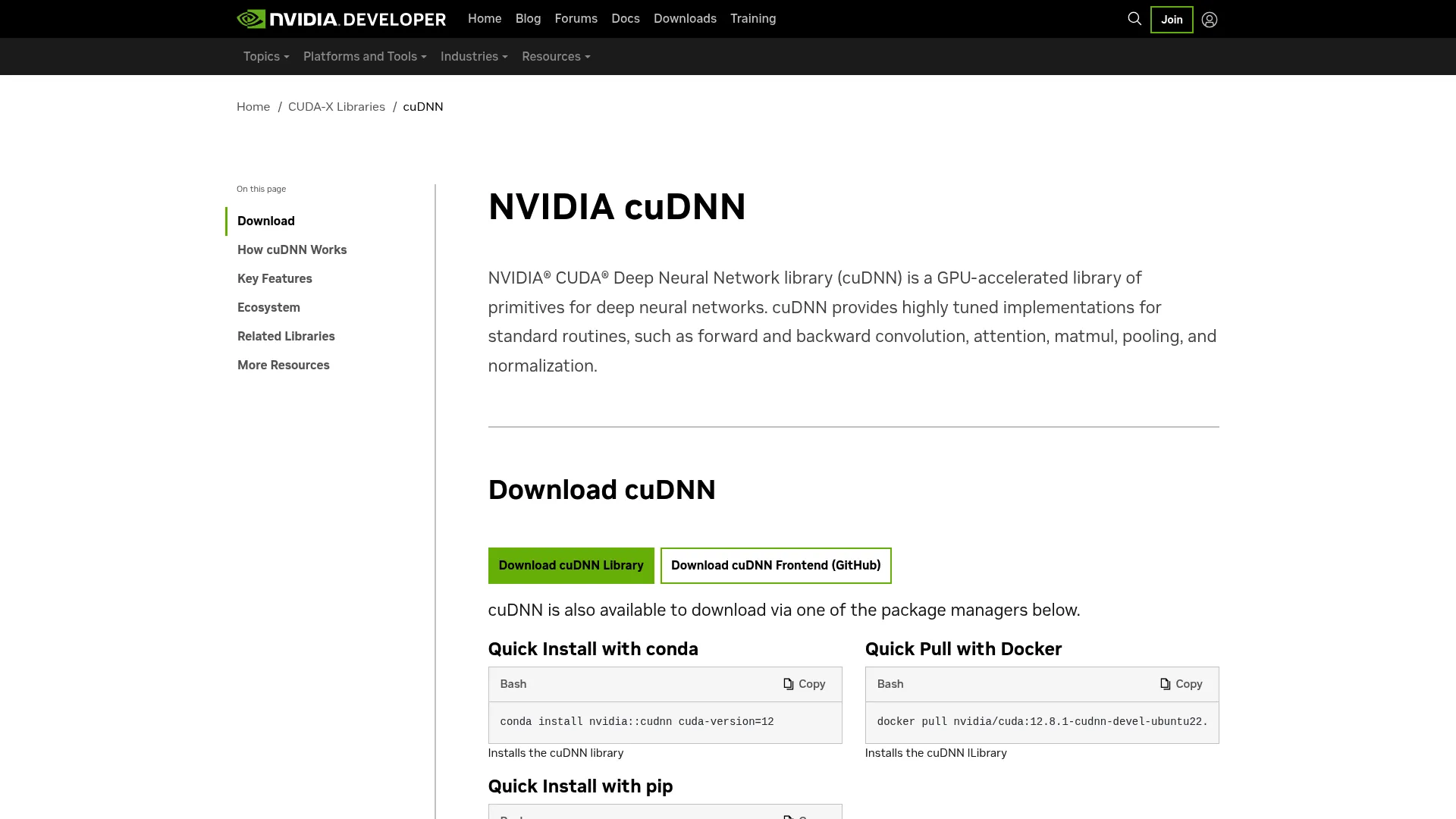
cuDNN is NVIDIA's GPU-accelerated library of primitives for deep neural networks. It's the foundational optimization layer that frameworks call under the hood to run convolutions, attention, and other core operations fast on GPUs. If you're serious about training and inference performance, cuDNN is often working for you whether you reference it directly or not, since major frameworks build on top of it.
Best for: Teams building or optimizing GPU-accelerated deep learning workloads on NVIDIA hardware.
Key strengths
- Highly tuned routines: Optimized forward and backward convolution, attention, matmul, pooling, and normalization.
- Fusion support: Combine compute-bound and memory-bound operations, including runtime kernel generation.
- Graph API: A flexible Python/C++ frontend with a C backend for fine-grained control.
Why choose cuDNN
Choose cuDNN when you want the performance ceiling of your framework raised without rewriting models. Because it sits beneath frameworks like TensorFlow and PyTorch, adopting it is often a matter of having the right version installed. Teams chasing maximum GPU efficiency treat it as a non-negotiable part of the stack.
cuDNN pricing
cuDNN is available as a free download from NVIDIA. There's no public pricing page or paid tier for the library, and it runs on NVIDIA GPU hardware you already operate or rent.
7. TensorRT
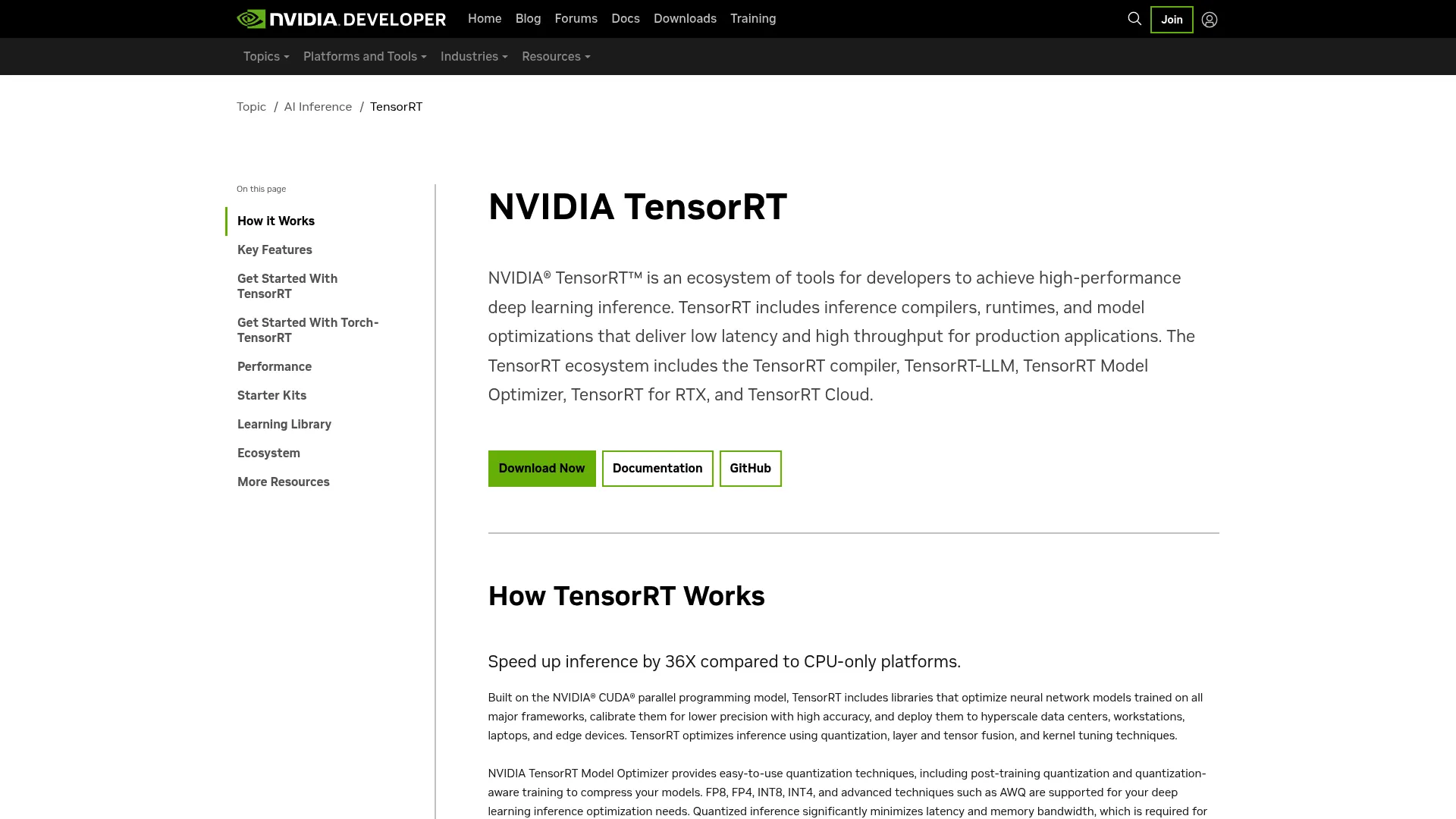
TensorRT is NVIDIA's deep learning inference ecosystem for optimizing and deploying models with low latency and high throughput. Where frameworks focus on training, TensorRT focuses on what happens after: taking a trained model and making it run as fast as possible in production. For inference pipelines that need lower latency and higher throughput, it's a strong fit through quantization, layer fusion, and runtime optimization.
Best for: Teams deploying optimized AI inference on NVIDIA GPUs.
Key strengths
- Inference compilers and runtimes: Optimize models specifically for the target GPU and serving environment.
- Quantization and fusion: Reduce precision and combine layers to cut latency without sacrificing accuracy where it counts.
- Specialized variants: TensorRT-LLM, TensorRT Model Optimizer, and TensorRT for RTX cover large language models and desktop GPUs.
Why choose TensorRT
Choose TensorRT when inference performance is the bottleneck and you're serving on NVIDIA GPUs. The optimization passes can produce dramatic latency and throughput gains over an unoptimized model, which matters most at production scale where every millisecond multiplies across requests. It pairs naturally with Triton for serving.
TensorRT pricing
TensorRT is free to download, and so are TensorRT-LLM and TensorRT Model Optimizer. NVIDIA mentions NVIDIA AI Enterprise as a paid option for related frameworks, but no separate TensorRT price is publicly listed. You pay for the GPU compute it runs on.
8. Triton Inference Server
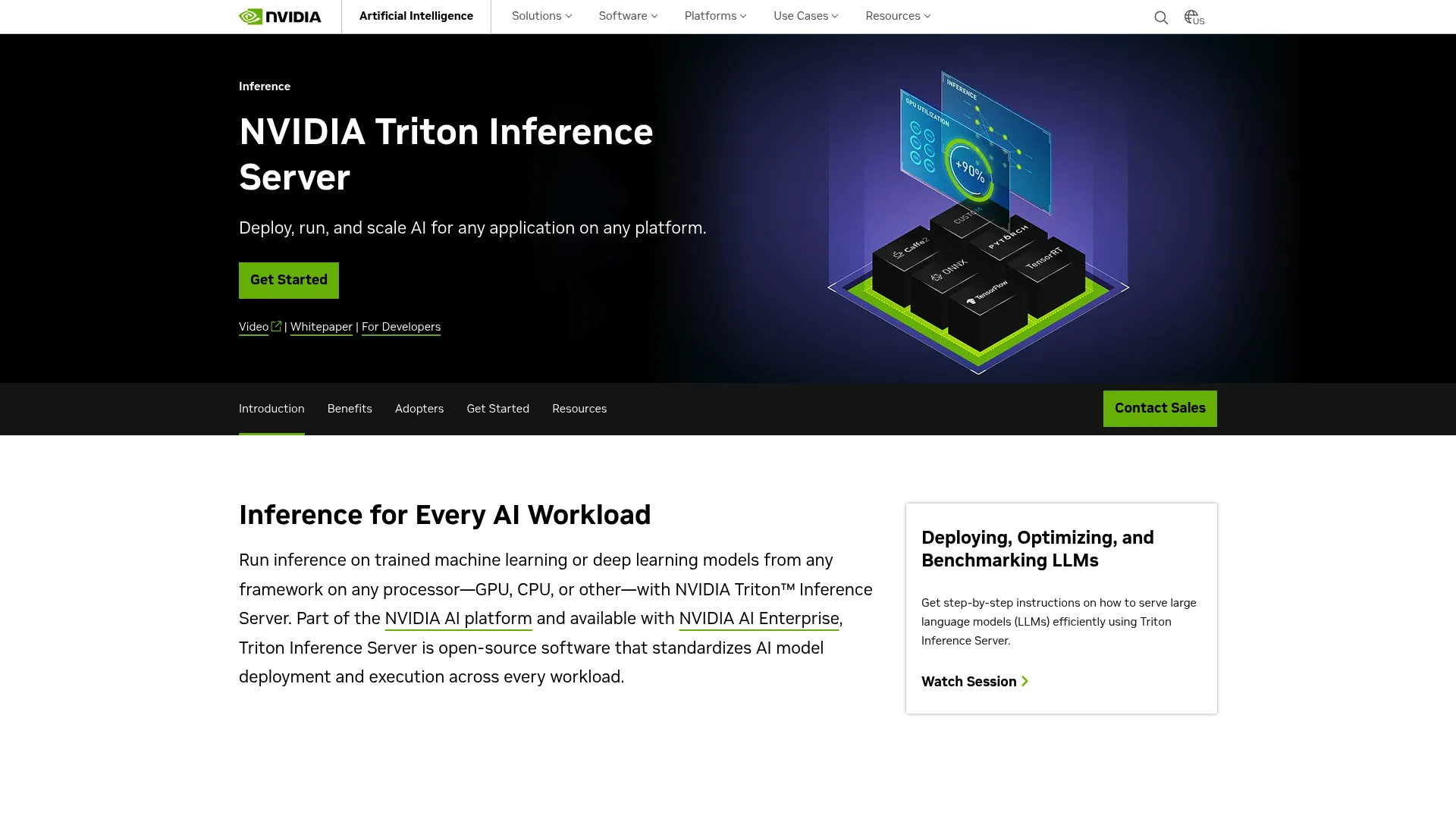
Triton Inference Server is open-source AI inference serving software from NVIDIA for deploying and scaling models across frameworks and hardware. It solves a real operational problem: how to serve models from different frameworks behind one consistent interface, at scale, with high utilization. For teams operationalizing serving across model types and environments, it removes the need to build and maintain bespoke serving infrastructure for each framework.
Best for: Teams needing high-performance multi-framework model serving on NVIDIA and CPU infrastructure.
Key strengths
- Multi-framework support: Serves TensorFlow, PyTorch, ONNX, TensorRT, XGBoost, Python, and OpenVINO models.
- Dynamic batching and concurrency: Combine requests and run models concurrently for high-throughput inference.
- Model ensembles and MLOps integration: Chain models and integrate with Kubernetes and Prometheus for production ops.
Why choose Triton Inference Server
Choose Triton when you serve models from more than one framework and want a single, scalable serving layer. The dynamic batching and concurrent execution keep GPU utilization high, which directly improves cost efficiency at scale. It fits platform teams standardizing how models reach production.
Triton Inference Server pricing
Triton is available as free open-source code and containers. It also ships with NVIDIA AI Enterprise, which includes a 90-day free trial for the broader suite. NVIDIA doesn't list a separate public price for Triton itself; the open-source path is free, and you cover the compute.
9. NVIDIA NGC catalog
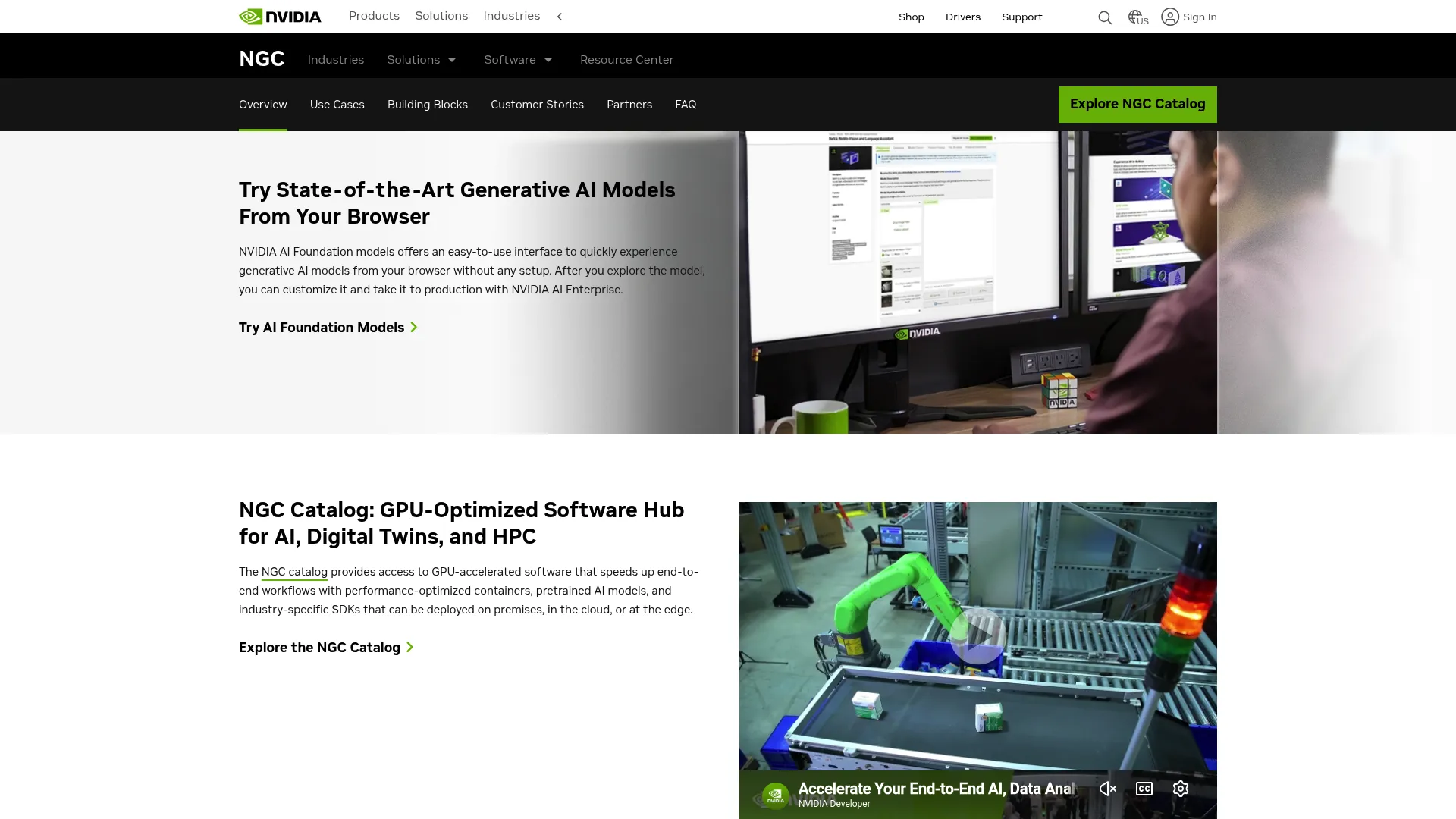
The NVIDIA NGC catalog is NVIDIA's GPU-optimized software hub for AI, digital twins, and HPC. It's where you find pretrained models, GPU-optimized containers, model scripts, and industry SDKs ready to run. Instead of assembling your starting point from scratch, you pull a tested, optimized asset and build on it, which cuts a lot of setup time out of both training and deployment.
Best for: Teams needing ready-to-run GPU-optimized AI/HPC software on NVIDIA infrastructure or supported clouds.
Key strengths
- GPU-optimized containers: Pre-built, tested environments that remove dependency and configuration overhead.
- Pretrained AI models: Start from existing weights and fine-tune for your task instead of training from zero.
- Industry-specific SDKs: Domain toolkits that accelerate vertical use cases like healthcare and automotive.
Why choose NVIDIA NGC catalog
Choose the NGC catalog when you want to shorten the path from idea to running workload. Reusable containers and pretrained models reduce the friction of environment setup and let teams iterate on what matters. It's a practical complement to any NVIDIA-accelerated stack.
NVIDIA NGC catalog pricing
There's no charge to download AI containers and models from the NGC catalog. Cloud compute costs are billed separately by your cloud provider. NVIDIA doesn't publish a catalog price beyond the no-charge download statement. The catalog holds a 3.7/5 rating on G2.
10. Horovod
Horovod is an open-source distributed deep learning training framework. Its appeal is simplicity: take an existing single-GPU training script and scale it to hundreds of GPUs with a few lines of Python. It's framework-agnostic, which matters for teams running more than one framework or who don't want their distributed training tied to a single ecosystem.
Best for: Teams that need open-source distributed training across multiple ML frameworks.
Key strengths
- Multi-framework support: Works with PyTorch, TensorFlow, Keras, and Apache MXNet.
- Minimal code changes: Scale existing training scripts to hundreds of GPUs with a few lines of Python.
- Flexible deployment: Runs on-premises, in cloud platforms, and on Apache Spark.
Why choose Horovod
Choose Horovod when training speed and multi-framework support both matter. The low-friction scaling path means you don't have to rearchitect your training code to go from one GPU to many. It fits teams who want distributed training without committing to a single framework's native approach.
Horovod pricing
Horovod is an open-source project and free to use. There's no public pricing page or paid plan. You run it on your own GPU infrastructure or cloud instances. It carries a 3.0/5 rating on G2.
11. Apache MXNet
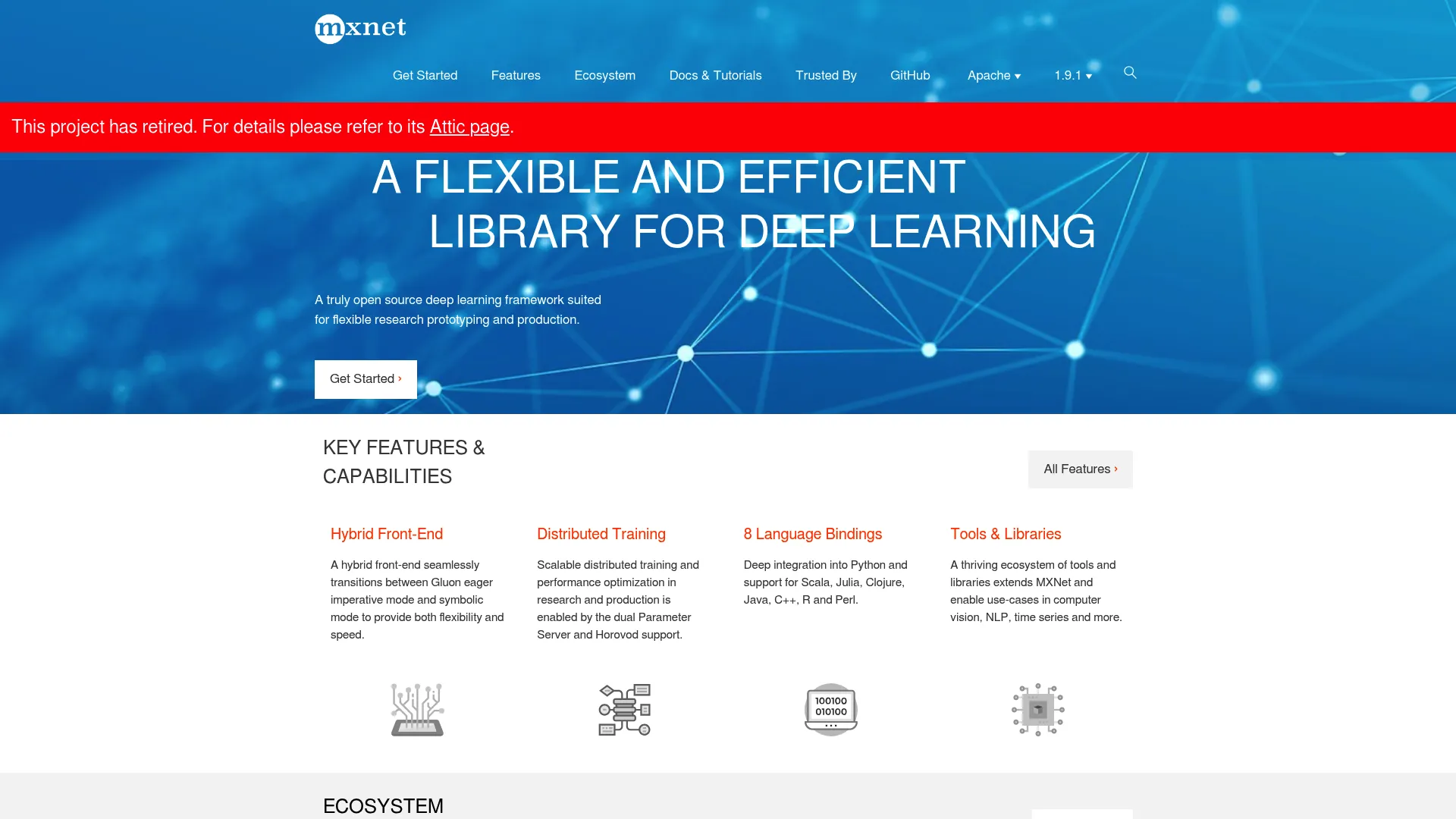
Apache MXNet is an open-source deep learning framework built for flexible research prototyping and production. Its hybrid front-end lets you mix imperative and symbolic programming, and it supports multiple language bindings, which historically made it attractive for polyglot teams. The project has since retired, so it's included here for completeness and for teams maintaining legacy MXNet workloads rather than starting new ones.
Best for: Teams needing an open-source deep learning framework with multiple language bindings and distributed training support.
Key strengths
- Hybrid front-end: Combine imperative and symbolic modes to balance flexibility and performance.
- Distributed training: Supports Parameter Server and Horovod for scaling across GPUs.
- Eight language bindings: Work in your language of choice across a range of ecosystems.
Why choose Apache MXNet
Consider MXNet primarily if you're maintaining existing systems built on it. Its flexible programming model and broad language support were genuine strengths, and the Horovod integration kept distributed training accessible. For new projects, the more actively developed frameworks above are the natural starting point.
Apache MXNet pricing
Apache MXNet is open-source and free. There's no public pricing or paid plan, and the project is now retired. Any cost is the compute you run it on.
12. NVIDIA NeMo
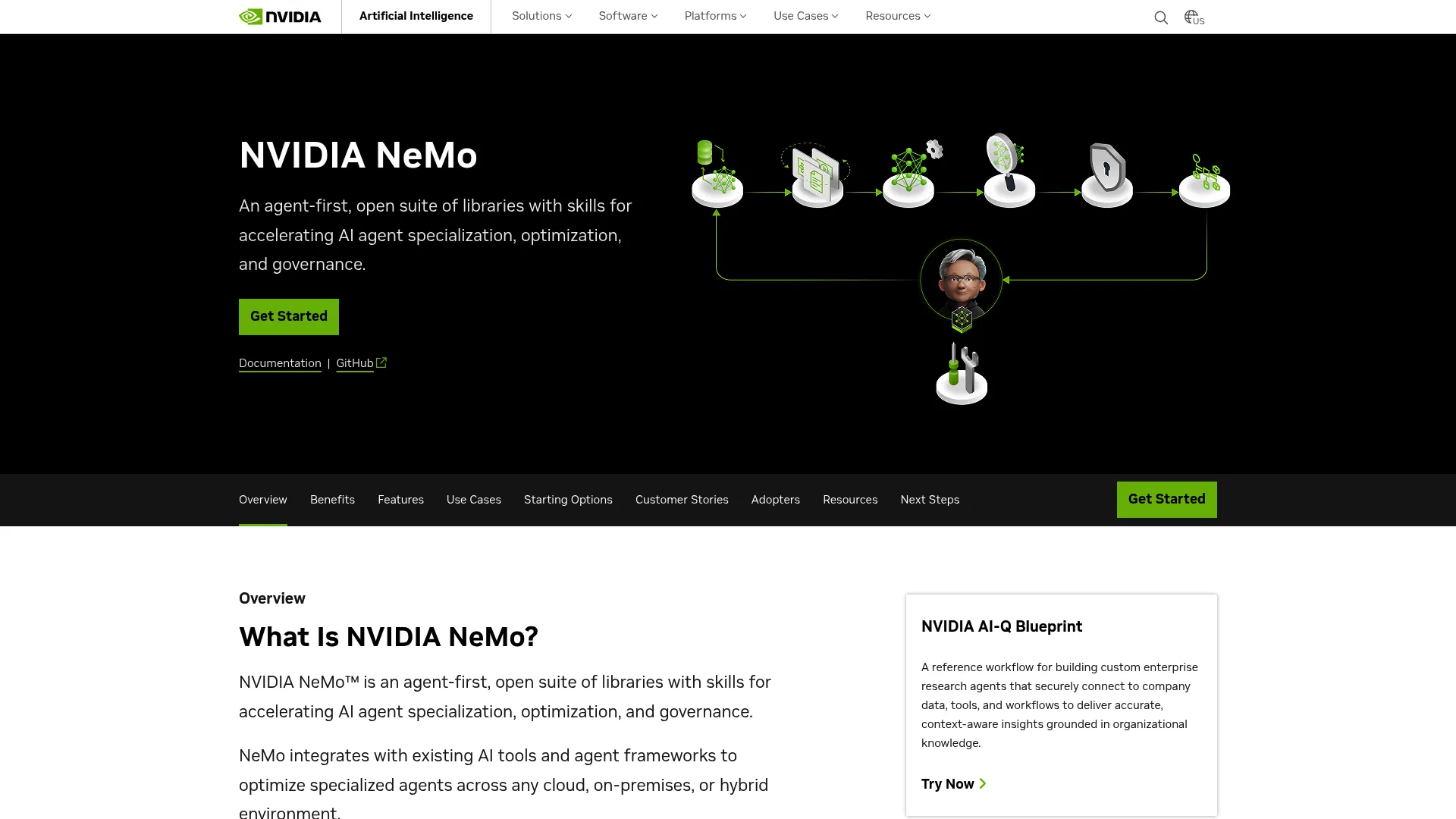
NVIDIA NeMo is an open suite of libraries and skills for building, optimizing, and governing AI agents. It's the right fit for teams working on conversational AI, speech, and language model workflows, where curation, evaluation, and safety all need to come together. The suite spans data preparation through deployment and governance, so language-focused teams can stay in one toolset.
Best for: Teams building enterprise AI agents that need open-source tooling plus optional NVIDIA enterprise support.
Key strengths
- NeMo Curator: Curate multimodal data at scale for training and fine-tuning.
- NeMo Evaluator: Benchmark models and agents to measure quality before deployment.
- NeMo Guardrails: Add safety and compliance controls to production language systems.
Why choose NVIDIA NeMo
Choose NeMo when your work centers on language and speech models or agent workflows. The combination of curation, evaluation, and guardrails covers the parts of the lifecycle that generic frameworks leave to you. Open-source access plus optional enterprise support gives teams a path from prototype to governed production.
NVIDIA NeMo pricing
NeMo is available open-source and free to use. It's also supported as part of NVIDIA AI Enterprise, though NVIDIA's pages point to licensing details rather than a public price for that tier. NeMo holds a 4.3/5 rating on G2.
13. TAO Toolkit
TAO Toolkit is NVIDIA's low-code toolkit for customizing and deploying vision AI models. It's built for transfer learning: start from a pretrained vision foundation model, adapt it to your data, then prune and quantize for deployment. For teams fine-tuning models for specific production contexts like industrial inspection or quality control, it compresses a lot of the workflow into a guided path.
Best for: Teams building custom vision AI models for industrial inspection, quality control, or robotic guidance.
Key strengths
- Fine-tuning foundation models: Adapt pretrained vision models to your data with minimal code.
- Data pipeline tooling: Ingest data, auto-label, and convert datasets without separate plumbing.
- Optimization and deployment: Apply knowledge distillation and quantization, then deploy with DeepStream.
Why choose TAO Toolkit
Choose TAO Toolkit when you need custom vision models but want to skip building the training and optimization pipeline yourself. The low-code approach lowers the barrier for teams without deep ML research staff, while the pruning and quantization steps keep deployed models efficient. It fits production vision use cases especially well.
TAO Toolkit pricing
TAO Toolkit is free to download from NVIDIA. No numeric or tiered pricing is published on the product page. You provide the NVIDIA GPU compute it runs on.
14. NVIDIA DALI
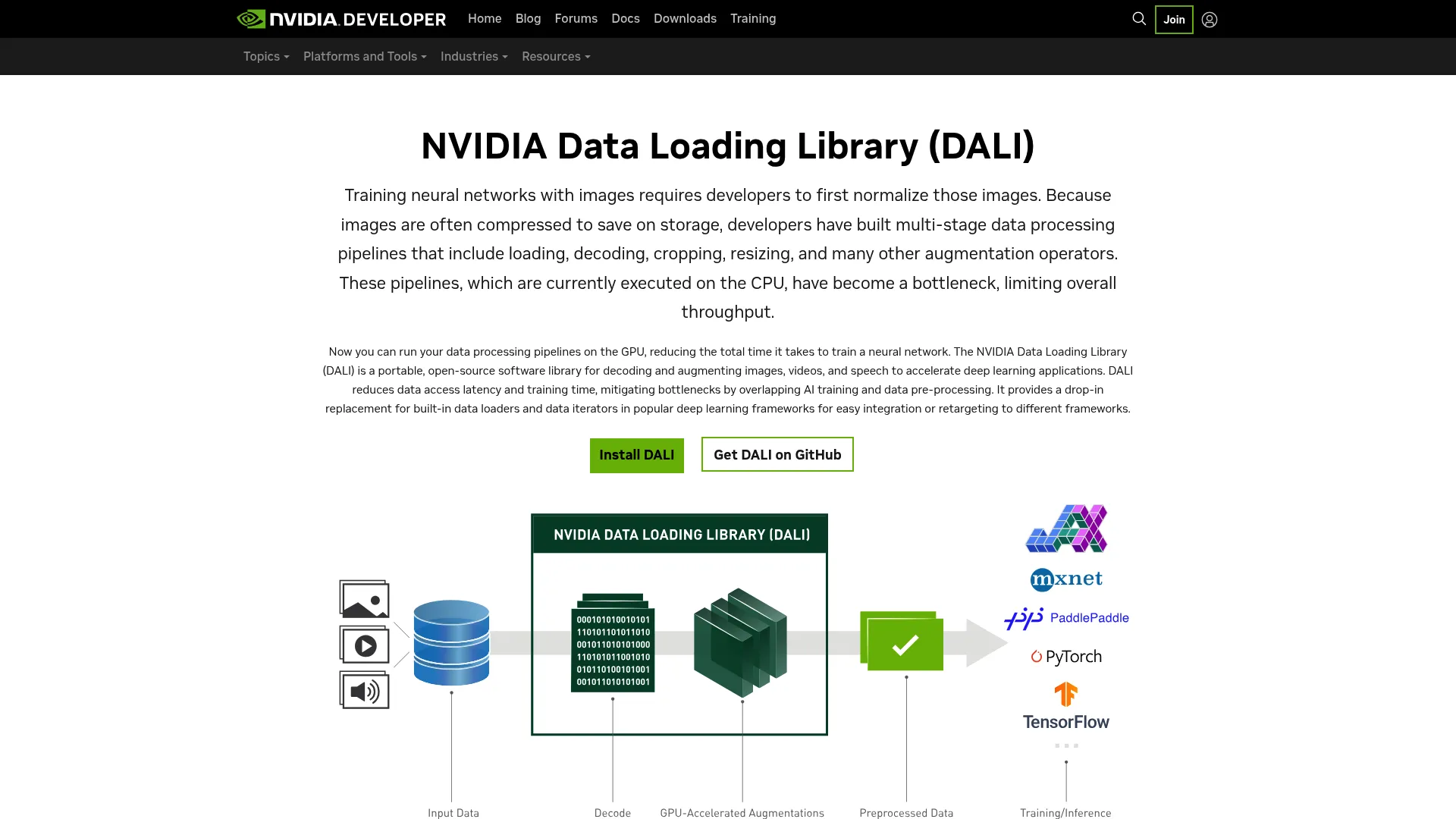
NVIDIA DALI is an open-source library for GPU-accelerated data loading and preprocessing for deep learning. It targets a bottleneck that's easy to overlook: when the GPU sits idle waiting for the CPU to decode and augment data, you're wasting expensive compute. DALI moves that preprocessing onto the GPU, which matters most when the input pipeline, not the model, is your constraint.
Best for: Teams needing faster deep learning input pipelines and GPU-based preprocessing.
Key strengths
- Media decoding and augmentation: Decode and augment images, videos, and speech on the GPU.
- GPU-accelerated preprocessing: Keep accelerators fed by moving data prep off the CPU.
- Portable pipelines: Python APIs that interoperate with TensorFlow, PyTorch, and MXNet.
Why choose NVIDIA DALI
Choose DALI when profiling shows your training is data-bound rather than compute-bound. By offloading decoding and augmentation to the GPU, it raises overall throughput without changing your model. It's a targeted fix that often pays for itself in better GPU utilization.
NVIDIA DALI pricing
DALI is open-source and free to use. There's no public pricing page or paid tier. It runs on the NVIDIA GPU hardware in your training environment.
15. DeepSpeed
DeepSpeed is an open-source deep learning optimization library for training and inference at large scale. It's PyTorch-centric and built for the hardest scaling problems: training models too big to fit in memory the naive way. Its ZeRO optimizer partitions optimizer states, gradients, and activations across devices, which is what lets teams push into very large model territory efficiently.
Best for: Teams training or serving very large PyTorch transformer models at scale.
Key strengths
- Distributed training with mixed precision: Scale efficiently across many GPUs while cutting memory use.
- ZeRO optimizer: Partition optimizer state, gradients, and activations to fit larger models.
- Inference optimization: Model parallelism and custom kernels for serving large models.
Why choose DeepSpeed
Choose DeepSpeed when scale and training efficiency are the whole game and you're working in PyTorch. The ZeRO family of optimizations makes it possible to train models that wouldn't otherwise fit, and the efficiency gains translate into lower cost per run. It's the go-to for teams pushing the upper bound of model size.
DeepSpeed pricing
DeepSpeed is an open-source project and free to use. There's no public pricing page or paid plan. You run it on your own GPU cluster or cloud compute, which is your only cost.
Considerations
Before you lock in a stack, run through this checklist. The right choice depends on your team, your bottleneck, and where your models need to run.
Match the stack to the team's skill profile
Be honest about onboarding cost. A team deep in Python with strong MLOps maturity can adopt JAX or a full NVIDIA acceleration stack quickly. A team newer to deep learning may move faster starting with Keras or the higher-level parts of TensorFlow and PyTorch. The best tool is the one your team will actually use well.
Decide whether training or inference is the main bottleneck
These pull in different directions. If training time and scale are the constraint, weight your decision toward distributed layers like Horovod and DeepSpeed and acceleration libraries like cuDNN. If serving latency and throughput are the problem, prioritize TensorRT and Triton. Solving the wrong bottleneck wastes budget.
Check deployment surfaces early
Know where models will run before you commit. Cloud, datacenter, edge, browser, mobile, and automotive each have different runtime constraints. TensorFlow.js for browsers, TensorRT for edge GPUs, and ONNX export for portability all shape the choice. Retrofitting deployment is expensive; plan for it up front.
Verify ecosystem fit
A framework rarely stands alone. Check that your data loading (DALI), serving (Triton), profiling, and reusable assets (NGC catalog) all work together on your hardware. The smoothest stacks are the ones where the layers were chosen to interoperate, not bolted together after the fact.
Conclusion
There's no single best deep learning software, only the best stack for your situation. If you're optimizing for fast experimentation, PyTorch and JAX lead. If you want one ecosystem from training through deployment, TensorFlow is hard to beat. If you need a simpler interface without giving up backend flexibility, Keras runs on all three. And if GPU acceleration is the priority, the NVIDIA stack of CUDA-X AI, cuDNN, TensorRT, and Triton covers training through inference, with Horovod and DeepSpeed handling distributed scale.
The pattern that separates strong stacks from struggling ones: they're assembled deliberately around training, inference, deployment, portability, and acceleration, not picked one tool at a time. Start by identifying your real bottleneck, then evaluate this shortlist against your training, inference, and deployment needs together. The frameworks define what you can build; the acceleration and serving layers decide whether you can ship it.
FAQs
Deep learning software is the set of frameworks, libraries, and tools used to build, train, accelerate, and deploy neural networks. Frameworks like TensorFlow and PyTorch handle model definition and training, while separate deployment tooling such as TensorRT and Triton handles inference optimization and serving. Most teams combine several layers rather than relying on one tool.
Keras and the high-level parts of TensorFlow and PyTorch are the friendliest starting points. Keras offers a clean API that hides boilerplate, and PyTorch's dynamic graph makes debugging feel like ordinary Python. Both have large communities, extensive tutorials, and abundant pretrained models, which shortens the learning curve considerably.
PyTorch uses a dynamic computation graph that feels like native Python and dominates research, while TensorFlow offers a broader end-to-end ecosystem spanning web, mobile, and production pipelines. In practice, PyTorch is often chosen for prototyping and flexibility, and TensorFlow for teams wanting one ecosystem from training through deployment. Both support GPU acceleration and distributed training.
It depends on the work. JAX excels at high-performance numerical computing and composable transformations, which suits teams doing large-scale training or custom numerical research that benefits from a functional style. TensorFlow brings a more complete production ecosystem. Teams comfortable with functional programming often prefer JAX for performance-critical research; others value TensorFlow's breadth.
NVIDIA's stack leads here. CUDA-X AI provides GPU-accelerated libraries across the workflow, cuDNN supplies tuned primitives that frameworks call under the hood, and TensorRT optimizes inference for low latency. For multi-GPU and distributed training, Horovod and DeepSpeed scale workloads across many devices efficiently.
For inference acceleration, TensorRT optimizes models for low latency and high throughput on NVIDIA GPUs. For serving, Triton Inference Server handles multi-framework deployment with dynamic batching and concurrent execution. TensorFlow's TFX and TorchServe for PyTorch also support production serving, and ONNX export improves portability across runtimes.
Not always. Frameworks like TensorFlow and PyTorch include built-in distributed training (torch.distributed, tf.distribute) that handles many multi-GPU cases. You add a dedicated layer like Horovod when you want framework-agnostic scaling with minimal code changes, or DeepSpeed when training very large models that need memory partitioning through ZeRO.
Evaluate documentation quality, portability across your deployment surfaces, governance and reproducibility, and how well the layers fit together. Check that your framework, acceleration libraries, serving layer, and reusable assets like containers and pretrained models all interoperate on your hardware. A stack chosen to work together beats a collection of strong tools bolted on after the fact.