A packaging team's day rarely runs in a straight line. You build a structural dieline in one tool, drop artwork into another, render a 3D mockup somewhere else, then wait on an approval loop that bounces between marketing, ops, and print. Every handoff is where time leaks. Every file version that drifts out of sync is a reprint waiting to happen.
The right packaging software closes those gaps. It cuts prototype churn, speeds sign-off, and keeps production data aligned from concept to print-ready file. That matters more every year. The design software for packaging market is expected to grow from USD 2.72 billion in 2026 to USD 4.02 billion by 2030, a 10.2% CAGR, according to Research and Markets (2024). Buyers are investing because the payoff is real: fewer physical prototypes, shorter approval cycles, and cleaner handoffs to production.
Here's the part most guides skip. When people search for packaging software, they're actually comparing categories, not just brands. Structural CAD is a different job than 3D rendering. An Illustrator-first packaging workflow solves a different problem than web-to-pack ordering. Buying the "most powerful" tool without matching it to your actual bottleneck is how teams end up paying for capability they never use.
This guide breaks the field into the workflows that matter, so you can shortlist by the problem you're solving instead of the brand you recognize.
What's inside
This guide covers 8 packaging software tools spanning four core workflows: structural CAD for dielines, 3D packaging visualization for photorealistic mockups, Adobe-connected packaging design workflows for artwork and production files, and web-to-pack systems that link design to ordering. We picked tools based on workflow fit, design fidelity, production readiness, collaboration support, and relevance to how packaging teams actually operate in 2026. Each entry tells you what the tool does, who it fits, why it stands out, and what it costs, so you can move from long list to shortlist fast.
TL;DR
- Best overall for 3D packaging workflows: Esko Studio, for photorealistic packshots and shrink sleeve simulation right inside Illustrator.
- Best for structural dielines: Esko ArtiosCAD, when technical accuracy and production handoff matter most.
- Best for high-fidelity rendering: Adobe Substance 3D, for material realism and lighting-heavy concept visuals.
- Best for Adobe-first teams: Adobe Illustrator, the default for packaging artwork and production-ready files.
- Best for web-to-pack workflows: ARDEN Software IMPACT, when design, quoting, and ordering need to stay connected.
- Best for fast mockups: Pacdora and Packify AI, for quick visuals and AI-assisted concepting without heavy setup.
What is packaging software?
Packaging software is a category of tools that help teams design, visualize, and prepare packaging for production, covering structural engineering, graphic artwork, 3D visualization, and print-ready file output.
The category splits into distinct subtypes, and knowing which one you need saves you from overbuying:
- Structural packaging CAD: Builds accurate dielines, cartons, and structural designs with production-grade precision.
- 3D packaging visualization software: Turns flat artwork into photorealistic mockups and virtual packshots before anything gets printed.
- Packaging rendering software: Simulates materials, lighting, and finishes for high-fidelity concept and marketing visuals.
- Packaging mockup software: Produces fast, template-based visuals for presentations, validation, and early concepting.
- Adobe-connected packaging workflows: Handle artwork creation and production files inside the Illustrator ecosystem most designers already use.
- Web-to-pack and ordering systems: Link structural design and quoting to production and purchasing.
- Collaboration and approval tooling: Keep design, ops, and print stakeholders working from one source of truth.
Most teams end up running two or three of these together. A structural CAD tool feeds a dieline into an Illustrator-first workflow, which then gets rendered in a 3D visualization tool for approval. The trick is knowing which layer is your bottleneck.
When to use packaging software
Different workflows create different pressure points. Here's how to match the tool to the moment.
Speed up packaging approvals
When stakeholders keep asking to "see it first," you need visualization before you commit to a physical prototype. 3D packaging design software and mockup tools let marketing, sales, and leadership review a realistic package on screen, catch problems early, and sign off faster. This is where photorealistic packshots earn their keep, cutting rounds of prototype shipping down to a single on-screen review.
Build production-ready dielines
When structural accuracy matters more than presentation, you need packaging CAD software. Cartons, labels, and complex structures have to fold, hold, and ship correctly. Dieline software gives you the technical precision to produce structural designs that survive the leap from screen to print line without surprises on the factory floor.
Create retail-ready mockups and presentations
When marketing, sales, or leadership need to see the package before it goes to print, packaging mockup software delivers fast. Template-based tools produce clean visuals for pitch decks, retailer presentations, and internal reviews in minutes, no rendering pipeline required.
Connect packaging design to ordering
When storefront configuration, quoting, and production need to stay linked, web-to-pack packaging software carries the workflow through. Instead of design living in one system and ordering in another, these tools keep the commercial path connected from configuration to purchase order.
Comparison table
The ranking below favors broad usefulness for packaging teams, not a single niche. We weighted workflow fit, production readiness, and design fidelity, then noted verified pricing and ratings where a primary source confirmed them. Structural packaging software and 3D tools serve different jobs, so read the "Key use case" column before the price.
| # | Product | Intent | Key use case | Pricing | G2 rating |
|---|---|---|---|---|---|
| 1 | Esko Studio | 3D visualization | Photorealistic packshots and shrink sleeve simulation in Illustrator | From €226.67/month | Not verified |
| 2 | Esko ArtiosCAD | Structural CAD | Dielines, cartons, and production handoff | From $34.17/month | 4.3/5 |
| 3 | Adobe Substance 3D | Rendering | Material realism and lighting for concept visuals | From US$59.99/mo | 4.6/5 |
| 4 | Adobe Illustrator | Artwork | Packaging artwork and production-ready files | From US$22.99/mo | 4.6/5 |
| 5 | CorelDRAW Graphics Suite | Design suite | Vector packaging graphics and layout | Trial available | 4.3/5 |
| 6 | ARDEN Software IMPACT | Web-to-pack | Structural CAD/CAM with connected ordering | Not publicly listed | 4.5/5 |
| 7 | Packify AI | AI mockups | AI-assisted concepts, dielines, and product imagery | From $9.9/month | Not verified |
| 8 | Pacdora | Mockups | Template-based mockups and dielines | Free plan available | 4.5/5 |
The 8 best packaging software tools
1. Esko Studio
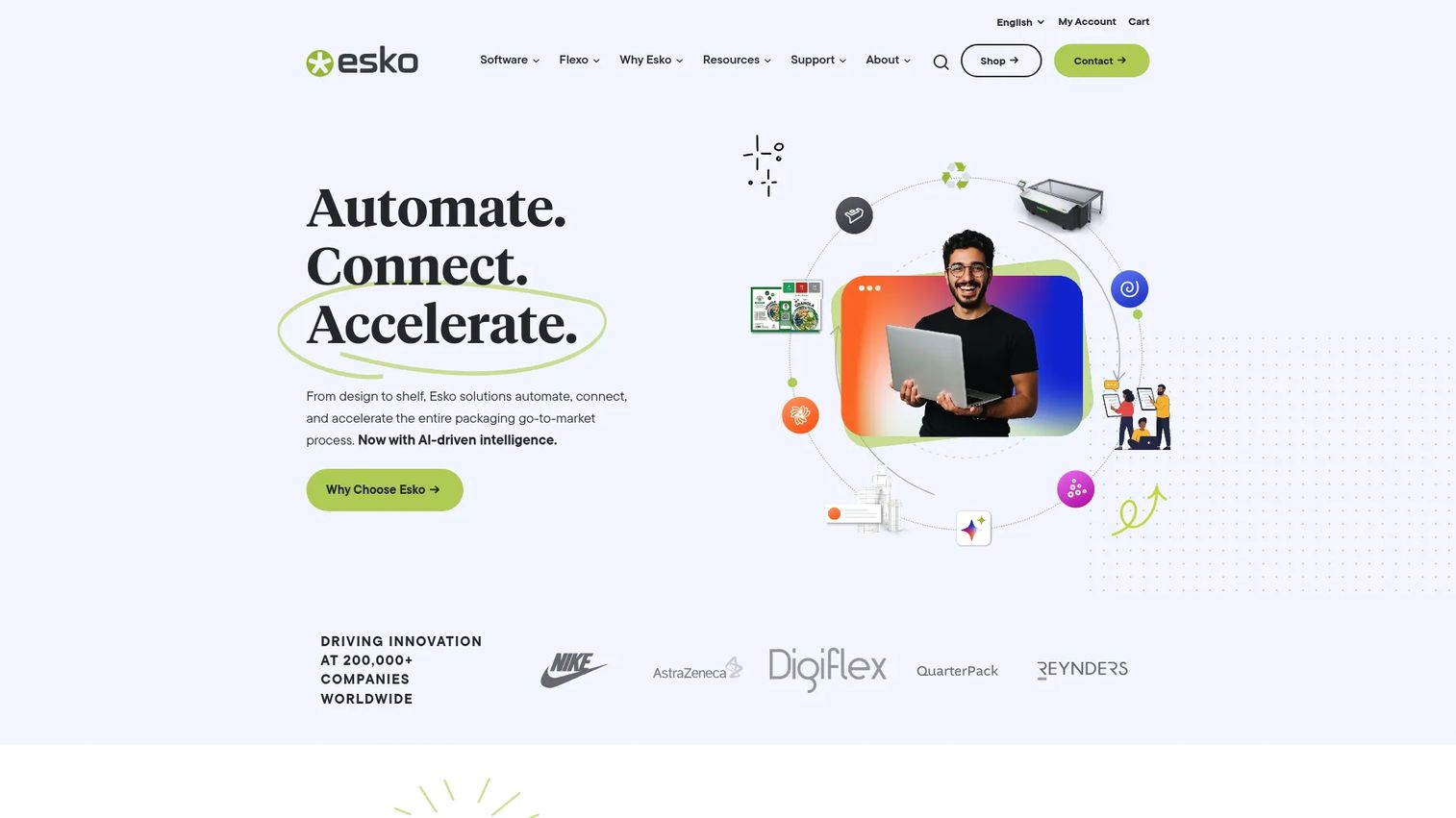
Esko Studio is 3D packaging design software built to create photorealistic packaging visuals and virtual packshots directly inside Adobe Illustrator. It's aimed at packaging teams that need realistic mockups and artwork visualization without leaving the design tool they already use. For teams whose bottleneck is approvals, Studio turns a flat artwork file into a render a stakeholder can actually judge.
Best for: Packaging teams that need realistic 3D mockups and artwork visualization tied to their Illustrator workflow.
Key strengths
- 3D design inside Illustrator: Build and visualize packaging without switching apps, keeping artwork and structure in one place.
- Photorealistic ray-tracing renders: Produce virtual packshots and digital twins that look close enough to print to drive real sign-off.
- Broad substrate support: Handle shrink sleeve packaging software needs, boxes, labels, and flexible packaging in one environment.
Why choose Esko Studio: If your slowest step is getting leadership or retail buyers to approve a package, Studio removes the wait for physical samples. The shrink sleeve simulation and photorealistic packshots let stakeholders react to something that looks real, which cuts approval rounds and prototype spend. Because it runs inside Illustrator, it fits an Illustrator-first packaging workflow instead of replacing it.
Pricing: Esko lists Studio Essentials for Adobe Illustrator at €226.67/month and Studio Advanced at €548.33/month on monthly plans. Yearly plans (paid monthly) run €295.00/month for Essentials and €712.50/month for Advanced. A 30-day free trial is available. Pricing is shown in EUR on Esko's store, verified as of July 2026.
2. Esko ArtiosCAD
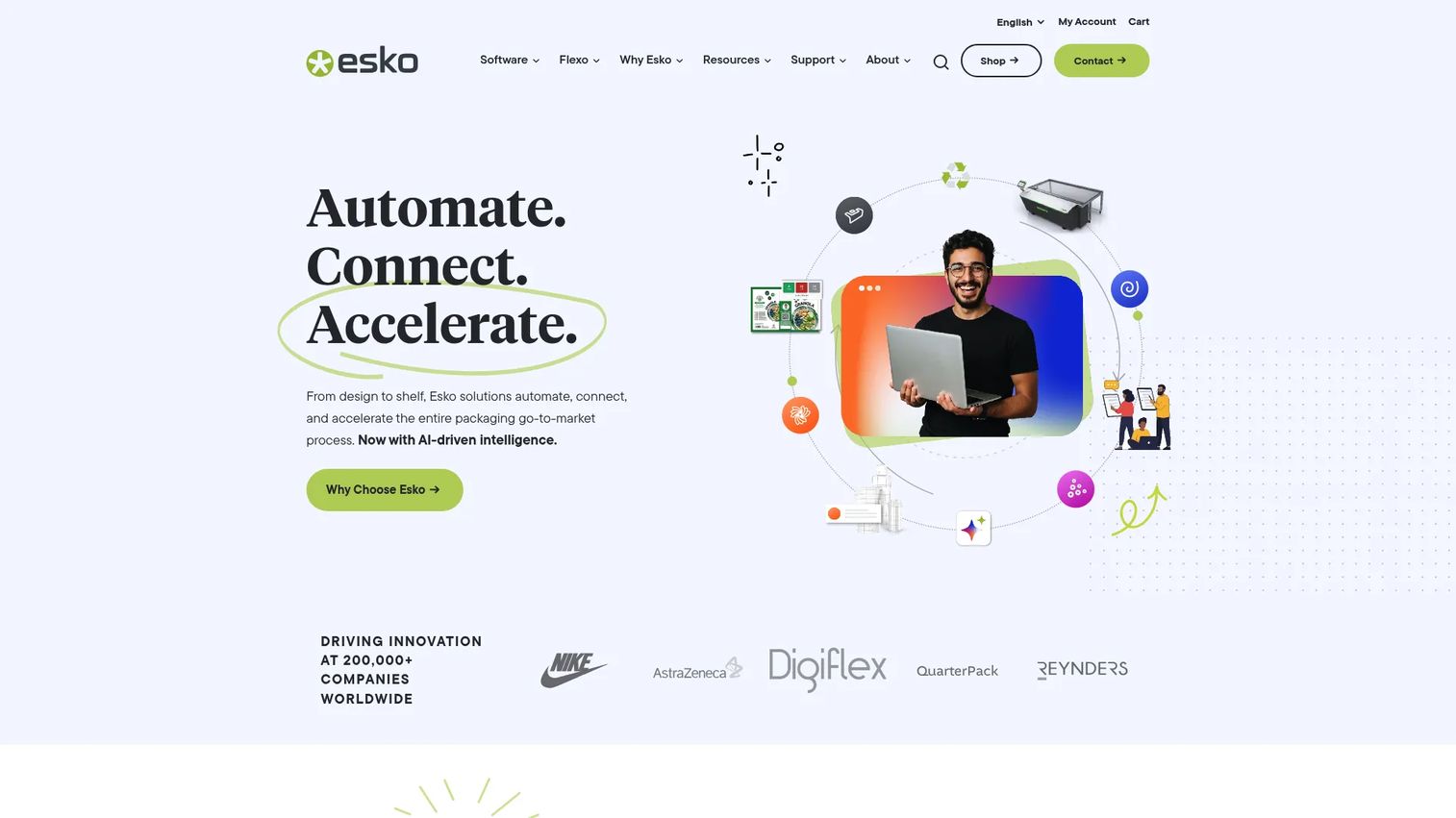
Esko ArtiosCAD is structural packaging software for creating 2D and 3D packaging designs, virtual prototypes, and production-ready structural workflows. This is the packaging CAD software teams reach for when a dieline has to be exact, not just presentable. It carries a design from structural concept through virtual prototype to a file the production line can trust.
Best for: Packaging teams that need structural dielines, 2D/3D mockups, and production-ready design workflows.
Key strengths
- 2D and 3D packaging design: Move between flat structural drawing and 3D prototype without leaving the tool.
- Virtual prototyping: Test fold, fit, and function on screen before cutting a physical sample.
- Deep interoperability: Exchange files with Collada, ProE, STEP, SAT, IGES, SolidWorks 3D, and Siemens NX for engineering-grade handoff.
Why choose Esko ArtiosCAD: When accuracy is the whole game, ArtiosCAD is built for it. Structural teams choose it because a carton that fails on the folder-gluer costs far more than the software. It's arguably overkill for a team that only needs quick presentation mockups, but for production-critical dieline software, that precision is the point.
Pricing: Esko's store lists four bundles: ArtiosCAD Connect at $34.17/month, Essentials at $290.83/month, Advanced at $600.83/month, and Prime at $813.33/month. Pricing is shown in USD, verified as of July 2026. No free tier was found. Storefront availability varies by country.
3. Adobe Substance 3D
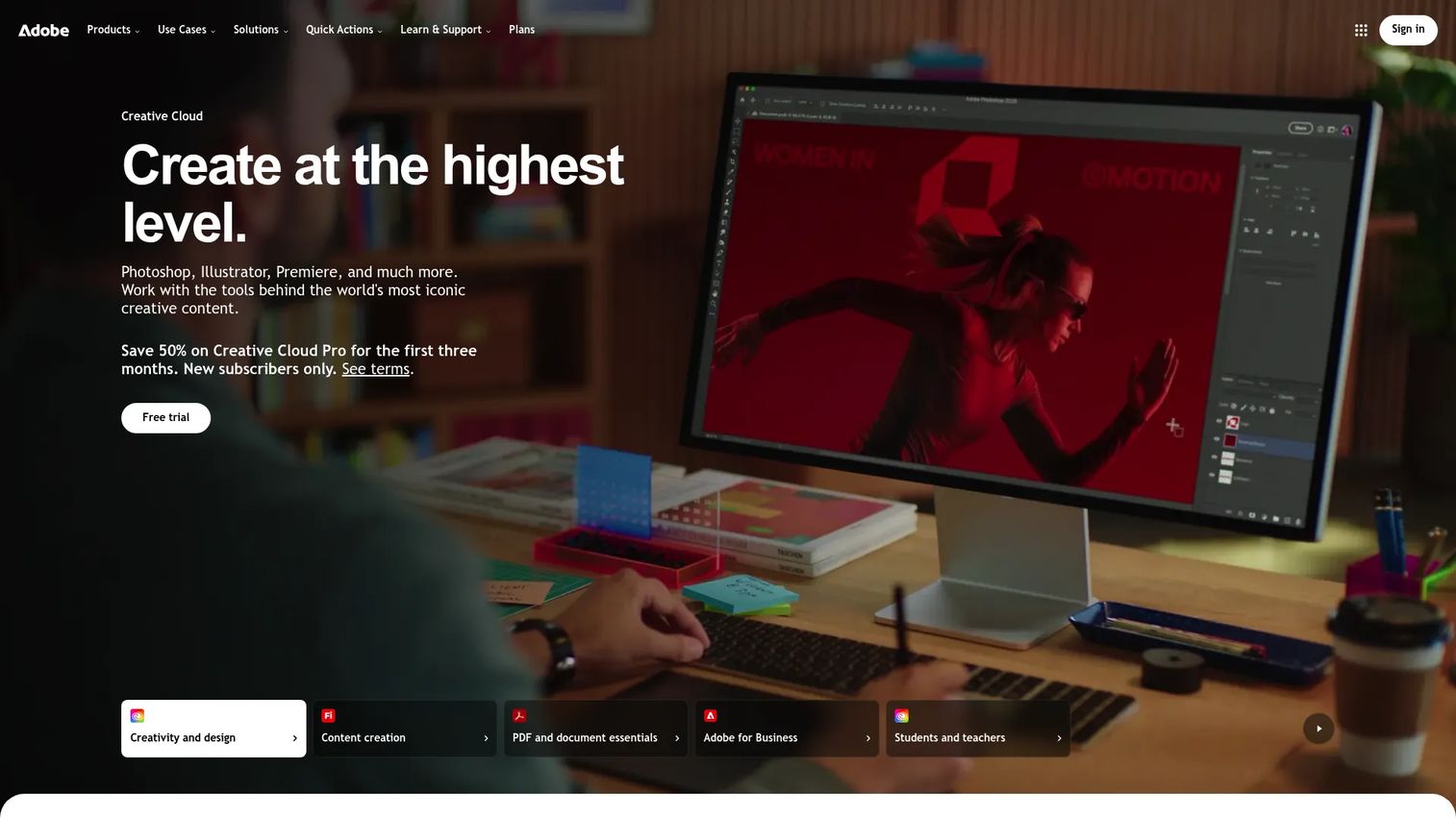
Adobe Substance 3D is Adobe's 3D creation suite for texturing, materials, scene composition, and 3D asset workflows. For packaging visualization software, it's the tool that pushes material realism and lighting the furthest, useful when a concept render has to sell a finish, a texture, or a premium feel. It complements structural tooling rather than replacing it: ArtiosCAD proves the structure, Substance 3D makes the surface look real.
Best for: Teams and creators building realistic 3D materials, textures, and product visuals for packaging concepts.
Key strengths
- Full app suite: Painter, Designer, Sampler, Stager, and Modeler cover texturing through scene composition.
- Generative AI tools: Firefly-powered features speed up material and texture creation.
- Asset library: Over 20,000 premium 3D assets plus cloud storage to build scenes fast.
Why choose Adobe Substance 3D: If your team is doing packaging rendering software work where the finish sells the product, Substance 3D delivers the highest fidelity on this list. It shines for premium packaging concepting and marketing visuals where lighting and material accuracy matter. Pair it with a structural tool for dielines and an Illustrator workflow for artwork, and you have a full high-fidelity pipeline.
Pricing: Adobe lists the Substance 3D Collection for individuals at US$59.99/mo and the Collection for teams at US$119.99/mo per license. An education offer is available for students and teachers. A 30-day free trial is offered. Verified as of July 2026.
4. Adobe Illustrator
Adobe Illustrator is Adobe's vector graphics design software for creating logos, illustrations, and scalable artwork. In packaging, it remains the default tool for artwork creation and production-ready packaging files. Most packaging designers already live here, which is exactly why an Illustrator-first packaging workflow is the backbone of so many teams' processes.
Best for: Professional designers needing scalable vector artwork and tight Adobe ecosystem integration.
Key strengths
- Precision vector artwork: Build packaging graphics that scale cleanly from label to large-format print.
- Concept to Vector: Turn sketches or low-res images into editable vector artwork.
- Turntable and Generative Shape Fill: Speed up iteration on artwork variations and layouts.
Why choose Adobe Illustrator: Illustrator is the handoff tool. Structural CAD, 3D visualization, and Adobe packaging plugins all tend to connect back to it, which makes it the connective tissue of most packaging pipelines. It handles production-ready packaging files that print vendors expect, and its ecosystem fit means Studio and Substance 3D slot in without friction. It won't build a structural dieline on its own, but for artwork it's the standard.
Pricing: Adobe offers Illustrator by itself at US$22.99/mo (annual, billed monthly). Creative Cloud Pro is US$69.99/mo, and Illustrator for teams is US$37.99/mo per license. Verified as of July 2026.
5. CorelDRAW Graphics Suite
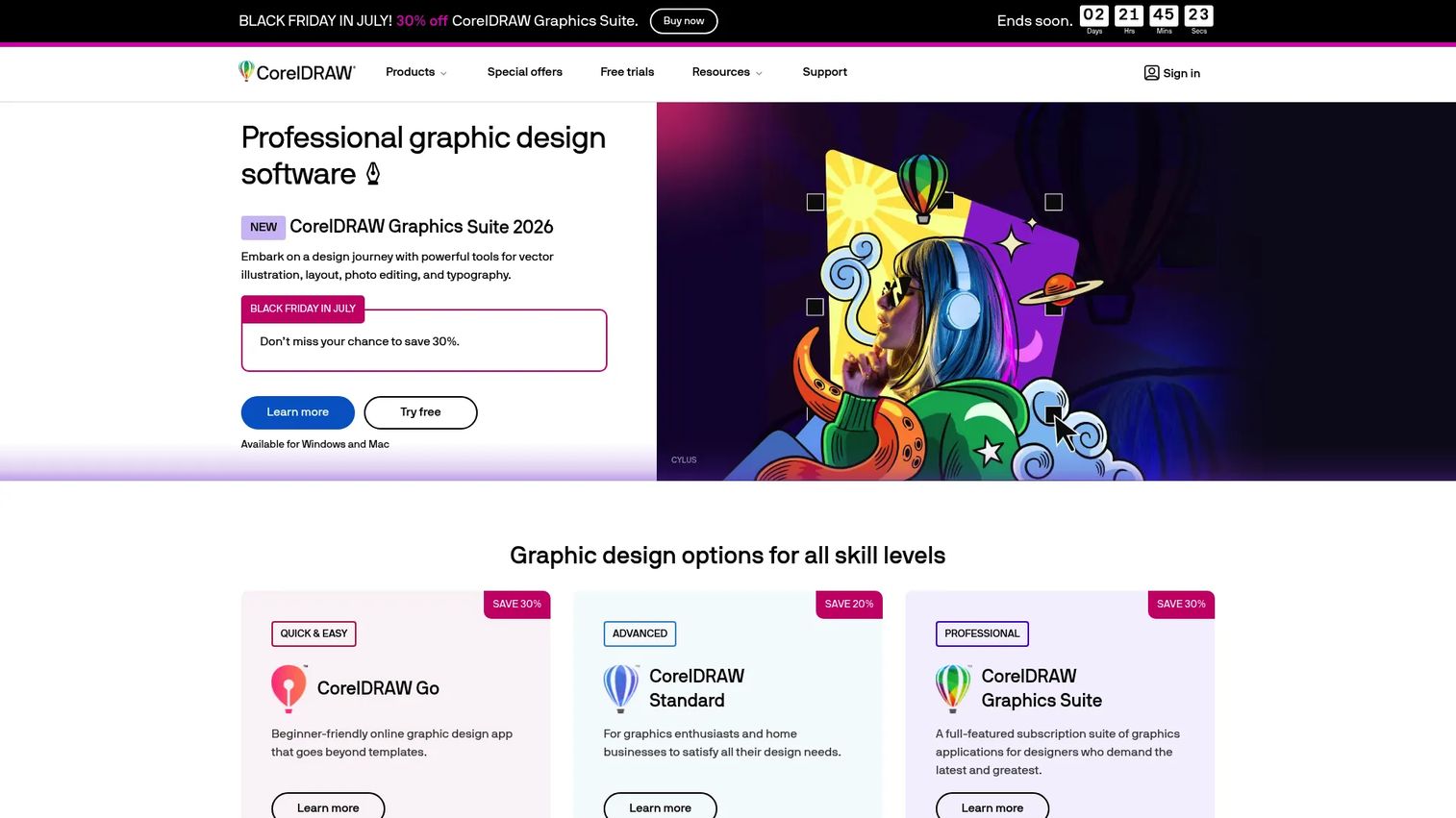
CorelDRAW Graphics Suite is professional graphic design software for Windows, Mac, and web, combining vector illustration, page layout, photo editing, typography, and AI-assisted tools. For packaging teams, it's an accessible all-in-one alternative for producing packaging graphics without committing to the Adobe stack. It appeals to teams that want a broad design suite covering more than just packaging.
Best for: Design teams and professionals needing an all-in-one vector, layout, and print-focused graphics suite.
Key strengths
- Vector and layout in one: Illustration plus page layout for full packaging graphics and print projects.
- Pixel-based editing: Photo editing built in for imagery and texture work alongside vector artwork.
- AI-assisted tools: AI Generate, background removal, and masking speed up production tasks.
Why choose CorelDRAW Graphics Suite: CorelDRAW is the pick for teams that want production-ready packaging files from a single suite and prefer flexible licensing over a subscription-only ecosystem. It's broad by design, covering vector, layout, and photo work in one place. Teams already invested in Adobe usually stay there, but for shops that want an independent, capable design suite with real packaging use cases, Corel earns a look.
Pricing: Corel offers subscription, license-with-maintenance, and one-time purchase options. A 15-day free trial is available. Exact prices were not legible from Corel's pricing page on the last check, so confirm current figures directly with Corel before purchase.
6. ARDEN Software IMPACT
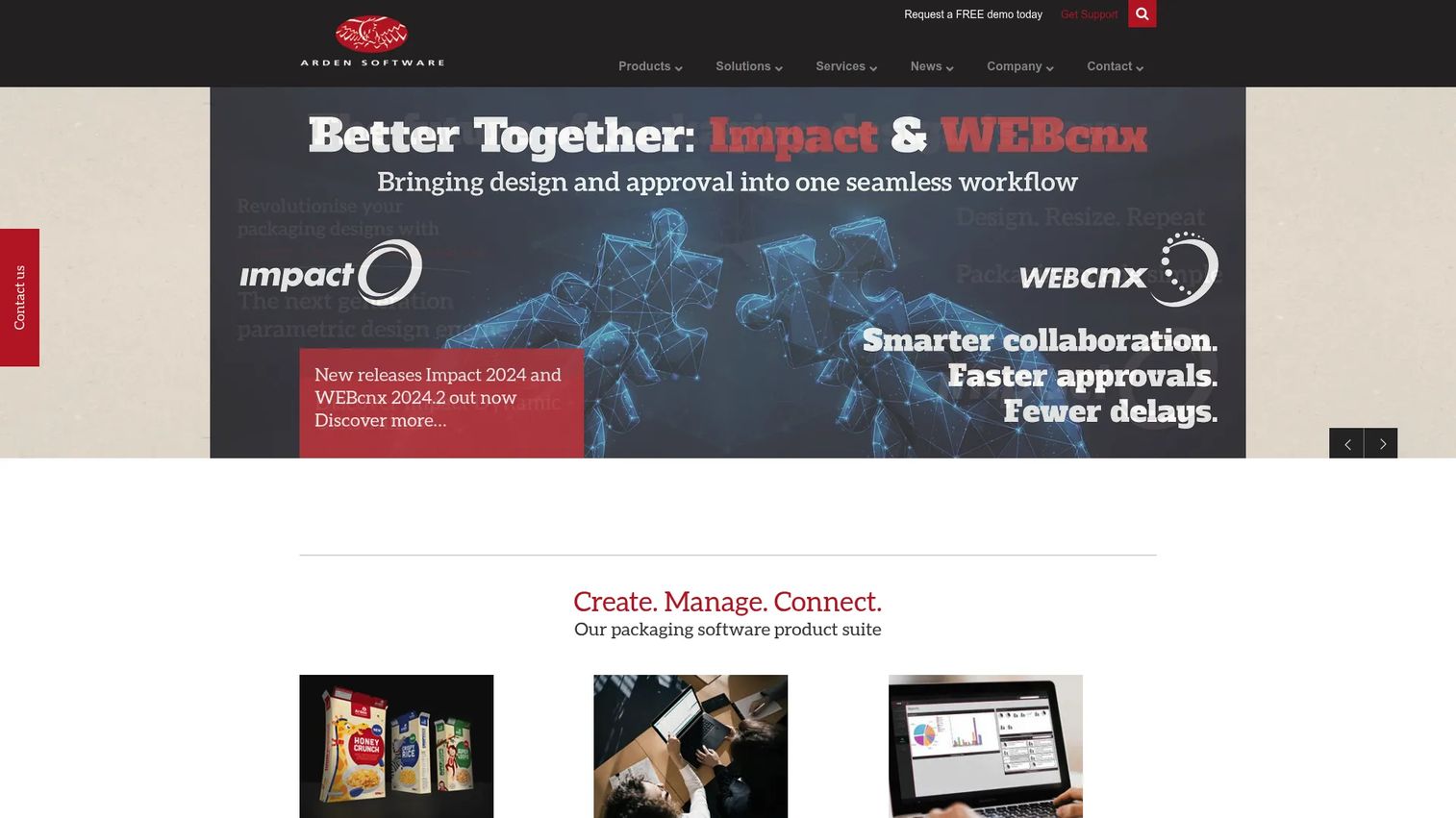
ARDEN Software IMPACT is packaging design CAD/CAM software built for designers and die-makers. Where it stands apart on this list is the web-to-pack packaging software angle: it connects structural design to the commercial workflow, so design, quoting, and ordering don't drift into separate systems. That matters when the gap between "approved design" and "purchase order" is where deals stall.
Best for: Packaging teams that need structural design and die-making workflows tied to production and ordering.
Key strengths
- 2D drafting and 3D visualization: Design structures and animate them for review in one environment.
- Dynamic Constraints: Parametric design that keeps dieline dimensions consistent as you iterate.
- Waste Planner: Communicate waste-management data clearly across the production workflow.
Why choose ARDEN Software IMPACT: IMPACT is for teams where the commercial workflow, not just the design, is the bottleneck. Its dieline software and parametric constraints serve die-makers who need repeatable precision, while the connected ordering logic keeps quoting and production aligned. If your friction lives between design sign-off and production ordering, IMPACT is built to close that gap.
Pricing: Arden Software does not publish pricing on its site, and G2 notes pricing details are not currently available. Contact Arden Software directly for a quote based on your workflow and seat needs.
7. Packify AI
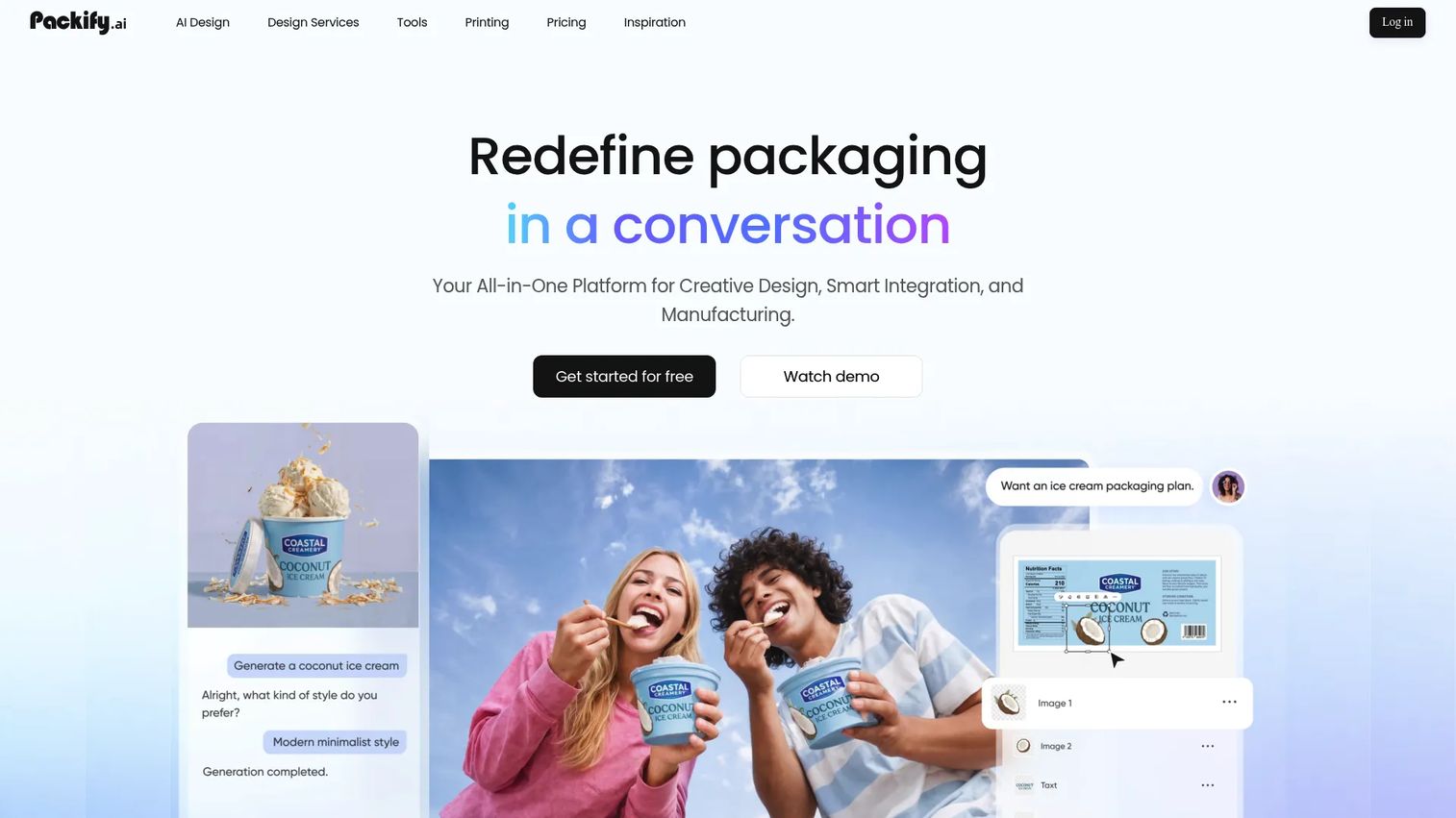
Packify AI is an AI packaging design platform for creating packaging concepts, mockups, dielines, labels, and product photos through a chat-based interface. It's built for teams and e-commerce brands that want to move from idea to visual fast. Treat it as a concepting accelerator that sits ahead of production-grade structural tools, not a replacement for them.
Best for: Teams and e-commerce brands needing AI-assisted packaging concepts and production-ready assets.
Key strengths
- Chat-based AI design: Describe a concept and generate packaging visuals without manual setup.
- Print-ready dielines and templates: Produce dieline and label assets alongside concepts.
- AI product imagery: Generate product photoshoot-style images, nutrition facts, and labels in one place.
Why choose Packify AI: Speed is the advantage. When you need to test packaging concepts quickly or spin up mockups and product imagery for an e-commerce listing, Packify AI compresses hours into minutes. For production-critical structural work, teams still lean on dedicated CAD tools, but for early concepting and validation, the AI-first approach moves fast. The Packify API also lets teams wire generation into existing workflows.
Pricing: Packify offers a free plan with 100 one-time credits and a Pro plan at $9.9/month. Business and Enterprise tiers are available, with Business seats adding members at $9.9/month each and API access included on Business. Business and Enterprise base prices are not publicly listed. Verified as of July 2026.
8. Pacdora
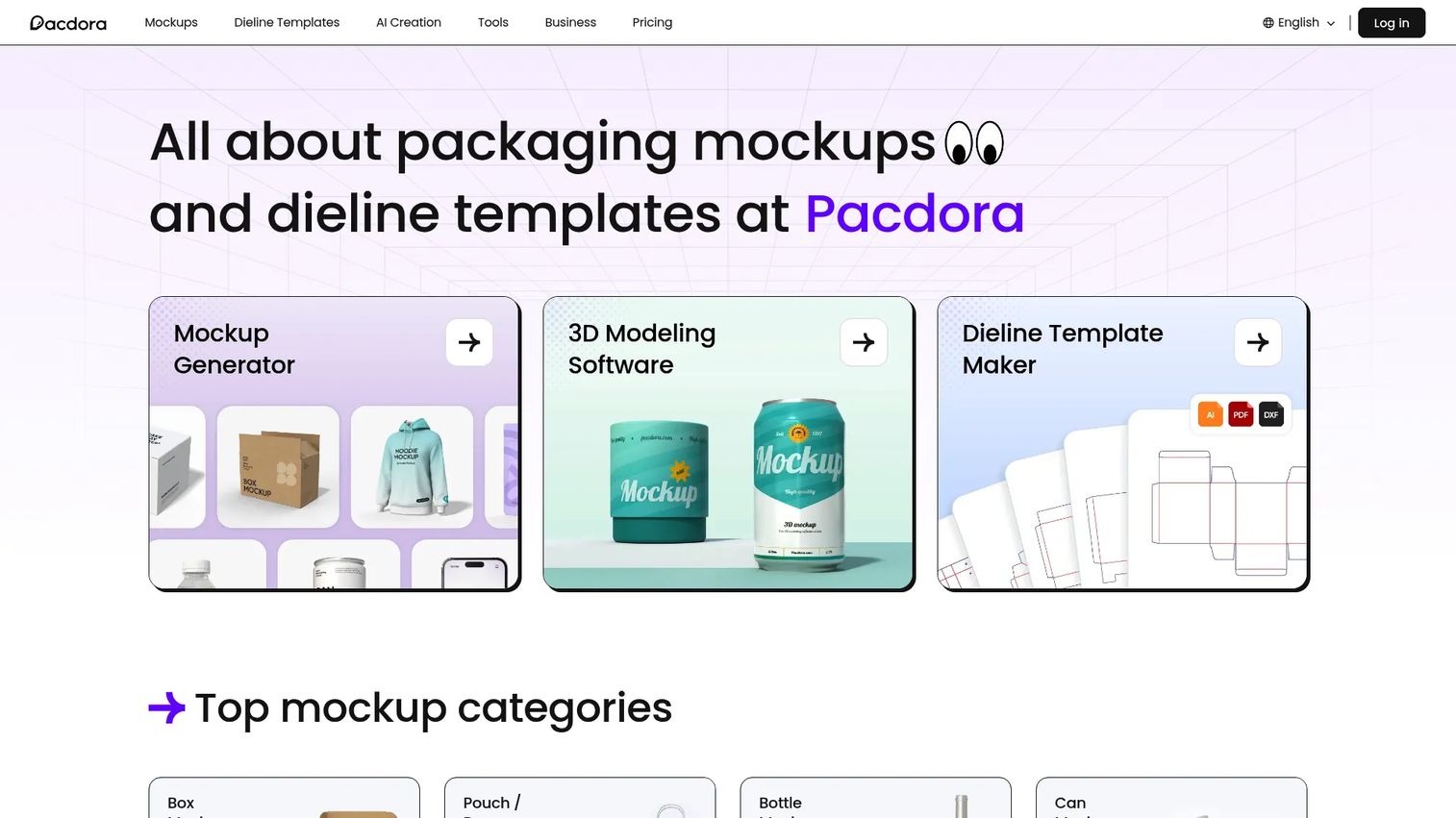
Pacdora is packaging mockup software for creating 3D mockups, dielines, and AI-assisted packaging assets. It's built for teams and designers who need fast visuals without heavy setup. If your job is to validate a look or drop a clean mockup into a presentation this afternoon, Pacdora is designed for that pace.
Best for: Teams and designers needing quick packaging mockups and dielines.
Key strengths
- 3D packaging mockups: Turn artwork into presentable 3D visuals fast, no rendering pipeline required.
- Dieline templates and generator: Start from a template library instead of drawing structure from scratch.
- AI design tools: Speed up mockup and asset creation with AI-assisted features.
Why choose Pacdora: Pacdora wins on speed to visualization. For lightweight prototyping, quick validation, and retailer or internal presentations, it gets a package on screen without the setup a full CAD or rendering pipeline demands. It's not the tool for production-critical structural engineering, but for fast mockups and early concepting, it's a practical, low-friction choice.
Pricing: Pacdora offers a free plan plus Lite, Pro, and Business tiers. Plan prices were not exposed on the pricing page during the last check, so confirm current figures directly with Pacdora. A free plan is available to start.
Considerations before you buy
Before you commit, run your shortlist through these criteria.
Workflow fit
Match the tool to your bottleneck, not your wish list. If approvals are slow, prioritize 3D packaging design software and mockup tools. If cartons fail in production, prioritize structural CAD. If ordering drifts from design, look at web-to-pack. Buying the broadest tool rarely fixes the specific step that's costing you time.
Illustrator compatibility
Most packaging teams run an Illustrator-first workflow, so check how cleanly a tool connects to it. Esko Studio runs inside Illustrator, and Substance 3D fits the Adobe ecosystem. If your artwork lives in Illustrator, a tool that plugs into it beats one that forces a rebuild.
Collaboration and approval
Packaging sign-off involves design, ops, marketing, and print stakeholders. Tools that support shared review and virtual prototypes cut the back-and-forth. Ask how each option handles version control and stakeholder feedback before it becomes a reprint problem.
Production handoff
The file that looks right on screen still has to print correctly. Check output formats, interoperability with engineering tools, and how production-ready packaging files leave the system. ArtiosCAD's deep format support is built for exactly this handoff.
Cost relative to stage
Match spend to scale. A fast-moving brand testing concepts may get everything it needs from a free or low-cost mockup tool, while a production shop cutting dies daily justifies structural CAD. Don't pay enterprise pricing for a concepting job, and don't cut corners on the tool that runs your production line.
Conclusion
The 8 tools here sort cleanly into three buckets. For structural accuracy, Esko ArtiosCAD and ARDEN Software IMPACT give you production-grade dielines and, in IMPACT's case, connected ordering. For high-fidelity visualization, Esko Studio and Adobe Substance 3D deliver photorealistic renders and material realism, with Adobe Illustrator anchoring the artwork layer and CorelDRAW offering a broad all-in-one alternative. For fast mockups and approval speed, Packify AI and Pacdora get a package on screen in minutes.
The move is to start with your bottleneck, not the most feature-rich product. If you need technical certainty that a carton will fold and ship, lead with structural CAD. If you need faster sign-off, lead with 3D and mockup tools. If ordering keeps drifting from design, look at web-to-pack. Pick the layer that's costing you time first, prove it works, then expand. Most mature packaging teams run two or three of these together anyway, so the goal isn't one winner, it's the right first tool for the step that's slowing you down.
FAQs
Packaging software handles the full path from idea to print-ready file. That includes structural design of cartons and dielines, artwork and graphic creation, 3D visualization and photorealistic mockups, and preparing production-ready files for print vendors. Many tools also support collaboration and approval so design, ops, and marketing stay aligned.
Packaging CAD focuses on structure and technical accuracy: dielines, cartons, fold and fit, and production-grade output like ArtiosCAD produces. Packaging design software, including Illustrator and CorelDRAW, focuses on visuals and branding: artwork, typography, and graphic layout. Most teams use both, with CAD building the structure and design software filling the surface.
It depends on fidelity. For photorealistic, material-accurate renders, Adobe Substance 3D and Esko Studio lead, with Studio integrated into Illustrator for artwork-driven packshots. For fast, template-based mockups you can produce in minutes, Pacdora and Packify AI are stronger fits. High-fidelity render tools serve marketing-grade visuals; template tools serve speed and validation.
Start with workflow fit and identify your slowest step. Then check Illustrator compatibility, since most teams run an Illustrator-first workflow, and evaluate collaboration and approval features for stakeholder sign-off. Confirm output quality and production handoff, including file interoperability. Finally, match cost to your stage rather than buying the broadest tool available.
For artwork and production-ready files, Illustrator is often enough and remains the default for most packaging designers. It falls short when you need true structural engineering, where a dedicated CAD tool like ArtiosCAD handles dielines and fold accuracy, or high-fidelity 3D rendering, where Substance 3D or Esko Studio add photorealistic visualization. Many teams use Illustrator alongside those specialized tools.
Structural CAD tools handle dielines. Esko ArtiosCAD is a widely used option for cartons and labels, and ARDEN Software IMPACT serves designers and die-makers with parametric structural design. Dieline control matters because a structure that folds and ships correctly depends on precise, production-grade geometry that general design tools aren't built to guarantee.
Web-to-pack packaging software connects packaging design to ordering and production in one linked workflow. Instead of design living in one system and quoting or purchasing in another, it keeps the commercial path connected from structural configuration to production order. ARDEN Software IMPACT is an example, useful when design sign-off and production ordering need to stay aligned.