

A customer files the same complaint three ways. They email support, they DM your brand on social, and they fill out a contact form. Now you have three threads, three half-answers, and no single record of what was promised or when.
Multiply that across a busy week and the pattern gets ugly. The same root-cause issue surfaces dozens of times, scattered across shared inboxes and spreadsheets. There is no audit trail, no deadline clock, and no way to tell leadership how many of those complaints share a single source.
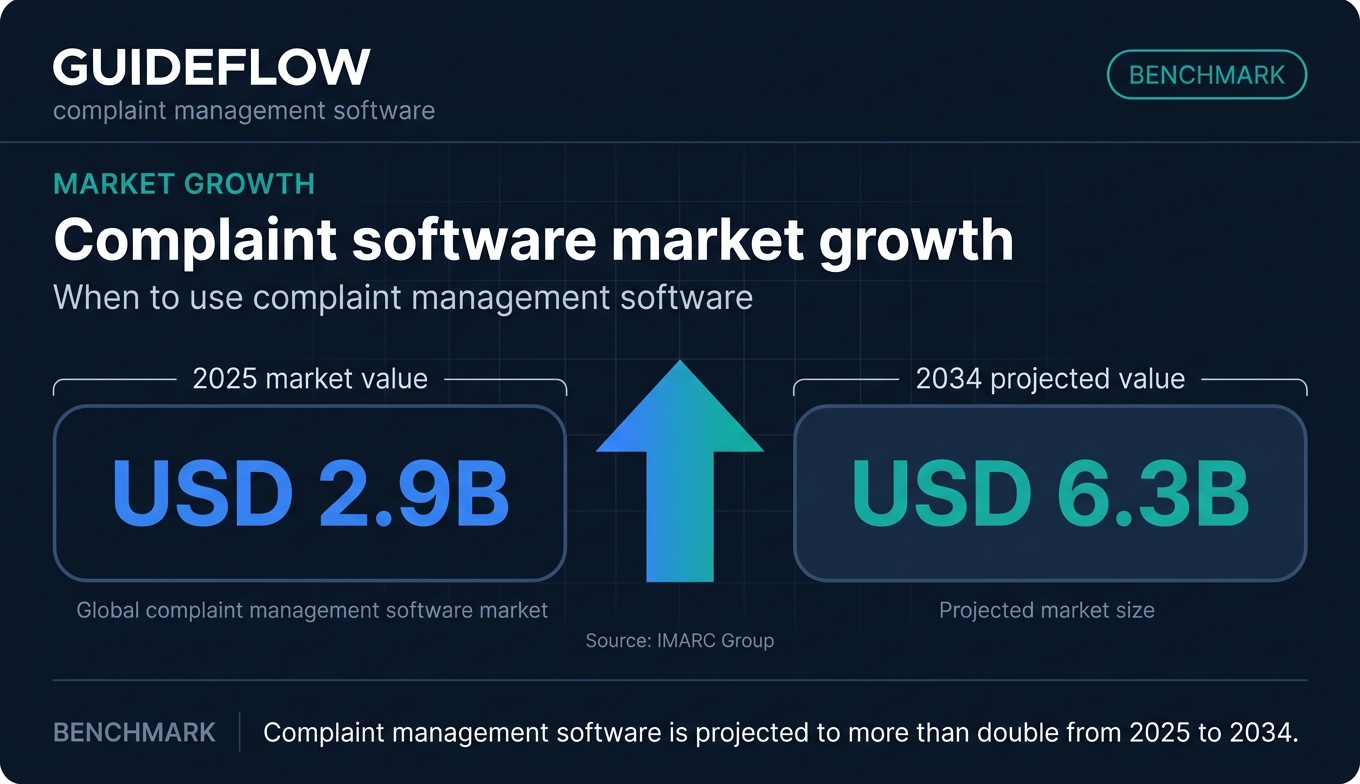
The category exists because complaints behave differently from regular tickets. They carry obligations: deadlines, records you may need to produce later, and root causes you are expected to find and fix. The global complaint management software market reflects that pressure, valued at USD 2.9 billion in 2025 and projected to reach USD 6.3 billion by 2034, according to IMARC Group.
If you own a ticket queue, you already feel this. Email threads do not enforce SLAs. Spreadsheets do not escalate. And neither one tells you that 40 separate complaints this month all trace back to one broken billing flow. That gap is what dedicated complaint software closes.
What's inside
This guide is for customer support leaders and operations owners at SaaS and mid-market companies: Heads of Support, Support Managers, Team Leads, and Support Ops. If you are shortlisting platforms for a buying committee that includes RevOps or compliance, this is built for you.
We picked tools against four criteria that matter to support teams:
- Multi-channel complaint intake, so nothing slips through email, chat, social, or forms.
- Routing, escalation, and SLA workflow automation, so deadlines hold.
- Reporting and audit trail depth, so you can prove resolution and spot trends.
- Adoption and pricing transparency, so the tool earns its place without a six-month rollout.
Every pricing figure and G2 rating below was checked against the vendor's live pricing page and current G2 listing.
TL;DR
Short on time? Here are the decision shortcuts by segment.
- Best all-around for support teams: Zendesk, for mature omnichannel handling at scale.
- Best free starting point: Freshdesk, with a free program for small teams.
- Best for teams already on a CRM: HubSpot Service Hub, for complaints linked to customer records.
- Best budget and SMB pick: Zoho Desk, with a free edition and low per-agent pricing.
- Best for enterprise routing and compliance: Salesforce Service Cloud.
- Best for engineering-adjacent escalation: Jira Service Management.
Most of these complaint management solutions offer a free tier or trial, so you can test against your real complaint volume before committing budget.
What is complaint management software?
Complaint management software is a system that captures, tracks, routes, and resolves customer complaints across channels while maintaining an audit trail and surfacing trends. It centralizes complaint intake from email, chat, social, and web forms into one queue, then moves each complaint through a defined workflow to resolution.
Here is where it differs from a standard help desk. A generic ticket asks "what does this person need?" A complaint often carries more weight: a deadline you must hit, a record you may need to produce for an auditor, and a root cause you are expected to identify and fix. A complaint management system treats those obligations as first-class, not as an afterthought bolted onto a ticket.
That is also why complaint tracking software and a full complaint management system are not the same thing. Tracking logs and monitors status. A full system handles the entire loop, from intake to resolution to the analytics that tell you what keeps going wrong.
Core features of a complaint management system
When you evaluate complaint management systems, these are the features that separate a real platform from a glorified inbox:
- Multi-channel and omnichannel intake: capture complaints from email, chat, social, phone, and forms in one place.
- Auto-categorization: tag and classify complaints automatically so they route to the right team.
- Routing and escalation: send each complaint to the right owner and escalate when it stalls.
- SLA and deadline tracking: enforce response and resolution clocks tied to your obligations.
- Audit trails: keep a complete, exportable history of every action on every complaint.
- Reporting and root-cause analytics: spot recurring themes so you fix sources, not just symptoms.
- CRM integration: link complaints to the customer record for full context.
- Collaboration: let agents, handlers, and QA work the same complaint without losing the thread.
Strong complaints management software treats these as a connected system, not a checklist of disconnected toggles. For teams managing customer records alongside complaints, choosing the right CRM software also matters, since most complaint systems integrate directly with it.
When to use complaint management software
Not every support team needs a dedicated complaint handling tool on day one. These three situations are the clearest signals that you do.
Centralize complaints scattered across channels
When complaints live in shared inboxes, social DMs, and form submissions with no single queue, you lose track of who owns what. Two agents reply to the same complaint. A social mention sits unseen for three days. Customer complaint management software pulls every channel into one view, so each complaint has one owner and one record.
Prove compliance and hold deadlines
Some complaints carry regulatory or contractual obligations. You have to respond inside a window, document what you did, and produce that record on request. Spreadsheets cannot enforce a deadline or generate an audit trail. A complaint management system tracks the clock, logs every action, and exports the history when compliance or legal asks for it.
Cut repetitive complaints before they reach the queue
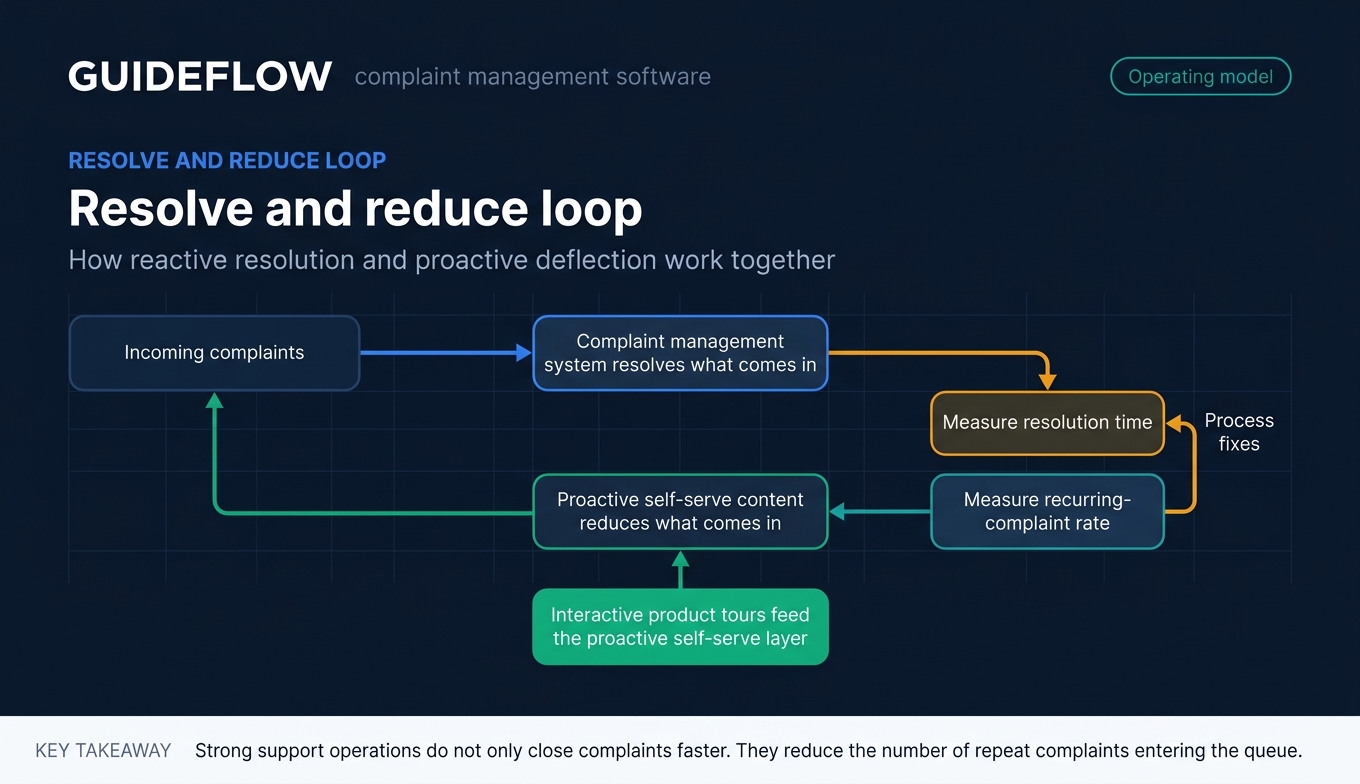
When the same "how do I" and "this is broken" complaints recur, your queue fills with repeat questions instead of genuine issues. Complaint software helps you spot these patterns through root-cause analytics. It also performs best when paired with proactive self-serve content: embedding interactive guides in your help center and ticket replies deflects recurring how-do-I complaints upstream, so the queue holds real complaints rather than repeat questions. The reactive system resolves what comes in; proactive guides reduce what comes in. Pairing complaint software with a solid knowledge base amplifies this deflection effect.
Comparison table
Here is the shortlist at a glance, sorted by relevance to support teams. Use it to narrow your options, then read the full sections below for fit. Pricing and G2 ratings were verified against each vendor's live pricing page and current G2 listing. This is your fastest path to a complaint tracking software shortlist.
| # | Product | Intent | Key use case | Pricing | G2 rating |
|---|---|---|---|---|---|
| 1 | Zendesk | Scaling SaaS support | Mature omnichannel complaint handling | From $19/agent/mo (annual) | 4.3/5 |
| 2 | Freshdesk | SMB and mid-market | Fast setup with a free starting point | Free program; from $19/agent/mo | 4.4/5 |
| 3 | HubSpot Service Hub | CRM-connected teams | Complaints linked to customer records | Free; from $15/seat/mo | 4.4/5 |
| 4 | Zoho Desk | Cost-conscious teams | Affordable omnichannel help desk | Free edition; paid tiers per user/mo | 4.4/5 |
| 5 | Salesforce Service Cloud | Enterprise support | Complex routing and compliance | From $25/user/mo | 4.4/5 |
| 6 | Intercom | Product-led SaaS | In-product complaint capture | From $29/seat/mo + Fin usage | 4.5/5 |
| 7 | Help Scout | Small support teams | Clean, low-overhead workflow | Free; from $25/user/mo | 4.4/5 |
| 8 | Jira Service Management | Eng-adjacent support | Complaints that hit dev escalation | Free; from $20/agent/mo | 4.3/5 |
| 9 | HappyFox | Mid-market | Structured workflows without enterprise weight | From $9/agent | 4.5/5 |
| 10 | SafetyCulture | Operational/quality | Field and quality complaint workflows | Free; from $24/seat/mo | 4.6/5 |
1. Zendesk
Zendesk is an AI-first customer service platform for managing and resolving customer inquiries across channels. For complaint handling, that means omnichannel intake, ticketing built for routing and SLA tracking, and reporting deep enough to surface recurring themes. It is the option most scaling support teams land on when email and spreadsheets stop holding.
Best for: scaling SaaS support teams that need mature, multi-channel complaint handling with strong reporting.
Key strengths
- Omnichannel intake: email, ticketing, messaging, and live chat feed a single complaint queue.
- Knowledge base: a connected self-serve layer that helps deflect repeat questions before they become tickets.
- AI and reporting: AI-assisted workflows plus reporting depth that helps you find the root cause behind repeated complaints.
Why choose Zendesk: If your complaint volume is climbing and you need a platform that scales from team to enterprise without a re-platform, Zendesk fits. The trade-off is cost as you climb tiers, so it suits teams ready to invest in mature workflows rather than the smallest squads.
Worth noting: complaint volume drops when recurring how-do-I complaints are deflected upstream. Embedding interactive guides in help center articles and macros performs best alongside a tool like Zendesk, so the queue holds genuine complaints rather than repeat questions.
Zendesk pricing: Plans start at Support Team for $19 per agent per month, billed yearly. Suite Team runs $55, Suite Professional $115, and Suite Enterprise plus Copilot is sales-led. Zendesk offers a free trial, though no permanent free tier was verified on its pricing page.
2. Freshdesk
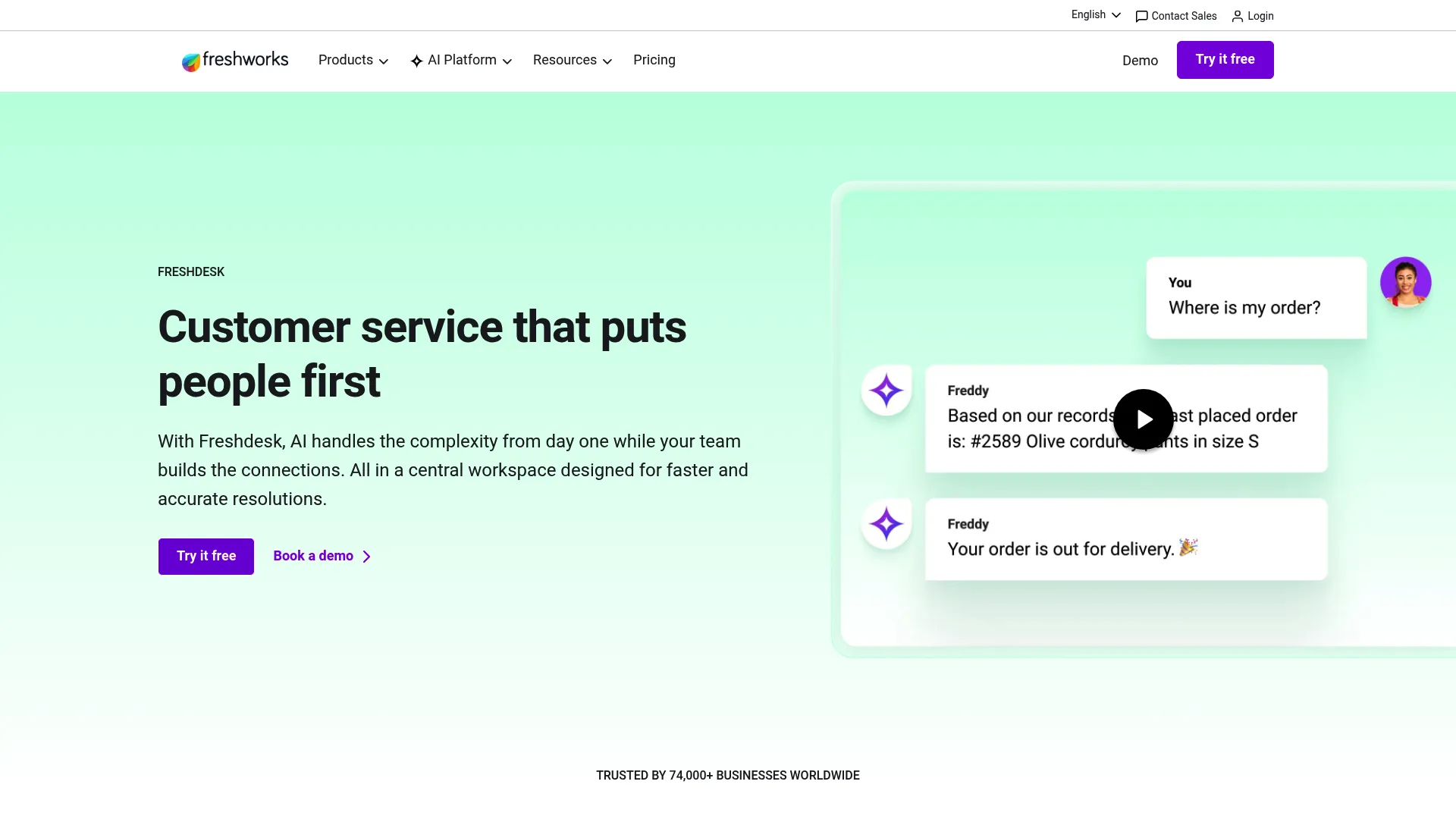
Freshdesk is an AI-powered customer service platform with ticketing, self-service, workflows, analytics, and agent-assist capabilities in one workspace. It is a strong starting point for teams that want a complaint handling software setup running quickly without a heavy implementation. The free program lets smaller teams get going before committing budget.
Best for: SMB and mid-market support teams that want fast setup and a free starting point.
Key strengths
- Advanced ticketing: structured ticket handling with routing to keep complaints moving to resolution.
- Freddy AI Agent and Copilot: AI assist that speeds up agent responses and handles common queries.
- Self-service knowledge base: a customer portal and knowledge base that deflect repeat complaints upstream.
Why choose Freshdesk: Freshdesk earns its spot when you want to start small and scale. The free program covers one to two agents for six months, so it is time-limited rather than permanent, but it removes the upfront cost barrier for a trial.
Freshdesk pricing: The free program is $0 for one to two agents for six months. Growth is $19 per agent per month, Pro is $55, and Enterprise is $89, all billed annually. Enterprise adds audit logs, approval workflows, and skills-based assignment for teams with stricter requirements.
3. HubSpot Service Hub
HubSpot Service Hub is AI-powered customer service software for scaling support and retention on HubSpot's customer platform. Its edge for complaint handling is continuity: every complaint links to the full customer record, so agents see the account history without switching tools. For teams already living in HubSpot, that context is the whole point.
Best for: teams already on HubSpot that want complaints tied to customer records.
Key strengths
- Help desk workspace: a unified workspace for ticketing and complaint resolution.
- Omnichannel support and Breeze customer agent: capture complaints across channels with AI handling routine queries.
- Skill-based routing and conditional SLAs: route complaints to the right owner and enforce deadlines that match the issue.
Why choose HubSpot Service Hub: If your support, sales, and marketing data already lives in HubSpot, keeping complaints in the same system removes context-switching and gives a fuller picture of each customer. The deeper features sit in higher tiers, so the value scales with your investment in the platform.
HubSpot Service Hub pricing: A free plan covers contact management, ticketing, and team email at $0. Starter is $15 per seat per month, Professional starts at $100 per seat, and Enterprise starts at $150 per seat. Skill-based routing and conditional SLAs sit in the Enterprise tier.
4. Zoho Desk
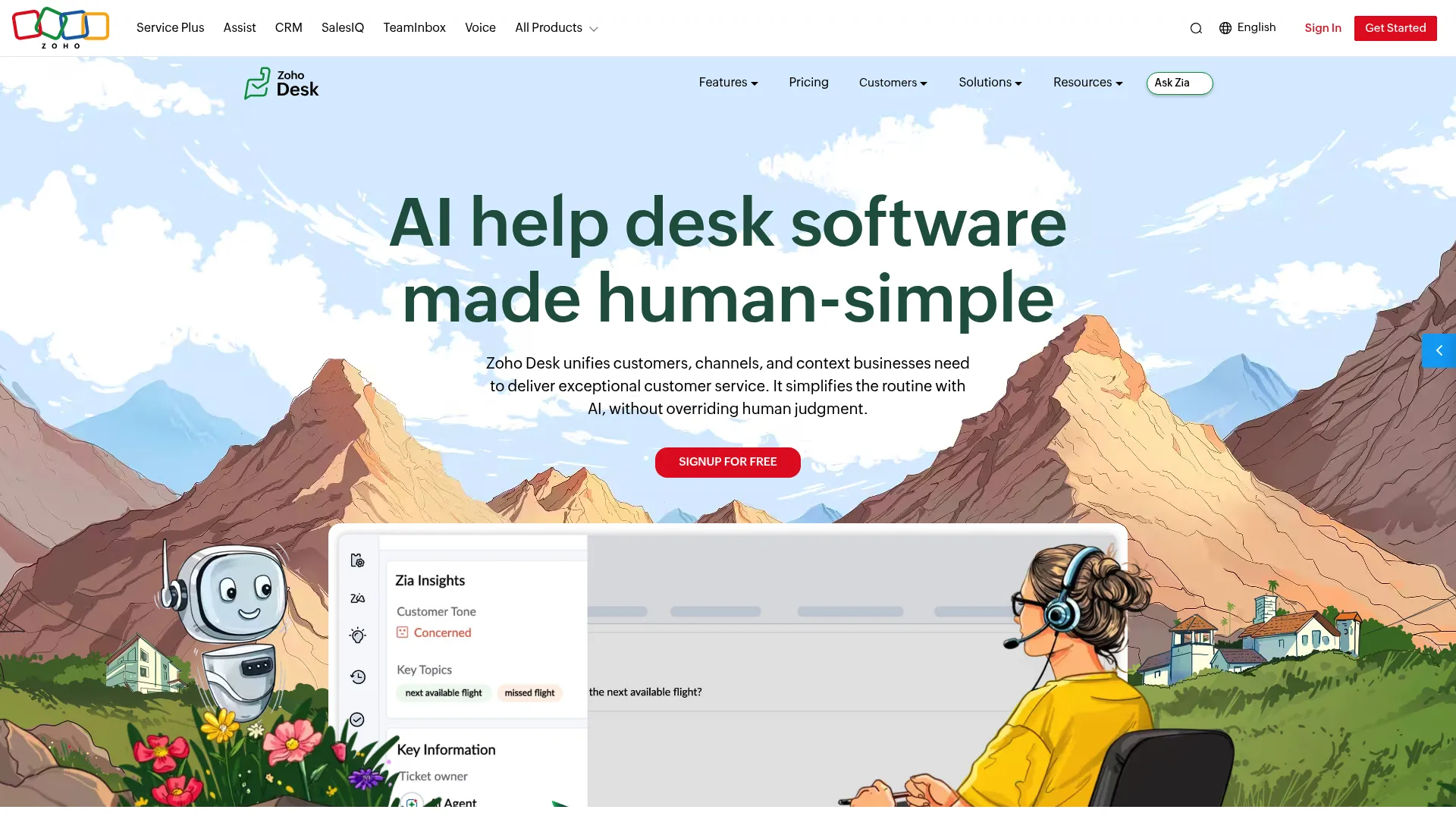
Zoho Desk is AI help desk software for unifying customer conversations, channels, support context, automation, self-service, and reporting. It is one of the most cost-conscious complaint management solutions on this list, with a free edition and low per-user pricing on paid tiers. The fit is sharpest for teams already in the Zoho ecosystem.
Best for: cost-conscious teams and those already using Zoho products.
Key strengths
- Omnichannel support: email, phone, instant messaging, social media, live chat, and web forms in one queue.
- Self-service help center: knowledge base, guided conversations, and a multilingual help center to deflect repeat complaints.
- Automation and routing: ticket assignment, SLAs, Blueprint workflows, and escalations to keep complaints on track.
Why choose Zoho Desk: Zoho Desk is the budget pick that does not feel stripped down. It covers omnichannel intake, automation, and self-service at a price most SMB teams can absorb, and the free edition handles email ticketing for three users to start.
Zoho Desk pricing: The Free Edition is free forever for three users with email ticketing. Paid annual plans run Express, Standard, Professional, and Enterprise, with Enterprise adding the Answer Bot, AI support assistant, live chat, skill-based assignment, and sandbox. Pricing is per user per month, billed annually.
5. Salesforce Service Cloud
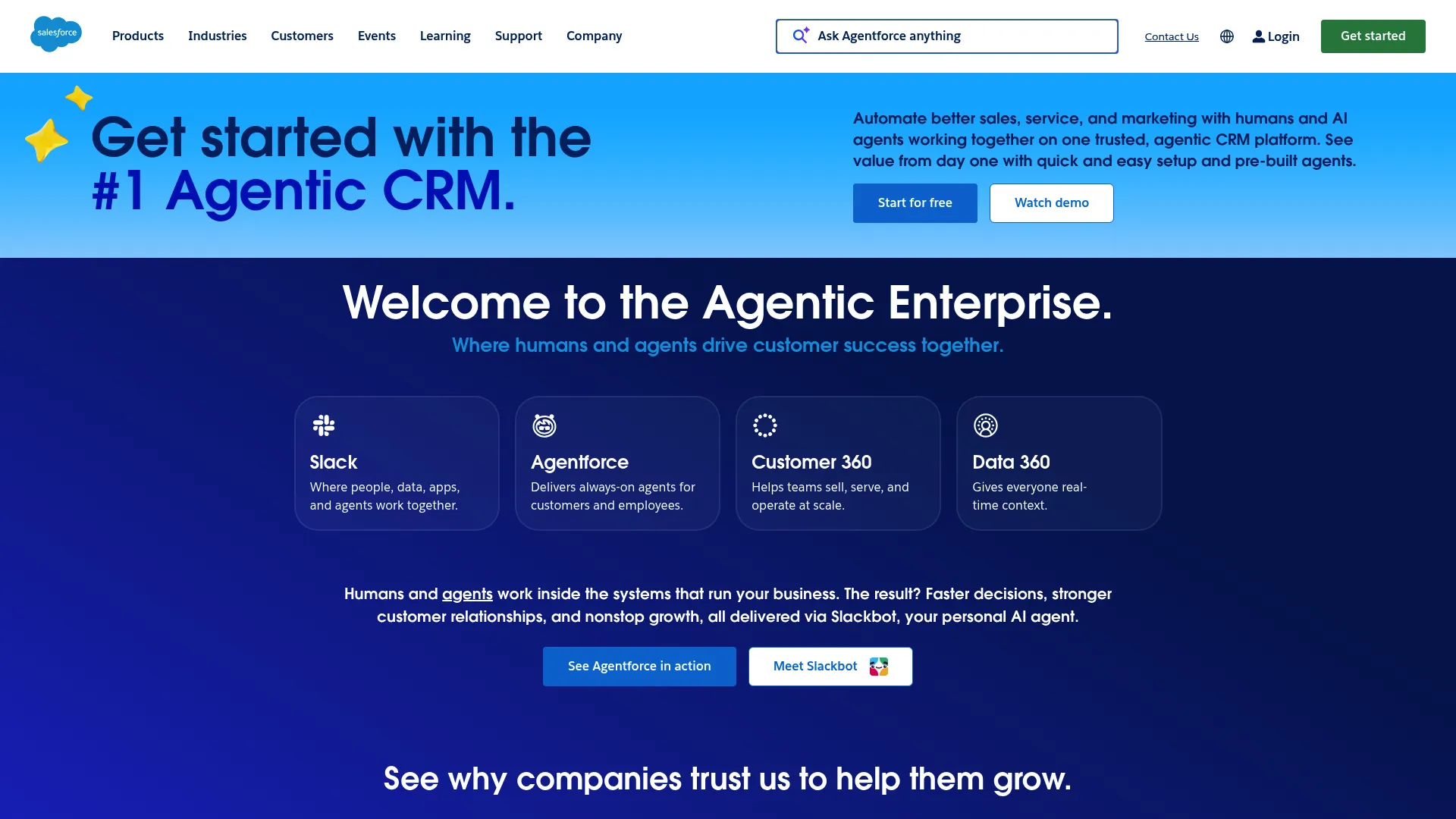
Salesforce Service Cloud, now presented as Agentforce Service, is a customer service CRM platform for delivering support across channels with AI, automation, case management, knowledge, and analytics. For complaint handling at scale, it offers the routing depth and case management enterprise teams need, plus the audit and compliance capability that regulated verticals require.
Best for: enterprise support orgs with complex routing and an existing Salesforce footprint.
Key strengths
- Case management: structured handling of complaints from intake to resolution with full history.
- Omni-channel routing: route complaints across channels to the right agent based on skills and availability.
- Knowledge management: a connected knowledge layer that supports agents and self-serve deflection.
Why choose Salesforce Service Cloud: If you already run Salesforce CRM and need deep customization, complex routing, and compliance-grade case handling, Service Cloud is the natural fit. It rewards teams with the scale and resources to configure it, rather than the smallest squads.
Salesforce Service Cloud pricing: Starter Suite begins at $25 per user per month, Pro Suite at $100, Enterprise at $175, Unlimited at $350, and Agentforce 1 Service at $550, mostly billed annually. There is no permanent free tier, though Salesforce offers a free trial.
6. Intercom
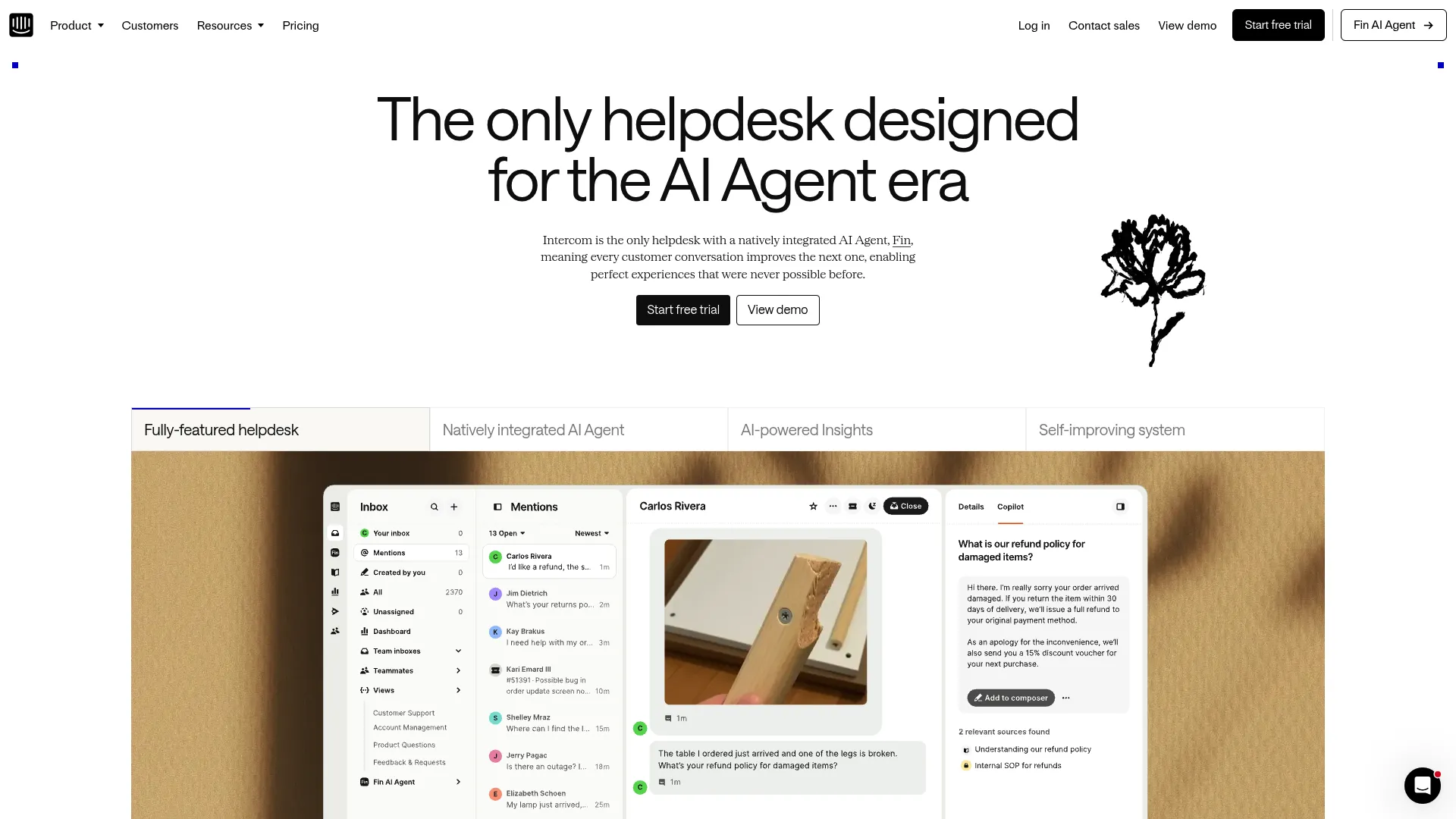
Intercom is an AI-first customer service helpdesk with a natively integrated AI Agent, Fin, for supporting customer conversations. Its strength for complaint handling is conversational and in-product: you can capture complaints right inside the app where customers hit friction, then route and resolve them in one place.
Best for: product-led SaaS support teams that handle complaints inside the app.
Key strengths
- Fin AI Agent: an AI agent that resolves common queries and complaints before they reach a human.
- Omnichannel inbox with AI ticketing: capture and route complaints across channels in one inbox.
- Help Center and proactive messaging: self-serve content and proactive messages to reduce inbound complaint volume.
Why choose Intercom: If your support happens where the product lives, Intercom's in-product messaging and conversational capture fit the motion. The usage-based Fin pricing means cost scales with resolution volume, which suits teams that want to tie spend to outcomes.
Intercom pricing: Essential is $29 per seat per month, Advanced is $85, and Expert is $132, each billed annually and each adding $0.99 per Fin outcome. Fin AI Agent can also run on an existing helpdesk at $0.99 per outcome with no seat costs. Intercom offers a 14-day free trial.
7. Help Scout
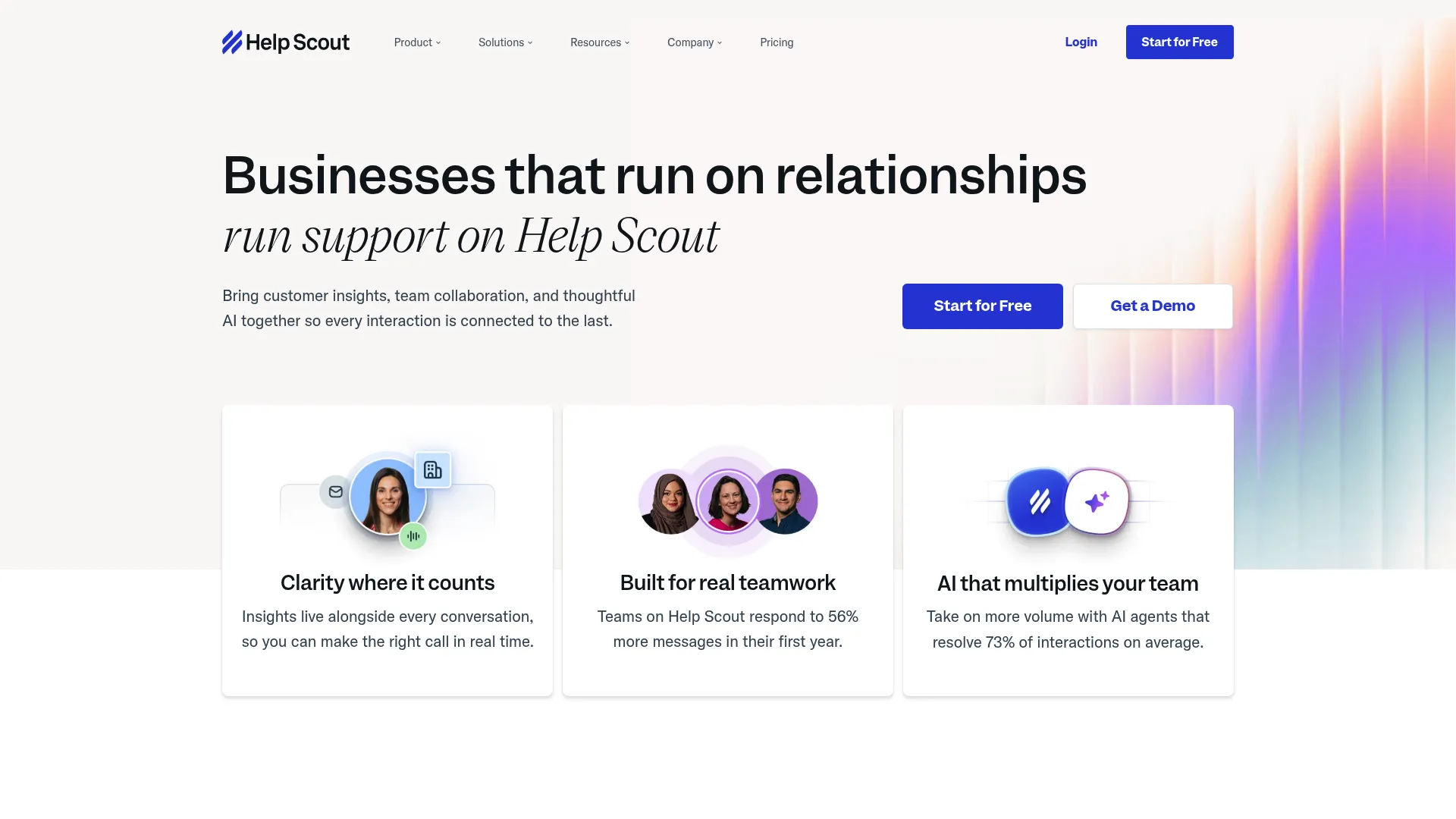
Help Scout is a customer support platform that brings customer conversations, team collaboration, knowledge base, messaging, reporting, integrations, and AI support tools into one product. It keeps complaint handling clean and human, without the heavy feel of a traditional ticketing system. For small teams, that simplicity is the selling point.
Best for: small support teams that want a clean, low-overhead complaint workflow.
Key strengths
- Shared inbox: email, live chat, Instagram, Messenger, and WhatsApp conversations in one place.
- Knowledge base and Beacon: Docs sites and an embeddable support hub to deflect repeat complaints.
- AI Assist, Drafts, Summarize, and Answers: AI tools that speed up agent responses and resolution.
Why choose Help Scout: Help Scout suits teams that want a relationship-focused workflow over a ticket-heavy system. It handles complaints without making every interaction feel like a case number, which keeps the experience human for both agents and customers.
Help Scout pricing: A Free plan includes five users, one inbox, and one Docs site. Standard is $25 per user per month, Plus is $45, and Pro is $75. The AI Answers chatbot is an add-on at $0.75 per resolution, billed monthly.
8. Jira Service Management
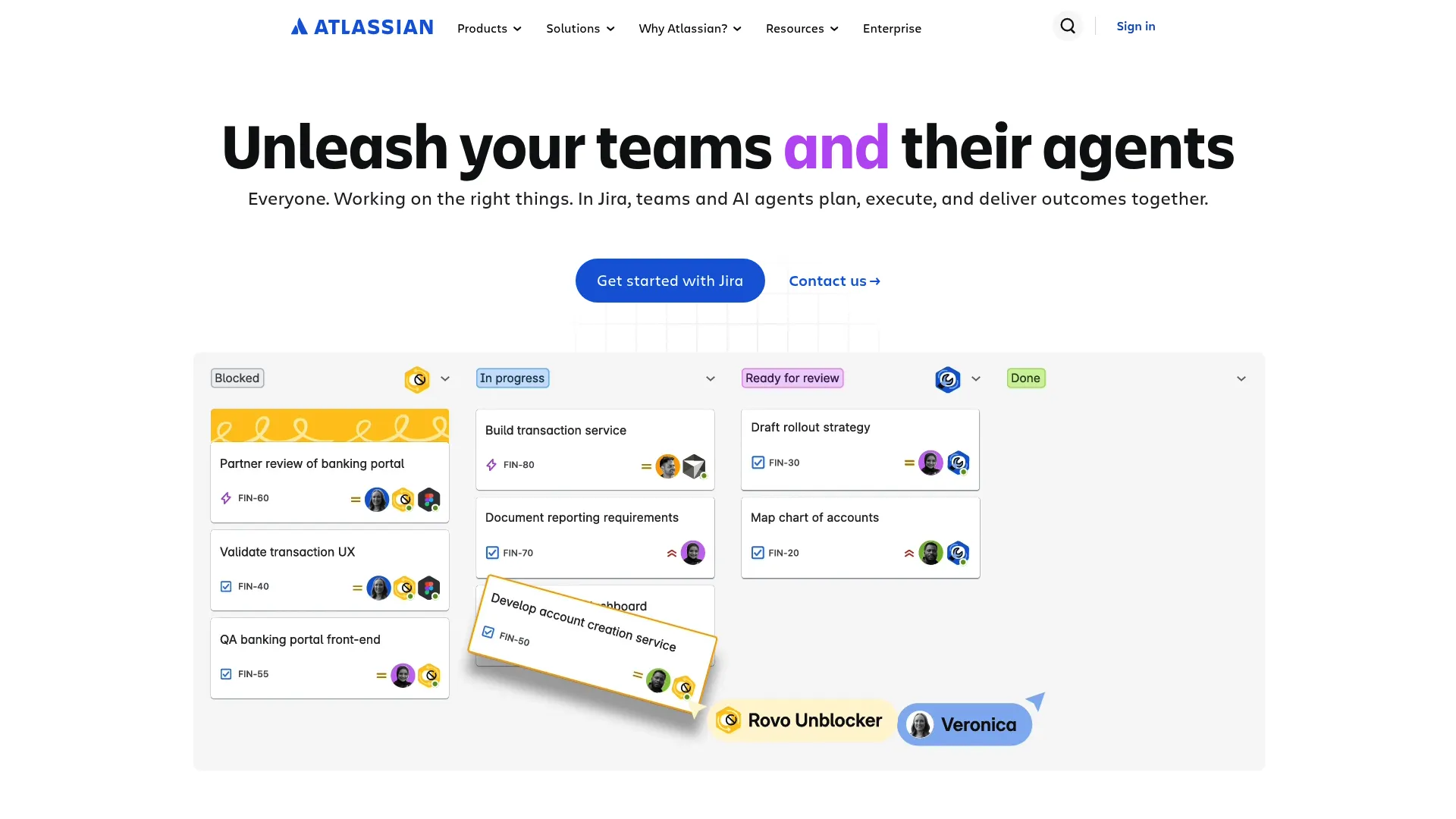
Jira Service Management is Atlassian's service management product for managing requests, incidents, problems, changes, assets, configuration, and knowledge workflows. It is the strongest pick when complaints regularly cross into engineering territory, since it lives in the same ecosystem your dev team already uses to track work.
Best for: support teams whose complaints intersect with engineering or dev escalation.
Key strengths
- Request management: customer portal, email, Microsoft Teams, Slack, customizable forms, workflows, and queues.
- Incident and problem management: structured escalation for complaints that become engineering issues.
- Embedded knowledge base and AI support: Rovo and Atlassian Intelligence plus REST API integrations for connected workflows.
Why choose Jira Service Management: If your complaints often turn into bug reports or require engineering handoff, keeping them in the Atlassian ecosystem removes friction at the handoff. The ITSM-grade workflows suit teams that need structured escalation more than a lightweight inbox.
Jira Service Management pricing: A Free plan covers up to three agents at $0. Standard is $20 per agent per month and Premium is $51.42 per agent per month. Enterprise is sales-led and adds analytics, advanced admin and security controls, and unlimited automations.
9. HappyFox
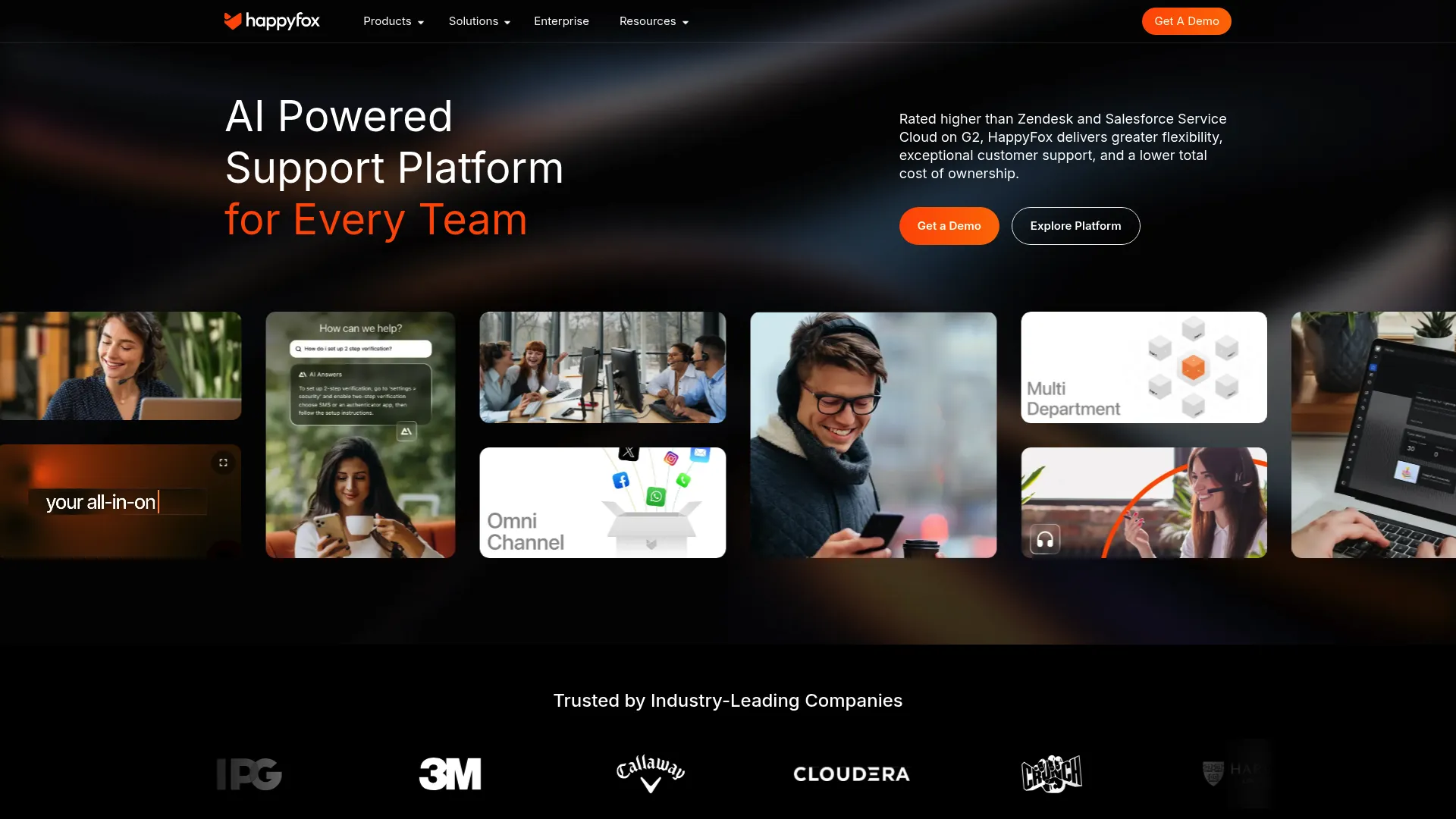
HappyFox is an AI-powered support platform for customer service, IT, HR, and operations teams. It gives mid-market teams structured complaint workflows, SLA management, and automation without the configuration weight of an enterprise suite. The fit is sharpest for teams that want order without overhead.
Best for: mid-market teams that want structured complaint workflows without enterprise complexity.
Key strengths
- Omnichannel ticket creation: capture and manage complaints from multiple channels in one queue.
- SLA management and automation: enforce deadlines and automate routine steps so complaints do not stall.
- Knowledge base and self-service portal: deflect repeat complaints with self-serve content.
Why choose HappyFox: HappyFox fits teams that have outgrown a basic inbox but do not want the configuration burden of an enterprise platform. It covers structured workflows, SLAs, and multi-channel intake with a more contained setup.
HappyFox pricing: HappyFox lists Basic, Team, Pro, and Enterprise PRO agent-based plans. The visible plan cards require a form to reveal exact prices, while FAQ text on the same pricing page references agent-based plans starting at $9 per agent and, separately, from $24 per agent per month. Enterprise PRO is contact-sales.
10. SafetyCulture
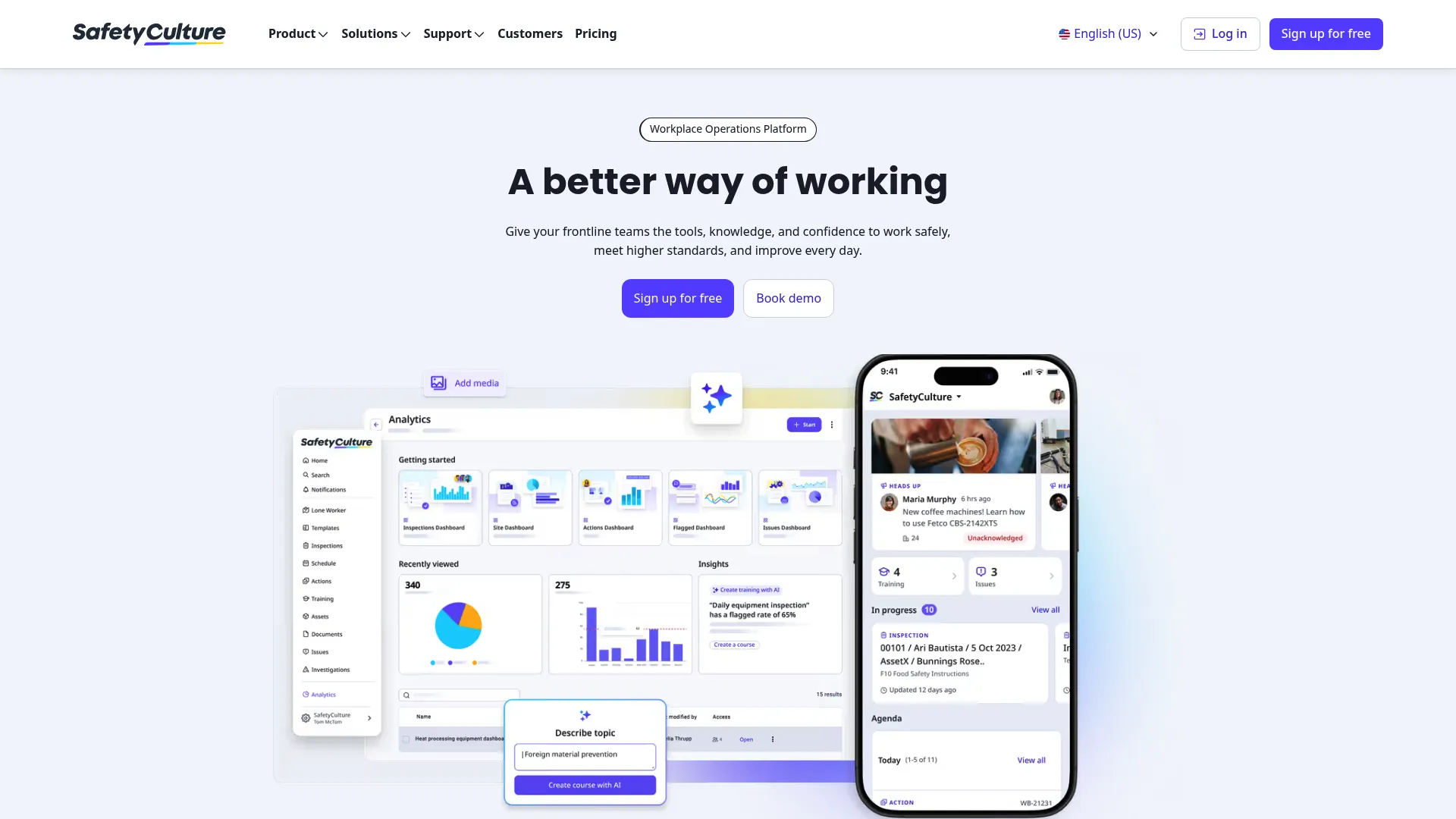
SafetyCulture is a mobile-first workplace operations platform for inspections, audits, checklists, training, asset management, task management, document management, issue reporting, integrations, and analytics. It earns a spot here for teams handling complaints with an operational, quality, or field component, where mobile capture and corrective-action follow-up matter as much as a queue.
Best for: teams handling complaints with operational, quality, or field components.
Key strengths
- Digitized inspections and checklists: mobile and web capture for complaints tied to physical operations.
- Task and action management: assign tasks, deadlines, and corrective actions to close the loop on complaints.
- Analytics and issue reporting: dashboards plus issues and investigations to surface root causes.
Why choose SafetyCulture: If your complaints involve quality, safety, or field operations rather than purely digital support, SafetyCulture's mobile-first capture and corrective-action workflows fit better than a desk-bound ticketing tool. It aligns with operational complaint handling and quality-management practice.
SafetyCulture pricing: A Free plan covers small teams up to 10 with basic features at $0. Premium is $24 per seat per month billed annually, or $29 billed monthly, and adds advanced analytics, integrations, and access management. Enterprise is custom-priced with a dedicated success team.
Considerations: how to choose complaint management software
Once you have a shortlist, weigh it against your own complaint reality. These are the criteria that decide fit.
Channel coverage
Map where your complaints actually arrive. If half come through social DMs and forms, a tool that only handles email leaves gaps. Confirm the platform captures every channel you use into one queue, so nothing falls between systems.
Workflow and escalation depth
Match routing, SLA, and deadline tracking to your obligations. A team with regulatory deadlines needs hard SLA enforcement and automatic escalation. A smaller team may need only basic routing. Buy for the workflow you run, not the one you imagine.
Audit trail and compliance
For regulated teams, this is non-negotiable. Check that the tool keeps a complete, exportable history of every action on every complaint. The complaint management system features you care about here are deadline tracking and records you can produce on request without manual reconstruction.
Reporting and root-cause analytics
The best complaint software does more than close tickets. It shows you which complaints recur and where they originate. Confirm you can group complaints by theme and trace them to a source, so you fix causes instead of repeating fixes.
Pricing and adoption
Decide whether per-agent or flat pricing fits your team size, and whether a free tier lets you test first. Then weigh time-to-value. A platform that takes six months to configure costs more than its sticker price in lost momentum. Easing rollout with self-serve user onboarding software can shorten that time-to-value considerably.
Conclusion
The right pick depends on your complaint reality, not a feature count. For scaling SaaS teams, Zendesk handles mature omnichannel complaint handling. For a free starting point, Freshdesk lets you test before you commit. Teams already on a CRM should look at HubSpot Service Hub, while budget-conscious teams get strong coverage from Zoho Desk.
For enterprise routing and compliance, Salesforce Service Cloud has the depth. Jira Service Management fits when complaints cross into engineering, Help Scout suits small teams wanting simplicity, and SafetyCulture handles operational and quality complaints with field components.
Next step: shortlist two or three, run trials against your actual complaint volume, and measure resolution time and recurring-complaint rate. Remember the two-part picture. A complaint management system resolves what comes in. Proactive self-serve content reduces what comes in. The strongest support operations run both. Building a library of interactive product tours is one of the most effective ways to feed that proactive layer.
If you are starting fresh, Freshdesk's free program is a low-risk way to see how a dedicated complaint workflow changes your queue before you scale up. Many teams also pair complaint tools with a digital adoption platform to drive self-serve resolution at scale.
FAQs
Complaint management software is a system that captures, tracks, and resolves customer complaints across channels while maintaining an audit trail. It centralizes intake from email, chat, social, and forms into one queue, then moves each complaint through a defined workflow to resolution. It also surfaces trends so you can fix recurring issues.
A standard help desk handles general support requests. Complaint management software adds the obligations that complaints carry: deadline tracking, full audit trails, and root-cause analysis. Where a help desk asks what a customer needs, a complaint management system also tracks what you must document, by when, and why the issue keeps happening.
Look for omnichannel intake, auto-categorization, routing and escalation, and SLA or deadline tracking. The complaint management system features that matter most for accountability are audit trails and reporting with root-cause analytics. CRM integration and team collaboration round out a complete system, so complaints stay connected to context and owners.
Pricing usually follows per-agent, flat-rate, or tiered models. Entry tiers on this list start around $9 to $25 per agent or seat per month, with enterprise tiers climbing higher. Several tools offer free tiers or trials, so you can test against real complaint volume before paying.
Small teams do well with lighter, free-tier-friendly options. Help Scout offers a free plan with one inbox and a clean, low-overhead workflow. Zoho Desk has a free edition for three users, and Freshdesk offers a free program to start. Each lets a small team run a real complaint workflow without upfront cost.
Yes. For regulated teams, the audit trail is a core reason to adopt one. The software keeps a complete record of every action on every complaint, tracks response and resolution deadlines, and exports that history when compliance or legal needs it. That removes manual reconstruction and reduces compliance risk.
Yes, in two ways. Root-cause analytics spot recurring themes so you can fix the source instead of handling the same complaint repeatedly. Pairing the system with self-serve content, like help center articles and guided walkthroughs, deflects recurring how-do-I issues upstream before they open a complaint.
Complaint tracking software focuses on logging complaints and monitoring their status. A full complaint management system covers the entire loop: intake across channels, routing and escalation, SLA tracking, resolution, and analytics. Tracking tells you where a complaint stands; a full system moves it to resolution and shows you what to fix next.