Your password reset email just landed in spam. Meanwhile, your customer is locked out of their account, refreshing their inbox, and losing patience with every passing second.
Transactional email software exists to prevent exactly this scenario. These platforms specialize in delivering triggered, time-sensitive messages like order confirmations, shipping updates, and account alerts with the speed and reliability that generic email providers can't match. This guide breaks down 11 transactional email services, comparing deliverability, pricing, and integration options so you can pick the right one for your stack.
What's inside
This guide covers 11 transactional email software platforms that handle the emails your users actually wait for: password resets, order confirmations, and account alerts. You'll learn what separates transactional email services from marketing platforms, how to evaluate deliverability and pricing, and which provider fits your technical setup and volume. We selected tools based on inbox placement rates, API flexibility, pricing transparency, and real-world reliability.
TL;DR
Transactional email software sends automated, triggered messages like receipts and password resets, prioritizing speed and deliverability over bulk marketing
Top picks by use case: Postmark for reliability, SendGrid for high volume, Mailgun for developers, Brevo for all-in-one needs
Integration options: API gives you more control; SMTP relay requires minimal code changes
Free tiers exist: MailerSend, Mailtrap, and Brevo offer generous free plans for low-volume senders
Key selection factors: Deliverability rates, pricing at scale, documentation quality, and how well the platform connects to your existing stack
What is transactional email software
Transactional email software sends automated, one-to-one messages triggered by specific user actions. When someone resets a password, completes a purchase, or receives a shipping update, transactional email platforms deliver that message within seconds. Unlike marketing emails sent to lists, transactional emails respond to individual behavior and typically see open rates of 80-85% because recipients expect them.
The core difference from your regular email provider or marketing automation software comes down to infrastructure. Transactional email services maintain dedicated IP addresses and sending reputation specifically for triggered messages. Mixing transactional and promotional emails on the same infrastructure often damages sender reputation, which means your password reset emails end up in spam alongside your newsletters.
Transactional email platforms connect to your application through two main methods:
API integration: Direct programmatic control with richer features like templates, scheduling, and detailed event webhooks
SMTP relay: Routes emails through the provider's servers with minimal code changes, making implementation faster if you're not ready for deeper integration
Common types of transactional emails your business sends
Password resets and account security notifications
Password reset emails are the most time-sensitive transactional emails. When a user requests a password change or your system detects suspicious login activity, delivery speed matters in seconds, not minutes. A delayed security email creates friction and erodes trust.
Order confirmations and purchase receipts
Immediately after a purchase, customers expect confirmation. Order confirmation emails contain transaction details, order numbers, and purchase summaries. They're often the first post-purchase touchpoint and set expectations for the rest of the customer experience.
Shipping updates and delivery notifications
Tracking updates, dispatch confirmations, and delivery status emails trigger based on logistics events. Shipping notification emails reduce support tickets by answering "where's my order?" before customers ask.
Account activity and login alerts
New device logins, profile changes, and unusual account activity generate account alert notifications. Account activity emails serve both security and engagement purposes, keeping users informed about their account status.
Welcome emails and onboarding sequences
Triggered immediately after registration, welcome emails confirm signup and guide initial steps. While welcome sequences can blend into marketing territory, the initial welcome email is transactional because it responds to a specific user action.
Subscription renewals and billing notifications
Payment confirmations, upcoming renewal reminders, and failed payment alerts fall into billing notification emails. Billing emails directly impact revenue since a missed failed payment notification means lost subscription revenue.
Why your business needs a dedicated transactional email service
Sending transactional emails through your regular email provider or marketing platform creates problems that compound over time. Here's what a dedicated transactional email service provides:
Deliverability: Transactional providers maintain separate IP infrastructure specifically for triggered messages, keeping your password resets out of spam folders
Speed: Dedicated services deliver emails within seconds, which matters when someone is staring at a password reset screen
Reliability: Transactional email platforms offer uptime guarantees and redundant infrastructure because downtime means your users can't complete critical actions
Compliance: Authentication protocols like SPF, DKIM, and DMARC are handled automatically, protecting your domain reputation
Tracking: Real-time analytics on delivery status, opens, bounces, and complaints help you troubleshoot issues before they become patterns
The failure mode is predictable: mix transactional and marketing emails on shared infrastructure, and your promotional campaigns drag down deliverability for the emails users actually wait for.
How to evaluate and choose the best transactional email platform
Deliverability rates and sender reputation management
Deliverability measures how many of your emails reach the inbox versus spam or nowhere at all, a distinction that 88% of email senders fail to correctly identify according to Sinch Mailjet research. Top transactional email providers achieve inbox placement rates above 95% when properly configured. Look for providers that offer dedicated IPs on higher-tier plans, since shared IPs mean your reputation depends partly on other senders' behavior.
API integration and SMTP relay options
API integration gives you programmatic control: you call the provider's API directly from your code, gaining access to advanced features like templates, scheduling, and detailed event webhooks. SMTP relay is simpler. You point your application's email settings at the provider's servers, and emails route through their infrastructure with minimal code changes. Choose based on your team's technical capacity and how much control you want.
Real-time analytics and email monitoring
Essential tracking includes delivery status, opens, clicks, bounces, and spam complaints. The best platforms provide webhook notifications so your application knows immediately when an email bounces or a user marks it as spam. Visibility into email performance matters for troubleshooting and maintaining sender reputation.
Pricing structure and volume scalability
Transactional email pricing typically follows one of two models: pay-per-email or monthly plans with included volume. Project your email volume at 6 and 12 months, then compare total costs across providers. Some platforms look cheap at low volume but become expensive at scale, while others like Amazon SES offer the lowest per-email costs only at high volume.
Security certifications and compliance standards
If you're sending emails containing sensitive user data, verify that providers meet SOC 2 compliance, offer data encryption in transit and at rest, and support GDPR requirements. Security certifications matter especially for healthcare, finance, and any application handling personal information.
Documentation quality and technical support
Clear API documentation with code examples in your language saves implementation time. Check whether support is available during your working hours and whether higher-tier plans include faster response times. Poor documentation turns a one-day integration into a week-long project.
Transactional email software comparison table
# | Product | Best for | Key differentiator | Free tier | Pricing starts | G2 rating |
|---|---|---|---|---|---|---|
1 | SendGrid | High volume senders | Combined transactional and marketing | Yes (limited) | Pay-per-email | 4.0/5 |
2 | Postmark | Reliability-focused teams | Transactional-only infrastructure | No | $15/month | 4.6/5 |
3 | Mailgun | Developer teams | Powerful API and validation tools | Yes (limited) | Pay-per-email | 4.2/5 |
4 | Amazon SES | AWS users, high volume | Lowest cost at scale | Yes (AWS users) | $0.10/1,000 emails | 4.3/5 |
5 | SMTP2GO | Value-conscious businesses | Strong deliverability, easy setup | Yes | $10/month | 4.6/5 |
6 | MailerSend | Growing businesses | Generous free tier | Yes (3,000/month) | Pay-per-email | 4.5/5 |
7 | Brevo | All-in-one needs | Marketing and transactional combined | Yes | $9/month | 4.5/5 |
8 | Mailjet | Collaborative teams | Real-time template collaboration | Yes | $17/month | 4.0/5 |
9 | Zoho ZeptoMail | Zoho ecosystem users | Tight Zoho integration | No | Pay-per-email | 4.6/5 |
10 | Resend | Modern developer experience | React-friendly API | Yes | $20/month | 4.6/5 |
11 | Mailtrap | Testing and staging | Email testing sandbox | Yes | $15/month | 4.8/5 |
11 best transactional email services for reliable email delivery
The following transactional email providers were selected based on deliverability track records, integration flexibility, pricing transparency, and user reviews. Each serves different use cases and business sizes.
1. SendGrid
SendGrid handles both transactional and marketing emails on a single platform, making it the most popular choice for high-volume senders who want one tool for everything. The platform processes billions of emails monthly and offers extensive API documentation with SDKs for most programming languages.
SendGrid works well for teams that want to consolidate their email stack. You get dynamic templates, detailed analytics, and the ability to scale from startup volume to enterprise without switching providers. The tradeoff is that combining transactional and marketing on the same platform requires careful IP management to protect deliverability.
Key strengths
Scalable infrastructure handling billions of emails monthly
Combined transactional and marketing capabilities in one platform
Extensive API documentation and SDKs for major languages
Dynamic template management with version control
Detailed event webhooks for delivery tracking
Pricing: Free tier with daily limits, then pay-per-email pricing. Pro plans start at $19.95/month for 50,000 emails.
2. Postmark
Postmark focuses exclusively on transactional email, refusing to send marketing messages on their infrastructure. This single-minded approach results in industry-leading delivery speeds and inbox placement rates. When you send through Postmark, your emails aren't competing with promotional campaigns for reputation.
The platform organizes sending through "message streams," separating different email types for cleaner analytics and reputation management. Postmark publishes their delivery metrics publicly, showing confidence in their infrastructure that few competitors match.
Key strengths
Transactional-only infrastructure protecting sender reputation
Industry-leading delivery speeds, often under 10 seconds
Message streams for organized sending and analytics
Public delivery metrics demonstrating reliability
Detailed bounce handling and suppression management
Pricing: No free tier. Plans start at $15/month for 10,000 emails, scaling with volume.
3. Mailgun
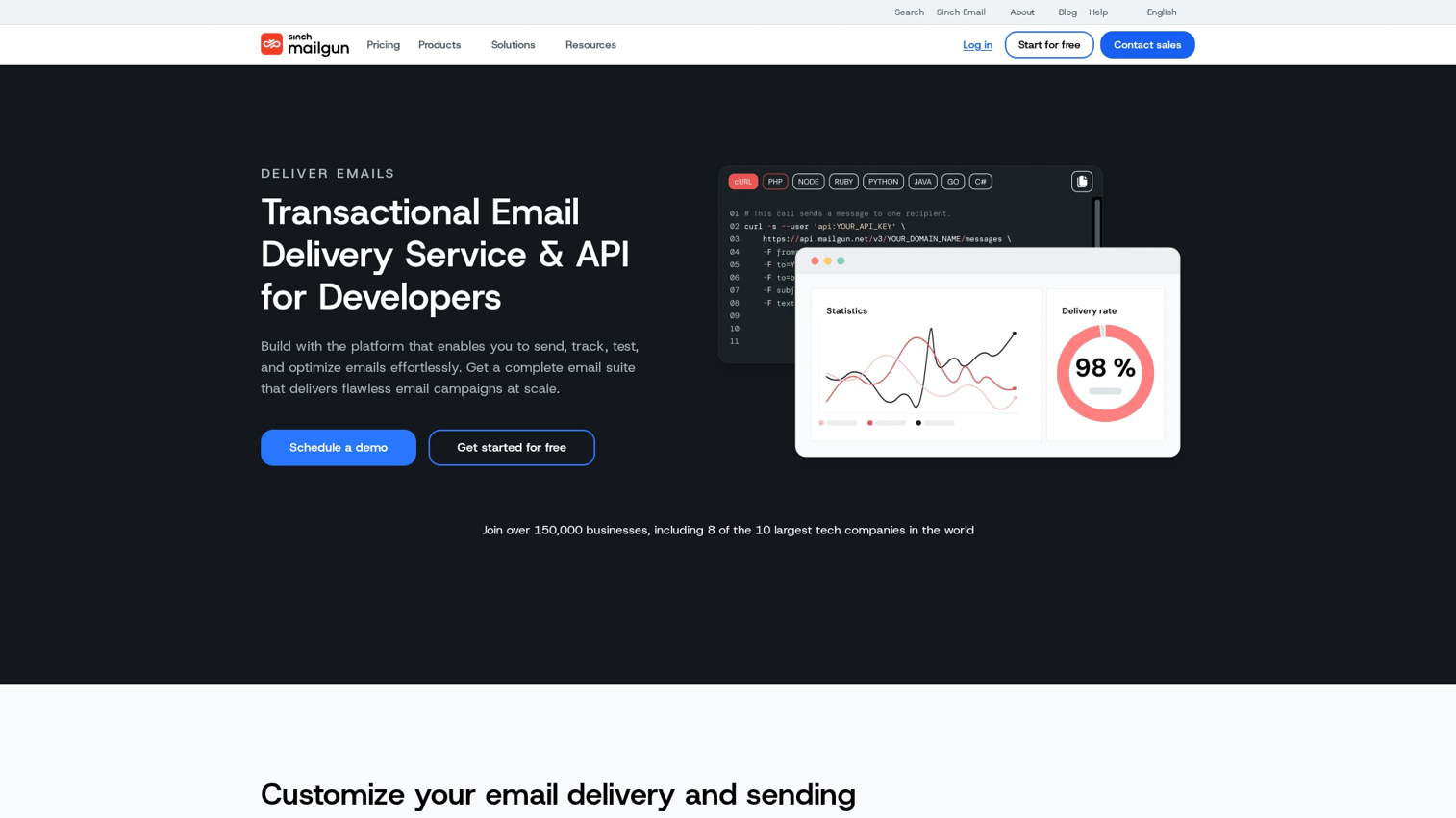
Mailgun is built for developers who want powerful APIs and detailed control over email delivery. The platform offers email validation, parsing, and routing features that go beyond basic sending. If your team writes code and wants to build sophisticated email workflows, Mailgun provides the tools.
Beyond sending, Mailgun includes email validation APIs to clean your recipient lists before sending, reducing bounces and protecting reputation. The detailed logs and analytics help debug delivery issues at the individual message level.
Key strengths
Comprehensive RESTful API with extensive documentation
Email validation and parsing tools for list hygiene
Advanced routing and forwarding capabilities
Detailed logs for debugging delivery issues
Flexible sending options including batch and scheduled delivery
Pricing: Free tier with limited daily sends. Paid plans start at $15/month for 10,000 emails.
4. Amazon SES
Amazon SES offers the lowest per-email costs at scale, especially for teams already using AWS infrastructure. The tradeoff is more technical setup and less hand-holding than dedicated email providers. You're essentially getting raw email infrastructure that you configure yourself.
For teams with engineering resources and high volume, SES delivers significant cost savings. At $0.10 per 1,000 emails, sending a million emails costs $100. The platform integrates naturally with other AWS services, making it straightforward if you're already in that ecosystem.
Key strengths
Lowest cost per email at high volume
Deep AWS ecosystem integration
Flexible configuration for advanced use cases
High sending limits with proper warmup
Pay-only-for-what-you-use pricing model
Pricing: Free tier for AWS-hosted applications (62,000 emails/month). Then $0.10 per 1,000 emails.
5. SMTP2GO
SMTP2GO emphasizes ease of setup and reliable deliverability without requiring deep technical expertise. The platform works well for teams that want straightforward SMTP relay without complex API integration. Setup typically takes minutes rather than hours.
The company operates multiple data centers globally, routing emails through the nearest location for faster delivery. Their support team is frequently praised in reviews, which matters when you're troubleshooting delivery issues at 2 AM.
Key strengths
Straightforward SMTP relay setup requiring minimal technical work
Strong deliverability track record across industries
Responsive customer support with good reputation
Clear, predictable pricing without hidden fees
Global data centers for faster regional delivery
Pricing: Free plan for 1,000 emails/month. Paid plans start at $10/month for 10,000 emails.
6. MailerSend
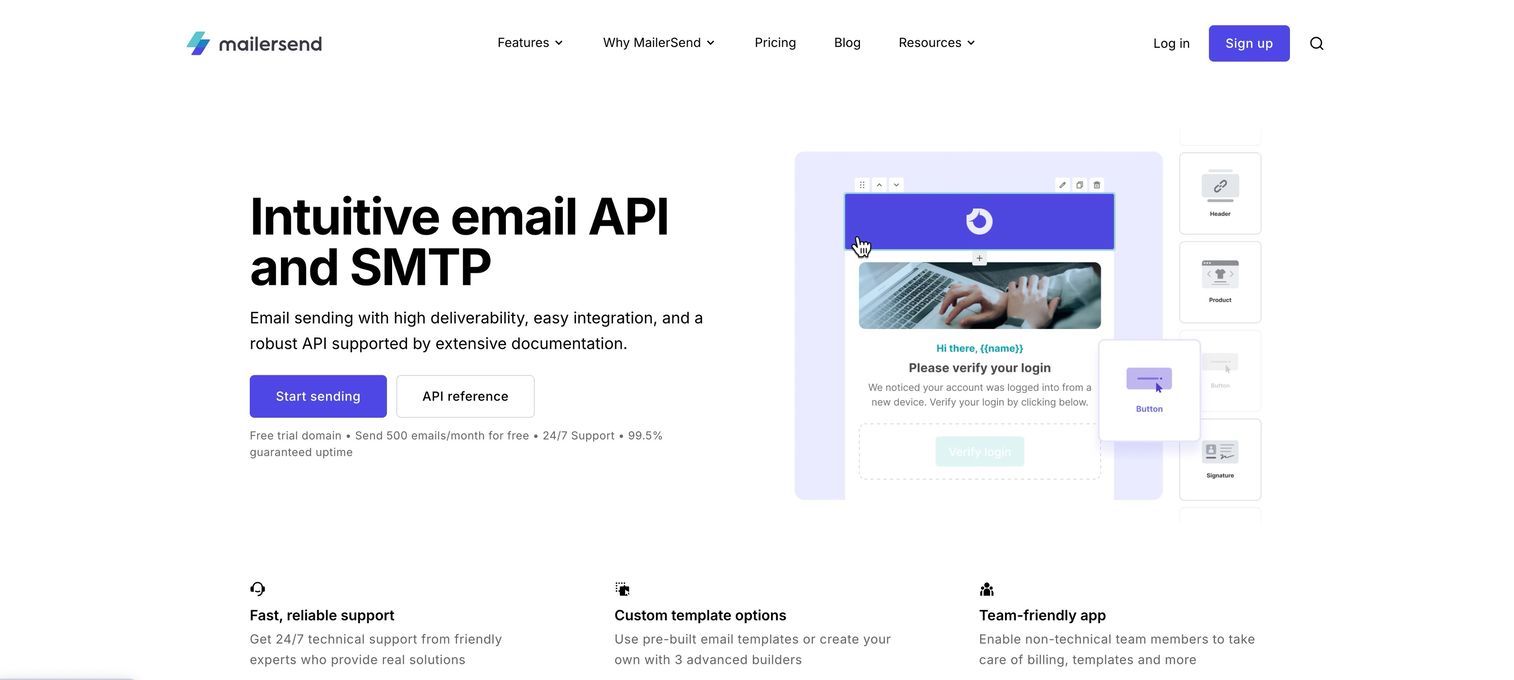
MailerSend stands out with a generous free tier that includes 3,000 emails monthly, making it attractive for startups and growing businesses watching costs. The platform offers a modern interface with an intuitive template builder that doesn't require HTML knowledge.
Beyond email, MailerSend includes SMS capabilities, letting you send transactional text messages through the same platform. The API design is clean and well-documented, making integration straightforward for development teams.
Key strengths
Generous free tier with 3,000 emails monthly
Intuitive drag-and-drop template builder
SMS capabilities included in the platform
Clean API design with good documentation
Competitive pricing as volume scales
Pricing: Free tier with 3,000 emails/month. Paid plans start at $28/month for 50,000 emails.
7. Brevo
Brevo combines transactional email with marketing automation, CRM, and SMS in a single platform. For teams that want one tool handling all customer communication, Brevo reduces the complexity of managing multiple vendors. The platform previously operated as Sendinblue before rebranding.
The all-in-one approach works well for smaller teams without dedicated email operations. You can manage transactional emails, marketing campaigns, and customer data in one place. The tradeoff is that specialized transactional providers may offer better deliverability for triggered messages.
Key strengths
Combined marketing and transactional platform reducing tool sprawl
Built-in CRM functionality for customer data management
SMS and chat capabilities alongside email
Affordable pricing tiers for growing businesses
Visual workflow builder for automation sequences
Pricing: Free plan with 300 emails/day. Paid plans start at $9/month for higher volume.
8. Mailjet

Mailjet differentiates through real-time collaboration features, letting multiple team members work on email templates simultaneously. For marketing teams where designers and copywriters collaborate on transactional email templates, Mailjet reduces back-and-forth.
The platform operates European infrastructure, which matters for GDPR compliance and data residency requirements. Mailjet offers both API and SMTP integration options with good documentation for both approaches. For platforms like Brevo, configuring SMTP port settings correctly ensures reliable email delivery.
Key strengths
Real-time collaboration on email templates
A/B testing capabilities for optimizing transactional emails
GDPR-compliant European infrastructure
Both API and SMTP integration options
Segmentation tools for targeted transactional messaging
Pricing: Free plan with 6,000 emails/month (200/day limit). Paid plans start at $17/month.
9. Zoho ZeptoMail
Zoho ZeptoMail serves businesses already using Zoho's ecosystem of products. The platform focuses exclusively on transactional email, similar to Postmark's approach, and integrates tightly with Zoho CRM, Zoho Desk, and other Zoho applications.
The pay-as-you-go pricing model works well for businesses with variable email volume. You purchase email credits and use them as needed, avoiding monthly minimums during slow periods.
Key strengths
Tight integration with Zoho ecosystem products
Transactional-only focus protecting deliverability
Pay-as-you-go pricing without monthly commitments
Simple setup process for Zoho users
Detailed delivery reports and analytics
Pricing: No free tier. Pay-as-you-go at $2.50 per 10,000 emails.
10. Resend

Resend targets modern development teams with a React-friendly API and clean developer experience. The platform is newer than established competitors but has gained traction among teams building with modern JavaScript frameworks.
The API design prioritizes developer ergonomics, with TypeScript support and intuitive patterns that feel native to contemporary web development. If your team builds with React, Next.js, or similar frameworks, Resend's approach may feel more natural than older providers.
Key strengths
Modern, React-friendly API design
Clean developer experience with TypeScript support
Fast setup process with minimal configuration
Growing feature set with active development
Competitive pricing for growing applications
Pricing: Free tier with 3,000 emails/month. Paid plans start at $20/month for 50,000 emails.
11. Mailtrap
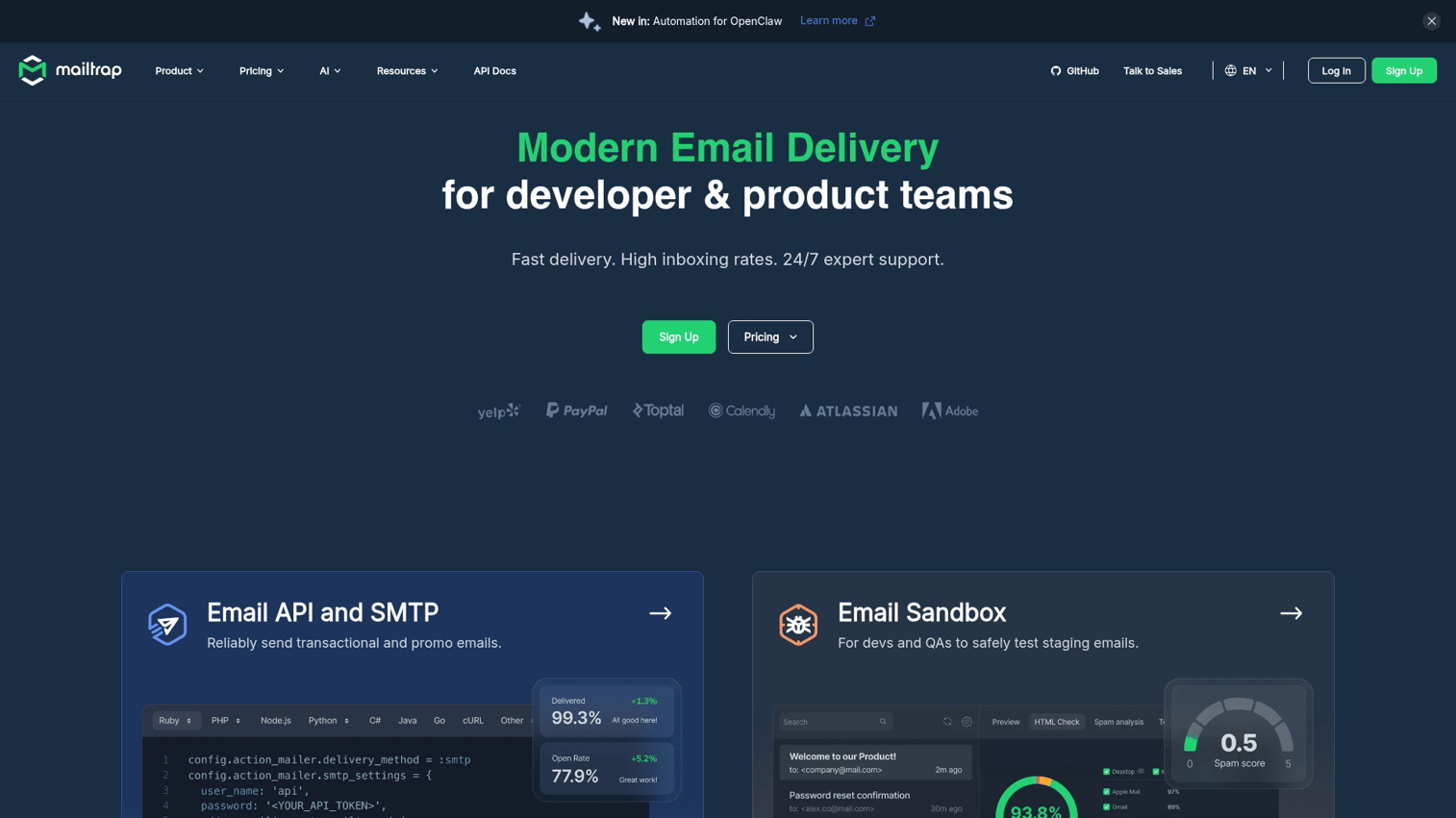
Mailtrap uniquely combines email testing sandbox capabilities with production sending. The testing environment lets you send emails during development without reaching real users, catching formatting issues and broken links before they affect customers.
For teams that want robust email testing as part of their development workflow, Mailtrap provides both staging and production capabilities in one platform. You can test emails safely, then switch to production sending when ready.
Key strengths
Email testing sandbox for safe development
Production sending capabilities alongside testing
Detailed email previews showing rendering across clients
HTML/CSS analysis catching common issues
Spam score checking before sending
Pricing: Free tier for testing and low-volume production. Paid plans start at $15/month.
Free transactional email options worth considering
Several platforms offer free tiers suitable for testing and low-volume production:
MailerSend: 3,000 emails/month, good for startups validating product-market fit
Mailtrap: Free tier covers testing and limited production sending
Brevo: 300 emails/day on the free plan, roughly 9,000/month
Mailgun: Limited free emails for testing and development
SendGrid: Trial period with daily sending limits
SMTP2GO: 1,000 emails/month on the free plan
Amazon SES: 62,000 emails/month free for AWS-hosted applications
Free tiers work for testing and early-stage products. Plan for paid tiers as you scale, since free plans often lack dedicated IPs and priority support that matter for business-critical transactional emails.
Key considerations before selecting your transactional email provider
Before committing to a platform, work through this checklist:
Volume projection: Estimate your monthly transactional email volume now and in 12 months, then compare costs at both levels
Platform evaluation: Test platforms through interactive product demos to understand their interface and capabilities before implementation
Technical resources: Assess whether your team can handle API integration or if simple SMTP relay fits better
Deliverability requirements: Determine how critical inbox placement is for your specific transactional emails
Integration needs: List the tools your transactional email service connects with, including your CRM, analytics, and application framework
Support requirements: Decide if you need 24/7 support or if documentation-based self-service works for your team
Compliance requirements: Verify providers meet your industry's security and privacy standards, especially for healthcare or finance
How to implement transactional email delivery for your application
1. Define your transactional email requirements and volume
Audit your current transactional emails by listing every triggered message your application sends. Estimate monthly volume for each type, then total them. Identify which emails are most time-sensitive, like password resets, versus those with more flexibility, like weekly summaries.
2. Choose between API integration and SMTP relay
API integration offers more control and features but requires development work. SMTP relay gets you running faster with minimal code changes. If you're unsure, start with SMTP relay to validate the provider, then migrate to API integration later for advanced features.
3. Configure domain authentication and DNS records
Setting up SPF, DKIM, and DMARC records is essential for deliverability. Most providers guide you through this process with step-by-step instructions. Don't skip domain authentication since fully authenticated domains are 2.7x more likely to reach the inbox.
4. Test deliverability and warm up your sending reputation
Start with low volume and gradually increase over several weeks. Use email testing tools to verify rendering across clients before going to production. Monitor bounce rates and spam complaints closely during the warmup period.
Which transactional email platform fits your needs
Choosing the right transactional email service depends on your specific situation:
For high volume: SendGrid or Amazon SES offer the best economics at scale
For reliability: Postmark's transactional-only focus delivers industry-leading inbox placement
For developers: Mailgun or Resend provide powerful APIs with clean documentation
For all-in-one: Brevo combines transactional with marketing and CRM
For budget-conscious: MailerSend or SMTP2GO deliver solid performance at lower price points
For Zoho users: ZeptoMail integrates naturally with your existing stack
For testing focus: Mailtrap combines sandbox testing with production sending
Reliable transactional email delivery directly impacts customer experience. When password resets arrive instantly and order confirmations land in the inbox, users trust your application. When they don't, support tickets pile up and trust erodes.
The next step? Pick two or three providers from this list that match your use case, then test them with your actual email templates and volume patterns.
Start your journey with Guideflow today!
FAQs about transactional email services
SMTP relay routes emails through the provider's servers using standard email protocols, requiring minimal code changes to implement. API integration calls the provider's endpoints directly from your code, offering more control over templates, scheduling, and event tracking but requiring more development work.
Free tiers work for low-volume production, but business-critical transactional emails benefit from paid plans. Paid tiers typically include dedicated IPs, faster support response, and higher sending limits that matter when deliverability directly impacts user experience.
Building sender reputation typically takes 2-4 weeks of gradually increasing volume. Some providers offer pre-warmed IPs on higher-tier plans, reducing this timeline. Start with your lowest-volume transactional emails and scale up as reputation establishes.
Top transactional email providers achieve inbox placement rates above 95% when properly configured with authentication. Actual rates depend on your content, recipient engagement, and how well you maintain list hygiene by removing bounced addresses.
Providers guide you through setting up SPF, DKIM, and DMARC DNS records during onboarding. Most offer automatic DKIM signing once configured. Authentication protocols verify your emails are legitimately from your domain, improving deliverability.
SMTP2GO, Brevo, and SendGrid all offer WordPress plugins or easy SMTP configuration. SMTP2GO is often recommended for WordPress users due to straightforward setup and reliable deliverability without requiring technical expertise.
Some platforms like SendGrid and Brevo support both transactional and marketing emails. Others like Postmark and ZeptoMail focus exclusively on transactional to protect deliverability. If you combine both, use separate IP addresses or message streams.
Transactional email providers track bounces, provide webhook notifications to your application, and maintain suppression lists preventing repeated delivery attempts to invalid addresses. Hard bounces (invalid addresses) are automatically suppressed; soft bounces (temporary issues) retry automatically.