How to access the SMTP port in Brevo
Here is how to access the smtp port in brevo
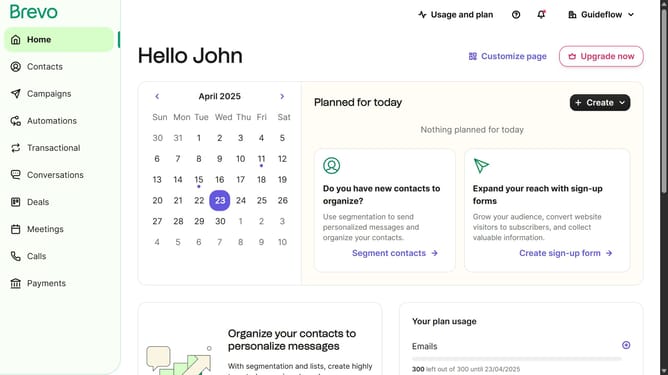
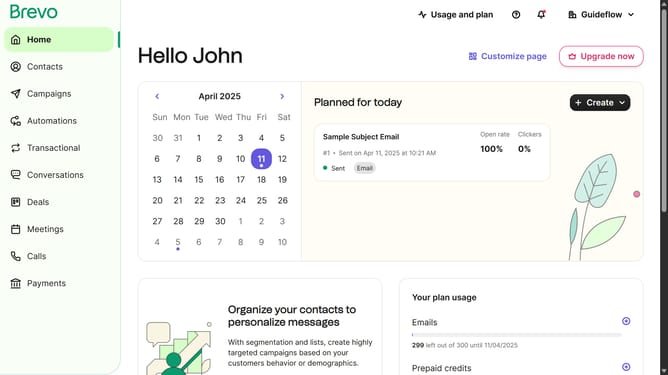
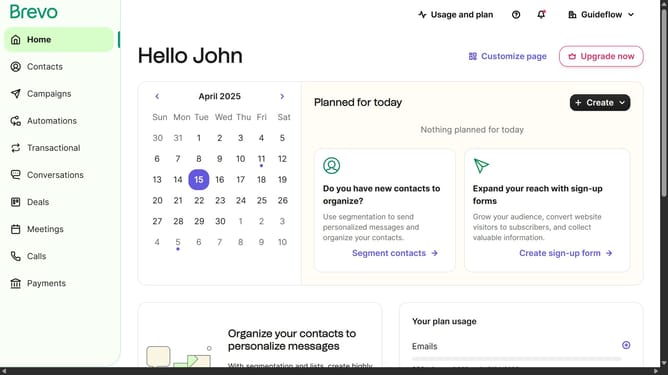
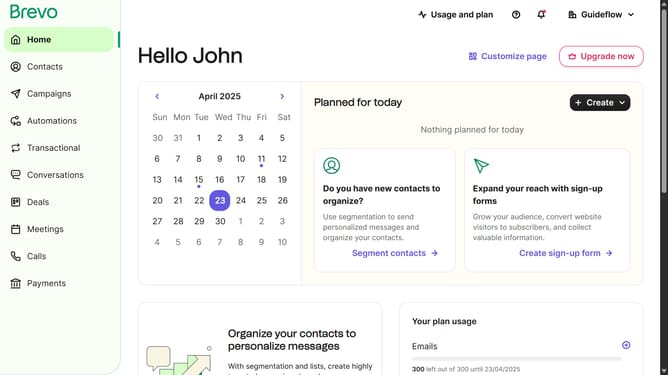
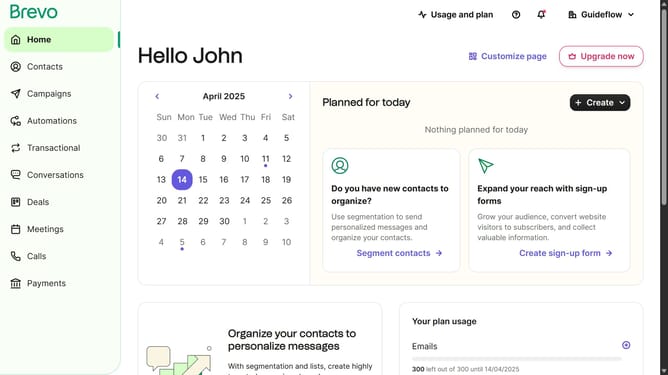
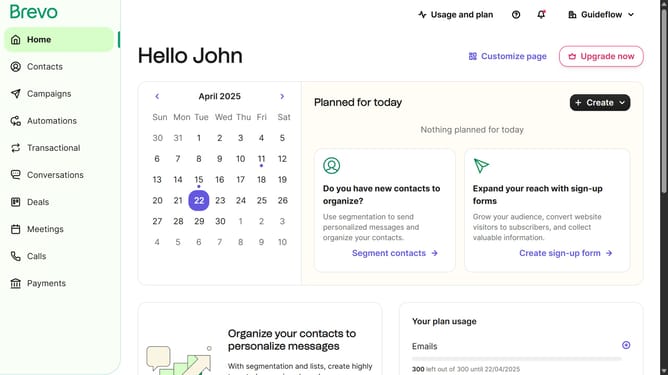
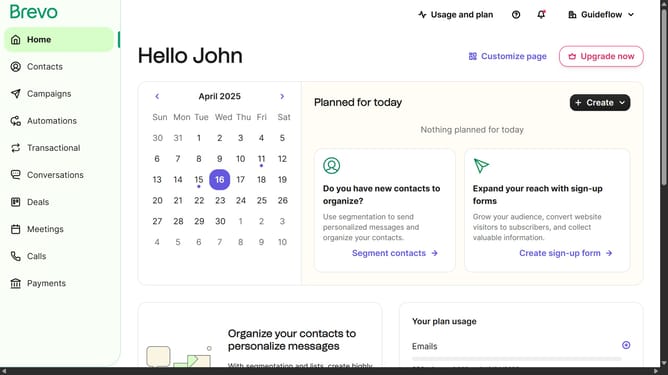
- First click on the "Guideflow" button in the top-right header menu
- Then click on "SMTP & API" option in the dropdown menu
- Finally locate the SMTP port in the "SMTP &PI" window panel
Why should you access the SMTP port in Brevo
Brevo is a dynamic platform designed to enhance your email communication capabilities.
One of its standout features is the ease of accessing the SMTP port, which streamlines sending and receiving emails efficiently.
This feature is essential for businesses looking to improve email deliverability and manage their emails securely.
By leveraging the SMTP port in Brevo, users benefit from enhanced security protocols and seamless email integration, facilitating better business communications.
Last update