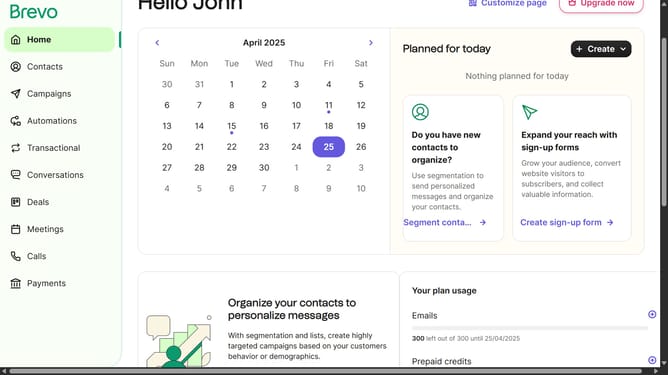
How to locate the API key in Brevo
Here is how to locate the api key in brevo
- First click on the "Guideflow" button in the top-right header
- In the dropdown menu, click on "SMTP & API" option
- Finally select the "API Keys" tab in the SMTP & API settings page
Why should you locate the API key in Brevo
Brevo is a cutting-edge platform designed to simplify and enhance digital communication.
Finding your API key in Brevo is remarkably straightforward, a feature that underscores Brevo’s commitment to user-friendly experiences. This API key unlocks a world of seamless integration possibilities, allowing you to connect with other applications effortlessly.
Using the API key is essential for automating processes, boosting efficiency, and tailoring interactions to meet specific business needs, thereby enhancing operational workflows.
The ease of accessing and utilizing the API key in Brevo makes it a powerful tool for maximizing your digital strategy.
Last update