How to make a copy of a form in Brevo
Here is how to make a copy of a form in brevo
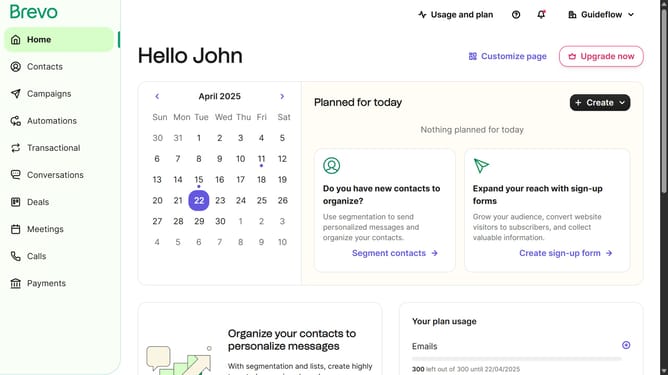
- First click on the sidebar menu item "Contacts" to access the contacts section
- Then click on the submenu item "Forms" in the contacts sidebar section
- Next click on the menu button with three dots next to the "Testing Form" in the forms list
- Then click on the "Duplicate" option from the dropdown menu that appears
- Finally click on the "Duplicate form" button in the confirmation dialog to create a copy of the Testing Form
Why should you make a copy of a form in Brevo
Brevo is an innovative platform designed to streamline and enhance digital workflows.
Mimicking a form in Brevo is a seamless process that enhances efficiency and organization.
This feature allows users to effortlessly duplicate existing forms, saving time and eliminating the need to start from scratch.
By making copies of forms, you can maintain consistency across multiple projects while tailoring content to specific needs. The ability to duplicate forms ensures swift adaptation to varied contexts with minimal effort.
Last update