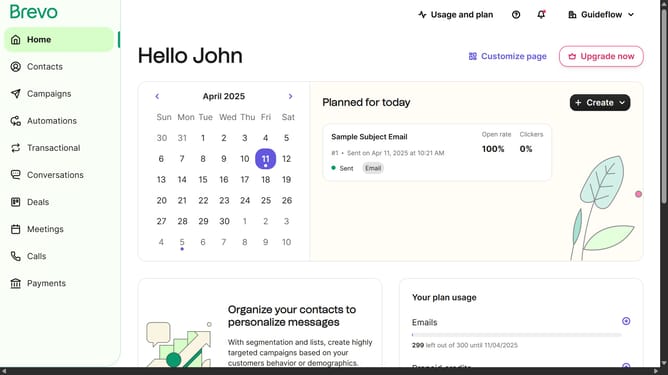
How to integrate Hubspot in Brevo
Here is how to integrate hubspot in brevo
- First click on the "Guideflow" dropdown button in the top navigation bar
- Then click on "Plugins & Integrations" option in the dropdown menu
- Next, click on the search box and type "Hubspot" to find the integration
- Click on the "HubSpot" integration card that appears in the search results
- Then click on the "Set up the HubSpot integration" button on the integration details page
- Finally, click the "Continue" button after entering the integration name
Why should you integrate Hubspot in Brevo
Brevo is a dynamic platform designed to streamline and enhance your communication strategies effectively.
Integrating HubSpot with Brevo allows you to synchronize your marketing efforts seamlessly. This integration ensures that all your customer interactions are centralized, empowering efficient lead management.
By combining HubSpot's robust CRM capabilities with Brevo’s intuitive communication tools, businesses can achieve enhanced customer engagement and drive actionable insights, ultimately boosting productivity and growth.
Experience a unified system that simplifies task management, improves team collaboration, and optimizes customer experiences.
Last update