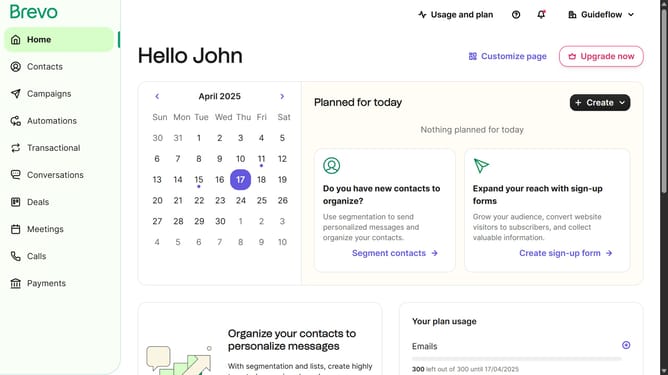
How to create a copy of a contact list in Brevo
Here is how to create a copy of a contact list in brevo
- First click on "Contacts" in the left sidebar navigation menu
- Then click on "Lists" in the submenu under Contacts section
- Next click on the dropdown button in the "Lists" main menu section
- Then click on the "Client Folder" row in the lists table
- Then click on the options menu (three dots) in the list row
- Next click on "Duplicate" option in the dropdown menu
- Then click in the "Name of the list" input field
- Next click on the "Destination folder" dropdown
- Then select "Your First Folder" from the destination folder options
- Finally click the "Duplicate list" button to complete the process
Why should you create a copy of a contact list in Brevo
Brevo is a dynamic tool designed for seamless email marketing and efficient contact management.
Creating a copy of a contact list in Brevo is straightforward, enabling users to easily replicate existing information for new campaigns.
This feature saves time and eliminates the need for manual data entry, which is perfect for maintaining consistency across various communication efforts.
By utilizing this function, users can focus more on crafting compelling content rather than handling tedious administrative tasks.
Last update