How to edit an email template in Brevo
Here is how to edit an email template in brevo
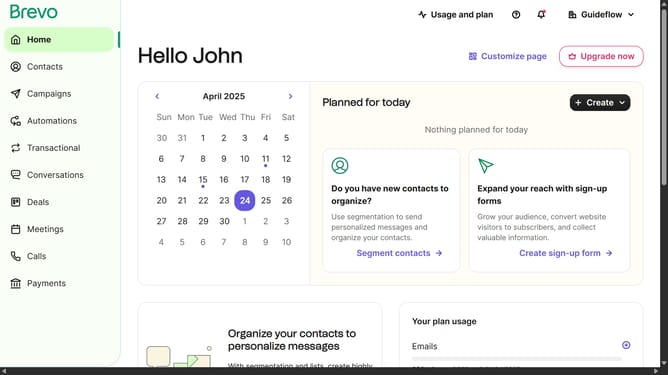
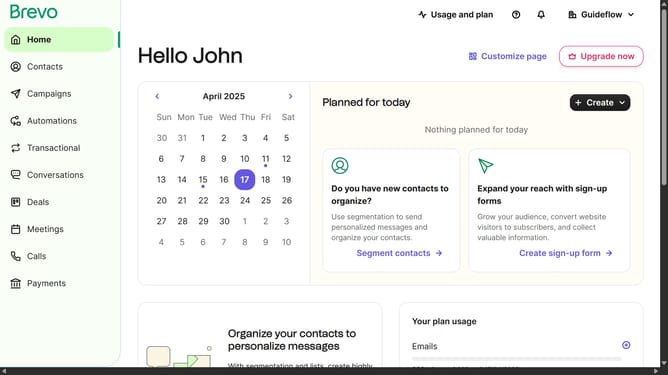
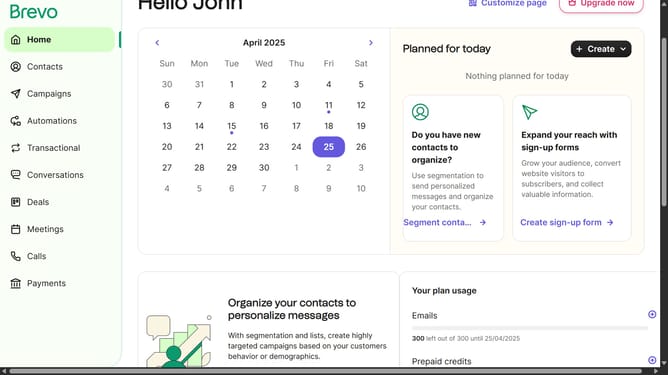
- First click on the "Campaigns" link in the left sidebar
- Then click on "Templates" in the campaigns submenu
- Next click on the "Testing Email Template" from the templates list in the main content area
- Finally click on both "Save & Quit" buttons in the top action bar
Why should you edit an email template in Brevo
Brevo is an intuitive platform designed to streamline your email marketing efforts.
Editing an email template in Brevo is a seamless process that allows you to personalize your communications effortlessly. This feature offers a user-friendly interface, enabling quick adjustments to text, images, and layout.
Utilizing Brevo's editing capabilities ensures that your emails are not only visually appealing but also tailored to resonate with your audience, enhancing engagement and conversion rates.
By tapping into the customization options available, you maintain brand consistency, essential for building trust and loyalty among subscribers.
Last update